A developer joins your team on Monday. By Wednesday, they still can't figure out which service owns the checkout API, who to ping when a deploy breaks, or how to spin up a new microservice without opening three tickets. Multiply that friction across every engineer, every onboarding, every "wait, where does this live?" and you get the tax that most engineering orgs pay silently every single day.
That tax has a name now: toolchain fragmentation. Services scatter across repos, dashboards, wikis, and Slack threads. Ownership is tribal knowledge. Self-service is a myth wrapped in a Jira ticket. And as the number of services outpaces the number of people who understand them, the gap widens.
Developer portal software exists to close that gap. The category has moved from niche experiment to standard platform engineering practice, and the broader market signals track with it: the global web portal software market is forecast to grow at a 6.2% CAGR from 2026 to 2033, according to LinkedIn (2025). Underneath the trend is a simple operational reality. Teams want one place to discover services, understand ownership, and ship software through paved paths instead of scavenger hunts.
This shortlist is built for platform and DevOps teams evaluating that layer right now. If you also support technical evaluations on the sales side, the same principles apply to how you show and validate complex products with interactive demos and hands-on environments. But here, the focus is tight: which developer portal software is actually worth your time in 2026, and how to pick based on your team's maturity, stack, and capacity.
What's inside
This guide covers what developer portal software is, when it earns its keep, and which seven tools deserve a spot on your evaluation shortlist. We looked at four things that separate a real internal developer portal from a glorified wiki: software catalog depth, self-service actions, governance and scorecards, and extensibility across your existing stack.
The list favors tools built for platform engineering and complex software environments, not lightweight documentation apps. You'll find open source frameworks, managed portals, and enterprise distributions, each mapped to a specific buying scenario. Pricing and ratings reflect verified public sources at the time of writing.
TL;DR
- Best for open source customization: Backstage, the framework most portals are built on.
- Best for managed Backstage: Roadie, Backstage without the maintenance burden.
- Best for fast setup and governance: Port, a productized portal with public pricing.
- Best for service ownership and scorecards: Cortex, built around standards and accountability.
- Best for developer productivity workflows: OpsLevel, catalog plus checks and self-service.
- Best for Atlassian-centric teams: Atlassian Compass, native to Jira and Confluence.
- Best for enterprise Red Hat stacks: Red Hat Developer Hub, enterprise Backstage with support.
What is developer portal software?
Developer portal software is a centralized, self-service layer that gives engineers one place to discover services, understand ownership and dependencies, access documentation, and trigger automated workflows without filing tickets.
Most people call this an internal developer portal, or IDP. The core idea is that a platform team builds paved roads, and developers travel them without needing to know every detail of the underlying infrastructure. The portal is the interface to that platform.
Core capabilities you'll find across the category:
- Software catalog: a live inventory of services, APIs, resources, and their owners and dependencies.
- Golden paths and templates: scaffolding and software templates that make the right way to build the easy way.
- Self-service actions: developers request environments, permissions, and deployments through the portal, not a queue.
- Governance and scorecards: standards enforcement, maturity scoring, and health checks across services.
- Integrations and plugins: connections to CI/CD, cloud, monitoring, and incident tooling.
- Docs and search: technical documentation that lives next to the code it describes.
Why portals matter now is straightforward. Microservices multiplied faster than the humans who track them. A developer portal turns that sprawl into something discoverable, owned, and self-serviceable, which is why platform engineering teams treat it as core infrastructure rather than a nice-to-have.
When to use a developer portal
Not every team needs a full internal developer portal on day one. These are the moments when the investment starts paying off.
Centralize service discovery
When engineers can't answer "who owns this and what depends on it" without pinging three people, you need a software catalog. A portal gives you one place for services, owners, dependencies, and operational context. This is where onboarding accelerates and cross-team collaboration stops depending on tribal knowledge. If your architecture diagram lives in someone's head, this is your signal.
Reduce ticket-driven workflows
When developers wait on tickets to get a new environment, request permissions, or trigger a deployment, throughput suffers and platform engineers become a bottleneck. Self-service developer portals move those requests into guardrailed, automated actions. Developers get what they need on demand, and platform teams set the guardrails once instead of approving the same request fifty times.
Standardize the golden path
When every team scaffolds services differently, consistency erodes and reliability follows. Golden paths, software templates, and opinionated workflows make the right path the easy path. New services inherit logging, monitoring, security, and CI/CD conventions by default. This is how you scale standards across dozens of teams without a governance committee slowing everyone down.
Comparison table
The table below is sorted by relevance for platform engineering buyers evaluating developer portal software in 2026. Pricing and G2 ratings reflect verified public sources at the time of writing. Use it to shortlist two or three tools, then dig into the sections that follow.
| # | Product | Intent | Key use case | Pricing | G2 rating |
|---|---|---|---|---|---|
| 1 | Backstage | Open source customization | Build a custom portal around catalog, templates, and docs | Open source (self-hosted) | 5.0/5 |
| 2 | Roadie | Managed Backstage | Backstage model without operating it yourself | From $24 per dev/month | - |
| 3 | Port | Fast setup and governance | Productized catalog, workflows, and self-service | From $30/seat/month | 4.4/5 |
| 4 | Cortex | Service ownership | Scorecards, standards, and engineering intelligence | Custom quote | 4.5/5 |
| 5 | OpsLevel | Developer productivity | Catalog, checks, and self-service actions | Custom quote | 4.3/5 |
| 6 | Atlassian Compass | Atlassian-native teams | Software catalog and health inside the Atlassian stack | From $7.67 per user/month | - |
| 7 | Red Hat Developer Hub | Enterprise Red Hat stacks | Enterprise Backstage with RBAC and support | Trial available | - |
1. Backstage
Backstage is the open source framework that defined the modern developer portal category. Originally built at Spotify and donated to the CNCF, it gives platform teams the building blocks to assemble a portal that fits their exact architecture. It is not a turnkey product. It is a foundation you extend, which is precisely why so many teams and vendors build on top of it.
Best for: engineering orgs with the platform capacity to build and maintain a custom internal developer portal.
Key strengths
- Software Catalog: a central inventory of services, owners, and dependencies that becomes the backbone of discovery.
- Software Templates: scaffolding that codifies golden paths so new services start with the right conventions.
- TechDocs: documentation that lives alongside code and ships with the service it describes.
Why choose Backstage: you choose Backstage when you want maximum control and have the engineering resources to invest. The plugin ecosystem is the largest in the category, so almost any integration you need already exists or can be built. Teams that want to shape the portal around their platform, rather than adapt to a vendor's opinions, land here. The tradeoff is real: someone on your team owns the deployment, upgrades, and plugin maintenance.
Backstage pricing: Backstage is open source and free to self-host. There is no public pricing page and no license fee, since the cost lives in the engineering time to run it. On G2, Backstage holds a 5.0/5 rating, though from a small review count.
2. Roadie
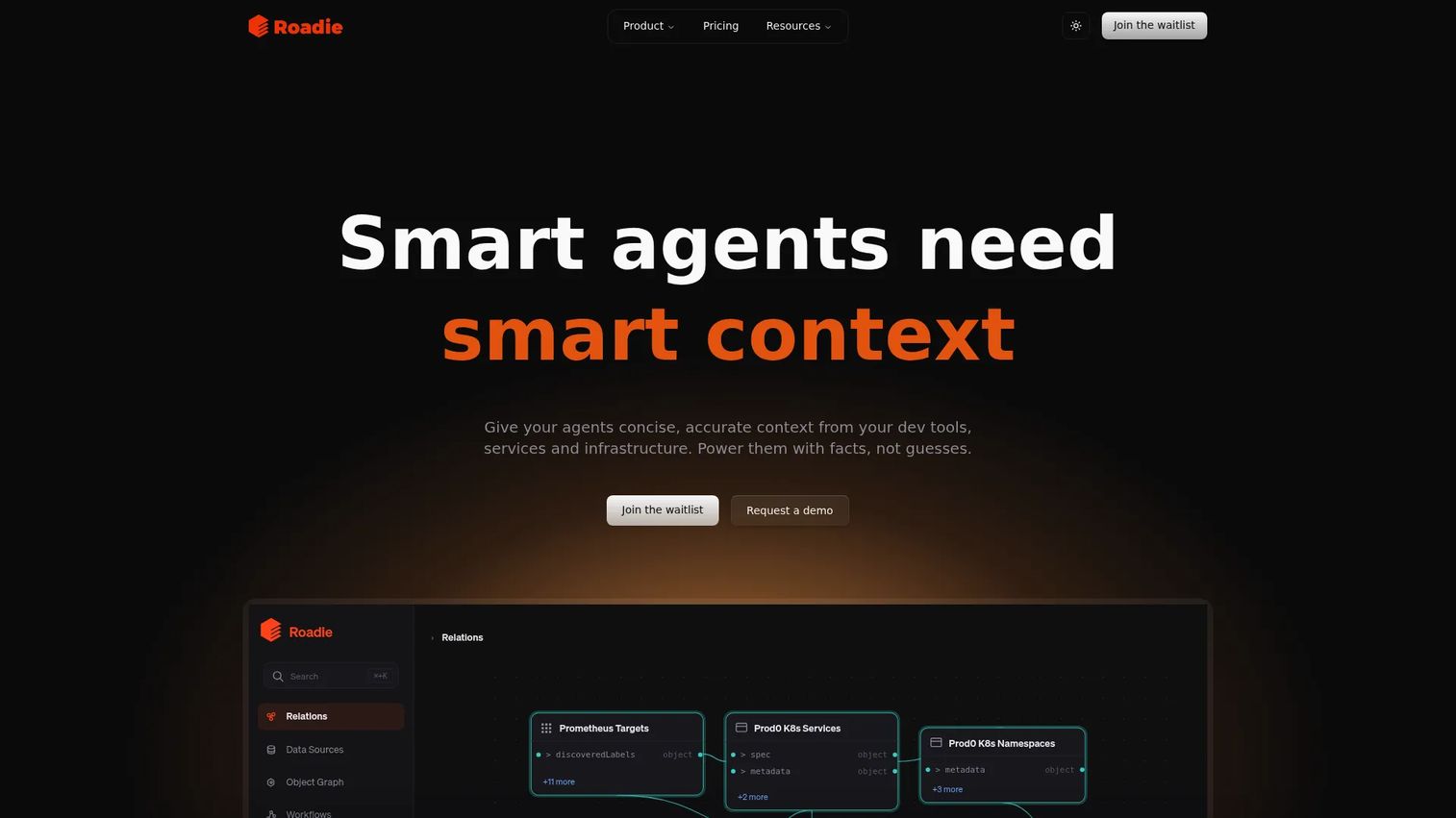
Roadie delivers the Backstage model as a managed, hosted product. If you like what Backstage offers but don't want to staff a team to operate it, Roadie handles the infrastructure, upgrades, and plugin management while keeping the Backstage catalog, TechDocs, and templates you'd otherwise build yourself. It also layers on a context graph that connects your services to richer operational data.
Best for: engineering teams that want the Backstage experience without owning the deployment.
Key strengths
- Backstage software catalog: the familiar catalog and TechDocs experience, fully managed and kept current.
- Self-service automation templates: scaffolding actions that let developers spin up new services on paved paths.
- Context graph: a context store that ties services to ownership, metadata, and operational signals.
Why choose Roadie: you choose Roadie when your team values the Backstage model but wants faster time to value than a from-scratch build. You get support, a hosted portal, and private Backstage plugins without dedicating headcount to portal operations. For platform teams stretched thin, that shift from building to configuring is the whole point.
Roadie pricing: Roadie publishes three plans. Teams starts at $24 per developer per month. Growth and Enterprise Context are custom-priced based on scale and requirements. Pricing is verified from Roadie's own pricing page at the time of writing.
3. Port
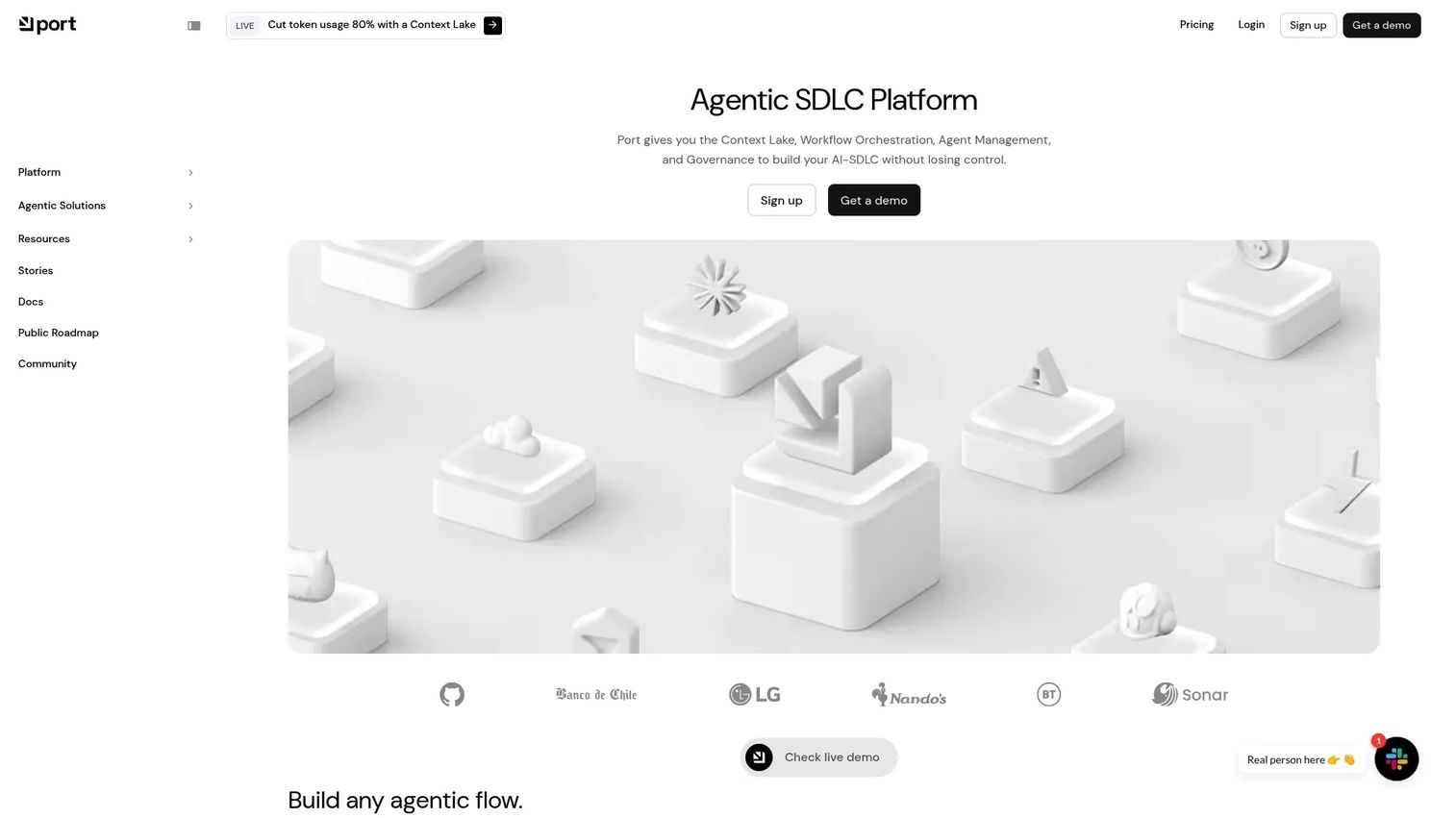
Port is a productized developer portal that pairs a flexible software catalog with strong self-service and governance out of the box. It positions itself as an agentic engineering platform, meaning it layers workflow orchestration and AI agents on top of the catalog, all with access controls and governance built in. For teams that want a portal live in weeks rather than quarters, Port's configuration-first approach is a strong fit.
Best for: platform engineering teams that want a governed, fast-to-deploy internal developer portal.
Key strengths
- Context Lake / software catalog: a flexible catalog that models any entity, from services to environments to cloud resources.
- Workflow orchestration and self-service actions: guardrailed actions that let developers provision and deploy without tickets.
- AI agents with governance: automation and agents wrapped in access controls, so self-service never means loss of control.
Why choose Port: you choose Port when you want a productized portal with strong internal workflow support and public, predictable pricing. The catalog data model is genuinely flexible, so you can represent your architecture accurately without forcing it into a rigid schema. Teams that want governance and self-service without a build project gravitate here.
Port pricing: Port offers a free plan with no time limit, then Basic at $30/seat/month and Standard at $40/seat/month, both billed annually. Enterprise is a custom quote combining a platform fee with per-seat pricing. Port holds a 4.4/5 rating on G2, and pricing is verified from its first-party pricing page.
4. Cortex
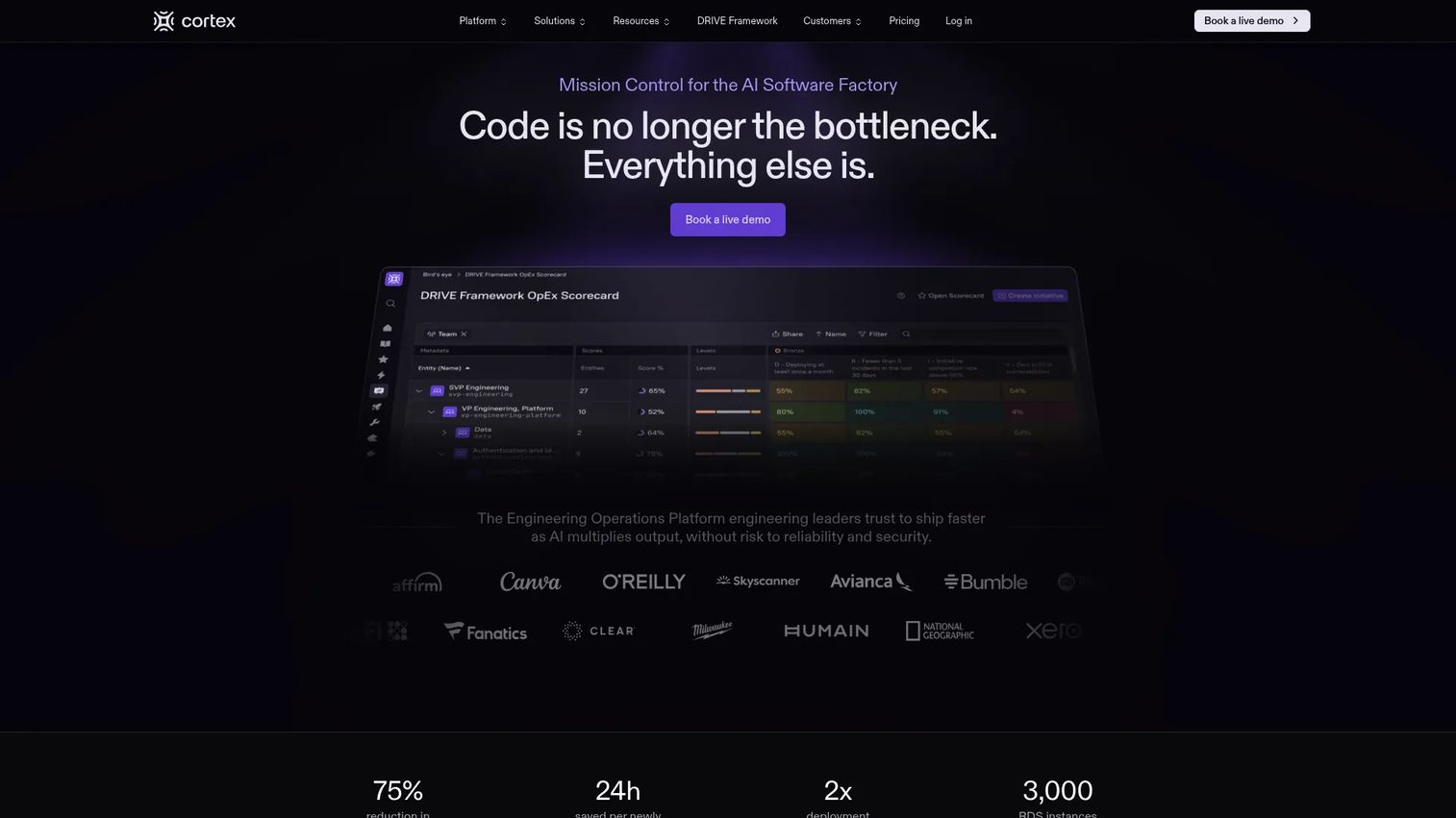
Cortex is an engineering operations platform built around service ownership, standards, and operational visibility. Where some portals lead with the catalog, Cortex leads with accountability: who owns what, whether it meets your standards, and how engineering health trends over time. Its scorecards and Eng Intelligence dashboards make it a strong pick for teams that want to raise the bar on service quality, not just inventory their services.
Best for: engineering teams that want a centralized system for ownership, standards, and operational reporting.
Key strengths
- Service and team entity catalog: a catalog that maps services to the teams and people accountable for them.
- Scorecards and standards enforcement: measurable standards that turn "we should do this" into tracked, improvable metrics.
- Eng Intelligence dashboards: metrics and reporting that surface engineering health and productivity trends.
Why choose Cortex: you choose Cortex when measuring and improving service quality is the priority. The scorecards model gives platform teams a concrete way to drive migrations, enforce security baselines, and hold teams accountable without manual audits. For orgs where governance and accountability are the pain, Cortex is built for exactly that.
Cortex pricing: Cortex does not publish public pricing. Its pricing page notes that Cortex prepares a customized proposal based on your needs, so you'll need to contact sales for a quote. Cortex holds a 4.5/5 rating on G2.
5. OpsLevel
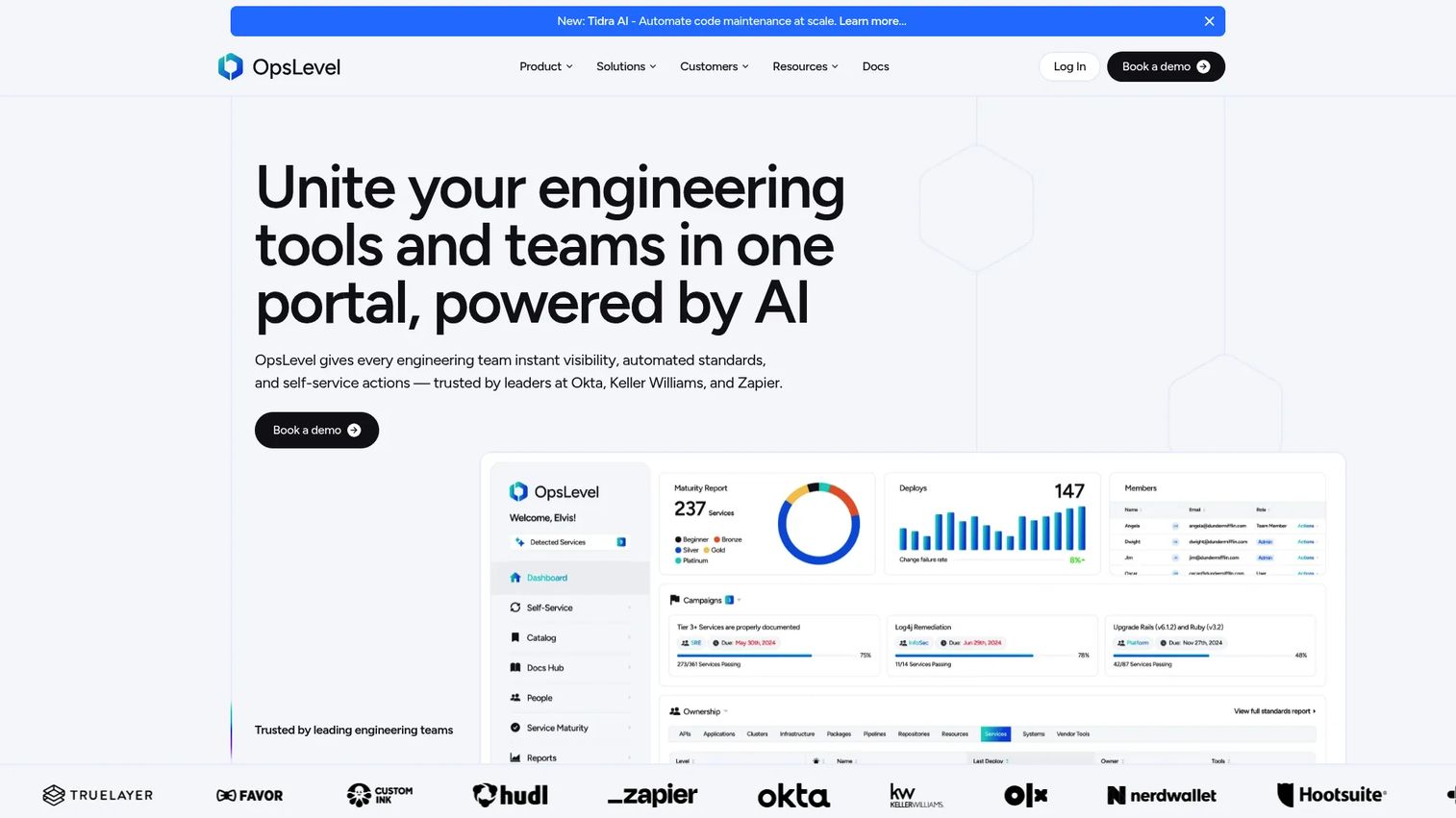
OpsLevel is an internal developer portal focused on engineering visibility, standards, and self-service. It combines a software catalog with checks and scorecards to surface ownership and drive operational maturity. The catalog uses AI-powered enrichment to keep service data current, which reduces the manual upkeep that often lets catalogs drift out of date. For teams that need structured adoption of standards, OpsLevel gives you the scaffolding.
Best for: engineering teams that need to catalog services and enforce standards at scale.
Key strengths
- Software catalog with AI-powered enrichment: an auto-maintained catalog that stays accurate as your estate grows.
- Scorecards and checks: health and standards checks that make maturity measurable and improvable.
- Self-service actions and integrations: developer self-service backed by integrations across your existing tooling.
Why choose OpsLevel: you choose OpsLevel when you want a portal that pushes standards adoption without constant manual catalog maintenance. The checks framework gives platform teams a repeatable way to raise operational maturity, and the AI enrichment reduces the busywork of keeping data fresh. Teams that have been burned by stale catalogs find real value here.
OpsLevel pricing: OpsLevel uses custom-quote pricing across its Standard and Enterprise plans, based on the number of developers using the portal, with volume discounts available. There is no public price listed, so you'll contact sales for a quote. OpsLevel holds a 4.3/5 rating on G2.
6. Atlassian Compass
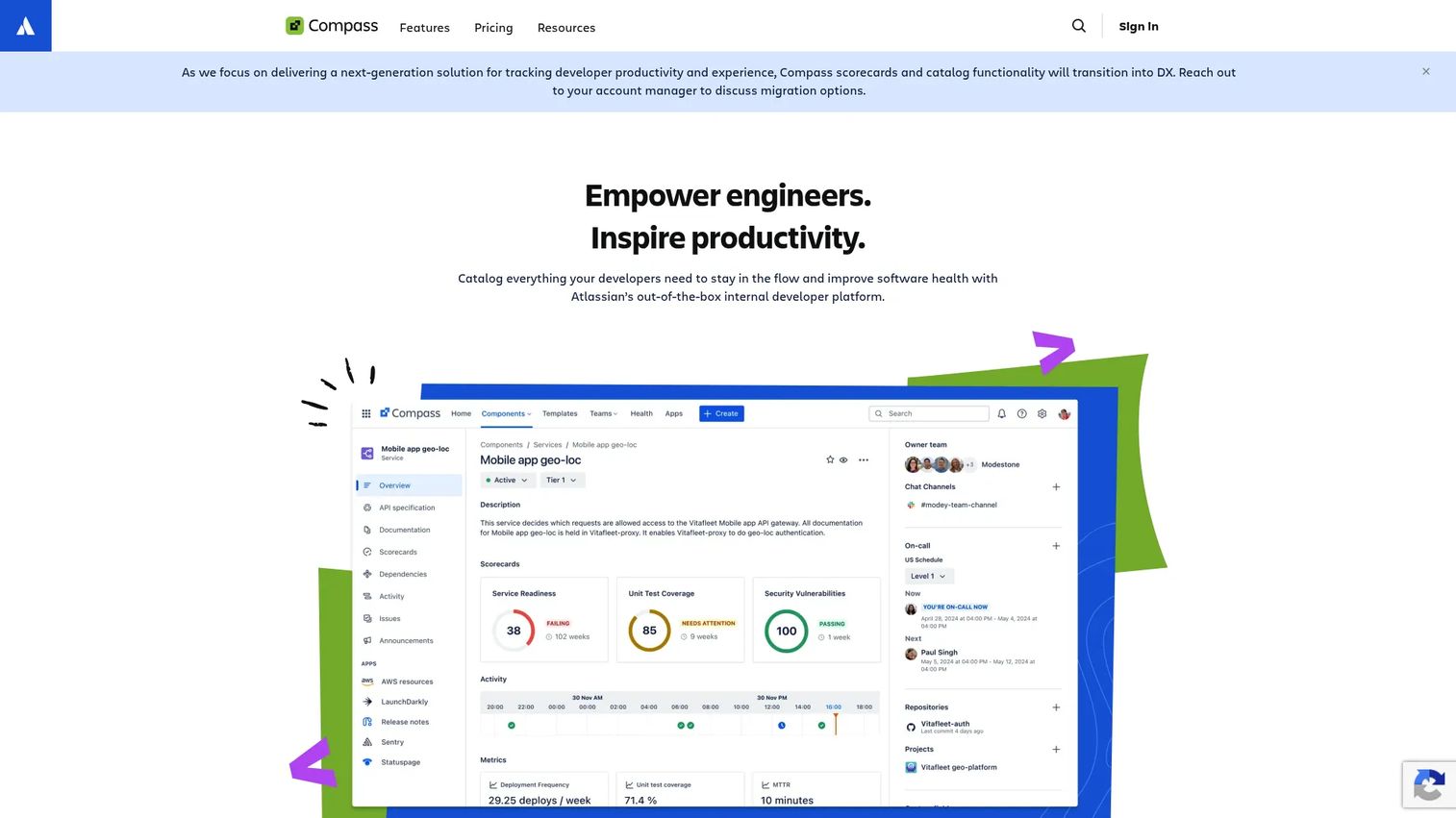
Atlassian Compass is a cloud software catalog and developer experience platform that tracks service health, dependencies, and operational metadata. Its biggest advantage is native fit with the Atlassian ecosystem. If your engineering org already lives in Jira and Confluence, Compass extends that environment into a component catalog without asking your team to learn a separate universe. Extensibility comes through APIs and Forge, Atlassian's app platform.
Best for: teams already deep in the Atlassian stack that want a central software catalog with service health visibility.
Key strengths
- Software component catalog: a catalog of components, owners, and dependencies integrated with your Atlassian tools.
- Health scorecards and metrics: scorecards that track service health and surface where components fall short.
- Extensibility via APIs and Forge: customization and integrations built on Atlassian's developer platform.
Why choose Atlassian Compass: you choose Compass when your team already uses Atlassian products heavily and wants a portal that feels native rather than bolted on. The reduced context-switching and shared identity across Jira, Confluence, and Compass is the differentiator. For Atlassian-centric orgs, that alignment often outweighs the broader plugin ecosystems elsewhere.
Atlassian Compass pricing: Compass offers a Free plan covering up to three full users and unlimited basic users. Standard is $7.67 per user per month and Premium is $23.96 per user per month, both monthly Cloud plans in USD. Pricing is verified from Atlassian's pricing page at the time of writing.
7. Red Hat Developer Hub
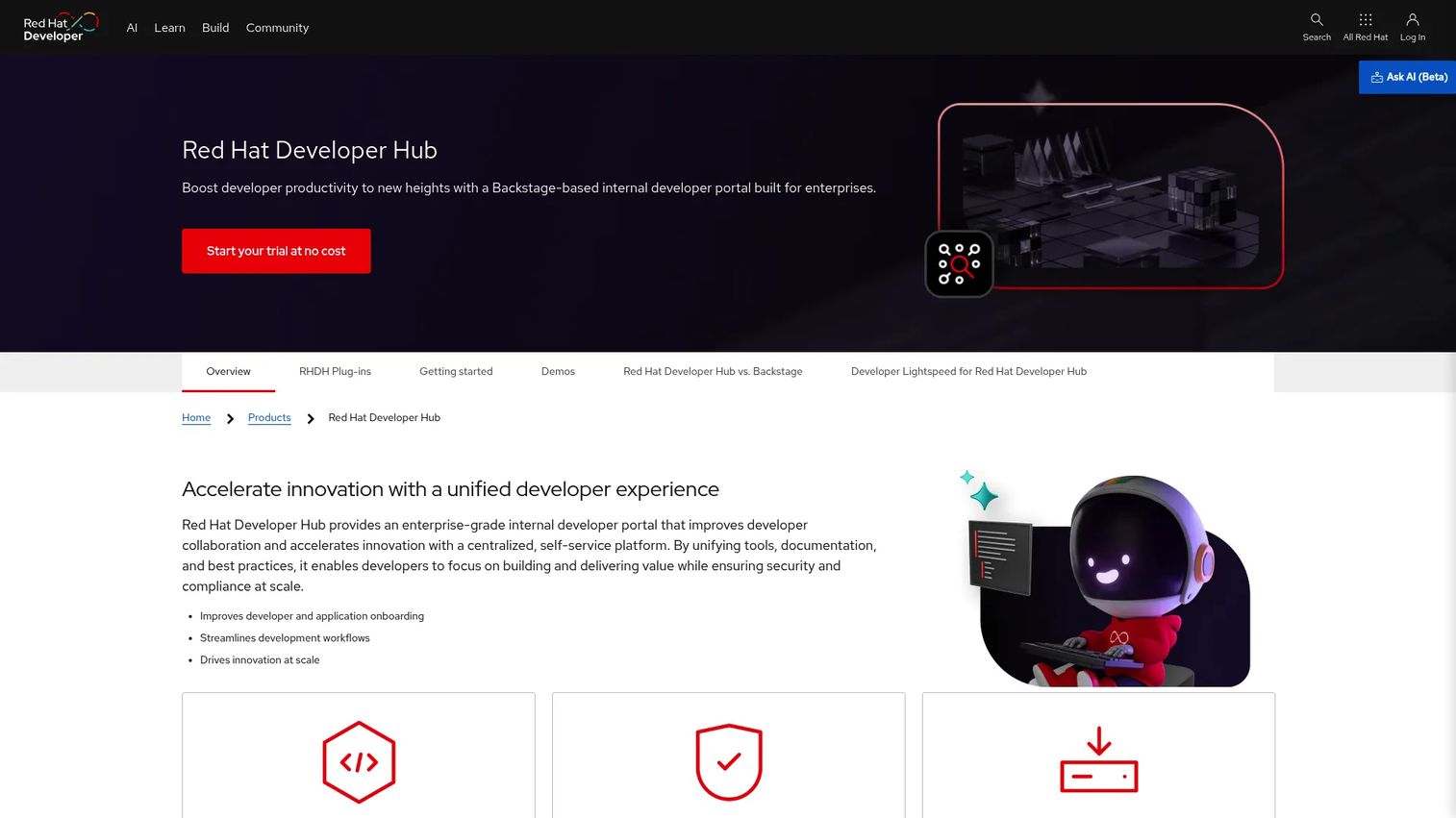
Red Hat Developer Hub is an enterprise-grade internal developer portal built by Red Hat on the Backstage foundation. It takes the open source Backstage model and wraps it in enterprise controls, support, and integrations across Red Hat and cloud platforms. For large organizations that want the Backstage catalog and templates but need enterprise governance and a vendor to call, this is the natural home.
Best for: platform teams building an internal developer portal on Red Hat infrastructure.
Key strengths
- Centralized catalog and self-service templates: the Backstage catalog and scaffolding, packaged for enterprise use.
- Enterprise RBAC, audit logging, and compliance: governance controls built for regulated, large-scale environments.
- Plugin extensibility and integrations: connections across Red Hat and cloud platforms, plus the Backstage plugin model.
Why choose Red Hat Developer Hub: you choose Red Hat Developer Hub when you want the Backstage foundation with enterprise support and Red Hat alignment. Large platform engineering environments that already run on Red Hat get an internal developer portal that fits their governance, security, and support expectations. The enterprise RBAC and audit logging matter most in regulated contexts where self-hosted open source alone won't clear compliance.
Red Hat Developer Hub pricing: Red Hat's product pages reference a no-cost trial, but a public subscription price was not verifiable at the time of writing. Enterprise pricing is handled through Red Hat's sales and subscription process, so you'll work with them for a quote.
Considerations before you buy
Shortlisting is one thing. Choosing is another. Run every candidate through these criteria before you commit.
Platform team capacity
Be honest about how many engineers you can dedicate to the portal, both to launch it and to keep it running. Open source frameworks reward teams with capacity. Managed and productized portals fit teams that want to configure rather than build. This single question narrows the field faster than any feature comparison.
Software catalog depth and accuracy
A catalog is only useful if it stays current. Evaluate how each tool populates and maintains service data, whether through automated discovery, integrations, or AI enrichment. A stale catalog erodes trust fast, and once developers stop believing the portal, adoption collapses.
Governance and scorecards
If raising standards is your goal, weight scorecards, checks, and standards enforcement heavily. Look at how each tool tracks maturity, drives migrations, and reports on health. RBAC and SSO matter here too, especially at enterprise scale where access control is non-negotiable.
Ecosystem and stack fit
Map each tool against your existing CI/CD, cloud, monitoring, and incident tooling. A portal that integrates cleanly with what you already run reduces friction and speeds adoption. If you're an Atlassian shop or a Red Hat shop, native alignment may outweigh a broader plugin ecosystem.
Speed to value versus customization
Decide where you sit on the spectrum between maximum control and fastest time to value. There's no universally right answer, only the right answer for your maturity, capacity, and timeline.
Conclusion
The right developer portal software depends less on which tool tops a ranking and more on where your team sits today. If you want maximum control and have the engineering capacity, Backstage is the foundation the whole category builds on. If you love the Backstage model but not the operational load, Roadie delivers it managed. Want a productized portal with public pricing and fast setup? Port fits. Focused on service ownership and standards? Cortex and OpsLevel both excel there, with Cortex leaning into engineering intelligence and OpsLevel into automated catalog upkeep.
Then there's stack alignment. Atlassian-centric teams get native fit with Compass, and enterprise Red Hat environments get supported, governed Backstage with Red Hat Developer Hub.
Don't try to pick a winner from a list. Shortlist two or three tools that match your platform team's capacity and your existing stack, then run a real evaluation against your own services and workflows. The portal you'll actually adopt is the one that fits your team's reality, not the one with the longest feature list.
FAQs
Developer portal software is a centralized, self-service platform that gives engineers one place to discover services, understand ownership and dependencies, access documentation, and run automated workflows without filing tickets. It acts as the interface to your internal platform, turning scattered infrastructure into something discoverable and self-serviceable.
At minimum, look for a software catalog, golden paths and templates, self-service actions, governance and scorecards, integrations and plugins, and docs with search. The catalog is the backbone, but self-service and governance are what separate a real internal developer portal from a documentation site.
Backstage is an open source framework for building a developer portal, not a finished product. It gives you the catalog, templates, and docs building blocks, but your team assembles and maintains the portal itself. Many managed and enterprise portals, including Roadie and Red Hat Developer Hub, are built directly on Backstage.
They serve different teams. Open source frameworks like Backstage reward teams with the engineering capacity to build and operate a custom portal. Managed options like Roadie deliver the same model without the operational load. Neither is universally better; the right choice depends on how much platform capacity you can dedicate.
A software catalog is the inventory of services, owners, and dependencies. A developer portal is the broader experience built around that catalog, adding self-service actions, golden paths, scorecards, docs, and integrations. The catalog is a core component of a portal, but a portal does much more than list services.
It depends on your capacity and stack. Backstage suits teams that want to build; Port and OpsLevel suit teams that want a productized portal fast; Cortex suits teams prioritizing standards and ownership. Atlassian Compass fits Atlassian shops, and Red Hat Developer Hub fits enterprise Red Hat environments.
They cut the time developers spend hunting for ownership, docs, and the right way to ship. By centralizing service discovery and moving requests into guardrailed self-service actions, portals reduce ticket queues, speed onboarding, and let engineers stay in flow instead of context-switching across a dozen tools.
Weight platform team capacity, catalog depth and accuracy, governance and scorecards, ecosystem fit, and speed to value versus customization. Read developer portal software reviews on G2 for real-world sentiment, then shortlist two or three tools and run a hands-on evaluation against your own services before committing.