Your weekly dashboard says pipeline is down. Your product team says activation is steady. Your sales leader says the real issue is qualification.
All three may be right. Without a view of the business activity between systems, you are guessing. Static dashboards explain what happened after the quarter ended. Business activity monitoring software surfaces events, exceptions, and broken workflow handoffs as they occur, so a team can act before the board meeting exposes the problem.
The category is broader than most founders expect. According to Dataintelo (2025), global business activity monitoring software was valued at $2.35 billion and is projected to reach $5.18 billion by 2034, reflecting a significant shift toward real-time operational visibility across organizations of every scale. Some tools monitor end-to-end business processes and application dependencies. Others focus on security events, identities, or employee activity. A single platform rarely owns all four layers, so picking the right one means starting with the missing signal, not the biggest brand name.
Which layer is your team flying blind on?
What's inside
This guide is for Series B SaaS founders and the functional operators they delegate to: IT, RevOps, Security, Product, and Operations.
- 10 tools covered: Spanning business process observability, application monitoring, security analytics, and workforce activity
- Selection criteria: Real-time data collection, alerting and automation depth, system integration breadth, and pricing transparency
- Category boundary: Business activity monitoring sits between a static dashboard and a full analytics stack. It captures events as they happen and routes exceptions to an owner
- Decision frame: Each tool is evaluated around the operating question it answers best, not its feature count
TL;DR
- Best for end-to-end business process observability: Dynatrace connects business workflows to their underlying application and infrastructure dependencies with AI-driven root-cause analysis
- Best for application and infrastructure context: IBM Instana Observability delivers automated service discovery and 1-second granularity for engineering and SRE teams
- Best for security operations and event investigation: Splunk handles large-scale machine data correlation across logs, alerts, and security analytics
- Best for enterprise workflow orchestration: ServiceNow turns monitoring signals into accountable tickets, approvals, and incident workflows
- Best for workforce activity and productivity visibility: ActivTrak ($10/worker/month, annual) and CurrentWare ($6/user/month) cover employee activity monitoring with meaningful pricing differences at small team scale
No universal winner exists here. The right choice hinges on whether your missing signal comes from application performance, process bottlenecks, security events, or workforce capacity.
What are business activity monitoring tools?
Business activity monitoring tools collect, correlate, and analyze events from business processes, applications, infrastructure, and user activity so teams can see exceptions and act while a workflow is still in motion.
What business activity monitoring software does
BAM platforms typically handle the following across a modern SaaS stack:
- Ingest events from business applications, APIs, logs, CRM, ERP, service desks, identity systems, and user activity sources
- Map activity to KPIs, SLAs, conversion stages, or operational workflows
- Provide real-time dashboards and drill-down views for business and technical users
- Detect anomalies, threshold breaches, delays, and broken handoffs between systems
- Trigger automated alerts, tickets, workflow automation, or escalation paths
- Support root cause analysis and process bottleneck detection
Business activity monitoring vs business intelligence
Business intelligence summarizes historical performance to support reporting and board-level decisions. BAM focuses on current events and exceptions as they occur, so teams can investigate what is breaking today rather than what changed last month. Founders at Series B typically need both: BI answers the board question, while BAM helps the team that owns the response.
Business activity monitoring vs business process monitoring
Business process management software and business process monitoring track defined workflows such as quote-to-cash, onboarding, or payment processing. BAM is broader: It can monitor process data while also joining it with application, infrastructure, security, and user signals. Buying a tool that only covers one layer often means re-purchasing when a cross-system investigation surfaces.
Business activity monitoring vs user activity monitoring
User activity monitoring is a specialized category for employee behavior, insider risk, compliance, and productivity visibility. It matters when the core question concerns system access, risky user actions, or workforce utilization. It does not replace application observability or end-to-end business process visibility, and confusing the two categories leads to buying the wrong tool.
| Category | Primary data source | Key question answered | Typical buyer |
|---|---|---|---|
| Business activity monitoring | Business events, processes, applications, logs | What workflow is breaking and why? | Ops, IT, RevOps |
| Business intelligence | Historical data warehouses and reports | What changed last quarter? | Finance, leadership |
| Business process monitoring | Defined workflow systems | Where does this process stall? | Ops, product |
| User activity monitoring | Employee endpoints and identity systems | What is this user doing or accessing? | Security, IT, HR |
When to use business activity monitoring tools
Connect business outcomes to technical events
When failed signups, dropped payments, or delayed onboarding remain unexplained, the missing link is usually an application or infrastructure event. Application performance monitoring tools and observability platforms map the customer-facing failure to its technical root cause, giving engineering and product a shared investigation surface instead of parallel dashboards.
Catch process bottlenecks before they affect revenue
Founders often discover a problem after it shows up in the board deck. Contract approvals delay bookings. Trial users fail to reach an activation milestone. Support escalations pile up after a release. Business process documentation software helps teams map workflows first, then monitoring tools surface where those workflows stall across multiple systems and owners.
Investigate risky or unproductive user behavior
This is a specialized use case. Unusual access patterns, sensitive data movement, or privileged account actions require dedicated user activity monitoring platforms with policy controls and audit trails. Include a privacy note in any deployment plan: Monitoring programs need a documented purpose, transparent employee communication, least-privilege data collection, and jurisdiction-specific legal review before rollout.
Business activity monitoring tools comparison
The 10 tools below cover four distinct monitoring approaches: Business process observability, application and infrastructure observability, security and user behavior analytics, and workforce activity analytics. Pricing and G2 ratings reflect verified figures from each vendor's live pricing page and current G2 listing as of October 2026.
| # | Product | Best for | Key differentiator | Pricing | G2 rating |
|---|---|---|---|---|---|
| 1 | Dynatrace | Connecting business workflows to application dependencies | Business process observability with AI root-cause analysis | From $7/mo per host | 4.5/5 |
| 2 | IBM Instana Observability | Application context for business service monitoring | Automated discovery with 1-second metric granularity | From $0.03/MVS hour | 4.4/5 |
| 3 | Splunk | Security operations and large-scale event investigation | Search, correlation, and security analytics across machine data | From $5/user/mo (On-Call) | Not verified |
| 4 | ServiceNow | Enterprise service operations and workflow visibility | IT service workflows tied to business operations | Custom pricing | 4.4/5 |
| 5 | New Relic | Broad SaaS observability with a lower entry point | Telemetry analysis with usage-based platform access | Free tier; paid from $10/user/mo | 4.4/5 |
| 6 | Microsoft Purview | Insider risk and Microsoft-centered security monitoring | Risk signals across Microsoft 365 and related services | From $12/user/mo (annual) | 4.6/5 |
| 7 | ManageEngine Log360 | Security operations, log management, and compliance | SIEM and identity-focused activity monitoring | From $245/yr (100 endpoints) | Not verified |
| 8 | Teramind | Insider risk investigations and detailed user behavior | Granular user behavior analytics and policy enforcement | Custom pricing (contact sales) | 4.6/5 |
| 9 | ActivTrak | Workforce productivity and capacity analysis | Privacy-oriented workforce analytics for management use | Free tier; paid from $10/worker/mo | 4.3/5 |
| 10 | CurrentWare | Windows-focused employee activity and access control | Modular employee monitoring with per-feature pricing | From $6/user/mo | 4.6/5 |
Pricing and G2 ratings verified October 2026 from each vendor's live pricing page and current G2 listing.
10 best business activity monitoring tools for 2026
1. Dynatrace
Dynatrace is an agentic AI platform for unified observability, security, and automation across applications, infrastructure, cloud platforms, and AI workloads. For business activity monitoring specifically, it ingests business events from across your stack and maps them to the service dependencies and application behaviors behind them. Dynatrace's Smartscape topology model shows how customer-facing workflows connect to infrastructure components in real time.
Best for: SaaS companies where revenue, onboarding, or customer experience failures require both business and engineering investigation simultaneously.
Key features
- Business event ingestion across systems and APIs
- Dependency mapping through Smartscape topology
- OneAgent telemetry collection across hosts and services
- AI-driven anomaly detection and root-cause analysis
- Business process analytics and real-time dashboards
Why choose Dynatrace: When your team needs to answer "what customer workflow is failing?" and "which application dependency caused it?" in the same investigation, Dynatrace is built for that cross-layer view. It may exceed what a 50-person team with a simple operational dashboard needs, so scope the deployment to the workflows that actually drive revenue risk.
Dynatrace pricing: Consumption-based pricing with an annual commitment. Foundation and Discovery starts at $7 per host per month, Infrastructure Monitoring at $29 per host per month, and Full-Stack Monitoring at $58 per 8 GiB host per month. A 15-day free trial is available.
G2 rating: 4.5/5
Watch for: Implementation success requires both IT ownership and involvement from the business team responsible for the monitored workflow. A purely technical deployment without business context tends to produce dashboards without decision owners.
2. IBM Instana Observability
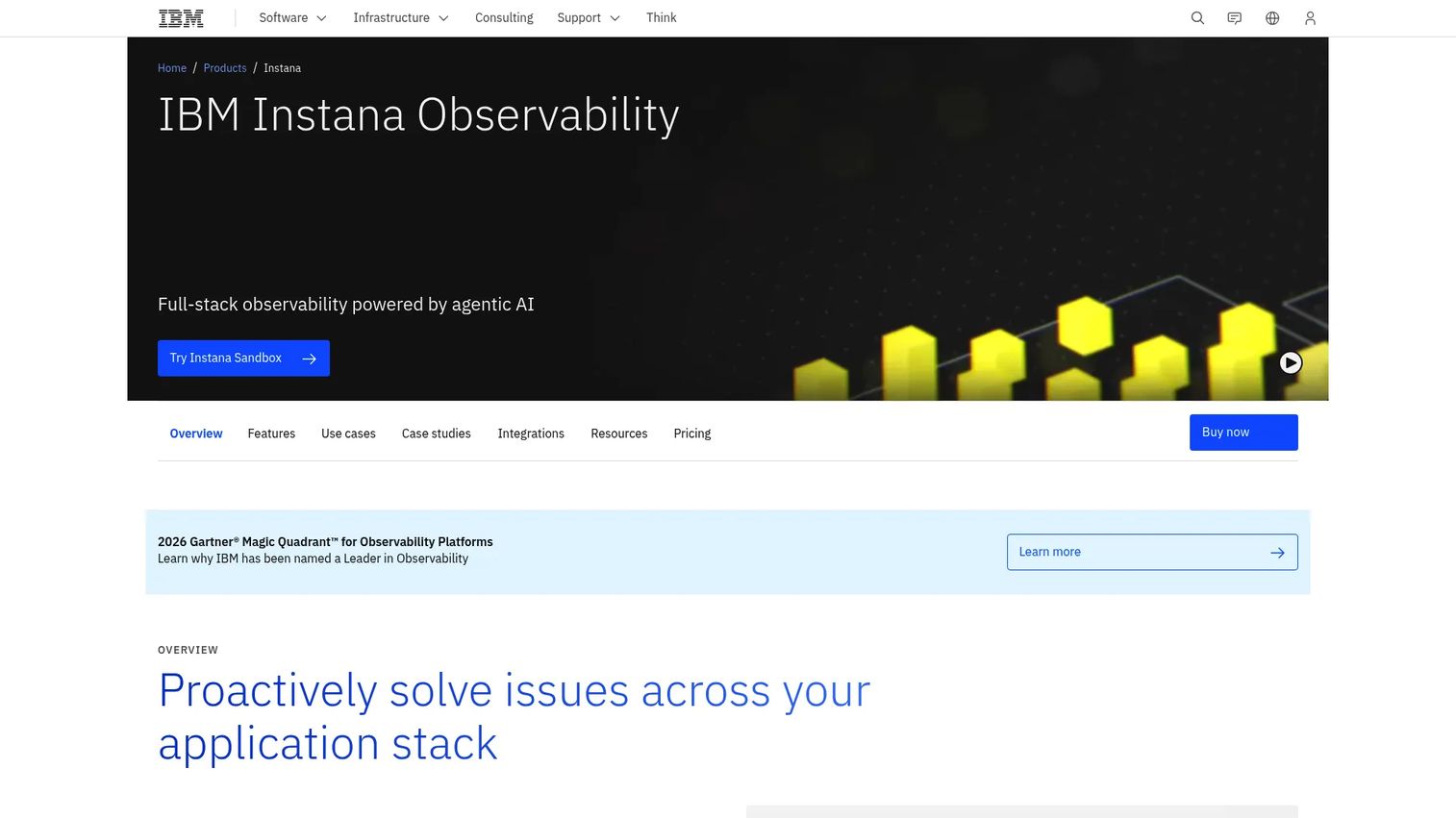
IBM Instana Observability is an AI-powered, automated full-stack observability platform that discovers and maps your applications, infrastructure, and services without requiring manual configuration. It captures metrics at 1-second granularity and provides distributed tracing across microservices, making it strong for teams running complex cloud-native or hybrid environments where service relationships change frequently.
Best for: Founders whose product reliability, transaction success, or onboarding performance depends on distributed applications and cloud infrastructure.
Key features
- Automated application and infrastructure discovery
- Distributed tracing with 1-second metric granularity
- Service dependency mapping across microservices
- Root cause analysis and AI-powered incident remediation
- OpenTelemetry support and logs-in-context
Why choose IBM Instana Observability: It fits engineering and SRE teams that need faster service-level visibility without building instrumentation from scratch. The automated discovery removes a significant setup burden. Keep in mind that this is an application observability tool; it does not cover workforce monitoring or security investigation workflows.
IBM Instana Observability pricing: Usage-based model. PayPerUse starts at $0.03 per MVS hour per month. SaaS plans start at $21.20 per MVS per month, and self-hosted deployments start at $385.20 per MVS per year. A 14-day full-access free trial is available. IBM notes that prices are indicative and may vary by country.
G2 rating: 4.4/5
Watch for: Engineering must own instrumentation, service naming, and incident response for Instana to deliver consistent results. Teams without clear SRE ownership often find the volume of signals hard to action.
3. Splunk
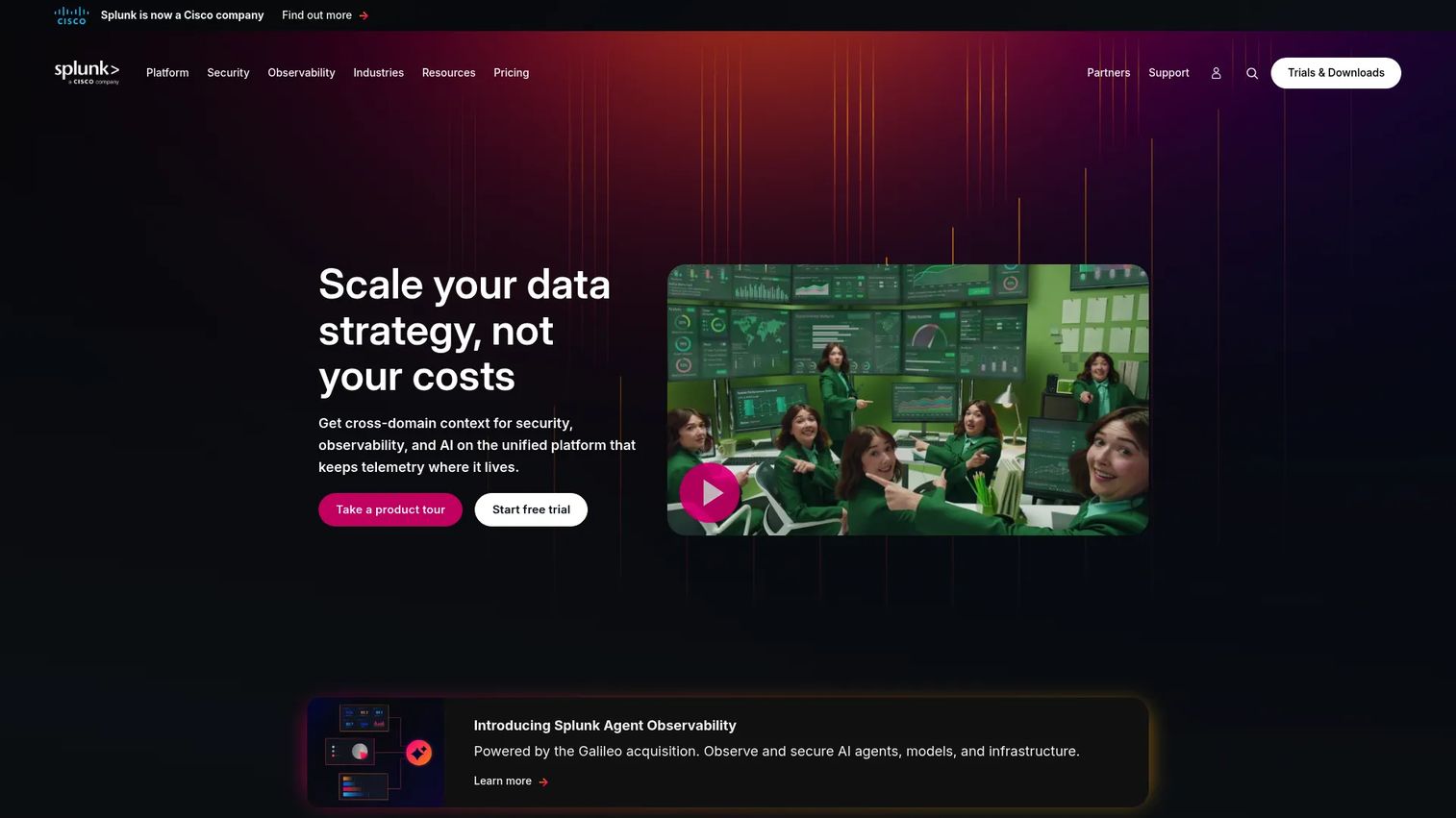
Splunk is a broad data platform for security, IT operations, observability, and event investigation. It ingests machine data at scale, supports custom search and correlation across logs and events, and connects to security workflows through SIEM, SOAR, and user behavior analytics capabilities. For analytics platforms that drive ROI, Splunk is among the most established options for organizations with complex cross-system investigation needs.
Best for: Organizations with mature security and IT operations that need one investigation layer across logs, events, alerts, and behavior signals.
Key features
- Log search and correlation at scale
- Security analytics with SIEM, SOAR, and threat detection
- Observability across metrics, traces, and digital experiences
- Custom dashboards and alerting workflows
- Activity-based, workload, ingest, and entity pricing models
Why choose Splunk: The value shows up when the core problem is investigating cross-system events, especially where security and operations overlap. For a 50- to 100-person SaaS company without a dedicated security operations team, Splunk's full capability set may be more than the team can act on initially.
Splunk pricing: Pricing varies by product and model. Splunk On-Call starts at $5 per user per month (billed annually, up to 10 seats). Splunk Observability Cloud Infrastructure starts at $15 per host per month billed annually. Splunk Cloud Platform and Enterprise Security require a quote from sales. Model the expected data volume before selecting a plan, as ingestion-based costs can grow quickly.
Watch for: Budget modeling matters significantly here. Estimate your expected log and event volume before committing, because cost behavior at higher ingest levels is material and not always predictable from the entry price.
4. ServiceNow
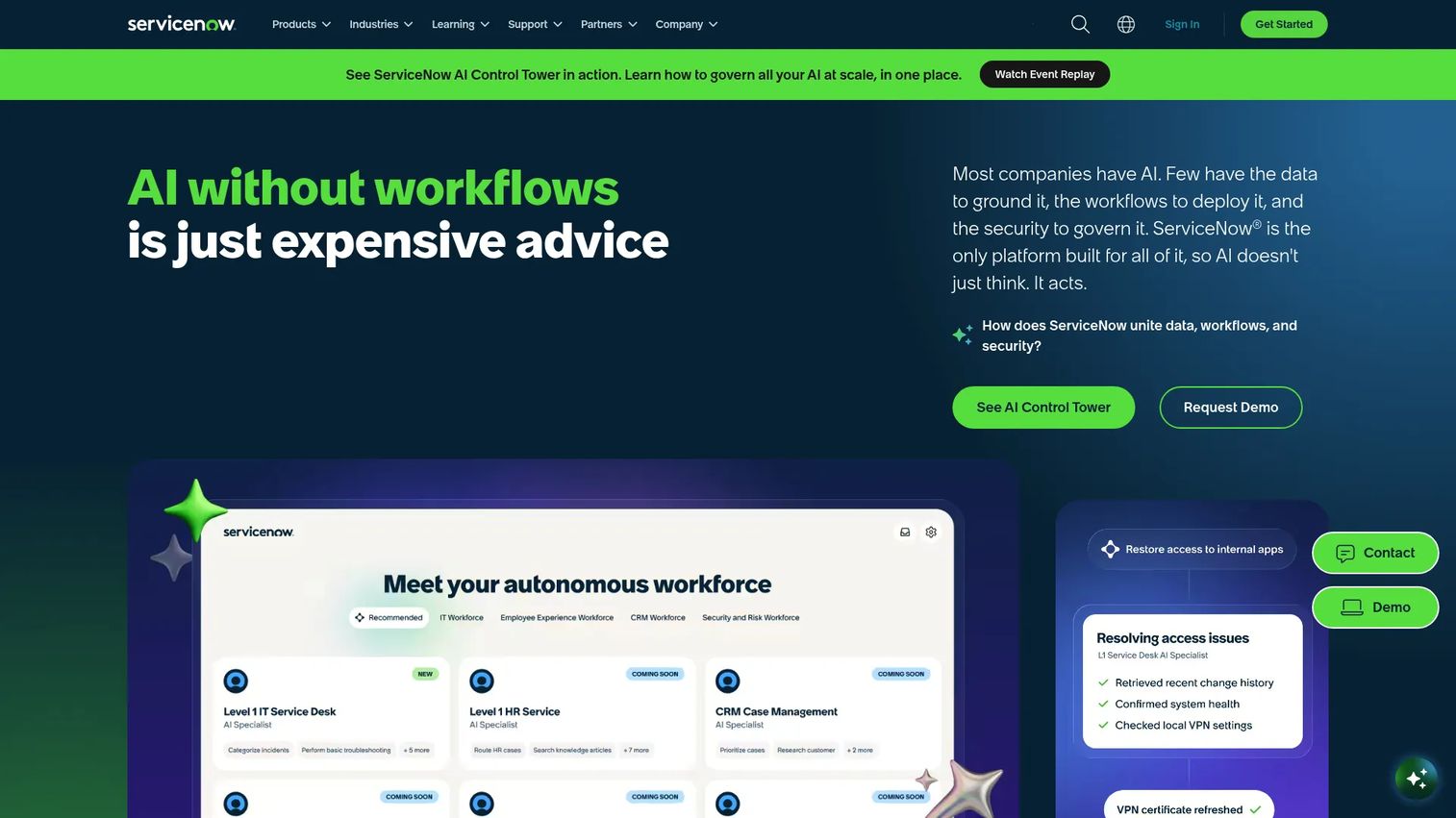
ServiceNow is an enterprise AI platform that unifies IT service management, customer service, employee operations, and workflow automation. In the context of business activity monitoring, it turns operational signals into accountable workflows: Incidents get tickets, changes get approvals, and escalations follow defined routes. Service mapping capabilities let teams connect monitoring events to the business services they affect.
Best for: Larger SaaS companies that already run service management workflows and want to connect operational events to formal remediation processes across departments.
Key features
- IT service management for incidents, changes, and requests
- IT operations management with service mapping
- AI-powered workflow automation and autonomous agents
- Customer and employee service operations
- Incident and change tracking with audit trails
Why choose ServiceNow: Its strength is operational coordination rather than raw monitoring depth. If your team needs to turn a monitoring signal into a ticket with an owner, an SLA, and an escalation path, ServiceNow handles that routing. Teams without defined process ownership often find the platform creates overhead rather than reducing it.
ServiceNow pricing: Custom pricing across Foundation, Advanced, and Prime product tiers. Contact ServiceNow sales for a quote. Packaging varies by product family and deployment scope.
G2 rating: 4.4/5
Watch for: A tool cannot fix an unowned incident or service request workflow. Confirm that process ownership exists for every monitored service before starting implementation.
5. New Relic
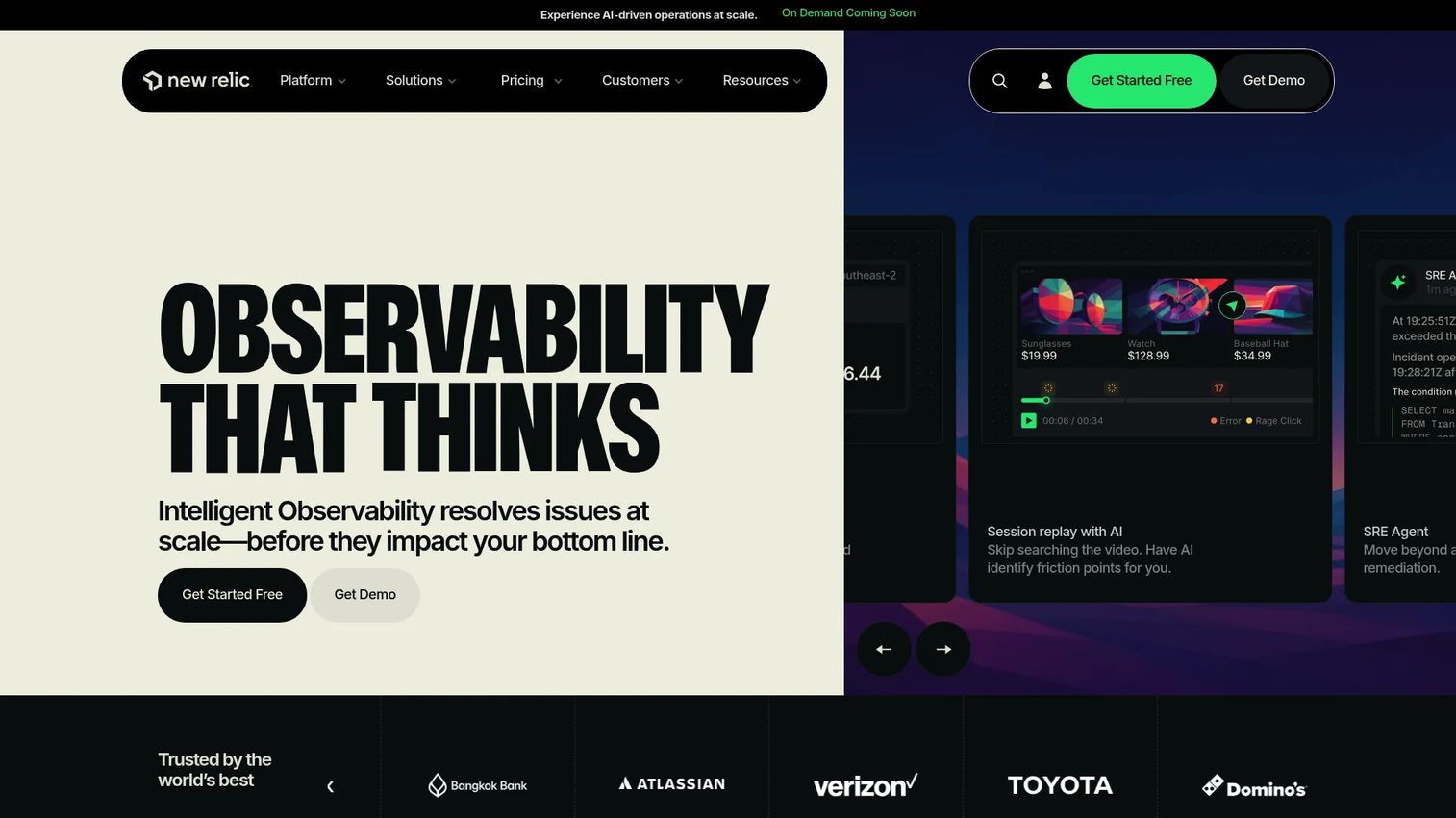
New Relic is an intelligent observability platform that combines application performance monitoring, infrastructure visibility, logs, distributed tracing, and digital experience data in a single product. It is well-suited to SaaS teams that need to investigate product performance and customer journey degradation without starting with an enterprise-wide service management deployment. The usage-based pricing model makes it accessible to growing teams evaluating best business intelligence software alongside observability options.
Best for: SaaS teams that need practical full-stack observability to connect technical incidents to conversion, activation, or retention signals.
Key features
- Application performance monitoring with code-level metrics
- Distributed tracing across services and dependencies
- Browser and mobile monitoring for digital experience
- Infrastructure, Kubernetes, and cloud monitoring
- Alert conditions, workflows, and AI-assisted anomaly detection
Why choose New Relic: It covers the observability surface a SaaS engineering team typically needs without requiring an enterprise procurement process to get started. The free tier provides 100 GB of data ingest per month, which is enough to run a proof of value before committing. It is a monitoring platform, not a complete business process management or workforce analytics system.
New Relic pricing: Free plan includes 100 GB per month data ingest and one full platform user. Standard paid plans start at $10 per month for the first full platform user and $0.40 per GB beyond the free allowance. Pro plans are $349 per full platform user annually. Enterprise pricing requires contacting sales.
G2 rating: 4.4/5
Watch for: Establish data retention policies, alert ownership, and telemetry volume controls before a broad rollout. Alert fatigue without assigned owners creates noise rather than operational clarity.
6. Microsoft Purview
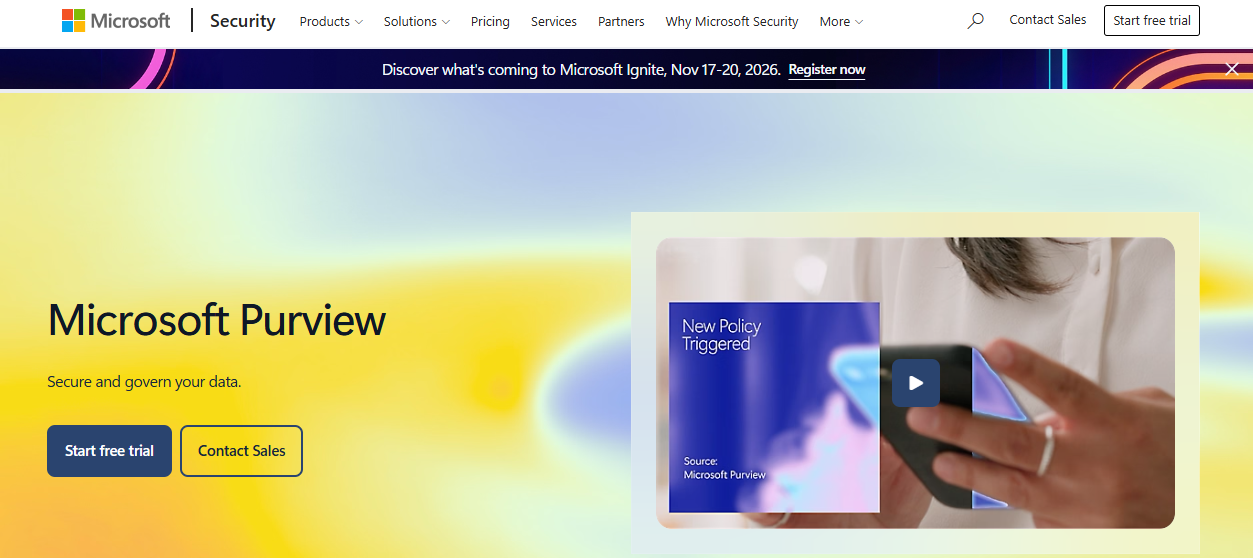
Microsoft Purview is a portfolio of data security, governance, and compliance solutions built for organizations operating heavily within the Microsoft 365 environment. For business activity monitoring, the most relevant capabilities are Insider Risk Management, Data Loss Prevention, and audit and eDiscovery tools that surface risky user behavior and sensitive data activity. It belongs in the BAM category when the core question concerns employee actions around confidential information rather than customer-facing product performance.
Best for: SaaS companies relying heavily on Microsoft 365 that need visibility into risky user behavior, data handling, and insider risk signals.
Key features
- Insider Risk Management for detecting policy violations
- Data Loss Prevention controls across Microsoft 365
- Audit and eDiscovery capabilities for investigations
- Information protection policies and labeling
- Communication compliance and records management
Why choose Microsoft Purview: It belongs on the list when the activity to monitor is employee behavior around sensitive information inside a Microsoft-centered environment. It does not replace an application observability platform for customer-facing product workflows, and it requires Microsoft 365 E3 (or equivalent) as a prerequisite for many capabilities.
Microsoft Purview pricing: The Microsoft Purview Suite starts at $12.00 per user per month, billed annually. A limited free version of governance capabilities is available. Confirm licensing dependencies across your existing Microsoft 365 plans before estimating total cost.
G2 rating: 4.6/5 (verified for Microsoft Purview Data Loss Prevention)
Watch for: Involve legal or security leadership in policy design before deployment. Insider risk programs require clear documentation of purpose, employee communication standards, and retention limits appropriate to your jurisdiction.
7. ManageEngine Log360
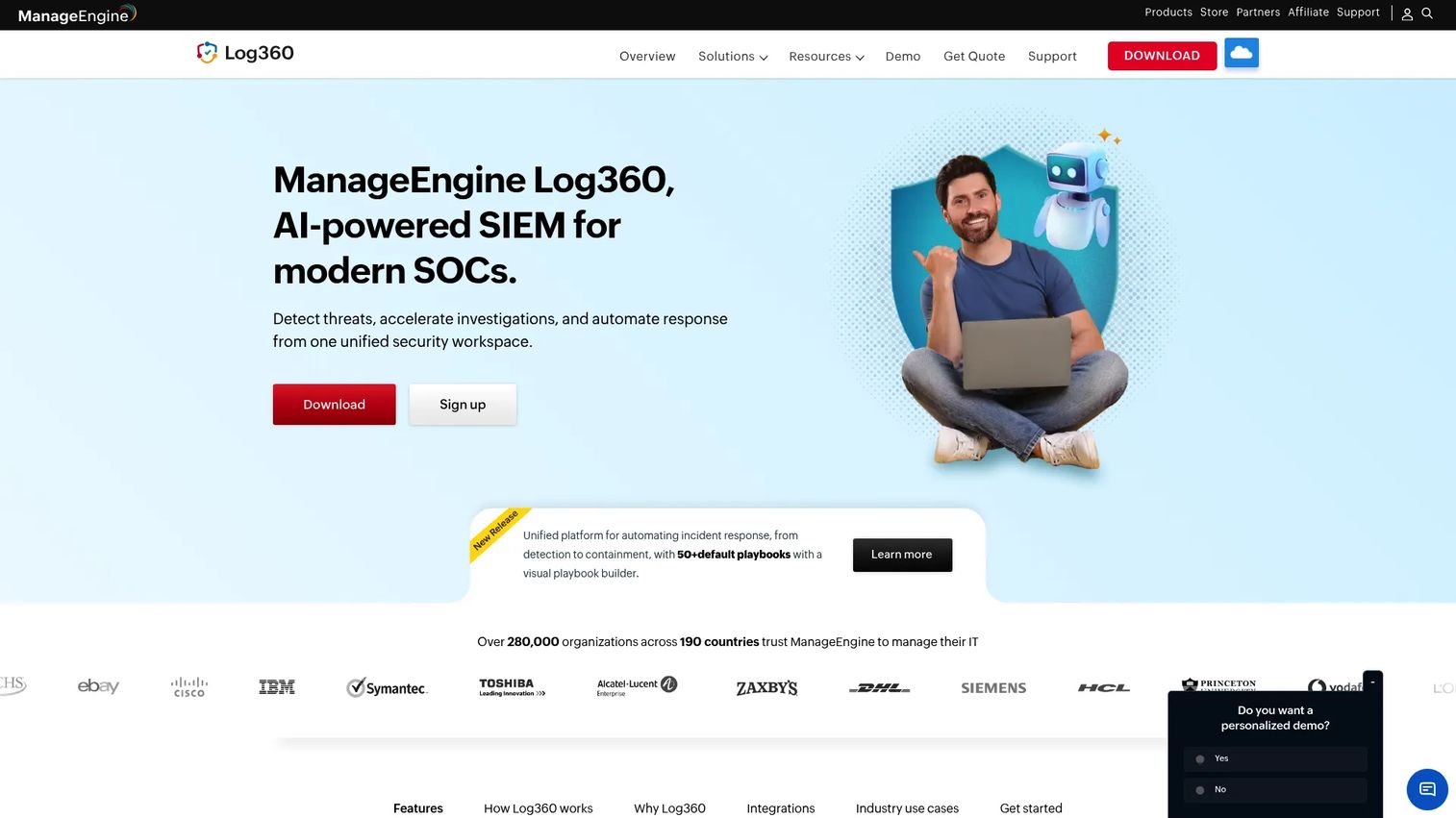
ManageEngine Log360 is a unified SIEM platform for log management, threat detection, identity monitoring, compliance reporting, and cloud security. It collects log data from endpoints, Active Directory, Microsoft 365, AWS, and Azure, then correlates it through threat intelligence feeds and UEBA to surface anomalous behavior. For IT and security teams that need application security testing software or SIEM capabilities without a highly customized observability stack, Log360 offers a direct-to-value entry point.
Best for: IT and security teams that need activity monitoring across identities, logs, endpoints, and critical infrastructure without extensive build effort.
Key features
- Centralized log collection and security event management
- Identity threat detection with UEBA
- Active Directory auditing and monitoring
- Cloud security monitoring for Microsoft 365, AWS, and Azure
- Compliance reporting and SOAR-based automated response
Why choose ManageEngine Log360: It is useful when the core business risk concerns access, identity, or audit exposure rather than product conversion or customer journey monitoring. The component-based licensing means you pay for the data sources you actually monitor, which works well for teams with a defined security scope.
ManageEngine Log360 pricing: Annual subscription starts at $245 for 100 endpoints. A perpetual license starts at $736 for 100 endpoints. A 30-day free trial is available. Larger or nonstandard environments receive custom quotes.
Watch for: Confirm required data sources and collector deployment requirements before estimating total cost. Licensing is component-based, so the final figure varies by the number of domain controllers, file servers, cloud accounts, and endpoints you include.
8. Teramind
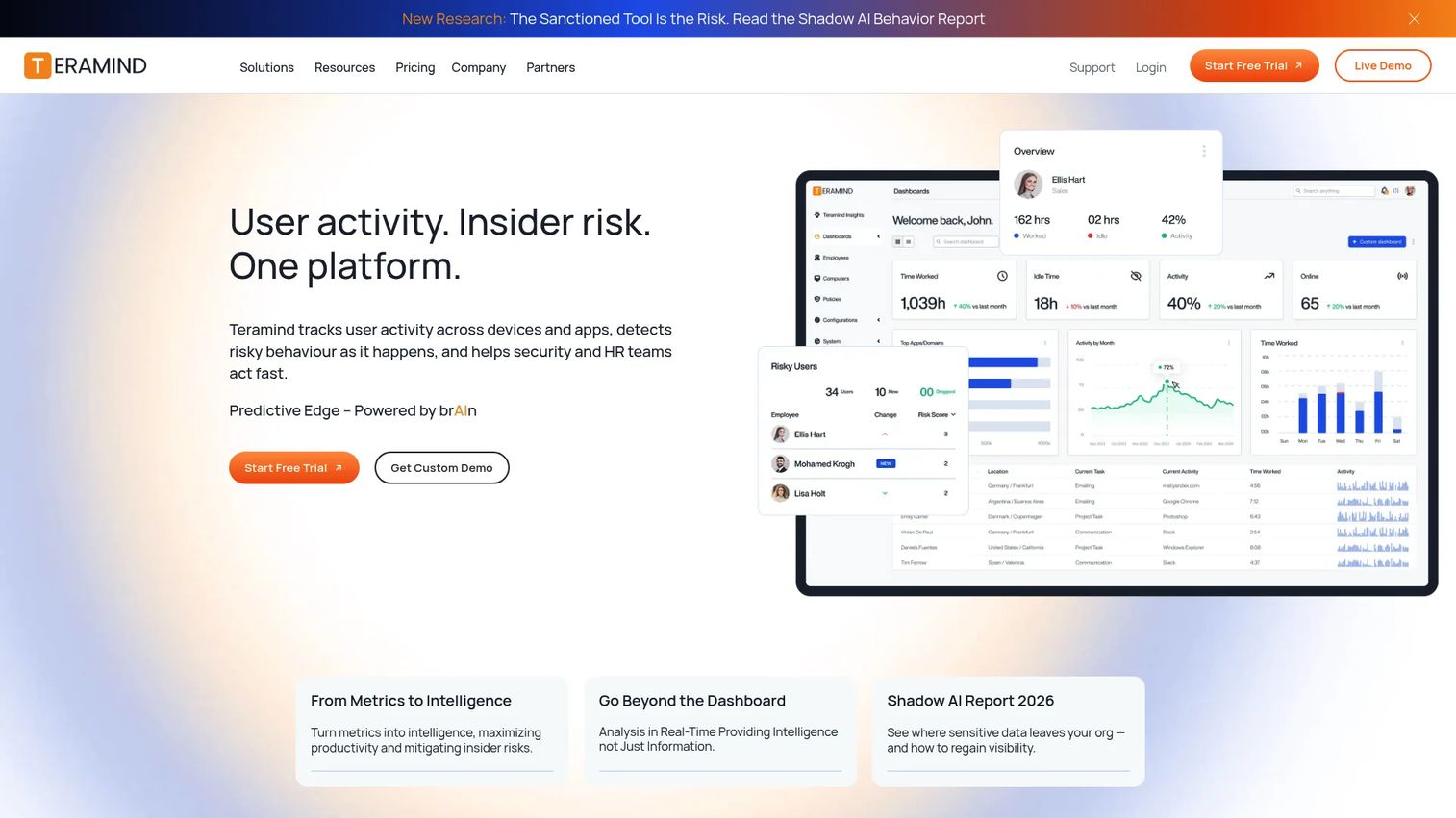
Teramind is a workforce analytics and cybersecurity platform built for user activity monitoring, insider risk detection, productivity analysis, and data-loss prevention. Its core capability is granular visibility: Live screen view, session recording, keystroke logging, email monitoring, and OCR-based content detection. For security-sensitive organizations investigating risky user actions or enforcing data-handling policies, Teramind provides the evidence depth that general-purpose monitoring platforms typically lack.
Best for: Security-sensitive organizations that need detailed evidence of risky user actions, privileged access behavior, or policy violations to support investigation and response.
Key features
- Live screen view and historical session playback
- Website, application, and network activity monitoring
- OCR-based content detection and keystroke logging
- Smart rules and automated policy-based alerts
- Productivity analysis with active-versus-idle tracking
Why choose Teramind: It fits security investigations and high-risk workflow enforcement where general workforce analytics are insufficient. The depth of evidence collection sets it apart for insider risk and DLP use cases. Privacy and governance considerations are central to deployment, not optional.
Teramind pricing: Teramind's official pricing page displays tier names (Starter, UAM, DLP, and Enterprise) but does not show numeric figures for the first three tiers. Contact sales for a quote. All plans require a 5-seat minimum and are available on monthly or annual billing.
G2 rating: 4.6/5
Watch for: Build a documented monitoring policy before deployment, and limit data collection to the defined security or compliance purpose. Deploying full session recording without a documented rationale creates legal and trust exposure.
9. ActivTrak
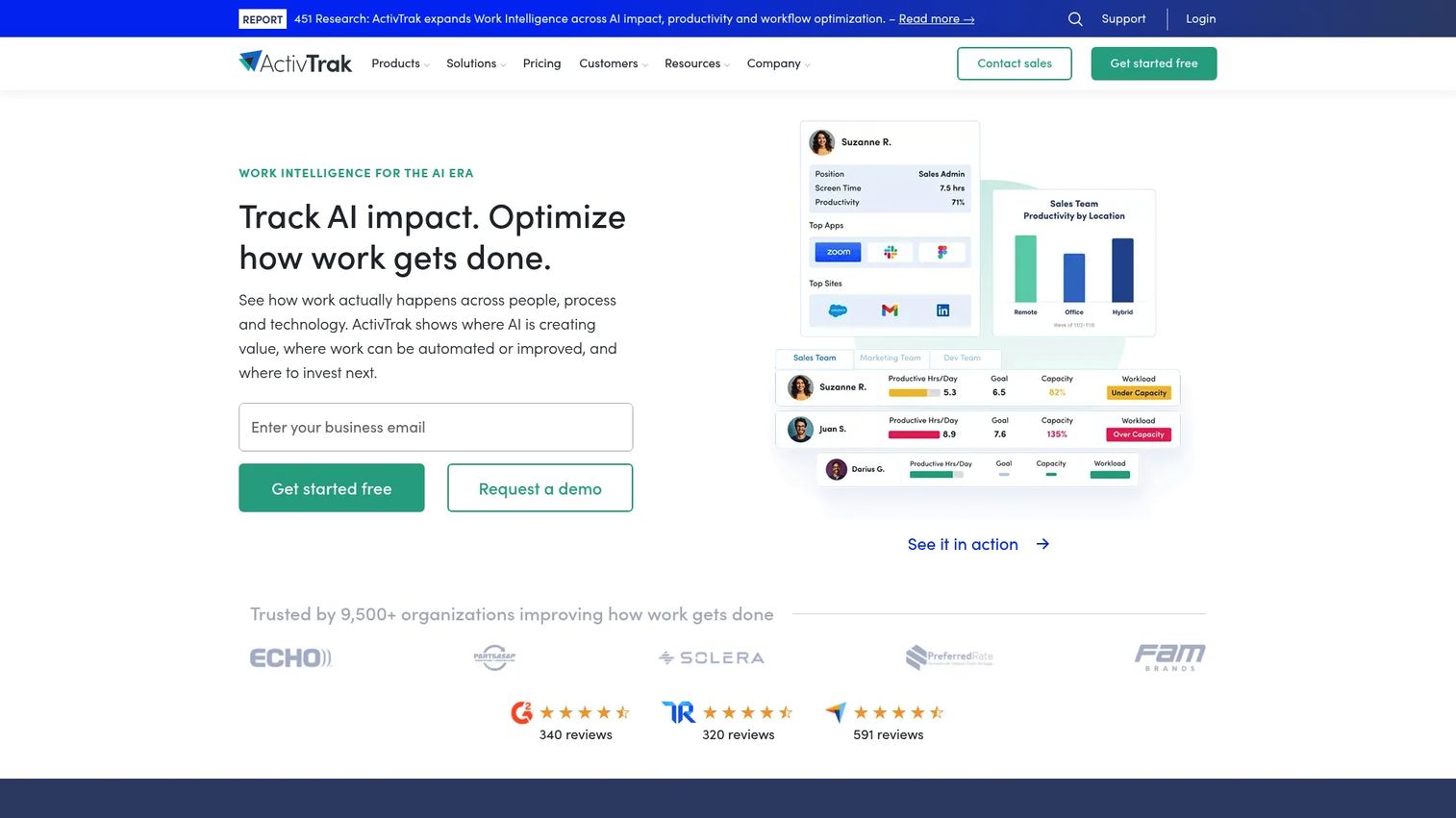
ActivTrak is a workforce intelligence SaaS platform that analyzes work activity to improve productivity, workforce management, workflow optimization, and AI usage measurement. For founders and functional leaders trying to understand whether process problems stem from workload, tool sprawl, or operational bottlenecks, ActivTrak provides aggregate patterns without requiring the forensic depth of an insider risk platform. It is designed for management visibility rather than security investigation. According to Strategy Software (2025), 43% of organizations now use AI-powered analytics in production, making workforce intelligence tools like ActivTrak increasingly relevant for tracking how teams use AI alongside standard applications.
Best for: Founders and functional leaders who need aggregate workforce capacity and productivity trends to understand operational friction at a team level.
Key features
- Real-time workforce visibility by team and individual
- Productivity trends, optimization signals, and coaching flags
- Workload balance and capacity analysis
- Application and website usage analytics
- AI usage measurement and schedule adherence
Why choose ActivTrak: It fits workforce and workflow health monitoring, especially when managers need aggregate patterns rather than full security investigation depth. The privacy-oriented design makes deployment conversations with employees more manageable. At $10 to $17 per worker per month (annual), it sits within reach for a 50-person SaaS team running a meaningful cost-benefit analysis.
ActivTrak pricing: Free plan available for up to 3 workers. Work Activity Tracking is $10 per worker per month on an annual contract. Workforce Management is $15 per worker per month, and Productivity Optimization is $17 per worker per month. All paid plans require annual contracts.
G2 rating: 4.3/5
Watch for: Define the management question before rollout. Measuring activity without a decision framework creates noise and erodes trust faster than it generates insight.
10. CurrentWare
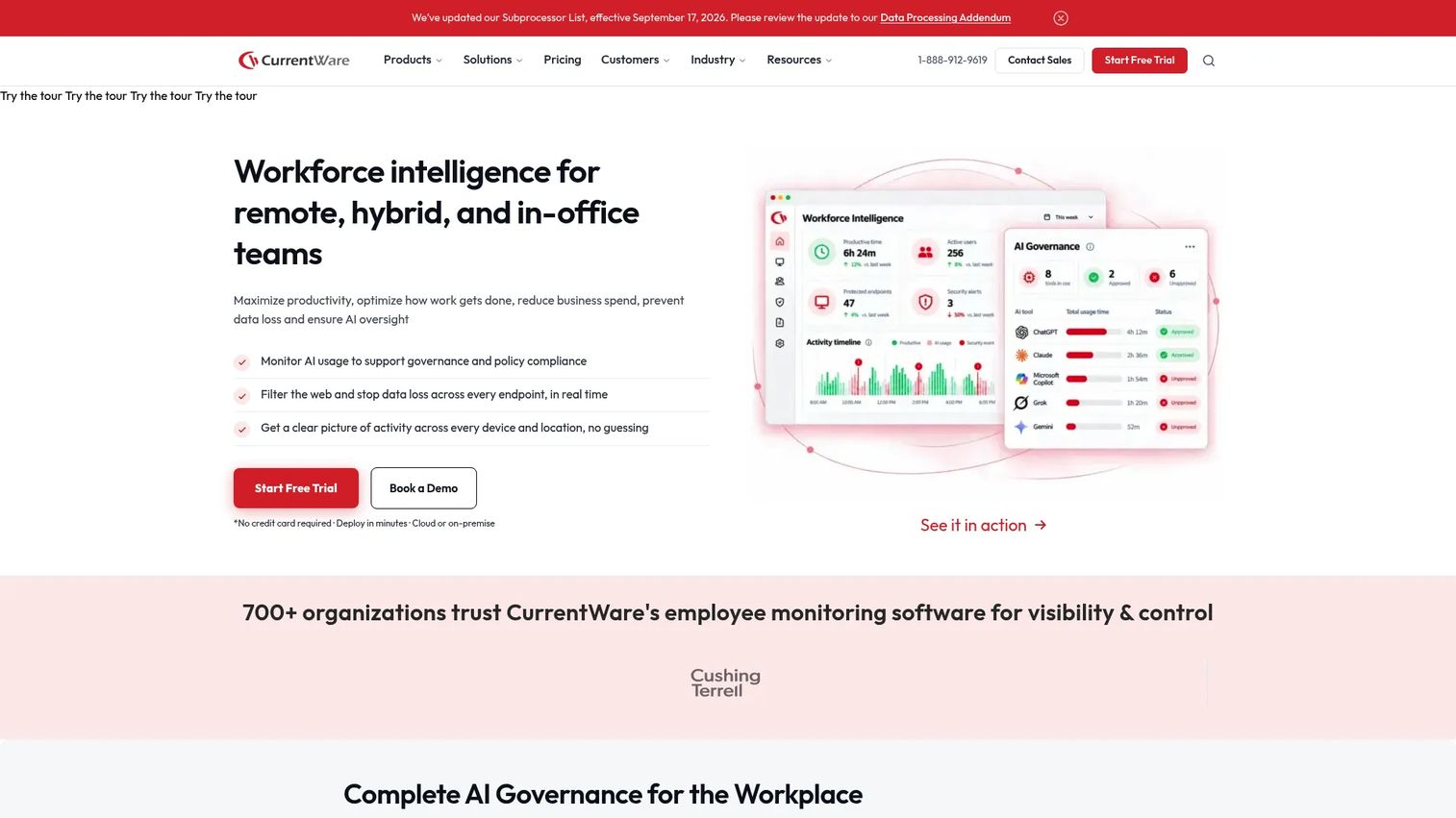
CurrentWare is a modular workforce intelligence platform for employee activity monitoring, web filtering, device control, data-loss prevention, and PC power management. Unlike broader workforce analytics platforms, CurrentWare lets organizations purchase individual modules for specific monitoring or control needs rather than committing to a full suite. It is particularly strong in Windows-centered environments where endpoint policy enforcement and access control are as important as activity reporting.
Best for: Windows-centered teams that need practical employee activity monitoring, web usage visibility, and access control without a broad enterprise observability deployment.
Key features
- Web and application activity monitoring with detailed reporting
- Website, category, application, and download filtering
- USB and removable-device control with file-transfer monitoring
- Screenshot monitoring with OCR keyword search
- PC power-state control and scheduling
Why choose CurrentWare: The modular structure means a team can start with web activity reporting (BrowseReporter at $12/user/month) and add USB control or power management only when needed. It is a direct fit for employee activity and policy enforcement. It does not replace application observability or end-to-end process monitoring for customer-facing workflows.
CurrentWare pricing: Individual modules start at $6 per user per month for BrowseControl and enPowerManager. BrowseReporter and AccessPatrol are each $12 per user per month. The full CurrentWare Suite, covering all four modules, is $20 per user per month. Volume discounts are available, and on-premise deployment options require contacting sales.
G2 rating: 4.6/5
Watch for: Check operating system support and device deployment requirements before purchasing. CurrentWare's strength is Windows-first environments; confirm compatibility with any macOS or Linux endpoints in your fleet.
Considerations when choosing business activity monitoring tools
Start with the business question, not the platform
Before evaluating any tool, write down the operating question it must answer: Why does activation drop after a release? Which step delays revenue recognition? Which user actions create security risk? The data source follows the question. Buying user monitoring software to investigate application dependency issues produces dashboards that answer the wrong question.
Map every system that owns a signal
A BAM deployment is only as complete as the systems feeding it. Common signal sources include product analytics, CRM, billing systems, support platforms, identity providers, cloud infrastructure, and employee endpoints. Missing system ownership creates blind spots that surface as unexplained gaps in your monitoring coverage after launch.
Define alert ownership before implementation
Every high-priority alert needs a named response owner, a threshold rationale, an escalation route, and an expected action. An alert without a named owner becomes background noise within two weeks. Build the response model before you configure the alerts, not after the first false positive frustrates the team.
Model pricing against data volume and monitored scope
Common cost drivers differ by platform: Telemetry and log ingestion volume (Dynatrace, New Relic, Splunk), number of monitored hosts or users (ActivTrak, CurrentWare, Instana), retention period, and security or compliance add-ons. A 75-person SaaS company and a 1,000-person enterprise will experience those cost drivers very differently, so model against your actual monitored scope before signing an annual contract.
Address privacy, security, and governance before deploying employee monitoring
Workforce and user activity monitoring requires transparent employee communication, purpose documentation, least-privilege data collection, defined retention limits, and legal review appropriate to each jurisdiction where employees are located. Treat governance as a prerequisite, not a phase-two item.
Conclusion
Business activity monitoring is not one software category. It is a decision system built from different monitoring layers. Pick the platform that matches the signal you are missing, then assign an owner who can act on it.
For product and revenue workflow failures, Dynatrace and IBM Instana Observability connect business outcomes to their application and infrastructure roots. For security events, identities, and insider risk, Splunk, Microsoft Purview, ManageEngine Log360, and Teramind each cover different points on the spectrum from broad event investigation to granular employee behavior. For workforce capacity and endpoint policy, ActivTrak and CurrentWare serve different price points and deployment models. ServiceNow belongs in the picture when monitoring signals need to trigger formal incident management across departments. New Relic is the practical entry point for SaaS teams that want full-stack observability without a large enterprise procurement cycle.
The founder's move here is to pick one urgent operating question, identify the system that owns the missing signal, and run a proof of value against a single workflow before expanding the deployment.
Start your journey with Guideflow today!
FAQs about business activity monitoring tools
Business activity monitoring software collects and analyzes events from business processes, applications, infrastructure, and user activity in real time. The purpose is to identify exceptions, threshold breaches, and workflow failures as they occur, then route them to an owner who can respond before the business impact compounds. It differs from a standard dashboard in that it watches for emerging problems rather than summarizing historical data.
Business intelligence focuses on historical performance reporting, answering questions like "what changed last quarter?" BAM focuses on current events and exceptions, answering "what is breaking right now?" Scaling SaaS companies need both: best business intelligence software handles board reporting, while BAM tools support the team responding to live operational problems.
Business process monitoring tracks a defined workflow, such as quote-to-cash, onboarding, or payment processing, and surfaces where that workflow stalls. BAM is broader: It can monitor process data while also joining it with application performance, infrastructure health, security events, or user activity signals. Choosing a process-only tool when the root cause crosses multiple system layers typically leads to a second purchase.
They can surface the signals that precede churn: Failed onboarding steps, repeated application errors, low feature adoption, support escalation spikes, and payment friction. The tools identify where the problem is and when it started. Churn still requires a team that owns the response and acts on those signals, so monitoring alone does not reduce retention rates.
Early-stage startups can often track exceptions manually. The case for dedicated BAM tools strengthens when key workflows cross more than two systems and manual investigation takes longer than the response window allows. Start with the narrowest high-value workflow, such as trial activation failure or incident-related revenue loss, rather than deploying a broad observability platform before the team has the operational capacity to act on its output.
The categories overlap but serve different purposes. Insider risk and compliance tools like Teramind and Microsoft Purview focus on security investigations, policy enforcement, and audit requirements. Workforce productivity platforms like ActivTrak focus on aggregate capacity and workflow patterns for management decisions. Both require transparent employee policies, documented purpose, and appropriate legal review. Neither replaces application observability for customer-facing product monitoring.
A practical starting set covers: Workflow completion time by stage, exception and error rate per workflow, SLA breach frequency, trial activation completion rate, payment error rate, support ticket backlog by category, security event volume by type, and mean time to resolution. Tie every metric to a named decision owner, otherwise the measurement creates visibility without accountability.
Use a simple decision rule based on where the missing signal lives. Choose an observability platform when the issue concerns application performance, infrastructure health, transaction success, or customer journey behavior. Choose a workforce activity monitoring platform when the issue concerns employee capacity, behavior patterns, policy enforcement, or endpoint activity. These are different monitoring jobs, and the tools are built for different data sources and response workflows. For related coverage, see our API monitoring tools and approval workflow software guides.