



You pick an engine, build for three months, then hit a wall the tool can't clear. No console export. No 3D path. A scripting model your team can't maintain. Now you're rebuilding, and the rebuild costs more than the original decision ever did.
That's the trap most teams walk into. The engine you choose in week one decides what you can ship in year one. It sets your platform reach, your hiring pool, and how much time you lose to maintenance as the project grows.
The market backs up how much this choice matters. The Business Research Company valued the video game software market at $331.34 billion in 2026, and 6sense reports over 53,038 companies now use game development tools. Plenty of options exist. Few of them fit any single project well.
So the real question isn't "what's the best engine?" It's "which engine survives contact with your project, your team, and your release plan?"
What's inside
This guide is for anyone choosing an engine and worried about picking wrong. Product managers scoping a build, indie founders weighing budget against reach, and teams comparing 2D against 3D or free against paid.
We selected four tools based on:
- Platform breadth: which export targets each engine covers (web, mobile, desktop, console)
- Project fit: whether it leans 2D, 3D, or both
- Learning curve and community: how fast a team ramps and where they get help
- Cost and licensing: free tiers, one-time purchases, and subscription models
TL;DR
- Best broad platform coverage: Unity handles 2D and 3D across web, mobile, desktop, and consoles from one project.
- Best free and open-source option: Godot is free under the MIT license, with strong 2D and 3D support and no revenue cut.
- Best no-code, beginner-friendly path: GDevelop uses an event system and one-click exports, so non-coders ship fast.
- Best 2D-first engine: GameMaker pairs a focused 2D workflow with a one-time commercial license.
- Rule of thumb: Match the engine to your target platforms and skill level first. Everything else follows from that.
What is game development software
Game development software is the set of tools that lets you design, build, test, and publish video games, usually centered on a game engine that handles rendering, physics, input, and asset management.
Most of these tools fall into three buckets. Game engines like Unity and Godot give you full control over 2D and 3D projects through code and visual tools. No-code builders like GDevelop let you assemble game logic through events instead of scripting. Specialized engines like GameMaker focus on one strength, in that case 2D, and optimize the whole workflow around it.
The line between them blurs. Godot ships visual tools, GDevelop supports export to real platforms, and Unity spans casual mobile through console titles. What separates them is where each one is fastest and where each one scales.
Common features across game development software:
- 2D and 3D support: sprite tools, tilemaps, scene editors, and 3D rendering pipelines
- Cross-platform export: publish to web, mobile, desktop, and consoles from one project
- Scripting or visual logic: code-based scripting, visual event systems, or both
- Asset management: import, organize, and reuse sprites, models, audio, and animations
- Learning resources: documentation, tutorials, and structured courses
- Community and support: forums, marketplaces, and third-party plugins
For a product manager, the practical read is this: an engine is infrastructure. It shapes your release cadence, your team's ramp time, and how much engineering cost you carry as the product changes.
When to use game development software
Build a 2D indie game
A 2D project rewards a focused workflow over raw breadth. GameMaker and GDevelop both center their tools on sprites, rooms, and event logic. GameMaker suits a small team wanting a proven 2D pipeline. GDevelop suits a solo builder or educator who wants to ship without writing code first.
Ship across desktop, mobile, web, and consoles
When you need one project to reach many platforms, export coverage decides the tool. Unity spans casual mobile through console titles from a single build. Godot covers web, desktop, mobile, and XR without a license fee, which matters when budget is tight and reach is wide.
Learn game creation with strong tutorials and community support
If your team is new to games, the learning path matters as much as the feature set. Unity offers a large library of official courses and one of the biggest developer communities. Godot's open-source community and docs help you learn without a paywall. Both shorten the time from blank project to first playable build.
Comparison table
Here's how the four tools compare on platform fit, differentiator, and cost. Pricing and ratings reflect each vendor's current listing.
| # | Product | Best for | Key differentiator | Pricing | G2 rating |
|---|---|---|---|---|---|
| 1 | Unity | Cross-platform 2D and 3D teams | Broad export reach plus live game services | Free; Pro from $2,310/yr | 4.5/5 |
| 2 | Godot | Free, open-source projects | MIT license with no revenue cut | Free (open source) | 4.5/5 |
| 3 | GDevelop | No-code and beginner teams | Event-based logic, one-click export | Free; paid plans available | Not listed |
| 4 | GameMaker | 2D-first indie teams | Focused 2D workflow, one-time license | Free; Pro $99.99 one-time | 4.1/5 |
Unity leads on breadth, Godot on open-source freedom, GDevelop on no-code speed, and GameMaker on 2D focus. Read the sections below to match one to your project.
Best 4 game development software tools for 2026
1. Unity
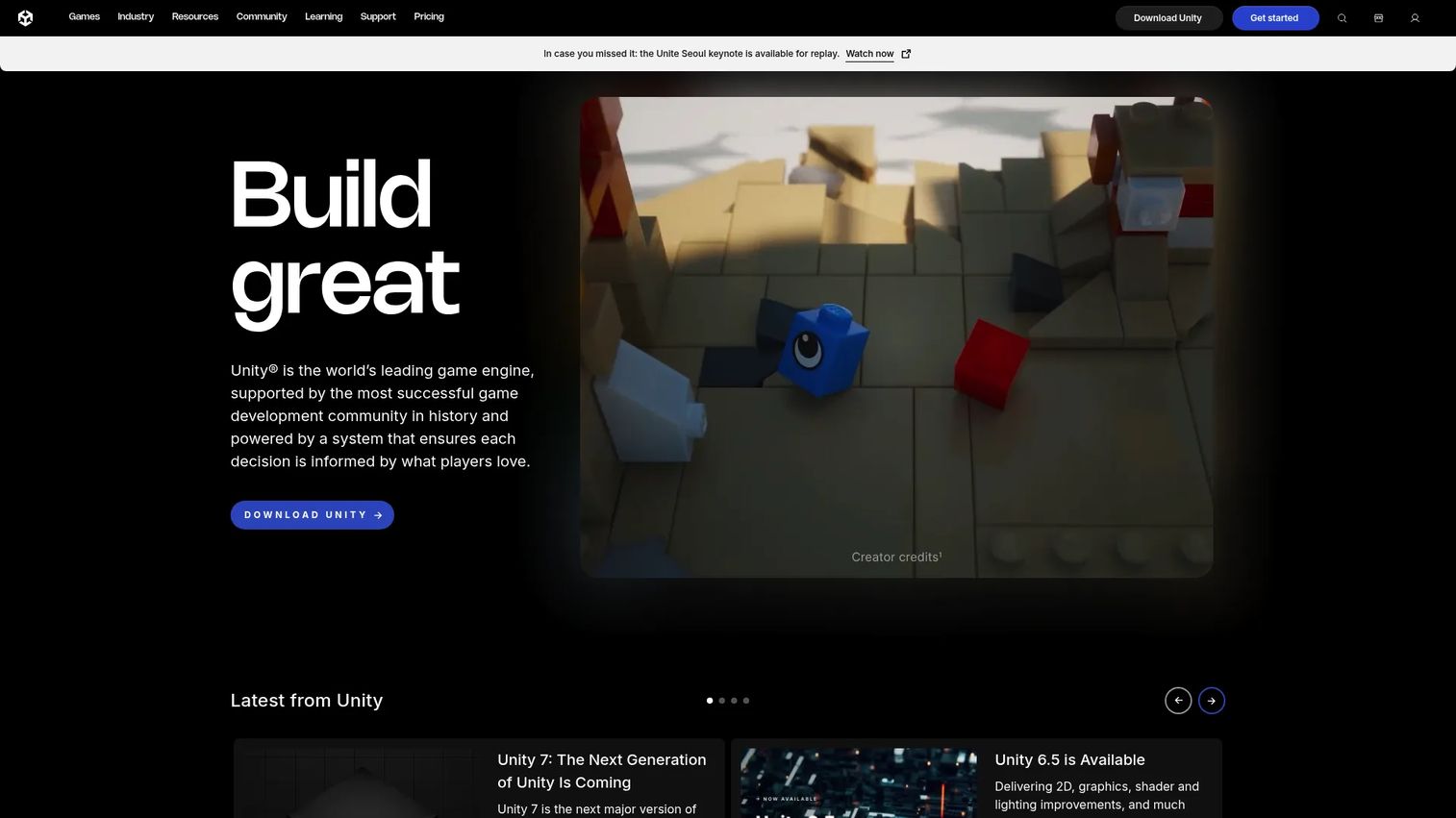
Unity is a real-time 2D and 3D development platform used across mobile, desktop, web, AR, VR, and consoles. It powers a large share of shipping titles and pairs the core engine with the Unity Cloud ecosystem for multiplayer and live game services. For a team that needs one project to reach many platforms, Unity is the default answer.
Best for: Teams building real-time games or interactive 2D and 3D experiences that need broad platform reach.
Key features
- Real-time 2D and 3D engine
- Unity Cloud ecosystem for live services
- Publish to web, desktop, mobile, and consoles
- Multiplayer and live game services
- Large asset store and plugin market
Why choose Unity: Pick Unity when platform breadth and flexibility outweigh everything else. Its scale means a deep hiring pool, extensive tutorials, and a plugin for almost any problem you hit mid-build.
Unity pricing: Unity Personal is free. Unity Pro starts at $2,310 per year. Unity Enterprise and Unity Industry are custom-priced, so you contact sales for those tiers.
Unity holds a 4.5 out of 5 rating on G2.
2. Godot
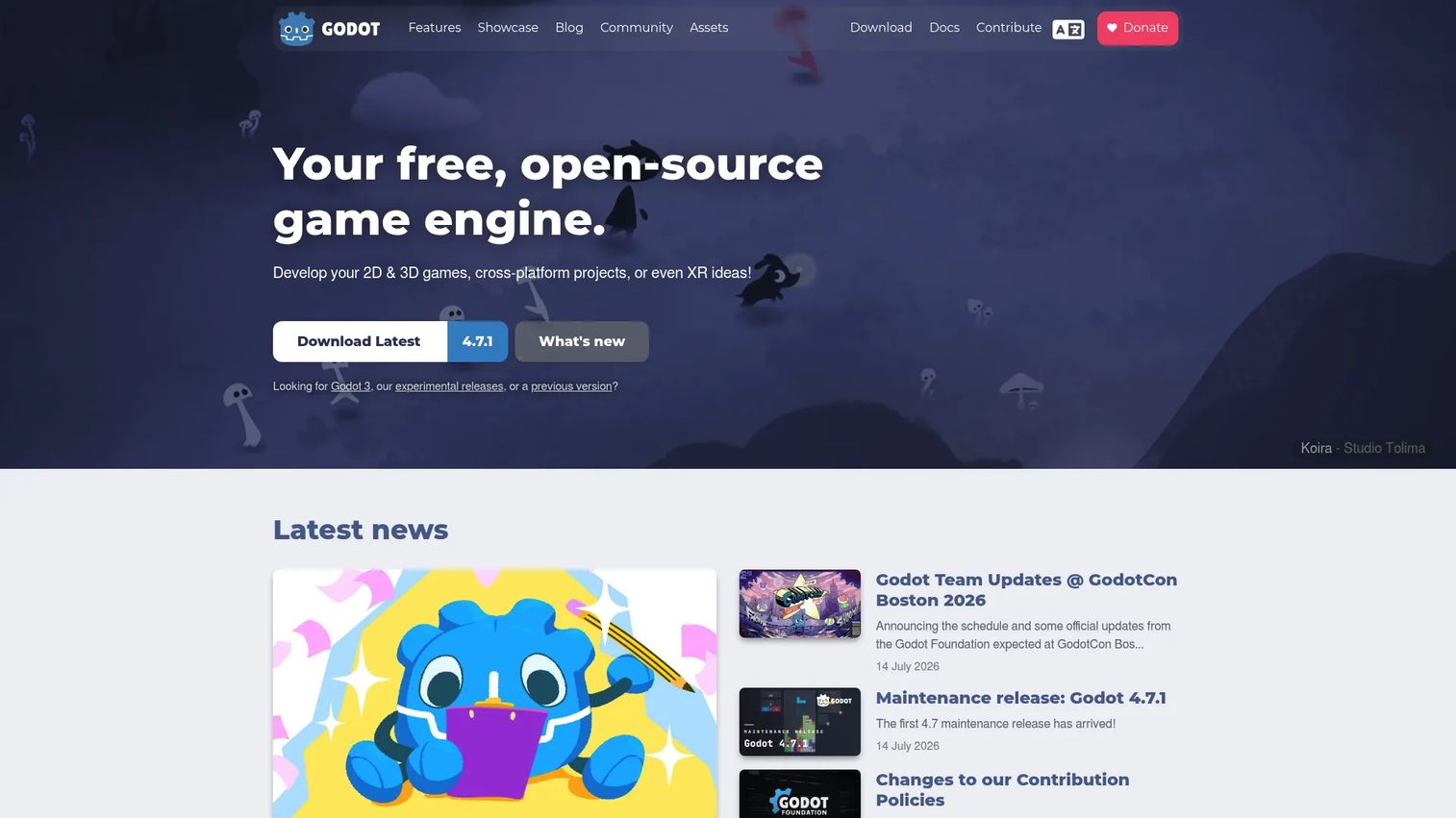
Godot is a free, open-source engine that handles both 2D and 3D games across platforms. It ships a scene-tree architecture, a built-in script editor, and OpenXR support for XR projects. Because it runs under the MIT license, you keep all your revenue and owe no royalty on what you ship.
Best for: Indie teams and developers who want a free, extensible engine without a licensing fee.
Key features
- 2D and 3D game development
- Built-in scene tree and script editor
- OpenXR and XR support
- Cross-platform export
- Fully open source under MIT
Why choose Godot: Choose Godot when budget matters and you want control over the engine itself. The open-source model means no revenue cut and the freedom to modify the source if your project needs it.
Godot pricing: Godot is free and open source under the MIT license. There is no paid tier and no royalty on games you release.
Godot holds a 4.5 out of 5 rating on G2.
3. GDevelop
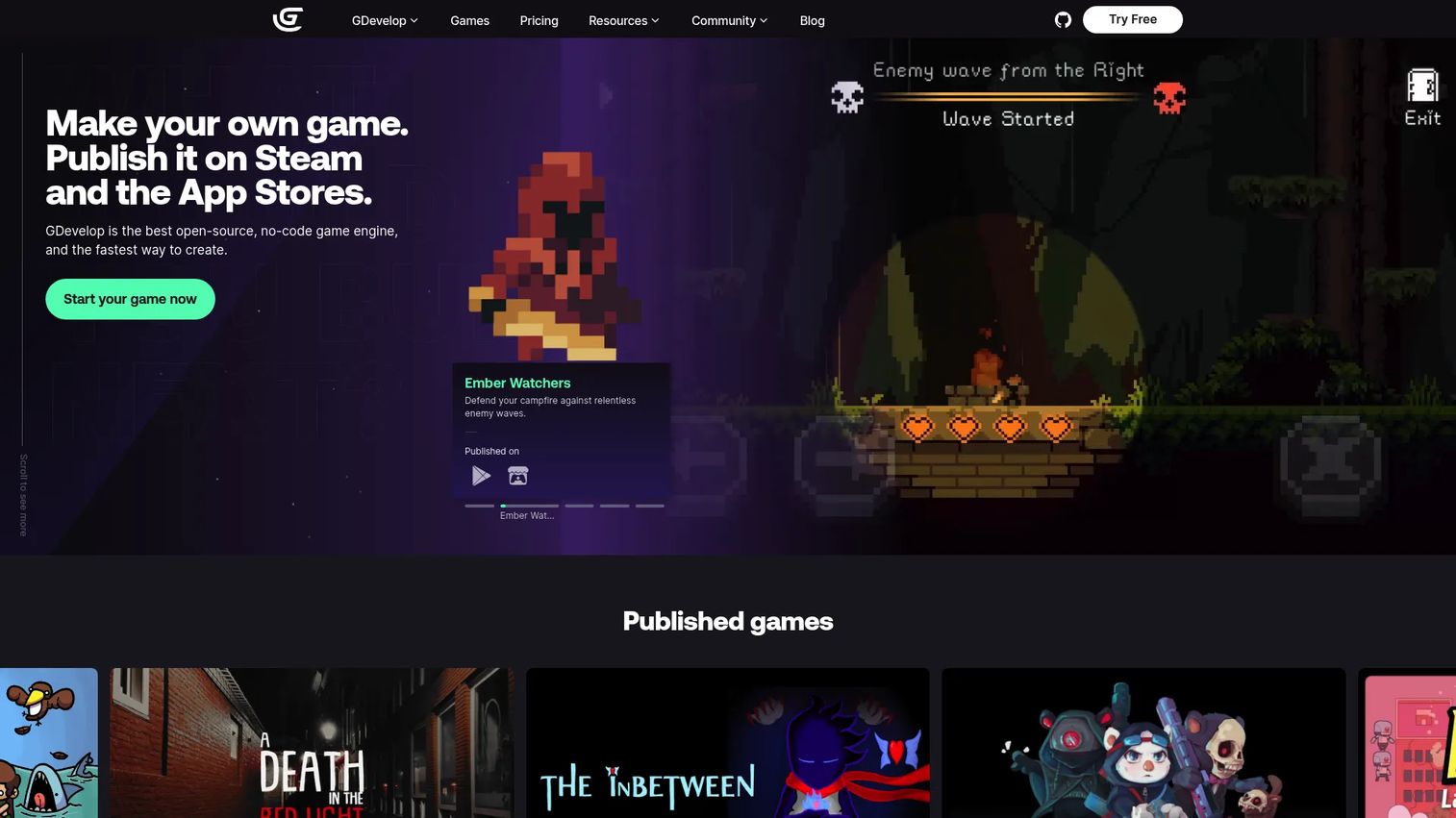
GDevelop is a no-code, open-source engine for building 2D and 3D games and publishing them to web, desktop, and mobile. It replaces scripting with an event system, so you build game logic by combining conditions and actions. That makes it a strong fit for beginners, educators, and anyone who wants a playable build fast.
Best for: Indie teams, educators, and hobbyists building games without writing code.
Key features
- No-code event system
- One-click export to web, Android, iOS, and desktop
- Built-in AI helper
- 2D and 3D support
- Open-source foundation
Why choose GDevelop: Choose GDevelop when speed to first build and a low technical barrier matter most. The event system lets non-coders ship, and one-click export removes the usual publishing friction.
GDevelop pricing: GDevelop offers a free plan at $0 per month, plus Silver, Gold, and Pro paid plans for teams that need more capacity. Check the GDevelop pricing page for current paid-tier figures.
4. GameMaker
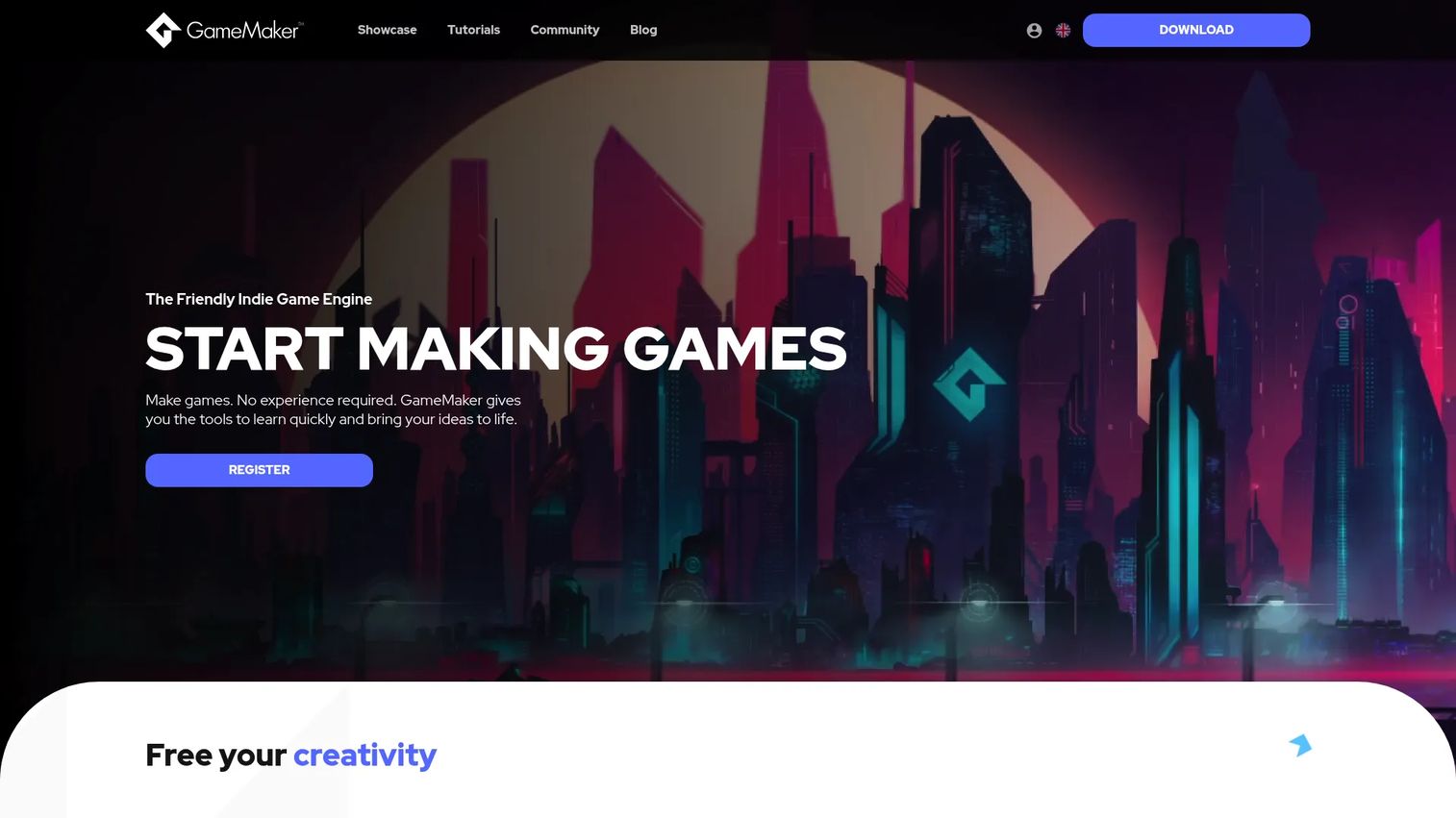
GameMaker is a 2D game development engine and IDE built for creating and shipping 2D titles. It offers both GML Code for scripting and GML Visual for a drag-and-drop approach, so teams can pick their entry point. Its editors for rooms, objects, sprites, and sequences keep the whole 2D workflow in one place.
Best for: Indie and hobbyist developers building 2D games.
Key features
- GML Code and GML Visual scripting options
- Room, object, sprite, and sequence editors
- Export to desktop, web, mobile, and consoles
- Dedicated 2D pipeline
- Tutorials and learning path
Why choose GameMaker: Choose GameMaker when 2D is the whole project and you want a workflow tuned for it. The one-time commercial license also appeals to teams that prefer to avoid a recurring subscription.
GameMaker pricing: GameMaker is free for non-commercial use. The Professional commercial license is a one-time $99.99 purchase. The Enterprise subscription runs $79.99 monthly or $799.99 yearly and adds console exports plus source code access.
GameMaker holds a 4.1 out of 5 rating on G2.
Considerations
Before you commit, run your shortlist through these criteria. Each one maps directly to a decision you'll regret getting wrong later.
2D versus 3D scope
Decide your dimension before your engine. A 2D-only project moves faster on a 2D-focused tool like GameMaker or GDevelop. A 3D or mixed project needs Unity or Godot, both of which handle the extra rendering and physics load. Building 3D on a 2D-first engine forces workarounds you'll pay for later.
Export targets and platform approvals
List every platform you need to ship on, then check each engine covers them. Console export in particular often gates behind a specific license or approval process. Confirm the path exists before you build, not after, because a missing export target is the most expensive gap to discover late.
Learning curve and onboarding
Your team's ramp time is a real cost. No-code event systems like GDevelop's shorten it for non-coders. Code-first engines widen your capabilities but demand more upfront learning. Weigh how fast you need a playable build against how much control you need over the long run.
Community, docs, and support
When you hit a wall mid-build, community size decides how fast you get unstuck. Unity's large community and Godot's active open-source base both mean answers are usually a search away. Smaller ecosystems can still work, but expect to solve more problems yourself.
Pricing and licensing model
Match the cost model to your budget shape. Free and open-source Godot carries no fee or royalty. GameMaker's one-time license suits teams avoiding subscriptions. Unity's tiers scale with team size and needs. Read the licensing terms for commercial and console use before you commit.
Conclusion
Four tools, four clear fits. Unity is the broadest choice for teams that need one project across web, mobile, desktop, and consoles. Godot is the free, open-source pick that keeps all your revenue. GDevelop is the fastest path for no-code builders and educators. GameMaker is the focused option when your whole project is 2D.
Start from your constraints, not the hype. Name your target platforms, your team's coding comfort, and your budget. Those three answers narrow four tools to one faster than any feature list will.
If you're building 3D or shipping wide, download Unity or Godot and prototype a single scene this week. If you're 2D-first or new to games, try GameMaker or GDevelop and see how fast you reach a playable build. The right engine is the one that survives your actual project, not the one with the longest feature page.
Start your journey with Guideflow today!
FAQs
GDevelop is the strongest starting point for most beginners because its event system removes the need to code before you can build. Unity is a close second if you want to grow into a full-featured engine, thanks to its large library of official tutorials and courses.
GameMaker is built specifically for 2D, with a workflow and editors tuned around sprites, rooms, and objects. GDevelop is a strong 2D option too, especially for no-code teams. Both Unity and Godot handle 2D well if you also need a 3D path later.
Yes. Godot is fully free and open source under the MIT license with no royalty on what you ship. Unity Personal, GameMaker's non-commercial license, and GDevelop's free plan all give you a no-cost entry point, with paid tiers for commercial or larger projects.
Unity supports export to web, mobile, desktop, and consoles from a single project, making it the most common choice for wide platform coverage. GameMaker's Enterprise tier adds console exports. Console publishing usually requires a specific license or platform approval, so confirm the path before you build.
Yes. Godot runs under the MIT license, so you can ship commercial titles and keep all your revenue with no royalty owed. Its 2D and 3D support, XR features, and active community make it a serious option for indie and commercial projects alike.
Start with 2D versus 3D scope and your target export platforms, since those two decisions rule out tools fastest. Then weigh learning curve, community size, and the licensing model against your team's skills and budget. Confirm console or platform approvals early if you need them.
A game engine is the core runtime that handles rendering, physics, input, and asset management. Game development software is the broader category that includes engines plus no-code builders, editors, and the tooling around them. In practice most people use the terms interchangeably, since the engine sits at the center of the workflow.










