Your roadmap says "AI assistant" or "automated workflow." Engineering hears model selection, inference latency, RAG quality, evaluation harnesses, infrastructure cost, and release risk. That gap is where AI projects stall.
According to DORA's 2025 State of DevOps report, 90% of technology professionals now use AI at work, yet the bottleneck has shifted from "should we build AI features?" to "how do we ship them without accumulating long-term maintenance debt?" The answer is not always a faster chip. Sometimes it's a framework that removes an engineering interrupt. Sometimes it's an observability layer that gives you release confidence before users hit a failure.
This guide covers hardware accelerators, cloud platforms, model APIs, backend frameworks, and observability tooling. The goal is to help you match the right ai engineering accelerators to your team's actual constraint, whether that's compute throughput, developer velocity, deployment complexity, or model quality.
What's inside
This guide is for product managers, heads of product, and engineering leads evaluating AI infrastructure. Items were chosen based on four criteria:
- Speeds development or inference in production AI systems
- Fits PM and engineering workflows without requiring a hardware Ph.D.
- Has clear deployment or operational value beyond benchmarks
- Pricing and ratings verified at time of publication against live sources
The list covers hardware categories (GPUs, FPGAs, ASICs, AI chips, TPUs, NPUs, AI servers), specialized silicon (Cerebras WSE-3, NVIDIA Blackwell), inference APIs and cloud (Groq, OpenAI API, Azure), and engineering stack components (Python, FastAPI, Langfuse).
TL;DR
- Best for general AI compute: GPUs remain the default starting point for training and inference workloads
- Best for low-latency LLM inference: Groq delivers fast inference with a free tier for experimentation
- Best for managed enterprise AI deployment: Azure covers cloud GPU access, identity controls, and monitoring
- Best for production AI APIs: OpenAI API lets teams ship AI features without hosting models
- Best for AI observability and evaluation: Langfuse provides tracing, evals, and cost tracking from $29/month
- Best for lightweight AI app development: Python combined with FastAPI gives you a production-ready AI service stack at zero software cost
What is an AI engineering accelerator?
An AI engineering accelerator is hardware, software, infrastructure, or a development framework that reduces the time, cost, or operational risk of building and running AI systems.
The term is genuinely ambiguous. When a chip manufacturer says "AI accelerator," they mean silicon optimized for matrix math. When a developer says "AI engineering accelerator," they usually mean any tool that reduces the gap between AI prototype and production feature. This guide treats both as valid.
Hardware accelerators
Hardware accelerators are physical processors designed for AI workloads. The main categories are:
- GPUs (Graphics Processing Units): Parallel processors that handle tensor operations efficiently, used for training, fine-tuning, and inference
- TPUs (Tensor Processing Units): Purpose-built for tensor math in machine learning frameworks
- NPUs (Neural Processing Units): On-device inference chips in phones, laptops, and IoT devices
- ASICs (Application-Specific Integrated Circuits): Custom silicon built for one defined workload
- FPGAs (Field-Programmable Gate Arrays): Reconfigurable logic chips for specialized, latency-sensitive compute
- AI chips: The umbrella term covering all of the above plus emerging processor families
- AI servers: Data-center systems combining multiple GPUs, high-bandwidth networking, and specialized cooling
Key capabilities this hardware shares: Parallel processing, reduced precision support (8-bit and 16-bit formats), high memory bandwidth, and inference throughput at scale.
Software and platform accelerators
These tools remove engineering friction without touching the hardware layer:
- Model APIs that abstract away hosting and infrastructure
- Cloud platforms that managed GPU access, deployment, and monitoring
- Backend frameworks that turn model calls into production services
Operational accelerators
Observability, evaluation, tracing, and prompt management tools that give teams the measurement they need to ship AI features with confidence. Without these, model quality degrades silently after launch.
When to use AI engineering accelerators
Ship AI features without rebuilding the stack
Teams validating demand for a new AI feature rarely need to provision GPU clusters. Model APIs and managed cloud services compress the prototype-to-production cycle to days. The engineering opportunity cost of building infrastructure before proving demand is high. Start with APIs; add infrastructure once the feature justifies the investment.
Reduce latency and infrastructure cost
User experience depends on response time for real-time AI features like chat, voice, and workflow automation. When p95 latency matters, specialized inference platforms, GPU clusters, and hardware-level accelerators become relevant. The decision driver is not raw speed but whether latency is actually hurting activation or retention metrics.
Measure model quality before users feel the failure
Models degrade silently. Prompts drift. Output formats break downstream systems. Without traces, evaluations, and regression tests, releases become guesses. AI software testing tools and observability platforms like Langfuse give PMs the instrumentation to treat model releases like any other feature release: Gated, measured, and reversible.
AI engineering accelerator comparison
The table below maps all 15 accelerators by use case, pricing, and G2 rating. Hardware categories without a named software product have N/A for G2. Pricing reflects the starting point for each entry. Cloud GPU costs vary by provider, region, and configuration.
| # | Product | Best for | Key differentiator | Pricing | G2 rating |
|---|---|---|---|---|---|
| 1 | GPUs | General AI compute | Broad ecosystem, CUDA support | From $249 (hardware) | 4.2/5 |
| 2 | FPGAs | Low-latency, reconfigurable workloads | Hardware-level reprogrammability | From $3,645 (dev software) | N/A |
| 3 | ASICs | High-scale stable inference | Maximum efficiency for fixed workloads | Custom pricing | 4.5/5 |
| 4 | AI chips | Broad hardware strategy discussions | Covers CPUs, GPUs, NPUs, and Gaudi | From $1,500 (Xeon) | N/A |
| 5 | TPUs | Large-scale ML training on Google Cloud | Tensor math acceleration, cluster scale | From $1.20/chip-hour | 4.5/5 |
| 6 | NPUs | On-device, edge AI inference | Low-power, privacy-preserving execution | Bundled in device | 4.2/5 |
| 7 | AI servers | Enterprise on-prem AI infrastructure | Multi-GPU, high-throughput data-center setup | Custom pricing | 4.3/5 |
| 8 | Cerebras WSE-3 | Very large model training | Wafer-scale architecture, 900k cores | Custom pricing | N/A |
| 9 | NVIDIA Blackwell | Enterprise AI factory workloads | Transformer Engine, NVLink 576-GPU clusters | Custom pricing | N/A |
| 10 | Groq | Real-time LLM inference | Low-latency inference API, free tier | Free; usage-based paid | 5.0/5 |
| 11 | OpenAI API | Fast AI feature shipping | Hosted models, tool calling, structured outputs | From $0.05/1M tokens | 4.6/5 |
| 12 | Azure | Managed enterprise cloud AI | Identity controls, ML services, cloud GPU access | Pay-as-you-go; free tier | N/A |
| 13 | Python | AI engineering language and ecosystem | Free, vast library support, rapid prototyping | Free | 4.8/5 |
| 14 | FastAPI | Production AI service layer | Async Python APIs with auto-documentation | Free (OSS); Pro $20/seat/mo | N/A |
| 15 | Langfuse | LLM observability and evaluation | Tracing, evals, cost tracking, open-source | Free tier; Core $29/mo | 4.5/5 |
Best 15 AI engineering accelerators for 2026
1. GPUs
GPUs are the default AI compute accelerator for good reason. Graphics processing units run thousands of parallel threads simultaneously, which maps directly to the matrix operations at the core of training and inference. NVIDIA's GeForce and data-center GPU lines power most AI workloads in production today.
Best for: Teams running model training, fine-tuning, computer vision, or LLM inference at any scale.
Key features
- Parallel tensor processing across thousands of CUDA cores
- High memory bandwidth for large model weights
- CUDA ecosystem with broad framework support (PyTorch, TensorFlow, JAX)
- Hardware video encoding and decoding
- Cloud and on-prem deployment options
Why choose GPUs: GPUs give you the broadest compatibility with AI frameworks and the largest ecosystem of support. If your team is new to AI infrastructure, GPU-based cloud instances are the fastest path from prototype to production compute.
GPUs pricing: Consumer GeForce RTX 50 Series cards start at $249 (RTX 5050) and go to $1,999 (RTX 5090) as one-time hardware purchases. Cloud GPU instances from major providers are priced hourly and vary by GPU model, region, and reservation type.
G2 rating: 4.2/5
2. FPGAs
FPGAs (field-programmable gate arrays) are reconfigurable chips that can be reprogrammed after manufacture. This makes them well-suited to workloads that need hardware-level customization, low latency, or specialized signal processing. Intel's FPGA line, formerly Altera, is widely deployed in networking, communications, and edge AI.
Best for: Organizations with hardware engineering resources building low-latency or specialized AI inference pipelines.
Key features
- Reconfigurable logic gates for custom hardware designs
- Integrated DSP blocks supporting floating-point and AI workloads
- High-speed transceivers up to 116 Gbps PAM4
- Edge deployment fit with power-efficient operation
- Quartus Prime Design Software for development
Why choose FPGAs: FPGAs excel when the workload is narrow and stable, latency requirements are tight, and your team has the hardware skills to program them. They are not the right starting point for teams without embedded engineering experience.
FPGAs pricing: Intel's Quartus Prime Design Software is listed at $3,645 in Intel's product catalog. FPGA hardware pricing depends on board, configuration, and distributor. Contact Intel or authorized distributors for current hardware costs.
3. ASICs
ASICs (application-specific integrated circuits) are purpose-built chips designed for one defined workload. Unlike GPUs or FPGAs, an ASIC cannot be reprogrammed. The tradeoff is maximum efficiency: ASICs deliver the best performance-per-watt for the workload they were built for. Synopsys is a leading provider of ASIC design, verification, and signoff tools.
Best for: High-scale organizations with stable, well-understood AI workloads that justify custom silicon investment.
Key features
- Purpose-built silicon for a defined inference or processing task
- High energy efficiency at scale
- Predictable performance for the target workload
- Custom hardware economics at large volume
- End-to-end RTL-to-GDSII design tools from Synopsys
Why choose ASICs: Choose ASICs when you have proven the workload at scale, the volume justifies custom silicon, and the workload will not change significantly. This is not a PM-level decision for most SaaS teams; it belongs to organizations at hyperscale or with specialized silicon teams.
ASICs pricing: Synopsys EDA tools and ASIC design services are contract-based. Contact Synopsys directly for current engagement terms.
G2 rating: 4.5/5
4. AI chips
AI chips is the umbrella term for processors designed or adapted for AI workloads, covering GPUs, TPUs, NPUs, ASICs, FPGAs, and purpose-built accelerators like Intel's Gaudi 3. Understanding this vocabulary matters when you are discussing hardware strategy with engineering, procurement, or finance teams.
Best for: PMs and product leaders who need a working vocabulary for hardware strategy conversations.
Key features
- Matrix operation acceleration across multiple chip families
- Reduced precision support (INT8, FP16, BF16) for inference efficiency
- On-device AI options via NPUs in Intel Core Ultra processors
- Intel Gaudi 3 for LLM, multimodal, and enterprise RAG workloads
- Deployment options across data centers, cloud, client devices, and edge
Why choose AI chips: This entry helps teams frame their infrastructure conversation correctly. When engineering says "we need better AI chips," the answer depends on whether the bottleneck is training throughput, inference latency, edge deployment, or cost. Knowing the categories prevents mismatched hardware investments.
AI chips pricing: Intel Xeon 6521P processors list at $1,500 as a recommended customer price. Gaudi 3 AI accelerator pricing requires direct contact with Intel. Cloud-hosted Intel AI instances are priced per hour by cloud providers.
5. TPUs
Google Cloud TPUs (Tensor Processing Units) are purpose-built accelerators for training, fine-tuning, and deploying large-scale machine learning workloads. TPUs are designed around tensor math, making them particularly effective for foundation model training and large-batch inference. The latest Ironwood generation supports scaling to one million TPU chips in a single logical training cluster.
Best for: Teams running large-scale ML training or inference on Google Cloud with PyTorch or JAX.
Key features
- Tensor math acceleration optimized for ML frameworks
- Scaling to one million chips in a single training cluster
- Native PyTorch, JAX, and vLLM inference support
- High-bandwidth memory for large model workloads
- Integration with Google Kubernetes Engine and Compute Engine
Why choose TPUs: TPUs are the right call when your team is already committed to Google Cloud and running workloads where tensor math is the dominant operation. They are less flexible than GPUs for general-purpose compute but can deliver better throughput for the right workload.
TPUs pricing: TPU v5e starts at $1.20 per chip-hour on demand. Trillium (v6e) is $2.70 per chip-hour. Ironwood is $12.00 per chip-hour. Spot and committed-use pricing reduces costs significantly.
G2 rating: 4.5/5
6. NPUs
NPUs (Neural Processing Units) are dedicated AI processors built into mobile SoCs, PC processors, and embedded chips. Qualcomm's Hexagon NPU is a leading implementation, powering on-device AI in Snapdragon-based smartphones, laptops, and IoT devices. NPUs run inference locally without a network round-trip.
Best for: Teams building mobile apps, edge devices, or any AI feature where privacy, offline mode, or low latency on-device is a requirement.
Key features
- On-device inference without cloud dependency
- Low-power processing with fused scalar, vector, and tensor accelerator architecture
- Support for convolutions, attention layers, and transformer inference
- Developer tools via Qualcomm AI Hub and Neural Processing SDK
- Integration with Sensing Hub for always-on AI applications
Why choose NPUs: When your AI feature needs to work offline, protect user data by keeping it on-device, or respond faster than a network round-trip allows, NPUs are the right layer. For SaaS PMs with mobile products, edge AI via NPUs can directly improve activation rates for features that depend on response speed.
NPUs pricing: NPUs are bundled in Qualcomm Snapdragon SoCs and Intel Core Ultra processors.
G2 rating: 4.2/5
7. AI servers
AI servers are enterprise-grade systems configured specifically for AI workloads. Dell's PowerEdge AI server line includes multi-GPU configurations, high-bandwidth networking, specialized cooling, and advanced power management for data-center deployment. These systems are where on-premises AI infrastructure lives.
Best for: Enterprise teams scaling internal AI infrastructure on-prem or in a private data center.
Key features
- Multi-GPU configurations with NVIDIA and AMD options
- Scalable high-density storage and flexible compute configurations
- Advanced cooling and power management for sustained GPU workloads
- Enterprise server management and monitoring capabilities
- AI training and large-scale inferencing at data-center scale
Why choose AI servers: On-prem AI infrastructure makes sense when data governance requirements prohibit cloud processing, when workload volume makes cloud GPU costs unsustainable, or when low-latency connections to on-premises data are required. The tradeoff is capital expenditure, power, cooling, and maintenance overhead your team must own.
AI servers pricing: Dell configures AI servers to customer specifications. Contact Dell or an authorized partner for current system pricing based on GPU count, memory, storage, and networking requirements.
G2 rating: 4.3/5
8. Cerebras WSE-3
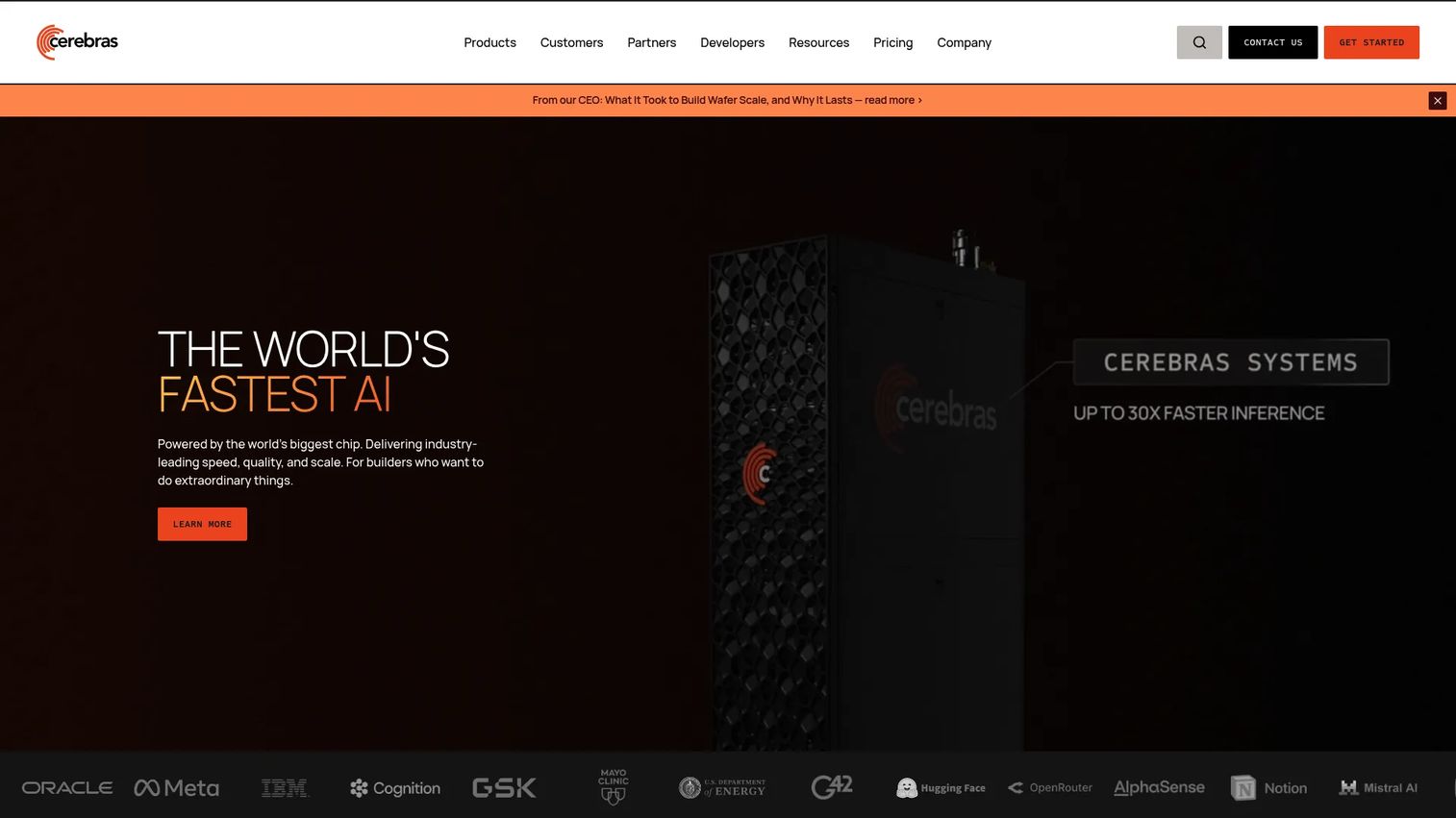
Cerebras WSE-3 is the world's largest chip, using a wafer-scale architecture that places 4 trillion transistors and 900,000 AI-optimized cores on a single silicon wafer. The CS-3 system built around WSE-3 is designed for training very large models where GPU cluster communication overhead limits throughput. Clusters of up to 2,048 CS-3 systems support models up to 24 trillion parameters.
Best for: Organizations pushing the limits of large model training or specialized high-performance AI compute where communication bottlenecks in GPU clusters are the constraint.
Key features
- 4 trillion transistors and 900,000 AI-optimized cores per wafer
- 44GB on-chip SRAM using 5nm TSMC process
- Supports models up to 24 trillion parameters
- Cluster scaling to 2,048 CS-3 systems
- Eliminates GPU-to-GPU communication overhead for large model training
Why choose Cerebras WSE-3: This is specialized infrastructure for organizations where large model training speed is the primary constraint and standard GPU clusters have hit their scaling limits. It is not a general-purpose accelerator for most SaaS product teams.
Cerebras WSE-3 pricing: Contact Cerebras directly for current commercial terms.
9. NVIDIA Blackwell
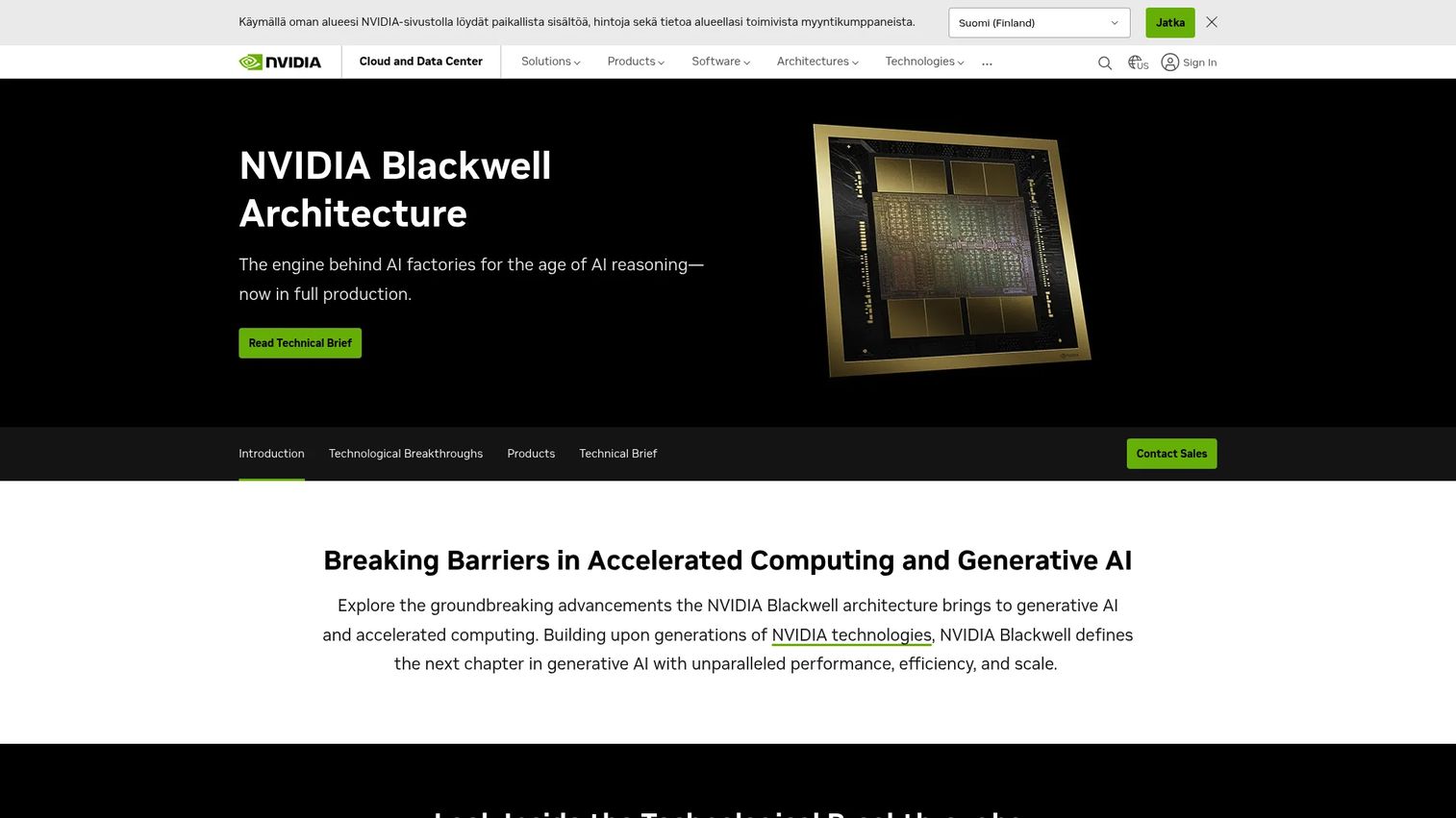
NVIDIA Blackwell is NVIDIA's current data-center GPU architecture, designed for generative AI training and inference at scale. Its second-generation Transformer Engine supports FP4 precision for LLM and Mixture-of-Experts workloads. The fifth-generation NVLink connects up to 576 GPUs with 1.8 TB/s interconnect bandwidth, enabling AI factory deployments.
Best for: Enterprise AI infrastructure teams, model providers, and large-scale inference deployments where transformer workload throughput is the core requirement.
Key features
- Second-generation Transformer Engine with FP4 support for LLM and MoE workloads
- NVLink connecting up to 576 GPUs at 1.8 TB/s
- Confidential Computing with hardware-based protection for sensitive models
- Dedicated Decompression Engine for database query acceleration
- AI-powered Reliability, Availability, and Serviceability Engine
Why choose NVIDIA Blackwell: Blackwell is the reference architecture for large-scale AI inference infrastructure in 2026. Cloud providers including AWS, Azure, and Google Cloud are deploying Blackwell-based instances. Teams running LLM inference at significant scale should check current cloud availability for Blackwell-powered instances.
NVIDIA Blackwell pricing: Hardware pricing requires contacting NVIDIA or OEM partners. Cloud-hosted Blackwell instances are priced per hour by provider and vary by region and configuration.
10. Groq
Groq is an inference acceleration platform known for delivering fast LLM responses via its GroqCloud API. Groq's Language Processing Unit (LPU) architecture is purpose-built for sequential token generation, which is the bottleneck in LLM inference. For real-time features like chat, voice, and agentic workflows, Groq's latency profile is a meaningful differentiator.
Best for: Developers and product teams building latency-sensitive AI features including chat, voice interfaces, and agentic AI platforms.
Key features
- Low-latency LLM inference via API
- Multimodal image and vision processing
- Built-in tools: Web search, code execution, and website access
- Developer-friendly API compatible with common LLM frameworks
- Free tier available for experimentation
Why choose Groq: Groq's inference speed gives product teams a way to test latency-sensitive AI features without committing to expensive GPU infrastructure. If your PM metric is "AI response feels instant," Groq is worth benchmarking against your current setup.
Groq pricing: A free tier is available with usage limits. The Developer tier is usage-based, billed monthly. Example rates: $0.03 per 1M input tokens for Llama Prompt Guard 2 22M, $0.60 per 1M output tokens for GPT OSS 120B, and $0.04 per hour for Whisper Large V3 Turbo.
G2 rating: 5.0/5
11. OpenAI API
OpenAI API is the most widely adopted software accelerator for teams building AI features. It abstracts away model hosting entirely, giving developers access to OpenAI's models via a REST API. Teams use it for text generation, image generation, structured outputs, function calling, and multimodal inputs without provisioning any compute.
Best for: Teams prioritizing fast product validation and strong model capability over infrastructure control.
Key features
- Hosted model APIs for text, image, audio, and multimodal inputs
- Tool calling and function calling for connecting models to external systems
- Structured output options for JSON-formatted responses
- Realtime API for low-latency voice and audio sessions
- Built-in tools: Web search, code interpreter, file search, computer use
Why choose OpenAI API: The OpenAI API reduces engineering opportunity cost by eliminating model hosting, fine-tuning infrastructure, and framework selection. For PMs validating whether an AI feature is worth building, shipping with the OpenAI API first is usually the right prioritization call.
OpenAI API pricing: Usage-based, priced per 1M tokens. gpt-6-luna starts at $0.10 per 1M input tokens and $0.50 per 1M output tokens. gpt-6.1-terra is $1.00 per 1M input tokens and $5.00 per 1M output tokens. Cached input tokens are discounted. Pricing varies by model and modality.
G2 rating: 4.6/5
12. Azure
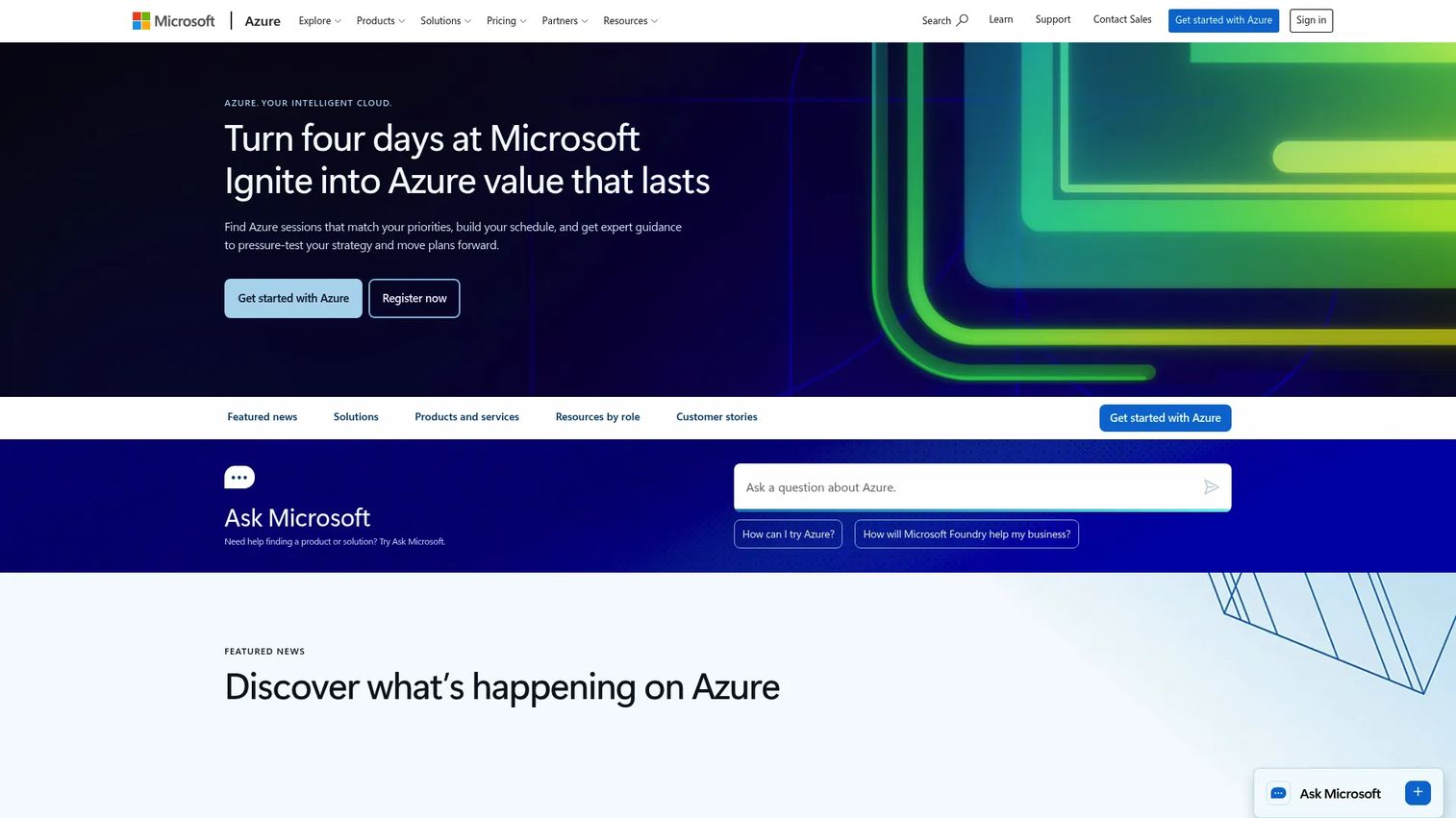
Azure is Microsoft's cloud platform and a comprehensive AI infrastructure accelerator for enterprise teams. Azure AI Foundry and Azure Machine Learning provide managed services for model deployment, fine-tuning, evaluation, and monitoring. Azure's integration with Active Directory, Entra ID, Microsoft Defender, and existing Microsoft environments makes it the default choice for organizations already in the Microsoft stack.
Best for: Enterprise teams requiring cloud AI deployment with existing Microsoft identity, security, and compliance infrastructure. Teams exploring AI model deployment software at scale should evaluate Azure's managed services.
Key features
- Managed AI services including Azure AI Foundry and Azure Machine Learning
- Enterprise identity controls via Entra ID and Active Directory integration
- Cloud GPU access including Blackwell-based instances
- Monitoring and observability integrations for deployed models
- Analytics via Azure Synapse, Azure SQL Database, and Azure Databricks
Why choose Azure: For enterprise product teams, Azure reduces the compliance and governance lift of AI deployment. Security reviews, data residency, and procurement processes are easier when AI infrastructure sits within an already-approved Microsoft environment.
Azure pricing: Pay-as-you-go consumption pricing with no upfront commitment. A free tier is available. Specific AI service costs depend on compute type, model deployment, and data transfer volume. Use Azure's pricing calculator for specific configuration estimates.
13. Python
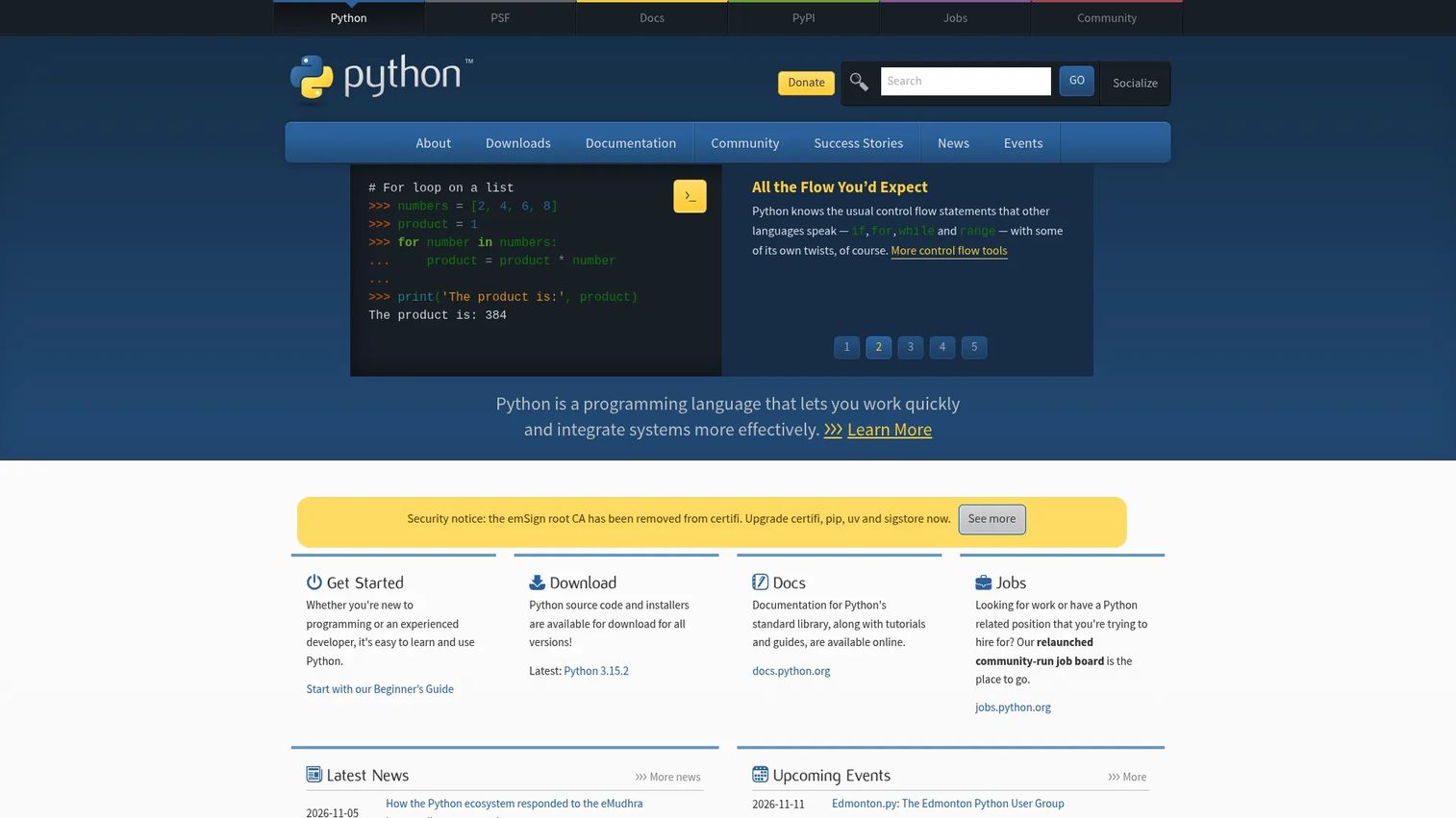
Python is the default AI engineering language. Its extensive library ecosystem, including PyTorch, NumPy, LangChain, and Hugging Face Transformers, means that most AI frameworks and tools have first-class Python support. Python does not accelerate hardware, but it accelerates engineers: 84% of developers use or plan to use AI in their development process, and Python is the common thread across nearly every AI stack, according to Stack Overflow's 2025 Developer Survey.
Best for: Any team building AI prototypes, RAG pipelines, ML workflows, or backend AI services. If your team codes in Python, it is already your AI engineering foundation. For teams building AI app builder software, Python is the natural starting layer.
Key features
- Interpreted execution with interactive use for rapid iteration
- AI library ecosystem: PyTorch, TensorFlow, NumPy, Hugging Face, LangChain
- Fast prototyping from idea to working model call
- Data pipeline support for ETL, vector ingestion, and preprocessing
- Large developer community with extensive documentation
Why choose Python: Python reduces the opportunity cost of AI experimentation. A prototype that runs in a Jupyter notebook and an endpoint that calls a model via API can share the same codebase. That portability reduces the gap between validation and production.
Python pricing: Python is free and open source. Infrastructure, cloud hosting, and third-party library costs apply separately depending on deployment environment.
G2 rating: 4.8/5
14. FastAPI
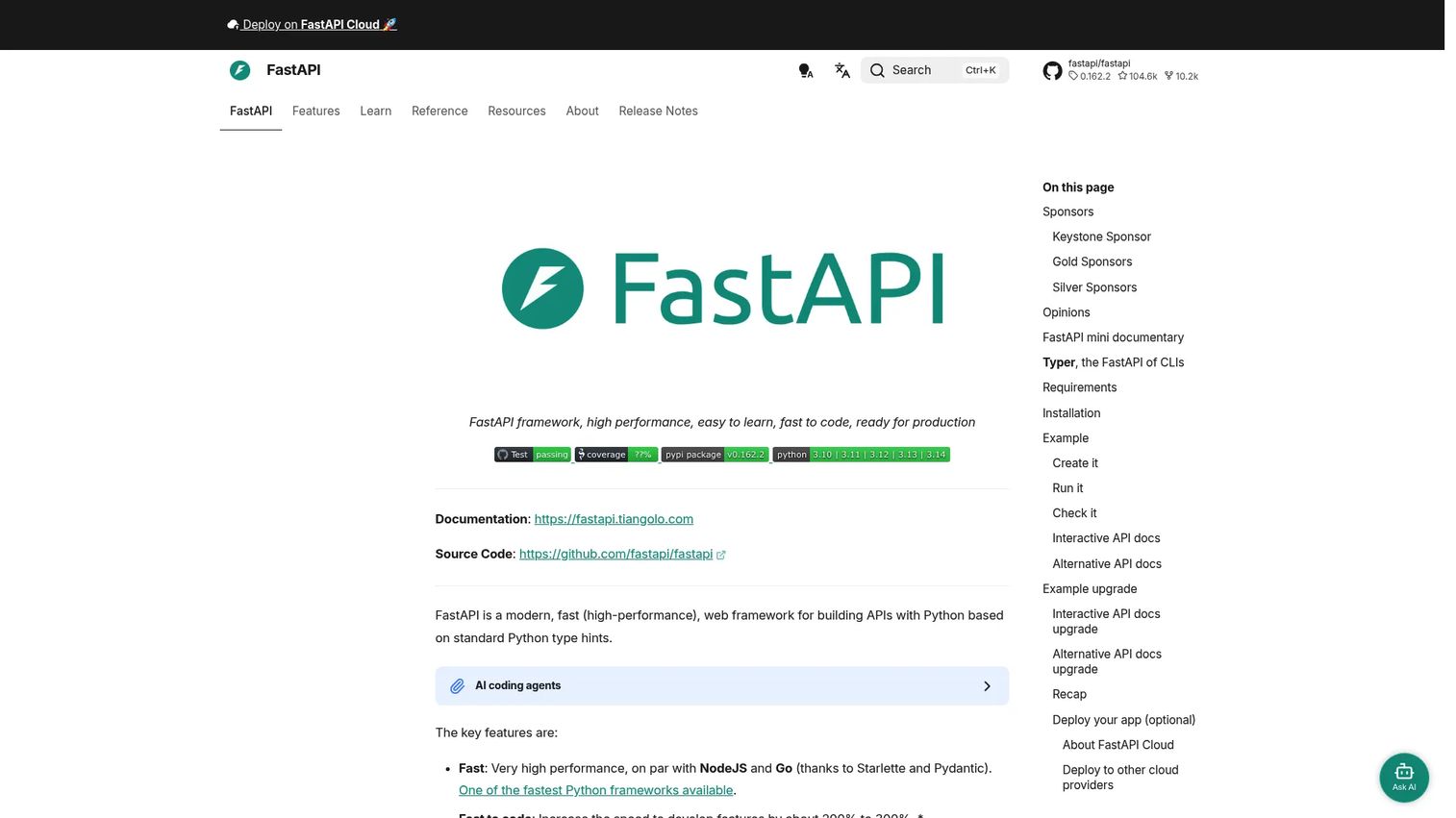
FastAPI is a modern Python web framework for building production APIs. It is the standard choice for wrapping model calls, RAG pipelines, and AI workflows into HTTP endpoints. Its asynchronous architecture handles concurrent AI requests efficiently, and its automatic documentation generation reduces engineering maintenance time.
Best for: Python teams turning AI model calls and RAG pipelines into production API services.
Key features
- Async request handling for concurrent model calls without blocking
- Automatic interactive API documentation via Swagger UI and ReDoc
- Pydantic-based data validation and type safety
- Dependency injection for clean, testable service architecture
- WebSocket support for streaming AI responses
Why choose FastAPI: FastAPI closes the gap between a working model call and a production-ready AI service. Teams using it for AI search and retrieval platforms or agent endpoints report that the automatic documentation alone saves meaningful time in cross-team API handoffs.
FastAPI pricing: The FastAPI framework is free and open source. FastAPI Cloud offers a Hobby plan at $0/month and a Pro plan at $20 per seat per month. Infrastructure and hosting costs apply separately.
15. Langfuse
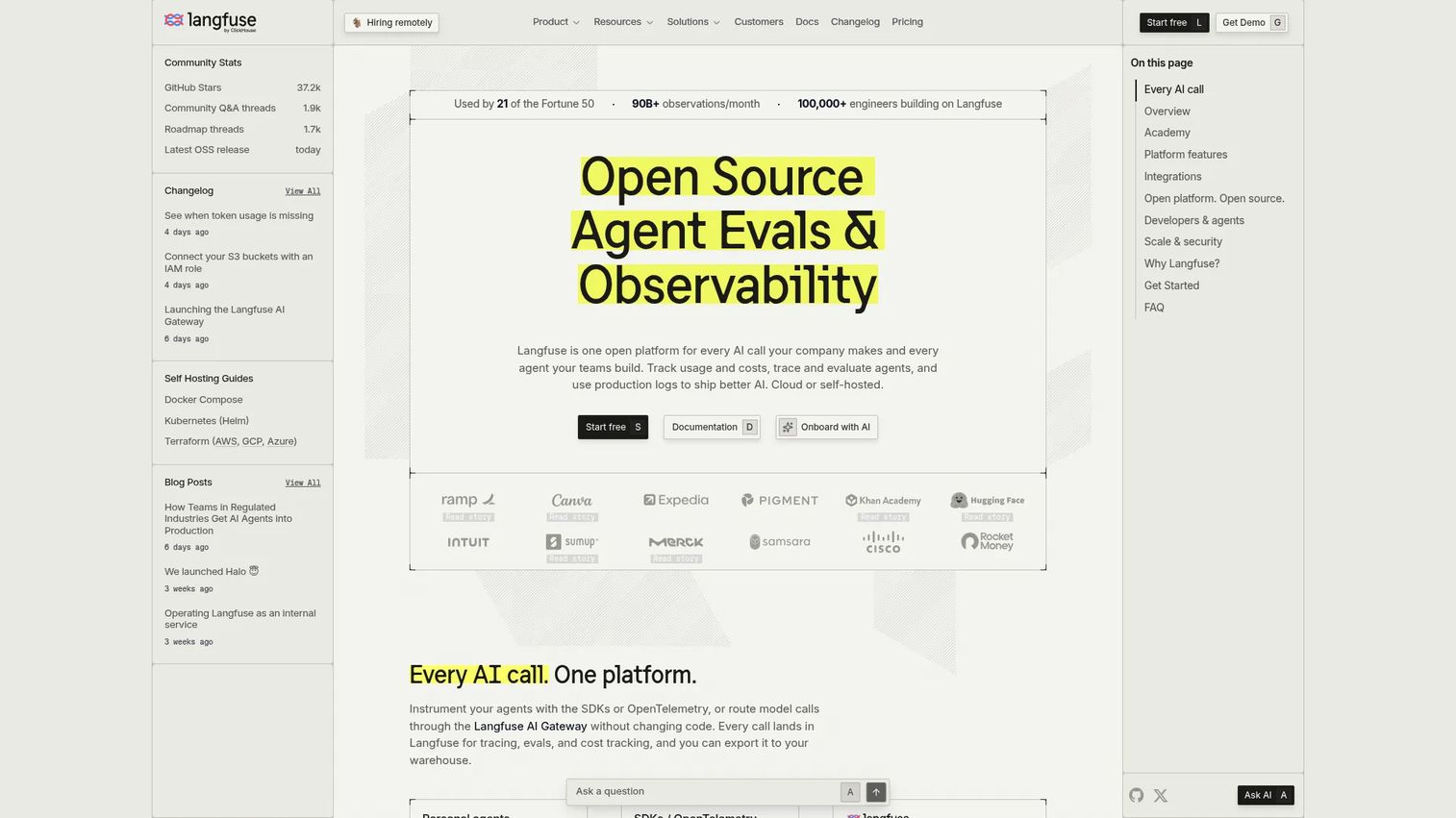
Langfuse is an open-source platform for LLM observability, evaluation, prompt management, and cost tracking. It sits between your AI feature and your users, capturing traces, measuring output quality, and surfacing cost and latency data. For PMs, Langfuse answers the question every AI release needs answered: Is the model behaving correctly, and what does it cost per useful output?
Best for: Engineering teams moving LLM features from prototype to production and needing instrumentation before and after launch.
Key features
- LLM application and agent tracing with session-level visibility
- Prompt versioning and management across team members
- Online and offline evaluation workflows for model quality measurement
- Datasets and experiments for regression testing before release
- Dashboards with cost, latency, and quality tracking
- Self-hosting option with OpenTelemetry support
Why choose Langfuse: Most teams skip observability until something breaks in production. Langfuse makes the cost of adding instrumentation low enough that there is no good reason to ship without it. For PMs tracking activation and retention on AI features, Langfuse data maps directly to those metrics: Where does the model fail, how often, and what does it cost? Teams building best AI agents particularly benefit from the tracing capabilities.
Langfuse pricing: A free Hobby tier includes 50,000 units per month with 30 days of data access. Core is $29/month with 100,000 units and 90 days of data access. Pro is $199/month with 3 years of data access. Enterprise is $2,499/month with enterprise security and support. Additional usage costs $8 per 100,000 units on paid plans.
G2 rating: 4.5/5
Considerations when choosing AI engineering accelerators
Match the accelerator to the bottleneck
Before choosing any tool or hardware, identify where the actual constraint is. If inference latency is hurting user experience, the fix is an inference platform, not a prompt management tool. If model quality is degrading silently after launch, the fix is observability and evaluation, not a faster GPU. Mismatched accelerators add cost without improving the metric that matters.
Check production readiness, not demo quality
A prototype that calls an API in a Jupyter notebook is not evidence that the tool works in production. Ask what happens at scale, under failure, with concurrent users, and after a model update. Deployment, rollback, failure handling, and monitoring are where most AI engineering projects encounter their real friction. The engineering opportunity cost of rebuilding after a poor production choice is high.
Measure cost per useful outcome
Token cost, GPU utilization, cloud spend, engineering time, and support burden are all part of the cost picture. For PMs, the right frame is cost per successful activation or cost per useful AI response. A cheap API that produces poor outputs is more expensive than a higher-priced API with high completion rates, once you account for the support load from confused users.
Evaluate ecosystem fit
The best accelerator for one team may add complexity to another. The drivers are current cloud provider, engineering skill set, existing data systems, compliance requirements, and security review constraints. A team already on Azure faces lower overhead adopting Azure AI services than adopting a separate platform that requires new procurement and security review cycles.
Plan for evaluation and observability early
Model behavior changes over time. Prompts drift, model updates shift output format, and user inputs evolve in ways prototypes did not anticipate. Teams that add tracing and evaluation after launch spend more time debugging blind than teams that instrument before launch. Treat observability as a launch requirement, not a post-launch improvement. For teams exploring AI governance tools, this is especially critical.
Conclusion
The right AI engineering accelerator is the tool that removes your team's current bottleneck, not the one with the most impressive benchmark.
Here is how the picks map to common PM situations:
- Compute-heavy training or fine-tuning: GPUs (cloud instances), Google Cloud TPUs, and NVIDIA Blackwell-based instances
- Low-latency inference for real-time features: Groq, NPUs (edge/mobile), and optimized GPU inference
- Fast production app delivery: Python, FastAPI, OpenAI API, and Azure managed services
- Operational confidence before and after launch: Langfuse for tracing, evaluation, and cost tracking
The practical next step: Map your AI roadmap to the actual bottleneck. Is the team stuck on compute, deployment, evaluation, latency, or engineering maintenance? Name the bottleneck first, then choose the accelerator type. That sequence prevents the common mistake of buying faster hardware when the problem is measurement, or adding observability when the problem is raw inference speed.
For teams exploring adjacent areas of the AI engineering stack, the agentic AI tools for sales guide and the best AI agents roundup cover the application layer above this infrastructure.
FAQs
AI engineering accelerators are hardware, software, platforms, or development frameworks that reduce AI development time, infrastructure cost, latency, or operational risk. The category spans GPU chips and TPUs at the hardware layer, model APIs and cloud platforms at the software layer, and observability tools like Langfuse at the operational layer.
No. AI chips are one type of accelerator. AI engineering accelerators also include software tools, model APIs, deployment platforms, backend frameworks, and evaluation systems. A team can accelerate AI engineering without purchasing any chip by using managed APIs and observability tooling.
The answer depends on where the constraint is. Groq and GPU-based inference platforms address latency. The OpenAI API addresses developer velocity and removes model hosting. Langfuse addresses model quality and cost measurement after launch. Most LLM applications need components from at least two of these layers.
Most teams can start with model APIs or managed cloud AI services. GPUs become important when teams need to fine-tune models, run workloads at a volume where API costs exceed infrastructure costs, or require more infrastructure control for compliance or latency reasons. The rule of thumb: Validate demand with APIs first, then invest in compute.
GPUs are general-purpose parallel processors with broad framework support and a large ecosystem. TPUs are purpose-built for tensor math in machine learning frameworks, designed by Google for training and inference at scale. GPUs work across training, inference, computer vision, and general compute. TPUs perform best on large-scale ML workloads in compatible cloud environments.
Identify the bottleneck first: Latency, developer velocity, model quality, deployment complexity, or cost. Then check integration fit with the current engineering stack, security and compliance requirements, cloud provider alignment, and the team's skill set for operating the tool. Add observability to the evaluation list regardless of which accelerator you choose.
Accelerators directly affect response time, reliability, and feature availability. Faster inference platforms like Groq reduce latency in real-time AI features. Better observability tools like Langfuse catch model failures before users encounter them. Poor infrastructure fit raises latency and operational complexity, which shows up in activation and retention metrics.
RAG projects need a stack rather than a single accelerator. Python or FastAPI handles service development. Azure or another cloud platform manages deployment and identity. A model API like OpenAI handles generation. A vector database handles retrieval. Langfuse handles evaluation and tracing. For teams researching the retrieval layer specifically, the AI search and retrieval platforms guide covers that component in depth.