



You built a new recipe. Now you need a compliant Nutrition Facts label, an allergen statement, and a cost breakdown before it ships. The spreadsheet you have been maintaining is three menu revisions out of date.
That gap is where most food and nutrition teams lose time. The tool you pick decides whether you calculate nutrients once and reuse them everywhere, or re-key the same ingredient list into five different formats.
The nutrition analysis software market was valued at $1.25 billion in 2025 and is projected to reach $2.06 billion by 2030, growing at a 10.4% CAGR, according to Research and Markets (2026). Healthcare providers held 38.2% of that value in 2025, and cloud-based deployments took 68.3% of revenue, per Market Intelo (2025).
The category is broad. A dietitian analyzing a client's three-day recall needs something different from a K-12 district running a USDA administrative review. Both call it nutrition software. Neither wants the other's tool.
What's inside
This guide compares nutrition analysis software for dietitians, food service operators, restaurants, food manufacturers, and school nutrition teams. We selected tools based on four criteria that actually separate them in practice:
- Compliance support, including USDA and regional labeling standards
- Food label generation and allergen handling
- Menu planning and meal plan analysis depth
- Database quality, reporting, and exportable outputs
No single tool wins every workflow. We say where each one fits and where a different pick makes more sense.
TL;DR
- Best for comprehensive diet and menu workflows: MenuSano
- Best for global labeling and professional diet analysis software: Nutritionist Pro
- Best for food data management across multiple sectors: Nutritics
- Best for client-facing meal planning practices: Foodzilla
- Best for nutrient tracking and accuracy-focused analysis: Cronometer
- Best for school nutrition compliance: USDA approved nutrient analysis software
- Best for K-12 menu planning workflows: Apollo K12
If you handle regulated labels or school meal compliance, start with the tools built for those standards. If you run a client practice, prioritize meal planning and portal features instead.
What is nutrition analysis software?
Nutrition analysis software calculates the nutrient content of recipes, dishes, meals, or full menus by matching ingredients against structured food databases and portion inputs. It turns a raw ingredient list into a nutrient breakdown you can label, report, or plan against.
The category overlaps with menu planning software, food labeling software, and meal planning software, but the core job is the same: quantify what is in the food.
Core capabilities to expect:
- Recipe and dish nutrient calculations
- Menu and meal plan analysis
- Food label generation for one or more regions
- Compliance and standard support (FDA, CFIA, USDA, EU)
- Database-driven nutrient reporting
- Exportable nutrition reports in PDF, CSV, or print-ready formats
A strong nutrient analysis program handles allergens, ingredient statements, and recipe scaling on top of raw nutrient math. That is what separates a compliance-grade tool from a consumer calorie counter.
When to use nutrition analysis software
Create accurate recipe and menu labels
Food manufacturers, packaged goods brands, and restaurants use a food label generator when a product or menu item needs a compliant Nutrition Facts panel. The software pulls nutrient data from a database, applies the correct regional format, and generates the label and allergen statement. This is the difference between guessing values and defending them during an audit.
Plan meals for clients or facilities
Dietitians, wellness coaches, and institutional kitchens use nutritional information software to build meal plans that hit specific nutrient targets. A hospital dietitian planning renal diets and a nutrition coach building a client's weekly plan both need the tool to analyze the plan, not just store recipes.
Meet school or regulatory requirements
School food authorities and K-12 districts need USDA approved nutrient analysis software to pass administrative reviews and document that meals meet federal standards. The compliance calendar drives urgency here. A district cannot substitute a general recipe analysis tool for one certified against USDA requirements.
Comparison table
Here is how the seven tools compare across intent, differentiator, pricing, and rating. Pricing reflects each vendor's published rates as of August 2026. G2 ratings reflect current listings; some tools have limited review volume or no G2 presence.
| # | Product | Best for | Key differentiator | Pricing | G2 rating |
|---|---|---|---|---|---|
| 1 | MenuSano | Food businesses needing labels and costing | Nutrition labels plus recipe costing | From $29 CAD/mo | 5.0/5 |
| 2 | Nutritionist Pro | Multi-region labeling and diet analysis | Labels for USA, Canada, EU/UK, China | From $36/mo | 3.3/5 |
| 3 | Nutritics | Multi-sector food data management | Recipe, label, cost, and sustainability data | Custom pricing | 5.0/5 |
| 4 | Foodzilla | Client-facing nutrition practices | Meal planning plus branded client app | From $37/mo | Not rated |
| 5 | Cronometer | Detailed nutrient tracking | Nutrient breadth and logging accuracy | Free; Gold $10.99/mo | 5.0/5 |
| 6 | USDA approved software | School meal compliance | USDA-certified for administrative review | See vendors | Not rated |
| 7 | Apollo K12 | K-12 SIS plus child nutrition | Integrated student data and nutrition | From $12/student/yr | Not rated |
The spread is wide because these tools serve different jobs. Read the sections below for where each one earns its place.
Best nutrition analysis software for 2026
1. MenuSano
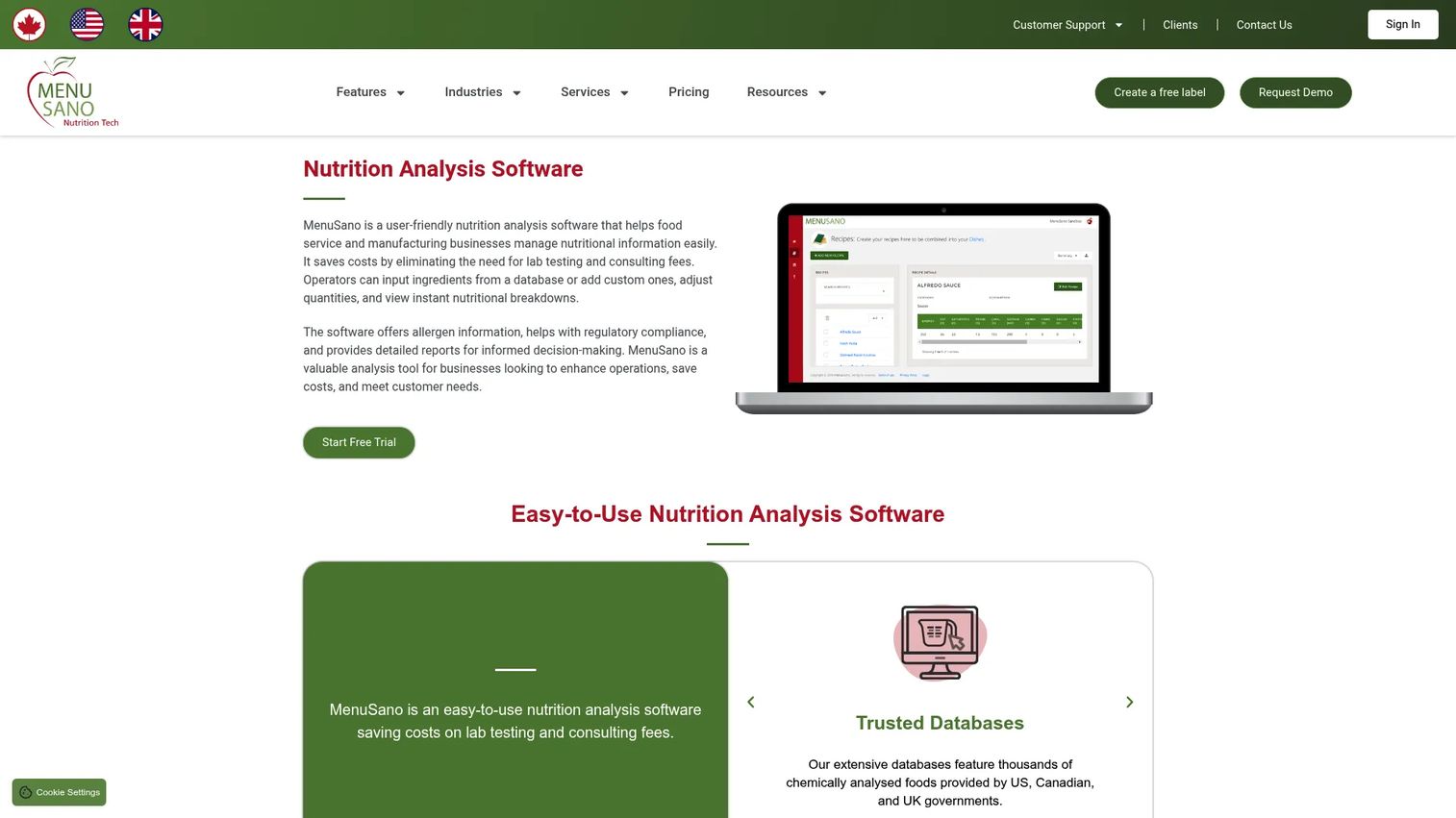
MenuSano is cloud-based nutrition analysis, labeling, and recipe costing software built for food businesses. You enter recipes, and it calculates nutrients, generates compliant Nutrition Facts labels, and tracks ingredient cost and margin in the same workflow. It supports FDA and CFIA formats, which matters if you sell into both the US and Canada.
The recipe analysis and costing combination is what makes it practical. You are not just labeling a product, you are seeing what it costs to make while you build it.
Best for: Food manufacturers, restaurants, and foodservice teams that need compliant labels and cost visibility in one tool.
Key strengths
- Nutrition Facts label generation
- Recipe costing and margin visibility
- FDA and CFIA supplement and ingredient labels
- Allergen and ingredient statement handling
- Cloud-based recipe management
Why choose MenuSano: If your job is shipping compliant packaged or menu items and you also need to control food cost, MenuSano combines the two without a second tool. It fits food producers more than clinical dietitians.
MenuSano pricing: Plans start at $29 CAD per month for Starter, $59 CAD per month for Standard, and $99 CAD per month for Premium. Yearly plans run $199, $499, and $999 CAD respectively and save against monthly billing. A free option is available to try it before committing.
MenuSano holds a 5.0 out of 5 rating on G2, based on a small number of reviews.
2. Nutritionist Pro
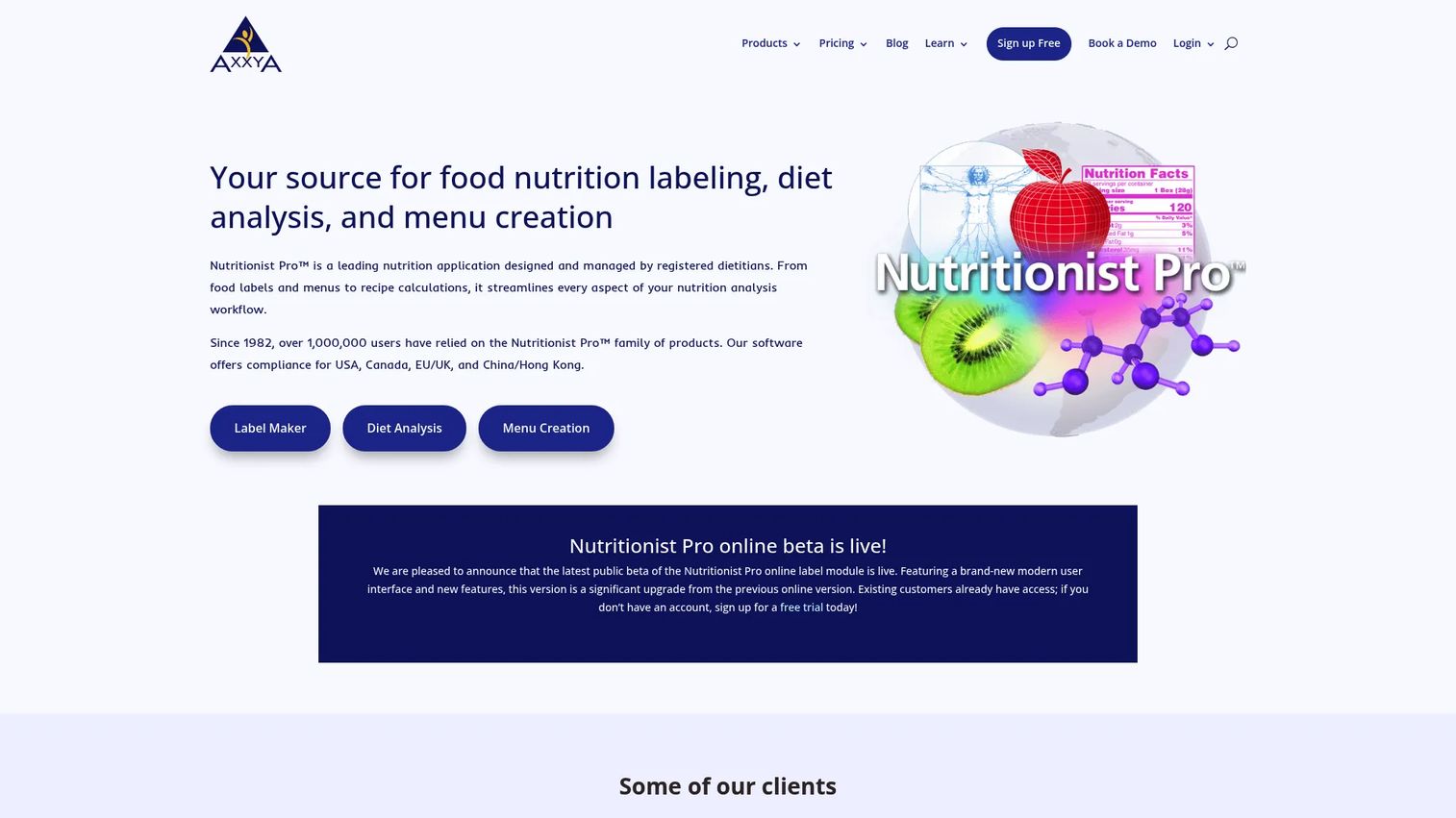
Nutritionist Pro is nutrition analysis, food labeling, and menu planning software from Axxya Systems. It stands out for regional label coverage: it generates food labels for the USA, Canada, EU/UK, and China/Hong Kong. That breadth makes it a strong diet analysis software choice for teams that export or operate across markets.
Beyond labeling, it handles diet analysis with 24-hour or 3-day recall and supports menu creation and recipe planning. It splits into online subscription modules and desktop one-time purchases, so you can match the license to how your team works.
Best for: Dietitians and food teams that need compliant labeling, diet analysis, and menu planning across multiple regions.
Key strengths
- Food labels for USA, Canada, EU/UK, China/Hong Kong
- Diet analysis with 24-hour or 3-day recall
- Menu creation and recipe planning
- Desktop and online licensing options
- Long-tenured platform with broad use cases
Why choose Nutritionist Pro: Pick it when multi-region label formats are a hard requirement. Few tools cover four regulatory regions as a food label generator, and that alone justifies the evaluation for exporters.
Nutritionist Pro pricing: Online Food Labeling starts at $36 per month billed yearly, $44 per month billed quarterly, or $49 per month billed monthly. Desktop modules are one-time purchases: Diet Analysis and Menu Creation each run $599 for a single computer, with server setup at $885.
Nutritionist Pro carries a 3.3 out of 5 rating on G2.
3. Nutritics
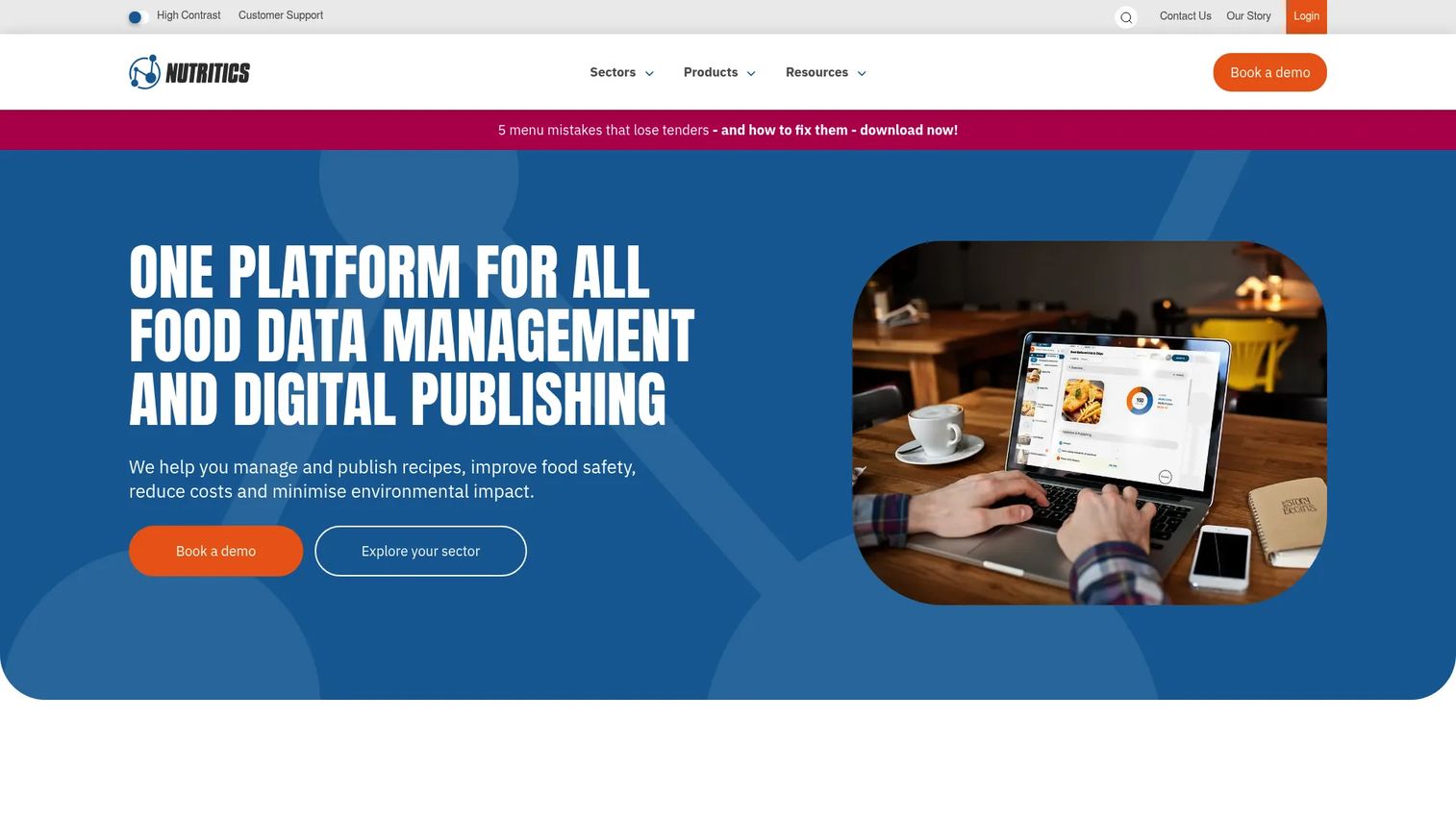
Nutritics is food data management software covering recipe, menu, nutrition, allergen, cost, and sustainability workflows. It is built for operators who manage food data at scale across multiple sites, not just single-recipe labeling. Live ingredient data and supplier management give it depth that smaller tools skip.
The platform organizes into sector-specific modules, which is why it shows up in hospitality, education, and healthcare kitchens alike. If you need recipe analysis, labels, costing, and carbon data from one system, this is the broad option.
Best for: Food businesses and nutrition professionals needing recipe, labeling, cost, and sustainability management in one platform.
Key strengths
- Recipe and menu management
- Live cost and margin visibility
- Supplier management with live ingredient data
- Allergen and nutrition analysis
- Sustainability and carbon calculations
Why choose Nutritics: Choose it when your operation spans multiple sites or sectors and you want one system of record for food data. It is heavier than a single-purpose label tool, which is the point.
Nutritics pricing: The pricing page directs you to inquire about solutions and book a demo, so you get a quote matched to your sector and site count. Reviewers place it in the mid-market range for food data platforms.
Nutritics holds a 5.0 out of 5 rating on G2, based on a small number of reviews.
4. Foodzilla
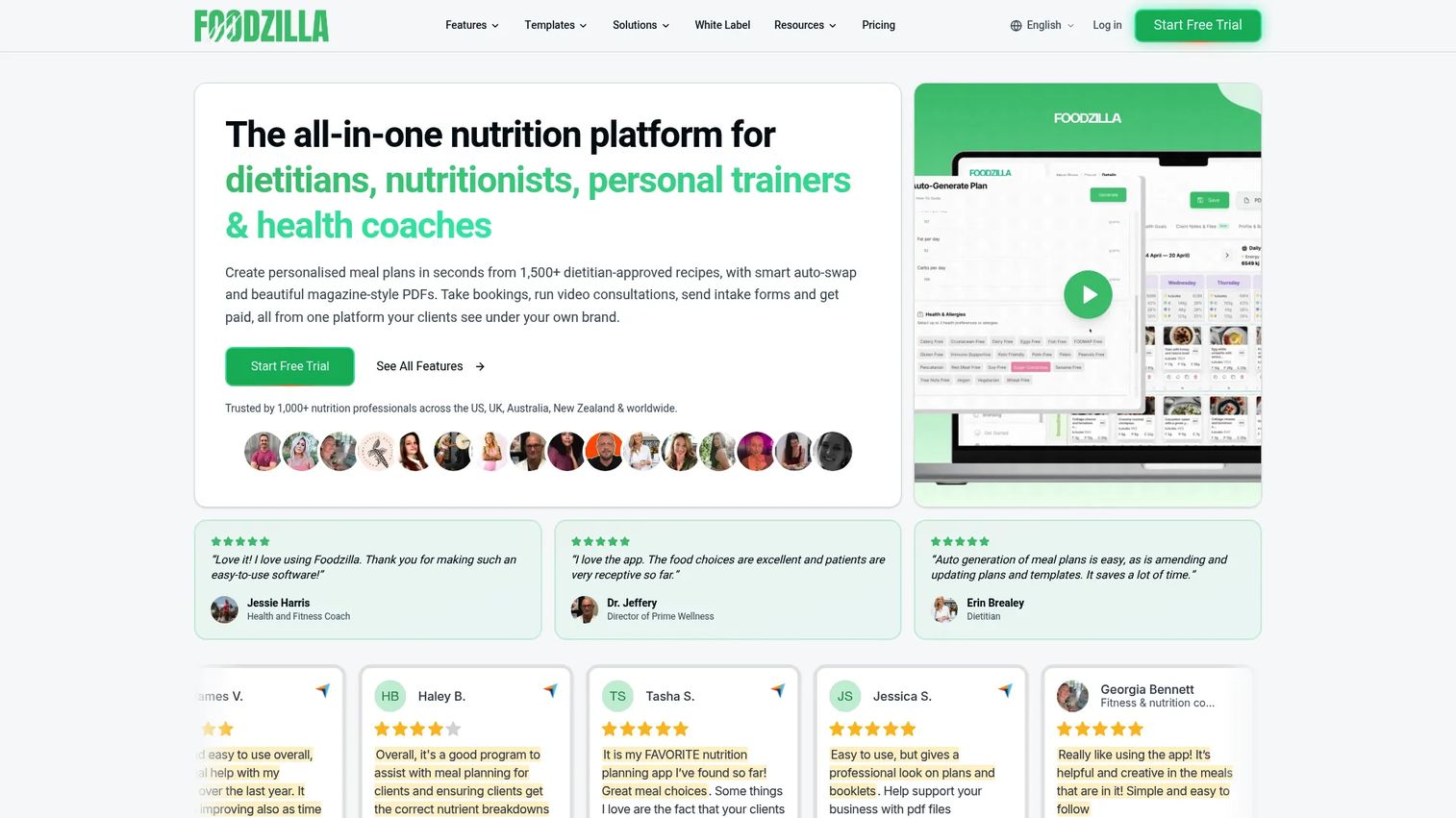
Foodzilla is an all-in-one nutrition coaching platform for dietitians, nutritionists, personal trainers, and health coaches. It pairs meal planning and a recipe database with client-facing tools: a client app, booking, forms, payments, and video consultations. This is meal planning software built for a practice, not a food factory.
The branded client app is the differentiator. Practitioners deliver plans under their own brand, which changes how clients experience the service.
Best for: Nutrition professionals who want meal planning, client management, and a branded app in one platform.
Key strengths
- Meal planning and recipe database
- Client app and coach app
- Booking, forms, and payments
- Video consultations
- Nutrition analysis for plans
Why choose Foodzilla: Pick it if you run a client-facing practice and want the whole workflow, from plan to payment, in one place. It is less suited to packaged-goods labeling than to coaching businesses.
Foodzilla pricing: Starter is US$37 per month, Professional is US$52 per month, and White Label is US$149 per month. Each plan includes a 10-day free trial, extendable to 17 days.
Foodzilla does not currently have a substantive G2 review score.
5. Cronometer
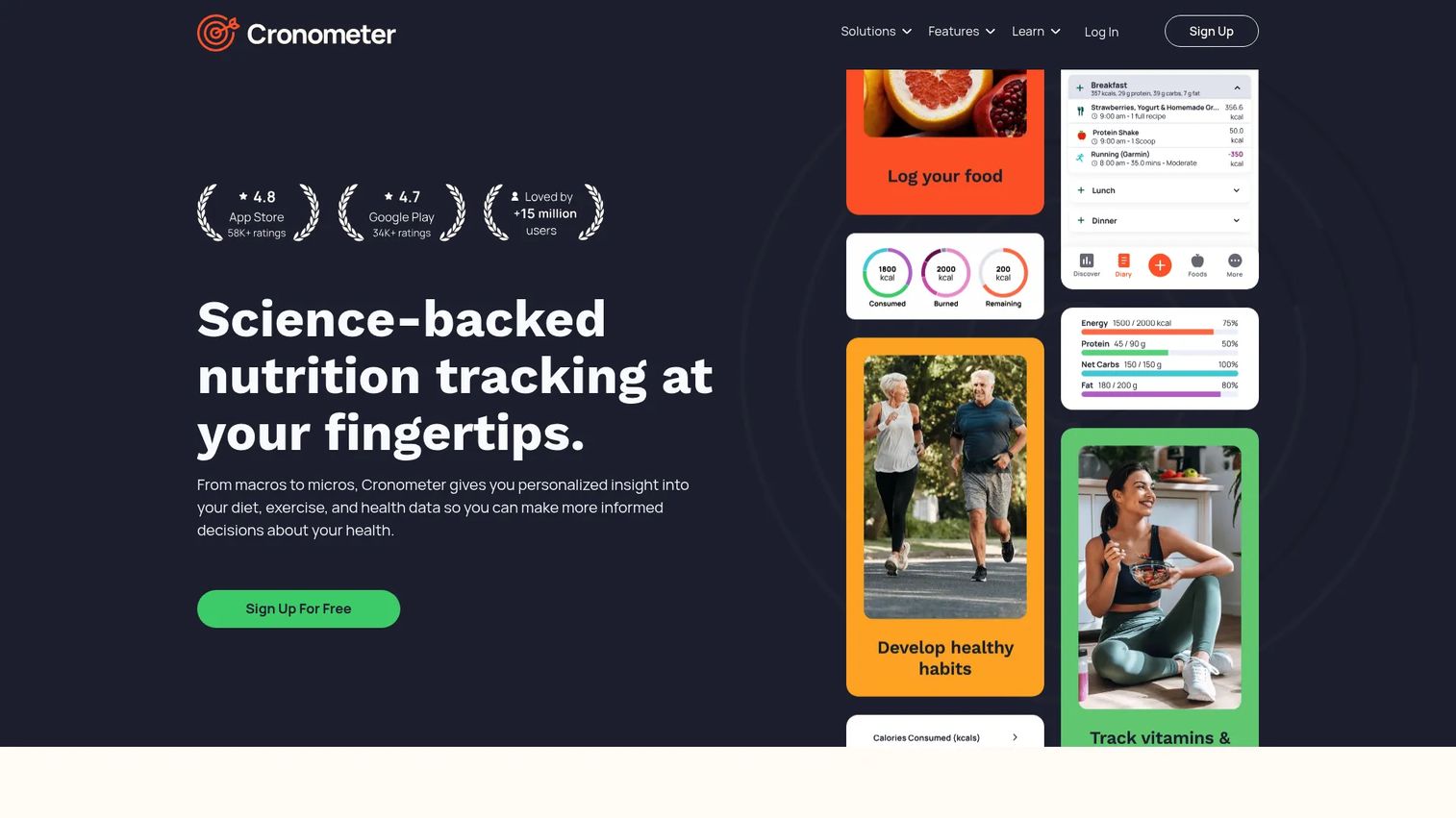
Cronometer is a nutrition tracking app for logging food and analyzing calories, macros, vitamins, and minerals. It is known for nutrient breadth and data accuracy, tracking far more micronutrients than typical calorie counters. A professional tier adds client seats for practitioners who want to monitor intake.
Cronometer performs best when the job is tracking and analysis rather than menu creation or label generation. For clinical monitoring or personal precision, its nutrient depth is the draw.
Best for: Individuals or professionals who want detailed nutrient tracking and analysis.
Key strengths
- Food logging with barcode scanning
- Custom foods and recipes
- Sync with apps and devices
- Exercise, weight, and health metric tracking
- Deep micronutrient breakdown
Why choose Cronometer: Choose it when precise nutrient tracking is the priority and you do not need compliance labels or costing. It excels at monitoring intake; it is not built for menu planning or regulatory labels.
Cronometer pricing: Basic is free indefinitely. Gold is $10.99 per month billed monthly for individuals. The Professional plan for health professionals is $39.99 per month and includes client seats.
Cronometer holds a 5.0 out of 5 rating on G2.
6. USDA approved nutrient analysis software
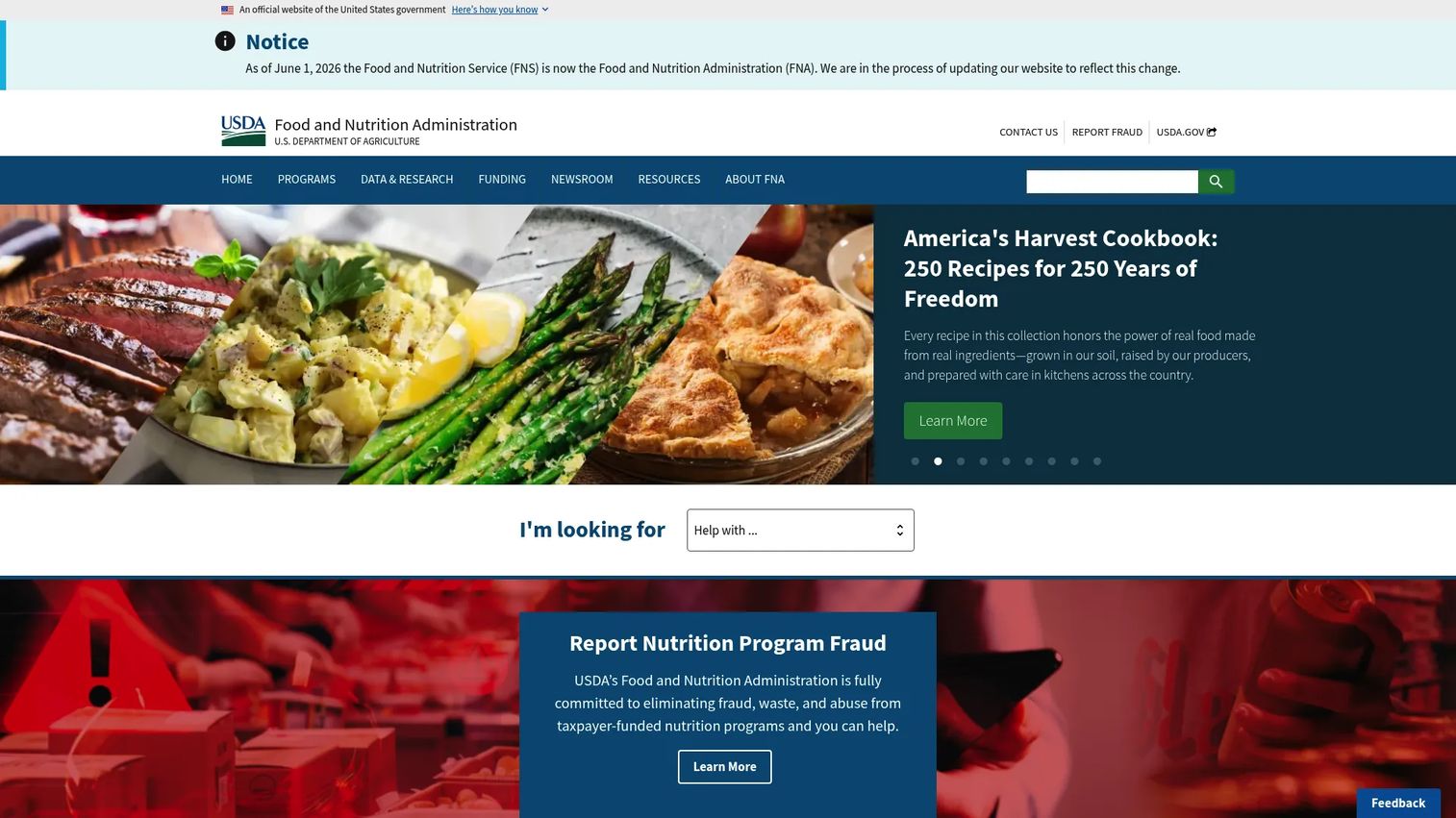
USDA approved nutrient analysis software is not a single product. It is a USDA Food and Nutrition Service resource page listing software approved for nutrient analysis in school meal programs. If you run school meals, this list is where you confirm a tool is certified for the job.
The distinction matters. Certified software is used for administrative review nutrient analyses and for documenting that recipes and menus meet federal school meal standards. A general nutrition analysis program, however capable, does not satisfy that requirement unless it appears on this list.
Best for: State agencies, school food authorities, and schools needing USDA-approved nutrient analysis tools.
Key strengths
- Lists USDA-approved nutrient analysis software
- Supports administrative review nutrient analyses
- Backs recipe and menu compliance in school meal programs
- Central reference for school food authorities
- Ties tools to federal standards
Why choose it: Use this list first if you administer school meals. It tells you which nutrient analysis program is certified before you evaluate features or price.
Pricing: The USDA page itself is a free federal resource. Pricing depends on which approved vendor you select from the list, so costs vary by product and district size.
As a government resource page rather than a commercial product, it does not carry a G2 rating.
7. Apollo K12
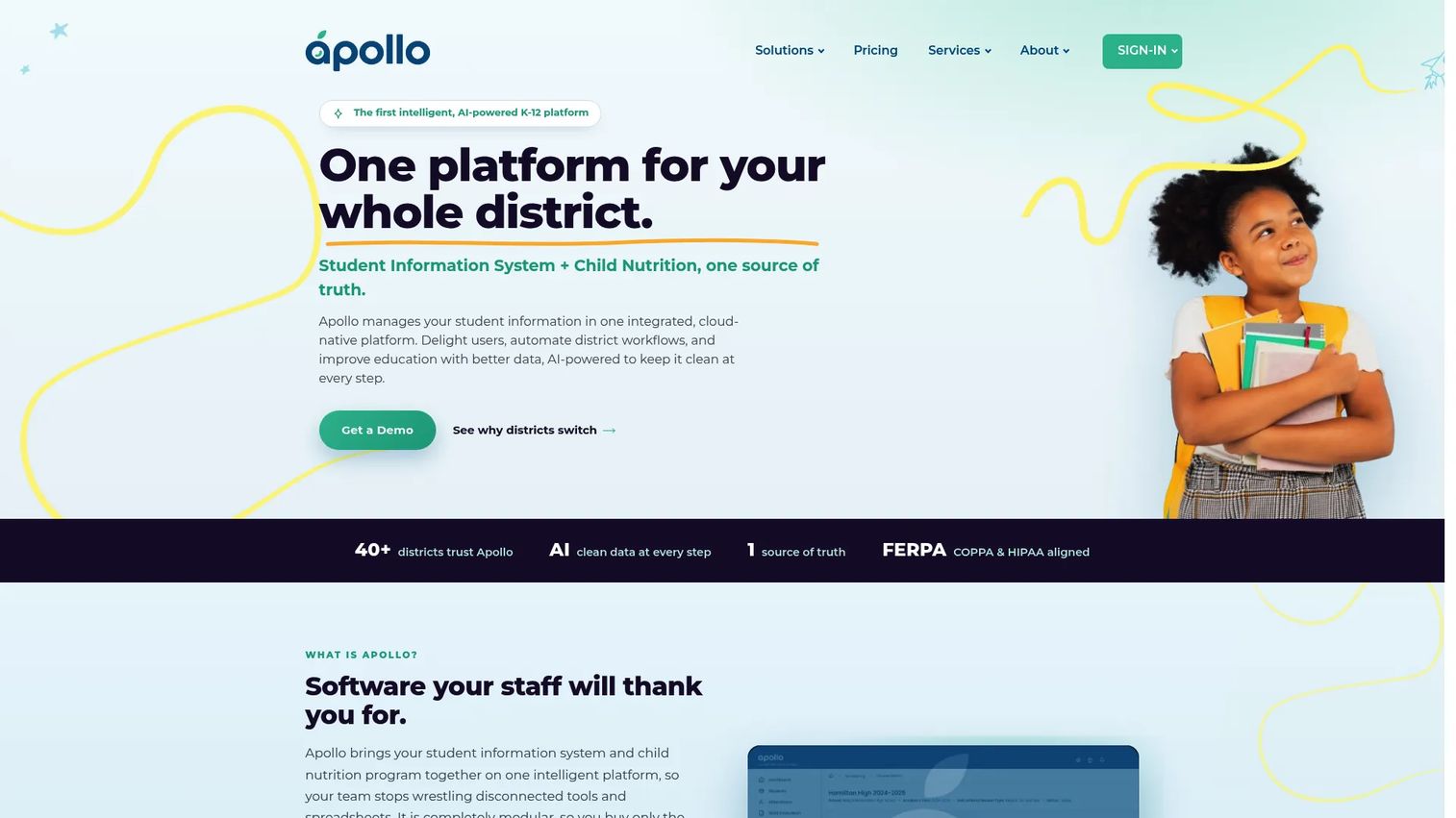
Apollo K12 is a cloud-native, modular K-12 student information system with a child nutrition module built in. The nutrition side handles point of service, menu planning, inventory, and eligibility workflows, while the broader platform manages enrollment, scheduling, attendance, and compliance. For a district, that integration means student data and meal data live in one system.
That is the pitch: menu planning software that connects to the rest of the district's operations rather than sitting in a silo.
Best for: K-12 districts wanting an integrated SIS plus child nutrition platform.
Key strengths
- Child nutrition module with point of service
- Menu planning, inventory, and eligibility workflows
- Full student information system
- Enrollment, scheduling, and attendance
- Security and compliance features
Why choose Apollo K12: Pick it when you want nutrition and student data on one platform instead of stitching two vendors together. It fits districts consolidating systems, not standalone kitchens.
Apollo K12 pricing: Apollo Essentials is priced at $12 per student per year. A Mastery-Based Grading add-on runs $3 per student. Child nutrition is priced modularly by site, district, or warehouse depending on the module you need.
A current third-party rating for Apollo K12 was not available at publication.
Considerations for buyers
Before you commit, run each shortlisted tool against these five criteria. They are where nutrition software actually diverges.
Compliance requirements
Decide which standards you must meet before you compare features. FDA, CFIA, EU, and USDA each carry different label and analysis rules. If you run school meals, USDA approval is non-negotiable, so start from the certified list rather than a general tool.
Database quality and geographic coverage
The nutrient database determines your accuracy. Check that it covers your region's food supply and updates regularly. A tool built on a US database will misfire on ingredients sourced elsewhere, and stale data undermines every label you generate.
Menu planning versus label generation
These are different jobs. A food label generator optimizes for compliant panels and allergen statements. Menu planning software optimizes for building and analyzing plans against nutrient targets. Match the tool to the job you do most, not the longest feature list.
Reporting depth and exports
You will need outputs other systems can read. Confirm the tool exports labels, nutrient reports, and analysis in the formats your workflow requires, whether that is print-ready labels, PDF client reports, or CSV for further analysis.
User workflow and team collaboration
A tool one dietitian loves may stall a five-person kitchen. Consider how many people touch recipes, whether they need shared libraries, and how updates propagate. A single-user desktop license and a multi-site cloud platform solve very different collaboration problems.
Conclusion
The right nutrition analysis software depends on the job, not the brand. For food businesses that need labels and costing together, MenuSano fits. For multi-region labeling and diet analysis, Nutritionist Pro covers four regulatory regions. Nutritics is the broad food data platform for multi-site and multi-sector operations.
On the practitioner side, Foodzilla runs client-facing meal planning with a branded app, while Cronometer delivers the deepest nutrient tracking for monitoring intake. For schools, the USDA approved list is your starting point, and Apollo K12 fits districts that want nutrition and student data on one platform.
Your next step: name your primary workflow first. Is it compliance labeling, client meal planning, or school meal review? Then shortlist the two tools built for that job and run their free trials or demos before comparing anything else. The workflow decides the tool.
Start your journey with Guideflow today!
FAQs
The terms are used interchangeably in this market. Both describe software that calculates the nutrient content of foods, recipes, and menus from a database. Some vendors use "nutrient analysis" for the compliance and school meal context and "nutrition analysis" more broadly, but the underlying function is the same.
For nutrient analysis tied to school meal administrative reviews, yes. School food authorities are expected to use software approved by USDA's Food and Nutrition Service so that meal analyses meet federal standards. A general nutrition analysis program that is not on the approved list will not satisfy that requirement.
For multi-region labels, Nutritionist Pro covers the USA, Canada, EU/UK, and China/Hong Kong. For food businesses that want labeling plus recipe costing in one workflow, MenuSano handles FDA and CFIA formats. The best choice depends on which regulatory regions you sell into.
Most compliance-grade tools do. MenuSano, Nutritionist Pro, and Nutritics all handle allergen and ingredient statements alongside nutrient calculations. If allergen labeling matters to your product, confirm the tool generates statements in your required regional format before buying.
They overlap but are not identical. Meal planning software focuses on building and delivering meal plans, often with client management features, as Foodzilla does. Nutrition analysis software focuses on calculating nutrients and generating labels. Many tools do both, but their priorities differ, so match the tool to your main job.
Dietitians should prioritize database quality, recall-based diet analysis, and client-facing delivery. Nutritionist Pro offers 24-hour and 3-day recall analysis, while Foodzilla adds meal planning and a branded client portal. Reporting and export formats that clients can read also matter for practice workflows.
Software calculates values from database averages, so it estimates rather than measures. It is accurate enough for labeling, meal planning, and compliance in most jurisdictions, and tools like Cronometer track a wide micronutrient range. Lab analysis is more precise but slower and far more expensive, and is used when regulations or research demand measured values.
Some can. Nutritionist Pro generates labels for four regulatory regions, and Nutritics supports multi-sector operations across markets. MenuSano covers US and Canadian formats. If you operate across borders, confirm the specific regional label formats a tool supports before you commit, since coverage varies widely.










