You booked six jobs this week. Two techs texted for the address. One estimate is still sitting in a notebook. An invoice from last Tuesday never went out, and the customer you cleaned for in March has not heard from you since. None of that is a demand problem. It is a coordination problem, and it compounds every time you add a truck.
Most carpet cleaning owners try to outrun this with hustle. They keep the calendar in their head, the pricing in a spreadsheet, and the follow-up in a stack of business cards. It works until it does not, which is usually the exact moment the business starts to grow. The global carpet cleaning software market is projected to reach $1.2 billion by 2026, according to PMarketResearch (2023), and the reason is simple: manual coordination stops scaling long before your ambition does.
The fix is not more hours. It is a system that holds the schedule, the estimate, the invoice, the payment, and the repeat customer in one place so the work runs without every decision routing through you. Firms that adopt automated scheduling cut manual errors by up to 40% and complete 15 to 20% more jobs per day, per PMarketResearch (2023). That is the difference between a job you own and a business that runs.
This guide breaks down the carpet cleaning business software worth shortlisting for 2026, ranked by how well each one turns daily chaos into a repeatable operating system.
What's inside
This guide compares the best carpet cleaning software for the workflows that actually move the needle: scheduling, dispatch, estimating, invoicing, payments, CRM, follow-up automation, QuickBooks sync, mobile field work, and recurring service plans. We chose tools based on four things that matter to an operator: workflow coverage across the full job lifecycle, ease of use for office staff and techs, integration depth (especially accounting), and pricing transparency. Every tool here is used by real service businesses, and each is evaluated for how it fits carpet cleaning specifically, not generic field service in the abstract.
TL;DR
- Best for carpet-cleaning-specific depth: ServiceMonster, built around the niche with pricing automation and marketing baked in.
- Best all-in-one lifecycle platform: Servgrow, covering before, during, and after the job at an accessible entry price.
- Best for broad field service structure: Service Fusion, strong on dispatch coordination and QuickBooks sync.
- Best generalist for speed: Housecall Pro, fast to adopt with clean payment collection.
- Best for polished client communication: Jobber, clear quoting and job management.
- Best for larger, mature operations: ServiceTitan, heavyweight capabilities with per-technician pricing.
- Best communications-first platform: Workiz, with built-in phone, messaging, and dispatch.
What is carpet cleaning software?
Carpet cleaning software is a category of field service management software that helps cleaning businesses schedule jobs, dispatch technicians, create estimates, send invoices, collect payments, and manage customer relationships from one system. It replaces the patchwork of paper calendars, spreadsheets, and disconnected apps that most small operators start with.
The strongest carpet cleaning management software platforms share a common set of modules. Here is what to look for:
- Scheduling and dispatch: Assign jobs, route techs, and send them addresses and job details on a mobile app.
- Estimating: Build price lists and generate consistent quotes on site instead of guessing.
- Invoicing and payments: Send invoices automatically and collect card or ACH payments in the field or online.
- CRM: Store customer history, service notes, and property details so any tech or rep has context.
- QuickBooks sync: Push invoices and payments into accounting without manual re-entry.
- Marketing automation: Trigger reminders, follow-ups, and reactivation campaigns to drive repeat revenue.
- Mobile app for field teams: Give techs schedules, notes, and payment capture from their phone.
- Customer portal and online booking: Let clients book, approve estimates, and pay themselves.
- Recurring billing: Automate service plans and repeat jobs for predictable revenue.
The category is growing fast. The carpet cleaning management software market was valued around $350 million in 2023 and is expected to grow at roughly 12.5% CAGR through 2030, according to a LinkedIn market analysis (2023). Software adoption among SME cleaning providers is climbing at 15% a year, which tells you the manual-first approach is becoming the exception.
When to use carpet cleaning software
Not every operator needs a full platform on day one. Here is how to tell when the manual approach has run its course.
Reduce scheduling chaos
A paper calendar works for one truck. Add a second, and you start double-booking, sending techs to the wrong side of town, and fielding "where do I go next" texts all morning. Carpet cleaning scheduling software fixes this by holding every job in one calendar, assigning techs by availability and location, and pushing the day's route to their phone. If you are spending more than a few minutes a day untangling the schedule, you have outgrown the spreadsheet.
Collect payments and sync accounting faster
Once you clear a handful of jobs a day, manual invoicing becomes a leak. Estimates get delayed, invoices go out late, and payments sit in limbo. Carpet cleaning invoicing software sends the invoice the moment the job closes and collects payment on the spot. Pair that with carpet cleaning software QuickBooks sync and your books update themselves, which matters the day your accountant asks for clean numbers or you start forecasting cash.
Build repeat revenue with follow-ups and service plans
Carpet cleaning is a repeat business, but only if you follow up. Most owners never do, because manual reminders fall to the bottom of the list. The right carpet cleaning marketing software automates reminders, reactivation campaigns, and recurring service plans so a one-time clean becomes a customer who books every six months. That recurring revenue is what turns an unpredictable trade into a business you can plan around.
Comparison table
Here is a side-by-side view of the seven tools. Pricing and ratings shift, so verify current numbers on each vendor's site before you commit. Ratings below are from G2 at time of writing.
| # | Product | Intent | Key use case | Pricing | G2 rating |
|---|---|---|---|---|---|
| 1 | ServiceMonster | Carpet-cleaning-specific ops | Scheduling, pricing automation, marketing | From $99.99/mo | 4.3/5 |
| 2 | Servgrow | All-in-one lifecycle | Estimates, service plans, customer portal | From $19/mo | Not enough reviews |
| 3 | Service Fusion | Broad field service management | Dispatch, invoicing, QuickBooks sync | From $208/mo | 4.1/5 |
| 4 | Housecall Pro | Generalist, fast adoption | Scheduling, payments, online booking | From $59/mo | 4.3/5 |
| 5 | Jobber | Polished client communication | Quoting, job management, invoicing | From $21/mo | 4.6/5 |
| 6 | ServiceTitan | Larger, mature operations | Dispatch, CRM, reporting at scale | Request pricing | 4.4/5 |
| 7 | Workiz | Communications-first ops | Scheduling, built-in phone, dispatch | Free tier available | 4.5/5 |
1. ServiceMonster
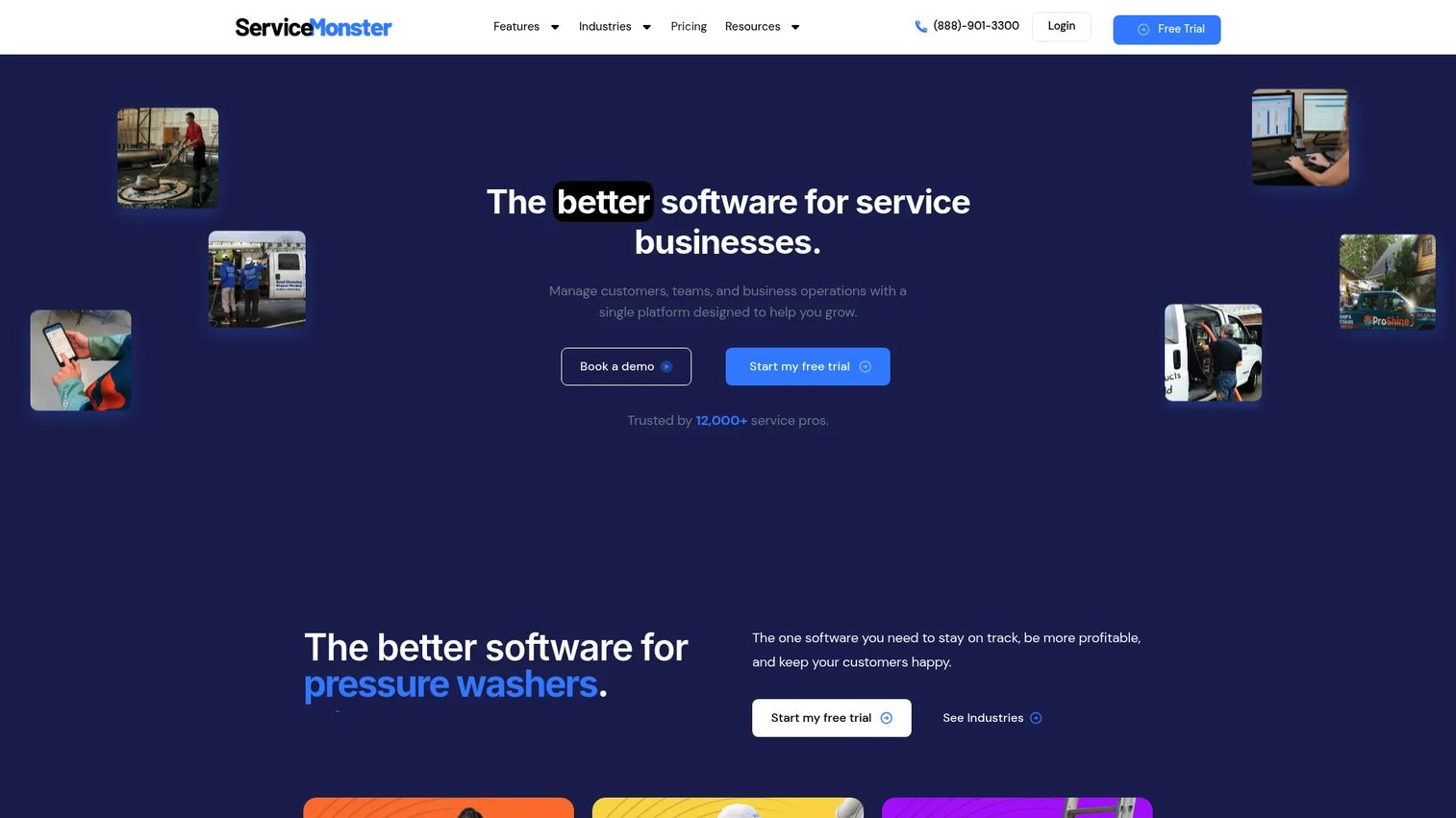
ServiceMonster is one of the few platforms built specifically for cleaning and restoration businesses rather than adapted from generic field service software. That focus shows up everywhere: pricing logic tuned to carpet and upholstery work, marketing automation designed around repeat cleaning cycles, and scheduling that understands how a cleaning route actually flows. For an owner who wants software that already speaks their trade, that specificity removes a lot of setup friction.
Best for: Cleaning and restoration businesses that want carpet-specific pricing, scheduling, and marketing in one place.
Key strengths
- Advanced Schedule: Coordinate techs, routes, and job details so dispatch stops living in your head.
- Price Lists: Standardize carpet cleaning estimating so every quote is consistent and profitable.
- Online Booking: Let customers request and book jobs directly, feeding your calendar without a phone call.
Why choose ServiceMonster: If carpet cleaning is your core trade, the niche depth pays off. The platform's marketing automation and CRM are built around the reality that a clean today should become a booking in six months, which is exactly the repeat-revenue engine most operators neglect. It also connects to QuickBooks, so your invoicing and payments flow into accounting without manual re-entry.
ServiceMonster pricing: ServiceMonster lists two public monthly plans: Basic at $99.99/month and Grow at $199.99/month. A 14-day free trial is available. There is no free tier. An annual billing option is shown on the pricing page.
2. Servgrow
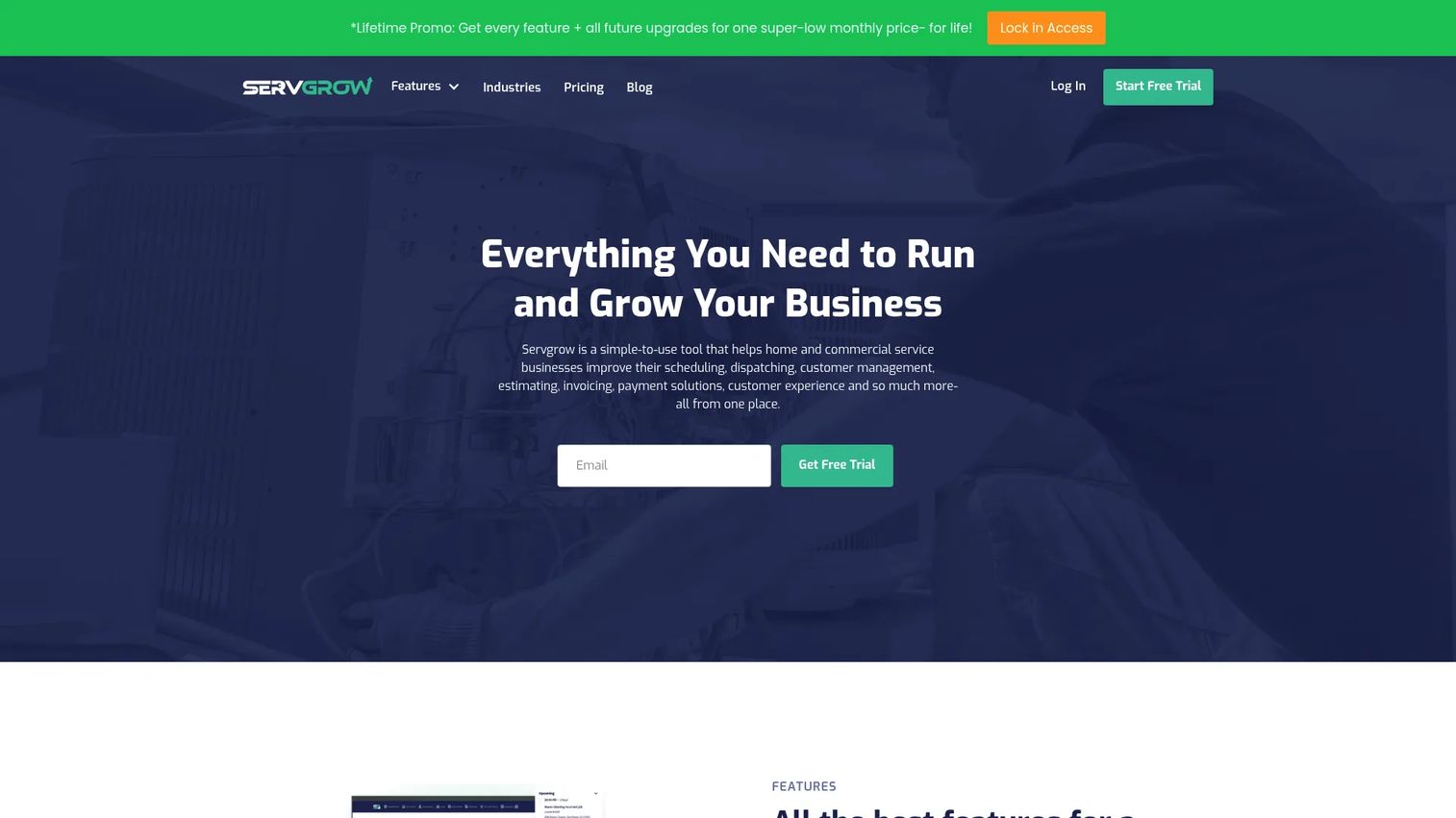
Servgrow organizes itself around the full job lifecycle: what happens before the job, on the job, and after it. That framing makes it a strong all-in-one option for operators who want a single system covering estimates, scheduling, payments, and follow-up without stitching tools together. For a growing carpet cleaning business, that lifecycle coverage means fewer handoffs where a customer or a payment can slip through.
Best for: Home and commercial cleaning operators who want one platform spanning the entire customer journey.
Key strengths
- Estimates with options: Give customers tiered quotes on site, which raises average ticket without a hard sell.
- Service plans and reminders: Automate recurring billing for carpet cleaning and keep repeat customers on schedule.
- Customer portal and online booking: Let clients book, approve, and pay themselves through a self-serve portal.
Why choose Servgrow: Servgrow packs a lot into an accessible entry price, including a CRM, two-way text messaging, appointment reminders, online payments, and even a custom pro website. For an owner who wants broad coverage without a heavy monthly commitment, that combination is hard to match. The review generation and marketing tools also help turn satisfied one-time jobs into a steady stream of referrals.
Servgrow pricing: Servgrow publishes three monthly plans: PRO at $19/month, PLUS at $32/month, and GROW at $139/month. Annual pricing is also shown, along with a 14-day free trial that requires no credit card. There is no permanent free tier.
3. Service Fusion
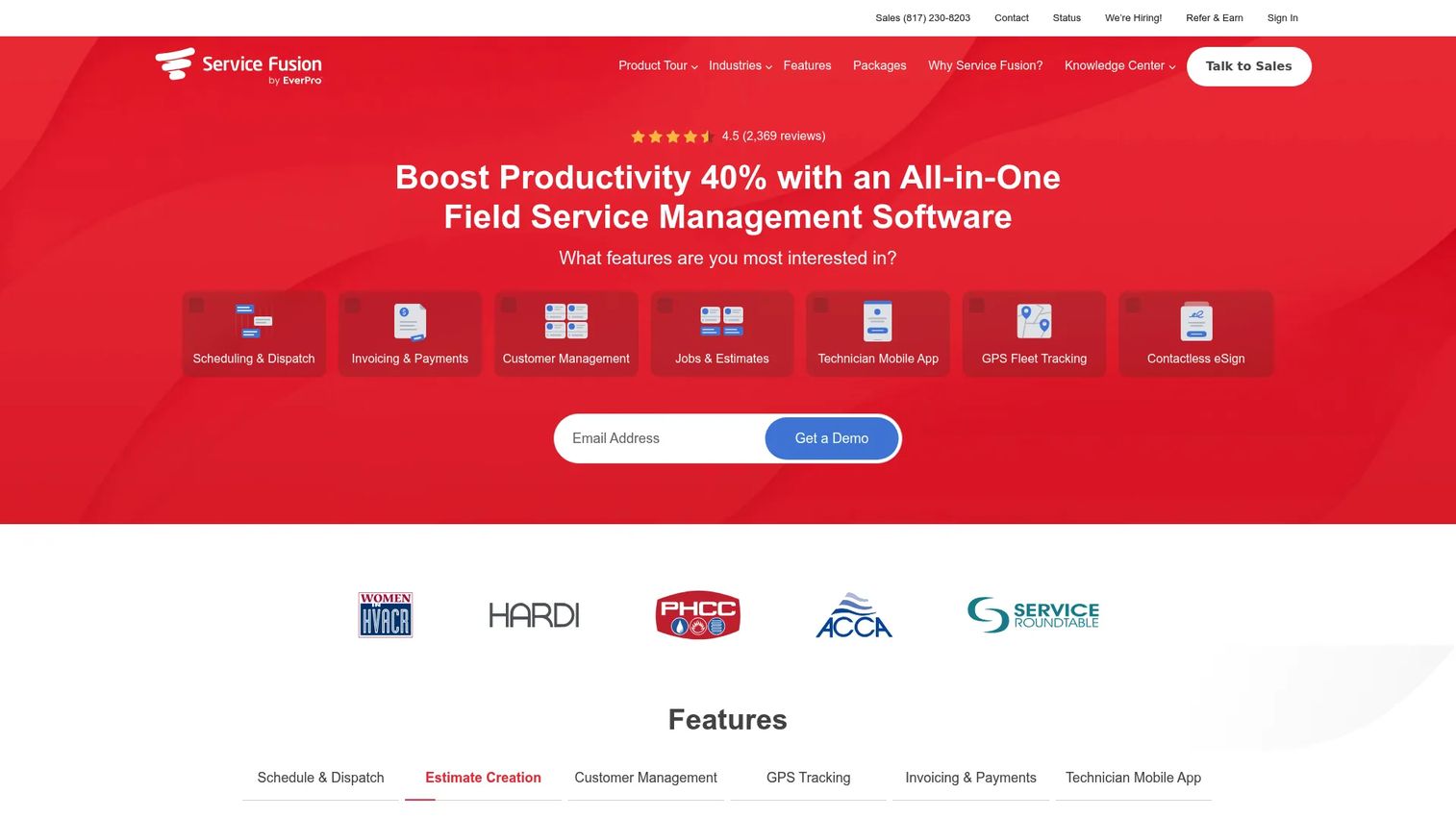
Service Fusion positions itself as all-in-one field service management software for service contractors, and it brings more structure to dispatch and team coordination than most lightweight tools. If you are running multiple crews and need real-time coordination between the office and the field, its dispatch and communication layer is a genuine strength. It is carpet cleaning dispatch software that scales as your team grows.
Best for: Cleaning businesses running several crews that need stronger dispatch coordination and accounting sync.
Key strengths
- Scheduling and dispatch: Coordinate crews in real time so no job or tech falls off the board.
- Invoicing and payments: Send invoices and collect payment with less back-and-forth between office and field.
- Customer management: Keep a full customer and job history so every interaction has context.
Why choose Service Fusion: The draw here is breadth plus dispatch depth. Service Fusion syncs with QuickBooks, offers web booking, and includes a mobile app for field teams, so the office and the trucks stay in lockstep. All plans include unlimited users, which is a meaningful advantage once your headcount grows and per-seat pricing would otherwise punish you for scaling.
Service Fusion pricing: Service Fusion offers three annually billed plans: Starter at $208/month, Plus at $325/month, and Pro at $533/month. Every plan includes unlimited users. There is no free tier.
4. Housecall Pro
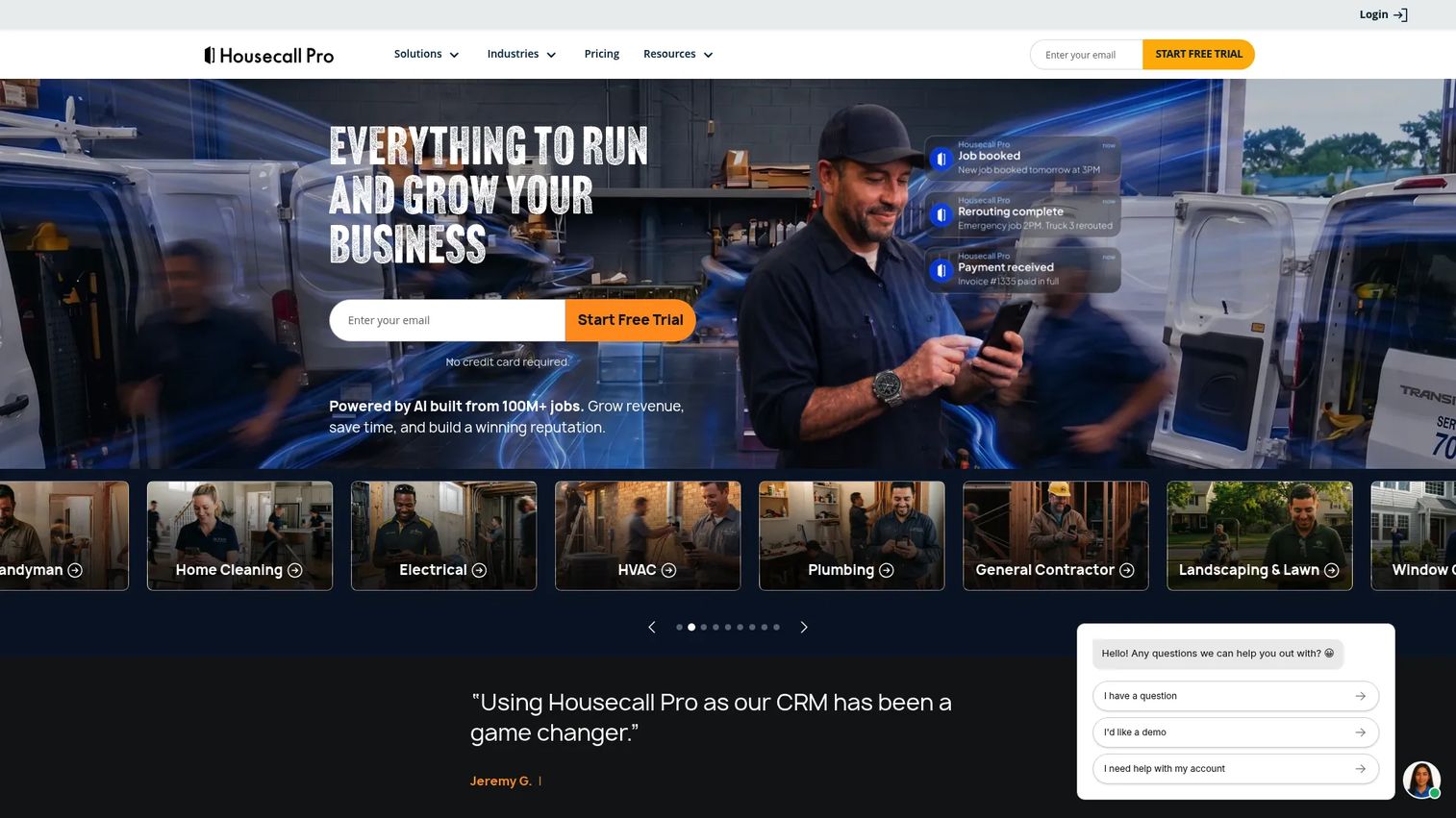
Housecall Pro is the generalist that home service teams reach for when they want speed and usability over trade-specific depth. It covers scheduling, quoting, invoicing, payment collection, and online booking in an interface that techs and office staff pick up fast. For a carpet cleaning operator who values getting up and running quickly, that low learning curve is the whole point.
Best for: Home service teams that want fast setup and clean payment collection without a steep ramp.
Key strengths
- Scheduling and dispatching: Book, assign, and route jobs from one calendar with minimal training.
- Invoices and payments: Collect payment fast and reduce the lag between finishing a job and getting paid.
- Online booking and review management: Let customers book themselves and prompt reviews to fuel repeat business.
Why choose Housecall Pro: Housecall Pro wins on ease of use and a mature payments experience. Its automation handles reminders and follow-ups so you stop chasing customers manually, and its review management helps convert good work into visible reputation. If you would rather adopt a proven generalist than configure a niche tool, this is a strong default.
Housecall Pro pricing: Housecall Pro lists three annually billed plans: Basic at $59/month, Essentials at $149/month, and Max at $299/month. A 14-day free trial is available, along with add-ons and extra user seats. Prices exclude sales tax, and there is no free tier.
5. Jobber
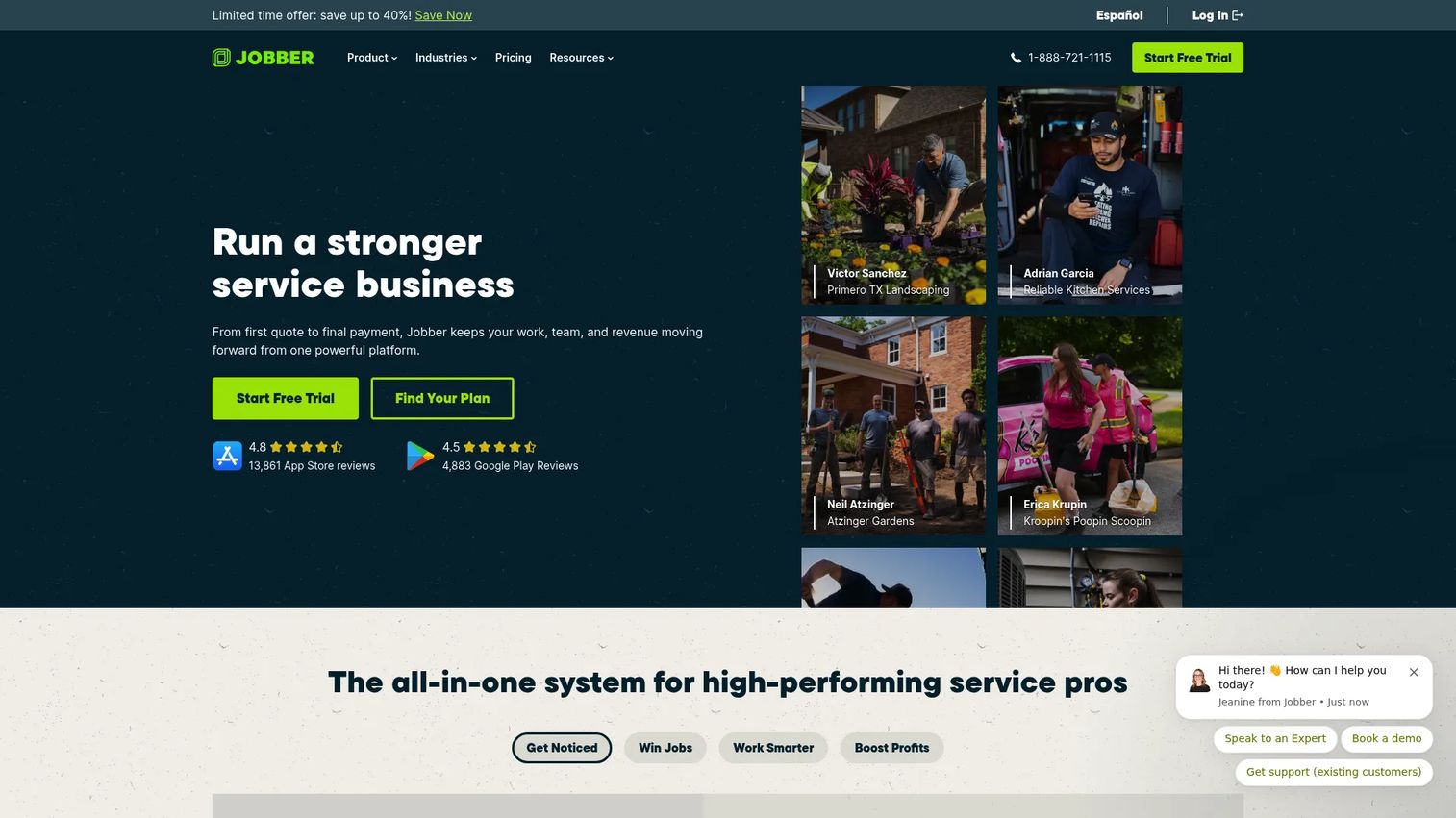
Jobber is built for service teams that care about how they look to the customer. Its quoting, scheduling, invoicing, and client communication are clean and professional, which matters in a trade where trust closes the sale. For carpet cleaners who compete on polish as much as price, Jobber's client-facing experience is a real differentiator, and it consistently earns high marks from users.
Best for: Cleaning teams that want polished client communication and straightforward job management.
Key strengths
- Requests and scheduling: Move from inquiry to booked job with a clean, professional flow.
- Online booking: Capture jobs around the clock without picking up the phone.
- Invoicing, payments, and client communication: Keep quoting, billing, and updates consistent and on-brand.
Why choose Jobber: Jobber earns a 4.6/5 on G2, one of the highest ratings in this list, largely because operators find it clear and reliable day to day. If your priority is a client experience that feels buttoned-up, from the first quote to the final invoice, Jobber delivers that without heavy configuration. It scales cleanly from a solo operator to a multi-crew business.
Jobber pricing: Jobber shows four plans with annual options billed annually: Core starting at $21/month, Connect at $70/month, Grow at $105/month, and Plus at $280/month. A 14-day free trial with full access to the Grow plan is available. There is no free tier.
6. ServiceTitan
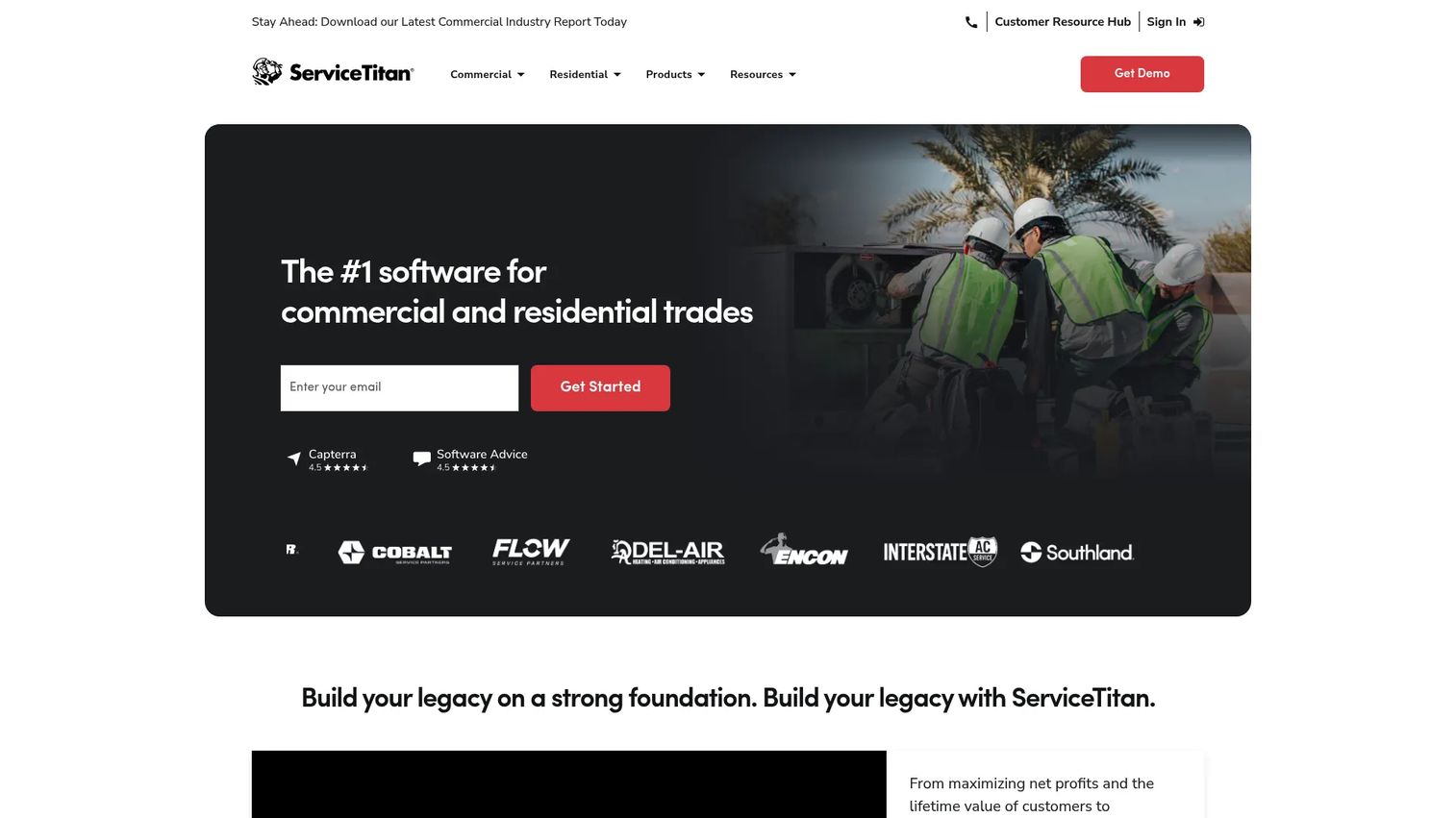
ServiceTitan is the heavyweight of this list, built for larger contracting and trades businesses that have real process maturity. Its scheduling, dispatch, invoicing, pricebook, CRM, sales, and reporting are deep enough to run a sizable operation with multiple locations. For a carpet cleaning business that has grown past the point where a lightweight tool keeps up, ServiceTitan brings the reporting and growth infrastructure to match.
Best for: Residential and commercial cleaning operations with established processes and larger teams.
Key strengths
- Scheduling and dispatch: Coordinate high job volume across crews and locations from one command center.
- Invoicing and pricebook: Standardize pricing and billing across a large operation.
- CRM, sales, and reporting: Track performance and customer relationships with depth built for scale.
Why choose ServiceTitan: ServiceTitan is the choice when your reporting needs have outgrown a simple platform and you need visibility into performance across the whole business. It carries a 4.4/5 on G2 and is built for operators who treat the trade like an enterprise. The trade-off is that its per-technician pricing model and depth suit a mature team more than a two-truck startup.
ServiceTitan pricing: ServiceTitan lists three tiers, Starter, Essentials, and The Works, all on a per-technician model. Pricing is not published publicly, so you request a quote directly. Expect it to sit at the premium end of this list.
7. Workiz
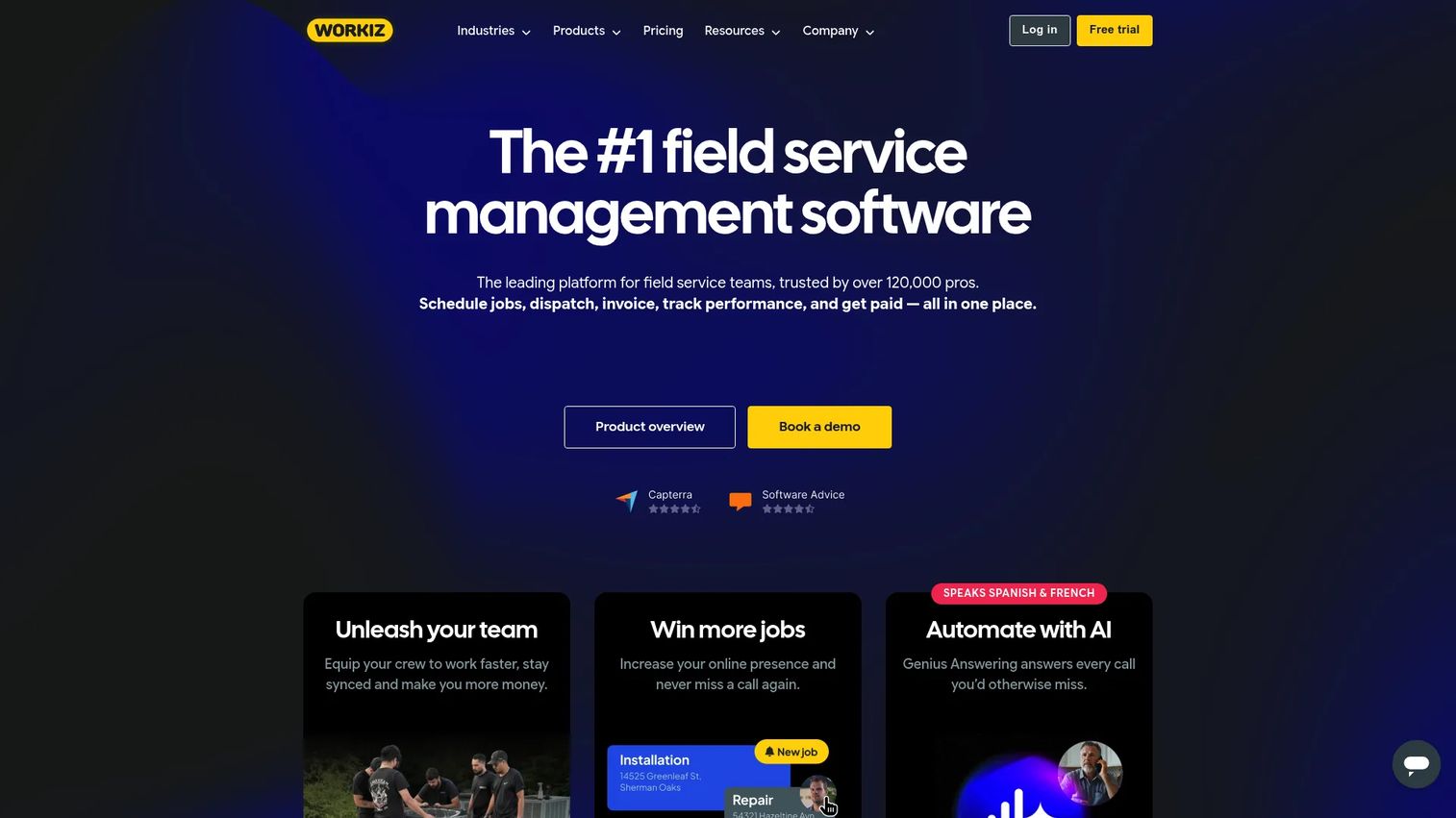
Workiz is a communications-first field service platform that bundles scheduling, dispatch, invoicing, payments, and a full phone system into one tool. If your carpet cleaning business lives and dies on phone bookings and fast customer response, the built-in calling, messaging, and call tracking set it apart. It gives smaller and mid-sized teams an accessible on-ramp with room to grow.
Best for: Field service teams that want scheduling and dispatch tied tightly to phone and messaging.
Key strengths
- Scheduling and dispatching: Manage the calendar and assign jobs from one view.
- Invoicing, estimates, and proposals: Quote and bill customers without leaving the platform.
- Built-in phone, messaging, and call tracking: Handle every customer conversation and see which ads drive calls.
Why choose Workiz: Workiz stands out for teams where the phone is still the primary booking channel. The call tracking ties marketing spend to actual jobs, which is rare at this price point, and it carries a 4.5/5 on G2. The free Lite plan makes it easy to test the workflow before you commit, with paid tiers unlocking more users and features as you scale.
Workiz pricing: Workiz offers a free forever Lite plan. Paid tiers include Kickstart at $187/month including the first three users, and Standard at $229/month including the first five users. Higher tiers such as Pro and Ultimate are quote-based. Billing labels vary between monthly and annual on the pricing page.
How to choose the right carpet cleaning software
Shortlisting is easy. Picking is where operators stall. Run every candidate through these criteria before you sign.
Workflow coverage across the job lifecycle
Map the tool against your actual day: booking, estimate, dispatch, job, invoice, payment, follow-up. A gap anywhere means you keep a manual step, and manual steps are where jobs and money leak. The best carpet cleaning management software closes the whole loop, not just the parts that demo well.
QuickBooks and accounting sync
If you run QuickBooks, confirm the integration is native and two-way, not a clunky export. Carpet cleaning software with QuickBooks sync should push invoices and payments automatically so your books stay current without double entry. This is the difference between clean financials and a monthly reconciliation nightmare.
Mobile experience for field techs
Your techs live in the mobile app, not the web dashboard. Test it on a phone. Can a tech see the schedule, pull up customer notes, and take a payment in the field without calling the office? A weak mobile app quietly kills adoption no matter how strong the back office looks.
Recurring revenue and retention tools
Carpet cleaning is a repeat trade, so weigh recurring billing, service plans, and automated follow-up heavily. These features turn a one-time job into predictable revenue and are often the single biggest lever on the value of the business. Do not treat them as nice-to-haves.
Pricing that scales with your team
Watch how cost behaves as you add techs. Per-seat models can punish growth, while unlimited-user plans reward it. Match the pricing structure to where you expect to be in two years, not just where you are today.
Conclusion
The right software for a carpet cleaning business depends less on the feature list and more on where you are in your growth. If carpet cleaning is your entire trade and you want niche depth, ServiceMonster fits. If you want broad lifecycle coverage at an accessible price, Servgrow is compelling. Service Fusion suits multi-crew operations that need dispatch structure, Housecall Pro and Jobber reward teams that value speed and polish, ServiceTitan carries larger, mature businesses, and Workiz wins where the phone drives bookings.
Do not try to pick from a spreadsheet alone. Shortlist two or three tools, start the free trials, and run a real week through each one: book a job, build an estimate, dispatch a tech, send an invoice, collect payment, and check that it all lands in QuickBooks. The all-in-one carpet cleaning software that fits your workflow will feel obvious within days. The one that fights you will too. Choose the system that makes the work run without you in the middle of every job.
FAQs
Carpet cleaning software is field service management software built to help cleaning businesses schedule jobs, dispatch technicians, create estimates, send invoices, collect payments, and manage customer relationships from one platform. It replaces paper calendars, spreadsheets, and disconnected apps with a single system so the business runs with less manual coordination.
Yes, because QuickBooks handles accounting, not operations. It does not schedule jobs, dispatch techs, send estimates, or manage customer history. The best carpet cleaning software with QuickBooks sync sits on top of your accounting, running the field workflow and pushing invoices and payments into QuickBooks automatically so you get both without double entry.
Prioritize scheduling and dispatch, carpet cleaning estimating, invoicing and payments, a CRM with full customer history, and a strong mobile app for techs. Because carpet cleaning is a repeat trade, recurring billing, service plans, and automated follow-up matter more than in one-off service categories. QuickBooks sync rounds out the essentials for clean finances.
For multi-crew dispatch coordination, Service Fusion and ServiceTitan bring the most structure, with real-time coordination between office and field. ServiceMonster offers strong carpet-specific scheduling, while Workiz ties dispatch tightly to a built-in phone system. Match the depth to your team size and how many crews you run daily.
Servgrow, ServiceMonster, Housecall Pro, and Jobber all support recurring jobs, service plans, and automated reminders to varying degrees. These carpet cleaning scheduling software features turn one-time cleans into predictable, repeat revenue. Confirm how each handles automatic rebooking and recurring billing before you commit.
Test the mobile app for carpet cleaning teams on an actual phone. A tech should be able to see the day's schedule, open customer notes and property history, capture photos, and collect payment in the field without calling the office. If any of those steps require a laptop, adoption will suffer.
Carpet cleaning invoicing software sends the invoice the moment a job closes and lets customers pay by card or ACH on the spot or through an online portal. That shortens the gap between finishing work and getting paid, and when paired with QuickBooks sync, every payment updates your books automatically, giving you accurate cash visibility without manual entry.