Your renewal calendar lives in one system. Producer notes live in another. Claims updates arrive by email. When the board asks why retention slipped last quarter, assembling the answer takes a week.
That is the operating cost of scattered insurance data. Only 24% of independent agencies currently use a CRM, according to the AgentSync and Catalyit 2026 State of Tech Report, which means most are still running customer relationships out of inboxes and spreadsheets. The gap between what leadership needs to see and what the systems actually surface is where renewals get missed, leads go cold, and founders stay stuck inside every deal.
Insurance CRM software creates one operating view across leads, accounts, policies, renewals, and service activity. The right platform lets your new VP of Sales or RevOps lead inherit a working system on day one rather than rebuild one from scratch. This guide breaks down ten options, explains where each one fits, and gives you the evaluation framework to shortlist with confidence.
What's inside
This guide is for agency owners, founders of insurance-focused SaaS businesses, and operators evaluating CRM infrastructure for a growing revenue and retention motion. Tools were selected based on four criteria:
- Insurance workflow fit: Renewal automation, policy relationships, producer activity, and claims handoffs
- Implementation realism: Data model flexibility, admin overhead, and onboarding complexity
- Pricing transparency: Verified entry-tier prices and quote structures
- Scale fit: Distinguishes early-stage agencies from established insurance operations
TL;DR
- Best for enterprise insurance operations: Salesforce handles complex data models across carriers, brokerages, and multi-line insurance organizations
- Best for customizable no-code workflows: Creatio lets teams map insurance-specific approvals, renewal sequences, and service processes without writing code
- Best for insurance agencies and brokerages: AgencyBloc packages CRM, commissions, and policy tracking for life and health agencies in one place
- Best for teams already using a broad GTM stack: HubSpot connects marketing, sales, and service without requiring a separate system for each
- Best for simple pipeline management: Pipedrive gives lean producer teams visual pipeline discipline at a manageable starting price
What is insurance CRM software?
Insurance CRM software is a customer relationship management system that helps insurers, brokers, agencies, and producers manage leads, policyholder relationships, renewals, service activity, and sales workflows from one customer record.
What insurance CRM software manages
- Lead capture and producer follow-up
- Household and commercial-account relationships
- Policy and renewal milestones
- Service requests and claims handoffs
- Cross-sell and retention opportunities
- Documents, notes, tasks, and communications
- Pipeline, producer, and retention reporting
How insurance CRM differs from a generic CRM
Generic CRMs handle contacts, deals, tasks, and reporting well. Insurance-specific systems add policy relationships, renewal workflows, commission tracking, carrier integrations, and the relationship complexity that comes with multi-policy households and commercial accounts. A generic CRM can work if your team mainly needs pipeline and activity management. The case for an insurance-native system grows with policy complexity, commissions, carrier workflows, and multi-stakeholder relationships.
CRM versus agency management system
| System | Primary job | Best for | Usually owns |
|---|---|---|---|
| Insurance CRM | Sales, service, and retention relationships | Agencies, brokers, carriers, producers | Leads, accounts, renewal workflows, communications |
| Agency management system | Policy administration and agency operations | Full-service agencies | Policies, carriers, accounting, commissions, documents |
| Agent portal | Self-service access | Producers and customers | Status updates, documents, requests, limited policy data |
When to use insurance CRM software
Standardize lead follow-up across producers
Inquiries die when they land in individual inboxes with no assignment rules or activity tracking. A CRM routes leads, sets follow-up tasks, and gives leadership visibility into response times across the whole producer team. That visibility alone can close the gap between a strong conversion week and a forgettable one.
Run renewals before they become emergencies
Proactive renewal tasking is one of the clearest ROI drivers in insurance operations. Automated reminders tied to policy expiry dates, account review triggers, and escalation rules for at-risk accounts keep renewal opportunities in the pipeline long before the deadline becomes urgent. The CRM should make renewal risk visible, not just trackable after the fact.
Build a cleaner operating view for leadership
A founder or revenue leader should be able to answer four questions without reconciling spreadsheets: Where do leads stall? Which producers follow up? What renewals are exposed in the next 60 days? Which accounts need attention? A CRM that surfaces these answers in a weekly review becomes infrastructure, not just software.
Support multi-policy and multi-stakeholder relationships
One contact record is not enough for a household with three policies, two beneficiaries, and a commercial account. CRM relationship modeling for households, decision-makers, policyholders, and carriers lets service teams see the full picture before any customer conversation.
Insurance CRM software comparison
Starting price matters, but implementation effort, policy workflow coverage, and data model flexibility will shape the total cost more than entry pricing alone. The table below reflects verified pricing and G2 ratings as of October 2026.
| # | Product | Best for | Key differentiator | Pricing | G2 rating |
|---|---|---|---|---|---|
| 1 | Salesforce | Enterprise insurers and complex brokerages | Financial-services data model and enterprise ecosystem | From $25/user/month | 4.4/5 |
| 2 | Zoho CRM | Cost-conscious agencies needing customization | Broad CRM capabilities with workflow automation | From $14/user/month | 4.1/5 |
| 3 | Creatio | No-code process automation | Flexible workflow design for sales and service | From £32/user/month | 4.6/5 |
| 4 | HubSpot | Insurance teams aligning marketing and sales | CRM plus marketing, sales, and service hubs | Free; paid from $7/seat/month | Not verified |
| 5 | AgencyBloc | Life and health insurance agencies | Insurance agency workflows, commissions, client management | Custom pricing | 4.6/5 |
| 6 | Applied Epic | Established P&C agencies | Agency management depth and operational records | Custom pricing | 4.4/5 |
| 7 | Insureio | Life insurance agents and agencies | CRM and operations built around life insurance | From $25/month | Not verified |
| 8 | Pipedrive | Small sales teams and producers | Visual pipelines and activity management | From $14/seat/month | 4.2/5 |
| 9 | Freshsales CRM | Teams needing built-in communication tools | Sales CRM with phone, email, and automation | Free; paid from $9/user/month | Not verified |
| 10 | Insly | Digital insurance businesses and brokers | Insurance distribution and policy administration | Custom pricing | 4.5/5 |
Best 10 insurance CRM software tools for 2026
1. Salesforce
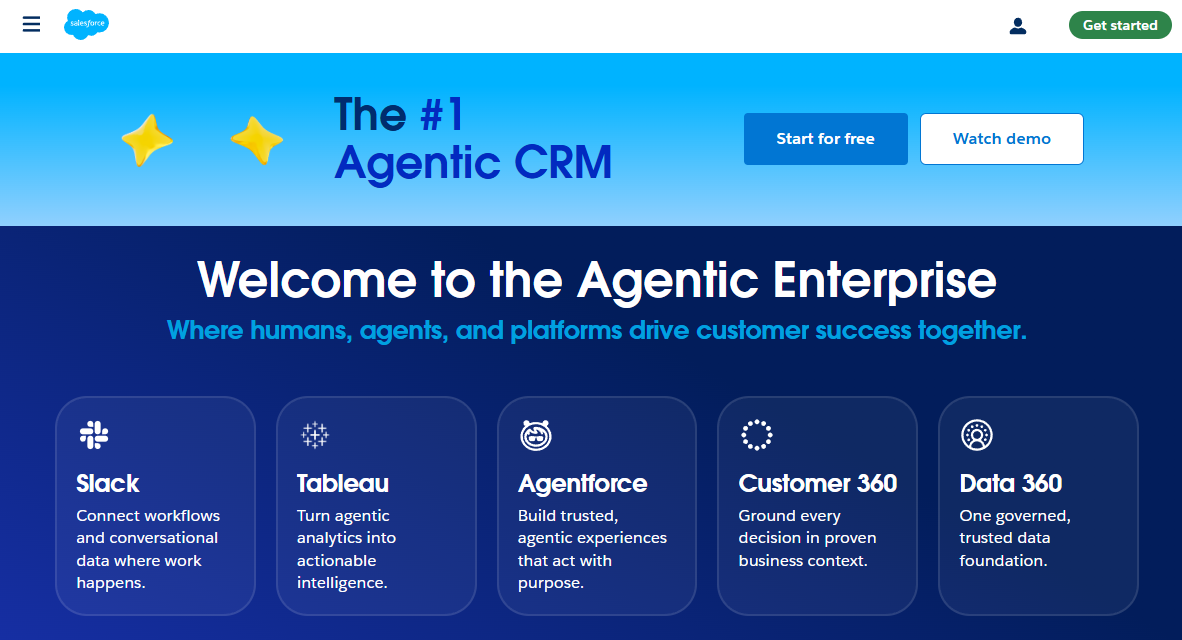
Salesforce is the most configurable CRM on this list, connecting sales, service, marketing, analytics, and AI capabilities on one platform. For insurance organizations, the Financial Services Cloud layer adds household relationship modeling, policy opportunity tracking, and financial account data structures that a generic sales CRM does not provide. Implementation scope ranges from a lean sales deployment to a full enterprise build involving custom objects, workflow automation, and multiple integrations.
Best for: Enterprise carriers, large brokerages, and insurance-focused SaaS companies that need a long-term operating layer with room to grow.
Key features
- Financial-services relationship modeling for households and policies
- Workflow and approval automation across sales and service
- Custom objects and data fields for insurance-specific records
- Enterprise reporting dashboards and forecasting
- Broad integration ecosystem for carriers and internal systems
Why choose Salesforce: Choose it when your organization needs a CRM that will serve as the operating foundation for a full revenue and retention motion, not just a producer pipeline tracker. It rewards teams that have dedicated admin or implementation capacity.
Salesforce pricing: Paid plans start at $25 per user per month (Starter Suite, billed monthly or annually). The Sales Pro Suite runs $100 per user per month, billed annually. Enterprise-oriented tiers (Core, Advanced, Max) run from $195 to $550 per user per month, billed annually. A free suite is available with limited features.
G2 rating: 4.4/5
2. Zoho CRM
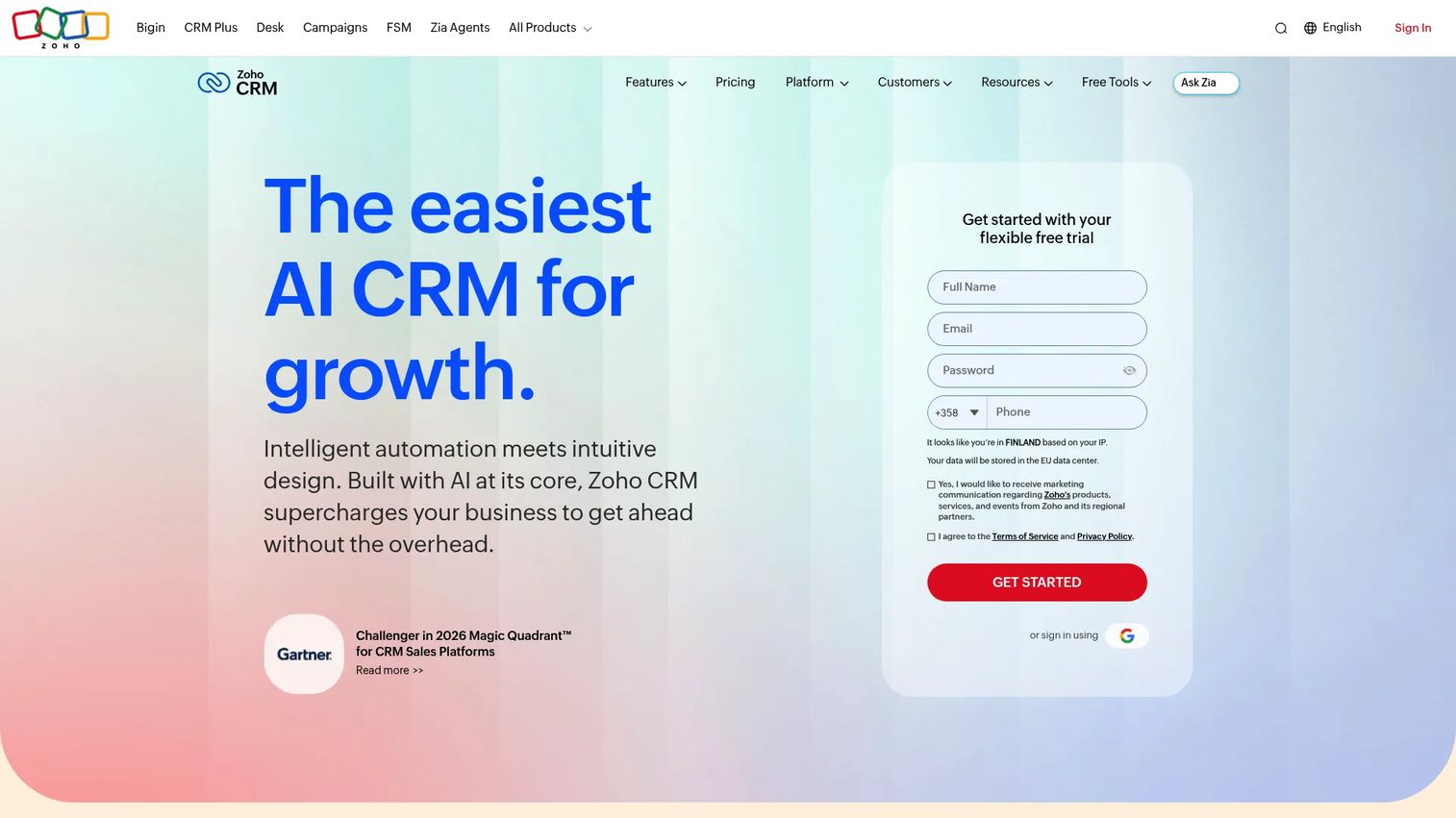
Zoho CRM is a flexible, cost-conscious option for small and mid-sized insurance teams. The platform covers lead management, workflow automation, omnichannel communication, mobile access, and reporting across a range of paid tiers. Insurance-specific workflows require thoughtful configuration: You will need to design the right fields, stages, and automation rules to make renewal tracking and producer activity visible. That investment is manageable, and the starting price makes the math easier at early stages.
Best for: Founders and operations leaders building process discipline in an insurance team without enterprise CRM overhead.
Key features
- Lead assignment rules and pipeline management
- Workflow automation for renewal reminders and task routing
- Omnichannel communication (email, phone, social)
- AI-powered Zia assistant for lead scoring and insights
- Mobile CRM access for field producers
Why choose Zoho CRM: A strong fit when the team needs broad CRM capability and configurable workflows at a price point that does not require a procurement process. The free edition supports up to three users, making it usable before a budget commitment.
Zoho CRM pricing: Free for up to three users. Paid plans start at $14 per user per month (Standard, billed annually), with Professional at $23, Enterprise at $40, and Ultimate at $52 per user per month, all billed annually. Monthly billing is available at higher rates.
G2 rating: 4.1/5
3. Creatio
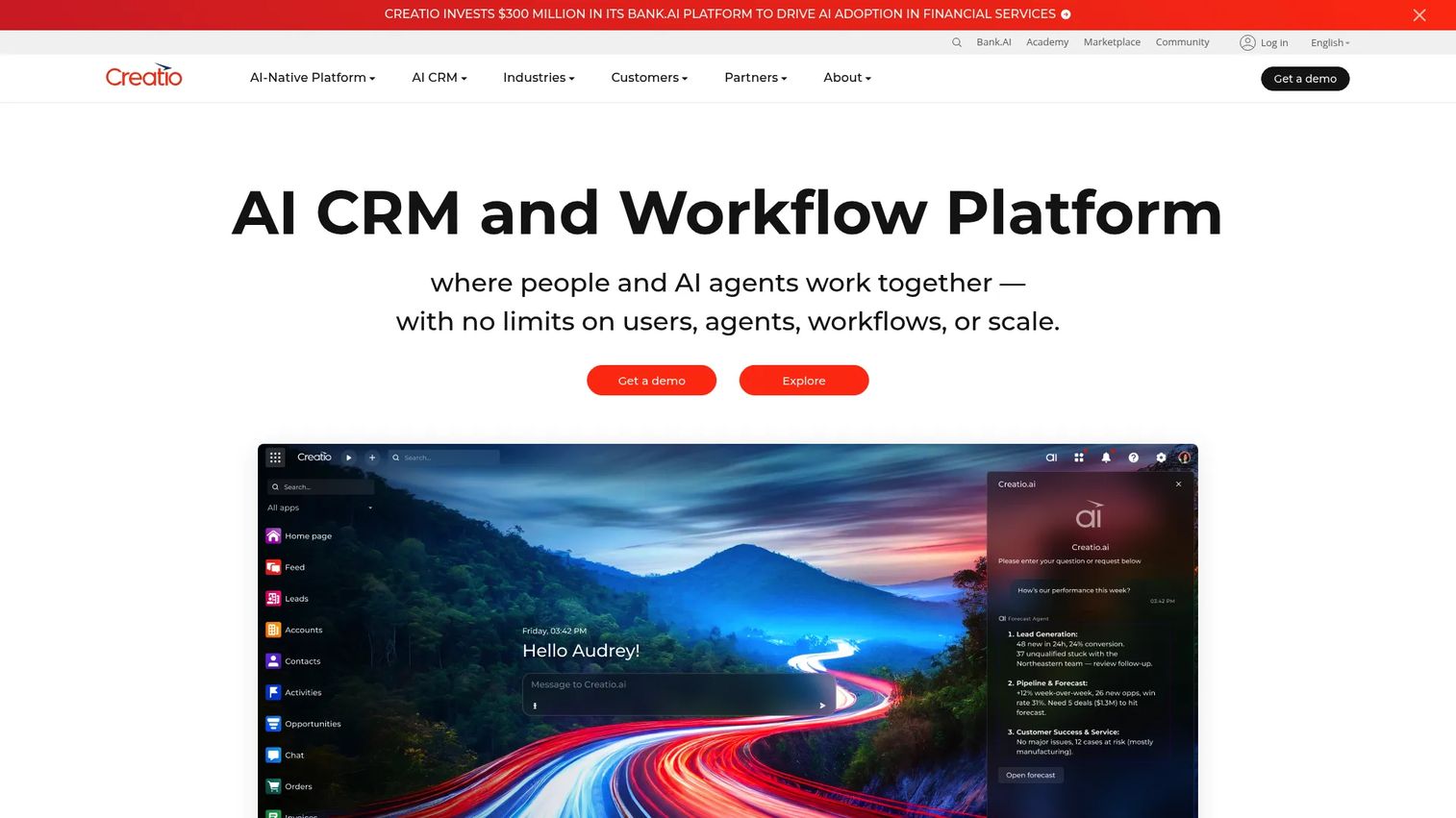
Creatio is built around no-code process design. The platform lets teams map sales, marketing, and service workflows visually, which matters when your insurance operations involve non-standard approval chains, claims routing, or renewal sequences that do not fit a standard pipeline template. AI-native automation, case management, and custom data objects give teams a way to represent insurance-specific processes without heavy development work. Creatio rewards organizations willing to invest in process design before launch, so the implementation phase deserves careful planning.
Best for: Insurance businesses where operating workflows are differentiated and cannot fit a standard CRM pipeline out of the box.
Key features
- No-code workflow and process designer
- Case and service automation for insurance operations
- Custom data objects for policies, carriers, and accounts
- AI-native capabilities across sales, marketing, and service
- Open APIs and cloud-agnostic deployment
Why choose Creatio: Choose it when your renewal, approval, or claims-routing workflows are genuinely differentiated and you want to own the process design without writing code. The Unlimited plan removes per-user seat limits, which changes the economics for larger teams.
Creatio pricing: Growth starts at £32 per user per month and Enterprise at £61 per user per month, both billed monthly. The Unlimited plan (custom pricing) includes all CRM products and AI with no per-user limits. New customers have a minimum annual commitment of £8,300 and a standard three-year contract term.
G2 rating: 4.6/5
4. HubSpot
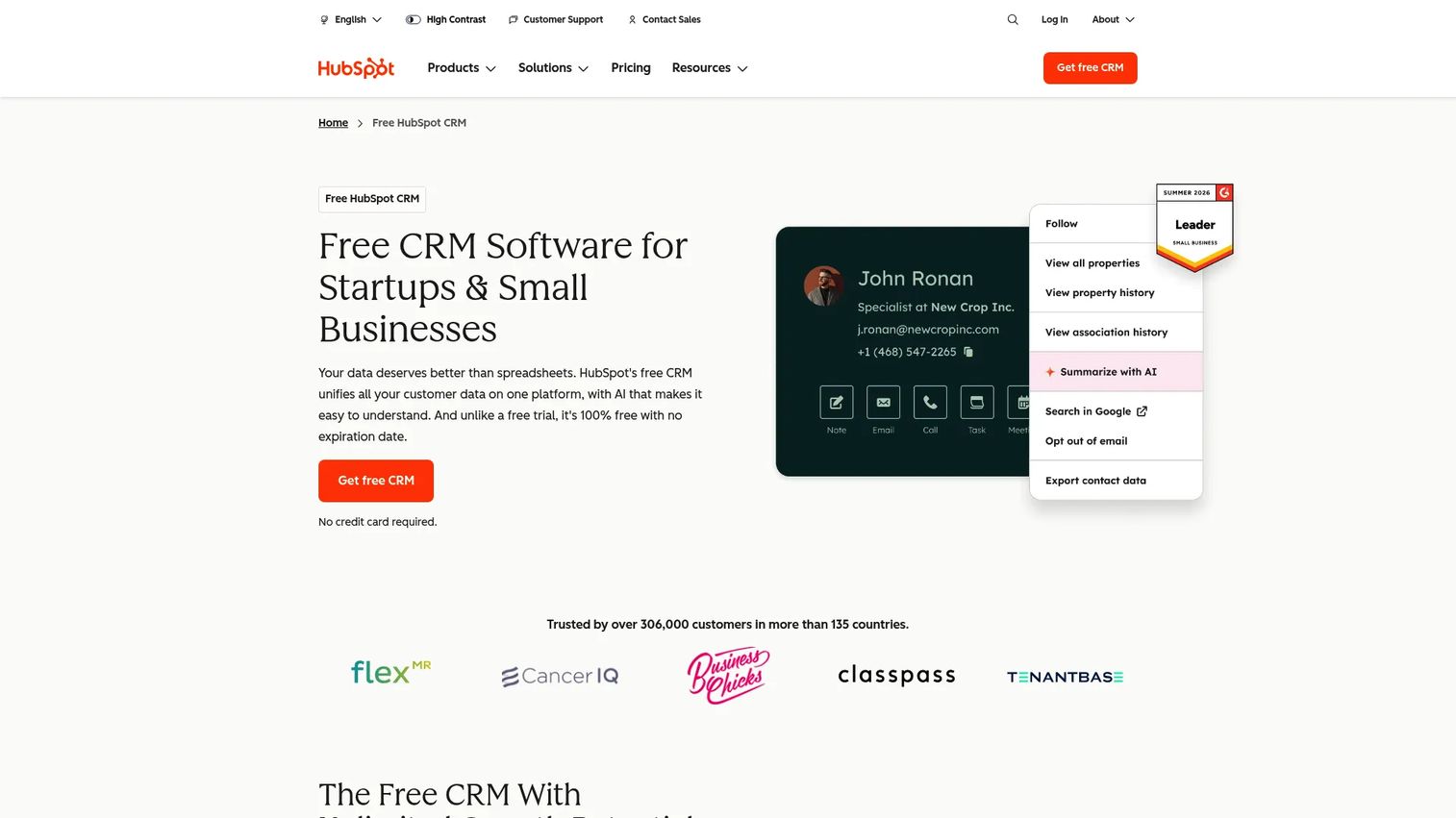
HubSpot is the strongest option for insurance-focused teams that need marketing, sales, and service data connected without stitching together separate systems. Shared customer timelines mean a service rep can see every marketing touchpoint and sales interaction before picking up the phone. The free CRM foundation is a genuine starting point for small teams, and the hub structure lets organizations add marketing automation, sales pipeline management, or service ticketing as the operation matures.
Best for: Insurance teams where growth depends on connecting website demand, sales follow-up, and customer service without rebuilding the stack every 18 months.
Key features
- Free CRM with contact and deal management
- Marketing automation and email campaign tools
- Sales pipeline management and activity tracking
- Service ticketing and shared customer timelines
- Meeting scheduling and payment link tools
Why choose HubSpot: Use it before your team needs deeply specialized agency-management functionality. The cost of advanced automation, reporting depth, and governance features rises sharply at the Professional and Enterprise tiers, so model the full seat structure before committing.
HubSpot pricing: Free CRM for up to two users. Starter plans begin at $7 per seat per month (billed annually). Professional runs from $50 per seat per month and Enterprise from $75 per seat per month.
G2 rating: Not verified at generation time.
5. AgencyBloc
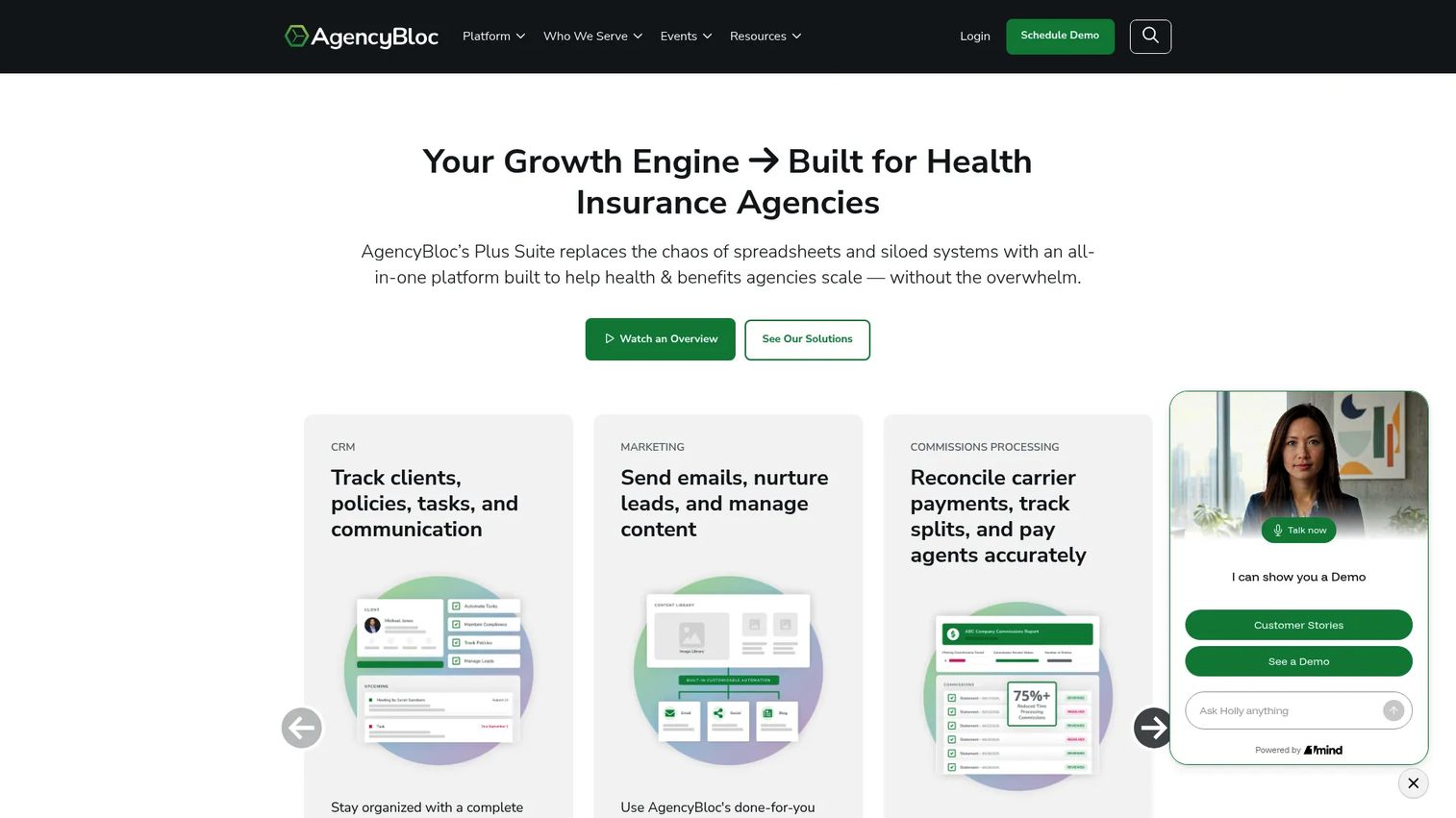
AgencyBloc is built specifically for health, Medicare, group benefits, and senior-market insurance agencies. Client and policy records, commission reconciliation, workflow automation, and compliance task tracking sit together in one platform rather than requiring a generic CRM plus separate commission software. That vertical focus reduces the configuration work that a generic platform demands and means the data model already knows what a policy relationship looks like.
Best for: Life and health insurance agencies that have outgrown a general sales pipeline and need CRM plus agency operations in one place.
Key features
- Life and health policy tracking with client records
- Commission reconciliation and agent statements
- Agency workflow automation and lead management
- Client communication history and task management
- Compliance task tracking for regulated workflows
Why choose AgencyBloc: The advantage over a general-purpose CRM is the built-in data model. Policy, commission, and client servicing workflows connect without custom configuration. If your agency primarily operates in life, health, Medicare, or senior markets, this is worth evaluating before committing to a broader platform.
AgencyBloc pricing: AgencyBloc prices its AMS+, Commissions+, and Quote+ solutions on a customized basis. Commission+ pricing is based on transaction volume. Contact AgencyBloc for a quote specific to your agency size and selected modules.
G2 rating: 4.6/5
6. Applied Epic
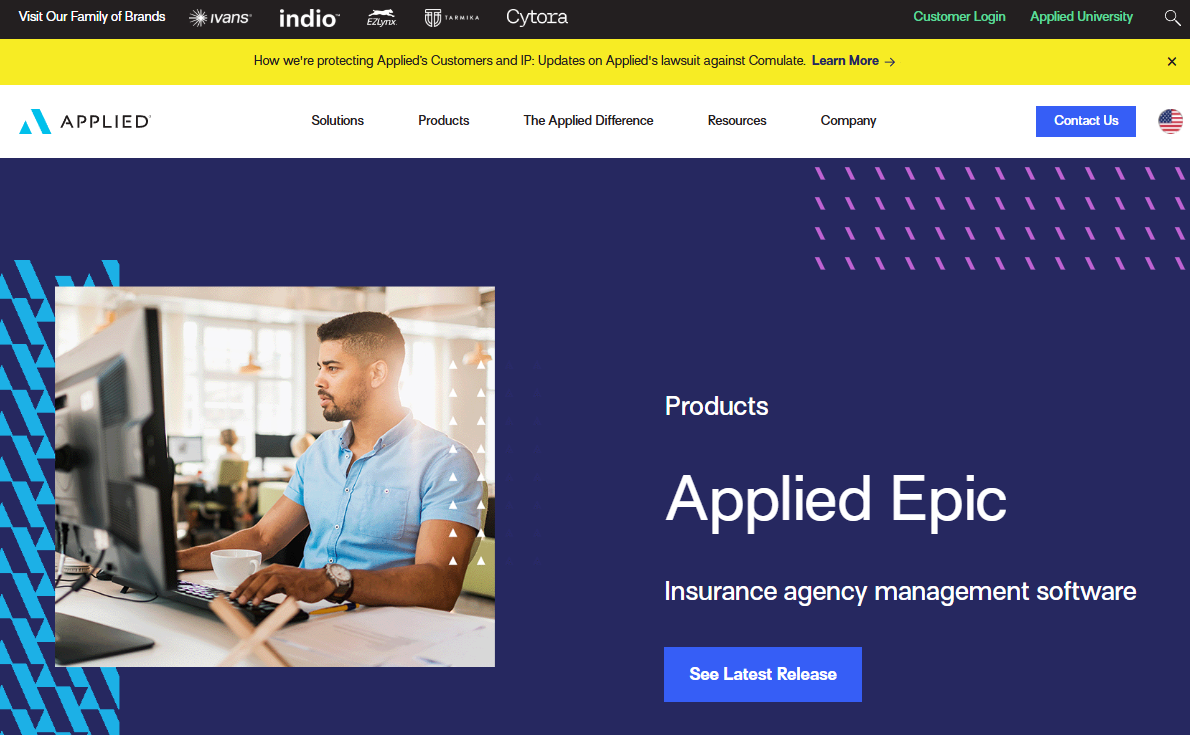
Applied Epic is a browser-native agency management system for mid-size and enterprise property and casualty agencies. It extends well beyond CRM into policy administration, accounting, carrier connectivity, and document management. For an established P&C agency, that operational depth is the point. For an early-stage insurance SaaS team, it may be more system than the current operating model needs.
Best for: Mature P&C agencies that need unified management across policy servicing, accounting, carrier workflows, and account operations.
Key features
- Policy and account records with document management
- Integrated P&C and Benefits management
- Carrier connectivity and insurer workflows
- Integrated insurance accounting
- Role-based reporting dashboards and analytics
Why choose Applied Epic: Choose it when agency operations require deep policy, accounting, and carrier infrastructure rather than a CRM-first approach. The platform fits organizations with dedicated operations staff who can own implementation and ongoing administration.
Applied Epic pricing: Applied Systems does not publish pricing. Contact the sales team for a quote. Pricing reflects agency size, number of users, selected modules, and implementation scope.
G2 rating: 4.4/5
7. Insureio
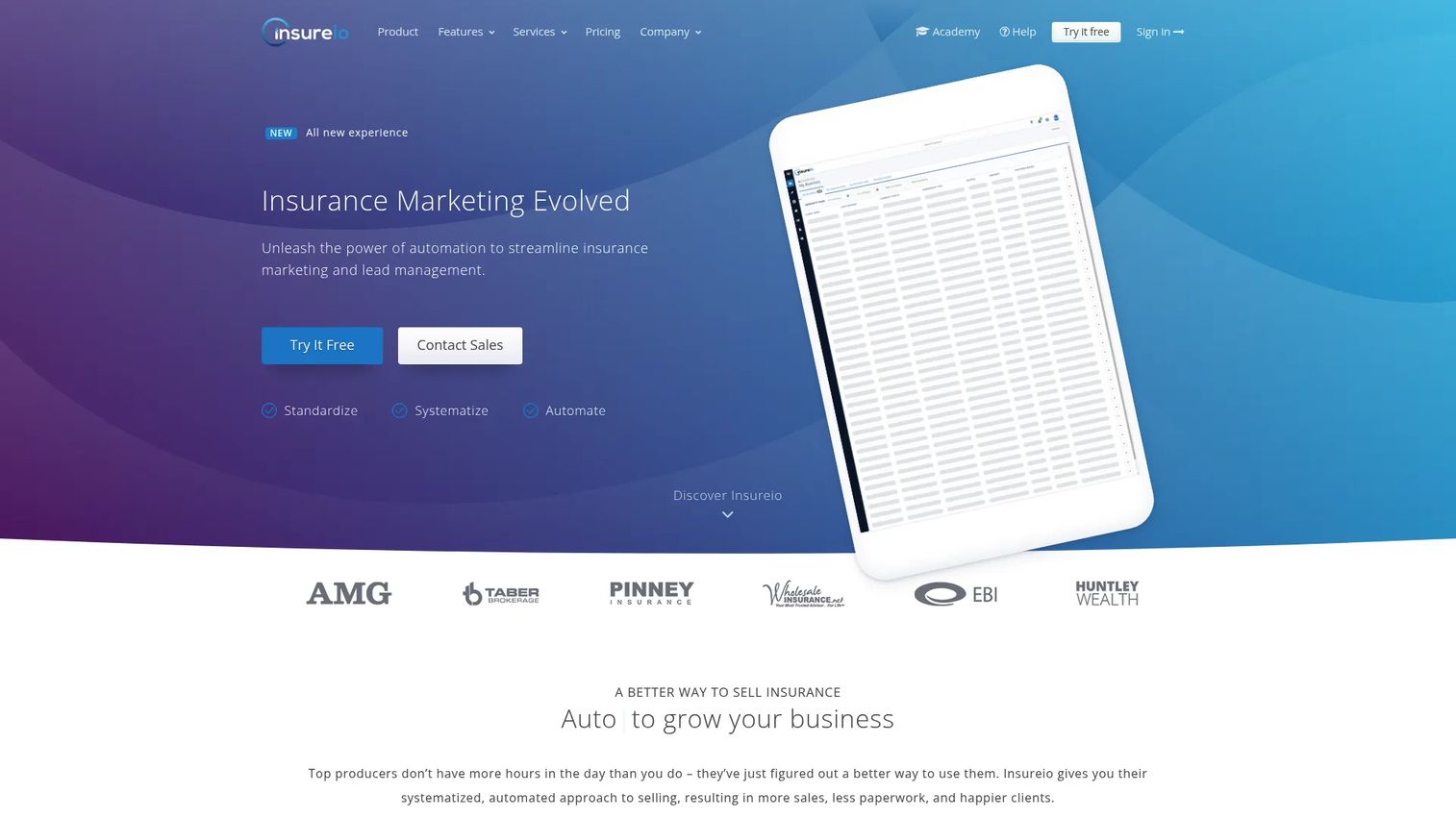
Insureio is a CRM and agency management platform shaped around life insurance workflows. Lead management, application fulfillment, case management, e-signature forms, and email marketing campaigns are included across its plan tiers. The vertical focus means agents spend less time configuring fields and more time working leads. Before committing, validate that the carrier ecosystem and reporting depth match your agency's operational requirements.
Best for: Life insurance producers and agencies that want software shaped around their core sales and servicing process.
Key features
- Life insurance lead management and automated workflows
- Application fulfillment with e-signature forms
- Case management and policy tracking
- Email marketing campaigns and templates
- Reporting and sales forecasting tools
Why choose Insureio: A practical option for life insurance teams that want an insurance-native platform without enterprise complexity or pricing. The 30-day free trial lets you test the workflow against real agency operations before making a commitment.
Insureio pricing: All plans include a 30-day free trial. Basic starts at $25 per month, billed monthly. The Marketing and Agency Management plans each run $50 per month. The combined Marketing and Agency Management plan is $75 per month.
8. Pipedrive
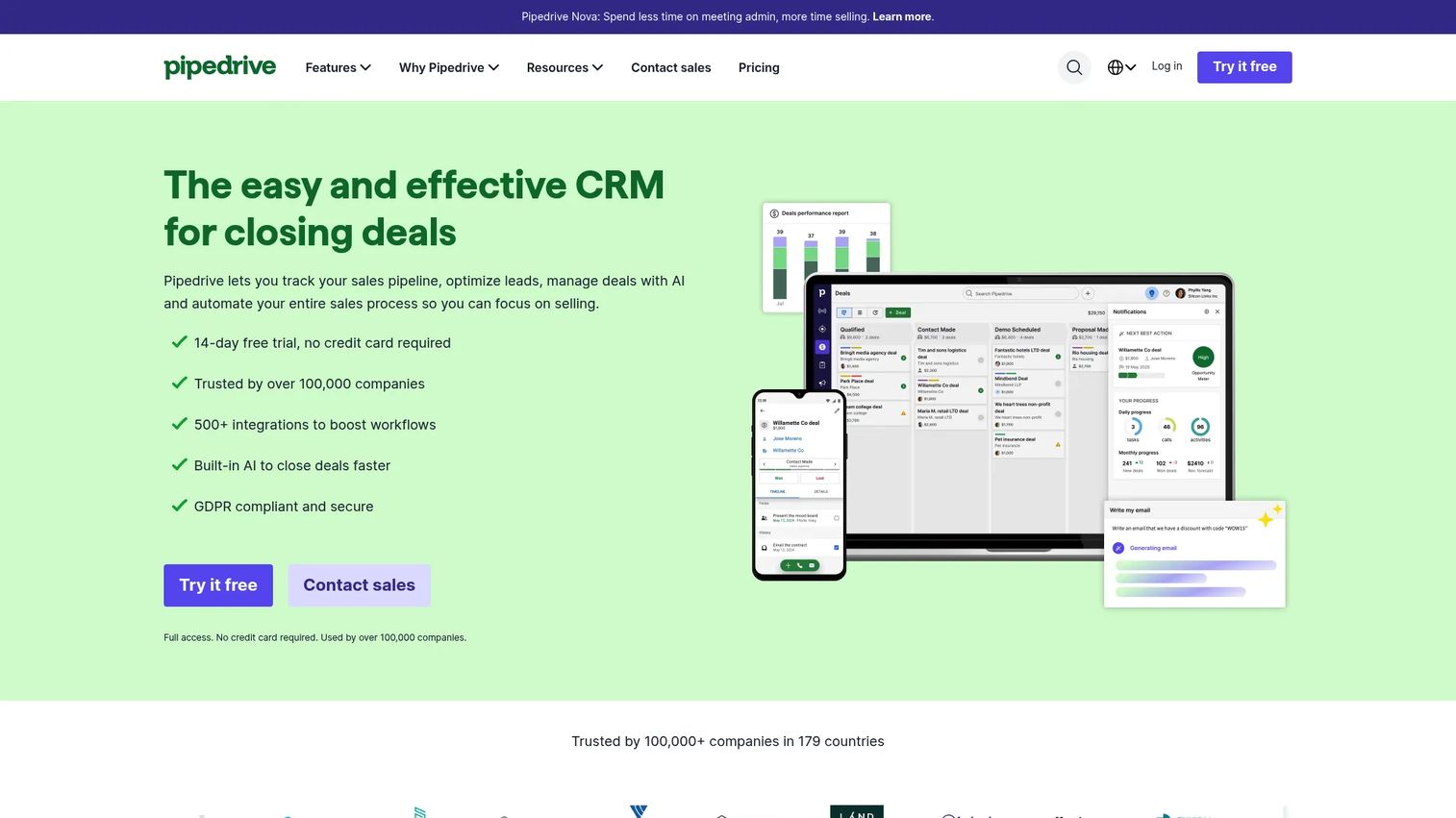
Pipedrive is a sales-first CRM built around visual pipeline management. Drag-and-drop stages, activity reminders, email synchronization, and workflow automation give producer teams the discipline they need to follow up consistently. It is the right choice when the immediate problem is producer follow-up and predictable pipeline execution, not complex policy administration. Teams that eventually need policy records, commissions, or carrier data will need to complement Pipedrive with integrations or a separate system.
Best for: Small producer teams, early-stage insurance agencies, and insurance SaaS businesses that need pipeline discipline before deeper policy operations.
Key features
- Visual deal pipelines with drag-and-drop stages
- Activity reminders and task management
- Email synchronization and tracking
- Workflow automation and lead routing
- Sales reporting and revenue forecasting
Why choose Pipedrive: The clearest starting point when follow-up consistency and pipeline visibility are the bottleneck. All plans include a 14-day free trial. The Lite plan at $14 per seat per month covers the core pipeline and activity functionality most small teams need.
Pipedrive pricing: Lite starts at $14 per seat per month (billed annually). Growth is $39, Premium is $59, and Ultimate is $79 per seat per month, all billed annually. No free plan, but a 14-day trial is included.
G2 rating: 4.2/5
9. Freshsales CRM
Freshsales CRM is a sales CRM with built-in phone, email, chat, and SMS capabilities alongside workflow automation and AI-powered lead scoring. For insurance teams with high inbound volume or structured call follow-up workflows, keeping communication and pipeline data in the same place reduces context-switching. Agencies that need deep policy administration will find that Freshsales handles the sales motion well but requires a complementary system for policy and carrier operations.
Best for: Insurance teams where lead response time and rep communication discipline are the immediate operational problem.
Key features
- Built-in phone, email, chat, WhatsApp, and SMS
- Visual sales pipeline with multiple pipeline support
- Sales sequences and workflow automation
- Freddy AI lead scoring and deal insights
- Mobile access and CRM integrations
Why choose Freshsales CRM: A strong fit when the team needs communication tools close to the pipeline rather than a separate dialer and a separate CRM. The free plan for up to three users makes it accessible as a starting point.
Freshsales CRM pricing: Free for up to three users. Growth starts at $9 per user per month (billed annually). Pro is $39 and Enterprise is $59 per user per month, both billed annually.
10. Insly
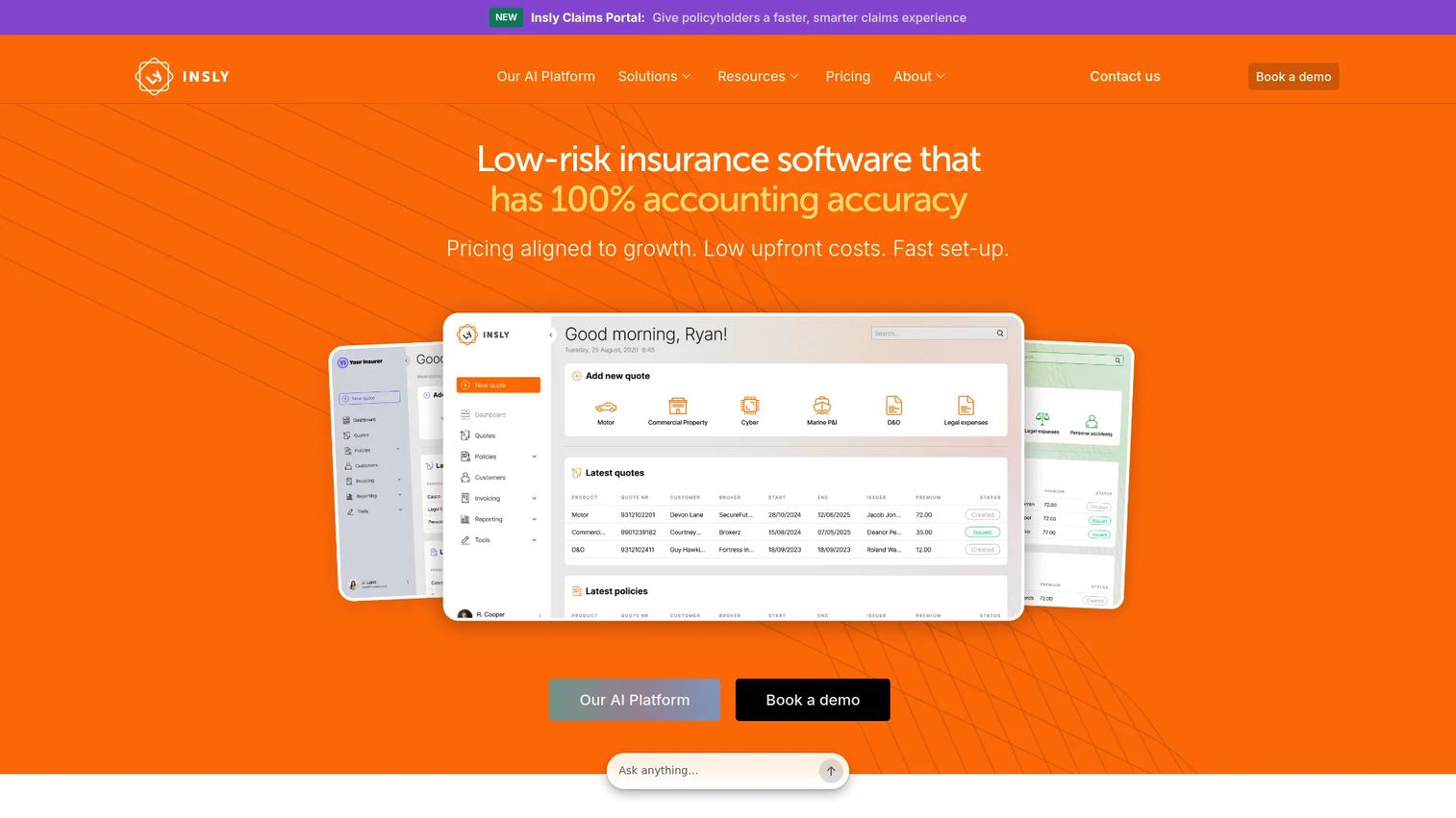
Insly provides configurable insurance software for MGAs and insurers across the full insurance lifecycle, including product building, distribution, underwriting automation, accounting, claims management, and reporting. It is a broader insurance platform rather than a lightweight sales CRM. Organizations building digital insurance workflows at scale, particularly MGAs and insurers that need low-code product configuration and broker portals, will find the platform scope more relevant than a standard sales team would.
Best for: MGAs and insurers that need configurable software for product distribution, underwriting, accounting, and claims alongside CRM-adjacent customer management.
Key features
- Low-code insurance product builder and distribution workflows
- Broker and customer portals
- Insurance accounting and operational reporting
- Claims management capabilities
- API integrations and AI-powered underwriting automation
Why choose Insly: Use it when your operating model requires more than a CRM and you need insurance product distribution, policy administration, and accounting in the same platform. Pricing is quote-based, with costs driven by modules selected, implementation scope, transaction volumes, and market.
Insly pricing: Insly prices on a tailored basis. Monthly fees include a base platform cost plus additional modules. Contact Insly for a quote specific to your MGA or insurer configuration.
G2 rating: 4.5/5
Considerations when choosing insurance CRM software
Match the data model to your insurance business
Ask whether the CRM can represent households, commercial entities, policyholders, beneficiaries, and multiple policies per account. A clean data model matters more than a long feature list. If the platform forces every insurance relationship into a generic contact-plus-deal structure, workarounds will accumulate quickly.
Separate sales CRM from policy administration
A sales team may need CRM first. A full-service agency may need agency management or policy administration alongside it. Do not assume one platform must own every workflow. Clarify which system will be the source of truth for customer relationships and which will own policy records before selecting either.
Test renewal and retention workflows before buying
Ask to see how the system handles upcoming renewals, missed tasks, cross-sell prompts, and escalation rules for at-risk accounts. These workflows usually determine whether the CRM actually affects retention. A demo that only shows contact records and pipeline stages is not enough evidence.
Price implementation, not only licenses
Include data cleanup, integration work, workflow configuration, admin ownership, and training in the total cost calculation. A lower subscription can still become the more expensive choice if the team rebuilds processes repeatedly. Ask the vendor for a realistic onboarding timeline given your data complexity.
Make reporting usable in a weekly operating rhythm
The leadership team should be able to answer basic questions quickly: Where leads stall, which producers follow up, what renewals are exposed, and which accounts need attention. If generating those answers requires a manual report-building session each week, the CRM is not yet working as operating infrastructure.
Conclusion
The right insurance CRM depends on what is actually breaking in your current operating model.
Salesforce fits complex enterprise organizations that need a long-term operating layer. Zoho CRM and HubSpot cover flexible, cost-conscious teams building process discipline without vertical specialization. Creatio stands out for organizations with differentiated workflows that need no-code process design. AgencyBloc and Insureio serve insurance-native agency operations for life and health markets. Applied Epic and Insly go deeper into insurance operations for P&C agencies and MGAs respectively. Pipedrive and Freshsales CRM work well for teams where the immediate problem is producer follow-up and communication discipline.
Shortlist three tools. Run each through the same renewal, lead-routing, and account-visibility test. The right CRM should make your next operating review shorter, not create another reporting project.
If your team sells complex software to insurance buyers and needs to show product value clearly during evaluation or onboarding, Guideflow helps you create interactive demos, sales automation, and self-serve product experiences that buyers can explore without a live call.
Start your journey with Guideflow today!
FAQs
The answer depends on what the agent primarily needs. Small producer teams generally prioritize lead follow-up, activity reminders, and mobile access, which makes Pipedrive or Freshsales CRM a practical starting point. Agencies with policy, commission, and retention complexity should prioritize insurance-native workflows, which points toward AgencyBloc or Insureio. Salesforce serves organizations that need a long-term operating layer with room to scale.
A CRM manages customer relationships, leads, communications, and sales activity. An agency management system goes deeper into policy administration, carrier operations, commissions, and agency-level servicing. Many agencies run both: A CRM for the sales and retention motion and an agency management system for policy and accounting operations. The distinction matters most when you are deciding which system should be the source of truth for customer data.
Yes, if the team mainly needs pipeline management, activity tracking, and basic reporting. Pipedrive and HubSpot both work well in that context. The case for an insurance-specific system grows when the agency needs to track policies, manage commissions, handle carrier relationships, or model multi-policy households. Start with a generic CRM if the immediate problem is producer follow-up, and evaluate insurance-native options as operational complexity increases.
Prioritize renewal date fields, automated task creation, account ownership rules, policy history visibility, communication logs, and escalation triggers for at-risk accounts. The system should surface renewal risk before the deadline becomes urgent, not just record what happened afterward. If the CRM cannot generate a list of accounts with renewals in the next 60 days without a manual export, that is a gap worth addressing in the evaluation.
Pricing ranges from free entry tiers (Zoho CRM and HubSpot for small teams) to per-user monthly plans starting around $9 to $25, up to quote-based enterprise agreements for platforms like AgencyBloc, Applied Epic, and Insly. The full cost also includes implementation, data migration, integration work, configuration time, training, and ongoing administration. A lower subscription price can still become the more expensive choice if implementation requires repeated rework.
Some CRM platforms track claims communications, service cases, documents, and task assignments. Full claims administration, including adjudication, reserves, and carrier reporting, usually requires a dedicated claims platform or an insurance operations system connected to the CRM. For the tools on this list, Insly includes claims management as part of its broader insurance platform. Most CRM-first options on this list handle claims visibility at the relationship level rather than full claims administration.
Focus on lead follow-up automation, application workflow tracking, carrier relationship management, client records, compliance task visibility, and marketing workflows. AgencyBloc and Insureio are purpose-built for this context. A generic CRM can work for the sales motion, but managing commissions and policy servicing without insurance-native data structures will require significant custom configuration.
A lean sales CRM can be live in a few weeks when data is clean and workflows are straightforward. An implementation involving policy data, custom objects, carrier integrations, permissions, and reporting can take several months. Start with one high-value workflow, such as lead routing or renewal reminders, before expanding. That approach delivers early signal on whether the platform fits your operating model before you have committed the full configuration investment. If you want to see how SaaS teams use sales management tooling to support these rollouts, that guide covers the category in detail. For teams evaluating claims management software alongside a CRM purchase, that guide covers the adjacent category.