You have a hook in your head at 2am. By the time you find a notes app, half of it is gone. The other half is scattered across three devices, and you cannot remember which verse you liked.
That is the real friction. Most people chasing better lyrics do not need more inspiration. They need a faster way to catch a line, test whether it rhymes, count syllables against the beat, and keep every draft in one place they trust.
The market for these tools is growing fast. The global AI-generated song lyric market hit $152.3M in 2025 and is projected to reach $847.9M by 2034 at a 21.4% CAGR, according to Dataintelo (2025). Adoption is following: By May 2026, 34.2% of professional producers and studios had picked up AI-assisted lyric composition tools, per the same report.
So the question is not whether to use software. It is which one earns its place in your workflow without adding another tab you never open.
What's inside
This guide is for anyone drafting lyrics with intent: Songwriters, rappers, poets, and creative writers who want to write lyrics faster and keep their work organized. It covers three kinds of tools: Dedicated lyric writing apps, AI lyric helpers, and broader songwriting software.
Here is how the seven picks were chosen:
- Lyric support depth: Rhyme matching, syllable counting, thesaurus, and verse generation.
- Workflow usefulness: How well the tool fits idea capture through finished draft.
- Ease of use: Whether you can get a first win in your first session.
- Pricing transparency: Clear public pricing you can evaluate without a sales call.
TL;DR
- Best overall for structured lyric writing: MasterWriter pairs deep reference tools with built-in organization.
- Best for AI-assisted drafting: LyricStudio suggests lines that write with you, not for you.
- Best mobile app for on-the-go lyric capture: Lyric Notepad adds voice recording, rhyme matching, and a metronome.
- Best all-in-one songwriting workflow: Hookpad builds melody and chords in the browser with lyric editing.
- Best for rhyme and syllable support: Rhyme Genie runs 30 rhyme types across 330,000+ entries.
- Best for lyric organization: TuneSmith catalogs songs, lyrics, chords, and copyright details on desktop.
What is lyric writing software
Lyric writing software is a set of tools that help songwriters, lyricists, rappers, poets, and creative writers draft, refine, and organize lyrics in one place. Some tools stay narrow and focus only on rhyme and word choice. Others fold lyrics into a full songwriting workflow with chords and melody.
Most tools in this category combine a few core capabilities. A lyric generator or verse generator proposes lines you can keep, cut, or rework. Rhyme tools surface exact and near rhymes so you stop stalling on the last word of a line. A syllable counter keeps your lines singable against a meter. Organization features hold your drafts so nothing gets lost between sessions.
Here is what to look for:
- Rhyme support: Perfect rhymes, near rhymes, and multisyllabic matches.
- Rhyming dictionary: A searchable database of rhymes and rhymed phrases.
- Thesaurus and word lookup: Synonyms, word families, and definitions inline.
- Verse generation: AI-assisted lines that break writer's block.
- Syllable counter: Per-line counts so verses fit the rhythm.
- Meter support: Measure modes and metronomes for timing.
- Chord and songwriting tools: Chord charts and progressions alongside lyrics.
- Draft storage: Folders, tabs, and version history to organize lyrics.
The category splits roughly into three buckets. Reference-first tools like a rhyming dictionary give you raw material and stay out of the way. AI lyric helpers draft with you and speed up the blank-page moment. All-in-one songwriting tools add chords and melody so the words live inside the song, not beside it.
For a founder used to evaluating stacks, the mental model is the same one you apply to any tool: Does it do a specific job well, does it fit how the work actually happens, and does it cost the right amount for the value returned?
When to use lyric writing software
Capture ideas before they disappear
Inspiration rarely arrives at your desk. It shows up mid-commute, mid-session, mid-conversation. A mobile-first tool with quick note storage and voice recording lets you catch the line and the melody in the moment. The best mobile apps attach a voice memo to the song so you never lose the tune behind the words.
Finish verses faster
Dead ends kill momentum. You know the feeling: The line is right except for the last word, and nothing rhymes. Rhyme tools, syllable counters, and verse generators clear those blocks. Instead of scrolling a mental list of words, you get exact and near rhymes on demand, plus syllable counts that keep the line in time.
Organize a songwriting workflow
One song is easy to track in your head. Forty is not. Solo writers and small teams need one place to draft, revise, and keep versions straight. Tools with catalogs, tabs, and revision history let you find the second verse you scrapped last month and the copyright note you filed with it.
Comparison table
The seven tools below are sorted by relevance to lyric-writing intent. Pricing and G2 ratings reflect verified values as of August 2026. Where a tool has no G2 listing, the column shows N/A rather than a guessed figure.
| # | Product | Best for | Key differentiator | Pricing | G2 rating |
|---|---|---|---|---|---|
| 1 | MasterWriter | Structured lyric writing | Deep reference plus built-in organization | From $9.95/mo | 3.8/5 |
| 2 | LyricStudio | AI-assisted drafting | Line suggestions in your voice | See pricing page | N/A |
| 3 | Lyric Notepad | Mobile lyric capture | Voice recorder, rhymes, metronome | From $0.99 in-app | N/A |
| 4 | TuneSmith | Lyric and catalog organization | Song catalog with copyright tracking | Free for Rhyme Genie users | N/A |
| 5 | Rhyme Genie | Rhyme and syllable depth | 30 rhyme types, 330,000+ entries | From $7.95 add-on | N/A |
| 6 | Hookpad | All-in-one songwriting | Melody and chords with lyric editing | From $7.99/mo | N/A |
| 7 | Chord Miner | Chord-first writing | 7,000+ chord reference library | See vendor site | N/A |
Sentence case, verified figures, and a note on ratings: Most of these tools sit outside the enterprise software world G2 covers heavily, so only MasterWriter carries a public G2 score. That absence is normal for creative desktop and mobile apps, not a red flag.
Best lyric writing software for 2026
1. MasterWriter
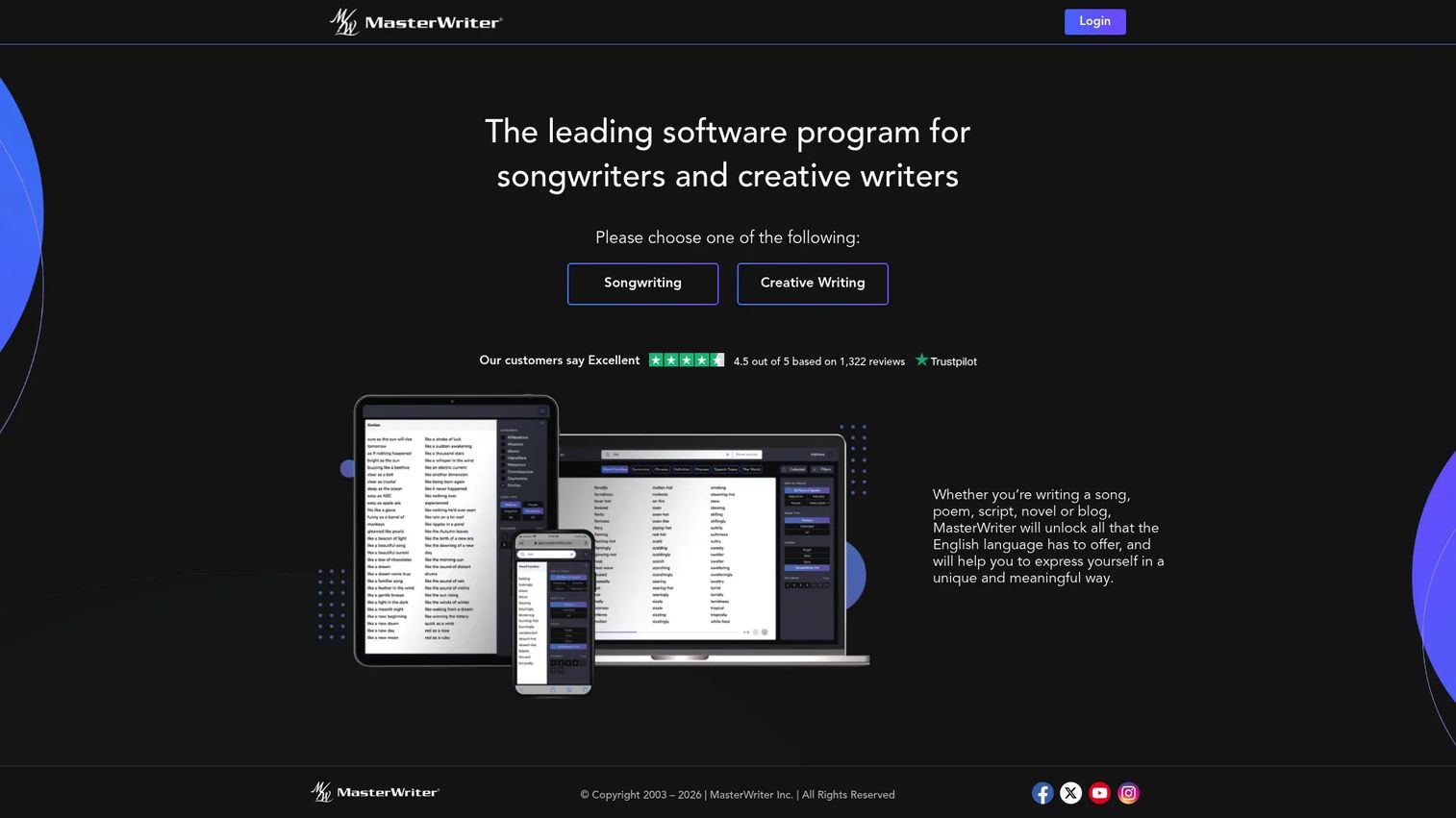
MasterWriter is songwriting and creative writing software built around word choice, rhymes, and idea generation. It broadens past pure lyrics into poems, scripts, novels, and blog writing, so it fits writers who want one wider wordcraft toolset. The reference depth is the draw: Perfect and close rhymes, word families, synonyms, and speech types, all in one workspace with collecting and versioning built in.
Best for: Songwriters and creative writers who want reference tools plus organization in a single desktop app.
Key features
- Perfect and close rhymes
- Phrases, word families, and synonyms
- Speech-type and filter search
- Built-in collecting and project organization
- Versioning for lyrics and melodies
Why choose MasterWriter: If your writing runs beyond lyrics into other formats, MasterWriter gives you one reference and organization layer instead of separate tools per medium. Writers who only need a quick rhyme lookup may find it heavier than they want.
MasterWriter pricing: Monthly access is $9.95 per month. A one-year license is $99.95, and a two-year license is $149.95. A 90-day money-back guarantee is offered, and there is no free tier.
On G2, MasterWriter holds a 3.8 out of 5 rating across a small set of reviews.
2. LyricStudio
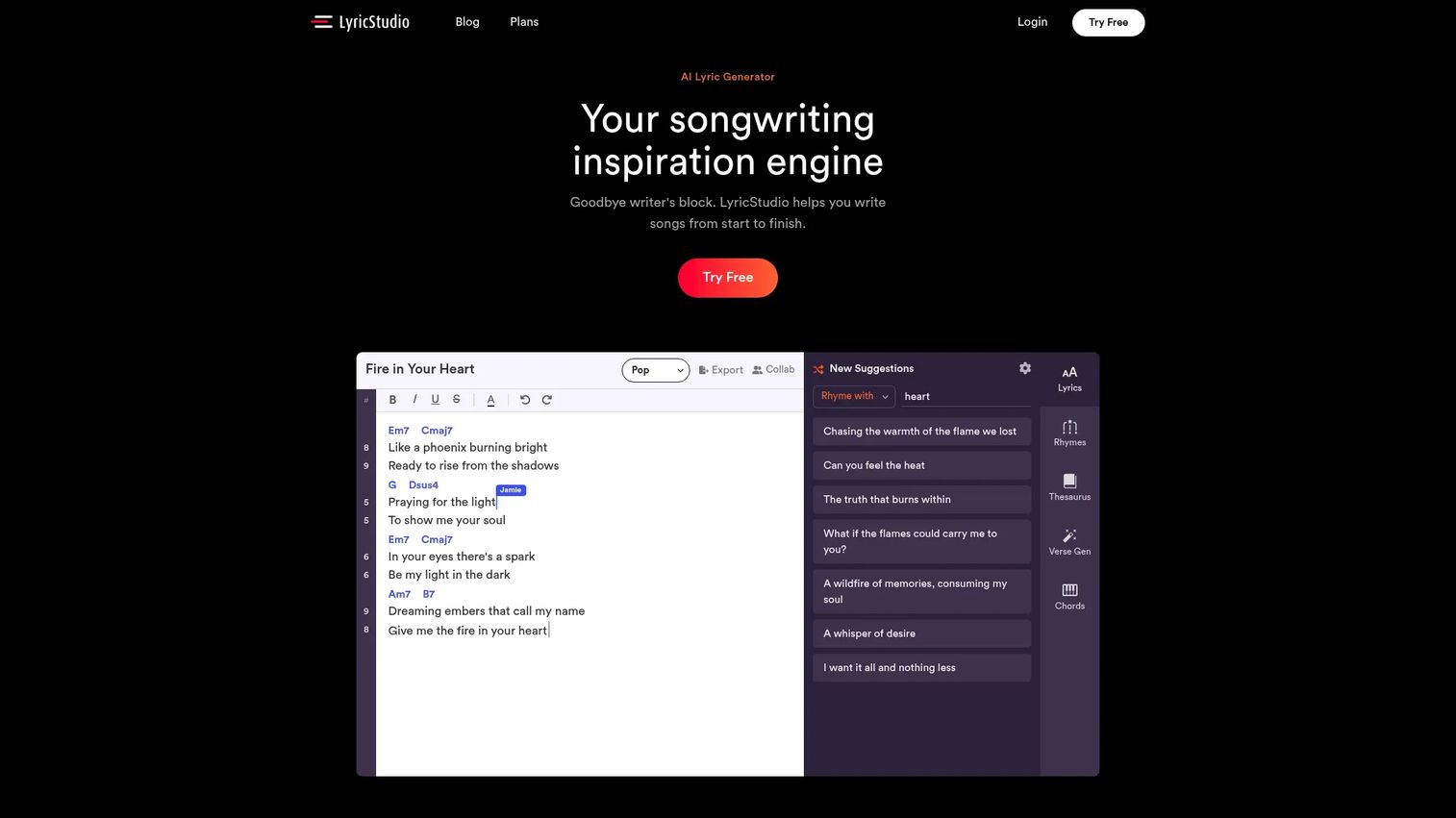
LyricStudio is an AI lyric-writing assistant for songwriters who want help getting past the blank page. It generates line suggestions, offers rhyming support, and includes a thesaurus, so you can move from a title or theme to a rough verse quickly. The positioning is deliberate: The AI writes with you, proposing options you accept or reject, rather than handing you a finished song.
Best for: Songwriters who want AI-assisted lyric ideas and rhymes without giving up their own voice.
Key features
- AI-generated lyric suggestions
- Rhyming support inline
- Thesaurus for word alternatives
- Genre and topic prompting
- Draft workspace for revisions
Why choose LyricStudio: This is the strongest dedicated pick if your main blocker is starting. The suggestion model keeps you in the driver's seat, which matters for writers protective of their style and their rights to the finished work.
LyricStudio pricing: LyricStudio lists its plans on its pricing page, where you can review current subscription options directly. The brand site presents pricing through its plans page rather than a static table.
A verified G2 rating for LyricStudio was not available at publication, so treat community sentiment as your own next check.
3. Lyric Notepad
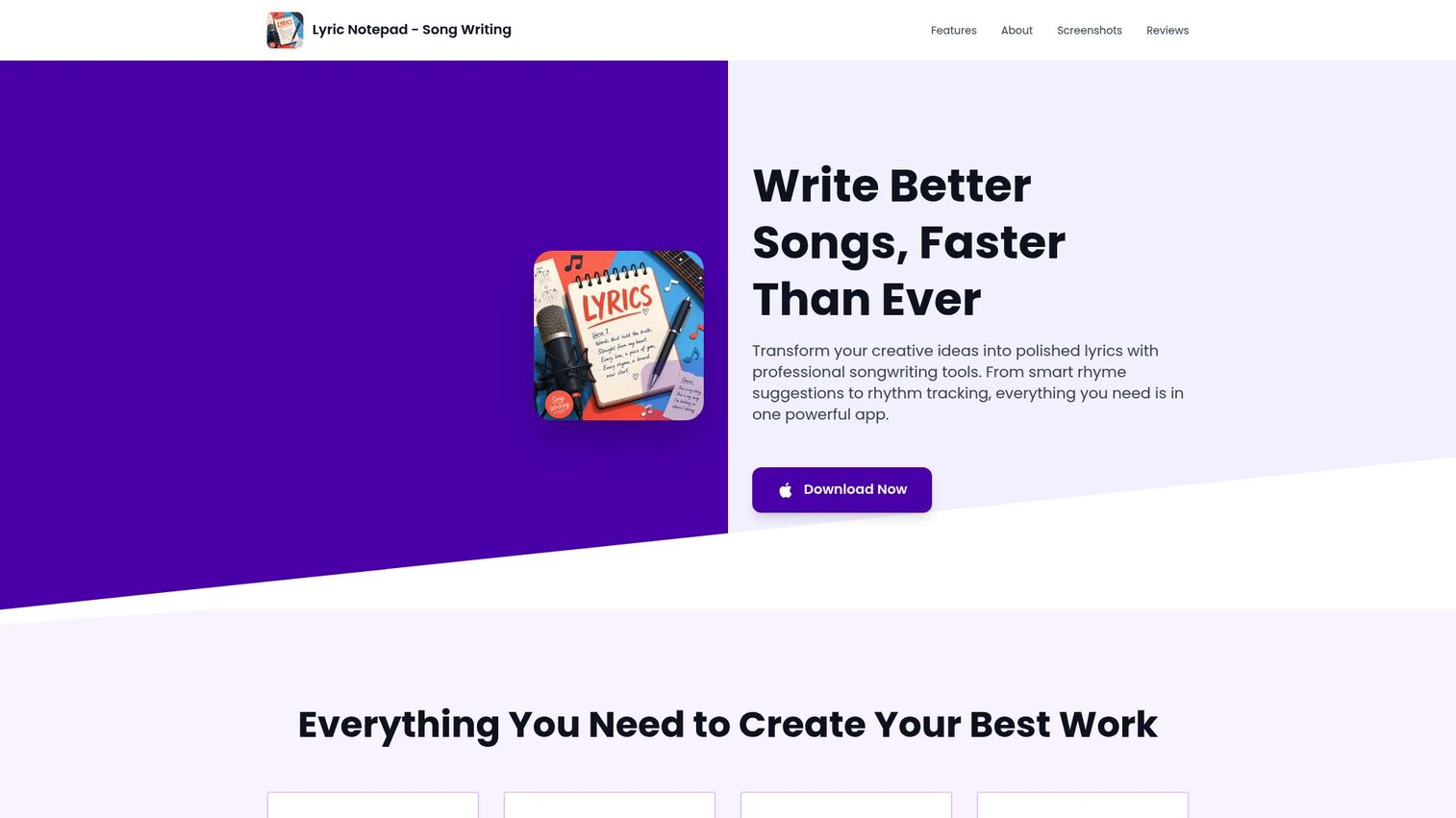
Lyric Notepad is a mobile-first songwriting app for writing, organizing, and refining lyrics on your phone. It stands out for catching ideas the moment they arrive: You can attach a voice recording to a song, then work the words with rhyme matching, a syllable counter, and a Measure Mode with metronome. Word lookup covers synonyms, definitions, and near rhymes without leaving the draft.
Best for: Songwriters, rappers, and poets who draft on the go and want capture plus refinement in one app.
Key features
- Voice recording attached to songs
- Rhyme matching with near rhymes
- Syllable counting per line
- Measure Mode with metronome
- Synonym and definition lookup
Why choose Lyric Notepad: When most of your writing happens away from a desk, an app that records the melody and refines the words beats a notes app plus three other tools. Writers who want deep desktop editing will still want a companion for longer sessions.
Lyric Notepad pricing: The app is free to start, with premium features available through in-app purchases. Options range from a $0.99 unlock to one-time and subscription upgrades up to $49.99, covering weekly, monthly, and yearly plans.
A third-party review rating for Lyric Notepad was not verified at publication, so check current App Store reviews before committing.
4. TuneSmith
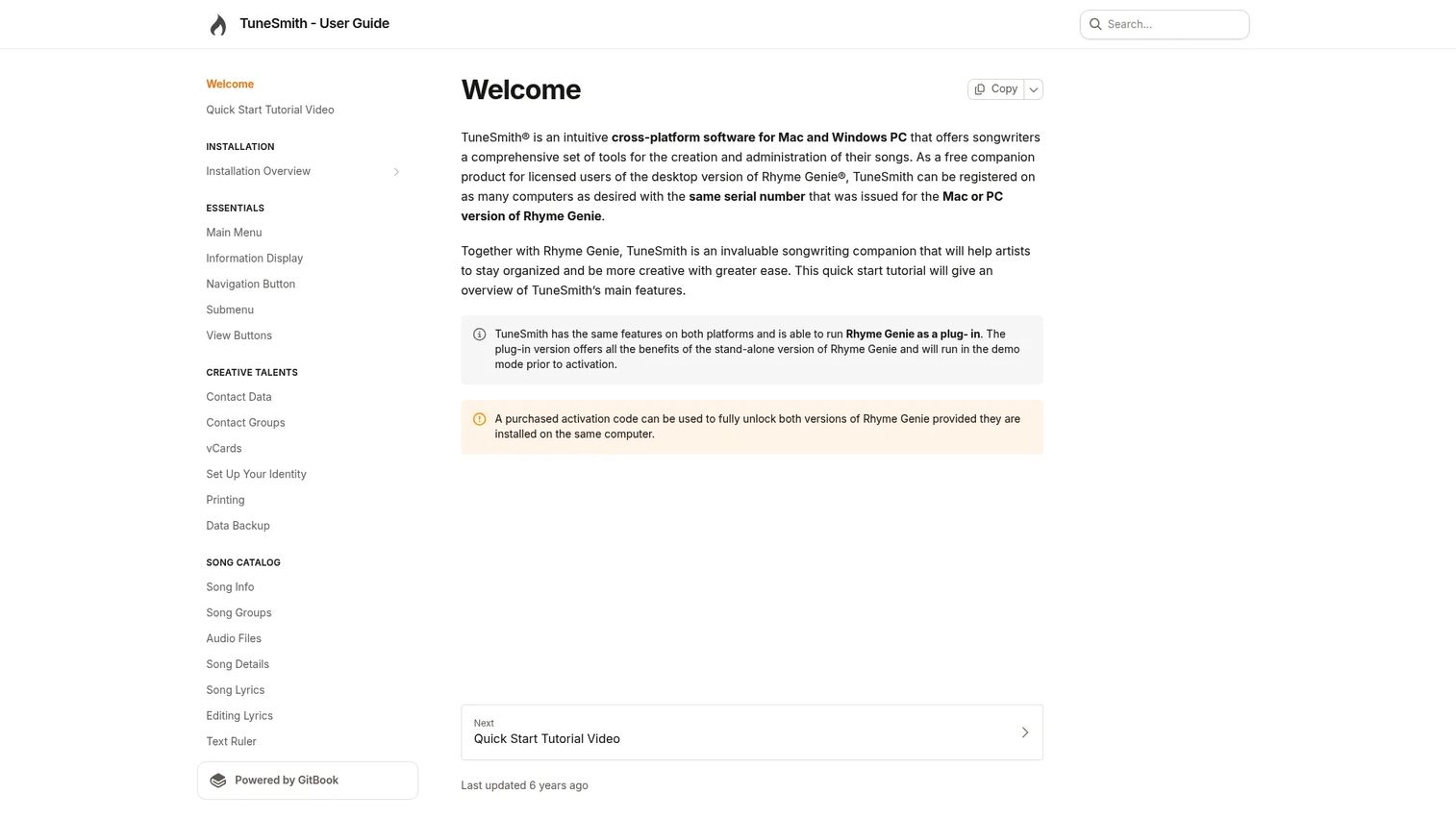
TuneSmith is cross-platform songwriting software for Mac and Windows that keeps songs, lyrics, chords, and copyright details in one catalog. The lyrics editor tracks revisions and supports rich-text styling, so you can watch a verse evolve without losing earlier takes. Song catalog management adds copyright and collaborator tracking, which matters once your body of work outgrows memory.
Best for: Songwriters who need an organized desktop catalog for lyrics, chords, and pitch tracking.
Key features
- Lyrics editor with revision tracking
- Rich-text styling for drafts
- Song catalog management
- Copyright and collaborator tracking
- Chord sheets with Nashville Number System
Why choose TuneSmith: If your problem is scattered work rather than a blank page, TuneSmith's catalog and versioning keep every song findable. It leans toward organization over drafting help, so pair it with a rhyme tool if generation is your gap.
TuneSmith pricing: TuneSmith is offered by Idolumic as a free companion product for licensed users of the desktop version of Rhyme Genie. There are no monthly subscription plans for it.
A G2 or Capterra rating for TuneSmith was not verified at publication.
5. Rhyme Genie
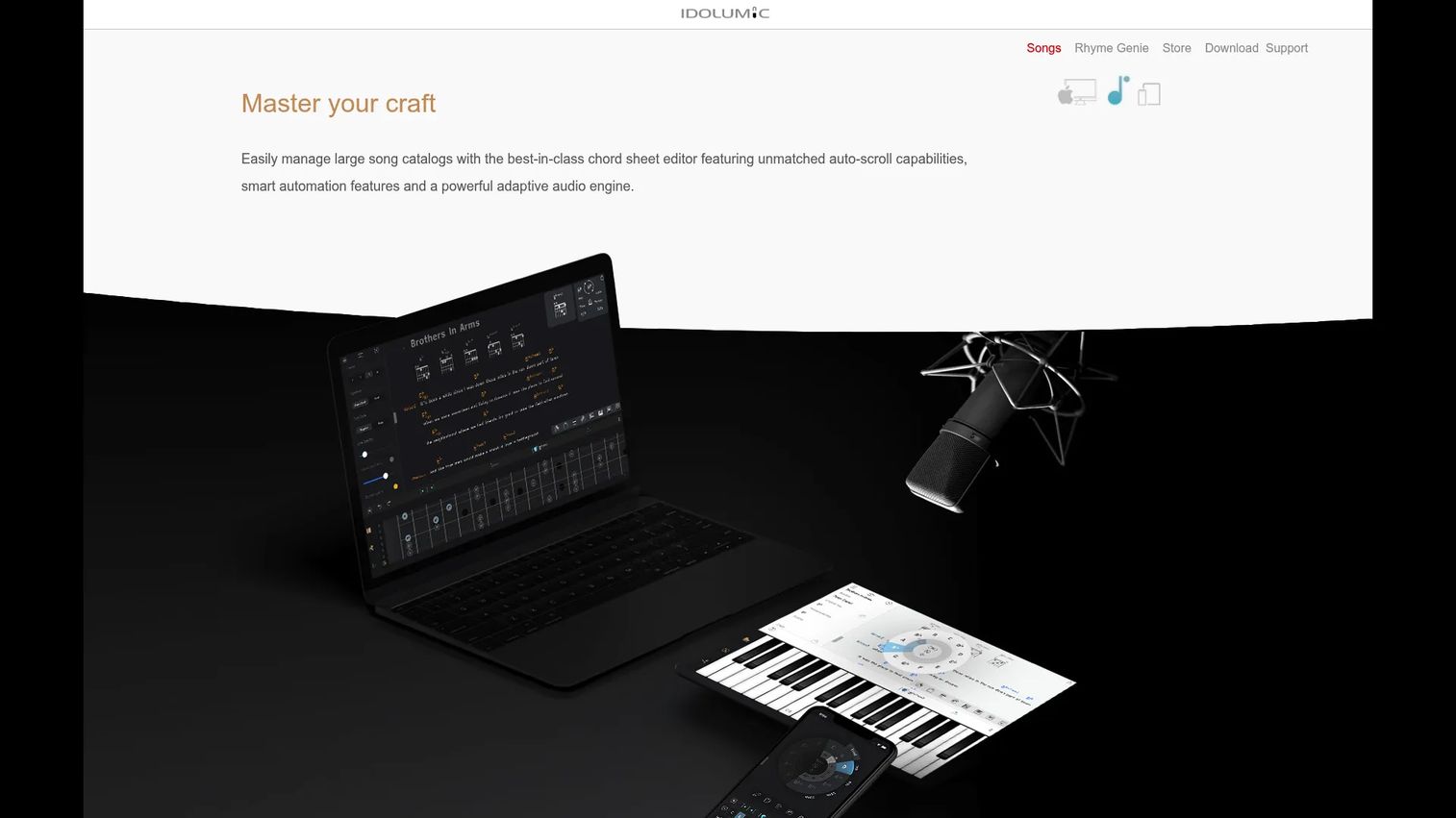
Rhyme Genie is a rhyming dictionary app for macOS, iOS, and Windows built for writers who care most about finding better rhymes fast. The depth is the story: 330,000+ entries, 30 rhyme types, and 10 million phonetic references. A wordfilter with 130,000 parts of speech, an integrated thesaurus with 2.5 million entries, and a Songwriter Dictionary of 53,000 hit titles round out the search tools.
Best for: Songwriters and poets who need a flexible rhyming dictionary with advanced rhyme matching.
Key features
- 30 rhyme types across 330,000+ entries
- 10 million phonetic references
- Wordfilter with 130,000 parts of speech
- Integrated thesaurus, 2.5 million entries
- Songwriter Dictionary of 53,000 titles
Why choose Rhyme Genie: When your bottleneck is rhyme options rather than drafting or organization, this beats a broader suite on pure matching power. Writers who want AI generation or chords will need it alongside another tool.
Rhyme Genie pricing: The downloadable version includes free updates for the life of your computer, and one serial number allows up to three activations. Additional serial numbers are $7.95 each, and a free demo mode is available. The iOS app is a separate purchase on the App Store.
No G2 or Capterra rating for Rhyme Genie was verified at publication.
6. Hookpad
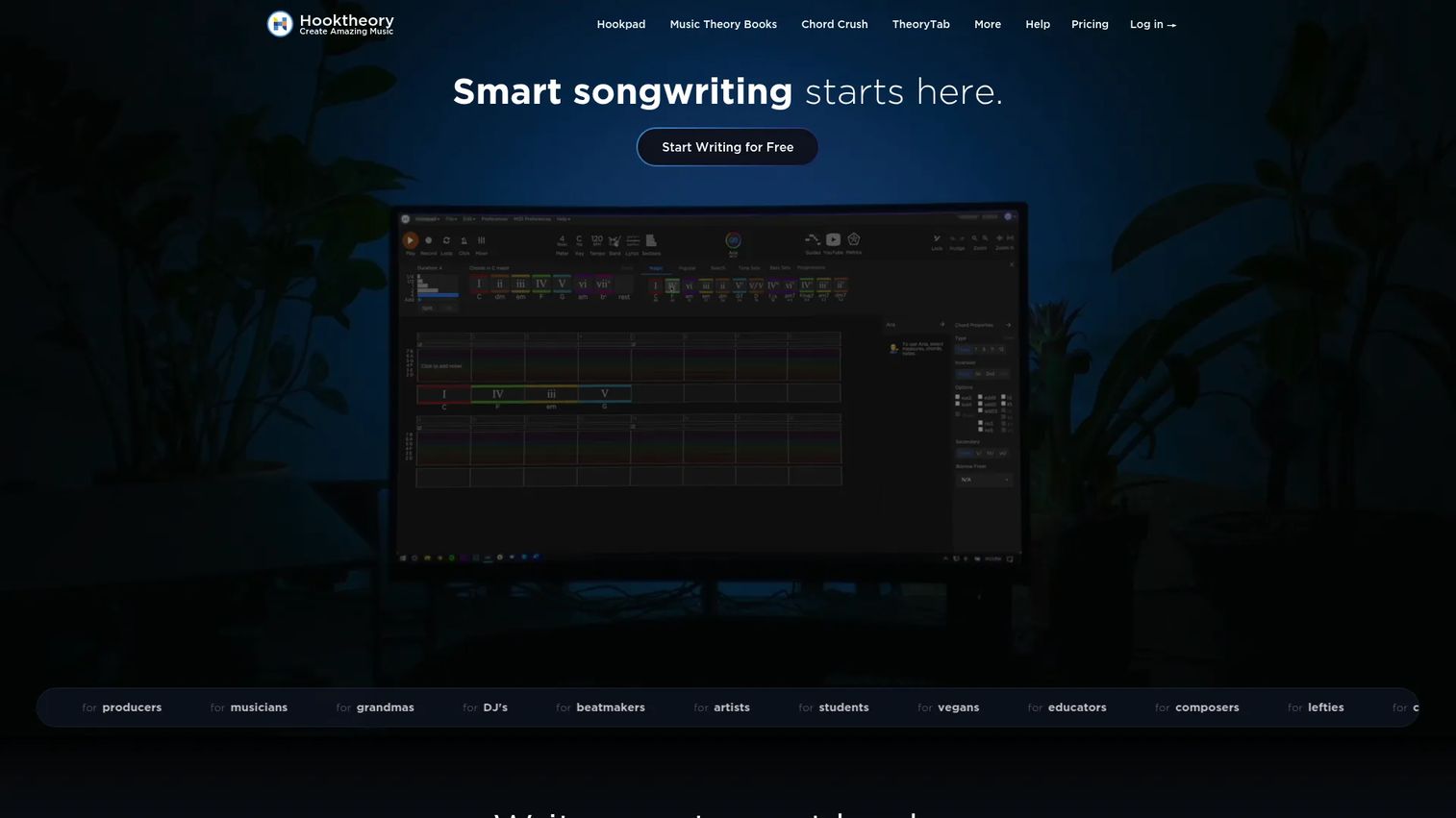
Hookpad is browser-based songwriting software from Hooktheory for building melodies and chord progressions with music theory guidance. Lyrics live inside the song here: You write chords and melody in the browser, edit lyrics alongside them, and export MP3, WAV, or track stems when the draft is ready. Theory guidance nudges you toward progressions that work, which helps melody-first writers move quickly.
Best for: Songwriters who want theory-guided composition and lyric editing in one browser workspace.
Key features
- Chord and melody writing in the browser
- Lyrics editing and export
- Music theory guidance
- MP3 and WAV export
- Track stems for production
Why choose Hookpad: If you write from melody and chords outward, Hookpad keeps the words attached to the music instead of in a separate file. Pure lyricists who never touch chords will find more focused options elsewhere.
Hookpad pricing: A monthly plan runs $7.99 per month, and a lifetime license is $199.00 one-time. Optional add-ons include Aria at $14.99 per month and the Music Theory Books at $34.98 one-time. A free tier is available to start.
No public G2 or Capterra rating for Hookpad was verified at publication.
7. Chord Miner
Chord Miner is chord reference and repertoire software from Musiccoach for writers who build from harmony. It carries a chord reference library of over 7,000 chords, a chord identifier that names chords from fret positions, and chord-set creation for looking up the chords behind a song. For lyricists who start with a progression rather than a phrase, it supplies the harmonic scaffolding.
Best for: Guitarists and writers who think in chords first and want a chord reference and identifier.
Key features
- Chord reference library, 7,000+ chords
- Chord identifier from fret positions
- Chord set creation
- Song chord-set lookup
- Windows desktop support
Why choose Chord Miner: This is the pick for writers whose songs start with harmony and structure. It is a chord tool at heart, so lyric drafting and rhyme help live in whatever you pair it with.
Chord Miner pricing: Current pricing for Chord Miner is listed on the Musiccoach site, which is the place to confirm the latest figures before you buy.
No G2 or Capterra rating for Chord Miner was verified at publication.
Considerations
Before you commit to one of these, run the same checklist you would run on any tool in your stack.
Rhyme support depth
Check whether the tool handles exact rhymes, near rhymes, or both. A basic rhyme list is fine for simple songs. Multisyllabic and near-rhyme matching matters more for rap and dense lyrical styles where the last-word rhyme is the easy part.
Meter and syllable help
Rhythmic support decides whether a line is singable. Look for a syllable counter and some form of measure or metronome mode. Lines that read well on the page still fall apart when they do not fit the beat, and a counter catches that before you record.
Mobile vs desktop workflow
Decide where the writing actually happens. If ideas hit away from your desk, a mobile app with voice capture wins. If you do deep editing in long sessions, a desktop catalog with revision history serves you better. Some writers need both and pair them.
Organization and versioning
Think about how the tool stores drafts, ideas, and revisions. Tabs, folders, and version history keep forty songs from turning into forty lost files. Copyright and collaborator tracking helps once the catalog has real value attached.
Pricing and fit
Separate hobbyist needs from serious workflow needs. A $0.99 app unlock and a $199 lifetime license solve different problems. Match the spend to how often you write and how much the organization and depth actually save you.
Conclusion
The right lyric writing software depends on your single biggest bottleneck, not on a feature checklist.
If you want reference depth plus organization in one place, MasterWriter is the strongest overall pick for structured lyric writing. If you draft mostly on your phone, Lyric Notepad captures the melody and refines the words in one app. If you want a fuller songwriting workflow with chords and melody, Hookpad keeps the lyrics attached to the music. For rhyme depth alone, Rhyme Genie is hard to beat, and TuneSmith earns its place when organization is the problem.
Pick the one that removes your specific friction, whether that is the blank page, weak rhymes, scattered notes, or a growing catalog you can no longer track in your head. Start with a free tier or trial where one exists, and give it a real session before you decide.
Start your journey with Guideflow today!
Start your journey with Guideflow today!
FAQs
For beginners, ease of use and clear rhyme help matter more than depth. Lyric Notepad is friendly on mobile with rhyme matching and a syllable counter, while LyricStudio helps you draft a first verse from a theme. Both let you get a usable result in your first session.
Yes. Hookpad offers a free tier for browser-based writing, Lyric Notepad is free to start with paid unlocks, and Rhyme Genie has a free demo mode. Free tiers usually cap features like export, storage, or advanced rhyme types, so expect to pay once you write regularly.
Lyric Notepad is built for mobile capture. It attaches a voice recording to each song, then adds rhyme matching, syllable counting, and a Measure Mode with metronome. That combination beats a plain notes app when inspiration hits away from your desk.
Yes, and this is the core value for most writers. Rhyme tools surface exact and near rhymes so you stop stalling on line endings. Syllable counters keep lines singable against the beat. Rhyme Genie runs 30 rhyme types, and Lyric Notepad pairs rhyme matching with a per-line syllable count.
No. AI verse generators speed up drafting and break blocks, but they propose options rather than finished songs. LyricStudio's model writes with you, not for you, so the voice and final choices stay yours. Treat the AI as a drafting partner, not a replacement.
Rappers need fast capture, deep rhyme matching, and strong syllable support for flow. Near rhymes and multisyllabic matches matter more than a basic rhyme list. Lyric Notepad handles capture and syllables on mobile, and Rhyme Genie supplies the rhyme depth for dense wordplay.
It depends on whether you need chords and melody. Hookpad and TuneSmith fold lyrics into a broader songwriting or catalog workflow, which helps if you compose music too. A simple lyric app like Lyric Notepad wins when words are the whole job and you want less overhead.
Use a tool with folders, tabs, and version history. TuneSmith catalogs songs with revision tracking and copyright details, and MasterWriter includes collecting and versioning. Both keep a growing body of work findable instead of scattered across notes apps and devices.