



You promised the demand-gen lead a lead magnet by Friday. It's Thursday. The draft lives in a Google Doc, the brand kit lives in a design tool nobody on your team can drive, and the export keeps breaking on someone's Kindle.
Most marketers treat this as a design problem. It's not. It's a workflow problem. The bottleneck is rarely the writing or the pixels. It's the handoffs between writing, layout, brand control, and export that eat the days you don't have.
The global e-book publishing market sits at USD 14.02B in 2026, projected to reach USD 21.25B by 2035, per Business Research Insights (2026). Ebooks still convert, still gate email, still anchor a nurture sequence. The question isn't whether to make them. It's which tool cuts the loops so one person can ship without filing a ticket.
The right ebook creator software depends on what you're building and who's building it. This guide sorts that out.
What's inside
This guide is for growth marketers, content marketers, PMMs, and solo creators who need to ship ebooks without a full design team behind them. We picked tools that cover the range from beginner-friendly to pro-grade layout, then compared them on the factors that decide adoption.
We selected each ebook maker based on:
- Template depth and ease of use: How fast a non-designer gets to a finished page
- Visual customization and brand control: Palettes, fonts, logos, reusable blocks
- Export and publishing options: PDF, EPUB, MOBI, and Kindle-ready output
- AI assistance and collaboration: Drafting help, comments, cross-device editing
The list spans lead magnets, long-form guides, course workbooks, and Kindle-ready books, so you can match the tool to the job instead of forcing one tool onto every job.
TL;DR
- Best for beginners and speed: Canva for fast, template-led ebook design
- Best for pro layout control: Adobe InDesign for typography and print-to-EPUB publishing
- Best for repurposing content into an ebook maker online workflow: Designrr
- Best for AI-assisted drafting: Jasper when writing is the bottleneck, not layout
- Best for authors and long-form writing: Scrivener for structure, Atticus for write-to-format
- Best for Kindle publishing: Kindle Create, free and Amazon-native
- Best for branded marketing assets: Visme for reports and data-rich ebooks
Most marketers already pay for a design or writing tool that covers half of this. Before you add another line item, check whether one of these replaces two.
What is ebook creation software
Ebook creation software helps you write, design, format, and export a digital book or lead magnet, usually without needing a designer or a developer in the loop.
The category splits into two rough camps. Visual builders (Canva, Visme, Designrr) lead with templates and drag and drop editing, so a marketer can produce a polished asset in an afternoon. Writing-first tools (Scrivener, Atticus, Kindle Create) lead with the manuscript, then handle formatting and export as a downstream step. Adobe InDesign sits at the pro end, where layout control matters more than speed.
Core capabilities to expect:
- Templates and ebook templates: Prebuilt covers, page layouts, and multi-page structures
- Drag and drop editor: Move text, images, and blocks without code
- Typography and brand styling: Fonts, palettes, logos, reusable brand blocks
- Media insertion: Images, charts, icons, and embedded links
- Export formats: PDF for gated downloads, EPUB and MOBI for readers, Kindle-ready files
- Collaboration and sharing: Comments, shared editing, review links
One distinction decides your export choice: Reflowable versus fixed layout. Reflowable layout adapts text to any screen size, which is what e-readers and phones expect. Fixed layout locks the design in place, which suits image-heavy or print-style books where the page can't shift. A marketing PDF is fixed by nature. A Kindle novel is reflowable.
Common ebook types this software produces:
- Lead magnets and gated downloads
- How-to guides and playbooks
- Course workbooks and worksheets
- Product guides and documentation
- Branded thought leadership reports
Pick the camp that matches your job before you pick the tool. A design-first builder will frustrate an author, and a manuscript tool will slow down a marketer who just needs a gated PDF by Friday.
When to use
Create a lead magnet fast
Template-led builders like Canva and Visme win here. When the goal is a gated PDF that looks on-brand and ships today, you don't need typography controls. You need a cover, a few clean pages, and an export button. Drop your logo, swap the palette, replace placeholder copy, and download. An ebook maker online means no install and no design bottleneck.
Publish a design-heavy ebook
Adobe InDesign makes sense when layout quality decides how the asset lands. Precise typography, master pages, and consistent styling across 40 pages are hard to fake in a drag-and-drop tool. If you're producing a flagship report that goes to print and to EPUB, the control is worth the learning curve.
Repurpose long-form content into an ebook
Jasper and Designrr shine when the raw material already exists. Designrr imports blog posts, docs, and PDFs and formats them into a finished ebook, cutting the copy-paste loop. Jasper helps draft and reshape the copy itself when the writing, not the design, is what's slowing you down.
Comparison table
Eight tools, sorted by relevance to marketers creating ebooks. Pricing and G2 ratings reflect each vendor's live figures as of August 2026. Free tiers and trials are noted where they exist.
| # | Product | Best for | Key differentiator | Pricing | G2 rating |
|---|---|---|---|---|---|
| 1 | Canva | Beginners and marketers | Template library plus drag and drop editor | Free; Pro US$144/yr | 4.7 |
| 2 | Adobe InDesign | Designers and pro layout | Typography and EPUB publishing control | US$22.99/mo | 4.4 |
| 3 | Designrr | Content repurposing | Import from web, Word, Docs, PDF | From $29/mo | 4.1 |
| 4 | Jasper | AI-assisted drafting | On-brand AI content at scale | From $59/mo | 4.7 |
| 5 | Atticus | Authors, write-to-format | Write and format in one app | $147 one-time | 3.0 |
| 6 | Scrivener | Long-form authors | Research and manuscript organization | From US$23.99 | 4.5 |
| 7 | Kindle Create | Kindle publishing | Amazon-native KDP formatting | Free | N/A |
| 8 | Visme | Branded marketing ebooks | Data visualization plus brand kit | Free; Starter $12.25/mo | 4.5 |
Use the table to shortlist two tools, then read those item sections in full. The pricing model matters as much as the sticker price: A one-time author tool and a per-seat marketing platform serve different budgets and different teams.
Best 8 ebook creation software for 2026
1. Canva
Canva is a browser-based visual design platform for graphics, presentations, documents, and ebooks. For marketers, it's the fastest path from blank page to gated PDF. The template library and drag and drop editor mean a non-designer can produce a polished multi-page ebook in an afternoon, then reuse the same brand kit across every other asset.
Best for: Marketers and small teams who need speed, templates, and simple brand consistency over deep layout control.
Key features
- Drag and drop design editor
- Templates and stock media library
- Brand kits for palettes, fonts, logos
- Cross-device and mobile editing
- Export to PDF and image formats
Why choose [Canva: It's the strongest fit when speed and reuse matter more than typographic precision. If your team already runs social and slides in Canva, an ebook is one more asset in a tool you own, which answers the "what does this replace" objection outright.
Canva pricing: The Free plan covers a lot for solo creators. Pro runs US$144/year for one person, and Business is US$250/year per person.](https://www.canva.com/pricing/) Enterprise pricing is available by contacting Canva's sales team.
Canva holds a 4.7/5 rating on G2.
2. Adobe InDesign
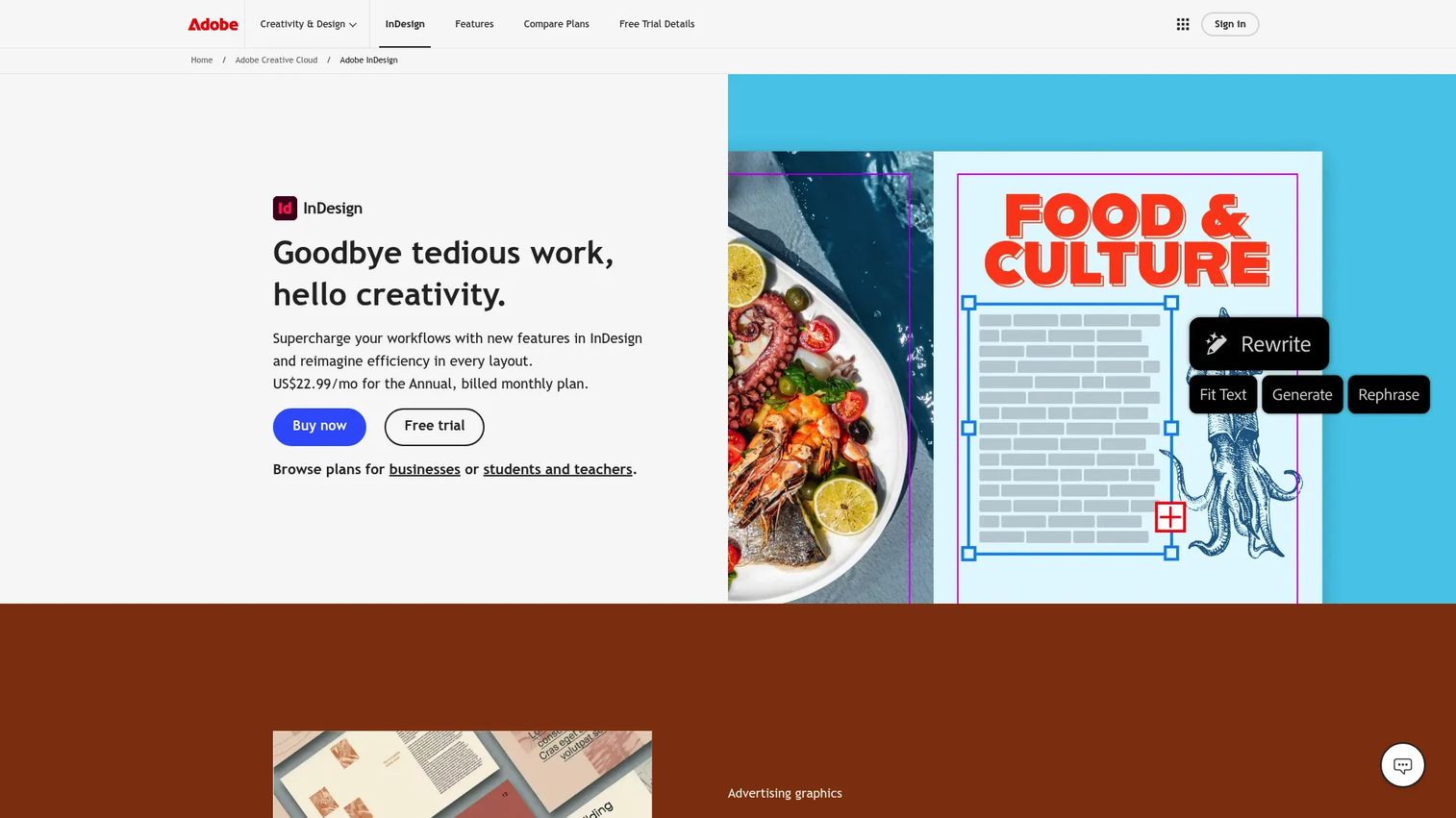
Adobe InDesign is desktop publishing software for print and digital layouts, including ebooks, magazines, and brochures. It's the pro-grade pick when layout quality carries the asset. Master pages, paragraph styles, and precise typography give you control that drag-and-drop tools can't match, and it exports directly to EPUB for reader distribution.
Best for: Designers and marketers producing flagship, design-heavy ebooks where typography and structure decide the outcome.
Key features
- Professional page layout and typography
- Master pages and reusable styles
- EPUB, PDF export formats
- Adobe Creative Cloud integration
- Alt text and accessibility tools
Why choose Adobe InDesign: Pick it when production control and brand consistency across long documents matter most. The tradeoff is real: InDesign assumes design skill and time, so it's overkill for a quick lead magnet but ideal for a printed annual report.
Adobe InDesign pricing: The standalone InDesign plan is US$22.99/month on an annual, billed-monthly basis. Creative Cloud Pro runs US$69.99/month, and the InDesign for teams license is US$37.99/month per seat.
Adobe InDesign holds a 4.4/5 rating on G2.
3. Designrr
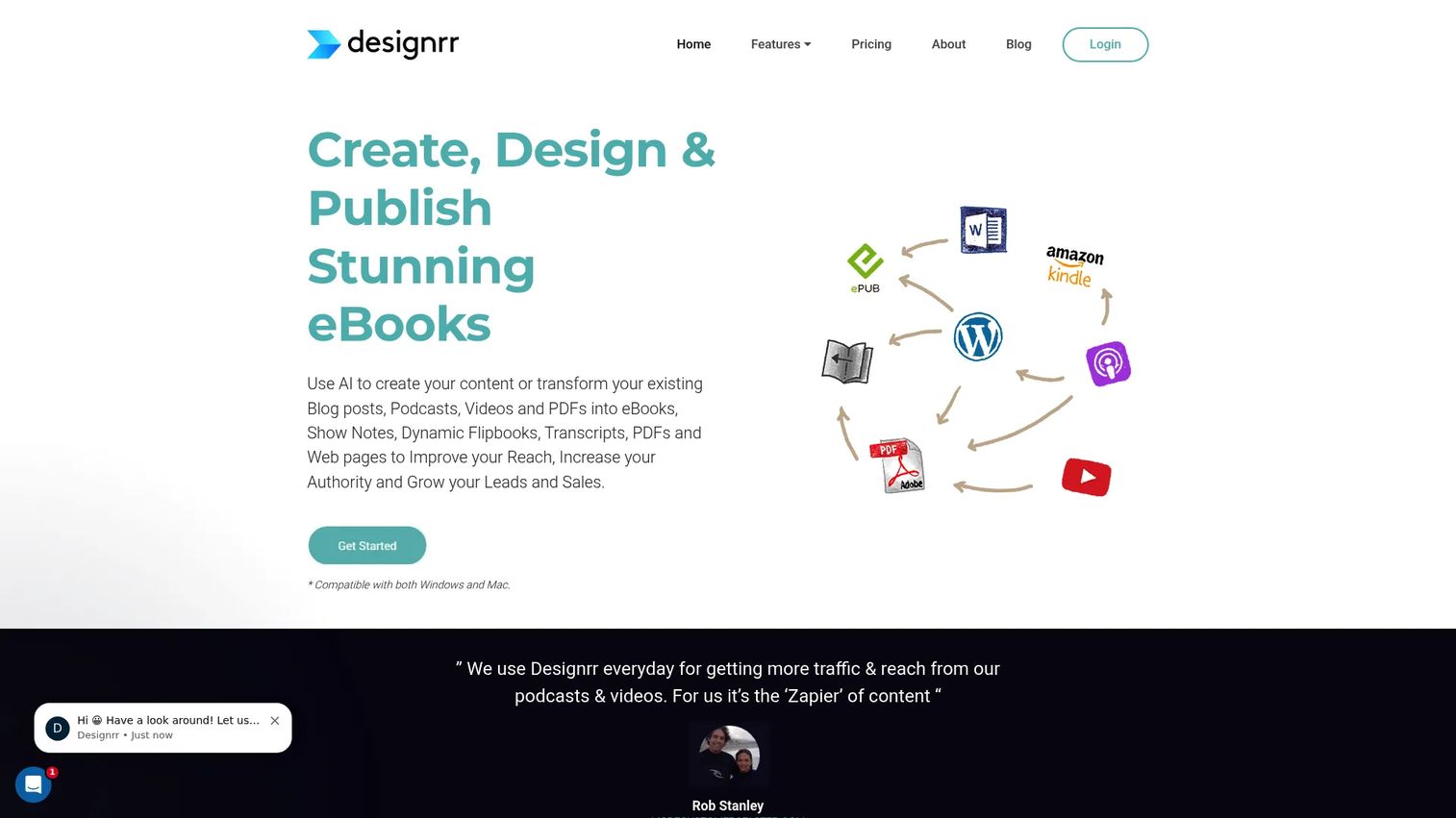
Designrr turns existing content into ebooks, flipbooks, reports, and lead magnets. Its edge is import: Pull a blog post, a Word file, a Google Doc, or a PDF, and Designrr formats it into a finished ebook. For a growth marketer sitting on a year of blog content, that repurposing workflow is the whole pitch.
Best for: Marketers who need to convert blog posts, docs, or transcripts into lead magnets quickly.
Key features
- Import from web, Word, Google Docs, PDF
- Unlimited ebooks on paid plans
- Flipbook generator from any PDF
- AI-assisted formatting
- Multimedia and image support
Why choose Designrr: It wins when your bottleneck is turning content you already own into a shippable asset, not designing from scratch. If you publish regularly, the copy-paste time it saves adds up fast across a quarter.
Designrr pricing: Plans start at $29/month for Standard, with Pro at $39/month and Premium at $49/month. The Business plan is $99/month and the Agency Premium plan is $249/month.
Designrr holds a 4.1/5 rating on G2.
4. Jasper
Jasper is an AI content platform built for marketing teams. It doesn't design pages. It writes and reshapes the copy that fills them. As an AI ebook creator for the drafting stage, Jasper helps you outline chapters, draft sections, and keep the tone on-brand before you move the text into a design tool for layout.
Best for: Teams whose bottleneck is producing on-brand ebook copy, not formatting it.
Key features
- AI content creation across brands
- Brand voice controls
- Content repurposing workflows
- Collaboration and workspace management
- SSO and admin controls
Why choose Jasper: Reach for it when writing is the slow part and you already have a design tool for the rest. It pairs naturally with a visual builder: Draft in Jasper, lay out in Canva or Visme. It's a writing engine, not an export tool.
Jasper pricing: The Pro plan is $59/month billed yearly, or $69/month billed monthly. Business pricing is custom. Jasper offers a 7-day free trial of the Pro plan.
Jasper holds a 4.7/5 rating on G2.
5. Atticus
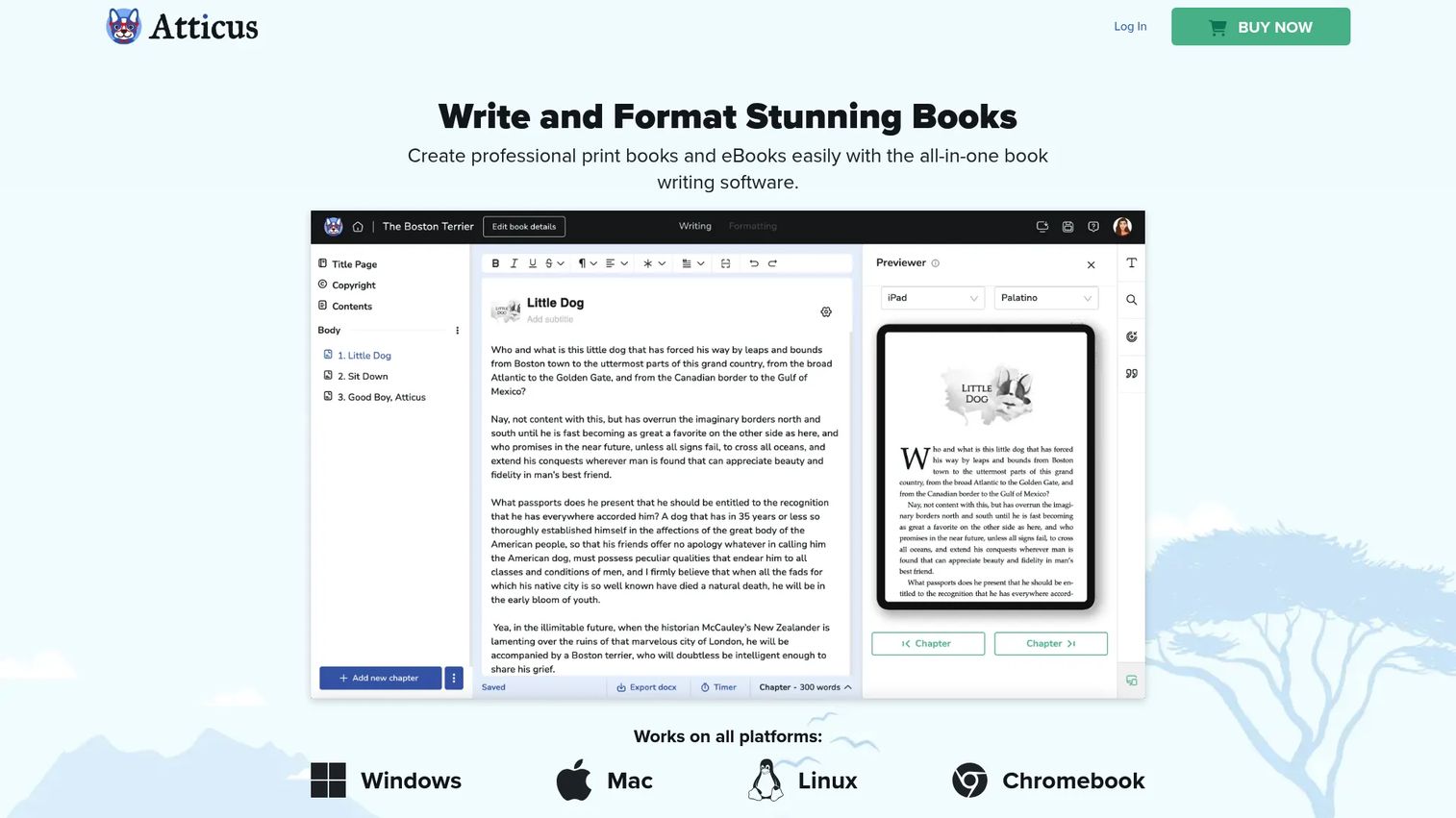
Atticus is writing and formatting software built for authors. Its appeal is the single workspace: Write your manuscript and format it for ebook and print export without switching apps. A custom chapter theme builder handles the visual side, so the jump from finished draft to formatted file stays inside one tool.
Best for: Authors and solo creators who want one app to write and format books for ebook and print output.
Key features
- Distraction-free writing environment
- Custom chapter theme builder
- Ebook and print-ready export
- Live formatting preview
- Cross-platform access
Why choose Atticus: It fits authors who resent bouncing between a writing app and a formatting app. The tradeoff shows up in reviews, so try it against your export needs before committing. It's built for books, not marketing reports.
Atticus pricing: Atticus is a one-time purchase of $147, with no monthly fee and lifetime updates included.
Atticus holds a 3.0/5 rating on G2.
6. Scrivener
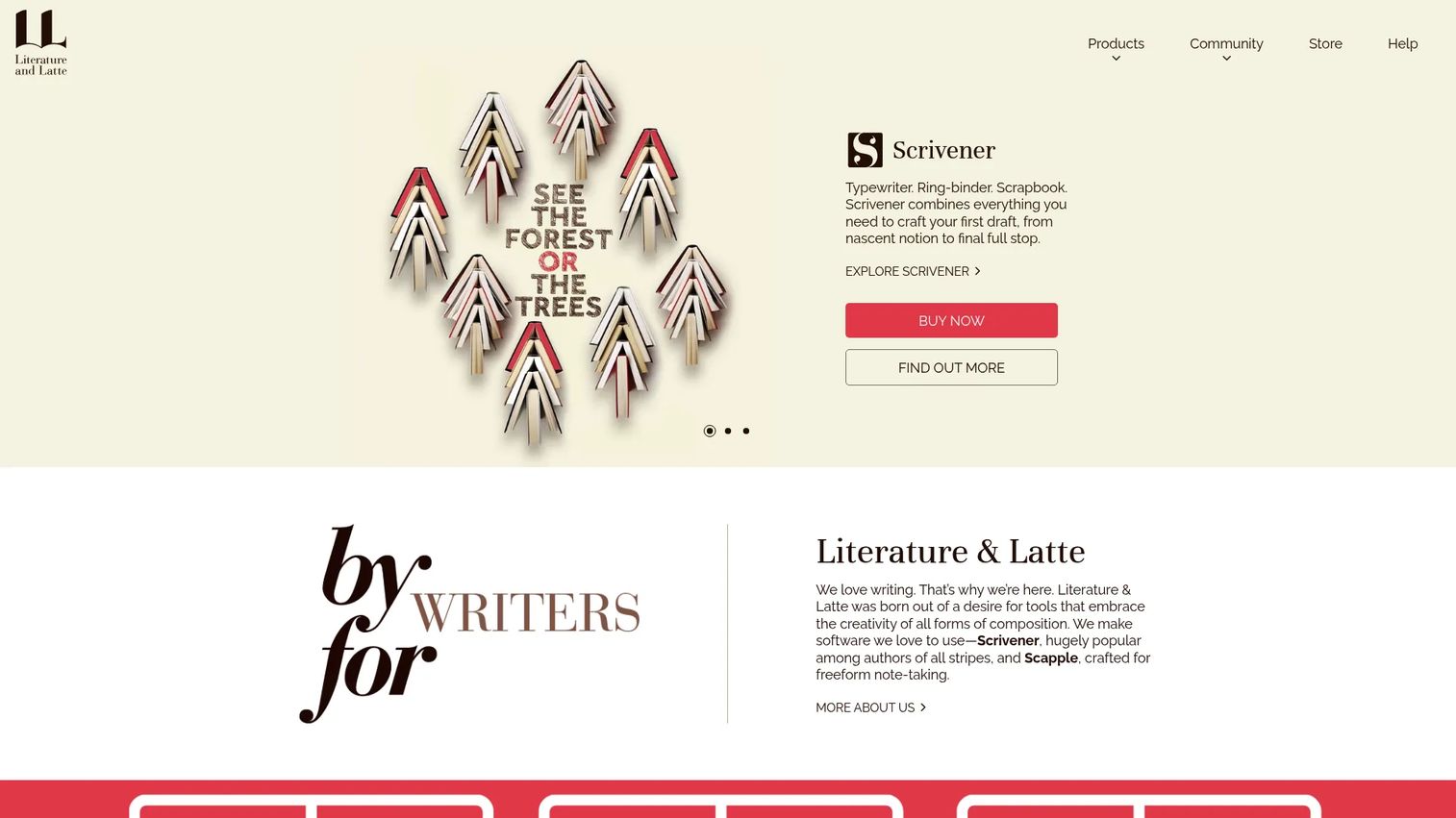
Scrivener is writing, outlining, and research software for long-form projects. It keeps notes, research, and drafts together, and lets you compose and restructure a document in sections rather than one endless scroll. For a complex manuscript, that structure-first approach is the point, and it exports to Word, PDF, and more when you're ready.
Best for: Writers building novels, scripts, or long guides that need heavy outlining and research organization.
Key features
- Section-based drafting and restructuring
- Research and notes in one workspace
- Corkboard and outline views
- Writing targets and progress tracking
- Export to Word, PDF, plain text
Why choose Scrivener: Choose it when the manuscript itself is complex and needs organizing before it can be formatted. It's a writing environment, not a design tool, so pair it with a formatter or InDesign for the final polished file.
Scrivener pricing: The iOS and iPadOS app is a one-time US$23.99. Scrivener also sells macOS, Windows, and educational licenses through its store.
Scrivener holds a 4.5/5 rating on G2.
7. Kindle Create
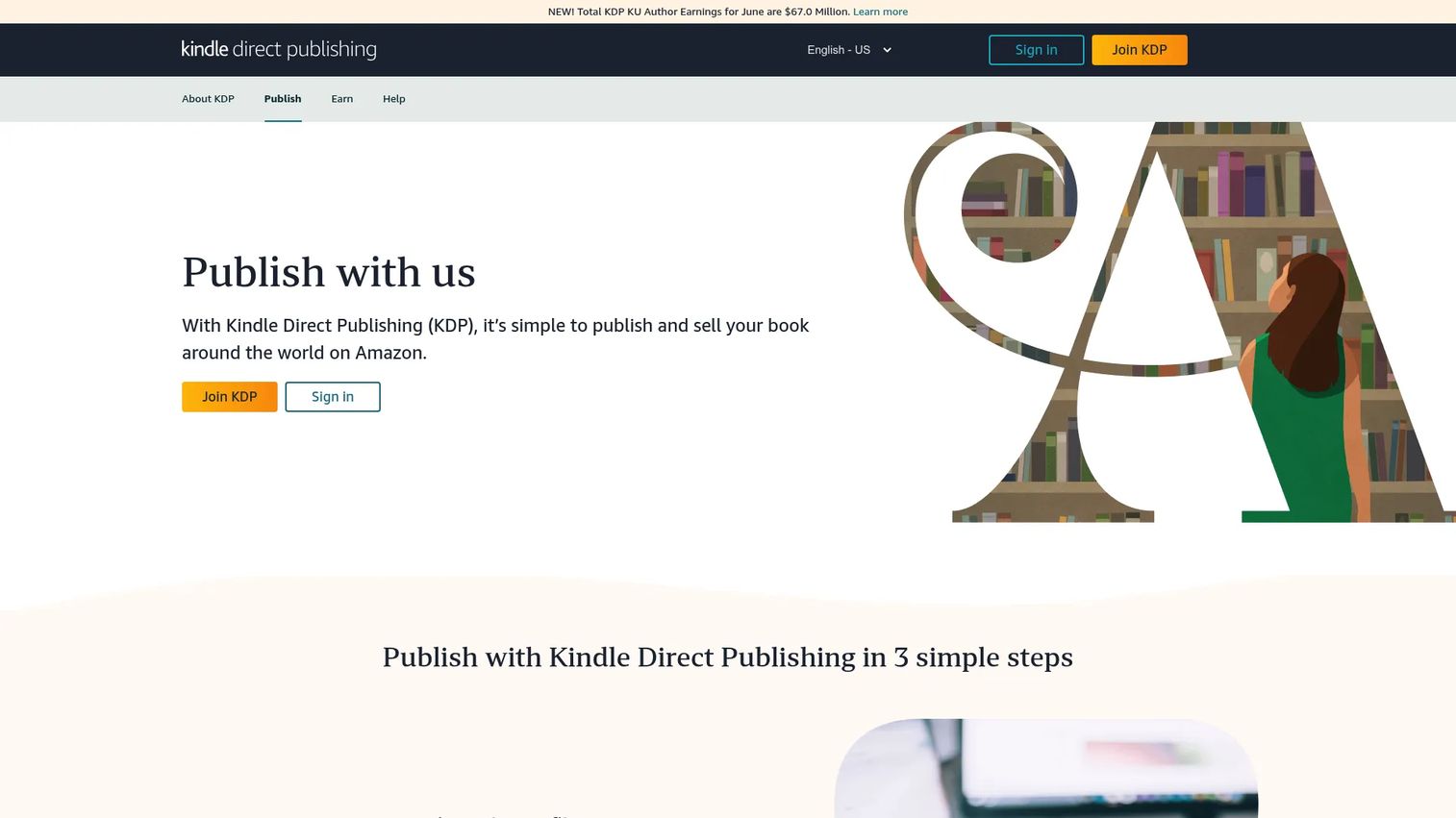
Kindle Create is Amazon's free formatting tool for preparing books for Kindle Direct Publishing. It takes a DOC or DOCX file and produces a reflowable ebook, and it also handles print replicas and comic ebooks with Guided View. It builds a table of contents, applies themes, and preps files for KDP.
Best for: Authors preparing Kindle ebooks and simple fixed-layout books for Amazon.
Key features
- Reflowable ebook formatting from DOC/DOCX
- Print replica and comic ebook support
- Table of contents generation
- Themes, images, hyperlinks
- Direct KDP publishing prep
Why choose Kindle Create: If Kindle is the destination, this is the obvious pick, and it's free. The tradeoff is scope: It's built for the Amazon workflow, so it won't serve as your general-purpose ebook maker for gated marketing PDFs.
Kindle Create pricing: Amazon offers Kindle Create for free, with no paid tiers.
Kindle Create does not have a G2 rating listed.
8. Visme
Visme is a visual content platform for presentations, infographics, reports, and ebooks. It sits between Canva's speed and InDesign's control, with a strength in data. When your ebook needs charts, graphs, and branded visuals to read like a marketing asset rather than a plain document, Visme's data visualization and brand kit tools earn their place.
Best for: Marketers creating polished, data-rich ebooks and reports that need to look like campaign assets.
Key features
- Templates for reports and ebooks
- Data visualization and charts
- Brand kit for consistency
- Media insertion and interactivity
- Export and sharing options
Why choose Visme: Pick it when the ebook leans on data and needs to stay tightly on-brand across a series. It gives more chart and layout depth than a general design tool without the InDesign learning curve.
Visme pricing: The Basic plan is free. Starter runs US$12.25/month per person and Pro is US$24.75/month per person, both billed annually. Enterprise pricing is custom for teams of 10 or more.
Visme holds a 4.5/5 rating on G2.
Considerations
Before you add a tool, run your shortlist through these five checks. The goal is a pick that ships assets and answers to the budget, not another logo in a crowded stack.
Ease of use
Count the hours your team can actually spend learning a tool. Beginner-friendly builders like Canva and Visme get a non-designer productive in a day. Pro tools like Adobe InDesign reward the investment with control but demand real ramp time. Match the tool to the skill you have, not the skill you wish you had.
Template quality
Templates decide how fast you get from brief to finished ebook. Look past the cover: Check page variety, inside-page structure, and whether the ebook templates hold up across a 30-page guide. Strong templates also enforce consistency, which saves review cycles when several people touch the file.
Export formats
Your distribution goal sets your format. Gated marketing PDFs are fixed layout and simple to produce anywhere. EPUB and MOBI matter for e-readers and reflowable text, and Kindle Create owns the KDP path. Confirm the tool exports what your channel needs before you build a whole asset in it.
Brand control
Marketing teams need palette, font, and logo consistency across every asset. Brand kits, reusable blocks, and style systems keep a series of ebooks looking like they came from one team. Canva, Visme, and InDesign all handle this, but the depth and enforcement differ, so test with your actual brand.
Collaboration and approvals
If more than one person touches the ebook, shared editing, comments, and review links stop the version-control chaos of emailed files. Browser-based tools make this easier than desktop software. Check how the tool handles simultaneous edits and whether reviewers need a paid seat.
Conclusion
The tradeoff is straightforward once you name the job. Canva wins on speed and reuse for marketers shipping lead magnets. Adobe InDesign wins on layout control for flagship, design-heavy assets. Designrr and Jasper win on content repurposing, one for formatting existing material and one for drafting the copy. Scrivener and Atticus win for writing-first authors, with Kindle Create as the free, Amazon-native path to Kindle. Visme covers the data-rich, tightly branded middle.
Your next step: Pick the two tools that match your ebook type and budget, then run a real asset through each free tier or trial before you commit a line item. Don't evaluate on the demo page. Evaluate on your actual brand, your actual export, and your actual review loop.
If you're a marketer who ships product content beyond ebooks, the same "show, don't tell" logic that makes a good ebook convert applies to how you demo your product. Teams that pair static assets with interactive experiences from Guideflow can capture a product flow, personalize it per segment, share it anywhere, and analyze engagement to see what actually lands.
Start your journey with Guideflow today!
FAQs
It depends on the job. Beginners and marketers get the most from Canva for template-led speed. Designers producing polished, print-quality ebooks lean on Adobe InDesign. Authors writing long-form manuscripts do better with Scrivener or Atticus, which prioritize structure and formatting over visual design.
Yes. Canva and Visme both offer free plans that cover basic ebook design, and Kindle Create is free for Kindle publishing. Free tiers usually limit premium templates, advanced export, or branding controls, so check whether the free plan exports the format your channel needs before you commit.
For gated marketing downloads, PDF is the safe default and works everywhere. For e-readers and phones, EPUB gives you reflowable text that adapts to any screen. For Amazon, Kindle Create produces Kindle-ready files. Pick the format your distribution channel expects, then confirm your ebook software exports it.
Canva is strong for speed, templates, and brand consistency, which is why marketers reach for it first. It's the weaker choice when you need precise typographic control or complex print layouts, where Adobe InDesign holds the edge. For most lead magnets and marketing ebooks, Canva covers the job.
No. Template-led tools like Canva and Visme are built for non-designers, with drag and drop editing and prebuilt ebook templates that handle the layout for you. Design experience helps if you move to a pro tool like Adobe InDesign, but it isn't required to produce a clean, on-brand ebook.
Reflowable layout lets text adapt to any screen size, which is what phones and e-readers expect for a comfortable read. Fixed layout locks the page design in place, which suits image-heavy or print-style books where the layout can't shift. Marketing PDFs are fixed by nature; most Kindle ebooks are reflowable.
Designrr is built for this: It imports blog posts, docs, and PDFs, then formats them into a finished ebook. Jasper helps on the writing side, reshaping and refining existing copy as an AI ebook creator before you move it into a design tool. Together they cover the content-to-asset path.
Kindle Create is the natural pick, since it's Amazon's own tool and preps files directly for Kindle Direct Publishing. It handles reflowable ebooks, table of contents, and print replicas, and it's free. Authors who write in Scrivener can export a manuscript and finish the Kindle formatting in Kindle Create.










