Open enrollment is the one time of year when a small mistake echoes across every paycheck for the next twelve months. A deduction entered wrong. A dependent left off a plan. A carrier file that never synced. And most HR teams still fight through it on spreadsheets, email chains, and manual data re-entry between systems that were never designed to talk to each other.
The cost of that friction is real. The global benefit enrollment and administration software market was valued around USD 4.2 to 4.3 billion in 2024 and is projected to reach USD 8.9 to 10 billion by 2033 to 2035, according to Growth Market Reports (2024). That growth tracks a simple reality: manual benefits administration does not scale, and buyers are moving to purpose-built platforms to fix it.
Benefits enrollment software solves a specific set of problems. It gives employees a guided way to compare and choose plans, applies eligibility rules automatically, syncs elections back to payroll, and pushes clean data to carriers. It also keeps the compliance trail intact for ACA, HIPAA, and COBRA obligations. Done well, it turns open enrollment from a two-month scramble into a repeatable process.
This guide compares seven employee benefits administration software platforms worth evaluating in 2026. Each pick is judged on the operational realities that matter to HR and benefits buyers: how much manual work it removes, how cleanly it moves data, and how well it fits the systems you already run.
What's inside
This is a practical shortlist for HR, benefits, and operations buyers comparing benefits administration software for open enrollment and year-round management. We looked at platforms across the range: suite-level HCM systems, broker-driven administration tools, and specialized enrollment platforms.
We evaluated each tool against the criteria that decide whether software actually reduces workload:
- Guided enrollment and decision support so employees choose the right plan with fewer questions
- Admin automation for eligibility, deductions, and life-event changes
- Integrations with payroll, HRIS, and carrier data exchange
- Compliance coverage for ACA, HIPAA, and COBRA
- Analytics and reporting for enrollment tracking and cost visibility
- Employee self-service across desktop and mobile
TL;DR
- Best for suite-level HR context: Dayforce, if you want enrollment, payroll, and workforce management in one benefits administration platform.
- Best general-purpose HCM: ADP, for teams that want a well-known vendor with broad admin and compliance coverage.
- Best for employee decision support: Benefitfocus, for guided plan comparison and year-round benefits access.
- Best broker-friendly benefits enrollment tool: Employee Navigator, built around broker and carrier connectivity for SMB and mid-market employers.
- Best for complex large-group administration: bswift, for eligibility-heavy enrollment and configurable service models.
- Best for stack consolidation: Paycor, for growing businesses that want HR, payroll, and benefits in fewer systems.
What is benefits enrollment software?
Benefits enrollment software is a system that helps employees compare, select, and manage their benefits while automating the administrative and compliance work behind eligibility, deductions, and carrier reporting.
The strongest online benefits enrollment software platforms share a common set of capabilities. When you evaluate a benefits administration platform, expect these as table stakes:
- Guided enrollment: step-by-step flows that walk employees through plan choices, with decision support and side-by-side benefits plan comparison.
- Eligibility-based enrollment: rules that automatically show or hide plans based on employment status, location, hours, or class.
- Payroll integrations: two-way sync so elections flow into deductions without manual entry.
- HRIS integration: a clean connection to employee records so demographic and status data stays consistent.
- Carrier data exchange: automated EDI or API feeds that deliver enrollment data to insurance carriers.
- ACA HIPAA COBRA compliance: built-in tracking, notices, and reporting to meet regulatory obligations.
- Mobile benefits enrollment: employee self-service benefits access from any device.
- Benefits reporting: dashboards for enrollment status, cost, and participation.
The distinction worth keeping in mind: employee benefits software focused on enrollment handles the elect-and-administer workflow, while broader HR software manages the full employee record. Many platforms do both. The question is where the depth sits.
When to use benefits enrollment software
Not every team needs a dedicated platform on day one. Here are the moments when the manual approach stops working.
Open enrollment without the spreadsheet mess
The symptoms are familiar. Someone maintains a master spreadsheet of who elected what. Election forms come in by email and PDF. Deductions get keyed into payroll by hand. Every year the reconciliation takes weeks, and errors surface on the first payroll run of the new plan year.
Benefits enrollment software replaces that with a single system of record. Employees enroll themselves through guided flows, eligibility rules apply automatically, and elections lock into place with an audit trail. The reconciliation work that used to eat January largely disappears.
Sync benefits data with payroll and HRIS
Duplicate data entry is where benefits administration quietly breaks. When an employee changes a plan mid-year after a life event, that change has to hit payroll, the HRIS, and the carrier. Do it manually across three systems and one of them will fall out of sync.
This is a data integrity problem, not just an efficiency one. Payroll integrations and HRIS integration close the gap by making the enrollment platform the source of truth. A change entered once propagates everywhere, which keeps deductions accurate and carrier files clean.
Improve employee plan selection and self-service
Employees consistently underuse benefits they do not understand. When plan options are buried in a PDF, people default to last year's choice or pick blindly. Guided enrollment with benefits decision support changes that. Side-by-side benefits plan comparison, cost estimators, and eligibility-based enrollment logic help employees see what actually fits their situation. The downstream effect: fewer questions land on HR, and employees make better choices they are less likely to regret.
Comparison table
Here is the shortlist at a glance before the deeper breakdowns. Pricing for most of these platforms is quote-based, so treat public figures as a starting reference and confirm directly with each vendor. Ratings are pulled from G2.
| # | Product | Intent | Key use case | Pricing | G2 rating |
|---|---|---|---|---|---|
| 1 | Dayforce | Suite-first HCM | Enrollment inside a full HR, payroll, and workforce platform | Quote-based | 4.2/5 |
| 2 | ADP | General-purpose HCM | Broad payroll, HR, and benefits administration | Quote-based | 4.6/5 |
| 3 | Benefitfocus | Employee experience | Guided plan comparison and decision support | Quote-based | 4.2/5 |
| 4 | PeoplePro | Service-supported admin | Benefits module with outsourcing support | Quote-based | Not listed |
| 5 | Employee Navigator | Broker-driven | Broker and carrier connectivity for SMB and mid-market | Quote-based | 4.6/5 |
| 6 | bswift | Complex large-group | Configurable, eligibility-heavy enrollment | Quote-based | 3.8/5 |
| 7 | Paycor | Stack consolidation | HR and payroll-centered benefits admin | From $99/mo + $5 PEPM | 3.9/5 |
1. Dayforce
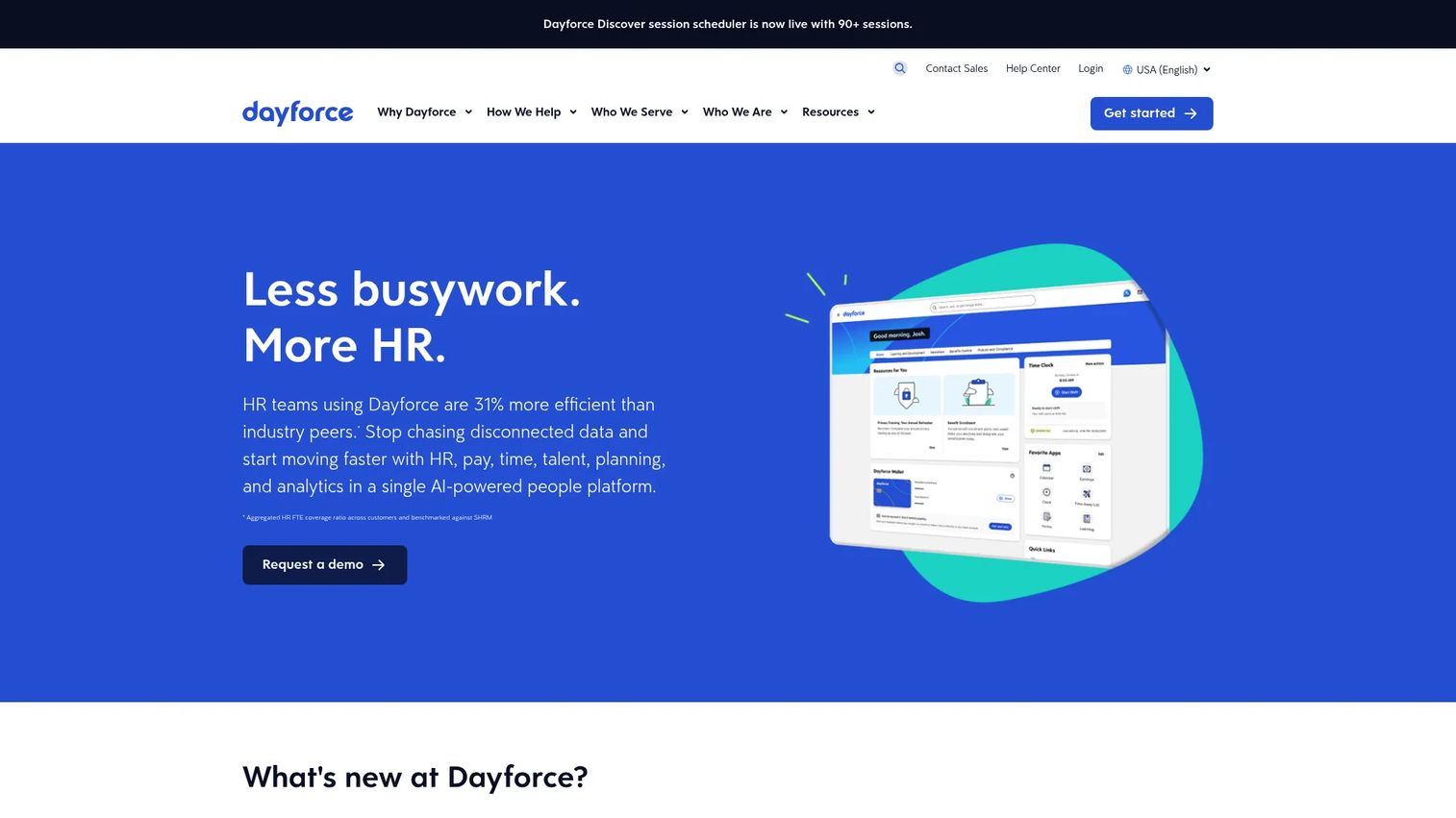
Dayforce is an AI-powered HCM platform that runs HR, payroll, workforce management, talent, and analytics on one system. Benefits enrollment lives inside that broader ecosystem, which is the core reason teams choose it. When elections, deductions, and employee records all sit in the same database, the sync problems that plague multi-vendor stacks mostly disappear.
Best for: Mid-market to enterprise organizations that want enrollment, payroll, and workforce management running on one unified platform.
Key strengths
- Guided employee enrollment: step-by-step flows with eligibility-based display so employees only see plans they qualify for.
- Suite-level data continuity: benefits elections flow directly into payroll and the HRIS without external file transfers.
- Benefits Intelligence and forecasting: admin-facing analytics that help model plan costs and participation.
Why choose Dayforce: The pitch is consolidation. If you are tired of stitching benefits, payroll, and time systems together, Dayforce collapses them into a single platform with one employee record. That continuity is worth the most to teams already running or considering Dayforce for payroll and workforce management, where the benefits module becomes a natural extension rather than another integration to maintain.
Dayforce pricing: Dayforce does not publish public pricing. The vendor uses a downloadable price list request rather than visible figures, so budget expectations need a direct sales conversation. Buyers should verify per-employee-per-month costs, implementation fees, and whether managed benefits services carry a separate line item.
2. ADP
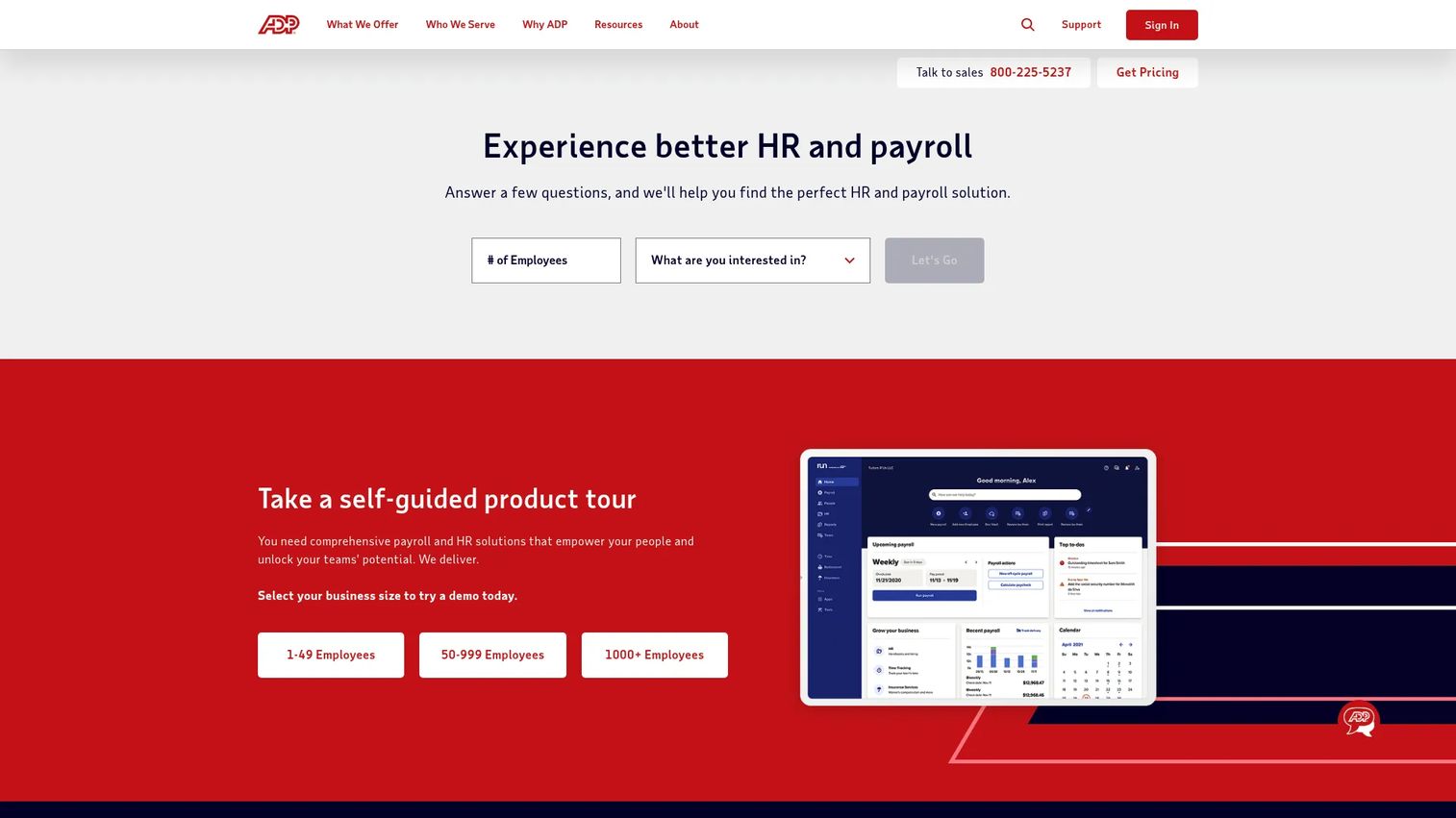
ADP is one of the most recognized names in payroll and HR, and its benefits administration capabilities ride on that scale. The platform handles payroll processing and tax filing, HR, talent, time, and benefits administration, with mobile access and self-service for employees. For teams that want a large, established vendor with broad service coverage, ADP is the default option to evaluate.
Best for: Businesses that want a well-known HCM vendor with wide-ranging admin workflow support and strong compliance backing.
Key strengths
- Payroll-native benefits: deductions and elections tie directly into ADP's payroll engine, reducing reconciliation work.
- Compliance depth: established ACA, HIPAA, and COBRA support backed by a large service organization.
- Employee self-service: mobile access lets employees enroll and manage benefits without HR intervention.
Why choose ADP: ADP wins on breadth and reliability. It runs across company sizes and offers deep service coverage that smaller vendors cannot match. The trade-off buyers weigh is that a platform this large can feel heavier to configure than a focused enrollment tool. For teams that value one vendor handling payroll and benefits together, that scale is the point.
ADP pricing: ADP publicly lists packages for RUN Powered by ADP, including Essential Payroll, Enhanced Payroll, Complete Payroll & HR Plus, and HR Pro Payroll & HR. The pricing page does not show dollar amounts and directs visitors to contact sales. Verify per-employee costs and which benefits features sit behind higher tiers before committing.
3. Benefitfocus
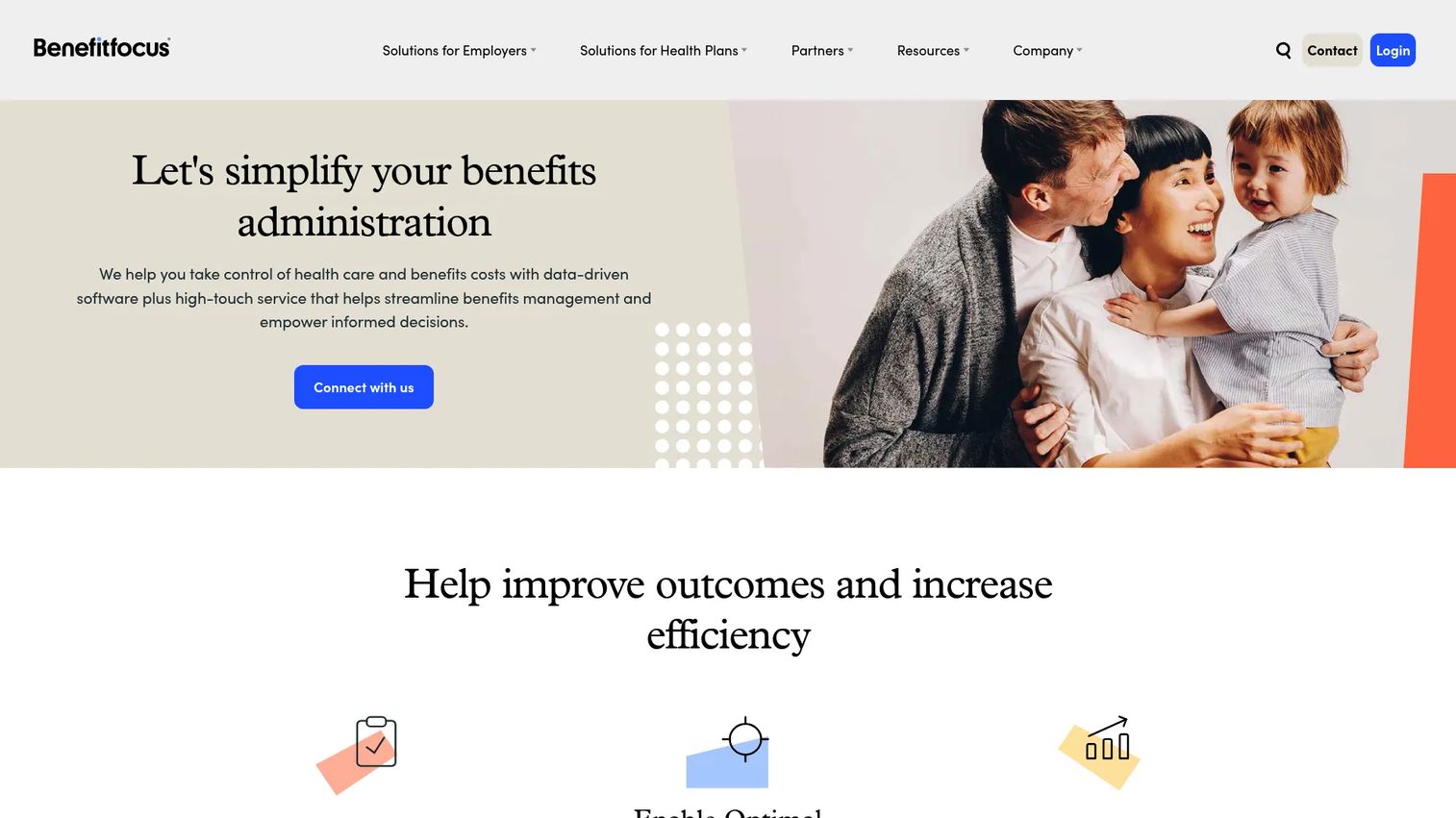
Benefitfocus is a benefits administration and health plan platform built with the employee experience at its center. Its strength is guided choice: decision support tools help employees weigh plans against their actual needs, and year-round benefits access means the platform stays useful long after open enrollment closes.
Best for: Employers and health plans that prioritize guided employee decision-making and strong year-round administration.
Key strengths
- Benefits decision support: guided flows and plan comparison help employees choose confidently.
- Billing and payments automation: reduces the manual reconciliation between elections and carrier billing.
- Employee engagement and self-service: year-round access keeps employees connected to their benefits beyond the enrollment window.
Why choose Benefitfocus: If employee experience is your priority and questions to HR are a chronic drain, Benefitfocus is built for that problem. Its decision support and engagement tooling stand out operationally, especially for organizations with complex plan menus where employees genuinely need help navigating options.
Benefitfocus pricing: Benefitfocus does not display public pricing. The site uses demo and consultation CTAs rather than posted figures. Buyers should request a quote and clarify whether pricing scales by employee count, plan complexity, or module selection.
4. PeoplePro
PeoplePro is a benefits administration offering positioned around a combination of software and managed services. The distinction matters: some teams want a self-serve platform, while others want a partner to handle enrollment operations, carrier communication, and administration on their behalf. PeoplePro leans toward the latter, pairing an HCM benefits module with outsourcing support.
Best for: Employers that want benefits administration software paired with hands-on service support rather than a purely self-managed platform.
Key strengths
- Managed service model: support options that offload enrollment and carrier coordination from internal HR.
- Mobile-friendly enrollment: employee self-service benefits access designed for on-the-go use.
- Carrier data delivery: feeds that push enrollment data to insurance carriers.
Why choose PeoplePro: The value here is the service layer. If your HR team is stretched thin and benefits administration outsourcing is on the table, a platform that bundles software with operational support can be more valuable than a feature-rich tool you still have to run yourself. It is a fit for teams that want fewer things on their own plate.
PeoplePro pricing: Public pricing for PeoplePro is not available, and details should be confirmed directly with the provider. Given the service-oriented model, ask specifically how outsourcing support is priced relative to the base software.
5. Employee Navigator
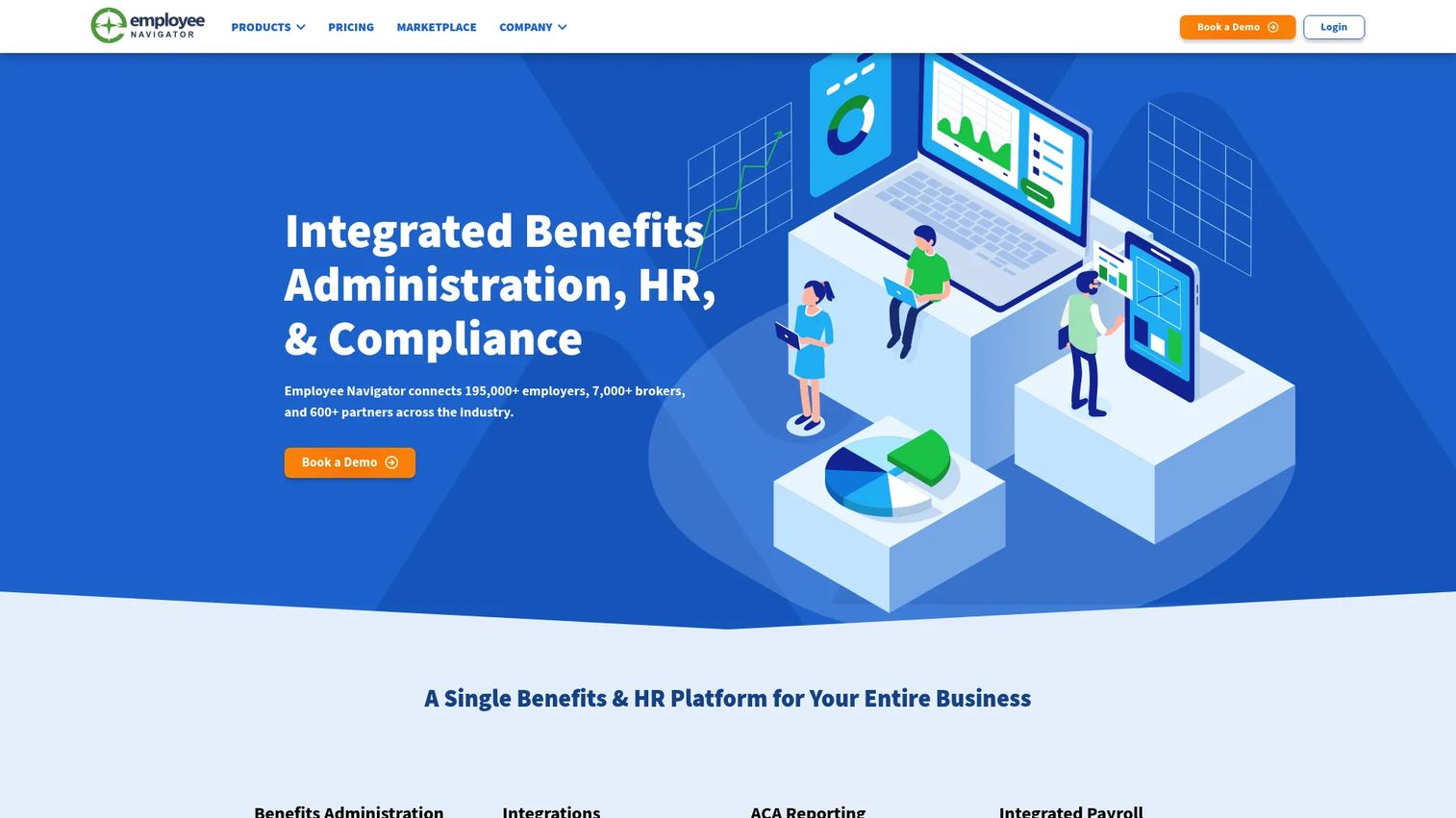
Employee Navigator is built for a specific audience: insurance brokers managing benefits, onboarding, ACA, and HR on behalf of their client companies. That broker-centric design shapes everything. Carrier connectivity runs deep, compliance workflows are baked in, and the administration experience is tuned for the SMB and mid-market employers brokers typically serve.
Best for: Insurance brokers and the SMB or mid-market employers they support who want a benefits enrollment tool with strong carrier connectivity.
Key strengths
- Broker-driven workflow: designed around the way brokers manage multiple client accounts.
- 600+ integrations and carrier data exchange: wide connectivity for payroll, HRIS, and insurance carriers.
- Built-in compliance: ACA reporting, new hire onboarding, and employee self-service in one system.
Why choose Employee Navigator: The ecosystem is the differentiator. Because so many brokers already work in Employee Navigator, employers who buy through a broker often inherit it as the natural administration layer. Its 834 EDI carrier feeds and partner-driven model make it a strong fit when your benefits are broker-managed rather than administered fully in-house.
Employee Navigator pricing: Employee Navigator lists four plans, Enhanced, Enhanced Plus, Elite, and Platinum, all shown as Contact Sales. One published add-on is 834 EDI Feeds at $0.45 PEPM for Enhanced Plus and Elite, and free on Platinum. There is no free tier. Confirm which base plan matches your carrier and compliance needs.
6. bswift
bswift is an AI-native benefits administration platform aimed at employers with more demanding enrollment needs. Where lighter tools handle straightforward plan menus, bswift is built for eligibility complexity, larger groups, and configurable service expectations. It offers two configuration paths, Simplify and Unlimited, so the platform scales from standardized setups to highly customized ones.
Best for: Employers with complex, eligibility-heavy enrollment and larger groups that need configurable administration at scale.
Key strengths
- Configurable eligibility management: two setup paths that handle both standardized and highly customized plan structures.
- AI-native employee support: Emma Intelligence guides employees through enrollment questions and decisions.
- Deep connectivity: 300+ pre-built and API integrations plus 450+ carrier connections for reliable carrier data exchange.
Why choose bswift: For large-group administration, complexity is the norm rather than the exception. bswift is engineered for that reality, with configurability and a connectivity hub that handle scenarios simpler platforms are not built for. Implementation is a more involved project given the depth, so plan for a proper rollout timeline and enterprise-grade onboarding.
bswift pricing: bswift does not publish pricing and directs buyers to contact sales or request a demo. Given the configurable model, pricing likely tracks with group size and complexity. Verify implementation scope and whether the Simplify or Unlimited path fits your requirements.
7. Paycor
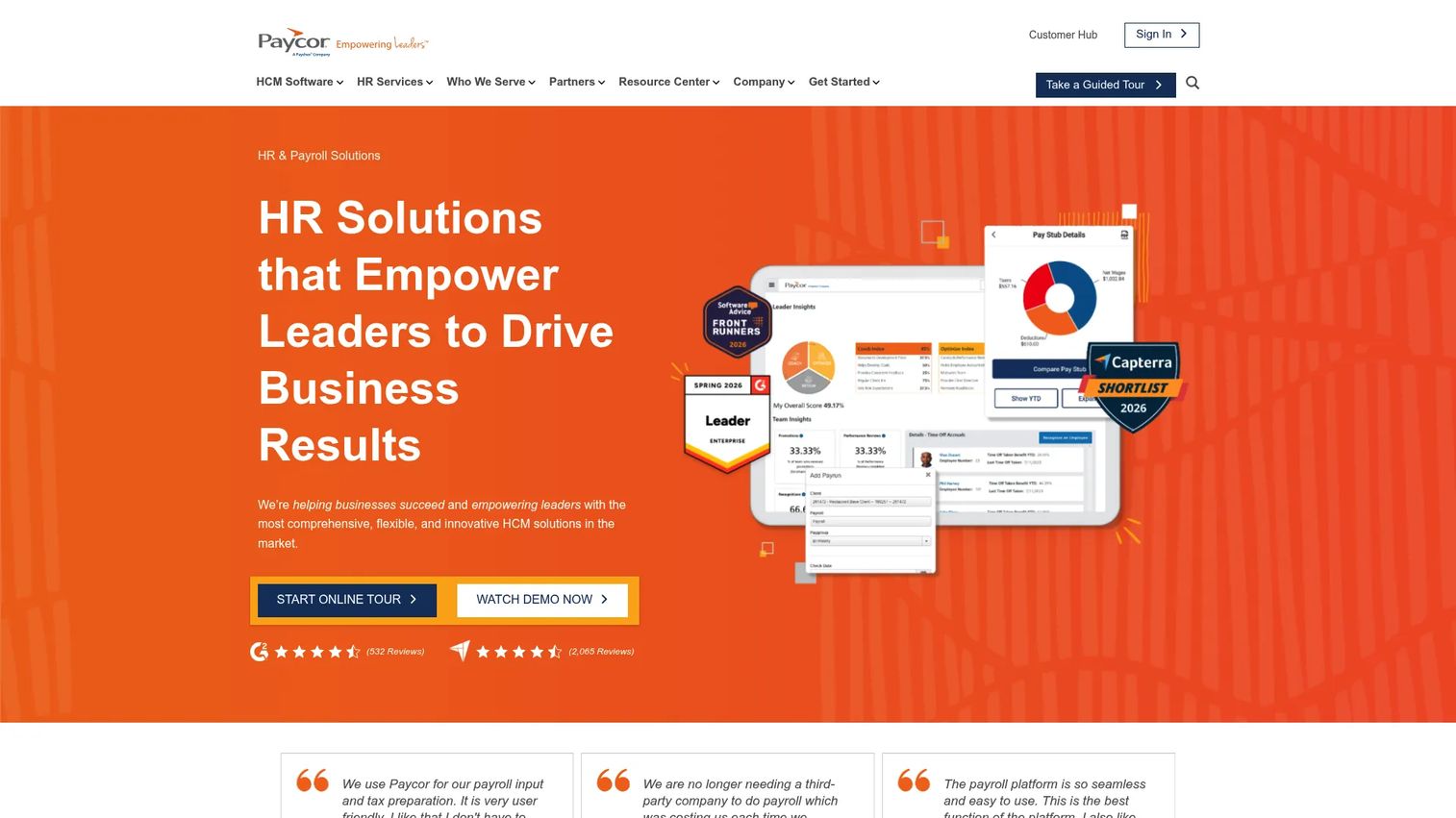
Paycor is a cloud HCM platform covering payroll, HR, time, recruiting, and talent management, with benefits administration sitting inside that stack. Its appeal is consolidation for growing businesses: rather than running benefits in one tool and payroll in another, Paycor keeps them together with employee self-service across the board.
Best for: Small to mid-sized businesses that want an all-in-one HR and payroll platform with benefits folded in.
Key strengths
- Payroll and tax service: benefits deductions tie directly into Paycor's payroll and tax engine.
- HR and compliance: onboarding, E-Verify, and compliance tooling in one platform.
- Employee self-service: enrollment and benefits management accessible to employees without HR handling every request.
Why choose Paycor: Paycor makes sense when the goal is fewer systems. For a growing company, consolidating HR, payroll, and benefits reduces vendor overhead and keeps data in one place. It is narrower on pure benefits depth than a specialist like bswift or Benefitfocus, so weigh that against the value of a single, simpler stack.
Paycor pricing: Paycor publishes small-business pricing. The Basic bundle starts at $99 monthly plus $5 per employee per month, Essential at $149 plus $6 PEPM, Complete at $199 plus $7 PEPM, and HCM at $199 plus $12 PEPM. There is no free tier. Mid-market buyers can request a custom quote.
Considerations before you buy
The right platform depends on your systems, your benefits complexity, and how much you want to run yourself. Use this checklist to pressure-test any shortlist.
Compliance coverage
Confirm the platform handles ACA HIPAA COBRA compliance for your specific obligations, including required notices, reporting, and audit trails. Ask how compliance updates are handled when regulations change, and whether they are automatic or require configuration.
Data sync and integrations
Verify real, two-way payroll integrations and HRIS integration, not one-directional file exports. Check the carrier data exchange method, whether it is 834 EDI, API, or manual, and confirm your specific carriers are supported before signing.
Employee experience
Test the enrollment flow as an employee would. Guided enrollment, benefits plan comparison, and mobile benefits enrollment directly affect participation and how many questions land on HR. A clunky flow undermines the whole investment.
Implementation and support
Ask about implementation timeline, who owns data migration, and what the support model looks like during open enrollment peak. If you are considering benefits administration outsourcing, clarify exactly what the service layer covers versus what stays on your team.
Reporting and analytics
Confirm the benefits reporting you need is available: enrollment status, participation rates, cost forecasting, and compliance reports. Check whether reports export cleanly to the tools your finance and leadership teams already use.
Conclusion
The right benefits enrollment software comes down to how you want to run enrollment and what systems surround it.
If you want one HR ecosystem, Dayforce and Paycor keep benefits, payroll, and workforce data together, with Dayforce leaning enterprise and Paycor fitting growing small and mid-sized teams. For a broad, established general-purpose vendor, ADP is the safe evaluation. If employee decision quality is the priority, Benefitfocus is built around guided choice. For broker-managed benefits, Employee Navigator is the ecosystem default. And for complex, large-group administration, bswift handles the eligibility depth that simpler tools do not. PeoplePro fits teams that want a service partner rather than a purely self-run platform.
Your next step: map your must-haves against company size, benefits complexity, and the payroll and HRIS systems you already run. Then request demos from your two or three strongest fits and test the actual enrollment flow before you commit. The platform that removes the most manual work while keeping your data clean is the one worth buying.
FAQs
Benefits enrollment software helps employees compare, choose, and manage their benefits while helping HR automate the administrative work behind eligibility, deductions, and carrier reporting. It replaces manual, spreadsheet-driven enrollment with a guided system of record. Most platforms cover both the employee-facing enrollment experience and the back-office administration.
The software applies eligibility rules to show each employee only the plans they qualify for, then presents those plans through guided flows with decision support. Employees make elections through self-service, and the system syncs those choices to payroll for deductions and to insurance carriers through carrier data exchange, usually via 834 EDI or API feeds. Life-event changes during the year update all connected systems from a single entry.
Guided enrollment and benefits plan comparison drive better employee choices and fewer HR questions. Admin automation for eligibility and deductions removes manual work, while payroll integrations and HRIS integration keep data consistent. ACA HIPAA COBRA compliance coverage protects you from regulatory risk, and benefits reporting gives leadership visibility into cost and participation.
Benefits administration software focuses on enrollment, eligibility, compliance, and carrier workflows. Broader HR software covers the full employee record, including recruiting, performance, time, and other people operations. Many suite platforms like Dayforce, ADP, and Paycor do both, so the real question is where the depth sits and whether the benefits module meets your specific needs.
Small teams can run enrollment manually for a while, but the case for software strengthens as manual work, compliance burden, or carrier coordination grow. If reconciliation eats days each year or errors keep surfacing on payroll, a platform pays for itself. Simpler, consolidated employee benefits software like Paycor or broker-managed Employee Navigator often fits smaller organizations better than enterprise-grade tools.
Payroll integrations are one of the most important features because they prevent deduction errors and eliminate duplicate data entry. When benefits change mid-year after a life event, a two-way sync updates payroll automatically instead of requiring manual re-keying. That data consistency is what keeps paychecks accurate and carrier files clean.
Confirm compliance support for your specific ACA, HIPAA, and COBRA obligations, and verify real two-way data sync with your payroll and HRIS. Test the employee self-service benefits experience directly, and check that the benefits reporting you need is available. Finally, clarify the implementation timeline and support model, especially what coverage looks like during open enrollment peak.