
Support teams answer the same "how do I" questions dozens of times per week. Text-heavy documentation doesn't deflect these tickets because 67% of customers prefer self-service and won't read paragraphs of instructions when they can just open a chat instead.
Interactive demo tools solve this by showing users exactly where to click rather than describing it. This guide covers the best interactive demo tools for customer support teams in 2026, with comparison tables, help desk integration details, and implementation guidance for teams ready to cut ticket volume without adding headcount.
What's inside
This guide covers what the best interactive demo tools for customer support teams in 2026 are, why support teams use them, and how to pick the right one. You'll find a ranked list of 10 tools with pricing, ratings, and support-specific use cases. We also include a comparison table, implementation guidance, and answers to common questions about help desk integrations and ticket deflection.
TL;DR
- Interactive demos help support teams deflect repetitive "how do I" tickets by showing users exactly what to do instead of describing it in text.
- Help desk integration matters most: look for native connections to Zendesk, Intercom, or Freshdesk so demos fit into existing workflows.
- Guideflow ranks first for speed-to-create and support-specific embedding options.
- The best tools let agents create demos without technical skills, often in under five minutes.
- Measure success through ticket deflection rate and self-serve resolution, not just demo views.
What are interactive demo tools for customer support
Interactive demo tools let you create clickable, guided product walkthroughs that customers follow at their own pace. Unlike static screenshots or text-heavy documentation, an interactive demo shows users exactly where to click and what happens next. Customers experience the product flow without logging in, waiting for a support call, or reading through paragraphs of instructions.
The core components work together to replace manual explanations:
- Capture: Record product flows directly from your browser by clicking through the steps yourself.
- Guided steps: Add tooltips, highlights, and callouts that walk users through each action in sequence.
- Embeddable: Place demos inside help articles, chatbot responses, ticket macros, and onboarding emails.
- Analytics: Track which demos get viewed, where users drop off, and which steps cause confusion. This data helps teams collect user feedback through interactive demos to continuously improve the support experience.
For support teams, the value is straightforward because self-service costs $0.10 per contact. Instead of typing out the same multi-step explanation across dozens of tickets, you create one demo and link to it.
Customers get instant answers. Agents get time back.
Why customer support teams need interactive demos
Support teams face a familiar problem: 60% of teams report rising ticket volumes faster than headcount grows. The same "how do I" questions appear week after week, and text-based documentation fails to deflect them.
Here's what typically drives support leaders to search for interactive demo tools:
- Text-heavy docs fail: Customers don't read paragraphs of instructions. They want to see the answer, not decode it.
- Screenshots go stale: Product changes outpace documentation updates. By the time you update the screenshots, the UI has changed again.
- Agents repeat themselves: The same multi-step explanations appear across dozens of tickets each week.
- Scale problem: User base grows, but support headcount stays flat.
Interactive demos address each of these pain points by showing instead of telling. A customer asking "how do I export my data" can click through the exact flow in 30 seconds rather than reading a 500-word article.
The outcomes matter for support metrics: 65 to 75% self-service deflection rates are possible for repetitive questions, faster time-to-resolution when agents share demos in responses, and higher CSAT because customers get answers immediately.
How we evaluated these interactive demo platforms
Not every demo tool fits support workflows. Many platforms target sales and marketing use cases, which means they optimize for lead capture and pipeline analytics rather than help desk integration and ticket deflection.
We evaluated tools based on criteria that matter specifically for customer success and support teams:
- Ease of use for support agents: Can non-technical staff create demos quickly, ideally during a ticket response?
- Help desk integrations: Does it connect natively with Zendesk, Intercom, Freshdesk, or other support platforms?
- Embedding options: Can demos live in help centers, chatbot flows, and ticket macros without workarounds?
- Analytics depth: Does it show deflection data, completion rates, and drop-off points?
- Maintenance overhead: How easy is it to update demos when the product changes?
- Pricing fit for support teams: Is it accessible for teams not running enterprise sales motions?
Tools that scored well across all six criteria ranked higher. Tools designed primarily for sales demos with limited support integrations ranked lower, even if they're popular in other contexts.
Interactive demo tool comparison for support teams
| # | Product | Best for | Key differentiation | Pricing | G2 rating |
|---|---|---|---|---|---|
| 1 | Guideflow | Fast demo creation and help center embedding | Browser capture in seconds, Zendesk/Intercom integrations | Free + paid from $40/mo | 5.0/5 |
| 2 | Loom | Quick video responses to one-off questions | Fast recording, easy sharing | Free + paid plans | 4.7/5 |
| 3 | Vidyard | Support teams already using Vidyard for sales | Video analytics, CRM sync | Custom pricing | 4.5/5 |
| 4 | Sendspark | High-touch support with personalized video | Personalization tokens, email embedding | From $39/mo | 4.8/5 |
| 5 | Tella | Polished training videos for onboarding | Professional editing, multi-camera layouts | From $19/mo | 4.8/5 |
| 6 | Tourial | Marketing teams running product tours | Website embedding, lead capture | Custom pricing | 4.6/5 |
| 7 | Saleo | Sales engineers running live demos | Real-time data overlays | Custom pricing | 4.8/5 |
| 8 | Vivun | Technical support handling complex evaluations | Technical validation workflows | Custom pricing | 4.6/5 |
| 9 | ScreenSpace | High-production-value product stories | Cinematic presentation | Custom pricing | 4.7/5 |
| 10 | Fable | Sandbox environments for troubleshooting | Demo environment creation | From $40/mo | 4.9/5 |
The 10 best interactive demo tools for customer support teams in 2026
1. Guideflow
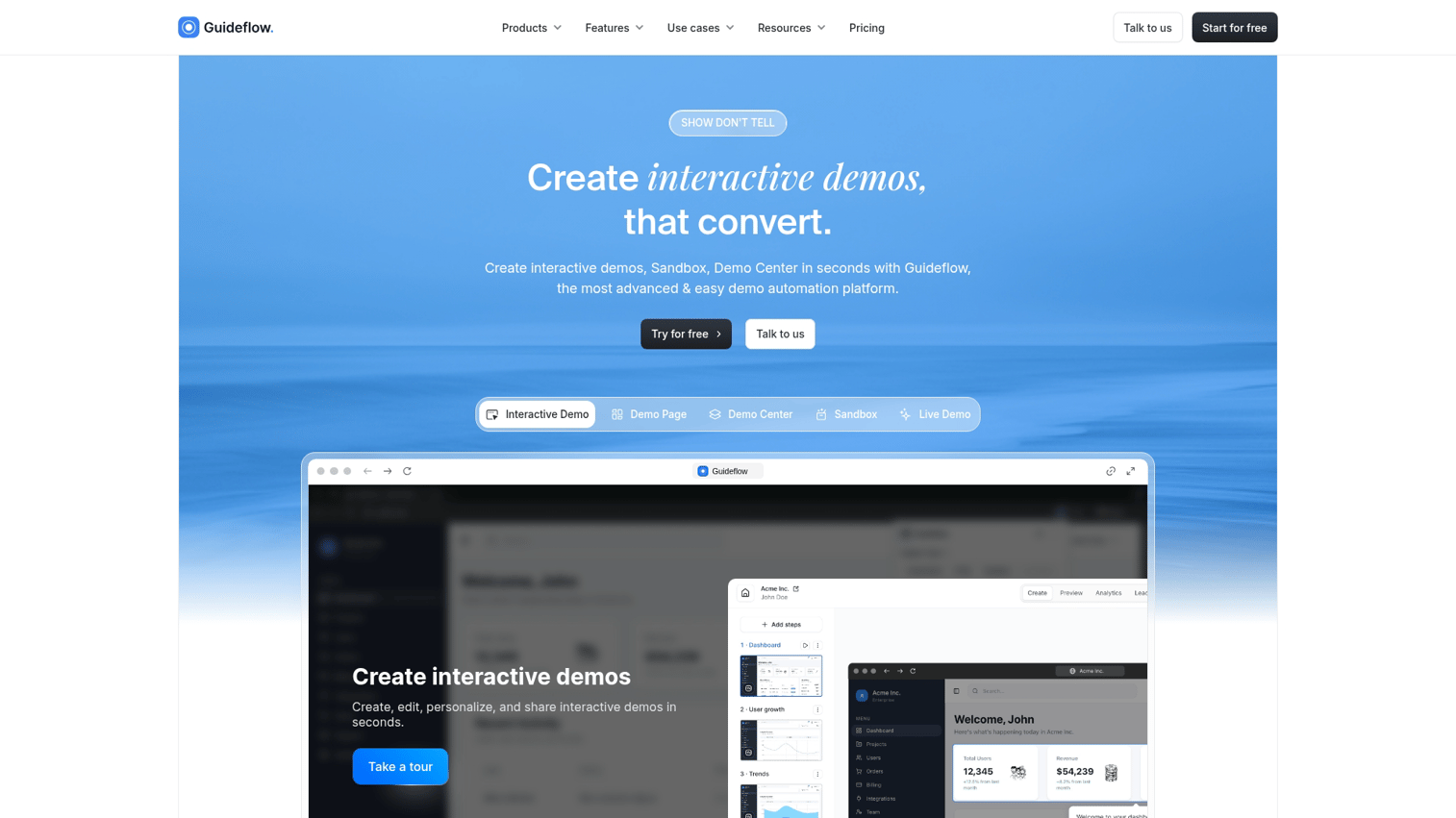
Guideflow is a demo automation platform built for teams that want to create interactive product experiences without engineering help. You capture any workflow directly from your browser by clicking through the steps, and the platform generates a guided, clickable demo automatically. From there, you can edit steps, add tooltips, and embed the demo anywhere: help center articles, ticket macros, chatbot responses, or onboarding emails.
Best for: Support teams that want fast demo creation and native help desk embedding.
Key strengths
- Browser capture in seconds: Click through your product flow, hit finish, and the demo is ready. No staging environments or developer involvement required.
- Help desk integrations: Native connections to Zendesk, Intercom, and Freshdesk let you embed demos directly in ticket responses and knowledge base articles.
- No-code editing: Add tooltips, highlights, and branching paths with a plug and play editor. Update demos when the product changes without recreating from scratch.
- Analytics for deflection tracking: See which demos get viewed, where users complete or drop off, and which help articles drive the most self-serve resolution.
- AI-powered features: Auto-generate steps, translate demos for global support teams, and add voiceovers without recording.
Why choose Guideflow
Support agents can create a demo during a ticket response without waiting on product or engineering. The capture-to-share workflow takes under five minutes for most how-to guides. When the product UI changes, updating the demo takes minutes rather than hours of screenshot replacement.
Pricing: Free tier available. Paid plans start at $40/month.
Start your journey with Guideflow today!
2. Loom
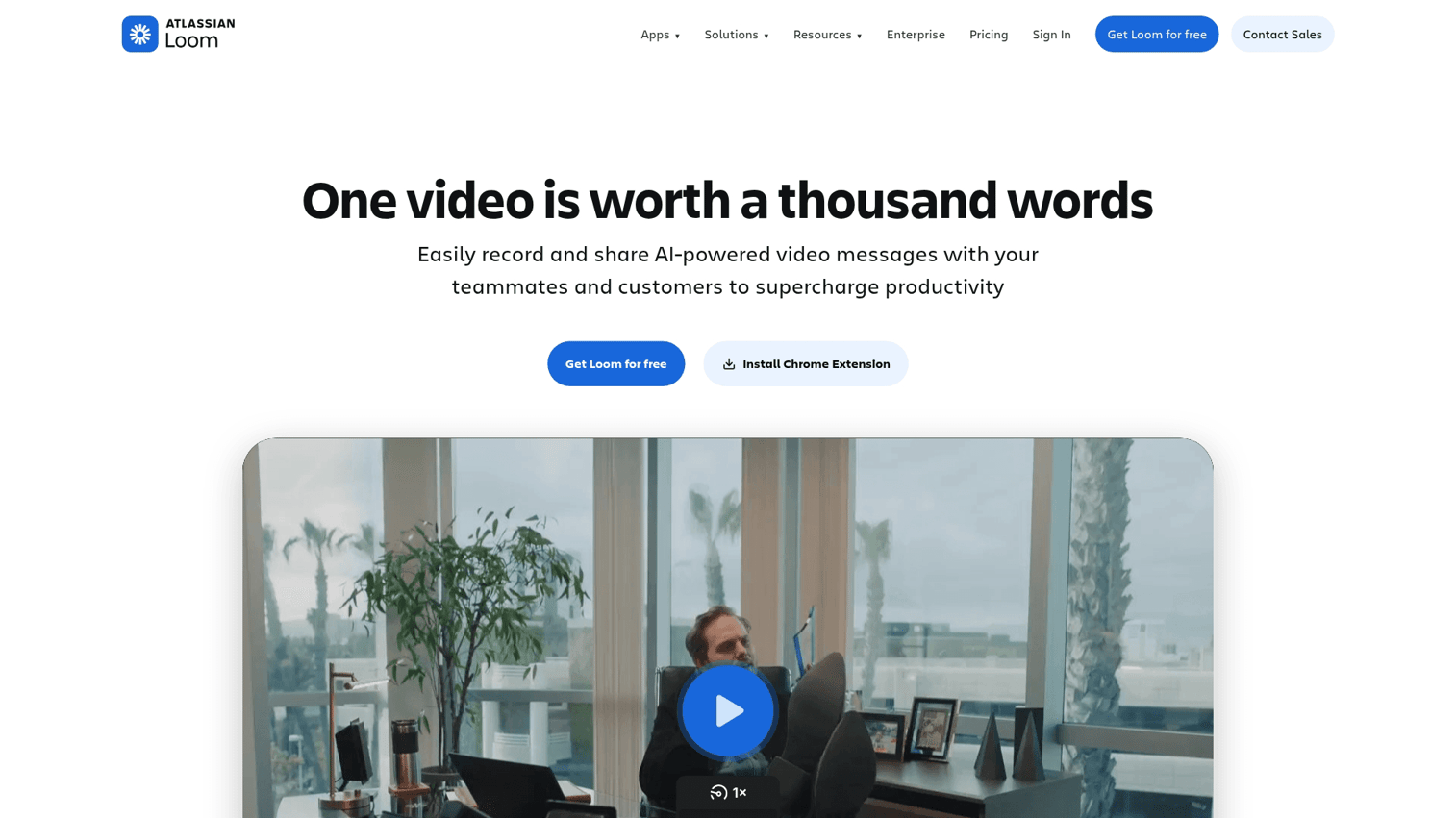
Loom creates video walkthroughs rather than clickable demos. You record your screen and camera, then share a link. The recipient watches the video at their own pace.
For support teams, Loom works well for quick, one-off explanations where a personal touch matters more than reusability.
Best for: Quick video responses to one-off support questions.
Key strengths
- Fast recording: Start recording in one click. No setup or editing required for simple explanations.
- Easy sharing: Generate a shareable link instantly. Embed in tickets, emails, or Slack messages.
- Transcript generation: Automatic transcripts make videos searchable and accessible.
Why choose Loom
Loom fits when you want a personal, human response to a specific customer question. It's less suited for reusable, scalable content because videos can't be updated without re-recording. The lack of interactivity means customers watch passively rather than clicking through the actual flow.
Pricing: Free tier available. Paid plans start at $12.50/month per user.
3. Vidyard
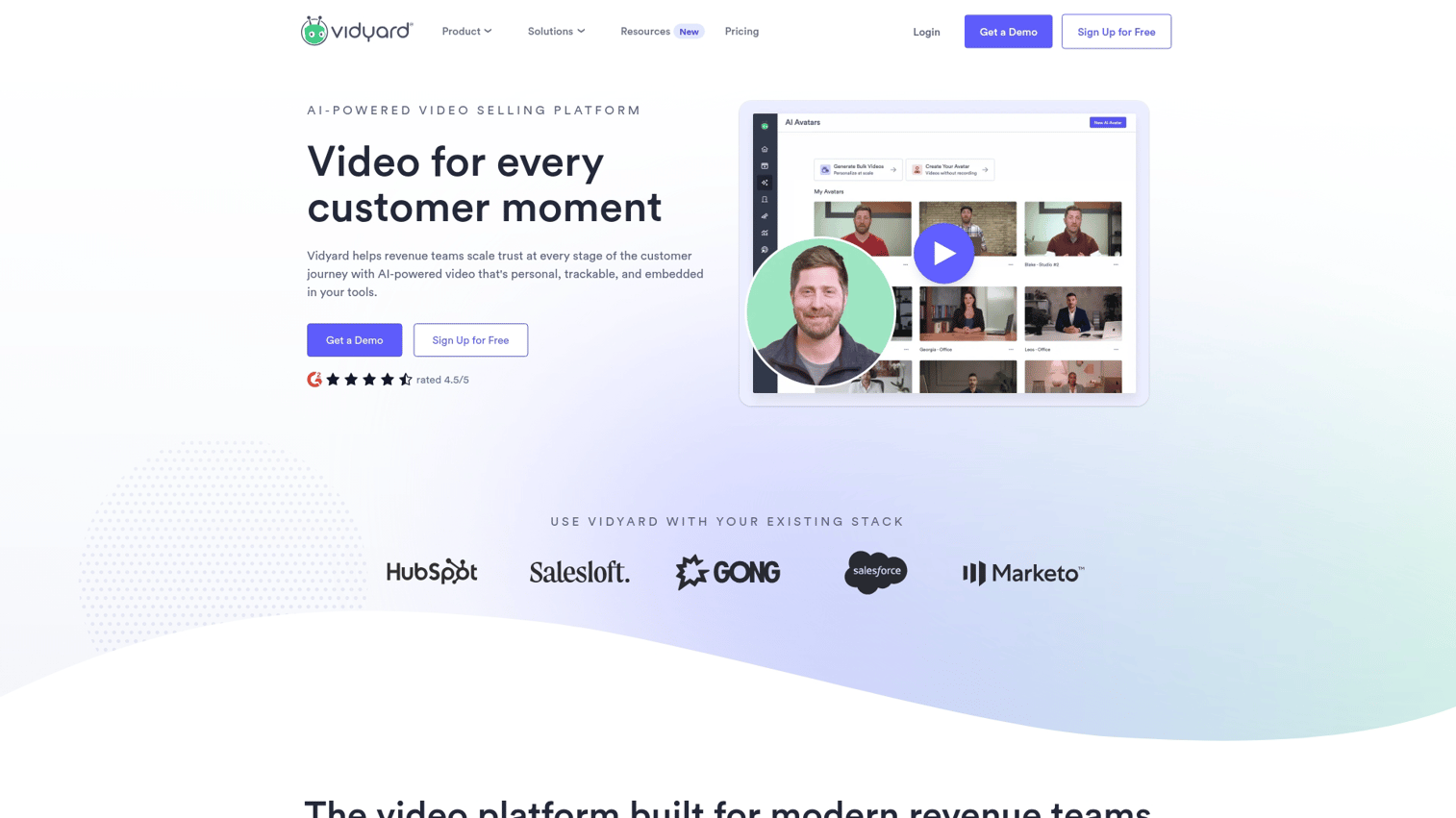
Vidyard is a video platform with strong analytics and CRM integrations. It's designed primarily for sales teams but works for support organizations already using Vidyard across departments. The platform tracks viewer engagement at a granular level and syncs data to Salesforce, HubSpot, and other CRMs.
Best for: Support teams already using Vidyard for sales alignment.
Key strengths
- Video analytics: See exactly how long each viewer watched and which sections they replayed or skipped.
- CRM sync: Engagement data flows automatically to contact records in your CRM.
- Screen and camera recording: Combine screen capture with webcam for personalized explanations.
Why choose Vidyard
Vidyard makes sense when your organization already uses it for sales and you want consistent tooling across teams. The analytics depth exceeds most video tools. However, like Loom, it produces video content rather than interactive demos, so customers watch rather than click through.
Pricing: Free tier available. Paid plans require contacting sales for pricing.
4. Sendspark
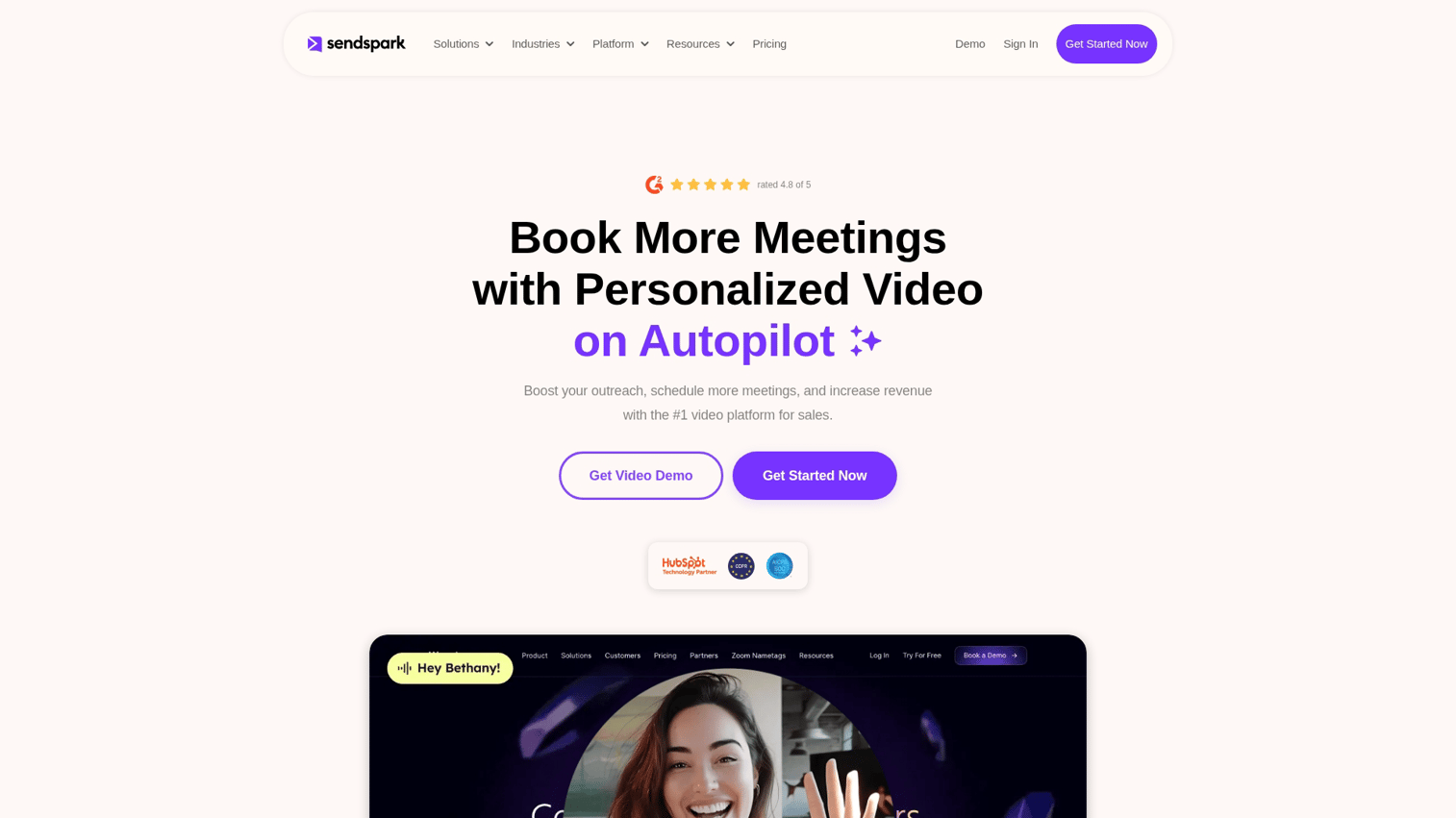
Sendspark focuses on personalized video messaging. You can record videos with dynamic personalization tokens that insert the recipient's name, company, or other details. For support teams, Sendspark works well for high-touch accounts where a personal video response builds relationship.
Best for: High-touch support with personalized video follow-ups.
Key strengths
- Personalization tokens: Insert recipient-specific details into videos without re-recording.
- Easy recording: Browser-based recording with no software installation required.
- Email embedding: Videos play directly in email clients that support it.
Why choose Sendspark
Sendspark fits when personal connection matters more than self-serve deflection. It's designed for 1:1 communication rather than scalable knowledge base content.
Pricing: Plans start at $39/month.
5. Tella
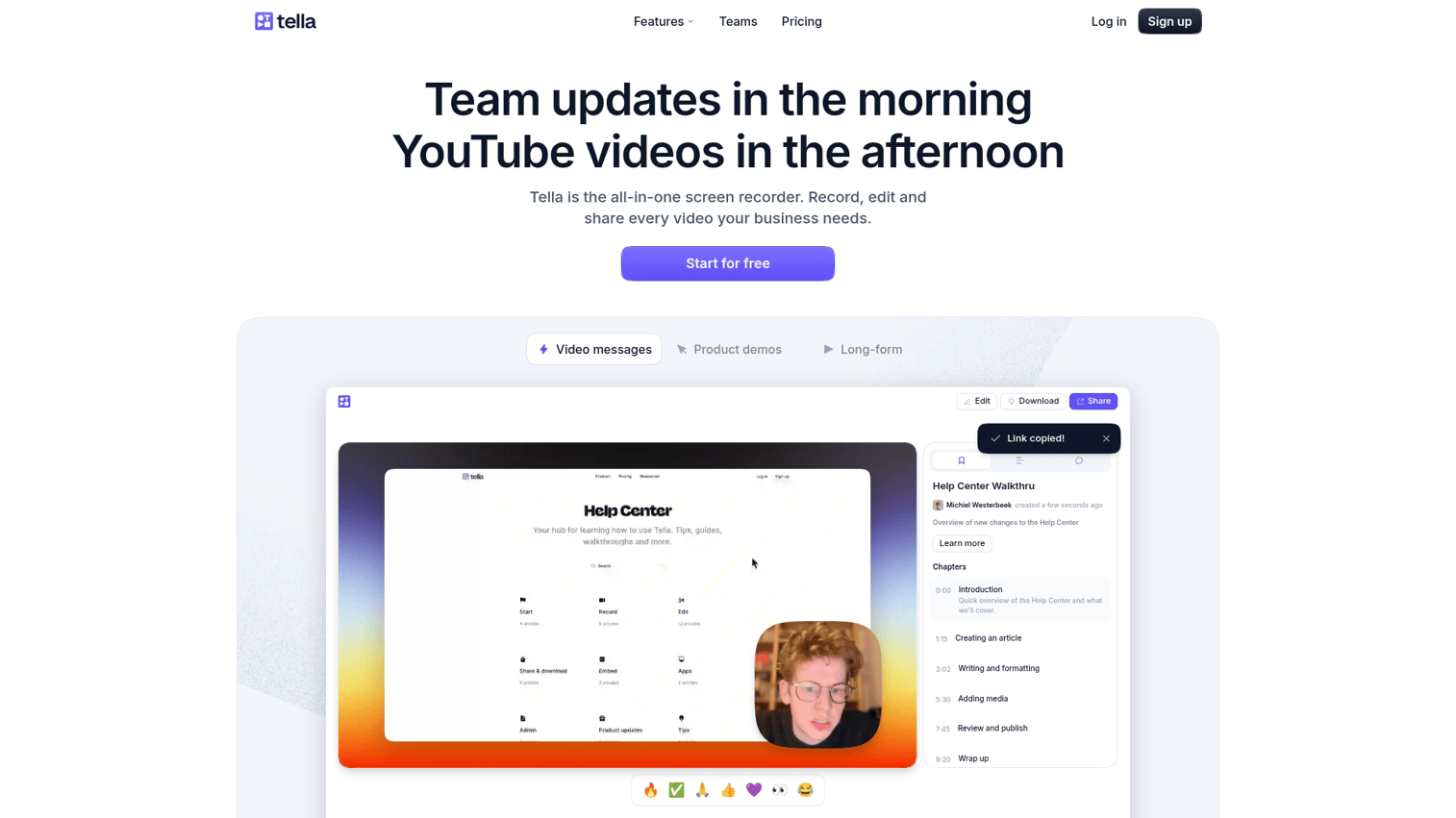
Tella creates polished screen recordings with professional editing capabilities. You can combine multiple camera angles, add transitions, and produce training videos that look like they came from a production team. For support, Tella works well for customer onboarding content and feature training.
Best for: Creating polished training videos for customer onboarding.
Key strengths
- Professional editing: Multi-camera layouts, transitions, and effects without video editing software.
- Clean exports: High-quality output suitable for public-facing training content.
- Recording flexibility: Combine screen, camera, and slides in various layouts.
Why choose Tella
Tella fits when production quality matters for training content. It's overkill for quick ticket responses but valuable for onboarding videos and feature announcements.
Pricing: Plans start at $19/month.
6. Tourial
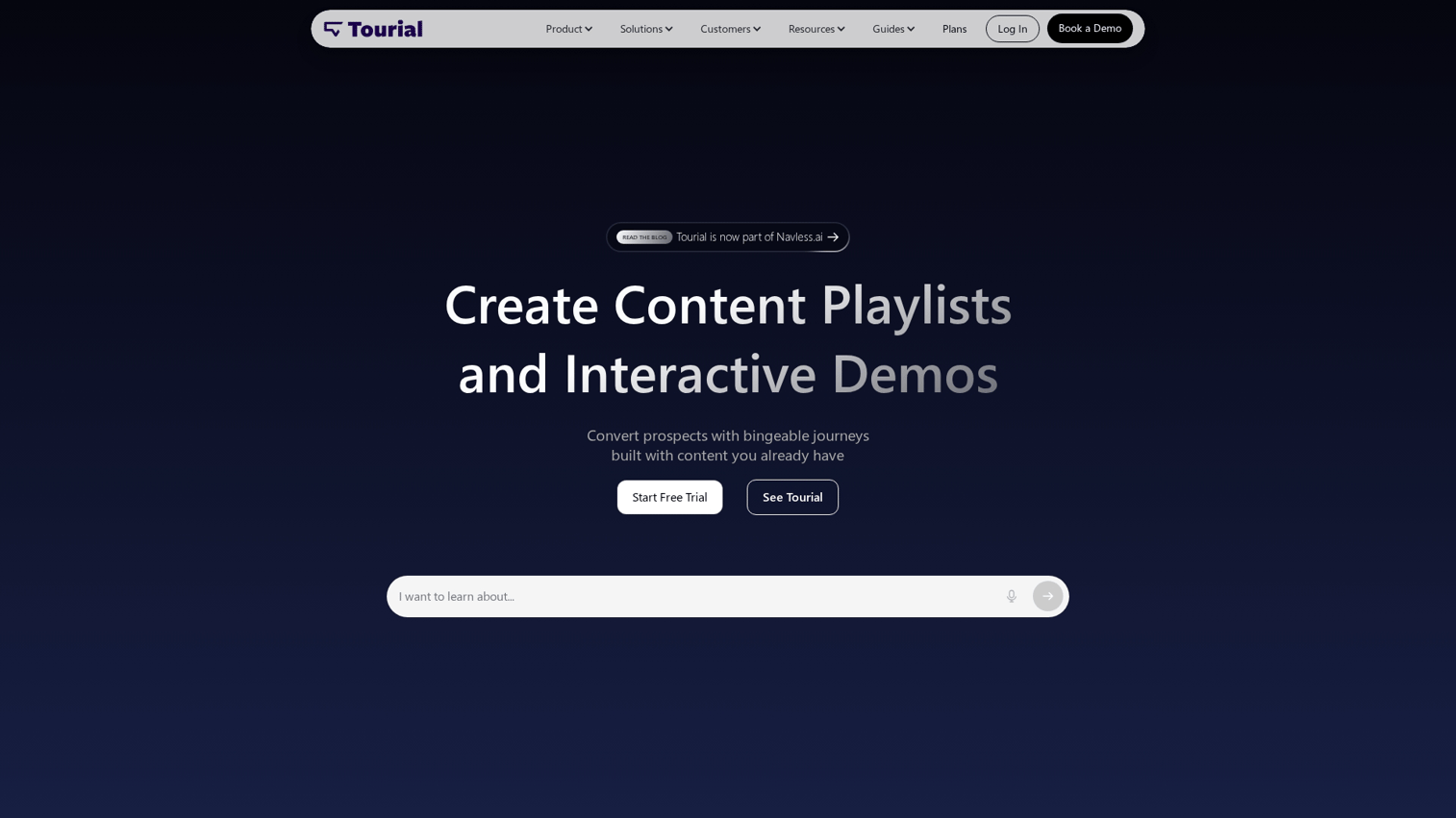
Tourial builds interactive product tours primarily for marketing websites. The platform focuses on lead capture, conversion tracking, and website embedding. Support teams can use Tourial when marketing teams have already created demos that answer common customer questions.
Best for: Marketing teams running product tours on landing pages.
Key strengths
- Website embedding: Tours integrate smoothly into marketing pages and landing pages.
- Lead capture: Built-in forms collect contact information during the tour experience.
- Marketing analytics: Track conversion rates, engagement, and attribution.
Why choose Tourial
Tourial makes sense when your marketing team already uses it and support can leverage existing tours. It's not designed for support-specific workflows like ticket macros or help desk integration.
Pricing: Custom pricing. Contact sales for details.
7. Saleo
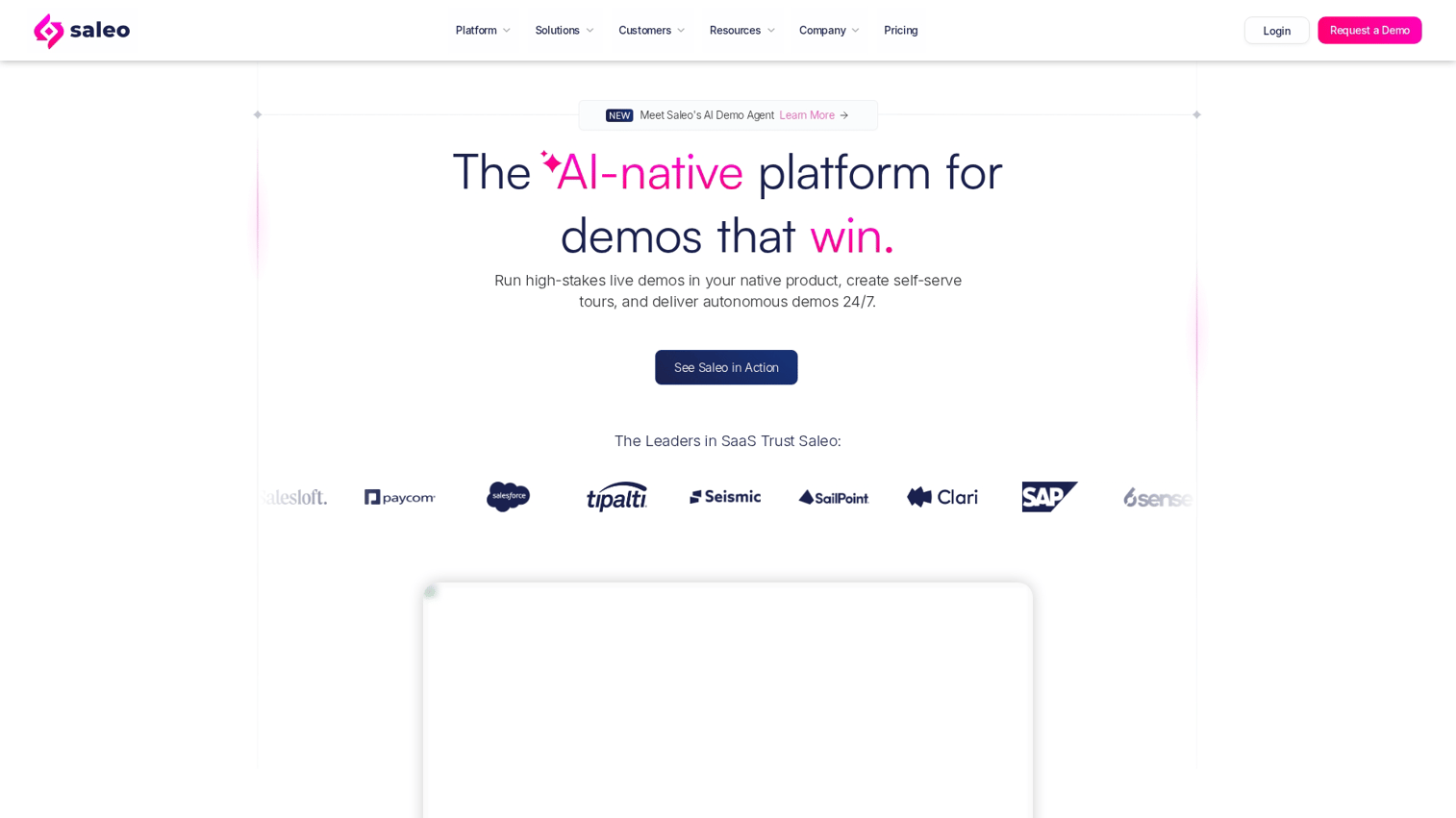
Saleo modifies live product environments for demos rather than creating standalone interactive guides. Sales engineers use it to overlay custom data on real product instances during live presentations. For support, Saleo can help when teams reference sales demo environments for complex troubleshooting.
Best for: Sales engineers running live demos with custom data.
Key strengths
- Real-time data overlays: Modify what appears in your live product without changing actual data.
- Live environment modification: Show realistic scenarios without creating test accounts.
- Demo consistency: Ensure every demo shows the same polished data regardless of environment state.
Why choose Saleo
Saleo fits when support overlaps with presales activities or when customers request live walkthroughs of complex scenarios. It's not designed for self-serve help content or ticket deflection.
Pricing: Custom pricing. Contact sales for details.
8. Vivun
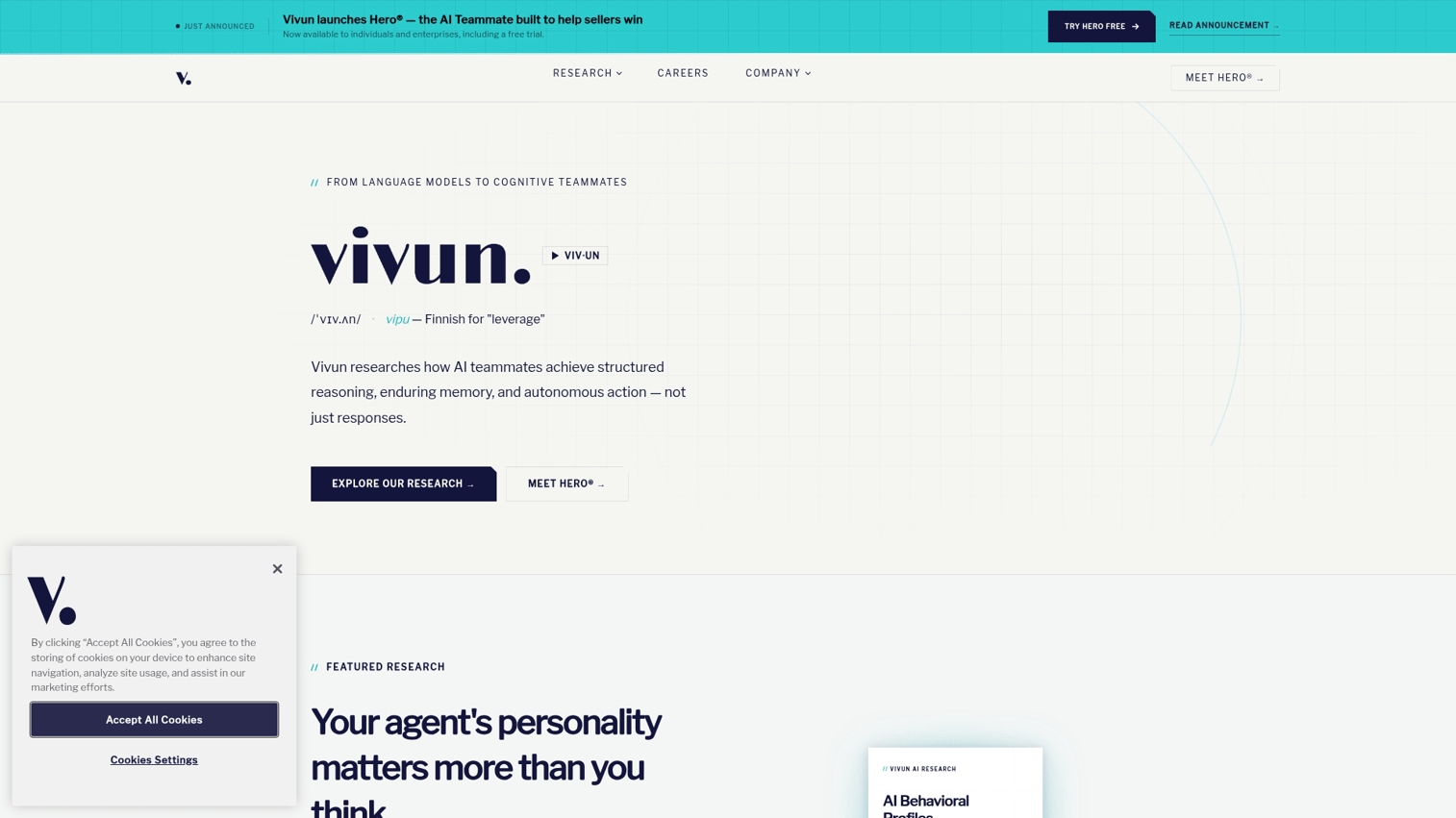
Vivun is a presales and technical validation platform designed for complex B2B sales cycles. It helps presales teams manage technical evaluations, proof-of-concept requests, and buyer enablement. For support, Vivun applies when technical support handles complex product evaluations.
Best for: Technical support teams handling complex product evaluations.
Key strengths
- Technical validation workflows: Manage proof-of-concept requests and technical requirements.
- Presales collaboration: Connect technical teams with sales for coordinated buyer engagement.
- Buyer intelligence: Track technical requirements and evaluation progress.
Why choose Vivun
Vivun fits when support teams handle technical validation requests that overlap with presales activities. It's not designed for typical support workflows like ticket deflection or help center content.
Pricing: Custom pricing. Contact sales for details.
9. ScreenSpace
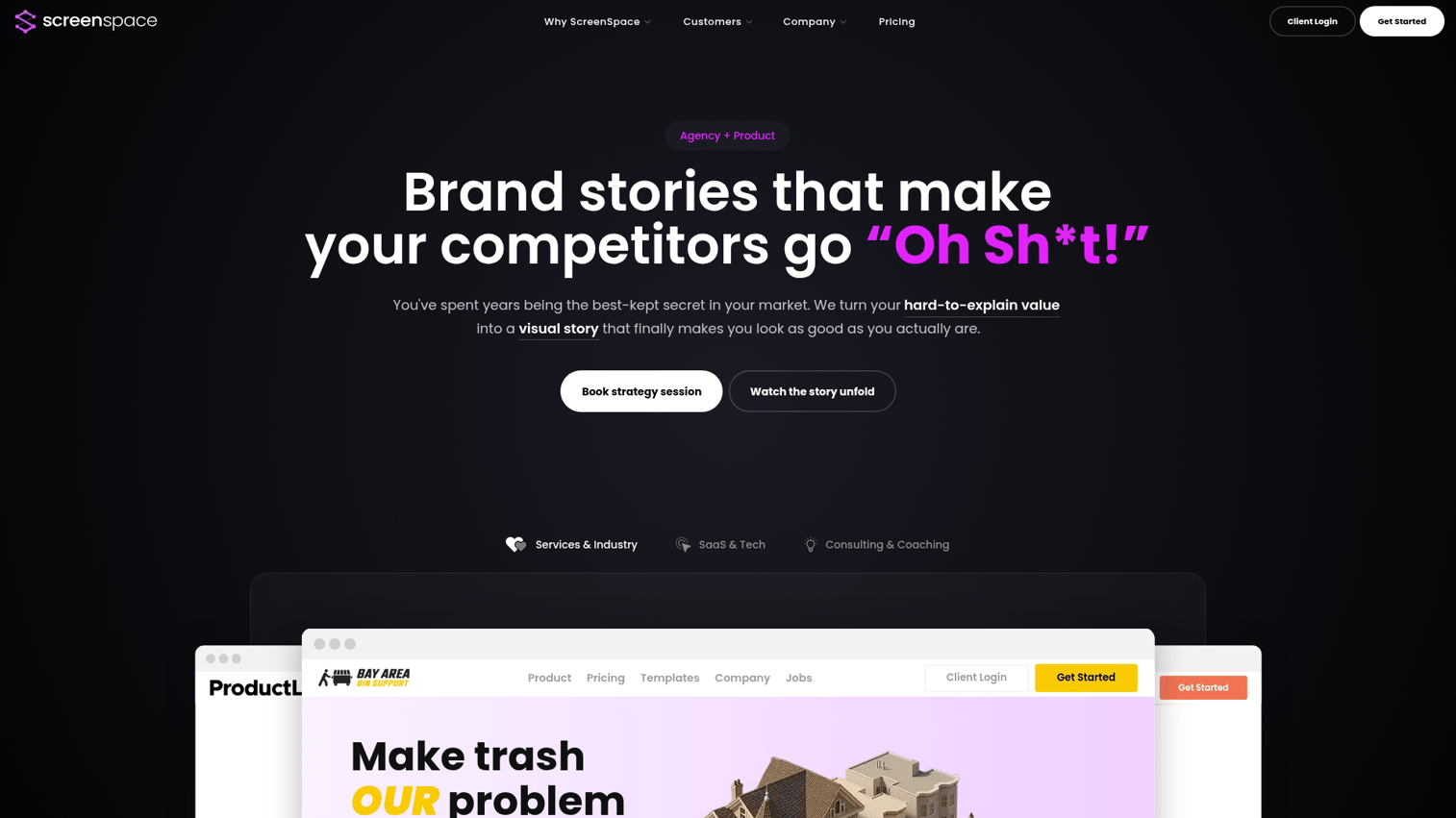
ScreenSpace creates cinematic product experiences with immersive storytelling. The platform produces high-production-value content that feels more like a product film than a traditional demo. For support, ScreenSpace works when customer content doubles as brand experience.
Best for: Teams wanting high-production-value product stories.
Key strengths
- Cinematic presentation: Immersive experiences that go beyond typical product tours.
- Storytelling focus: Narrative-driven content rather than step-by-step guides.
- Visual polish: Professional-quality output without video production teams.
Why choose ScreenSpace
ScreenSpace fits when support content also serves marketing and brand purposes. It's not designed for quick how-to guides or ticket responses.
Pricing: Custom pricing. Contact sales for details.
10. Fable
Fable creates demo environments rather than guided walkthroughs. Customers can explore a realistic product instance without affecting production data. For support, Fable helps when customers need hands-on exploration to resolve issues or understand features.
Best for: Support teams needing sandbox environments for troubleshooting.
Key strengths
- Demo environment creation: Build realistic product instances for customer exploration.
- Data isolation: Customers explore without affecting real data or accounts.
- Self-serve exploration: Let customers try features themselves rather than watching guides.
Why choose Fable
Fable fits when customers need to try things themselves rather than follow guided steps. It's more complex to set up than capture-based demo tools but provides deeper exploration.
Pricing: Plans start at $40/month.
How to choose the right interactive demo tool for your support team
Match the tool to your primary support use case
Different tools fit different support workflows. Before evaluating features, clarify what you're trying to accomplish:
- Ticket deflection: Choose tools with help center embedding and macro integration.
- Agent-assisted resolution: Choose tools with fast capture for in-ticket responses.
- Customer onboarding: Choose tools with structured guided flows.
- Self-serve troubleshooting: Choose tools with branching paths.
Evaluate help desk and knowledge base integrations
Integration depth matters more than integration count. A native Zendesk integration that embeds demos directly in articles and macros beats a generic embed code that requires workarounds.
Check for connections to Zendesk, Intercom, Freshdesk, HubSpot Service Hub, and Salesforce Service Cloud. Native integrations beat manual embed workarounds. If you're copying and pasting embed codes for every article, adoption will suffer.
Consider your budget and team size
Pricing models vary significantly across demo tools. Some charge per seat, others per demo, and others per view.
- Small teams (1-5 agents): Prioritize free tiers or per-seat pricing.
- Mid-size teams (5-20 agents): Look for team plans with shared libraries and collaboration features.
- Large teams (20+ agents): Evaluate enterprise contracts with unlimited usage.
Prioritize ease of use for support agents
Agents won't adopt tools that slow them down. The key test: can a support agent create and share a demo within a single ticket response?
If setup takes longer than typing the explanation, adoption fails. Look for browser-based capture, minimal editing requirements, one-click sharing, and template libraries for common questions.
Where interactive demos fit in your customer support stack
Interactive demos work alongside your existing support tools rather than replacing them. For teams looking to centralize their demo resources, a demo center for customer support can streamline access and management.
- Help center articles: Embed demos to show steps instead of describing them.
- Ticket macros: Include demo links in saved replies for common questions.
- Chatbot flows: Trigger demos when users ask "how do I" questions.
- Onboarding emails: Add demos to welcome sequences and feature announcements.
- Customer training programs: Replace live training sessions with self-paced demos. The same principles used to minimize onboarding time with interactive guides for employees can accelerate customer training.
The analytics from demo tools complement your existing support metrics. You can see which demos get viewed, correlate with ticket volume, and identify gaps in your self-serve content.
Tip: Start by embedding demos in your top 5 most-viewed help articles. Measure ticket volume for those topics before and after. This gives you a clear baseline for deflection impact.
Implementation best practices for support teams
1. Start with your highest volume ticket type
Identify the most repeated "how do I" question and build that demo first. Check your ticket tags or categories to find the topic that generates the most volume. A quick win on a high-volume topic proves value and builds internal momentum.
2. Define deflection metrics before you launch
Set a baseline ticket volume for the target topic before deploying the demo. Track changes weekly after deployment.
Different placements require different tracking:
- Help center demos: Track article views alongside ticket volume for that topic.
- Ticket response demos: Track repeat contacts from customers who received the demo.
- Chatbot demos: Track escalation rates after the bot shares the demo.
3. Build a maintenance workflow for product updates
Demos break when the product changes. A button moves, a menu gets renamed, and suddenly the demo shows steps that don't match reality.
Prevent this with a maintenance workflow: tag demos by product area, assign update ownership, set a review cadence (quarterly at minimum), and track demo age.
4. Train agents to create and share demos
Adoption depends on agents seeing demos as faster than typing explanations. Run hands-on training that shows capture-to-share in under two minutes, when to create vs. when to share existing demos, where to find existing demos, and how to request demos for complex topics.
Start reducing support tickets with interactive demos
Choosing among the best interactive demo tools for customer support teams in 2026 depends on your primary use case. If you're focused on ticket deflection and help center content, prioritize tools with native help desk integrations and fast capture workflows. If you're focused on high-touch support with personalized responses, video tools might fit better.
For most support teams, the decision comes down to speed and integration. Can agents create demos quickly enough to use them in daily workflows? Do demos embed where customers already look for answers?
Guideflow ranks first for teams prioritizing both. The browser capture takes seconds, the help desk integrations work natively, and the analytics show which demos actually deflect tickets.
Start your journey with Guideflow today!
FAQs about interactive demo tools for customer support
Most tools offer embedding via links or iframes, but native integrations with Zendesk, Intercom, and Freshdesk vary by platform. Native integrations let you embed demos directly in articles and macros without workarounds. Check specific integration documentation before committing.
Teams track help article views with embedded demos against ticket volume for that topic over time. Advanced setups tag tickets by category and compare volume before and after demo deployment.
The best tools use browser-based capture where agents click through a workflow and the demo generates automatically. No coding or design skills required.
Chatbots can trigger demo links when users ask procedural questions. Instead of escalating to a human agent, the bot shares a demo that shows the answer.
With capture-based tools, agents can create a simple how-to demo in under five minutes. More complex multi-path demos with branching logic take longer.
Demos work well for self-paced learning and can reduce live session frequency. Complex topics with nuanced questions may still benefit from live Q&A.
Demos require review whenever the product UI changes. Teams typically establish monthly or quarterly audit schedules depending on release velocity.
Several platforms offer free tiers with limited demos or views. Guideflow, Loom, and Vidyard all offer free options. Evaluate whether the free tier limits fit your expected usage before committing.