Construction teams don't fail because they lack data. They fail because the field, the office, finance, and the client are each working from a different version of the project. Someone's drawing is three versions old. The foreman's daily log never made it into the system. The change order that should have protected margin got lost in a text thread.
According to the AGC and Sage Construction Hiring and Business Outlook (2025), 61% of contractors now use cloud-hosted technology for project management, and 69% rely on mobile software for daily field reports. Yet rework still costs the industry a significant share of total project spend each year.
The right construction software doesn't just digitize existing chaos. It creates a single source of truth that the field will actually update, the office can trust, and finance can use before margin disappears.
This guide covers 15 construction software tools, ranked by workflow fit for contractors, builders, specialty trades, and operations leaders who need a system that earns its place in the stack.
What's inside
- Who this guide is for: General contractors, home builders, specialty contractors, owners, and operations leaders choosing construction management platforms
- How tools were selected: Workflow coverage, mobile usability, cost visibility, integration depth, and implementation fit
- What the comparison includes: Best fit, key differentiator, pricing, and G2 rating for each tool
- Note: Pricing and G2 ratings are verified against live sources at the time of writing. Check vendor pages before your final shortlist decision.
TL;DR
- Best overall for large construction teams: Procore covers project management, financials, documents, and field workflows under one roof
- Best for home builders and remodelers: Buildertrend pairs residential project workflows with client communication and job costing
- Best for field task coordination: Fieldwire gives jobsite teams a practical mobile system for tasks, plans, and inspections
- Best for construction accounting: QuickBooks handles invoicing, job costing, and expense tracking for contractors who need a familiar finance base
- Best for daily reports and field documentation: Raken gets foremen logging time, progress, and safety data fast
- Best for BIM-heavy teams: Dalux connects model access, field tasks, and document control for teams that coordinate from a BIM model
What is construction software?
Construction software is a category of digital tools that helps construction teams plan, estimate, schedule, coordinate, document, track, and financially manage projects from preconstruction through closeout.
The category is broader than project management software alone. Some platforms cover the full lifecycle, from bid to final handover. Others focus sharply on one workflow, such as accounting, drawing markup, daily reporting, or field task management. Choosing the right tool means understanding which workflow is currently breaking most often.
Core capabilities to look for:
- Project scheduling and task tracking
- Estimating, bidding, and proposals
- Job costing, budgeting, and forecasting
- Document, plan, and drawing management
- RFIs, submittals, punch lists, and inspections
- Daily reports and field logs
- Client communication and approvals
- Accounting integrations and ERP connectivity
- BIM coordination and model-based workflows
- Mobile access for field teams
- Analytics, dashboards, and reporting
Key distinctions in the category:
- All-in-one platforms (such as Procore or Trimble Construction One) cover multiple workflows from one system
- Field-first tools (such as Fieldwire and Raken) focus on mobile usability and daily jobsite data
- Document and markup tools (such as Bluebeam) complement broader platforms without replacing project execution workflows
- Accounting tools (such as QuickBooks) are finance-first and often sit alongside a separate project management system
Understanding where each tool plays helps you avoid paying for a heavy all-in-one platform when a focused tool would earn adoption faster.
When to use construction software
Coordinate field and office work from one source of truth
Work gets lost when foremen, project managers, accounting, and clients operate from separate files, threads, and spreadsheets. Construction software centralizes drawings, daily logs, RFIs, tasks, and approvals so nothing falls through the gap between site and office. If your team routinely discovers problems only after the fact, that's the signal to consolidate.
Protect margin with better cost visibility
Cost overruns typically surface late. By the time you see it, the month or the job is already over. Construction software connects estimates, budgets, change orders, job costing, and forecasts so operations leaders can spot margin leaks before the board asks why the quarter slipped.
Standardize operations before growth breaks the process
Informal systems stop working once headcount and project volume grow. If your VP of Operations is rebuilding the workflow for every new hire, the process isn't repeatable yet. Construction software creates standardized project delivery, cleaner handoffs, and the consistent data you need to forecast reliably.
Construction software comparison
Use this table as a starting point for your shortlist. Pricing reflects verified figures from vendor pages at time of writing. G2 ratings are from live listings. For tools with custom pricing, cost drivers include seat count, modules selected, project volume, and implementation support.
| # | Product | Best for | Key differentiator | Pricing | G2 rating |
|---|---|---|---|---|---|
| 1 | Procore | Large GCs and enterprise teams | Broad project, cost, and document coverage | Custom pricing | 4.6/5 |
| 2 | Buildertrend | Home builders and remodelers | Residential workflows plus client communication | Custom pricing | 4.3/5 |
| 3 | Autodesk Construction Cloud | Autodesk-centered teams | Connected design, build, and BIM workflows | Custom pricing | 4.4/5 |
| 4 | Autodesk Forma | Early planning and design analysis | Cloud-based site planning and sustainability insights | From $59/month | 5.0/5 |
| 5 | Fieldwire | Field task coordination | Task tracking, plans, punch lists, and inspections | From $39/user/month | 4.5/5 |
| 6 | PlanGrid | Plan access and field drawings | Mobile blueprint access (now Autodesk Forma Build) | From $100/user/month | N/A |
| 7 | QuickBooks | Construction accounting and job costing | Familiar accounting with contractor extensions | From $0/month | 4.0/5 |
| 8 | Raken | Daily reports and field documentation | Fast daily logs, time tracking, and field reporting | From $23/user/month | 4.6/5 |
| 9 | Contractor Foreman | Small contractors | Affordable all-in-one contractor management | From $49/month | 4.5/5 |
| 10 | Trimble Construction One | Connected construction operations | ERP, estimating, and field data connected | Custom pricing | N/A |
| 11 | PlanRadar | Documentation and defect tracking | Visual issue tracking across plans and sites | From $32/month | 4.5/5 |
| 12 | Dalux | BIM-led field collaboration | BIM viewer, field tasks, and document control | Free tier available; paid pricing on request | 4.6/5 |
| 13 | BuildOps | Commercial specialty contractors | Service, project, dispatch, and field operations | Custom pricing | 4.1/5 |
| 14 | Oracle Aconex | Capital projects and complex programs | Enterprise document control and project communication | Custom pricing | 4.5/5 |
| 15 | Bluebeam | Drawing markup and document workflows | PDF markup, takeoffs, and drawing collaboration | From $260/user/year | 4.6/5 |
Best 15 construction software tools for 2026
1. Procore
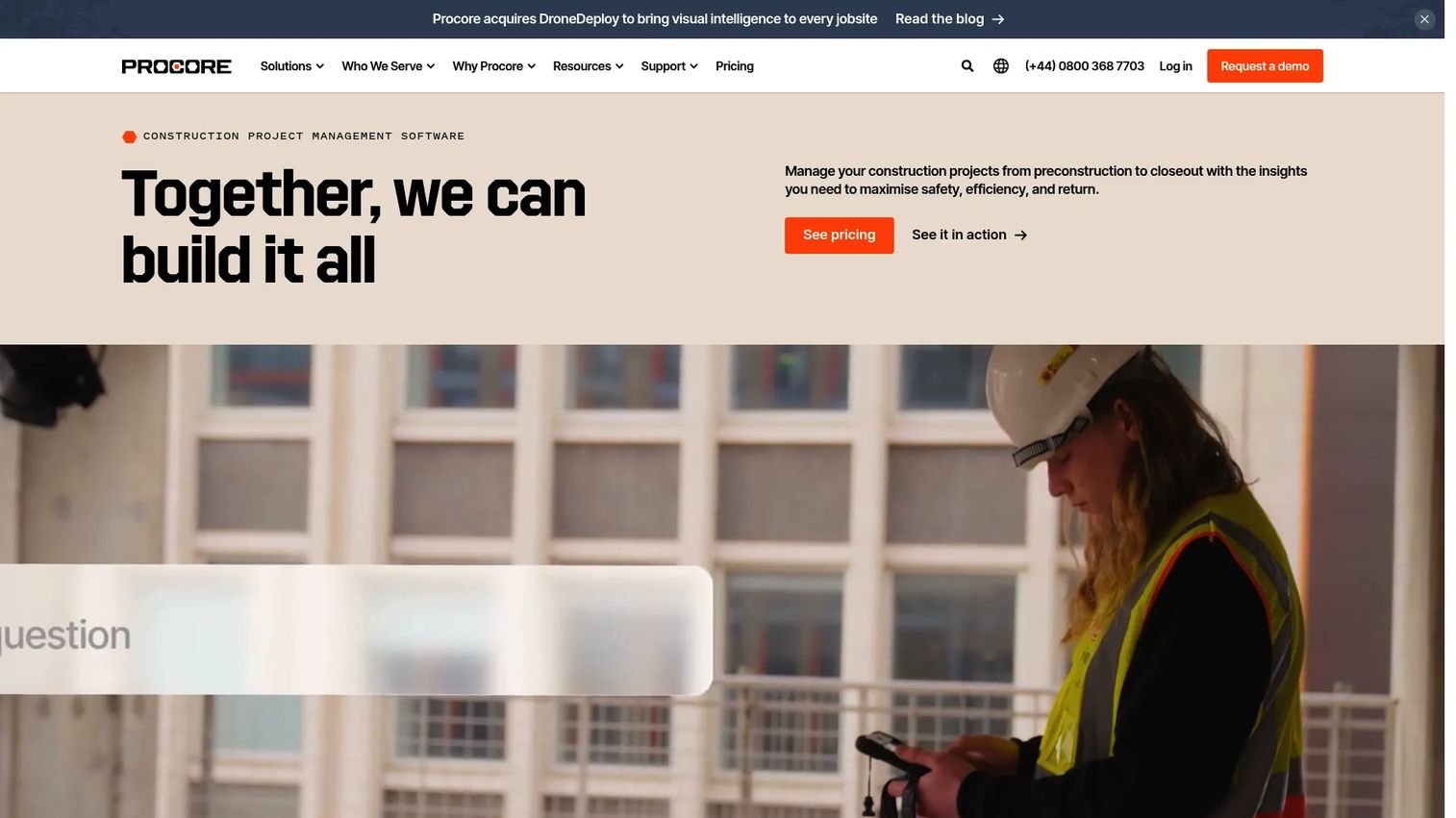
Procore is a cloud-based construction management platform connecting owners, general contractors, and specialty contractors across the project lifecycle. It covers project management, cost management, document control, bidding, resource tracking, quality, safety, and analytics in one system. Procore positions itself as the platform for teams that need breadth across workflows, not depth in just one. It works for commercial, residential, infrastructure, and industrial construction.
Best for: Large construction teams that need one system across project execution, financials, field work, and reporting.
Key features
- Project management with tasks, schedule, and RFIs
- Cost management with budgets, commitments, and change orders
- Document and drawing control with version tracking
- Bid management and subcontractor prequalification
- AI-powered insights and reporting dashboards
Why choose Procore: Procore earns its place when the business needs one platform to replace multiple disconnected tools across the project lifecycle. Smaller contractors should evaluate the implementation timeline and total cost before committing, as the onboarding effort is proportional to the module scope.
Procore pricing: Procore prices by custom annual quote based on selected products and Annual Construction Volume. There's no published starting rate, so you'll need to speak with their sales team and ask specifically about which modules are included, user counts, and implementation support costs.
G2 rating: 4.6/5
2. Buildertrend
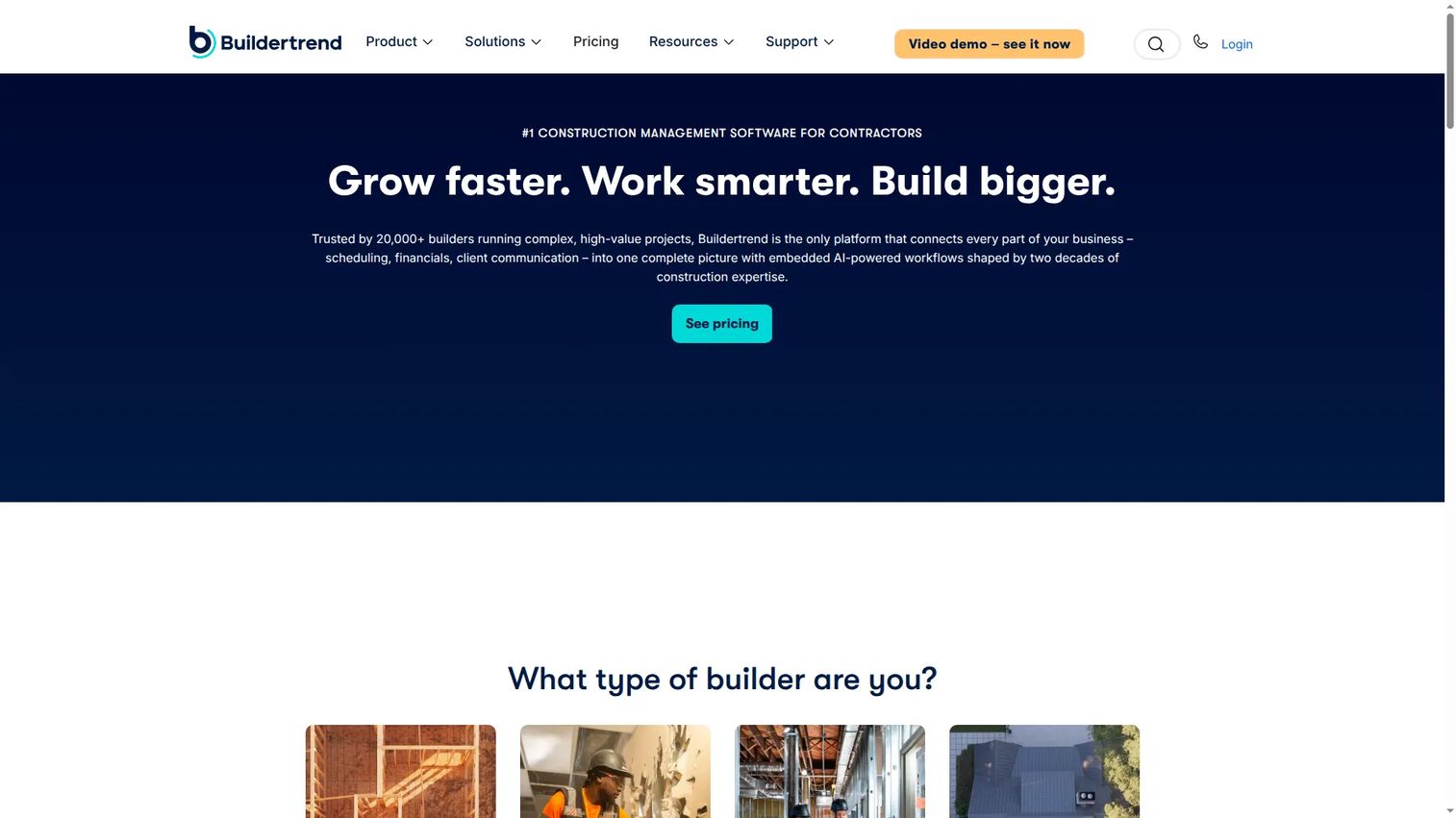
Buildertrend is a cloud-based construction management platform built around the residential construction workflow. It covers scheduling, change orders, daily logs, client communication, proposals, budgets, invoicing, and online payments from one system. Home builders and remodelers use it to manage client relationships alongside internal project tracking, which distinguishes it from platforms built primarily for commercial general contractors. Unlimited users and projects are included across plans.
Best for: Home builders and remodelers that need client communication, project tracking, and financial workflows in one place.
Key features
- Construction scheduling with task dependencies
- Client portal for approvals and selections
- Change order management with digital sign-off
- Job costing, budgets, and invoices
- Online payments and lead management
Why choose Buildertrend: Choose Buildertrend when the client relationship is as much of a workflow problem as the internal project tracking. If your team spends significant time on client communication and change order approvals, having those workflows connected to the project schedule pays off quickly.
Buildertrend pricing: Pricing is personalized and requires a custom quote. Buildertrend includes unlimited users and projects across plans, and no free trial is offered, but personalized demos are available through their website.
G2 rating: 4.3/5
3. Autodesk Construction Cloud
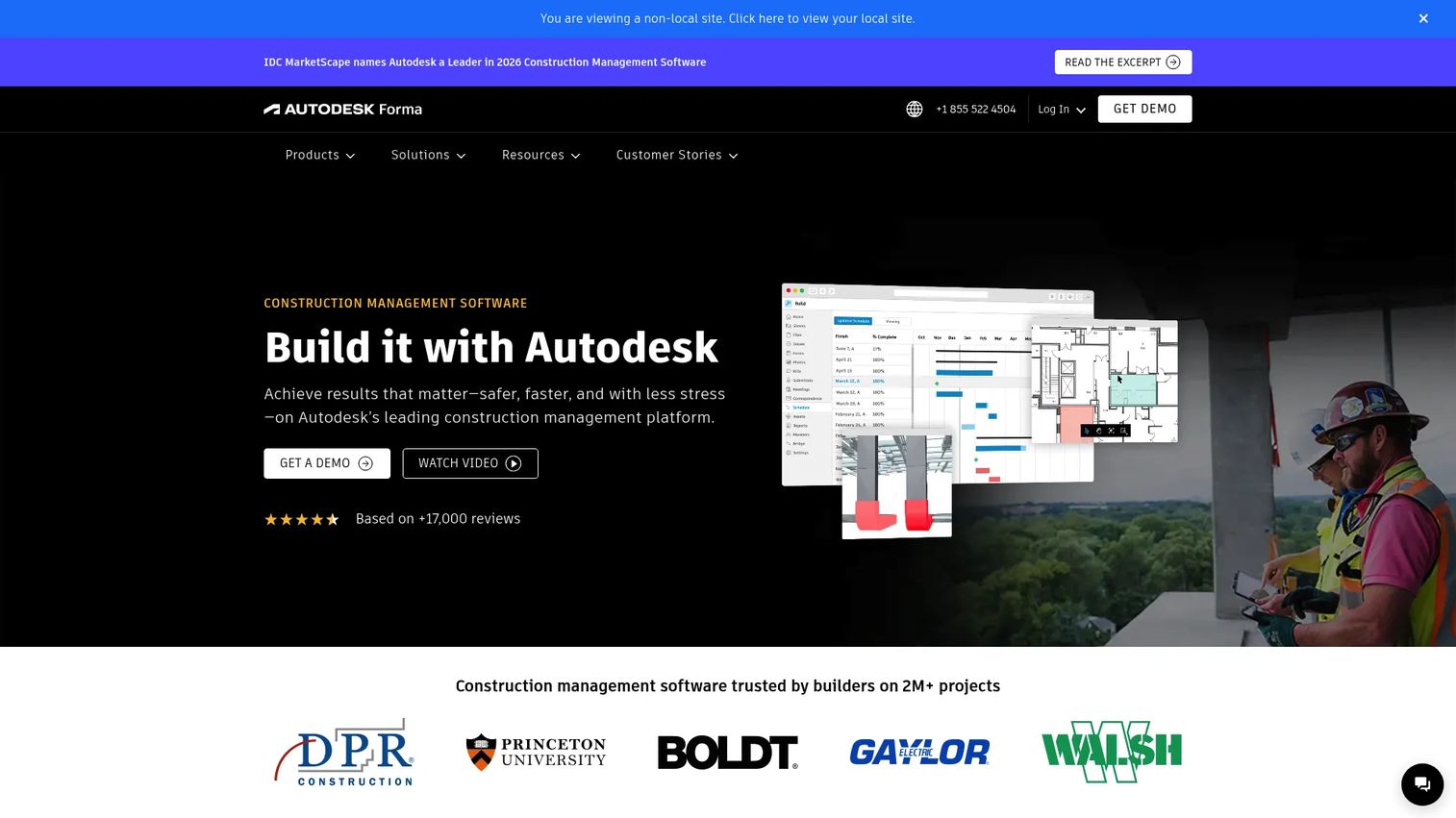
Autodesk Construction Cloud is a connected construction platform spanning design, preconstruction, field execution, cost management, and document workflows. It's now part of the broader Autodesk Forma product family. Teams already using Autodesk tools for design and BIM workflows find that Autodesk Construction Cloud shortens the distance between design intent and field execution. It covers RFIs, submittals, clash detection, daily reports, and cost tracking across the build.
Best for: Construction teams that want design, documents, field workflows, and BIM coordination connected within the Autodesk environment.
Key features
- BIM coordination with clash detection
- Document management with version control
- Cost workflows with change orders and budgets
- Field collaboration for issues, tasks, and daily logs
- RFI and submittal tracking
Why choose Autodesk Construction Cloud: This is the right choice when Autodesk adoption is already strong across your design and preconstruction teams. The tighter design-to-build continuity reduces handoff errors between phases. Teams without existing Autodesk investment should compare it against Procore for total cost and onboarding effort.
Autodesk Construction Cloud pricing: Pricing is quote-based, with three bundle options: Model Management, Preconstruction, and Construction Operations. No published starting price is available, so contact Autodesk to get a breakdown by product and user type.
G2 rating: 4.4/5
4. Autodesk Forma
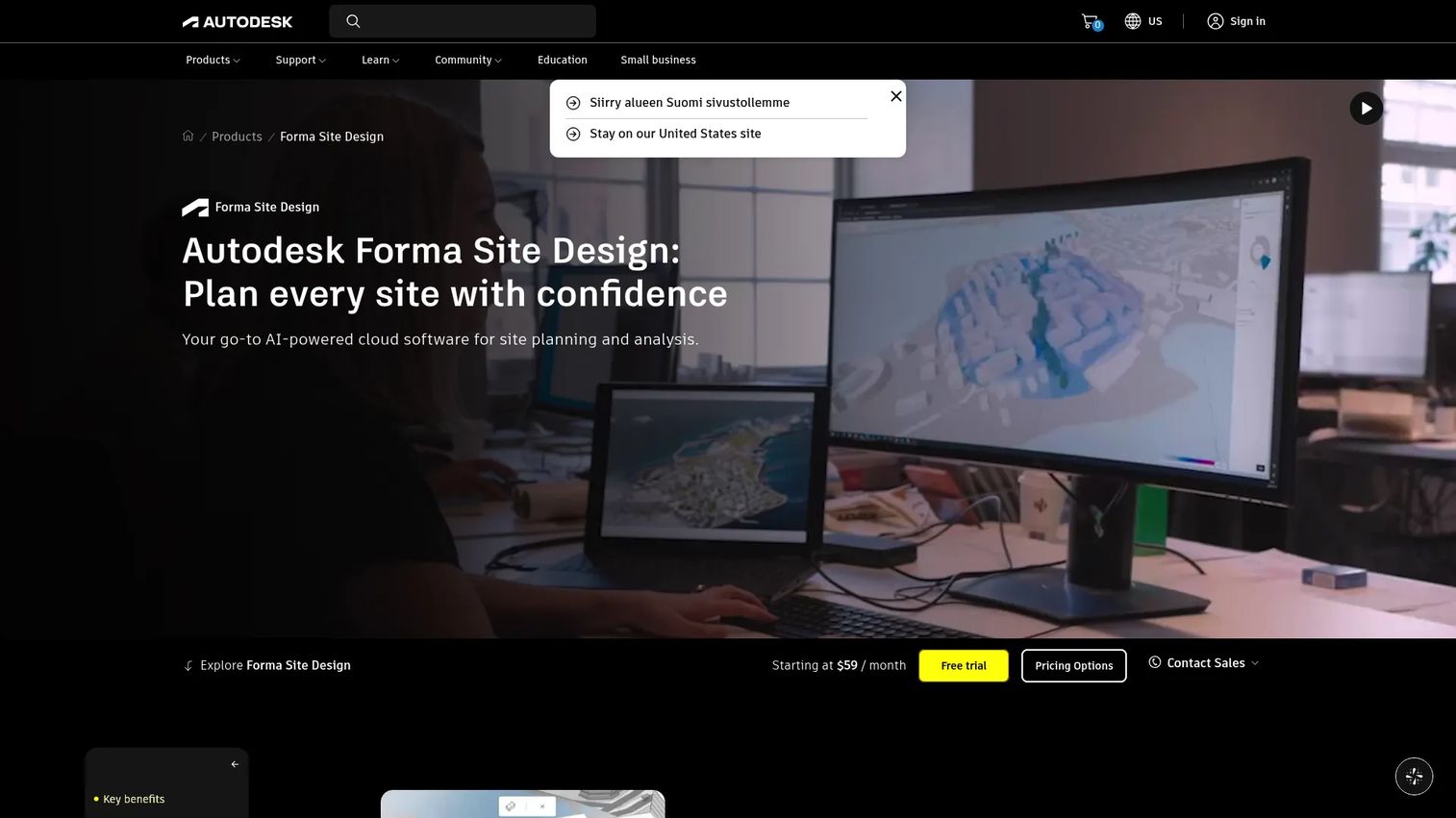
Autodesk Forma is a cloud-based platform for early-stage site planning, feasibility analysis, and design collaboration. It supports 3D massing, environmental analysis (wind, daylight, solar energy, noise, and carbon), terrain editing, and real-time design review. Forma is not a field management or project execution tool. Its role is at the front end of the project, helping architects, developers, and planning teams evaluate site options before construction begins.
Best for: Owners, developers, architects, and planning teams evaluating early project feasibility and site design options.
Key features
- AI-powered site automation and 3D massing
- Environmental analyses: Wind, daylight, solar energy, and carbon
- Real-time design review with Forma Board collaboration
- Terrain editing and contextual site data
- IFC and OBJ import with flexible export options
Why choose Autodesk Forma: Use Forma when preconstruction planning and design analysis are the bottleneck, not when the immediate need is jobsite task tracking or financial management. It pairs naturally with Autodesk Construction Cloud for teams that want connected preconstruction-to-build workflows.
Autodesk Forma pricing: The Forma Site Design plan is publicly priced at $59/month. Other Forma offerings are quote-based through Autodesk. A free trial is available for Forma Site Design.
G2 rating: 5.0/5 (based on limited review volume; treat as directional)
5. Fieldwire
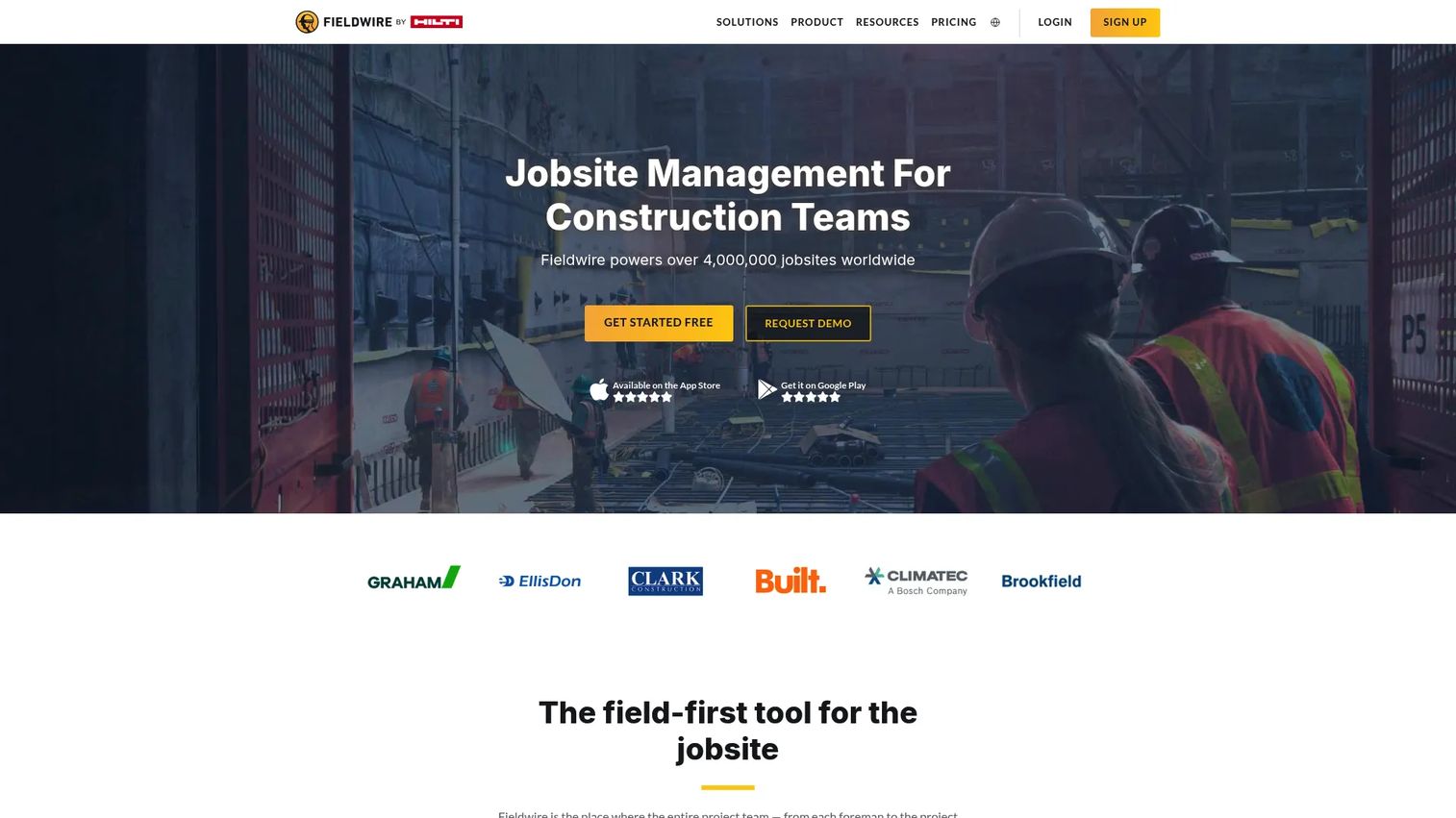
Fieldwire is a field-first construction management platform designed for plans, tasks, punch lists, inspections, and jobsite coordination. Foremen and superintendents use it to log work, flag issues, and access current drawings from mobile devices on-site. The platform also covers RFIs, submittals, change orders, and budgeting at higher tiers, giving it more depth than a simple punch list tool. Offline access means the field can keep working when connectivity drops.
Best for: Contractors that need jobsite teams to coordinate tasks, track issues, and access current drawings from mobile devices.
Key features
- Task management with photos, checklists, and markups
- Plan viewing with version control and offline access
- Punch lists and inspection forms
- RFIs, submittals, change orders, and budgeting (Business and Business Plus)
- BIM viewer and custom forms
Why choose Fieldwire: Fieldwire earns adoption because it's built around how foremen actually work. If field teams are the primary user, the mobile-first design matters more than back-office depth. Teams that need heavier financial management can pair it with accounting software or a dedicated ERP.
Fieldwire pricing: The Basic plan is free (up to 5 users, 3 projects, 100 sheets). Pro starts at $39/user/month billed annually. Business is $64/user/month and Business Plus is $89/user/month, both billed annually.
G2 rating: 4.5/5
6. PlanGrid
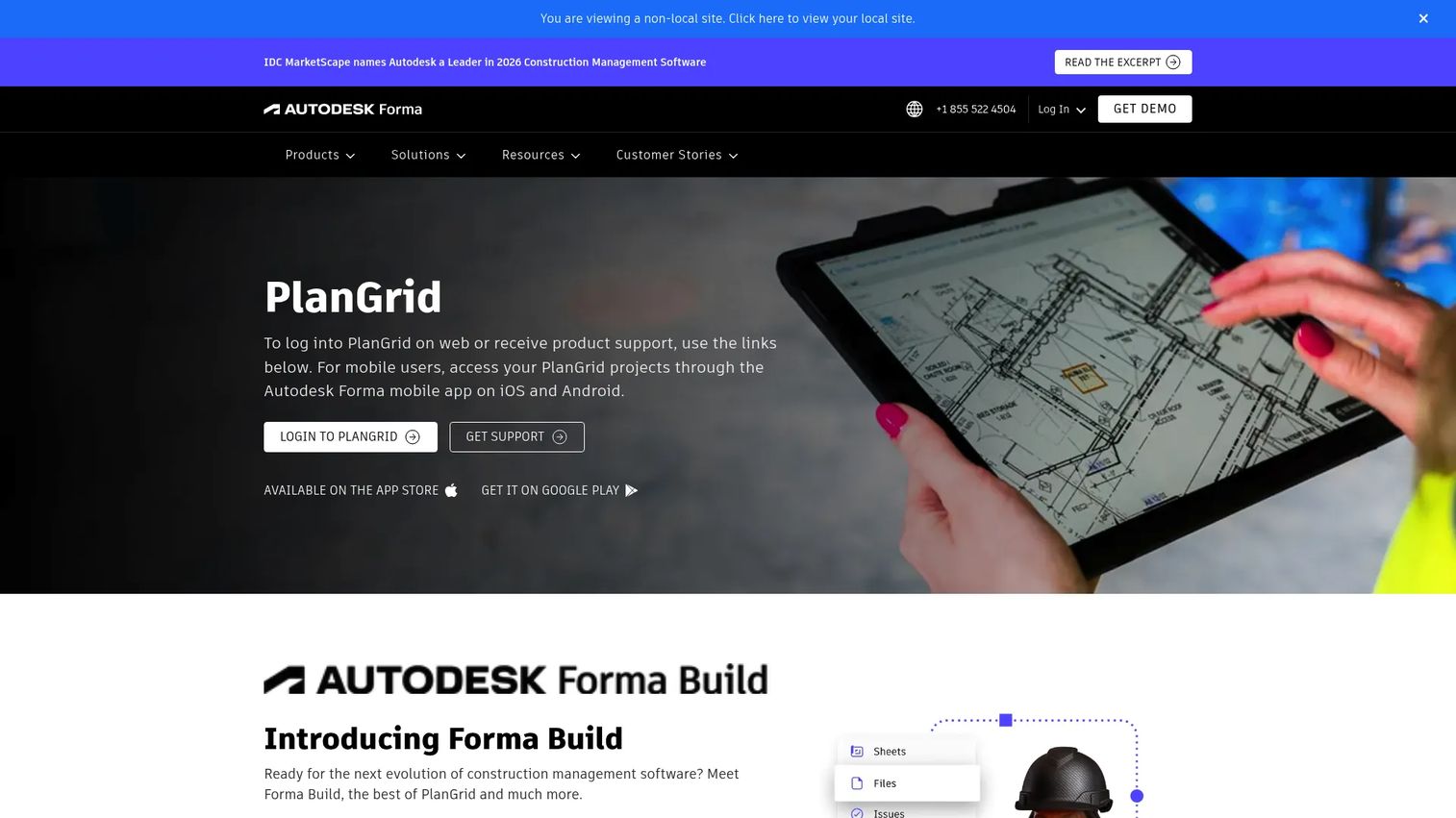
PlanGrid is no longer available for new customers. Autodesk has transitioned PlanGrid functionality into Autodesk Forma Build, which combines PlanGrid's core capabilities with additional construction management features including scheduling, cost management, and expanded field workflows. Existing PlanGrid users are being migrated to the Autodesk platform. If you're evaluating this tool category for the first time in 2026, Forma Build is the current offering from Autodesk for plan access and field documentation workflows.
Best for: Field teams that need mobile access to current drawings, markups, and jobsite documentation within the Autodesk product family.
Key features
- Real-time access to project plans, files, issues, and photos
- Punch lists, daily reports, quality inspections, and safety observations
- RFIs, submittals, meetings, and schedule management (via Forma Build)
- Cost management through the Forma Build platform
- Sheet management and markup tools
Why choose PlanGrid (Forma Build): Evaluate Forma Build when drawing access and field markup are the primary need and the team is already in the Autodesk environment. Buyers new to this space should evaluate Forma Build directly rather than looking for a standalone PlanGrid purchase.
PlanGrid (Forma Build) pricing: Forma Build Essentials is $100/user/month (or $800/user/year). Forma Build is $175/user/month (or $1,400/user/year). An unlimited-user option is available through Autodesk sales.
G2 rating: N/A (PlanGrid standalone listing is no longer maintained; see Forma Build)
7. QuickBooks
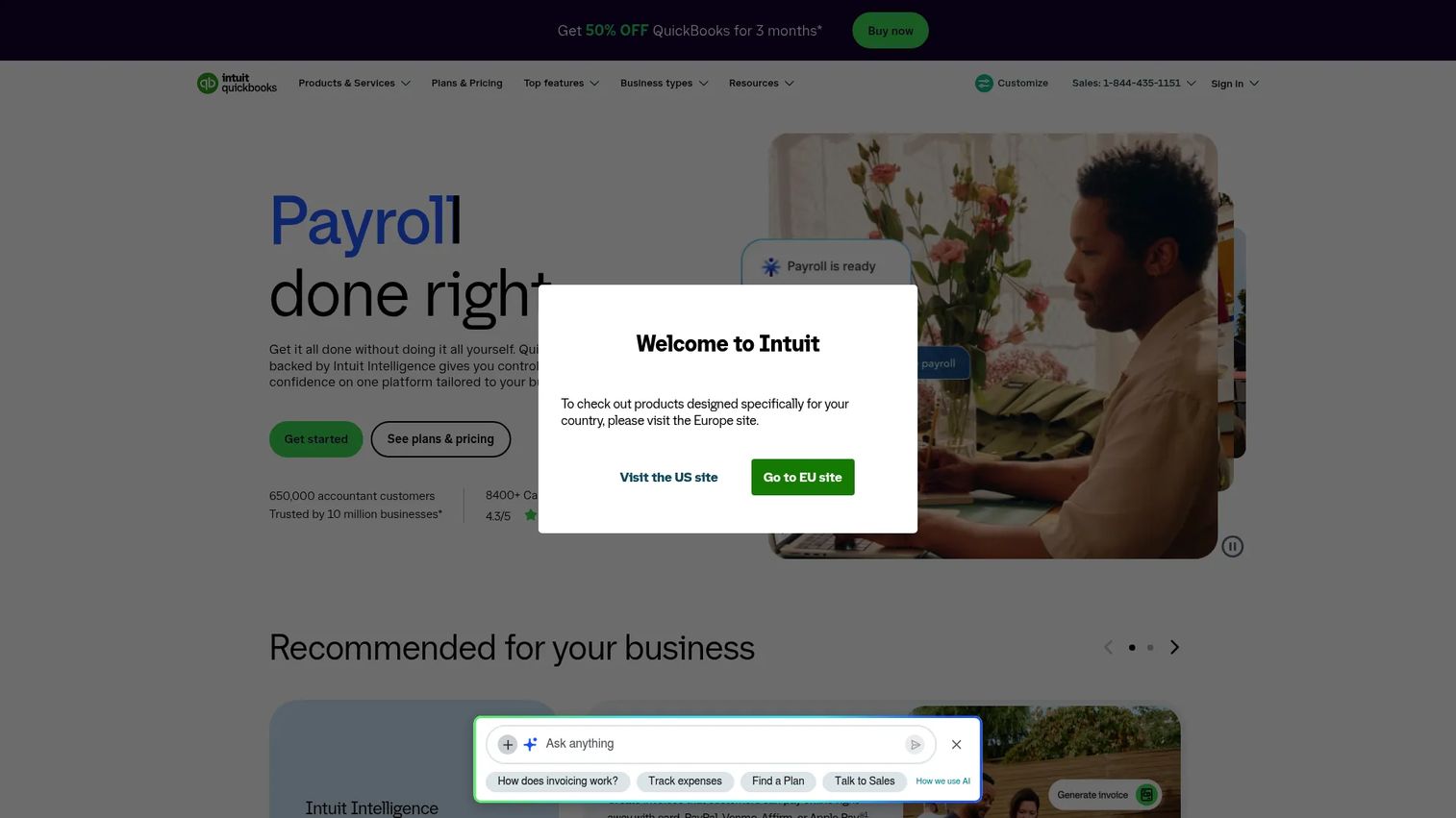
QuickBooks is accounting software widely used by small and mid-sized contractors for bookkeeping, invoicing, expense tracking, payroll, and job costing. It is not a full construction management platform on its own. Contractors typically pair it with a project management tool for scheduling and field tracking, using QuickBooks as the financial backbone. Its familiarity is a genuine advantage, since most accountants and bookkeepers already know how to work in it.
Best for: Contractors that need a reliable accounting base with job costing and invoicing before adding full project management depth.
Key features
- Job costing and expense tracking by project
- Invoicing and online payment collection
- Bank feeds and reconciliation
- Receipt capture and reporting
- Tax tracking and payroll add-ons
Why choose QuickBooks: Choose QuickBooks when the finance workflow is the most broken part of the operation and the team needs something they can use quickly without heavy implementation. It integrates with several construction project management tools, so it doesn't have to stand alone. For broader financial planning options, exploring budgeting and forecasting software alongside QuickBooks can close the gap on margin visibility.
QuickBooks pricing: A free tier is available. Paid plans start at $19/month (Simple Start), $42.50/month (Essentials), $70/month (Plus), and $170/month (Advanced), all with promotional pricing for the first three months. Payroll is an add-on.
G2 rating: 4.0/5
8. Raken
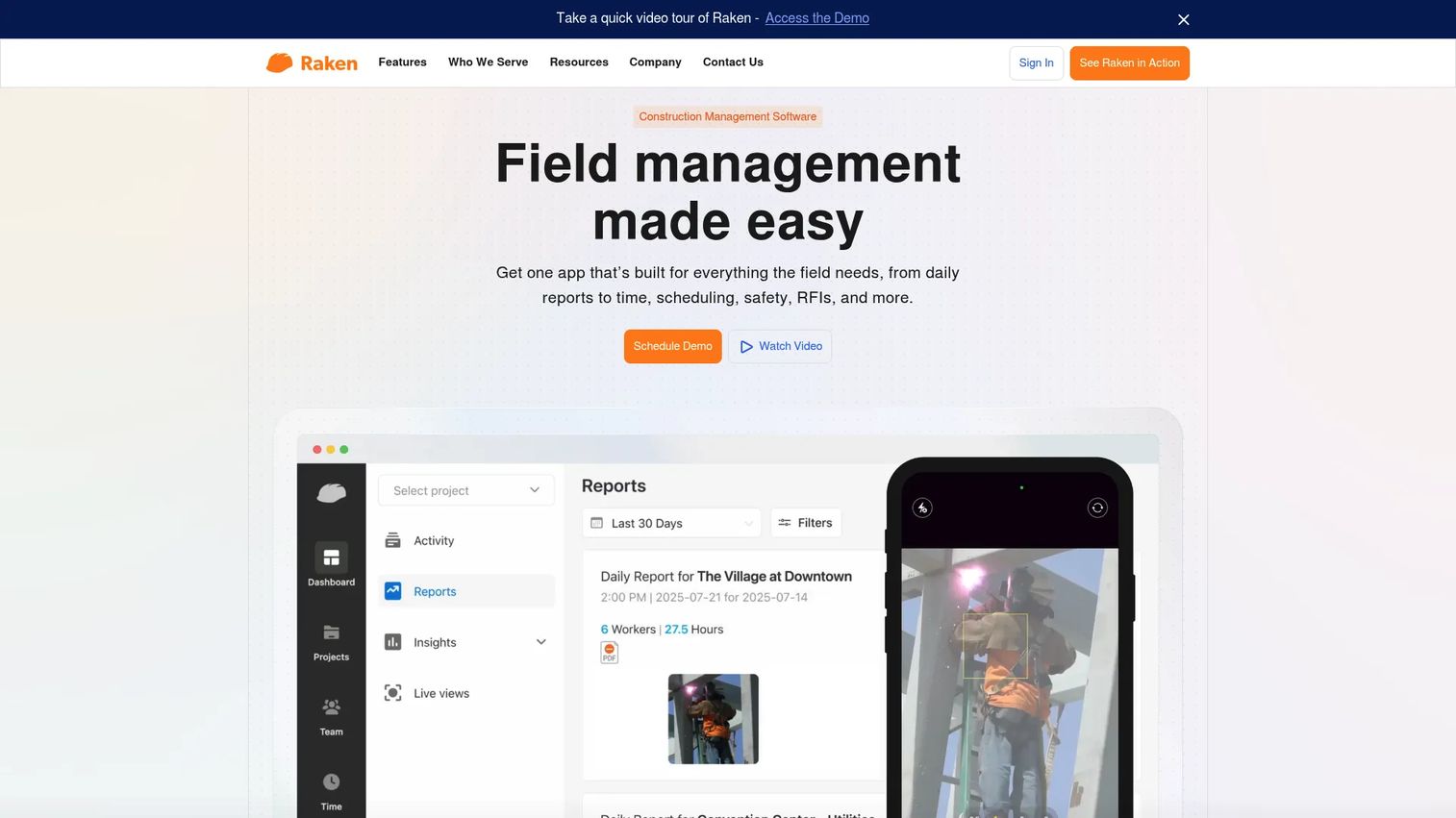
Raken is a field management application built specifically for construction daily reporting, time tracking, production tracking, safety, and quality documentation. Foremen and superintendents can complete a daily log in minutes from a mobile device, which is the core adoption advantage. The platform also covers RFIs, forms, and project documentation at the Performance tier. Raken integrates with major construction management platforms and accounting tools.
Best for: Contractors that need consistent daily reports, time cards, production data, and safety documentation from the field.
Key features
- Daily reports and progress tracking by project
- Time and production tracking with quantity data
- Safety and quality management with forms
- Photos, videos, tasks, and messaging
- Insights dashboards for field data reporting
Why choose Raken: Use Raken when field reporting is inconsistent and project leaders need reliable daily data without asking foremen to log into a complex system. It's purpose-built for the field, which drives adoption faster than an office-first platform with a mobile app bolted on.
Raken pricing: Basic starts at $23/user/month billed annually (minimum 3 users). Performance is $59/user/month billed annually and includes time tracking, production tracking, safety, quality, RFIs, and dedicated onboarding. A free trial is available.
G2 rating: 4.6/5
9. Contractor Foreman
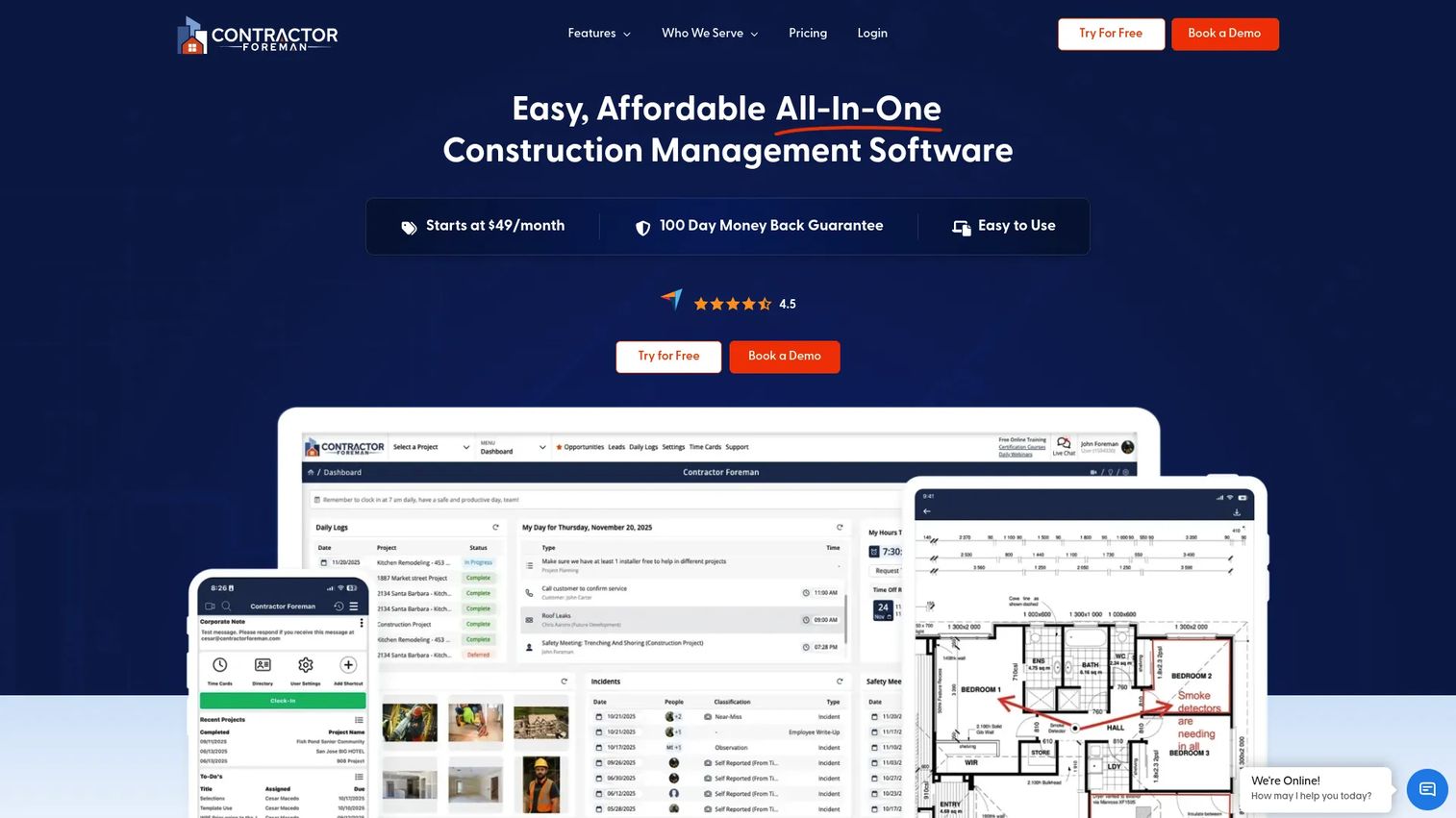
Contractor Foreman is an all-in-one construction management platform built for small and mid-sized residential and commercial contractors. It covers project management, financial tools (AI estimating, takeoffs, invoices, bids, and change orders), crew scheduling, time cards, safety meetings, and client portal in one package. Plans start low relative to enterprise platforms, and a 30-day free trial makes it accessible to teams evaluating without a long commitment.
Best for: Small contractors that want broad functionality, clear pricing, and low implementation friction.
Key features
- Project management with scheduling, daily logs, inspections, and punch lists
- AI estimating and takeoffs with bid management
- Invoicing, online payments, and purchase orders
- Time cards and crew scheduling
- Safety forms and client portal
Why choose Contractor Foreman: Contractor Foreman fits teams that need to replace several disconnected tools without enterprise pricing. The breadth of features at the lower tiers means smaller contractors get scheduling, financials, and field management without paying for modules they don't need.
Contractor Foreman pricing: Plans start at $49/month (Basic, billed annually). Standard is $105/month, Plus $166/month, Pro $221/month, and Unlimited $332/month. All plans include a 30-day free trial. Pro and Unlimited include free setup and implementation.
G2 rating: 4.5/5
10. Trimble Construction One
Trimble Construction One is a connected construction platform spanning project management, construction ERP, estimating, financials, field workflows, and business intelligence. It targets contractors with mature operations that need their back-office, estimating, and field data connected rather than siloed. Trimble also offers field tools and layout hardware, which makes it relevant for contractors that want software and site technology from one vendor.
Best for: Contractors with complex operations that need connected financials, estimating, field data, and ERP-level back-office management.
Key features
- Construction ERP with financials, accounting, and job costing
- Estimating and preconstruction tools
- Project controls and progress tracking
- Real-time field data collection
- Business intelligence and reporting dashboards
Why choose Trimble Construction One: Choose Trimble when the company has outgrown separate systems for estimating, accounting, and field management and needs those workflows tied together. The depth of financial management is a strong fit for contractors running large volumes where margin visibility across multiple jobs matters.
Trimble Construction One pricing: Pricing varies by solution and is sales-led. Contact Trimble directly; cost drivers include modules, user count, and implementation services.
G2 rating: No aggregate rating available at this time
11. PlanRadar
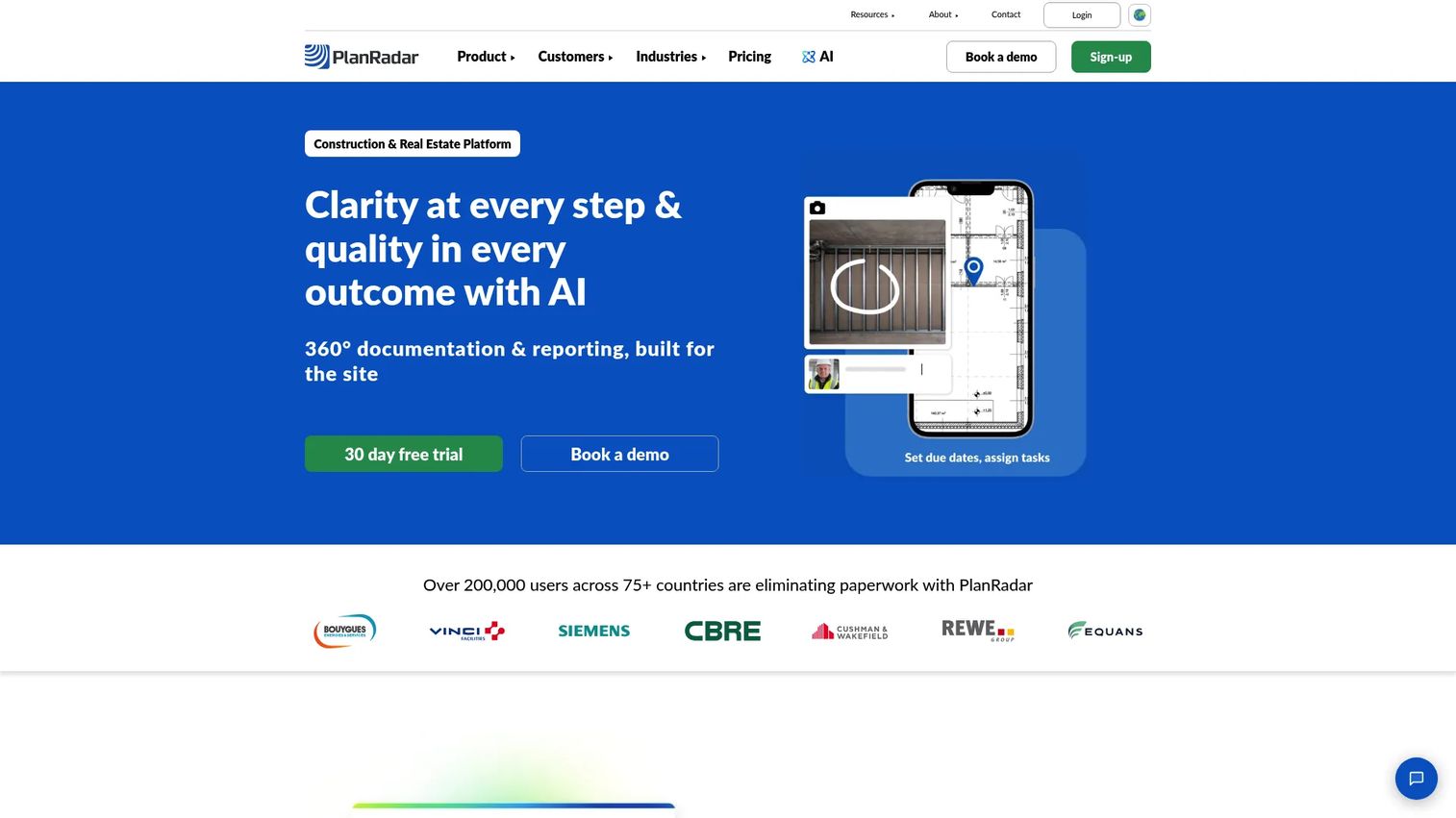
PlanRadar is a field management platform for construction documentation, defect tracking, inspections, and project reporting. Teams use it to attach issues, photos, and tasks directly to plan annotations, which makes defect communication clearer than email or spreadsheet-based punch lists. It also covers Gantt-chart scheduling, approval workflows, document management, and a 360° site documentation feature. Contractors, owners, architects, and facility teams all use it across project types.
Best for: Teams that need structured issue tracking, inspections, and documentation connected to plan annotations.
Key features
- Digital ticketing and task management on plan overlays
- 2D plans and BIM model management
- Document management with versioning
- Project reporting and customizable templates
- Gantt scheduling and approval workflows
Why choose PlanRadar: Choose PlanRadar when structured documentation and issue closure matter more than broad financial management. It's particularly strong for closeout and quality workflows where every defect needs a paper trail. The visual plan-based issue tracking improves communication between site teams and subcontractors.
PlanRadar pricing: Basic starts at $32/month (one user, monthly billing). Starter is $107/month and Pro is $159/month, with annual billing available at savings above 10%. Enterprise is quote-based. A free 30-day trial is available with no credit card required.
G2 rating: 4.5/5
12. Dalux
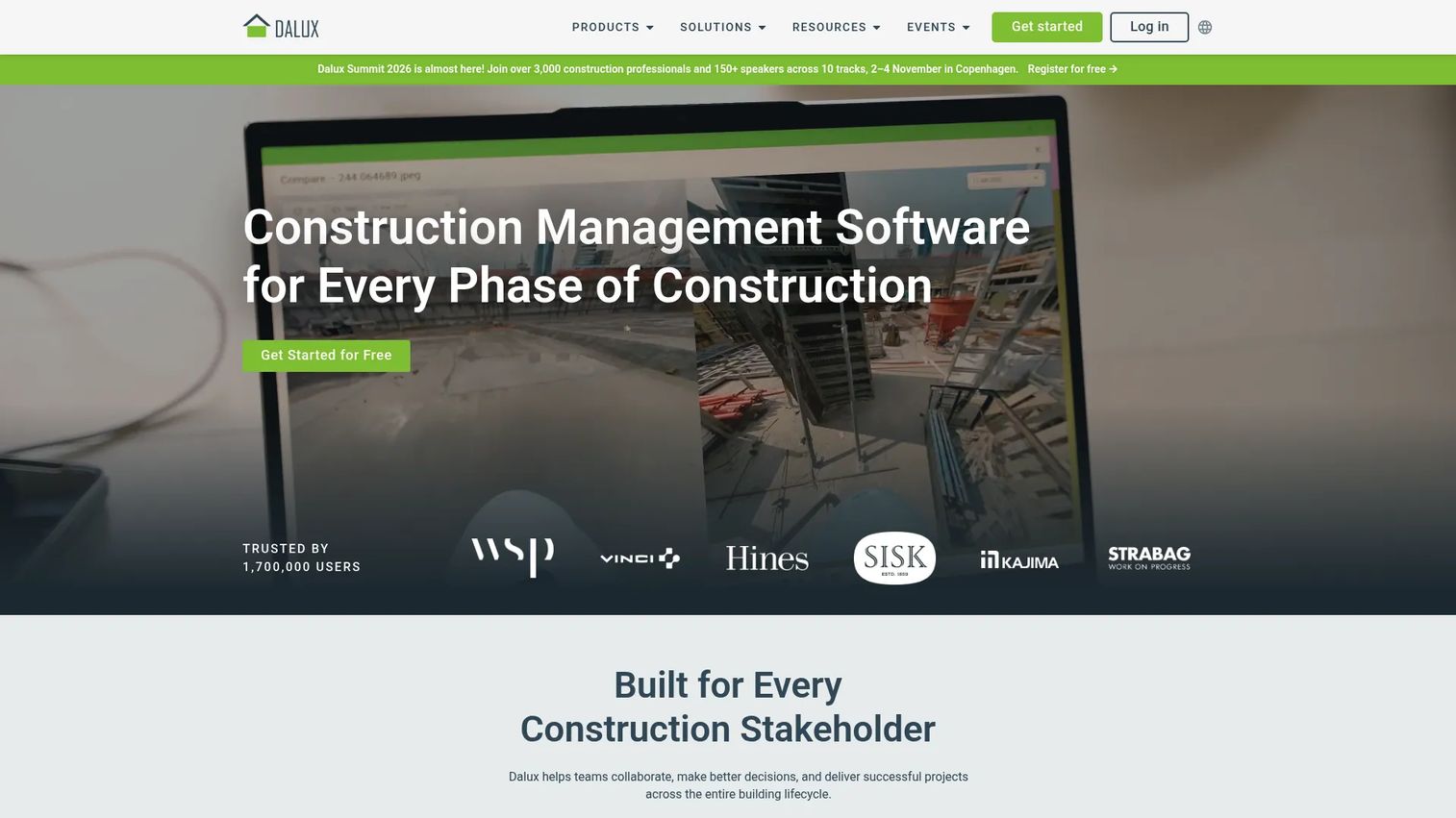
Dalux provides construction and facility management software covering BIM viewing, document management, on-site quality and safety, infrastructure construction management, and owner handover. Its BIM viewer is free and lets field teams open models on mobile devices without needing a full BIM authoring tool. The Dalux Field product manages on-site quality, safety, compliance, and issues. For teams building with BIM software at the center of their workflow, Dalux keeps field teams connected to the model rather than working from printed sheets.
Best for: BIM-heavy construction teams and owners that want model access, field tasks, and documentation connected.
Key features
- BIM viewer for models, drawings, and project information
- Dalux Box for document and model collaboration
- Dalux Field for on-site quality, safety, and issue management
- Infrastructure construction management via Dalux InfraField
- BIM-based facility management and owner handover
Why choose Dalux: Choose Dalux when BIM coordination is central to daily site management and you need field teams working from visual context rather than printed drawings. The free BIM Viewer lowers the barrier to adoption significantly for subcontractors who need model access without a license fee.
Dalux pricing: BIM Viewer and Field Basic are free. Paid products (Dalux Box, Dalux Field, Dalux InfraField, and Dalux FM) require contacting Dalux for a quote.
G2 rating: 4.6/5
13. BuildOps
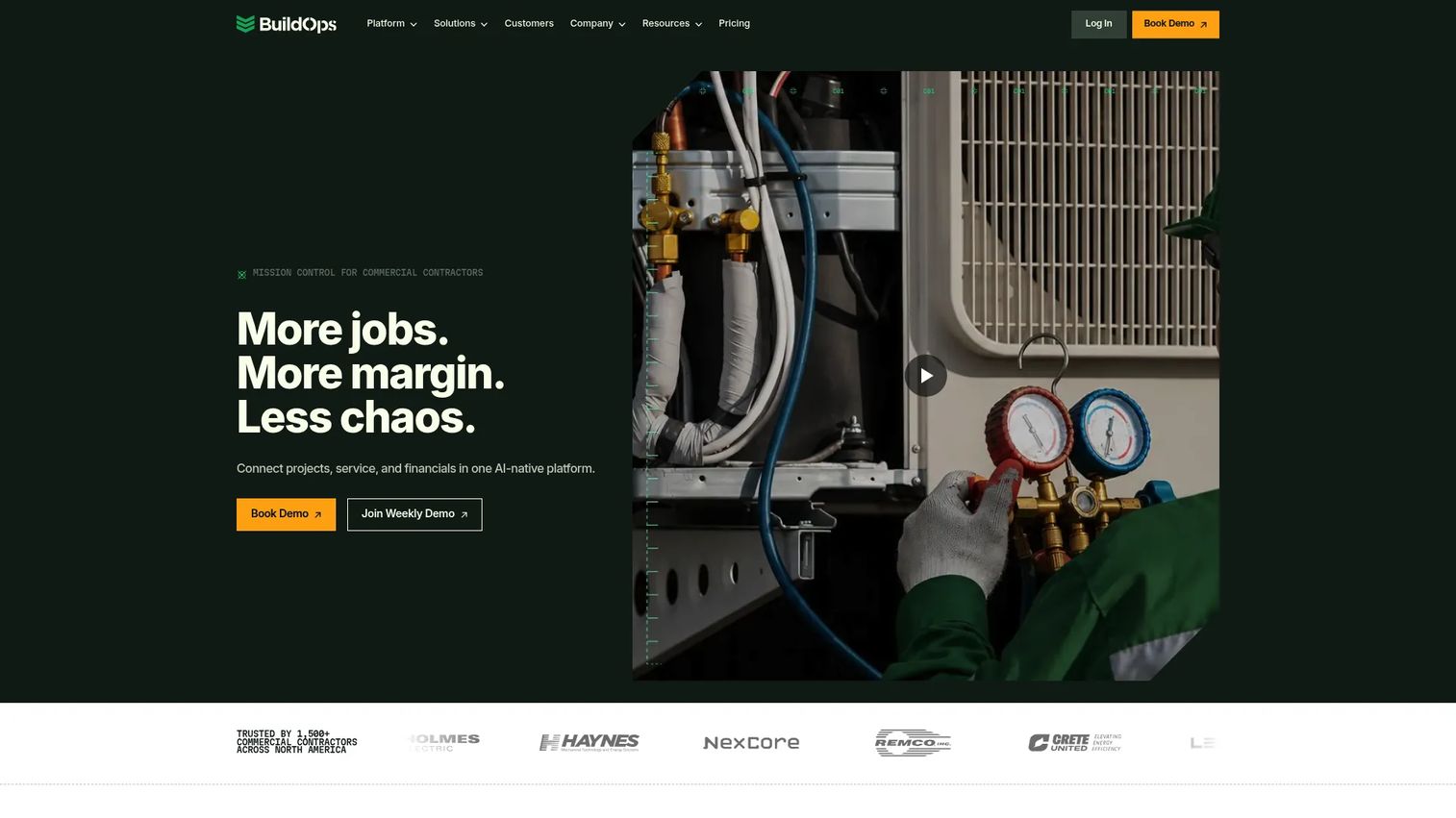
BuildOps is an operational software platform built specifically for commercial contractors, with particular depth for mechanical, electrical, plumbing, HVAC, and specialty service contractors. It covers dispatching, service management, project management, quoting, invoicing, job costing, field mobile operations, CRM, fleet tracking, and ERP integrations from one system. The defining characteristic is that it handles both service operations and construction project work together, which most general construction platforms don't address well.
Best for: Commercial specialty contractors running both service operations and construction projects who need dispatch, field, and project workflows in one platform.
Key features
- Scheduling and dispatching for service and project work
- Quoting, invoicing, and job costing
- Project management with RFIs, submittals, and change orders
- Technician mobile app for field operations
- CRM, asset management, and fleet tracking
Why choose BuildOps: Choose BuildOps when service operations and field dispatch sit alongside construction project work. Most project management tools are built for project-only workflows. BuildOps fills the gap for specialty contractors whose business runs on both recurring service and larger projects simultaneously.
BuildOps pricing: Pricing is customized by crew size, trade type, user count, and modules. Contact BuildOps for a quote.
G2 rating: 4.1/5
14. Oracle Aconex
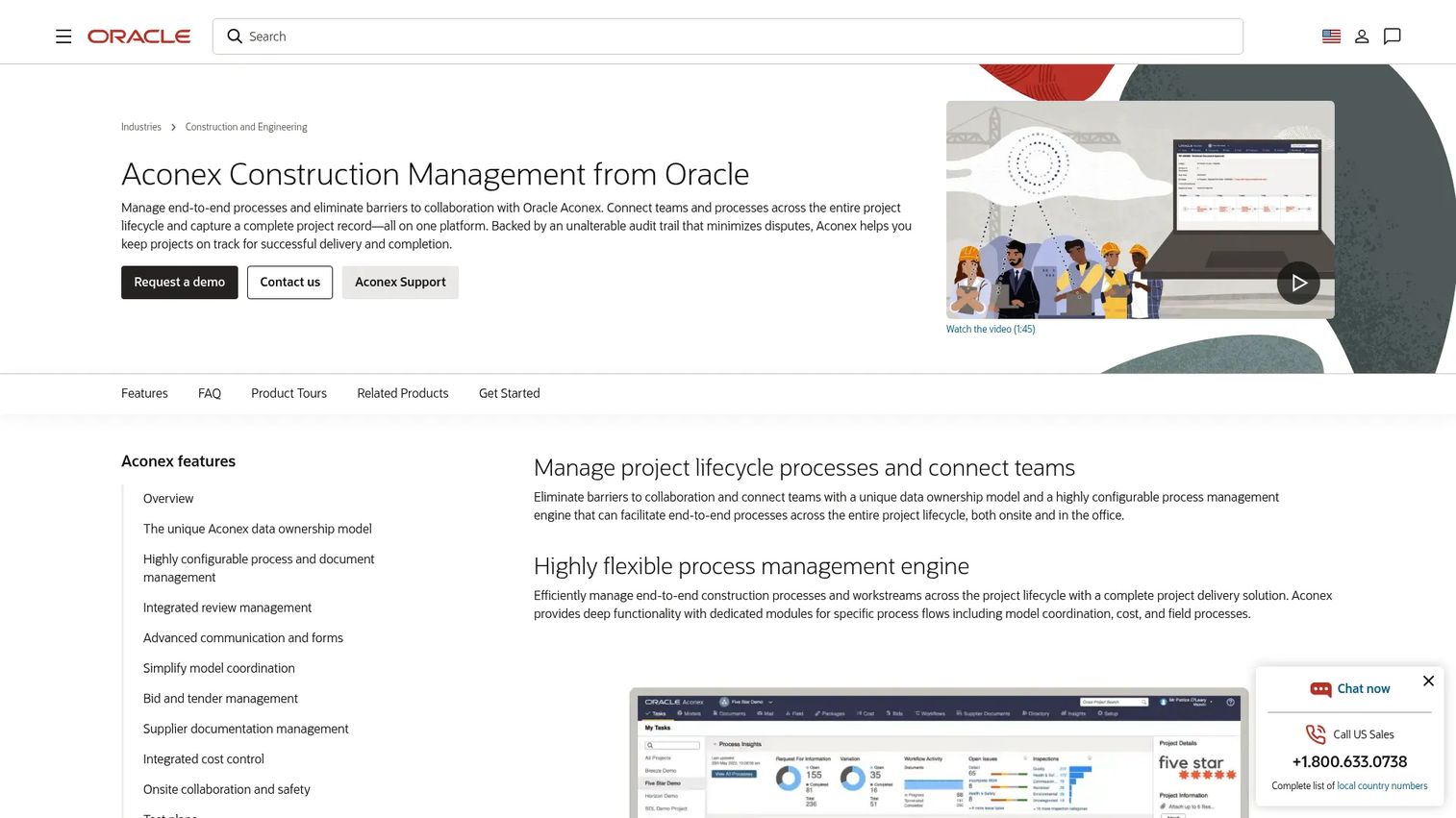
Oracle Aconex is a cloud-based project collaboration and information management platform for complex construction, infrastructure, and engineering projects. It manages document control, correspondence, workflows, approvals, and project records with an unalterable audit trail. Owners, EPCs, and enterprise project teams use it to maintain governance over large project networks where many organizations contribute documents and communications. The permanent project record is a core selling point for capital programs with long-term accountability requirements.
Best for: Owners, EPCs, and enterprise project teams managing complex capital programs where document governance and audit trails are non-negotiable.
Key features
- Document and correspondence management with version control
- Configurable workflows, reviews, approvals, and audit trail
- BIM and model coordination with clash detection
- Bid and supplier documentation management
- Cost, contract, and change management
Why choose Oracle Aconex: Choose Aconex when document governance, external stakeholder collaboration, and auditability matter across large project networks. It's built for the scale and complexity of capital programs where regulatory, legal, and contractual traceability is as important as day-to-day project execution.
Oracle Aconex pricing: Oracle directs buyers to request a demo or contact sales. No published pricing is available. Budget planning for enterprise construction program management software typically includes seat licensing, implementation, and ongoing support.
G2 rating: 4.5/5
15. Bluebeam
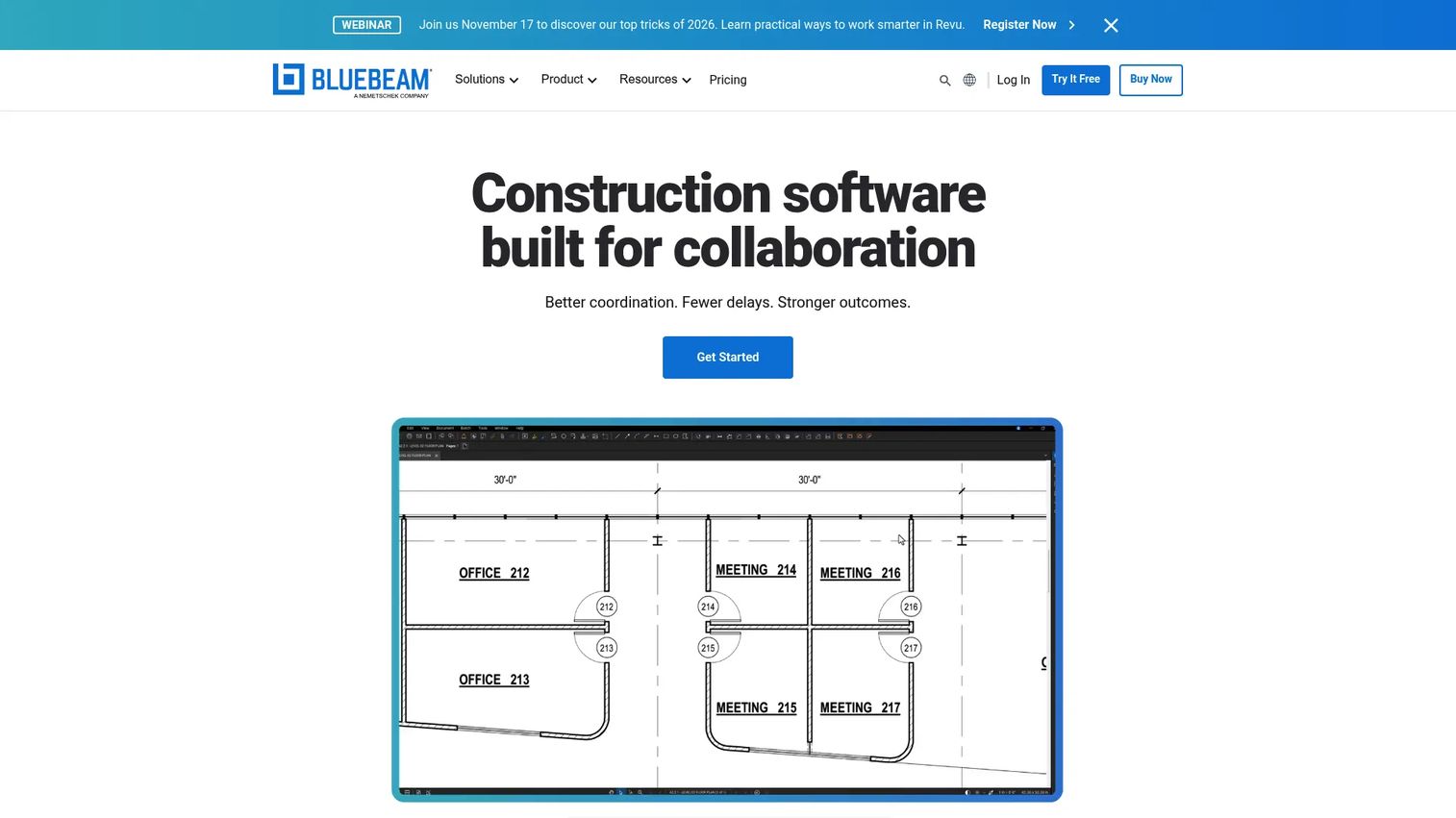
Bluebeam is PDF-based construction software for creating, editing, marking up, measuring, comparing, and collaboratively reviewing project drawings and documents. It's a workflow tool that most AEC professionals already know. Studio Sessions allow real-time collaboration on drawings across distributed teams. Bluebeam is not an all-in-one project management platform. It complements broader construction management systems rather than replacing them.
Best for: Construction teams whose daily work lives in drawings, PDFs, markups, takeoffs, and collaborative document review.
Key features
- PDF creation, editing, viewing, and markup
- Drawing measurement and quantity takeoff tools
- Real-time collaboration through Studio Sessions
- Drawing overlay and comparison for revision tracking
- Workflow automation, reporting, OCR, and integrations
Why choose Bluebeam: Choose Bluebeam when document review and markup are daily workflows that need precision and collaboration. It pairs with any major construction management platform as the document layer, and its widespread adoption across the AEC industry means subcontractors and owners are often already using it.
Bluebeam pricing: Basics starts at $260/user/year. Core is $330/user/year, Complete is $440/user/year, and Max is $590/user/year (introductory price). All plans are billed annually and include Revu for Windows, web and mobile access, support, and training.
G2 rating: 4.6/5
Considerations when choosing construction software
Match the tool to your construction segment
Home builders, commercial general contractors, specialty contractors, and capital program owners need different workflows. A residential builder may prioritize client selections and online payments. A commercial GC needs subcontractor coordination and document control. Before shortlisting, identify which two or three workflows break most often in your current operation, and filter tools against those specifically.
Test field adoption before signing the contract
The most important number is whether foremen and superintendents will log into the system daily. If the field doesn't update the platform, every office dashboard becomes fiction. Ask vendors for mobile app reviews, evaluate offline access, and ideally run a two-week pilot on a live project before committing. Field adoption failure is the most common reason construction software implementations stall.
Verify cost control depth
Job costing, change order management, committed cost tracking, and budget forecasting are not the same capability. Check whether the software connects estimates to actuals, tracks committed costs across subcontracts, and allows real-time WIP reporting. For teams where margin visibility is the primary pain, change order software or a construction-specific ERP may be a more direct fix than a broad all-in-one platform.
Check integrations before rollout
Ask vendors for integration documentation, not just sales claims. The critical connections are accounting (QuickBooks, ERP), BIM authoring tools, email and document storage, and productivity tools the office already uses. Discovering that your chosen platform has a weak QuickBooks sync after go-live adds significant cleanup time.
Plan onboarding around live projects
Roll out with real company data and real projects rather than a sandbox test environment. A practical 30 to 90 day approach: Pilot on one active project, clean and import historical data, identify field champions who will train their crews, standardize templates and forms, then expand to the full portfolio. Skipping this stage is where most implementations go wrong.
Conclusion
Construction software works when it fits the jobsite, the back office, and the financial model simultaneously. The best tool is the one your field team will update, your project managers will trust, and your finance lead can use before margin disappears.
For large commercial general contractors and capital program owners, Procore and Oracle Aconex offer the breadth and governance needed at scale. Trimble Construction One fits contractors who need ERP-level financial control alongside project execution.
Home builders and remodelers will find the most natural fit in Buildertrend. Small contractors evaluating their first real system should start with Contractor Foreman or Raken, depending on whether the primary pain is project management or field reporting.
Field-first teams can shortlist Fieldwire and PlanRadar for task coordination and documentation. BIM-heavy teams should evaluate Dalux alongside Autodesk Construction Cloud.
For document markup and PDF workflows, Bluebeam earns its place as a complement to any of the above. QuickBooks remains the default accounting layer for smaller contractors who need a familiar finance base before adding project management depth.
Shortlist three tools by workflow priority, run a two-week field pilot with real data, then compare the data quality you get back.
Start your journey with Guideflow today!
FAQs
The best tool depends on company type, project complexity, and which workflow breaks most often. Procore is the most complete option for large general contractors. Buildertrend is the strongest fit for home builders and remodelers. Fieldwire leads for mobile field coordination. QuickBooks handles accounting for contractors who need a familiar finance base without full project management depth.
Construction software helps teams plan projects, estimate costs, schedule work, coordinate field teams, manage documents and drawings, track budgets and job costs, report daily activity, and communicate with clients and subcontractors. Some platforms cover all of these workflows; others focus on specific functions like document markup or daily reporting.
Construction project management software handles scheduling, task tracking, RFIs, submittals, and team coordination. Construction software as a broader category also includes estimating and bidding tools, accounting and job costing, BIM coordination, document markup, safety management, service dispatch, and construction ERP. Not every construction software tool is a project management platform.
Contractor Foreman is a strong starting point for small contractors who want broad functionality at lower cost, with plans from $49/month and a 30-day free trial. Raken fits teams where field reporting is the primary gap. QuickBooks works when accounting and job costing are the most urgent fix. Fieldwire's free Basic plan covers up to 5 users and 3 projects for teams testing field coordination.
General contractors typically need document control, subcontractor coordination, cost tracking, and field reporting. Procore covers all of these at scale. Autodesk Construction Cloud is the right call when the team is already in the Autodesk environment. Fieldwire handles field coordination for teams that want a focused mobile tool rather than a full platform rollout. Trimble Construction One fits GCs that need ERP-level financial management alongside project execution.
Several construction tools integrate with QuickBooks, but sync depth varies significantly. Verify the specific integration before committing: Confirm whether it syncs job costs, invoices, and vendor payments bidirectionally or only exports data one way. Fieldwire, Raken, and Contractor Foreman each list QuickBooks integrations on their websites. Ask vendors for documentation on which data fields sync and how often.
Pricing varies by platform type and scale. Field-first tools like Fieldwire start at $39/user/month and Raken at $23/user/month, both billed annually. All-in-one platforms for smaller contractors like Contractor Foreman start at $49/month (flat rate, not per user). Enterprise platforms like Procore, Trimble Construction One, Autodesk Construction Cloud, and Oracle Aconex are all quote-based, with cost driven by module selection, user count, project volume, and implementation services.
Prioritize the workflows that currently break most often in your operation. Core features to evaluate include: Project scheduling, task tracking, document management, RFIs and submittals, punch lists and inspections, job costing and budget forecasting, mobile access with offline capability, daily reporting, and integrations with accounting or ERP tools. Advanced planning platforms may also add advanced planning and scheduling software capabilities for complex multi-phase programs.