A teacher sends home a reminder in English. A parent who speaks Somali misses it because they rely on SMS, not the app. The office follows up by email. A district administrator cannot tell who received what, when, or whether anyone replied.
This is not a messaging problem. It is a reach and oversight problem. And it is more common than most school operators realize. According to Baird's 2025 Back-to-School Report, 72% of U.S. school and district leaders surveyed said two-way family communication was a top operational challenge. Meanwhile, schools spend up to five hours per week on email alone, according to Finalsite's State of District Communications report (2025).
Classroom messaging software exists to close that gap: Consolidate school-to-home communication, cut the channel chaos, and give administrators a defensible record of what happened. The right platform does not just send messages. It confirms delivery, manages replies, handles translation, and fits the oversight model your district requires.
What's inside
This guide compares nine classroom messaging software tools for 2026, selected for operators who want a clear shortlist rather than a vendor landing page.
Tools were evaluated on:
- Reach: App, SMS, email, voice, and web delivery options
- Translation: Language coverage and bidirectional reply support
- Administrative oversight: Message history, moderation, archiving, and role controls
- Pricing: Verified against vendor pages, G2, and Capterra at writing time
- Category fit: Whether the tool is built for classroom messaging, family engagement, district alerts, or emergency notification
TL;DR
- Best for district-wide classroom communication: ParentSquare handles multichannel messaging, attendance, and family engagement with strong administrative controls
- Best for simple teacher and group messaging: Remind gives teachers fast two-way messaging without setup overhead
- Best for multilingual families: TalkingPoints translates messages in 150-plus languages with bidirectional SMS replies
- Best for elementary classroom culture: ClassDojo ties family messaging to classroom stories and student behavior
- Best for whole-school family engagement: Bloomz connects messaging to wellbeing, operations, and school workflows
- Best for district-wide notifications and urgent alerts: SchoolMessenger and Rave Mobile Safety cover mass outreach and emergency communication at scale
What is classroom messaging software?
Classroom messaging software is a digital communication platform that helps teachers, schools, and districts send messages to families and students through channels such as mobile apps, SMS, email, voice, and web portals.
The category sits between several adjacent markets. Understanding where it begins and where it ends helps you avoid overbuying or picking the wrong tool for the job.
- Teacher-to-parent messaging: Direct daily communication from classroom teachers to individual families
- School-wide announcements: Alerts, calendars, and notices sent by office staff or administrators
- Family engagement platforms: Broader tools that add conferences, events, forms, attendance, payments, and wellbeing
- Student communication: Messaging that includes students directly, not only parents
- Emergency notification systems: Mass alerting tools built for urgent outreach at speed and scale
- SIS or LMS communication modules: Messaging features embedded inside student information or learning management systems
Key features to look for
- Two-way teacher-family messaging across app, SMS, and email
- Automatic translation and family language preference settings
- Message history, audit logs, and archiving
- Administrative visibility, moderation, and role controls
- Classroom groups and school-wide announcements
- Conference scheduling and permission slip workflows
- Emergency alerts and urgent notification channels
- SIS roster sync and single sign-on integrations
- Data privacy, consent tracking, and retention controls
Classroom messaging vs school communication software
Classroom messaging focuses on teacher-to-family and classroom-level communication. School communication software typically adds district-wide announcements, emergency alerts, attendance workflows, website management, and payment processing.
If you need a teacher to send a homework reminder, you want classroom messaging. If your district needs every family to receive a snow day alert in 47 languages while the superintendent monitors delivery in real time, you need a school communication platform. Several tools in this list span both jobs. The guide notes where each one is strongest.
When to use classroom messaging software
Reach families without adding another channel
Families receive school communication through different channels depending on household preference, language, and device access. A 2024 SchoolStatus national survey found 70% of K-12 families prefer text messages for school communication. Good software routes outreach through the channel that works for each family, while keeping the school's record centralized and searchable.
Reduce teacher communication workload
Teachers spend time on repetitive messages: Homework reminders, field trip notices, conference sign-ups, and late pickup alerts. Templates, scheduled sends, translation, and reply management reduce that admin load. Schools that evaluate classroom management software alongside messaging tools often find the two complement each other well.
Give administrators visibility without slowing teachers down
Districts need message history, role controls, and reporting. Teachers need to send a message in thirty seconds without requesting approval. The tools that handle both jobs well build the governance layer into the backend, so teachers move fast and administrators maintain an auditable record.
Classroom messaging software comparison
The table below is a shortcut for orientation, not a complete evaluation. Verify all pricing and G2 ratings directly before buying. Packaging in school software changes frequently, and district contracts often include implementation costs not reflected in base prices.
| # | Product | Best for | Key differentiator | Pricing | G2 rating |
|---|---|---|---|---|---|
| 1 | ParentSquare | District-wide classroom and family communication | Multichannel messaging with administrative oversight and family engagement workflows | Contact sales | 4.6/5 |
| 2 | Remind | Simple teacher and group messaging | Fast two-way messaging in 90-plus languages with privacy controls | Free plan available | 4.6/5 |
| 3 | Bloomz | Whole-school family engagement | Messaging connected to wellbeing, operations, and school-day workflows | From $3/student/year | 4.7/5 |
| 4 | ClassDojo | Elementary classrooms and parent updates | Classroom community, behavior feedback, and family stories | Free for teachers and schools | No current G2 aggregate |
| 5 | SchoolMessenger | District notifications and broad outreach | Mass communication via voice, SMS, email, and push notifications | Contact sales | 4.1/5 |
| 6 | TalkingPoints | Multilingual family communication | Translation-first two-way messaging in 150-plus languages via SMS | Free for individual teachers | 4.8/5 |
| 7 | Seesaw | Learning-connected family messaging | Family updates tied to student work and digital portfolios | Free Starter; school plans from $2,500 | 4.4/5 |
| 8 | FRANSiS | AI-assisted school communication workflows | Conversational SMS automation with AI triage and after-hours support | Contact sales | No current G2 rating |
| 9 | Rave Mobile Safety | Emergency and safety alerts | Critical mass notification for urgent school safety communication | Contact sales | 4.5/5 |
Best 9 classroom messaging software tools for 2026
1. ParentSquare
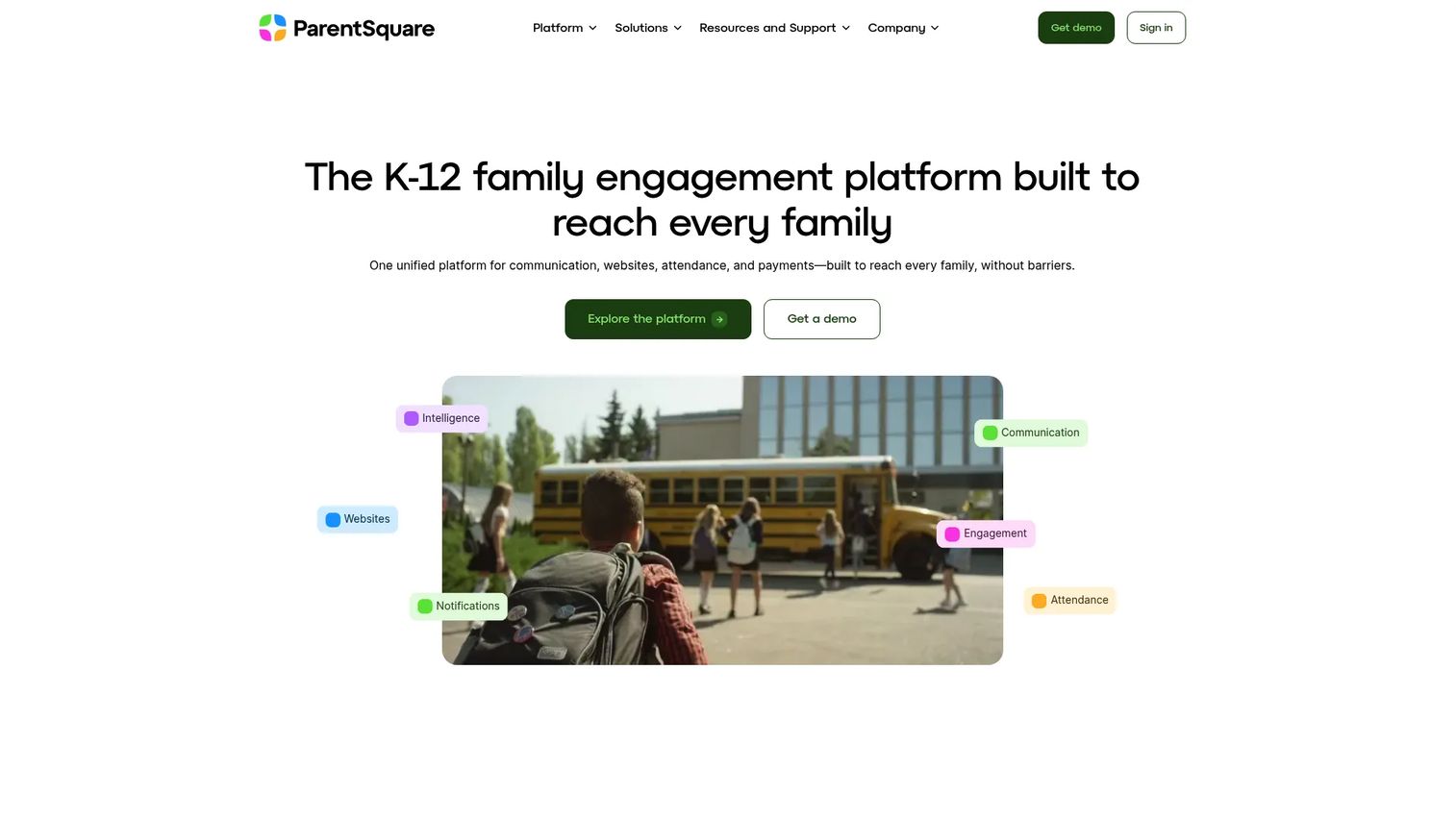
ParentSquare is a K-12 school and district communication platform that unifies family messaging, attendance workflows, digital forms, school websites, and payment processing into one system. Teachers send classroom updates while district administrators maintain visibility over delivery, message history, and family engagement across every school.
Best for: Districts that need teacher-family messaging with centralized governance and reporting.
Key features
- Two-way messaging via app, SMS, email, web, and voice
- Automatic multilingual translation
- StudentSquare direct student communication tools
- Attendance workflows and intervention tracking
- ADA-compliant school websites and digital forms
Why choose ParentSquare: ParentSquare fits districts that have outgrown fragmented tools and need one platform their administrators, teachers, and families all work from. It handles the complexity of district-wide oversight without requiring teachers to change how they communicate day to day.
ParentSquare pricing: ParentSquare offers three packages: Engage, Engage Premium, and Engage 360. Pricing is quote-based, so contact sales for current rates tied to your student count, voice and translation features, and StudentSquare access.
G2 rating: 4.6/5
2. Remind
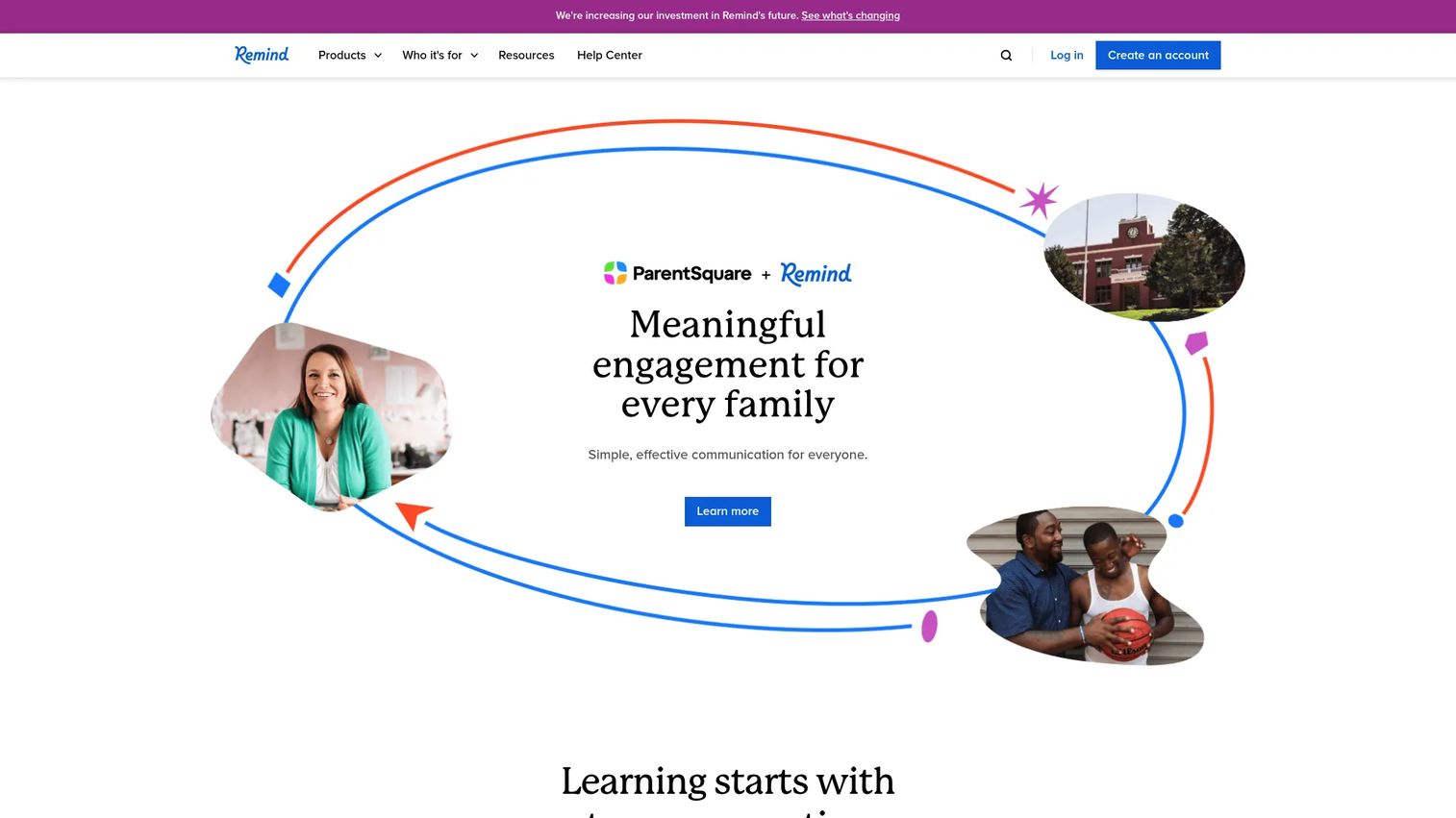
Remind is a school communication app that lets teachers, coaches, and school groups message students and families directly without sharing personal phone numbers. Messages translate into more than 90 languages, and delivery receipts let teachers confirm families received what was sent.
Best for: Teachers, coaches, and school groups that want lightweight, privacy-safe two-way messaging with fast rollout.
Key features
- Real-time messaging to classes, groups, or individuals
- Translation in more than 90 languages
- Scheduled announcements with photo and file attachments
- Organization-level controls for administrators
- Delivery receipts and message history
Why choose Remind: Remind earns its place when the core job is daily teacher-family messaging and you do not need a district-wide operations platform. It deploys quickly, teachers adopt it without training overhead, and the privacy model keeps personal contact information out of the loop. If your district later needs centralized governance across every school, you will likely layer a broader platform on top.
Remind pricing: Remind Chat is free. Paid Remind plans for school and district organizations include expanded administrative controls and premium features. Contact sales for current organization pricing by size and feature set.
G2 rating: 4.6/5
3. Bloomz
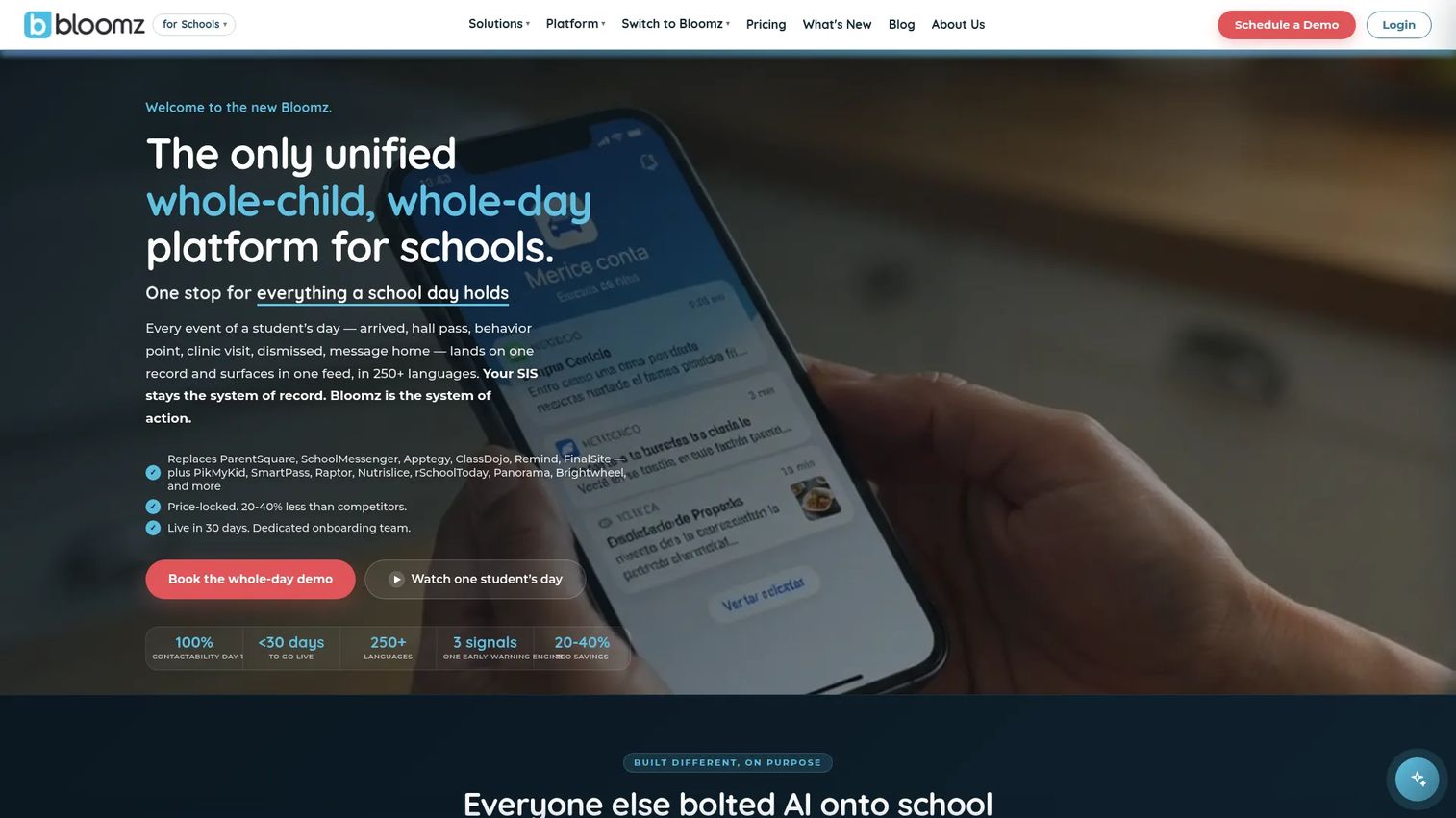
Bloomz is a whole-child, whole-day platform that extends classroom messaging into student wellbeing, safety, dismissal, attendance, behavior, and school operations. Schools that want communication tied to the full school day rather than a standalone message channel often land here.
Best for: K-12 schools and districts seeking family communication connected to wellbeing, safety, and day-to-day operational workflows.
Key features
- Multilingual messaging and translation in 250-plus languages
- Announcements, calendars, events, forms, and e-signatures
- Student PBIS, behavior, SEL, and early warning tools
- Dismissal management, visitor logs, and campus operations
- AI drafting tools, SIS integrations, and engagement analytics
Why choose Bloomz: Bloomz suits schools that have tried point solutions and keep running into gaps between messaging, wellbeing, and operations. The per-student pricing model scales with enrollment, which makes it predictable for budget planning in a way that quote-only platforms are not.
Bloomz pricing: Plans run from $3 per student per year (Essentials) to $11 per student per year (360), billed annually. Optional add-ons include Bloomz Pay at $1.50/student/year and an Admissions CRM at $3/student/year. Annual minimums apply for smaller schools.
G2 rating: 4.7/5
4. ClassDojo
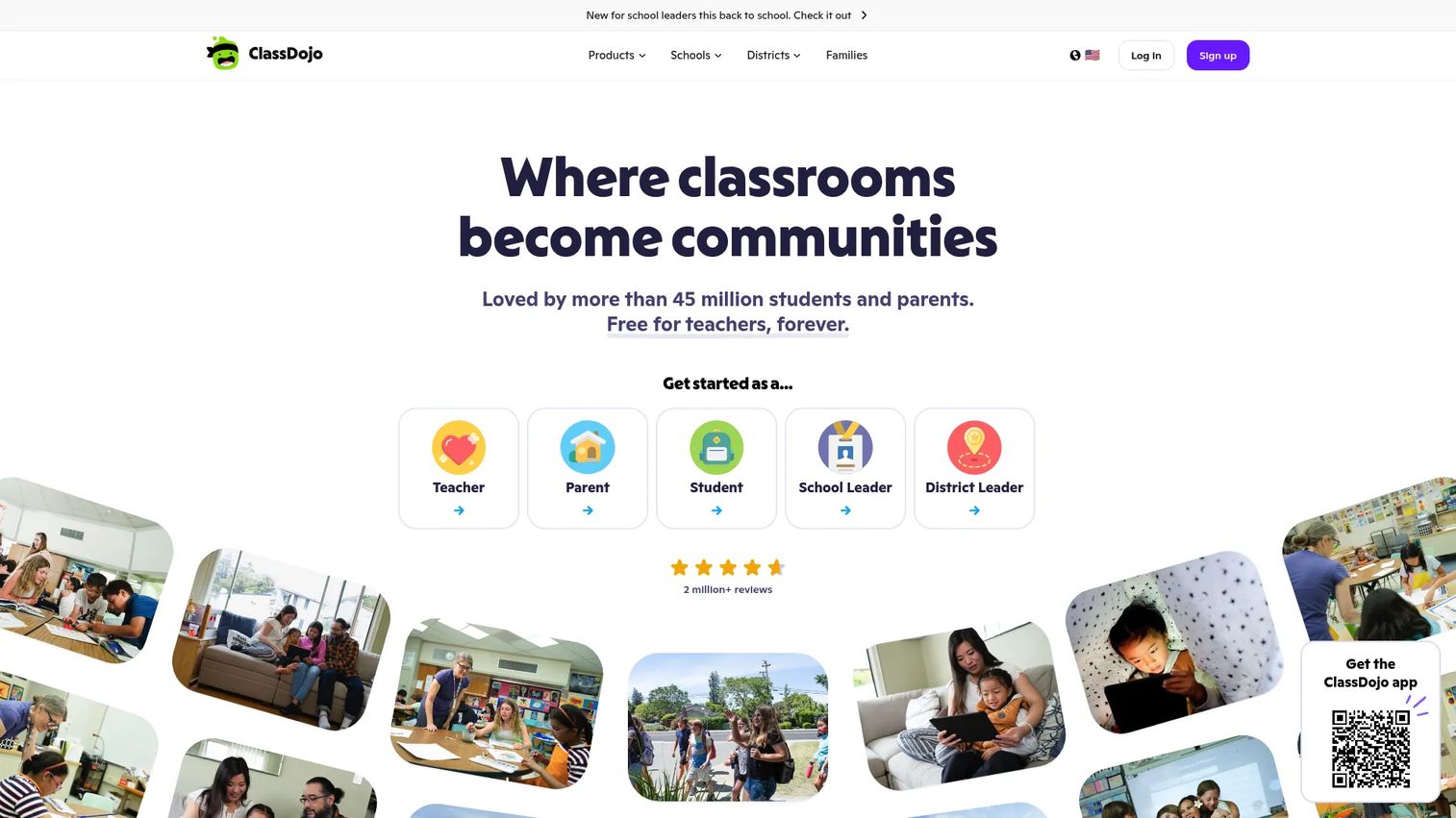
ClassDojo is a classroom community platform that connects teachers with families through daily updates, classroom stories, direct messaging, behavior feedback, and student portfolios. It is particularly familiar in elementary settings, where the visual classroom feed gives parents a window into their child's school day.
Best for: Elementary teachers who want parent updates, classroom culture, and simple daily communication without administrative overhead.
Key features
- Teacher-family messaging with automatic translation
- Private Stories for sharing classroom photos and videos
- Positive behavior points and customizable skills tracking
- Student portfolios for work and reflections
- Classroom tools including timers, noise meters, and group maker
Why choose ClassDojo: ClassDojo works well when the core job is daily classroom connection rather than district-wide governance. Families adopt it quickly because the interface is familiar and visual. Operators evaluating district communication infrastructure should note that ClassDojo's strength is the classroom layer, not administrative reporting across schools.
ClassDojo pricing: Free for teachers, schools, and district partners with no published paid tier on the vendor's site. Verify current offerings with ClassDojo directly if your district requires premium features or contract terms.
G2 rating: No current aggregate G2 rating verified.
5. SchoolMessenger
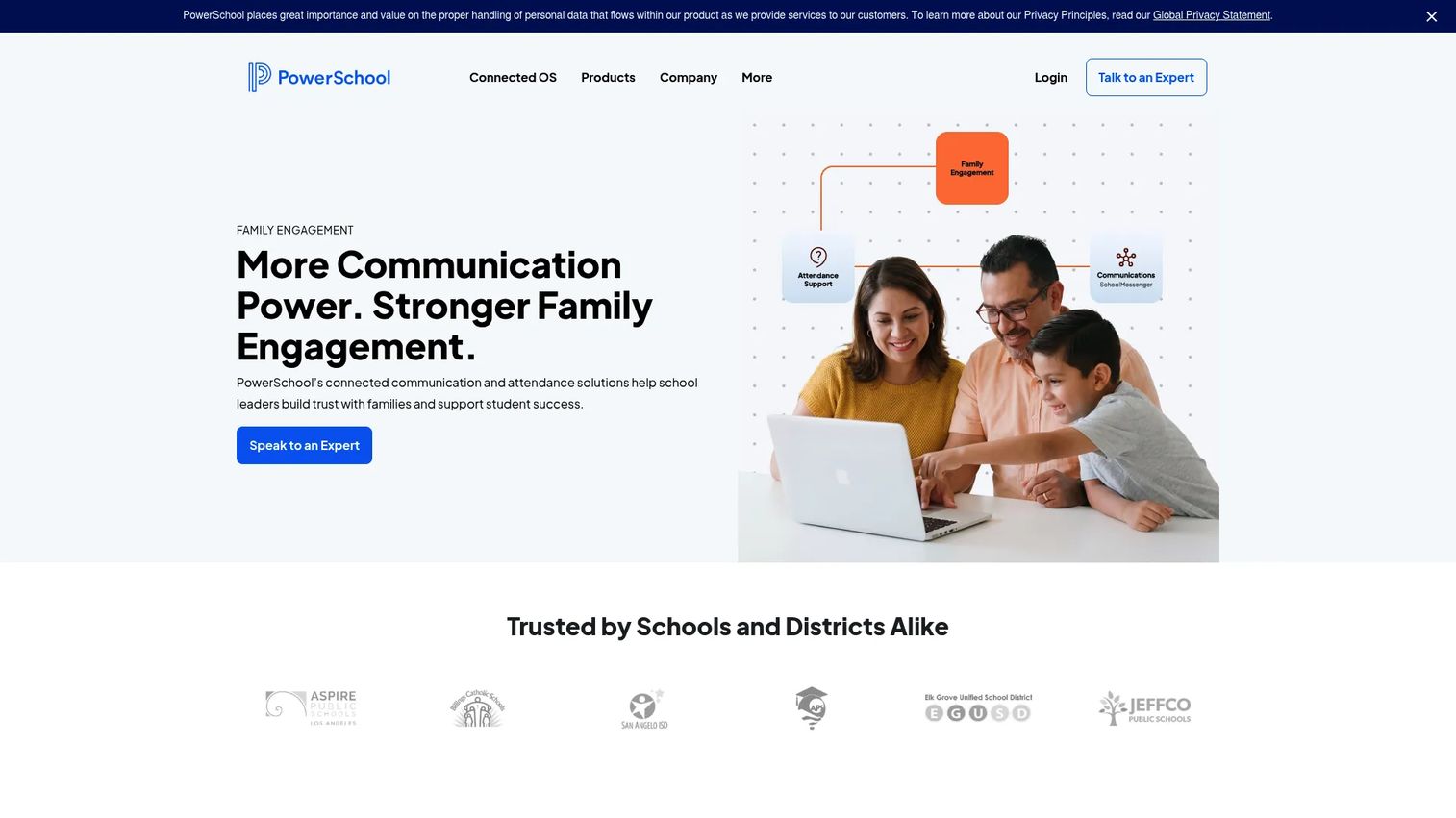
SchoolMessenger is a K-12 communications platform built for reaching families, staff, and communities through voice, SMS, email, web, social, and push notifications. District administrators use it to send mass notifications, attendance alerts, emergency communications, and school-wide announcements at scale.
Best for: Districts that prioritize reliable broad outreach, mass notifications, and attendance messaging across a large family population.
Key features
- Mass notifications via voice, text, email, and push
- Two-way messaging and classroom communication tools
- Emergency alerts and absence reporting workflows
- School websites and mobile apps
- Automatic translation in more than 100 languages
Why choose SchoolMessenger: SchoolMessenger fits when the primary need is district-level reach: Getting a message to every family quickly, across every channel, with delivery confirmation. It is stronger for school-wide and district communication than for daily teacher-initiated classroom messaging. Note that SchoolMessenger is now part of PowerSchool, so evaluate how it fits your existing SIS relationship.
SchoolMessenger pricing: Pricing is quote-based. Contact SchoolMessenger sales and ask specifically about message volume limits, channel mix, SIS integration fees, implementation support, and renewal terms.
G2 rating: 4.1/5
6. TalkingPoints
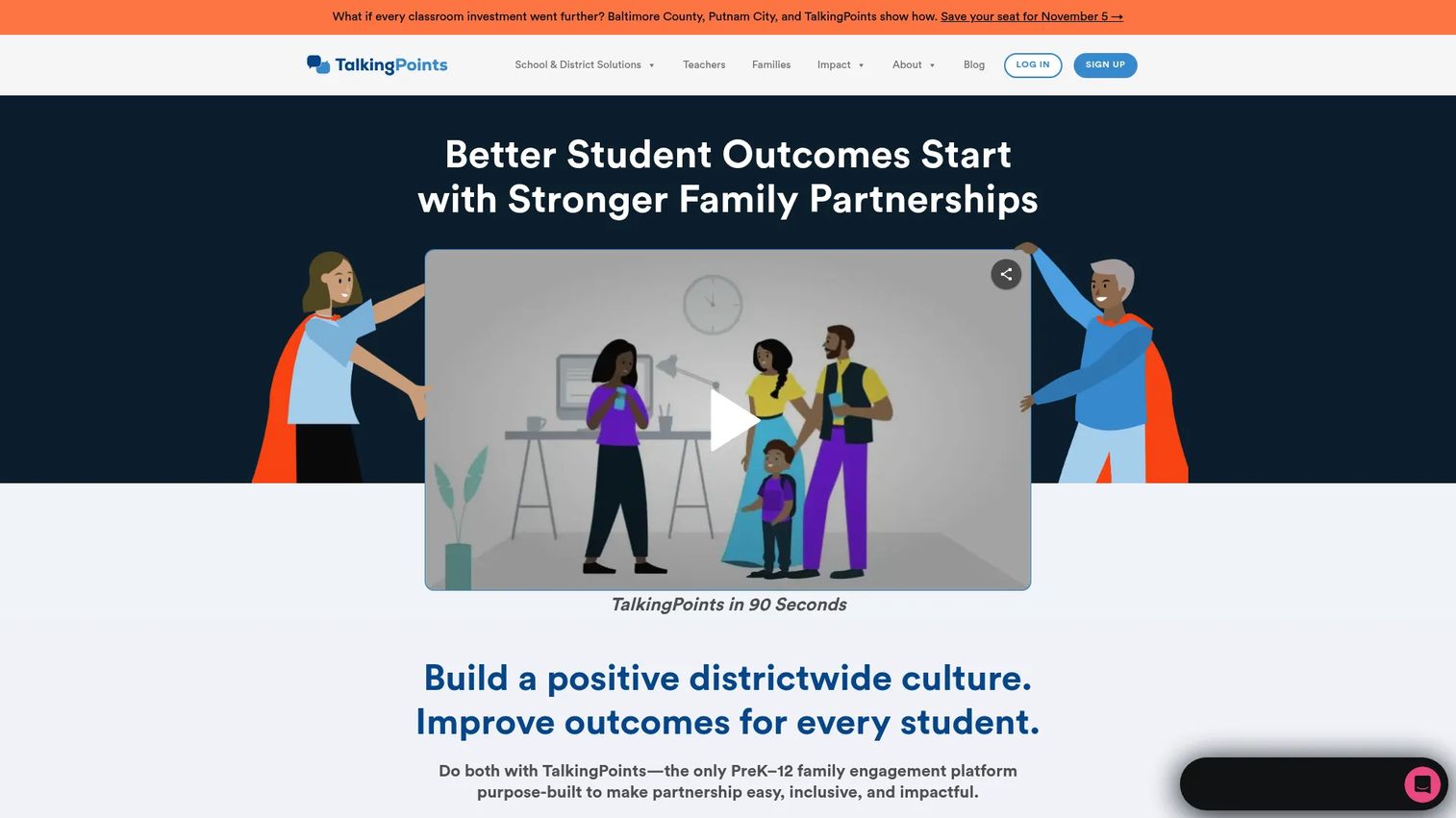
TalkingPoints is a nonprofit K-12 family-school communication platform built around multilingual two-way messaging. Families receive and reply to messages in their home language via SMS, with no app required on their end, which makes it one of the more accessible tools for communities with limited smartphone or data access.
Best for: Schools and districts serving multilingual families, especially communities with high SMS reliance and limited English proficiency.
Key features
- Two-way translated messaging in 150-plus languages
- SMS-first family access with free iOS and Android apps
- Message Mentor AI-assisted message writing and improvement
- School-wide communication alongside teacher-level messaging
- Engagement analytics for administrators
Why choose TalkingPoints: The bidirectional translation model matters more than channel count when your community spans many home languages. Families reply in their own language; teachers see the reply in English. Schools that have tried English-only platforms and seen low family engagement often find a material lift with TalkingPoints. The nonprofit structure also shapes pricing toward accessibility for underfunded districts.
TalkingPoints pricing: Free for individual teachers. School and district plans are quote-based. Ask about translation language coverage, SMS availability, district analytics access, and onboarding support when requesting a quote.
G2 rating: 4.8/5
7. Seesaw
Seesaw is an all-in-one elementary learning platform built around student portfolios, classroom activities, formative assessment, and family communication. The messaging layer is tied directly to student work, so parents see context alongside the message rather than receiving a standalone notification.
Best for: Elementary teachers who want family updates connected to student learning artifacts and classroom activities.
Key features
- Multimodal student work capture and digital portfolios
- Two-way family messaging with translation into 100-plus languages
- Formative assessments and auto-graded questions
- AI-assisted activity creation and reading fluency tools
- Progress tracking and family engagement reporting
Why choose Seesaw: Seesaw is the right tool when communication and learning visibility are the same job. Parents who can see what their child worked on today are more likely to engage meaningfully. If your primary need is mass notifications or district governance, Seesaw is not the fit. It earns its place in classrooms where teachers want families to understand learning progress, not just receive alerts.
Seesaw pricing: Seesaw Starter is free for individual teachers with stated limitations. Paid school subscriptions start at $2,500 and scale by enrollment. Advanced products including Seesaw LMS and Instruction and Insights are quote-based. Contact sales for district pricing.
G2 rating: 4.4/5
8. FRANSiS
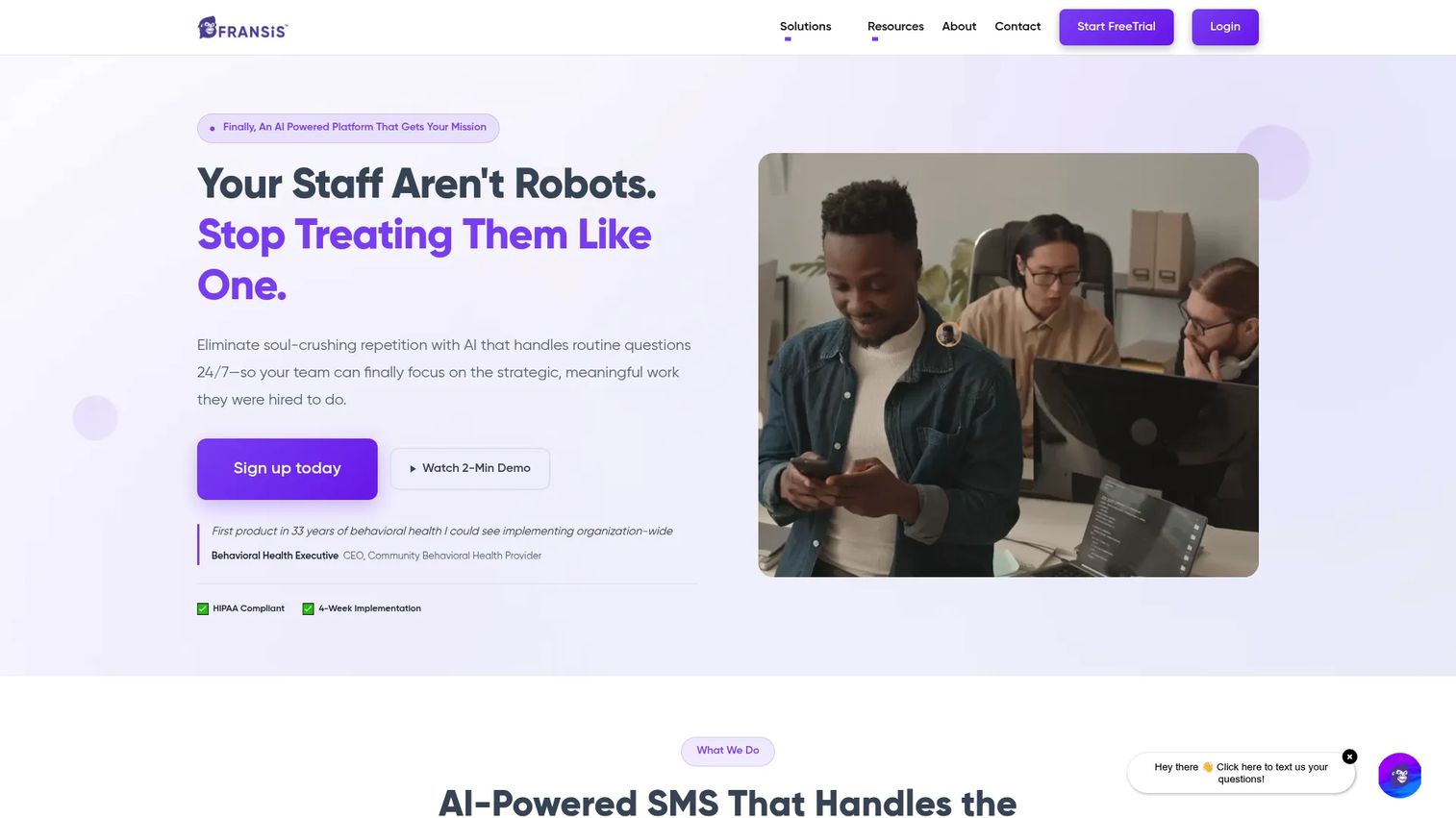
FRANSiS is an AI-powered SMS platform serving schools, nonprofits, healthcare organizations, and government agencies. For schools, it handles text-first communication, conversational AI for routine parent questions, automated scheduling confirmations, and after-hours inquiry management.
Best for: Schools evaluating AI-assisted parent response support, message triage, and reduced staff burden on routine communication.
Key features
- Conversational AI for routine inquiries and after-hours questions
- Automated appointment confirmations and scheduling updates
- HIPAA-compliant text messaging infrastructure
- Website widget integration for inbound parent contact
- Custom training on school-specific data and workflows
Why choose FRANSiS: FRANSiS fits schools trying to reduce the volume of questions that reach front-office staff. The AI handles routine messages so staff focus on complex situations. It is an SMS-centric tool, not a full classroom messaging or family engagement platform, so evaluate it as part of a broader communication stack rather than a standalone replacement.
FRANSiS pricing: FRANSiS lists four tiers (Minimal, Essential, Premium, and Enterprise), all with unlimited messages and users. Annual payment earns a 15% discount. No numeric prices are displayed on the vendor site. Contact FRANSiS directly for current per-tier pricing by school size and feature set.
9. Rave Mobile Safety
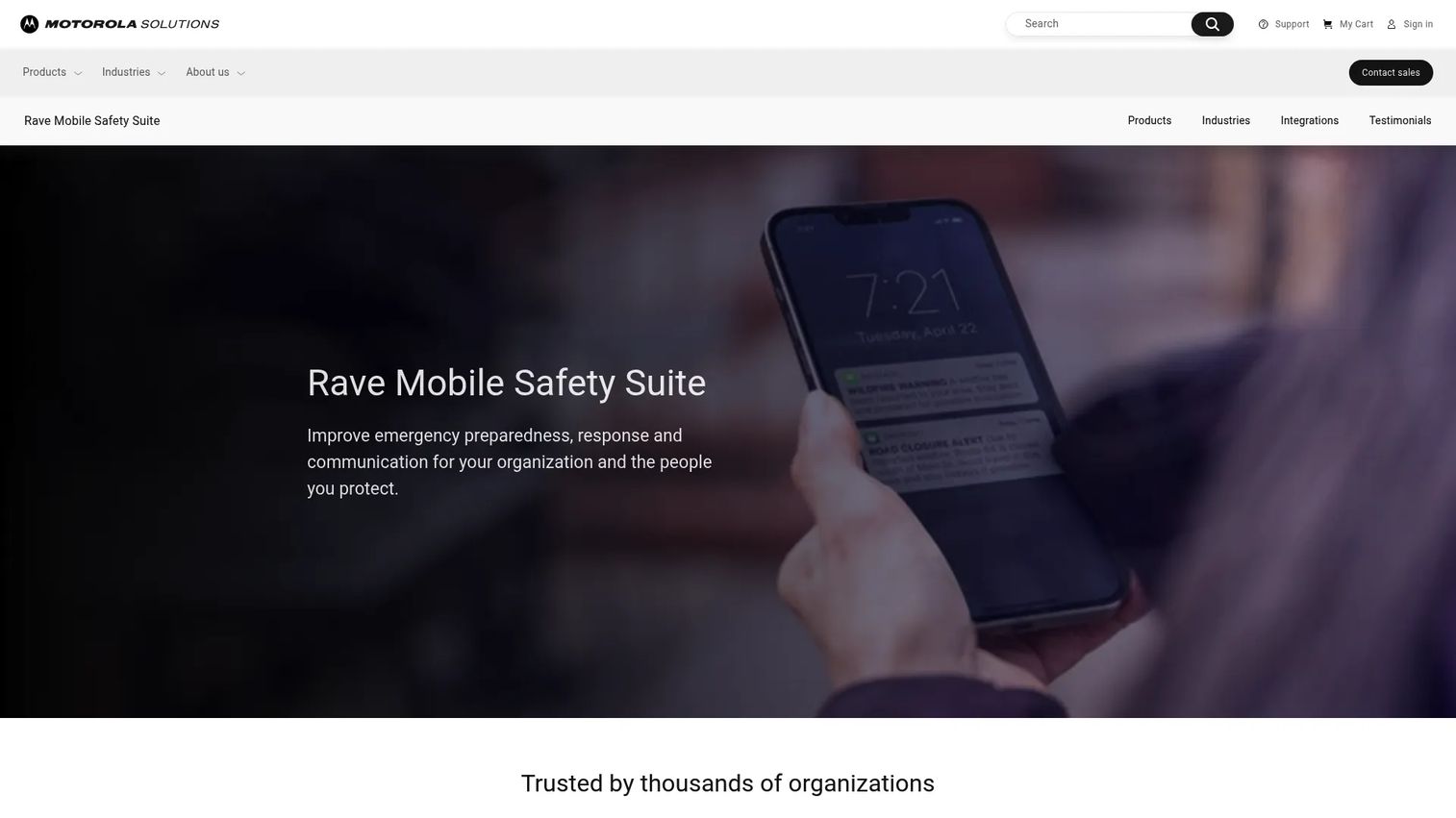
Rave Mobile Safety is a critical communication platform for emergency preparedness, mass notification, and incident response. Schools and districts use it for safety alerts, lockdown notifications, crisis communication, and cross-jurisdiction coordination with first responders.
Best for: Schools and districts that need emergency alerting, safety communication, and incident response tools separate from or alongside daily classroom messaging.
Key features
- Multimodal mass notification across all channels simultaneously
- Custom-branded personal safety applications
- Emergency panic-button communication for staff
- Tactical incident management and cross-agency coordination
- Enhanced 911 caller data and location sharing
Why choose Rave Mobile Safety: Rave Mobile Safety does a different job than the classroom messaging tools above. Daily teacher-family communication belongs on one of the other eight platforms in this list. Rave belongs in your stack when the district needs a dedicated emergency communication layer: Fast, reliable, and built for coordination with law enforcement and emergency services. Many districts run it alongside a broader communication platform rather than instead of one.
Rave Mobile Safety pricing: Pricing is quote-based, as is standard for enterprise safety platforms. Ask about channels covered, user count, emergency response modules, implementation timelines, and support tiers when contacting sales.
G2 rating: 4.5/5
Considerations when choosing classroom messaging software
Start with reach, not features
Map how your families actually receive communication before evaluating tools. A platform that requires an app download will miss families who rely on SMS or email. Ask vendors what percentage of families in districts similar to yours engage through each channel within the first 90 days of implementation.
Check translation and language access deeply
Do not accept "supports translation" as a complete answer. Ask which languages are covered for both outbound messages and family replies. Confirm whether the app interface itself is translated or only the message content. Right-to-left language support, bidirectional reply translation, and translated message archiving are each separate capabilities worth verifying.
Separate daily messaging from emergency alerts
Daily classroom messaging and urgent safety alerts have different technical and operational requirements. A platform built for daily communication may not deliver emergency alerts with the speed and redundancy a crisis demands. Conversely, an emergency notification system is not designed for a teacher's homework reminder. Evaluate both needs honestly, then decide whether one platform covers both or you need two.
Validate administrative oversight
Administrators need message history, role-based access controls, moderation tools, archiving, and escalation workflows. Teachers need speed. The strongest platforms build governance into the infrastructure rather than requiring teachers to file requests for every outbound message. Ask to see the administrator dashboard before signing a contract.
Calculate total operating cost
List price is rarely the full cost. Add implementation fees, annual training, message volume overages, translation module costs, SIS integration fees, and support tier pricing. For quote-based platforms, request a full cost breakdown by line item before comparing against tools with per-student published pricing.
Conclusion
School communication is a category worth understanding carefully, whether you are buying it for your own organization or studying how vertical SaaS platforms earn trust in regulated, multi-stakeholder markets.
For districts: ParentSquare handles the full communication and family engagement stack. Remind covers daily classroom messaging with fast adoption. TalkingPoints wins where language access is the primary challenge. ClassDojo fits elementary classrooms that want parents inside the learning experience. Bloomz ties communication to operations and wellbeing. SchoolMessenger and Rave Mobile Safety handle broad outreach and emergency alerting at district scale. Seesaw serves classrooms where learning visibility and family messaging belong together. FRANSiS addresses AI-assisted response workflows for front-office communication.
The right choice comes down to four factors: The channels your families actually use, the languages they speak, the oversight your district requires, and whether you need one platform or a layered stack. Start with reach and translation. Governance and integrations follow.
For more on business instant messaging software and related communication categories, the Guideflow blog covers adjacent markets.
Start your journey with Guideflow today!
FAQs
Classroom messaging software helps teachers, schools, and districts communicate with families and students through app, SMS, email, voice, or web channels. Many platforms also include translation, message history, scheduled announcements, and administrative controls for district-level oversight.
The answer depends on your primary use case. ParentSquare fits district-wide classroom communication with administrative governance. Remind fits individual teacher and group messaging with fast setup. TalkingPoints fits multilingual communities with high SMS reliance. ClassDojo fits elementary classrooms focused on family connection and classroom culture. Evaluate by reach, translation depth, oversight requirements, and whether you need classroom-level or district-level tooling.
Classroom messaging typically supports daily two-way teacher-family communication, including replies, classroom updates, and targeted messages to specific groups. Notification systems focus on broad announcements, attendance alerts, emergency communication, or mass outreach to an entire district. Some platforms handle both; others specialize in one.
Many do, but translation depth varies significantly. Bloomz covers 250-plus languages across the full app interface. TalkingPoints covers 150-plus languages with bidirectional SMS replies. Remind covers 90-plus languages. Seesaw covers 100-plus languages for family messaging. Check whether families can reply in their home language, whether the interface itself is translated, and whether translated records are archived.
Most classroom messaging tools support teacher-family texting or app messaging without exposing personal phone numbers. Remind, ParentSquare, and TalkingPoints all mask the teacher's number by default. Ask vendors specifically about virtual phone options, message masking, message history access, and how district policy controls are enforced.
Schools should examine controls related to FERPA-governed student records, COPPA considerations for students under 13, and TCPA consent requirements for outbound texting. Look for audit logs, data retention policies, role-based access controls, and the vendor's security documentation. No tool makes a school compliant on its own. These are operational and legal questions that require your own counsel and district policies alongside any platform's technical controls.
One platform improves consistency, oversight, and reporting. Many districts still pair a classroom communication app with a dedicated emergency alert system because the two jobs have meaningfully different technical requirements. The right answer depends on your daily messaging needs, the urgency tier your district requires for safety alerts, the languages your families speak, and your existing SIS or LMS integrations.
Pricing varies by school size, district enrollment, channels included, module selection, implementation, and contract length. Bloomz publishes per-student pricing starting at $3 per student per year. Seesaw school subscriptions start at $2,500 per school. Remind offers a free individual plan. ClassDojo is free for teachers and schools. ParentSquare, SchoolMessenger, TalkingPoints school and district plans, FRANSiS, and Rave Mobile Safety are all quote-based. Ask vendors for per-student rates, message volume caps, onboarding fees, and renewal terms before comparing across the category. You can find related guidance on best SMS marketing software and after school software in adjacent Guideflow guides.