
You built the model in Q1. By the board meeting, three assumptions had already moved, sales pulled forward a deal, hiring slipped a month, and the actuals you pasted in last week no longer reconcile with the CRM. The forecast you present is stale before you finish the slide.
That gap between what the numbers say and what the business is actually doing is the reason budgeting and forecasting software exists. The market itself reflects the demand: the global budgeting and forecasting software market was valued at $6.8 billion in 2025 and is projected to reach $15.2 billion by 2034, growing at a 10.2% CAGR, according to MarketIntelo (2025). Finance teams are spending real money to stop rebuilding spreadsheets and start answering questions faster.
For a Series B founder, the problem is not accounting. It is getting trustworthy numbers fast enough to make operating decisions, defend the plan to your board, and stop routing every scenario question through your own head. The right budget forecasting software shortens the distance between a question and a defensible answer. The wrong one adds a heavier process on top of the chaos you already have.
This guide ranks 20 budgeting and forecasting tools for 2026 by planning depth, integration quality, scenario modeling, and practical fit for growth-stage finance teams. No vendor blur, no confusing accounting software with real FP&A. Just where each tool fits and who should shortlist it.
What's inside
This is a ranked shortlist of budgeting and forecasting software for finance teams that need planning, scenario modeling, forecasting cadence, board-ready reporting, and clean integrations. It covers everything from Excel-native FP&A layers to enterprise connected planning platforms and accounting suites with planning-adjacent capabilities.
We selected and ordered tools based on four criteria that matter to operators: forecasting depth (rolling forecasts, driver-based planning, what-if analysis), budgeting workflow and controls, integration quality across ERP, CRM, HRIS, and spreadsheets, and fit for growth-stage companies rather than only the Fortune 500. Pricing and G2 ratings reflect verified public sources where available.
TL;DR
- Best overall for connected planning: Anaplan, for cross-functional modeling across revenue, headcount, and operations.
- Best Excel-native option: Vena Solutions and Datarails, for teams that want structure without abandoning spreadsheets.
- Best for enterprise-scale planning: Workday Adaptive Planning and IBM Planning Analytics, for multidimensional forecasting depth.
- Best for small to mid-sized finance teams: PlanGuru, Budgyt, and Jirav, for accessible budgeting and forecasting.
- Best for SaaS-specific forecasting: Mosaic and Cube, for revenue and headcount planning built around operator visibility.
What is budgeting and forecasting software?
Budgeting and forecasting software is a category of financial planning software that centralizes how finance teams build budgets, update forecasts, model scenarios, and report against actuals, replacing fragile spreadsheet models with a connected system of record.
Budgeting, forecasting, and planning are related but distinct. A budget sets targets for a period. A forecast updates expectations as reality changes. Planning is the broader discipline that connects both across revenue, expense, cash, and headcount. Modern budget and forecasting software supports all three, and usually adds:
- AI-assisted budgeting and forecasting that flags variances, suggests driver adjustments, and speeds up narrative reporting.
- Rolling forecasts and continuous planning so you refresh assumptions monthly or weekly instead of rebuilding the model each cycle.
- **Multiple budgeting methods** including top-down, bottom-up, incremental, and zero-based budgeting.
- Scenario planning and what-if analysis to test growth, burn, and hiring tradeoffs before you commit cash.
- Driver-based planning that ties outputs to the operational levers that actually move them (pipeline, seats, usage).
- ERP, CRM, HRIS, spreadsheet, and cloud integrations so actuals flow in without manual copy-paste.
- Variance analysis, reporting, and KPI dashboards for board-ready visibility.
- Connected planning that links revenue, OpEx, CapEx, and headcount into one coherent plan.
The distinction that trips up buyers most: accounting software records what happened, while budgeting and planning software models what happens next. Xero and Sage Intacct sit closer to the former. Anaplan and Workday Adaptive Planning sit firmly in the latter.
When to use budgeting and forecasting software
When spreadsheets stop keeping up
You know the signs. Version chaos, a formula that breaks and nobody can find it, three people editing the same tab, and a monthly close that eats a week. Excel is fine until the model becomes the single point of failure for the whole company's plan. When one broken link can misstate runway to your board, it is time for dedicated forecasting software with controls, an audit trail, and automated actuals.
When you need rolling forecasts
Static annual budgets go stale fast at a growing company. Rolling forecasts let you extend and update the plan on a fixed cadence, monthly or quarterly, without rebuilding it. If your assumptions on pipeline, churn, and hiring shift every few weeks, a tool built for continuous planning saves you from starting over each time and keeps the forecast close to reality.
When the board wants scenario planning
Boards rarely want one number. They want the range, and the tradeoffs behind it. Scenario planning and what-if analysis let you model a hiring freeze, a slower sales quarter, or a pull-forward on ARR side by side. When burn and headcount decisions carry real consequences, being able to show three scenarios in minutes beats promising to "circle back after the meeting."
Comparison table
Here is the full shortlist at a glance. Use it to narrow to two or three tools by intent, use case, and stage fit, then read the detailed sections below.
| # | Product | Intent | Key use case | Pricing | G2 rating |
|---|---|---|---|---|---|
| 1 | Cube | Excel-native FP&A | Planning, forecasting, actuals sync | Custom quote | 4.5/5 |
| 2 | NetSuite | ERP-linked planning | Finance and ops in one suite | Custom | 4.1/5 |
| 3 | Anaplan | Connected planning | Cross-functional enterprise modeling | Custom quote | 4.6/5 |
| 4 | Workday Adaptive Planning | Agile enterprise planning | Rolling forecasts, scenario modeling | Quote-based | 4.3/5 |
| 5 | Planful | Broad FP&A platform | Plan, close, and report | Custom | 4.3/5 |
| 6 | IBM Planning Analytics | Multidimensional modeling | Governed, complex forecasting | Tiered SaaS, custom | 4.4/5 |
| 7 | Oracle Essbase | Enterprise OLAP analytics | Multidimensional financial modeling | From $1.31/OCPU/hr | 4.3/5 |
| 8 | Oracle Hyperion Planning | Governance-heavy planning | Established enterprise finance | Custom | 3.9/5 |
| 9 | Board | Integrated planning + BI | Planning, analytics, forecasting | Custom quote | 4.4/5 |
| 10 | PlanGuru | Accessible budgeting | Small business and nonprofit forecasting | From $83/mo | 4.5/5 |
| 11 | Centage Planning Maestro | Structured FP&A | Budgeting with workforce planning | From $1,750/mo | 4.4/5 |
| 12 | Xero | Cloud accounting | Accounting core in a planning stack | From $2.50/mo | 4.4/5 |
| 13 | Prophix | Automated FP&A | Planning, reporting, consolidation | Custom | 4.4/5 |
| 14 | Vena Solutions | Excel-native FP&A | Spreadsheet-first budgeting with controls | Contact sales | 4.5/5 |
| 15 | Jirav | SaaS/SMB FP&A | Fast modeling and dashboards | From $10,000/yr | 4.7/5 |
| 16 | Datarails | Excel-first automation | Preserve spreadsheets, add structure | Custom quote | 4.6/5 |
| 17 | Solver | Flexible xFP&A | Planning, reporting, optimization | From $375/mo | 4.5/5 |
| 18 | Budgyt | Simple collaborative budgeting | Fast setup for smaller teams | From $399/mo | Not listed |
| 19 | Mosaic | SaaS/project forecasting | Resource, project, and financial planning | Custom | 4.5/5 |
| 20 | Sage Intacct | Cloud accounting + planning | Multi-entity accounting with planning-adjacent tools | Custom | 4.3/5 |
The 20 best budgeting and forecasting software tools
1. Cube
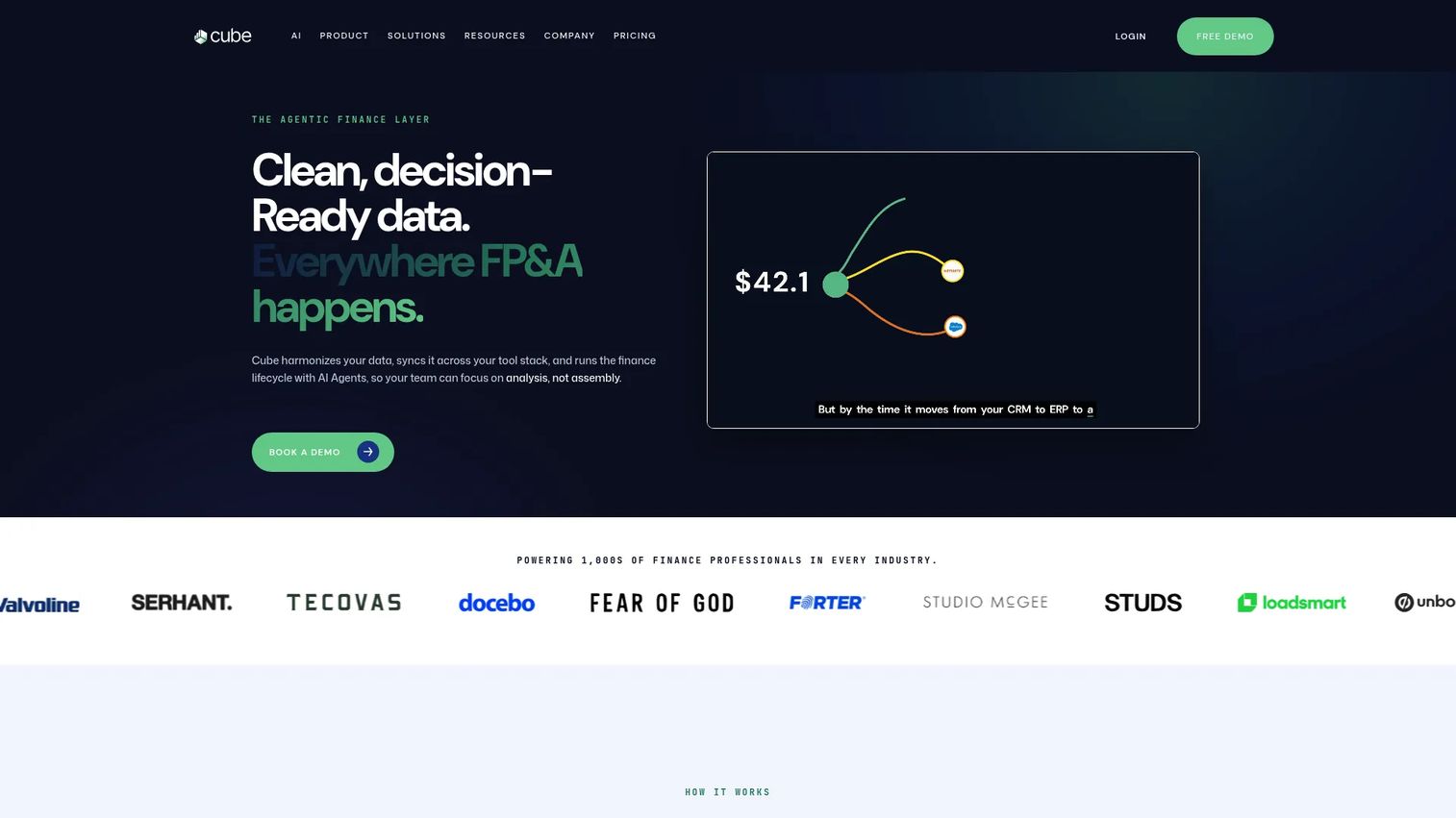
Cube is an agentic FP&A platform built for finance teams that want structure without leaving the spreadsheet. It sits as a layer over your existing models, syncing actuals and keeping planning, forecasting, and reporting connected across Excel and Google Sheets. For a fast-moving finance lead, it hits the sweet spot between spreadsheet familiarity and a real system of record.
Best for: FP&A teams that want spreadsheet-native planning, reporting, and fast collaboration.
Key strengths
- Budgeting, planning, and forecasting: Build and maintain plans in a connected environment instead of scattered tabs.
- AI-powered analysis and variance insights: Surface what moved and why without manual digging.
- Broad integrations: Works with Excel, Google Sheets, Slack, Teams, PowerPoint, Slides, and MCP.
Why choose Cube: If your team already lives in spreadsheets but you keep losing time to version control and manual actuals, Cube adds the discipline without forcing a full platform migration. It fits growth-stage teams that need board-ready output fast.
Cube pricing: Cube lists Bronze, Silver, and Gold plans on its pricing page, all quote-based, with add-ons for premium support, additional modules, and API access. G2 reviewers rate it 4.5/5.
2. NetSuite
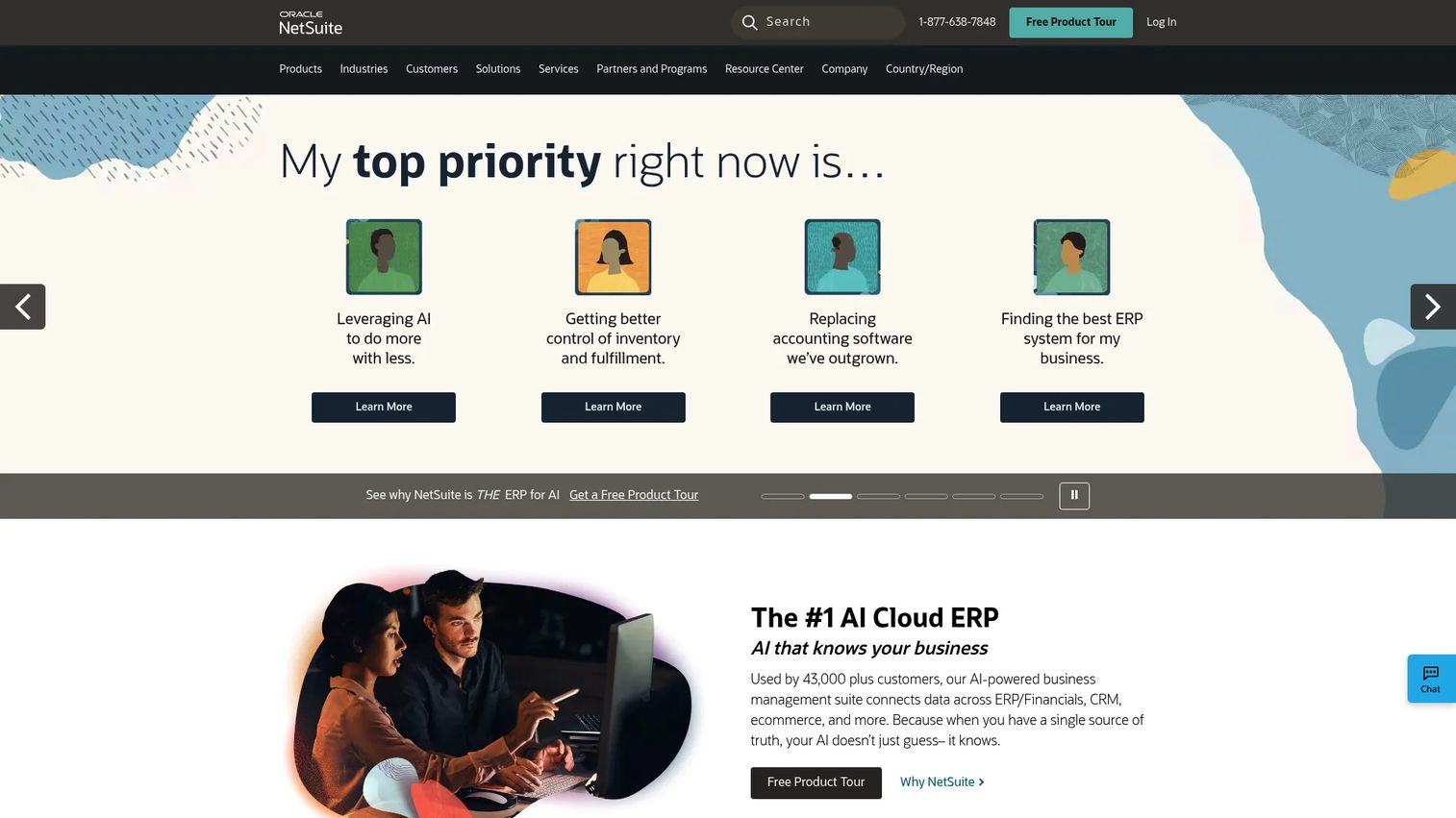
NetSuite is a cloud ERP and business management suite that brings financials, operations, CRM, and analytics under one roof. Its budgeting and forecasting capabilities are part of a broader financial management system, which makes it a fit for teams that want planning connected to the transactional core rather than bolted on.
Best for: Mid-market to enterprise teams that want a unified cloud ERP with planning included.
Key strengths
- Full ERP modules: Financial management, inventory, order management, and supply chain in one suite.
- Platform tools: Customization, integration, process automation, and app distribution.
- Embedded AI: AI capabilities run across the suite for reporting and analysis.
Why choose NetSuite: Choose it when you are consolidating finance and operations and want fewer disconnected systems. It is more finance suite than dedicated FP&A specialist, so pair it with a planning layer if you need deep scenario modeling.
NetSuite pricing: NetSuite uses custom, quote-based pricing tied to modules and company size. G2 reviewers rate it 4.1/5.
3. Anaplan
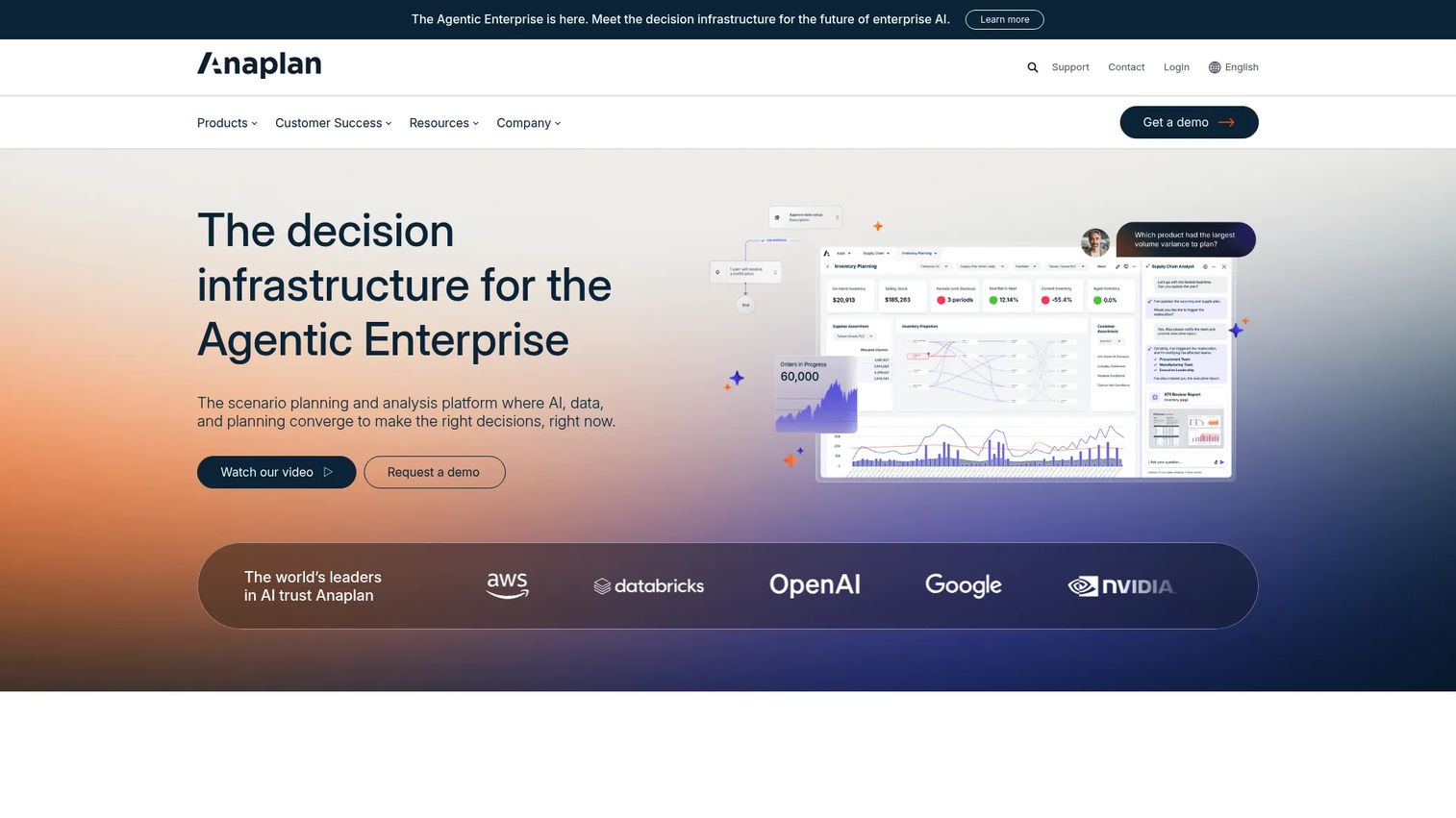
Anaplan is a connected planning platform built for enterprise-scale modeling across finance, supply chain, sales, and workforce. Its calculation engine handles large, multidimensional models, which makes it the reference point for connected planning when a plan has to span multiple functions and dimensions.
Best for: Large organizations that need connected planning across finance, sales, and workforce.
Key strengths
- AI-driven scenario planning: Model and compare scenarios across the enterprise.
- Connected data and workflows: Link plans, data, and role-based agents in one platform.
- Enterprise security and governance: Auditability and controls built for scale.
Why choose Anaplan: Choose Anaplan when your planning problem is genuinely cross-functional and no single spreadsheet or point tool can hold it. It rewards teams with the maturity to model rigorously and the scale to justify the investment.
Anaplan pricing: Anaplan uses quote-based pricing with no public list price. G2 reviewers rate it 4.6/5.
4. Workday Adaptive Planning
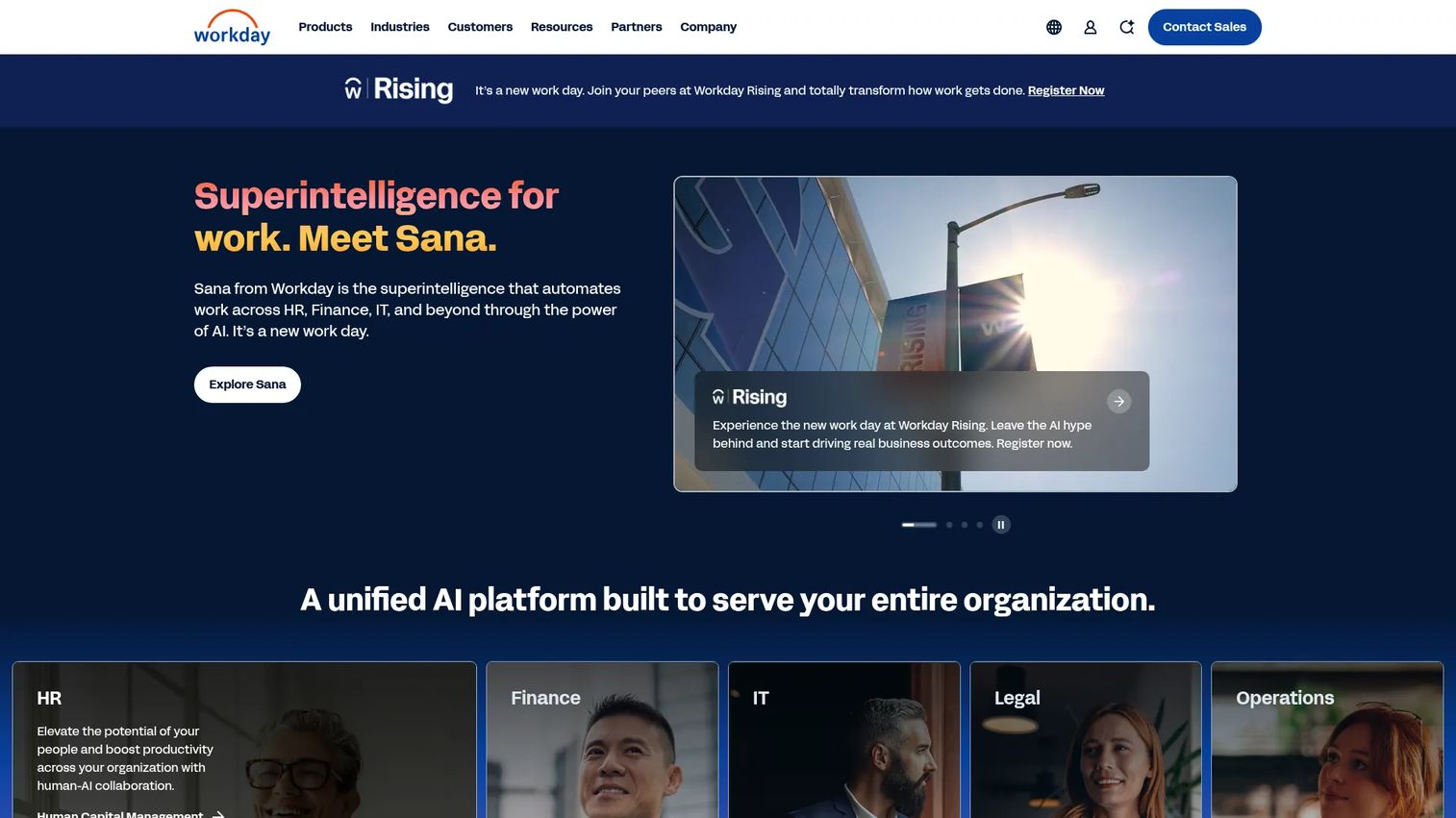
Workday Adaptive Planning is Workday's cloud planning and enterprise performance management software for financial, workforce, and operational planning. It leans into agile planning, predictive forecasting, and scenario modeling with a flexible cadence, so teams get enterprise-grade planning without rigid workflows.
Best for: Mid-market to enterprise finance teams that need unified planning across finance, workforce, and operations.
Key strengths
- Financial planning and scenario planning: Budgeting, forecasting, and reporting in one environment.
- Workforce planning: Organizational design and headcount planning built in.
- Operational planning and close: Consolidation and reporting alongside the plan.
Why choose Workday Adaptive Planning: Choose it when you want rolling forecasts and scenario flexibility without a heavy modeling burden, especially if workforce and headcount planning are central to your plan.
Workday Adaptive Planning pricing: Workday does not publish numeric pricing; the pricing page prompts for a quote. G2 reviewers rate it 4.3/5.
5. Planful
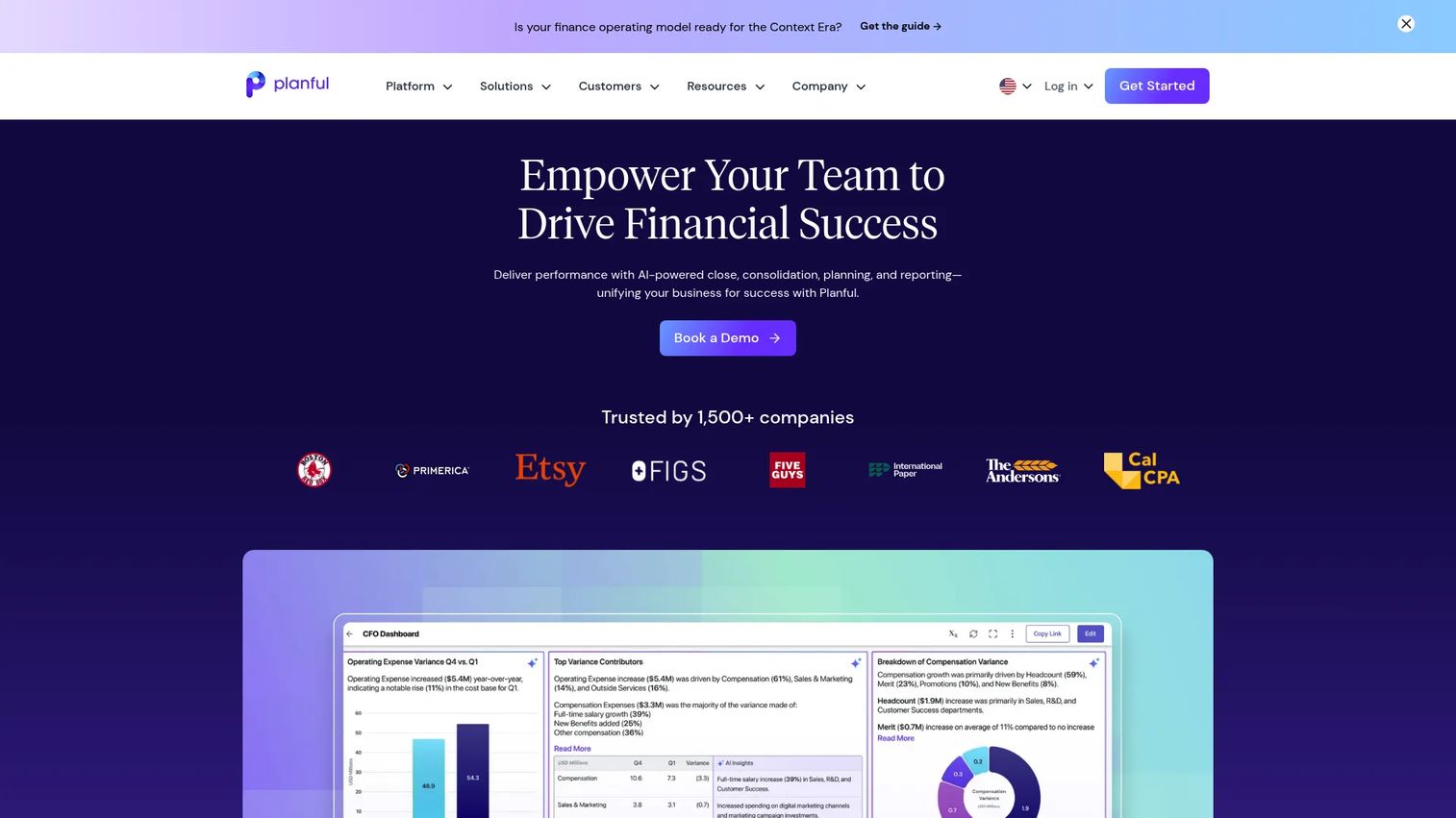
Planful is a cloud financial performance management platform covering planning, close, consolidation, reporting, and AI-assisted finance workflows. It suits finance teams that want a broad FP&A platform rather than a single-purpose forecasting tool.
Best for: Finance teams that need enterprise FP&A and financial performance management in one place.
Key strengths
- AI assistants: Support planning, analysis, and everyday finance tasks.
- Forecasting and scenario planning: Model outcomes and update plans on cadence.
- Close and consolidation: Reporting and consolidation live alongside planning.
Why choose Planful: Choose Planful when planning and close are both pain points and you want them handled in one platform. It fits teams ready to standardize the full FP&A cycle rather than only the budget.
Planful pricing: Planful directs buyers to contact sales; no public pricing is listed. It holds a 4.3/5 rating on Capterra.
6. IBM Planning Analytics
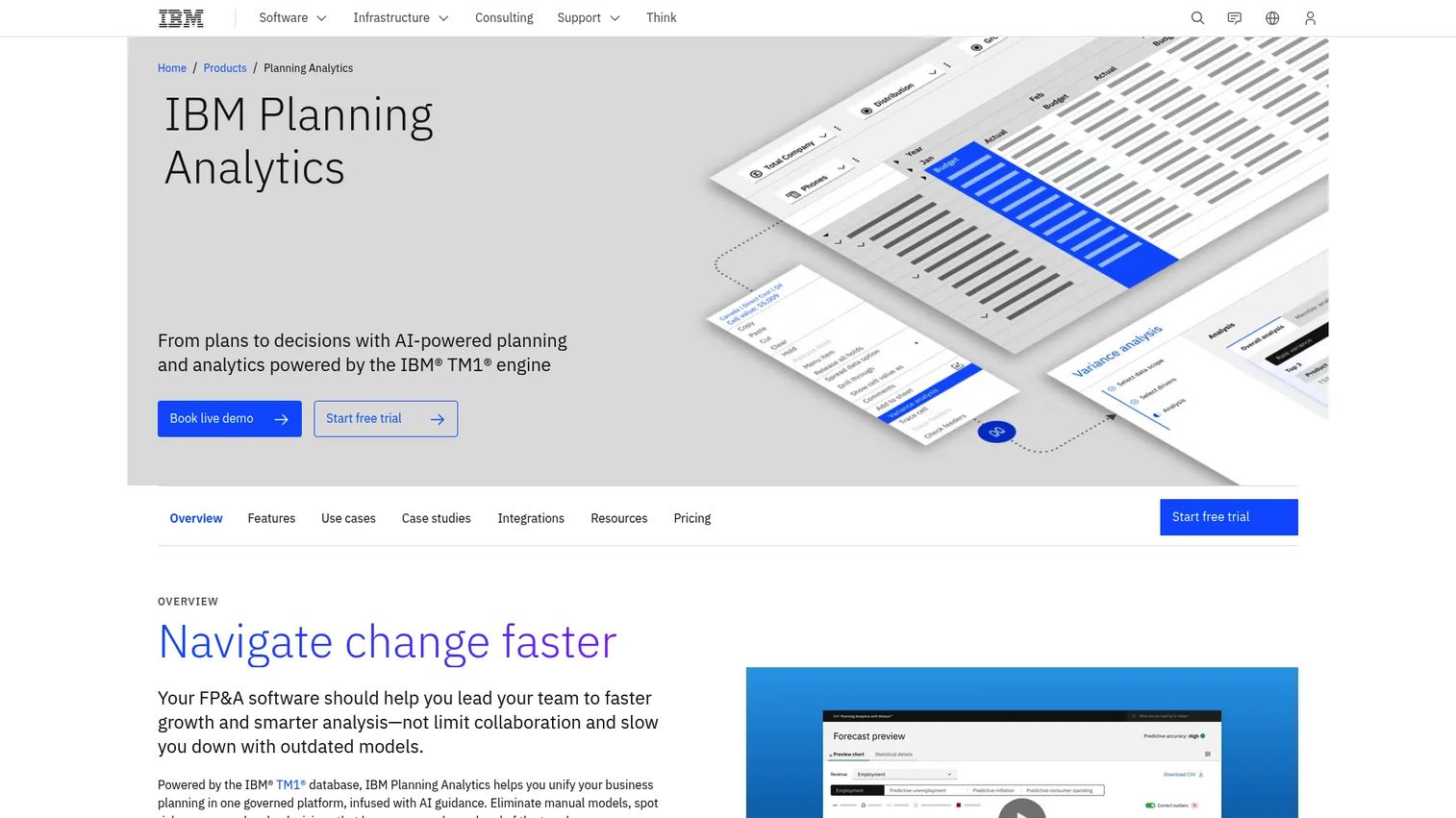
IBM Planning Analytics is IBM's integrated planning, budgeting, forecasting, and analysis platform powered by TM1. It is built for governed, multidimensional planning where forecast structures get complex and finance needs both power and control.
Best for: Finance and enterprise planning teams that need governed, multidimensional planning and forecasting.
Key strengths
- AI-powered planning and forecasting: Automate and accelerate the forecast.
- Planning Analytics Workspace: Web-based modeling and reporting.
- Excel add-in: Keep working in spreadsheets against the central model.
Why choose IBM Planning Analytics: Choose it when your models are multidimensional and governance matters, and when you want spreadsheet access without giving up a controlled engine underneath.
IBM Planning Analytics pricing: IBM lists Essentials, Standard, and Premium SaaS plans without public numeric prices, plus hybrid and on-premises options. G2 reviewers rate it 4.4/5.
7. Oracle Essbase
Oracle Essbase is Oracle's multidimensional analytics platform for analysis, reporting, collaboration, and what-if modeling. It is a long-standing OLAP-style engine used for multidimensional financial and business analytics in established finance organizations.
Best for: Organizations that need enterprise OLAP-style financial and business analytics.
Key strengths
- Multidimensional analysis: Slice financial data across many dimensions.
- Reporting and collaboration: Shared analysis across finance teams.
- What-if analysis and modeling: Test assumptions inside the model.
Why choose Oracle Essbase: Choose Essbase when you need deep multidimensional analytics and already operate in an Oracle-leaning environment. It rewards teams with the technical depth to use OLAP modeling well.
Oracle Essbase pricing: Oracle lists Essbase for Oracle Cloud Infrastructure at 1.3129 USD per OCPU per hour on a pay-as-you-go basis. G2 reviewers rate it 4.3/5.
8. Oracle Hyperion Planning
Oracle Hyperion Planning is Oracle's planning, budgeting, and forecasting solution for connected financial and operational planning. It anchors many established, governance-heavy enterprise finance environments and integrates tightly with the Microsoft Office stack.
Best for: Large organizations that need enterprise planning, budgeting, and forecasting with strong governance.
Key strengths
- Centralized planning: Budgeting and forecasting in one governed environment.
- Smart View integration: Work through Microsoft Office and Smart View.
- Flexible deployment: Run in Oracle Cloud, on premises, or a third-party data center.
Why choose Oracle Hyperion Planning: Choose it when you run a mature finance organization with established governance requirements and an existing Oracle footprint. It fits control-heavy planning more than lightweight speed.
Oracle Hyperion Planning pricing: Oracle directs buyers to request a demo or contact sales; no public price is shown. G2 reviewers rate it 3.9/5.
9. Board
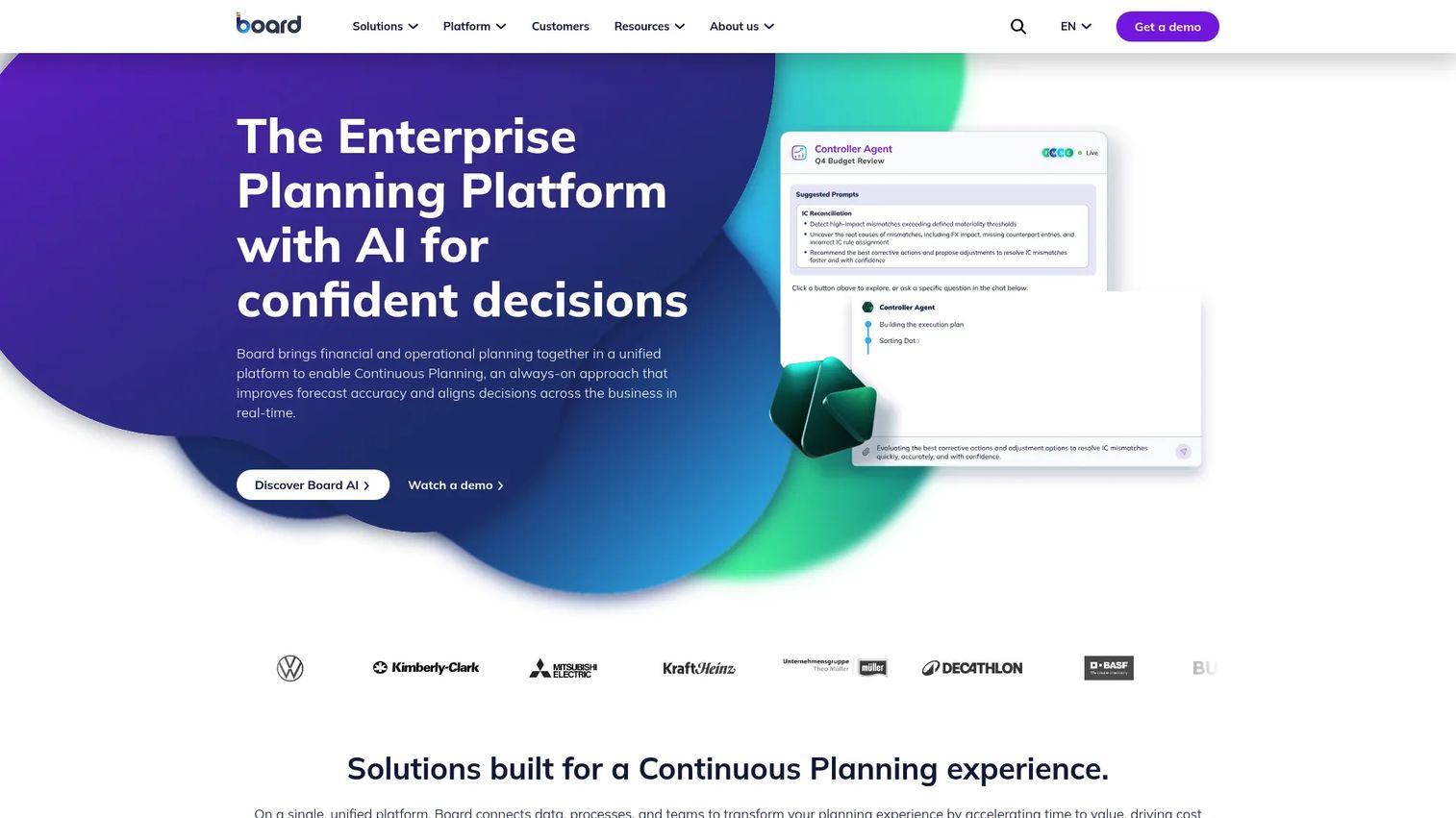
Board is an enterprise planning platform that combines planning, analytics, forecasting, and scenario modeling for finance and operations. Its strength is integrated decision-making, bringing business intelligence and planning into one environment rather than treating them as separate tools.
Best for: Enterprises that want unified planning, analytics, and forecasting together.
Key strengths
- Planning and analytics in one: Forecasting and scenario modeling alongside BI.
- Data connectivity: Pre-built connectors bring data into the model.
- Flexible deployment: On-premise, on-hosting, or on-cloud.
Why choose Board: Choose Board when you want planning and analytics to live in the same platform so decisions draw on both. It fits organizations that treat planning and reporting as one continuous workflow.
Board pricing: Board provides customized quotes and asks buyers to request pricing; no public starting price is shown. G2 reviewers rate it 4.4/5.
10. PlanGuru
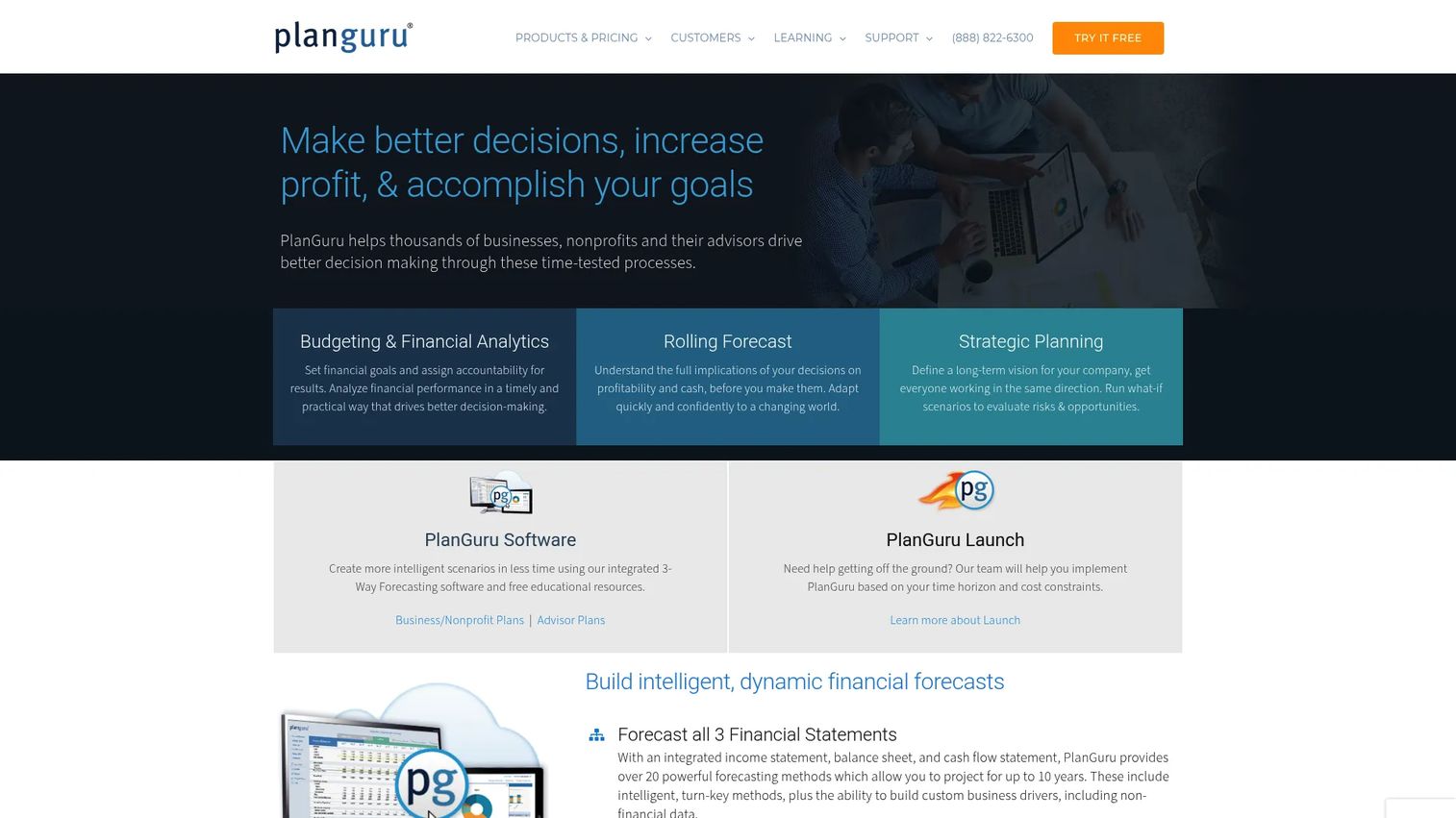
PlanGuru is budgeting, forecasting, reporting, and financial analytics software for businesses, nonprofits, and advisors. It is one of the more accessible options for smaller teams, with forecasting horizons up to 10 years and clean imports from the tools finance teams already use.
Best for: Small businesses, nonprofits, and advisors that need budgeting and forecasting with solid reporting.
Key strengths
- Long-range forecasting: Budget and forecast up to 10 years out.
- Easy imports: QuickBooks Online, Xero, and Excel data flow in.
- Reporting tools: Interactive dashboards, reports, and an Excel add-in.
Why choose PlanGuru: Choose PlanGuru when you want capable budgeting and forecasting without enterprise complexity or cost. It fits smaller finance teams and advisors who need real modeling at an approachable price.
PlanGuru pricing: Plans start at $83/mo billed annually for Single Entity, $166/mo with analytics, and $333/mo for multi-unit consolidations, with monthly options and a free trial. G2 reviewers rate it 4.5/5.
11. Centage Planning Maestro
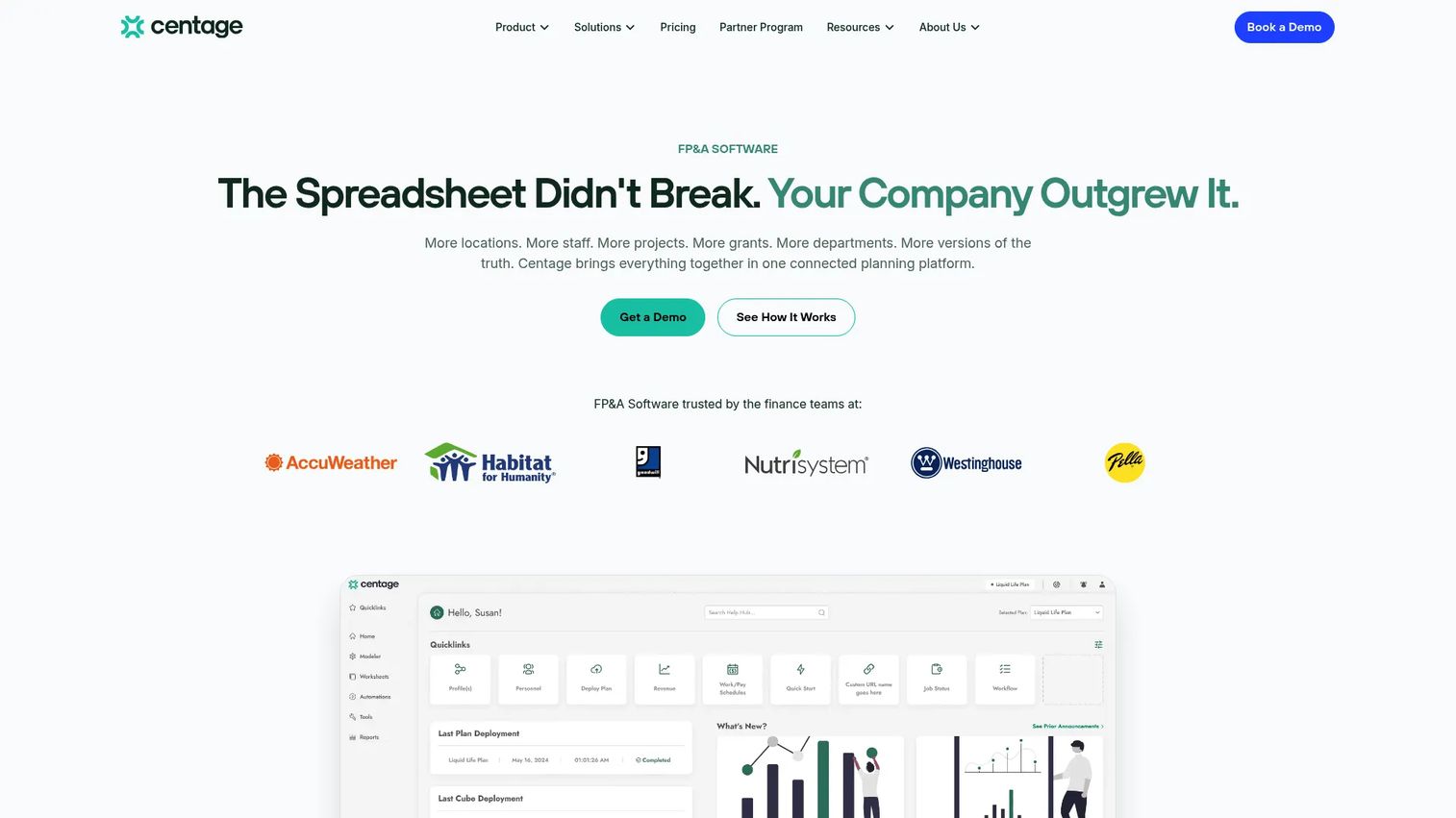
Centage Planning Maestro, now offered under the Centage name, is cloud FP&A software for budgeting, forecasting, reporting, workforce planning, and scenario planning. It brings process discipline to growing finance teams that want structure around how the plan gets built and controlled.
Best for: Mid-market finance teams that need budgeting and forecasting with workforce planning.
Key strengths
- Budgeting and planning: Structured workflows for building the budget.
- Forecasting and scenario planning: Model alternatives and reforecast on cadence.
- Consolidated reporting: Dashboards and reports across the plan.
Why choose Centage: Choose it when planning discipline and workforce planning matter and you want defined tiers rather than a fully custom quote. It fits growing teams standardizing their planning process.
Centage pricing: Public tiers are Core at $1,750/mo, Strategic at $2,500/mo, and Performance at $3,500/mo, billed annually; Centage notes most mid-market companies invest $18K to $40K annually. G2 reviewers rate it 4.4/5.
12. Xero
Xero is cloud accounting software for small businesses, covering invoicing, bank reconciliation, expense tracking, and reporting. Many teams use it as the accounting core of a broader financial planning stack, feeding actuals into a dedicated forecasting tool.
Best for: Small businesses that want cloud accounting with invoicing, bank feeds, and reporting.
Key strengths
- Online invoicing: Create and send invoices from one place.
- Bank connections: Automated feeds and reconciliation.
- Expense tracking and reporting: Keep actuals current and reportable.
Why choose Xero: Choose Xero for the accounting foundation, not as a full FP&A replacement. It pairs well with a dedicated budgeting and planning tool that pulls its actuals in for forecasting and variance analysis.
Xero pricing: US pricing runs from $2.50/mo for the first three months then $25/mo (Early), $5.50 then $55/mo (Growing), and $9.50 then $95/mo (Established). G2 reviewers rate it 4.4/5.
13. Prophix
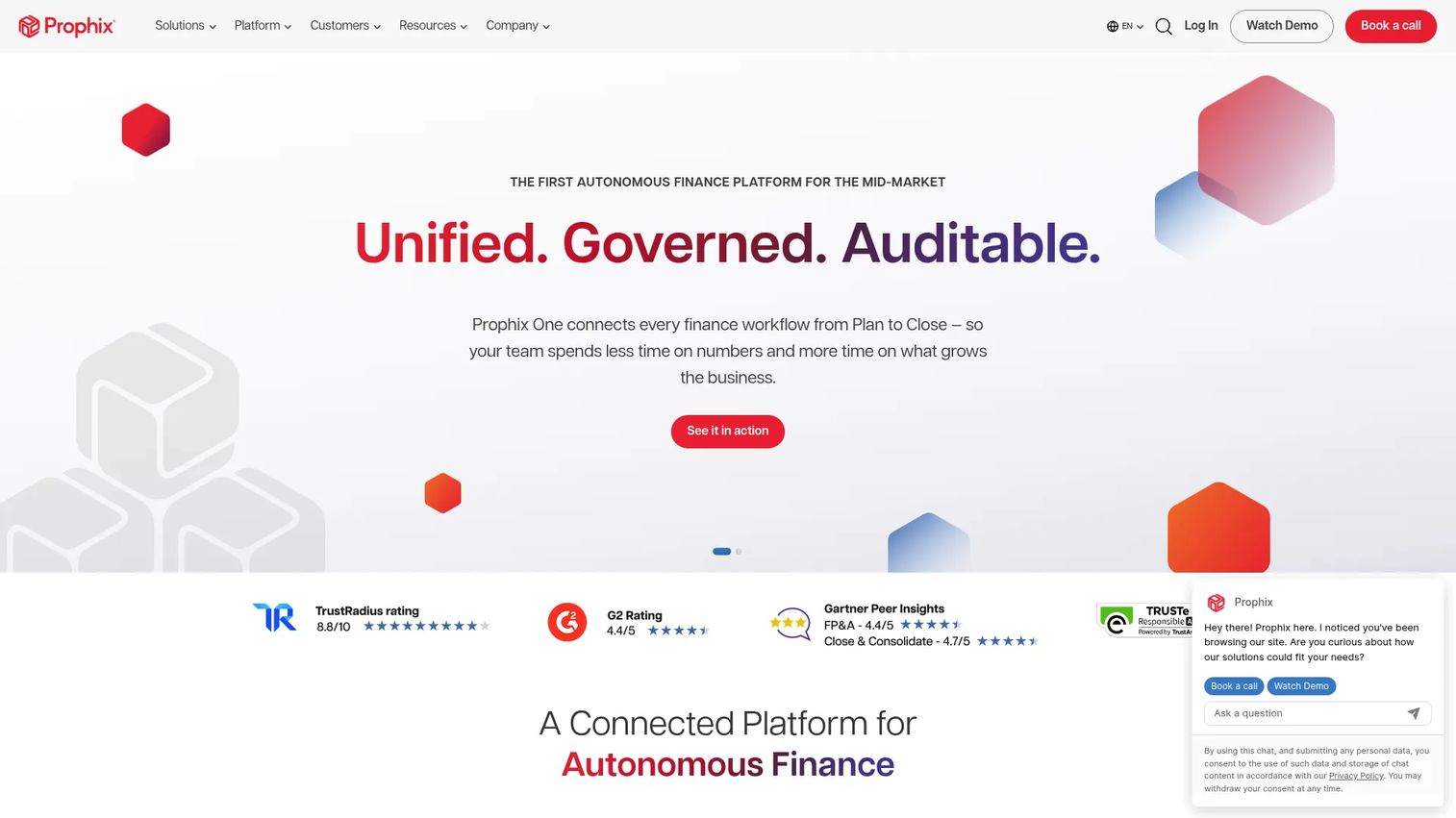
Prophix is an AI-powered financial performance management platform for mid-market finance teams, covering planning, budgeting, forecasting, reporting, and consolidation. Its strength is bringing workflow, structure, and automation to teams that want more control over how planning and reporting run.
Best for: Mid-market finance teams that need an integrated FP&A and close platform.
Key strengths
- Full FP&A coverage: Planning, budgeting, forecasting, reporting, and consolidation.
- Workflow and integrations: Structure, data connections, security, and AI.
- Microsoft integrations: Power BI, an MS365 add-in, and external connections.
Why choose Prophix: Choose Prophix when you want structure and automation around the full planning and close cycle. It fits mid-market teams standardizing FP&A without stepping up to the largest enterprise platforms.
Prophix pricing: Prophix's main pricing page is educational and directs buyers to sales; core platform pricing is not public. G2 reviewers rate it 4.4/5.
14. Vena Solutions
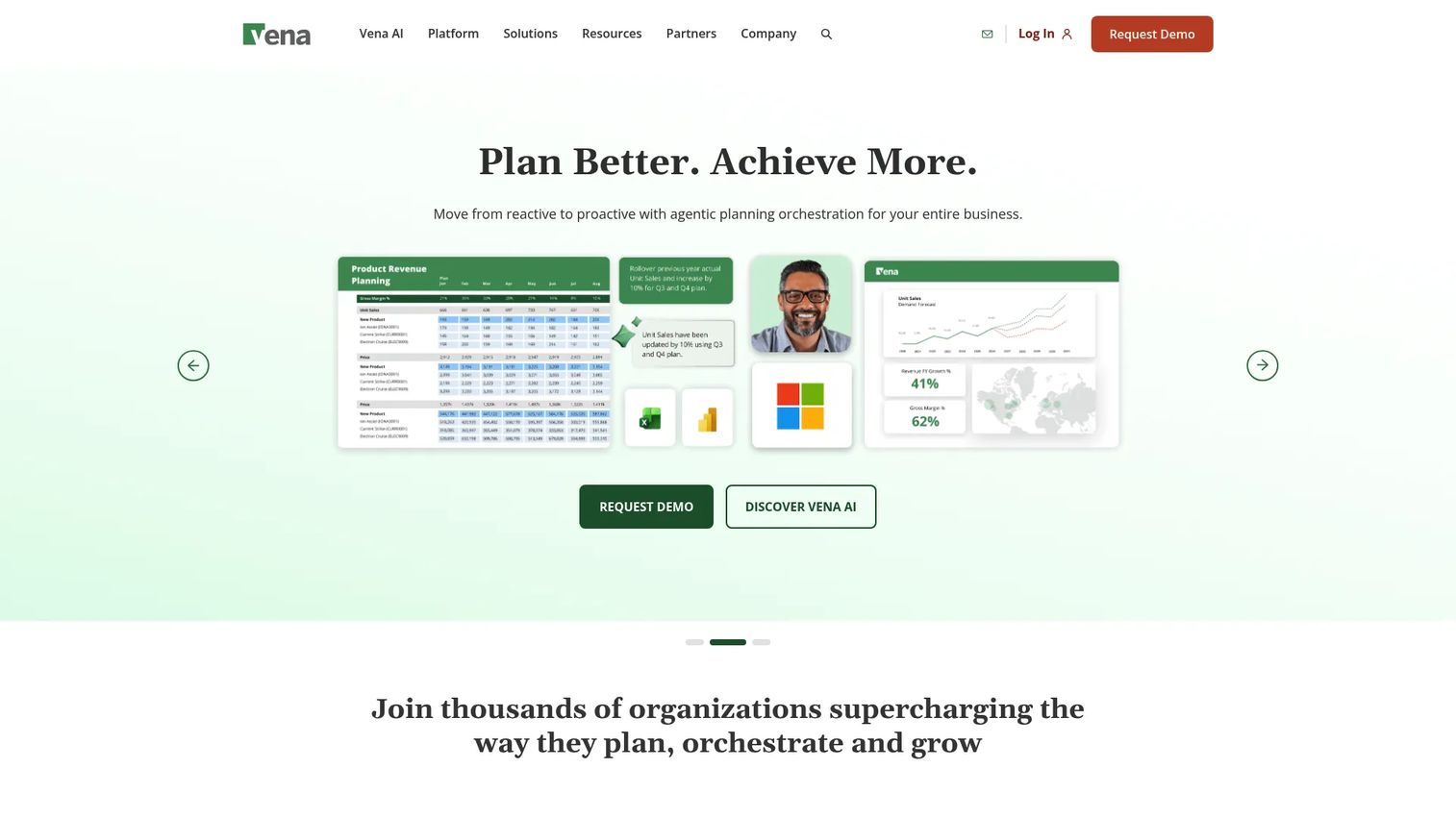
Vena Solutions is an AI-powered FP&A platform built around Microsoft Excel and the Microsoft ecosystem. For finance teams that refuse to give up the spreadsheet, Vena adds a central database, workflow, and controls underneath the Excel interface they already know, making it a top pick for Excel-native budgeting.
Best for: Finance teams that want Excel-native FP&A planning, reporting, and workflow automation.
Key strengths
- Full Excel integration: Plan and report inside native Excel.
- Central database and controls: Integrations, workflow, collaboration, security, and permissions.
- AI and services: Vena Copilot, Vena Insights, a sandbox environment, and managed services.
Why choose Vena: Choose Vena when Excel is non-negotiable but you need governance, an audit trail, and collaboration on top. It fits spreadsheet-first teams that want structure without retraining everyone on a new interface.
Vena pricing: Vena lists two editions, Professional and Complete, both with contact-us pricing rather than public numbers. G2 reviewers rate it 4.5/5.
15. Jirav
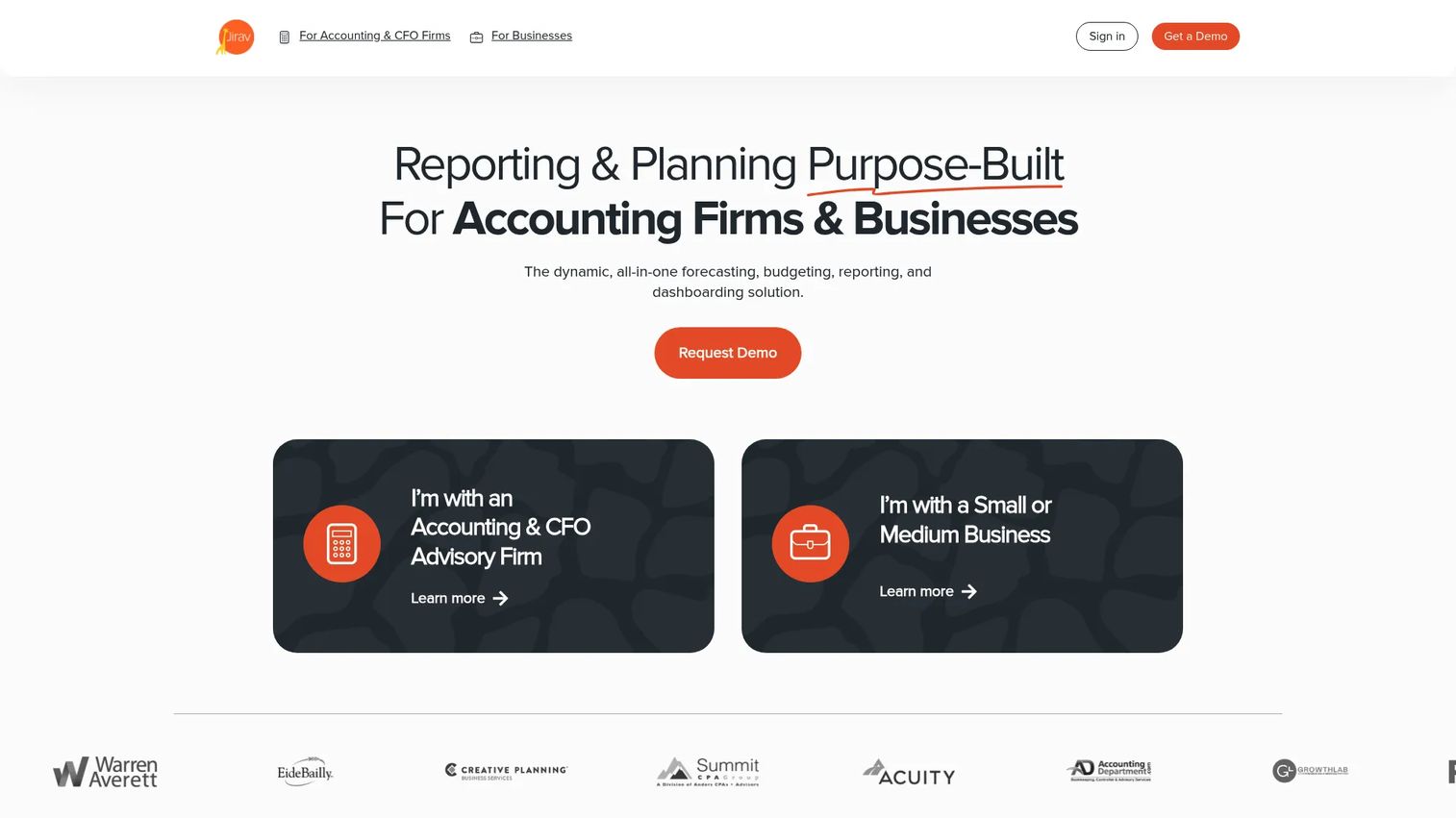
Jirav is all-in-one FP&A software for budgeting, forecasting, reporting, and dashboards. Its driver-based approach and fast setup make it a practical fit for SaaS and small business finance teams that want modeling and visibility without a long implementation.
Best for: Accounting and finance teams that need FP&A planning, forecasting, and reporting in one platform.
Key strengths
- Driver-based planning: Tie budgets and forecasts to operational drivers.
- Reporting and dashboards: Turn the plan into visibility fast.
- Broad integrations: Connect accounting, payroll, and operational data.
Why choose Jirav: Choose Jirav when you want driver-based modeling and clean dashboards without enterprise overhead. It fits SaaS and SMB teams that value speed to a usable model and headcount planning.
Jirav pricing: Business plans run $10,000/year (Starter) and $15,000/year (Pro), with Enterprise by quote. G2 reviewers rate it 4.7/5, the highest on this list.
16. Datarails
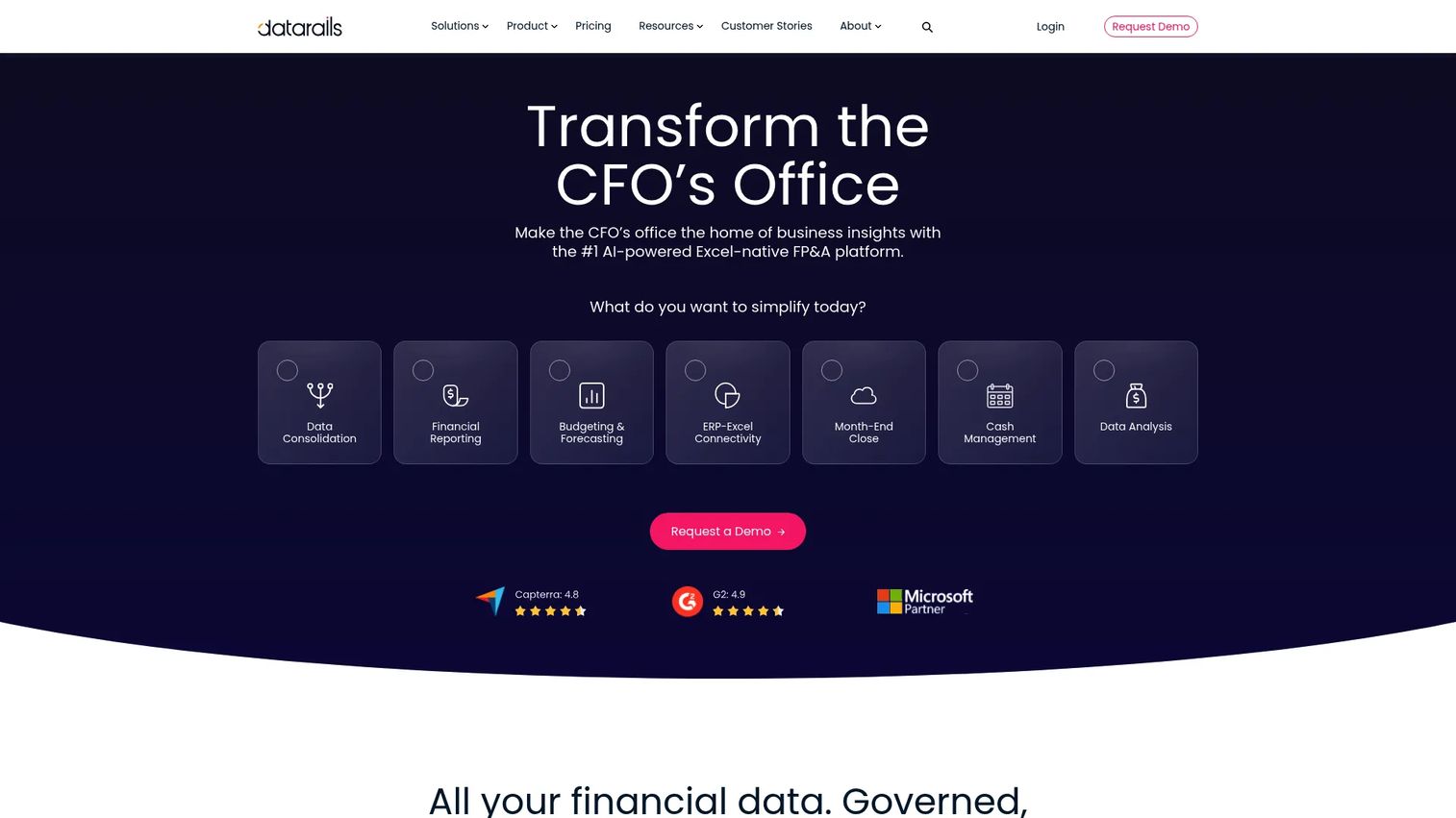
Datarails is an Excel-native FP&A and finance operating system for reporting, planning, and consolidation. It lets finance teams keep their existing spreadsheets while adding automation, a cloud web app, and AI on top, so you gain structure without abandoning the models you already trust.
Best for: Finance teams that want Excel-native FP&A automation with reporting and planning.
Key strengths
- Excel add-in plus cloud: Datarails Flex works with a cloud web app.
- Unlimited dashboards and planning: Reporting and planning without hard caps.
- AI agents: An AI connector and agents speed up analysis.
Why choose Datarails: Choose Datarails when your team's spreadsheets are too valuable to replace but too fragile to scale. It automates the manual consolidation work while preserving spreadsheet familiarity.
Datarails pricing: Datarails uses custom quote pricing, an annual platform fee plus a one-time implementation fee, with no public numeric price. G2 reviewers rate it 4.6/5.
17. Solver
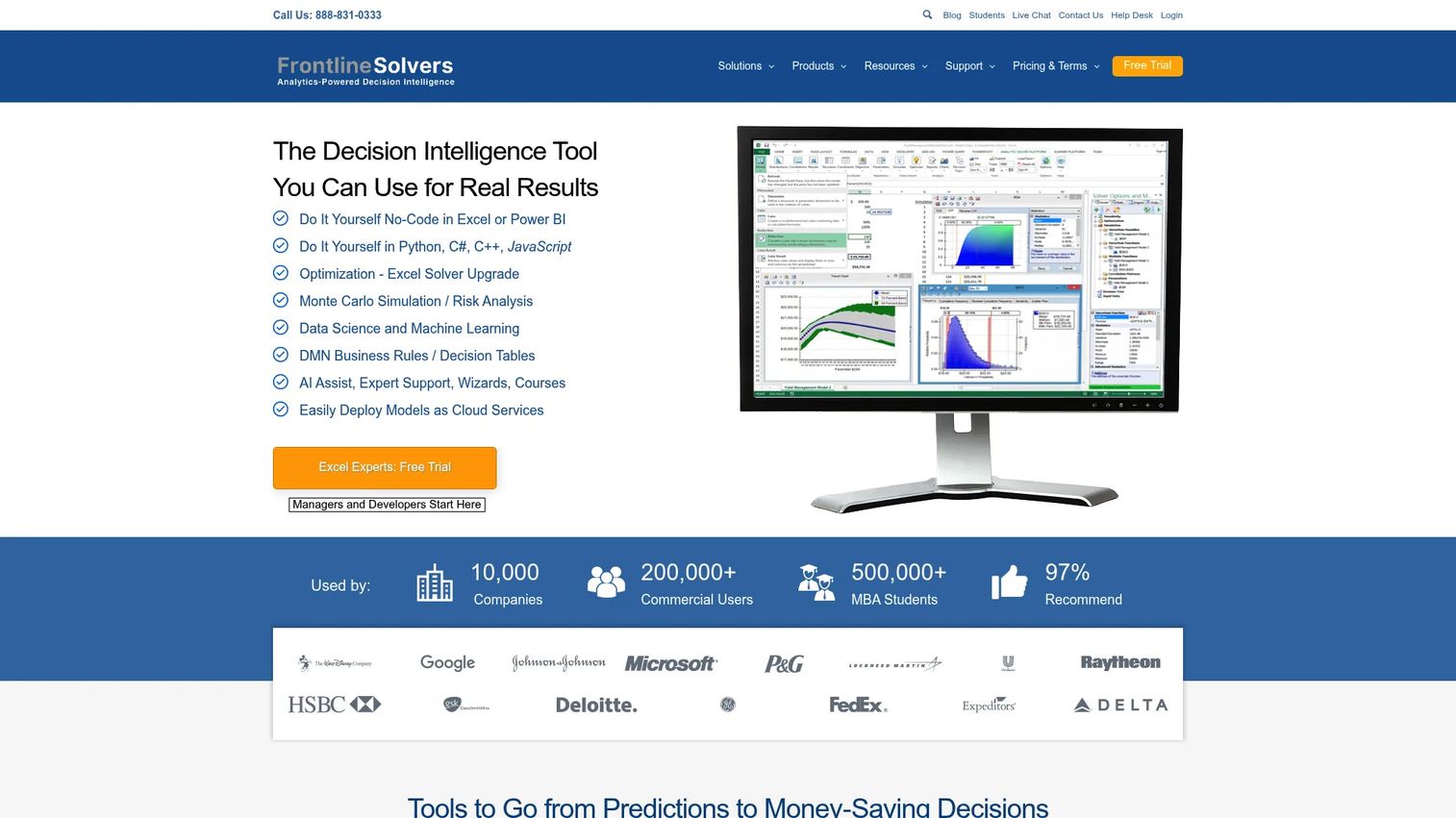
Solver is cloud-based extended FP&A software with optimization, simulation, and data science capabilities. It suits finance teams that want a flexible planning and reporting process with room for more advanced modeling than a basic budgeting tool provides.
Best for: Finance teams that need Excel-based xFP&A, planning, and reporting automation.
Key strengths
- Optimization: Model constrained problems, not just straight-line budgets.
- Simulation: Test ranges and probabilities across scenarios.
- Data science: Bring analytical depth into planning and reporting.
Why choose Solver: Choose Solver when you want planning and reporting with an analytical edge and a flexible process. It fits teams that outgrow simple budgeting but want more modeling range than a fixed template allows.
Solver pricing: Public plans include Analytic Solver options from $375/month and a Comprehensive plan at $900/month, with a 15-day trial. G2 reviewers rate it 4.5/5.
18. Budgyt
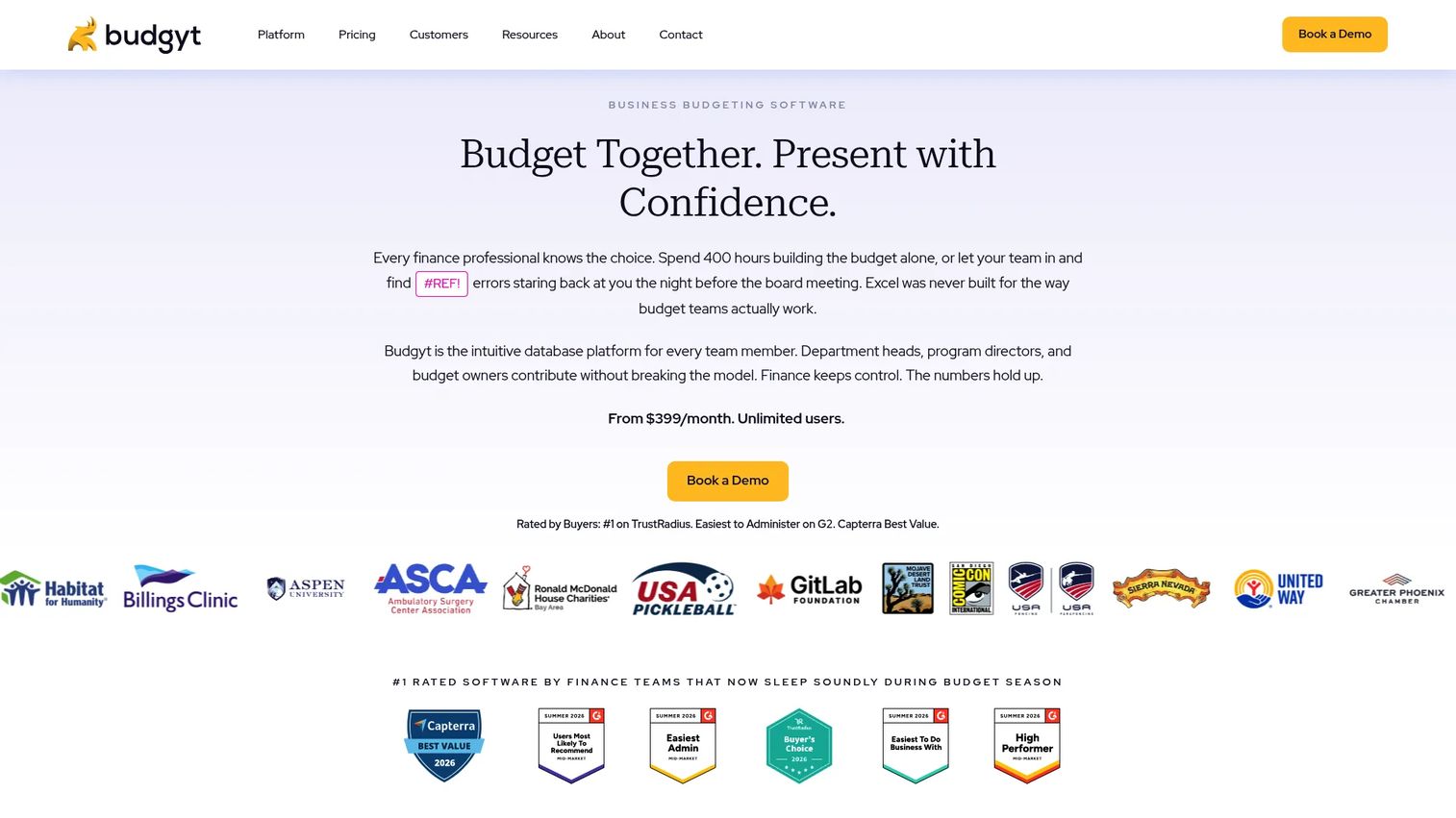
Budgyt is budgeting and forecasting software focused on collaborative planning for finance teams. It emphasizes speed to setup and accessible workflows, making it a strong option for smaller teams that need clarity fast rather than a heavy platform. It is a practical choice among budgeting and forecasting software for small businesses.
Best for: Finance teams that need collaborative budgeting and forecasting in one platform.
Key strengths
- Budgeting and forecasting: Build and update plans collaboratively.
- Variance analysis and reforecasting: Track against actuals and adjust.
- Accounting integrations: Connect to accounting systems for actuals.
Why choose Budgyt: Choose Budgyt when you want simple, collaborative budgeting without a long implementation. It fits smaller teams that value speed and clarity over enterprise depth.
Budgyt pricing: Budgyt lists pricing starting at $399/month, with a pricing calculator, add-ons, and a demo available for a detailed quote.
19. Mosaic
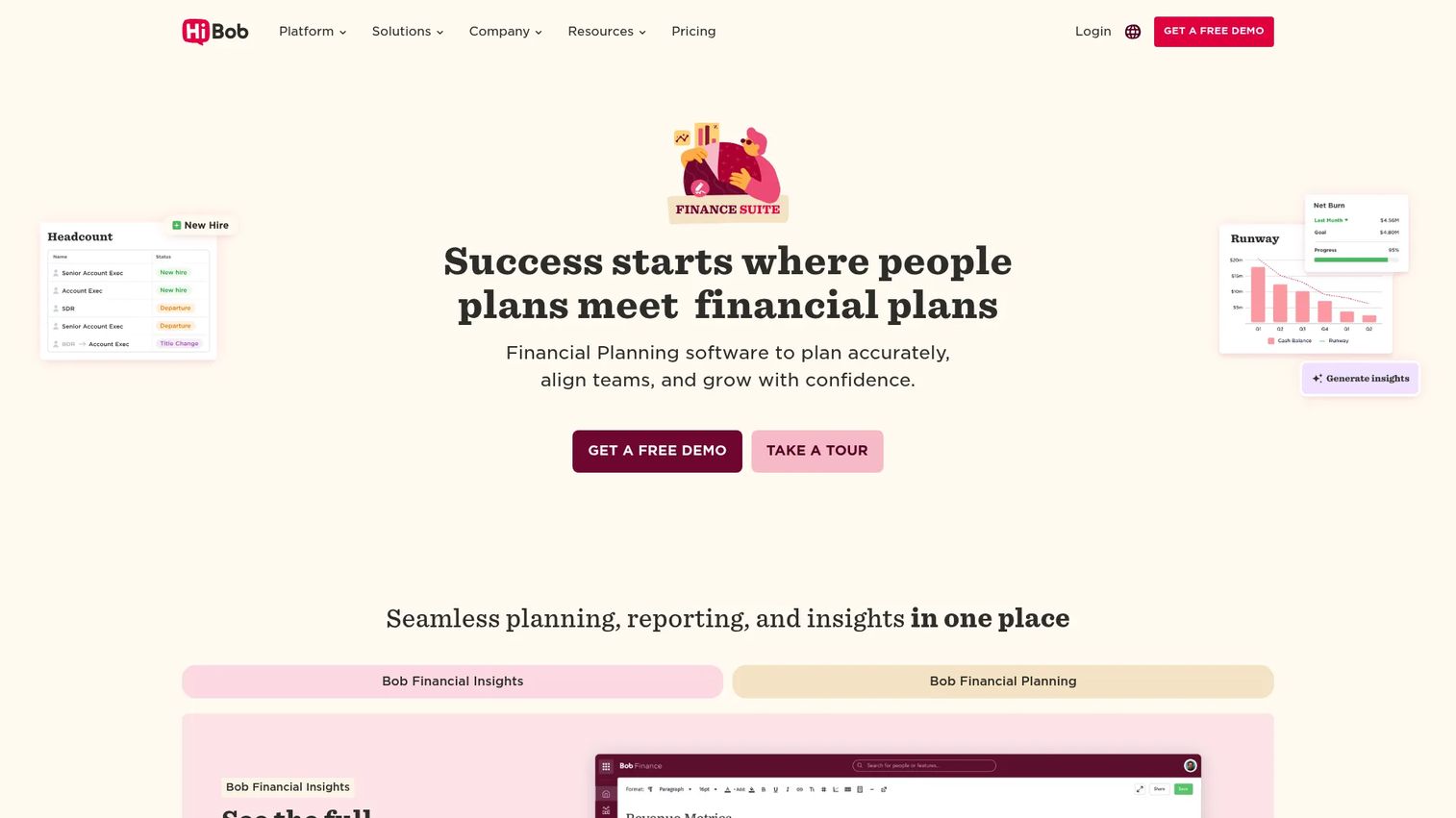
Mosaic is AI-powered resource planning, project management, and forecasting software with strong operating visibility. For operator-led finance teams, it connects revenue planning, headcount planning, and project financial control into a real-time view of the business.
Best for: Project-based and operator-led teams that need resource planning and financial control.
Key strengths
- Resource and capacity planning: Plan people and capacity against the work.
- Project planning and budget tracking: Schedule, plan, and track budgets.
- Forecasting and reporting: Real-time reporting on the plan.
Why choose Mosaic: Choose Mosaic when operating visibility, headcount planning, and revenue planning need to live together. It fits founders and finance leads who want the plan to reflect how the business actually runs.
Mosaic pricing: Mosaic lists Starter, Professional, and Enterprise plans without public base prices, plus add-ons at $1.99/month for guests and $4.99/month for project contractors. G2 reviewers rate it 4.5/5.
20. Sage Intacct
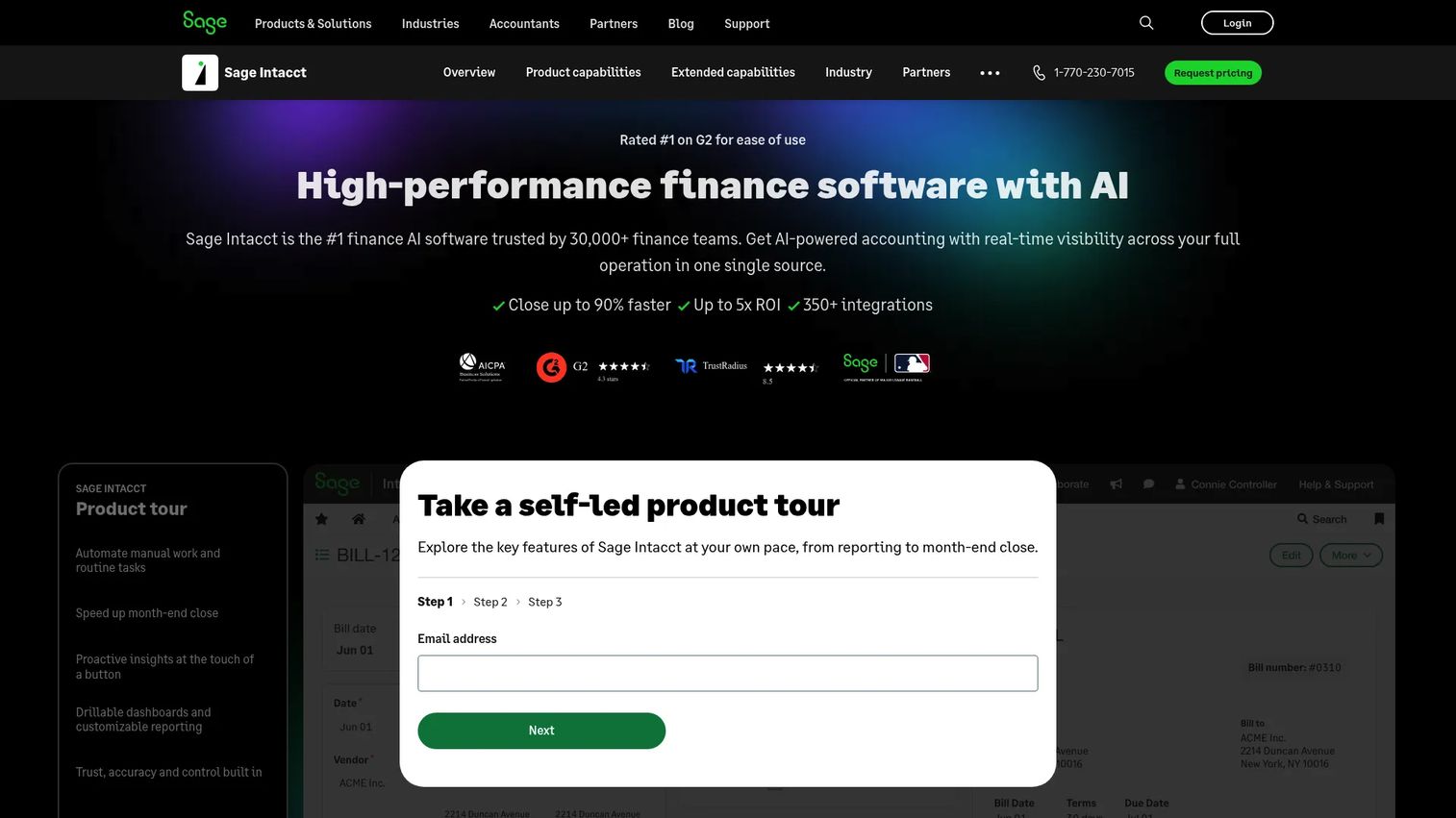
Sage Intacct is cloud-based finance and accounting software for mid-sized and scaling organizations, with extended capabilities that reach into planning. Its strength is multi-entity accounting and real-time visibility, with planning-adjacent features layered on rather than a full FP&A engine at its core.
Best for: Finance teams that need multi-entity accounting, automation, and real-time visibility.
Key strengths
- AI-powered accounting: Automated financial management.
- Multi-entity accounting: Real-time reporting across entities.
- Extended capabilities: HCM, expense management, and planning add-ons.
Why choose Sage Intacct: Choose Sage Intacct when multi-entity accounting is the priority and you want planning-adjacent capabilities close to the ledger. For deep scenario modeling, pair it with a dedicated FP&A layer.
Sage Intacct pricing: Sage uses custom, quote-based pricing tailored by modules, industry, and organization size, with Standard and Premium editions. G2 reviewers rate it 4.3/5.
How to choose the right tool
Shortlisting is easier when you match the tool to your stage and stack rather than chasing the longest feature list. A few criteria matter most for growth-stage finance teams.
Stack fit and integrations
Your forecast is only as fresh as the actuals feeding it. Check that the tool connects cleanly to your accounting system, CRM, and HRIS. Strong ERP integrations and spreadsheet syncing decide whether you spend your week analyzing or copy-pasting.
Planning depth and cadence
Decide whether you need rolling forecasts, driver-based planning, and multidimensional modeling, or whether structured annual budgeting with variance analysis is enough. Match the tool's depth to how often your assumptions actually change.
Scenario planning
If your board wants ranges and tradeoffs, prioritize what-if analysis and scenario modeling. Being able to show three versions of runway in a meeting is worth more than any dashboard.
Time to first useful model
For a Series B team, speed to value matters. Excel-native tools like Vena and Datarails shorten the ramp because your team already knows the interface. Enterprise platforms trade a longer setup for deeper connected planning.
Conclusion
The right budgeting and forecasting software depends on your stage, stack, and how often your plan changes. For connected planning across a complex organization, Anaplan is the reference choice. For teams that want structure without leaving the spreadsheet, Vena Solutions and Datarails lead the Excel-native pack. For enterprise-scale complexity and multidimensional modeling, Workday Adaptive Planning and IBM Planning Analytics deliver depth. For SaaS-specific forecasting built around operator visibility, Mosaic and Cube fit the founder mindset.
Do not try to evaluate all 20. Shortlist two or three based on stack fit, planning cadence, and reporting needs, then run a real model through each with your own actuals. The tool that gets you to a defensible, board-ready forecast fastest, without adding a heavier process, is the one worth buying.
FAQs
Budgeting and forecasting software is financial planning and budgeting software that centralizes budgets, forecasts, scenario models, and reporting in one connected system. Unlike accounting software, which records what already happened, it models what happens next across revenue, expense, cash, and headcount.
A budget sets targets for a period, usually a year, and stays relatively fixed. A forecast updates expectations as actuals come in and assumptions change. Good budget and forecasting software supports both, so you can measure performance against the budget while keeping a live forecast.
Prioritize clean integrations with your accounting system, CRM, and HRIS, plus scenario planning and what-if analysis for board conversations. Add rolling forecasts for cadence and board-ready reporting so the numbers survive scrutiny. Driver-based planning and headcount planning matter most for SaaS models.
Excel works while the model is small and one person owns it. It becomes risky when multiple people edit it, formulas break silently, and a bad link can misstate runway. At that point, dedicated budgeting and forecasting tools add controls, an audit trail, and automated actuals.
For budgeting and forecasting software for small businesses, PlanGuru, Budgyt, and Jirav offer accessible pricing and fast setup without enterprise complexity. The tradeoff versus enterprise platforms is less multidimensional depth, which most small teams do not need anyway.
Rolling forecasts let you extend and update the plan on a fixed cadence instead of rebuilding it each cycle. That keeps the forecast close to reality and speeds up decision-making, so you react to a pipeline or hiring shift in days rather than at the next annual planning cycle.
The integrations that matter most connect your actuals to your plan: ERP and accounting systems, CRM for revenue data, HRIS for headcount, and spreadsheets like Excel and Google Sheets. Cloud data source connections round it out so the forecast refreshes without manual work.
For SaaS-specific forecasting, Mosaic and Cube fit operator-led finance teams well because they center revenue planning, headcount, and operating visibility. If your planning spans multiple functions at scale, Anaplan or Workday Adaptive Planning offer deeper connected planning.
Compare integration quality, scenario planning and what-if analysis, rolling forecast support, collaboration and controls, and setup time. Then run your own actuals through a trial. The tool that produces a defensible forecast fastest, without a heavier process, wins.
Vena Solutions, Datarails, and Cube are built for Excel-native budgeting, keeping the spreadsheet interface while adding a central database, controls, and automation. They fit teams that want governance without retraining everyone on a new tool.
Connected planning links revenue, operating expense, capital expense, headcount, and cash into one coherent plan so a change in one area flows through the rest. Platforms like Anaplan and Board are built around this model, which keeps cross-functional plans aligned.
It ranges from days for Excel-native and small-business tools to several months for enterprise connected planning platforms. Speed depends on data cleanliness, integration scope, model complexity, and how much your process changes. Excel-native options tend to be fastest to a first useful model.
ERP suites like NetSuite and Sage Intacct excel at recording transactions and running finance operations. Dedicated FP&A software excels at modeling, scenario planning, and rolling forecasts. If you mainly need better books, ERP is enough; if you need to model the future, add a planning layer.