



You ran a story mapping session last quarter. Sticky notes covered the wall, the team argued about slices, and by lunch you had a map that made sense to everyone in the room.
Then someone took a photo. The map died in that photo.
Two weeks later half the team is remote, the backlog has drifted from the wall, and nobody can trace which sticky note became which Jira ticket. The map that aligned everyone is now an archived JPEG nobody opens.
That is the real problem a user story mapping tool solves. Not the mapping itself. The persistence. The ability to run the exercise again, keep it synced to delivery, and let distributed teams edit the same map without booking a conference room.
The category sits inside a fast-growing space. The customer journey mapping software market is projected to grow from $14.2B in 2024 to $34.66B in 2029 at a 20.5% CAGR, according to The Business Research Company (2025). Around 65% of companies now run journey mapping as a formal initiative, per TSIA Research via Market.us (2026). Story mapping is the delivery-focused cousin of that work, and the tooling has matured to match.
This guide compares six tools built for online story mapping, each suited to a different way of planning and shipping.
What's inside
This guide is for product managers, product owners, and agile teams choosing an agile story mapping software they can run repeatedly, not just once.
We picked and evaluated tools against four criteria that matter when a story map has to survive contact with real delivery:
- Collaboration: real-time co-editing, commenting, and workshop participation
- Backlog handoff: whether maps become actionable issues or stay disconnected artifacts
- Template quality: starter templates and reusable map structures
- Integrations: Jira sync, delivery-tool connections, and ease of adoption
TL;DR
- Best for template-first teams: Figma, for visual planning that starts from a community template
- Best for collaborative whiteboarding and Jira sync: Miro, for cross-functional workshops
- Best for Jira-centered agile teams: Agile User Story Mapping for Jira, for backlog traceability inside Jira
- Best for release planning workflows: Avion, for connecting maps to shipping cadence
- Best for complex map structures: Visual Paradigm User Story Map tool, for large backlogs and detailed modeling
- Best for teams already living in Jira: Jira, for planning tied directly to execution
What is user story mapping software
User story mapping software is a digital workspace that helps teams build and manage user story maps, arranging user goals, activities, steps, and stories into a shared, prioritized view of the product.
It replaces physical sticky notes and index cards with a persistent system. Instead of mapping the user journey once on a wall, you keep the map live, edit it as scope changes, and slice it into releases without losing the structure.
A story map reads left to right along the user journey (the backbone of goals and activities), then top to bottom by priority. The top rows are the stories that must ship first. Lower rows become later releases. That two-axis layout is what a good digital story mapping tool preserves, and what a photo of a whiteboard destroys.
Core capabilities to expect:
- Backlog visualization: see the whole journey and every story in one view
- Collaborative editing: multiple people edit the same map in real time
- Prioritization by user value: rank stories by what the user needs first
- Release planning: slice the map into phases, milestones, or sprints
- Export or sync to delivery tools: push stories into Jira or another tracker so the map drives execution
The distinction that matters: a spreadsheet backlog lists work. A story map organizes that work around the user, so backlog prioritization becomes a conversation about outcomes instead of a sorted list of tickets.
When to use user story mapping software
Plan a product roadmap around user value
Story mapping shows the whole journey before you slice it into releases. You see every activity the user moves through, then decide what a first version must cover to be usable end to end.
That view controls scope. Instead of shipping a deep feature nobody can reach yet, you ship a thin slice across the entire journey. Roadmap planning stops being a feature list and becomes a sequence of usable releases.
Replace sticky notes in distributed workshops
The wall works when everyone is in the room. It breaks the moment half the team joins from a laptop somewhere else.
A digital tool keeps the map editable, visible, and current for remote and hybrid planning sessions. Everyone points at the same map, adds cards, and comments in place. The workshop output persists instead of dying in a photo, which is what makes cross-functional collaboration actually repeatable.
Turn discovery into delivery-ready work
A map is only useful if it moves. Story mapping bridges the gap from user goals to backlog items to implementation slices.
You capture the journey during discovery, break activities into stories, then hand those stories to engineering as tracked, estimable work. The map becomes the reference the team returns to when scope questions come up mid-sprint.
Comparison table
Pricing and G2 ratings below reflect values verified at the time of writing. Confirm current figures on each vendor's pricing page before you buy, since plans change.
| # | Product | Best for | Key differentiator | Pricing | G2 rating |
|---|---|---|---|---|---|
| 1 | Figma | Template-first teams | Visual planning from a community template | Free; paid from $16/mo | 4.6/5 |
| 2 | Miro | Collaborative whiteboarding | Visual collaboration and Jira sync | Free; Starter $8/mo per member | 4.6/5 |
| 3 | Agile User Story Mapping for Jira | Jira-centered agile teams | Jira-native planning with personas and roadmaps | Free for teams under 10 users | 4.3/5 |
| 4 | Avion | Release planning workflows | Map-to-roadmap with unlimited users | From $83/mo billed yearly | Not enough reviews |
| 5 | Visual Paradigm User Story Map tool | Complex story structures | Story mapping inside a broader modeling suite | From US$6/mo | 4.3/5 |
| 6 | Jira | Teams already living in Jira | Delivery tracking and backlog management | Free up to 10 users | 4.3/5 |
Best user story mapping software for 2026
1. Figma
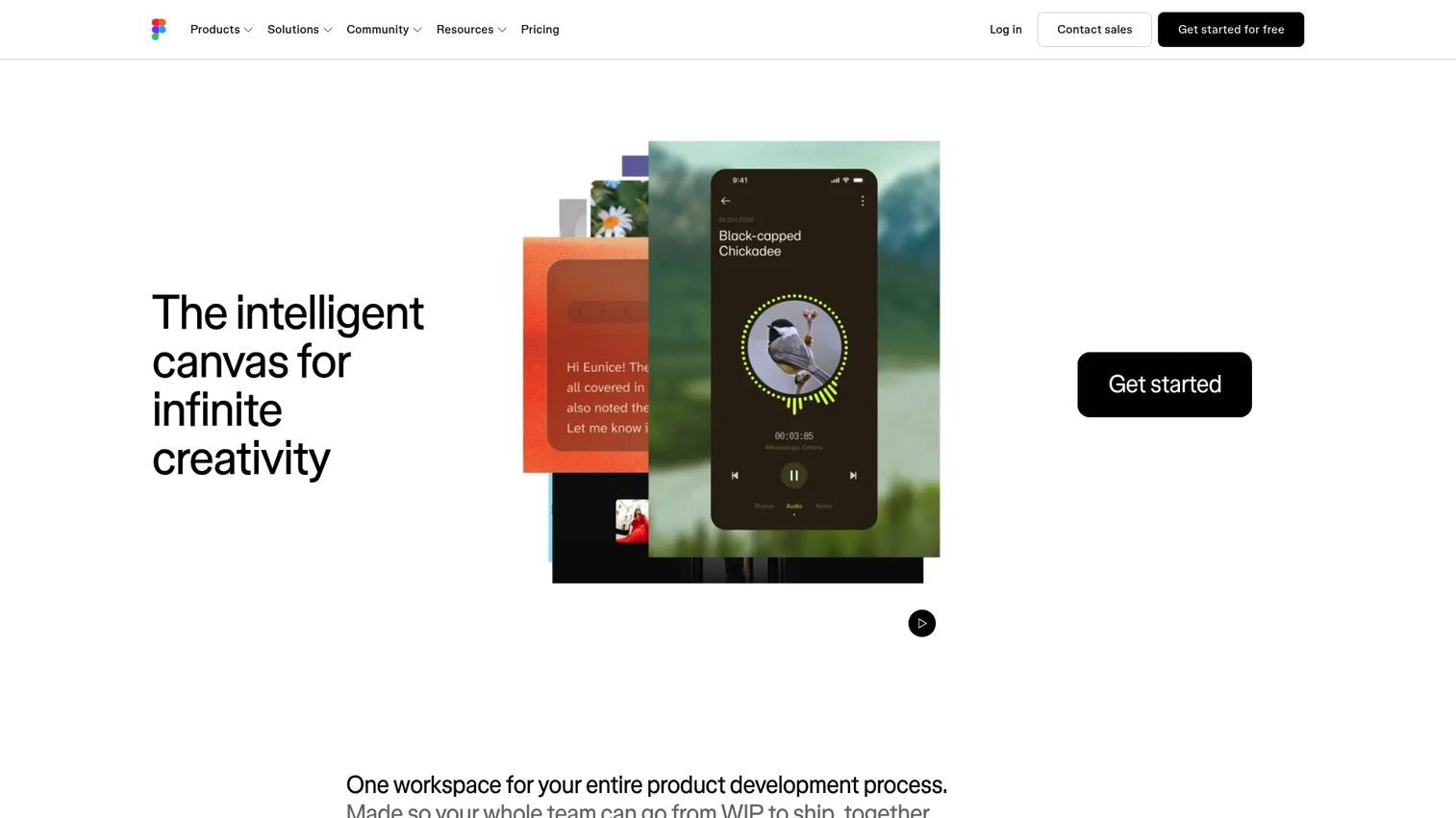
Figma is a collaborative design, prototyping, and product development workspace that doubles as a flexible surface for story mapping. Teams pull a user story map template from the Figma Community, drop it onto a board, and start arranging goals, activities, and stories as movable cards. Because design, prototyping, and planning live in one place, product and design teams can map the journey next to the actual screens they are building.
The appeal is speed with zero setup. If your team already works in Figma, story mapping is just another board. You get a genuine sticky notes replacement without adopting a new tool, and the infinite canvas handles large maps without cramping.
Best for: Product and design teams that already run in Figma and want visual, template-first mapping.
Key strengths
- Collaborative interface design and planning on one canvas
- Prototyping and handoff alongside the map
- Dev Mode and design systems for engineering alignment
Why choose Figma: If your product and design work already lives here, a story map is one more board and the learning curve is zero. It is a template-first canvas rather than a purpose-built agile planner, so backlog sync to delivery tools is not native.
Figma pricing: Starter is free. Professional is $16/mo, Organization is $55/mo billed annually, and Enterprise is $90/mo billed annually.
2. Miro
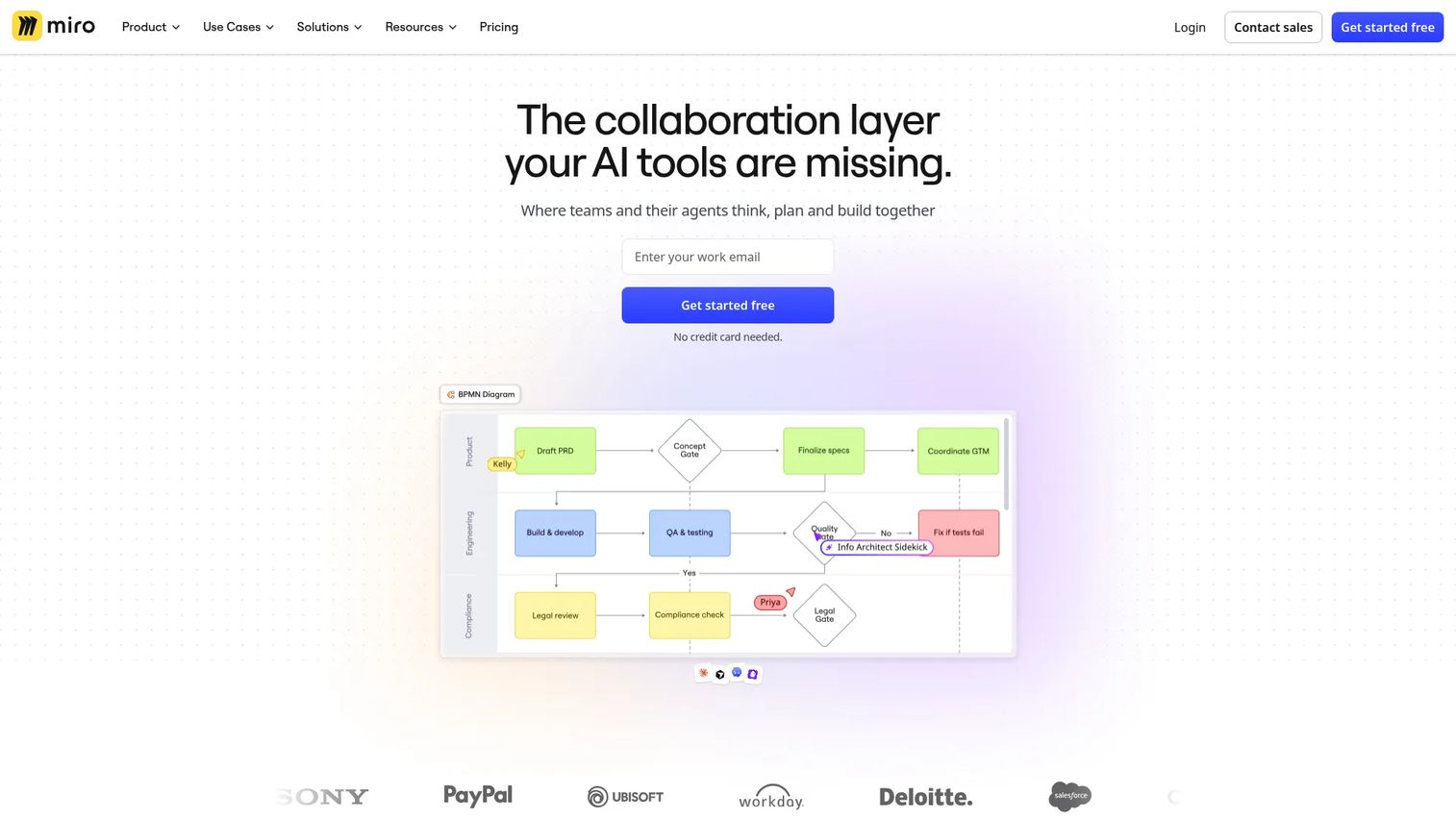
Miro is an AI-powered visual collaboration workspace built for brainstorming, planning, diagramming, and workshops. For story mapping, it pairs a drag and drop collaborative whiteboard with dedicated story map templates, card-based stories, estimation, and a two-way Jira sync that turns cards into tracked issues. That combination makes it a strong fit for facilitating a live workshop and then handing the output straight to delivery.
Miro leans into cross-functional collaboration. Product, design, engineering, and stakeholders can join the same board, add cards, vote, and comment in real time. With thousands of templates and hundreds of integrations, the map connects to the rest of how the team already works.
Best for: Cross-functional teams running remote or hybrid workshops who want mapping plus Jira sync.
Key strengths
- 7000+ templates including story maps
- AI-powered workspace for faster board building
- 250+ integrations with two-way Jira sync
Why choose Miro: It is the strongest pick when the workshop itself matters and you need the map to become Jira issues afterward. The open canvas rewards teams that want facilitation depth, not just a static grid.
Miro pricing: Free plan available. Starter is $8/month per member and Business is $20/month per member, both billed yearly. Enterprise is contact sales.
3. Agile User Story Mapping for Jira
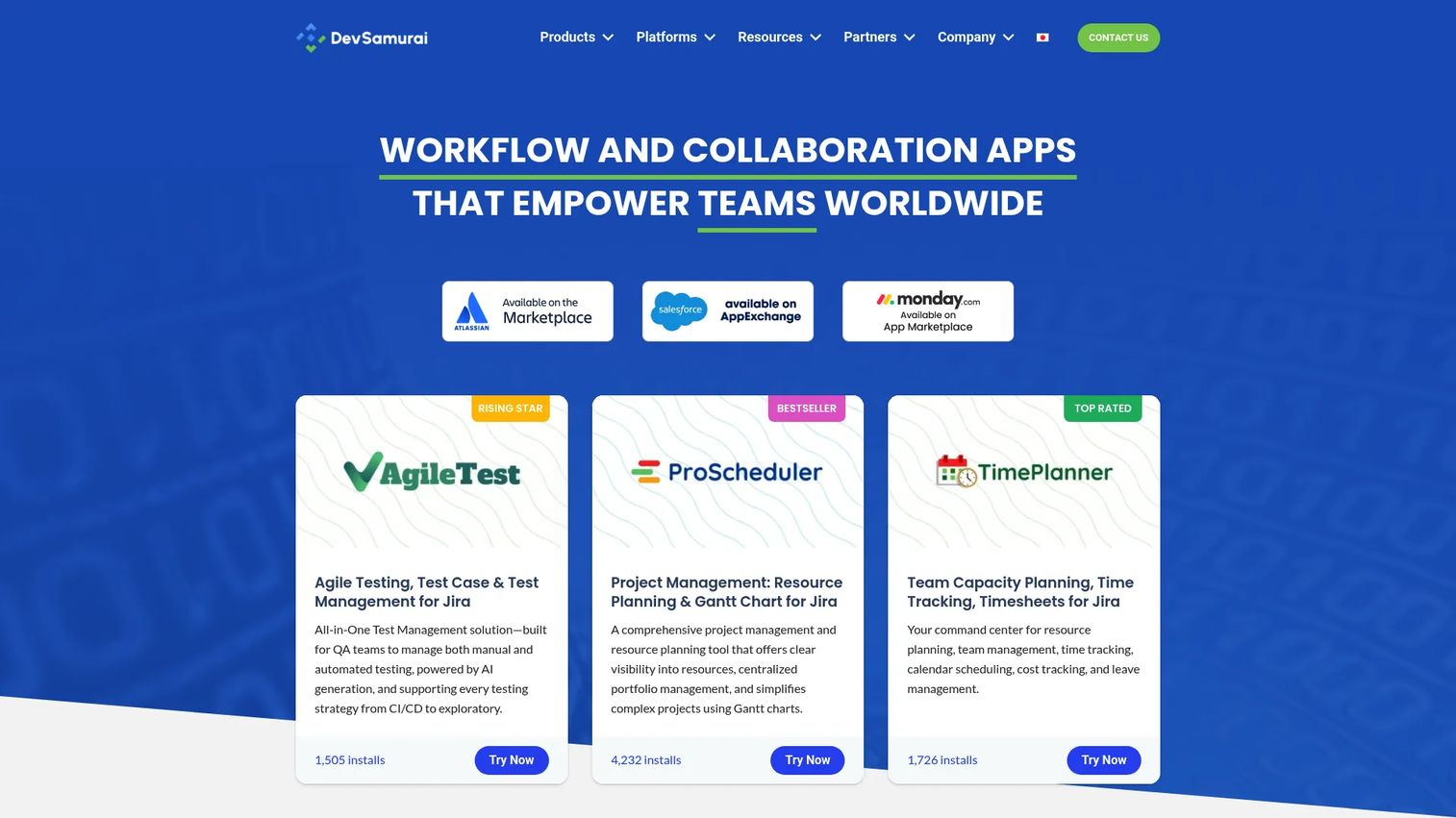
Agile User Story Mapping for Jira, built by DevSamurai and marketed as ProductGo, brings story mapping directly inside Jira. Instead of maintaining a map in one tool and a backlog in another, you build the map on top of your existing Jira issues. Stories on the map are Jira issues, so prioritization and slicing update the backlog you already ship from.
That tight coupling is the point. For delivery-focused teams, it removes the context switching between a whiteboard and the tracker. The app also layers in roadmap planning and advanced personas, so discovery artifacts and delivery work sit next to each other.
Best for: Agile teams standardized on Jira that want mapping and backlog traceability in one place.
Key strengths
- User story maps built on live Jira issues
- Roadmap planning inside Jira
- Advanced persona management
Why choose Agile User Story Mapping for Jira: It excels for teams that live in Jira and want the map and the backlog to be the same data. Adoption depends on your team already committing to Jira as the system of record.
Pricing: The app is free for teams under 10 users, with Standard and Advanced editions and a 30-day free trial for larger teams. Check the Atlassian Marketplace listing for current per-user rates.
4. Avion
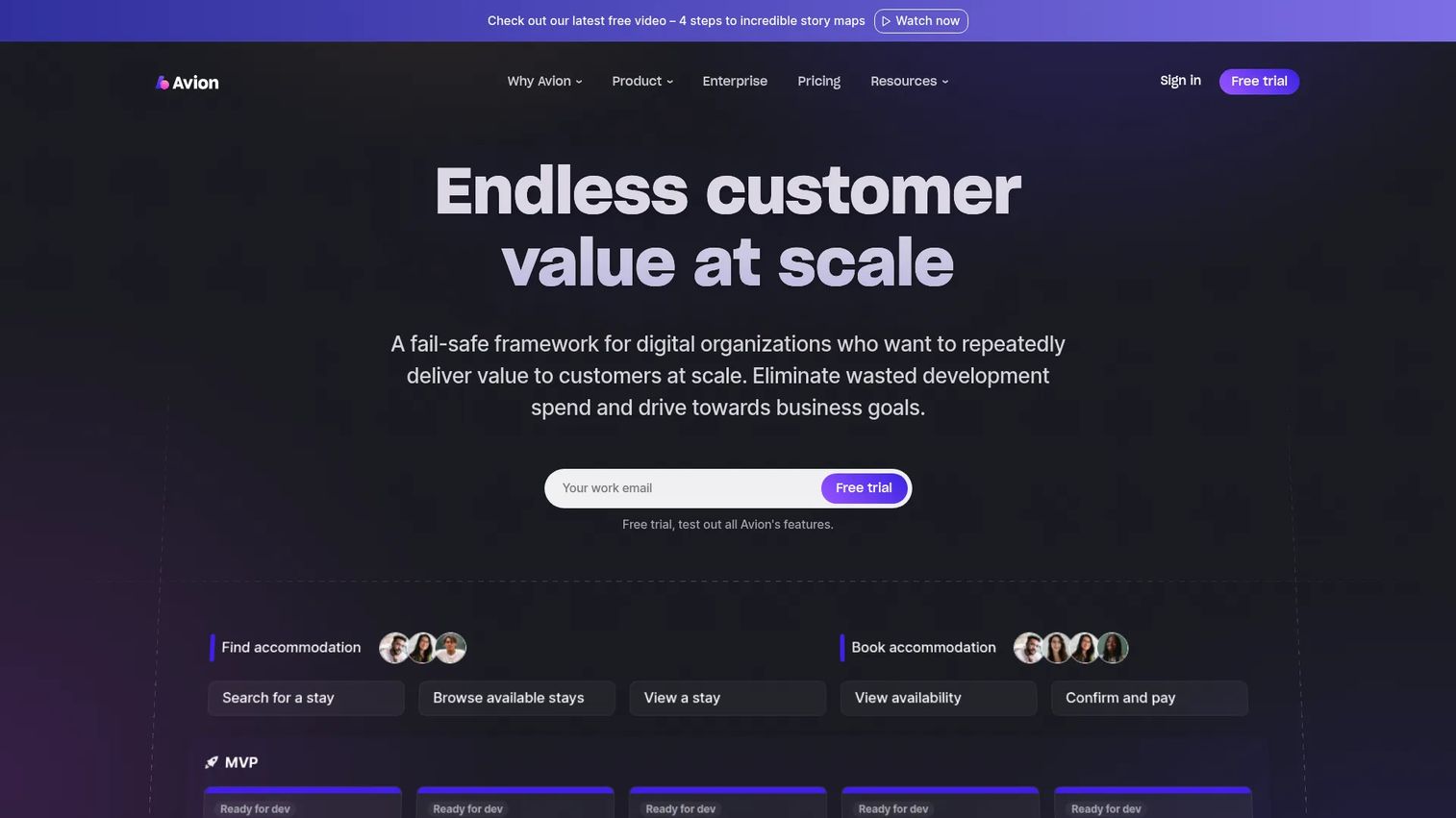
Avion is a product planning tool built specifically around user story mapping. Where general whiteboards treat mapping as one use case among many, Avion treats it as the core workflow and connects it to release planning. You map the journey, then organize stories into releases that reflect your actual shipping cadence.
That map-to-roadmap flow is the differentiator. Avion is designed to move a team from a completed map into a plan they can execute, with two-way integrations that keep delivery tools in sync. Every plan includes unlimited users, which suits teams that want stakeholders in the map without per-seat math.
Best for: Product teams that want dedicated story mapping tied directly to release planning.
Key strengths
- Purpose-built user story mapping
- Unlimited users on all plans
- Integrations with Slack, Jira Cloud, Azure DevOps, GitHub, Linear, and Jira Server
Why choose Avion: It excels when the goal is turning a map into a shippable roadmap and keeping delivery tools synced. The flat, unlimited-user pricing favors teams that want broad participation.
Avion pricing: Starter is $83/mo billed yearly or $99/mo monthly. Business is $166/mo billed yearly or $199/mo monthly. Enterprise is custom. A free trial is offered; there is no free tier.
5. Visual Paradigm User Story Map tool
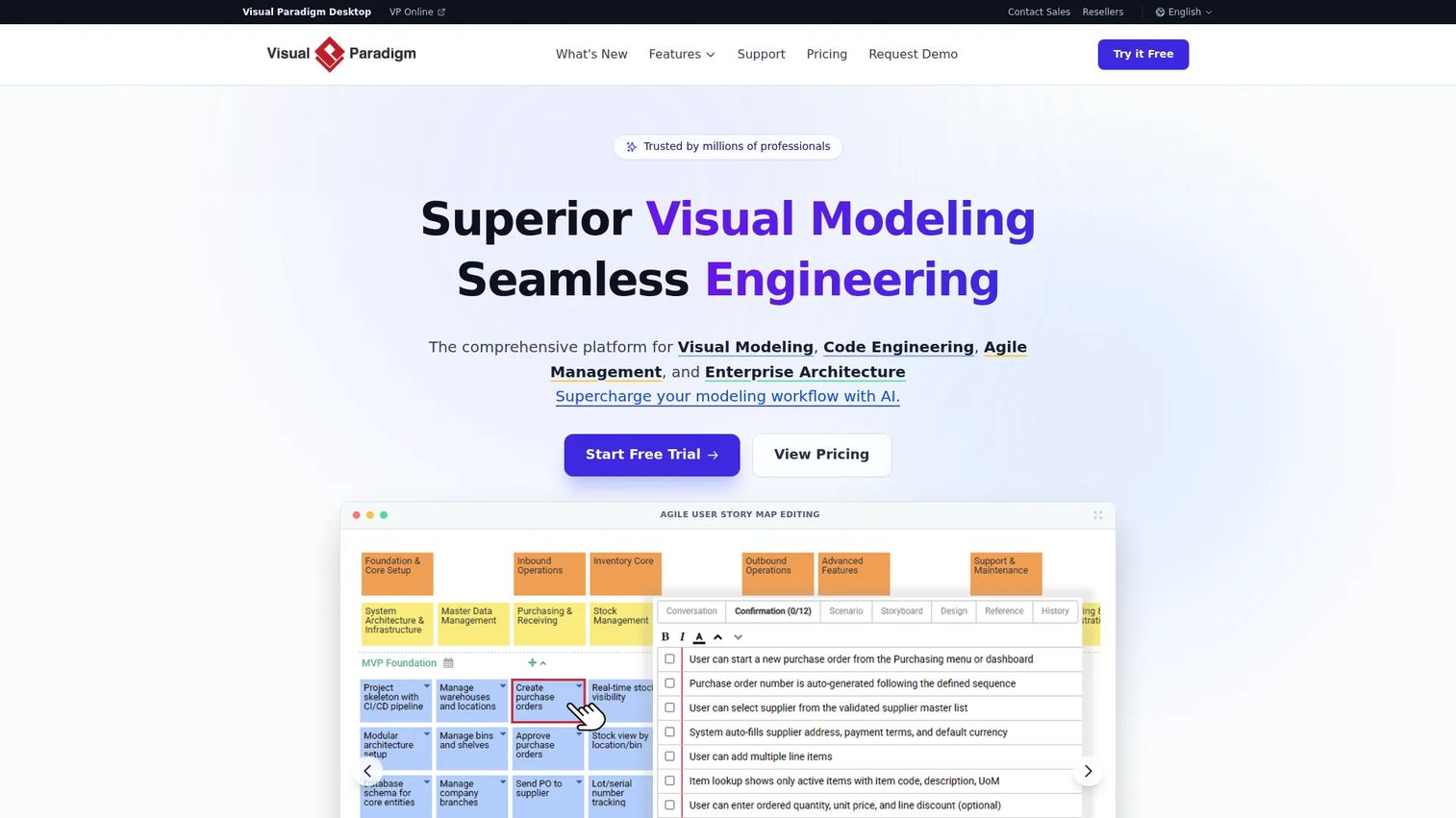
Visual Paradigm User Story Map tool is the story mapping surface inside Visual Paradigm's broader modeling suite. It organizes the backlog into a clear hierarchy of user activities, tasks, epics, and stories, and supports release planning as part of the map. For teams that already model workflows, it can even link BPMN diagrams to user stories.
The strength here is structure. If your backlog is large or your planning needs multiple levels of detail, the hierarchy holds up where a flat board would sprawl. Because story mapping sits inside a full modeling toolset, it suits teams doing detailed workflow modeling alongside agile planning.
Best for: Agile teams that need story mapping inside a broader diagramming and modeling suite.
Key strengths
- Story map backlog organization
- User activities, tasks, epics, and stories hierarchy
- Release planning and BPMN-to-user-story linkage
Why choose Visual Paradigm: It fits teams with complex maps or detailed modeling needs who want story mapping as one part of a larger toolset. A single license covers all three major feature groups.
Visual Paradigm pricing: Modeler is US$6/mo, Standard is US$19/mo, Professional is US$35/mo, and Enterprise is US$89/mo. Online features are granted with Visual Paradigm Desktop purchases.
6. Jira
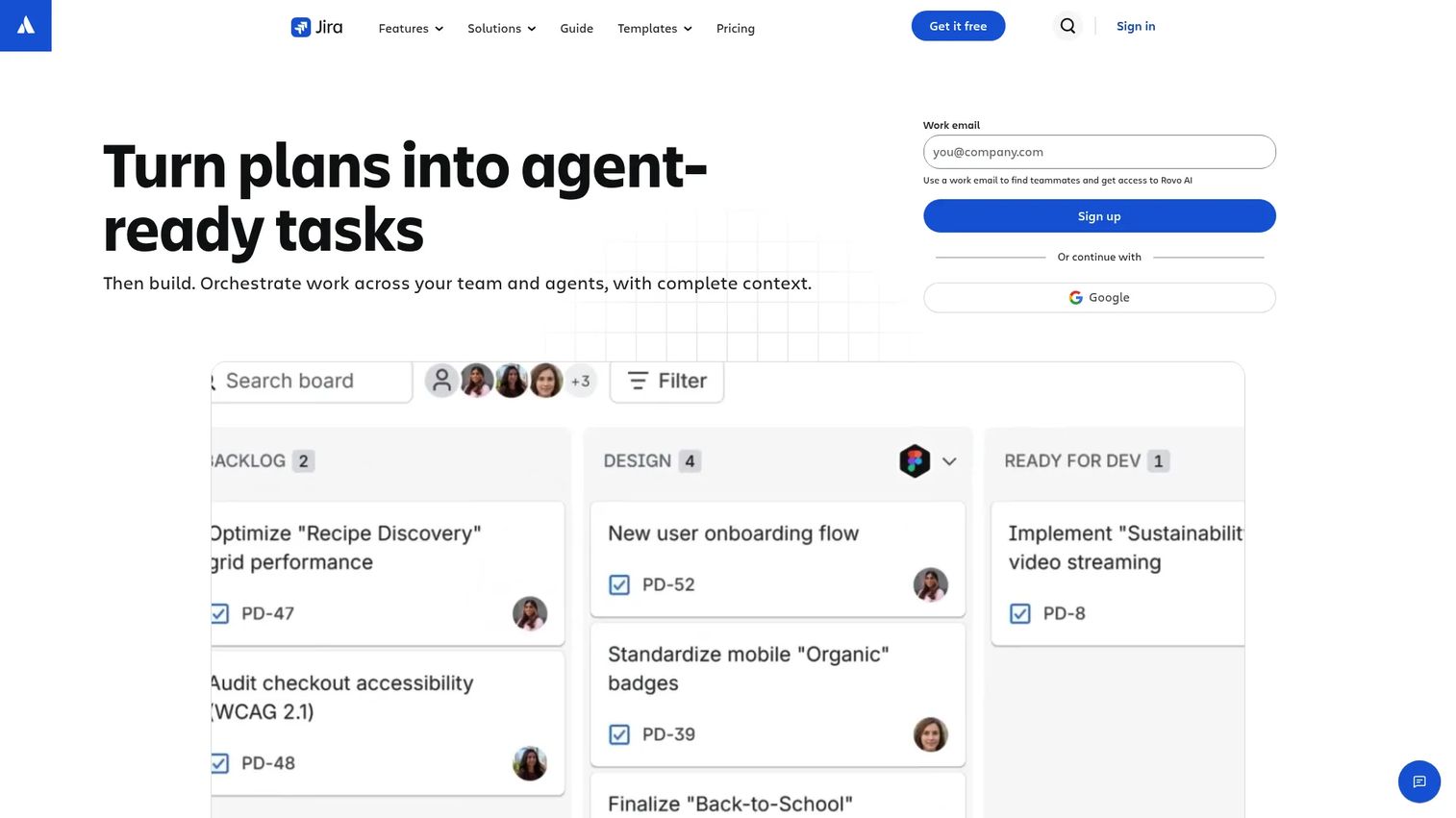
Jira is Atlassian's project management and issue tracking software for planning, tracking, collaborating on, and reporting work. It is not a dedicated story mapping tool on its own, but for teams already deep in Jira, it is the control center where backlog management and delivery happen. Boards, backlogs, and reports keep the work visible from plan to ship.
The case for Jira as a user story map tool is continuity. Planning tied directly to execution means the stories you prioritize are the same issues your team works. Teams often pair Jira with a mapping app (like the DevSamurai option above) to add the map view on top of Jira's tracking backbone.
Best for: Teams standardized on Jira that want planning tied directly to execution and reporting.
Key strengths
- Work planning and assignment
- Boards, lists, timelines, and calendars for tracking
- Dashboards and reports for agile visibility
Why choose Jira: It is the practical choice when your team already runs delivery in Jira and wants backlog visualization and execution in one system. Pair it with a mapping app when you want a true map layout.
Jira pricing: Free for up to 10 users. Standard and Premium editions serve growing teams, and Enterprise is contact sales. Check Atlassian's pricing page for current Standard and Premium rates.
Considerations
Collaboration quality
Check whether the tool supports real-time co-editing, in-place commenting, and easy participation from non-PMs. A story map is a group artifact. If only one person can edit at a time, the workshop stalls.
For PMs, design, engineering, and stakeholders to align, everyone needs to touch the same map at once. Weigh how the tool handles a live session with a dozen people versus solo editing.
Jira or delivery integration
Decide whether maps need to become actionable issues or can stay standalone artifacts. A map that never syncs to your tracker becomes a second source of truth that drifts.
Look for two-way sync so prioritization on the map updates the backlog, and completed work reflects back on the map. This is the difference between a planning exercise and a live planning system.
Template quality and flexibility
Look at starter templates, custom map structures, and whether maps reuse across projects. A good template gets a team mapping in minutes instead of building layout from scratch.
Template-first tools are enough when your maps are straightforward and visual. Flexibility matters more when backlogs are large or you need multiple levels of hierarchy.
Ease of adoption
Consider the learning curve, workshop speed, and whether non-technical stakeholders can join without training. Adoption beats feature count. A tool nobody outside the PM opens is a tool that failed.
The fastest path is usually the tool your team already uses. That is why Figma, Miro, and Jira all make strong cases despite not all being purpose-built for mapping.
Release planning usefulness
Assess whether the tool turns the map into phases, milestones, or roadmap slices. Mapping without slicing is only half the value.
The best fit connects prioritization to a shippable sequence, so the map drives what goes into the next release rather than sitting as a static picture of the journey.
Conclusion
The right user story map tool comes down to how your team already plans, collaborates, and ships.
If you want template-first visual planning, Figma fits, especially if design already lives there. For collaborative whiteboarding with Jira sync, Miro leads. Teams standardized on Jira should look at Agile User Story Mapping for Jira for in-tool traceability, or Jira itself paired with a mapping app. Avion is built for turning maps into release roadmaps. Visual Paradigm handles complex, multi-level maps inside a modeling suite.
The decision rule is simple: pick the tool that matches your workflow, not the one with the longest feature list.
Next step: shortlist two or three tools and run one real product workflow through each. Map an actual feature, slice it into a release, and hand it to delivery. The tool that survives that test is your tool.
Start your journey with Guideflow today!
FAQs
A story map organizes work around the user journey, arranging goals and activities left to right and priority top to bottom. A backlog is a flat, ranked list of delivery items. The map gives you the shape and context; the backlog gives you the ordered queue. Most teams use the map to structure prioritization, then feed the result into a backlog for execution.
For distributed teams, yes. Digital story mapping tools keep the map persistent, traceable, and reusable, and they let remote participants edit the same map in real time. Sticky notes are still fine for a single in-person, one-off workshop where nobody needs the map afterward. The moment you need to run the exercise again or sync it to delivery, software wins.
For teams deep in Jira, a Jira-native option like Agile User Story Mapping for Jira keeps the map and backlog as the same data, so there is no drift. Miro is a strong alternative when you want a whiteboard for the workshop plus two-way Jira sync afterward. Both preserve traceability from map to tracked issue.
Yes. A PM can build and maintain a story map alone, and it is often the fastest way to structure discovery. That said, cross-functional input makes the map more useful. Engineers help with feasibility and slicing, and stakeholders surface constraints early. The tool works solo; the exercise works better with the team.
Focus on four things: collaboration quality (real-time co-editing and commenting), template quality (starter maps and reusable structures), integration (whether maps become tracked issues), and release planning support (slicing the map into shippable phases). Adoption matters more than raw feature count, so weight the tool your team will actually open.
Very. Agile story mapping software helps teams prioritize by user value instead of feature size, then plan increments that ship usable slices across the whole journey. It supports sprint and release planning by making the whole journey visible before you commit to what goes in next. That visibility is what keeps agile planning grounded in outcomes.
It can support roadmap thinking, since a sliced map already shows release sequence and priority. But dedicated roadmap tools still handle broader planning, stakeholder reporting, and portfolio views that a story map does not. Treat story mapping as complementary: it shapes the near-term releases, while a roadmap tool communicates the wider plan to leadership.










