Publishing used to be a content problem. Now it's a distribution, attribution, and operations problem. Your CMS handles the blog. The design team owns the annual report PDF. Sales wants a trackable brochure. Demand gen needs a campaign landing page by Thursday. Leadership wants to know which content influenced last quarter's pipeline.
The platform you choose determines whether that work becomes a measurable channel or another disconnected asset. According to Fortune Business Insights (2026), the global digital publishing market was worth $163.89 billion in 2025 and is forecast to reach $279.68 billion by 2034. That growth reflects a shift: Publishing is no longer a side function of marketing. It is the channel.
The problem is that "digital publishing platform" covers wildly different tools. A CMS, a newsletter platform, a flipbook tool, and an ebook distributor each solve a different job. Choosing the wrong category wastes budget and creates the exact fragmentation you were trying to fix.
What's inside
This guide compares 15 digital publishing platforms across websites, newsletters, digital magazines, ebooks, interactive storytelling, and enterprise content operations. Items were selected using four criteria:
- Publishing format fit: Does the platform match the content type you actually produce?
- Workflow and distribution: Can marketers publish, update, and distribute without a developer?
- Analytics and attribution: Does the platform report what content teams need to prove ROI?
- Pricing transparency: Are entry costs clear enough to build a business case?
Pricing and G2 ratings were verified from vendor pricing pages and live G2 listings.
TL;DR
- Best for flexible website publishing: WordPress gives marketing teams the broadest plugin library, SEO control, and content flexibility at no license cost
- Best for enterprise content operations: Adobe Experience Manager fits organizations managing governed content across regions and digital channels
- Best for immersive visual storytelling: Shorthand excels at high-production editorial campaigns, annual reports, and scrollytelling content
- Best for newsletter-first publishing: Ghost suits publishers building subscription audiences; Substack fits independent creators monetizing a newsletter from day one
- Best for digital magazines and trackable documents: Issuu, FlippingBook, and Joomag handle rich document publishing with analytics and lead capture
- Best for author distribution: Draft2Digital handles ebook formatting and retailer distribution for authors and small publishers
What are digital publishing platforms?
Digital publishing platforms are software tools that help teams create, format, publish, distribute, monetize, and measure digital content across websites, newsletters, magazines, ebooks, apps, and other online channels.
The category is broader than it looks. A CMS manages website content and publishing workflows. A newsletter platform handles subscriber lists, email delivery, and paid memberships. A flipbook tool converts PDFs into interactive online publications. An ebook distributor handles book formatting and retailer distribution. An enterprise content management system governs content creation, localization, and omnichannel delivery at scale. Each serves a different job.
For digital marketers, the right platform is the one that connects publishing to measurable outcomes: Traffic, subscribers, downloads, lead capture, and pipeline attribution. Choosing a platform by category first saves time that would otherwise be spent migrating from the wrong tool.
Key capabilities to evaluate:
- Content creation and editing workflows
- Templates and design controls
- SEO and metadata management
- Multichannel distribution options
- Audience engagement tools
- Monetization and subscription support
- Analytics and attribution
- Collaboration, approvals, and governance
- Localization and content reuse
- Integrations with CRM, analytics platforms, and marketing automation
The clearest category boundary is between a publishing platform and a pure analytics tool. Analytics tools measure content performance but do not host or distribute it. The platforms in this guide do both, though the analytics depth varies considerably.
When to use digital publishing platforms
Publish campaign content without engineering bottlenecks
Marketers who need landing pages, campaign microsites, resource hubs, and blog content on a regular schedule cannot afford to file a ticket for every change. CMS platforms and visual website builders let content teams publish, update metadata, swap images, and adjust SEO fields without touching code. The clearest sign you need a better platform: Your SEO velocity is slower than your editorial calendar.
Turn static assets into measurable digital experiences
Annual reports, product catalogs, event guides, and whitepapers spend most of their life as PDFs that nobody opens twice. Flipbook and document publishing platforms convert those files into embeddable, trackable digital experiences with scroll depth, engagement time, and lead capture built in. For a marketer who wants to know whether a whitepaper was read or just downloaded, this category matters.
Build owned audiences and monetized content channels
Email lists and subscriber bases are the only audience assets a brand fully owns. Newsletter platforms and creator publishing tools let teams build direct subscriber relationships, gate premium content, and generate subscription revenue. Publishing becomes a revenue channel when the platform supports subscriber management, payment processing, distribution analytics, and content performance reporting in one place.
Digital publishing platforms comparison
The table below summarizes all 15 platforms by primary use case, entry pricing, and G2 rating. Use it as a first filter before reading the full entries.
| # | Product | Best for | Key use case | Pricing | G2 rating |
|---|---|---|---|---|---|
| 1 | WordPress | Flexible website publishing | Blogs, resource hubs, and SEO content | Free (self-hosted) | 4.4/5 |
| 2 | Adobe Experience Manager | Enterprise content operations | Governed omnichannel content delivery | Custom pricing | 4.2/5 |
| 3 | Shorthand | Visual storytelling | Scrollytelling and immersive editorial content | Paid plans (contact for pricing) | 4.7/5 |
| 4 | Ghost | Newsletter-driven publishing | Memberships and paid subscriptions | From $18/mo (billed annually) | 4.0/5 |
| 5 | Substack | Independent newsletters | Simple newsletter monetization | Free (10% revenue share on paid subs) | 4.3/5 |
| 6 | Webflow | Design-led websites | Marketing sites and campaign pages | Free starter; from $15/mo | 4.4/5 |
| 7 | Canva Docs | Lightweight visual documents | Fast branded docs and shareable content | Free; Pro from $144/year | 4.7/5 |
| 8 | Medium | Built-in readership | Thought leadership and editorial reach | Free to publish; $5/mo membership | 3.8/5 |
| 9 | Issuu | Digital magazines | Flipbooks, catalogs, and embedded publications | Contact Issuu for current pricing | 4.7/5 |
| 10 | FlippingBook | Trackable flipbooks | PDF-to-flipbook publishing and document analytics | From $20/mo | 4.7/5 |
| 11 | Joomag | Magazine publishing | Digital magazines with subscriptions and engagement | Free tier; paid from \~$50/mo | 4.5/5 |
| 12 | Kitaboo | Education and ebook publishing | Interactive ebooks and learning content | From $1/user/mo | 4.5/5 |
| 13 | Squarespace | Small business publishing | Branded websites, blogs, and commerce content | From $19/mo (billed annually) | 4.4/5 |
| 14 | StoryChief | Multichannel content operations | Content planning and distribution across channels | From €49/mo | 4.6/5 |
| 15 | Draft2Digital | Author self-publishing | Ebook and print-on-demand distribution | Free account; $20 activation fee | N/A |
Best 15 digital publishing platforms for 2026
1. WordPress
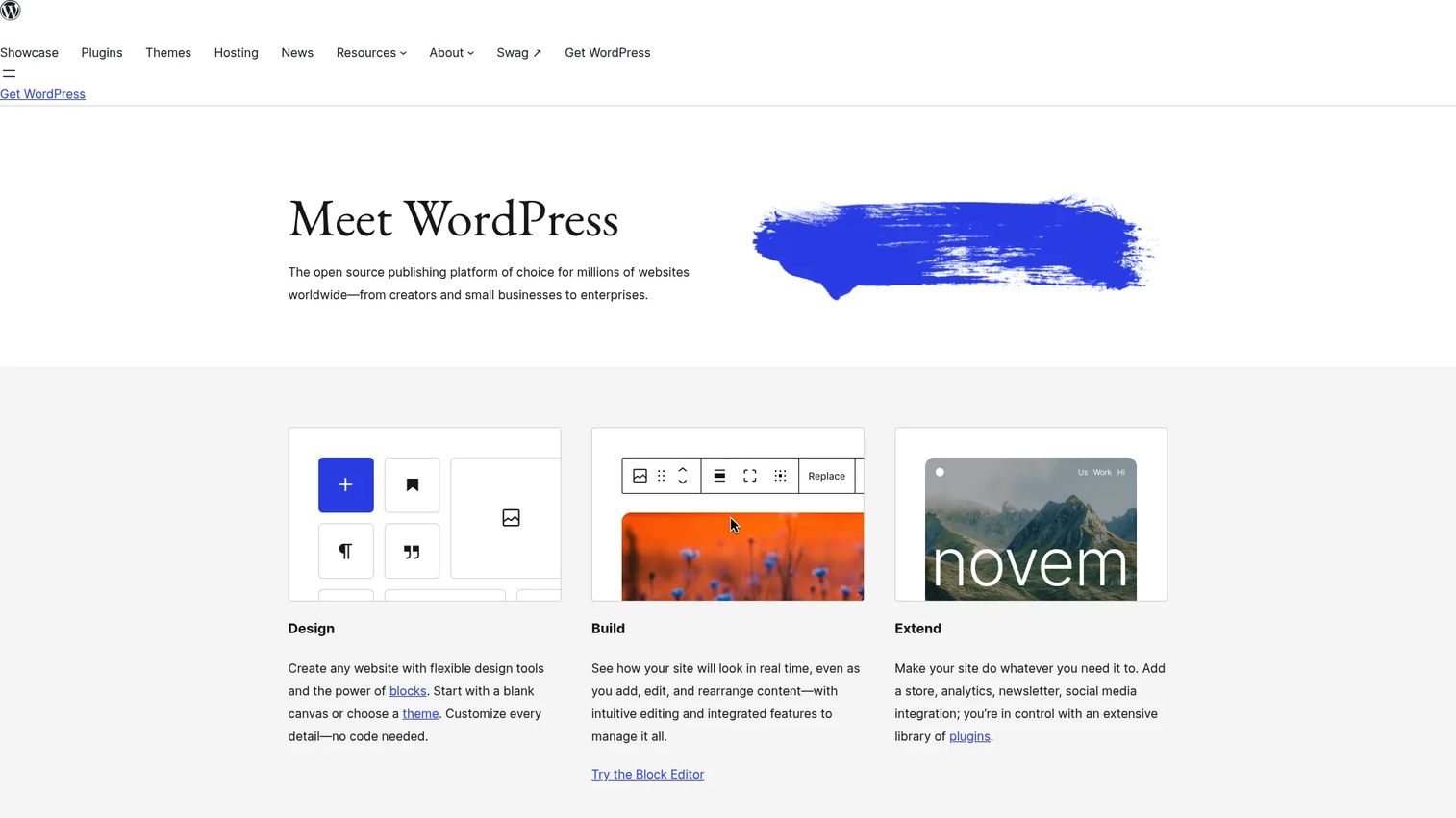
WordPress is the most widely used publishing platform on the web, powering a substantial share of all websites worldwide. The self-hosted version (WordPress.org) is free and open-source. Users bring their own hosting and domain, then extend the platform through themes and plugins covering everything from SEO to ecommerce to membership management.
Best for: Marketing teams that need a flexible CMS for blogs, resource hubs, SEO-driven content programs, and long-term content infrastructure.
Key features
- Blog and page publishing with drafts, scheduling, and revisions
- Extensible themes for custom design without writing code
- SEO plugin ecosystem (Yoast, Rank Math, and others)
- User roles and permissions for editorial governance
- Commerce and membership plugins for gated content and sales
Why choose WordPress: Choose WordPress when publishing flexibility and plugin depth matter more than a managed setup. The trade-off is real: Hosting decisions, plugin maintenance, and security updates fall on your team or your agency. Teams who want to own their content stack and SEO strategy without a monthly platform license will find WordPress hard to match.
WordPress pricing: The software is free to download and use. You arrange your own hosting and domain separately. Most managed WordPress hosting starts in the range of $5 to $30 per month depending on traffic and features.
G2 rating: 4.4/5
2. Adobe Experience Manager
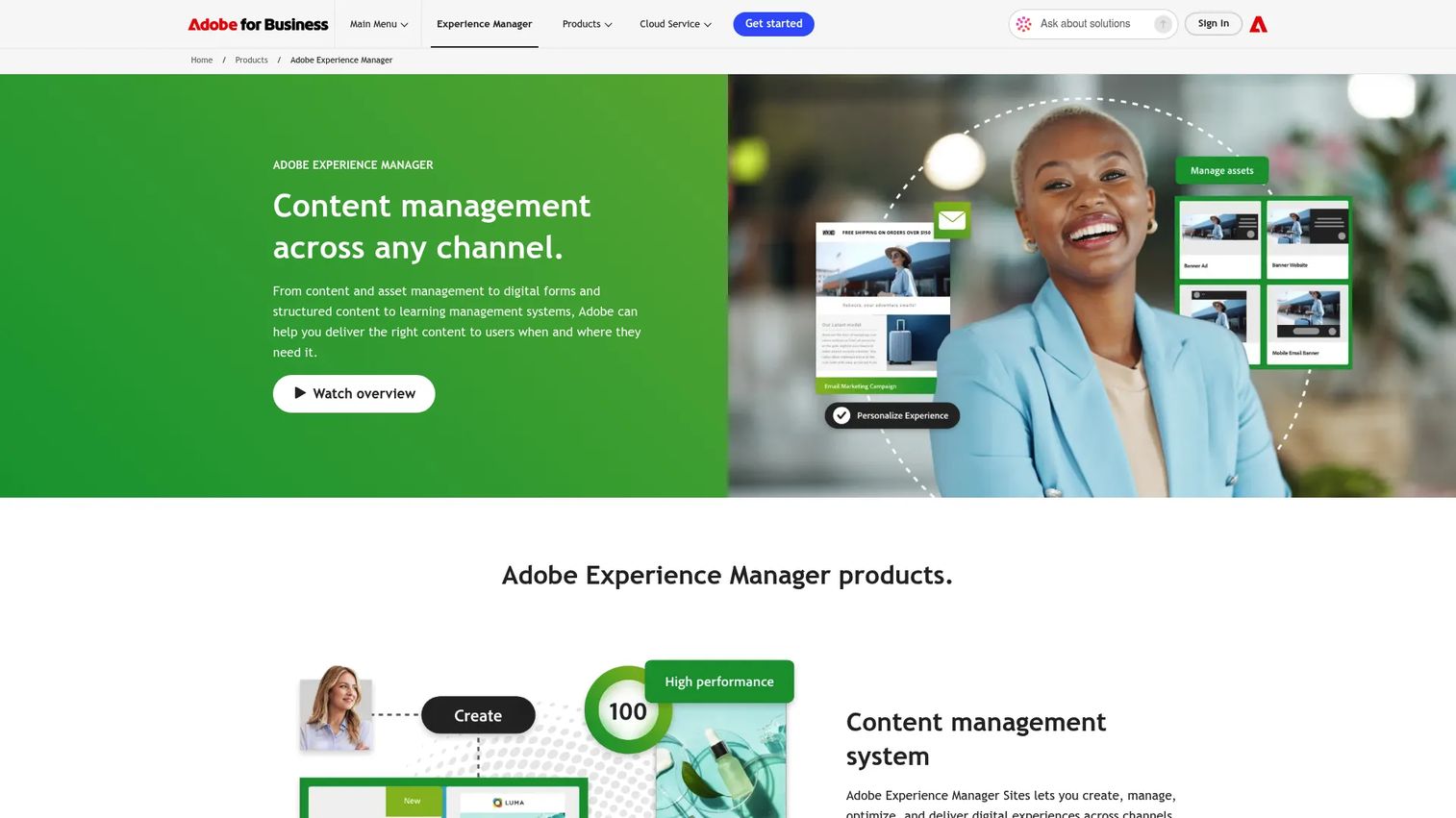
Adobe Experience Manager (AEM) is an enterprise content management and digital asset management platform for delivering digital experiences across web, mobile, and other channels. It handles content authoring, digital asset organization, localization, personalization, and headless content delivery through GraphQL APIs. AEM sits inside the Adobe ecosystem, with connections to Analytics, Target, Campaign, and other Adobe products.
Best for: Large organizations with multiple brands, regions, or markets that need governed, scalable content operations across digital channels.
Key features
- Content management across web, mobile, and apps
- Digital asset management with AI-powered tagging and search
- Multisite management with translation and localization workflows
- Personalization support tied to audience segments
- Headless content delivery via GraphQL APIs
Why choose Adobe Experience Manager: AEM is the right choice when the cost of inconsistent content is higher than the cost of enterprise implementation. For teams managing dozens of markets, brand governance, and omnichannel delivery, it provides control that no lightweight CMS offers. Expect a serious procurement, implementation, and administration project.
Adobe Experience Manager pricing: Pricing runs through Adobe sales and is customized to organization size, use case, and product combination. Contact Adobe directly to understand implementation scope, user seats, and asset volume requirements before building a budget.
G2 rating: 4.2/5
3. Shorthand
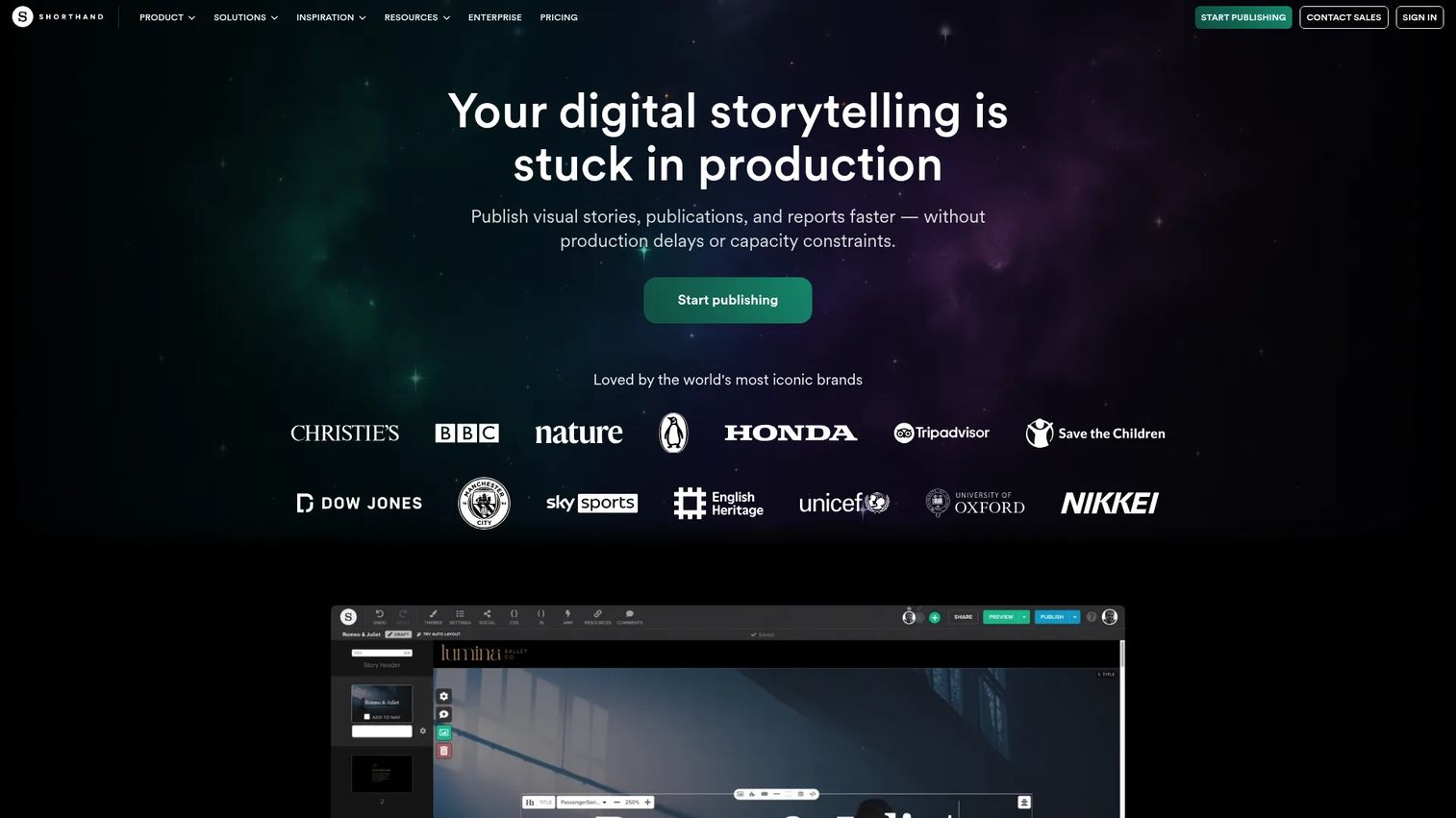
Shorthand is a visual web publishing platform built specifically for immersive storytelling. Teams use it to produce scrollytelling articles, impact reports, brand journalism, event coverage, and annual reports where design quality and reader immersion matter. The editor uses drag-and-drop layout with templates and AI-powered layout suggestions, producing polished stories without custom development.
Best for: Content and brand teams creating high-production editorial campaigns, annual reports, or visual narratives where a standard CMS page would underperform.
Key features
- Scrollytelling page builder with animations and multimedia blocks
- Galleries, charts, and custom HTML content sections
- Publishing via Shorthand hosting, custom domains, or self-hosting
- Brand themes with collaborative workspaces and custom CSS
- Built-in cookieless analytics plus external analytics tag manager support
Why choose Shorthand: Pick Shorthand when the publishing goal is reader immersion rather than a standard CMS article. It excels at standout editorial assets like annual impact reports and campaign landing pages. It is not a replacement for everyday blog publishing or a full CMS workflow.
Shorthand pricing: Shorthand offers a free creation environment; payment is required when you publish. Core, Unlimited, and Enterprise plans are available, along with an On Demand option for one-off projects. Contact Shorthand for a quote based on your story volume and publishing needs.
G2 rating: 4.7/5
4. Ghost
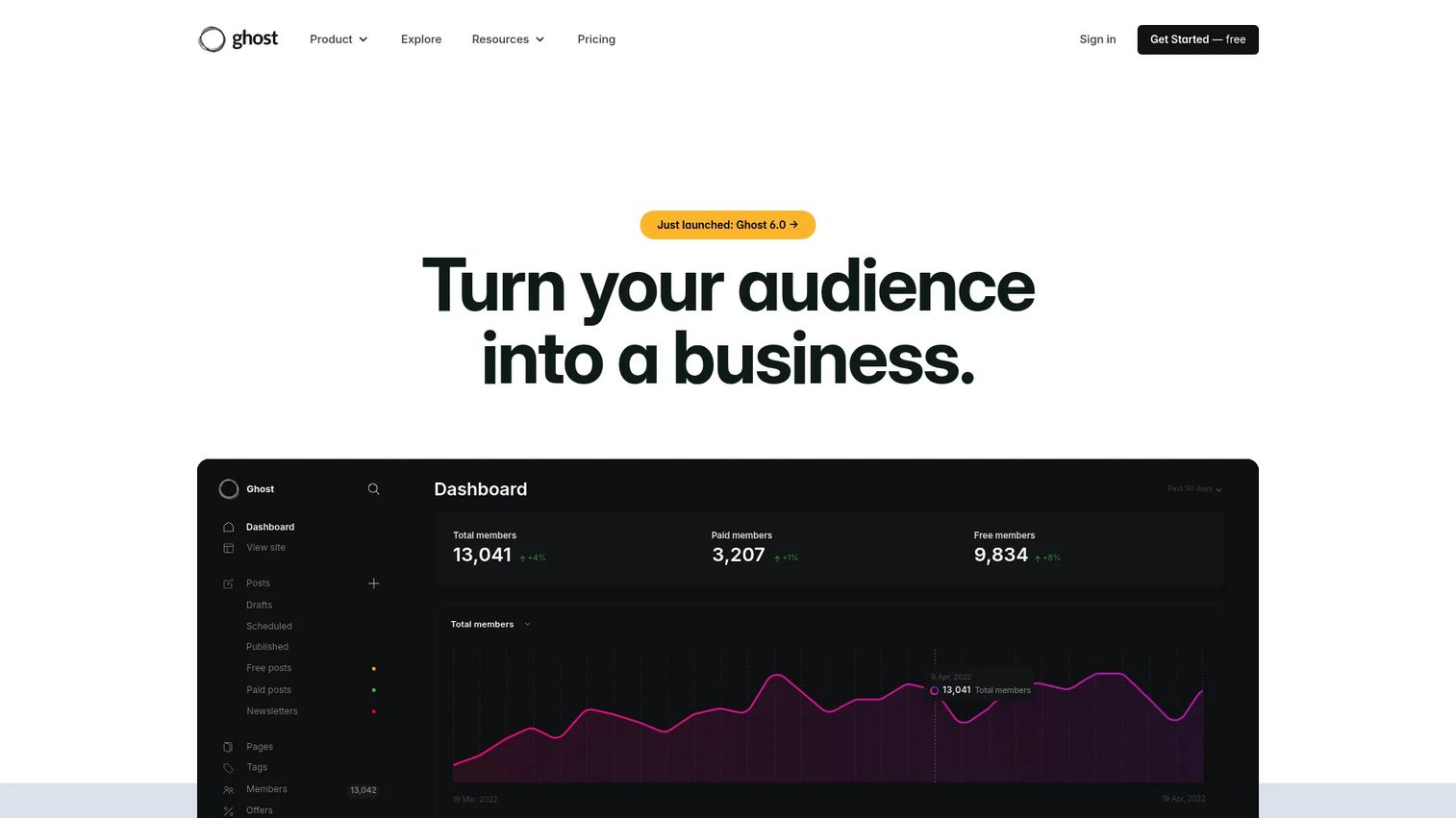
Ghost is an open-source publishing platform designed around newsletters, memberships, and creator-owned audiences. It handles website publishing, email newsletter delivery, subscriber management, and paid subscription processing in one clean interface. Ghost is leaner than a heavy CMS, which makes it attractive for newsletter-first teams that want fast page performance and minimal admin overhead.
Best for: Publishers, media teams, and marketers building newsletter-first content programs or subscription-driven owned audiences.
Key features
- Website and blog publishing with a focused writing editor
- Email newsletter delivery with subscriber segmentation
- Paid memberships and subscription payment processing via Stripe
- Advanced analytics covering traffic, email performance, and revenue
- Content API and Admin API for headless and custom integrations
Why choose Ghost: Ghost wins when owned audience growth is the primary goal and you want a clean publishing workflow without enterprise-grade complexity. Compared to a full CMS, the architecture is simpler and faster to maintain. Teams that need complex page layouts or deep plugin customization may find the approach limiting.
Ghost pricing: Managed Ghost(Pro) plans start at $18/month for the Starter plan, billed annually. The Publisher plan runs $29/month, and the Business plan is $199/month, both billed annually. A 14-day free trial is available. Self-hosting is also an option using the open-source codebase.
G2 rating: 4.0/5
5. Substack
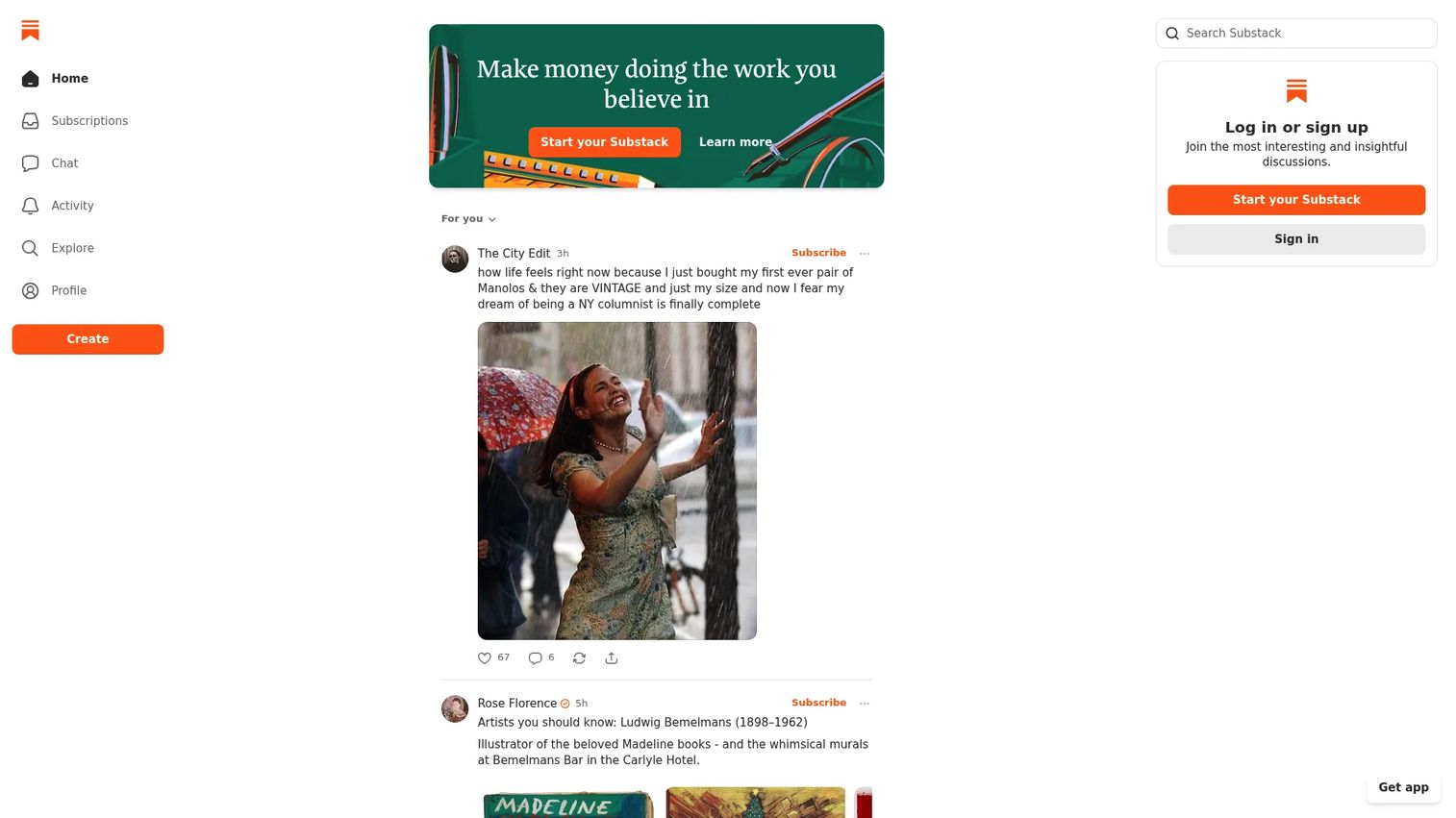
Substack is a publishing platform for writers, podcasters, and video creators who want to build and monetize a direct subscriber audience. It includes multi-format publishing for written posts, newsletters, podcasts, and video. Built-in discovery features like Notes, recommendations, and leaderboards help new writers grow without relying entirely on owned channels.
Best for: Independent writers, journalists, and small editorial teams looking to monetize newsletter audiences without managing a full website stack.
Key features
- Multi-format publishing for posts, newsletters, podcasts, and video
- Built-in discovery through recommendations, Notes, and search
- Paid subscriptions with free trials, gifting, and founding-member tiers
- Community tools including comments, chat, and direct messaging
- Analytics covering audience growth, email performance, and revenue
Why choose Substack: Substack is the fastest path from idea to paying subscribers. The trade-off for marketers is clear: Limited branding control, no deep SEO architecture, and restricted attribution compared to an owned CMS. Teams that need custom domains, detailed UTM tracking, or tight CRM integration will hit those walls quickly. Substack fits creators and small editorial teams more naturally than B2B content operations.
Substack pricing: Free to start with no monthly fees. Creators set their own subscription prices, with a minimum of $5/month or $30/year for USD Stripe accounts. Substack takes a 10% revenue share on paid subscriptions.
G2 rating: 4.3/5
6. Webflow
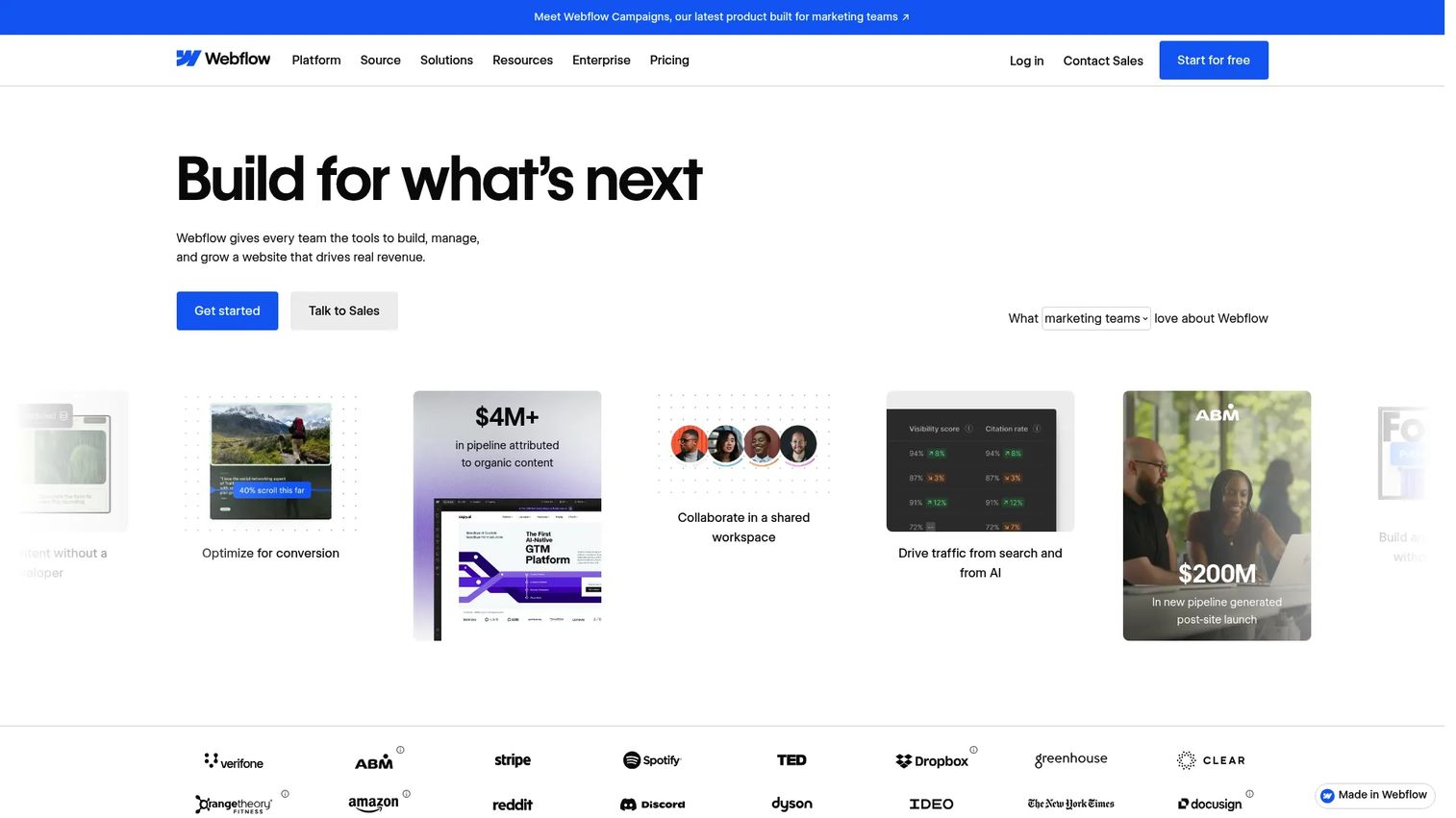
Webflow is a visual website experience platform for building, managing, and optimizing marketing sites, campaign pages, and content-driven websites without writing code. Designers control layout precisely, and marketers manage content through Webflow's CMS without touching the design system. SEO controls cover metadata, alt text, schema markup, Open Graph settings, and 301 redirects.
Best for: Marketing teams and designers who need design control over websites and campaign pages without depending on a developer for every update.
Key features
- Visual site builder that produces clean, standards-compliant code
- CMS collections with customizable content structures
- SEO controls including schema markup and redirect management
- Built-in hosting and publishing
- Forms and integrations with common marketing tools
Why choose Webflow: Choose Webflow when brand consistency and visual control matter more than a deep editorial workflow. The editor is built for designers and marketers with some technical comfort. For teams managing a large content library with multiple editors and complex approval workflows, governance planning is worth doing before committing.
Webflow pricing: A free Starter plan is available for experimentation. The Basic plan runs $15/month billed annually. The Premium plan (which adds CMS and higher traffic) is $25/month billed annually. Enterprise pricing is custom through Webflow sales.
G2 rating: 4.4/5
7. Canva Docs
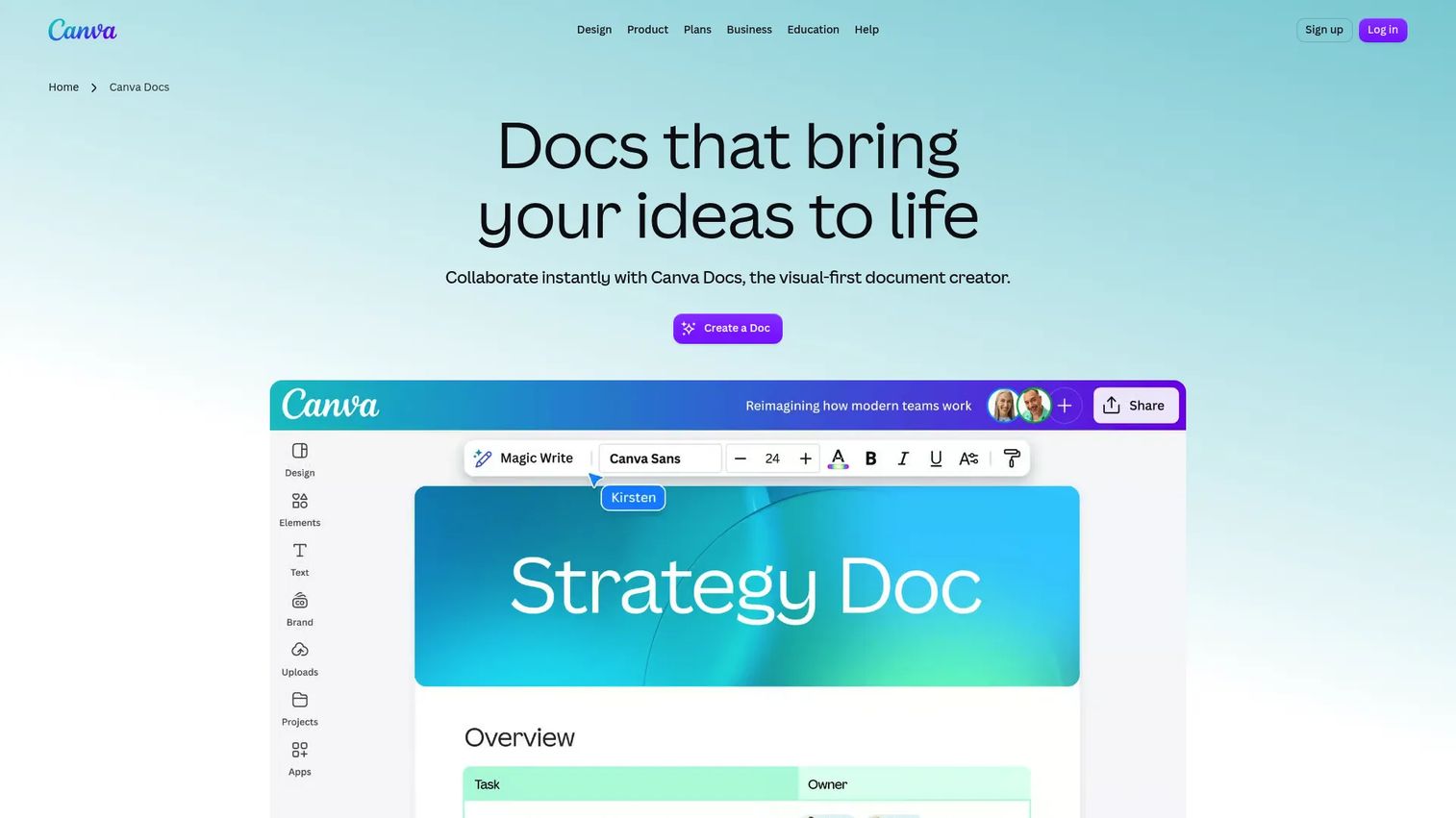
Canva Docs is the document editor inside Canva, combining writing, visual design, collaboration, and sharing in a single interface. It is not a CMS or a full publishing backend. It is a fast, visually polished tool for producing campaign briefs, one-pagers, internal guides, shareable reports, and lightweight content assets without waiting on a designer.
Best for: Small marketing teams that need branded visual documents produced quickly without a design handoff or production queue.
Key features
- Visual document editor with pages, columns, banners, and tables
- Text formatting combined with embedded Canva design blocks
- Brand kits for consistent colors, fonts, and logos
- Real-time collaboration, comments, and suggestion mode
- Export as PDF or DOCX, or publish as a website link
Why choose Canva Docs: Pick Canva Docs when speed and visual polish outweigh the need for a complete publishing backend. For content teams stuck waiting on designers for every formatted document, it cuts production time significantly. It is not a substitute for a CMS, SEO infrastructure, or a platform with subscriber management.
Canva Docs pricing: Included in Canva Free at $0/year. Canva Pro runs $144/year per person. Canva for Teams (Business) is $250/year per person. Enterprise pricing is custom.
G2 rating: 4.7/5 (rating reflects Canva overall; Canva Docs is part of the same platform)
8. Medium
Medium is a writing and publishing platform with a built-in reader audience. Writers publish articles, create publications, and reach readers through topic-based distribution. For individuals and brands testing editorial ideas, Medium offers a frictionless setup: No hosting, no templates, no technical overhead.
Best for: Individuals, founders, and brands publishing thought leadership essays or editorial content where distribution simplicity matters more than owned SEO.
Key features
- Article publishing with a distraction-free writing editor
- Built-in readership through topic follows and publications
- Publication pages for branded editorial collections
- Partner Program for writer monetization based on member engagement
- SEO tools and custom domain support on paid plans
Why choose Medium: Medium works for testing ideas and reaching an existing reader base without building your own audience from scratch. The honest trade-off for marketers: You do not own the traffic, the subscriber list is Medium's, and attribution into your CRM requires extra work. Treat Medium as a distribution channel for thought leadership, not a replacement for an owned content hub.
Medium pricing: Paid membership for readers runs $5/month or $50/year. The Friend of Medium tier is $15/month or $150/year and includes enhanced writer support.
G2 rating: 3.8/5
9. Issuu
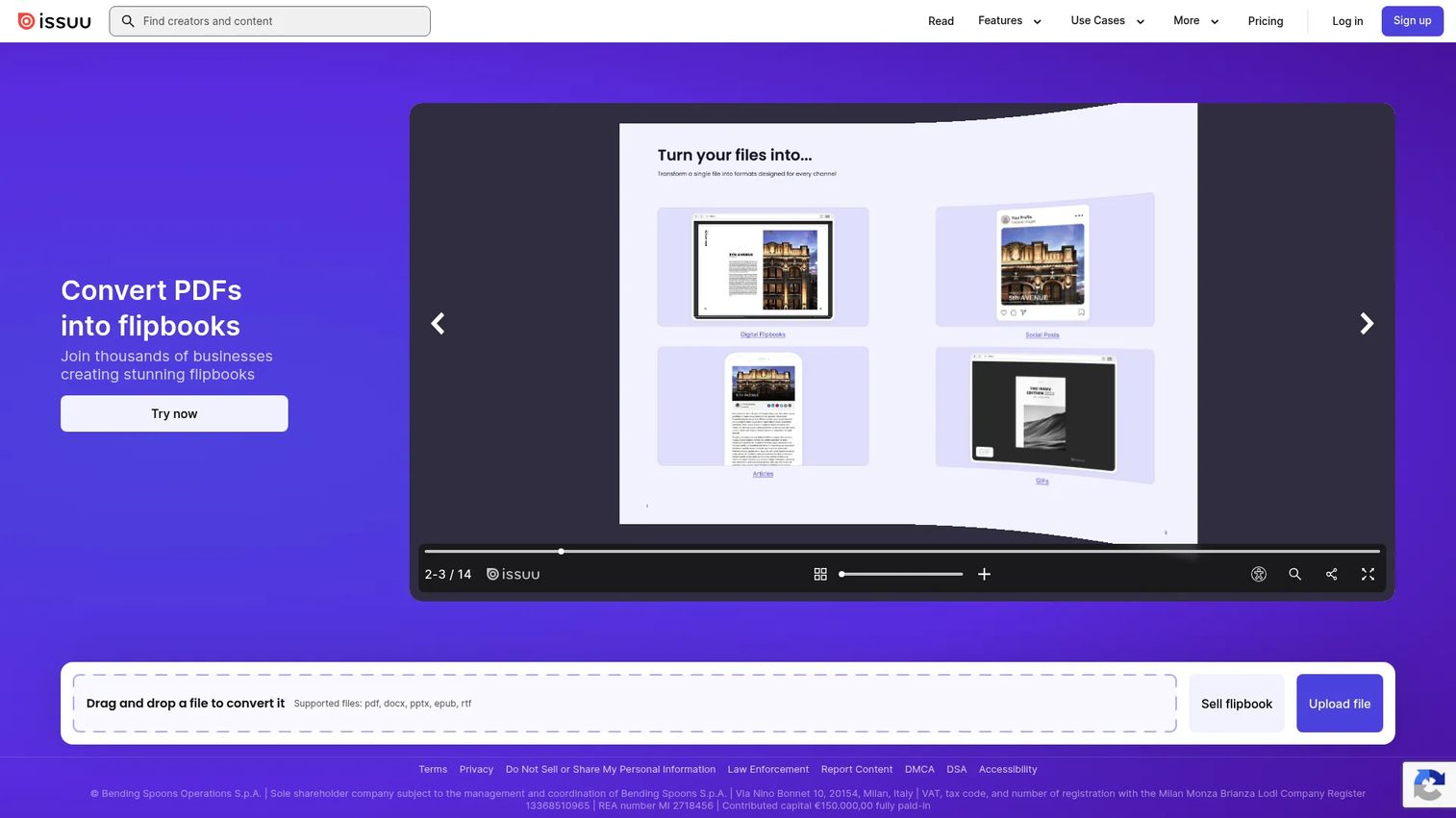
Issuu is a digital publishing platform for converting PDFs and other documents into hosted online publications. Marketing teams use it to publish magazines, catalogs, lookbooks, event programs, and reports in an interactive flipbook format that embeds easily on websites, social media, and email.
Best for: Teams publishing digital magazines, catalogs, or polished document experiences that need online distribution beyond a PDF download link.
Key features
- PDF-to-digital-publication conversion with interactive flipbook format
- Embeddable and shareable publications across web and social
- Publication analytics covering views and engagement
- Lead generation tools integrated into publications
- Hosting and branded publication libraries
Why choose Issuu: Issuu fits teams that already have designed PDFs and want better online distribution with real audience engagement data. It is stronger at document publishing than full website or CMS management. If your content team produces a recurring magazine or catalog, Issuu removes the friction of converting and distributing that content.
Issuu pricing: Contact Issuu directly for current plan pricing. Issuu offers multiple tiers with varying publication limits and feature access.
G2 rating: 4.7/5
10. FlippingBook
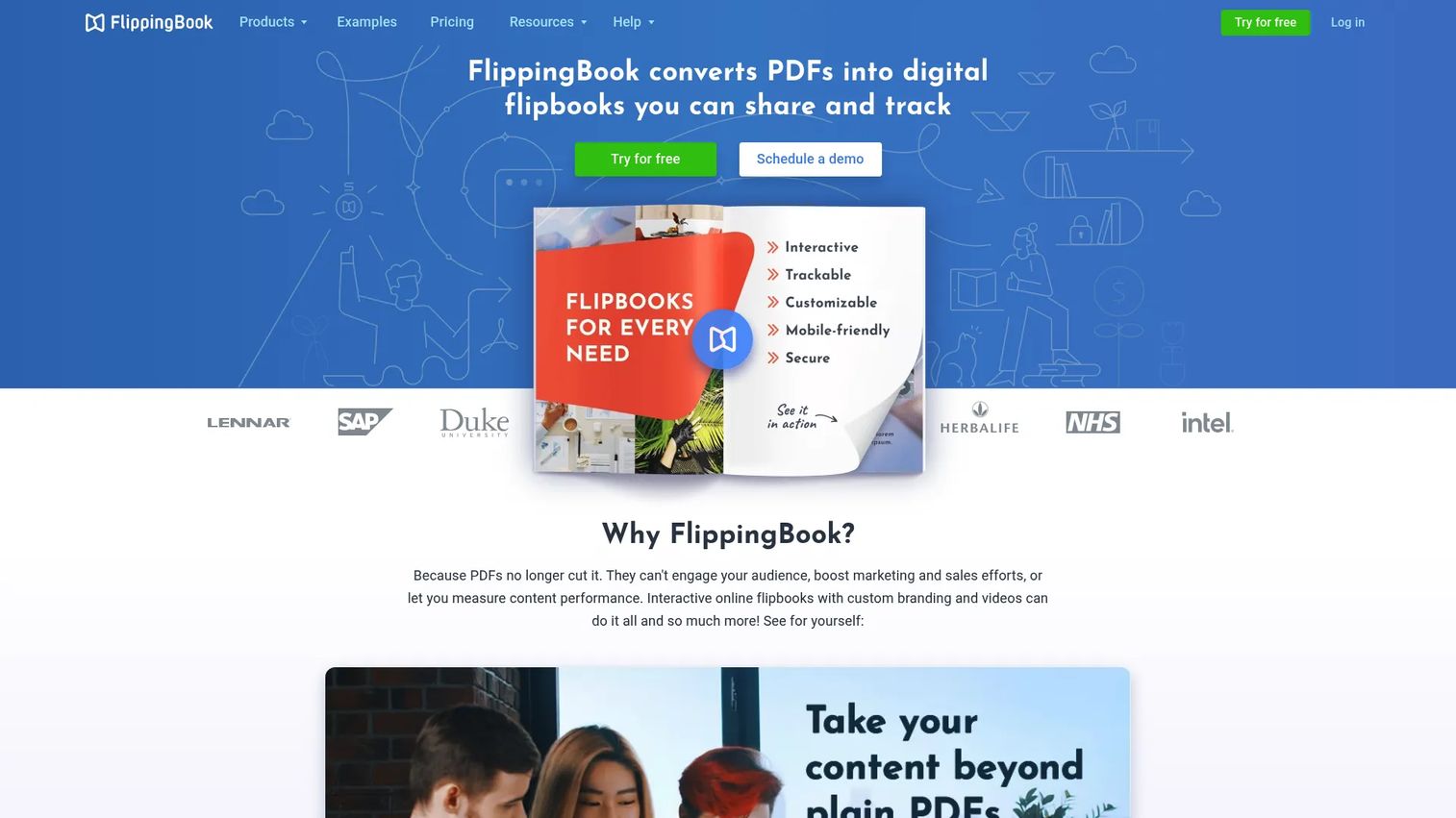
FlippingBook converts PDFs into HTML5 interactive digital flipbooks built for professional document presentation, sharing, and tracking. Marketing and sales teams use it for brochures, reports, catalogs, and proposal documents where knowing whether a PDF was opened and read matters for follow-up.
Best for: Marketers turning static PDFs into trackable, branded digital documents with lead capture and engagement analytics.
Key features
- PDF-to-HTML5 flipbook conversion with branded viewer
- Lead-capture forms inside documents
- Document analytics covering views, time spent, and shares
- Privacy controls including password protection and protected embeds
- Integrations with Zapier, Google Analytics, and WordPress
Why choose FlippingBook: FlippingBook is the right call when document engagement data drives sales follow-up. For a sales or marketing team that sends proposal decks or product catalogs and wants to know who opened them, how far they read, and what they shared, FlippingBook closes the attribution gap that a plain PDF download never will. It is not a website builder or a CMS.
FlippingBook pricing: Plans start at $20/month for Lite (billed monthly). Annual billing saves 25%. The Starter plan is $46/month, Optimal is $93/month, and Advanced is $187/month. A 14-day free trial is available. Enterprise pricing is custom.
G2 rating: 4.7/5
11. Joomag
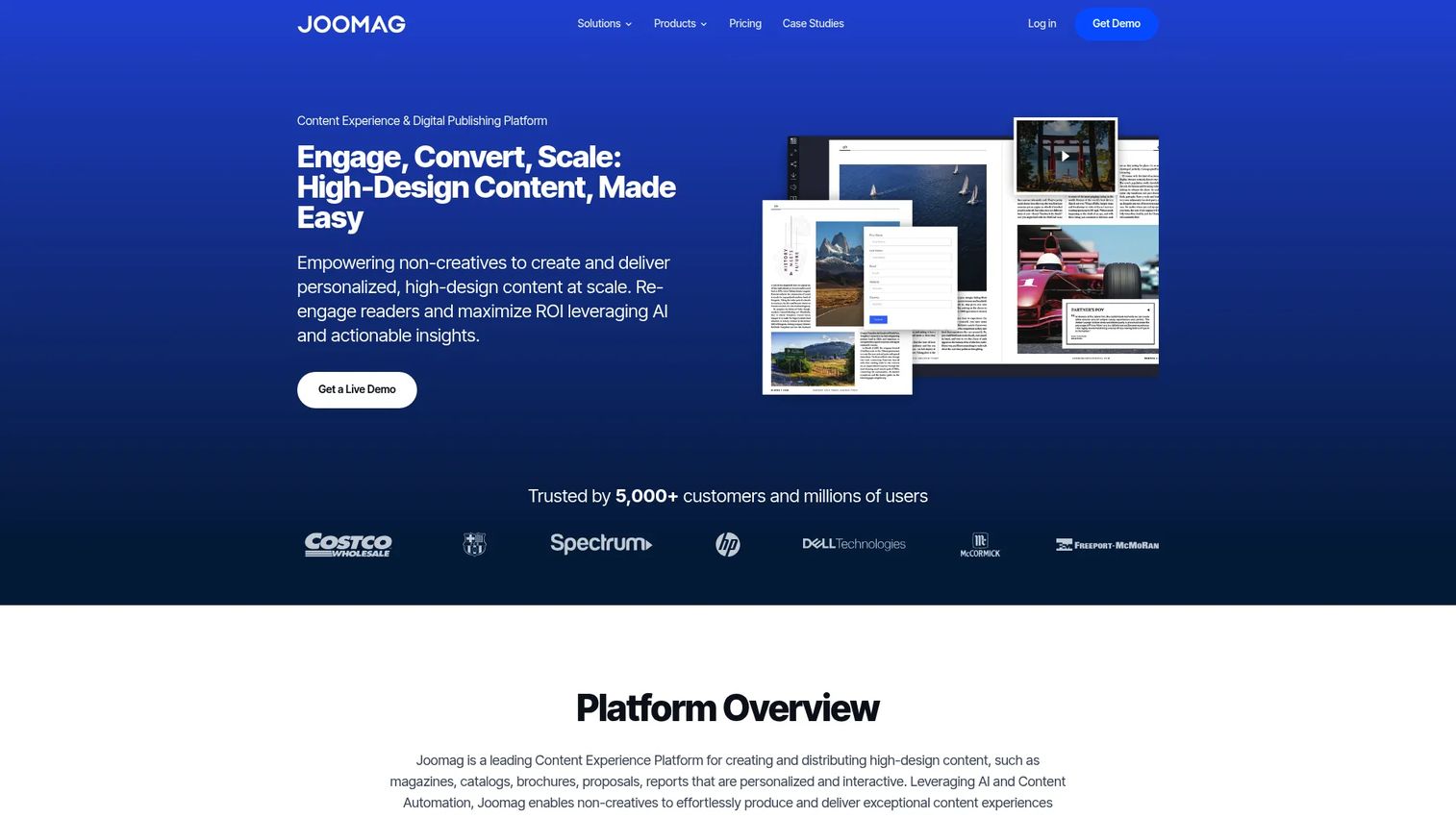
Joomag is a content experience and digital publishing platform for creating, distributing, measuring, and monetizing interactive publications. It suits publishers and brands producing recurring digital magazines, catalogs, and interactive brochures with audience engagement and subscription features.
Best for: Publishers and brand teams producing recurring digital magazines or interactive publications with subscription monetization.
Key features
- Interactive publication creation from PDFs or built with Joomag templates
- Email marketing, CRM, and gated-content distribution built in
- Subscription support for reader monetization
- Audience, content, and advertising analytics
- Behavioral analytics for deeper reader engagement data
Why choose Joomag: Joomag goes further than a basic flipbook tool by layering in email marketing, CRM, subscription management, and behavioral analytics. For teams running a magazine or content publication as a recurring business, those capabilities reduce the number of separate tools needed. It is more specialized than a general CMS and a better fit for publication-first workflows than campaign-first ones.
Joomag pricing: A free Playground tier is available. Paid plans start at approximately $50/month (billed annually) for the Start plan. The Grow plan runs approximately $79/month, and the Scale plan is approximately $400/month billed annually with a setup fee. Enterprise pricing is available on request.
G2 rating: 4.5/5
12. Kitaboo
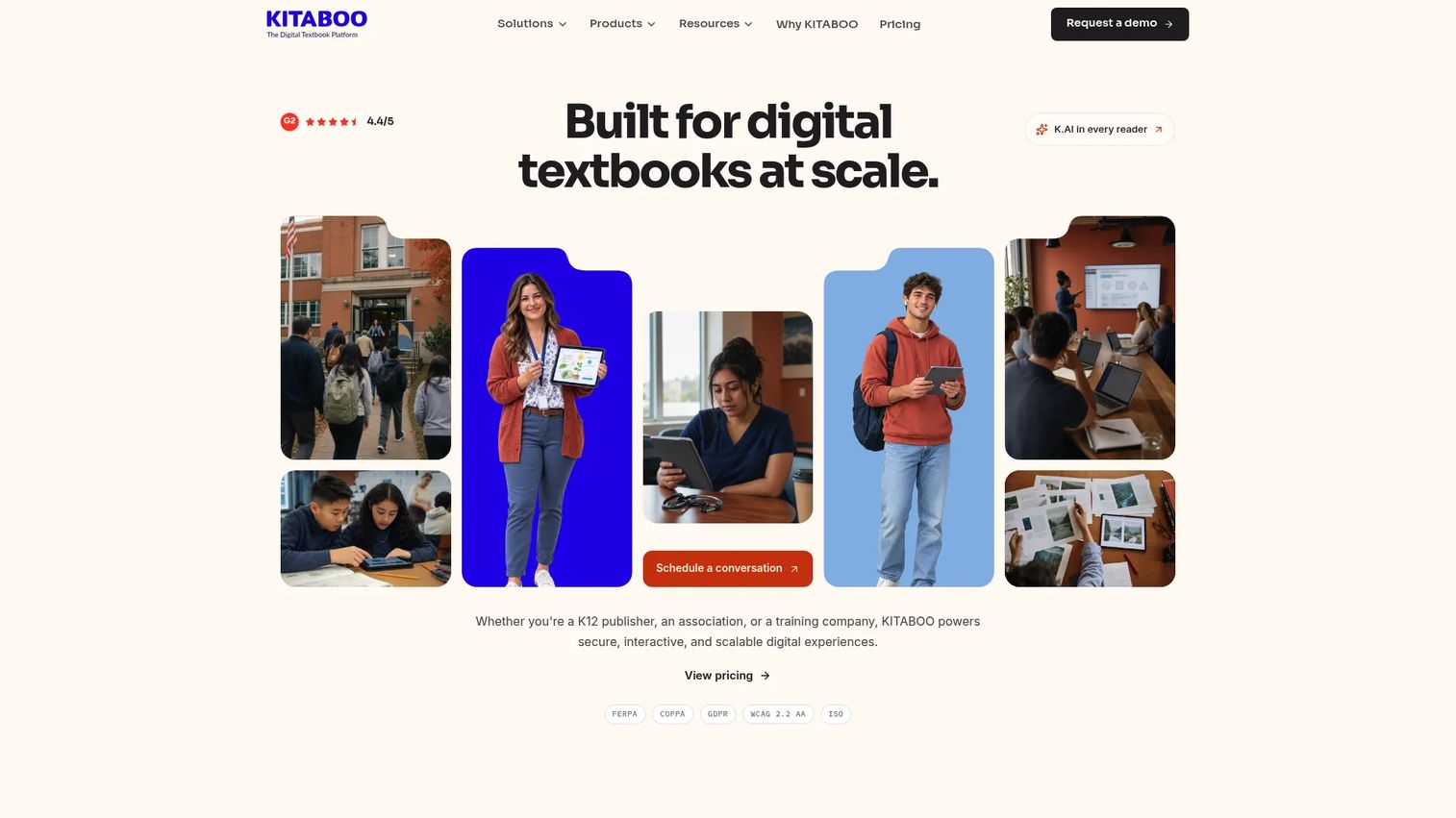
Kitaboo is an enterprise digital publishing platform for creating, enriching, securing, and delivering interactive ebooks and training content across devices. Education publishers, professional associations, and corporate training teams use it to produce interactive textbooks, certification materials, and learning content at scale.
Best for: Education publishers and training teams delivering interactive ebooks or digital learning content with DRM protection and learner analytics.
Key features
- Interactive ebook creation from PDFs, InDesign, Word, or print files
- Multimedia content, AI-generated assessments, flashcards, and summaries
- DRM protection, encryption, and watermarking for rights control
- White-label apps for iOS and Android with LMS and LTI delivery
- Reader analytics covering engagement and learner progress
Why choose Kitaboo: Kitaboo fits when content needs learning functionality, rights management, or institutional delivery through an LMS. It is built for education and training organizations with complex access control requirements, not for marketing teams publishing campaign content or blogs.
Kitaboo pricing: The Lite plan starts at $1/user/month (pay as you go, billed monthly) and supports up to 1,000 activated users, with the first month free. The Professional plan is $9,900/year and supports up to 3,000 activated users. Enterprise pricing is custom with unlimited users.
G2 rating: 4.5/5
13. Squarespace
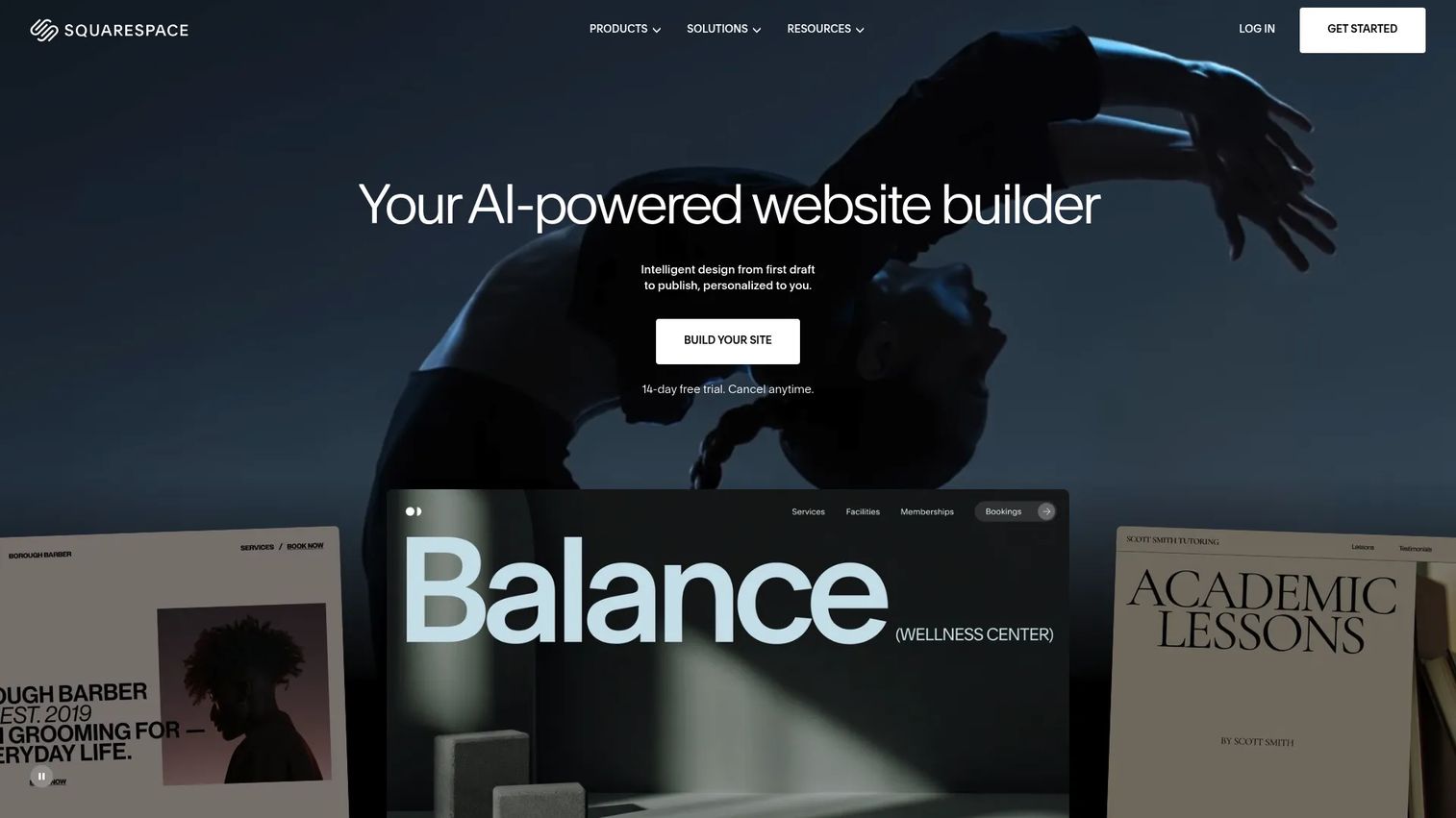
Squarespace is an all-in-one website builder for small businesses, creators, and marketers who want a polished web presence, blogging, and ecommerce without managing a CMS stack. Templates are design-forward. Built-in SEO tools, analytics, and AI-assisted content features are included across paid plans.
Best for: Small teams publishing branded websites, portfolios, blogs, and commerce content who prioritize design quality and a fast setup over deep CMS architecture.
Key features
- Drag-and-drop website builder with responsive templates
- Blogging tools with scheduling and SEO controls
- Ecommerce with integrated payment processing
- Built-in hosting with no server management needed
- Email campaign tools available as an add-on
Why choose Squarespace: Squarespace fits teams that need a presentable, professionally designed site fast without hiring a developer. The trade-off is customization ceiling: Advanced SEO configurations, complex CMS structures, and deep plugin integrations are more limited than WordPress. For lean teams that need a clean web presence and a blog, Squarespace removes most of the friction.
Squarespace pricing: Plans start at $19/month for the Basic plan, billed annually ($25/month billed monthly). The Core plan is $29/month billed annually ($39/month billed monthly). A 14-day free trial is available.
G2 rating: 4.4/5
14. StoryChief
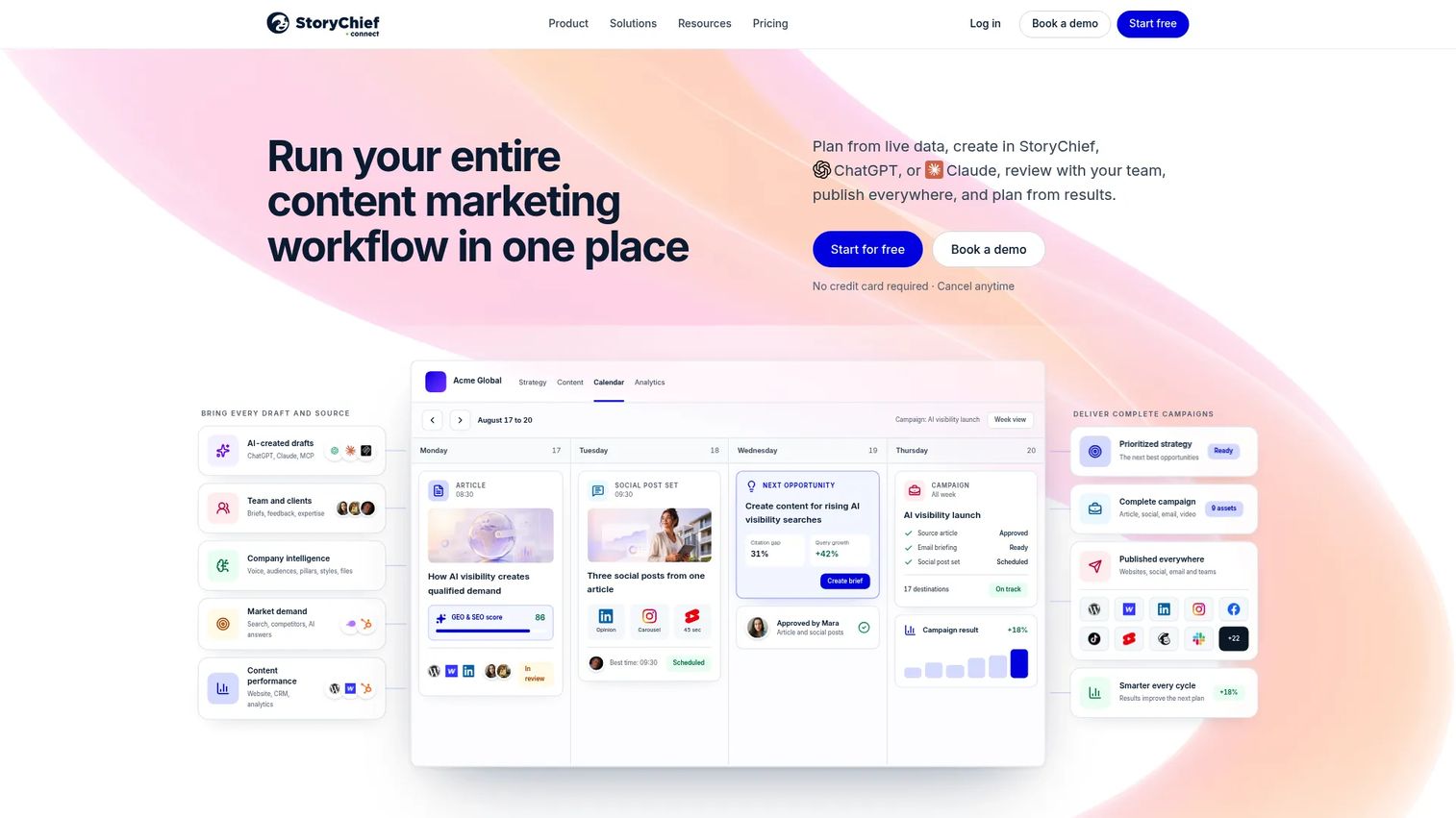
StoryChief is a content marketing platform for planning, creating, collaborating on, publishing, and measuring articles and social content across multiple channels. Marketing teams use it to coordinate content calendars, manage approval workflows, publish to multiple destinations simultaneously, and track performance in one place.
Best for: Marketing teams and agencies coordinating multichannel content calendars and distribution across websites, social platforms, and email channels.
Key features
- Content calendar with campaign planning and scheduling
- Article and social post creation with AI writing assistance
- Multi-channel publishing to websites, social media, and newsletters
- Collaboration tools including comments, approvals, and editorial workflows
- SEO optimization and campaign analytics with AI visibility reporting
Why choose StoryChief: StoryChief solves the coordination problem for content teams managing multiple channels, writers, and approval cycles. If your biggest publishing friction is tracking what has been written, what is in review, and what went live across six channels, this is the tool built for that. It does not replace a CMS or a dedicated social media management platform but connects them.
StoryChief pricing: Plans start at €49/month for the Starter plan, billed annually (€588/year). The Growth plan is €249/month (€2,988/year), and Scale is €399/month (€4,788/year). An Agency plan runs €79/month per workspace. Enterprise starts from €1,000/month. A free trial is available.
G2 rating: 4.6/5
15. Draft2Digital

Draft2Digital is a self-publishing platform for authors and small publishers that handles ebook formatting, worldwide retailer distribution, print-on-demand, royalty reporting, and author marketing tools. Authors upload a manuscript and Draft2Digital handles conversion, delivery to retailers and libraries, and ongoing sales tracking.
Best for: Authors and independent publishers distributing ebooks and print books across retailers without managing individual retailer accounts.
Key features
- Automated ebook conversion and interior layout templates
- Worldwide distribution to retailers and library platforms
- Print-on-demand paperback publishing
- Sales and projected-royalty reporting dashboard
- Author marketing tools and promotional pricing features
Why choose Draft2Digital: Draft2Digital fits when the publishing job is book distribution rather than website or campaign content. Authors avoid setting up individual accounts with each retailer and get consolidated sales reporting. It is not the right fit for marketing teams building content hubs or campaign pages. B2B content teams looking for a CMS should keep looking up the list.
Draft2Digital pricing: Account creation is free. A one-time $20 activation fee applies when you start distributing. A $12 annual maintenance fee applies after the first year unless your account earns at least $100 in royalties in the prior 12 months. Draft2Digital also takes a commission from sales.
Considerations when choosing digital publishing platforms
Match the platform to your publishing format first
A CMS, a newsletter platform, a flipbook tool, and an ebook distributor solve different jobs. Start by naming the content format you produce most and the distribution method your audience uses. Picking a platform before answering those two questions leads to migration projects six months later.
Confirm who owns publishing after launch
Growth marketers care about execution bottlenecks. Before signing, confirm that marketers can update page content, metadata, forms, and tracking without a developer or designer. The platforms in this list vary significantly on this point. Some require technical support for any template change; others give marketers full control from day one.
Verify analytics and attribution depth
What a platform reports natively determines whether you can prove content ROI to leadership. Check whether the platform tracks views, scroll depth, downloads, lead captures, subscriber growth, UTM parameters, and whether it connects to your CRM or analytics stack. Platforms with shallow reporting force teams to stitch data together in spreadsheets, which defeats the goal of proving pipeline impact.
Review monetization and distribution options
If content is a revenue channel or a lead generation engine, check whether the platform supports paid subscriptions, gated content, ecommerce, retailer distribution, embeds, and social sharing. Not every platform covers all of these, so match the platform's distribution model to your actual revenue goals.
Plan governance before content scales
The platforms that cause the most pain at scale are the ones where governance was not designed in from the start. Check for user roles, editorial approval workflows, content versioning, brand controls, and localization support before your content volume outgrows your process.
Conclusion
The right digital publishing platform is the one that matches your content format and your team's ability to prove the work had an impact.
For broad website publishing and SEO programs, WordPress offers the most flexibility without a license cost. Adobe Experience Manager fits organizations where content governance and omnichannel delivery justify the enterprise investment. Shorthand serves brand and editorial teams producing immersive visual content that a standard CMS page would underperform.
For newsletter-first publishing, Ghost gives publishers a clean owned subscription platform. Substack gets individual creators to a monetized audience faster. For digital magazines and document publishing, FlippingBook, Issuu, and Joomag each add analytics and engagement features that a PDF download never will. For author distribution, Draft2Digital handles the retailer network so writers focus on writing.
StoryChief is worth a close look if coordination across channels is the actual bottleneck. Canva Docs and Squarespace reduce time-to-publish for lean teams. Kitaboo handles the specialized requirements of education and training content delivery.
Match the platform to the format. Check who controls publishing after launch. Verify that analytics connect to the metrics leadership tracks.
If your published content needs to show a software product in action alongside your platform of choice, pair it with interactive product experiences that let prospects click through your product without scheduling a call.
Start your journey with Guideflow today!
FAQs
A digital publishing platform is software that helps teams create, format, publish, distribute, and measure digital content across online channels, including websites, newsletters, ebooks, magazines, and apps. The category includes CMS tools, newsletter platforms, flipbook publishers, ebook distributors, and enterprise content management systems. Each serves a different publishing job, so choosing the right type matters as much as choosing the right vendor.
A CMS manages website content creation, storage, and delivery. A digital publishing platform may include CMS functionality and adds distribution, monetization, document publishing, ebook distribution, or interactive content features. WordPress and Webflow are CMS platforms. Ghost and Substack are publishing platforms built around newsletter distribution. Issuu and FlippingBook are document publishing platforms. The distinction matters when your content format goes beyond a website blog.
It depends on the publishing format and the outcome you are measuring. WordPress is strong for SEO content programs and resource hubs. Webflow and Squarespace fit branded marketing sites with fewer editorial contributors. StoryChief fits teams coordinating content across multiple channels with approval workflows. Adobe Experience Manager fits enterprise teams managing content governance across markets and brands.
Issuu, FlippingBook, and Joomag are the strongest options for digital magazine and document publishing. Compare them on PDF conversion quality, analytics depth, lead capture capabilities, subscription support, and branding controls. FlippingBook leads on document analytics and trackable sharing. Joomag adds email marketing and CRM features for teams running a publication as a recurring business. Issuu is well-established for distribution and embeddability.
Draft2Digital is the clearest choice for authors and small publishers distributing ebooks and print books to retailers and libraries. Kitaboo serves a different job: Interactive ebook production and delivery for education publishers and corporate training teams that need DRM, learner analytics, and LMS delivery. The two platforms serve different audiences with different requirements.
Free plans work for testing, personal publishing, or lightweight projects with simple requirements. Paid plans matter when teams need custom domains, deep analytics, approval workflows, subscription monetization, CRM integrations, or brand control that free tiers restrict. WordPress as software is free, but hosting, premium themes, and plugins add cost. Substack is free to start but takes 10% of paid subscription revenue. Evaluate the total cost against the outcome you need to prove.
Prioritize SEO controls, content templates, analytics that connect to your attribution stack, lead capture, UTM tracking support, CRM integrations, collaboration and approval workflows, and content reuse across channels. The features that matter most are the ones that reduce your dependency on engineering and design for every publish cycle, and the ones that help you connect content performance to pipeline metrics.
The right platform connects publishing to measurable outcomes by reporting traffic, engagement, subscriber growth, content downloads, lead capture, and in some cases direct revenue from subscriptions or gated content. Proving content ROI requires a platform that tracks those metrics natively or integrates with your analytics and CRM tools. Platforms that only report page views make attribution harder. Look at what the platform reports before signing, not after. You can explore additional resources on AI content creation tools and best content marketing tools for related coverage on building a measurable content stack.