



You captured the interview. The take is gold. Then you hear it back: A fridge hum under every word, a click on the punchline, a clipped peak where your guest laughed too close to the mic.
Re-recording is off the table. So you reach for your DAW's built-in noise gate, and it either does nothing or chews the voice into a robot.
That gap is why a whole category exists. The global audio repair software market hit $0.63B in 2024 and is growing at an 8.1% CAGR through 2033, according to Business Research Insights (2024). Built-in tools handle the easy stuff. Real damage (hum, crackle, reverb, clipping) needs software built for one job: Fixing what the mic got wrong.
The question is never "does this clean audio?" It's which artifact each tool kills best, and whether that fits your workflow and budget.
What's inside
This guide is for anyone shipping audio on a deadline: Podcasters, editors, post-production engineers, archivists, and small studios weighing a purchase.
Here's how the shortlist was chosen:
- Artifact coverage: How many damage types the tool fixes well (noise, hum, clicks, clipping, reverb).
- Workflow fit: Standalone editor, plug-in, or bundle, and which one matches how you already work.
- DAW compatibility: Support for AAX, AU, VST, VST3, ARA, and Audiosuite.
- Pricing clarity: Real entry prices, trial availability, and what you actually get per tier.
TL;DR
- Best all-around: iZotope RX 12 covers the widest set of repairs in one standalone editor plus plug-ins.
- Best budget suite: Acon Digital Restoration Suite 2.x gives you four repair plug-ins for $99 with a free trial.
- Best for dialogue cleanup: Accentize dxRevive Pro uses AI audio restoration built around speech.
- Best for spectral editing: Steinberg SpectraLayers Pro 13 lets you see and paint out problems on a spectrogram.
- Best for precision archive repair: CEDAR Retouch handles the hard, isolated artifacts most tools miss.
- Best cheap noise fix: Klevgrand Brusfri strips background noise fast, and there's free audio restoration software in its demo version.
What is audio restoration software
Audio restoration software is a set of tools that removes noise, distortion, and damage from a recording so it sounds close to how it should have sounded clean.
Sound repair software groups its work by the type of artifact it targets. Each family maps to a different flaw in your recording.
- Noise reduction: Strips broadband hiss, air conditioning, and room tone. The core of most noise reduction plug-ins.
- De-click and de-pop: Removes mouth clicks, vinyl ticks, and edit pops.
- De-hum and de-buzz: Kills the 50/60Hz electrical hum and its harmonics.
- De-clip: Rebuilds waveform peaks that were flattened by recording too hot.
- De-reverb: Reduces roomy, echoey capture from a bad acoustic space.
- Spectral editing: Shows audio as a picture (frequency over time) so you can select and delete an isolated sound.
- Dialogue cleanup: Combines several of the above, tuned for spoken word.
Two workflow shapes exist. A standalone editor opens the file directly and gives you a full spectral canvas. A plug-in loads inside your DAW and processes in place, no export-import round trip.
Most audio restoration plugins now include AI models that learn a noise profile or reconstruct speech, which cuts the manual tweaking that used to eat hours. DAW compatibility decides whether a tool fits your existing session, so check the format (AAX, AU, VST3, ARA) before you buy. The right pick is the one that fixes your specific damage without fighting your setup.
When to use audio restoration software
Clean dialogue before publishing
Podcasts, interviews, film dialogue, and voice-over all live or die on clarity. A single hum or click distracts the listener and reads as amateur. Run dialogue cleanup before you publish so the words carry, not the noise behind them. This is the most common reason people buy sound repair software.
Restore archived or analog recordings
Vinyl restoration, tape, cassette, and old field recordings arrive with clicks, crackle, wow, and hiss baked in. Archive restoration work needs precise, surgical tools that fix damage without gutting the original performance. Spectral editing shines here, letting you remove one scratch without touching the music around it.
Repair damaged music or production audio
Clipped takes, mic bleed, guitar amp hum, and messy live captures happen in every session. Post production restoration lets you salvage a performance instead of scheduling a re-record. Fix the clip, pull the hum, and keep the take you already paid for.
Comparison table
Here's the shortlist at a glance. Pricing reflects each vendor's live page as of August 2026, and ratings come from G2 where a product-specific score exists. Some picks are broad suites; others are focused utilities that do one repair extremely well.
| # | Product | Best for | Key differentiator | Pricing | G2 rating |
|---|---|---|---|---|---|
| 1 | iZotope RX 12 | All-around surgical repair | 50+ modules in a standalone editor plus plug-ins | From $99 one-time | 4.6/5 |
| 2 | Acon Digital Restoration Suite 2.x | Budget four-plug-in cleanup | Four dedicated repair plug-ins in one buy | $99 one-time | Not rated |
| 3 | Klevgrand Brusfri | Fast noise reduction | Learn-based denoise with no phase shift | From $29.99 one-time | Not rated |
| 4 | Accentize dxRevive Pro | AI dialogue cleanup | Speech-focused AI voice repair, local processing | 299 € one-time | Not rated |
| 5 | CEDAR Retouch | Precision archive and forensic repair | Spectral editor for isolated artifacts | Contact CEDAR | Not rated |
| 6 | Steinberg SpectraLayers Pro 13 | Visual spectral editing | Paint out problems on a spectrogram | From $89.99 | 4.3/5 |
| 7 | Waves Restoration Bundle | Low-cost plug-in bundle | Five restoration plug-ins for one price | $99 one-time | Not rated |
Best 7 tools for audio restoration
1. iZotope RX 12
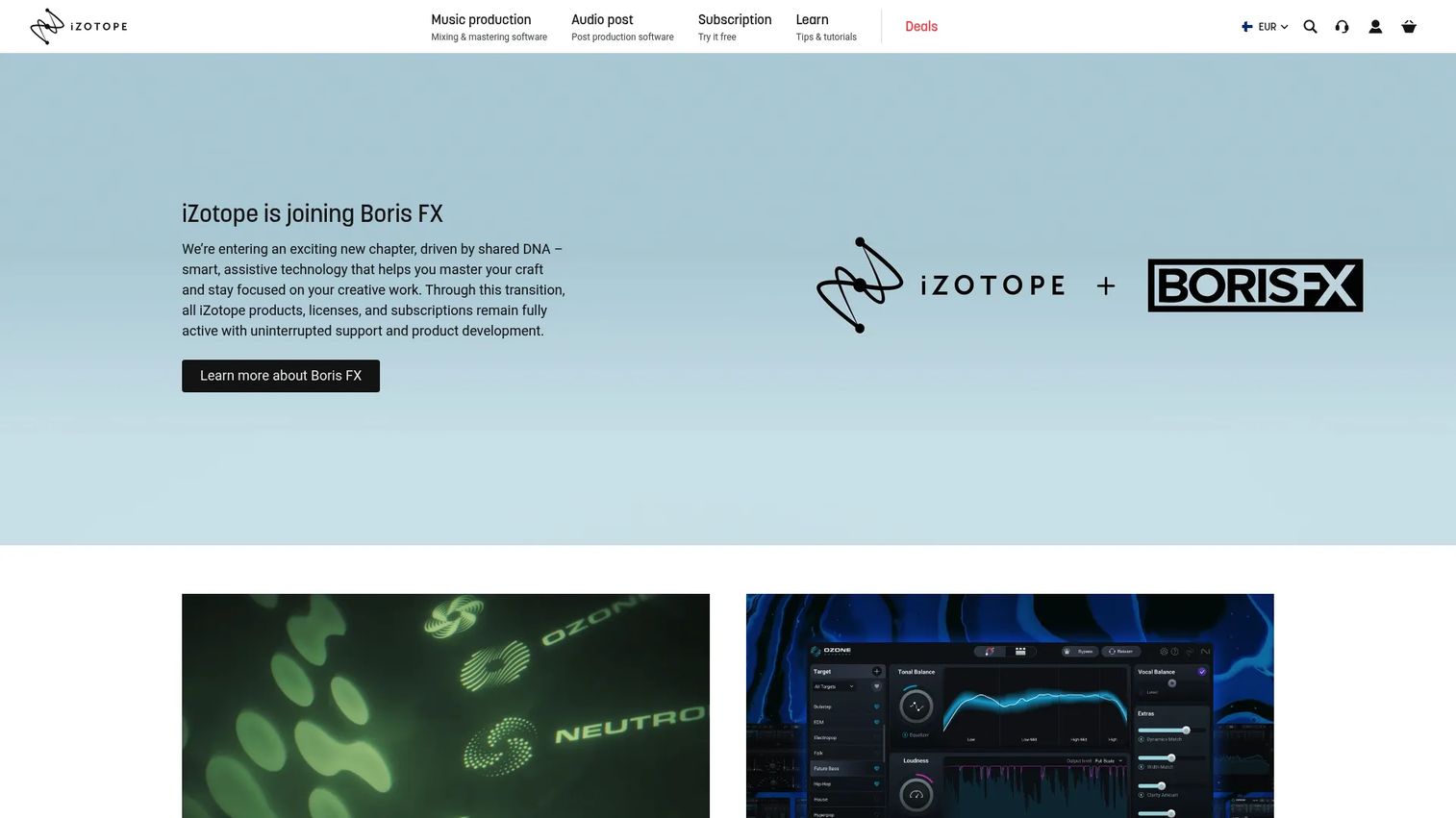
iZotope RX 12 is the tool most engineers name first when you say audio restoration. It runs as a standalone spectral editor and as a set of DAW plug-ins, so you can do quick fixes in your session or open the full canvas for deep work. Its module count covers nearly every artifact you'll meet, which is why it's the benchmark for dialogue, music, and post-production repair.
Best for: Audio professionals who want one tool that handles almost any repair problem.
Key features
- 50+ restoration modules for broad artifact coverage
- Standalone editor plus DAW plugins
- ARA and Audiosuite support
- Music Rebalance and Scene Rebalance
- De-bleed and Breath Control for dialogue
Why choose iZotope RX 12: If you fix a wide range of damage across many projects, RX pays back the price by replacing five narrower tools. Casual users may find the depth and cost more than they need for occasional cleanup.
iZotope RX 12 pricing: RX 12 Elements starts at $99 one-time, RX 12 Standard is $399, and RX 12 Advanced runs $1,399, all as one-time purchases. The RX Post Production Suite 9 is $1,799.
On review sites, iZotope holds a 4.6/5 seller rating on G2.
2. Acon Digital Restoration Suite 2.x
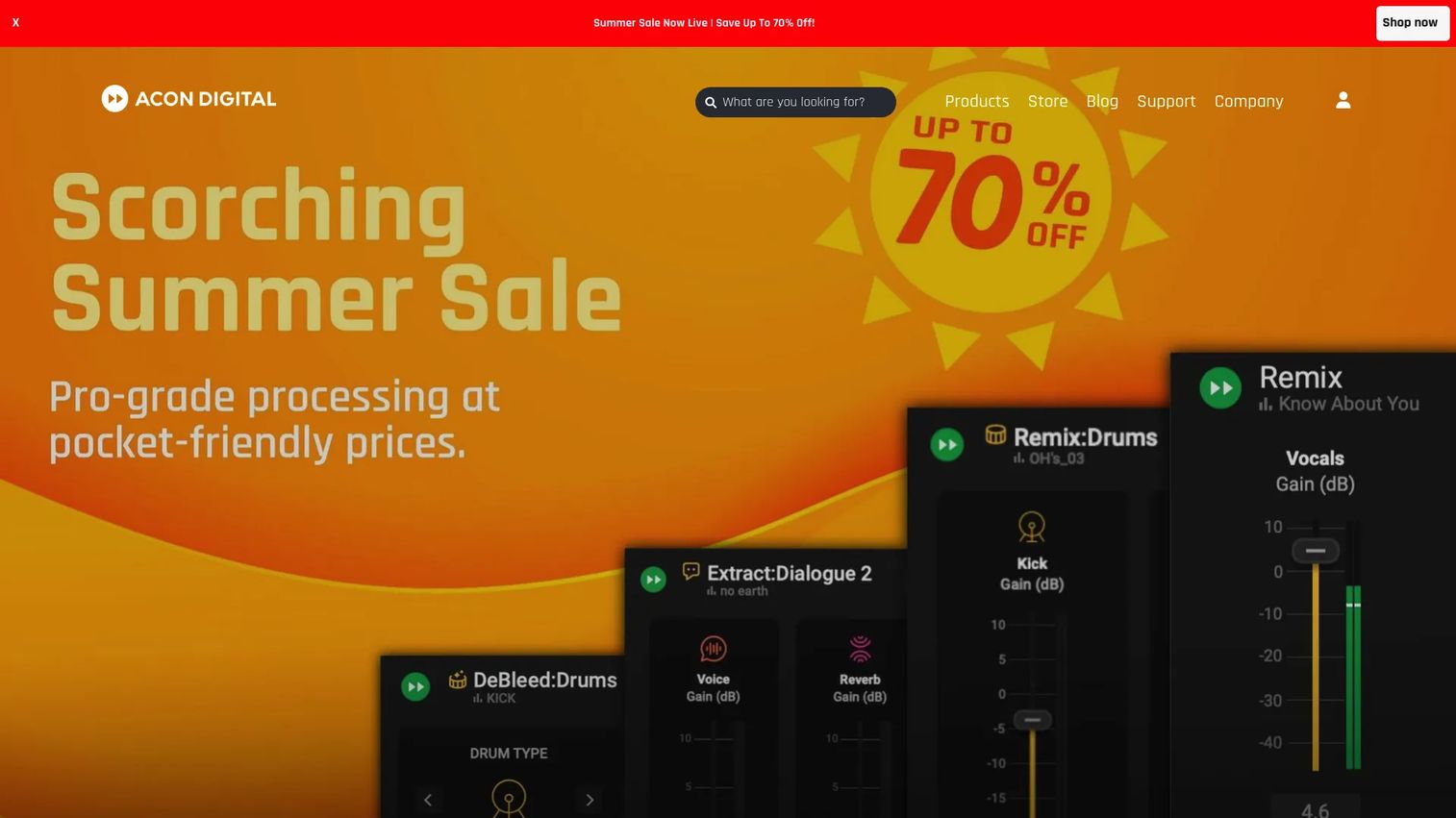
Acon Digital Restoration Suite 2.x bundles four repair plug-ins that cover the artifacts you hit most often. DeNoise handles hiss, wind, and buzz. DeHum kills electrical hum. DeClick removes ticks and pops, and DeClip rebuilds flattened peaks. It's a practical toolkit for engineers who want one focused set of audio restoration plugins without paying flagship prices.
Best for: Engineers who want dependable cleanup across common artifacts on a tight budget.
Key features
- Four dedicated repair plug-ins: DeNoise, DeHum, DeClick, DeClip
- Dynamic noise profiles
- Hum and buzz detection
- Clipping reconstruction
- VST, VST3, AAX, AU support
Why choose Acon Digital Restoration Suite 2.x: For the price of one flagship module, you get four targeted tools that cover most day-to-day repairs. It's a plug-in-first workflow, so if you need a full standalone spectral editor, look higher up the list.
Acon Digital Restoration Suite 2.x pricing: The full suite is $99 as a one-time purchase, and a free trial is available before you buy.
Acon Digital's Restoration Suite doesn't carry a verified G2 product rating at the time of writing.
3. Klevgrand Brusfri
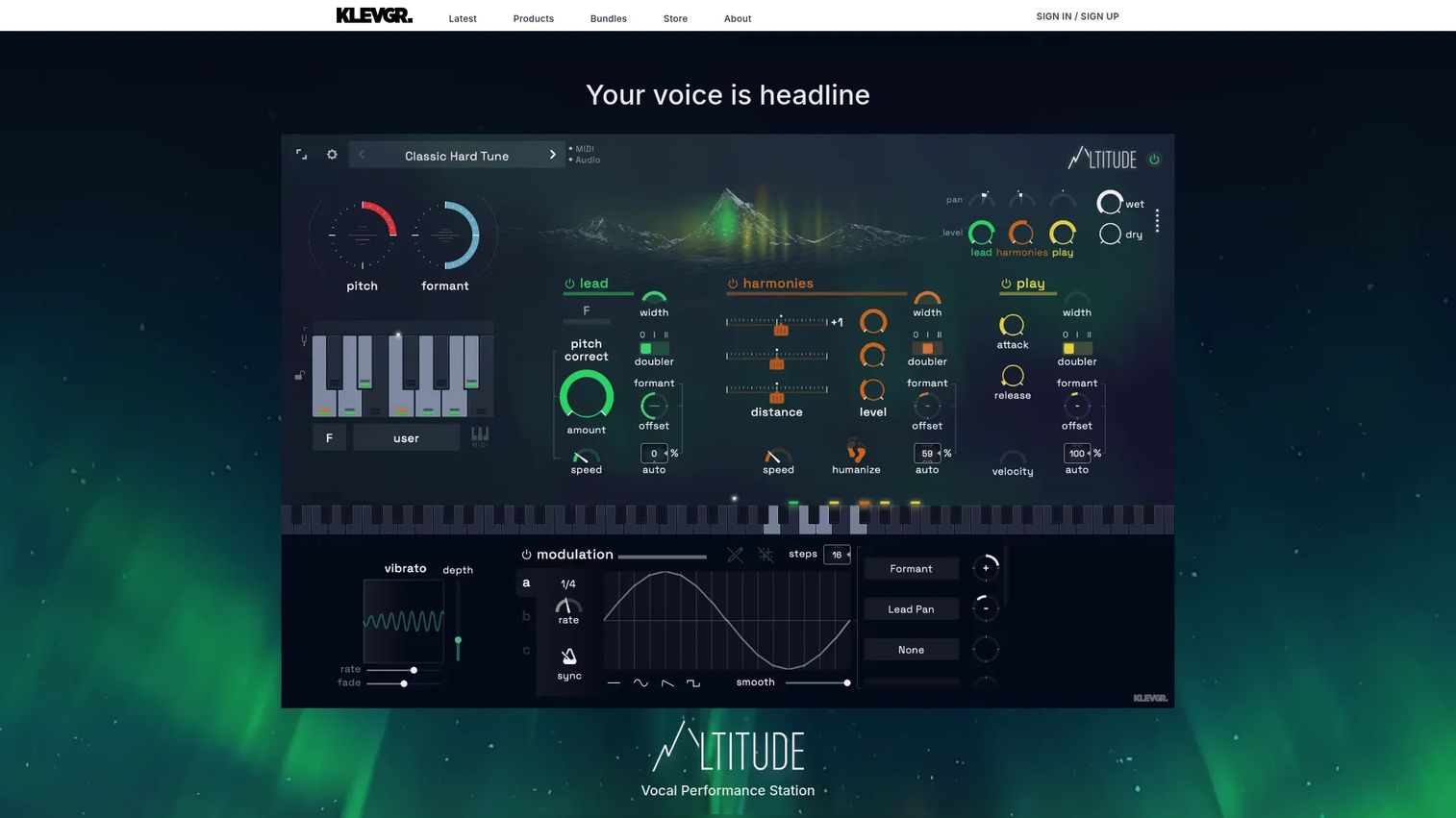
Klevgrand Brusfri does one thing: Noise reduction, done simply. You hit Learn, it builds a noise profile from a quiet section, and it suppresses that background without the phase artifacts many denoisers introduce. The interface is light and the learning curve is short, which makes it a fast audio repair tool for voice and music cleanup.
Best for: Solo creators and small teams who need quick background noise removal without a manual.
Key features
- Learn button builds a noise profile fast
- Frequency-trimmed expanders for suppression
- No phase-altering approach
- Desktop and iPad versions
- AAX, AU, VST support
Why choose Klevgrand Brusfri: Brusfri wins on speed and simplicity when noise is your only problem. It's narrower than a full suite, so pair it with other tools if you also fight hum, clicks, or clipping.
Klevgrand Brusfri pricing: Brusfri sells from $29.99 up to $59.99 as a one-time purchase on the product page. A free demo version runs the full plug-in with occasional audio dropouts.
Brusfri isn't listed with a verified G2 rating at the time of writing.
4. Accentize dxRevive Pro
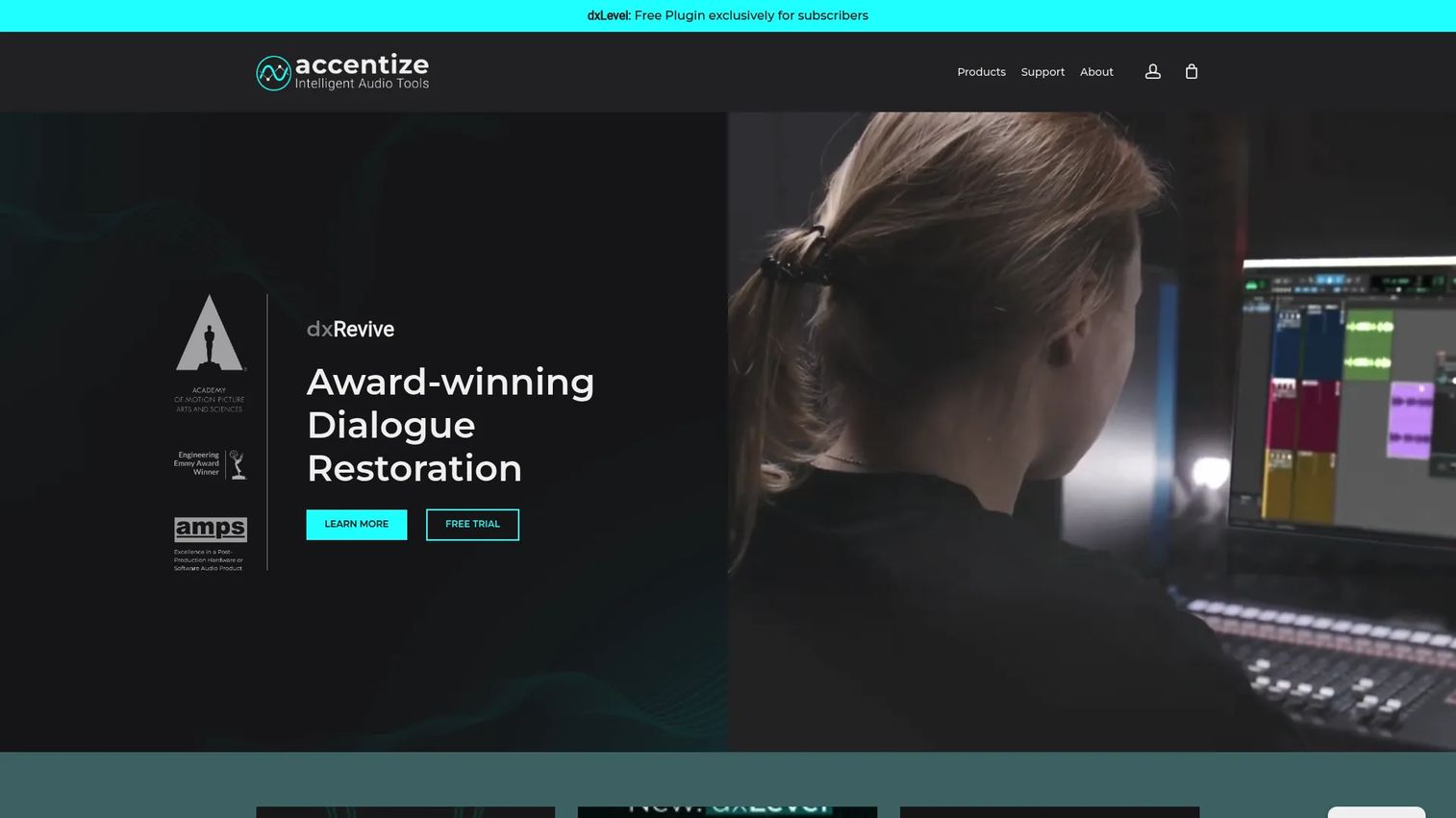
Accentize dxRevive Pro is built around one job: Repairing damaged speech. It uses AI audio restoration models to rebuild the tonal quality of dialogue captured on bad mics, in rough rooms, or over compressed connections. Because it processes locally, your recordings never leave your machine, which matters when the audio is confidential.
Best for: Post-production teams and editors restoring interviews, voice-over, and spoken word.
Key features
- AI-assisted voice repair for speech
- 100% local processing
- Multiple restoration algorithms
- Spectral Focus mode
- VST3, AU, AAX support
Why choose Accentize dxRevive Pro: When dialogue clarity is the whole deliverable, a speech-specific model beats a general-purpose denoiser. For broad artifact repair across music and archives, a wider suite still does more.
Accentize dxRevive Pro pricing: dxRevive Pro is 299 € including VAT as a one-time purchase, and the Complete Pro bundle is 1,149 €. Every Accentize product can be tried free for seven days.
dxRevive Pro doesn't have a verified G2 rating at the time of writing.
5. CEDAR Retouch
CEDAR Retouch comes from a name with deep roots in professional restoration. Retouch is a spectral editor that lets you select and repair isolated problems (a long click, a scratch, a dropout, a thump) that broad noise reduction can't touch. It's the tool specialists reach for on archive, forensic, and hard-repair work.
Best for: Restoration specialists handling archive, forensic, and one-off artifact repair.
Key features
- Standalone Retouch spectral editor
- Repairs clicks, scratches, dropouts, clipping
- AAX, VST2, VST3, AU plug-in formats
- Part of the CEDAR Studio set
- Pro Tools Audiosuite support
Why choose CEDAR Retouch: When the problem is a single, stubborn sound buried in an otherwise usable recording, Retouch's precision is hard to match. It's a specialist workflow, so casual users may not need its depth.
CEDAR Retouch pricing: CEDAR sells Retouch through its own store, and current pricing isn't posted on an open page, so contact CEDAR directly for a quote before you commit.
CEDAR Retouch doesn't carry a verified G2 product rating at the time of writing.
6. Steinberg SpectraLayers Pro 13

Steinberg SpectraLayers Pro 13 turns your audio into a spectrogram you can edit visually, like painting on a picture of sound. It uses AI-driven unmixing to separate elements, then lets you repair or remove them layer by layer. Tight ARA 2 integration with Cubase and Nuendo makes it a natural fit for anyone already in that setup.
Best for: Editors who want to see the damage and select it directly on a spectral display.
Key features
- Spectral editing on a visual spectrogram
- AI-driven unmixing and repair
- ARA 2 and DAW integration
- Batch processing
- Voice declipping and denoising
Why choose Steinberg SpectraLayers Pro 13: Visual spectral editing gives you surgical control that slider-based plug-ins can't, especially for isolated artifacts. If you prefer automatic one-click fixes over hands-on selection, a dialogue-focused tool may suit you better.
Steinberg SpectraLayers Pro 13 pricing: SpectraLayers Elements 13 starts at $89.99, and SpectraLayers Pro 13 is $359.99 for the full version, with an upgrade price from $289.99.
On G2, SpectraLayers holds a 4.3/5 rating, though from a small number of reviews.
7. Waves Restoration Bundle
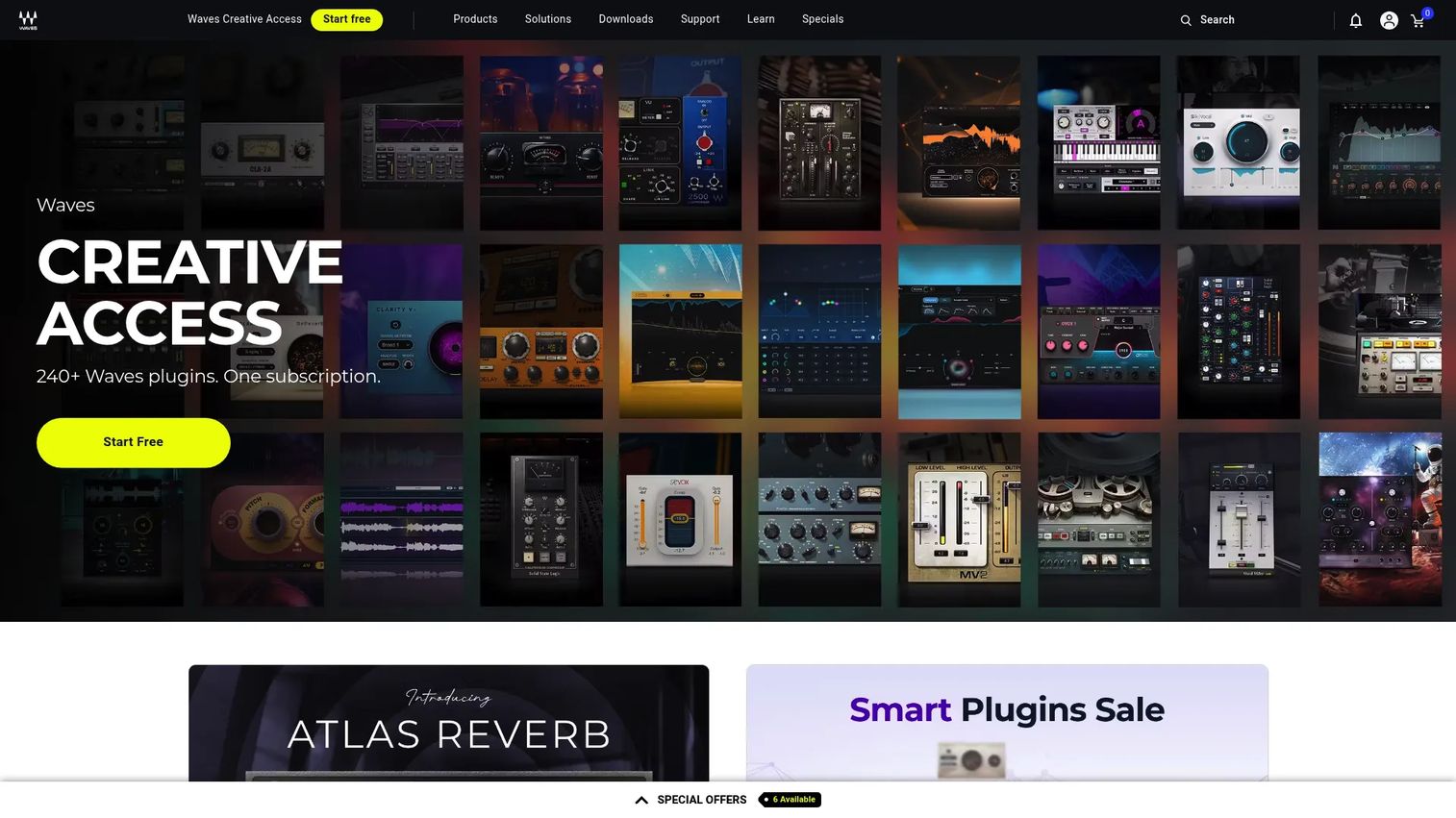
Waves Restoration Bundle packs five restoration plug-ins into one low-priced buy. It targets the standard artifacts (noise, hum, clicks, and crackle) for post-production, podcasts, and remix cleanup. For teams that want a cheap entry point into dedicated repair without piecing together separate purchases, it's a straightforward option.
Best for: Small teams and creators who want a low-cost plug-in bundle for everyday cleanup.
Key features
- Five restoration plug-ins in one bundle
- Noise reduction and artifact repair
- Post-production and podcast use
- Fast entry point for smaller teams
- Runs inside your DAW
Why choose Waves Restoration Bundle: At $99 for five plug-ins, it's an easy first buy for teams new to dedicated restoration. Heavy archive or forensic work may push you toward a standalone spectral editor instead.
Waves Restoration Bundle pricing: The Restoration Bundle is $99 as a one-time purchase, with no free tier listed.
The Waves Restoration Bundle doesn't have a verified G2 product rating at the time of writing.
Considerations
Treat this like any tool purchase: Know what problem you're solving before you pay, and check whether it replaces something you already own.
Match the tool to the artifact
Some tools crush hum but barely touch clipping, and vice versa. List the damage you actually deal with (noise, clicks, reverb, clipped peaks) and buy for that. A dialogue-first tool won't fix a scratched vinyl transfer, and a spectral editor is overkill if all you need is denoise.
Check workflow fit
Standalone editors give you a full spectral canvas but pull you out of your session. Plug-ins process in place with no export round trip. Bundles hand you several focused utilities at once. Pick the shape that matches how you already work so the tool saves time instead of adding steps.
Verify DAW compatibility
Confirm the format your setup needs before buying: AAX for Pro Tools, AU for Logic, VST3 for most others, plus ARA if you want tighter integration. A great audio repair tool is useless if it won't load in your DAW.
Think about pricing and upgrades
Weigh entry tiers against upgrade paths. A $99 bundle can be enough, or it can be a stepping stone you outgrow in a month. Use free trials to test the actual repair on your worst file before committing, and check whether free audio restoration software or a demo covers your occasional needs.
Decide how much AI you want
AI-assisted voice cleanup is fast and often excellent for dialogue. Manual spectral control wins when you need to preserve a specific sound or fix one isolated artifact. Know which matters more for your work, because the tools optimize for different answers.
Conclusion
Pick by the damage you fight most, not by the biggest name. iZotope RX 12 is the strongest all-around choice when your repairs span dialogue, music, and archives. Acon Digital Restoration Suite 2.x delivers the best value with four plug-ins for $99. For dialogue, Accentize dxRevive Pro's speech-focused AI is the specialist pick. For precision spectral work, Steinberg SpectraLayers Pro 13 lets you see and edit the problem directly, while CEDAR Retouch handles the hardest isolated artifacts.
Your next step: Download a trial of your top two, run the same damaged file through both, and buy the one that fixes it cleaner in fewer moves. That single test tells you more than any spec sheet.
And if your work involves showing a product rather than repairing audio, Start your journey with Guideflow today!
FAQs
For podcast restoration, iZotope RX 12 covers the widest range of dialogue problems in one place, while Accentize dxRevive Pro focuses purely on speech repair. If your only issue is background noise, Klevgrand Brusfri is a fast, cheaper fix. Test a trial on a real episode before you commit.
Yes. De-clip tools rebuild the flattened peaks that clipping creates. iZotope RX 12, Acon Digital Restoration Suite 2.x (via DeClip), and Steinberg SpectraLayers Pro 13 all handle declipping. Results depend on how hard the clipping was, so lightly clipped audio recovers better than badly distorted takes.
Noise reduction is one part of audio restoration. It targets broadband noise like hiss and hum. Audio restoration is the broader category, covering clicks, clipping, reverb, and spectral repair on top of noise removal. All restoration tools reduce noise; not all noise reduction tools do full restoration.
Use a plug-in if you want to fix audio inside your DAW without exporting. Use a standalone editor like iZotope RX or CEDAR Retouch when you need a full spectral canvas for deep, surgical work. Many buyers keep both: A plug-in for quick fixes and an editor for hard jobs.
Vinyl restoration and tape work need strong de-click, de-crackle, and de-hiss tools. iZotope RX 12 and CEDAR Retouch both excel at this kind of archive restoration, since spectral editing lets you remove individual ticks and scratches without harming the music.
For most spoken-word work, yes. Tools like Accentize dxRevive Pro rebuild speech tonality convincingly, and the results are strong enough for podcasts, interviews, and voice-over. For broadcast or film delivery, engineers still audition the output and often blend AI processing with manual spectral edits.
Pro Tools uses the AAX format and Audiosuite, so check for those. iZotope RX 12 and CEDAR Retouch both support Pro Tools Audiosuite, and Acon Digital Restoration Suite 2.x offers AAX plug-ins. Confirm the current format support on the vendor page before buying.
Free tools and demos can handle light cleanup, and Klevgrand Brusfri's free demo runs the full plug-in with occasional dropouts. For professional delivery with consistent quality and deeper artifact coverage, paid suites are worth the spend. Use free versions to test, then upgrade when the work demands it.










