You do not feel AP pain when the company has 25 vendors. You feel it at 80 vendors, when every department head can spend, invoices arrive in five different inboxes, and your Head of Finance cannot tell you what cash is committed until three weeks into the month.
Manual AP creates a specific kind of operating risk at Series B. According to the Institute of Finance and Management (IFOL, 2025), 63% of AP professionals spend more than 10 hours a week just processing invoices and managing supplier payments. That is not a finance-team problem. It is a finance-capacity problem that slows close cycles, weakens cash forecasting, and creates the kind of control gaps that make boards nervous.
The right accounts payable automation software puts invoice capture, approval routing, matching, payment execution, and ERP sync into a repeatable system. The wrong tool adds setup overhead without matching your stack or stage.
This guide gives you a shortlist to forward to your Head of Finance.
What's inside
This guide compares 15 AP automation tools for 2026, covering everything from invoice-first platforms to full procure-to-pay suites and ERP-native AP modules. It is written for SaaS founders, finance leads, and operators who need board-ready cash visibility without hiring ahead of revenue.
Tools were selected based on:
- Coverage of the core AP workflow: Invoice capture, coding, approval routing, matching, and payment
- ERP and accounting-system integration depth
- Fit for SaaS companies at different stages (30 to 150 employees up through enterprise)
- Pricing transparency and verifiable G2 ratings
TL;DR
- Best for global payables: Tipalti handles multi-entity payments, supplier onboarding, and tax compliance across 200+ countries
- Best for spend control plus bill pay: Ramp consolidates corporate cards, expenses, and AP in one finance workflow, with a free tier available
- Best for smaller teams moving off manual AP: BILL gives founder-led finance teams an accessible invoice approval and payment workflow starting at $49/user/month
- Best for AP collaboration: Stampli keeps invoice conversations and approvals attached to the invoice itself, reducing back-and-forth across inboxes
- Best for procurement-heavy companies: Coupa fits larger teams that need spend governance across purchasing and AP together
- Best for enterprise ERP environments: Basware, Concur Invoice, Microsoft Dynamics 365 Finance, Oracle Fusion Cloud ERP, and SAP Ariba each serve specific ERP ecosystems at scale
What is accounts payable automation software?
Accounts payable automation software automates how a company captures invoices, extracts data, routes approvals, matches purchase orders, schedules payments, syncs with accounting systems, and reports on liabilities.
The difference between basic accounts payable software and AP automation lies in how much of that workflow runs without manual intervention. Basic AP software digitizes the process. AP automation removes the manual steps: A human does not need to key invoice data, chase an approver, or manually reconcile a payment against a purchase order.
For a SaaS company scaling from 30 to 100 employees, the tipping point usually arrives before a team realizes it. More vendors, more budget owners, more entities, and more payment types create a volume of approvals that email and spreadsheets cannot handle with consistent controls.
Core capabilities to look for:
- Invoice capture and OCR for email, PDF, and EDI formats
- AI data extraction and GL coding
- Approval routing with configurable rules and mobile support
- Two-way and three-way purchase order matching
- Duplicate invoice detection
- Vendor management and supplier portals
- Payment scheduling across ACH, check, virtual card, and international methods
- ERP or accounting sync (NetSuite, QuickBooks, Sage Intacct, Microsoft Dynamics, SAP)
- Audit trail and compliance reporting
- Multi-entity support
AP automation is not the same as expense management, procurement software, or a full ERP. Some platforms cover those adjacent workflows. Others focus tightly on invoice-to-pay. Knowing which problem you are solving first determines which category of tool earns its place in your stack.
When to use accounts payable automation software
Replace inbox-based invoice approvals
When invoices arrive in email and approvals happen over Slack or in reply chains, finance cannot reconstruct what was committed until after the fact. An automated AP workflow assigns every invoice a defined routing path, captures the approval decision with a timestamp, and makes that record immediately searchable. The practical outcome: Your Head of Finance can answer "what have we committed this month?" without a manual reconciliation.
Control spend before the board asks
Series B finance discipline is not about spend restriction. It is about approval control before the invoice arrives at payment. AP automation gives you configurable rules (by department, amount, vendor type) so the system enforces policy instead of relying on human follow-up. That trail is what makes your cash position board-ready.
Scale finance without adding headcount too early
Each additional vendor, entity, or budget owner adds AP volume. Without automation, that volume turns into headcount pressure before the company is ready for it. AP automation handles more invoices per finance team member by routing exceptions rather than routing every invoice through manual review.
Accounts payable automation software comparison
The table below covers all 15 tools, sorted by market fit, with pricing and G2 ratings verified against live vendor pages and G2 listings.
| # | Product | Best for | Key differentiator | Pricing | G2 rating |
|---|---|---|---|---|---|
| 1 | Tipalti | Global payables, multi-entity SaaS | End-to-end AP plus global supplier payments | From $99/month | 4.5/5 |
| 2 | Ramp | Spend control plus bill pay | Cards, expenses, and AP in one workflow | Free tier available | N/A |
| 3 | BILL | Smaller teams moving off manual AP | Accessible invoice approval and payment | From $49/user/month | 4.4/5 |
| 4 | Stampli | AP collaboration and invoice context | Invoice-centered conversations and approval | Custom pricing | 4.6/5 |
| 5 | Coupa | Procurement-led spend control | Procure-to-pay for larger teams | Custom pricing | 4.2/5 |
| 6 | Basware AP Automation | Enterprise AP and e-invoicing | Invoice automation and compliance network | Custom pricing | 4.2/5 |
| 7 | Concur Invoice | SAP Concur customers | Invoice automation inside the Concur ecosystem | Custom pricing | 4.0/5 |
| 8 | Medius | Mid-market and enterprise invoice automation | AP automation with procurement extensions | Custom pricing | 4.3/5 |
| 9 | Microsoft Dynamics 365 Finance | Microsoft ERP environments | Native finance workflows for Dynamics customers | From $210/user/month | N/A |
| 10 | Oracle Fusion Cloud ERP | Oracle-led enterprise finance | AP embedded in cloud ERP finance | From $625/month | 4.0/5 |
| 11 | SAP Ariba | Supplier and procurement networks | Supplier collaboration and procurement depth | Custom pricing | 4.1/5 |
| 12 | Esker Accounts Payable | AI-assisted invoice processing | Document capture and ERP connectivity | Custom pricing | 4.4/5 |
| 13 | Yooz | Invoice capture and approval automation | Fast AP processing with fraud detection | Volume-based pricing | 4.4/5 |
| 14 | Nanonets | AI document extraction | Flexible OCR and invoice data extraction | From $100/month | 4.7/5 |
| 15 | DocuWare | Document management plus AP workflow | Document capture and controlled approvals | From $30/user/month | 4.4/5 |
Best 15 accounts payable automation tools for 2026
1. Tipalti
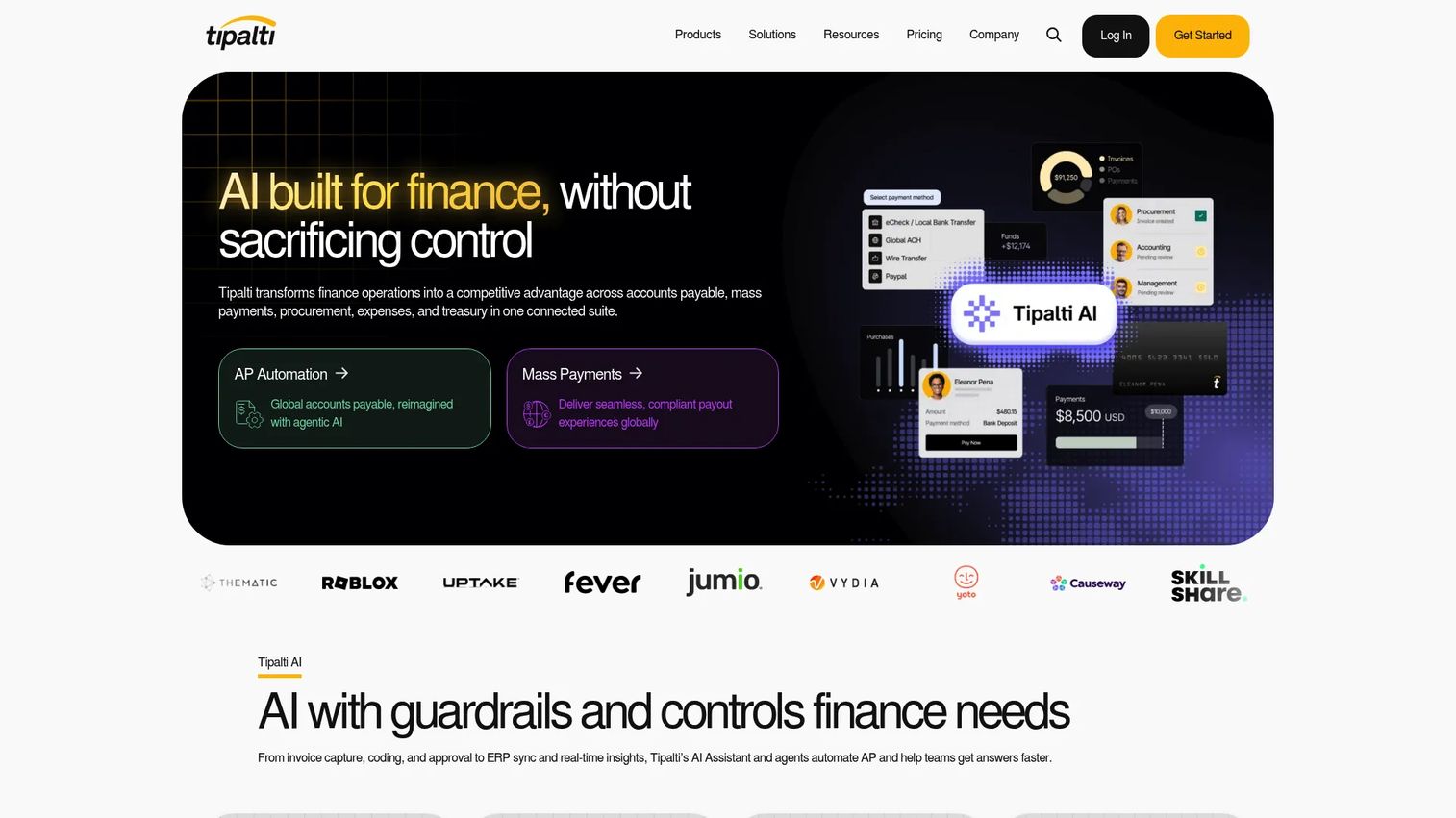
Tipalti is a finance automation platform covering accounts payable, global supplier payments, procurement, expense management, and tax compliance. It is particularly well-suited to SaaS companies that pay vendors across multiple countries and entities, where tax form collection and payment method variety create the most operational friction. Tipalti connects AP automation to payment execution in a single workflow rather than requiring a separate payment rail.
Best for: Series B and later SaaS companies paying vendors across countries or multiple entities.
Key features
- AI-powered invoice capture, coding, PO matching, and approvals
- Global payments across 200+ countries, 120 currencies, 50+ payment methods
- Supplier onboarding, tax-form collection, and branded supplier portals
- Multi-entity accounting and workflow support
- ERP integrations: NetSuite, Sage Intacct, QuickBooks, Microsoft Dynamics, SAP
Why choose Tipalti: Tipalti makes sense when vendor payments, tax compliance, and entity complexity are becoming the bottleneck for your finance team. It is broader than invoice approval alone, which means it earns its place as the AP layer grows in complexity.
Tipalti pricing: The Accounts Payable plan starts at $99/month and the Mass Payments plan starts at $249/month, with transaction fees and modular add-ons for more complex requirements. Custom pricing is available for larger configurations.
G2 rating: 4.5/5
2. Ramp
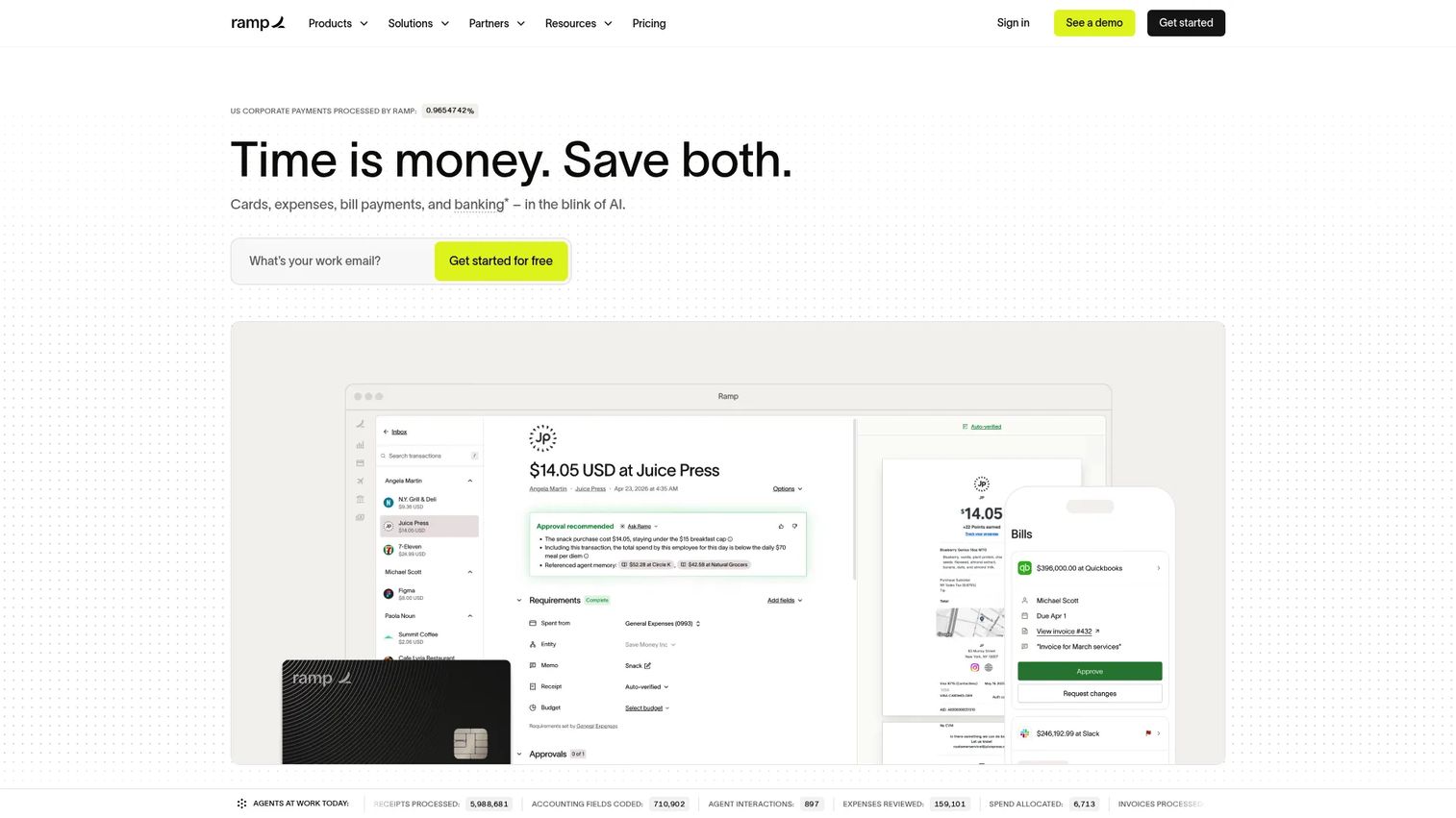
Ramp is a financial operations platform that combines corporate cards, expense management, bill pay, procurement, and accounting automation in one workflow. Where most AP tools focus on invoices alone, Ramp gives a founder a single view of committed spend across card transactions and vendor invoices. That consolidation is the main reason finance teams at SaaS companies choose it over a standalone AP product.
Best for: SaaS companies that want spend controls and bill pay in the same finance workflow, without managing two separate systems.
Key features
- Corporate cards with physical and virtual options, spend limits, and controls
- Automated expense management with receipt matching and approvals
- Bill pay automation with invoice capture and payment workflows
- Accounting integrations with QuickBooks, NetSuite, Sage Intacct, and Xero
- Multi-entity and procurement support on the Plus plan
Why choose Ramp: If you are consolidating finance tools rather than buying a standalone AP product, Ramp gives your team card spend, reimbursements, and vendor invoice payments in one operating view. The free tier makes it accessible before you are ready for an enterprise AP contract.
Ramp pricing: The Free plan is $0/user/month and covers core cards, expense, AP, and accounting automation. The Plus plan runs $15/user/month plus a platform fee that scales with team size. Enterprise pricing is custom and billed annually.
G2 rating: A verified G2 rating for Ramp's financial platform was not available at time of publication.
3. BILL
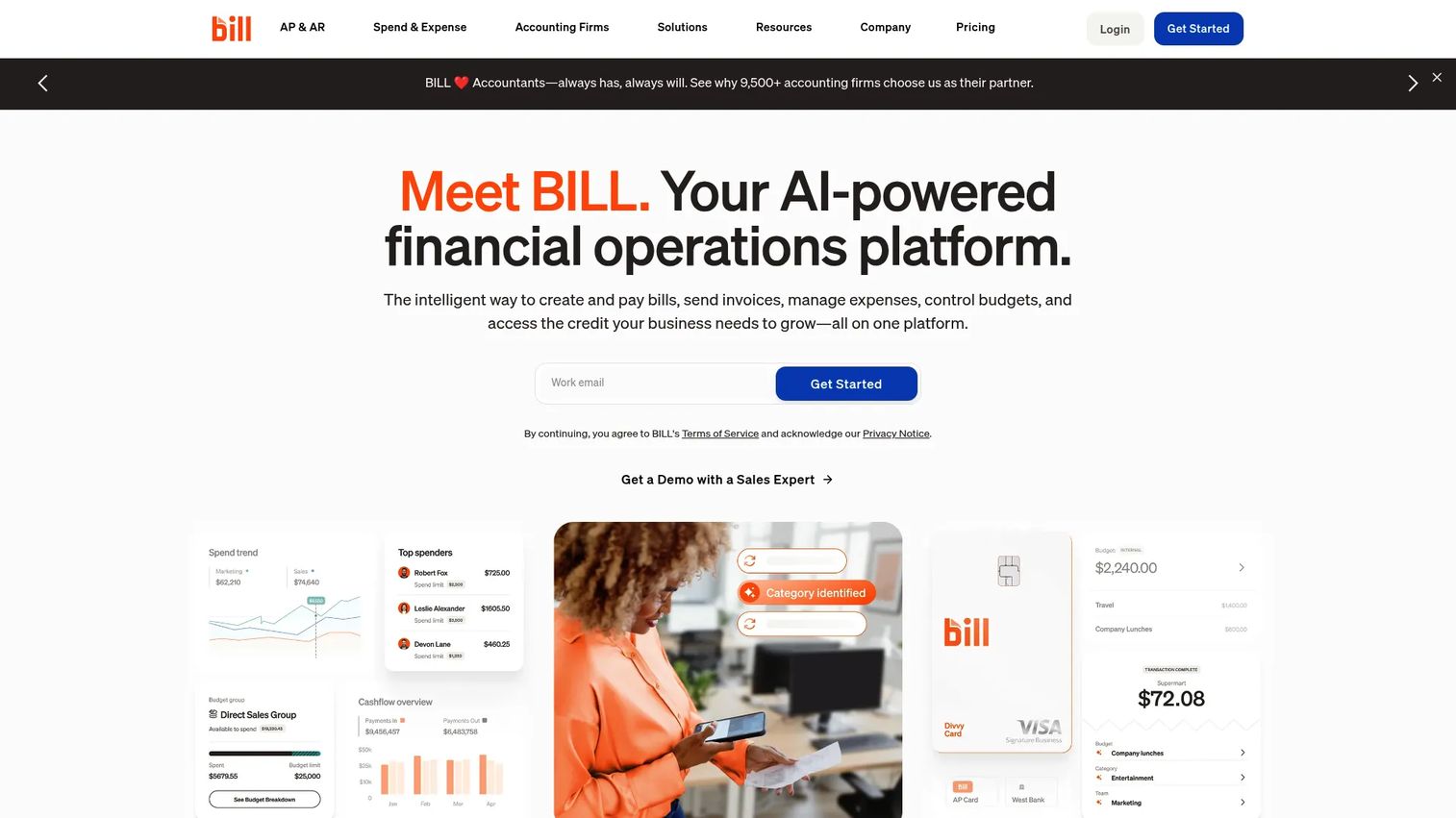
BILL provides accounts payable, accounts receivable, spend management, and payment automation in one platform. It is the most commonly adopted AP workflow tool for founder-led finance teams moving away from email approvals for the first time. BILL connects directly to QuickBooks, Xero, NetSuite, Sage Intacct, and Microsoft Dynamics, which means the accounting sync is straightforward for teams already on one of those systems.
Best for: Founder-led finance teams that need a structured invoice approval and payment workflow without enterprise procurement complexity.
Key features
- Invoice inbox with automated bill entry
- Configurable approval routing with multi-level support
- ACH, virtual card, credit card, check, and international payment options
- Vendor management and payment status tracking
- Accounting sync with major SMB and mid-market platforms
Why choose BILL: BILL works well before a company needs procure-to-pay depth. The adoption curve is low, the accounting integrations are well-tested, and the pricing is predictable per user, which matters when you are watching burn.
BILL pricing: The Spend and Expense plan is free. AP plans start at $49/user/month (Essentials), $65/user/month (Team), and $89/user/month (Corporate). Enterprise pricing is custom. Transaction fees may apply on payment processing.
G2 rating: 4.4/5
4. Stampli
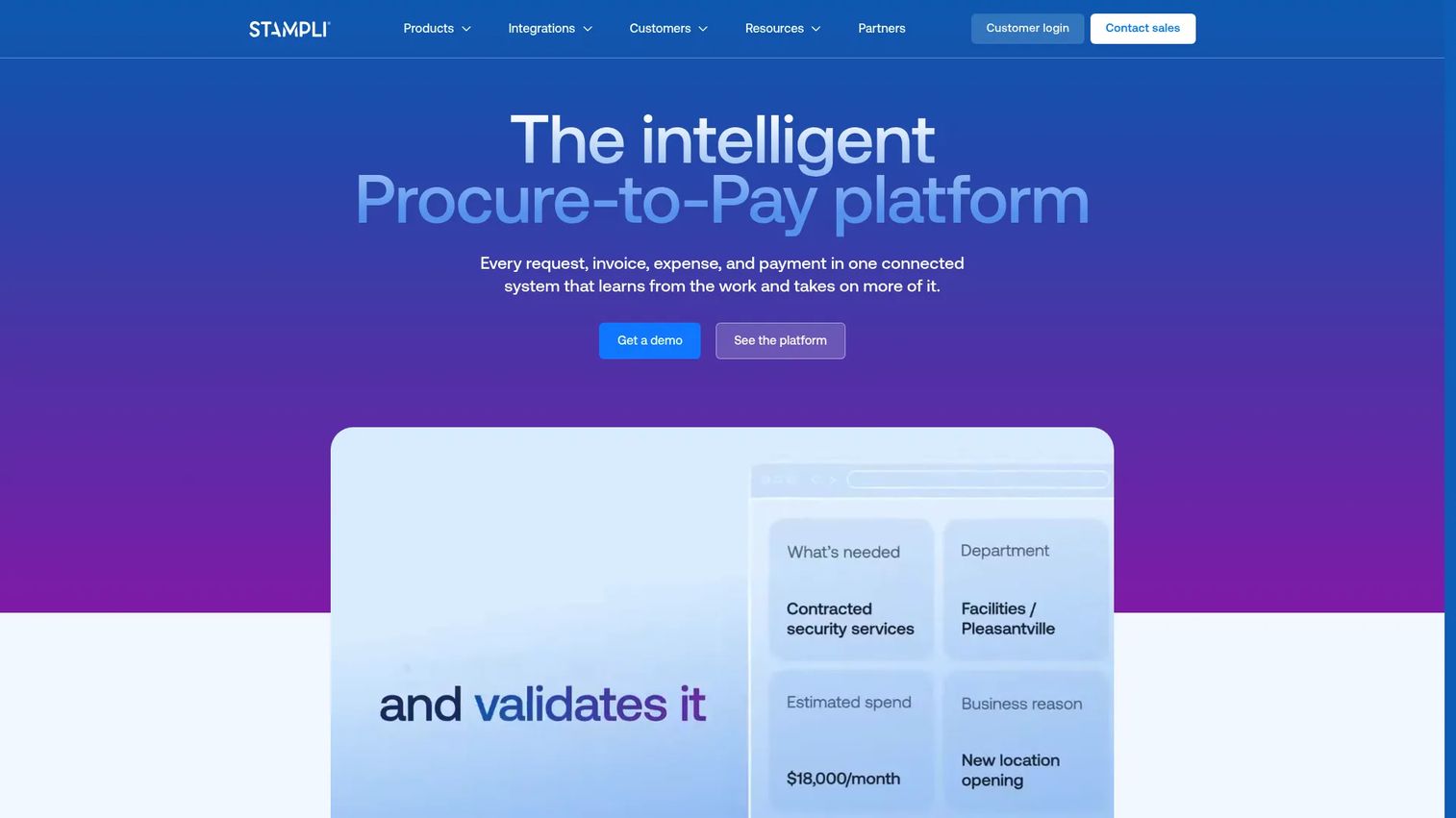
Stampli centers AP automation around the invoice itself rather than around the approval workflow. Every conversation, question, and decision about an invoice lives on that invoice record. Finance teams that lose time chasing budget owners for context find that Stampli reduces approval cycles because the question goes to the right person with the full document visible. It supports procurement, vendor management, and payments alongside core AP.
Best for: Finance teams where approvals stall because context is scattered across email threads and department owners cannot find the original invoice.
Key features
- Invoice-centered conversations attached to each invoice record
- Configurable approval routing with mobile approvals
- Line-level purchase order matching
- Vendor onboarding, portal, and compliance management
- ACH, check, virtual card, and international payment support
Why choose Stampli: The collaboration model is Stampli's clearest differentiator. If your AP delays come from communication friction rather than volume, it addresses that specific problem directly without requiring a full procure-to-pay implementation.
Stampli pricing: Stampli does not post monetary prices on its pricing page. Both the Accounts Payable and Beyond Accounts Payable plans require a sales conversation to get a quote. G2 reviewers generally describe it as mid-market pricing with annual contracts.
G2 rating: 4.6/5
5. Coupa

Coupa is a Business Spend Management platform that covers procurement, invoicing, expense management, supplier management, strategic sourcing, contract management, and spend analysis. It is not an invoice-first tool. Coupa fits organizations where AP cannot be separated from purchasing policy and supplier governance, and where finance needs a view across commitments before an invoice ever arrives.
Best for: Larger SaaS or enterprise teams that need procurement-led spend control alongside invoice automation.
Key features
- Procure-to-pay workflows with policy enforcement
- Supplier management and performance tracking
- Invoice matching and AP automation
- Spend analytics across categories and departments
- AI-powered Coupa Navi for guided spend decisions
Why choose Coupa: Coupa is the right call when AP is downstream of a purchasing problem. If budget owners are committing spend before Finance has visibility, a procure-to-pay platform addresses the root cause rather than the invoice queue alone.
Coupa pricing: Coupa does not post prices. It is an enterprise sales motion with custom packaging. G2 reviewers typically describe annual contracts with implementation costs that can be material for teams under 200 employees.
G2 rating: 4.2/5
6. Basware AP Automation
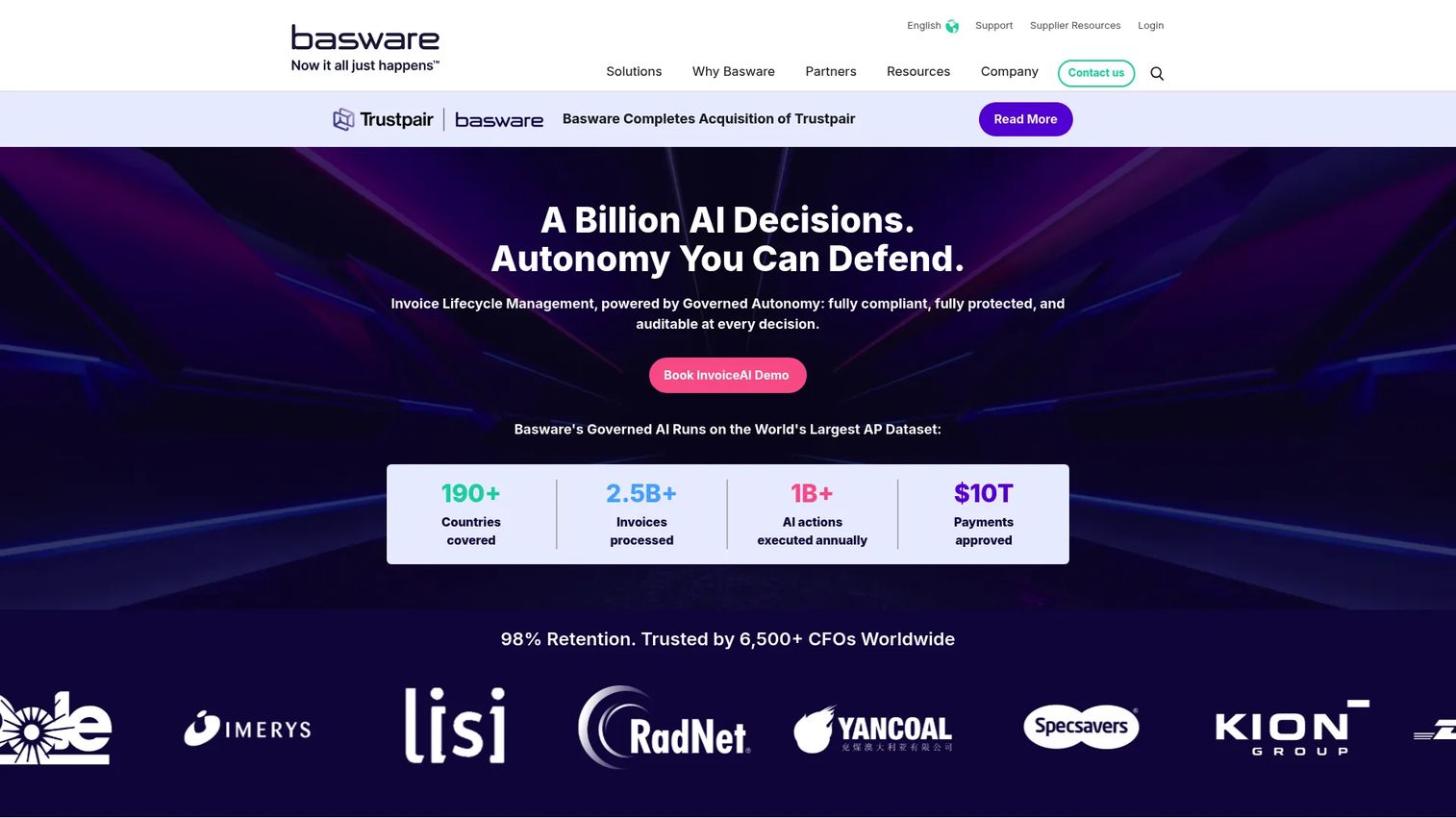
Basware AP Automation is an AI and machine-learning-powered AP platform built for high-volume invoice processing, e-invoicing compliance, and multi-ERP environments. It is designed for finance organizations processing thousands of invoices across multiple countries and legal entities, with requirements that include country-specific VAT rules and supplier network connectivity.
Best for: Enterprise finance teams with high invoice volume, cross-border compliance needs, and multi-ERP environments.
Key features
- SmartPDF invoice capture and AI extraction
- Automated PO and non-PO invoice matching
- SmartCoding for non-PO invoice GL coding
- Global e-invoicing compliance and VAT support
- Supplier network with broad connectivity
Why choose Basware AP Automation: Basware earns its place when AP volume and country-specific compliance requirements have outgrown lighter invoice-first tools. Its supplier network is a practical advantage for teams processing invoices from large numbers of international vendors.
Basware AP Automation pricing: Basware directs buyers to contact sales for a proposal. Pricing scales by selected functionality, invoice volume, and commitment level. G2 reviewers describe it as enterprise-tier pricing with implementation investment.
G2 rating: 4.2/5
7. Concur Invoice
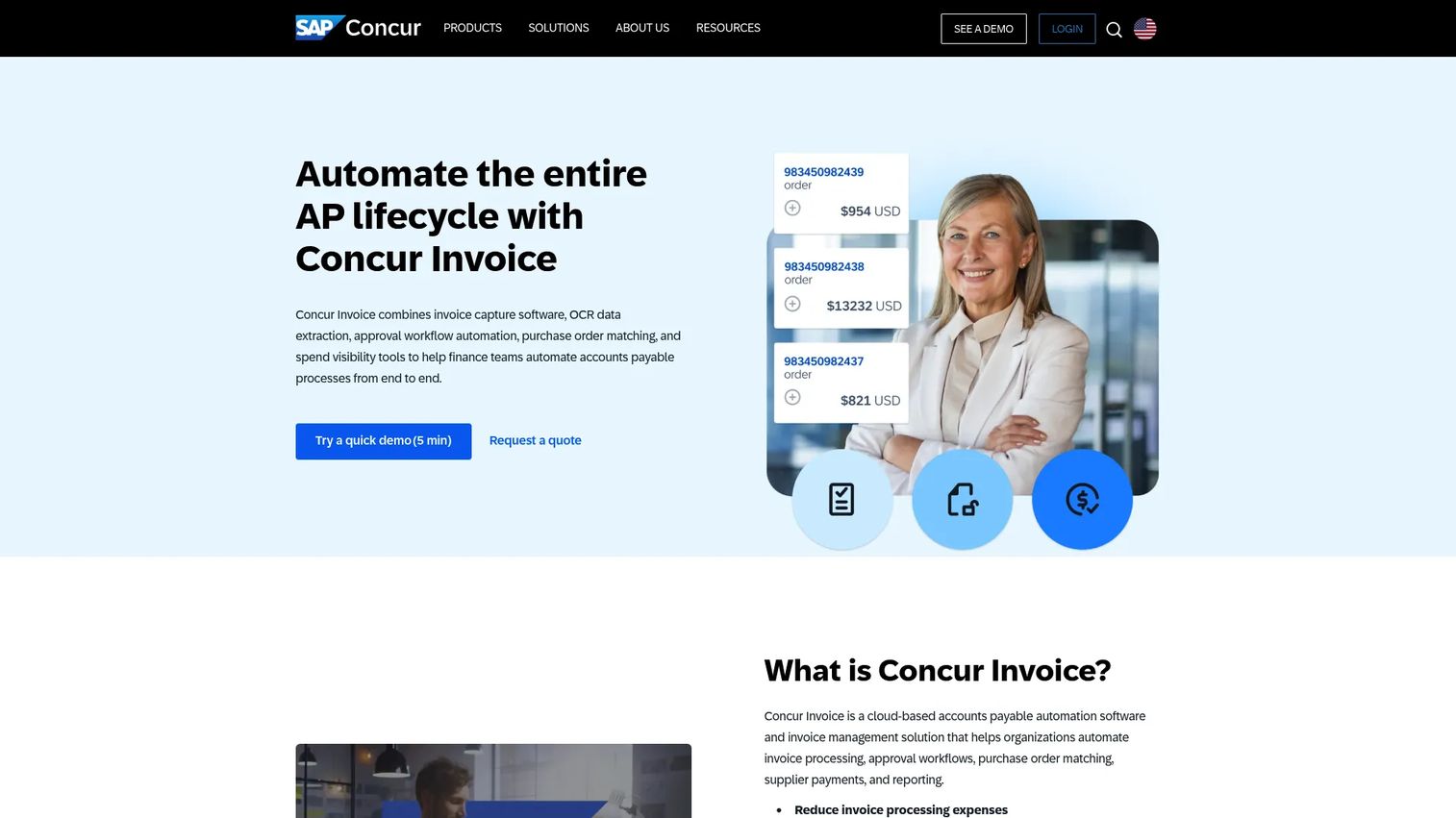
Concur Invoice is the AP automation component inside the SAP Concur platform. It handles invoice capture, AI-powered OCR extraction, approval workflows, PO matching, and ERP integration, all within the same environment as Concur Expense and Concur Travel. The case for Concur Invoice is straightforward: If the company already uses Concur for expense or travel, adding invoice automation avoids a separate vendor relationship and keeps finance workflows in one system.
Best for: Companies standardizing finance workflows around SAP Concur, particularly those already using Concur Expense.
Key features
- Invoice capture with AI-powered OCR extraction
- Automated approval workflows
- Purchase order and receipt matching
- Mobile approvals
- SAP and broader ERP integrations
Why choose Concur Invoice: The value is ecosystem fit. Concur Invoice connects invoice automation to your existing travel and expense governance without introducing a new platform. Teams outside the SAP Concur ecosystem will find stronger standalone alternatives.
Concur Invoice pricing: SAP Concur does not post an invoice-specific price. Pricing requires a sales conversation and typically follows an annual contract structure. G2 reviewers describe per-user or per-transaction pricing models depending on configuration.
G2 rating: 4.0/5
8. Medius
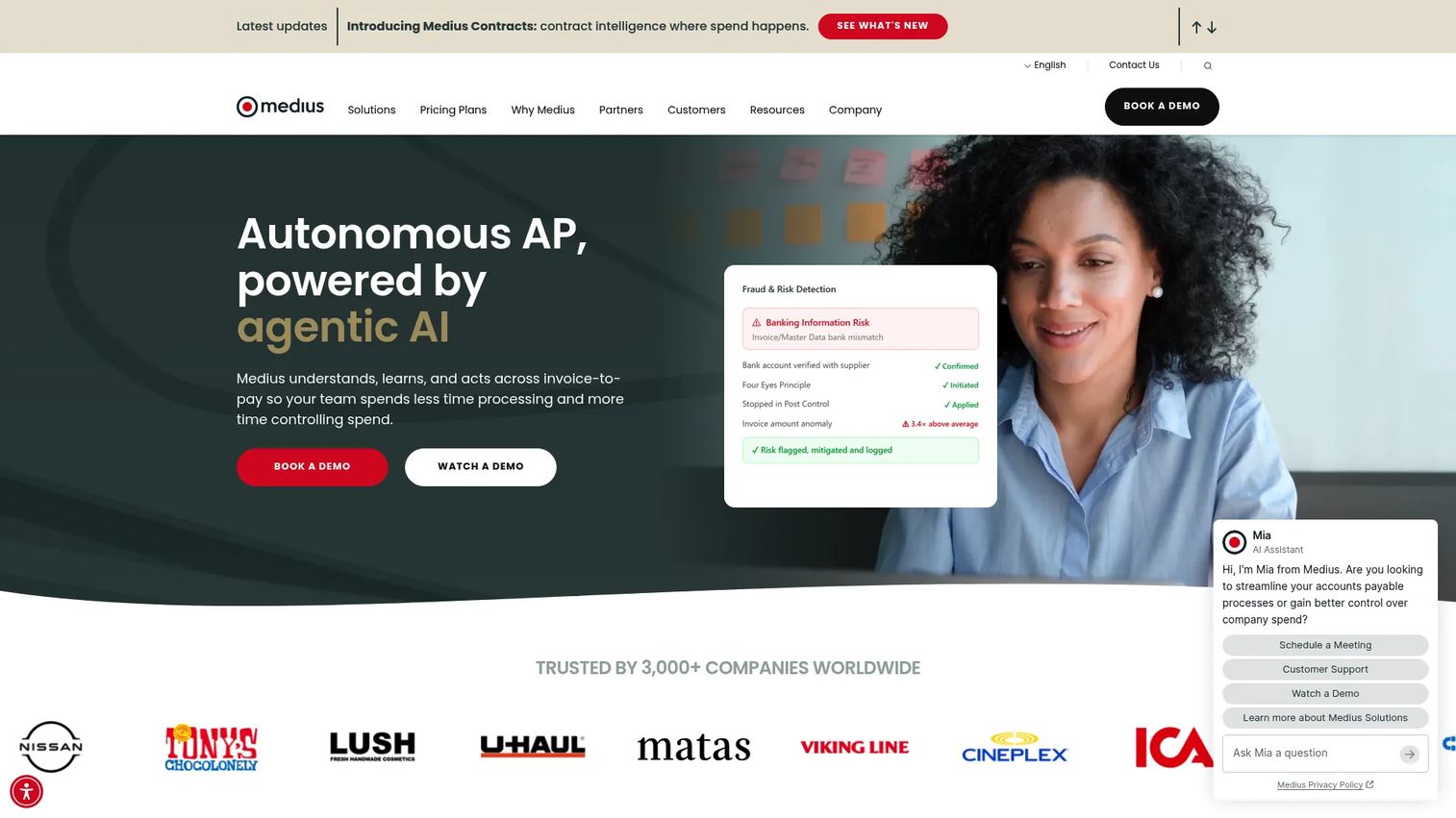
Medius is a cloud-based spend management platform with a strong AP automation core covering invoice capture, multi-way matching, approval workflows, fraud and risk detection, supplier conversations, and payment visibility. It serves mid-market and enterprise finance teams that need workflow depth and analytics without fully migrating to an ERP-native AP approach. Medius integrates with SAP, Oracle, Microsoft Dynamics, NetSuite, and Infor.
Best for: Finance teams with higher invoice volume and complex approval requirements that want depth without a full ERP replacement.
Key features
- AI-powered invoice capture and processing
- Multi-way PO, receipt, and contract matching
- Fraud and risk detection
- Supplier conversations and payment visibility
- Spend analytics and cash-flow visibility
Why choose Medius: Medius fits when invoice exceptions and matching cycles are consuming finance capacity. The AP Essentials and AP 360 packages let teams start with core automation and add Copilot, supplier conversations, and fraud detection as needs grow.
Medius pricing: Both the AP Essentials and AP 360 plans are custom-quoted. Medius does not post monetary prices. G2 reviewers describe mid-market to enterprise annual contracts based on invoice volume and user count.
G2 rating: 4.3/5
9. Microsoft Dynamics 365 Finance
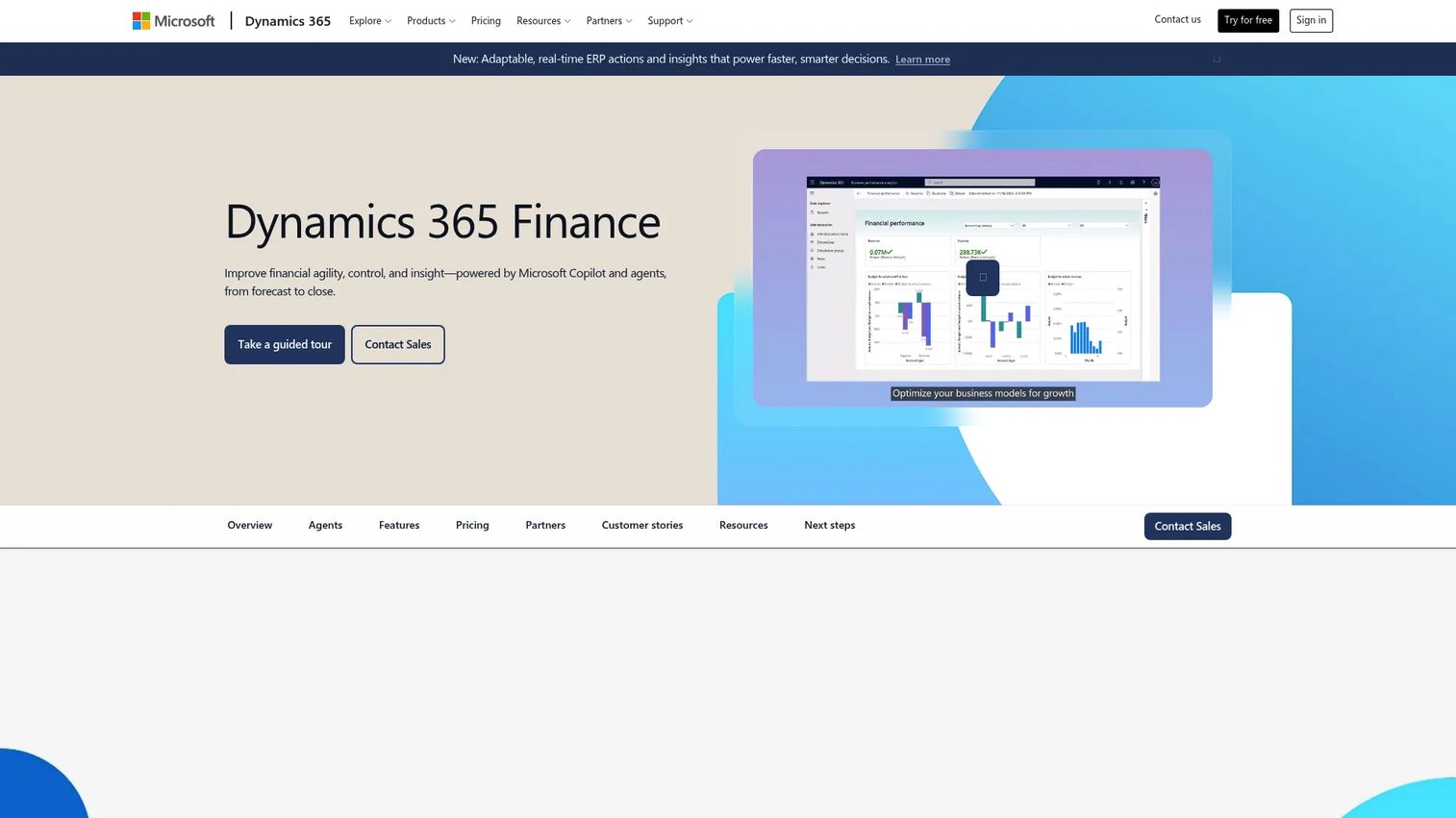
Microsoft Dynamics 365 Finance is an intelligent financial management solution with AP capabilities built into a broader suite covering accounting, budgeting, cash management, and Copilot-assisted analytics. It is not a standalone AP automation tool in the same sense as invoice-first platforms. Dynamics 365 Finance is the right choice when AP needs to sit inside the system of record rather than connect to it.
Best for: Companies already running or planning Microsoft Dynamics as their finance system of record.
Key features
- Vendor invoice processing and payment journals
- Financial planning, budgeting, and forecasting
- Accounting, financial close, and regulatory reporting
- Cash management and cash-flow forecasting
- Copilot-assisted business performance analytics
Why choose Microsoft Dynamics 365 Finance: The case is ERP alignment. Finance teams that want AP embedded in their core system avoid integration complexity and reconciliation overhead. Teams buying their first AP workflow tool will find lighter options with faster first-quarter payback.
Microsoft Dynamics 365 Finance pricing: The Dynamics 365 Finance plan is $210/user/month, billed annually. The Finance Premium plan is $300/user/month, billed annually, and includes advanced business performance management plus 1,000 Copilot Credits per user/month.
G2 rating: A verified G2 rating specific to Dynamics 365 Finance was not available at time of publication.
10. Oracle Fusion Cloud ERP
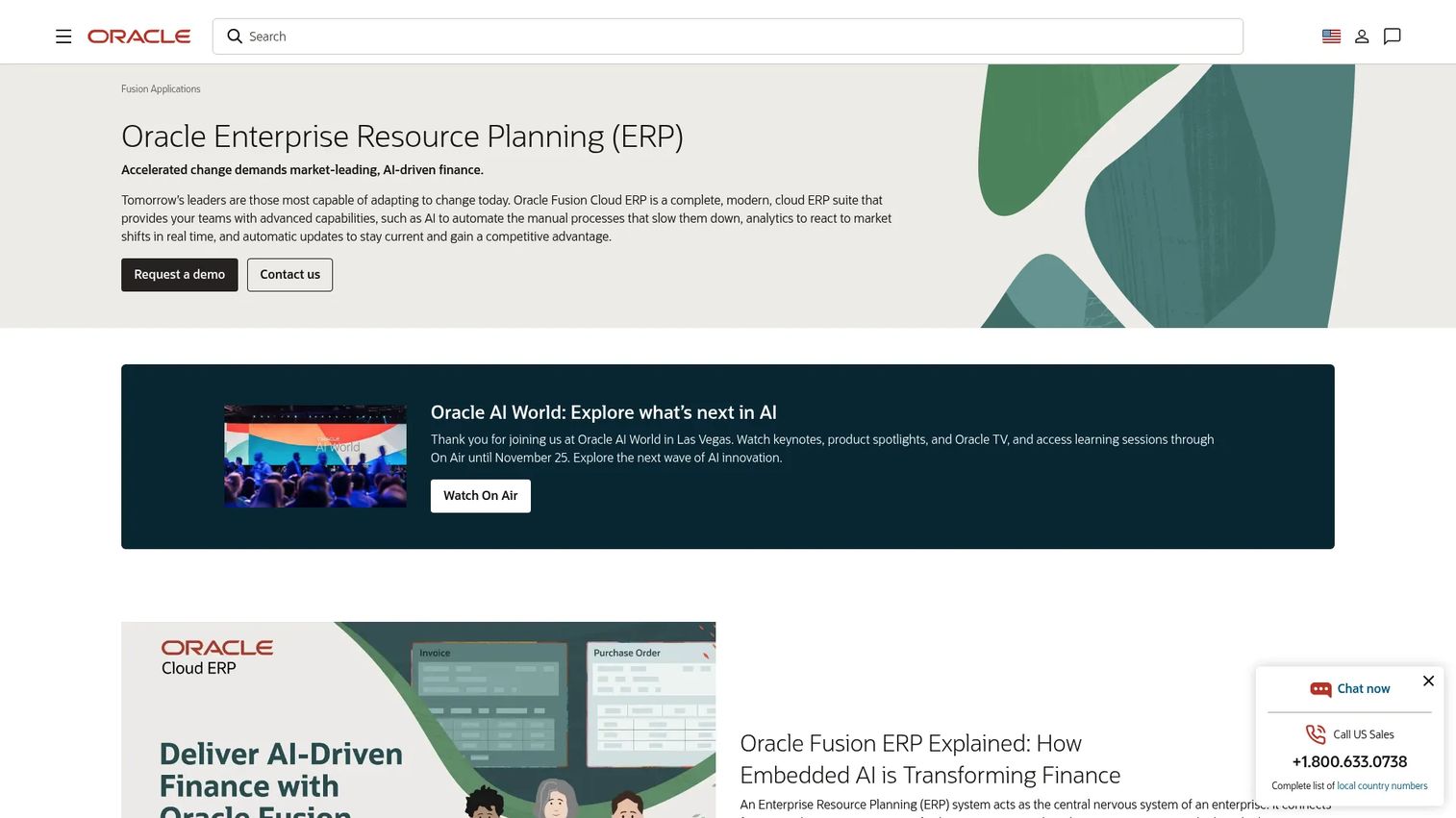
Oracle Fusion Cloud ERP is a complete cloud ERP suite with AP automation embedded inside a larger finance operating model that includes procurement, project management, cash management, enterprise performance management, and reporting. For mature finance organizations that need AP, accounting, and procurement to share one data layer, Oracle Fusion is a serious option. It is not the right starting point for a team buying its first AP workflow tool.
Best for: Enterprise companies consolidating AP, procurement, accounting, and reporting inside an Oracle finance environment.
Key features
- Supplier invoice management and automated processing
- Payment processing and cash visibility
- Procurement integration and supplier management
- Enterprise performance management
- Risk management and compliance reporting
Why choose Oracle Fusion Cloud ERP: The depth of Oracle Fusion's finance capabilities is its argument. When AP is one piece of a larger ERP consolidation, Oracle's component-based model lets organizations activate the modules they need. The implementation and licensing investment reflects that scale.
Oracle Fusion Cloud ERP pricing: Oracle publishes a component-based price list. The ERP Cloud Service starts at $625/month per hosted named user (minimum 10 users), on a standard three-year subscription. A self-service user license is available at $20/month with a minimum of 100 users.
G2 rating: 4.0/5
11. SAP Ariba
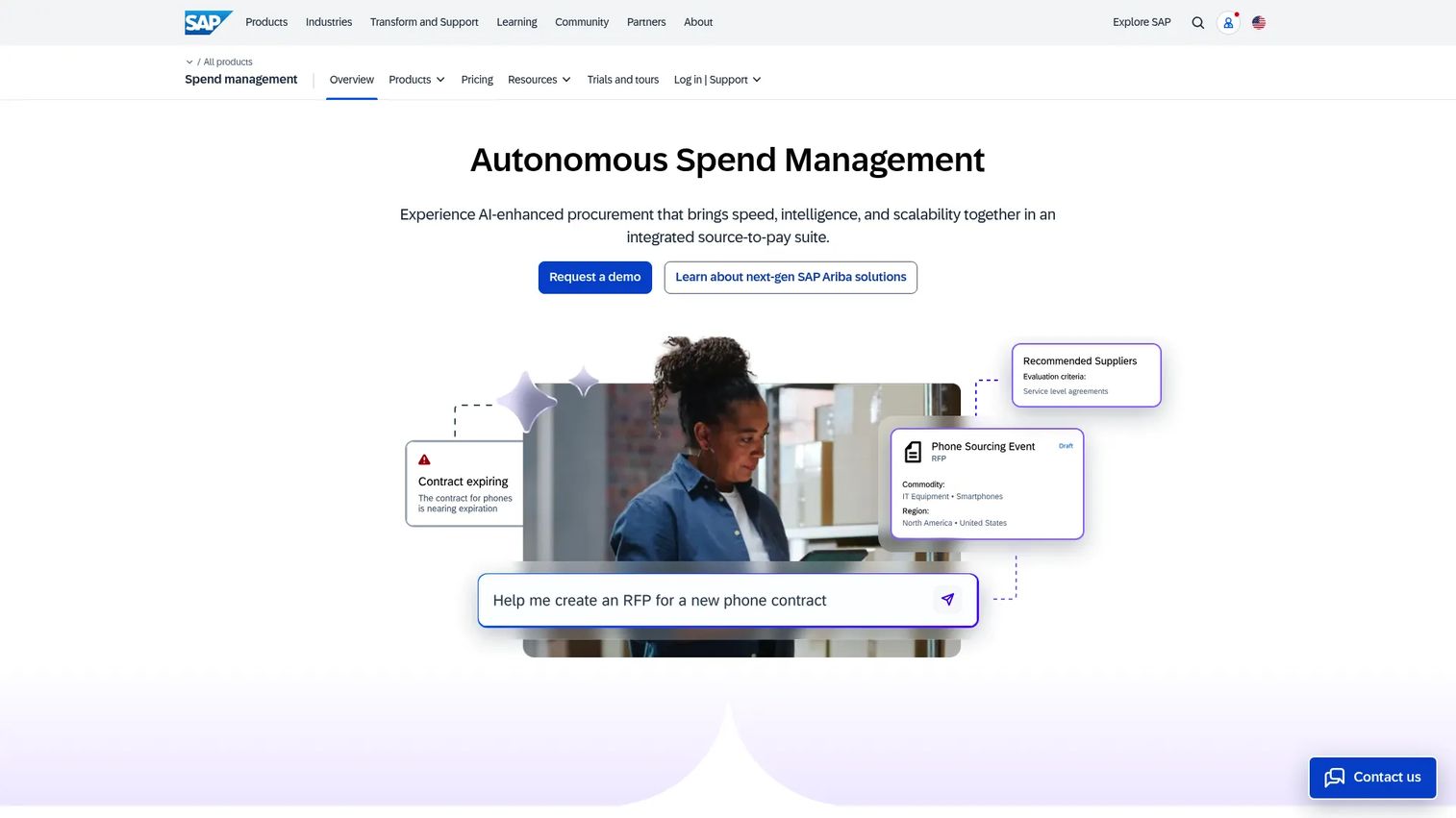
SAP Ariba is a cloud-based spend management platform covering guided buying, sourcing, supplier management, contracts, invoicing, and spend analysis. AP automation in SAP Ariba is upstream from invoices. The platform works best when purchasing discipline, supplier collaboration, and invoice reconciliation need to connect in one procurement-led workflow.
Best for: Procurement-heavy companies that need supplier collaboration, sourcing, and invoice management on one platform.
Key features
- Guided buying with policy-compliant purchasing
- Sourcing events and bid analysis
- Automated invoice reconciliation
- Contract management
- SAP ecosystem integration
Why choose SAP Ariba: SAP Ariba fits when invoice automation is downstream of a supplier and purchasing problem. Organizations already inside the SAP ecosystem get tighter integration between procurement and finance. Teams looking for a focused invoice-to-pay tool will find it heavier than the use case warrants.
SAP Ariba pricing: SAP does not post Ariba-specific plan prices. Pricing follows an enterprise sales process. G2 reviewers describe it as large-organization pricing with implementation and configuration costs.
G2 rating: 4.1/5
12. Esker Accounts Payable
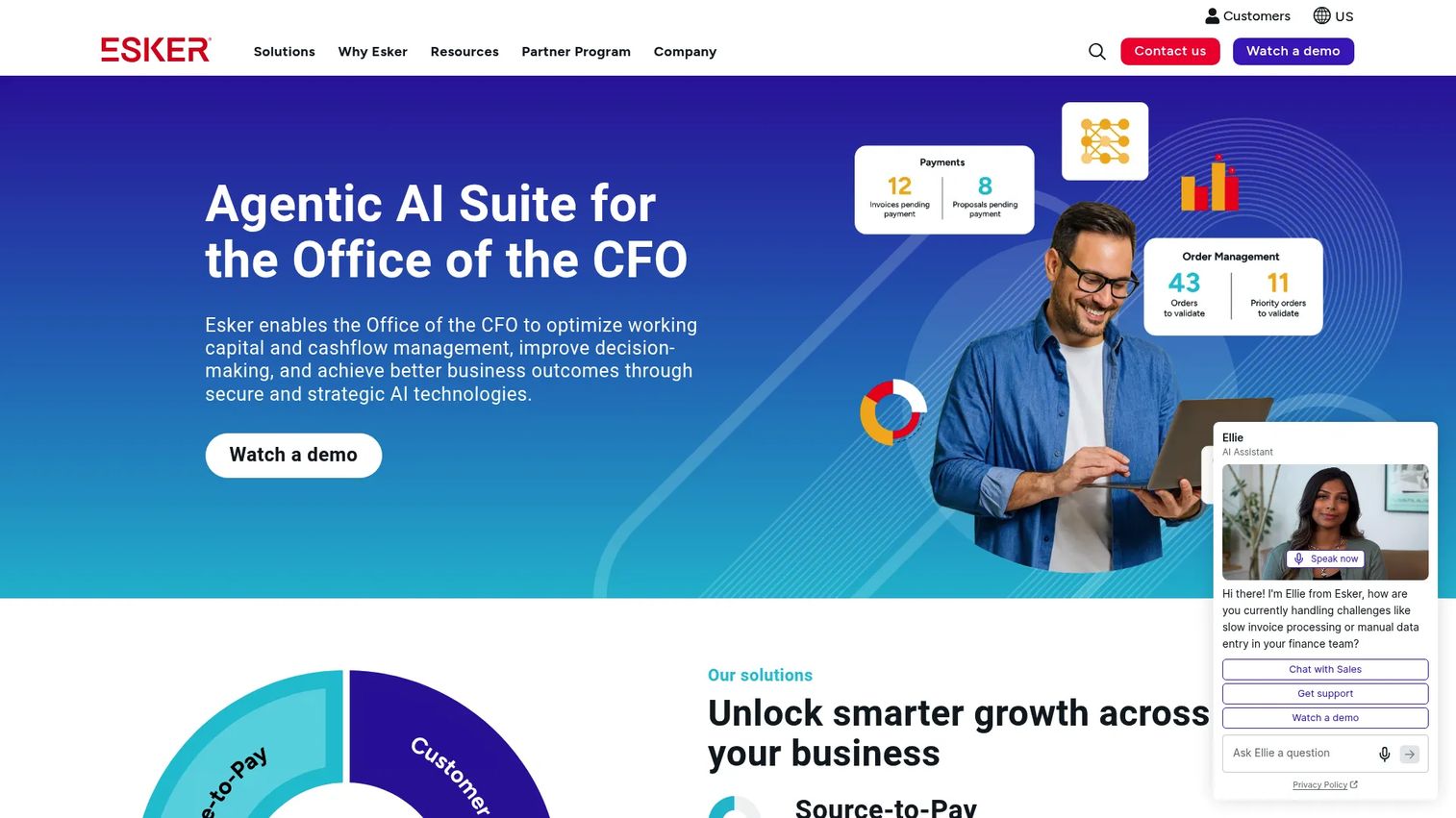
Esker Accounts Payable is an AI-driven AP automation platform managing invoice processing from receipt through ERP posting. It handles multi-channel and multi-format invoice capture, validation and matching using configurable business rules, automated approval workflows, a supplier portal, and analytics. Esker connects to multiple ERPs and is built for organizations where invoice formats and exception handling complexity slow manual processing.
Best for: Finance teams with high invoice variety and document complexity that need AI-assisted processing and multi-ERP connectivity.
Key features
- Intelligent invoice capture across channels and formats
- Validation and matching with configurable business rules
- Automated approval workflows and exception routing
- Supplier portal and collaboration
- Multi-ERP integration, dashboards, and AP analytics
Why choose Esker Accounts Payable: Esker performs best when the invoice queue includes many formats and the matching exceptions consume finance time. Its document-automation background gives it stronger capture fidelity across varied supplier formats than some invoice-first platforms.
Esker Accounts Payable pricing: Esker directs buyers to contact sales or request a demo. G2 reviewers describe it as enterprise-oriented pricing structured around invoice volume and contract terms.
G2 rating: 4.4/5
13. Yooz
Yooz is an AI-powered financial operations platform covering AP automation, purchase-to-pay, payments, fraud prevention, vendor statement reconciliation, and budget management. It handles omnichannel invoice capture, automated workflows, coding, line-level PO matching, and accounting integration. Yooz is positioned as a focused AP automation product rather than a broad procurement suite, which makes the implementation scope more predictable for mid-market finance teams.
Best for: Finance teams that need invoice capture, approvals, and fraud detection without adopting a large procurement platform.
Key features
- Omnichannel invoice capture with AI data extraction
- Automated workflows, approvals, coding, and PO matching
- AI-driven fraud prevention and duplicate detection
- Payment automation and vendor statement reconciliation
- Accounting integrations across major ERP and accounting platforms
Why choose Yooz: If invoice entry delays and approval bottlenecks are the main problem, Yooz addresses them without the implementation overhead of a broader spend platform. The 15-day free trial lets finance teams test the workflow against their own invoice set before committing.
Yooz pricing: Yooz offers a 15-day free trial. The Gold Edition subscription price is based on document volume rather than a flat per-user fee. Contact Yooz for a volume-based quote.
G2 rating: 4.4/5
14. Nanonets
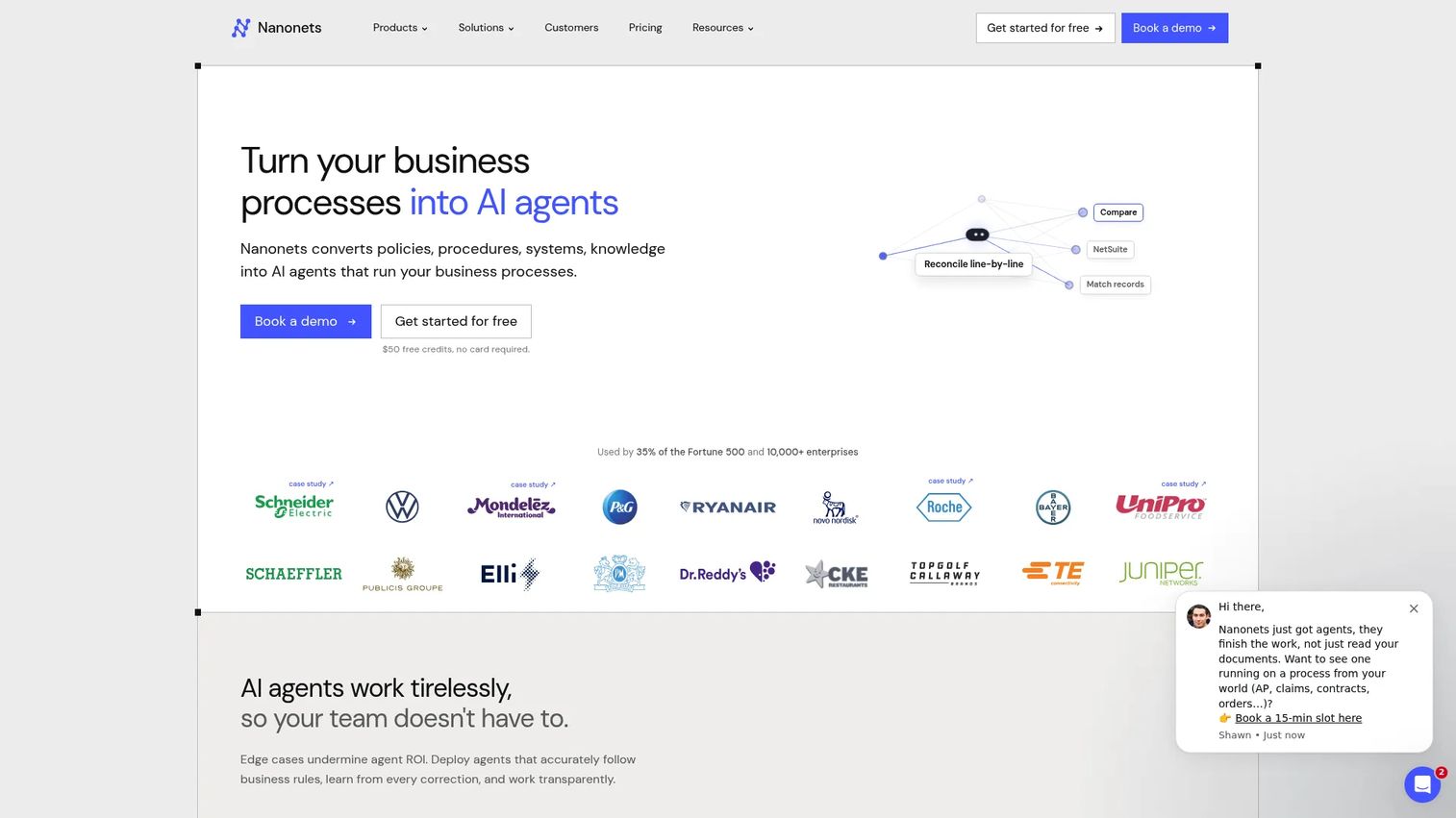
Nanonets is an AI document processing platform that supports AP workflows through flexible OCR extraction, document classification, approval routing, API access, and ERP exports. It appeals to finance and operations teams with non-standard invoice formats or custom workflow requirements that standard AP platforms do not handle cleanly. Nanonets is not a full AP payment platform in the same category as Tipalti or BILL, but it can serve as the extraction and workflow layer feeding into an existing payment system.
Best for: Teams that need flexible AI-powered invoice extraction across varied document formats or want to build custom AP workflows.
Key features
- AI OCR extraction with high accuracy across document types
- Document classification and structured data output
- Configurable approval workflows with integrations
- Human review queues for low-confidence results
- API access and ERP export support
Why choose Nanonets: Nanonets fits when the bottleneck is data extraction quality across unusual invoice formats, or when a team needs to automate a specific workflow that off-the-shelf AP platforms cannot configure. Its usage-based pricing makes it accessible for lower-volume testing before scaling.
Nanonets pricing: The Starter plan includes $50 in free credits, then runs $100/month for 100 credits. Growth and Enterprise pricing is custom. Per-operation pricing runs $0.02 for simple tasks, $0.10 for standard AI, and $0.30 for complex AI workflows.
G2 rating: 4.7/5
15. DocuWare
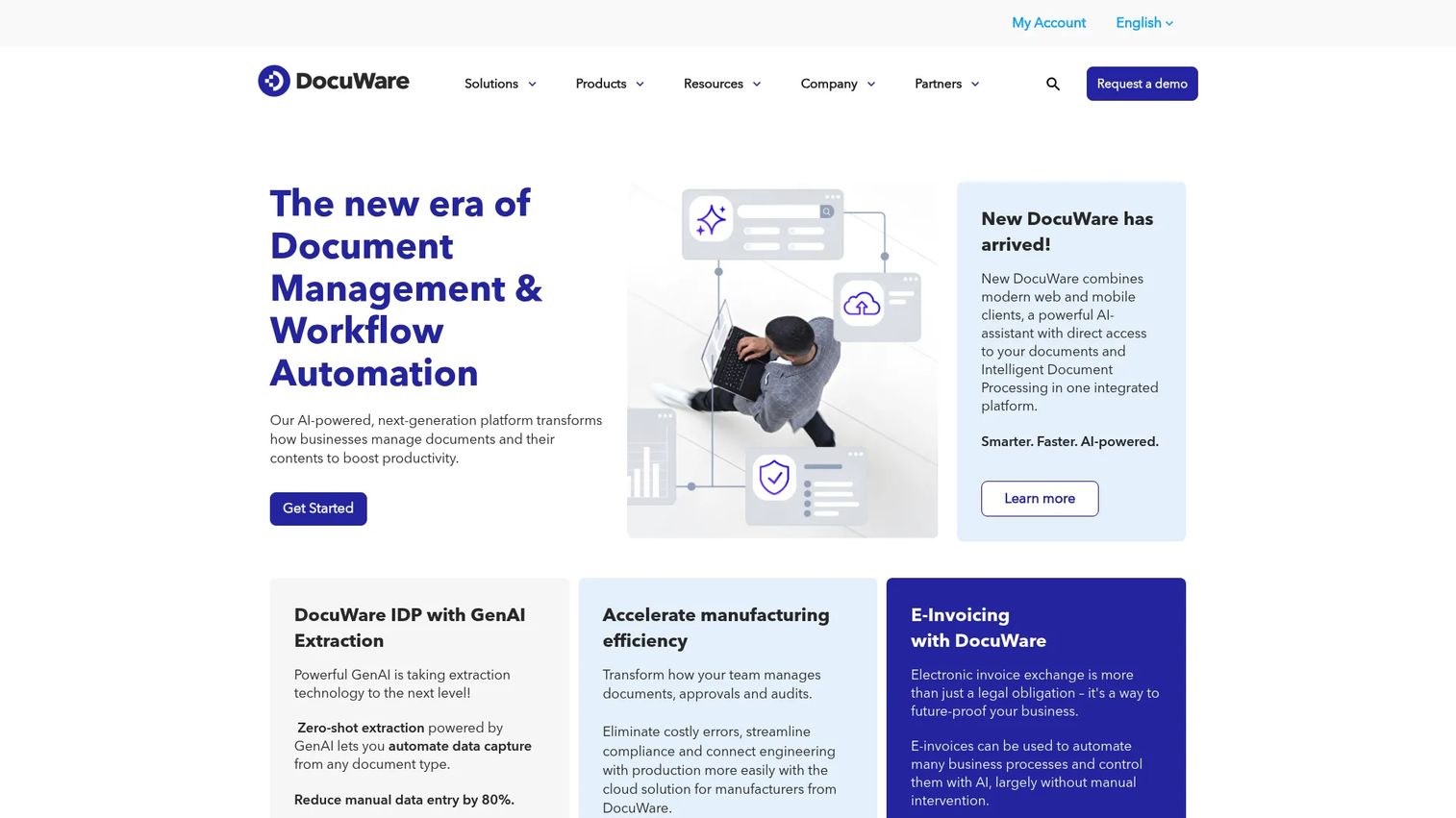
DocuWare is a document management and workflow automation platform with AP use cases built on top of its core capture, storage, and approval capabilities. It handles AI-powered intelligent document processing with OCR, handwritten-text recognition, classification, data extraction, intelligent indexing, and workflow automation. Organizations that need document control and AP workflow to coexist in one system find DocuWare a practical choice, particularly when AP is one of several document-intensive processes the team wants to consolidate.
Best for: Teams that need document governance, secure archiving, and AP workflow automation in a single system.
Key features
- AI-powered intelligent document processing with OCR and classification
- Intelligent indexing and full-text search
- Workflow automation, task management, and approvals
- Secure archiving and audit trails
- ERP integration support
Why choose DocuWare: DocuWare earns its place when AP automation is part of a broader document management requirement, for example in organizations that also need controlled handling of contracts, HR documents, or compliance records alongside invoices.
DocuWare pricing: Cloud plans typically run $30 to $125+ per user/month, billed annually, with pricing varying by user count, storage, capabilities, and add-on modules. On-premises pricing requires a custom quote.
G2 rating: 4.4/5
Considerations when choosing accounts payable automation software
Start with your finance system of record
ERP and accounting fit matters more than feature volume. A tool that syncs cleanly with NetSuite, QuickBooks, or Sage Intacct removes reconciliation overhead. A tool that requires manual exports or workarounds creates it. Before evaluating AP features, confirm which integrations are native versus connector-dependent.
Map the full invoice-to-payment workflow
Most buyers focus on invoice capture and approval routing. The questions that reveal real fit are about what happens after approval: Does the tool execute the payment, or does it hand off to a separate system? How does it handle PO matching exceptions? What does the vendor reconciliation process look like? Push beyond the demo to a complete walkthrough of a three-way match with an exception.
Separate spend control from AP automation
Some platforms solve AP as part of a broader spend problem. Ramp and Coupa sit in that category. Others focus tightly on invoice-to-pay. Buying a full procure-to-pay platform to solve an invoice approval problem creates implementation complexity you do not need at this stage. Buying a narrow invoice tool when purchasing discipline is the root cause leaves the problem unsolved. Decide which problem comes first.
Check implementation effort before signing
First-quarter payback matters for a Series B finance team. The setup work includes migration of vendor data, approval-rule configuration, ERP integration setup, and finance team training. Ask each vendor for a realistic timeline from contract to first live invoice. The gap between a sales demo and a production-ready workflow is where implementation risk lives.
Measure payback with finance capacity
ROI on AP automation is measurable through avoided headcount, shorter monthly close cycles, fewer duplicate payment investigations, reduced approval follow-up hours, and better cash forecast accuracy. Set a baseline before you go live so the comparison after 90 days is concrete rather than anecdotal.
Conclusion
Manual AP is not a permanent state. It is a stage that stops scaling cleanly around the time a Series B company hits 50 to 80 vendors, multiple budget owners, and a board that wants cash visibility on demand.
The right tool depends on four things: Your accounting or ERP system, your invoice volume, whether purchasing control is upstream of the invoice problem, and how much implementation bandwidth finance has right now.
For most SaaS companies at this stage, the shortlist starts with Tipalti for global vendor complexity, Ramp for teams consolidating spend and bill pay in one workflow, BILL for accessible AP without procurement overhead, and Stampli for teams where approval delays come from communication friction. Enterprise and ERP-first environments point toward Basware, Medius, Microsoft Dynamics 365 Finance, Oracle Fusion Cloud ERP, or SAP Ariba depending on the incumbent stack.
The practical next step: Pick three tools from this list based on your ERP, invoice volume, and payment complexity. Run the same invoice set through each vendor's trial or demo workflow and compare approval speed, ERP sync fidelity, exception handling, and the time your finance team actually spends per invoice.
Start your journey with Guideflow today!
FAQs
Accounts payable automation software is a category of finance operations software that automates how companies capture supplier invoices, extract and code data, route approvals, match purchase orders, schedule payments, and sync records to accounting or ERP systems. It replaces manual invoice entry, email-based approval chains, and spreadsheet-based payment tracking with a controlled, auditable workflow. The category ranges from focused invoice-to-pay tools to full procure-to-pay platforms.
There is no single answer because the fit depends on company stage, ERP choice, invoice volume, and whether the problem is invoice processing or upstream purchasing control. Smaller SaaS teams moving off manual AP often start with BILL for its accessible workflow and accounting integrations. Companies that want spend controls alongside bill pay choose Ramp. SaaS companies with global vendor payments and multi-entity complexity tend to land on Tipalti. Enterprise or procurement-heavy environments point toward Coupa or Basware.
Pricing models vary by platform. Ramp offers a free tier. BILL starts at $49/user/month. Tipalti's AP plan starts at $99/month with transaction fees. Microsoft Dynamics 365 Finance is $210/user/month, billed annually. Oracle Fusion Cloud ERP starts at $625/month per named user on a three-year term. DocuWare runs $30 to $125+/user/month. Most enterprise platforms, including Stampli, Coupa, Basware, Concur Invoice, Medius, SAP Ariba, and Esker, price by quote. Total cost includes implementation, ERP integration, payment processing fees, and support tiers.
A complete automated AP system covers invoice capture from multiple channels, OCR and AI data extraction, GL coding, configurable approval routing, two-way and three-way PO matching, duplicate invoice detection, vendor management, payment scheduling across payment methods, ERP sync, and an audit trail with reporting. The features that matter most depend on where the current workflow breaks down. A team losing time to approval delays prioritizes routing depth. A team with high invoice volume and varied formats prioritizes capture accuracy.
Most AP automation tools flag potential duplicates by comparing vendor identity, invoice number, invoice amount, invoice date, and payment history before releasing a payment. This reduces risk considerably compared to manual processing. Some tools also use AI to catch near-duplicate invoices where the number or amount varies slightly. No automated system eliminates all risk of duplicate payment, so finance teams should maintain an exception review process alongside the automated flags.
AP automation integrates with ERP systems by syncing vendor records, GL codes, purchase orders, invoice data, approval decisions, payment status, and journal entries between the two systems. Integration depth varies significantly. Native integrations (where the AP vendor has built a certified connector for a specific ERP) are more reliable than generic API connections. Before signing a contract, test the sync in a staging environment with your actual chart of accounts and vendor data, not a generic demo dataset.
Yes, once invoice volume, approval delays, or vendor payment errors are consuming meaningful finance time. The threshold varies, but most teams feel the friction clearly by 50 to 100 invoices per month with more than two budget owners approving. Smaller teams should avoid overbuying a full procure-to-pay suite when a focused invoice-to-pay tool covers the problem. Accessible starting points include BILL and Ramp's free tier. See also our guide to approval workflow software for adjacent workflow automation options.
AP automation handles invoices and payments after a purchase has already been made. It automates the process of receiving an invoice, verifying it, getting it approved, and paying it. Procurement software manages purchasing before the invoice arrives: It controls how budget owners request, approve, and place orders with vendors. Some platforms, including Coupa and SAP Ariba, combine both workflows. When purchasing discipline is the root problem, a procurement-led platform addresses the cause upstream. When invoice processing is the bottleneck, a focused AP tool is faster to implement and easier to justify at the stage most SaaS founders are at. For related reading, see our overview of accounts receivable software and business process management software.