
Your board deck is due Thursday. It's Tuesday night. Three people have edited the same forecast tab, the sales number doesn't match the CRM, and you're rebuilding a formula that broke when someone inserted a row.
This is what planning looks like once a SaaS company crosses roughly $5M ARR. Spreadsheets held up when finance was one person and one model. Now forecasting, board reporting, and department budgets all need to agree, and the moment they need to stay aligned is the moment Excel starts to crack.
The cost is not just the late night. It's the credibility gap when your board pack numbers do not reconcile, and the founder time spent reconstructing what changed instead of deciding what to do next.
The FP&A software market reflects how many teams are hitting this wall. It reached $6.7B in 2025 and is projected to hit $17.29B by 2032, a 14.5% CAGR, according to PW Consulting (2025). Cloud FP&A now covers 63% of environments, up from 44% in 2023 (PW Consulting / Dresner Advisory Services, 2025). The shift is on.
The question is which platform earns a place in your stack.
What's inside
This guide is for finance leaders and founders comparing FP&A software before they sit through a round of vendor demos. It covers spreadsheet-native tools, mid-market platforms, and enterprise FP&A software, so you can match the tool to your actual planning complexity.
We chose the eight tools below on five criteria:
- Integrations: Depth of ERP, CRM, and HRIS connections, not just connector count
- Scenario planning: Speed of rolling forecasts and driver-based modeling
- Collaboration and governance: Workflow control, approvals, and audit trails
- Ease of use: Whether finance can run it without heavy IT support
- ROI and time-to-value: How fast the tool pays back, measured in weeks not promises
TL;DR
- Best for enterprise connected planning: Anaplan, for multi-dimensional modeling across finance, sales, and workforce
- Best for unified enterprise finance: Workday Adaptive Planning, for budgeting, forecasting, and close in one platform
- Best for modern, collaborative teams: Pigment, for fast scenario turns and AI-assisted planning
- Best Excel replacement without losing Excel: Datarails and Vena, for teams that live in spreadsheets
- Best for founders who want board-ready visibility fast: Cube and Abacum, for lean finance teams that still need rigor
- Best for process standardization: Planful, for finance teams tightening budgeting and close workflows
Pick based on current planning complexity and internal bandwidth, not on the longest feature list.
What FP&A software is
FP&A software is a category of financial planning and analysis tools that centralize budgeting, forecasting, scenario planning, reporting, and variance analysis in a single connected system instead of scattered spreadsheets.
At its core, it replaces the manual work of stitching together data from your ERP, CRM, and HRIS, then keeps every model working from the same numbers. When sales updates a pipeline figure, your forecast updates too. That is the difference between a static file and a living plan.
Core capabilities most FP&A platforms share:
- Budgeting and forecasting: Build annual budgets and rolling forecasts that update as actuals land
- Scenario planning: Model best-case, worst-case, and driver-based outcomes side by side
- Dashboarding and reporting: Turn raw data into board-ready dashboards and variance reports
- Data integration: Pull actuals from ERP, headcount from HRIS, and pipeline from CRM automatically
- Collaboration and workflow: Route budget inputs and approvals across finance, sales, and ops
- Audit trails and governance: Track who changed what, with version control and access controls
The best budgeting and forecasting software does one thing spreadsheets cannot: it gives you a single source of truth that every team plans against.
Why founders outgrow Excel
Excel is not the problem at 10 employees. It becomes the problem at 80.
Version control is the first crack. Someone emails "final_v3" and now two forecasts exist. Collaboration is the second: only the person who built the model understands the formulas, so every change routes through them. That person is often you, or the one finance hire who then becomes a single point of failure.
Then comes auditability. When your board asks why the forecast moved, "let me check the tabs" is not an answer that survives due diligence. And scenario speed matters most exactly when you have the least time. Modeling a hiring freeze against three revenue cases in Excel takes a day. In a proper FP&A tool it takes an hour.
The real cost is not the hours. It is the decisions you delay because you do not trust the numbers fast enough.
What connected planning means
Connected planning means finance, sales, HR, and operations all plan against the same live data instead of trading spreadsheets across departments.
In practice, your sales forecast feeds your revenue model. Your headcount plan feeds your payroll expense. Your operations volumes feed your cost of goods. Change one input and every dependent number moves, because they share a single source of truth rather than living in separate files.
For a founder, this is the difference between a board number you can defend and a board number you hope holds up. Connected planning is why enterprise FP&A software exists, and why smaller teams are adopting lighter versions of it.
When to use FP&A software
Not every company needs a planning platform on day one. Here are the three triggers that usually mean it is time.
When board reporting starts taking too long
If assembling the monthly board pack eats two days, and every ad hoc investor question means rebuilding a view from scratch, that is the signal. FP&A software turns board reporting into a repeatable process. Consistent numbers, one source, less scramble the week reporting is due.
When forecasts keep changing
Early-stage plans are annual and static. Growth-stage plans are rolling forecasts that update every month as actuals come in. Once you need to reforecast constantly and model scenarios against each new data point, dedicated scenario planning software earns its place. Rolling forecasts and driver-based models are hard to maintain by hand.
When multiple teams own the inputs
The moment finance no longer owns every number, you need workflow control. Sales owns pipeline, HR owns headcount, ops owns volumes. FP&A software routes those inputs with approvals and audit trails, so you get department-level planning without chasing people over email.
Comparison table
The table below ranks the eight tools by relevance to growth-stage SaaS companies, with enterprise platforms at the top for teams that need depth and lighter tools below for lean finance functions. Pricing reflects public vendor pages where available; several FP&A vendors quote based on company size, users, and modules, so we note that plainly rather than guess.
| # | Product | Best for | Key differentiator | Pricing | G2 rating |
|---|---|---|---|---|---|
| 1 | Anaplan | Enterprise connected planning | Multi-dimensional modeling across functions | Quote-based | 4.6/5 |
| 2 | Workday Adaptive Planning | Unified enterprise finance | Planning, workforce, and close in one platform | Quote-based, 30-day trial | 4.3/5 |
| 3 | Pigment | Modern collaborative teams | AI agents inside planning workflows | Quote-based | 4.6/5 |
| 4 | Datarails | Excel-heavy mid-market teams | Excel-native finance operating system | Quote-based | 4.6/5 |
| 5 | Planful | Finance process standardization | FP&A, reporting, and close together | Quote-based | 4.3/5 |
| 6 | Vena | Microsoft-native FP&A | Excel and Power BI planning workflows | Quote-based | 4.5/5 |
| 7 | Cube | Lean teams wanting structure fast | Spreadsheet-native with public pricing | From $1,250/month | 3.5/5 |
| 8 | Abacum | AI-native lean finance teams | AI-native planning and automation | Quote-based | 4.8/5 |
Best 8 FP&A software tools for 2026
1. Anaplan
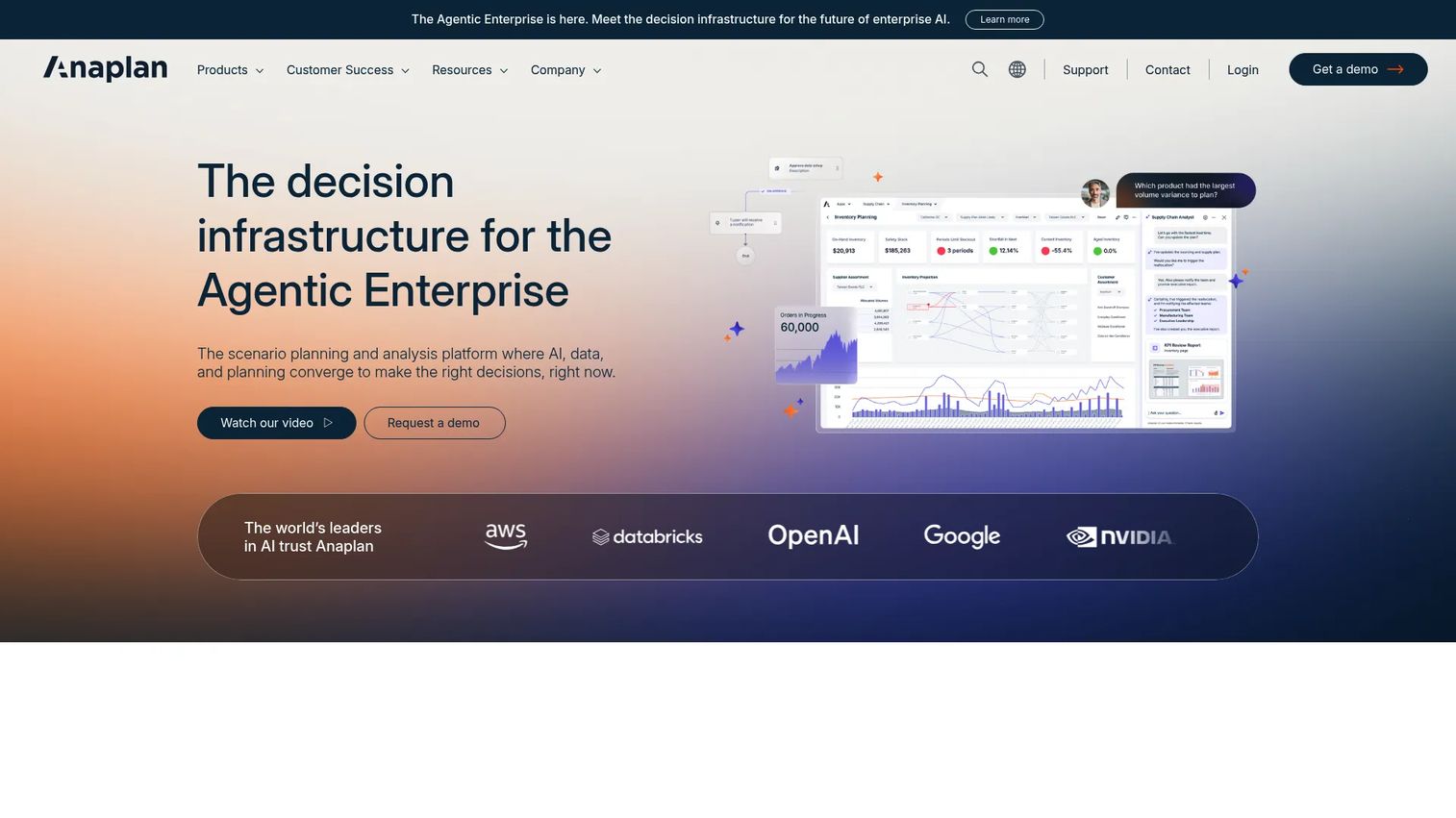
Anaplan is a connected planning platform built for large, complex organizations that need finance, supply chain, sales, and workforce planning to run off one model. Its calculation engine handles multi-dimensional modeling at a scale that spreadsheets and lighter tools were never designed for. If your planning spans multiple entities, currencies, and functions, this is the depth end of the market.
Best for: Enterprise teams that need connected financial, supply chain, sales, and workforce planning in one system.
Key strengths
- AI-driven scenario planning and analysis
- Connected data, workflows, and role-based agents
- Mobile planning, dashboards, and task updates
Why choose Anaplan: For a founder scaling toward enterprise complexity, Anaplan is the tool you grow into, not out of. It rewards teams with the bandwidth to build and maintain rich models, which is why implementation is a real project rather than a weekend setup.
Anaplan pricing: Public pricing is not listed. Anaplan uses a demo-led sales process and quotes based on scope, so plan on a scoping conversation to get a number.
2. Workday Adaptive Planning
Workday Adaptive Planning is cloud-based enterprise performance management for finance teams that want budgeting, forecasting, workforce planning, and close in one platform. Its continuous planning approach fits companies that have outgrown annual budgets and now reforecast regularly. Integration with the broader Workday finance suite is a draw for teams already in that ecosystem.
Best for: Finance teams needing unified budgeting, forecasting, workforce, and operational planning.
Key strengths
- AI-powered planning and scenario modeling
- Financial planning, budgeting, and forecasting
- Workforce planning and close & consolidation
Why choose Workday Adaptive Planning: This is where finance teams land when simpler tools stop scaling and they need enterprise reporting plus workforce planning under one roof. The 30-day trial gives you a way to test fit before committing.
Workday Adaptive Planning pricing: Public pricing is not listed; Workday quotes based on scope. A 30-day free trial is available, and a separate Close & Consolidation package is quoted alongside the core product.
3. Pigment

Pigment is an AI business planning platform built for modern finance teams that want flexible modeling and fast scenario turns without a heavy legacy feel. It puts AI agents inside planning workflows and keeps a governed data layer across finance, sales, HR, and ops. Teams that need to answer "what if" quickly gravitate to it.
Best for: Enterprise finance, sales, HR, and operations teams needing collaborative planning and scenario modeling.
Key strengths
- AI agents embedded in planning workflows
- Real-time scenario planning and modeling
- Unified governed data layer across functions
Why choose Pigment: If your team values speed of iteration and a collaborative interface over a long enterprise rollout, Pigment fits the modern finance stack. It suits companies that reforecast often and want scenario modeling that keeps up.
Pigment pricing: Pricing is component-based and custom, covering a platform fee plus licenses and features. Public numbers are not shown; Pigment lists Essentials and Enterprise plans and directs you to contact them.
4. Datarails
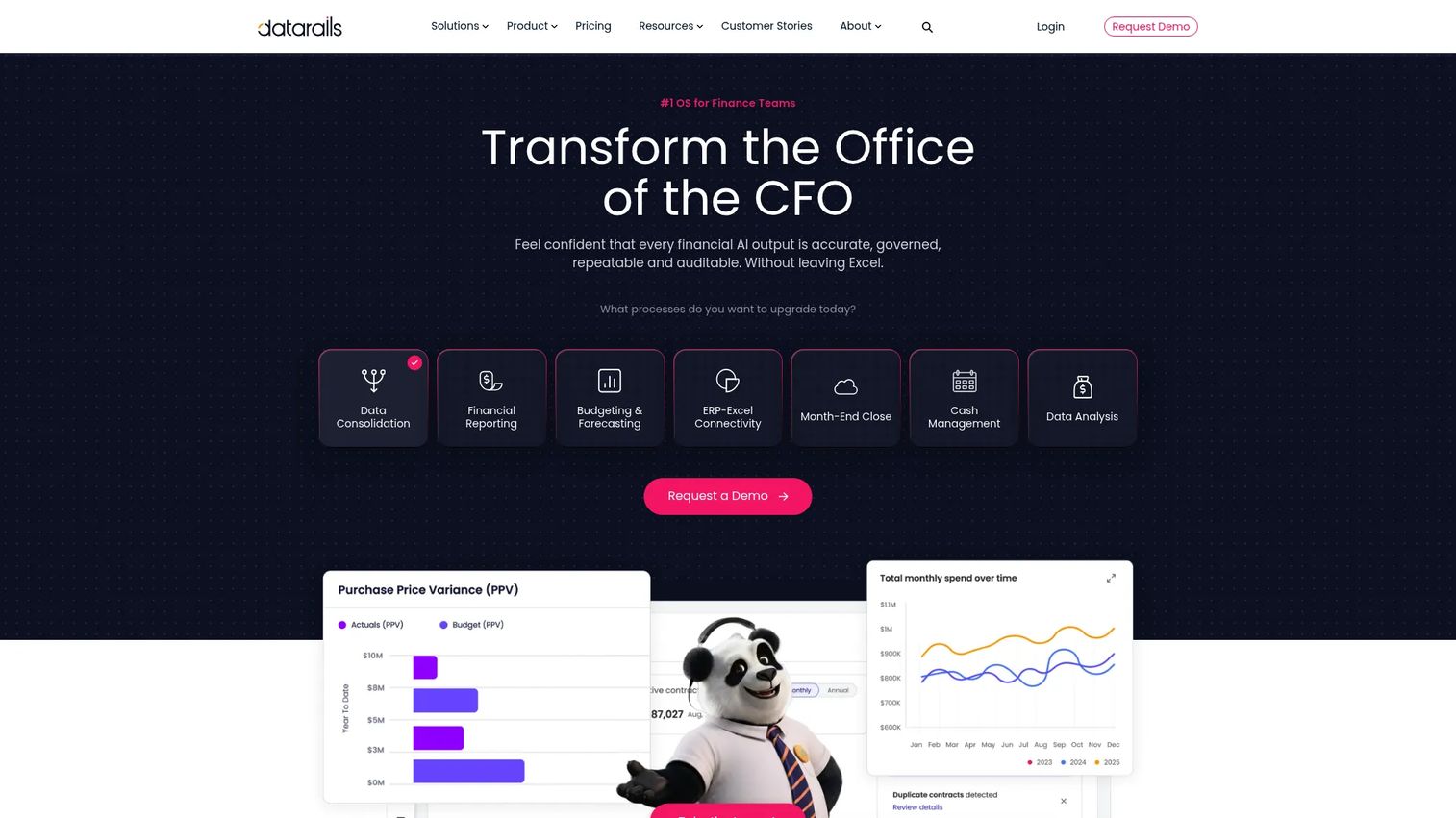
Datarails is an Excel-native FP&A platform that lets finance teams keep working in spreadsheets while automating consolidation, reporting, budgeting, and forecasting behind the scenes. It works as a finance operating system layered on top of Excel, so you get structure without abandoning the tool your team already knows. That makes it a natural bridge from spreadsheets to structured FP&A.
Best for: Mid-market finance teams that want to keep working in Excel while automating FP&A workflows.
Key strengths
- Excel-connected finance operating system
- Automated consolidation, reporting, budgeting, and forecasting
- Dashboards, storyboards, month-end close, cash, and spend control
Why choose Datarails: For teams where the muscle memory is Excel, this is the Excel replacement that does not force a rip-and-replace. You keep your models and gain automation, audit trails, and dashboards on top.
Datarails pricing: Pricing is customized and quote-based. There is no public number; Datarails asks you to submit a form for a tailored quote.
5. Planful
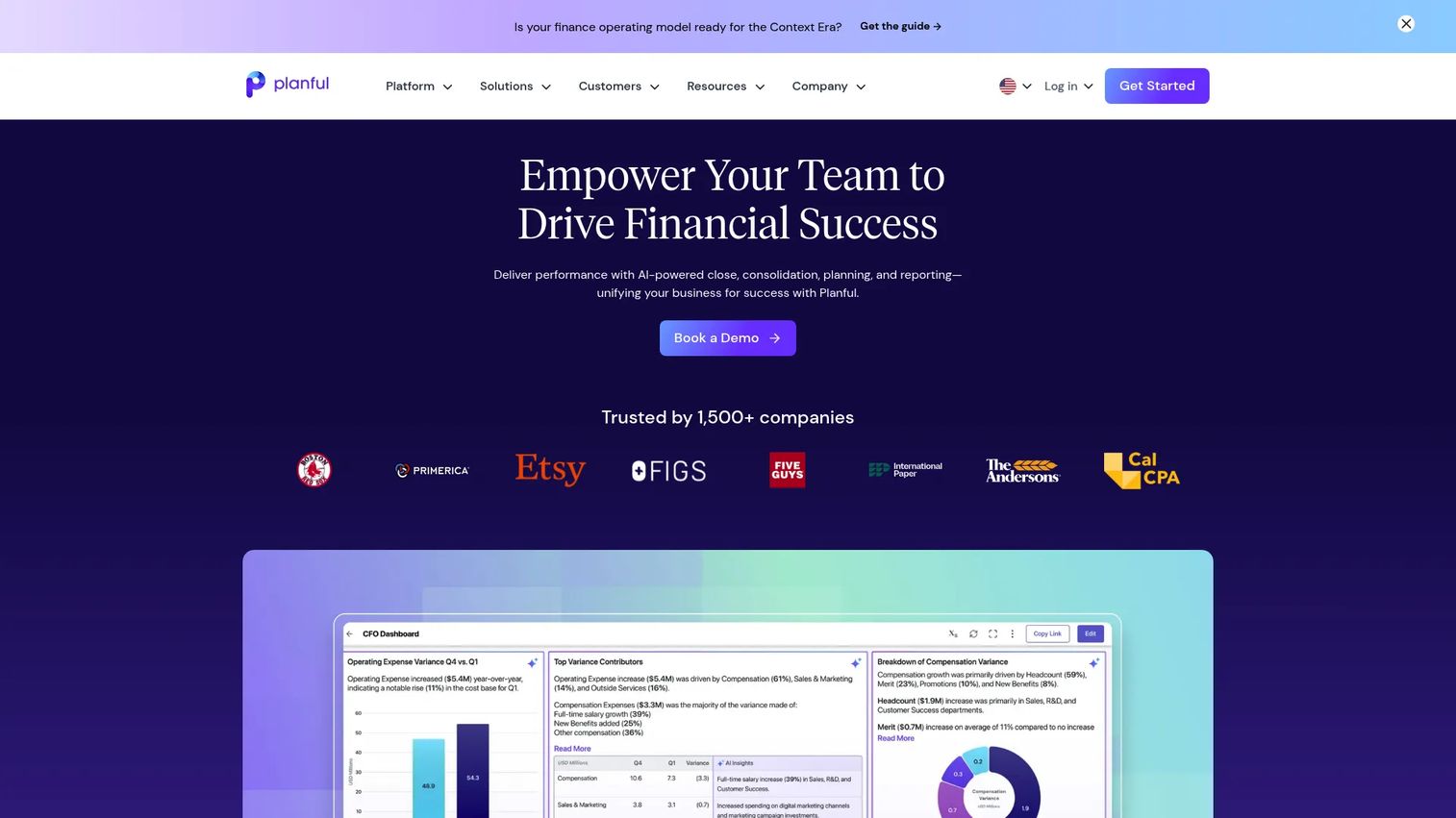
Planful is financial performance management software that brings planning, reporting, close, and consolidation together with AI-assisted forecasting. It is built for finance teams that want to standardize their processes end to end, from budget to close, rather than bolt tools together. Mid-market and enterprise teams use it to tighten cycles and get consistent reporting.
Best for: Mid-market to enterprise finance teams needing FP&A, reporting, and close in one platform.
Key strengths
- AI-assisted planning and forecasting
- Financial close and consolidation
- Reporting, dashboards, and analytics
Why choose Planful: If your pain is process sprawl, planning in one place and closing in another, Planful's strength is standardization across the full finance cycle. It suits teams ready to commit to a structured, repeatable workflow.
Planful pricing: Pricing is subscription-based and tailored to company size, user count, and selected modules. No public price is listed on the site.
6. Vena
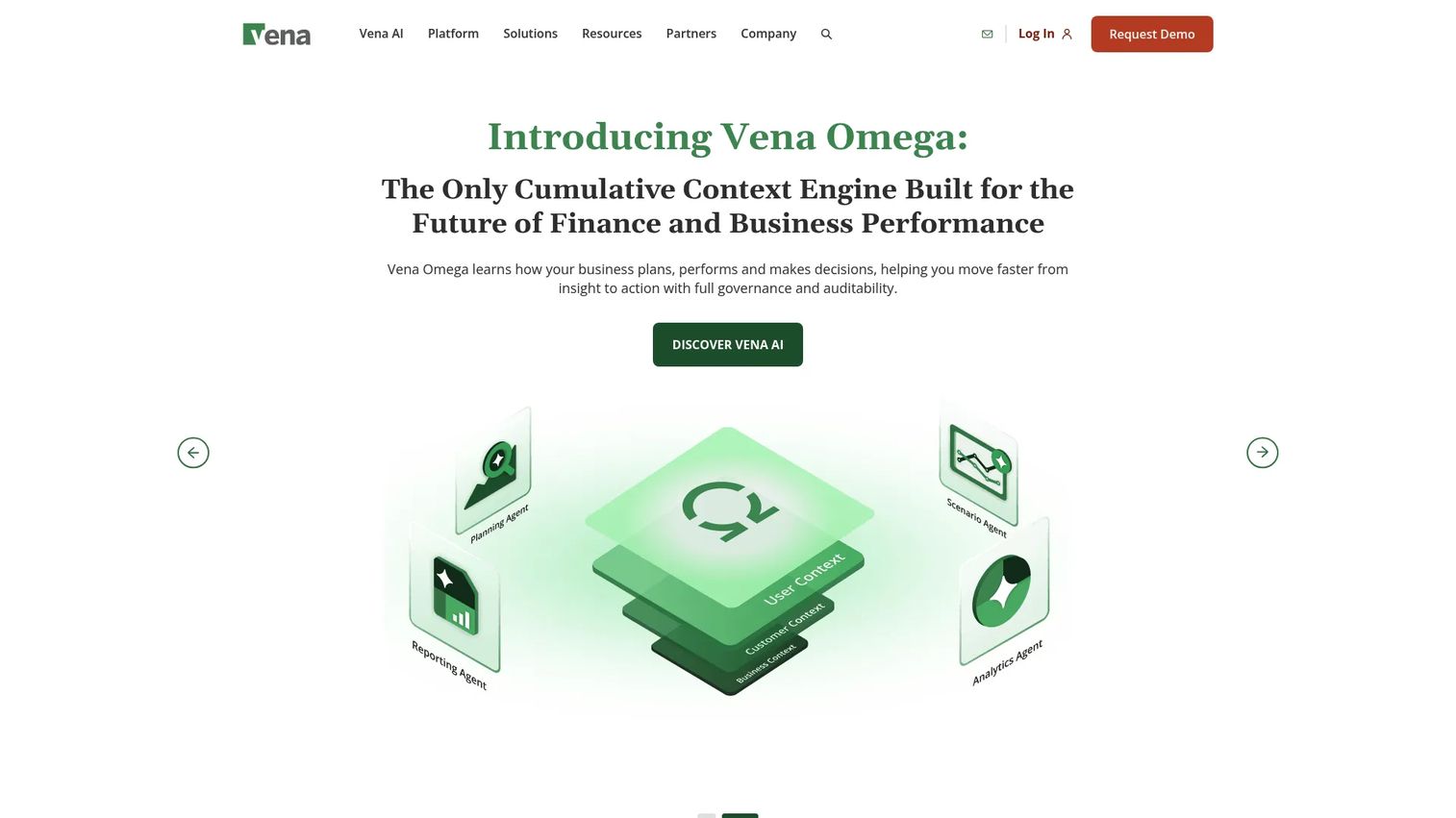
Vena is a Microsoft-native FP&A platform for planning, reporting, consolidation, and AI-assisted finance workflows built around Excel and Power BI. Finance teams with deep Excel habits adopt it because the interface is familiar while a central database adds workflow, collaboration, and governance underneath. It is a middle path between raw spreadsheets and a full enterprise system.
Best for: Finance teams that want Excel-based FP&A with Microsoft-native workflows.
Key strengths
- Excel-native planning and reporting
- Central database with workflow and collaboration
- AI copilots and insights with Power BI reporting
Why choose Vena: If your company runs on Microsoft and your team lives in Excel and Power BI, Vena keeps that stack intact while adding the collaboration and governance spreadsheets lack. Audit trails and approvals come built in.
Vena pricing: Vena lists two plans, Professional and Complete, both quoted rather than publicly priced. Pricing is customized to your needs.
7. Cube
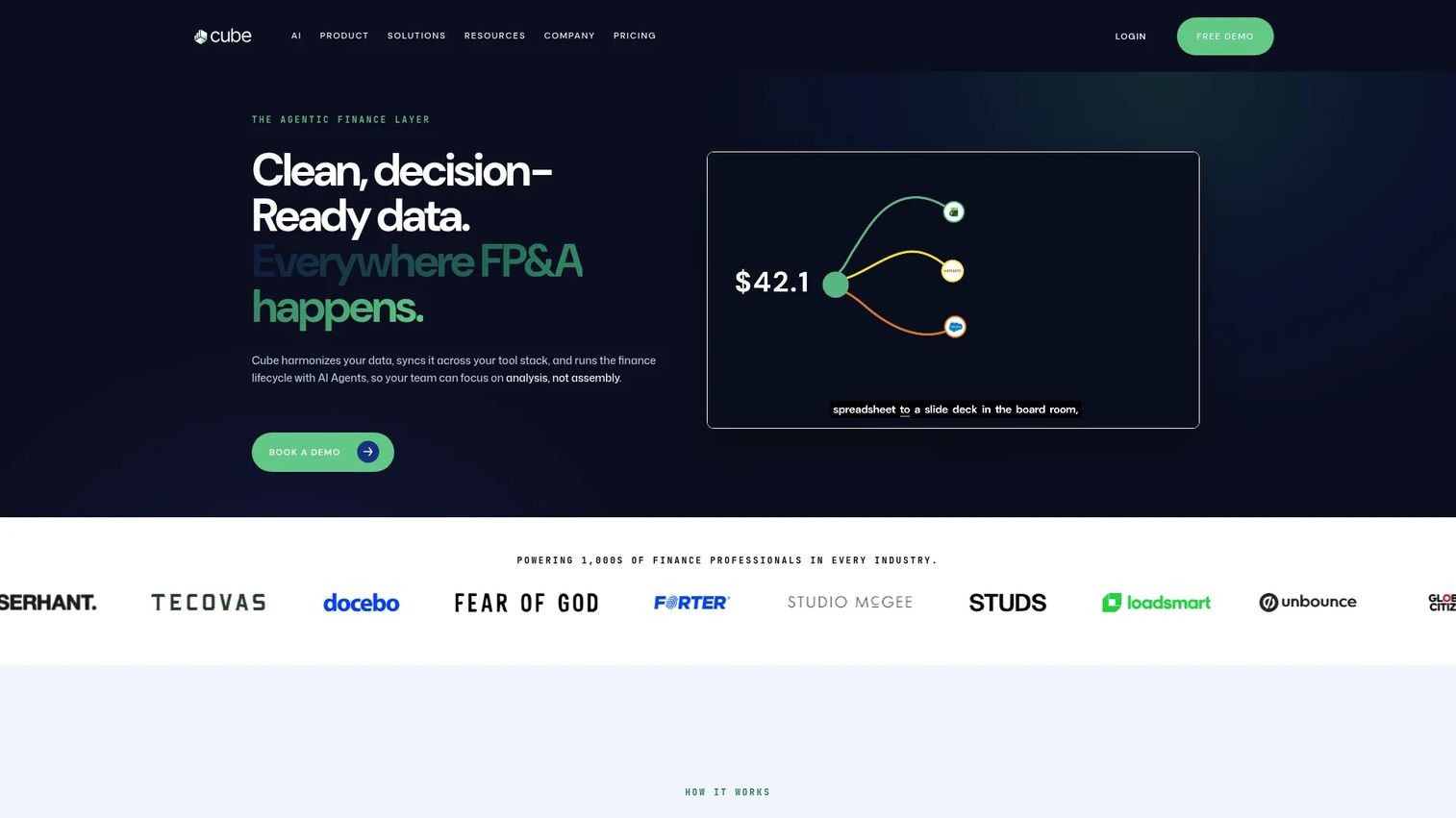
Cube is FP&A software for finance teams that want planning, reporting, and analysis inside the spreadsheets they already use, with public pricing you can evaluate without a sales call. It connects to Excel and Google Sheets and layers structured planning on top, which makes it a fast on-ramp for smaller teams. For founders who want structure without a full enterprise rollout, speed to value is the pitch.
Best for: Finance teams that want workflow-native FP&A planning, reporting, and analysis in spreadsheets and connected tools.
Key strengths
- Planning and modeling
- Reporting and analysis
- Spreadsheet integrations with Excel and Google Sheets
Why choose Cube: Cube is the SMB FP&A software pick for lean teams that want transparent pricing and a quick start. You keep your spreadsheets, add structure, and skip the long implementation.
Cube pricing: Cube lists public monthly pricing. Essential starts at $1,250/month and Premium at $2,450/month, with Enterprise quoted based on scope.
8. Abacum
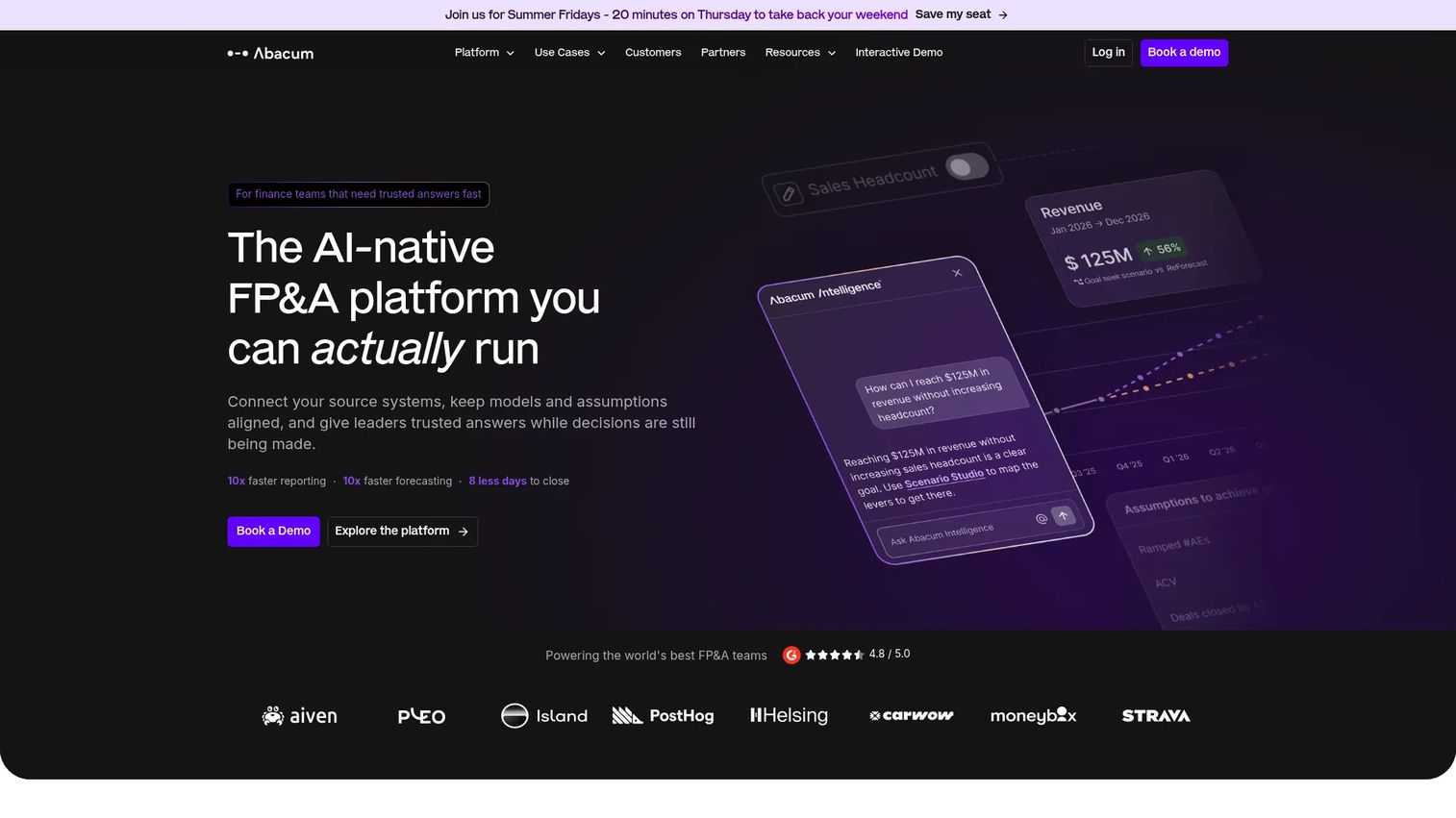
Abacum is an AI-native FP&A platform for budgeting, forecasting, reporting, and financial modeling, built for lean finance teams that still need rigor. It consolidates data into real-time dashboards and automates the manual work that eats an analyst's week. Fast-growing SaaS companies with small finance functions are the natural fit.
Best for: Mid-market finance teams needing a scalable FP&A platform.
Key strengths
- Real-time dashboards and data consolidation
- Budgeting, forecasting, and scenario planning
- Excel connector and business system integrations
Why choose Abacum: If you have one or two finance people and need board-ready output without adding headcount, Abacum's automation and AI FP&A features do the heavy lifting. It is built for teams that want rigor without a large ops burden.
Abacum pricing: Pricing is tailored to business needs and not publicly listed. Reach out for a quote based on your scope.
Considerations
Before you commit, run the shortlist through these five checks. They separate the tool that looks good in a demo from the one that survives your first close.
Integration depth
A long connector list means nothing if the integrations are shallow. Check that the tool syncs cleanly with your specific ERP, CRM, and HRIS, and that data flows both ways without manual exports. ERP integration quality is where forecast automation lives or dies. Ask to see your own systems connected, not a generic demo.
Ease of use and adoption
If only one person on the team can run the platform, you have rebuilt the Excel single-point-of-failure problem with a bigger bill. Evaluate whether finance can build and edit models without waiting on IT. Adoption breaks when the tool is too complex for daily use, so test it with the analyst who will actually own it.
Security and governance
Finance data needs real controls: role-based access, approval workflows, and audit trails that show who changed what and when. This matters more as you scale and as due diligence gets serious. Data ownership terms matter too, so confirm you can export everything if you ever leave.
Scalability and customization
Match the tool to your complexity, not your ambition. A single-entity SaaS company has different needs than a multi-entity, multi-currency operation. Over-buying enterprise FP&A software you cannot staff raises total cost of ownership fast. Under-buying means another migration in 18 months.
Support, implementation, and ROI
Ask hard questions about onboarding, training, and services. Get a realistic timeline, then measure time-to-value in weeks or months, not vendor promises. Calculate TCO across licenses, implementation, and internal hours, then weigh it against the ROI of faster closes and cleaner board reporting.
Conclusion
The right FP&A software depends on where your company sits and how much bandwidth your finance team has.
For enterprise complexity, Anaplan and Workday Adaptive Planning give you connected planning and unified finance at depth. For modern teams that reforecast often, Pigment brings speed and AI-assisted scenario modeling. If your team lives in spreadsheets, Datarails and Vena deliver a real Excel replacement without the rip-and-replace. Planful is the pick for standardizing planning and close together.
For a Series B founder, the lean options usually matter most. Cube offers transparent pricing and a fast start, and Abacum brings AI-native automation for small finance teams that still need board-ready rigor.
The decision lens is simple: speed to a trustworthy number, visibility your board can scrutinize, and a planning process that does not route through you. Choose based on your current planning complexity and internal bandwidth, then pressure-test the shortlist against your own ERP, close cycle, and reporting calendar before you sign.
Start your journey with Guideflow today!
FAQs
FP&A software is a category of financial planning and analysis tools that centralize budgeting, forecasting, scenario planning, reporting, and variance analysis in one connected system. It replaces fragmented spreadsheets with a single source of truth that finance, sales, and operations all plan against. The goal is faster planning cycles and numbers you can trust.
Financial planning and analysis software pulls actuals from your ERP, headcount from your HRIS, and pipeline from your CRM, then keeps every model working from the same data. It automates consolidation and reporting, supports rolling forecasts and scenario planning, and produces board-ready dashboards. In short, it turns manual spreadsheet work into a repeatable process.
Excel is flexible but fragile once multiple people and models are involved. FP&A software adds version control, audit trails, workflow approvals, and live data connections that spreadsheets lack. You can still work in an Excel-like interface with tools like Datarails, Vena, and Cube, while gaining the governance and automation Excel alone cannot provide.
Prioritize clean ERP, CRM, and HRIS integration, fast scenario planning, and an interface your finance team can run without IT. Check governance features like audit trails and access controls, then weigh total cost of ownership against time-to-value. For founders, board-ready reporting and a planning process that does not depend on you are the deciding factors.
Yes, when it does specific jobs rather than serving as a marketing label. AI FP&A features that help include automated forecast generation, variance explanation, and anomaly detection that flags numbers worth investigating. Tools like Abacum, Pigment, Planful, and Workday Adaptive Planning apply AI to real forecasting and scenario tasks, which is where the value shows up.
Lean, spreadsheet-native tools tend to fit startups best because they start fast and stay affordable relative to enterprise platforms. Cube offers transparent public pricing and a quick setup, while Abacum brings AI-native automation for small finance teams. Both give board-ready output without the long implementation an enterprise platform requires.
Enterprise finance teams usually need connected planning across finance, sales, and workforce, which points to Anaplan and Workday Adaptive Planning. Both handle multi-entity, multi-currency complexity and integrate with broader finance systems. Pigment and Planful also serve enterprise teams that want modern modeling or standardized planning and close.
Most FP&A tools use native connectors or APIs to sync actuals from your ERP, pipeline from your CRM, and headcount from your HRIS. The quality of these connections matters more than the count, since shallow integrations still leave you exporting data by hand. Always test the tool against your own systems before buying, because ERP integration is where forecast automation succeeds or stalls.