You quoted the deck rebuild on Tuesday. The customer texted twice for a status update. You forgot the second appointment because it lived on a sticky note. The invoice went out four days late, and the payment landed a week after that. None of this is a marketing problem. It is an operations problem, and it is the exact friction that costs field-service businesses money every week.
Around 68% of small and medium-sized handyman service providers already run some form of software to manage operations, according to Industry Research Biz (2024). That number reflects a simple truth: manual tracking stops scaling the moment you add a second crew, a third job type, or a customer who expects same-day confirmation. The handyman software market itself sits between roughly $1.2 billion and $2.8 billion depending on the estimate, with cloud-based tools accounting for about 71% of deployments (Industry Research Biz, 2024). Teams are moving off spreadsheets fast.
The point of handyman software is not to add another dashboard. It is to connect scheduling, estimating, invoicing, and payment collection so a job flows from booked to paid without anyone re-typing the same details four times. When you evaluate a platform, you are really deciding how much manual work leaves your day and how much cash reaches your account faster. This guide compares the tools worth shortlisting.
What's inside
This guide is for owners and operators of handyman and home-service businesses who are evaluating handyman business software before they buy. That includes solo operators drowning in admin, growing crews that need real scheduling, and larger teams that want tighter operational control.
We selected the 10 tools based on four criteria that decide day-to-day fit: scheduling and dispatch depth, estimate-to-invoice-to-payment continuity, mobile field usability, and integrations like QuickBooks. We verified current pricing and ratings against each vendor's own pricing page and live listings. Every entry names who it fits, what it does well, and what it costs.
TL;DR
- Best all-in-one for home-service teams: Housecall Pro pairs scheduling, dispatch, invoicing, and payments in one system with public entry pricing.
- Best client-facing workflows: Jobber gives you polished quotes, a client hub, and automated communication that make small teams look bigger.
- Best for complex, larger operations: ServiceTitan offers enterprise-grade dispatch, pricebook control, and reporting for contractors running heavier service operations.
- Best free starting point: Workiz has a free forever Lite tier plus built-in phone and messaging for teams that live on inbound calls.
- Best for field-heavy, route-driven work: RazorSync and Synchroteam focus on mobile access, dispatch, and route-aware scheduling for crews on the road.
What is handyman software?
Handyman software is field-service business management software that centralizes scheduling, estimating, invoicing, customer management, payments, and communication for home-service businesses. Instead of juggling a calendar app, a spreadsheet of quotes, a separate invoicing tool, and a text thread with each customer, you run the whole job lifecycle from one system.
The category overlaps heavily with broader field service and home-service platforms. What separates a strong fit for a handyman business is workflow continuity: the estimate you approve becomes the invoice you send becomes the payment you collect, without re-entering anything.
Core modules to expect:
- Scheduling and dispatch: Calendar views, drag-and-drop assignment, and appointment reminders that cut down missed and double-booked jobs. This is the heart of handyman scheduling software.
- Estimating and quoting: Reusable line items and templates so handyman estimating software turns a site visit into a priced quote in minutes.
- Invoicing and billing: Convert approved quotes into invoices automatically. Good handyman invoicing software links directly to payment collection.
- CRM: A customer record with job history, notes, and contact details. A solid handyman CRM keeps repeat customers and follow-ups from slipping.
- Customer communication: Automated reminders, on-my-way texts, and status updates that reduce the "where is my tech" calls.
- Payments: Card, ACH, and mobile payment options so cash reaches your account faster.
- Online booking: A booking page or customer portal that lets clients request work without a phone call.
- Integrations: QuickBooks integration for accounting, plus payments, marketing, and reporting connections.
Together these modules turn handyman management software from a glorified calendar into an operations system that runs without the owner touching every step.
When to use handyman software
Not every business needs the same depth on day one. Here is how to pattern-match your situation to the moment software earns its place.
Replace spreadsheets and sticky notes
Manual tracking works right up until it doesn't. The tipping point usually arrives with the second crew member or the first month you break 30 jobs. A spreadsheet cannot text a customer, remind you of an appointment, or turn a quote into an invoice. Handyman service software absorbs that admin so you stop losing jobs to disorganization rather than demand.
Tighten scheduling and job coordination
Missed appointments and double-bookings are silent revenue killers. They cost you the job, the review, and often the referral. Scheduling software with dispatch views, automated reminders, and real-time status updates reduces no-shows on both sides. When your crew can see the day's route and the customer gets an on-my-way text, the whole operation runs calmer.
Connect estimates, invoices, and payments
The gap between finishing a job and getting paid is where cash flow dies. When your quoting tool, invoicing tool, and payment processor are the same system, an approved estimate becomes a paid invoice in a few taps. Linking handyman pricing software to collection is the single biggest lever for shortening the time between work done and money received.
Comparison table
The table below reads left to right by fit. "Intent" tells you the operational posture each tool takes. "Key use case" names the sweet spot. Pricing reflects each vendor's publicly listed entry point, verified against their own pricing pages, and G2 ratings reflect current listings where available. Some enterprise-leaning tools use request-based pricing; that is noted rather than guessed.
| # | Product | Intent | Key use case | Pricing | G2 rating |
|---|---|---|---|---|---|
| 1 | Housecall Pro | All-in-one operations | Scheduling, dispatch, invoicing, payments for home-service teams | From $59/mo (billed annually) | See Capterra |
| 2 | Jobber | Client-facing workflows | Quotes, client hub, invoicing, automated communication | From $49/mo | 4.6/5 |
| 3 | ServiceTitan | Enterprise operations | Dispatch, pricebook, CRM, reporting for larger contractors | Request pricing | 4.5/5 |
| 4 | FieldPulse | Flexible field ops | Scheduling, estimates, invoices, mobile workflows | Custom quote | See Capterra |
| 5 | Workiz | Call-driven service | Scheduling, built-in phone, invoicing, communication | Free tier; paid from $225/mo | 4.5/5 |
| 6 | Kickserv | Straightforward SMB ops | CRM, scheduling, estimates, invoicing | From $60/mo | 4.5/5 |
| 7 | RazorSync | Mobile field work | Route-aware scheduling, mobile access, invoicing | From $85/mo (annual) | See Capterra |
| 8 | Synchroteam | Configurable dispatch | Route optimization, scheduling, mobile job management | From $39/user/mo | 4.4/5 |
| 9 | Commusoft | Connected service platform | Job management, job costing, contracts, customer communication | Request pricing | 4.8/5 |
| 10 | BigChange | Fleet and field coordination | Scheduling, live tracking, customer portal, mobile ops | Request pricing | See Capterra |
1. Housecall Pro
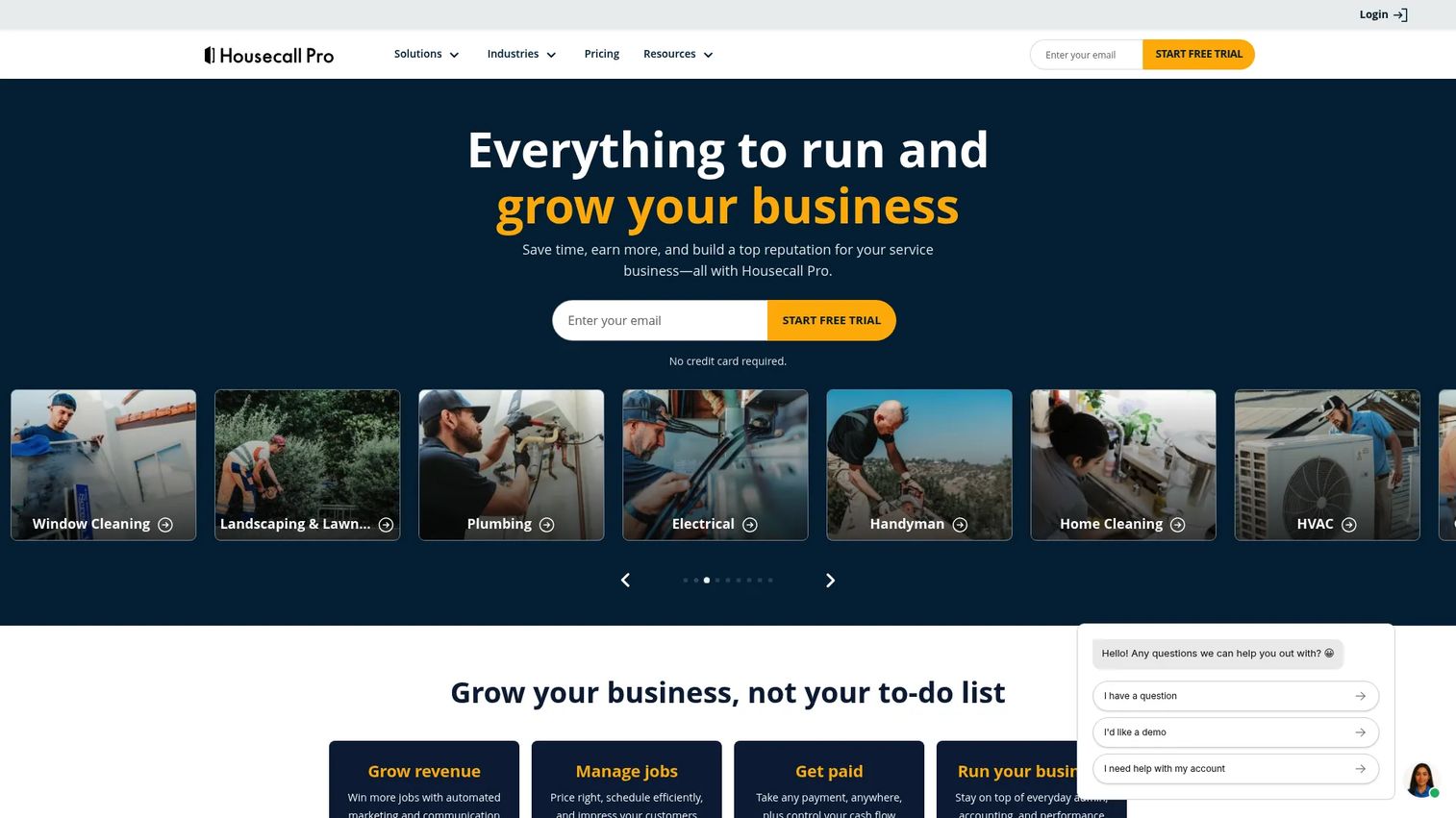
Housecall Pro is field service management software built for home-service businesses that want scheduling, dispatch, invoicing, and payments in one place. It leans all-in-one, so a job flows from booking through payment without you hopping between tools. For handyman operations juggling several job types, that continuity is the draw.
Best for: Small home-service teams that need scheduling, dispatch, invoicing, and payments in a single system.
Key strengths
- Online booking: A booking page lets customers request work directly, cutting inbound phone tag.
- Scheduling and dispatch: Assign jobs, manage the calendar, and send reminders that reduce missed appointments.
- Invoicing and payments: Turn completed jobs into invoices and collect payment inside the same flow.
Why choose Housecall Pro: If you want one platform that covers the full job lifecycle rather than stitching apps together, Housecall Pro is a strong default. It suits owners who value a broad home-service feature set and public entry pricing over heavily configured enterprise workflows.
Housecall Pro pricing: The Basic plan starts at $59 per month billed annually, or $79 per month on monthly billing. Housecall Pro offers a 14-day free trial with no credit card required, and all prices are listed in USD, exclusive of sales tax. There is no permanent free tier.
2. Jobber
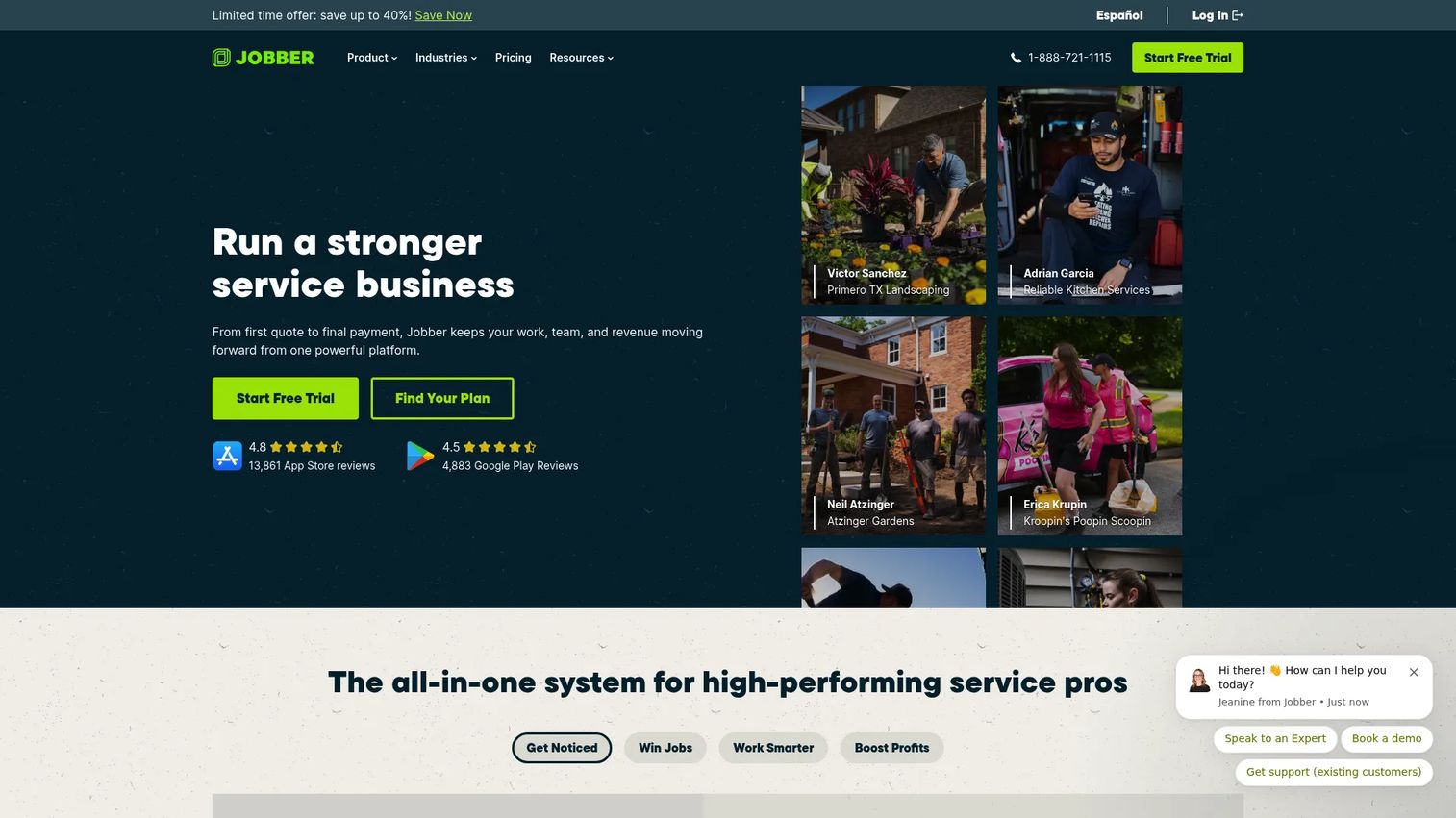
Jobber is field service management software focused on scheduling, quoting, invoicing, payments, and customer communication. Its standout is client-facing polish: the client hub, professional quotes, and automated messaging make a small handyman business feel organized and responsive. That perception often wins the job.
Best for: Home-service businesses that want an all-in-one operations platform with strong client-facing workflows.
Key strengths
- Online booking and job scheduling: Let clients request work and manage the whole calendar in one view.
- Quotes, invoices, and online payments: Move a quote to an invoice to a payment without re-entering details.
- Job tracking and automations: Checklists and automated follow-ups keep jobs and customers on track.
Why choose Jobber: Choose Jobber when the client experience matters as much as internal efficiency. Its quoting and communication workflows help you look established, which is a real advantage when you are competing on trust rather than price.
Jobber pricing: Jobber's public pricing page shows Core at $49 per month, Connect at $139 per month, Grow at $199 per month, and Plus at $499 per month. A free trial is available, and no permanent free tier is shown. Jobber holds a 4.6/5 rating on G2.
3. ServiceTitan
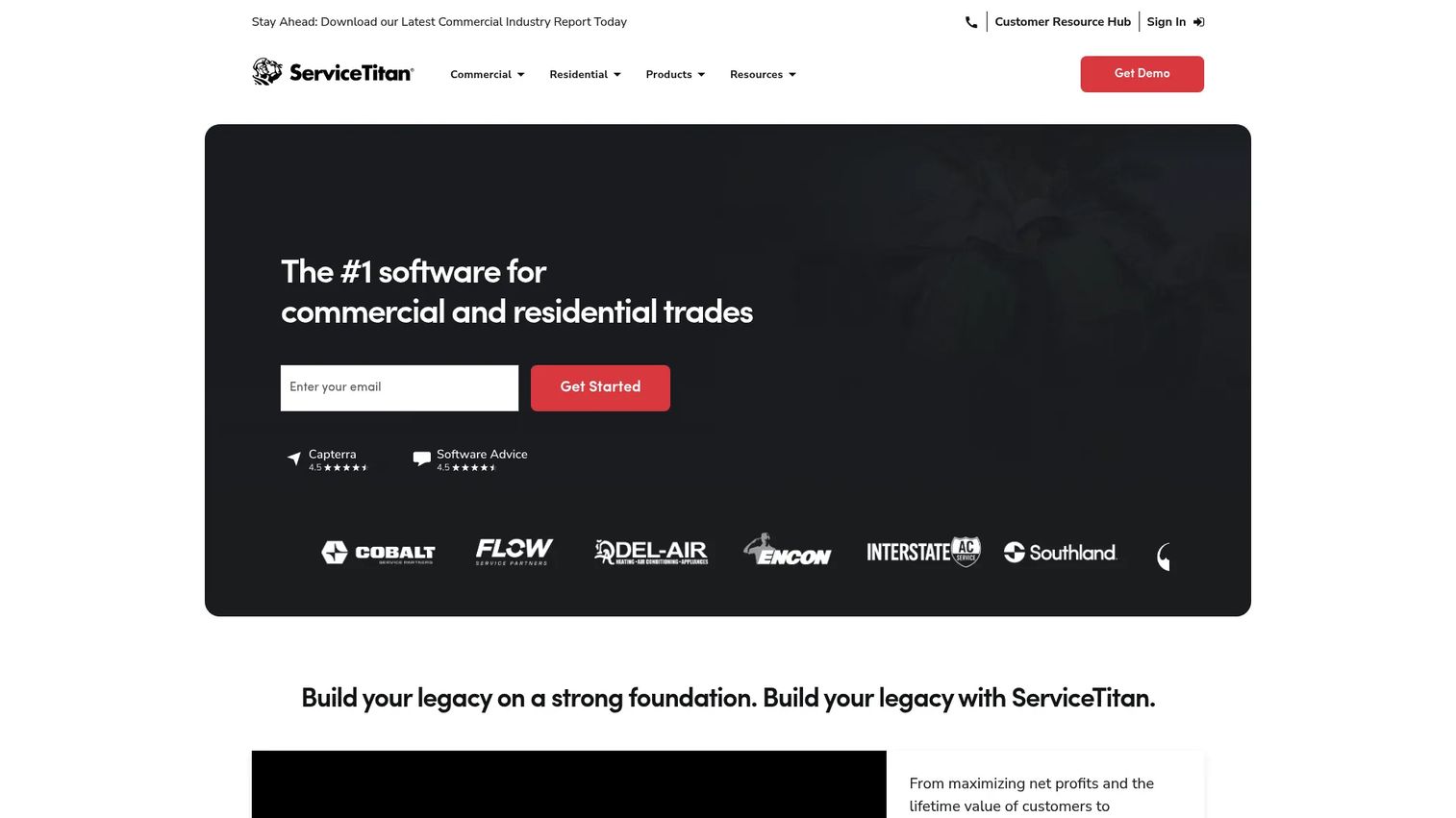
ServiceTitan is cloud-based operating software for commercial and residential contractors. It brings enterprise-grade depth to dispatch, pricebook management, CRM, sales, and reporting. For a handyman business that has grown into complex service operations with multiple technicians, that operational control is the point.
Best for: HVAC, plumbing, and other service contractors, plus larger handyman teams needing an all-in-one field service platform.
Key strengths
- Dispatching and scheduling: Manage a large technician calendar with the granularity bigger teams need.
- Invoicing and pricebook management: Standardize pricing across jobs and technicians for consistent quoting.
- CRM, sales, and reporting: Track customers, sales, and performance with mobile workflows in the field.
Why choose ServiceTitan: Pick ServiceTitan when your operation has outgrown lightweight tools and you need deeper reporting, pricebook control, and workflow depth. It is built for scale, so it fits teams ready to invest in heavier operational infrastructure.
ServiceTitan pricing: ServiceTitan lists three packages, Starter, Essentials, and The Works, each using per-technician pricing and requiring a pricing request. No public numeric price is displayed on the pricing page, and there is no free tier. ServiceTitan holds a 4.5/5 rating on G2.
4. FieldPulse
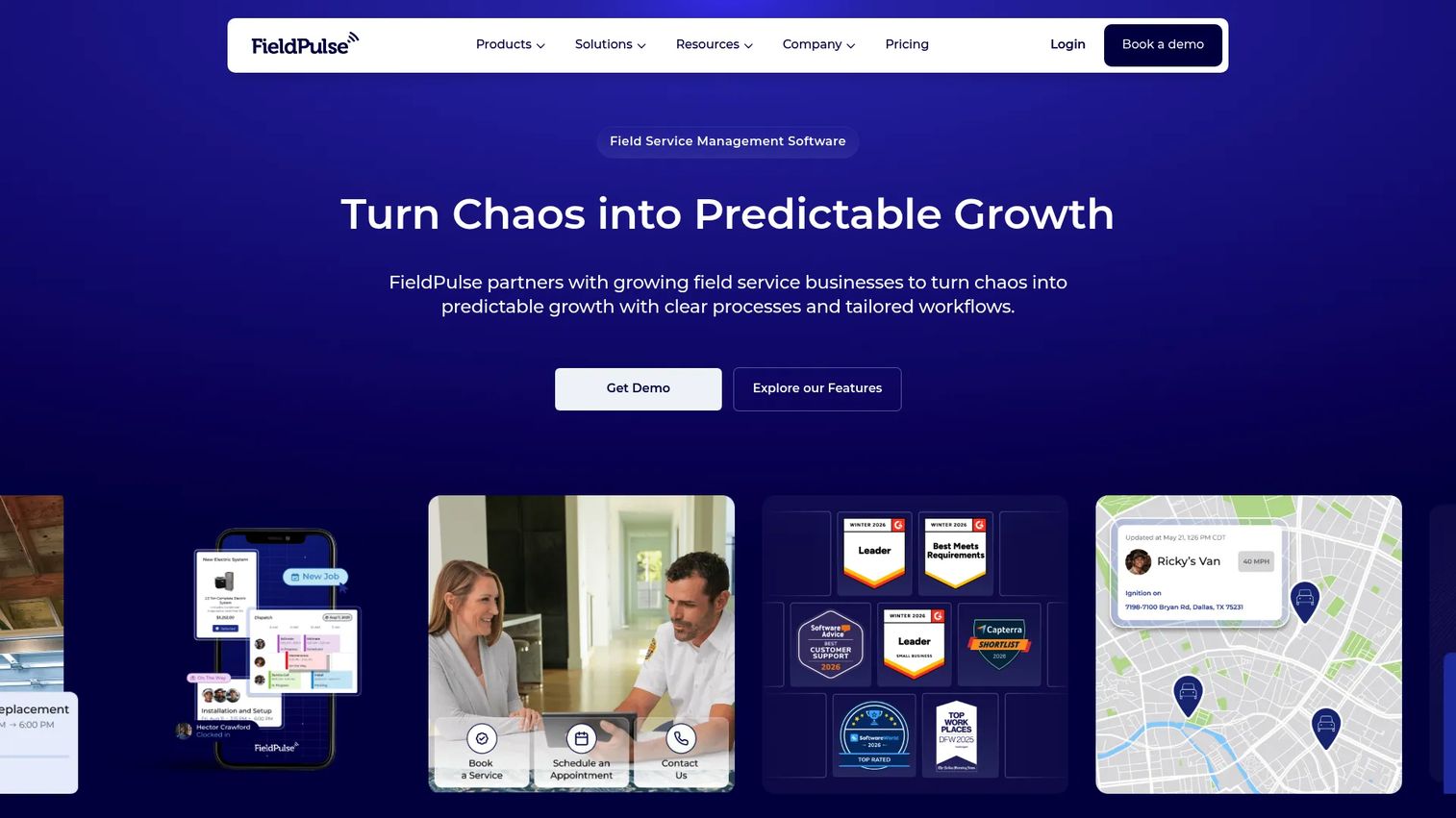
FieldPulse is field service management software built for trades and contractor businesses. It covers scheduling, routing, estimates, invoices, and a pricebook, with mobile workflows that keep field crews coordinated. The appeal for handyman teams is practical flexibility across the operations they actually run day to day.
Best for: Trade and home-service SMBs needing FSM, scheduling, estimates, and mobile workflow tools.
Key strengths
- Scheduling and routing: Coordinate jobs and routes so crews spend less time driving and more time working.
- Estimates and invoices: Build priced quotes and convert them into invoices without duplicate entry.
- Pricebook: Standardize line items so quoting stays fast and consistent across jobs.
Why choose FieldPulse: FieldPulse suits teams that want flexible operations and strong mobile coordination without being pushed into a rigid workflow. It fits growing trade and handyman businesses looking for a capable, field-first platform.
FieldPulse pricing: FieldPulse uses seat-based, quote-based pricing across Essentials, Professional, and Enterprise tiers. The main pricing page does not display a public numeric starting price and directs you to request a custom quote. Confirm current seat pricing directly with FieldPulse before you commit.
5. Workiz
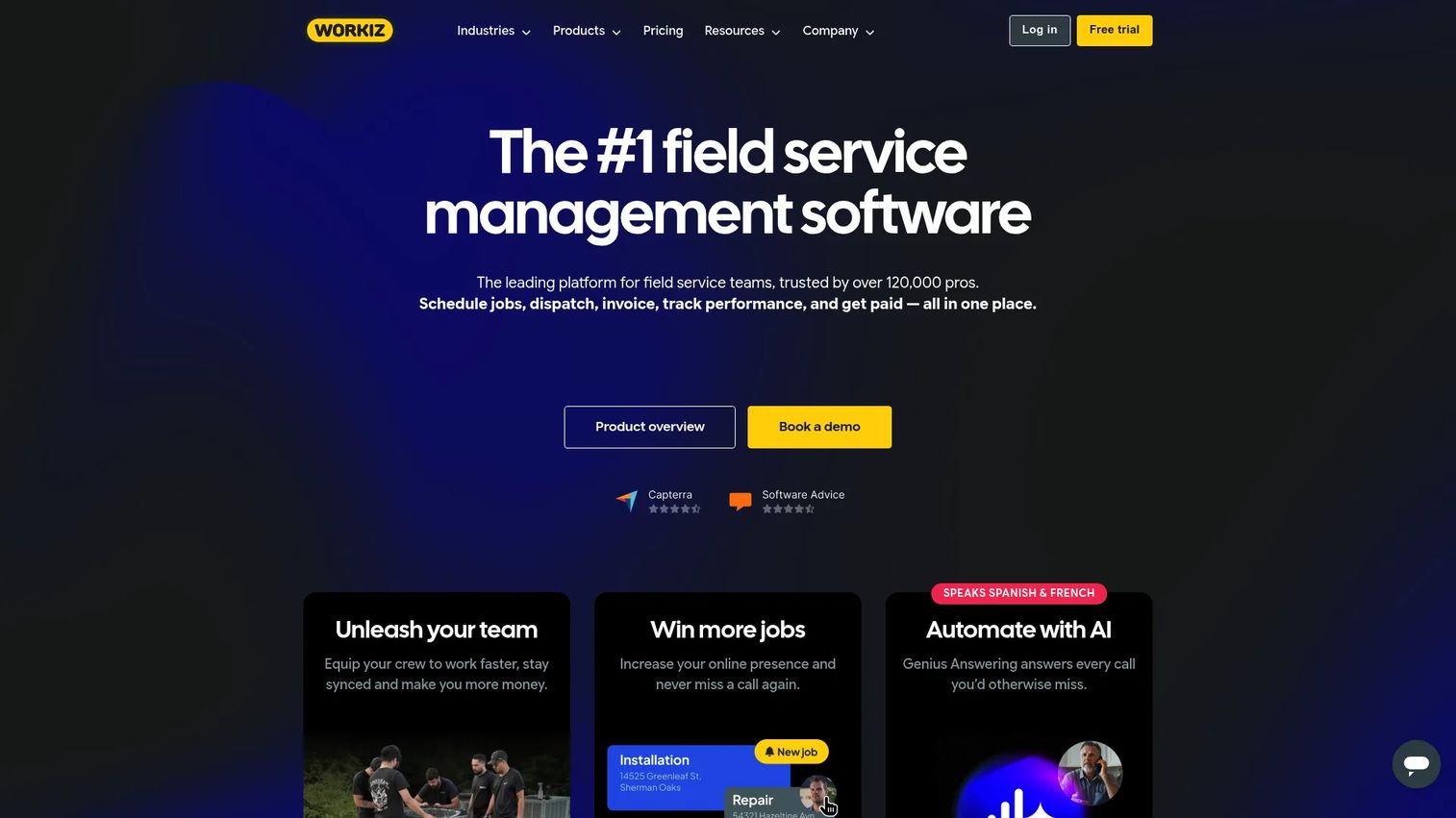
Workiz is field service management software with scheduling, invoicing, payments, CRM, and built-in communication tools. Its differentiator is telephony: a built-in phone, messaging, and AI answering, which matters for service teams that live on inbound calls and need fast response times.
Best for: Field service businesses that want an all-in-one operations and communication platform.
Key strengths
- Scheduling and dispatching: Manage the daily board and assign jobs with real-time visibility.
- Built-in phone, messages, and AI answering: Handle calls and texts inside the platform so no lead slips.
- Online booking and client portal: Let customers book and self-serve through a branded portal.
Why choose Workiz: Choose Workiz when fast call handling drives your business and you want communication built into the operations platform rather than bolted on. The free tier also makes it a low-risk starting point for very small teams.
Workiz pricing: Workiz offers a free forever Lite plan for up to 2 members. Paid plans include Kickstart at $225 per month (first 3 users), Standard at $275 per month (first 5 users), Pro at $325 per month (first 5 users), and an Ultimate tier via sales. Annual billing discounts are shown, and Workiz holds a 4.5/5 rating on G2.
6. Kickserv
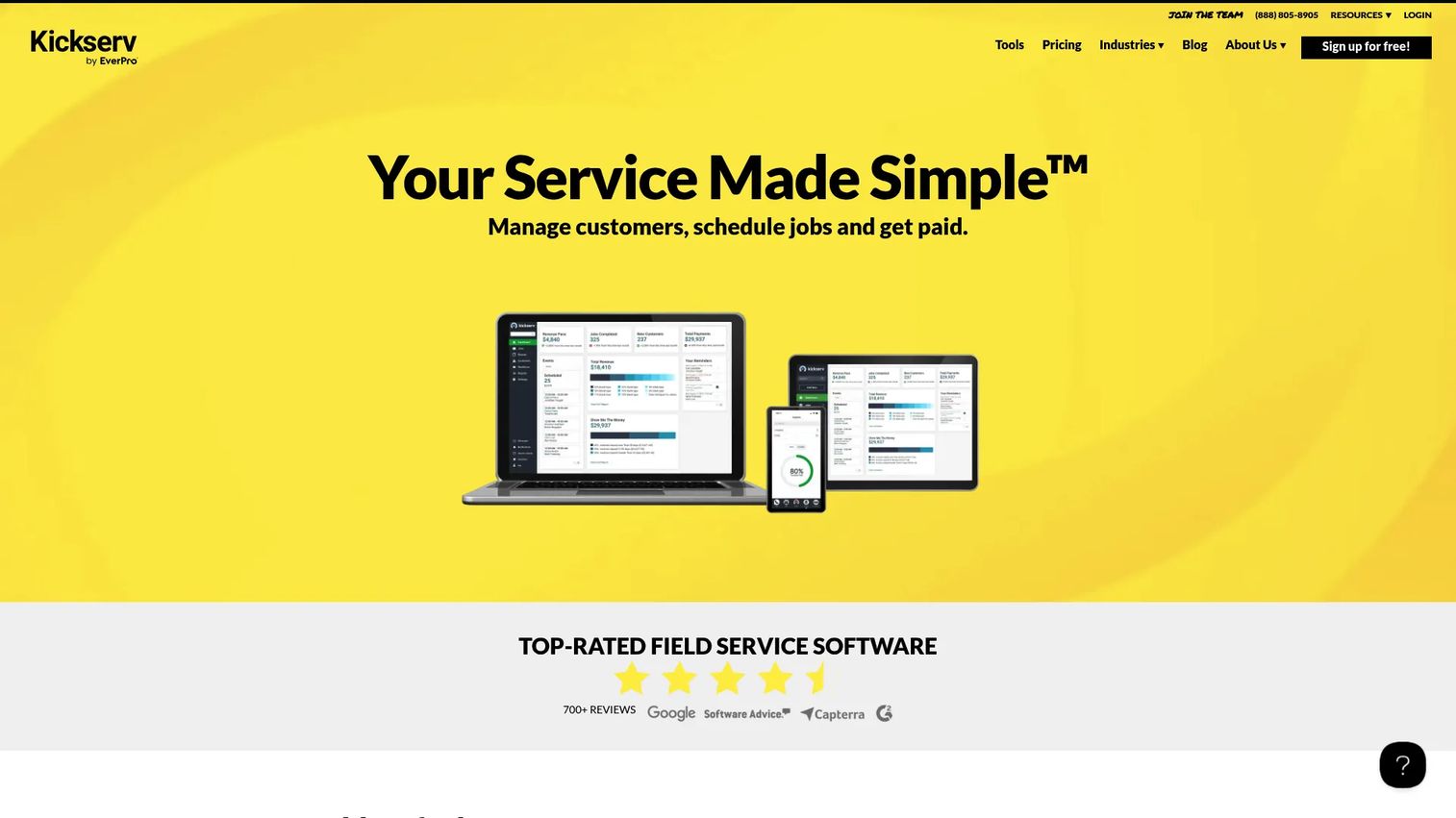
Kickserv is field service management software for managing customers, scheduling jobs, and getting paid. It keeps the workflow straightforward: customer management, job scheduling, estimates, invoices, and online payments without a steep operational curve. That simplicity is exactly what many smaller handyman teams want.
Best for: Small to mid-sized field service businesses needing scheduling, invoicing, and customer communication.
Key strengths
- Customer management and messaging: Keep customer records and communication in one handyman CRM view.
- Job scheduling and notifications: Schedule jobs and trigger notifications that reduce missed appointments.
- Estimates, invoices, and online payments: Move from quote to paid invoice with follow-up built in.
Why choose Kickserv: Kickserv fits owners who want clean, straightforward workflow control rather than a heavy platform. It is a practical choice for smaller teams that value ease of use and predictable pricing.
Kickserv pricing: Kickserv's public pricing shows Start at $60 per month (5 users), Run at $119 per month (10 users), and Scale at $199 per month (20 users). Each plan includes a 30-day free trial, with annual billing savings noted. Kickserv holds a 4.5/5 rating on G2.
7. RazorSync
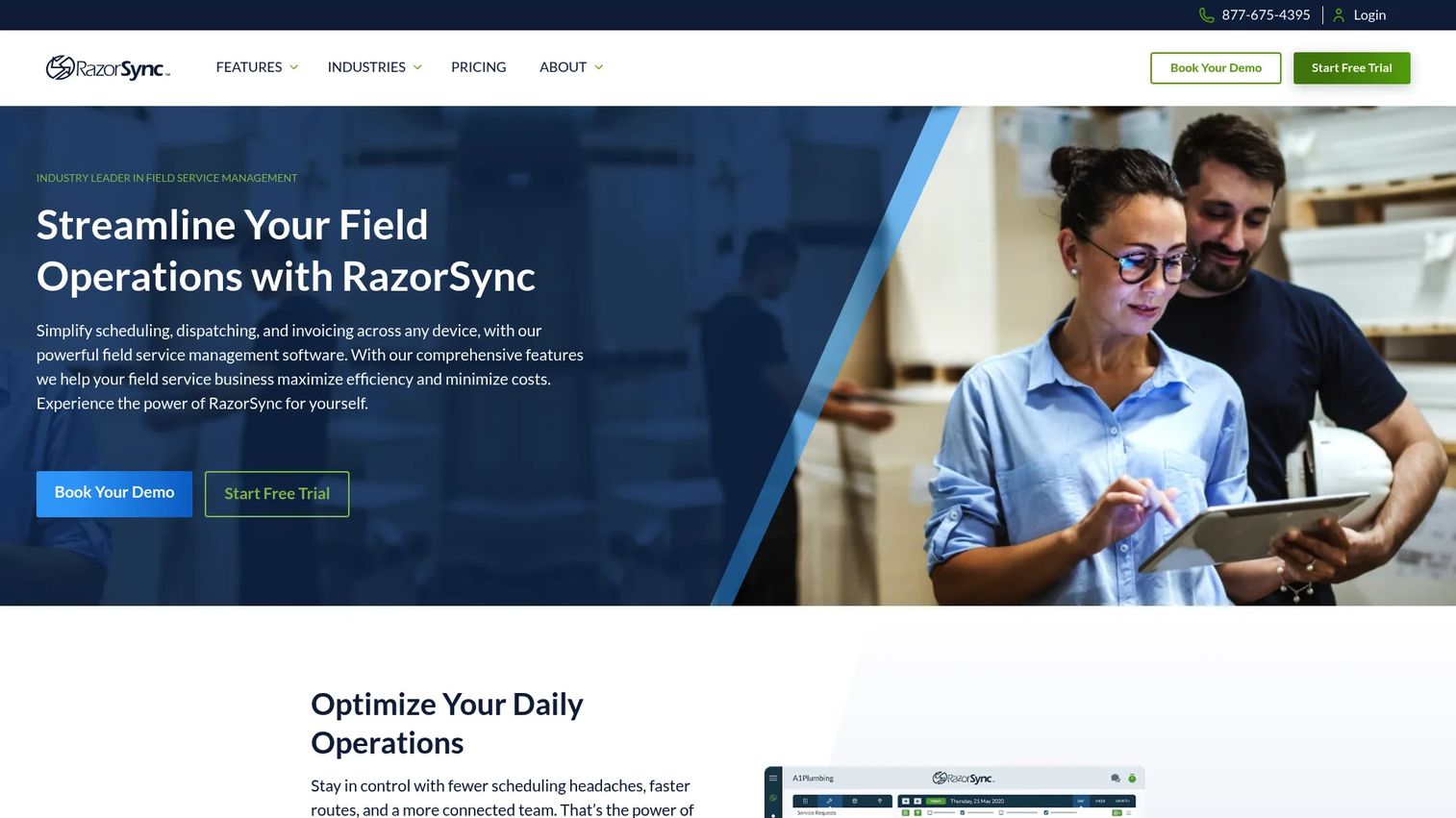
RazorSync is field service management software for scheduling, dispatching, invoicing, and mobile workforce operations. It is built for teams that spend most of their day in the field, with mobile apps for iOS and Android and a customer portal that keeps clients in the loop. Route-aware coordination is a core strength.
Best for: Small to mid-sized field service businesses needing scheduling, dispatch, and mobile invoicing.
Key strengths
- Scheduling and dispatch: Coordinate the daily board with the field crew's location in mind.
- Mobile apps for iOS and Android: Give technicians full job access, updates, and invoicing on the road.
- Customer portal and invoicing/payments: Let customers view work and pay through a self-serve portal.
Why choose RazorSync: RazorSync is a fit when field mobility is the priority and your team needs reliable job access, dispatch, and invoicing from a phone. It suits crews who work away from a desk all day.
RazorSync pricing: RazorSync publishes SOLO at $85 per month annually (up to 2 users), TEAM at $195 per month annually (up to 7 users), and PRO at $439 per month annually (up to 15 users), with a 15% discount for annual billing and an Enterprise tier via contact. A 14-day free trial is offered, and there is no permanent free tier.
8. Synchroteam
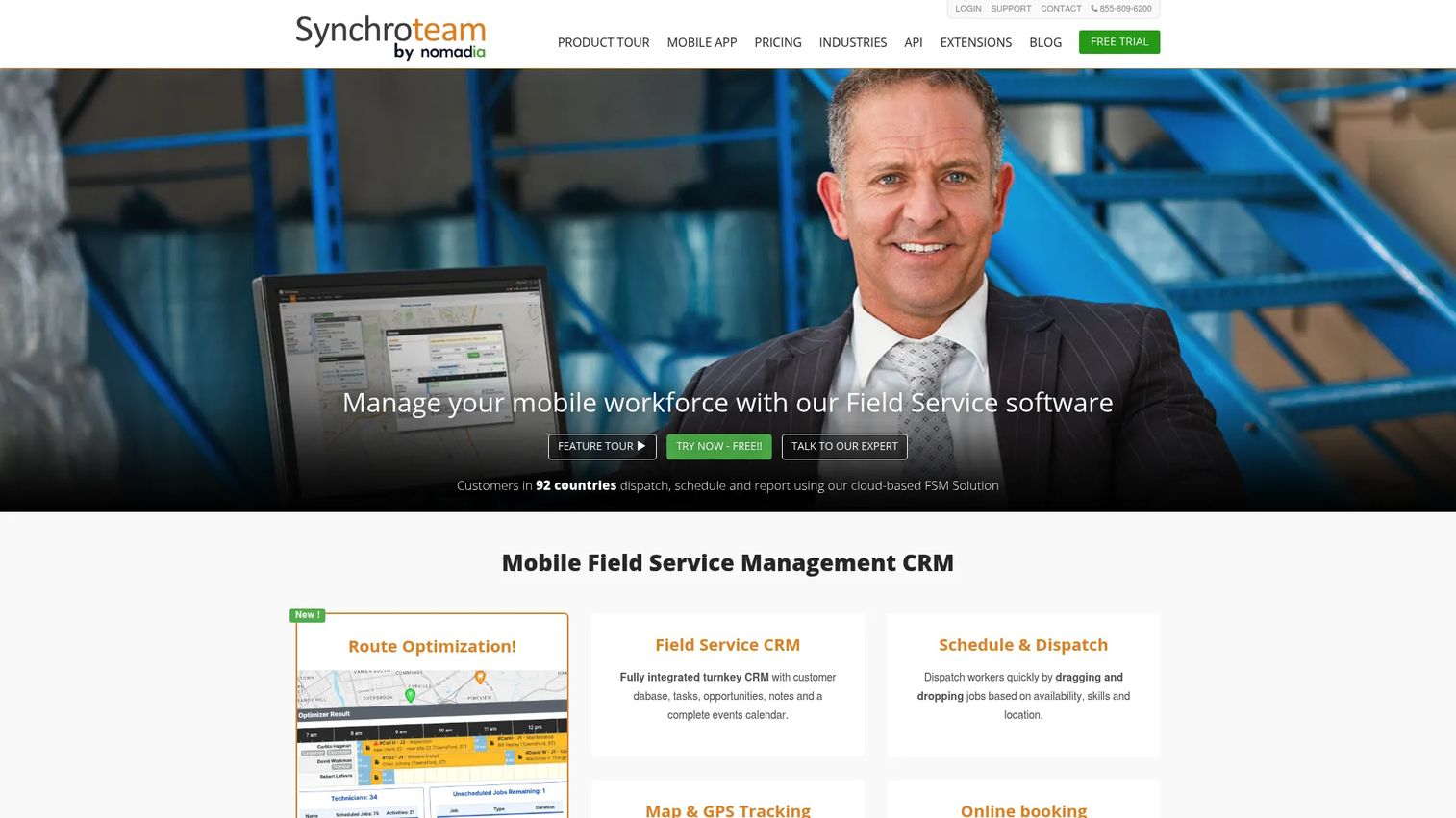
Synchroteam is cloud-based field service management software for dispatching, scheduling, reporting, and mobile workforce operations. Its route optimization and configurable dispatch make it a strong pick for teams that need to plan efficient days across multiple technicians and locations.
Best for: SMBs needing field service scheduling, dispatch, and mobile job management.
Key strengths
- Route optimization: Plan efficient routes so crews cover more jobs with less windshield time.
- Schedule and dispatch: Configure the dispatch workflow to match how your team actually operates.
- Mobile app with offline client: Keep field access working even when connectivity drops on site.
Why choose Synchroteam: Synchroteam fits teams that need a more configurable dispatch workflow and care about route efficiency. Its per-user pricing also makes it easy to scale headcount predictably.
Synchroteam pricing: Synchroteam lists STANDARD at $39 per user per month and PREMIUM at $64 per user per month, with monthly and annual billing options and a 14-day free trial. There is no permanent free tier. Synchroteam holds a 4.4/5 rating on G2.
9. Commusoft
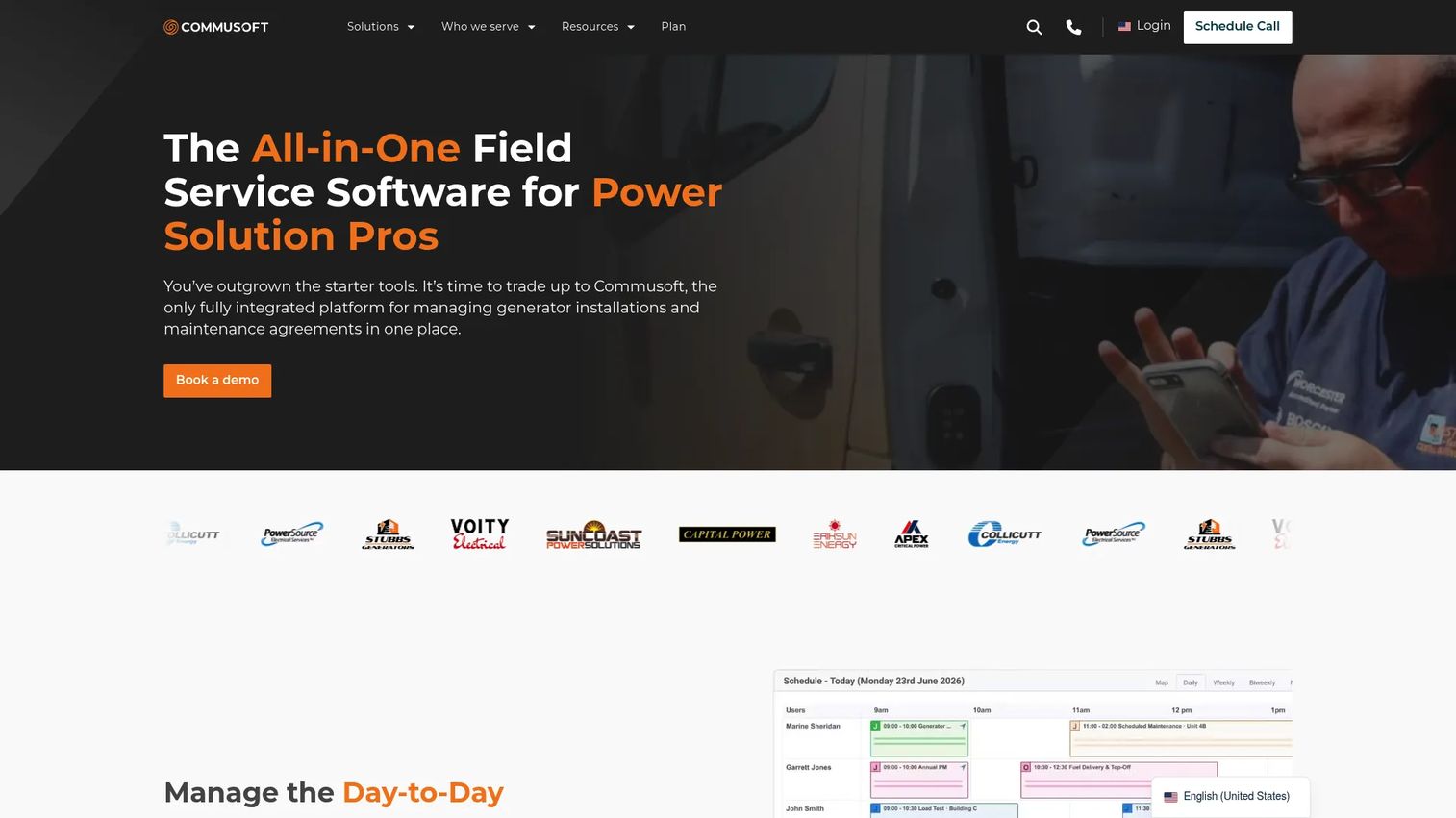
Commusoft is field service management software for contractors handling scheduling, job tracking, invoicing, contracts, and customer communication. It leans toward a connected, all-in-one operations platform, with job costing and service contract management that help teams keep operations consistent as they grow.
Best for: Trade and field service businesses needing an all-in-one operations platform.
Key strengths
- Job scheduling and dispatch: Coordinate jobs and technicians from a single operational view.
- Job costing and profitability tracking: See margin per job so you price and prioritize better.
- Digital forms, customer portal, and contracts: Standardize field paperwork and manage recurring service contracts.
Why choose Commusoft: Commusoft suits teams that want operational consistency and deeper job costing across a connected platform. It is a fit for businesses managing recurring contracts alongside one-off jobs.
Commusoft pricing: Commusoft states pricing depends on license count and plan choice, and no public numeric price is shown on its pricing page. Request a quote to match a plan to your team size. Commusoft holds a 4.8/5 rating on G2.
10. BigChange
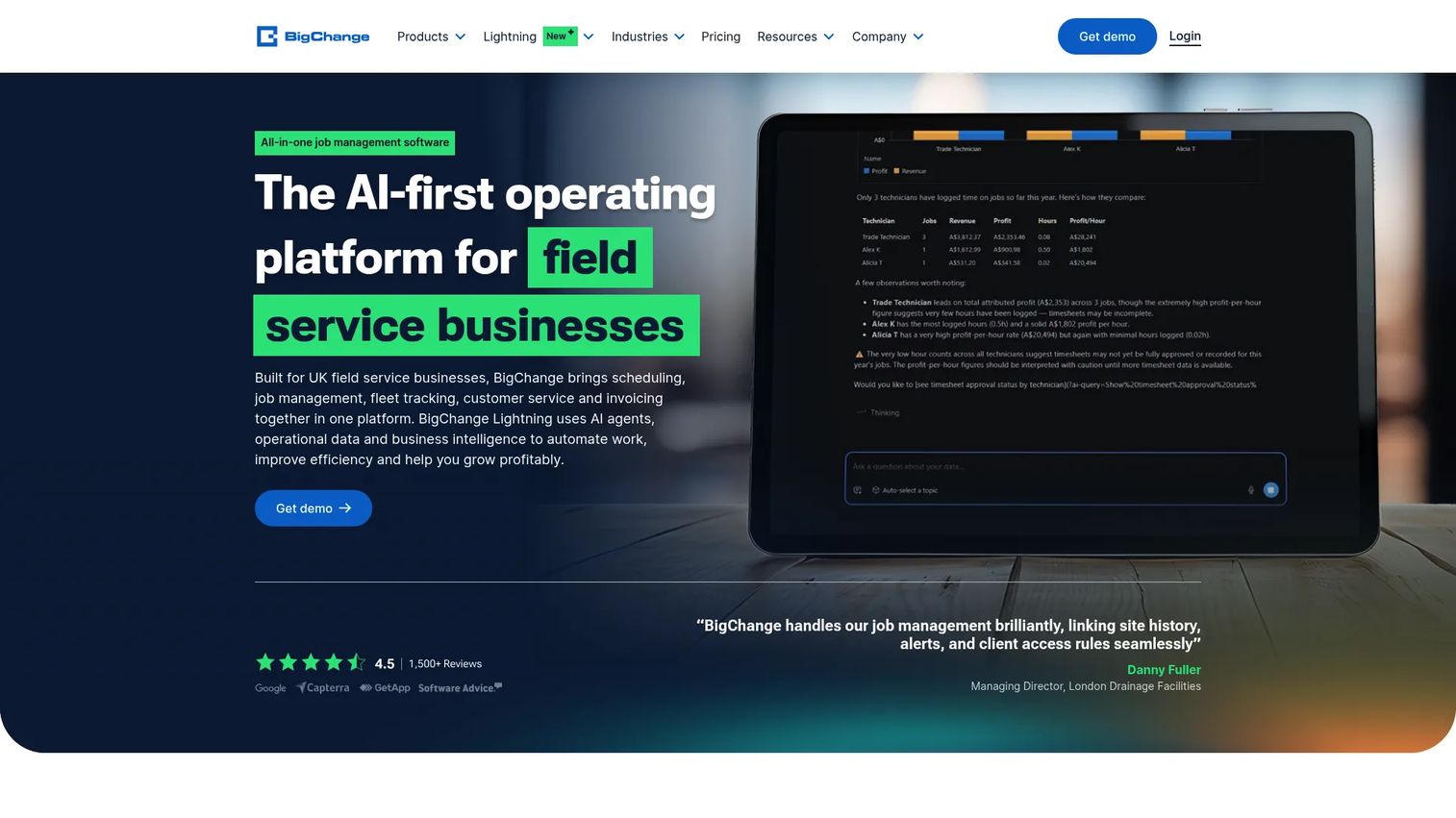
BigChange is all-in-one job management and field service software for scheduling, live tracking, customer communication, and invoicing. Its strength is fleet and field coordination, with live tracking and route management that suit businesses running vehicles and mobile crews at scale.
Best for: Field service businesses needing an all-in-one operational platform with strong fleet and field coordination.
Key strengths
- Job scheduling: Plan and assign work across a mobile workforce from one system.
- Live tracking: Monitor vehicles and jobs in real time for tighter coordination.
- Customer portal: Give clients a self-serve view of their jobs and updates.
Why choose BigChange: BigChange fits businesses that need stronger fleet oversight alongside job management. It suits teams where route optimization and vehicle tracking are as important as scheduling and invoicing.
BigChange pricing: BigChange does not disclose public pricing or plan names on its pricing page; it uses a request-pricing model instead. Contact BigChange directly to get a quote scoped to your fleet size and requirements.
Considerations before you buy
Shortlisting is easy. Choosing well takes a checklist. Verify these before you commit to any handyman business management software.
Pricing model
Look past the headline price. Check whether pricing is per user, per plan, or per technician, and how it scales as you add crew. Confirm whether the entry tier includes the features you actually need or gates them behind a higher plan. Note the difference between monthly and annual billing.
Mobile experience
Your team works in the field, not at a desk. Test the mobile app for job access, invoicing, and offline reliability. If a technician cannot pull up a job, update status, and collect payment from a phone, the platform will create as much friction as it removes.
QuickBooks integration
Accounting sync matters more than most buyers expect. A clean QuickBooks integration means invoices and payments flow to your books without manual re-entry, which saves hours and reduces errors at tax time. Confirm the sync is two-way and covers the fields you rely on.
Booking and customer portal
Online booking and a customer portal reduce phone tag and cut intake work. Check whether customers can request jobs, approve quotes, and pay through a branded portal. These features quietly improve both conversion and cash flow.
Customer communication and scalability
Automated reminders and on-my-way texts reduce no-shows and status calls. Confirm the tool supports the communication your customers expect, then look ahead: will this platform still fit when you double your crew or add a new service line?
Conclusion
The right pick depends on where your business sits today. Solo operators and smaller teams tend to do well with Kickserv, Housecall Pro, or the free tier of Workiz, where straightforward workflows and clear pricing matter most. Growing crews that care about client experience often land on Jobber, while field-heavy teams gravitate to RazorSync, Synchroteam, or BigChange for mobile and route strengths. Larger, more complex operations usually need the depth of ServiceTitan or the connected job costing in Commusoft, with FieldPulse a flexible middle option.
The next step is simple. Shortlist two or three tools and run the same test on each: build an estimate, convert it to an invoice, collect a payment, and check the mobile experience and QuickBooks sync end to end. The platform that moves a job from booked to paid with the least manual work is the one that will earn its place in your stack.
FAQs
Handyman software is business management software that centralizes scheduling, estimates, invoices, customer management, payments, and communication for home-service businesses. It replaces the mix of spreadsheets, calendar apps, and text threads most small operators start with. The goal is to run the full job lifecycle from one system.
It handles the operational workflow behind every job: booking and scheduling, building estimates, dispatching crews, sending invoices, collecting payments, and communicating with customers. The most valuable modules are scheduling, estimate-to-invoice continuity, and payments, because those directly affect how fast you get paid.
It depends on your size. Solo operators and small teams often fit Kickserv, Housecall Pro, or Workiz. Growing crews focused on client experience tend to choose Jobber. Larger or more complex operations lean toward ServiceTitan or Commusoft for depth and reporting.
Most handyman invoicing software includes both, and that pairing matters. When an approved estimate becomes an invoice and then a payment inside one system, you cut the delay between finishing work and getting paid. Confirm the tool supports card and ACH payments your customers will actually use.
For most businesses, yes. A QuickBooks integration syncs invoices and payments to your books automatically, which removes manual re-entry and reduces errors. It becomes essential once bookkeeping volume grows past what you can reconcile by hand each month.
Yes. Many platforms include a booking page or customer portal where clients request work, approve quotes, and sometimes pay without a phone call. This reduces intake work and captures leads that might otherwise slip away between calls.
Start with scheduling, invoicing, mobile access, and ease of use. A solo operator or small crew needs to book jobs, get paid, and work from a phone without a steep learning curve. Advanced dispatch and reporting can wait until you have grown into them.
Evaluate workflow fit first: does the estimate-to-invoice-to-payment flow match how you work? Then weigh mobile experience, QuickBooks and payment integrations, customer communication, support quality, and pricing that scales with your crew. Shortlist two or three and test each on a real job before deciding.