You picked the perfect typeface. Approved by the brand team. Loaded onto the site. Then someone in legal asks whether you have a web license, and how many monthly pageviews it covers. The font you thought was free is only cleared for desktop mockups. Now the launch is on hold.
That is the real cost of getting fonts wrong. Not the aesthetics. The licensing.
The market has scaled to match the stakes. The web font market reached USD 2.41 billion in 2024 and is projected to hit USD 5.2 billion by 2035, growing at a 7.2% CAGR, according to WiseGuy Reports (2025). More options means more places to get the licensing terms wrong.
For a marketer, designer, or brand lead, a web font marketplace is not a gallery. It is a risk decision. The wrong source can expose you to legal exposure on a live site, break brand consistency across campaigns, or slow a launch while someone hunts for a commercial-use license. The right source makes web delivery, licensing, and commercial rights obvious before a designer ever touches production.
If you build landing pages and conversion paths for a living, you already know the pattern: the tool that reduces ambient risk beats the one with the biggest catalog. The same logic applies to fonts. Just as growth teams lean on ai design tools and ai content creation tools to move faster without filing a ticket, a good font marketplace should let you license, deliver, and deploy without a legal detour.
This guide compares seven web font marketplaces on the criteria that actually decide the purchase.
What's inside
This is a decision guide for marketers, designers, and brand teams choosing where to buy or license fonts in 2026, not a font gallery. We compared each web font marketplace on four criteria: discovery and classification UX, licensing clarity (especially webfont versus desktop rights), foundry provenance and trust, and web-ready commercial use. Pricing notes sit inside every item section, and a comparison table summarizes the picks. The goal is simple: help you shortlist a source you can defend to legal, brand, and finance in the same conversation.
TL;DR
- Best overall for broad selection: MyFonts, for its deep catalog and font identification tools.
- Best for licensing education and webfont usage: Creative Market, for clear commercial-use guidance and pageview-based web licenses.
- Best free option: Fontshare, for professional fonts free for commercial use, backed by a real foundry.
- Best open ecosystem option: Google Fonts, for open-source fonts and the simplest web integration.
- Best for subscription access: Adobe Fonts, for teams already inside Creative Cloud.
- Best enterprise library: Monotype Fonts, for brand governance and centralized font access at scale.
- Best smaller commercial font store: Fontspring, for worry-free licensing and a straightforward buying flow.
What is a web font marketplace?
A web font marketplace is an online store where you discover, license, and download typefaces cleared for use on websites, apps, and digital products, with licensing terms that define how and where you can deploy them.
That definition matters because "font marketplace" and "web font marketplace" are not identical. Plenty of stores sell fonts. Fewer make the webfont license, delivery method, and commercial rights obvious before you buy. Here is what separates the two.
- What counts as a web font marketplace. A store that sells or distributes fonts with an explicit web license, not just a desktop license. Web delivery usually means self-hosted files or a hosted CDN, plus terms tied to traffic or domains.
- How webfont licensing differs from desktop licensing. A desktop license covers installing a font on machines to create designs. A web license covers embedding the font in a live website so visitors' browsers render it. Buying one does not automatically grant the other.
- Why foundry attribution matters. Foundry fonts come from a known type designer or foundry with clear provenance. That provenance is your trail if a license is ever questioned, and it signals quality and long-term support.
- Why classification and filtering matter for buyers. Strong font categories, serif, sans serif, script, slab serif, display, plus filters for weight and variable support, turn font discovery from browsing thousands of files into finding the right family in minutes.
- What web delivery and licensing terms usually affect. Pageview or traffic caps, number of domains, self-hosting versus CDN delivery, and whether the license permits commercial use fonts on client work.
Get those five right and you avoid the two failure modes that stall launches: deploying a font you are not licensed to serve on the web, and picking a family nobody can trace when a rights question lands.
When to use a web font marketplace
Not every project needs a paid marketplace. Here is where one earns its place over a free library or an in-house asset.
Buying fonts for a new website launch
A marketplace beats a free library when brand differentiation matters and you need webfont rights you can defend. Free libraries are excellent for speed, but a distinctive typeface pulled from a curated marketplace helps you stand out and comes with explicit web delivery terms. For a launch with real traffic projections, buy the web license that matches your pageview forecast rather than retrofitting one later.
Choosing fonts for a brand refresh
During a refresh, category browsing and foundry trust do the heavy lifting. Filter by classification to narrow to a shortlist that fits the new direction, then check foundry provenance to confirm the family is well-supported and traceable. A refresh you will run across web, email, and ad campaigns needs a font whose license covers every surface, so read the terms before the creative team commits.
Comparing commercial use and webfont rights
Licensing clarity matters most in the window between "designer likes this font" and "it is live on the site." That is where legal exposure hides. Before a font goes into production, confirm the web license covers your traffic volume, your domains, and any client work. The marketplaces that make commercial-use and webfont rights obvious save you the audit later.
Comparison table
Here is the quick-scan view. Use it to shortlist two, then read the full sections before you commit.
| # | Product | Intent | Key use case | Pricing | G2 rating |
|---|---|---|---|---|---|
| 1 | MyFonts | Broad commercial marketplace | Buying and identifying fonts for brand and publishing work | Fonts from $15.00 USD | 4.2/5 |
| 2 | Creative Market | Marketplace with licensing education | Ready-made design assets and fonts with clear web licensing | Membership from $9.95/mo | 4.1/5 |
| 3 | Fontshare | Free foundry-backed library | Free commercial-use fonts with strong filtering | Free | Not listed |
| 4 | Google Fonts | Open ecosystem | Free, legally usable web fonts with simple integration | Free | Not listed |
| 5 | Adobe Fonts | Subscription library | Licensed fonts integrated with Adobe workflows | Included with eligible Adobe plans | 4.5/5 |
| 6 | Monotype Fonts | Enterprise library | Centralized font access, licensing, and collaboration | Sales-led; 30-day trial | 4.4/5 |
| 7 | Fontspring | Commercial font store | Licensing fonts with straightforward terms | Fonts from $9.95 | Not listed |
1. MyFonts
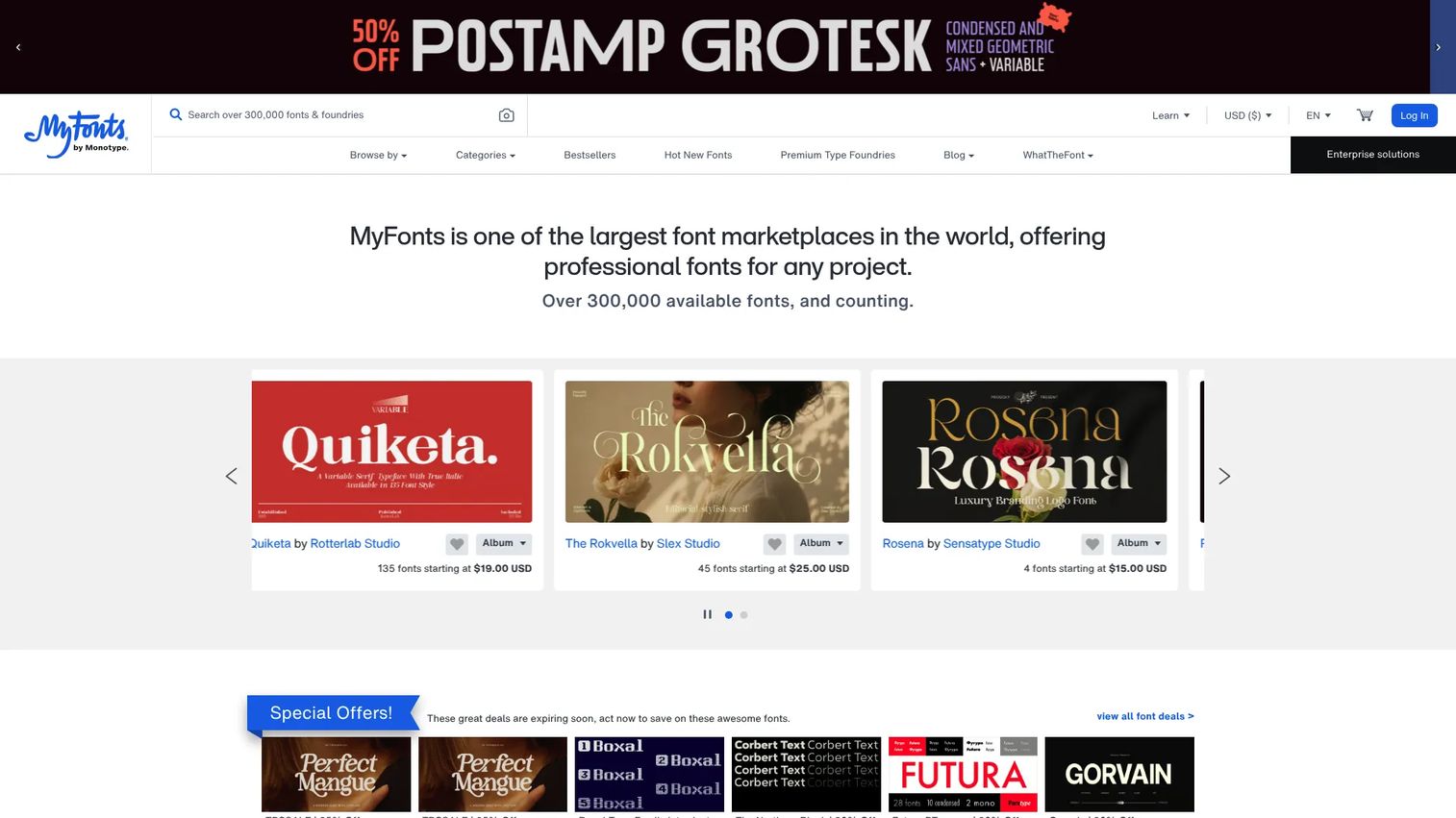
MyFonts, owned by Monotype, is one of the largest font marketplaces online and the default starting point when you need range. Its catalog spans desktop, web, app, electronic document, and digital ads licensing, so the same family can follow a brand across every surface. If your job is finding a specific typeface fast and licensing it for web use without guesswork, MyFonts is built for exactly that.
Best for: Teams and designers buying or identifying fonts for brand and publishing work across multiple licensing types.
Key strengths
- Font identification with WhatTheFont: Upload an image and MyFonts identifies the typeface, which turns "what is that font on their site?" into a buyable answer.
- AI Search for discovery: Describe the feel you want in natural language and surface candidates without scrolling through endless font categories.
- Multi-license coverage: Desktop, web, app, electronic document, and digital ads licenses live in one place, so a single purchase decision covers the full campaign footprint.
Why choose MyFonts: When you value catalog depth and want font discovery tools that shorten the hunt, MyFonts is the safe broad pick. It fits marketers and brand teams who need to license the same family across web and print, and who want a clear web license attached to a specific pageview or delivery model before deployment.
MyFonts pricing: Individual font products start from $15.00 USD as a one-time purchase, with pricing varying by family and license type. The MyFonts store does not publish a single standardized subscription price; the broader subscription offering is sales-led. For most buyers, you pay per family and per license tier, so budget by the specific webfont rights you need.
2. Creative Market
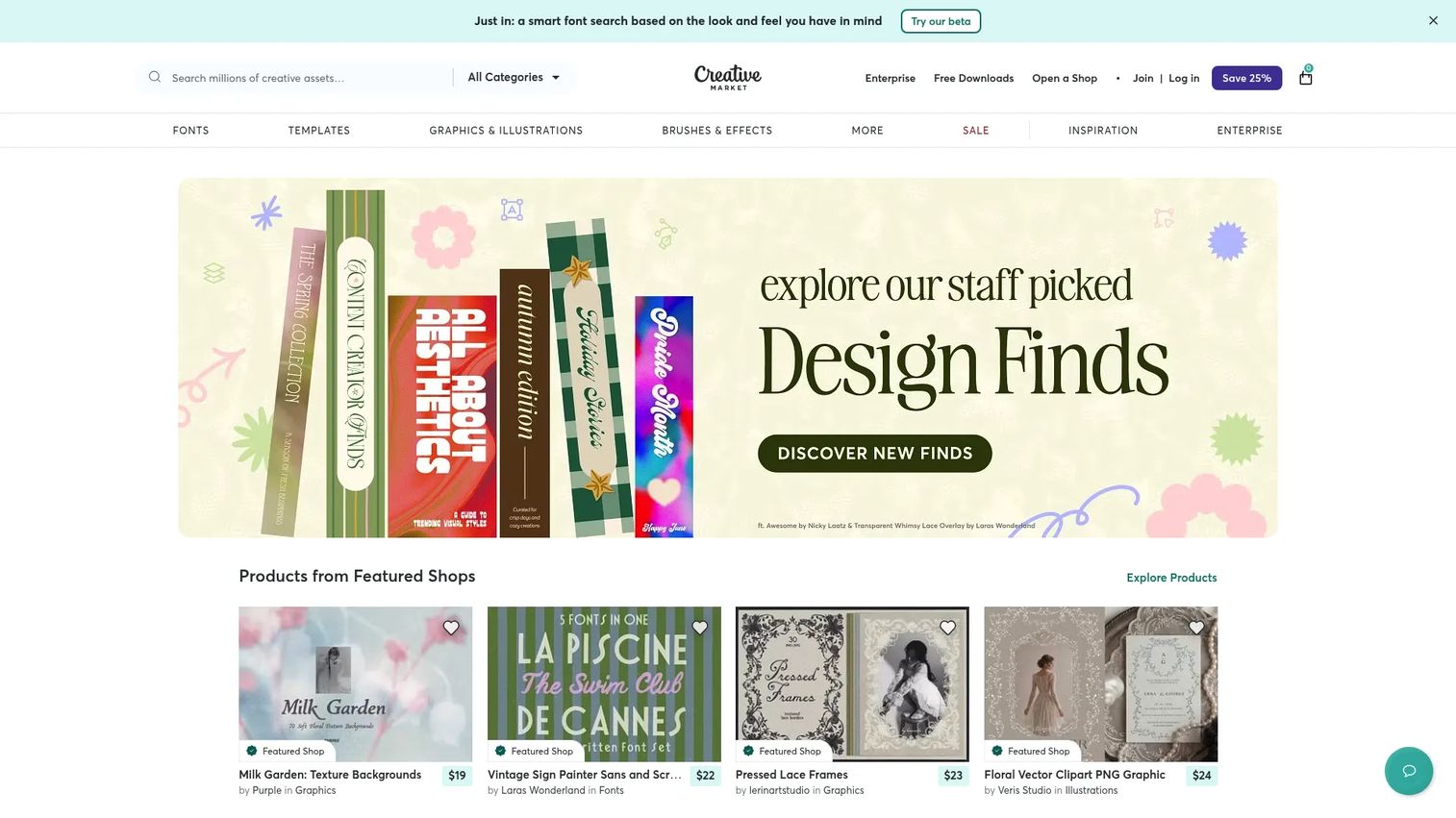
Creative Market is a marketplace for digital design assets from independent creators, and its fonts sit alongside templates, graphics, and themes. What sets it apart for buyers is the educational layer around licensing, especially webfont rules and pageview-based usage. If your team keeps tripping over "can we actually use this on the site?", Creative Market's clearer commercial-use guidance removes the ambiguity.
Best for: Teams and creators buying ready-made design assets and fonts who want licensing explained, not buried.
Key strengths
- Classification browsing: Browse by serif, sans serif, script, slab serif, and display to move from broad direction to shortlist quickly.
- Membership credits and discounts: Monthly plans bundle credits and asset discounts, which helps teams that buy fonts and graphics regularly.
- Instant download and licensing: Assets download immediately with personal or commercial licensing attached, so there is no back-and-forth before you can use a font.
Why choose Creative Market: Choose it when licensing clarity and merchandising matter as much as the fonts themselves. Featured shops, trending fonts, and best-sellers help brand teams narrow choices, while pageview-based web licenses make it easy to match rights to real traffic. It fits marketers who want one place for fonts and supporting design assets.
Creative Market pricing: Membership plans start at $9.95/mo (Basic) and scale through Growth at $19.95/mo, Freelancer at $29.95/mo, Pro at $49.95/mo, and Studio at $99.95/mo, each adding monthly credits and asset discounts. Individual marketplace listings are also sold à la carte, so prices vary by product. Confirm the web license tier on the listing before purchase to match it to your pageview needs.
3. Fontshare
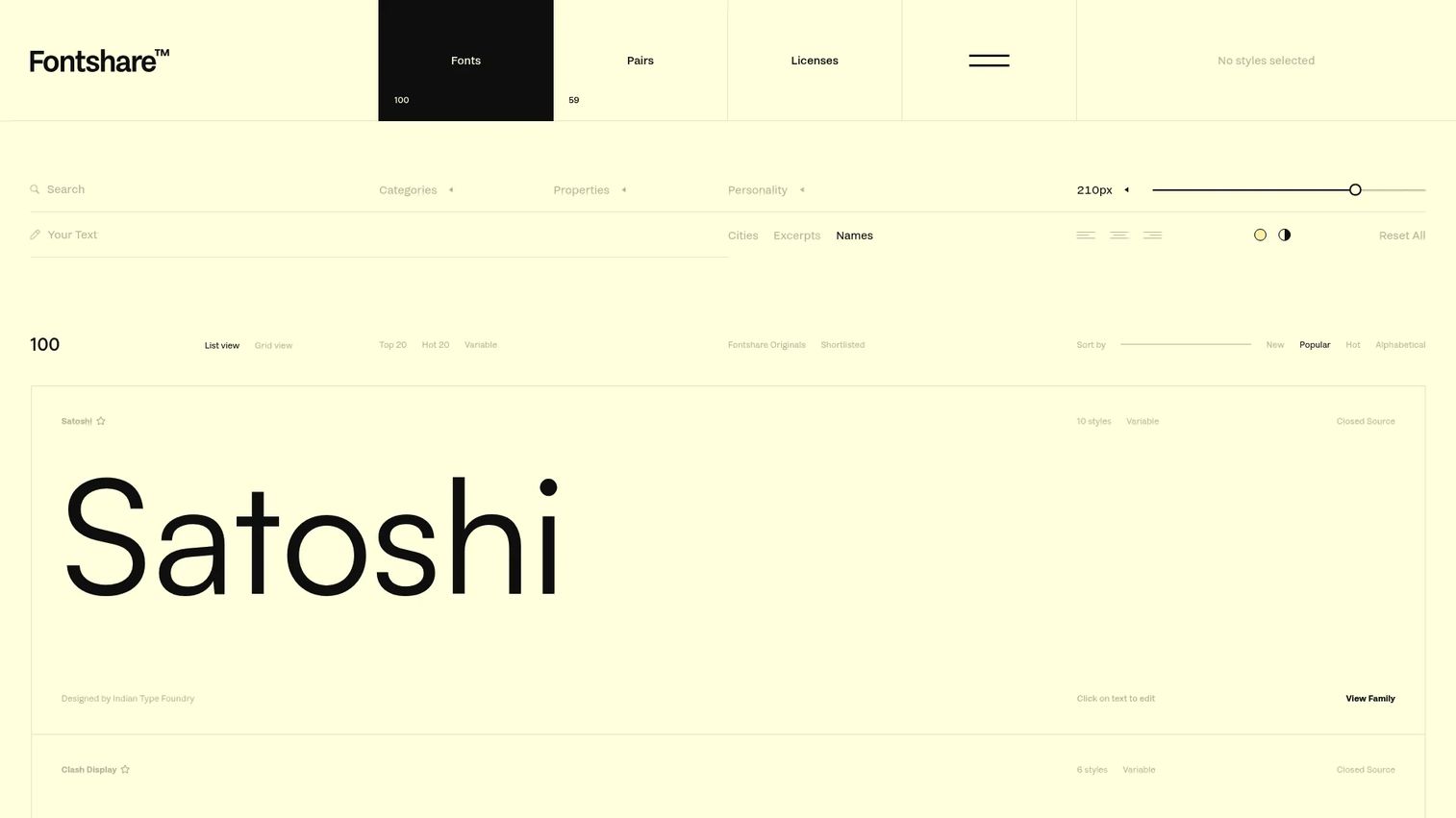
Fontshare is a free font service from the Indian Type Foundry, offering professional-grade typefaces for personal and commercial use. Free does not mean thin here: the provenance of a real foundry means these fonts are built and maintained to a professional standard. For budget-conscious teams that still need commercial-use fonts they can trust on a live site, Fontshare is a genuinely strong option.
Best for: Designers and teams needing free commercial-use fonts backed by a real foundry.
Key strengths
- Free for personal and commercial use: Every font is offered at no cost, which removes budget as a blocker for commercial web projects.
- Closed and open source licenses: Clear license choices per family tell you exactly what you can do before you download.
- Direct download and API delivery: Grab files directly or pull fonts via API, which fits both design and web delivery workflows.
Why choose Fontshare: Choose it when budget is tight but quality and licensing clarity are not negotiable. The Indian Type Foundry provenance gives you foundry fonts without the foundry price, and the mix of variable and static families covers most web needs. It is a strong default for startups and lean teams pairing it with a distinctive paid family only where it counts.
Fontshare pricing: All fonts are free, covered by the foundry's font license for personal and commercial use. There is no paid tier to evaluate, which makes it the easiest source on this list to trial on a live project before committing budget elsewhere.
4. Google Fonts
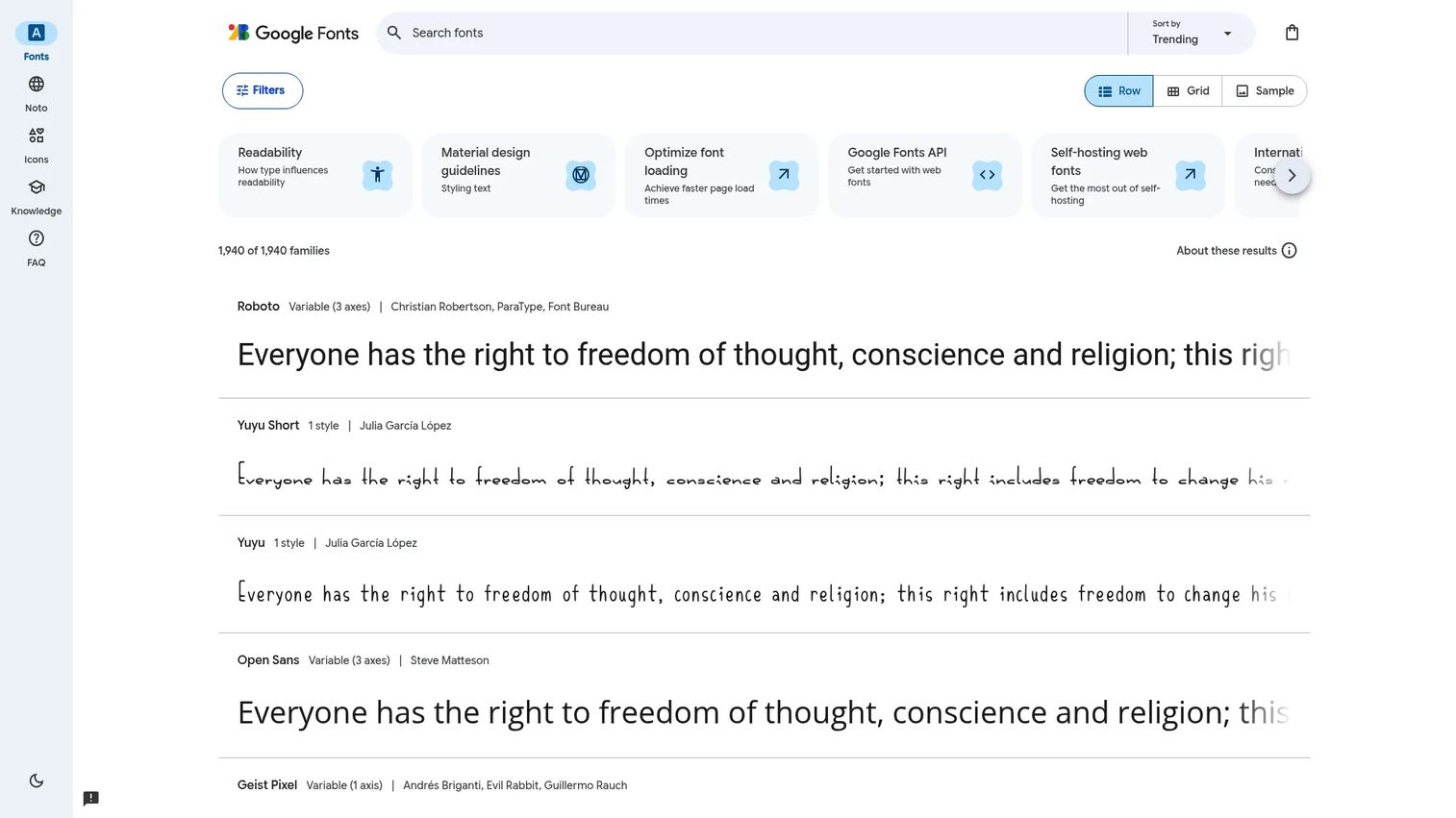
Google Fonts is a free library of open-source fonts for web and digital use, and it is the default for a reason. Integration is about as simple as web fonts get: link a stylesheet or pull families through the developer API. If you need fonts that are legally usable on commercial sites with almost no licensing overhead, Google Fonts is the practical baseline every team should know.
Best for: Teams needing free, legally usable web fonts with simple integration.
Key strengths
- Open-source library: Fonts are released under open source licenses, so commercial use is clear and does not require a separate purchase.
- Simple web embedding: Add a stylesheet link and the font renders, which removes the delivery friction that trips up paid libraries.
- Developer API: Query available families programmatically, which fits automated build pipelines and CMS integrations.
Why choose Google Fonts: Choose it when speed and legal simplicity beat differentiation. Because the licenses are open source, you rarely need a legal review before shipping, which is why it is the fallback for landing pages, MVPs, and fast campaigns. It fits any team that wants zero licensing ambiguity and near-instant web delivery.
Google Fonts pricing: Free. All fonts are released under open source licenses and usable in commercial or non-commercial projects at no cost, with no tiers to weigh. The tradeoff is ubiquity: because so many sites use these families, a distinctive brand may want a paid marketplace for its primary typeface and Google Fonts for everything else.
5. Adobe Fonts
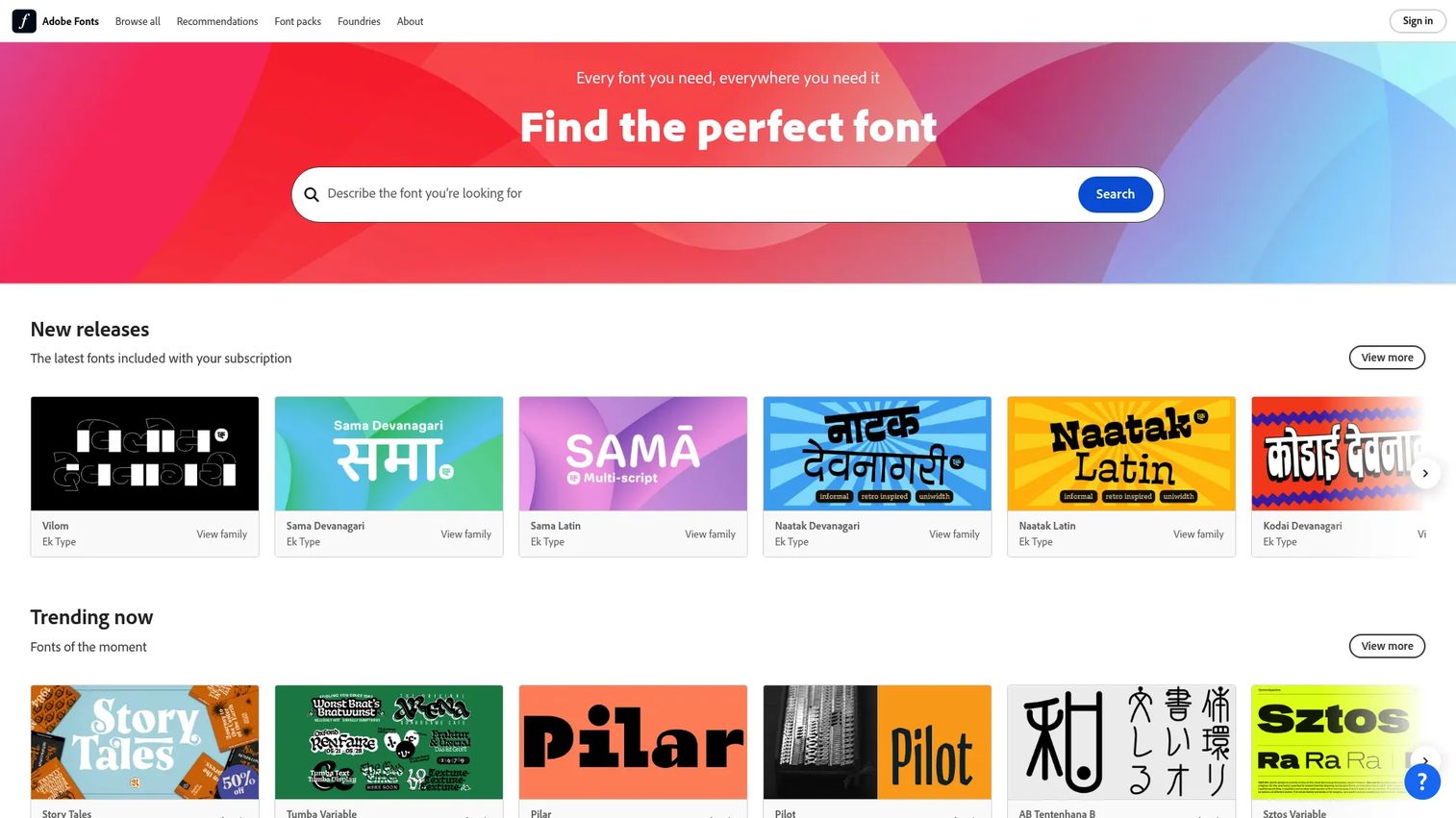
Adobe Fonts is Adobe's font subscription service for browsing, activating, and using licensed fonts across desktop, web, and Adobe apps. With more than 30,000 fonts and web hosting handled by Adobe, it removes the delivery step entirely for teams already inside Creative Cloud. If your designers live in Adobe apps, Adobe Fonts folds licensing and web delivery into a workflow they already use.
Best for: Design teams and individuals who want licensed fonts integrated with Adobe workflows.
Key strengths
- 30,000+ licensed fonts: A large curated library covers most brand and web needs without hunting across stores.
- Cross-surface use: Fonts work in Adobe apps, on websites, and in mobile apps, licensed for personal and commercial use.
- Adobe-hosted web delivery: Adobe handles web hosting, so you activate a font and embed it without managing files yourself.
Why choose Adobe Fonts: Choose it when your team already pays for Creative Cloud and wants font licensing bundled in rather than bought separately. The convenience is real: activation and web hosting happen inside a familiar workflow, which reduces the coordination between design and web teams. Marketers usually evaluate it as part of a broader Adobe stack decision, not in isolation.
Adobe Fonts pricing: Adobe Fonts is included with eligible Adobe subscriptions, including Creative Cloud, Acrobat Pro and Standard, paid Adobe Express plans, and paid single-app desktop plans. A free tier offers a basic library of roughly 5,500 fonts, while the complete library comes with qualifying paid plans. There is no standalone public price, so the real cost is the Adobe subscription you are already weighing.
6. Monotype Fonts
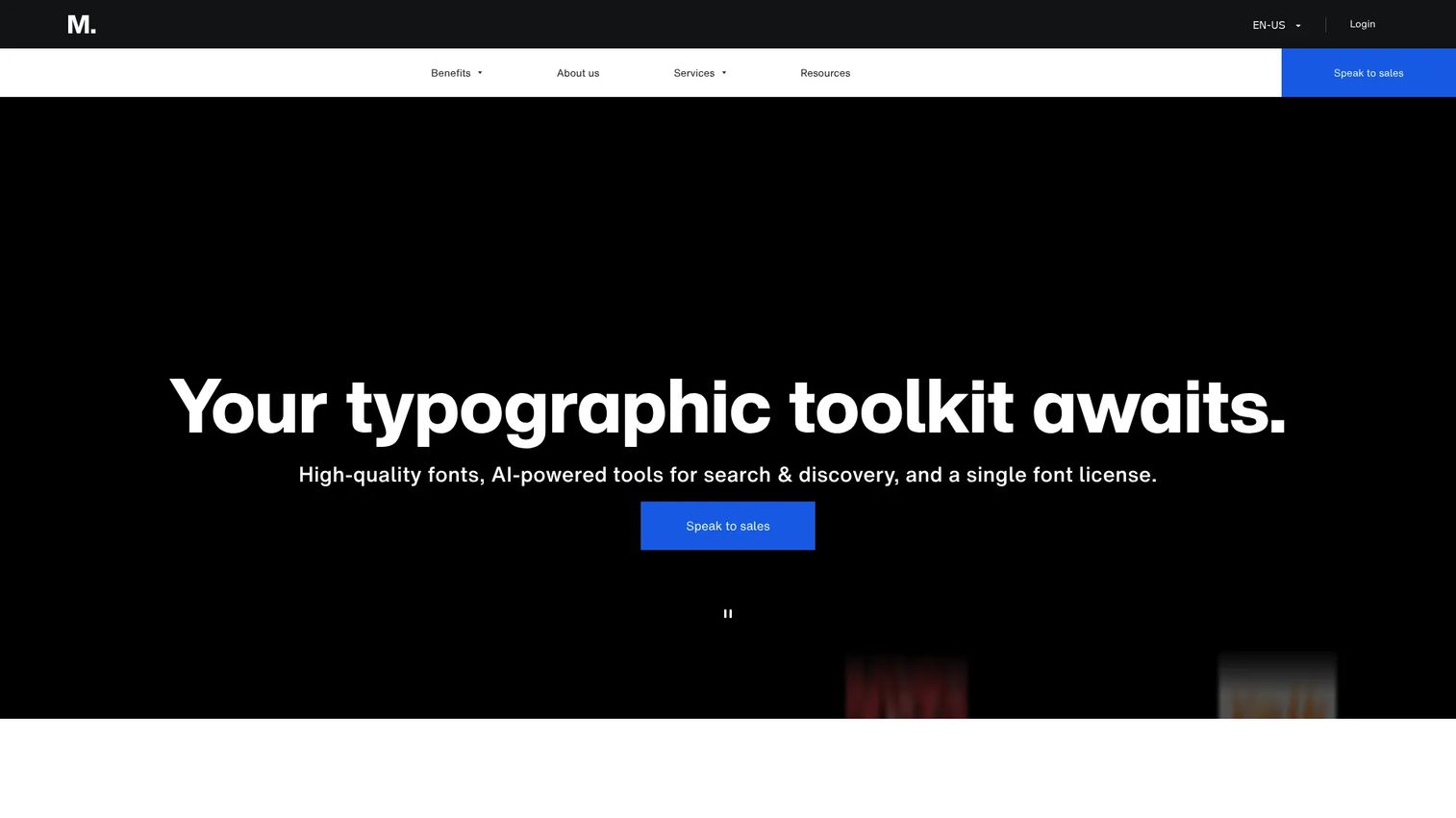
Monotype Fonts is a cloud-based font subscription and management platform built for teams. With access to more than 250,000 fonts plus search, organization, and licensing support, it is the option for organizations that need brand governance and consistency at scale, not a one-off purchase. If a large team keeps struggling to control which fonts are used where, Monotype Fonts is built to manage exactly that.
Best for: Design teams needing centralized font access, licensing, and collaboration.
Key strengths
- 250,000+ font access: A vast library gives large organizations room to standardize on approved families across every brand and region.
- Search and organization: Find and organize fonts centrally, which keeps a distributed team pulling from the same approved set.
- Licensing and mockup support: Managed licensing plus mockups and prototypes support brand governance without per-font negotiations.
Why choose Monotype Fonts: Choose it when the problem is control and consistency, not just finding a font. Centralized access and managed licensing let brand teams govern usage across web and print at scale, which is why it fits enterprises rather than solo designers. If you have multiple teams touching the same brand, this is the platform that keeps them aligned.
Monotype Fonts pricing: Monotype Fonts offers a 30-day trial and four annual plan levels: Basic, Enhanced, Premier, and Elite. Public numeric pricing is not shown on the site; paid plans are directed to sales. Budget for an annual subscription scoped to your team size and governance needs rather than a per-font spend.
7. Fontspring
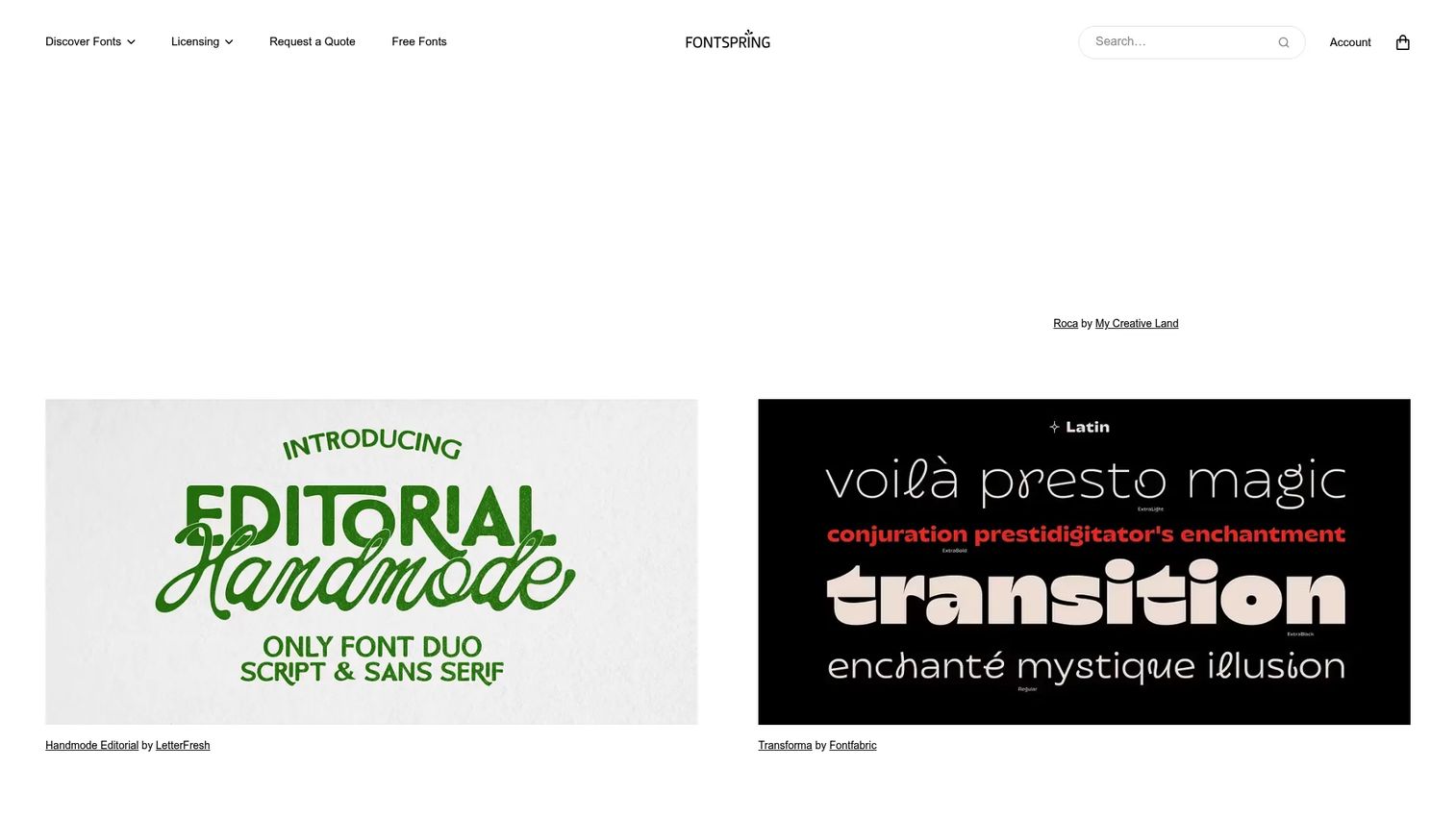
Fontspring is an online marketplace for purchasing font licenses, known for straightforward, worry-free licensing terms. It is the middle ground between a sprawling catalog and an enterprise platform: a real commercial font store where the licensing does not require a lawyer to interpret. For marketers and designers who want to buy a font, get clear web rights, and move on, Fontspring keeps the transaction simple.
Best for: Design teams and businesses needing to license fonts with straightforward terms.
Key strengths
- Worry-free licensing: Clear, permissive license terms mean you are not self-policing usage as your site grows.
- Desktop font licenses: Straightforward desktop rights for design and production work.
- Web font licenses: Explicit web licenses for embedding fonts on live sites without ambiguity.
Why choose Fontspring: Choose it when you want commercial-friendly buying without an enterprise commitment. The worry-free licensing model is the draw: it reduces the ongoing rights anxiety that comes with scaling a site, so you buy once and deploy with confidence. It fits teams that want a clean, defensible purchase rather than a subscription platform.
Fontspring pricing: Font listings start from $9.95 as a one-time purchase, with prices varying by family. Enterprise font licensing is shown starting at $49, and Fontspring also offers select free fonts and custom licensing. Because it is a marketplace, budget by the specific families and web license tiers you need rather than a flat plan.
Considerations before you buy
Before you commit, run the shortlist through this checklist. These are the criteria that separate a clean purchase from a launch-day scramble.
Web license scope versus desktop
Confirm the license explicitly covers web use, not just desktop design. A desktop license installed on machines does not grant the right to embed a font on a live site. Match the web license to your traffic and delivery model before deployment.
Pageview and traffic caps
Many web licenses tie usage to monthly pageviews or a domain count. Estimate your real traffic and buy a tier that covers it with headroom. Underbuying here is the most common way teams end up out of compliance after a successful campaign.
Foundry provenance
Prefer foundry fonts with clear attribution. Known provenance gives you a traceable trail if a rights question ever lands, and it usually signals better long-term support, updates, and file quality.
Commercial-use rights for client work
If you build sites for clients or across multiple brands, confirm the license permits commercial use on work you do not own. Some licenses cover only your own properties, which quietly blocks agency and multi-brand use.
Delivery method
Check whether the font is self-hosted or served from a CDN. Self-hosting gives you control and independence from a third-party service, while hosted delivery removes file management. Pick the one that fits your web team's workflow and performance requirements.
Conclusion
The right web font marketplace depends on what you are optimizing for. Need the broadest catalog and font identification tools? MyFonts. Want licensing education and pageview-based web licenses in one place? Creative Market. Working on a tight budget without sacrificing quality? Fontshare. Need open-source simplicity and instant web delivery? Google Fonts. Already inside Creative Cloud? Adobe Fonts. Governing fonts across a large organization? Monotype Fonts. Want worry-free commercial licensing without a platform? Fontspring.
The pattern that matters: pick for licensing clarity and web-ready commercial use first, catalog size second. A distinctive font you cannot legally serve is worse than a plain one you can.
Here is the next step. Shortlist two options from this list, compare their webfont licensing terms side by side, then test one on a live project before you standardize. The same disciplined evaluation you would apply to any tool in your stack, whether you are comparing ab testing tools or ai writing tools for marketers, applies here: try before you commit, and measure the fit against your real workflow.
FAQs
A web font marketplace is an online store where you discover, license, and download typefaces cleared for use on websites, apps, and digital products. Unlike a general font store, it makes the web license, delivery method, and commercial rights explicit so you know exactly how and where you can deploy a font before you buy.
A desktop license covers installing a font on machines to create designs, mockups, and print materials. A webfont license covers embedding the font in a live website so visitors' browsers render it, and it is often priced by monthly pageviews or domain count. Buying one does not automatically grant the other, so confirm you have web rights before going live.
Many free fonts are safe for commercial use, but only if the license explicitly permits it. Open-source libraries like Google Fonts and foundry-backed free services like Fontshare grant clear commercial rights, which is why they are widely trusted. Always read the specific license rather than assuming "free" means "free for any use."
For brand work, prioritize foundry provenance and multi-surface licensing. MyFonts and Monotype Fonts suit teams that need a family licensed across web, print, and ads, while Creative Market works well when licensing clarity and supporting design assets matter. The best choice is the one whose web license covers every campaign surface your brand runs on.
Usually, yes. A standard desktop license does not cover embedding a font on a live site, so you typically need a specific web license that permits browser rendering to visitors. Open-source fonts under licenses like those on Google Fonts are an exception, since their terms already allow web use without a separate purchase.
Check the license terms on the product page, which state whether commercial use is permitted and under what conditions. Look specifically for web rights, pageview or traffic caps, and whether the license covers client work. Foundry fonts with clear attribution make this easiest, since provenance and terms are documented and traceable.
Prioritize licensing clarity, explicit webfont rights, and foundry trust over catalog size alone. Strong font categories and filtering speed up discovery, but the deciding factors are whether the web license matches your traffic, whether it covers commercial and client use, and whether the delivery method fits your web team's workflow. Shortlist two, compare terms, then test one on a live project.