You built next week's schedule in a spreadsheet. Then someone requested time off. Then two people swapped shifts in a group text you missed. Then a location was suddenly understaffed on a Saturday night.
That is the real problem with manual scheduling. It is not that spreadsheets can't hold a grid of names and hours. It is that they can't react. Every change lives in a different place: a text thread, a sticky note, a phone call, a shared calendar nobody updates. The schedule you published on Monday is wrong by Wednesday, and you find out from an angry customer instead of a notification.
Staff scheduling software fixes the reaction problem. It turns scheduling into a live operations layer instead of a static document. That matters more every year, because the category is growing fast. The staff scheduling software market was valued at $4.2 billion in 2025 and is projected to reach $9.1 billion by 2034, at a 10.3% CAGR, according to MarketIntelo (2026). Cloud-based deployment already accounts for 68.4% of that revenue.
This guide breaks down seven tools that handle shift scheduling, time tracking, shift swaps, and payroll integration, so you can pick one and stop rebuilding your week by hand.
What's inside
This guide is for operators choosing employee scheduling software for frontline, hourly, or distributed teams. It covers restaurants, retail, field service, manufacturing, and mixed office setups.
We chose tools based on four criteria:
- Scheduling depth: templates, auto-scheduling, and multi-location coverage
- Mobile access and self-service: shift swaps, availability, open shifts, and notifications
- Time and attendance: time tracking that feeds payroll cleanly
- Integrations and compliance: payroll, POS, and labor law alignment
Every pricing figure and G2 rating below was verified against the vendor's current listing.
TL;DR
- Best for frontline teams: Microsoft Teams, if you already run Microsoft 365 and want Shifts inside the tools your workforce uses daily.
- Best all-in-one bundle: Homebase, for hourly small businesses that want scheduling, time tracking, and payroll in one app.
- Best for team communication and mobile ops: Connecteam, built for deskless and field teams who live on their phones.
- Best for compliance-heavy operations: Shiftboard, for regulated, mission-critical shift work.
- Best for restaurant teams: 7shifts, purpose-built for food service.
- Best for flexible shift coordination: When I Work, a lean scheduling-first tool with fast adoption.
- Best for Canadian and distributed teams: Agendrix, scheduling plus time tracking and light HR for SMBs.
Mobile access, shift reminders, and payroll integration separate a real scheduling tool from a shared calendar. Weigh those first.
What is staff scheduling software?
Staff scheduling software is a tool that builds, publishes, and manages employee work schedules, then keeps them accurate in real time as shifts change. It replaces spreadsheets and text threads with a single system your whole team can see and act on.
It helps to separate four things people often lump together:
- Schedule building is creating the shift plan: who works when, where, and in what role.
- Shift management is everything that happens to that plan after publishing: swaps, open shifts, call-outs, and coverage fixes.
- Time tracking is recording actual hours worked through a clock-in and clock-out, which then feeds payroll.
- Workforce management is the broader category that wraps scheduling, time and attendance, labor forecasting, and compliance into one operating picture.
Most modern online employee scheduling software covers the first three, and the stronger platforms reach into the fourth.
Core capabilities to expect:
- Schedule creation with reusable templates and auto-scheduling
- Shift swaps, availability, PTO, and open shifts
- Mobile notifications and employee self-service
- Time and attendance tracking
- Payroll, POS, and workforce integrations
- Labor compliance and overtime controls
The broader employee scheduling software market reflects how fast this is standardizing. It was valued at $0.5 billion in 2023 and is expected to reach $1.3 billion by 2032, at an 11.5% CAGR, per Allied Market Research (2024).
When to use staff scheduling software
Replace spreadsheets and text threads
You outgrow manual scheduling the moment changes outpace your ability to broadcast them. A spreadsheet works for five people on fixed hours. It breaks when you hit variable shifts, multiple roles, and last-minute swaps. If you spend your Sunday rebuilding a grid and your Monday answering "am I working today?" texts, you are past the manual line.
Manage frontline or deskless staff
Frontline teams don't sit at a desk checking email. They need the schedule on their phone, plus shift reminders and instant notifications when something changes. Mobile access is not a nice-to-have here. It is the difference between a shift picked up in two minutes and a no-show you discover at open.
Coordinate shifts across multiple locations
Running two or more sites turns scheduling into a coverage problem. You need visibility into who is available across locations, the ability to post open shifts to a wider pool, and real-time updates when one site is short. Multi-location shift management is where a shared calendar quietly falls apart.
Comparison table
We ranked this shortlist by scheduling depth, mobile self-service, and how cleanly each tool connects to time tracking and payroll. Pricing and G2 ratings below are verified against each vendor's current listing.
| # | Product | Best for | Key differentiator | Pricing | G2 rating |
|---|---|---|---|---|---|
| 1 | Microsoft Teams | Microsoft 365 orgs with frontline staff | Shifts scheduling inside the collaboration tools teams already use | Free tier; included in Microsoft 365 plans from $9.99/mo | 4.4/5 |
| 2 | Homebase | Hourly small businesses | Scheduling, time tracking, and payroll in one app | Free for 1 location; paid from $30/location/mo | 4.6/5 |
| 3 | Connecteam | Deskless and frontline teams | All-in-one ops, scheduling, and team communication | Free up to 10 users; paid from $29/mo for first 30 users | 4.6/5 |
| 4 | Shiftboard | Regulated, complex shift operations | Compliance and fatigue-rule enforcement at scale | Custom pricing | 4.6/5 |
| 5 | 7shifts | Restaurants | Purpose-built restaurant scheduling and labor tools | Free Comp plan; 14-day trial | 4.5/5 |
| 6 | When I Work | Lean, scheduling-first teams | Fast adoption for shift scheduling and swaps | From $2.50/user/mo | 4.4/5 |
| 7 | Agendrix | SMB and distributed teams | Scheduling plus time tracking and light HR | From $2.93/user/mo | 4.7/5 |
Best 7 staff scheduling software for 2026
1. Microsoft Teams
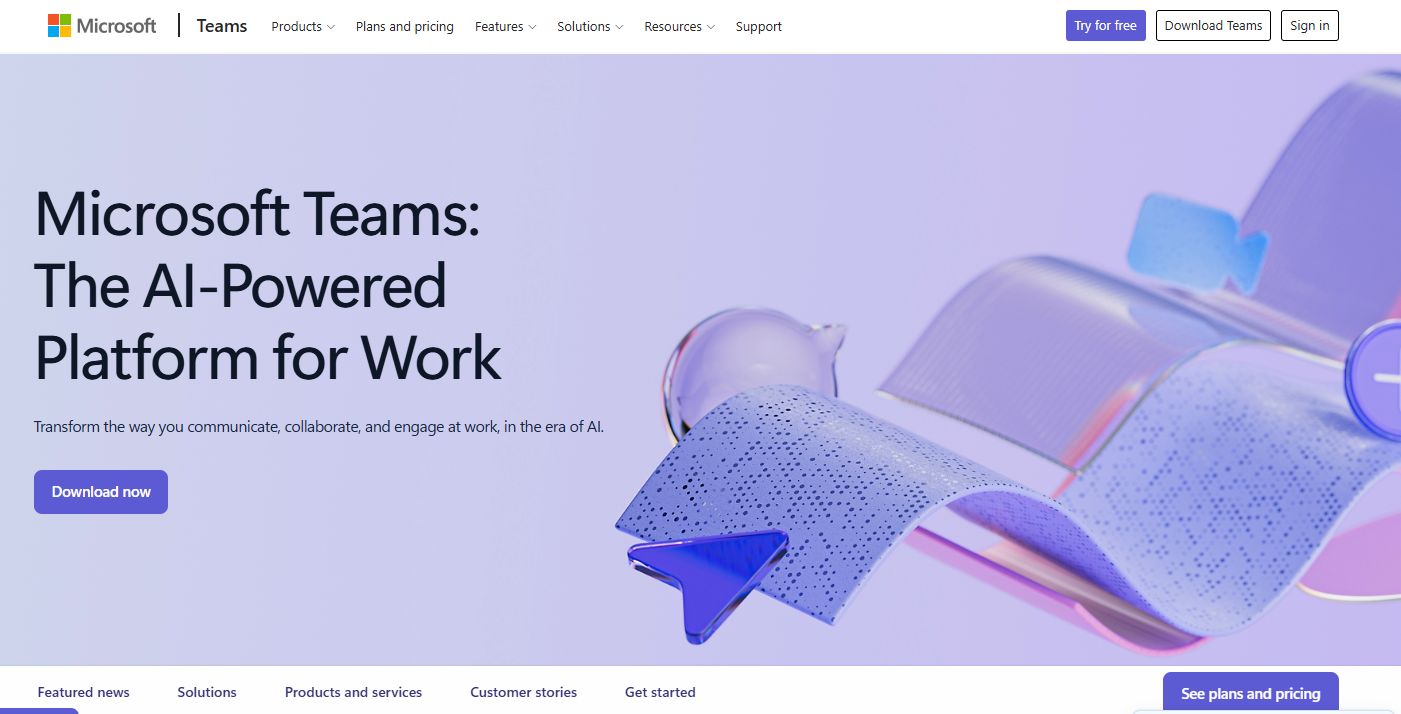
Microsoft Teams is Microsoft's collaboration and communications platform, and its Shifts app brings staff scheduling into the same place your team already chats, meets, and shares files. For organizations running Microsoft 365, that ecosystem fit is the whole argument: no new login, no separate app to push out, no adoption battle.
Shifts covers the frontline basics. Managers build and publish schedules, employees request time off, and shift swaps and open shifts run through swap requests inside the app. Frontline workers can clock in and out for time tracking, and managers get attendance visibility without leaving Teams. Because scheduling sits alongside chat and channels, coverage conversations happen in context instead of in a separate thread.
Best for: organizations already standardized on Microsoft 365 that want scheduling and workforce management in the tools their staff use every day.
Key strengths
- Shifts scheduling built into the Teams app
- Time-off and shift swap requests
- Open shifts for coverage gaps
- Clock-in and attendance tracking
- Native Microsoft 365 integration
Why choose Microsoft Teams: if your workforce already lives in Teams, adding Shifts removes the friction of a standalone scheduler. It fits organizations that value one platform over a specialized point tool.
Microsoft Teams pricing: a free Teams plan is available. Teams is also included in Microsoft 365 Personal at $9.99/month, Family at $12.99/month, and Premium at $19.99/month.
2. Homebase
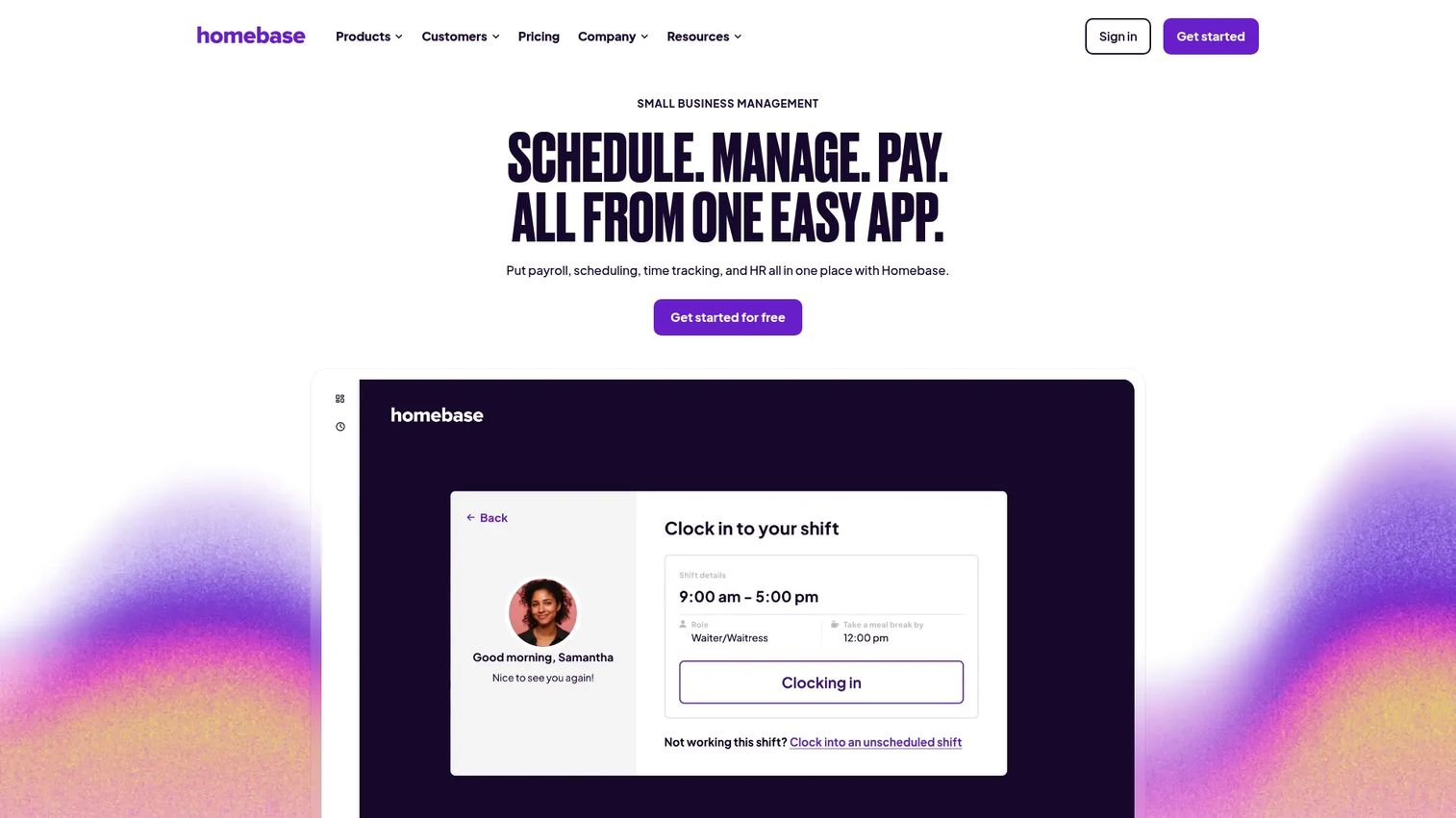
Homebase is employee scheduling, time tracking, payroll, hiring, and team management built for hourly small businesses. It bundles the operational pieces most SMBs otherwise stitch together, so scheduling, the time clock, and payroll all speak to each other in one app.
The scheduling side leans on automation. You build schedules with reusable templates, use auto-scheduling to fill recurring shifts, and manage shift swaps, PTO management, and open shifts with employee self-service. Labor forecasting helps you match staffing to expected demand, and notifications plus shift reminders keep everyone current. Because the time clock and timesheets feed payroll directly, hours worked flow into pay without manual re-entry.
Best for: hourly small businesses that want scheduling, time tracking, and payroll in a single app rather than three separate tools.
Key strengths
- Automated scheduling with templates
- Time clock and timesheets
- Payroll and HR tools
- Shift swaps, PTO, and open shifts
- Labor forecasting
Why choose Homebase: it consolidates the hourly workforce stack, which is the pitch for a small operator who does not want to manage a scheduler, a time clock, and a payroll tool separately.
Homebase pricing: Basic is free for one location and up to 10 employees. Essentials is $30 per location per month, Plus is $70 per location per month, and All-in-One is $120 per location per month. Annual billing is discounted.
3. Connecteam
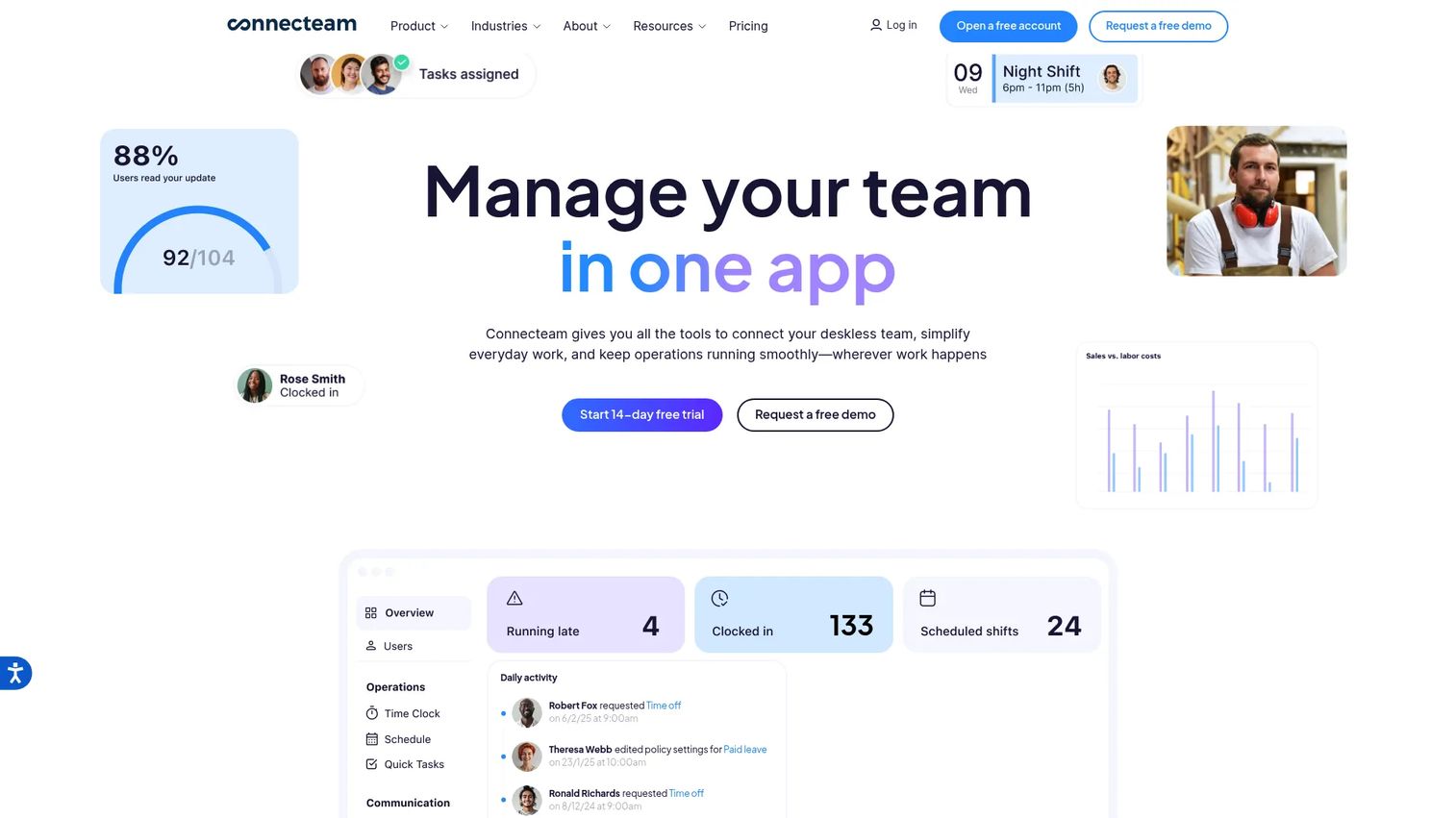
Connecteam is a workforce management platform for frontline and deskless teams, combining scheduling, time tracking, communication, and HR tools in one mobile-first app. Where a pure scheduler stops at the roster, Connecteam adds tasking, team communication, and a company knowledge base, which is why field, retail, and multi-site operations gravitate to it.
Scheduling and shift management sit at the core, with shift swaps, availability, and open shifts handled in-app. Time tracking includes a time clock with GPS and geofencing, useful when your staff work across job sites rather than one location. Team chat, updates, and shift reminders keep dispersed crews aligned in real time. For operators managing deskless workers, that breadth beyond scheduling is the reason to look here.
Best for: deskless and frontline businesses that want an all-in-one app for operations, communication, and HR, not just a schedule.
Key strengths
- Scheduling and shift management
- Time clock with GPS and geofencing
- Team chat, updates, and knowledge base
- Shift swaps and open shifts
- Shift reminders and notifications
Why choose Connecteam: it reaches well beyond scheduling into daily operations, which fits teams that need one app to run the whole shift, not just publish it.
Connecteam pricing: the Small Business Plan is free for up to 10 users. Paid tiers are priced for the first 30 users: Basic from $29/month billed yearly, Advanced from $49/month billed yearly, and Expert from $99/month billed yearly, with per-user rates above 30 users.
4. Shiftboard
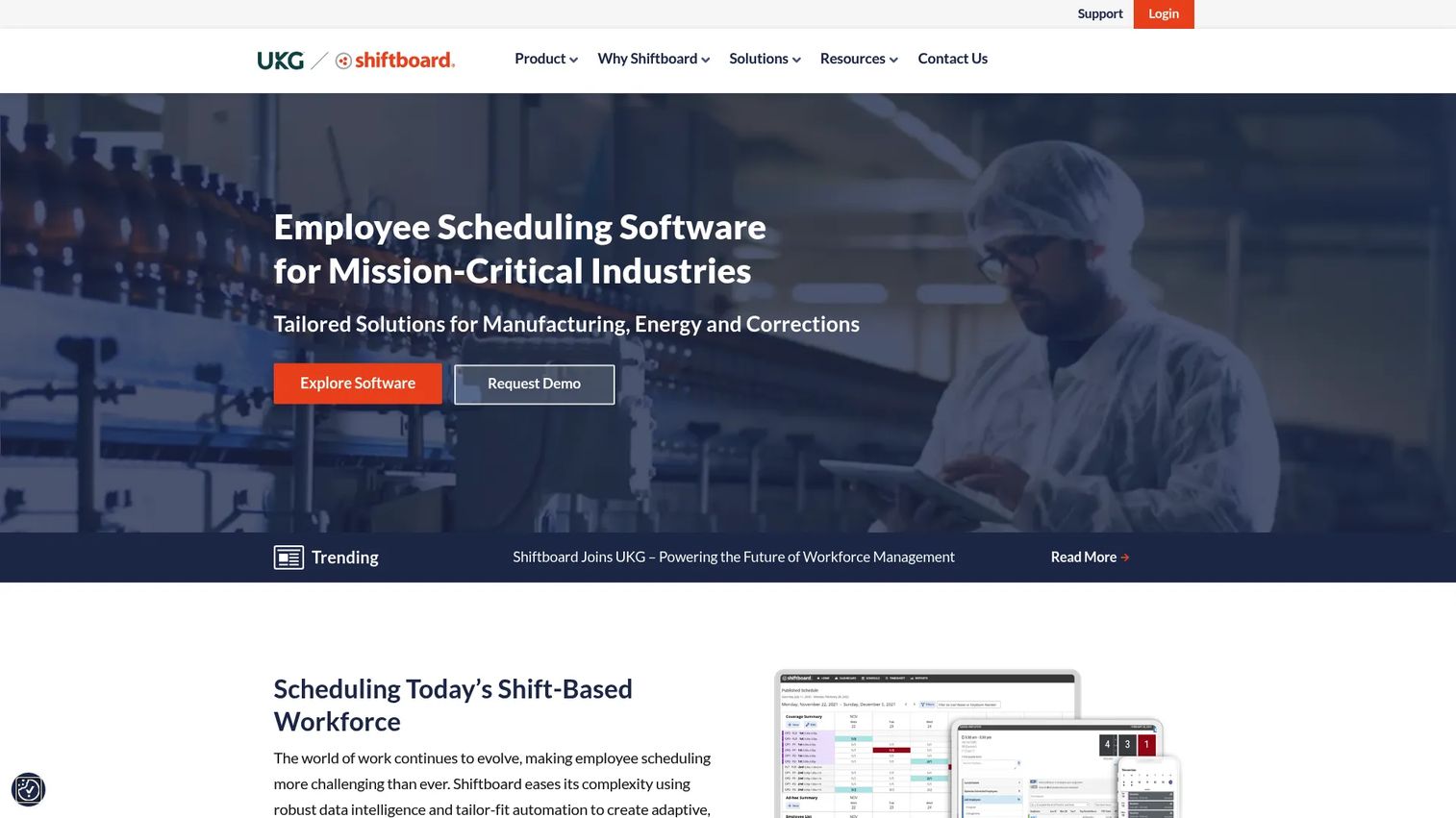
Shiftboard is an employee scheduling and workforce management platform built for complex, shift-based operations where getting coverage wrong has real consequences. It is aimed at manufacturing, energy, healthcare, and corrections, the kinds of environments where compliance and coverage optimization are non-negotiable.
The platform handles shift scheduling and shift trading, but its distinguishing work is rule enforcement. Shiftboard applies compliance rules and fatigue and safety controls so schedules respect labor law alignment and overtime limits before they ever publish. Mobile apps, notifications, and time-off requests give workers self-service, while managers get adaptive automation that fills coverage against tight constraints. For regulated or tightly governed operations, that governance layer is the point.
Best for: enterprises with complex shift scheduling, strict compliance requirements, and mission-critical coverage needs.
Key strengths
- Shift scheduling and shift trading
- Compliance and fatigue-rule enforcement
- Coverage optimization and adaptive automation
- Mobile apps and notifications
- Time-off requests and self-service
Why choose Shiftboard: it is built for operations where a scheduling mistake is a safety or compliance event, so the rule engine and coverage logic matter more than simplicity.
Shiftboard pricing: Shiftboard offers Enterprise and Enterprise Plus plans with custom pricing. Public prices are not listed, and minimum subscription fees apply through a demo and contact flow.
5. 7shifts
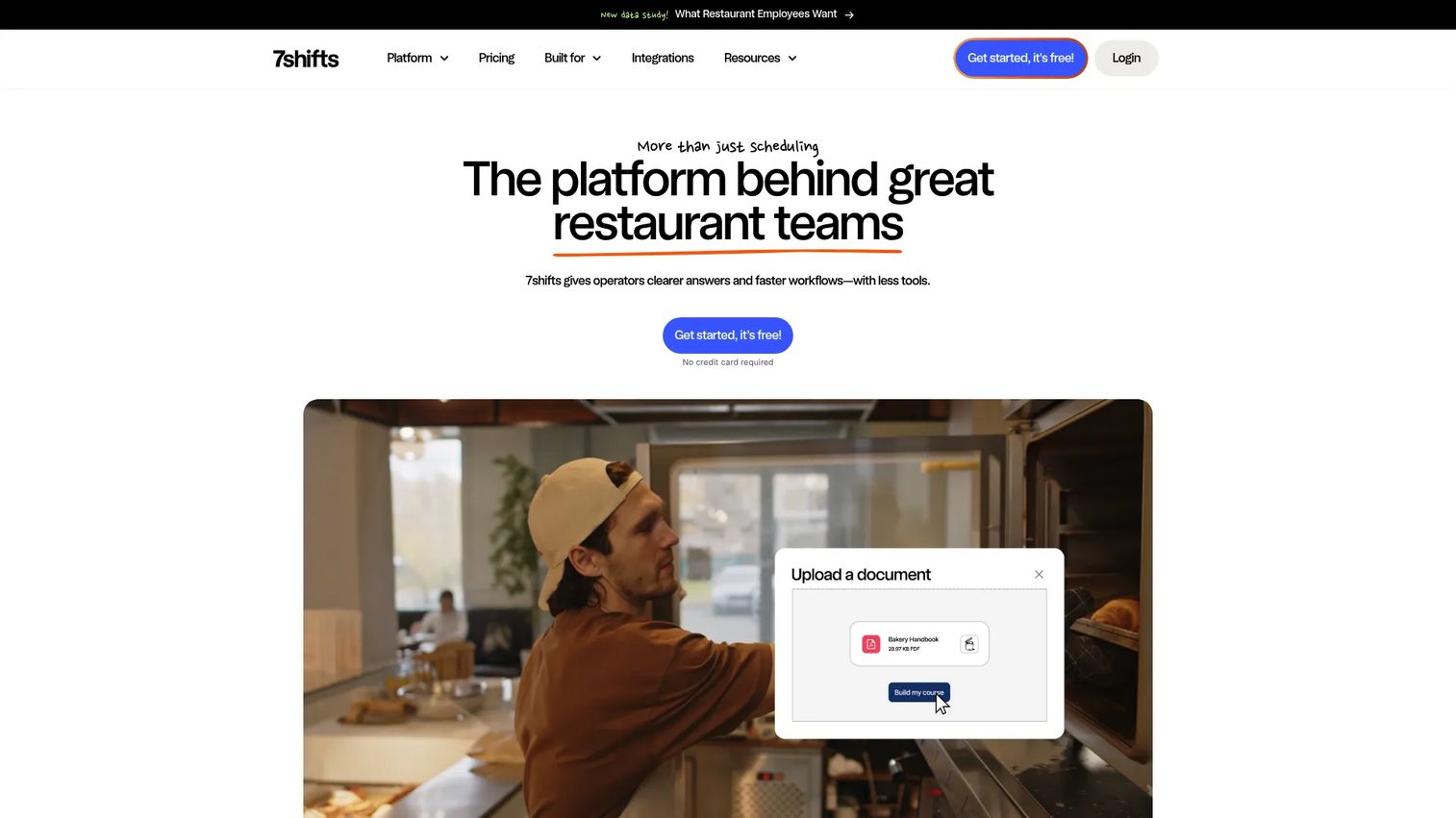
7shifts is a restaurant scheduling and payroll platform built specifically for food service teams. Rather than adapt a generic scheduler to a restaurant, it starts from restaurant workflows: high turnover, multiple roles per shift, and tight labor targets against sales.
Core capabilities include employee scheduling, time clocking, and payroll, tied together so hours flow from the schedule to pay. Shift swapping and team communication keep a fast-moving front-of-house and back-of-house crew coordinated when someone calls out. Because it connects scheduling to labor optimization, managers can build schedules against sales forecasts and keep labor cost in line. For multi-location restaurant groups, that hospitality-native design is the reason to choose it over a general tool.
Best for: restaurants that need scheduling, time tracking, and payroll in one system built around food service.
Key strengths
- Employee scheduling for restaurants
- Time clocking
- Payroll
- Shift swapping
- Team communication
Why choose 7shifts: it is tuned to restaurant reality, so the labor tools, roles, and workflows match how a kitchen and floor actually run.
7shifts pricing: 7shifts offers a free Comp plan and a 14-day free trial. Paid plan prices are set on the vendor's pricing page.
6. When I Work
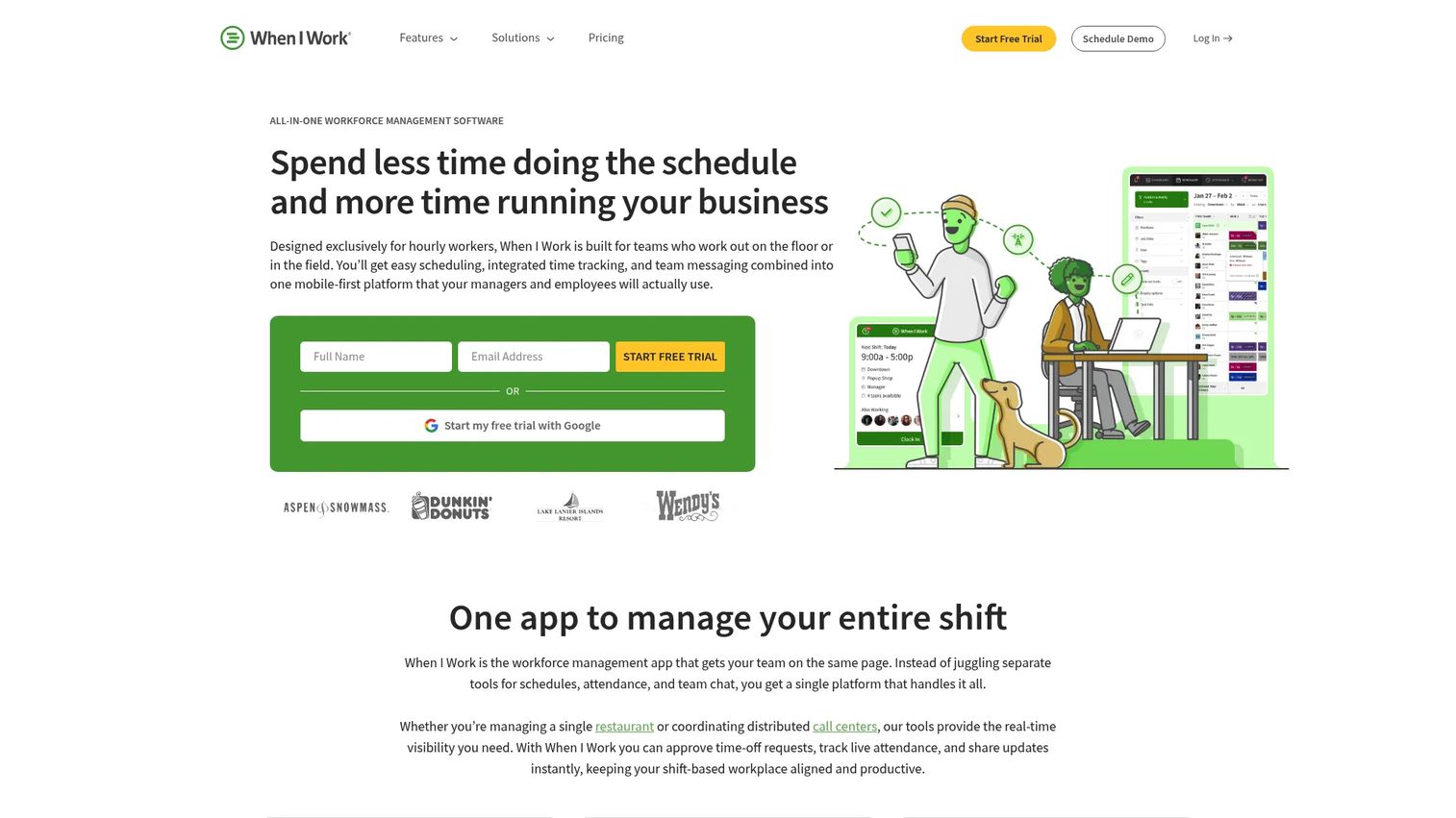
When I Work is employee scheduling and time tracking software for shift-based teams that want a lean, scheduling-first tool. It skips the wider operations bundle and focuses on doing shift scheduling well, which is exactly what some teams want.
The core covers scheduling, availability, and shift reminders, with employee self-service for swaps and requests. Time tracking and attendance sit alongside scheduling, and team messaging keeps everyone in the loop without a separate app. The draw here is simplicity and fast adoption: staff can pick it up quickly, and managers can publish a working schedule without a long setup. For teams that want a staff scheduling app rather than a full workforce suite, that focus is the advantage.
Best for: shift-based businesses that want straightforward scheduling, time tracking, and team communication without extra complexity.
Key strengths
- Employee scheduling
- Availability and shift reminders
- Time tracking and attendance
- Employee self-service
- Team messaging
Why choose When I Work: it is a scheduling-first tool that adopts fast, which fits teams that want to solve scheduling cleanly rather than buy a broad platform.
When I Work pricing: Essentials is $2.50 per user per month, Pro is $5 per user per month, and Premium is $8 per user per month. A 14-day free trial is available with no credit card required.
7. Agendrix
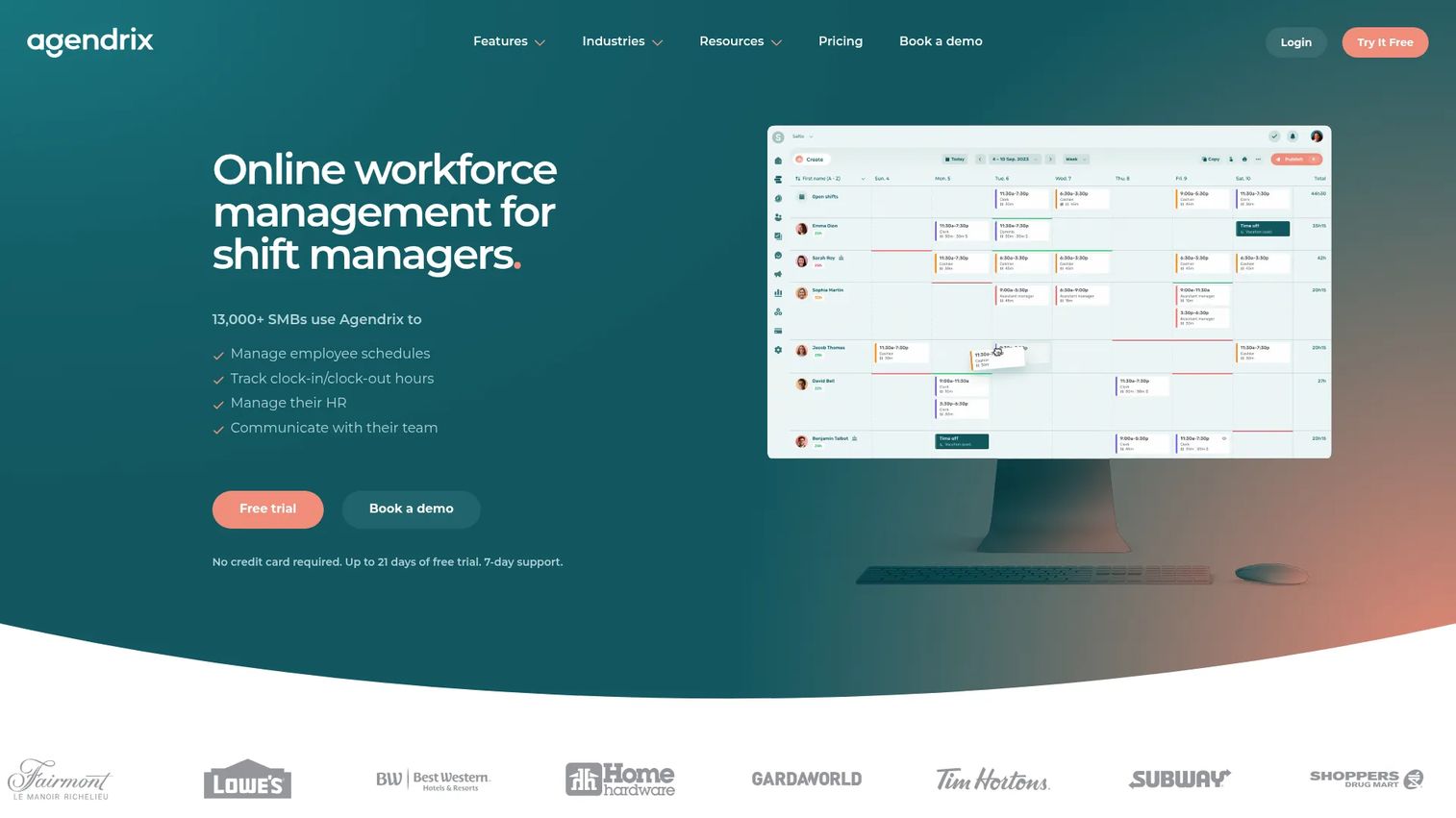
Agendrix is workforce management software covering employee scheduling, time tracking, communication, and HR, aimed at SMBs and distributed teams. It balances ease of use with enough depth to run scheduling plus basic HR from one system.
Scheduling includes shift templates, conflict detection, and multilocation management, which matters for teams spread across sites. Communication tools cover instant messaging, a news feed, and shift reminders, keeping distributed staff connected. HR management adds documents, surveys, custom roles, and electronic signatures, so light HR work lives next to the schedule. For SMBs that want scheduling and a bit more without an enterprise footprint, Agendrix fits, and it is a common pick for Canadian and distributed teams.
Best for: SMBs that need scheduling plus time tracking and basic HR in one system.
Key strengths
- Scheduling with templates and conflict detection
- Multilocation management
- Instant messaging and news feed
- Shift reminders
- HR documents, surveys, and e-signatures
Why choose Agendrix: it pairs approachable scheduling with light HR, which suits a growing SMB that wants more than a scheduler but less than a full HR suite.
Agendrix pricing: Essential is $2.93 per user per month billed yearly ($3.25 monthly), and Plus is $4.73 per user per month billed yearly ($5.25 monthly). Add-on modules include Time and Attendance at $2.25 per user per month and Expenses at $59 per month. Enterprise is quote-based.
Considerations before you buy
Mobile access and self-service
If your team is frontline or deskless, the mobile app is the product. Test whether employees can view schedules, request swaps, set availability, and pick up open shifts from their phones. Self-service is what removes the "am I working?" texts from your day.
Time tracking and payroll integration
Scheduling that does not feed time tracking and payroll creates double entry and errors. Check that clock-in data flows into timesheets and then into your payroll system. The cleaner that pipeline, the fewer disputed paychecks you handle.
Labor law alignment and compliance
Overtime rules, break requirements, and predictive scheduling laws vary by region. Look for tools that flag violations before you publish, not after. Compliance alerts and overtime controls are cheap insurance against expensive mistakes.
Multi-location and scale
If you run more than one site, confirm the tool handles multi-location coverage, cross-location shift pools, and consolidated reporting. A tool that works for one location can buckle at three.
Notifications and real-time updates
Shift reminders, change alerts, and real-time updates are what keep a published schedule accurate. Weak notifications mean the schedule and reality drift apart, which is the exact problem you are trying to solve.
Conclusion
The right pick comes down to your operating model. If you already run Microsoft 365, Microsoft Teams puts Shifts where your people already work. For hourly SMBs that want one app, Homebase bundles scheduling, time tracking, and payroll. Deskless and field teams get more from Connecteam's operations breadth, while restaurants are best served by 7shifts. Regulated, mission-critical operations should shortlist Shiftboard for its compliance depth. Teams that want lean, fast scheduling fit When I Work, and growing SMBs or distributed teams get scheduling plus light HR from Agendrix.
The real decision is simple scheduling versus all-in-one workforce control. Do you need a clean scheduler, or a system that also runs time, payroll, and HR?
Next step: shortlist two tools, then run a one-week test schedule with real shifts on each. You will learn more from one live week than from any feature list.
FAQs
Employee scheduling software is a tool that builds and publishes work schedules, then manages changes like shift swaps, availability, and reminders in real time. It replaces spreadsheets and group texts with one shared system. Staff see their shifts, request time off, and pick up open shifts from a single app.
The main benefits are time savings, fewer scheduling conflicts, better shift coverage, and clearer communication. Managers stop rebuilding schedules by hand, and employees stop guessing when they work. Automated notifications and shift reminders reduce no-shows and last-minute scrambles.
It gives you labor control, reliable shift coverage, and less administrative work. You can match staffing to demand, catch overtime before it happens, and fix coverage gaps in minutes instead of phone calls. That translates directly into lower labor cost and fewer understaffed shifts.
They overlap but are not identical. Scheduling plans who works when, while time tracking records actual hours worked through clock-in and clock-out. Most staff scheduling apps include time tracking, so the schedule and the timesheet stay connected and feed payroll cleanly.
Start with mobile access, employee self-service, notifications, and integrations. If your team is frontline, the phone experience determines whether the tool gets used at all. Then confirm it connects to your payroll and time tracking so hours flow without manual re-entry.
Yes. Stronger tools apply rules that flag overtime, missed breaks, and labor law alignment issues before a schedule publishes. Alerts and overtime controls reduce the risk of violations and unexpected labor costs. For regulated operations, this rule enforcement is often the deciding feature.
Look at the tools built around mobile-first workflows and shift collaboration. Connecteam is designed for deskless and field teams, and Microsoft Teams fits frontline staff already inside Microsoft 365. Both put schedules, swaps, and open shifts on employees' phones with real-time updates.
7shifts is built specifically for restaurants, tying scheduling to labor optimization, time clocking, and payroll around food service workflows. It handles high turnover and multiple roles per shift better than a general tool. For multi-location restaurant groups, that hospitality-native design is the reason to choose it.