A grieving family calls asking where their grandmother is buried. Your records live in a filing cabinet, three spreadsheets, and one retired sexton's memory. Twenty minutes later, you still can't say for certain which plot is hers.
That is the daily reality for cemeteries running on paper. And it is expensive in ways that don't show up on a balance sheet: lost interment records, double-sold plots, hours spent hand-drawing maps, and public inquiries that eat entire afternoons.
The shift is already underway. Over 65% of cemetery operators in North America had implemented some form of digital management system by 2024, up from just 23% in 2019, according to ICCFA data reported by Emergen Research. The pressure is not hypothetical anymore. Families expect online lookup. Boards expect clean records. Auditors expect backups.
Cemetery software fixes the fragmentation. The right platform pulls burial records, plot inventory, mapping, document generation, and public access into one system so a lookup takes seconds instead of an afternoon. The wrong one adds another layer of admin work without solving the underlying mess.
This guide compares seven tools operators actually shortlist in 2026. We look at how each handles mapping, records, digitization, pricing, and public-facing search, and we are honest about which cemetery size and workflow each one fits. The goal is a defensible shortlist you can act on this week, not a wall of vendor slogans.
What's inside
This is a practical comparison written for cemetery operators, managers, and administrators, not a generic category explainer. We selected the seven tools based on four criteria: strength of plot and burial records management, quality of mapping and digitization, availability of public access or online lookup, and pricing transparency. Every pricing figure and feature below comes from each vendor's own materials, and where a vendor gates pricing behind a sales call, we say so plainly. Use it to narrow the field, then test the two or three that fit your size and budget.
TL;DR
- Best for public lookup and controlled map sharing: Cemify, with an interactive map, walk-to-grave directions, and a public cemetery website.
- Best for larger and multi-site operators: PlotBox, built for integrated records, mapping, and workflows at scale.
- Best for the lowest entry cost: Everspot, with a genuine free tier and paid plans starting at $10 per month.
- Best for grave-level mapping on a fixed budget: CemeteryPro, with transparent one-time local pricing by cemetery size.
- Best for website-first public presentation: CemSites, focused on public search and gravesite lookup.
- Best for all-digital deathcare workflows: Cemetery Workstation, a cloud platform spanning cemetery and crematorium operations.
What is cemetery software?
Cemetery software is a records and operations platform that helps cemeteries manage burial records, plot inventory, mapping, and public access from one system instead of paper files and disconnected spreadsheets.
At its core, it replaces the filing cabinet and the hand-drawn plot map with a searchable database tied to a digital map. Staff look up an interment in seconds, see exactly which plots are available, generate deeds and certificates from templates, and let the public find a grave online without calling the office.
Most cemetery management software in 2026 covers a common set of capabilities:
- Plot and burial records: Searchable interment records, ownership history, and plot status (available, reserved, occupied).
- Cemetery mapping software: Interactive digital maps, often with GIS or walk-to-grave navigation, tied to individual plots.
- Cemetery digitization software: Tools to convert paper records, deeds, and old maps into a structured, searchable database.
- Document generation and storage: Templates for deeds, purchase agreements, and certificates, plus photo and document storage.
- Public access: A public cemetery website or portal for gravesite lookup, genealogy search, and online memorials.
- Backups and exports: Cloud storage, backup exports, and controls that protect records against loss.
- Work orders and reporting: Task tracking for grounds crews, plus operational and financial reporting.
The category is growing fast. The global cemetery software market was valued at roughly USD 2.13 billion in 2024 and is expected to reach USD 3.66 billion by 2034 at a 5.6% CAGR, according to InsightAce Analytic. Public self-service is a big driver: around 57% of deployments now include public or semi-public portals, cutting in-office inquiry volume by about 41%, per Congruence Market Insights.
When to use cemetery software
Digitize paper records before they degrade
If your interment history lives in ledgers, index cards, or a sexton's memory, you are one flood or one retirement away from losing it. Cemetery records software captures that history in a searchable, backed-up database. This is the strongest trigger for small cemeteries that have never digitized: the data is at risk right now, and every year of delay makes the migration bigger.
Stop the plot lookup drain on staff time
When every family inquiry means walking the grounds or digging through files, staff time evaporates. A digital plot map and searchable records turn a 20-minute hunt into a 20-second search. Cemetery plot management software also prevents the expensive mistake of double-selling a plot, because availability is visible in real time.
Give families a public way to find graves
Families increasingly expect to search a cemetery online before they ever call. A public cemetery website with gravesite lookup and genealogy search meets that expectation and, per the market data above, measurably reduces inbound calls. If your office spends afternoons answering "where is my relative buried," public access pays for itself.
Comparison table
Every figure below comes from each vendor's own site or product page as of mid-2026. Where a vendor keeps pricing behind a sales conversation, the table says so rather than guessing. Note that most tools in this category have few or no public G2 reviews, so ratings are limited across the board.
| # | Product | Intent | Key use case | Pricing | G2 rating |
|---|---|---|---|---|---|
| 1 | Chronicle Heritage | Heritage and cultural resource consulting | GIS, 3D modeling, and heritage preservation services | Quote-based | Not rated |
| 2 | Cemify | Records, mapping, and public lookup | Interactive map with walk-to-grave directions and public website | From $799/yr | Not rated |
| 3 | PlotBox | Integrated cemetery and crematorium operations | Records, digital mapping, and workflows at scale | Quote-based (Essential, Pro, Enterprise) | Not rated |
| 4 | Cemetery Workstation | All-digital deathcare management | Cloud records, mapping, and sales workflows | Free demo; quote-based | Not rated |
| 5 | Everspot | All-in-one cemetery operations | Mapping, contracts, deeds, work orders, QuickBooks sync | Free; from $10/mo | Not rated |
| 6 | CemSites | Website-first public access | Public search, mapping, and walk-to-site navigation | Quote-based | Not rated |
| 7 | CemeteryPro | Records and grave-level mapping | Plot sales, invoicing, mapping down to individual grave | Setup fee + $125/mo, or one-time local | Not rated |
1. Chronicle Heritage
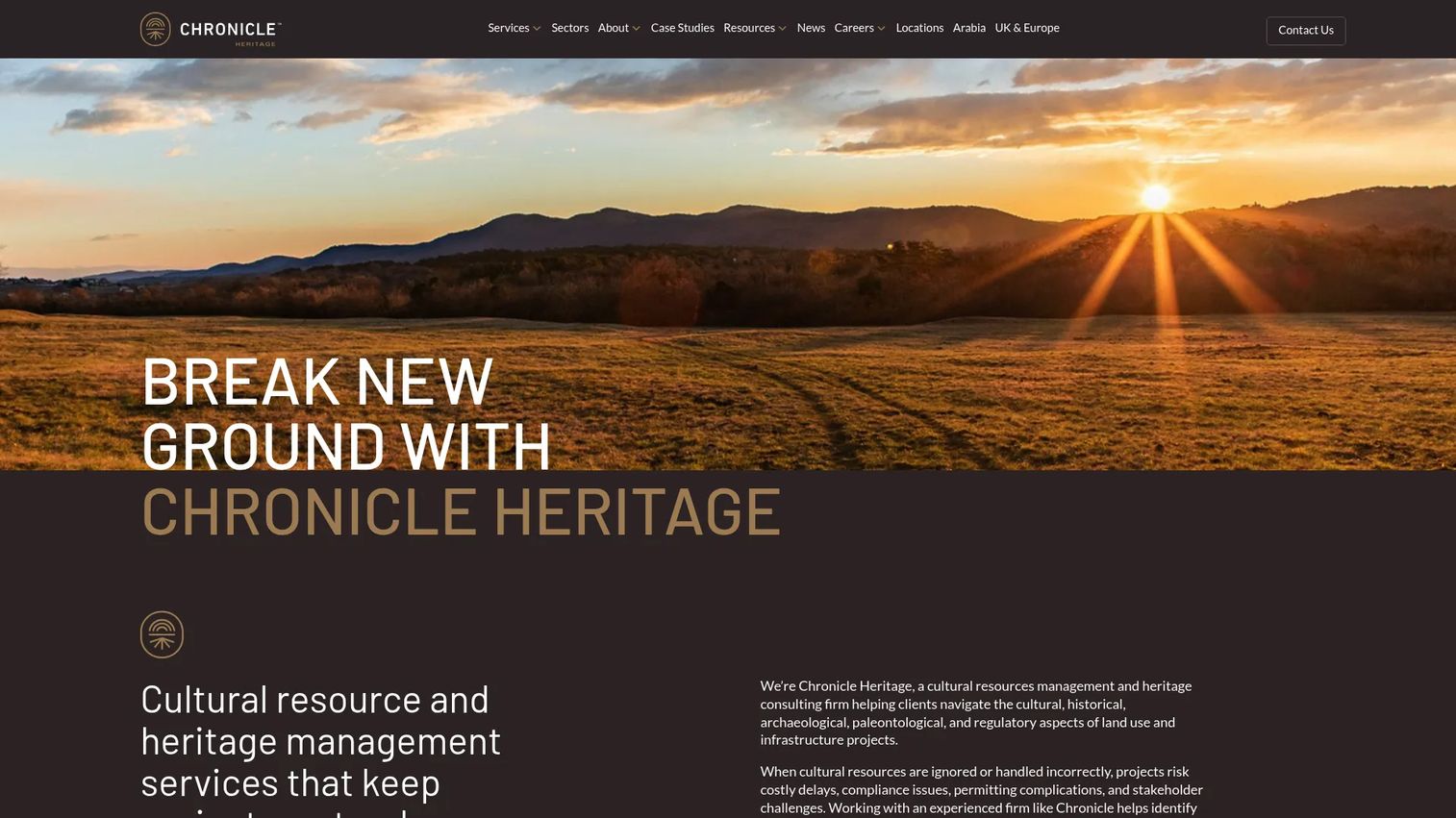
Chronicle Heritage is a cultural resource and heritage management consultancy rather than a shrink-wrapped software product. It brings archaeology, heritage preservation, and digital technology work together, including 3D modeling, GIS, LiDAR, and story maps. For cemeteries with genuine historical significance, that expertise can matter more than an off-the-shelf records app.
Best for: Organizations that need cultural resource compliance and heritage consulting alongside digital mapping, not just day-to-day plot records.
Key strengths
- Heritage and cultural resource services: Deep expertise in preservation and compliance for historically sensitive sites.
- Advanced digital technology: GIS, LiDAR, 3D modeling, and story maps for detailed spatial documentation.
- Specialist consulting model: Hands-on professional services rather than self-serve software.
Why choose Chronicle Heritage: Choose it when your cemetery is a heritage asset and you need archaeologists, preservationists, and GIS specialists, not a monthly SaaS login. This is a services engagement, so it fits organizations with compliance obligations and budgets for professional work rather than a small cemetery office looking for a simple records tool.
Chronicle Heritage pricing: Pricing is quote-based. There is no public pricing page or listed starting price on the company's own domain, and engagements appear to be scoped per project. Expect a discovery conversation to size the work rather than a published monthly plan.
2. Cemify
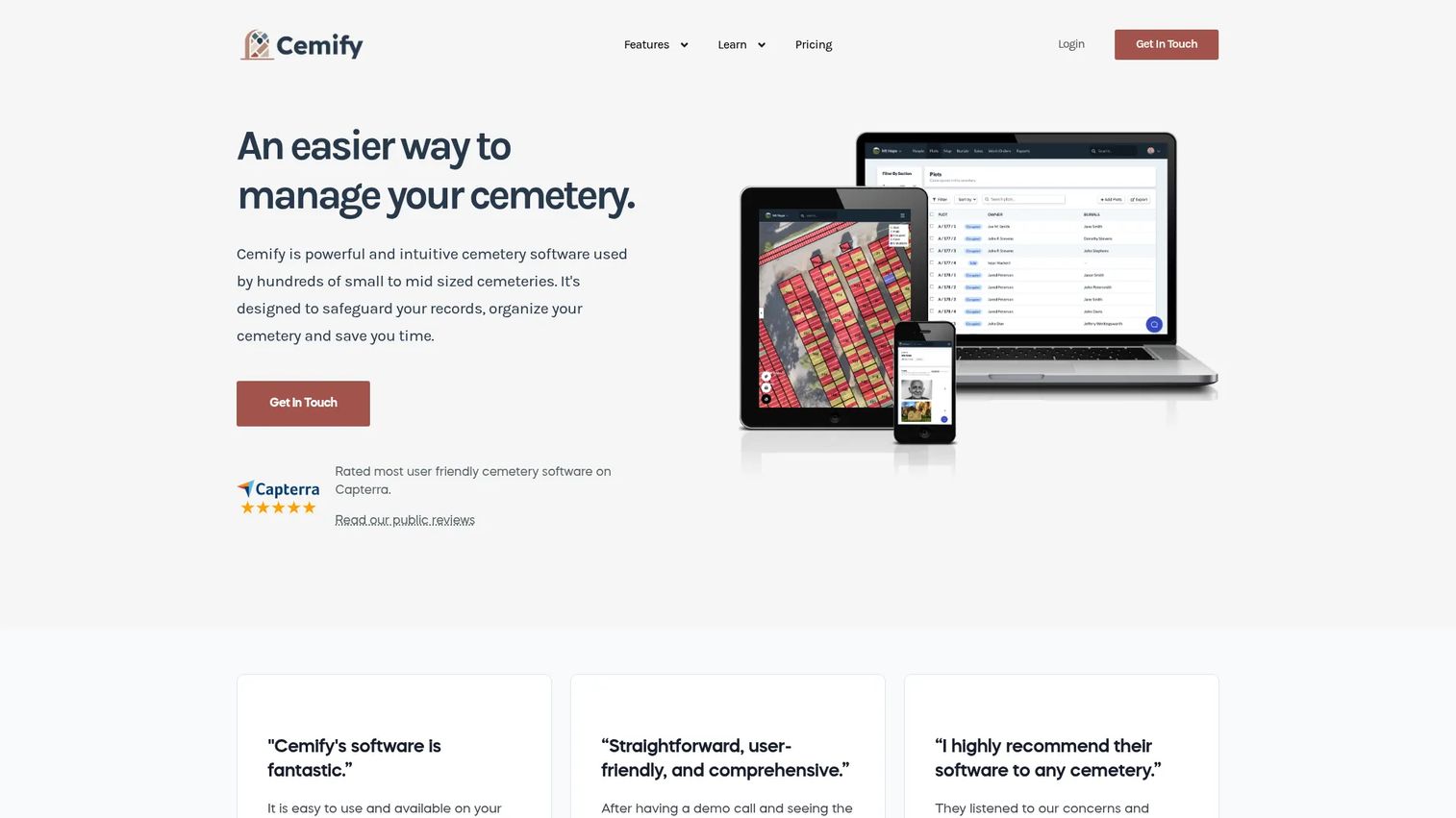
Cemify is cloud-based cemetery management software built around records, mapping, and public access. It combines an interactive cemetery map with burial and ownership records, then layers on a public website that gives families walk-to-grave directions. For teams that care about digitization safety and fast search, it hits the core jobs directly.
Best for: Cemeteries that want records, a usable digital map, and a controlled public lookup site without a heavy implementation.
Key strengths
- Interactive cemetery map: A digital map tied to burial and ownership records for fast lookup.
- Public website with walk-to-grave directions: Families find and navigate to a grave online, cutting inbound calls.
- Document templates and work orders: Deeds, purchase agreements, and task tracking in one place.
Why choose Cemify: It sits in the sweet spot for small to mid-sized cemeteries that want public lookup and clean records without a quote-based sales cycle. Pricing is published, which makes budgeting straightforward, and the walk-to-grave feature is a genuine differentiator for families visiting the grounds.
Cemify pricing: Three annual plans, all billed yearly: Preservation at $799/yr, Management at $1,299/yr, and Partner at $1,899/yr. Add-ons are listed separately on the pricing detail page, and staff login limits scale by plan. There is no free tier, but the transparent annual pricing makes it easy to compare against gated competitors.
3. PlotBox
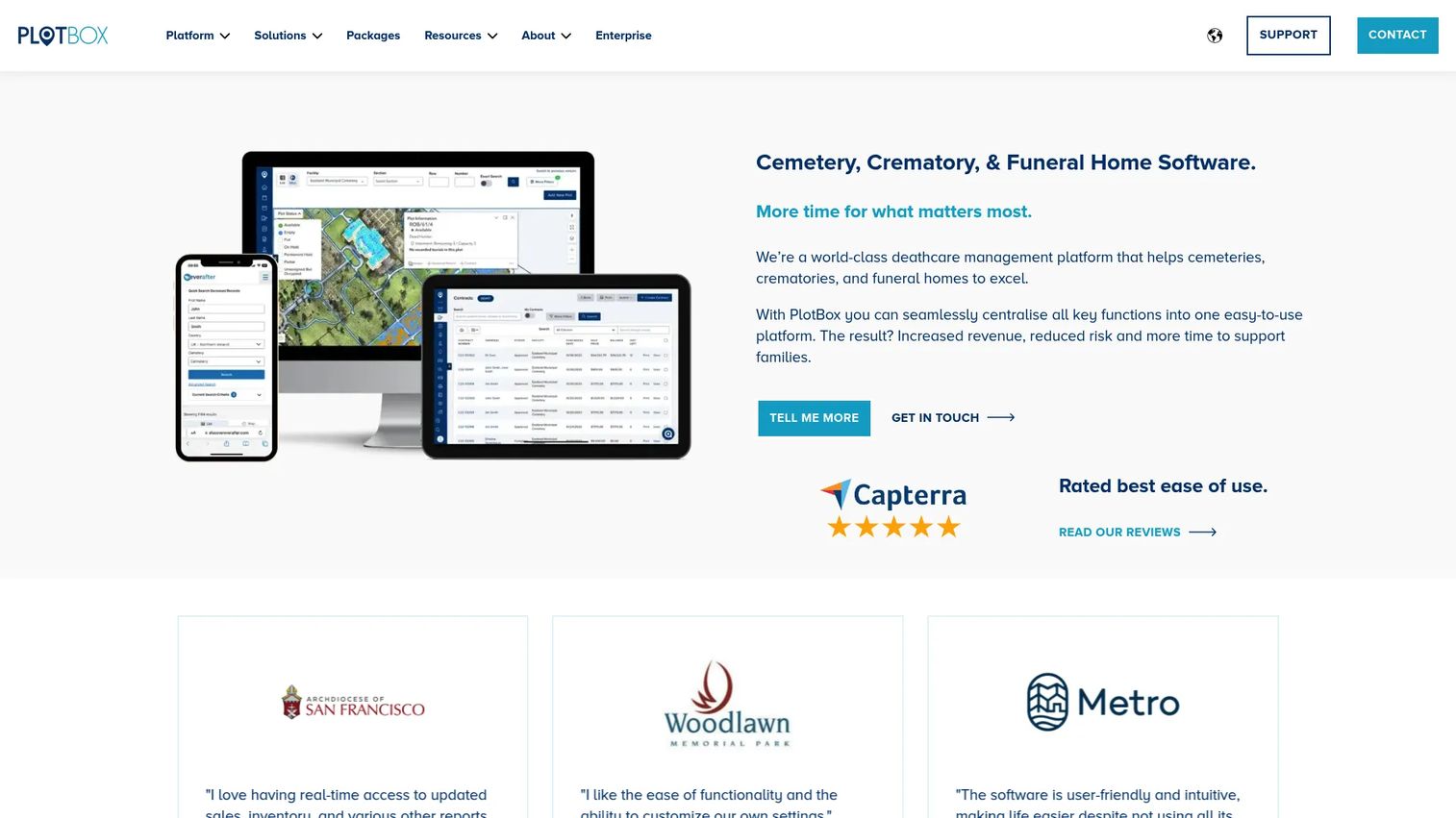
PlotBox is cloud-based deathcare software that spans cemetery, crematorium, and funeral home operations. It integrates records, deeds, and plot management with digital cemetery mapping, then adds contracts, scheduling, CRM, and document handling. It is built for operators that need one system across multiple functions rather than a single-purpose records tool.
Best for: Larger cemeteries and crematorium operators that need integrated records, mapping, and workflows at scale.
Key strengths
- Records, deeds, and plot management: A structured system for interments, ownership, and plot inventory.
- Digital cemetery mapping: Map-based plot lookup tied to the underlying records.
- Operational breadth: Contracts, scheduling, CRM, and documents in one integrated platform.
Why choose PlotBox: Choose it when your operation is large or multi-site and you need cemetery, crematorium, and administrative workflows in a single system. That breadth is exactly what a small single-site cemetery may not need, so weigh scope against your actual size before committing to a discovery call.
PlotBox pricing: PlotBox lists three packages, Essential, Pro, and Enterprise, and directs prospects to schedule a discovery call. No public prices are shown on the pricing page, so plan on a scoping conversation to get a number tailored to your operation.
4. Cemetery Workstation
Cemetery Workstation is cloud-based software for cemeteries and crematoriums, offering mapping, sales, records management, and aftercare. It positions itself as a fully digital, all-in-one platform with unlimited access across devices and customizable workflows. For operators moving off paper entirely, the all-digital framing is the pitch.
Best for: Cemeteries and crematoriums that want a fully digital records, mapping, and sales workflow in one place.
Key strengths
- Fully digital cemetery management: Records, mapping, and sales built to replace paper end to end.
- Unlimited device access: Staff work from the office, the grounds, or the field on any device.
- Customizable workflows and integrations: Configurable processes rather than a rigid template.
Why choose Cemetery Workstation: It suits operators committed to going fully digital who want mapping and sales in the same platform as records. The all-in-one approach reduces tool sprawl, which matters if you are currently juggling spreadsheets, a mapping file, and a separate invoicing system.
Cemetery Workstation pricing: The company does not publish a price on its own site and instead offers a free demo. Plan on a demo and a scoping conversation to get pricing for your cemetery's size and needs.
5. Everspot
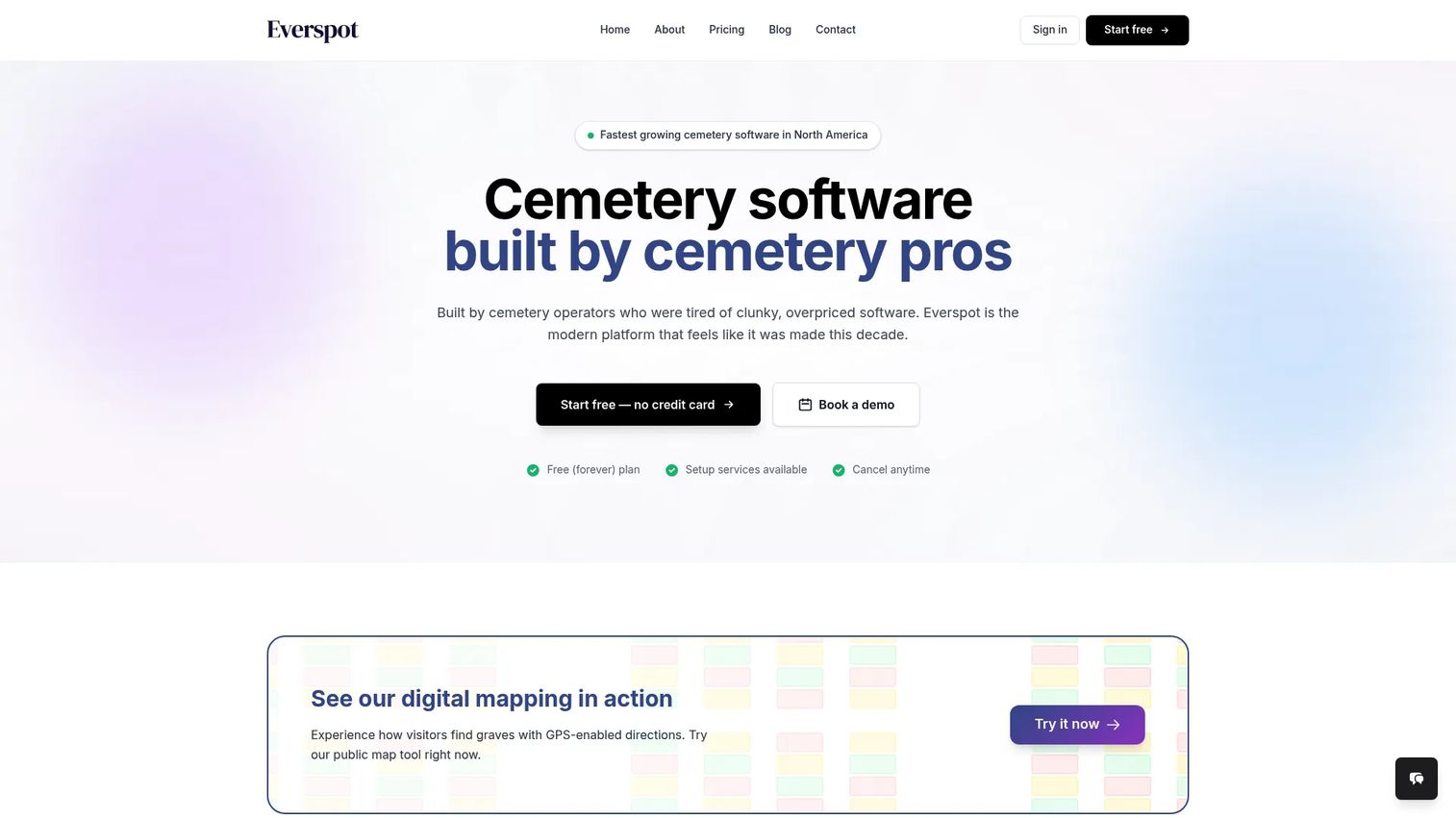
Everspot is a dedicated cemetery management platform with mapping, records, and operations tools. It combines interactive digital cemetery mapping with sales contracts, interments, deeds, and certificates, then adds work orders, calendars, tasks, and QuickBooks Online integration. Crucially for smaller operators, it has a real free tier.
Best for: Cemeteries that want a dedicated all-in-one operations platform, especially budget-conscious and small cemeteries.
Key strengths
- Interactive digital cemetery mapping: Map-based plot lookup tied to records.
- Full records and document coverage: Contracts, interments, deeds, and certificates in one system.
- Operations tools with QuickBooks sync: Work orders, calendars, tasks, and accounting integration.
Why choose Everspot: The pricing is the standout. A genuine free plan lets a small cemetery digitize without a purchase order, and paid plans stay affordable as you grow. If your first goal is getting records off paper without a budget fight, this is the easiest place to start.
Everspot pricing: Three plans, all month-to-month. Free at $0/month includes 2 users and 25 GB storage. Plus starts at $10/month with 5 users and 50 GB. Pro starts at $30/month with unlimited users and 100 GB. That transparent, low entry point is rare in this category.
6. CemSites
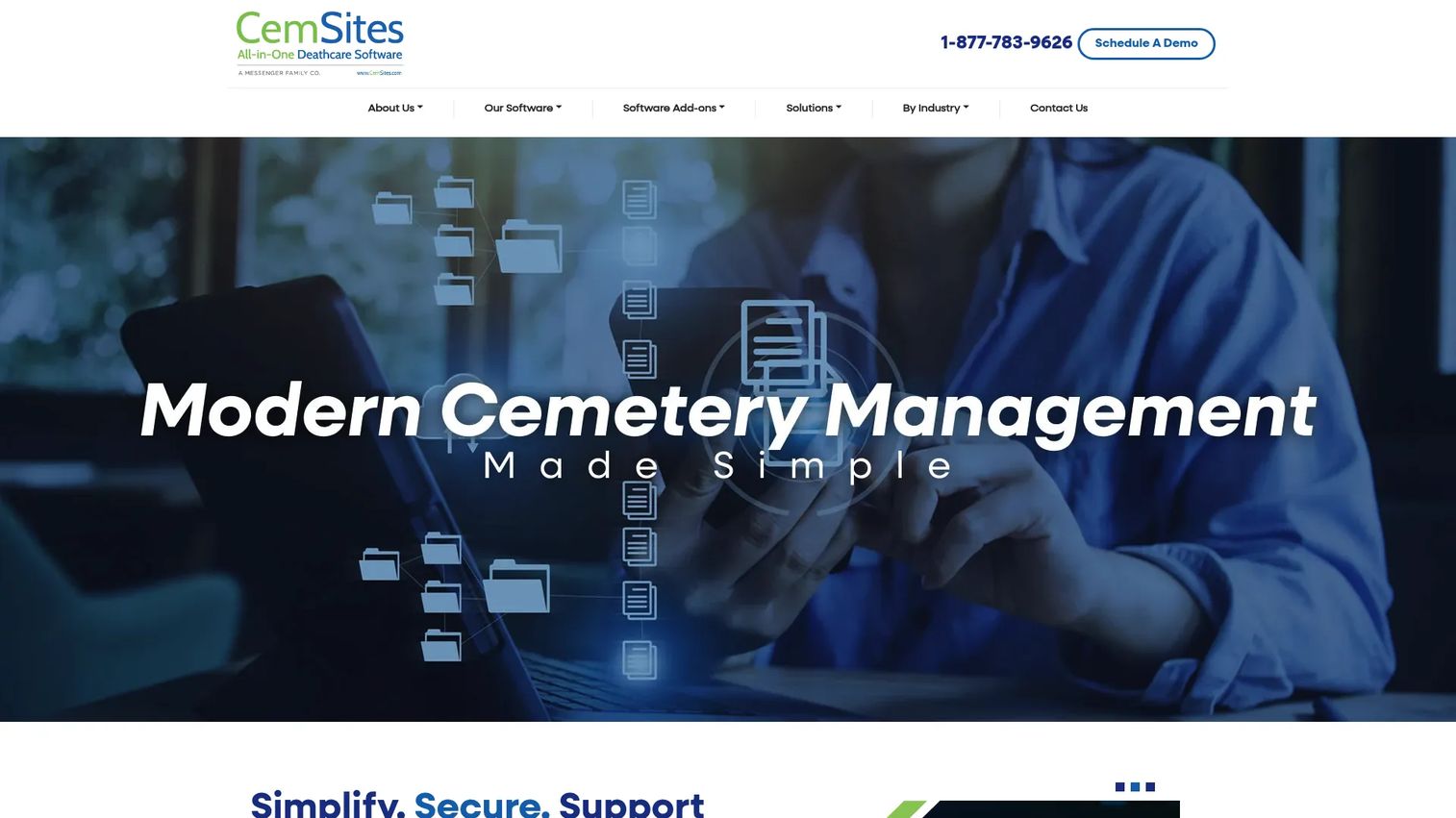
CemSites is cloud-based cemetery and deathcare management software with a strong public-facing angle. It combines digital record management with interactive mapping and walk-to-site navigation, plus work orders and reporting. Its heritage is website and public presentation, which makes it a fit for organizations that want families browsing and finding graves online.
Best for: Cemeteries and deathcare operators that want configurable cloud software with a public search and gravesite lookup front end.
Key strengths
- Digital record management: Structured records that replace paper files.
- Interactive mapping and walk-to-site navigation: Public-facing map lookup for visitors on the grounds.
- Work orders and reporting: Task tracking and operational reporting for staff.
Why choose CemSites: Choose it when public discovery matters as much as internal records, and you want a configurable platform rather than a fixed template. The walk-to-site navigation and searchable public records make it a fit for cemeteries that field a lot of family inquiries.
CemSites pricing: Pricing is quote-based. The company states it is based on implementation plus a monthly fee and asks prospects to contact them for a ballpark. Expect a conversation to size setup and ongoing cost.
7. CemeteryPro
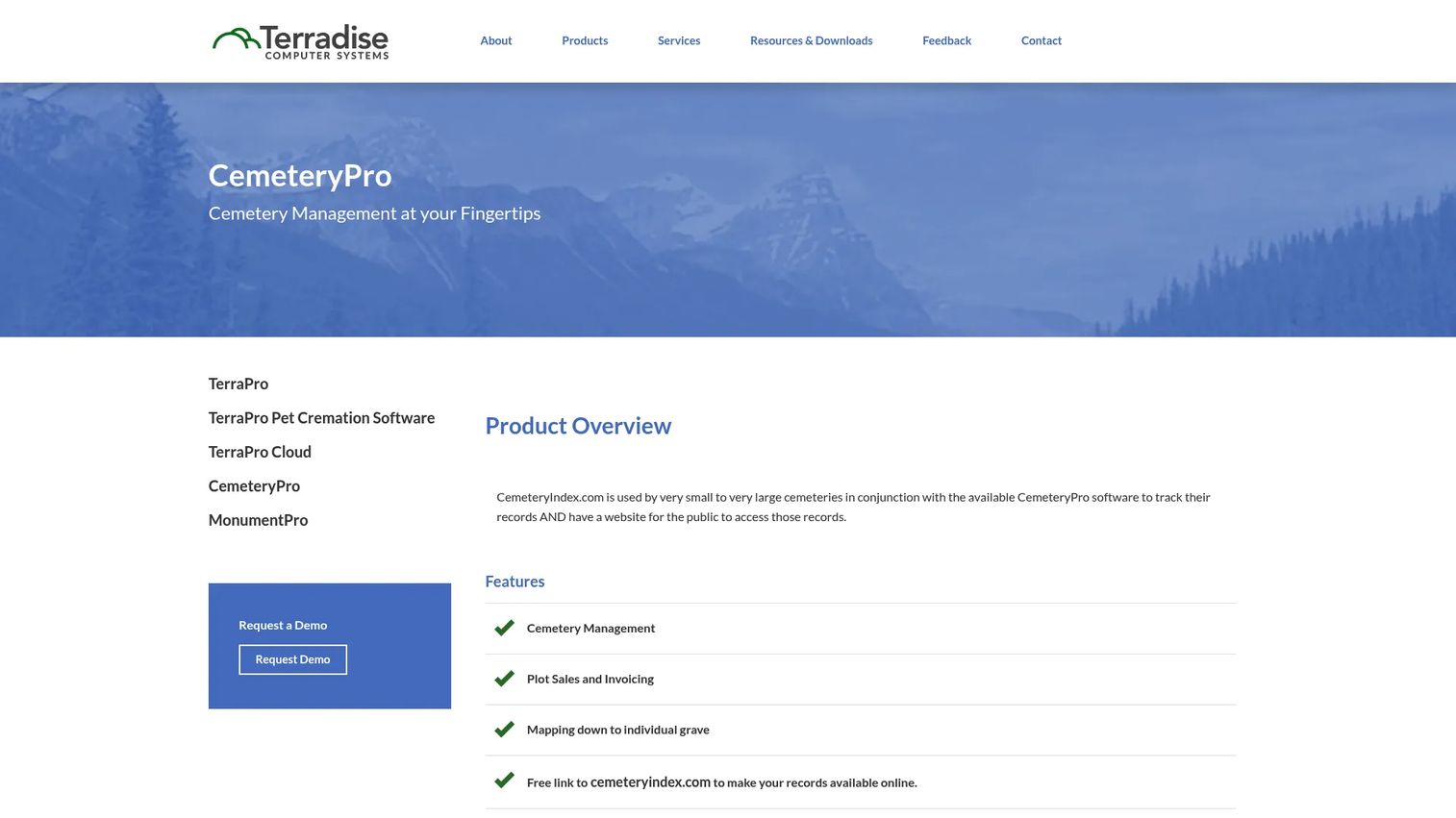
CemeteryPro is cemetery management software for tracking records, plot sales, invoicing, and grave mapping, with an online records link for public access. Its mapping goes down to the individual grave, and it offers both cloud and local installation. The standout is transparent pricing, including one-time local options priced by cemetery size.
Best for: Cemeteries that need burial records, plot sales, and grave-level mapping, with a preference for predictable or one-time pricing.
Key strengths
- Cemetery management and records: Burial records, plot sales, and invoicing in one system.
- Grave-level mapping: Mapping down to the individual grave, not just the section.
- Cloud or local install with public link: Flexible deployment plus an online records link for families.
Why choose CemeteryPro: The pricing model is unusually clear. If you would rather pay a one-time fee than a monthly subscription, the local installation tiers by cemetery size make budgeting simple. For operators who dislike recurring SaaS costs, that is a real advantage.
CemeteryPro pricing: U.S. pricing only. Cloud installation runs a $500 to $2,500 setup fee plus a $125 access fee per month and $35 for each additional user. Local installation is one-time: $1,500 for small cemeteries (under 2,000 burials), $2,500 for medium (2,000 to 6,000), and $3,500 for large (6,000+). There is no free tier.
Considerations before you buy
Records and digitization strength
Start with the data. If you are moving off paper, ask how each vendor handles cemetery digitization software workflows: importing old ledgers, scanning deeds, and structuring records so they are searchable later. A tool that stores documents but does not make them findable solves only half the problem. Confirm the migration path before you sign.
Mapping and plot lookup quality
Not all cemetery mapping software is equal. Some tools map to the section, others to the individual grave. Decide whether you need GIS-grade spatial accuracy or a simpler visual map, and whether families need walk-to-grave navigation. Test the actual map search with your own plot data during a trial, not a canned demo.
Public access and family self-service
Roughly 57% of deployments now include a public portal, and it measurably reduces inbound calls. If your office is buried in "where is my relative buried" inquiries, prioritize a public cemetery website with gravesite lookup and genealogy search. Check whether public access is included or a paid add-on.
Backups, exports, and data ownership
Your records are the asset. Confirm the vendor provides backup exports and that you can pull your data out in a usable format if you ever leave. Cloud storage is standard, but data portability is not, so ask directly.
Pricing transparency and total cost
Cemetery software pricing splits into two camps: published plans and quote-based sales cycles. Published pricing, like Everspot, Cemify, and CemeteryPro, is easier to budget. Quote-based vendors may fit larger operations, but insist on a written total including setup, monthly fees, and per-user costs before comparing.
Conclusion
There is no single best cemetery software, only the best fit for your size, budget, and workflow. For public lookup and controlled map sharing with transparent pricing, Cemify is the strongest all-rounder for small to mid-sized cemeteries. For the lowest entry cost and a genuine free tier, Everspot is the easiest place to start digitizing. For predictable one-time pricing and grave-level mapping, CemeteryPro is worth a close look. And for larger, multi-site or crematorium operations, PlotBox and Cemetery Workstation bring the operational breadth that a single-site records tool cannot.
The practical next step is simple. Shortlist two or three tools that match your cemetery's size, verify the current pricing directly with each vendor, and test the search and map workflows with your own records during a trial. The tool that finds a grave fastest with your actual data is the one worth buying.
If your evaluation extends into presenting or demonstrating software to a board or committee, tools like Guideflow help teams build interactive product experiences to communicate value clearly.
FAQs
Cemetery software is used to manage burial and interment records, plot inventory, digital maps, deeds and certificates, and public access from one system. It replaces paper ledgers and disconnected spreadsheets so staff can find a grave, check plot availability, and generate documents in seconds. Many platforms also offer a public website for families to search graves online.
The core four are plot and burial records management, cemetery mapping, digitization of paper records, and backups or exports that protect your data. Reporting and work order tools help operations, and a public lookup portal reduces inbound calls. Prioritize the features tied to your biggest pain, usually records digitization and fast plot lookup.
It varies widely, and many vendors gate pricing behind a sales call. Published options include Everspot with a free tier and paid plans from $10 per month, Cemify from $799 per year, and CemeteryPro with a $500 to $2,500 setup fee plus $125 per month, or one-time local licenses by cemetery size. Larger platforms like PlotBox and Cemetery Workstation use quote-based pricing.
For small cemeteries, prioritize low entry cost, easy digitization, and transparent pricing. Everspot's free tier lets you start without a budget approval, and Cemify's published annual plans and public lookup suit a small office that fields family inquiries. CemeteryPro's one-time local pricing works well if you prefer avoiding a monthly subscription.
Most do, though the depth varies. Cemify, Everspot, CemSites, and CemeteryPro all offer interactive mapping, and some provide walk-to-grave or walk-to-site navigation for visitors. Mapping granularity ranges from section-level to individual grave, and heritage-focused specialists like Chronicle Heritage bring full GIS, LiDAR, and 3D modeling for historically significant sites.
Yes. Managing burial records, ownership history, and deeds is the central job of the category. Most tools include document templates for deeds, purchase agreements, and certificates, plus storage for scanned records and searchable interment history. This is exactly what makes a digitized system faster than paper files.
Evaluate five things: records and digitization strength, mapping and plot lookup quality, public access and self-service, backups and data ownership, and total cost including setup and per-user fees. Shortlist two or three tools that match your cemetery's size, then test each one's search and map workflows with your own data during a trial before deciding.