Online learning looks straightforward until you start comparing certificates, credit, support, and actual course quality. The global e-learning services market reached $356.66 billion in 2025, according to Fortune Business Insights, and the range of providers has grown with it. That growth is good news for learners, but it also means more decisions: Does this certificate carry weight with employers? Is the course free to access but paid to complete? Does the provider serve adults switching careers, K12 students recovering credits, or independent learners exploring a subject on a Sunday afternoon?
Most bad enrollment decisions happen because people compare course titles rather than outcomes. A platform might offer exactly the subject you need but not the credential your employer recognizes. Another might be perfect for creative skills but offer nothing for a student who needs a transcript.
This guide cuts through that confusion with verified pricing, honest fit guidance, and a comparison table covering all 21 providers.
What's inside
This guide is for learners, parents, educators, career switchers, and school administrators comparing online learning providers in 2026. Providers were selected to represent the full range: Course marketplaces, university-backed platforms, technical training tools, free open-course libraries, and K12 virtual schools.
Selection criteria:
- Subject depth and format: Does the provider go deep enough on topics that matter to you?
- Credential clarity: Are certificates, credit, degrees, or open access clearly distinguished?
- Support and pacing: What instructor access, feedback, or community comes with the course?
- Pricing transparency: Are costs clear before you enroll, and do they cover what you actually need?
Pricing and G2 ratings are verified against live sources. Providers without a relevant G2 profile are listed as N/A.
TL;DR
- Best overall for career-focused learning: Coursera, for its university-backed courses, professional certificate paths, and degree options
- Best for university-style courses: edX, Harvard Online, Stanford Online, MIT OpenCourseWare, and Open Yale Courses
- Best for technical skills: Codecademy, Pluralsight, Udacity, and Coursera
- Best for creative skills: Skillshare and Udemy
- Best free learning options: Khan Academy, MIT OpenCourseWare, Open Yale Courses, Academic Earth, and Open Culture
- Best K12 providers: BYU Independent Study, FlexPoint Virtual School, Pearson Virtual Schools, and Stride Learning Solutions
What are online course providers?
Online course providers are organizations or platforms that deliver structured courses over the internet, often with lessons, assessments, certificates, credits, instructor support, or self-paced learning tools.
Common types of online course providers
The category covers more ground than most comparison guides acknowledge:
- Course marketplaces: Large libraries of courses from independent instructors, usually priced per course or by subscription
- University-backed learning platforms: Courses and credentials from named universities, sometimes with degree pathways
- Technical training platforms: Focused on coding, data, cloud, and cybersecurity, often with skill assessments and role paths
- Creative learning communities: Short, project-based classes in design, photography, video, and freelance skills
- Free open-course libraries: MIT, Yale, Harvard, and other universities sharing lecture materials publicly, without enrollment or credit
- K12 virtual school and supplemental course providers: Accredited or approved courses for school-age students, often with certified teachers and transcript options
- Continuing education and regulated training providers: Courses meeting professional licensing or compliance requirements
Key features to compare
When evaluating any provider, check:
- Course catalog depth and subject range
- Learning format (video, interactive, text, live)
- Certificate or credit options and what they actually represent
- Instructor access and feedback mechanisms
- Assessments, projects, and portfolio options
- Pricing model (per course, subscription, credit hour, free)
- Mobile access and technical requirements
- Completion tracking and progress tools
- Accreditation or approval status where relevant
Certificates, credits, and degrees are not the same
This distinction prevents the most common enrollment regrets. A completion certificate shows you finished a course. It may help signal initiative to an employer, but recognition varies by field and company. University credit may apply toward a degree, but only if the receiving institution accepts it. Degrees require formal enrollment in an accredited program. Professional certificates from platforms like Coursera or edX can carry weight in specific fields, but check whether your employer or licensing board recognizes the specific issuer.
When to use online course providers
Build career skills without returning to school full time
Career switchers and working professionals benefit most from providers that connect course content to job-ready outcomes. Coding, data analysis, project management, and business skills are well-served by Coursera, edX, Codecademy, Pluralsight, and Udacity. The right choice depends on whether you need a recognized certificate, structured mentorship, or just hands-on practice to add to a portfolio.
Explore university-level subjects at low cost
Not every learner needs a credential. MIT OpenCourseWare, Open Yale Courses, Academic Earth, and Open Culture give self-directed learners access to genuine university course materials for free. Harvard Online and Stanford Online offer a mix of free and paid options with optional certificates. These providers work best for intellectual exploration and structured self-study when no employer or institution requires formal proof of completion.
Support K12 learning, credit recovery, or supplemental coursework
Parents, students, counselors, and districts use dedicated K12 providers for very different reasons: Credit recovery, acceleration, home education, or district-wide virtual programs. BYU Independent Study, FlexPoint Virtual School, Pearson Virtual Schools, and Stride Learning Solutions each serve slightly different institutional needs. Before enrolling any student, confirm the provider's approval status in your state, how transcripts are issued, and whether the student's school accepts the course for credit.
Online course providers comparison
The table below sorts providers by audience relevance. Pricing reflects verified figures from each provider's official pricing page. G2 ratings apply only where a relevant listing exists.
| # | Product | Best for | Key differentiator | Pricing | G2 rating |
|---|---|---|---|---|---|
| 1 | Coursera | Career-focused university-backed learning | Professional certificates and degree pathways | From $9.99; Plus at $399/year | 4.5/5 |
| 2 | edX | University-style learning and credentials | University partners and micro-credential programs | Audit free; verified tracks from \~$50 | 4.5/5 |
| 3 | Udemy | Affordable course variety | Large marketplace with frequent discounts | Individual courses from $19.99 | 4.5/5 |
| 4 | FutureLearn | University courses with a social learning layer | Peer discussions and certificate upgrades | Free; Unlimited at $49.99/month | 4.4/5 |
| 5 | Skillshare | Creative and project-based learning | Subscription to thousands of creative classes | From $13.99/month (billed annually) | 3.3/5 |
| 6 | Codecademy | Coding beginners and developers | Browser-based interactive coding practice | Free; Pro at $19.99/month (annually) | 4.3/5 |
| 7 | Pluralsight | Technology teams and IT professionals | Skill IQ assessments and curated tech paths | From $29/month; Core Tech at $49/month | 4.6/5 |
| 8 | Udacity | Career-focused tech programs | Nanodegree-style programs with expert project review | From $212/month (4-month bundle) | 4.5/5 |
| 9 | Alison | Free course access with optional certificates | Free learning, paid credentials | Free; Premium from $5/month | N/A |
| 10 | LinkedIn Learning | Professional development at work | Business and software courses for teams | Contact sales; bundled with LinkedIn Premium | 4.4/5 |
| 11 | Khan Academy | Free foundational K12 learning | Free, standards-aligned K12 and test-prep library | Free; school plans from $5/student | N/A |
| 12 | MIT OpenCourseWare | Free MIT course materials | 2,500+ MIT courses, no enrollment required | Free | N/A |
| 13 | Harvard Online | Harvard-branded online courses | Mix of free and paid courses with optional certificates | Free to paid; course prices vary | 4.4/5 |
| 14 | Stanford Online | Stanford-backed learning and programs | Certificates, graduate courses, and professional education | Free to paid; varies by program | N/A |
| 15 | Open Yale Courses | Free Yale lecture access | Full lecture videos and transcripts, no registration | Free | N/A |
| 16 | Academic Earth | Free academic course discovery | 750+ free courses from leading universities | Free | N/A |
| 17 | Open Culture | Free course and educational media directory | Massive curated library of free courses and media | Free | N/A |
| 18 | BYU Independent Study | Self-paced credit-bearing coursework | High school and university credit, open enrollment | From $130 per 0.5 credit (high school) | N/A |
| 19 | FlexPoint Virtual School | Flexible K12 online courses | Florida-developed curriculum with certified teachers | From $350/semester per course | N/A |
| 20 | Pearson Virtual Schools | K12 virtual school programs | Full-service virtual school operations for districts | Contact for institutional pricing | N/A |
| 21 | Stride Learning Solutions | K12 district curriculum and programs | Curriculum, instruction, and career-readiness courses | Contact for district pricing | N/A |
Best 21 online course providers for 2026
1. Coursera
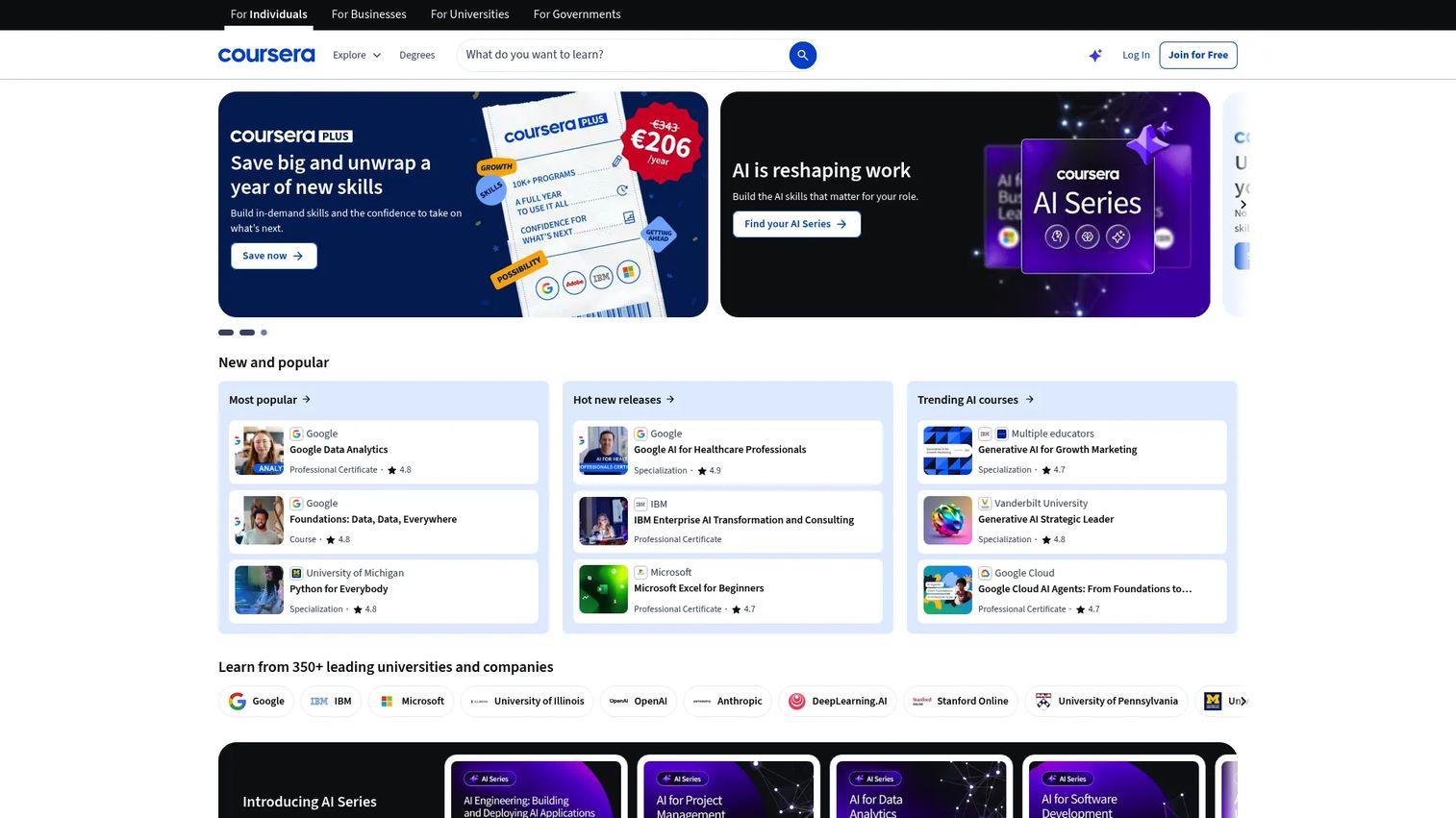
Coursera is one of the largest online learning platforms globally, partnering with universities and companies to offer courses, guided projects, professional certificates, specializations, and degree programs. Learners can audit many courses for free or pay for graded access, certificates, and full program completion. AI-powered learning tools and personalized guidance help learners stay on track across longer credential programs.
Best for: Career-focused learners who want university-backed courses and recognized certificate paths.
Key features
- Professional certificates and specializations from Google, IBM, Meta, and universities
- Free course audit options across thousands of subjects
- Guided projects for hands-on, applied practice
- Coursera Plus subscription for unlimited certificate access
- Degree pathways from accredited universities
Why choose Coursera: Coursera suits learners who want credential depth, employer-recognized partners, and flexibility across career levels. Certificate value depends on the partner institution and your specific industry, so check that before enrolling.
Coursera pricing: Guided Projects start at $9.99. Individual courses and programs run $49 to $79 per month. Coursera Plus costs $59 per month or $399 per year, with unlimited certificates. Degree programs start at around $9,000. Free audit access is available on many courses.
G2 rating: 4.5/5
2. edX
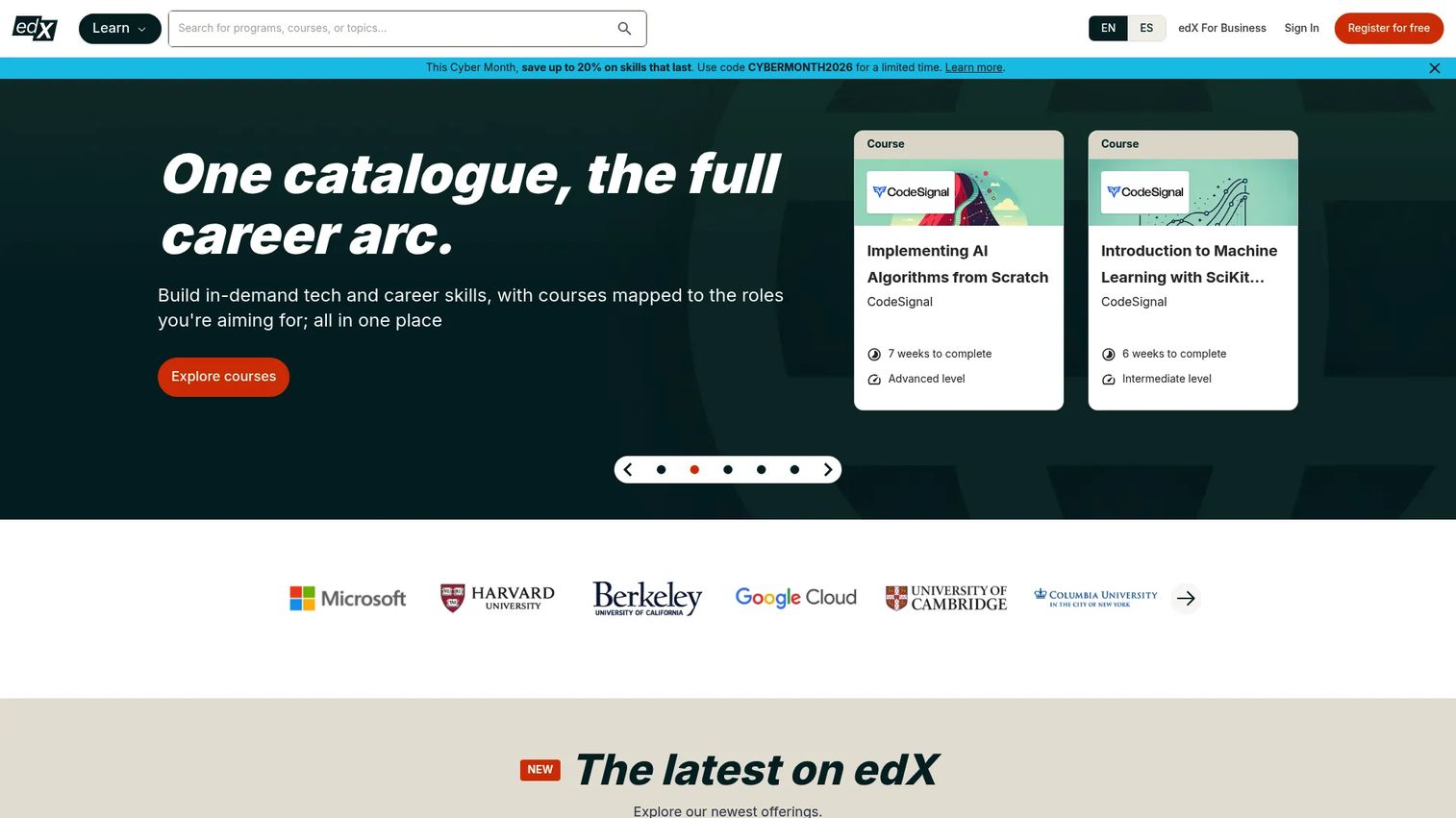
edX is a university-backed online learning platform offering courses, professional certificates, micro-credentials, executive education, and degree programs from institutions including MIT, Harvard, and UC Berkeley. Most courses can be audited for free, with optional paid verified tracks that add graded assignments, exams, and a certificate. Self-paced and instructor-paced options are available, and a mobile app supports offline video.
Best for: Learners who want university-style learning with optional verified credentials.
Key features
- Free audit track on most open courses
- Verified certificates for graded completion
- Professional certificates and micro-credentials from university partners
- Degree programs with formal enrollment
- Mobile app with offline video and discussion access
Why choose edX: Strong for learners who value academic rigor and institutional brand on their credentials. Audit access and certificate availability vary by course, so verify before you plan your learning path.
edX pricing: Most courses are free to audit. Verified tracks start at around $50 and typically range up to $300 per course. Professional certificate and degree program pricing is set per program.
G2 rating: 4.5/5
3. Udemy
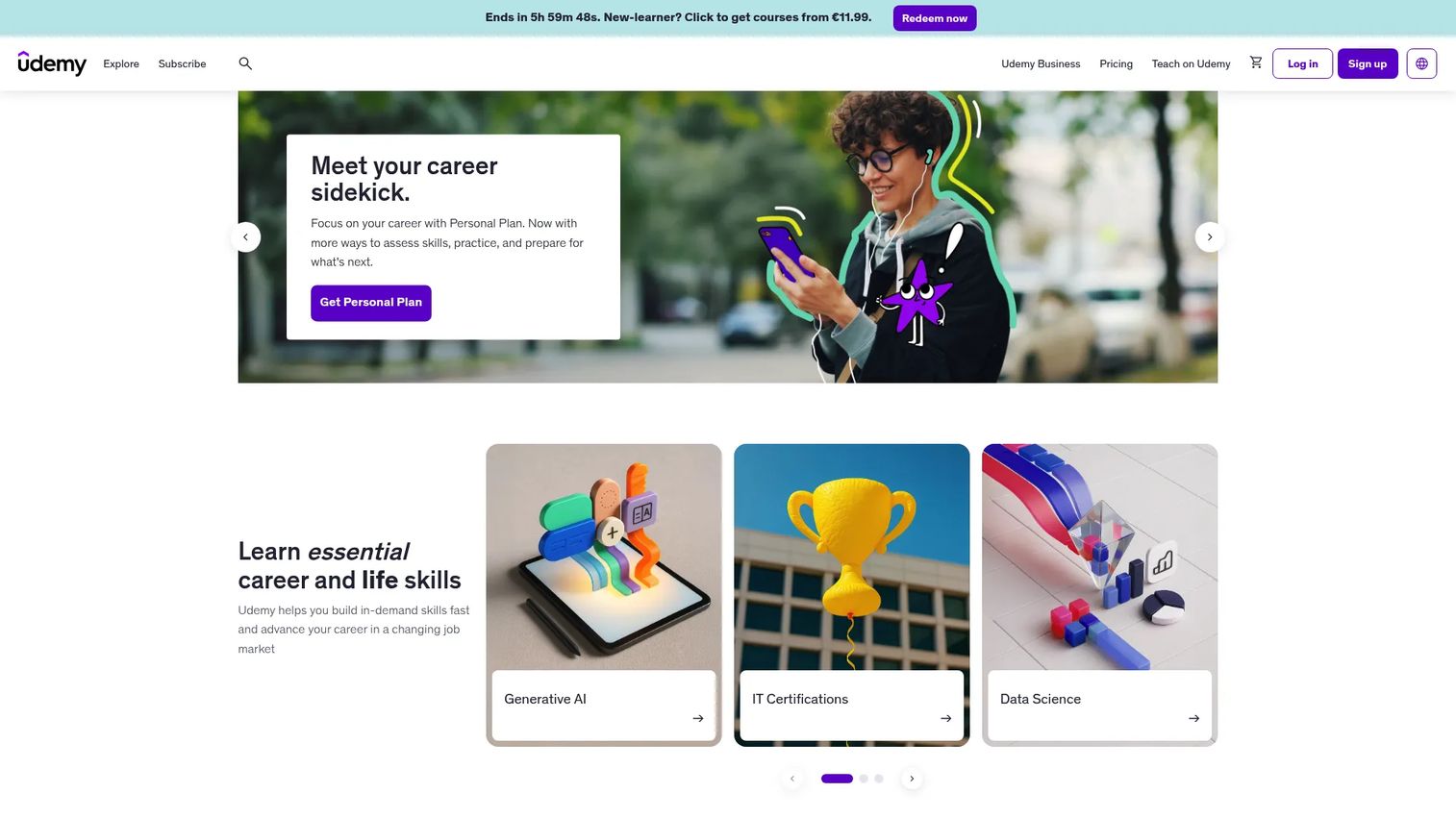
Udemy is a large course marketplace covering technical, creative, business, and personal-development topics, with courses taught by independent instructors. Learners get lifetime access to courses they purchase. Quality varies by instructor, so checking review scores, update dates, and preview lessons before buying is important. A Udemy Business subscription gives organizations access to a curated course library.
Best for: Learners who want affordable, specific courses on practical topics without a subscription.
Key features
- Large marketplace with 200,000+ courses
- Lifetime access to purchased courses
- Instructor ratings and student reviews
- Mobile app with downloadable content
- Udemy Business subscription for teams
Why choose Udemy: Best when you need a specific skill quickly and want to compare multiple instructors on the same topic. Check course update dates, as content quality and freshness vary significantly.
Udemy pricing: Individual courses are sold from $19.99 as one-time purchases, though prices fluctuate with promotions. The Personal Plan and Team Plan subscriptions are available; subscription prices are not publicly displayed and require starting a trial. Enterprise pricing requires contacting sales.
G2 rating: 4.5/5
4. FutureLearn
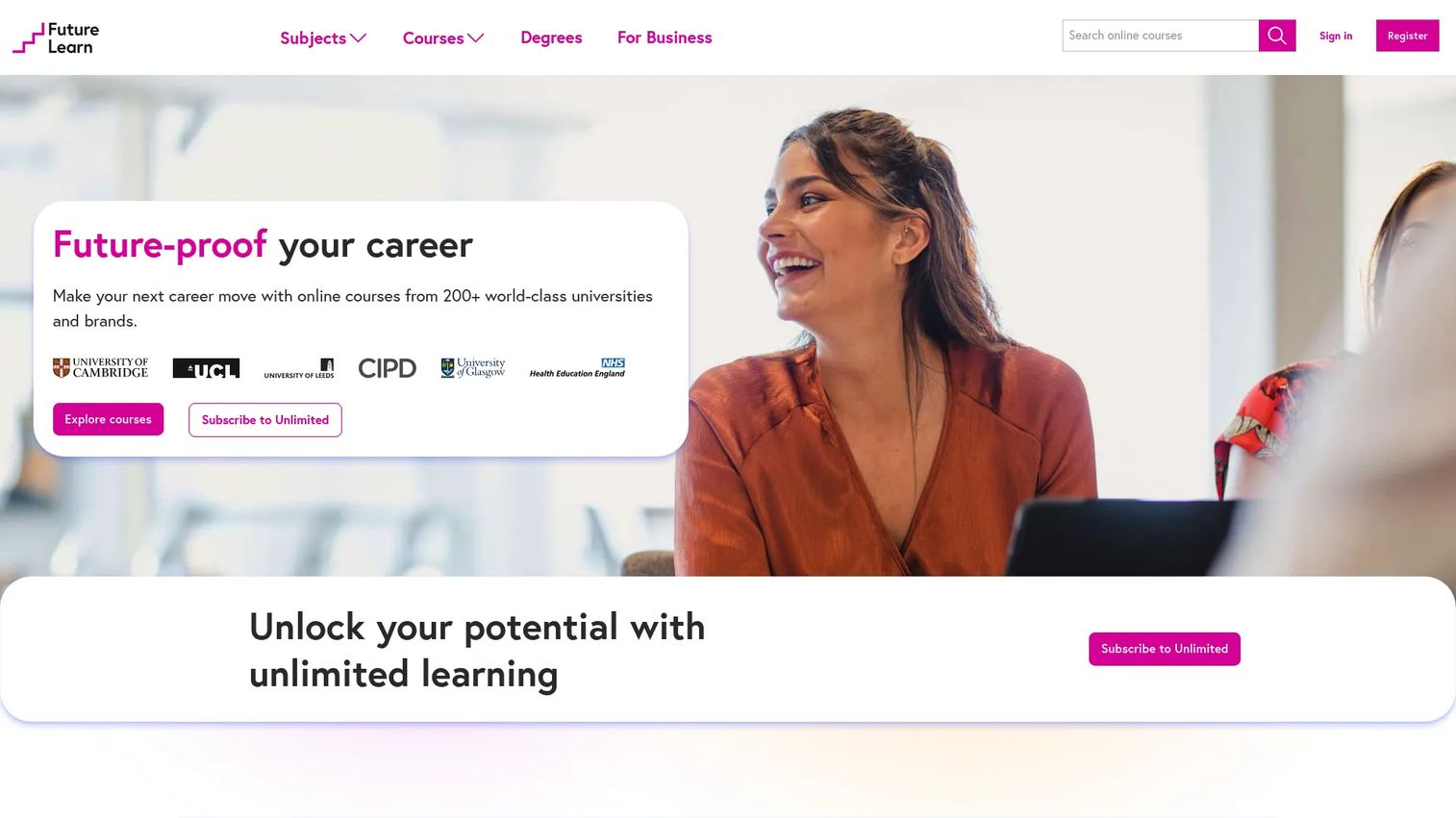
FutureLearn offers online courses from universities and cultural institutions, covering topics from business and health to education and technology. Short courses include peer discussions and social learning features that set it apart from solo video platforms. A free limited-access tier lets learners explore courses, while paid plans unlock certificates and full content access.
Best for: Learners who want structured university and institution-backed courses with a social learning layer.
Key features
- Short courses from university and institution partners
- Peer discussion and community engagement
- Digital certificates for eligible completed courses
- Unlimited access plans covering 1,400+ courses
- Self-paced learning with progress tracking
Why choose FutureLearn: A strong pick for learners who prefer humanities, healthcare, education, and business topics and want interaction with other learners built into the experience. Free access is limited; a certificate requires upgrading.
FutureLearn pricing: Limited free access is available. The Unlimited Monthly plan costs $49.99 per month. The Unlimited Annual plan costs $244.99 billed yearly.
G2 rating: 4.4/5
5. Skillshare
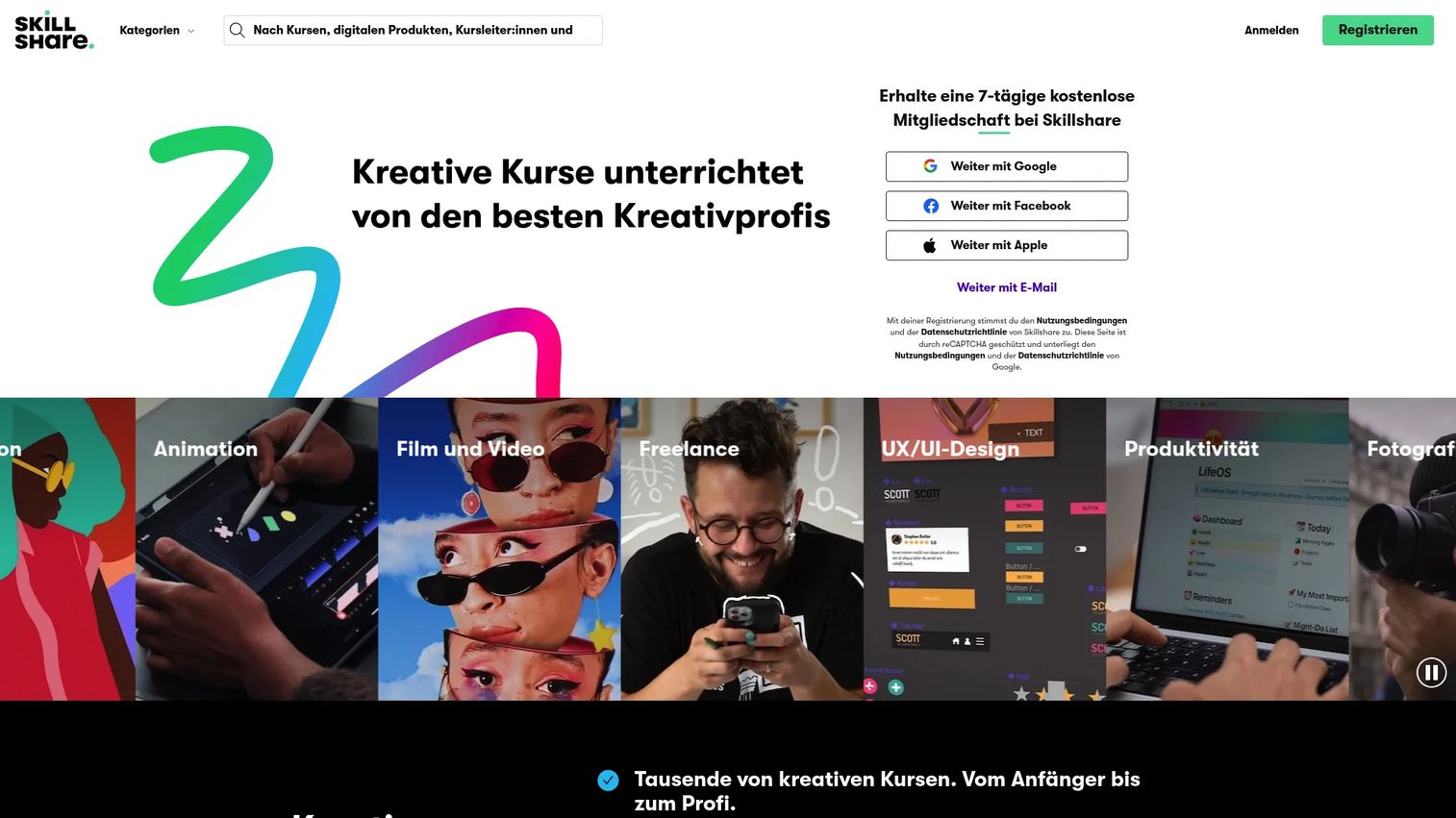
Skillshare is a creative learning platform built around short, project-based classes in design, illustration, photography, video production, freelance work, and adjacent professional skills. Every class ends with a hands-on project, and community feedback helps learners develop practical work. A free trial gives new members access to the full library before committing.
Best for: Creative learners who want to build a skill by making something, not just watching a lecture.
Key features
- Thousands of creative classes across design, photo, video, and business
- Project-based structure with community feedback
- Mobile learning and offline viewing
- Learning paths for structured skill development
- Completion certificates and badges
Why choose Skillshare: Best for learners who know that watching a demo is not the same as doing the work. Skillshare is not built for formal credentials, so it fits creative skill-building and portfolio development rather than certificate-seeking.
Skillshare pricing: An individual membership costs $13.99 per month, billed annually at $167.88. Regional pricing may vary. A free trial is available before the first charge.
G2 rating: 3.3/5
6. Codecademy
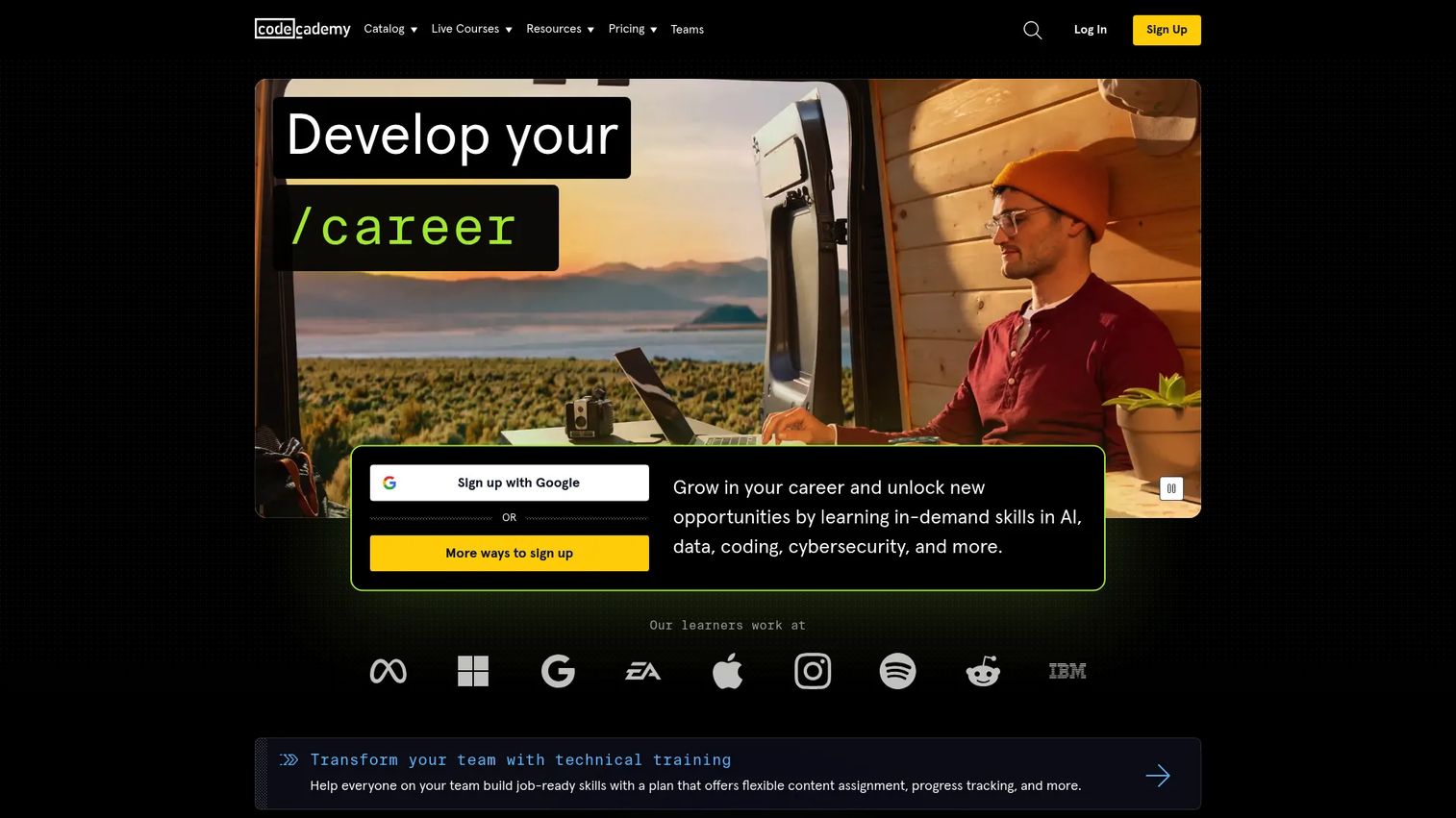
Codecademy is an interactive coding education platform that lets learners write and run code directly in the browser. Structured courses, skill paths, career paths, and certification paths cover Python, JavaScript, SQL, data science, cybersecurity, and more. An AI learning assistant helps learners get unstuck without leaving the platform.
Best for: Beginners and intermediate learners who want to practice coding immediately, not just watch someone else do it.
Key features
- Interactive browser-based code editor with live execution
- Structured courses, career paths, and skill paths
- Real-world projects for portfolio building
- Coding quizzes, assessments, and interview prep
- AI-assisted learning and job-readiness tools
Why choose Codecademy: Ideal for learners who struggle with passive video courses and want constant practice. Advanced learners may find the ceiling lower than on more open-ended platforms, but the hands-on model accelerates early progress.
Codecademy pricing: The Basic plan is free. Plus costs $14.99 per month billed annually, or $29.99 per month. Pro costs $19.99 per month billed annually, or $39.99 per month. All Access runs $54.99 per month and includes Pro features plus eligible bootcamps and workshops.
G2 rating: 4.3/5
7. Pluralsight
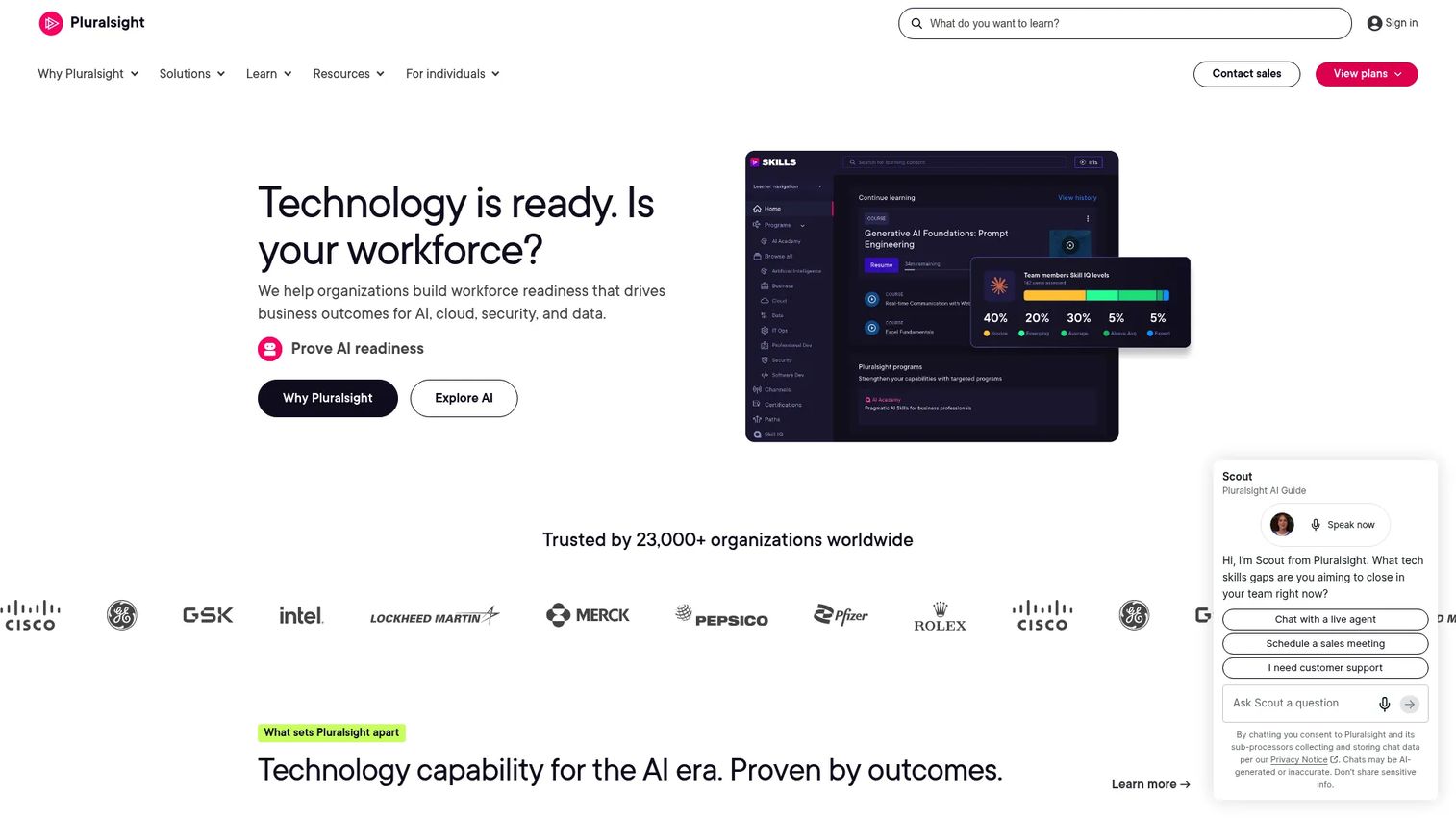
Pluralsight is a technology skills platform for developers, IT professionals, cloud engineers, cybersecurity teams, and data practitioners. Expert-led video courses are paired with hands-on labs, cloud sandboxes, and AI-powered skill assessments called Skill IQ and Role IQ. Teams use analytics and reporting to track skill gaps across departments.
Best for: Technology professionals and organizations that need structured skill development with measurable progress.
Key features
- Expert-led video courses and curated learning paths
- Skill IQ and Role IQ assessments with personalized recommendations
- Hands-on labs, cloud sandboxes, and instant terminals
- Certification preparation and practice exams
- Team analytics, API access, and centralized billing
Why choose Pluralsight: Strong for tech teams that need to measure skill growth, not just count completions. Individual learners should verify that the course depth in their specific track matches what they need before subscribing.
Pluralsight pricing: The Complete, AI+, Cloud+, Data+, and Security+ individual plans each cost $29 per month or $299 per year. Core Tech costs $49 per month or $449 per year. The Teams business plan is $399 per user per month, billed annually. A 10-day free trial is available.
G2 rating: 4.6/5
8. Udacity
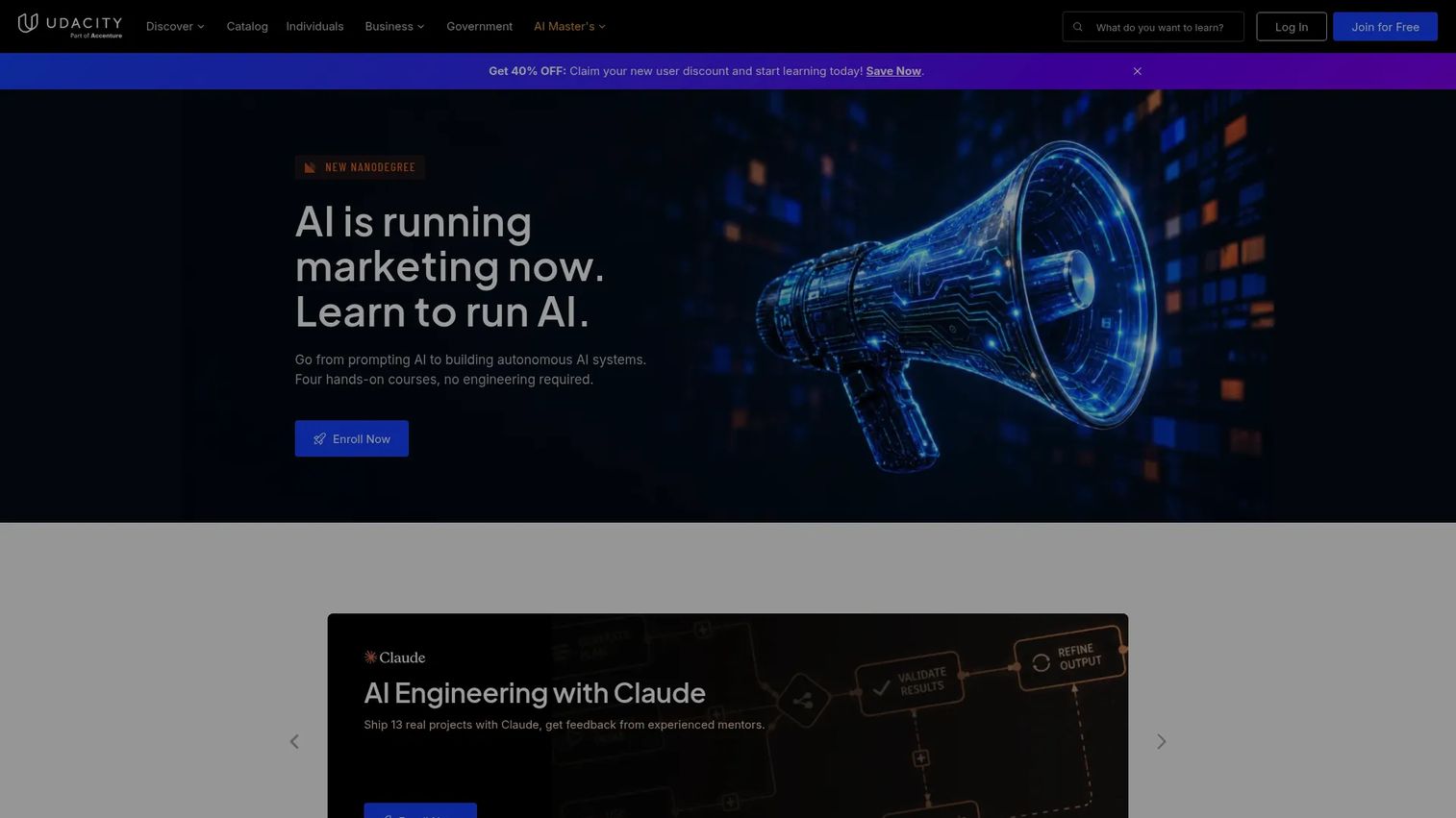
Udacity offers career-focused technology training through Nanodegree-style programs in data science, AI, programming, cloud computing, and business analytics. Learners complete real-world projects reviewed by subject-matter experts, receive personalized career coaching, and access a 24/7 AI-powered learning assistant. Free content is also available for learners who want to explore before committing.
Best for: Professionals pursuing job-aligned tech skills who want project-based depth and expert feedback.
Key features
- Nanodegree programs with hands-on projects
- Expert project review and feedback
- Personalized career coaching and interview preparation
- Udacity-verified certificates
- AI-powered learning assistant available around the clock
Why choose Udacity: A good fit for learners who want more structure and feedback than a self-paced video course offers. Pricing runs higher than most course marketplaces, so the investment makes most sense when job placement is the goal.
Udacity pricing: A 4-month subscription bundle costs $212 per month. A monthly subscription costs $249 per month. Individual courses are available as one-time purchases at $999.
G2 rating: 4.5/5
9. Alison
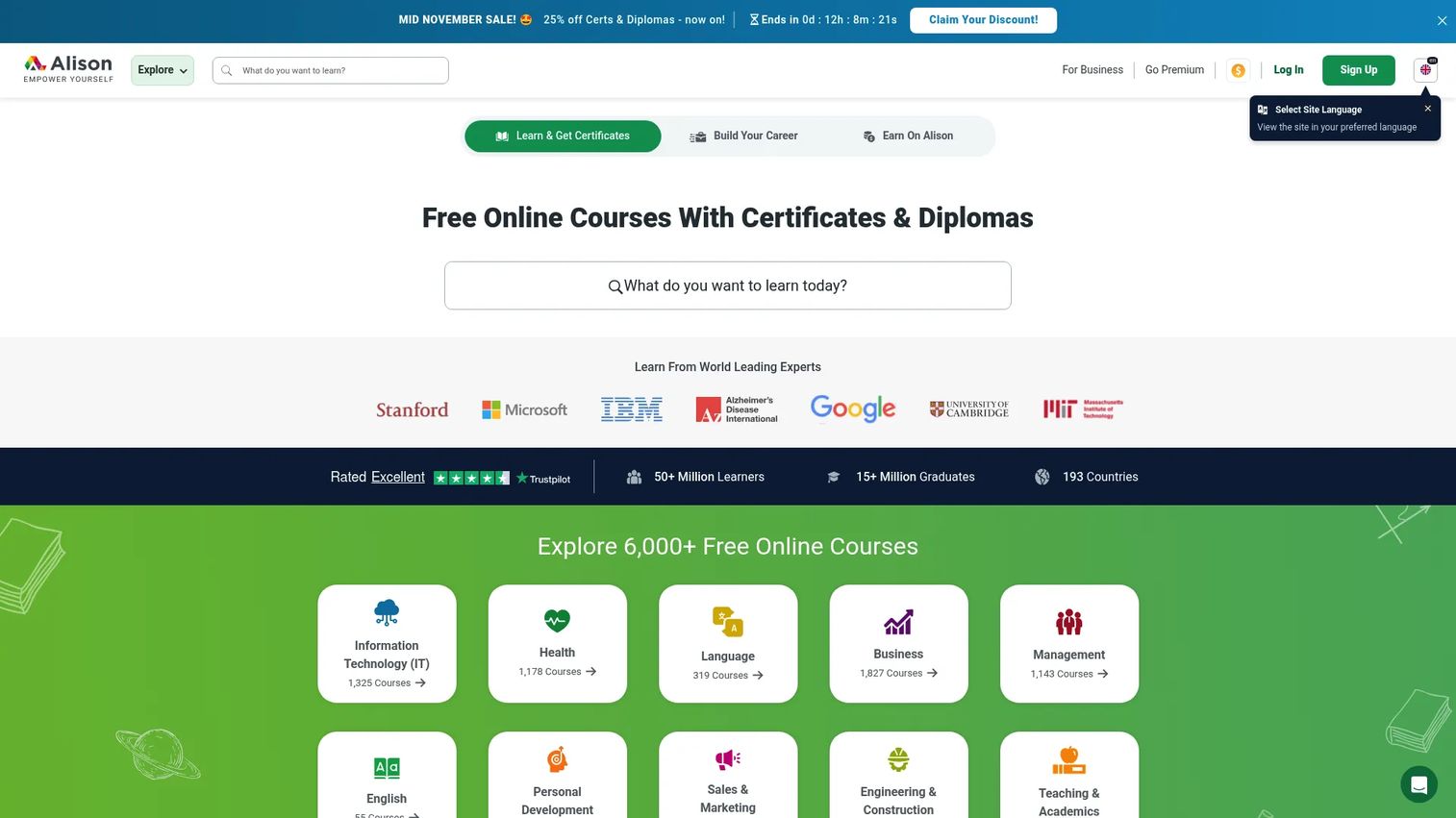
Alison is a free online learning platform offering self-paced Certificate and Diploma courses in workplace skills, health, business, language, and technology. Course content is free to access. Certificates and diplomas are available for purchase, and a Premium plan removes ads and enables offline access through the mobile app.
Best for: Cost-conscious learners who want to explore subjects at no access cost and decide later whether to pay for a credential.
Key features
- Free access to thousands of Certificate and Diploma courses
- Self-paced learning with no enrollment deadline
- Offline course access through the Alison app
- Free learner records and course completion tracking
- LMS+ plans for organizations training employees or customers
Why choose Alison: Alison works well for learners who want to start before spending anything. Certificate recognition varies by employer and region, so confirm that the credential you need carries weight in your field before buying.
Alison pricing: Course access is free. The Lite Plan charges $1 per course for ad-free access. The Unlimited Plan costs $5 per month. The Annual Plan is $40 per year. Premium plans are priced in euros at approximately €7.99 per month or €79 per year.
10. LinkedIn Learning
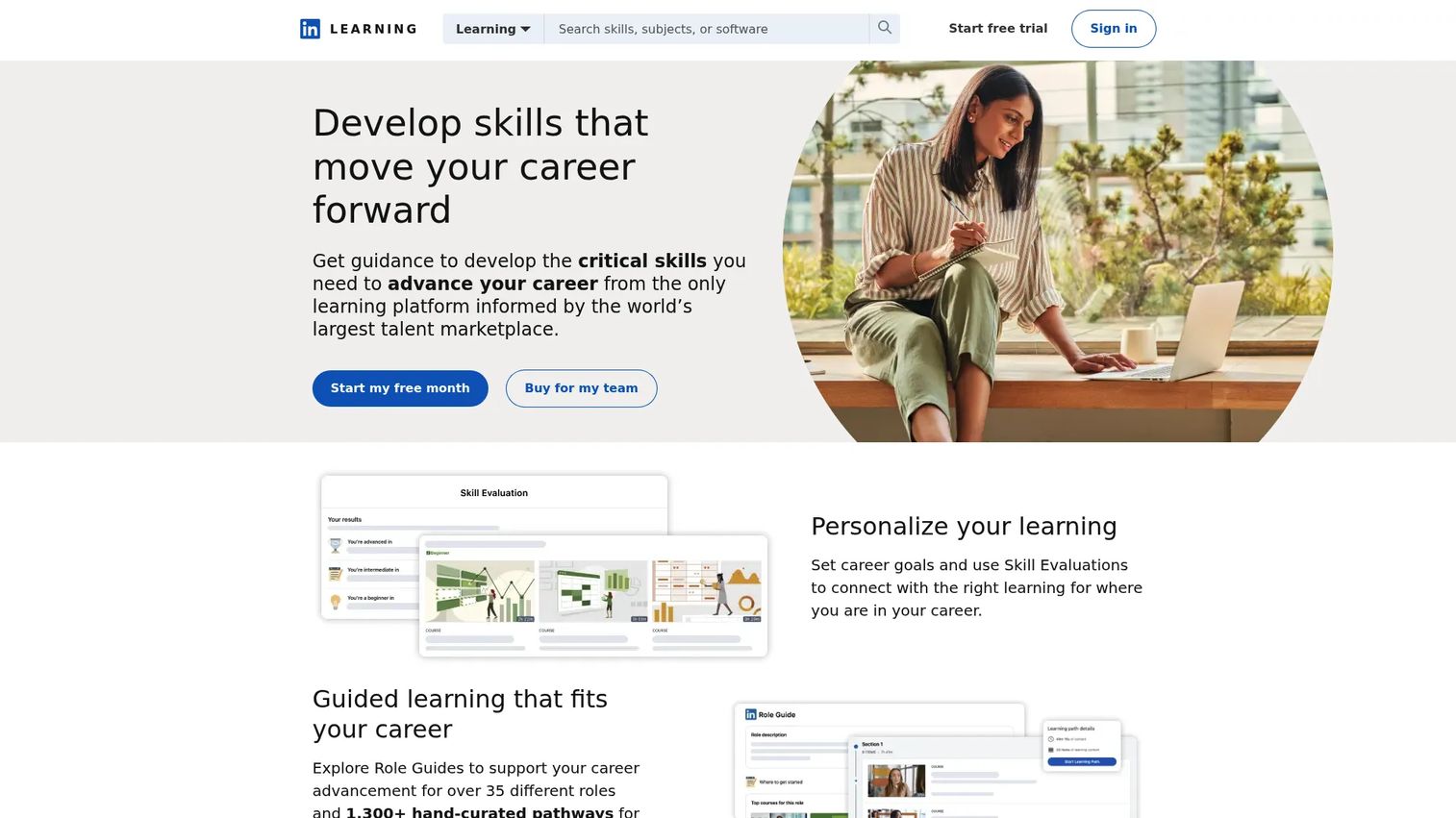
LinkedIn Learning offers a library of more than 24,000 expert-led courses across business, technology, leadership, and creative skills. AI-powered coaching and immersive role-play practice help employees develop specific competencies. The platform integrates with LinkedIn profiles and enterprise HR systems, making it a natural fit for workforce-wide learning programs.
Best for: Organizations building professional development programs at scale, with reporting and integration requirements.
Key features
- 24,000+ curated professional courses
- AI-powered coaching and immersive role-play scenarios
- Completion certificates for LinkedIn profiles
- LMS and LXP integrations for enterprise reporting
- Learning paths aligned to specific roles and skills
Why choose LinkedIn Learning: Most useful for employees and teams already operating inside a LinkedIn-centric professional environment. It is better for ongoing skill development than for formal academic credit or career-change certification.
LinkedIn Learning pricing: Individual access is bundled with eligible LinkedIn Premium subscriptions. LinkedIn Learning does not offer a standalone individual subscription at a published price.
G2 rating: 4.4/5
11. Khan Academy
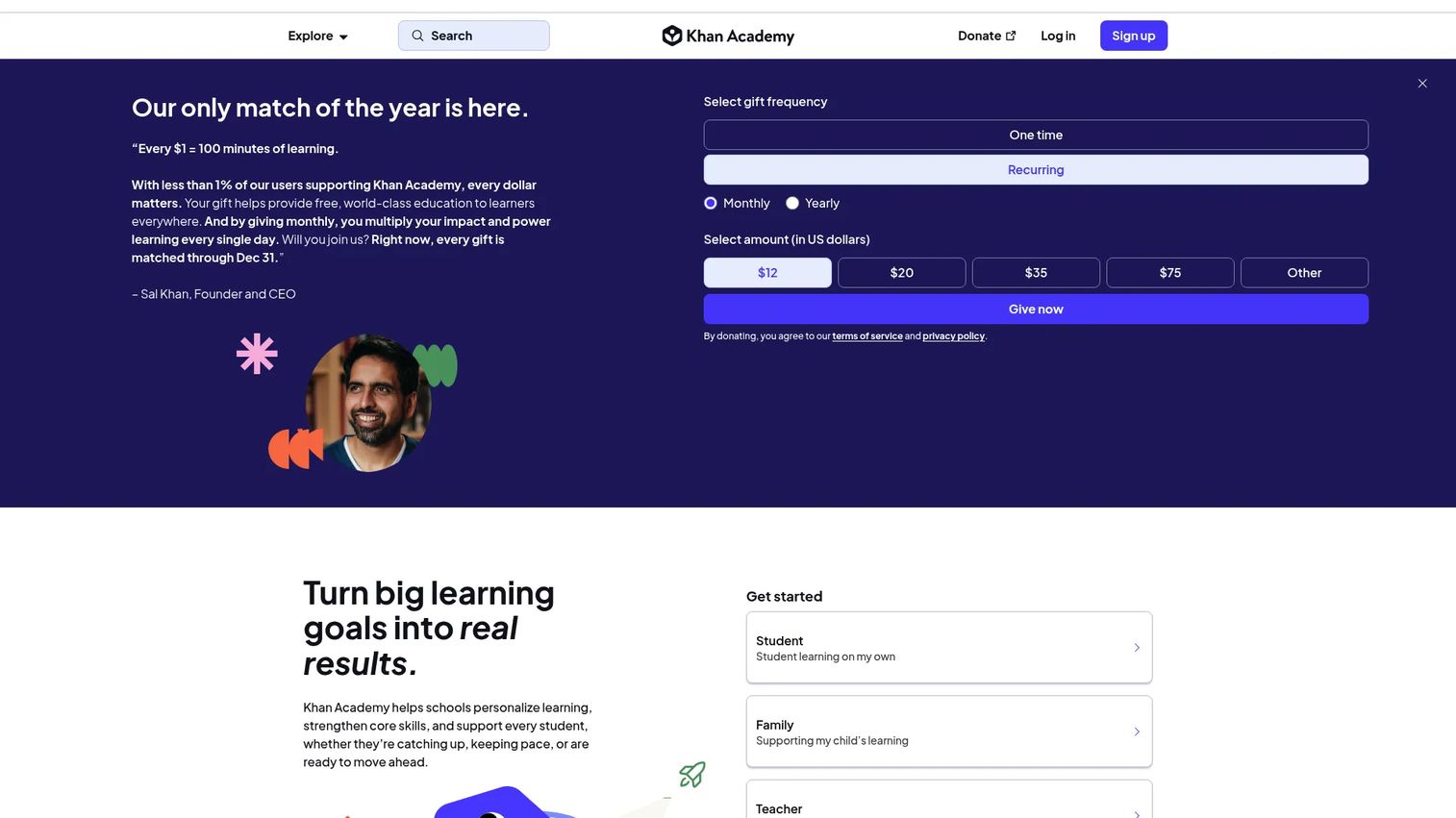
Khan Academy is a nonprofit platform providing free, standards-aligned lessons, videos, exercises, and practice across math, science, economics, computing, and test preparation. An AI-powered tutor, Khanmigo, provides personalized feedback. Teachers can assign work, track progress, and access class-wide insights. School and district plans add implementation support and advanced reporting.
Best for: Students who need free, structured foundational learning support across K12 subjects.
Key features
- Free lessons, exercises, and practice across K12 subjects
- AI-powered tutoring with personalized feedback
- Teacher tools for assignments and progress tracking
- Test-prep coverage for SAT, LSAT, and other exams
- Standards-aligned content for math, science, economics, and more
Why choose Khan Academy: The clearest free option for foundational learning across K12. Khan Academy is not built for career credentials or formal certificates. Its strength is depth of academic content and mastery-based practice.
Khan Academy pricing: Free for independent learners, teachers, and families. School plans start at $5 per student per year for Khan Academy Kids. Enterprise Starter plans for districts cost $10 per student per year.
G2 rating: 4.5/5
12. MIT OpenCourseWare
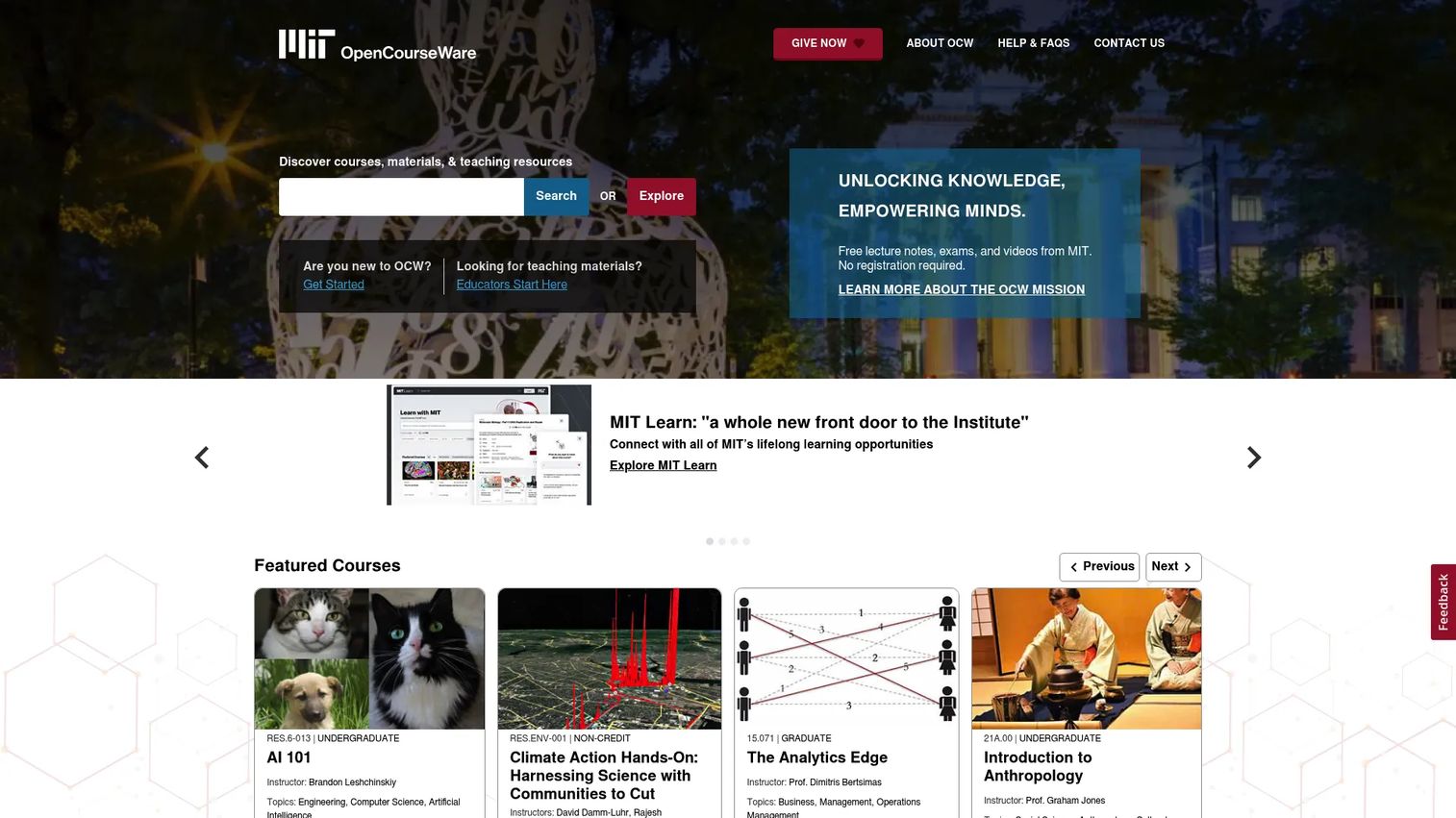
MIT OpenCourseWare publishes free materials from more than 2,500 MIT courses, covering engineering, computer science, mathematics, humanities, and social sciences. All content is available without registration and is licensed under Creative Commons for downloading and reuse. No enrollment, credit, certificate, or formal connection to MIT is involved.
Best for: Independent learners who want free access to MIT course materials for self-directed study.
Key features
- Free course materials from 2,500+ MIT courses
- Lecture notes, problem sets, exams, and reading lists
- No registration or enrollment required
- Downloadable and reusable under Creative Commons license
- Deep STEM coverage alongside humanities and social sciences
Why choose MIT OpenCourseWare: Excellent for learners who can build their own study structure and don't need a credential or instructor. MIT OpenCourseWare is a resource library, not a course platform.
MIT OpenCourseWare pricing: Completely free.
13. Harvard Online
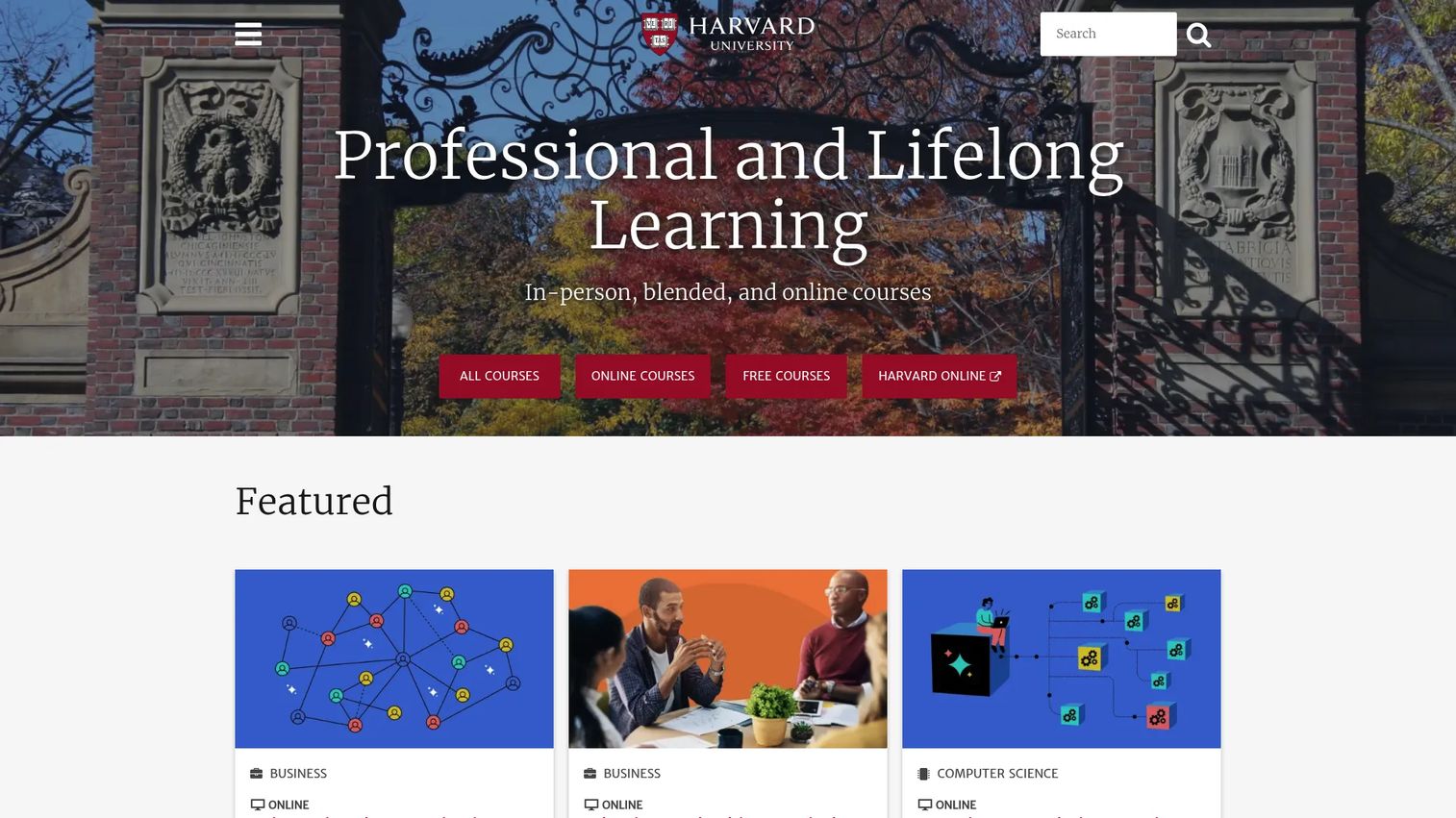
Harvard Online is Harvard University's professional and lifelong learning site, listing courses delivered online, online-live, in-person, and in blended formats across business, computer science, data science, health, mathematics, and social sciences. Some courses are free; others carry course-specific fees. Certain offerings run through edX or specific Harvard departments, so the enrollment path varies.
Best for: Learners seeking Harvard-branded courses and professional learning with flexible delivery options.
Key features
- Online, live, in-person, and blended delivery formats
- Free and paid courses across academic and professional subjects
- Verified certificates for eligible courses
- Executive education and professional programs
- Courses from multiple Harvard schools and departments
Why choose Harvard Online: Suits learners who value institutional brand and want formal learning connected to Harvard faculty. Pricing and program requirements vary by course, with some free options and others ranging from $30 to $1,949 and beyond.
Harvard Online pricing: Free courses are available.
G2 rating: 4.4/5
14. Stanford Online
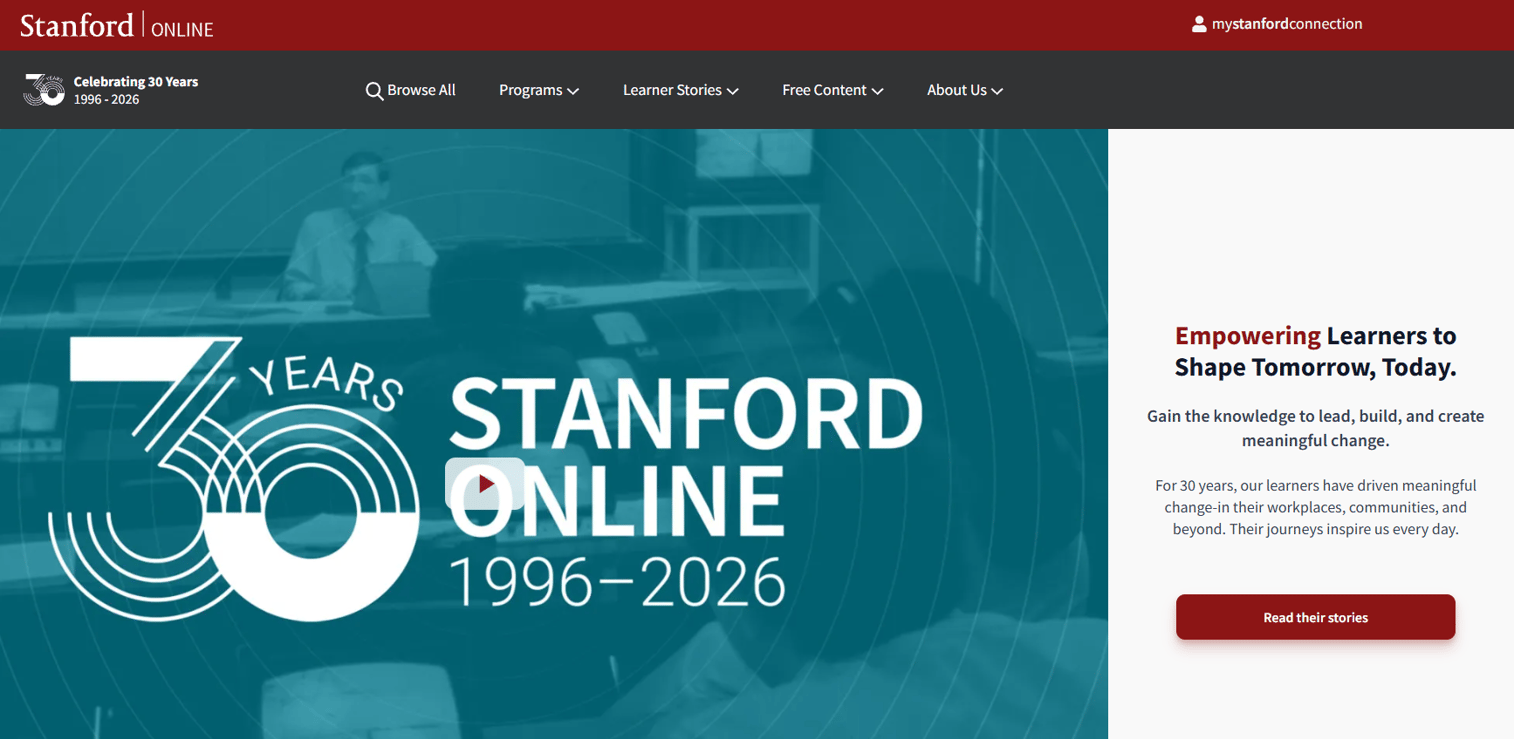
Stanford Online is Stanford University's portal for online and professional education, offering courses, professional certificates, graduate courses, and master's degrees across engineering, business, education, medicine, and other disciplines. Free courses and webinars sit alongside paid professional certificates and graduate programs with admissions requirements.
Best for: Professionals seeking Stanford-backed technical, business, or academic learning with optional certificate pathways.
Key features
- Free online courses and webinars
- Professional certificates and credentials
- Graduate certificates and master's degrees
- Enterprise education and custom programs
- On-demand, live, and in-person delivery options
Why choose Stanford Online: A strong pick for learners and teams targeting rigorous Stanford-branded programs in engineering, computer science, or business. Eligibility and admissions rules vary significantly by program, so check requirements before applying.
Stanford Online pricing: Free courses are available. Paid courses and programs are priced individually; listed examples include courses at $299 and programs priced per course. Contact Stanford Online directly for graduate program costs.
G2 rating: N/A
15. Open Yale Courses
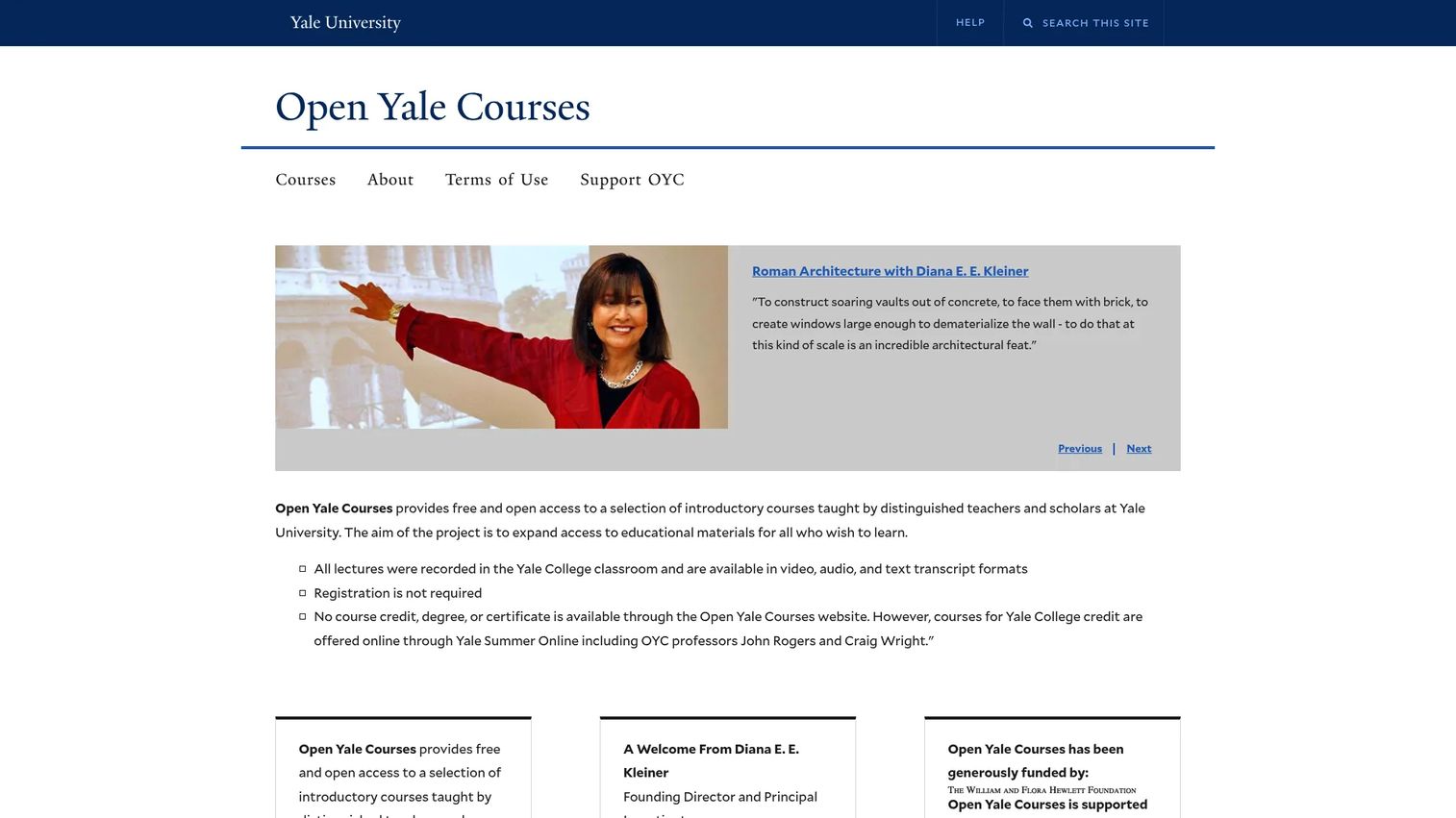
Open Yale Courses provides free, public access to selected introductory Yale College courses, including full lecture videos, audio downloads, searchable transcripts, syllabi, readings, and exams. No registration is required. The site does not add new courses, but the existing library covers philosophy, history, literature, physics, economics, and other subjects.
Best for: Self-directed learners who want free, structured access to Yale-level introductory course content.
Key features
- Full lecture videos from Yale introductory courses
- Audio-only lecture downloads
- Searchable transcripts and syllabi
- Reading lists, exams, and problem sets
- No registration required
Why choose Open Yale Courses: Best for intellectual exploration and disciplined self-study in liberal arts and sciences. No certificates, credit, or enrollment are available through this site.
Open Yale Courses pricing: Free. No registration, subscription, or certificate purchase required.
16. Academic Earth
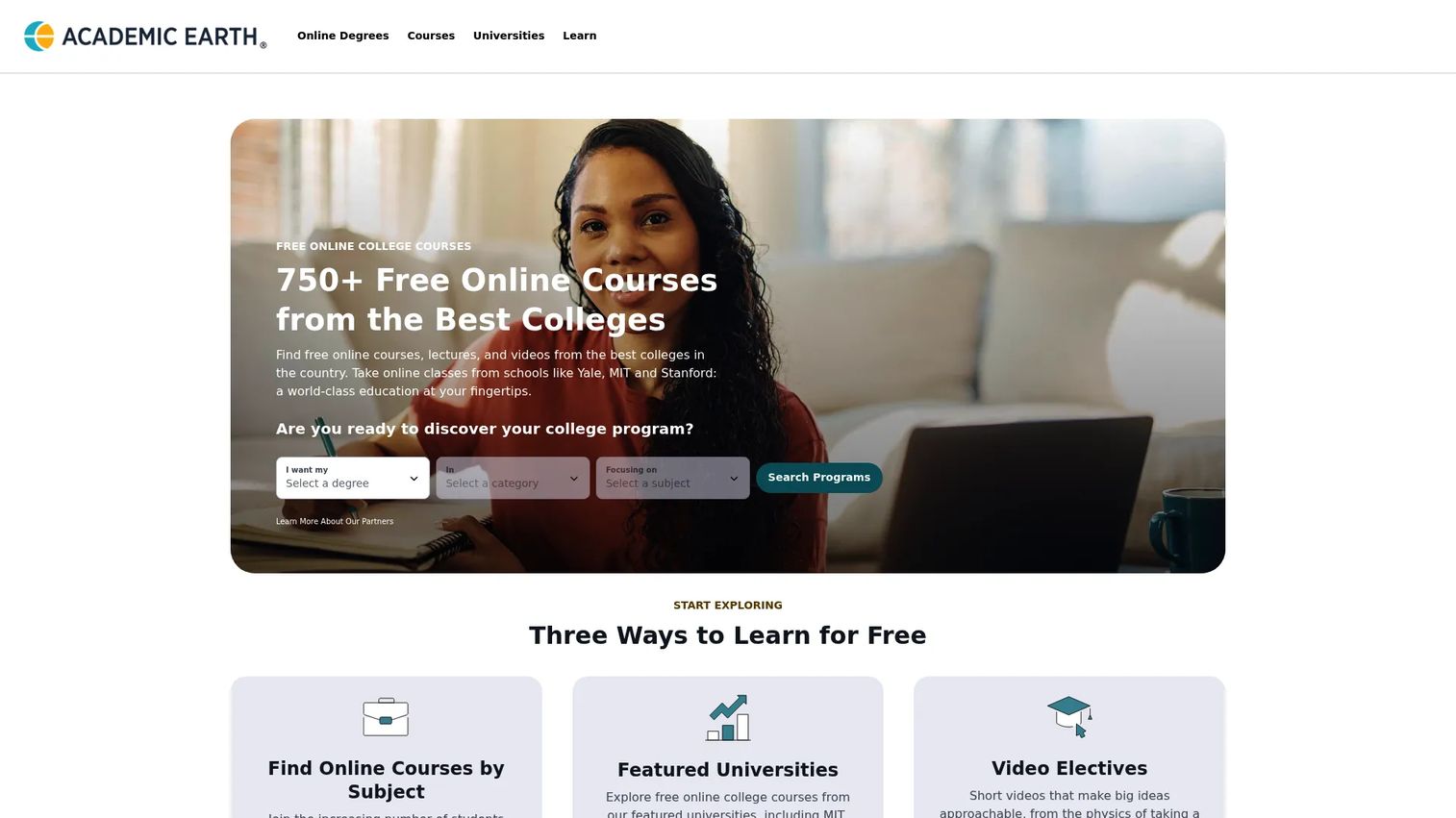
Academic Earth is a curated directory of more than 750 free online courses and university lectures from institutions including MIT, Stanford, Yale, and UC Berkeley. Subject browsing, full lecture collections, short video electives, and degree and career guides make it a useful discovery tool.
Best for: Learners comparing free academic options without visiting each university site separately.
Key features
- 750+ free online courses from leading universities
- Curated subject lists and full lecture collections
- Short video electives alongside complete course sets
- Degree and career guides
- No sign-up required to browse
Why choose Academic Earth: Useful when you want to compare free academic content across multiple universities in a single browse session. Some linked external courses may carry separate fees from the originating university, so verify before you plan around a specific course.
Academic Earth pricing: Free. Some externally linked courses may have fees set by their home institutions.
17. Open Culture
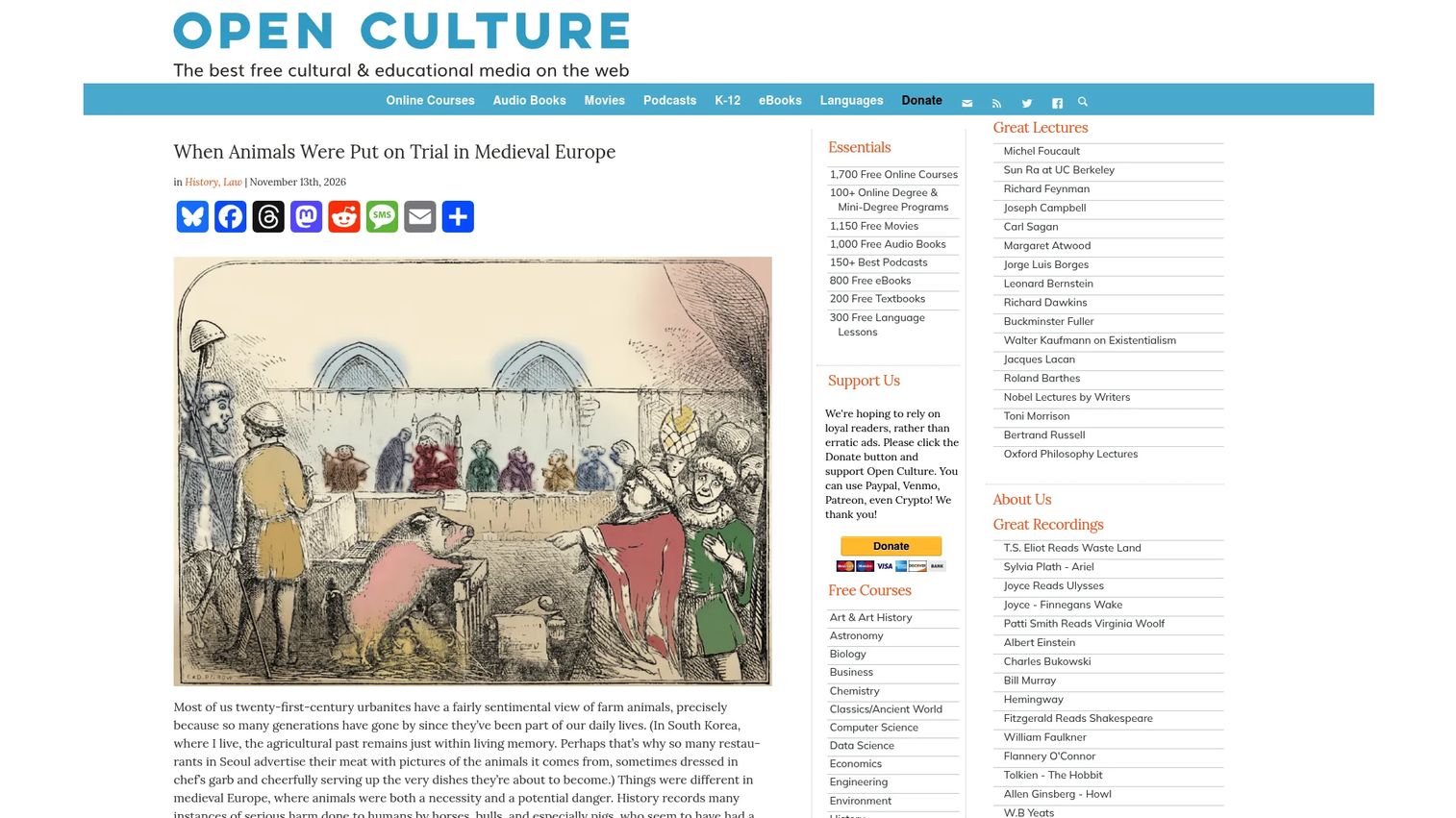
Open Culture is a media-curation site that centralizes free educational resources: Online courses, films, audiobooks, ebooks, language lessons, and podcasts from across the web. It aggregates content rather than hosting it, so learners discover materials from dozens of sources in one place.
Best for: Lifelong learners who want a large free directory of educational and cultural resources across many formats.
Key features
- Free online course links from leading universities
- Language learning resources and lessons
- Free audiobooks and ebooks
- Educational films and documentaries
- Cultural and academic media curation
Why choose Open Culture: Strong for discovery and casual learning across many subjects and media types. Less structured than paid platforms; some linked resources may have external terms or restrictions.
Open Culture pricing: Free. Optional donations support site operations.
18. BYU Independent Study
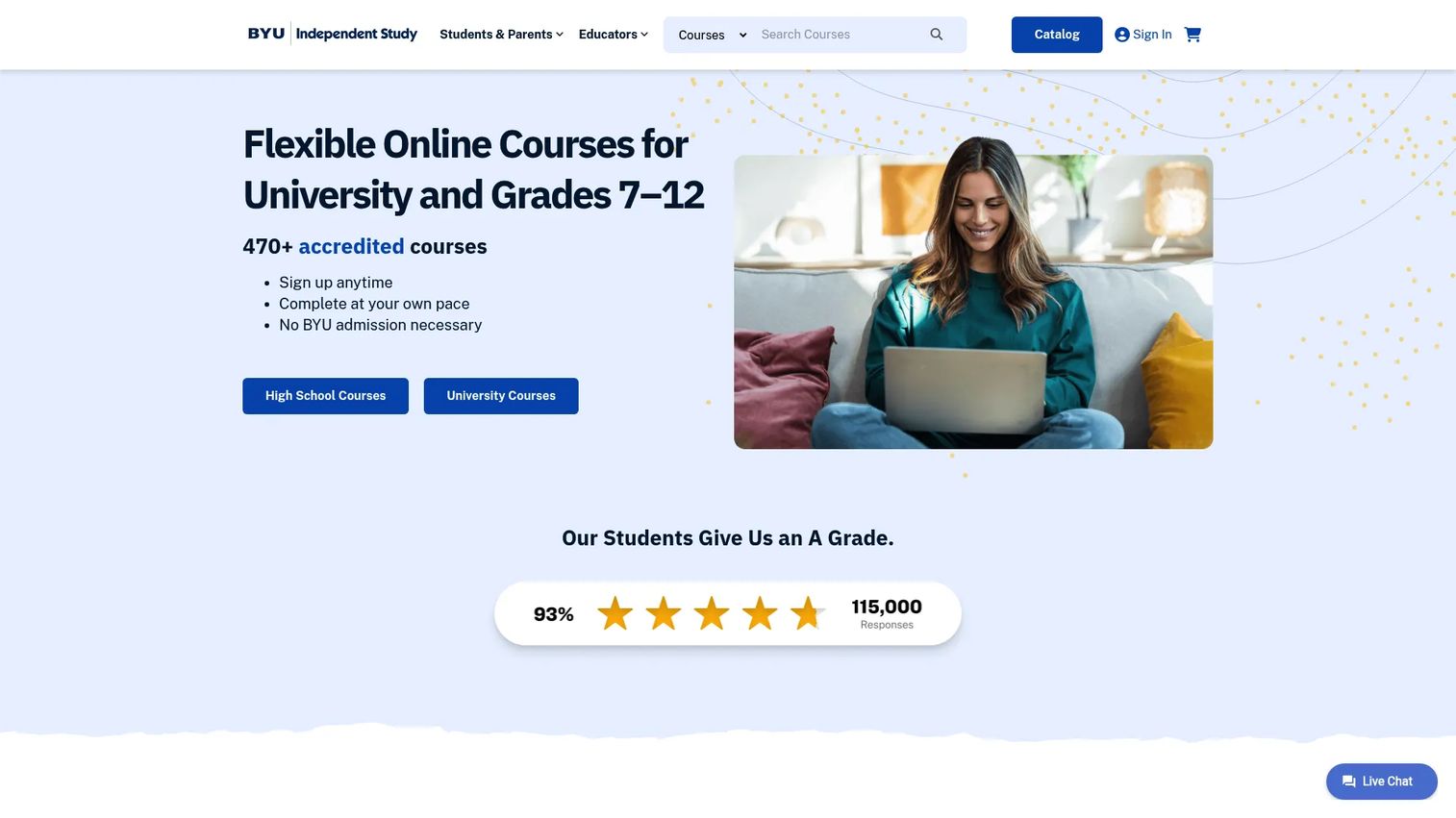
BYU Independent Study is offered by Brigham Young University and provides more than 470 self-paced online courses at high school, middle school, and university levels. No BYU admission is required to enroll. Original-credit courses allow up to 12 months for completion, and free tutoring and student-success support are included. Transcripts are issued through BYU.
Best for: Students who need self-paced, credit-bearing coursework with up to 12 months to complete.
Key features
- 470+ self-paced courses across education levels
- Open enrollment with no BYU admission required
- Up to 12 months for original-credit courses
- Free tutoring and student-success support
- BYU transcripts for completed credit-bearing courses
Why choose BYU Independent Study: A reliable option for learners who need independent study credit and can't fit a traditional semester-paced class. Confirm credit transfer with your school before enrolling, as acceptance varies by institution.
BYU Independent Study pricing: High school Best Value Courses start at $130 per 0.5 credit. Standard high school courses cost $229 per 0.5 credit. Specialized high school courses cost $329 per 0.5 credit. University courses cost $265 per credit hour.
19. FlexPoint Virtual School
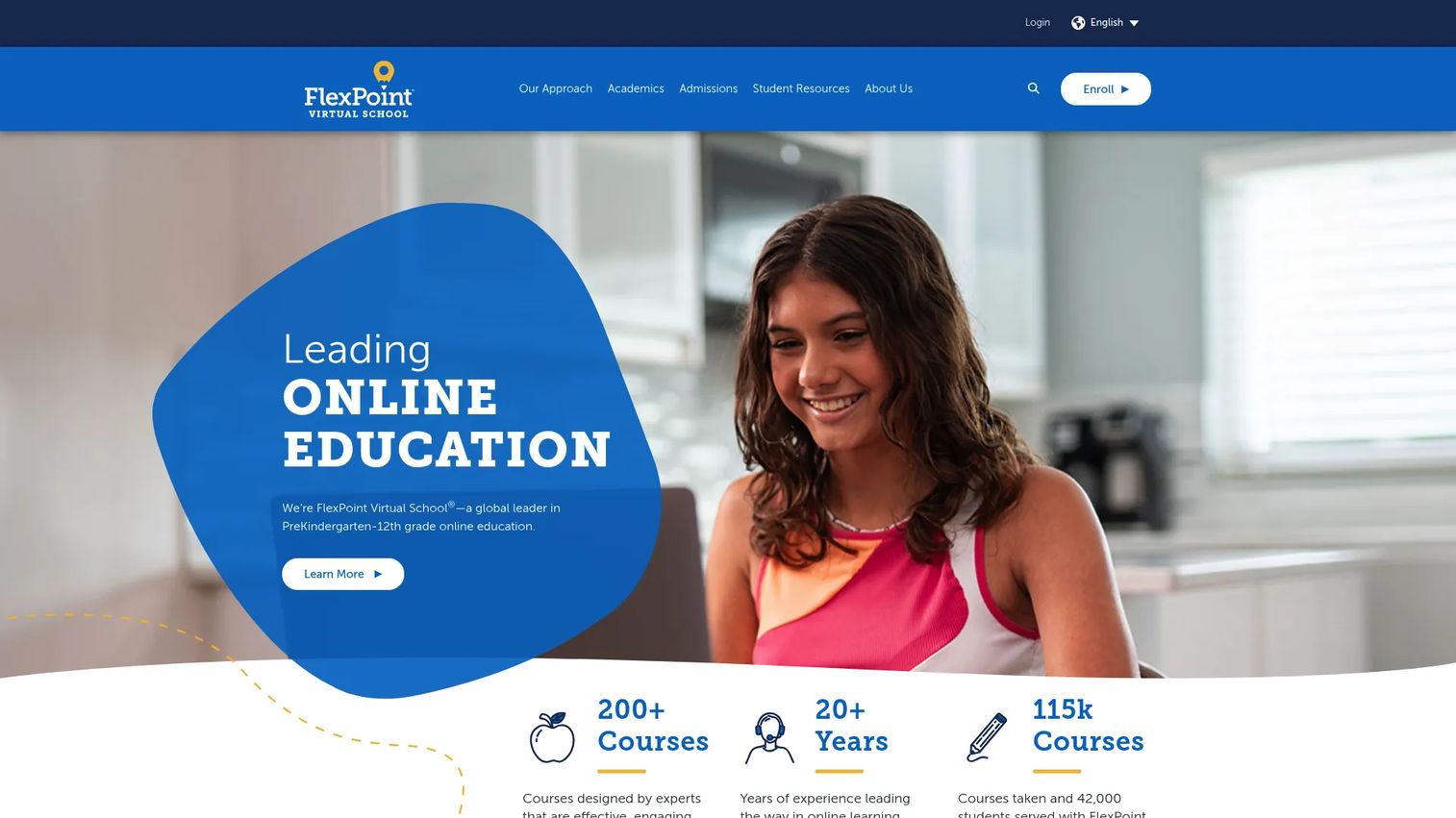
FlexPoint Virtual School delivers PreK through 12th-grade online education with flexible, year-round access to courses. The curriculum is developed through Florida Virtual School, one of the most established K12 online programs in the United States. Certified teachers lead courses, with live interactive lessons and scheduled help sessions available alongside self-paced coursework.
Best for: K12 students, families, and schools seeking flexible online courses taught by certified teachers.
Key features
- Self-paced K12 coursework with year-round access
- Live interactive lessons and scheduled help sessions
- Certified teachers for all courses
- Interactive games, quizzes, videos, and written assessments
- School partnership programs for supplemental or full-time enrollment
Why choose FlexPoint Virtual School: A strong choice when you want established K12 curriculum backed by certified instructors rather than a self-study resource. Eligibility and pricing vary by location and enrollment type.
FlexPoint Virtual School pricing: Tier 1 premium courses cost $475 per semester. Tier 2 standard courses cost $400 per semester. Tier 3 credit recovery courses cost $350 per semester. District and state access may differ.
20. Pearson Virtual Schools
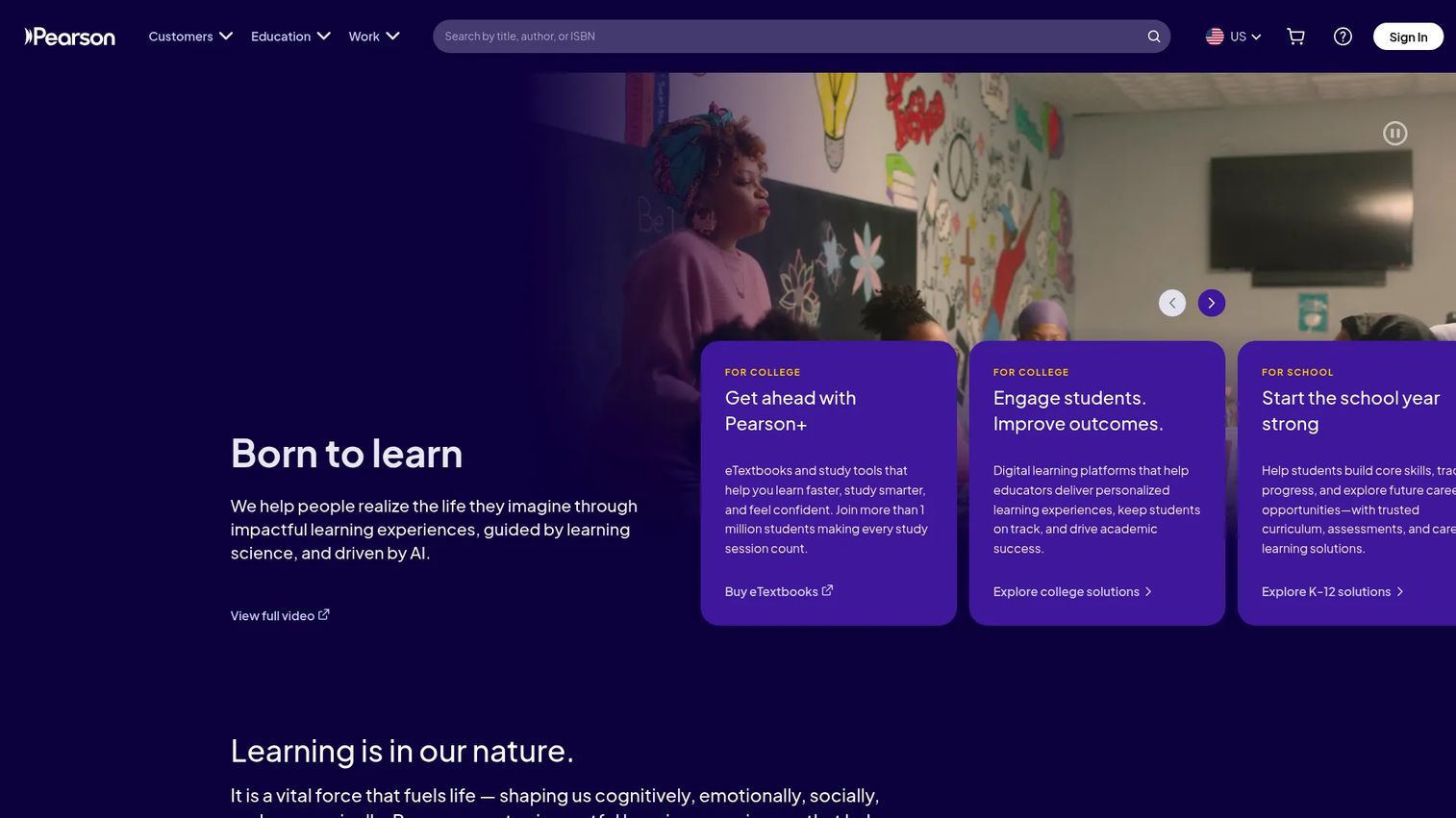
Pearson Virtual Schools provides full-service K12 virtual schooling through Connections Academy, a network of tuition-free public virtual schools, alongside private Pearson Online Academy and district partnership programs. The Connexus learning platform supports gradebook management, assignments, communication, and reporting. LiveLesson synchronous instruction adds voice, chat, and whiteboard collaboration.
Best for: Schools and districts building or supporting full-time or hybrid K12 virtual learning programs.
Key features
- Full-time and part-time K12 virtual schooling
- Connexus learning platform with dashboards and gradebook
- LiveLesson synchronous instruction with shared presentation tools
- Certified online teachers and advisory support
- District partnership and program services
Why choose Pearson Virtual Schools: Best suited to institutional buyers: Districts, charter boards, and families seeking an accredited, full-service school model. Parents should verify the specific school's accreditation status and state enrollment rules before applying.
Pearson Virtual Schools pricing: Connections Academy schools are tuition-free public schools for eligible students. Pearson Online Academy and district partnership pricing is set through institutional arrangements; contact Pearson Virtual Schools for quotes.
21. Stride Learning Solutions
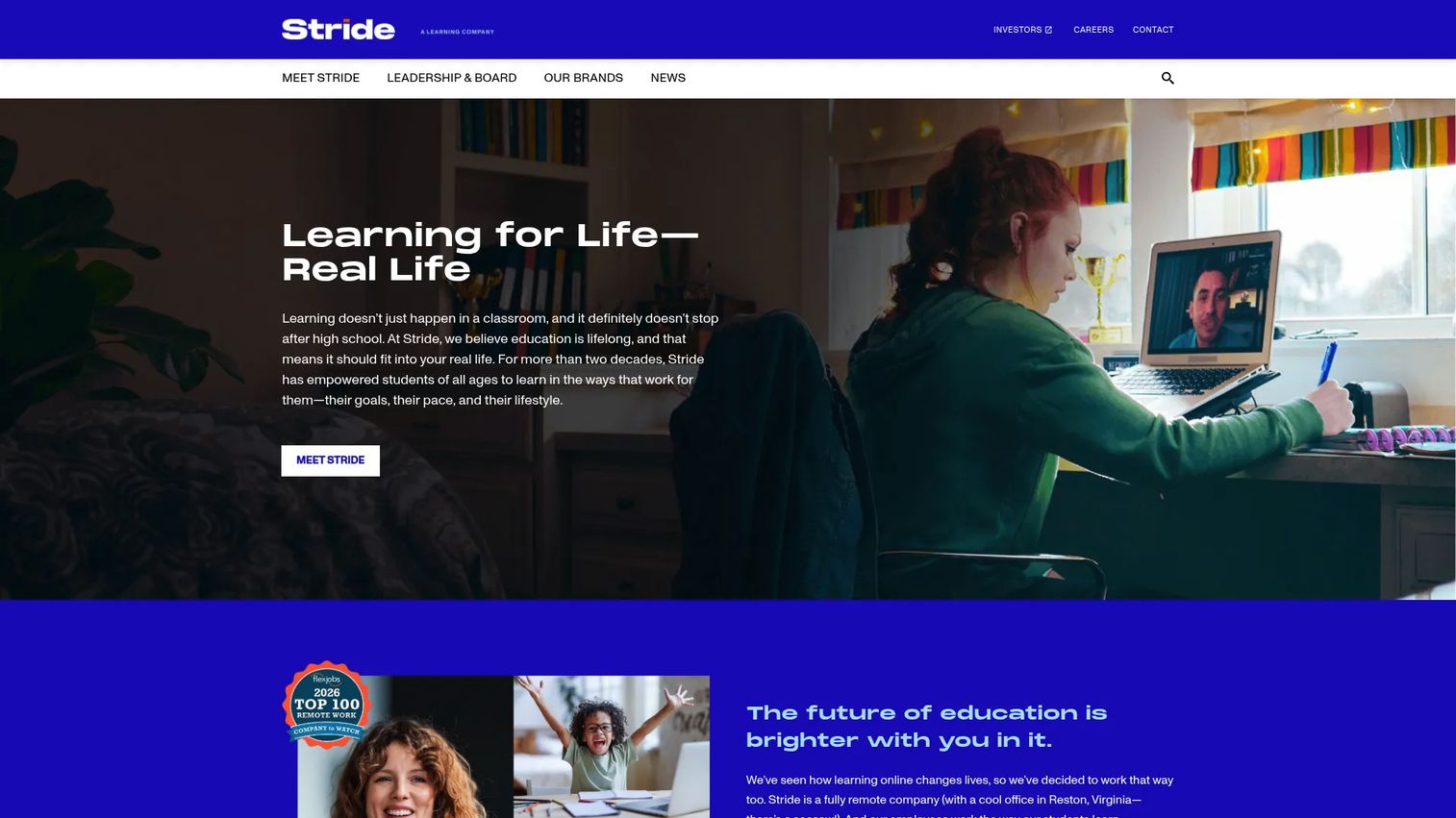
Stride Learning Solutions offers K12 online and blended curriculum, instruction, career-readiness courses, and professional development for school districts. More than 350 courses span core academic subjects and career-focused tracks. Districts access implementation support, digital-transition guidance, and a scalable content platform configured to their infrastructure.
Best for: School and district buyers that need curriculum, instruction, and program support beyond a simple course catalog.
Key features
- 350+ K12 online and blended courses
- Career-readiness education courses for high school students
- Online and blended delivery model options
- Professional development and digital-transition support
- Assessment tools and scalable platform for district use
Why choose Stride Learning Solutions: Fits district buyers that want a provider involved in curriculum, teacher development, and program operations, not just content delivery. Pricing is set through district-level agreements.
Stride Learning Solutions pricing: Pricing is established through district partnership agreements. Contact Stride Learning Solutions directly for a quote; costs vary by program scope, course volume, and implementation support.
Considerations when choosing an online course provider
Choosing the right provider is not just about finding a course on your topic. The five questions below are worth answering before you enroll or sign a district contract.
Match the provider to your outcome
Start by naming what you need at the end: A job, a certificate, formal credit, an enrichment experience, or a K12 grade. Course titles can appear on multiple platforms, but the credential value and employer recognition differ significantly. A Coursera professional certificate from Google carries different weight than a Udemy completion badge on the same subject.
Check certificate, credit, and accreditation details
Not all proof of completion carries the same weight. University credit may transfer only if the receiving institution accepts it. Professional certificate recognition depends on your industry and employer. K12 course credit depends on state approval and the student's school district. Verify these details before enrolling, not after.
Compare support, not just content
Instructor access, project feedback, discussion forums, tutoring, and help desks matter most when a course gets difficult. Younger learners and career changers often need more support than a video library provides. Platforms like Pluralsight, Udacity, and FlexPoint Virtual School offer structured support; open-course libraries like MIT OpenCourseWare do not.
Understand the pricing model
The total cost of learning is not always the price on the catalog page. Some providers charge per course. Others use subscriptions where the value depends on how many courses you complete. Certificate fees, credit-hour pricing, and institutional agreements add further variables. Calculate what full completion costs before comparing providers on sticker price alone.
Confirm technical access and course pacing
Some courses run in cohorts with set deadlines; others are fully self-paced. Mobile access, browser requirements, and offline availability also vary. BYU Independent Study gives learners up to 12 months per course. Codecademy runs in the browser with no download needed. FlexPoint Virtual School includes year-round access with live session options. Match the pacing model to how you actually learn.
Conclusion
The best online course provider for 2026 depends on what you need at the end, not just the topic on the course page. For career-focused learning with recognized credentials, Coursera and edX offer the broadest combination of university partners and certificate depth. Udemy and Skillshare cover affordable skill exploration. Codecademy, Pluralsight, and Udacity each suit learners with technical career goals. For free academic exploration, MIT OpenCourseWare, Open Yale Courses, Academic Earth, and Open Culture give you university-level content without an enrollment form. Khan Academy remains the strongest free option for K12 foundational skills.
If you're choosing for a school or district, BYU Independent Study, FlexPoint Virtual School, Pearson Virtual Schools, and Stride Learning Solutions each serve different K12 needs. Confirm accreditation, state approval, and transcript handling before committing.
Your next step is to match the provider's credential model to your actual goal, then confirm pricing and support before enrolling. The right course on the wrong platform is still a poor investment.
For learning technology teams building their own product education programs, best active learning tools and best online whiteboards offer related guidance on interactive and collaborative learning software.
FAQs
An online course provider is any organization or platform that delivers structured learning over the internet. The category includes course marketplaces like Udemy, university-backed platforms like Coursera and edX, technical training platforms like Pluralsight, free open-course libraries like MIT OpenCourseWare, and K12 virtual schools like FlexPoint Virtual School and Pearson Virtual Schools. Each type serves a different learner goal.
The answer depends on your subject. Khan Academy is the strongest free option for foundational math, science, and test preparation. Codecademy works well for coding beginners because it makes you write code from the first lesson. Coursera and Udemy both offer beginner-level courses across career subjects, with Coursera providing more structured paths. Skillshare fits creative beginners who want to build something rather than pass a test.
Free courses are valuable for exploration, foundational skill-building, and understanding a subject before committing money. The honest trade-off is that free access often does not include graded assignments, certificates, credit, or instructor feedback. MIT OpenCourseWare gives you the materials but no one to evaluate your work. Alison gives you free course access but charges for certificates. Knowing what the free tier actually includes is the question to answer first.
They can, but the value depends heavily on the provider, the field, the specific role, and what else is in your application. A Google Career Certificate on Coursera carries more recognition in tech hiring than a generic completion certificate from an unknown platform. Certificates work best when paired with portfolio projects, applied work, or prior relevant experience. Research how employers in your target role view the specific certificate before spending time and money earning it.
A completion certificate shows that you finished a course. It is not academic credit and does not count toward a degree unless the course is specifically credit-bearing. College credit comes from a course offered by an accredited institution, such as BYU Independent Study or a university program through edX. Even credit-bearing courses may not transfer unless the receiving institution accepts them. Always verify transfer rules with your school before enrolling in a course for credit.
Coursera, edX, FutureLearn, Harvard Online, and Stanford Online all offer courses developed and taught in partnership with universities. MIT OpenCourseWare, Open Yale Courses, and Academic Earth provide free access to university lecture materials without enrollment or formal course interaction. The distinction matters: A Coursera course from a university partner includes assessments and optional verified certificates, while MIT OpenCourseWare gives you the same reading list without any instructor interaction.
Start with accreditation and state or district approval. A course that your student's school does not recognize produces no usable credit. Confirm how transcripts are issued and whether the student's school accepts them. Ask whether the course includes a certified teacher, what the pacing rules are, and what happens if the student needs to withdraw or defer. BYU Independent Study, FlexPoint Virtual School, Pearson Virtual Schools, and Stride Learning Solutions all handle these details differently, so compare them directly for your state and situation.
Subscriptions make sense when you plan to complete multiple courses within the subscription period. Coursera Plus at $399 per year covers unlimited certificates and works well for learners moving through several specializations. A one-time purchase on Udemy makes more sense when you need a single specific skill and do not need ongoing access to a broader library. Calculate how many courses you realistically expect to complete, multiply by the per-course cost, and compare that total to the subscription price.