OS imaging sounds like an IT plumbing problem until a 200-device rollout turns into a week of driver conflicts, broken profiles, and a help desk queue that won't stop growing. The right tool depends on whether you need backup recovery, bare-metal deployment, remote provisioning, or a cloud-first Windows workflow. These are not the same job, and picking the wrong category costs more than the license fee.
The global OS imaging and deployment software market reached $421.01 million in 2025 and is projected to grow at 8.9% annually through 2033, according to Congruence Market Insights (2026). That growth is driven by hybrid work, device refresh cycles, and the push to replace manual reimaging with something repeatable.
Whether you support IT evaluations as a presales engineer or you run endpoint operations directly, this guide gives you a shortlist worth using.
What's inside
This guide compares 12 OS imaging software tools across backup, deployment, migration, and cloud provisioning use cases. Tools were selected based on:
- Job fit: Backup imaging, golden image deployment, cloud provisioning, or endpoint lifecycle management
- Deployment scope: On-premises, remote, cloud, offline, or hybrid environments
- Pricing visibility and verification: Figures checked against vendor pricing pages
- Review signals: G2 ratings verified at drafting, or marked N/A where no current listing exists
The guide covers both traditional imaging platforms and modern Windows provisioning tools, so you can compare across the full spectrum.
TL;DR
- Best for hardware-independent Windows imaging: SmartDeploy handles diverse hardware models with a library of 1,500+ prebuilt driver packages
- Best for mass image deployment: Acronis Snap Deploy deploys a master image to many machines simultaneously via unicast or multicast
- Best for affordable endpoint deployment: ManageEngine OS Deployer starts at $645/year for 100 workstations and includes a free tier for small deployments
- Best free option: Clonezilla is open-source, free, and handles disk imaging, cloning, and multicast deployment
- Best for backup and recovery imaging: Macrium Backup & Restore covers full-disk image backup and bare-metal restore for Windows endpoints
- Best for cloud-first Windows provisioning: Windows Autopilot paired with Microsoft Intune handles zero-touch device enrollment and policy-driven configuration
What is OS imaging software?
OS imaging software creates, stores, restores, or deploys a complete operating system image, typically including the OS, applications, drivers, settings, boot data, and user files, from a single captured reference point.
The category covers two distinct jobs that often get confused:
Backup imaging protects a machine's state at a point in time. When a disk fails, ransomware hits, or a patch corrupts the OS, you restore from that image. Tools in this category emphasize recovery speed, schedule flexibility, and storage efficiency.
Deployment imaging standardizes a fleet. IT captures a golden image of a configured reference machine, then pushes it to dozens or hundreds of endpoints. Tools here emphasize driver handling, network boot, hardware compatibility, and deployment speed.
Key capabilities to look for across both categories:
- Golden image creation from a reference machine
- Hardware-independent deployment with driver injection
- PXE and WinPE boot support for network-based imaging
- Cloud or remote deployment options for distributed teams
- Incremental and differential backup support
- Image validation and restore testing
- Centralized image repository management
- Scheduling and deployment automation
- Reporting and audit logs
Modern provisioning tools like Windows Autopilot and Microsoft Intune handle some of these jobs through cloud policy and device enrollment rather than captured image files. They belong in any current comparison even though their workflow differs from traditional OS imaging.
For presales engineers supporting IT or endpoint management evaluations, this distinction matters. Buyers often conflate recovery and deployment needs until they're deep in a POC, and clarifying the job early prevents scope drift.
When to use OS imaging software
Standardize new device rollouts
IT teams use golden images to provision laptops, desktops, labs, kiosks, and shared devices with a consistent OS, application set, security baseline, and driver configuration. One captured reference image replaces hours of per-machine manual setup. Hardware-independent imaging tools extend that single image across different device models without maintaining separate variants.
Recover systems after failure or attack
Full-system recovery after disk failure, a corrupted OS state, or ransomware cleanup depends on a validated image backup that includes the OS, applications, and user data. Teams that skip image validation before a crisis find that even a well-scheduled backup can fail to restore cleanly. Off-site or cloud-stored images add resilience when local infrastructure is compromised.
Migrate or refresh endpoints at scale
Windows version upgrades, device refresh cycles, and hardware replacement all trigger imaging workflows. Remote and hybrid environments add complexity because many users never connect to a corporate network directly. Cloud deployment tools and remote agent-based imaging address this, but teams moving from on-prem PXE workflows need to verify coverage before committing.
OS imaging software comparison
The table below organizes tools by best-fit job rather than a single generic score. A backup tool and a cloud provisioning platform both qualify as OS imaging software, but they serve different operational needs.
| # | Product | Best for | Key differentiator | Pricing | G2 rating |
|---|---|---|---|---|---|
| 1 | SmartDeploy | Hardware-independent Windows imaging | 1,500+ prebuilt driver packages, single image across diverse hardware | From $1,100/year | 4.7/5 |
| 2 | Acronis Snap Deploy | Mass simultaneous image deployment | Unicast and multicast to many machines, online and offline | Contact sales | 4.7/5 |
| 3 | ManageEngine OS Deployer | Affordable structured OS deployment | Free edition available; Professional starts at $645/year | From $645/year | 4.2/5 |
| 4 | Macrium Backup & Restore | Backup and recovery imaging | Fast image backup, bare-metal restore, ransomware protection | Quote required | 4.7/5 |
| 5 | Clonezilla | Free open-source disk imaging | Multicast deployment, AES-256 encryption, no cost | Free | 4.3/5 |
| 6 | KACE Unified Endpoint Manager | Endpoint lifecycle with imaging | Inventory, patch, deploy, and support from one console | Quote required | 4.0/5 |
| 7 | Symantec Ghost Solution Suite | Legacy enterprise imaging workflows | Bare-metal provisioning, OS migration, hardware-independent deployment | Contact sales | 3.7/5 |
| 8 | Ivanti Endpoint Manager | Enterprise endpoint control with OS provisioning | Manages Windows, macOS, Linux, Chrome OS, and IoT from one platform | Contact sales | 4.2/5 |
| 9 | Deep Freeze Cloud | Shared-device and education environments | Reboot-to-restore plus cloud-managed Windows deployment | Contact sales | N/A |
| 10 | Windows Deployment Services | On-premises network boot imaging | PXE-based Windows deployment from Windows Server infrastructure | Included with Windows Server (note deprecation below) | N/A |
| 11 | Windows Autopilot | Cloud-first zero-touch Windows provisioning | Device registration, user-driven setup, Intune policy handoff | Requires eligible Microsoft licensing | N/A |
| 12 | Microsoft Intune | Modern cloud endpoint management and provisioning | Cross-platform enrollment, compliance, app deployment, Autopilot integration | From $8.00/user/month (annual) | 4.5/5 |
Best 12 OS imaging software tools for 2026
1. SmartDeploy
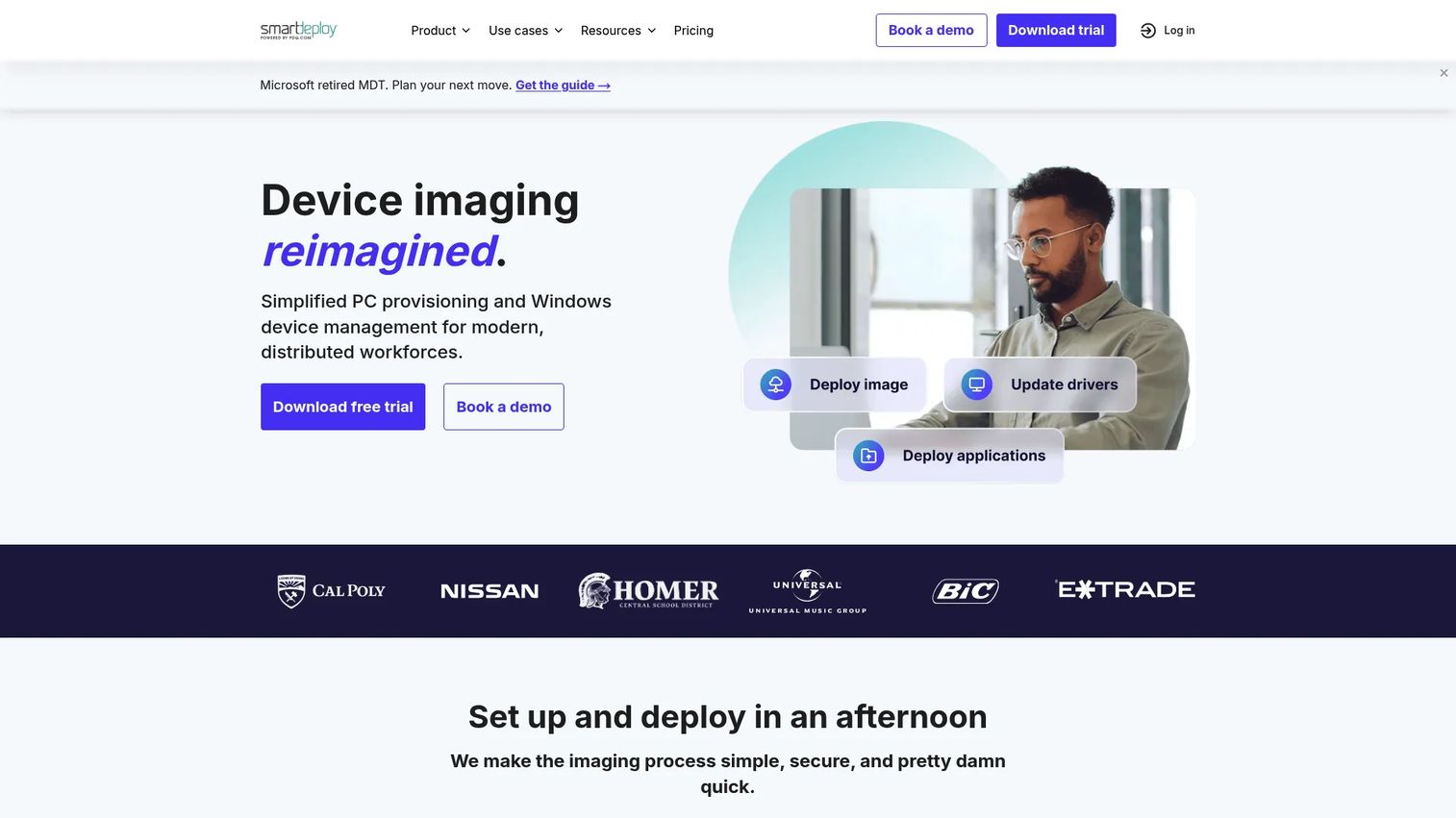
SmartDeploy is a Windows imaging and endpoint management platform built for IT teams that manage mixed hardware fleets. Its defining feature is single-image management: You maintain one master image and let SmartDeploy's driver pack library handle compatibility across different device models. Deployment runs over the network, through cloud storage, or via offline media, making it useful for both on-premises and remote environments. SmartDeploy also covers application deployment, patching, and Windows 11 in-place upgrades from the same console.
Best for: IT teams running Windows imaging across multiple laptop and desktop models, including distributed or remote endpoints.
Key features
- Hardware-independent imaging with 1,500+ prebuilt driver packages
- Cloud, network, and offline deployment options
- Windows 11 in-place upgrade support
- Application deployment and remote patching
- Single-image management across diverse hardware
Why choose SmartDeploy: SmartDeploy fits Windows-first teams that want to eliminate image sprawl without maintaining per-model variants. It's less suited for teams that also need broad macOS or Linux imaging in the same workflow.
SmartDeploy pricing: Plans start at $1,100/year. SmartDeploy offers Starter, Plus, and Pro tiers on annual subscriptions; individual tier prices require contacting their sales team directly. A free trial is available on their website.
G2 rating: 4.7/5 (sourced from SmartDeploy's website, citing G2, May 2026).
2. Acronis Snap Deploy
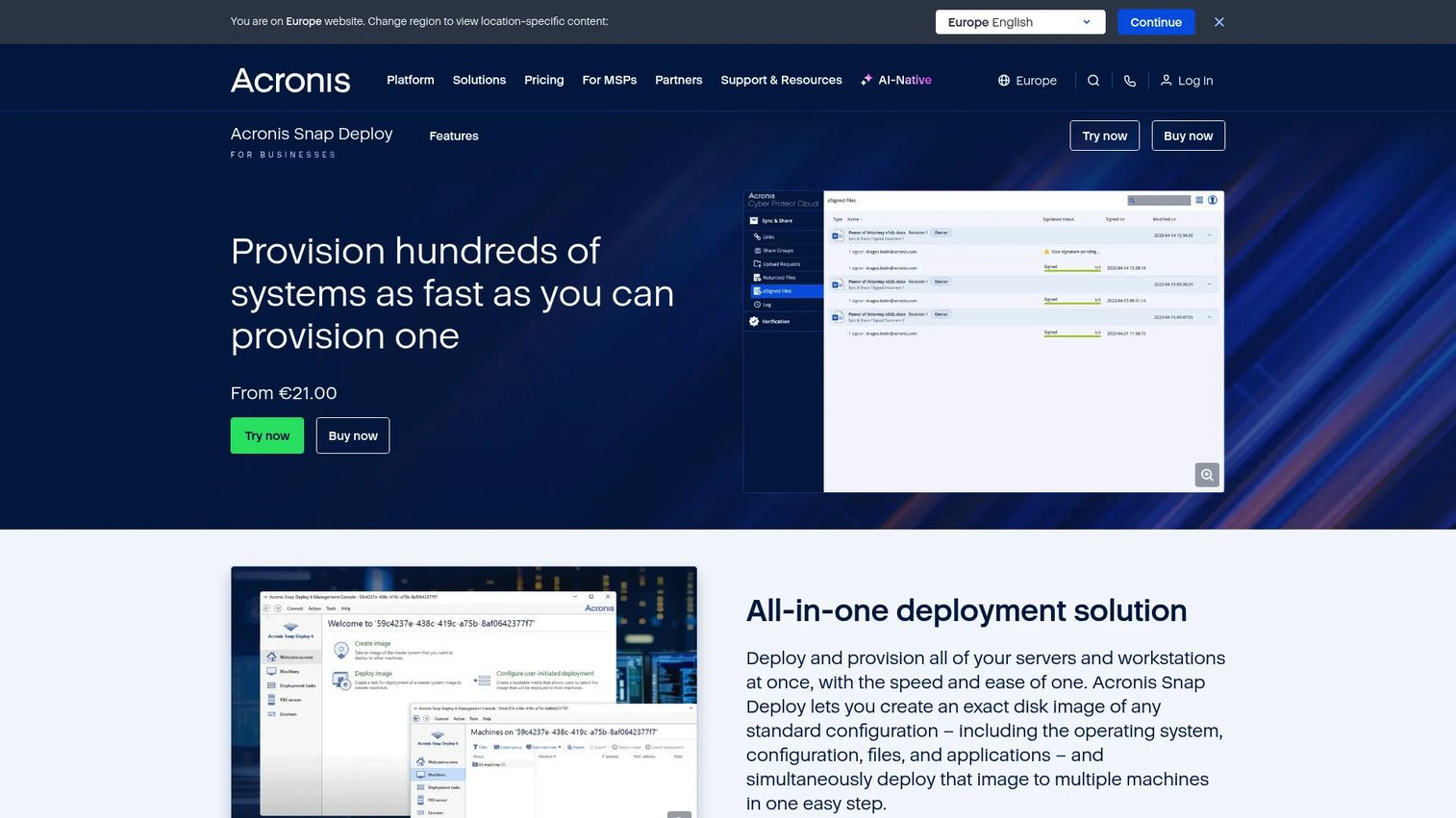
Acronis Snap Deploy is a disk imaging and OS deployment tool designed for pushing a master image to many machines simultaneously. It supports unicast and multicast deployment, meaning you can image a single machine or an entire training room at the same time. Deployment can happen online (to live Windows systems) or offline (to bare-metal machines), and it includes a built-in PXE server and Wake-on-LAN. Acronis Universal Deploy handles hardware-independent provisioning when target machines differ from the reference system.
Best for: IT teams that frequently redeploy standardized images in labs, training rooms, testing facilities, or large refresh cycles.
Key features
- Unicast and multicast mass deployment
- Online deployment to live Windows machines
- Hardware-independent deployment via Acronis Universal Deploy
- Manual, automatic, user-initiated, and scheduled deployment modes
- Built-in PXE server and Wake-on-LAN
- Windows and Linux workload support
Why choose Acronis Snap Deploy: The strongest fit is when deployment speed and repeatability matter more than ongoing endpoint lifecycle management. Teams that also need patching, inventory, or remote control will typically pair it with a separate endpoint management tool.
Acronis Snap Deploy pricing: Acronis directs buyers to contact sales for Snap Deploy pricing. No figures are listed on their purchasing page. Reach out directly through their site to get a quote based on deployment scope and machine count.
G2 rating: 4.7/5.
3. ManageEngine OS Deployer
ManageEngine OS Deployer is a centralized OS deployment tool for imaging, migration, and Windows rollout workflows. It supports both online and offline imaging, automated driver management, zero-touch deployment via PXE, USB, or ISO, and deployment templates that include post-deployment applications and scripts. Remote-office deployments use local image repositories, so bandwidth isn't a bottleneck. A free edition is available for small environments, making it one of the more accessible options in this category.
Best for: IT teams that want structured OS deployment and Windows migration at a lower entry cost than full enterprise endpoint suites.
Key features
- Online and offline OS imaging
- Hardware-independent deployment with automated driver management
- Zero-touch deployment via PXE, USB, or ISO
- Deployment templates with post-deployment scripts
- Remote-office deployment using local repositories
- Windows migration and OS upgrade support
Why choose ManageEngine OS Deployer: It covers core imaging and deployment without requiring a full endpoint lifecycle platform. Teams evaluating it should verify remote deployment infrastructure requirements and confirm whether the Professional or Enterprise edition fits their network topology.
ManageEngine OS Deployer pricing: The Professional edition starts at $645/year for 100 workstations (single technician, annual subscription). Enterprise is $745/year for the same scope and adds WAN support. A free edition covers up to 4 workstations and 1 server at no cost.
G2 rating: 4.2/5.
4. Macrium Backup & Restore
Macrium Backup & Restore is a system image backup and recovery platform for Windows PCs, workstations, servers, and virtual machines. Rather than deployment-first workflows, Macrium focuses on protecting a machine's state so it can be restored after hardware failure, a failed patch, or a ransomware event. It includes incremental and differential backups, Macrium Image Guardian for ransomware protection, and the option for offline or air-gapped license activation. A free 30-day trial is available for both home and business products.
Best for: Organizations and IT teams that need fast, reliable image backup and bare-metal recovery for Windows endpoints.
Key features
- Full-disk image-based backup and recovery
- Incremental and differential backup support
- Bare-metal restore to dissimilar hardware
- Macrium Image Guardian ransomware protection
- Advanced scheduling and image validation
- Offline and air-gapped license activation
Why choose Macrium Backup & Restore: The priority here is recovery assurance, not mass deployment. Teams running golden image rollouts will still need a separate deployment tool alongside Macrium for provisioning new endpoints.
Macrium Backup & Restore pricing: Business plans are quote-based. Macrium's pricing page offers free 30-day trials for Reflect X and business solutions, but individual plan prices require a request. Product tiers include Reflect X Home, Reflect X Standalone, Reflect LTSC, Technicians, and SiteBackup.
G2 rating: 4.7/5.
5. Clonezilla
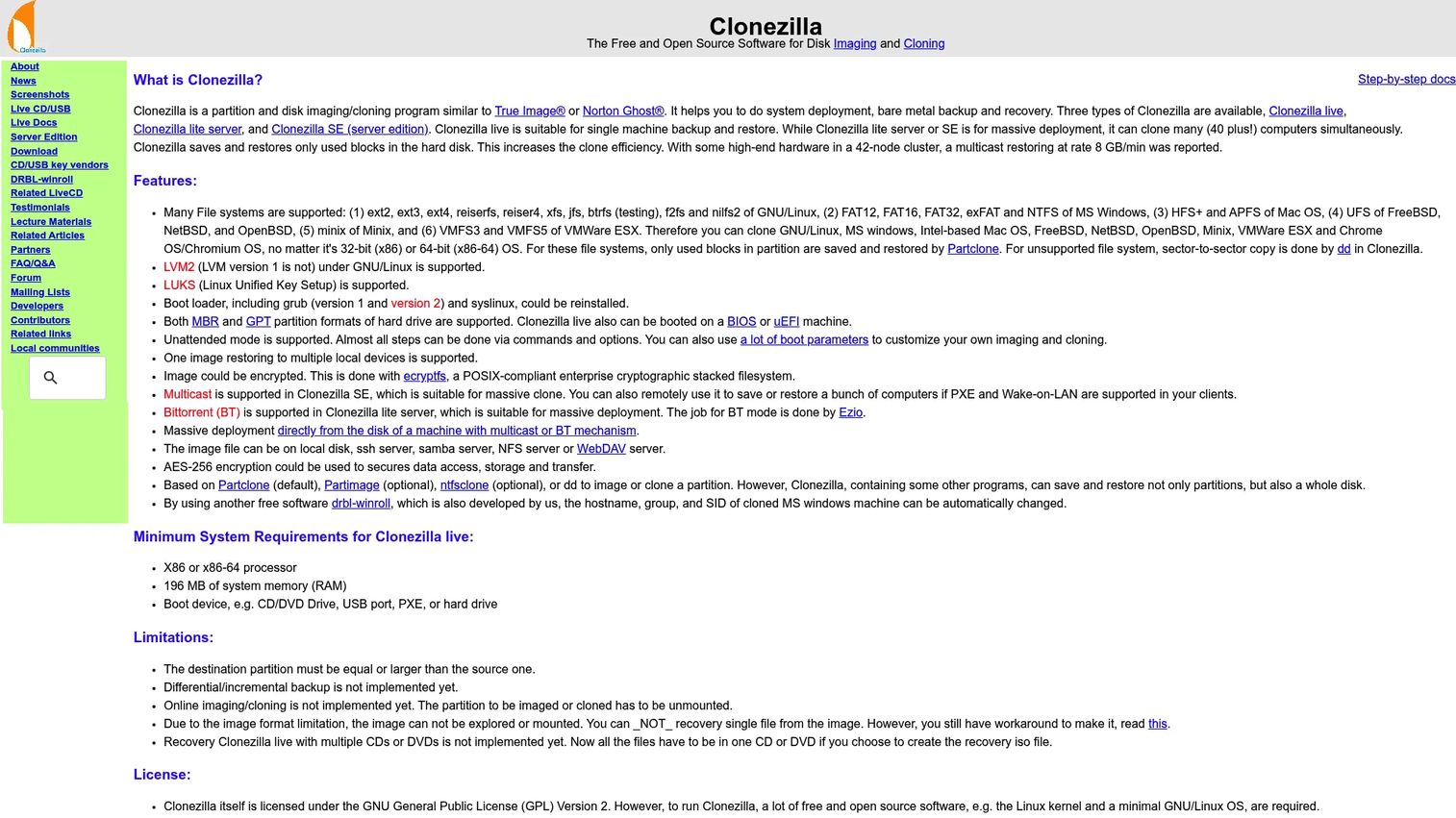
Clonezilla is a free, open-source disk imaging and cloning tool distributed under the GNU GPL. It handles disk and partition imaging, one-to-one cloning, and mass deployment via multicast, broadcast, or BitTorrent. Clonezilla supports a wide range of file systems including Linux, Windows, macOS, BSD, VMware, and Chrome OS. Images are compressed and can be encrypted with AES-256. The tool runs from a bootable USB or PXE environment, making it technician-driven rather than console-managed.
Best for: Technical teams that need free disk imaging and cloning, and who are comfortable managing boot media and command-line workflows.
Key features
- Disk and partition imaging and cloning
- Multicast, broadcast, and BitTorrent mass deployment
- AES-256 image encryption
- Broad file system support: Linux, Windows, macOS, BSD, VMware, Chrome OS
- Unattended operation with MBR and GPT support
- Three editions: Live, Lite Server, and SE
Why choose Clonezilla: It's the go-to for cost-sensitive teams, labs, and technically proficient administrators who want capable imaging without a software budget. It's not a fit for teams that need a polished management console, cloud deployment, or vendor support contracts.
Clonezilla pricing: Free and open-source across all three editions. Community support is available through forums; no paid support tier was verified.
G2 rating: 4.3/5.
6. KACE Unified Endpoint Manager
KACE Unified Endpoint Manager from Quest is a centralized endpoint management platform that combines device enrollment, inventory, patch management, software distribution, and a built-in service desk. OS imaging capabilities sit within the broader platform, making KACE a stronger fit when imaging is one part of a full endpoint lifecycle program rather than the primary job. It manages Windows, macOS, Linux, ChromeOS, iOS, and Android from a single console.
Best for: IT organizations that want OS deployment connected to inventory, patching, and asset management in one platform.
Key features
- Automated device enrollment and inventory
- Patch management across diverse operating systems
- Software distribution and application management
- Mobile device control (remote lock, erase, factory reset)
- Asset management and compliance reporting
- Built-in service desk
Why choose KACE Unified Endpoint Manager: It earns its place when imaging is one component of a broader endpoint operations program. Buyers should verify whether their use case requires the Unified Endpoint Manager, the KACE Systems Deployment Appliance, or both, since imaging depth varies by product configuration.
KACE Unified Endpoint Manager pricing: Quest uses request-based pricing.
G2 rating: 4.0/5.
7. Symantec Ghost Solution Suite
Symantec Ghost Solution Suite (now under Broadcom) is a long-running enterprise imaging and deployment platform covering bare-metal provisioning, OS migration, hardware refresh, and remote restore. It supports hardware-independent deployment and centralized task automation. The product is sold through Broadcom's partner channel. Teams with established Ghost-based workflows will find continuity here, though the broader Broadcom product portfolio has shifted since the acquisition.
Best for: IT teams maintaining established Ghost imaging workflows or managing large-scale hardware refresh and OS migration programs.
Key features
- Bare-metal provisioning and system deployment
- OS migration and hardware refresh workflows
- Hardware-independent deployment
- Remote restore and rebuild
- Centralized task automation and console
Why choose Symantec Ghost Solution Suite: It suits organizations where Ghost-based processes are already embedded and switching costs are high. Teams building a new remote-first endpoint stack should compare it directly against cloud-capable alternatives before committing.
Symantec Ghost Solution Suite pricing: Pricing is available through Broadcom's partner network. Contact a Broadcom partner for a quote based on deployment scope.
G2 rating: 3.7/5.
8. Ivanti Endpoint Manager
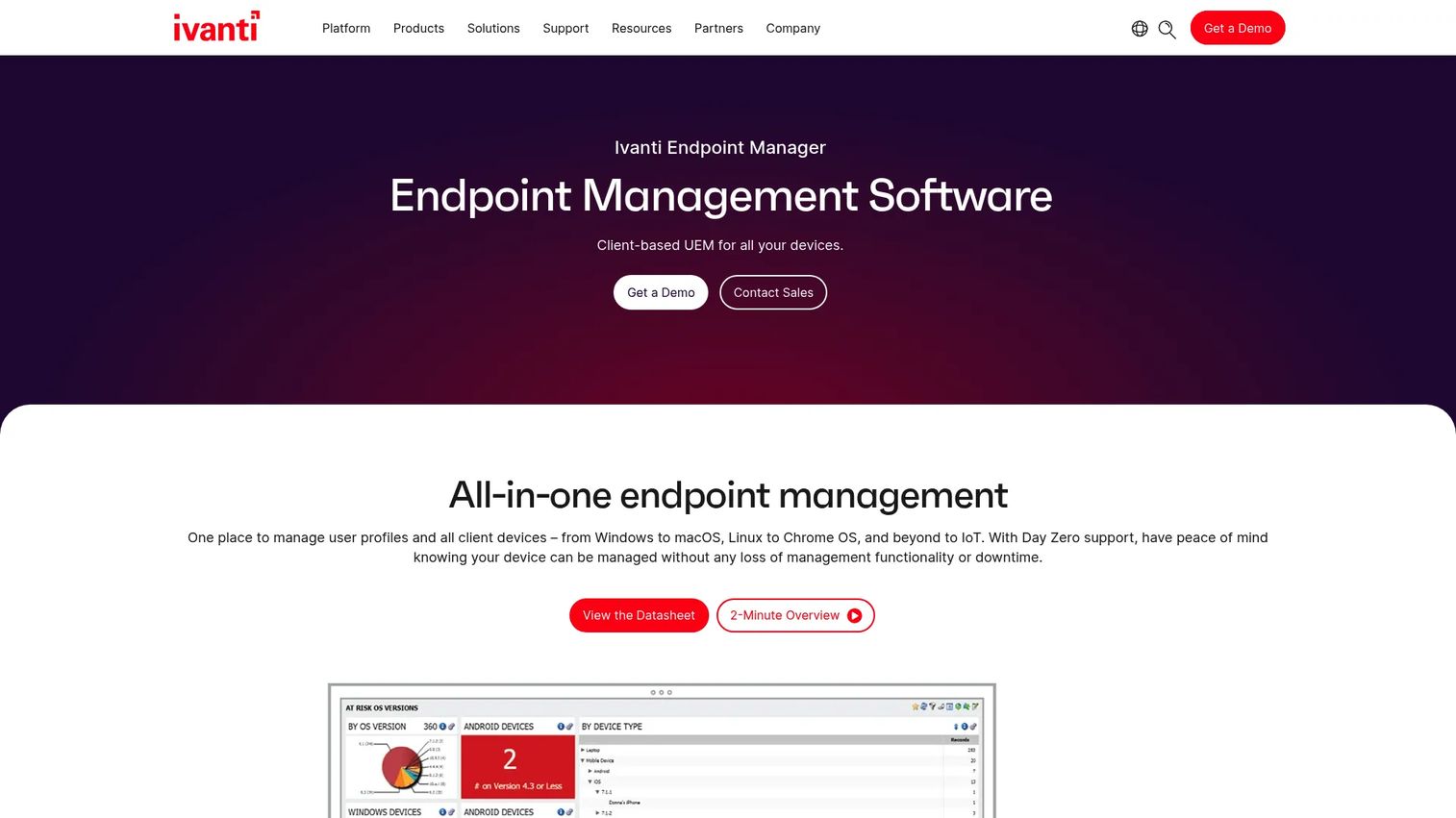
Ivanti Endpoint Manager is a client-based unified endpoint management platform for enterprise environments. It covers OS provisioning and migration, software distribution, patch management, remote control, user profile management, and asset discovery across Windows, macOS, Linux, Chrome OS, and IoT. The platform targets large, heterogeneous fleets where imaging is one part of a broader endpoint governance program.
Best for: Enterprise IT teams that need OS imaging within centralized endpoint control across mixed operating systems.
Key features
- OS provisioning, migrations, and updates
- Software distribution and patch management
- Mac management alongside Windows
- Remote control and user profile management
- Asset discovery and data normalization
- Dashboards and compliance reporting
Why choose Ivanti Endpoint Manager: Best for organizations that want imaging tied to endpoint governance and lifecycle operations at scale. Smaller teams with a focused imaging need may find standalone deployment tools easier to buy and implement.
Ivanti Endpoint Manager pricing: Ivanti directs prospects to request a demo or contact sales. Pricing is quote-based and typically scales with endpoint count, selected modules, and support tier.
G2 rating: 4.2/5.
9. Deep Freeze Cloud
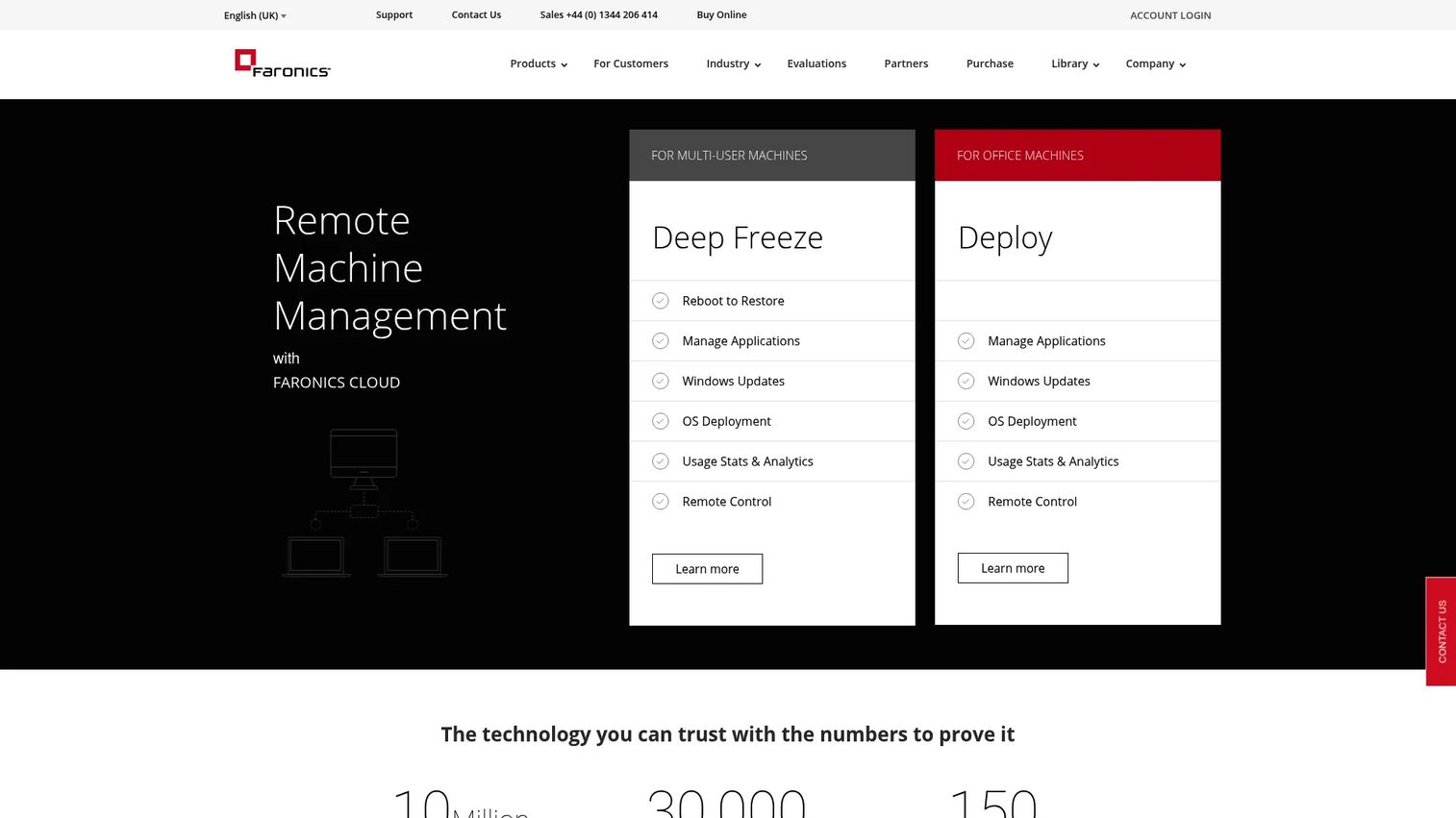
Deep Freeze Cloud from Faronics is a cloud-based SaaS platform for endpoint protection and management in Windows environments. Its defining feature is reboot-to-restore: When a machine restarts, it returns to a known clean state regardless of what changed during the session. Beyond restoration, the platform handles Windows update management, software deployment, endpoint customization, kiosk lockdown, and application whitelisting from a web-based console.
Best for: Schools, libraries, computer labs, kiosks, and shared-device environments where endpoints need clean resets and deployment control.
Key features
- Reboot-to-restore workstation recovery
- Web-based cloud management console
- Windows update and patch management
- Software deployment and maintenance
- Endpoint customization and kiosk lockdown
- Application whitelisting and power management
Why choose Deep Freeze Cloud: It's a strong fit when imaging and endpoint restoration belong together, and when the environment includes shared or public-access devices that must return to a clean state after each session. Education and library environments are the primary use case.
Deep Freeze Cloud pricing: Faronics publishes Basic, Premium, Ultimate, and Add-on plan names, but pricing figures require contacting Faronics directly.
10. Windows Deployment Services
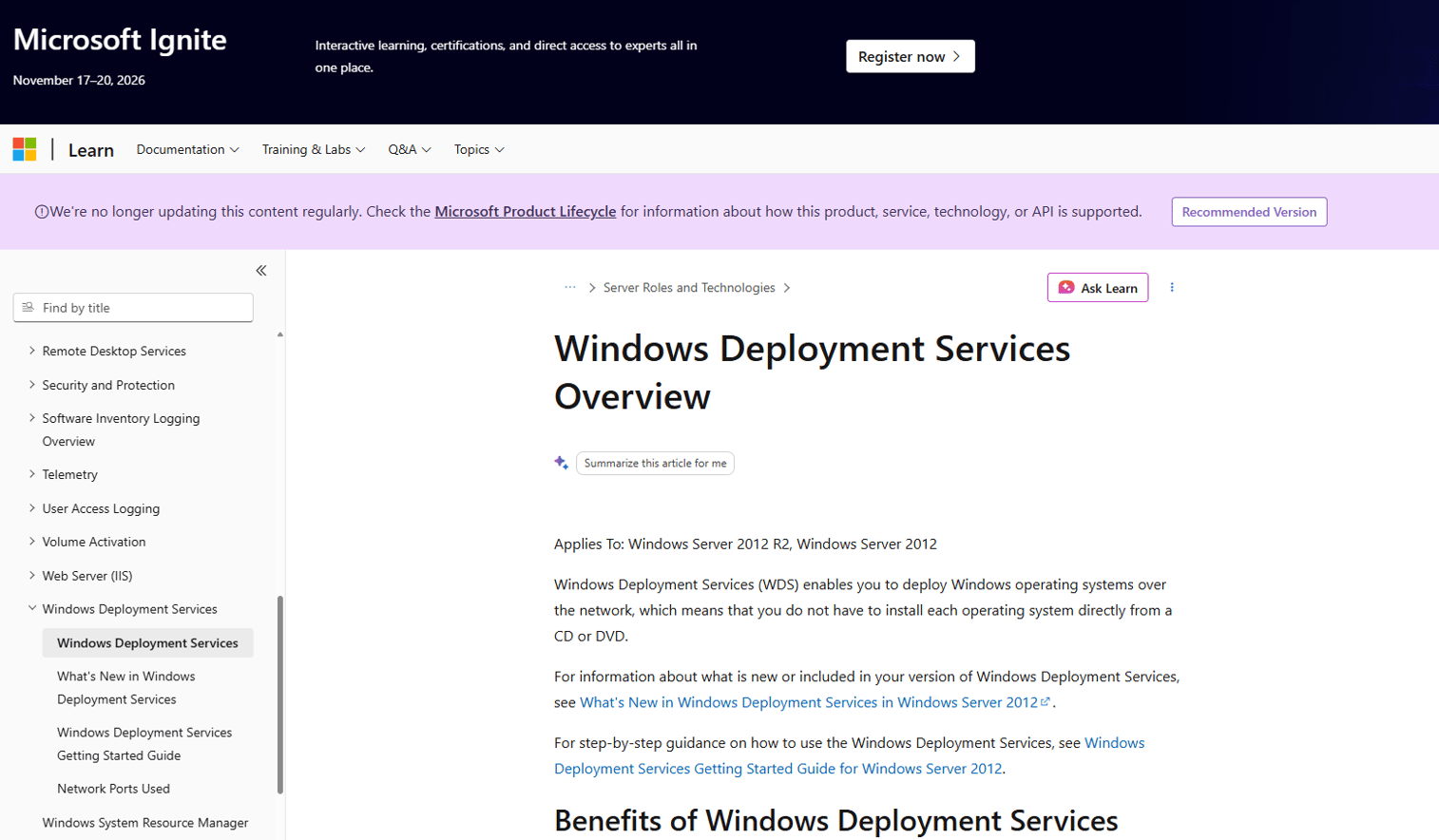
Windows Deployment Services (WDS) is a Microsoft Windows Server role for deploying Windows operating systems over a network using PXE boot. IT teams use it to serve Windows image files (WIM format) to machines that boot from the network, enabling unattended OS installations across a LAN. WDS requires Windows Server infrastructure and technical familiarity with network boot configuration.
One important note: Microsoft has announced that WDS is deprecated beginning with the OS version following Windows Server 2025. Organizations relying on WDS should evaluate migration paths to modern provisioning alternatives.
Best for: Windows-centric organizations with on-premises infrastructure and technical teams already running Windows Server environments.
Key features
- PXE network boot support
- Windows image (WIM) deployment over LAN
- Multicast transmission for large deployments
- BitLocker Network Unlock integration
- Server-based management and unattended installation support
Why choose Windows Deployment Services: WDS fits environments where the infrastructure already exists and the team has the skills to maintain it. Remote and cloud-first teams will find modern alternatives such as Autopilot and Intune better suited to their workflows, particularly given the deprecation trajectory.
Windows Deployment Services pricing: WDS is included as a server role within Windows Server licensing. Costs tie to your Windows Server license and, where applicable, Client Access Licenses. Verify current licensing terms with Microsoft.
11. Windows Autopilot
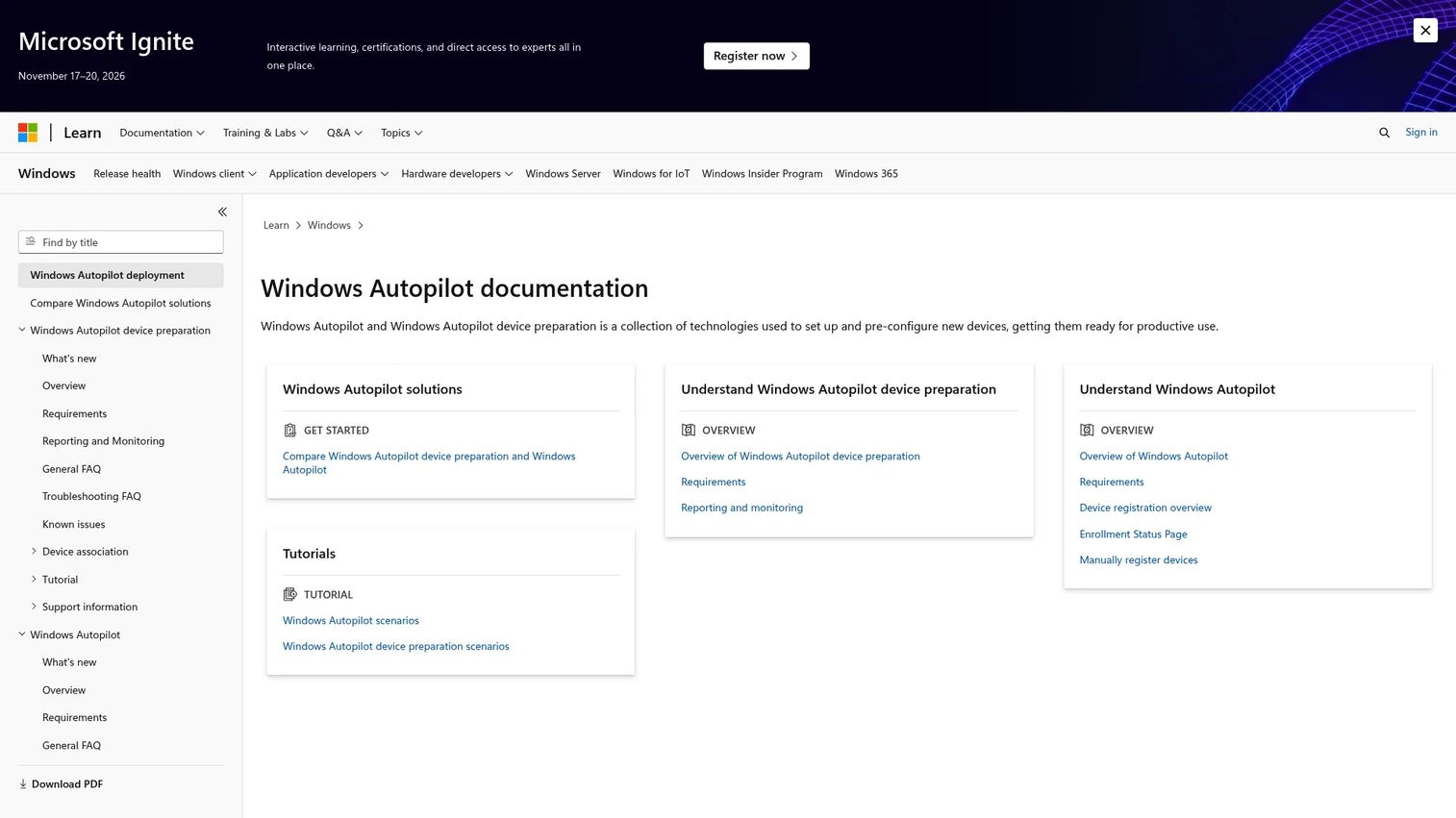
Windows Autopilot is a cloud-based provisioning technology, not a traditional imaging platform. Instead of applying a captured OS image, Autopilot registers a device in Azure (now Microsoft Entra ID), then hands it off to Intune for policy-driven configuration during the out-of-box experience. The user powers on a new device, signs in with their Microsoft credentials, and Autopilot configures apps, settings, and compliance policies automatically. Self-deploying and pre-provisioned modes are also available for kiosk and shared devices.
Best for: Cloud-first Microsoft 365 environments that want zero-touch Windows provisioning without maintaining imaging infrastructure.
Key features
- Automatic Microsoft Entra ID join and MDM enrollment
- User-driven, self-deploying, and pre-provisioned modes
- Enrollment Status Page for deployment tracking
- Autopilot Reset for device reassignment and recovery
- Customizable Windows out-of-box experience
- Intune policy handoff for app and compliance configuration
Why choose Windows Autopilot: Best when you want to skip reimaging entirely and let devices configure through cloud policy from day one. It does not replace every bare-metal imaging use case; offline provisioning, recovery from corruption, and lab environments often still need traditional imaging tools alongside it.
Windows Autopilot pricing: It requires eligible Microsoft 365, Windows, Microsoft Entra ID, and Intune subscriptions. Verify current license requirements with Microsoft to confirm your plan includes Autopilot capabilities.
12. Microsoft Intune
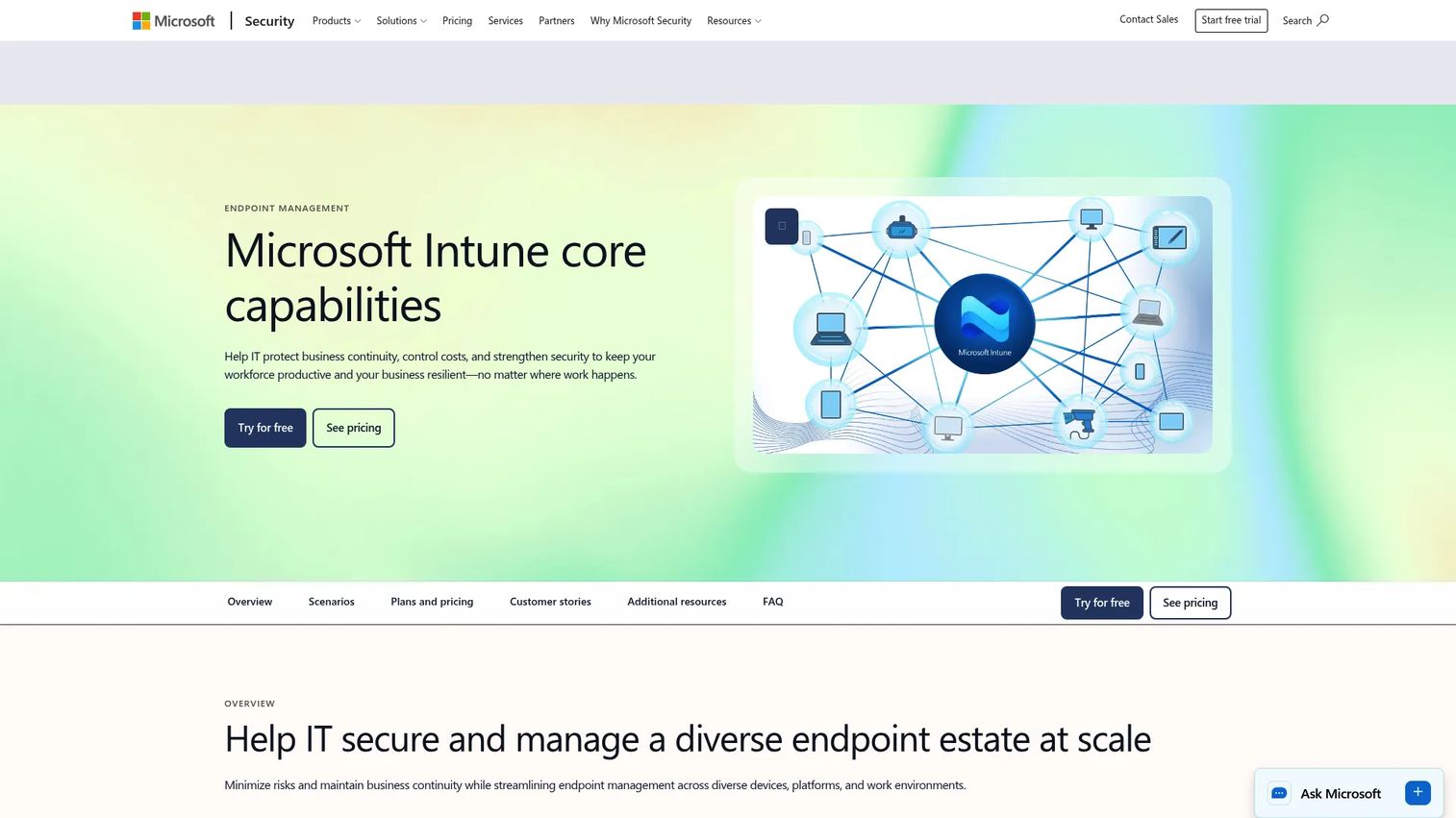
Microsoft Intune is a cloud-based endpoint management service that handles device enrollment, app deployment, compliance policies, and remote actions across Windows, macOS, iOS, Android, and Linux. In the OS imaging context, Intune works alongside Autopilot to handle many provisioning jobs that traditional imaging used to cover: Apps, configurations, security baselines, and compliance checks all deploy through cloud policy rather than a pre-built image. Intune Plan 1 provides core unified endpoint management; Plan 2 and the Intune Suite add advanced security and endpoint management capabilities.
Best for: Organizations standardizing Windows provisioning, app deployment, and policy control through Microsoft cloud management.
Key features
- Cross-platform device enrollment and configuration
- Mobile application management and app protection policies
- Endpoint security, compliance policies, and Conditional Access
- Remote actions (wipe, lock, retire, reset)
- Autopilot integration for zero-touch provisioning
- Intune Suite add-on for advanced endpoint security
Why choose Microsoft Intune: It's the strongest fit for Microsoft-centric teams that want to consolidate device management and provisioning into their existing Microsoft 365 investment. Teams that need offline bare-metal imaging for labs, kiosks, or recovery scenarios will still want a traditional imaging tool alongside Intune.
Microsoft Intune pricing: Intune Plan 1 costs $8.00/user/month (annual subscription, auto-renews). Plan 2 is $4.00/user/month as an add-on. The Intune Suite, which combines advanced endpoint management and security, is $10.00/user/month as an add-on. Intune is also included in several Microsoft 365 enterprise bundles.
G2 rating: 4.5/5.
Considerations when choosing OS imaging software
Match the tool to the job
Backup imaging, deployment imaging, and cloud provisioning are not interchangeable. A tool optimized for recovery may lack the multicast and driver injection capabilities needed for fleet provisioning. A cloud provisioning platform may not restore a corrupted machine from a full disk image. Map your primary job first, then evaluate tools within that category.
Check hardware diversity before you buy
Mixed device models create driver and boot problems during deployment. Ask vendors how they handle driver injection, hardware-independent imaging, BIOS and UEFI variations, and model-specific driver packages. SmartDeploy's prebuilt driver library and ManageEngine's automated driver management address this differently. Test against your five most common device models before committing.
Decide where deployment happens
Some environments deploy over LAN with PXE boot. Others need cloud, USB, remote agent, or hybrid options. A tool that excels in on-premises network imaging may not support the distributed workforce without additional configuration or a separate product tier. Map your network topology to the tool's deployment modes before comparing pricing.
Validate recovery and rollback
For backup imaging, run a test restore before a crisis requires it. For deployment imaging, pilot the image across multiple representative device models before a full fleet rollout. A single bad image deployed at scale multiplies the problem. Build restore and rollback verification into your evaluation, not just your go-live checklist.
Price by the operational unit
Pricing in this category varies widely by unit: Endpoints, deployment events, technician seats, cloud storage consumption, modules, or Microsoft license eligibility. SmartDeploy prices by device on annual subscription. ManageEngine prices by workstation count. Intune prices per user. When comparing total cost, align each vendor's unit to the same basis before drawing conclusions.
Conclusion
The right OS imaging software depends entirely on which job you're solving. For hardware-independent Windows imaging across mixed device models, SmartDeploy is the practical starting point. Acronis Snap Deploy fits when speed across many machines is the priority. ManageEngine OS Deployer offers a lower-cost structured alternative with a free tier for small environments. Macrium Backup & Restore belongs in any stack where recovery assurance is the primary concern. Clonezilla handles the free, technician-led use case well.
For modern cloud-first Windows provisioning, the Autopilot and Intune combination replaces much of what traditional imaging used to cover. KACE, Ivanti, and Deep Freeze Cloud all suit environments where imaging is embedded in a broader endpoint management program.
Don't try to pick one tool to do everything. Shortlist two options from different categories, then test the same image workflow against five representative machines before you commit.
For a broader look at endpoint protection software that complements your imaging stack, or if you're evaluating automation testing tools for validating deployment workflows, those guides cover adjacent categories worth reviewing. Teams building out broader IT operations tooling may also find the build automation software roundup useful for deployment pipeline context.
FAQs
OS imaging software creates, stores, restores, or deploys a complete snapshot of an operating system environment, typically including the OS itself, installed applications, drivers, settings, boot data, and user files. It serves two main jobs: Backup imaging protects a machine state for recovery, and deployment imaging standardizes a fleet by pushing a captured reference image to many endpoints.
Disk cloning copies an entire disk directly to another disk, often for one-to-one hardware migration. Imaging creates a compressed file that can be stored, versioned, and deployed repeatedly across multiple machines. Cloning is faster for a single migration; imaging is more practical for backup retention, fleet deployment, and environments where the source and target machines differ.
No. Autopilot provisions a device through cloud enrollment and policy-based configuration during the out-of-box experience. Traditional OS imaging applies a captured disk image containing a pre-configured OS and apps. Autopilot suits cloud-first environments where devices arrive from the manufacturer and configure automatically; imaging suits scenarios requiring offline provisioning, bare-metal installs, or full system recovery.
A golden image is a standardized reference snapshot of a fully configured machine, including the OS, required applications, drivers, security baselines, and organizational settings. IT teams capture this reference and deploy it to new or refreshed endpoints to ensure consistency across the fleet. Keeping the golden image current as applications and security requirements change is an ongoing operational task.
Clonezilla is the main free option in this comparison. It handles disk imaging, partition cloning, and multicast deployment at no cost under an open-source license. The trade-off is that it requires comfort with Linux-based boot environments and command-line operations. It's well suited for technically proficient administrators and cost-sensitive organizations, less so for teams that need a managed console or vendor support.
The answer depends on deployment scope and environment. SmartDeploy and ManageEngine OS Deployer suit teams that need hardware-independent golden image deployment. Acronis Snap Deploy fits mass simultaneous deployment scenarios. Windows Deployment Services works for on-premises PXE-based environments, though Microsoft has announced its deprecation. Windows Autopilot and Microsoft Intune address cloud-first provisioning. No single tool dominates every scenario; the right choice maps to your network setup and device lifecycle requirements.
Yes, if the tool supports hardware-independent deployment, automated driver injection, or model-specific driver packs. Without this capability, an image built on one hardware model may fail to boot or function correctly on another. SmartDeploy's driver pack library and ManageEngine's automated driver management both address hardware diversity. Verify coverage against your actual device models before evaluating pricing.
Intune handles modern device provisioning, policy enforcement, app deployment, and compliance for cloud-managed Windows devices. For many organizations it replaces the need for traditional golden image deployment. However, offline bare-metal provisioning, lab environments, kiosk imaging, and full system recovery from disk failure still benefit from traditional imaging tools alongside Intune. The two approaches are complementary in mixed environments rather than mutually exclusive.