You shipped a release last week. Clean code review, passing tests, green pipeline. Then a CVE lands against a package four levels deep in your dependency tree, one you never imported directly and never knew was there.
That is the actual problem dependency scanning solves. Not the libraries you chose, but the ones those libraries dragged in.
Most teams underestimate how much of their attack surface lives in third-party and transitive code. The market reflects it. Vulnerability scanning is the single largest slice of the dependency management security market, accounting for 35.2% of value, roughly $2.53B in 2025, according to MarketIntelo (2025). And in the U.S., 54% of security teams now scan dependencies daily using SCA platforms, per Market Growth Reports (2026).
Daily scanning only helps if the tool sees the whole tree, keeps its advisory data current, and hands you something you can actually act on. That is where these seven tools differ.
What's inside
This guide is for DevSecOps, application security, platform engineering, and presales teams supporting security reviews. If you sit in a technical validation conversation and need to map a dependency scanner to a customer's stack, this is written for you.
We picked these seven dependency scanning tools on four criteria:
- Dependency coverage: direct, transitive, and nested dependencies
- SBOM and CI/CD support: build tool and pipeline integration
- Remediation and reporting depth: prioritization, fix guidance, evidence
- Governance and update cadence: policy enforcement, advisory database freshness
Scope note: this covers known-vulnerability detection through software composition analysis, not a full SDLC security suite.
TL;DR
- Best for open source, policy-light CI usage: OWASP Dependency-Check
- Best for GitLab-native workflows: GitLab Dependency Scanning
- Best for SBOM-first enterprise governance: Anchore Open Source Dependency Scanner
- Best for compliance-heavy teams: Revenera Code Insight
- Best for remediation and scale: Mend
- Best for broad AppSec consolidation: Snyk
- Best for lightweight, research-oriented scanning: dep-scan
The right pick depends on your pipeline more than any feature list. Match the tool to your build system and governance needs first, then compare remediation depth.
What is dependency scanning software
Dependency scanning software detects known vulnerabilities in the third-party and open source packages your application depends on, then maps those packages to public advisory data like CVEs.
It works across three layers of your dependency graph:
- Direct dependencies: packages you explicitly import
- Transitive dependencies: packages your direct dependencies pull in
- Nested dependencies: deeper chains those transitive packages bring along
Most known-vulnerability risk hides in the transitive and nested layers, because you never chose those packages and rarely track them by hand.
Good dependency scanning tools usually include:
- CVE and advisory database matching: cross-referencing packages against the NVD and vendor advisory feeds
- SBOM support: generating and consuming a software bill of materials for accurate inventory
- CI/CD and build tool integrations: hooks into Maven, Gradle, Jenkins, GitHub Actions, and Azure DevOps
- Vulnerability update cadence: regular advisory database sync so new CVEs surface fast
- Remediation reporting and audit evidence: prioritized findings, fix paths, and history for reviews
Dependency scanning is a form of software composition analysis (SCA), and it is distinct from adjacent categories. SAST analyzes your own source code for insecure patterns. Container scanning inspects OS packages and layers inside an image. A dependency vulnerability scanner focuses specifically on the open source components you assemble your app from, tracing the full tree rather than the code you wrote or the image you ship. Many teams run all three together, but they answer different questions.
When to use dependency scanning software
Scan every build before merge
The cheapest time to catch a vulnerable dependency is before it merges. Wiring a dependency scanner into CI/CD gating means every pull request gets checked against current advisory data automatically. Hook it into your build tools, Maven, Gradle, Jenkins, GitHub Actions, or Azure DevOps, so scans run without anyone remembering to trigger them.
Track third-party risk across products and repos
One repo is manageable by hand. Fifty is not. Teams shipping many services need centralized visibility into which packages appear where, especially nested dependencies that show up in one place and not another. SBOMs give you that inventory, and continuous scanning tells you when a new CVE hits something you already shipped.
Prepare for audits and security review
When a customer's security team or an auditor asks what you scan and how you remediate, you need evidence, not assurances. Reporting, remediation history, and policy controls turn scanning into an audit trail. This is exactly the artifact presales teams reach for when a deal stalls on a security questionnaire.
Comparison table
Use this table to shortlist. Match the "Best for" column to your pipeline and governance needs first, then read the full sections for coverage and remediation detail. Pricing and ratings reflect verified values at the time of writing.
| # | Product | Best for | Key differentiator | Pricing | G2 rating |
|---|---|---|---|---|---|
| 1 | OWASP Dependency-Check | Open source CI scanning | CPE to CVE mapping in build tools | Open source (free) | Not available |
| 2 | GitLab Dependency Scanning | GitLab-native workflows | Built into GitLab CI/CD, SBOM-based | Ultimate tier; Free tier available | 4.5/5 |
| 3 | Anchore Open Source Dependency Scanner | SBOM-first governance | SBOM reanalysis on new CVEs | Request pricing | 4.4/5 |
| 4 | Revenera Code Insight | Compliance-heavy teams | Deep SCA and license compliance | Contact for pricing | 4.4/5 |
| 5 | Mend | Remediation and scale | Reachability-driven prioritization | From $250/dev/year | 4.3/5 |
| 6 | Snyk | Broad AppSec consolidation | Developer-first fix guidance | Free; Team from $25/dev/mo | 4.5/5 |
| 7 | dep-scan | Lightweight, research use | Reachability across ecosystems | Open source (free) | 4.0/5 |
Best dependency scanning software for 2026
1. OWASP Dependency-Check
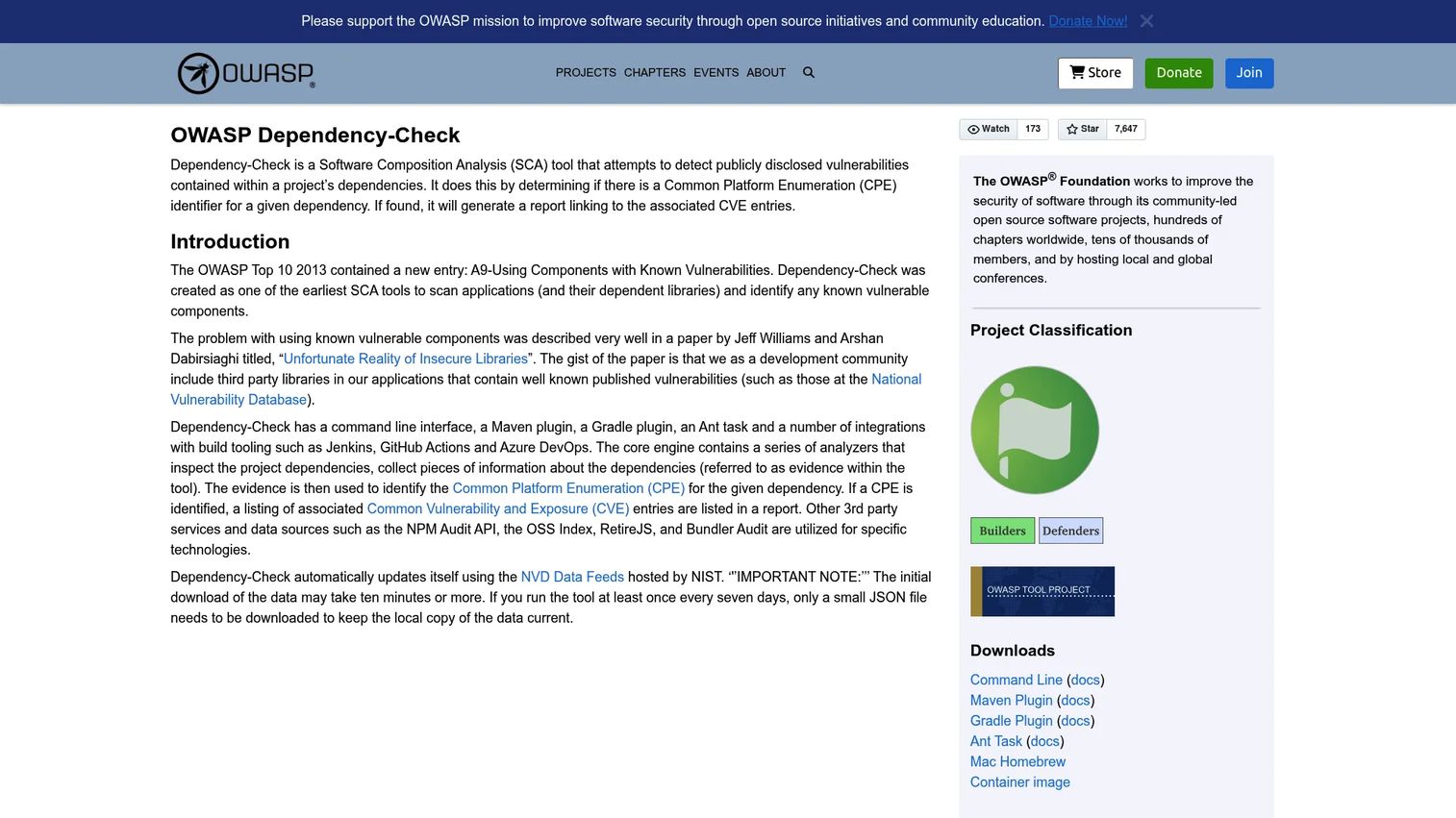
OWASP Dependency-Check is the open source baseline for software composition analysis. It scans your dependencies for publicly disclosed vulnerabilities by gathering evidence from each package, mapping that evidence to Common Platform Enumeration (CPE) entries, then reporting the related CVEs. If you want a dependency vulnerability scanner with no license cost and no vendor relationship, this is the default starting point.
Its CPE to CVE matching is the heart of how it works. The scanner collects identifiers from a dependency, builds a CPE, and looks up associated advisories in the NVD. That approach is transparent and auditable, which matters when you need to explain a finding.
Best for: Teams needing an open source dependency vulnerability scanner in build and CI pipelines.
Key strengths
- Scans dependencies for publicly disclosed vulnerabilities
- Maps evidence to CPEs and reports related CVEs
- Available as CLI, Maven, Gradle, Ant, and Jenkins integrations
- Transparent, auditable matching logic
Why choose OWASP Dependency-Check: It fits teams that want a lean, open source approach and are comfortable owning their own tuning. There is no policy engine or hosted dashboard, so it pairs well with pipelines where you already gate builds and want a free scanner feeding results in. GitHub Actions and Azure DevOps users can wire it into existing workflows.
OWASP Dependency-Check pricing: Open source and free. There are no public paid tiers on the official project pages.
2. GitLab Dependency Scanning
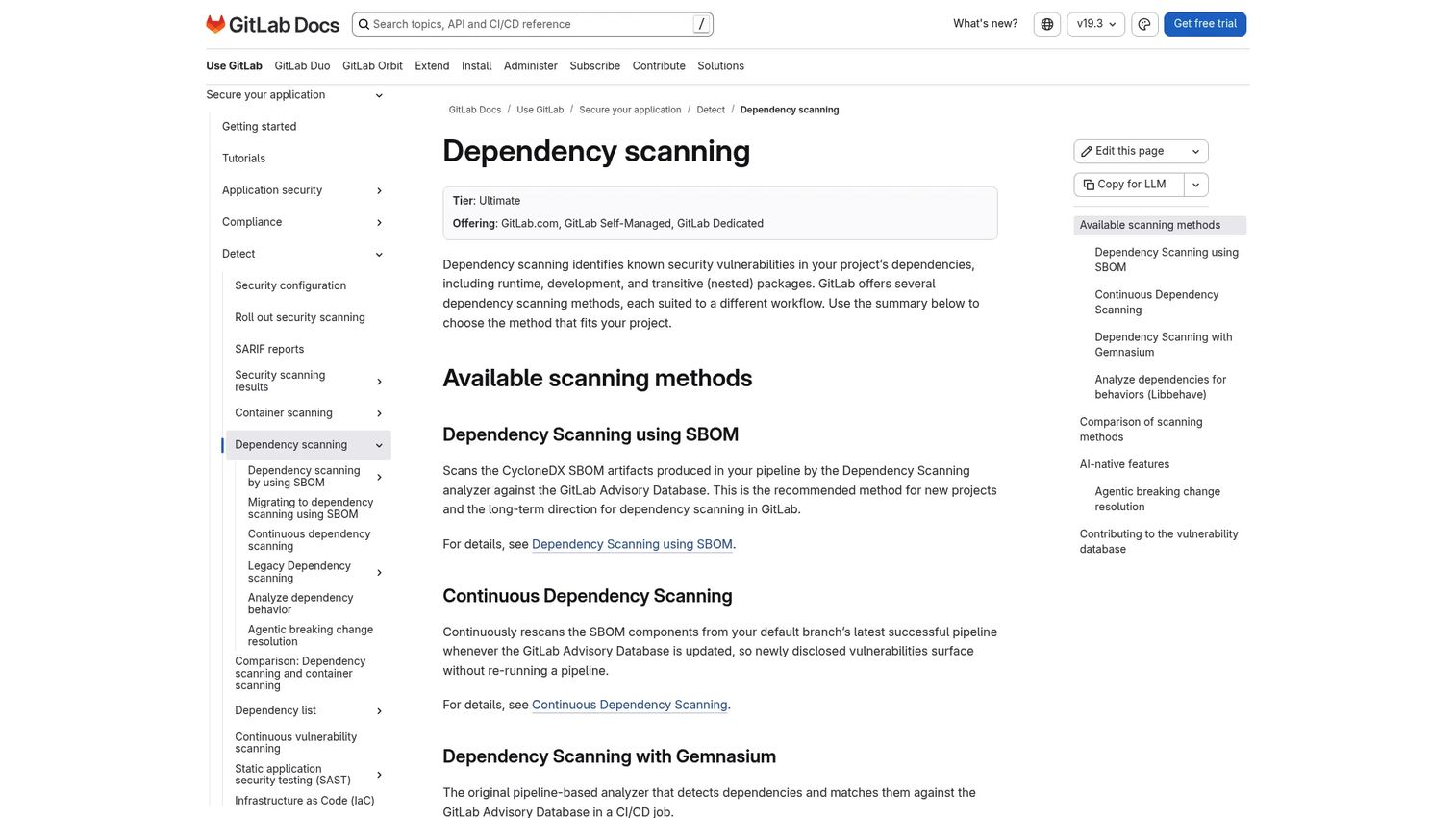
GitLab Dependency Scanning detects known vulnerabilities in your project dependencies directly inside GitLab's CI/CD. If your team already lives in GitLab, this removes the need to bolt on a separate scanner. It covers runtime, development, and transitive dependencies, and supports SBOM-based scanning with continuous rescanning when the advisory database updates.
The SBOM-first method is worth calling out. GitLab can scan based on a generated software bill of materials and rescan it as new advisories land, so a package you shipped last month gets flagged when a fresh CVE appears against it. Teams migrating away from the legacy Gemnasium pipeline scanner will find the newer method the path forward.
Best for: Teams using GitLab who need built-in dependency vulnerability scanning in their CI/CD workflow.
Key strengths
- Detects vulnerabilities in runtime, development, and transitive dependencies
- SBOM-based scanning with continuous rescanning
- Advisory database updates trigger re-analysis
- Native to GitLab.com, Self-Managed, and Dedicated
Why choose GitLab Dependency Scanning: It is strongest for teams standardized on GitLab who want scanning without adding a tool to the stack. Dependency scanning is documented as an Ultimate-tier feature, so it fits organizations already on or considering that plan. Everything sits in the same pipeline, merge request, and security dashboard your team already uses.
GitLab Dependency Scanning pricing: GitLab offers Free, Premium, and Ultimate plans, and a free tier exists. Dependency scanning is documented as an Ultimate-tier capability. GitLab's pricing page lists Enterprise Agile Planning at $15 per user per month billed annually.
3. Anchore Open Source Dependency Scanner
Anchore Open Source Dependency Scanner centers everything on the SBOM. It helps teams identify vulnerabilities, license issues, and dependency risks across the software supply chain, with policy enforcement and remediation guidance layered on top. For platform teams running a policy-driven security program, the SBOM-first model is the draw.
Coverage spans repos, CI/CD, registries, and runtime, so the same dependency inventory follows an artifact from commit to production. The reason SBOM reanalysis matters: when a new CVE drops, Anchore can re-evaluate the stored SBOM instead of rescanning source, flagging already-shipped artifacts affected by a freshly disclosed vulnerability.
Best for: Teams needing SBOM-based open source dependency and vulnerability scanning with policy and license controls.
Key strengths
- SBOM management as the core primitive
- Vulnerability scanning with policy enforcement
- License compliance controls
- Remediation guidance across the supply chain
Why choose Anchore Open Source Dependency Scanner: It fits platform teams that want policy gating and license compliance tied to a durable SBOM rather than ad hoc scans. If your governance model requires re-evaluating past releases against new advisories, the SBOM reanalysis workflow does that natively. It pairs well with programs that treat the SBOM as a system of record.
Anchore pricing: Anchore lists pricing as request-pricing or request-a-demo rather than a public numeric price. The open source page describes capabilities without a dedicated price tier.
4. Revenera Code Insight
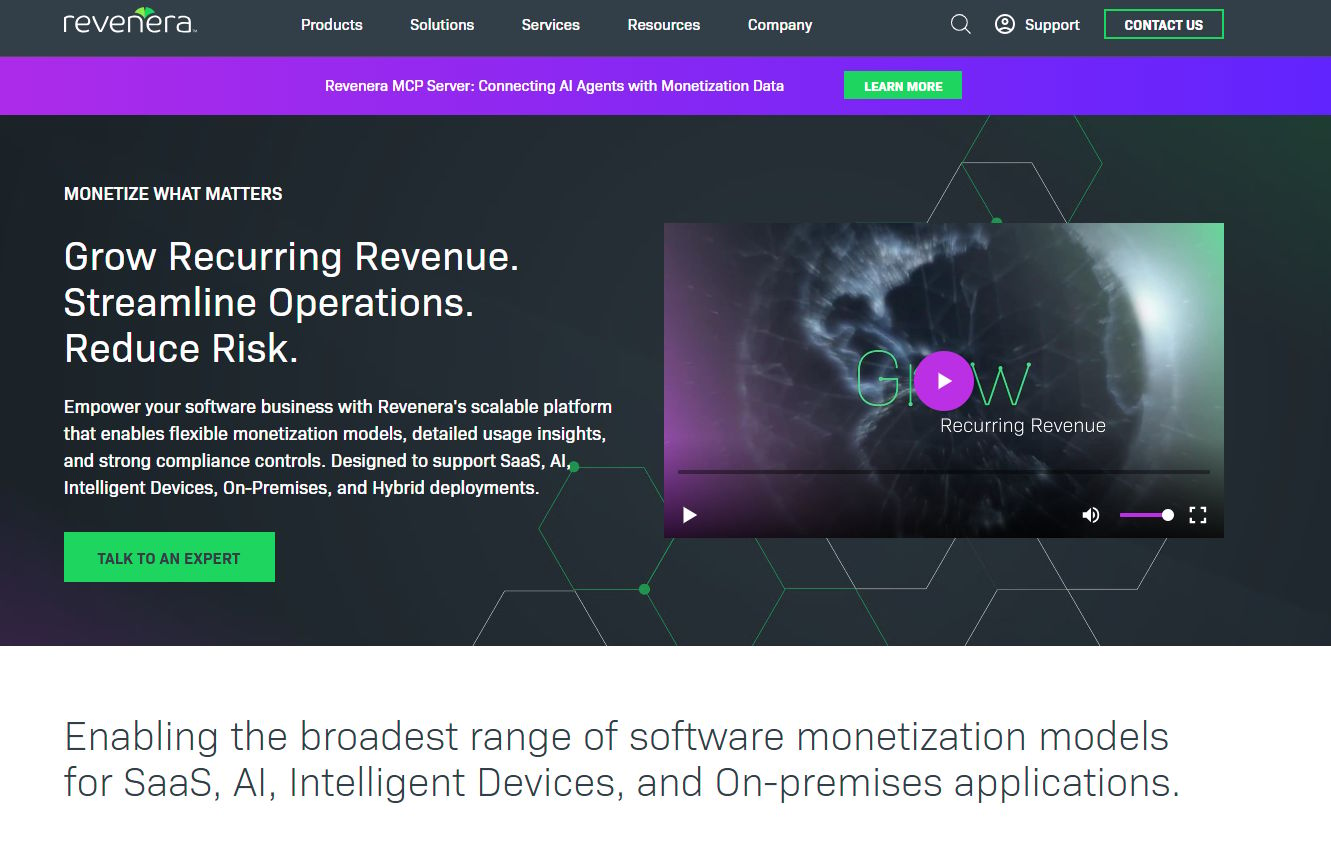
Revenera Code Insight is a software composition analysis product built for finding open source and third-party components, managing license obligations, and tracking vulnerabilities. It leans toward compliance-heavy and enterprise software supply chain programs where license risk carries as much weight as security risk.
It scans source code, builds an SBOM, and discovers the open source and third-party components in your codebase, then monitors both vulnerabilities and license obligations over time. For teams that answer to legal and procurement as much as security, the combined view of CVEs and license terms in one place reduces the back-and-forth.
Best for: Enterprises needing SCA, SBOM, and open-source compliance workflows.
Key strengths
- Scans source code and builds an SBOM
- Discovers open source and third-party components
- Monitors vulnerabilities and license obligations
- Audit-oriented tracking and documentation
Why choose Revenera Code Insight: It fits organizations where audit readiness and license compliance are first-class requirements, not afterthoughts. The tracking and documentation depth supports the kind of evidence a security review or acquisition due diligence process demands. It pairs well with governance-heavy supply chain programs.
Revenera Code Insight pricing: Revenera does not publish pricing on its product page. Licensing docs indicate a license key is required, and purchasing is contact-based through Revenera.
5. Mend
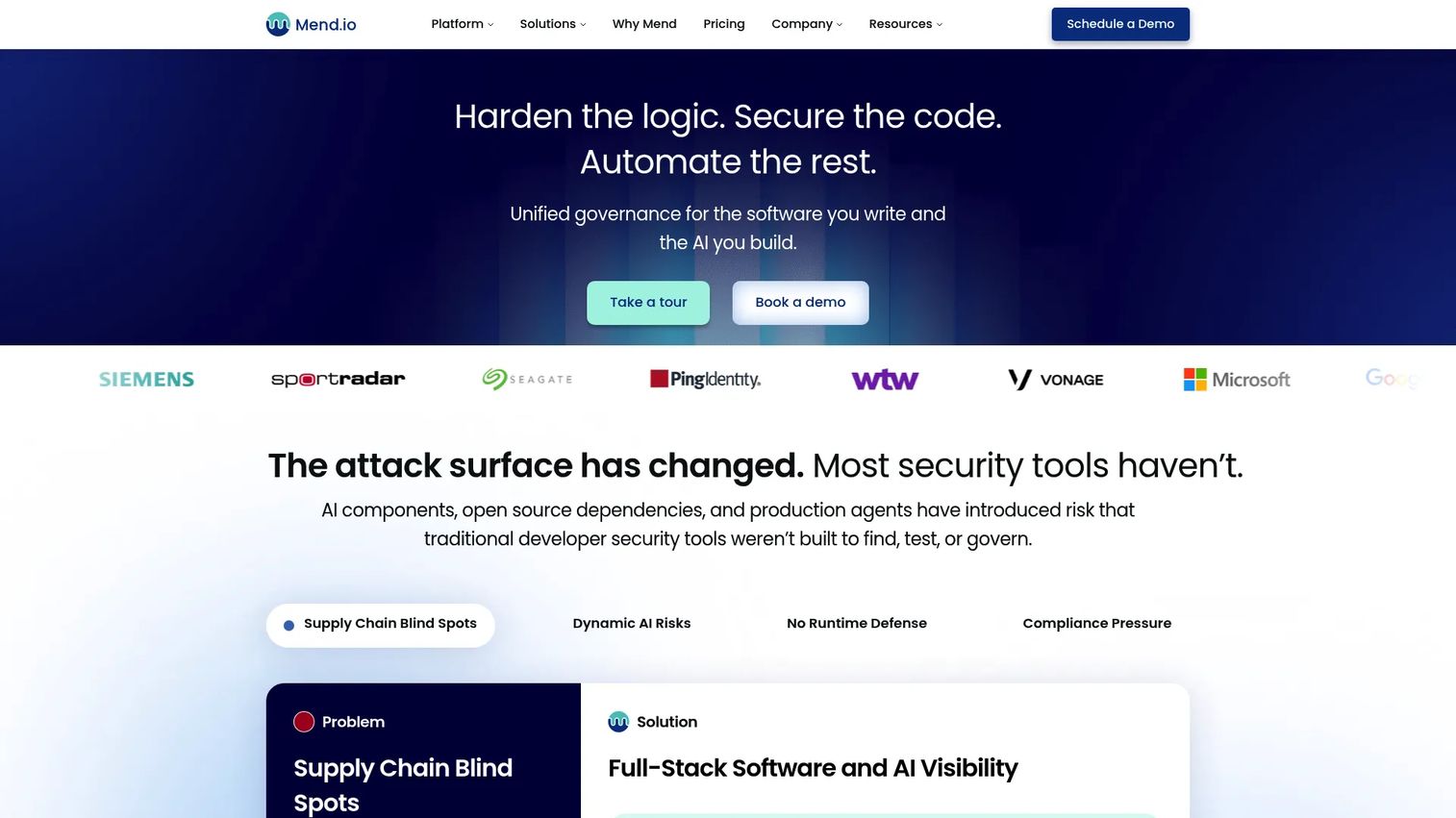
Mend is an application security and AI security platform that covers code, dependencies, containers, and AI components. For dependency scanning specifically, its strength is remediation at scale: reachability-driven SCA that tells you not just which packages are vulnerable, but which vulnerabilities are actually reachable in your code.
That reachability signal changes the remediation math. Instead of a flat list of hundreds of CVEs, you get a prioritized set of the ones that matter, which is what makes it viable for large enterprise workflows. Container scanning and update automation round out the platform for teams managing many services.
Best for: Enterprises needing unified application security, dependency management, and AI security.
Key strengths
- High-accuracy SAST alongside SCA
- Reachability-driven SCA and container scanning
- Remediation prioritization and update automation
- AI security features including discovery and runtime guardrails
Why choose Mend: It fits teams that want stronger automation and prioritization rather than a raw findings feed. Reachability analysis cuts remediation noise, which matters when you scale scanning across dozens of repos. It pairs well with enterprises consolidating dependency, container, and AI security under one platform.
Mend pricing: Pricing is per Contributing Developer. Public tiers include Mend Renovate Enterprise at $250 per dev per year, Mend AI Premium at $300 per dev per year, and Mend AppSec at $1,000 per dev per year.
6. Snyk
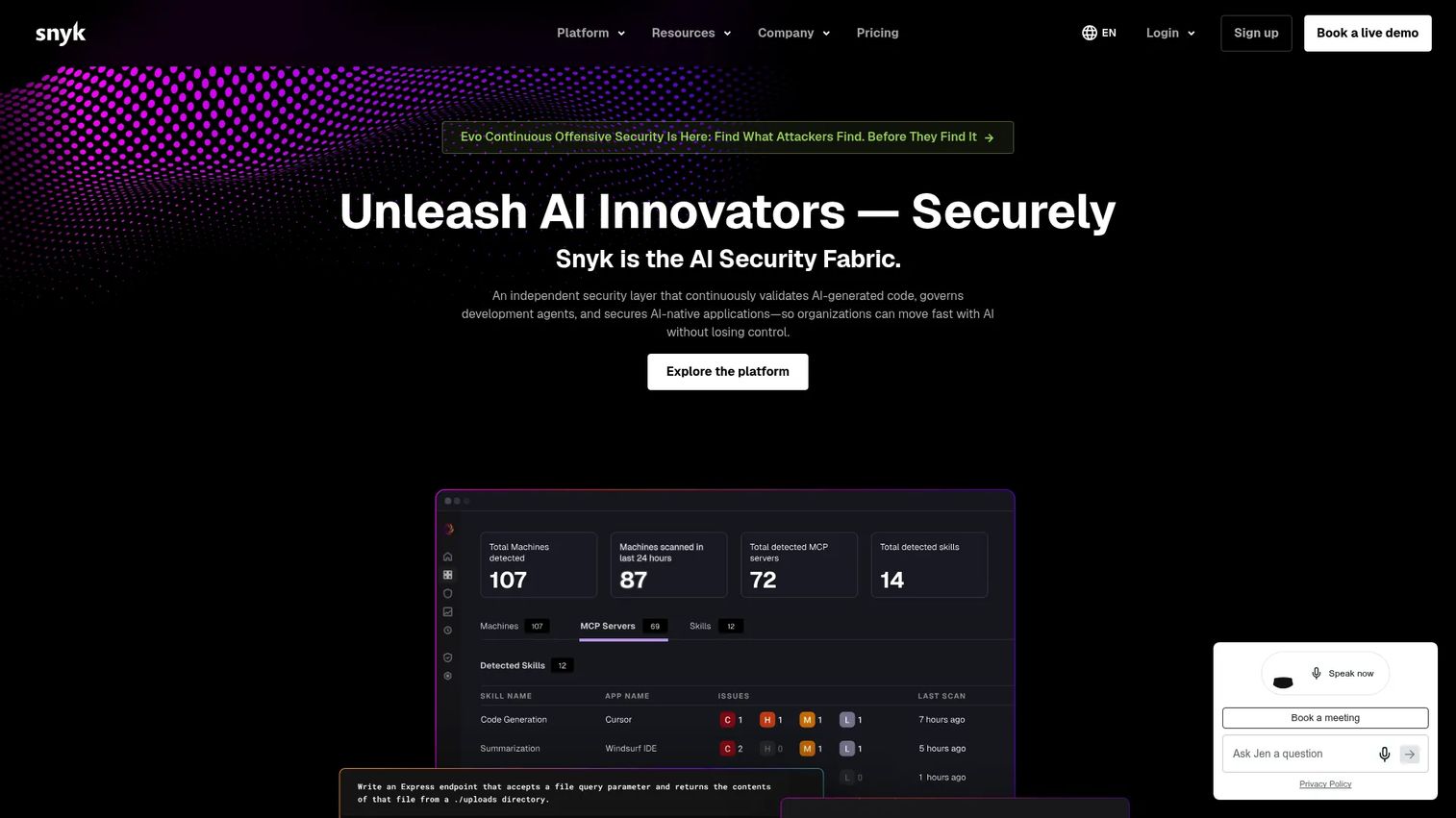
Snyk is a developer-first security platform that finds and fixes vulnerabilities across code, open source dependencies, containers, and cloud infrastructure. For dependency scanning, its dependency graph and fix guidance are the standouts: it maps the full tree and suggests the minimal upgrade or patch that clears a vulnerability.
The broad AppSec angle is the point. If you want one platform spanning open source dependency scanning, SAST, IaC, and container scanning with strong CI/CD integration, Snyk consolidates those surfaces. Developers get fix suggestions inside their workflow rather than a report to triage later.
Best for: Development teams wanting developer-first application security scanning and remediation.
Key strengths
- Open source dependency scanning with dependency graph
- SAST and code scanning
- IaC and container scanning
- Fix guidance surfaced in developer workflow
Why choose Snyk: It fits teams that want one platform across several security surfaces instead of stitching point tools together. The developer-first fix guidance drives remediation without a separate triage step. It pairs well with organizations consolidating AppSec while keeping developers in their own tooling.
Snyk pricing: Snyk offers a Free plan at $0 per month, a Team plan at $25 per month per contributing developer, an Ignite plan at $1,260 per year per contributing developer, and an Enterprise plan that requires contacting sales.
7. dep-scan
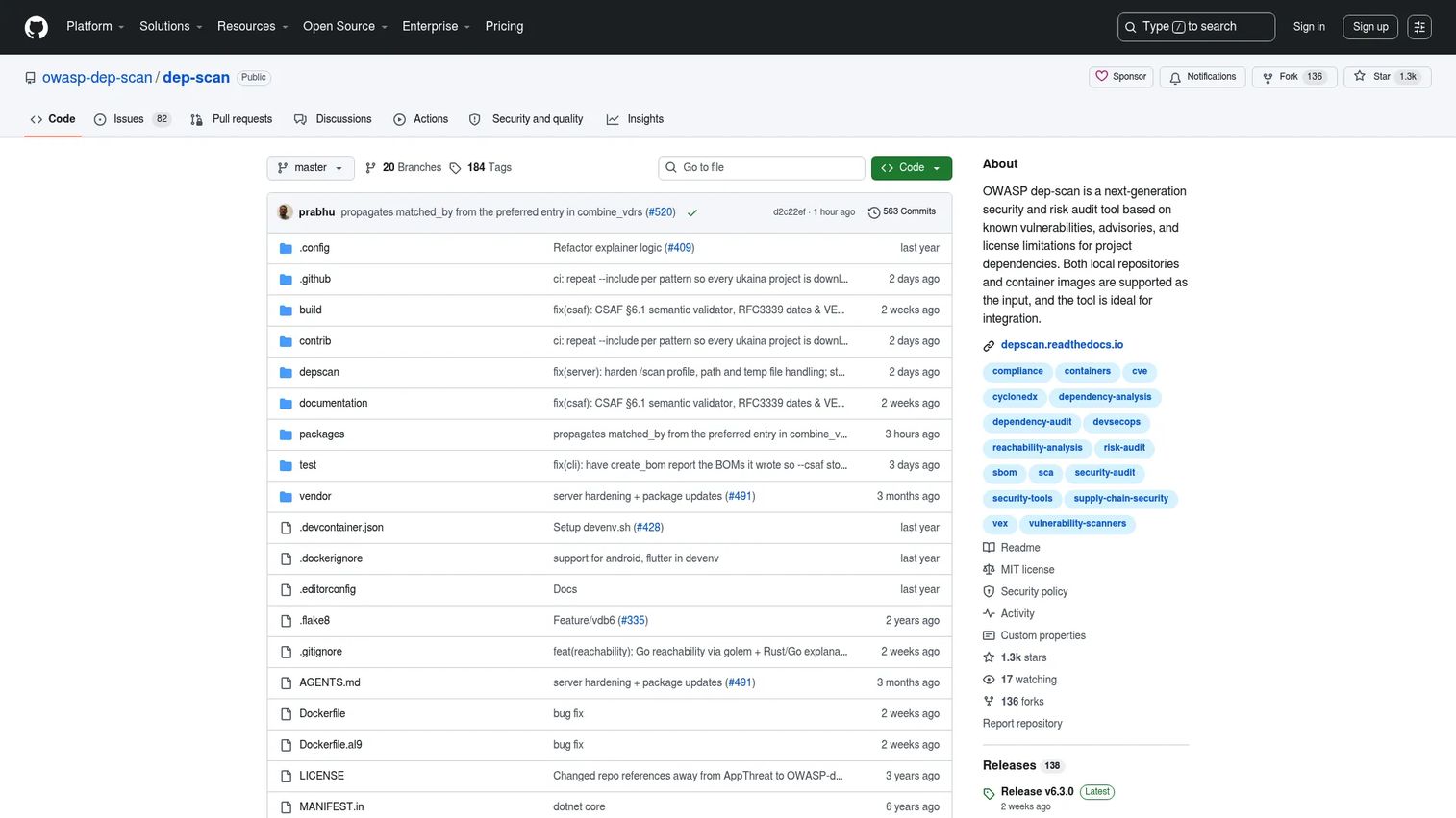
dep-scan is an open source dependency and container security audit tool that checks for known vulnerabilities, advisories, and license limitations. Positioned within OWASP, it appeals to teams that want a lightweight, research-friendly scanner they can run locally against repositories and container images.
Its reachability analysis across multiple language ecosystems is what sets it apart in the open source tier. It generates SBOM, VDR, and CSAF VEX output, which makes it useful for teams experimenting with modern supply chain artifacts and dependency risk audits without committing to a hosted platform.
Best for: Teams needing an open-source dependency and container vulnerability scanner with reachability analysis.
Key strengths
- Local scanning of repositories and container images
- Reachability analysis across multiple language ecosystems
- SBOM, VDR, and CSAF VEX generation
- Lightweight, research-friendly workflow
Why choose dep-scan: It fits teams that want an open source scanner with reachability and modern SBOM outputs for local and container checks. Because it runs locally and is MIT licensed, it suits research workflows and dependency risk audits. It pairs well with pipelines that want richer supply chain artifacts than a basic scanner produces.
dep-scan pricing: Open source and MIT licensed. There is no public pricing; the project is distributed for free on GitHub.
Considerations
Coverage of direct, transitive, and nested dependencies
The vulnerability you did not import is the one that gets you. Confirm a tool traces the full dependency graph, not just top-level packages, because most risk lives in transitive and nested chains. Tools differ here, so test against a repo with a deep tree before you commit.
SBOM and update cadence
An SBOM is only useful if it stays current against fresh advisories. Ask how often the tool syncs its vulnerability database and whether it re-analyzes stored SBOMs when a new CVE lands. SBOM-first workflows catch already-shipped artifacts that a one-time scan would miss.
Integrations and workflow fit
A scanner that lives outside your pipeline gets ignored. Check for native hooks into your build tools and CI/CD, Maven, Gradle, Jenkins, GitHub Actions, and Azure DevOps, and confirm it fits your repo host. Workflow fit drives adoption more than any single feature.
Remediation and evidence
A list of CVEs is not a plan. Look for prioritization, reachability, or fix guidance that tells you what to address first and how. Then confirm the tool produces remediation history and reporting you can hand to a reviewer.
Audit readiness and governance
If you sell into regulated buyers, governance is not optional. Evaluate policy enforcement, license compliance controls, documentation, and access control. These features turn scan output into an audit trail that survives a security questionnaire.
Conclusion
The best dependency scanning software for your team is the one that fits your pipeline and governance model, not the one with the longest feature list.
If you want an open source starting point, OWASP Dependency-Check and dep-scan cover CI scanning and research workflows for free. GitLab Dependency Scanning is the natural pick for GitLab-native teams. For SBOM-first governance and policy control, Anchore Open Source Dependency Scanner and Revenera Code Insight lead, with Revenera leaning hardest into license compliance. When remediation and scale matter most, Mend's reachability prioritization stands out. And Snyk is the strongest choice for teams consolidating several AppSec surfaces under one developer-first platform.
Presales and security teams should choose on workflow fit first, then weigh governance and remediation depth against what your buyers' security reviews actually demand. Start with the tool that maps cleanly to your build system, run it against a repo with a deep dependency tree, and confirm it surfaces the transitive findings you cannot see by hand.
FAQs
Software composition analysis (SCA) is the broader category covering open source component inventory, license compliance, and vulnerability detection. Dependency scanning is the vulnerability-detection function within SCA, focused on matching your packages against known CVEs and advisory data. In practice the terms overlap heavily, and most dependency scanning tools are SCA tools.
Good ones do, and it is the main reason to run them. Transitive and nested dependencies are packages your direct dependencies pull in, and they carry most known-vulnerability risk because you never chose them. Confirm any tool traces the full dependency graph, since coverage of deep chains varies between scanners.
Run it on every build before merge, so no vulnerable package enters your main branch unchecked. Beyond gating pull requests, run continuous or scheduled scans against already-shipped code, because new CVEs get disclosed against packages you released weeks ago. SBOM-based rescanning handles that second case automatically.
SBOM-based scanning generates a software bill of materials, a complete inventory of your components, then evaluates that inventory against advisory data. The advantage is reanalysis: when a new CVE lands, the tool can re-check the stored SBOM instead of rescanning source, flagging shipped artifacts that a one-time scan would miss.
GitLab Dependency Scanning is the natural fit for teams already standardized on GitLab, since it runs inside the same CI/CD, merge request, and security dashboard your team uses. It is documented as an Ultimate-tier feature and supports SBOM-based scanning with continuous rescanning. Teams on other platforms may prefer a scanner that integrates with their existing repo host.
They turn scanning into evidence. Remediation history, reporting, policy enforcement, and SBOM output give auditors and customer security teams proof of what you scan and how you fix findings. This is exactly the artifact presales teams reach for when a deal stalls on a security questionnaire.
CPE, or Common Platform Enumeration, is a standardized naming scheme for software. Scanners like OWASP Dependency-Check gather evidence from a dependency, build a CPE for it, then look up the CVEs associated with that CPE in the NVD. It is transparent and auditable, though it can require tuning to reduce false matches.
No, they answer different questions. Dependency scanning inspects the open source packages your application assembles from, tracing the full tree. Container scanning inspects OS packages and image layers inside a built container. Many teams run both, since a container can carry vulnerabilities in system packages that a dependency scanner never sees.