Your customer left the QBR with three clear commitments. Two weeks later, nobody can name who owns them. The notes are buried in a calendar invite, the action items live in someone's memory, and the renewal risk you flagged has quietly grown.
According to Flowtrace (2025), employees spend an average of 392 hours per year in meetings, yet 67% of those meetings are considered unproductive. For Customer Success Managers, the damage is specific: Lost customer context, dropped commitments, and onboarding progress that vanishes between calls.
Meeting agenda software fixes the gap between a productive conversation and a documented, completed outcome. It structures what happens before a meeting, captures what happens during it, and preserves the follow-through after it ends. That matters when your ability to retain customers depends on whether you can track every commitment across dozens of accounts without rebuilding the workflow from scratch each time.
This guide covers 11 meeting agenda tools evaluated for CSM workflows, from collaborative customer calls to formal board governance.
What's inside
This guide is for Customer Success Managers, team leads, and operations owners who run recurring customer meetings and need better preparation, documentation, and follow-through.
Tools were chosen from a defined product set and evaluated against four criteria:
- Agenda depth: Does the tool support structured pre-meeting preparation and templates?
- Meeting lifecycle: Does it cover notes, minutes, decisions, and action items, not just scheduling?
- CSM stack fit: Does it connect to CRM, task management, and conferencing tools?
- Lifecycle breadth: Does it serve onboarding calls, QBRs, board meetings, or workshops?
TL;DR
- Best for collaborative customer meetings: Fellow, for shared agendas and accountable follow-up
- Best for lightweight team alignment: Range, for async check-ins and distributed teams
- Best for AI-assisted follow-up: Spinach, for automated summaries and action capture
- Best for structured meeting records: adam.ai, for governance-grade decision tracking
- Best for Microsoft 365 organizations: Decisions, for Teams-native meeting management
- Best for workshops and facilitated sessions: SessionLab, for designed session planning
- Best for board and governance meetings: Boardable or OnBoard, for formal packet and voting workflows
- Best for public sector: Granicus, for civic meeting administration and transparency
What is meeting agenda software?
Meeting agenda software is a digital tool for planning, organizing, running, documenting, and following up on meetings.
The category spans a wide spectrum. At one end, you find lightweight collaborative note tools that help teams prepare shared agendas and capture action items. At the other, you find full governance platforms with board packets, voting workflows, minutes publishing, and access controls for formal committees. In between sit AI meeting assistants, workshop planning tools, and project management platforms with meeting features built in.
Key capabilities to look for
- Collaborative agenda creation: Multiple stakeholders can contribute topics before the meeting
- Meeting templates: Reusable structures for onboarding calls, QBRs, one on ones, and executive reviews
- Calendar and conferencing integrations: Connects with Google Calendar, Outlook, Zoom, and Microsoft Teams
- Shared notes and meeting minutes: Captures the live discussion in a shared, searchable record
- AI meeting notes: Transcription, summaries, and decisions generated automatically
- Action item tracking: Owners, due dates, reminders, and status visible to the whole team
- Meeting history: Searchable archive of past meetings and their outcomes
- Permissions and access controls: Controls who can view, edit, or share meeting content
- Workflow automation: Pushes follow-up tasks, summaries, or notifications to connected tools
- Publishing and distribution: Formats minutes and decisions for stakeholder sharing
Why CSMs specifically need this category
Customer Success depends on meeting follow-through. An onboarding call with no documented next steps creates a churn risk. A QBR with lost commitments erodes customer trust. A CSM handoff with no meeting history forces the incoming rep to reconstruct the entire account relationship from scratch.
Meeting agenda software gives CSMs a repeatable system across all of these moments: Onboarding, QBRs, renewal conversations, escalation calls, internal account reviews, and one on ones. The tool doesn't create good meetings automatically. It creates the conditions where preparation, documentation, and follow-through can happen consistently, even across a large portfolio.
When to use meeting agenda software
Prepare customer meetings with shared context
CSMs can use agenda templates to collect customer priorities before an onboarding call or QBR, rather than arriving cold. A shared agenda sent 24 hours before the meeting gives the customer time to add topics, which means the conversation covers what actually matters to them. Pre-meeting prompts and briefing documents reduce the number of calls where the first ten minutes are spent catching up.
Turn meeting notes into owned follow-up
The difference between a good meeting and an effective one is what happens after. Action item tracking assigns each commitment to a named owner with a due date and a reminder. For CSMs, this connects directly to onboarding milestones, adoption goals, and renewal risk. A customer who committed to completing three setup steps either did it or they didn't, and the tool makes that visible.
Run recurring meetings without rebuilding the workflow
Weekly account reviews, monthly health checks, and quarterly business reviews happen on a schedule. Meeting agenda software removes the friction of recreating the same structure repeatedly. Templates carry the recurring agenda, historical context is accessible from the previous meeting record, and the workflow repeats without manual setup each time.
Meeting agenda software comparison
These 11 tools cover very different needs, from AI-powered meeting capture for distributed CS teams to formal board governance for nonprofit organizations and public sector agencies. Review the table before scanning individual entries to find where your meeting type fits.
| # | Product | Best for | Key differentiator | Pricing | G2 rating |
|---|---|---|---|---|---|
| 1 | Fellow | Collaborative customer meetings | AI notes, shared agendas, and action tracking in one workspace | Free; Business $15/user/mo (annual) | 4.7/5 |
| 2 | Range | Async team alignment | Async check-ins with meeting prep for distributed teams | Free (12 users); Pro $8/user/mo | 4.6/5 |
| 3 | Spinach | AI-assisted meeting follow-up | Automated summaries and action capture across meeting platforms | Free; Pro $2.90/meeting hour | 4.6/5 |
| 4 | adam.ai | Governance and decision records | Structured agendas, voting, decisions, and accountability tracking | Custom pricing | 4.6/5 |
| 5 | Decisions | Microsoft 365 organizations | Native Teams integration with agenda builder and decision log | Free; Business+ €15/user/mo (annual) | 4.6/5 |
| 6 | SessionLab | Workshop and session design | 1,000+ facilitation methods with drag-and-drop session planning | Free; Pro $15/member/mo (annual) | 4.9/5 |
| 7 | Agreedo | Agenda-to-decision workflows | Minutes, decision capture, and action tracking in one flow | Free; Premium $7.90/mo | N/A on G2 |
| 8 | OpenProject | Project-connected meeting follow-up | Open-source PM platform with meeting and agenda modules | Free Community; Basic €5.95/user/mo | 3.8/5 |
| 9 | Boardable | Nonprofit board governance | Board packet generation, AI minutes, and eSignatures | Essentials $20.99/user/mo (annual) | 4.5/5 |
| 10 | OnBoard | Formal board and committee governance | Secure voting, board books, and multi-committee management | Custom pricing | 4.7/5 |
| 11 | Granicus | Public sector meeting administration | Civic agenda management, public publishing, and streaming | Custom pricing | 4.5/5 |
Pricing and ratings verified September 2026 from each vendor's official pricing page and G2 listing.
Best 11 meeting agenda software tools for 2026
1. Fellow
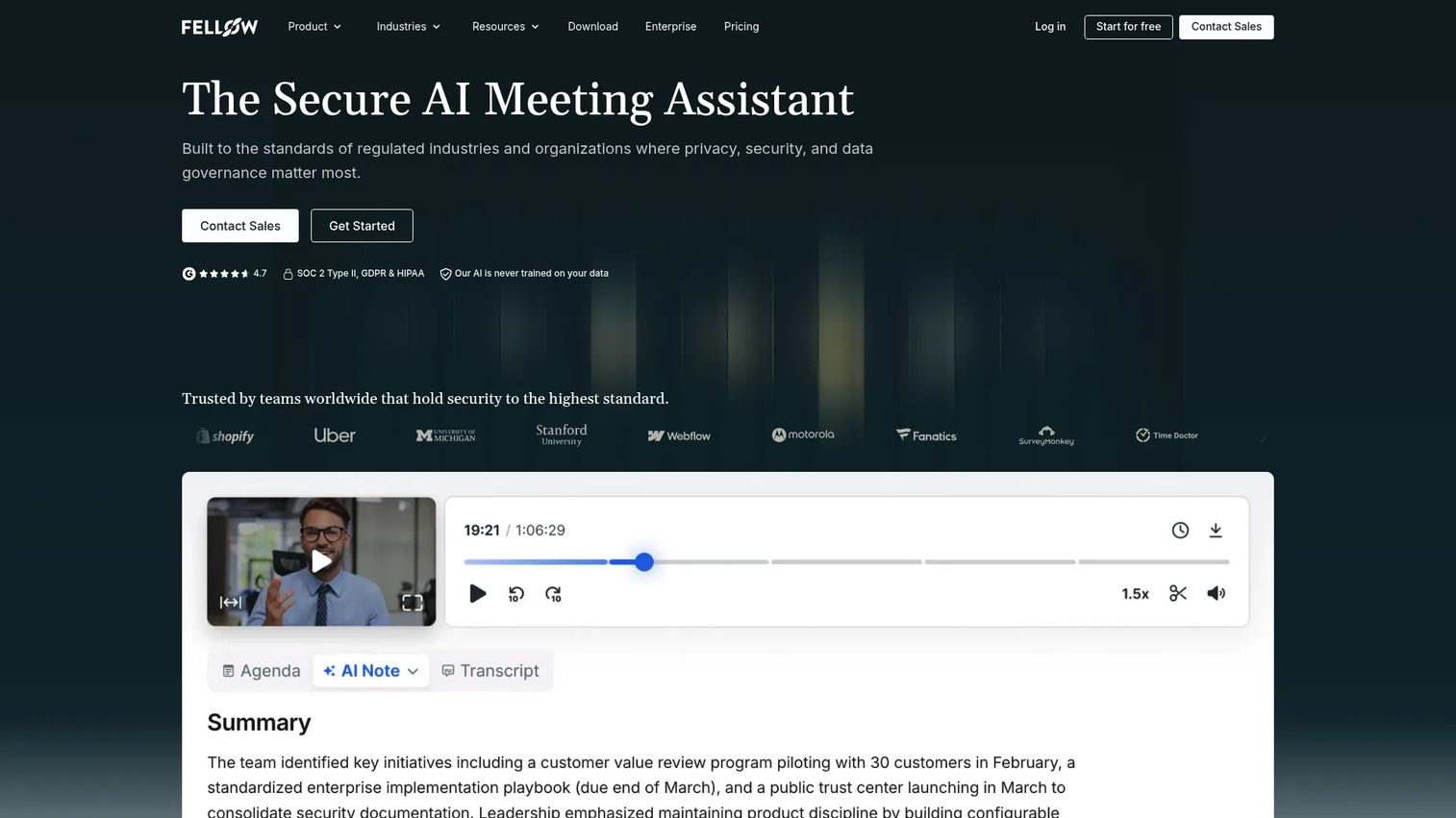
Fellow is a secure AI meeting assistant that records, transcribes, summarizes, and converts meetings into actionable follow-up. It supports shared collaborative agendas before the call, AI-generated notes and summaries during the call, and action item tracking with owners and due dates after it ends. For Customer Success teams, it covers onboarding calls, QBRs, one on ones, and internal account reviews from a single workspace.
Best for: Customer Success teams that want meeting preparation and accountable follow-up in the same tool.
Key features
- Shared collaborative agendas and pre-meeting briefs
- AI meeting notes, summaries, and transcription
- Action item ownership with due dates and reminders
- One on one and recurring meeting templates
- Integrations with Zoom, Google Meet, Microsoft Teams, Slack, and CRM platforms
Why choose Fellow: Fellow is a strong fit when the CSM team wants a single place to prepare, run, and follow up on customer meetings, without switching between a note-taking tool and a task manager. Review CRM integration depth and permissions before purchase to confirm it fits your account workflow.
Fellow pricing: Free plan supports up to 5 users. Business plan starts at $15 per user per month billed annually ($23 billed monthly). Enterprise plan starts at $25 per user per month billed annually.
Fellow holds a 4.7/5 rating on G2.
2. Range
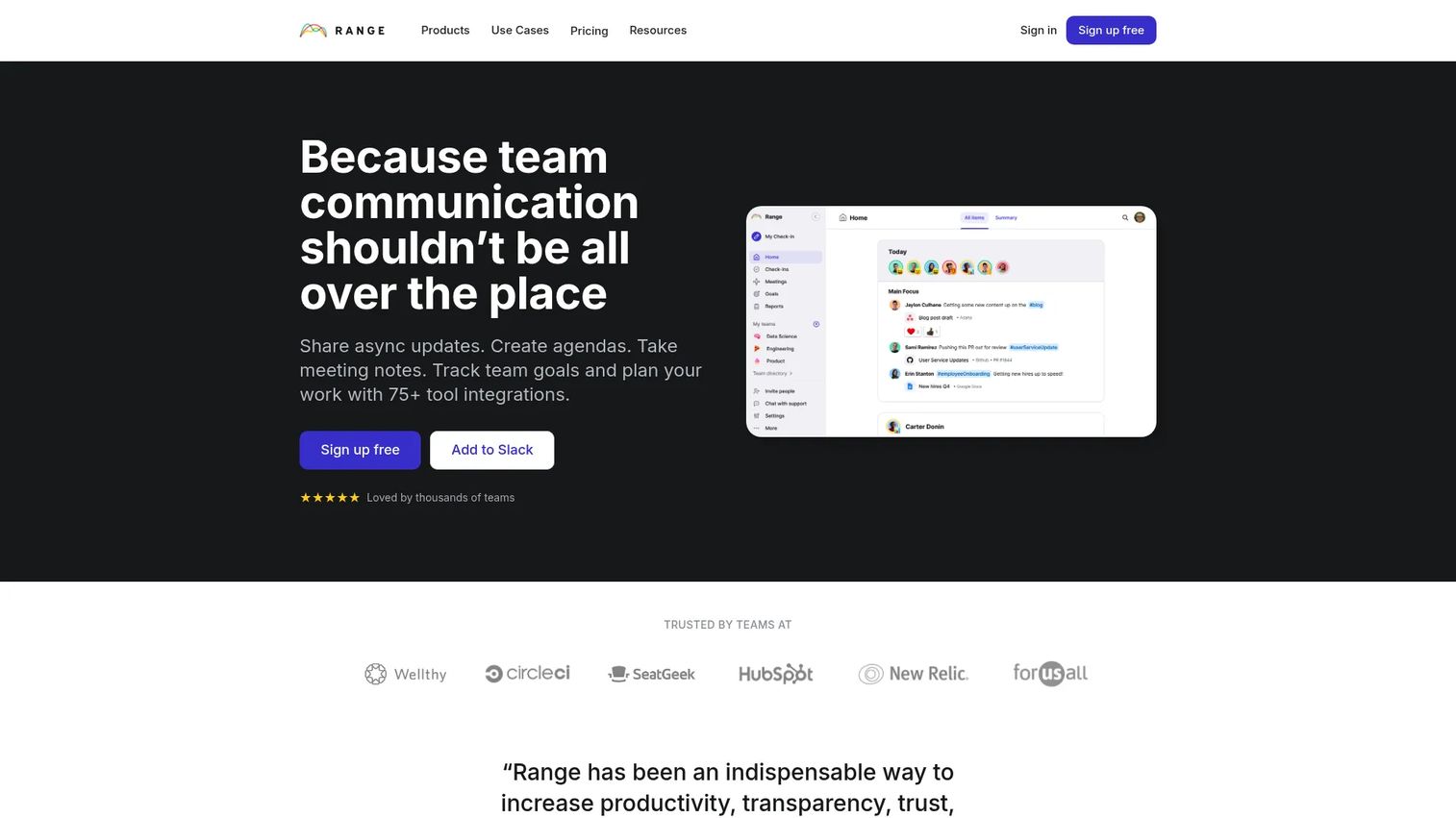
Range is a teamwork platform built for asynchronous check-ins, meeting preparation, and goal tracking across distributed teams. It helps team members share status, blockers, and updates before meetings happen, so the live session focuses on decisions rather than status updates. CSMs can use it for internal account reviews, weekly team check-ins, and cross-functional escalation coordination.
Best for: Remote and hybrid CS teams that want lighter-weight meeting preparation and async alignment without a formal governance platform.
Key features
- Async team check-ins with status, mood, and blocker fields
- Meeting agendas, notes, and shared action items
- Goals and goal updates connected to daily work
- Integrations with Slack, Google Calendar, Asana, Jira, and GitHub
Why choose Range: Range fits teams where the primary problem is pre-meeting context, not post-meeting governance. It's worth reviewing whether its action tracking integrates with your CRM or task system before committing, since it doesn't position itself as a full meeting minutes platform.
Range pricing: Free for up to 12 users. Pro plan is $8 per team member per month. Enterprise plan uses custom pricing.
Range holds a 4.6/5 rating on G2.
3. Spinach
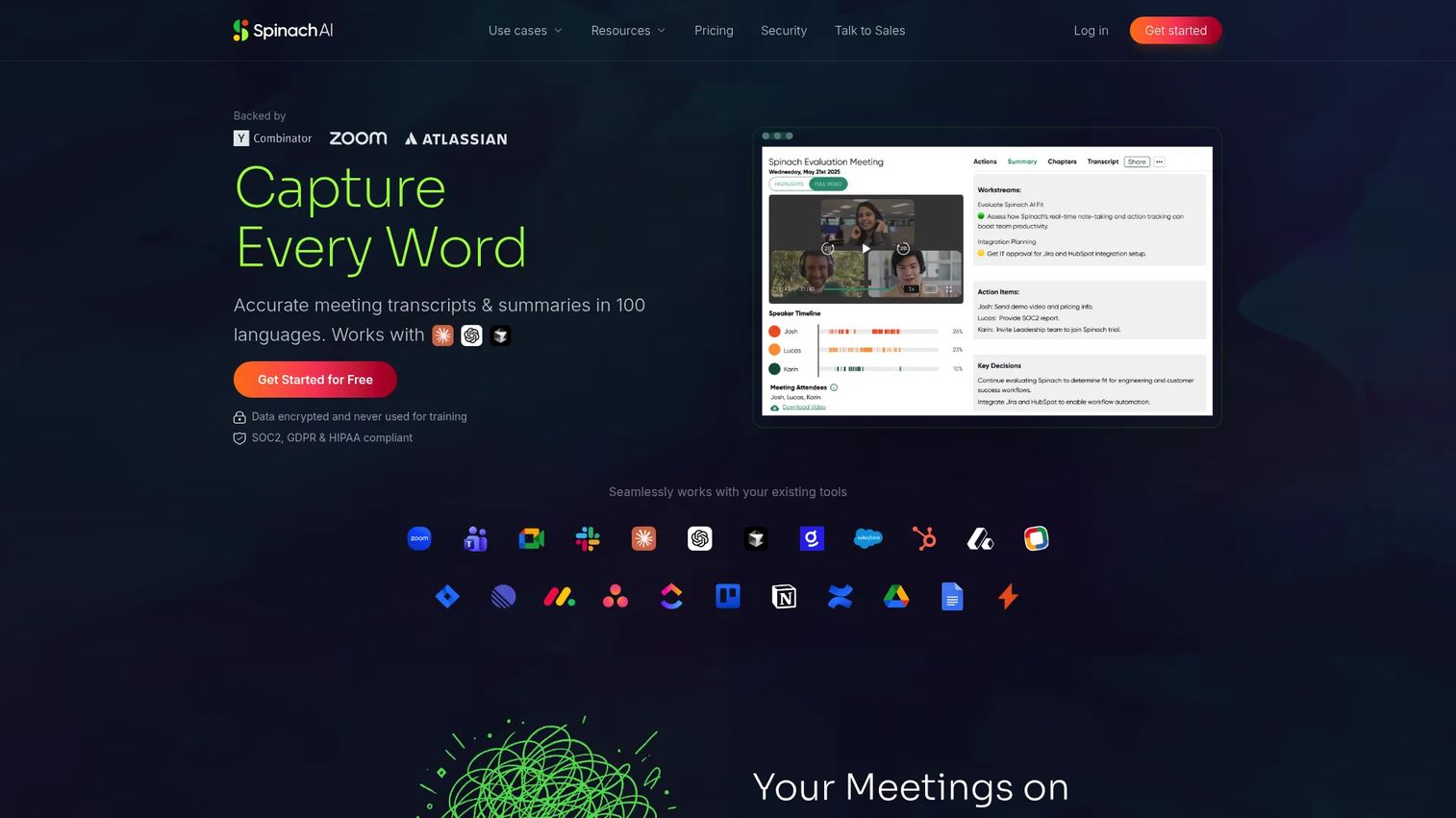
Spinach is an AI meeting assistant that records and transcribes meetings, generates summaries, captures action items and decisions, and pushes follow-up to connected tools. It supports 100 languages and integrates with video conferencing, project management, and CRM platforms. For Customer Success teams, Spinach reduces the time spent writing up meeting notes and chasing down who owns what after a customer call.
Best for: CS teams that want AI-supported meeting capture and automated follow-up across their existing tools.
Key features
- Meeting recording, transcription, and summaries in 100 languages
- AI-generated action items and decision capture
- Automated follow-up to project management and CRM tools
- Integrations with Zoom, Google Meet, Teams, Slack, Notion, and others
Why choose Spinach: The value of Spinach depends heavily on how well its AI outputs connect to your existing CRM and task system. Before purchasing, verify transcription accuracy for your meeting types, review the data retention policy, and confirm which conferencing platforms it supports.
Spinach pricing: Free plan available with a limited number of meetings per month. Pro plan charges $2.90 per meeting hour on a pay-as-you-go basis. Business plan is $19 per user per month billed annually ($29 billed monthly). Enterprise pricing is custom.
Spinach holds a 4.6/5 rating on G2.
4. Adam.ai
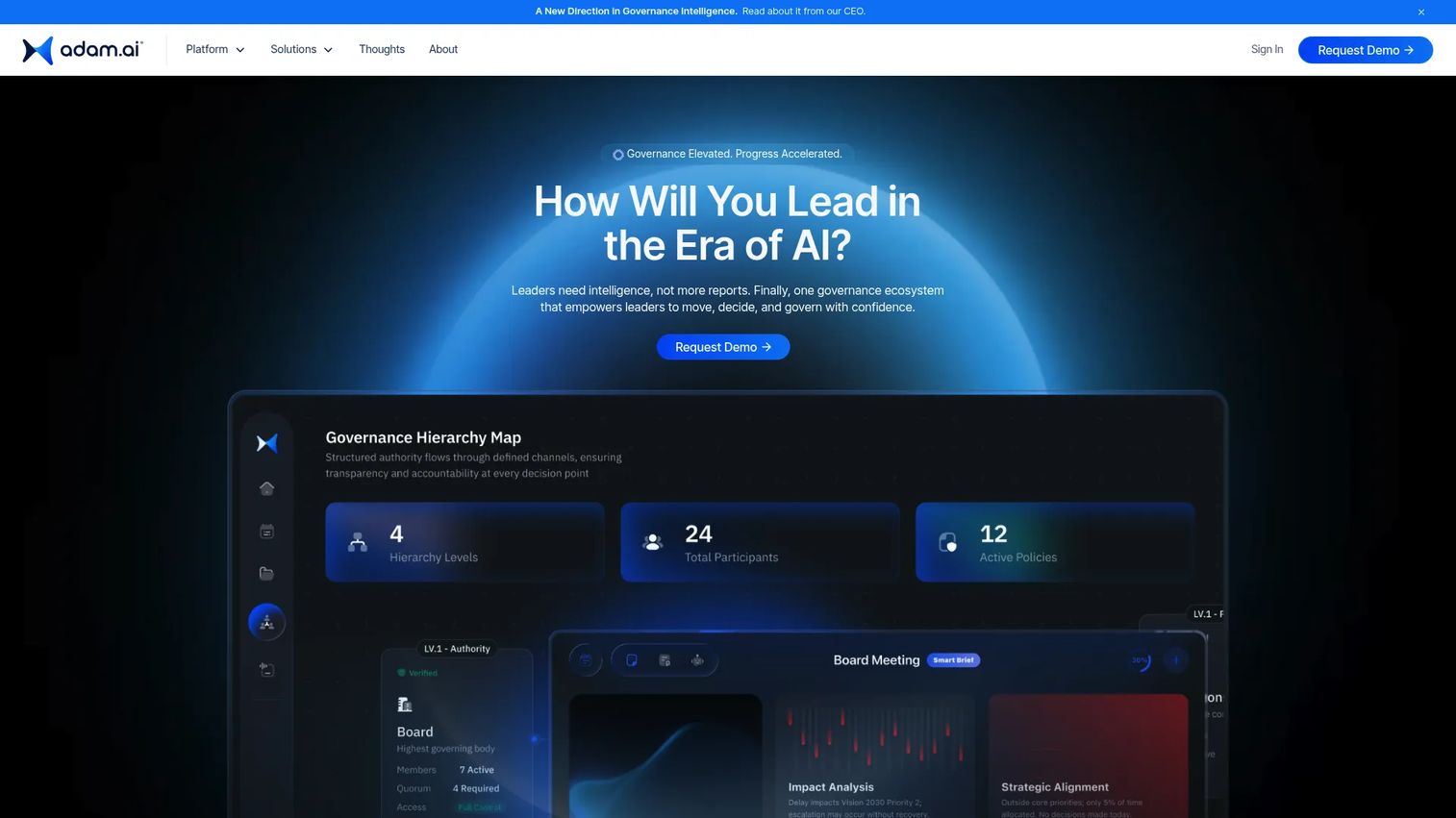
adam.ai is an AI-powered meeting management platform built for boards, committees, executive offices, and governance teams. It connects structured agendas, board-pack distribution, voting workflows, and decision records into a single system, with AI summaries and accountability dashboards. CSMs running formal customer steering committees, implementation governance meetings, or recurring customer programs will find it more structured than general team meeting tools.
Best for: CS and operations teams that need formal decision records, searchable meeting history, and structured accountability across recurring programs.
Key features
- Structured agendas and board-pack distribution
- AI meeting summaries and decision-ready dashboards
- Voting and formal decision records
- Action accountability with owners, deadlines, and status tracking
- Searchable meeting history
Why choose adam.ai: Choose adam.ai when meeting records need to be governance-grade: Decisions documented, owners accountable, and history searchable. The editor experience, integration depth, and onboarding requirement are worth hands-on review before purchase.
adam.ai pricing: adam.ai does not display pricing on its website. Contact the vendor directly for a quote. G2 reviewer data suggests enterprise-tier pricing.
adam.ai holds a 4.6/5 rating on G2.
5. Decisions
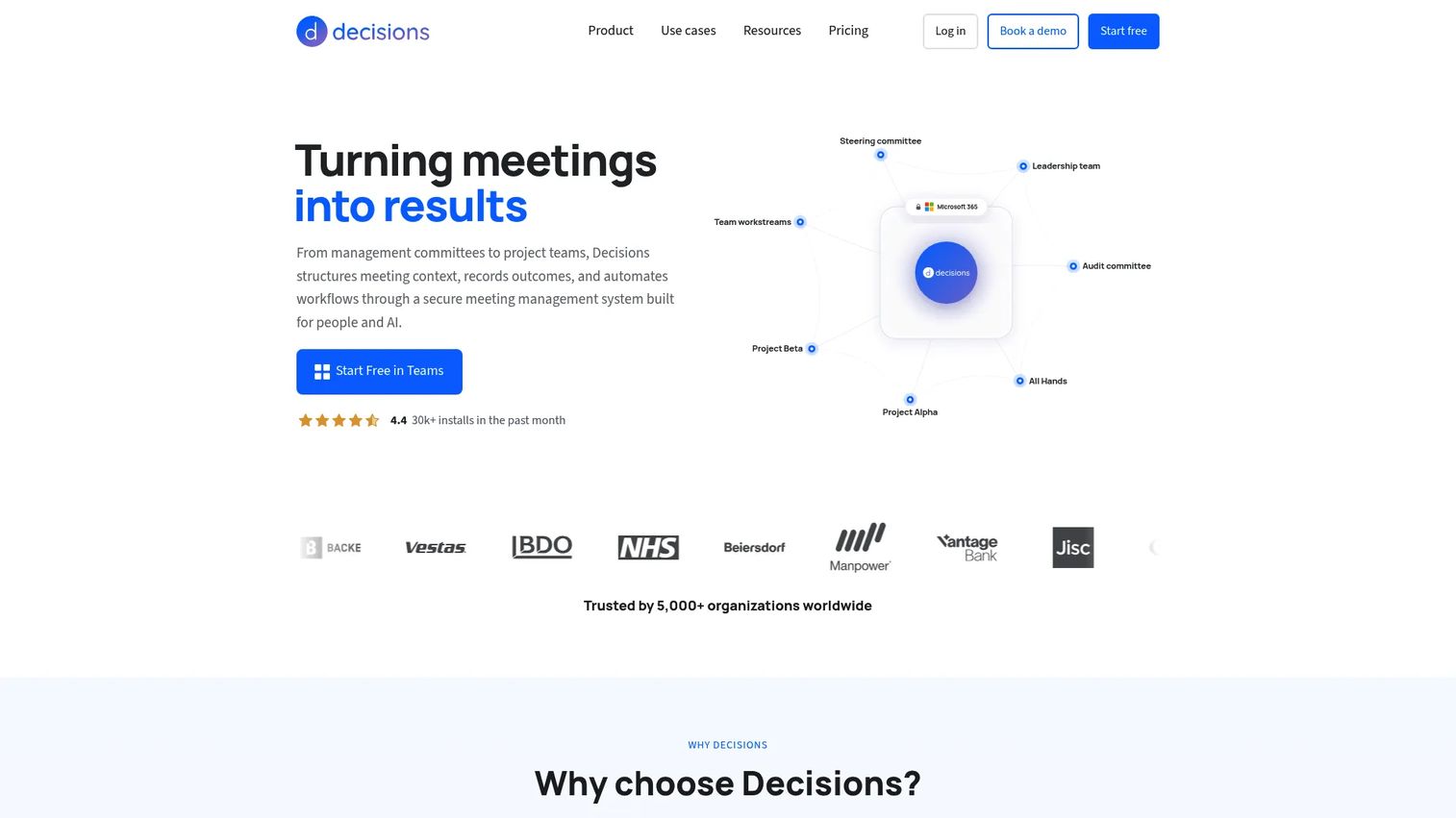
Decisions is a meeting management platform built natively for Microsoft 365 and Microsoft Teams. It adds structured agenda building, AI-generated meeting recaps and minutes, a decision log, and task synchronization with Microsoft Planner, all within the Teams environment. For CS organizations already standardized on Microsoft tools, Decisions reduces context switching by keeping meeting management inside the workspace the team already uses.
Best for: CS organizations running on Microsoft 365 that want structured agendas, documented decisions, and follow-up tasks without leaving Teams.
Key features
- Agenda builder and meeting templates inside Microsoft Teams
- AI-generated meeting recaps and minutes
- Decision log and secure voting
- Task synchronization with Microsoft Planner
- Meeting governance, approvals, and e-signatures
Why choose Decisions: The primary advantage is workflow continuity for Microsoft-standardized teams. Verify whether it supports external customer participants, whether your required CRM integrations exist, and how sharing permissions work for customer-facing meetings.
Decisions pricing: Free plan available. Basic plan is €8 per user per month billed annually. Business+ plan is €15 per user per month billed annually. Executive plan is €29 per user per month billed annually.
Decisions holds a 4.6/5 rating on G2.
6. SessionLab
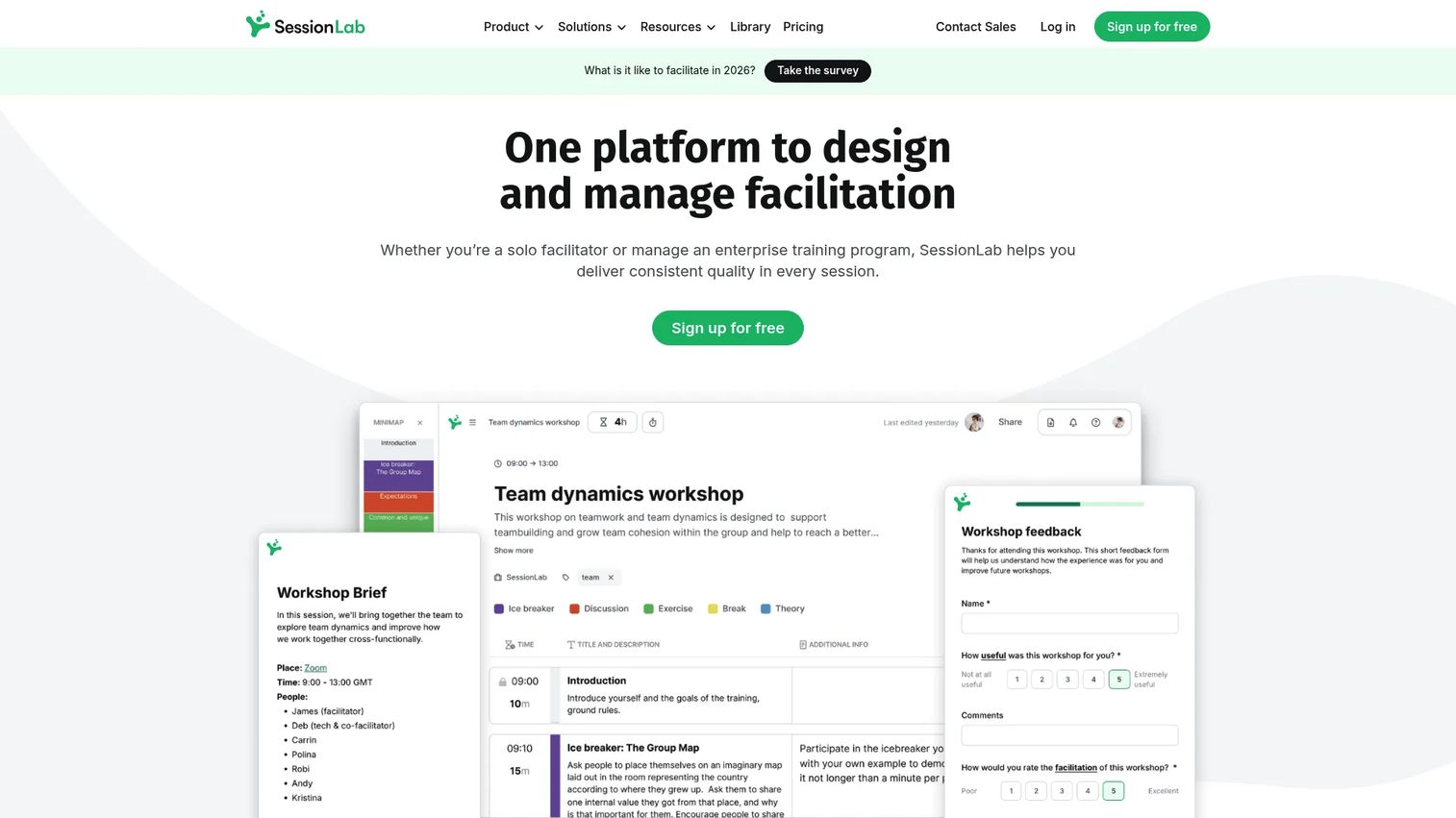
SessionLab is an AI-assisted platform for designing, collaborating on, delivering, and managing workshops, meetings, and training sessions. It includes a drag-and-drop agenda planner with automatic time calculation, a reusable library of over 1,000 facilitation methods and templates, real-time collaboration, and post-session feedback forms. CSMs running structured customer onboarding workshops, enablement programs, or stakeholder sessions get far more session design depth here than from a general meeting tool.
Best for: CSMs running structured workshops, facilitated customer training sessions, or multi-day onboarding programs.
Key features
- Drag-and-drop session planner with automatic time calculation
- 1,000+ facilitation methods and reusable templates
- Real-time collaboration with comments and access rights
- Multi-day sessions and breakout track support
- PDF, Word, and PowerPoint exports
Why choose SessionLab: SessionLab is purpose-built for session design, which makes it the strongest option when the meeting structure itself is the product. For ongoing action tracking or CRM integration after the session, pair it with a complementary tool.
SessionLab pricing: Free plan supports up to 3 session plans. Individual plan is $9 per month billed annually. Pro plan is $15 per member per month billed annually. Business plan is $23 per member per month billed annually. Enterprise pricing is custom.
SessionLab holds a 4.9/5 rating on G2.
7. Agreedo
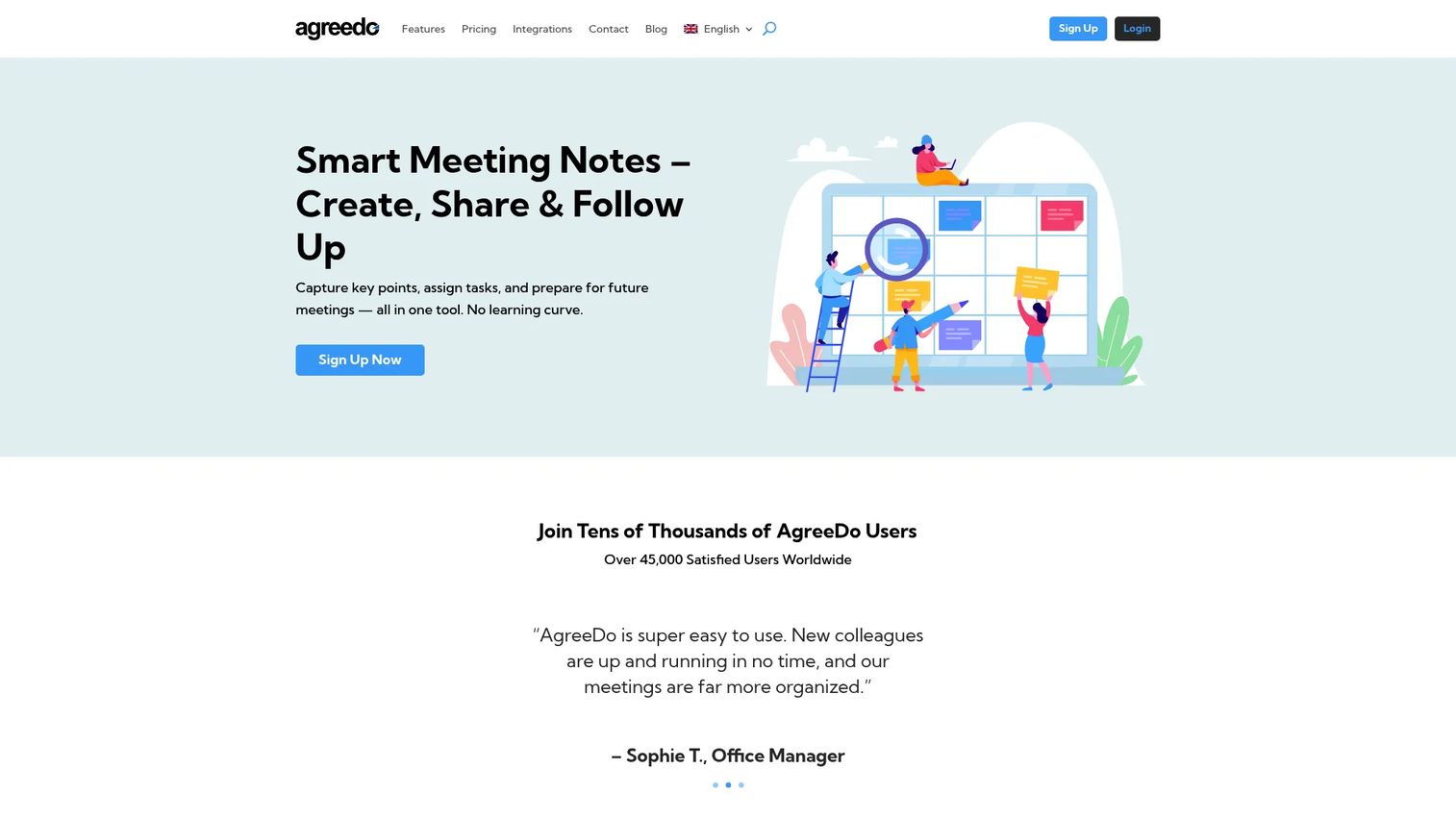
Agreedo is meeting-minutes software for creating agendas, capturing notes, assigning tasks, and following up. It covers the core agenda-to-decision workflow: Prepare the agenda, run the meeting with shared notes, assign responsibilities, and track whether they get done. For CS teams managing customer project meetings, service reviews, and internal team sessions, Agreedo offers a focused and affordable option.
Best for: Teams that need a clear connection between agenda topics and post-meeting responsibilities, without heavy governance overhead.
Key features
- Agenda creation and collaborative sharing before the meeting
- One-click meeting minutes
- Task assignment with due dates, progress tracking, and reminders
- Decision capture and meeting archive
- Calendar and online meeting integrations with attachments and comments
Why choose Agreedo: Agreedo suits teams where the core problem is agenda-to-task discipline rather than governance or AI summarization. Verify current collaboration features and integration options before purchase, as the platform is more focused than broader alternatives.
Agreedo pricing: Free Basic plan includes limited meetings, participants, and attachments. Premium plan is $7.90 per month (monthly billing), with a 10% discount on annual billing. Teams and Enterprise pricing requires direct contact.
Agreedo holds a 4.7/5 rating on Capterra. A G2 listing was not confirmed during research.
8. OpenProject
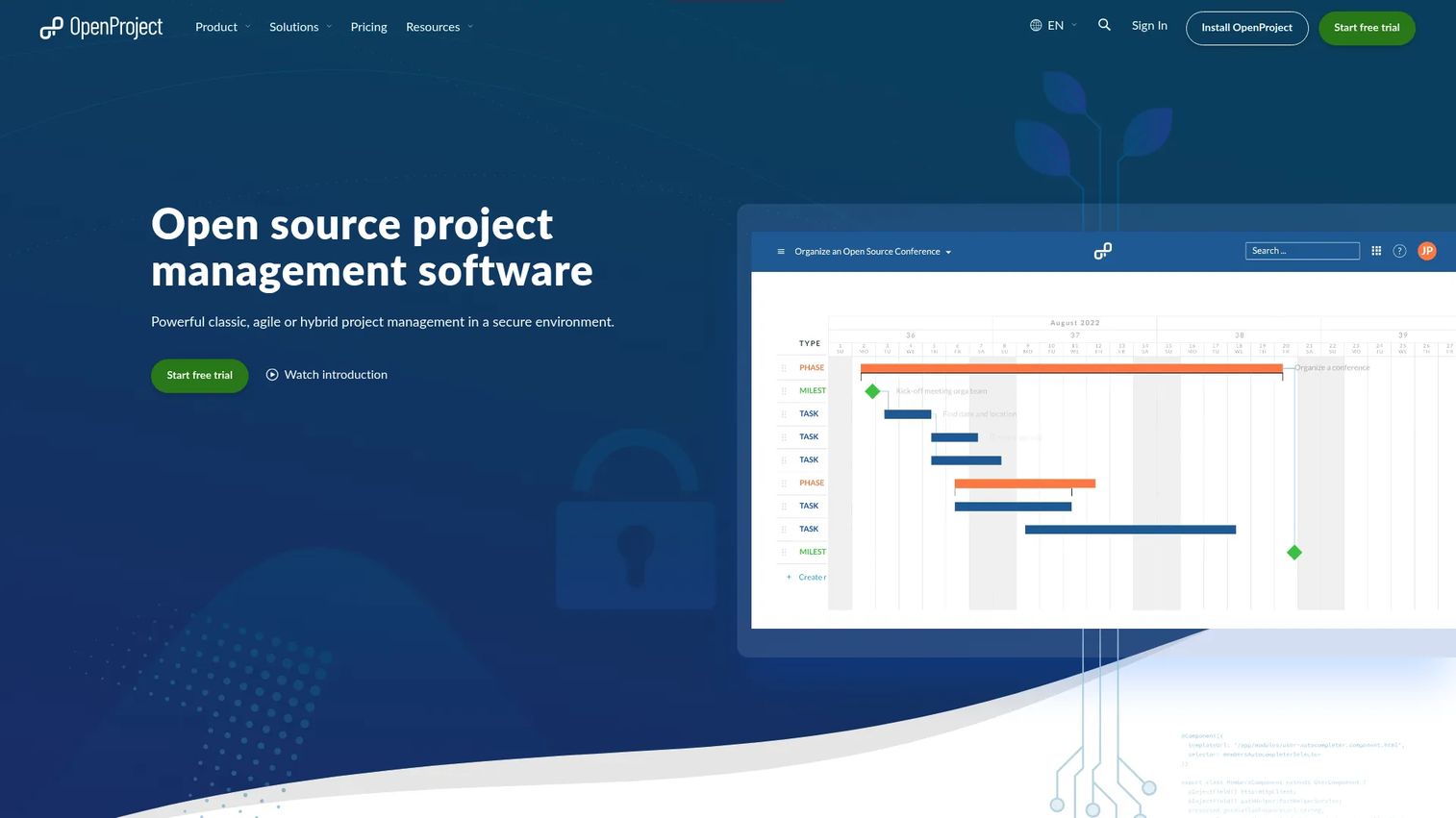
OpenProject is an open-source project management platform with meeting and agenda management built into the broader project workflow. It includes Gantt charts, agile boards, work packages, time tracking, and a wiki, with meeting modules that let teams create agendas and connect action items to project tasks. For CS teams where customer commitments need to link directly to implementation milestones or delivery plans, OpenProject provides that connection.
Best for: CS teams where meeting follow-up must connect to project work, delivery tracking, or implementation plans rather than staying isolated in a meeting record.
Key features
- Meeting and agenda module with agenda item management
- Work packages for task ownership with due dates
- Gantt charts and agile boards for delivery tracking
- Open-source self-hosted option and cloud-hosted plans
- REST API and integrations with common development tools
Why choose OpenProject: OpenProject is broader than a dedicated meeting tool, which is the point. Its value increases when action items must feed into project plans rather than floating as standalone tasks. Factor in the administration and configuration requirements for the self-hosted option before committing.
OpenProject pricing: Community plan is free, self-hosted. Basic cloud plan starts at €5.95 per user per month with a 25-user minimum. Professional plan is €10.95 per user per month. Premium plan is €15.95 per user per month with a 100-user minimum.
OpenProject holds a 3.8/5 rating on G2.
9. Boardable
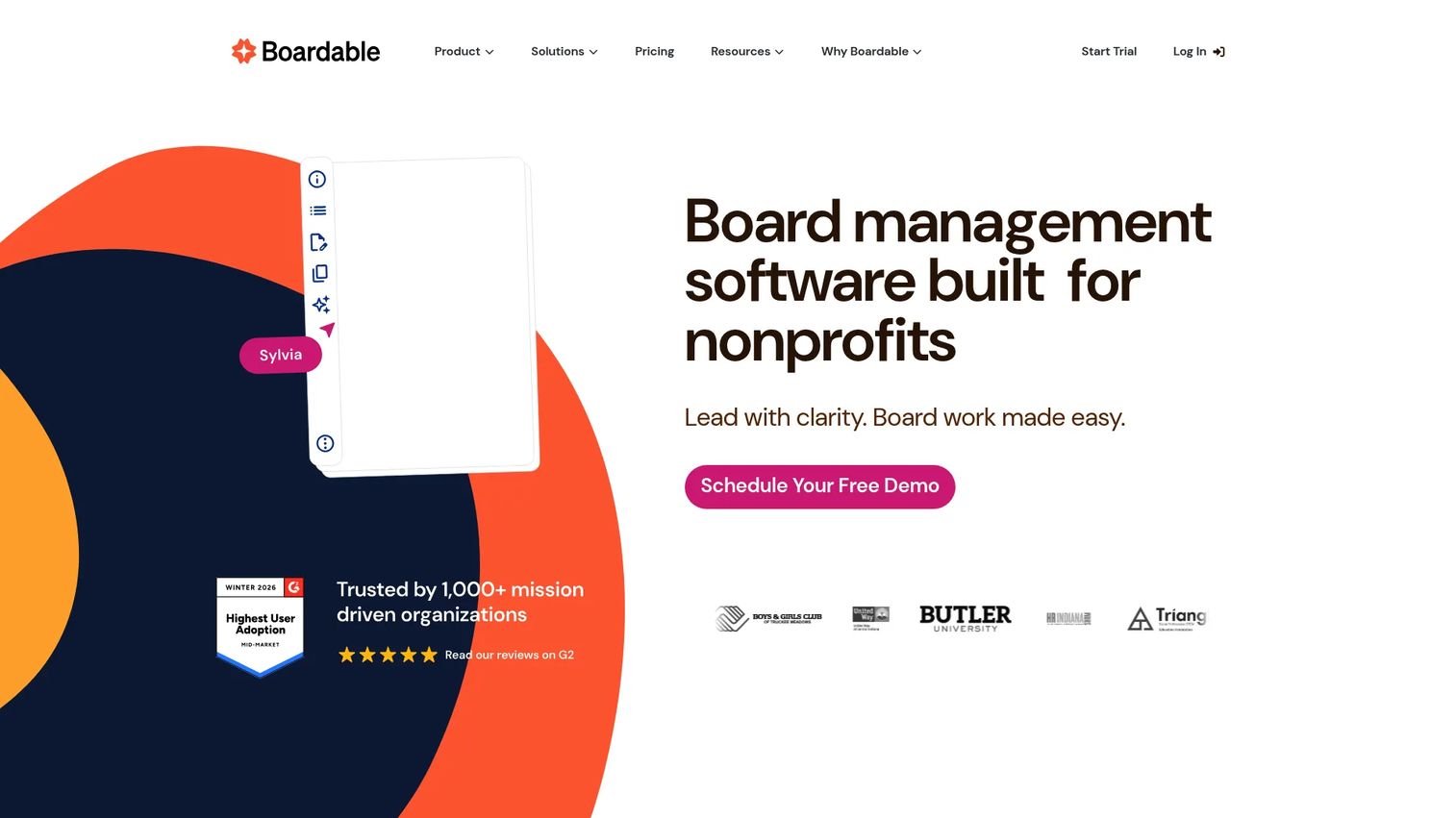
Boardable is board management software built specifically for nonprofits. It centralizes board meeting agendas, document packets, AI meeting minutes, surveys, eSignatures, and member collaboration in a single platform. For CS and leadership teams managing a customer advisory board, executive customer council, or formal governance committee, Boardable provides the document and process structure that general meeting tools lack.
Best for: CS and leadership teams managing formal nonprofit boards, customer advisory boards, or governance groups that require board packet generation.
Key features
- Agenda builder and board packet generation
- AI meeting minutes and transcripts
- Document Center for secure file storage and sharing
- Surveys and eSignatures
- Meeting scheduling and member management
Why choose Boardable: Boardable is designed for board governance, not daily CS standups. Its document and compliance features make it worth the overhead when formal governance is the actual requirement. For standard CSM workflows, the additional structure will exceed what you need.
Boardable pricing: Three annual plans are available. Essentials starts at $20.99 per user per month (billed annually). Professional is $29.99 per user per month. Professional+ is $35.99 per user per month. A 14-day free trial provides access to Professional features.
Boardable holds a 4.5/5 rating on G2.
10. OnBoard
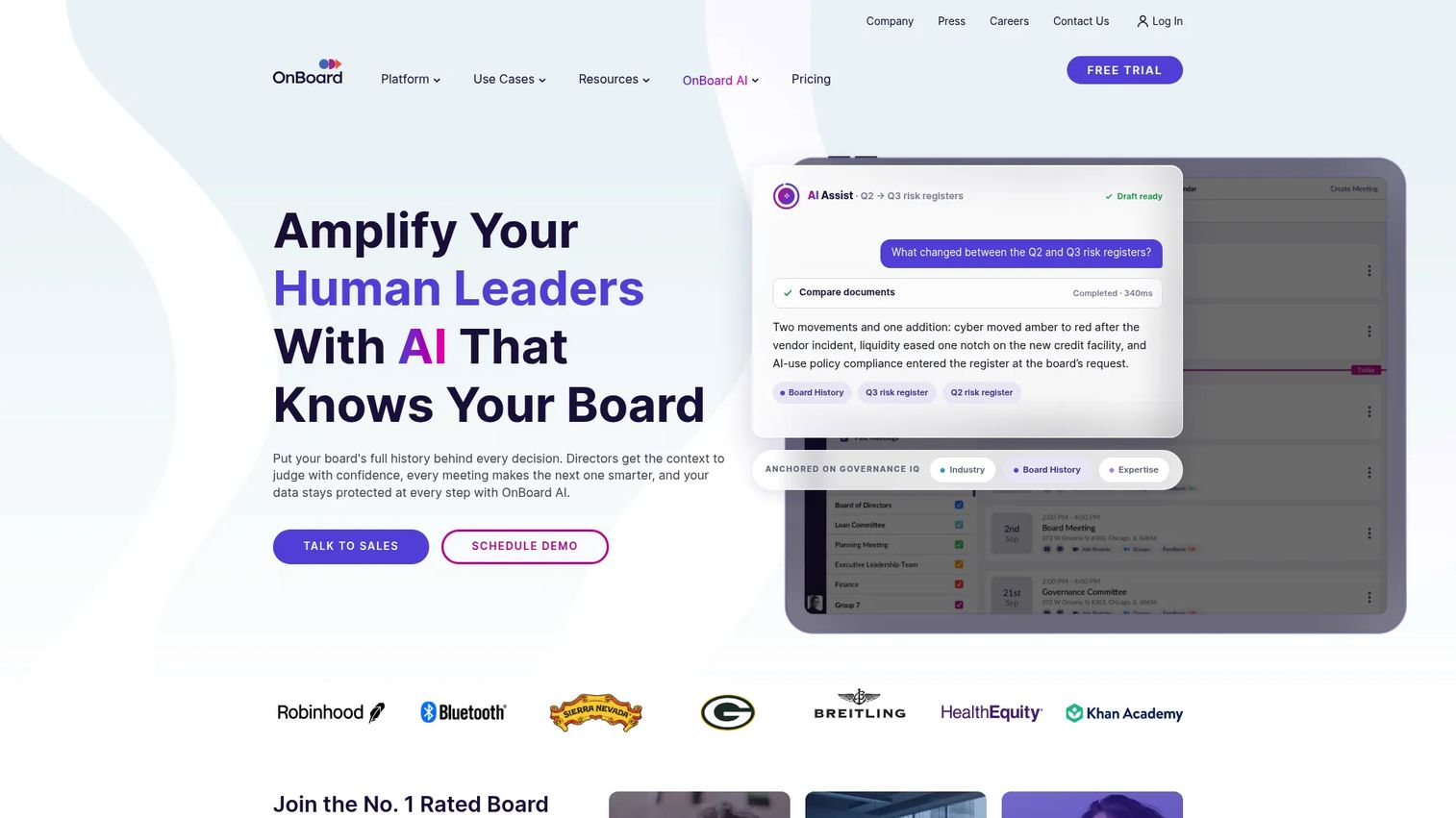
OnBoard is a board management platform for formal meeting governance, covering secure agendas, board books, voting, minutes, approvals, eSignatures, and multi-committee management. It holds SOC 2 and ISO 27001 certifications, supports two-factor authentication, and provides mobile apps with offline access. For organizations managing customer advisory boards, executive steering committees, or formal account governance where meeting records and access control are non-negotiable, OnBoard provides that layer.
Best for: Organizations managing formal boards or executive committees where voting records, access controls, and governance compliance matter.
Key features
- Board book and agenda builder
- Minutes builder with approval workflows
- Voting and eSignature capabilities
- Board assessments, D&O questionnaires, and skills tracking
- SOC 2 and ISO 27001 security controls with two-factor authentication
Why choose OnBoard: OnBoard is the right fit when governance rigor outweighs simplicity. Voting records, secure member access, and audit-level documentation justify the overhead. For routine CSM calls or team check-ins, this platform will be more than required.
OnBoard pricing: Three plans are offered: Essentials, Premium, and Ultimate. All plans use custom annual pricing. Contact OnBoard for a quote.
OnBoard holds a 4.7/5 rating on G2.
11. Granicus
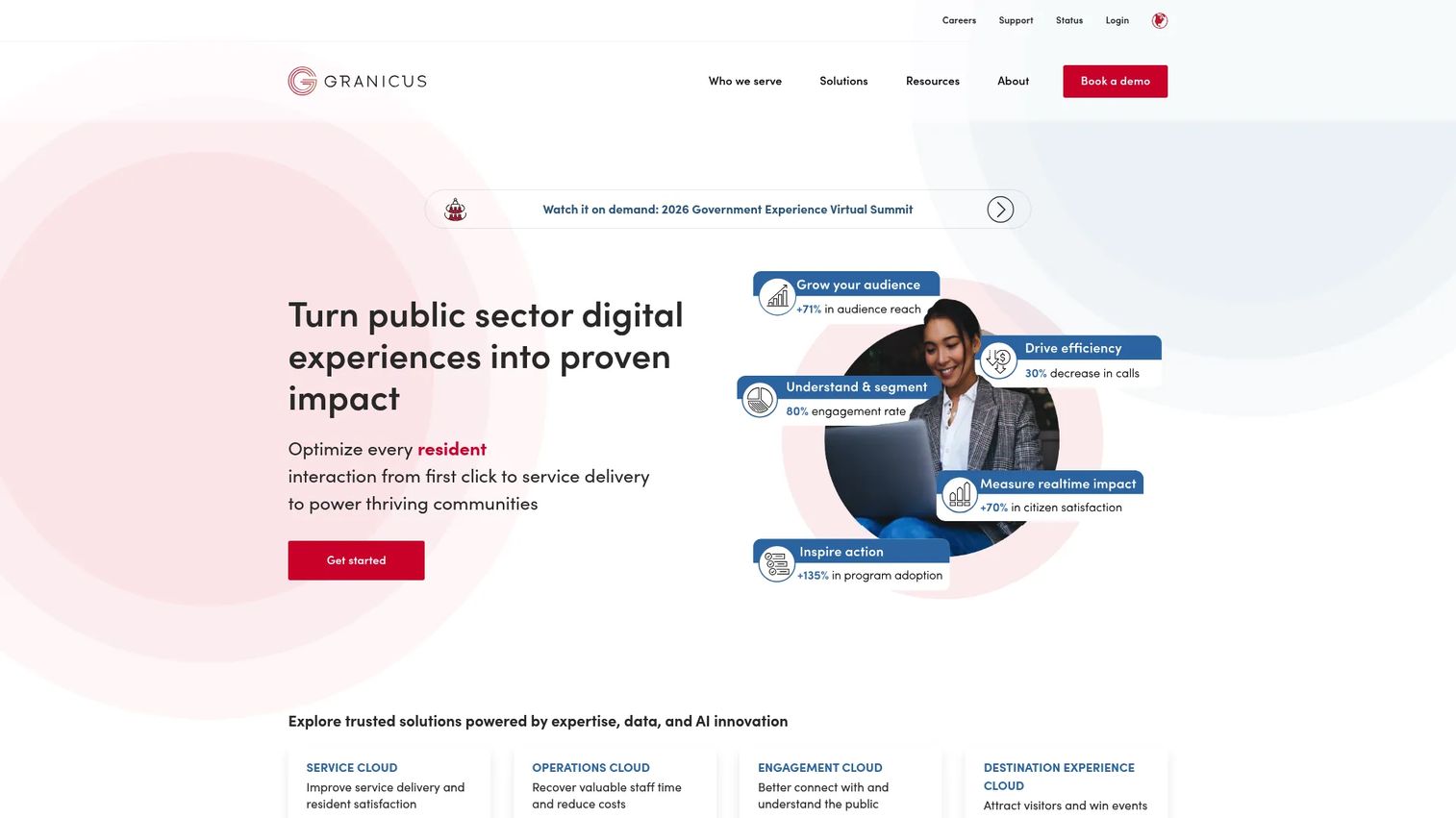
Granicus is a cloud-based platform serving government agencies and destination marketing organizations with digital services, civic communications, public records management, and meeting administration. Its meeting and agenda management capability covers packet creation, public meeting video streaming, minutes publishing, and public access workflows. CSMs at SaaS companies won't need Granicus for customer calls, but public sector teams running formal government meetings will find it purpose-built for that environment.
Best for: Government agencies and public sector organizations managing formal public meetings with civic transparency, streaming, and records requirements.
Key features
- Agenda packet management and board document workflows
- Meeting minutes with public publishing
- Public meeting video, indexing, and searchable archives
- Public records request management with redaction and audit trails
- AI-powered tools for resident engagement and communications
Why choose Granicus: Granicus is designed for civic meeting administration, not commercial CS workflows. Include it in your evaluation only if your team manages formal public meetings with transparency, streaming, or compliance requirements. For a standard CSM stack, the other tools in this list are more appropriate.
Granicus pricing: Granicus does not display pricing on its website. Contact the vendor directly for a custom quote.
Granicus holds a 4.5/5 rating on G2.
Considerations when choosing meeting agenda software
Match the tool to your meeting type
A QBR, a board meeting, and a customer workshop each require different capabilities. A governance platform adds overhead that slows down daily customer calls. A lightweight team tool lacks the document structure that a board requires. Start by listing the three meeting types you run most often, then match the required capabilities to what each tool actually delivers.
Check the full meeting lifecycle
Evaluate whether the tool covers all four phases: Agenda creation before the meeting, shared notes during it, minutes and decisions captured immediately after, and action item tracking in the days that follow. Tools that cover only one or two phases force you to use additional software to complete the workflow, which increases the chance that context gets lost between systems.
Test integrations with your existing stack
For CSMs, the critical connections are calendar, conferencing, CRM, and task management. Check specifically whether actions can sync to Salesforce, HubSpot, or your current project system. Also check whether the best AI meeting assistants your team already uses can feed outputs into the meeting agenda tool you choose.
Review privacy and permissions
Customer health data, renewal discussions, and executive meeting records require careful access control. Assess how the platform handles guest access for external customers, what retention policies govern meeting recordings and transcripts, and whether SSO or MFA is available. For board management software use cases, confirm audit trail and governance compliance before signing.
Measure adoption and follow-through
A tool your team doesn't use consistently will degrade, not improve, meeting quality. Ask how the platform tracks usage outcomes such as action item closure rates, overdue follow-up, and agenda completion. If the platform can't show you whether meetings are getting better documented, it's harder to justify the investment to leadership.
Conclusion
Meeting agenda tools split clearly by use case. Fellow covers the full collaborative meeting workflow for CS teams that want shared preparation and follow-up in one place. Range suits distributed teams that need async alignment before meetings happen. Spinach automates meeting capture and summarization for teams where AI follow-up is the priority. adam.ai fits structured governance programs where decision records and accountability matter. Decisions serves Microsoft 365 shops without the need to leave Teams.
SessionLab is the right choice for facilitated workshops and designed customer training sessions. Agreedo delivers a clean agenda-to-task workflow for smaller teams. OpenProject connects meeting follow-up to project delivery. Boardable and OnBoard handle formal board and committee governance. Granicus serves public sector meeting administration specifically.
Before evaluating plans, document three recurring meeting types. For a CSM, those might be customer onboarding, QBR or renewal review, and internal account health check. Map each one to the capabilities it requires. Then test the tools that cover all three rather than optimizing for one.
FAQs
Meeting agenda software is a digital tool for creating agendas, collecting input before a meeting, documenting discussions, tracking decisions, and assigning follow-up. It differs from basic calendar scheduling by covering what happens during and after the meeting, not just when it takes place. Meeting workflow automation features can push action items, summaries, and notifications to connected tools like CRM and task management systems.
CSMs need collaborative agendas, templates for recurring meetings like QBRs and onboarding calls, shared notes, action item ownership with due dates, and searchable meeting history. Integrations with CRM and customer support tools matter because meeting outcomes, such as renewal blockers and adoption commitments, need to live where account data lives. Also check whether the tool supports guest access for external customers who participate in joint review calls.
Meeting agenda tools complement CRM notes rather than replacing them. Meeting software captures the working discussion and follow-up: What was discussed, who committed to what, and whether those items were completed. The CRM remains the system of record for account health, revenue data, and customer history. The two should work together, with action items and meeting outcomes syncing into the CRM rather than duplicating the record.
For fully remote or hybrid CS teams, the answer turns on whether the priority is async preparation or post-meeting follow-up. Range and Fellow both support distributed work well. Range emphasizes async check-ins and pre-meeting context. Fellow focuses on shared agendas and AI-generated notes with action tracking. Evaluate which conferencing platforms each tool supports, since remote teams often mix Zoom, Google Meet, and Microsoft Teams across different customer calls.
AI meeting notes tools like Spinach and Fellow use transcription to generate summaries, extract decisions, and identify action items automatically. This removes the manual burden of writing up call notes and reduces the risk that commitments get lost. Before relying on AI outputs, verify transcription accuracy for your specific meeting format, confirm that the data retention policy meets your customer data requirements, and build in a human review step for customer-facing follow-up.
Yes, capable tools assign each action item an owner, a due date, and a status that updates as work progresses. For CSMs, this connects directly to onboarding milestones, adoption goals, and renewal commitments. When a customer agrees to complete three configuration steps before the next call, the platform makes that visible and sends a reminder rather than leaving it in someone's memory. Fellow, adam.ai, Agreedo, and Decisions all support this workflow.
Meeting agenda software supports general business meetings with shared notes, action items, and basic permissions. Board management software, covered by Boardable, OnBoard, and Granicus in this list, adds formal board packets, voting workflows, eSignatures, governance-grade access controls, and compliance-oriented records. The additional structure is worth the cost when formal governance is the requirement. For routine CSM calls, it's more overhead than the workflow needs.