The app works fine in staging. Then the prospect's technical team asks where it's hosted, what region, who controls access, and what the rollback story is. If you can't answer those questions cleanly, the evaluation stalls before the product gets a fair hearing.
Cloud application hosting is not just a developer infrastructure decision. For sales engineers and presales teams, the hosting platform directly affects whether evaluation environments are stable, explainable, and ready for security review. A fragile hosted environment creates technical objections before the buyer has even seen the product.
The market reflects this pressure: The global application hosting market was valued at $78.3 billion in 2024 and is projected to reach $156.26 billion by 2030, according to Grand View Research (2025). More than half of enterprise and SMB workloads now run in public clouds, per Flexera's 2025 State of the Cloud report. Choosing the right platform matters for production workloads and for the technical validation moments that determine whether a deal moves forward.
What's inside
This guide compares 10 cloud application hosting platforms for 2026. It is written for technical teams, presales engineers, and sales engineers who need reliable hosted apps for demos, POCs, customer portals, APIs, and production workflows.
Platforms were selected based on:
- Deployment workflow and developer experience
- Scaling model and supported workload types
- Security posture, access controls, and governance
- Pricing transparency and operational cost drivers
- Fit for presales use cases including POC environments and evaluation stability
You'll also find a side-by-side comparison table, per-platform pricing notes, and buying criteria for production readiness and technical validation.
TL;DR
- Best overall for broad cloud application hosting: Google Cloud, strong for teams needing multiple hosting models, managed services, and enterprise-grade controls across regions
- Best for serverless containers: Cloud Run, ideal for APIs, microservices, and event-driven workloads with request-based autoscaling and scale-to-zero
- Best for full-stack web apps: Firebase App Hosting, especially for teams deploying Next.js or Angular from GitHub with managed Google Cloud infrastructure underneath
- Best for AWS-native teams: AWS Elastic Beanstalk, for teams already committed to AWS who want managed deployment without assembling every component manually
- Best for enterprise governance: Microsoft Azure, when procurement asks about identity federation, compliance certifications, and hybrid-cloud integration
- Best for simplicity and speed: Heroku, Render, or DigitalOcean App Platform, depending on how much infrastructure control the team needs versus how fast they need to ship
What is cloud application hosting?
Cloud application hosting is the practice of deploying and running software applications on cloud infrastructure rather than managing physical servers directly.
The category covers a wide range of workloads: Web apps, APIs, background workers, static frontends, full-stack frameworks, containers, databases, and AI inference services. Platforms differ by how much abstraction they provide:
- Infrastructure as a Service (IaaS): Raw compute, networking, and storage. You manage the OS, runtime, and deployment.
- Platform as a Service (PaaS): Managed runtime environment. The platform handles patching, scaling, and deployment pipelines.
- Serverless containers: Deploy containerized code without managing servers. The platform scales based on traffic or events.
- Managed app platforms: Git-connected deployment with managed builds, domains, and observability built in.
- Full-stack framework hosting: Purpose-built for specific frameworks like Next.js or Angular, with CI/CD and CDN included.
Key capabilities to look for in any cloud application hosting platform:
- Autoscaling (traffic-based or scheduled)
- Managed builds and CI/CD integrations
- Custom domains and TLS
- Environment variables and secrets management
- Observability: Logs, metrics, and alerting
- Region selection for latency and data residency
- Rollbacks and deployment history
- Database and cache integrations
- Identity and access controls
Cloud application hosting is broader than static site hosting and adds more automation than a raw VPS. It typically overlaps with VPS hosting on the infrastructure side, but app hosting platforms add deployment tooling, scaling, managed services, and platform-level observability that VPS setups require you to build yourself.
When to use cloud application hosting
Deploy production apps without managing servers
Teams that want to ship software without owning the low-level server lifecycle benefit most from managed app hosting. Patching, scaling, load balancing, and deployment rollbacks are handled by the platform rather than a dedicated ops team. This matters whether you're running a SaaS product, an internal tool, or a customer portal.
Support technical evaluations and proof-of-concept work
For presales and sales engineers, hosted evaluation environments need to be stable, explainable, and fast to reset. A fragile environment breaks trust before the buyer has evaluated the product itself. Choosing a platform with predictable uptime, clear access controls, and a simple reset path removes avoidable friction from the technical validation stage.
Scale APIs, web apps, and background workers
Cloud hosting serves a range of backend workloads: REST APIs, event-driven services, async jobs, data processing pipelines, and web applications. Platform choice depends on your language runtime, container support, traffic patterns, and database requirements. A serverless model fits spiky traffic; a PaaS model fits teams that want a consistent deployment workflow.
Cloud application hosting platform comparison
Pricing and G2 ratings change frequently. The figures below were verified against vendor pricing pages and live G2 listings. Cost drivers vary across platforms and typically include compute hours, memory, outbound bandwidth, database usage, build minutes, and support tiers. Model your expected traffic and architecture before comparing entry-tier prices.
| # | Product | Best for | Key differentiator | Pricing | G2 rating |
|---|---|---|---|---|---|
| 1 | Google Cloud | Broad cloud application hosting | Multiple hosting models across serverless, VMs, and managed services | Pay-as-you-go; $300 free credits for new users | N/A (verified) |
| 2 | Cloud Run | Serverless containers and APIs | Container-based autoscaling without server management | From $0.00001800/vCPU-second; free tier included | 4.6/5 |
| 3 | Firebase App Hosting | Full-stack web apps (Next.js, Angular) | GitHub-connected builds with Cloud Run and Cloud CDN | Blaze pay-as-you-go; no-cost allowances included | N/A (verified) |
| 4 | AWS Elastic Beanstalk | AWS-native app deployment | Managed deployment over existing AWS infrastructure | No platform fee; pay for underlying AWS resources | 4.2/5 |
| 5 | Microsoft Azure | Enterprise and Microsoft-aligned teams | Governance, identity, regions, and enterprise cloud services | Pay-as-you-go; free account available | 4.3/5 |
| 6 | Northflank | Containerized services, jobs, and databases | Developer platform with BYOC and microVM sandboxing | Free sandbox tier; from $0.01667/vCPU-hour | N/A (verified) |
| 7 | Heroku | Simple PaaS deployment | Git-based deployment with managed data services | From $3/month (Key-Value Store Mini); Eco Dyno from $5/month | 4.2/5 |
| 8 | DigitalOcean App Platform | Small teams and startups | Developer-friendly managed app hosting with Git integration | Free static site tier; paid containers from $5/month | 4.6/5 |
| 9 | Render | Web apps, APIs, and background workers | Unified platform with autoscaling and managed databases | Free Hobby workspace; paid compute from $0/mo + compute | 4.7/5 |
| 10 | Upsun Cloud | Multi-cloud PaaS and governance-sensitive apps | Environment cloning, multi-cloud deployment, SOC 2 Type 2 | Free 15-day trial; resource-based pricing (EUR) | 4.6/5 |
Best 10 cloud application hosting platforms for 2026
1. Google Cloud
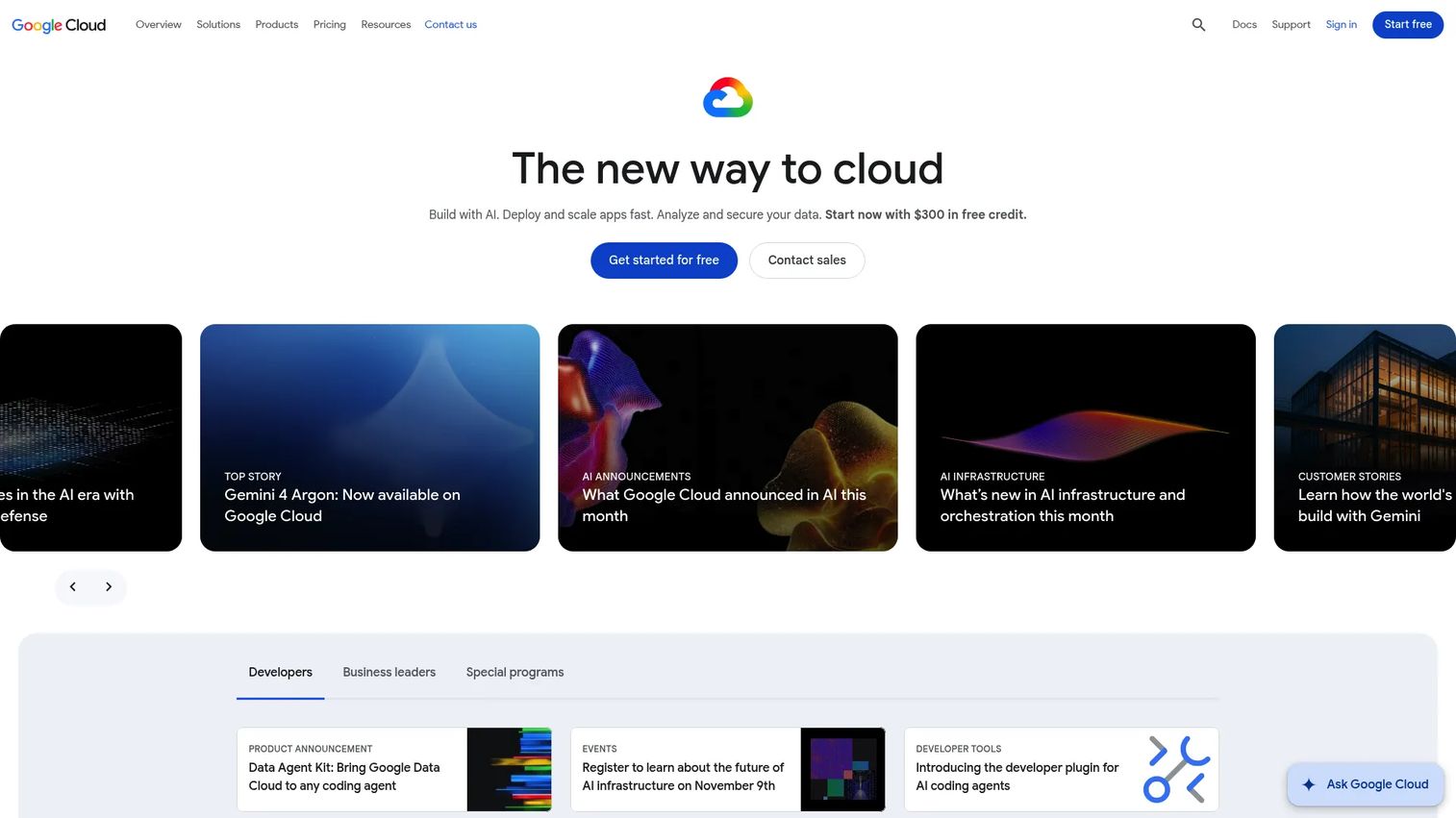
Google Cloud is a full cloud computing platform covering infrastructure, AI, data analytics, databases, networking, and security. It is not a single hosting product but a suite of services including Compute Engine, Cloud Run, App Engine, Kubernetes Engine, Firebase Hosting, and more. Teams can mix and match services depending on whether they need serverless containers, managed VMs, or Kubernetes orchestration. The platform operates across dozens of regions globally.
Best for: Organizations that need multiple hosting models, deep managed services, and enterprise-grade controls from one cloud provider.
Key features
- Multiple compute options: Serverless, VMs, containers, Kubernetes
- Global infrastructure with regional and zonal deployments
- IAM-based identity and access controls
- Managed databases including Cloud SQL, Spanner, and Firestore
- Integrated observability through Cloud Logging and Cloud Monitoring
Why choose Google Cloud: Choose Google Cloud when your team needs a broad platform rather than a narrow app hosting layer. It suits production SaaS, data-heavy applications, and enterprise workloads where technical buyers will ask architecture-level questions during security review. Teams without cloud operations experience will need platform support or dedicated engineering time.
Google Cloud pricing: Google Cloud uses pay-as-you-go pricing across products. New customers receive $300 in free credits, and 25-plus products include monthly free-tier usage limits. Actual costs depend on the specific services, regions, and usage volumes you select.
2. Cloud Run
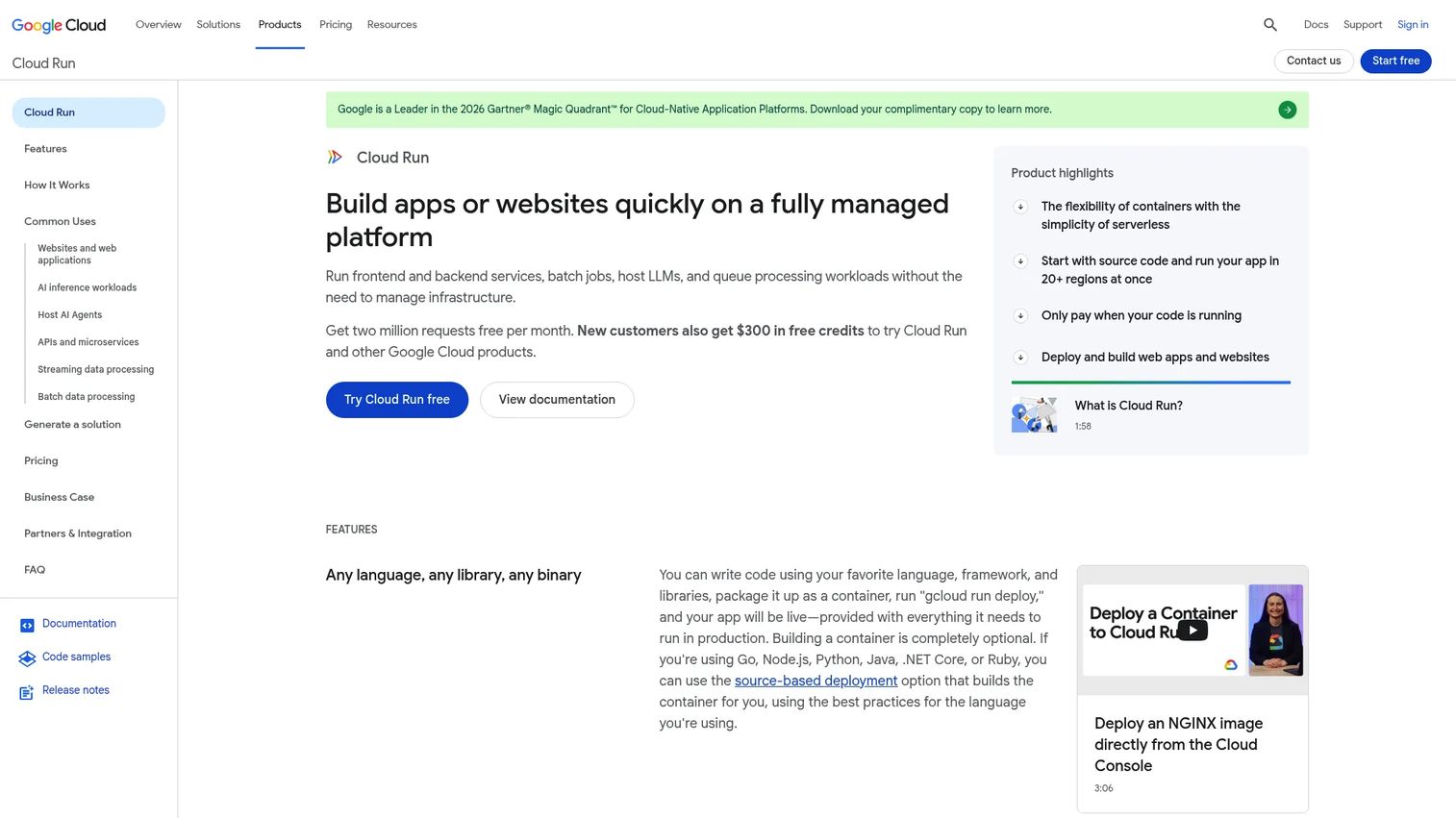
Cloud Run is Google Cloud's fully managed serverless platform for containerized applications. Deploy a container image and Cloud Run handles scaling, networking, and infrastructure. It supports web services, APIs, microservices, batch jobs, queue processing, and GPU-based AI inference workloads. Source-based deployments with automated container builds are also available for teams that prefer not to manage Dockerfiles.
Best for: Teams deploying containerized APIs, microservices, or event-driven workloads that need autoscaling without server management.
Key features
- Container-based deployment with automatic scaling from zero
- Request-based and event-based scaling triggers
- Scale-to-zero support for cost-efficient idle workloads
- Direct VPC connectivity for private networking
- Integrated Cloud Logging and Cloud Monitoring
Why choose Cloud Run: Cloud Run is the right pick when your application runs in a container and traffic is variable or unpredictable. It removes the need to manage Kubernetes while still giving you container portability. Teams that need stateful workloads or always-on low-latency services should evaluate the cost model of scale-to-zero carefully against their traffic patterns.
Cloud Run pricing: Billing is usage-based. The free tier includes 240,000 vCPU-seconds and 450,000 GiB-seconds per month. Beyond the free tier, pricing starts at $0.00001800 per vCPU-second and $0.00000200 per GiB-second. Additional charges may apply for networking, Cloud Build, and Artifact Registry.
G2 rating: 4.6/5
3. Firebase App Hosting
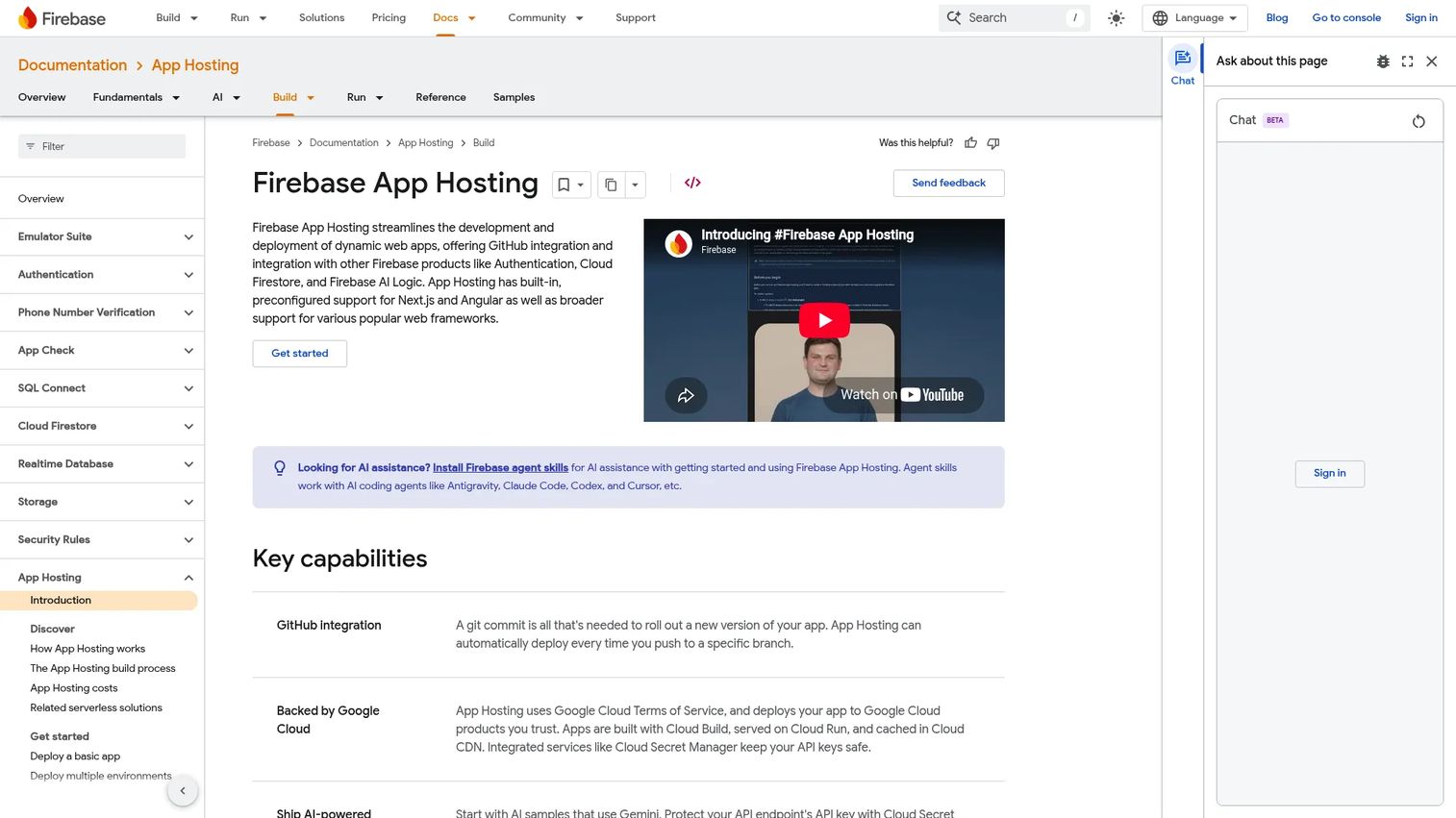
Firebase App Hosting is a managed hosting service for dynamic, full-stack web applications. It is built specifically for Next.js and Angular with broader framework support, connects directly to a GitHub branch for continuous deployment, and runs on Cloud Build, Cloud Run, and Cloud CDN under the hood. Developers get server-side rendering, static site generation, and client-side rendering support without configuring the underlying infrastructure themselves.
Best for: Product and engineering teams shipping modern server-rendered web apps who want GitHub-connected deployments without managing Google Cloud infrastructure directly.
Key features
- GitHub integration with automatic branch-based deployments
- Built-in support for Next.js and Angular; broader framework support available
- Server-side rendering, static site generation, and client-side rendering
- Cloud CDN caching and custom domain management
- Integration with Firebase Authentication, Cloud Firestore, and Secret Manager
Why choose Firebase App Hosting: Firebase App Hosting is a strong fit for teams already using Firebase or building on Google Cloud who want a zero-configuration deployment path for modern web frameworks. Teams that need deeper infrastructure customization, multi-region failover, or container-level control will find Cloud Run or Google Cloud Kubernetes Engine a better match.
Firebase App Hosting pricing: App Hosting requires the Firebase Blaze pay-as-you-go plan. Usage includes no-cost allowances for App Hosting and the underlying Google Cloud services it uses. Charges apply after allowances are exceeded, starting at $0.15 per cached GiB per month and $0.20 per uncached GiB per month beyond the 10 GiB monthly no-cost threshold.
4. AWS Elastic Beanstalk
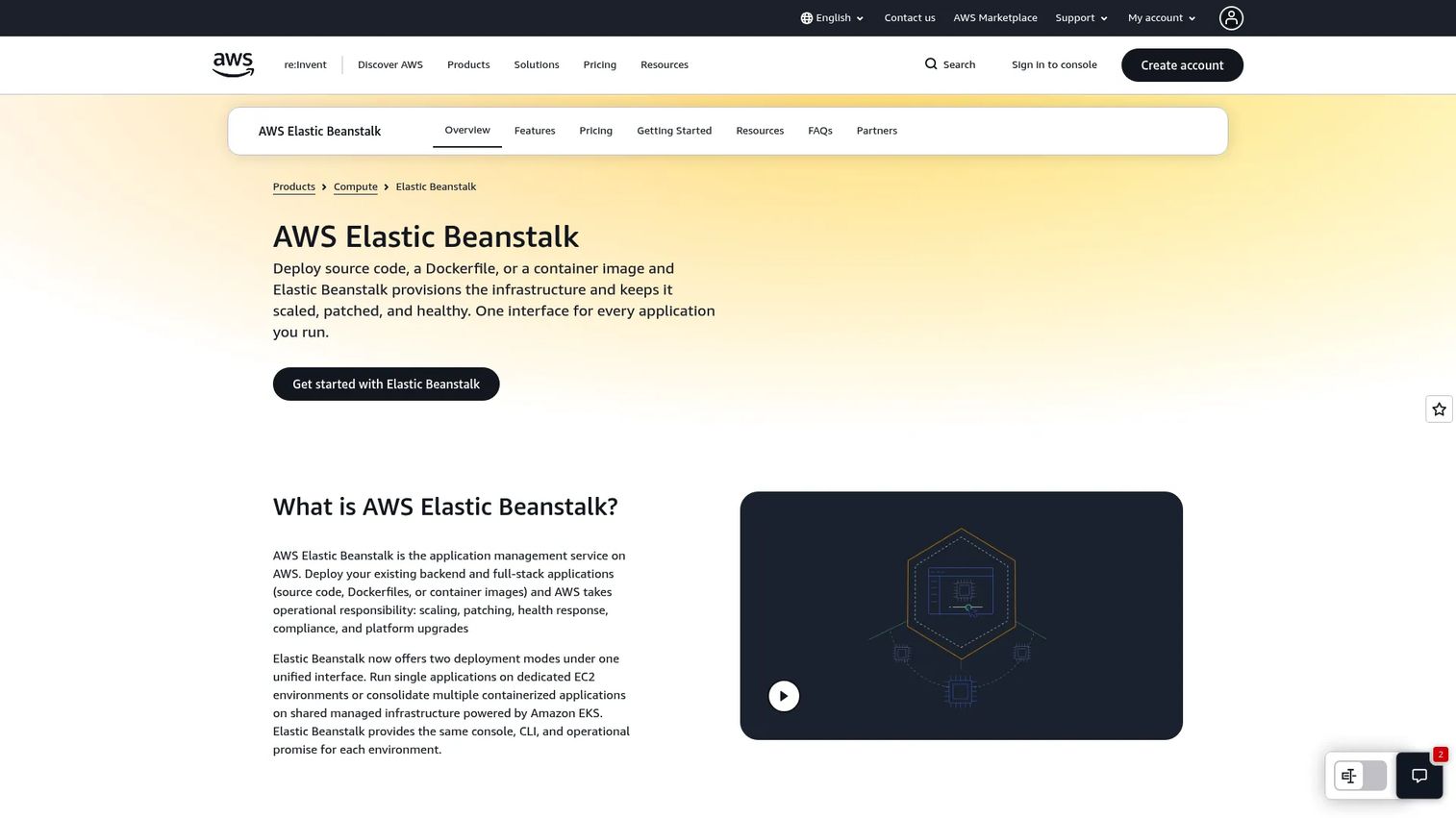
AWS Elastic Beanstalk is Amazon's managed application deployment service. Upload your source code, a Dockerfile, or a container image and Elastic Beanstalk provisions the underlying AWS resources: EC2 instances, load balancers, autoscaling groups, and health monitoring. Platform updates and patching are managed automatically. It supports a range of runtimes and application types, making it a practical path for AWS-committed teams who want managed app deployment without building every component from scratch.
Best for: Development teams already operating on AWS who want guided managed deployment without manual infrastructure assembly.
Key features
- Deploy source code, Dockerfiles, or container images
- Automatic provisioning of EC2, load balancers, and autoscaling
- Managed platform updates, patching, and health monitoring
- Multiple runtime options across common languages and frameworks
- Integration with AWS CloudWatch, IAM, VPC, and RDS
Why choose AWS Elastic Beanstalk: Elastic Beanstalk is the pragmatic choice when your team is deeply invested in AWS and wants a deployment layer without full infrastructure management. It still requires understanding AWS service costs and architecture. Buyers who are new to AWS may find the underlying service model more complex to explain during a technical evaluation than a purpose-built PaaS.
AWS Elastic Beanstalk pricing: Elastic Beanstalk has no platform fee. You pay for the underlying AWS resources your application uses, such as EC2 instances, load balancers, and data transfer. Standard Mode environments may qualify for AWS Free Tier credits on eligible new accounts; Cluster Mode is not Free Tier eligible.
G2 rating: 4.2/5
5. Microsoft Azure
Microsoft Azure is a broad cloud platform with a deep enterprise footprint. It covers app hosting through Azure App Service, Azure Container Apps, and Azure Kubernetes Service, alongside Functions for serverless execution. Azure's identity integration with Microsoft Entra (formerly Azure Active Directory), governance tooling, and hybrid-cloud capabilities make it the natural choice when procurement teams ask about tenant control, compliance certifications, and existing Microsoft stack alignment.
Best for: Enterprise organizations with existing Microsoft identity, DevOps, or security infrastructure who need governed, scalable cloud application hosting.
Key features
- Azure App Service for web app and API hosting
- Azure Container Apps for containerized workload hosting
- Enterprise identity integration with Microsoft Entra
- Regional deployment across a global network of data centers
- Governance, audit logging, and policy controls
Why choose Microsoft Azure: Azure earns its place when the buyer already runs Microsoft workloads or when enterprise procurement requires certifications and identity federation that Microsoft's platform natively provides. Smaller teams evaluating Azure for the first time often find the service catalog and billing model more complex than simpler PaaS options. Describing Azure's compliance posture during security review is straightforward, but avoid claiming specific compliance outcomes. Describe the available controls and certifications the buyer should verify with their own counsel.
Microsoft Azure pricing: Azure uses usage-based pricing across individual services. A free account is available for new users. Costs vary by service type, region, instance size, database usage, and support plan selected.
G2 rating: 4.3/5
6. Northflank
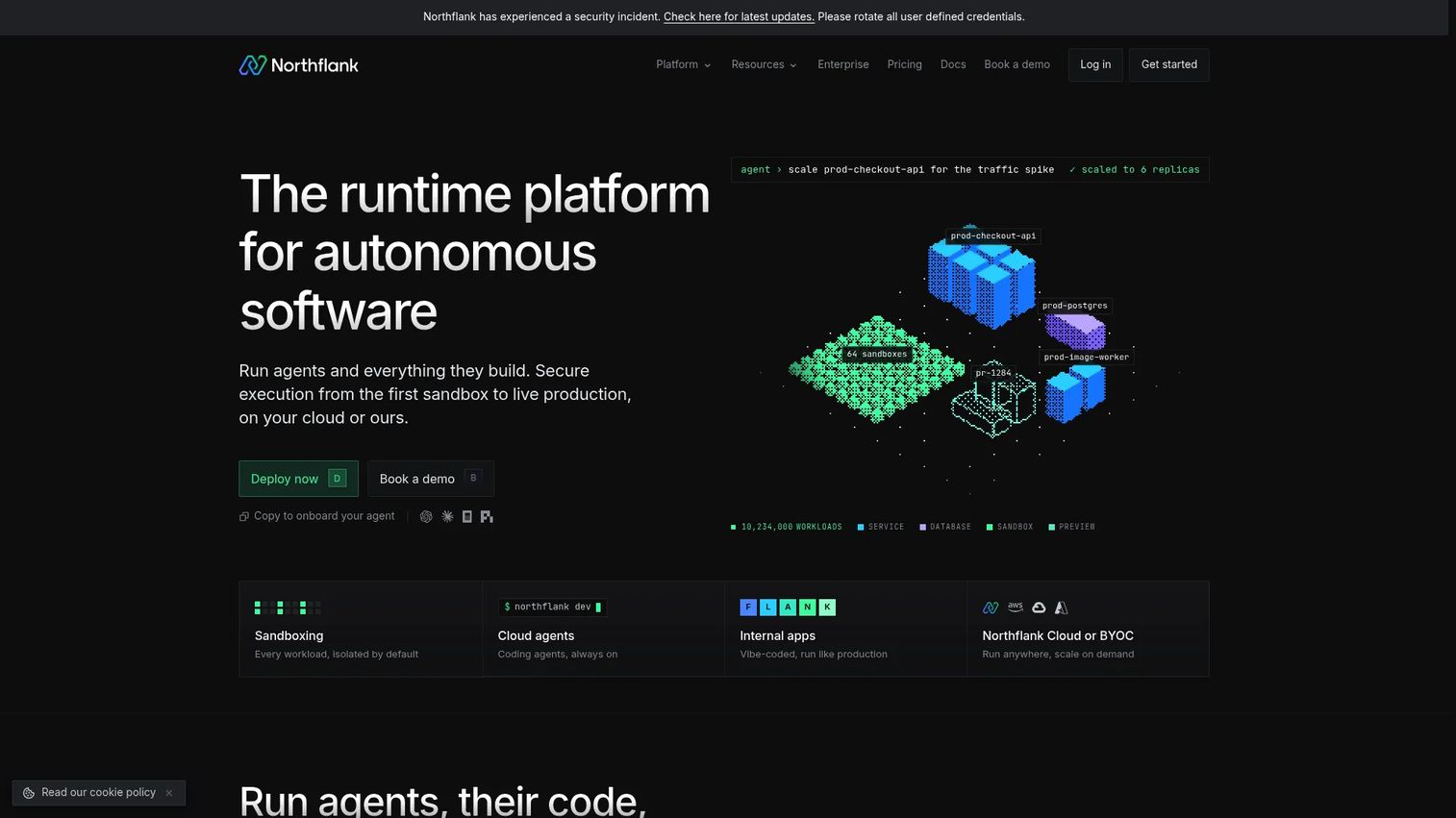
Northflank is a runtime platform for deploying containerized applications, autonomous agents, GPU workloads, databases, cron jobs, and sandboxed code. It sits between a Heroku-style PaaS and raw cloud infrastructure: More control than a simple Git-push deployment, less setup than managing Kubernetes yourself. Northflank supports both managed cloud and bring-your-own-cloud deployment models, making it useful for teams that want platform-level workflows on their own infrastructure.
Best for: Engineering and AI teams deploying containerized applications, background jobs, databases, and GPU workloads across managed or customer-owned cloud infrastructure.
Key features
- Sandboxed workloads using microVMs for isolated code execution
- Build and deploy services from Git repositories or container images
- Managed databases and persistent storage provisioning
- Jobs, cron workloads, and pipeline orchestration
- Autoscaling, RBAC, secrets, logs, metrics, alerts, and backups
Why choose Northflank: Northflank fits teams that need a structured developer platform across services and databases without running their own cluster. For presales environments, it offers stable, isolated app instances with good observability. Teams building hyperscaler-only architectures may find Google Cloud, AWS, or Azure a more direct fit for enterprise procurement conversations.
Northflank pricing: A free Sandbox tier is available with limited resources and no card required. Pay-as-you-go billing starts at $0.01667 per vCPU hour. Enterprise pricing is custom.
7. Heroku
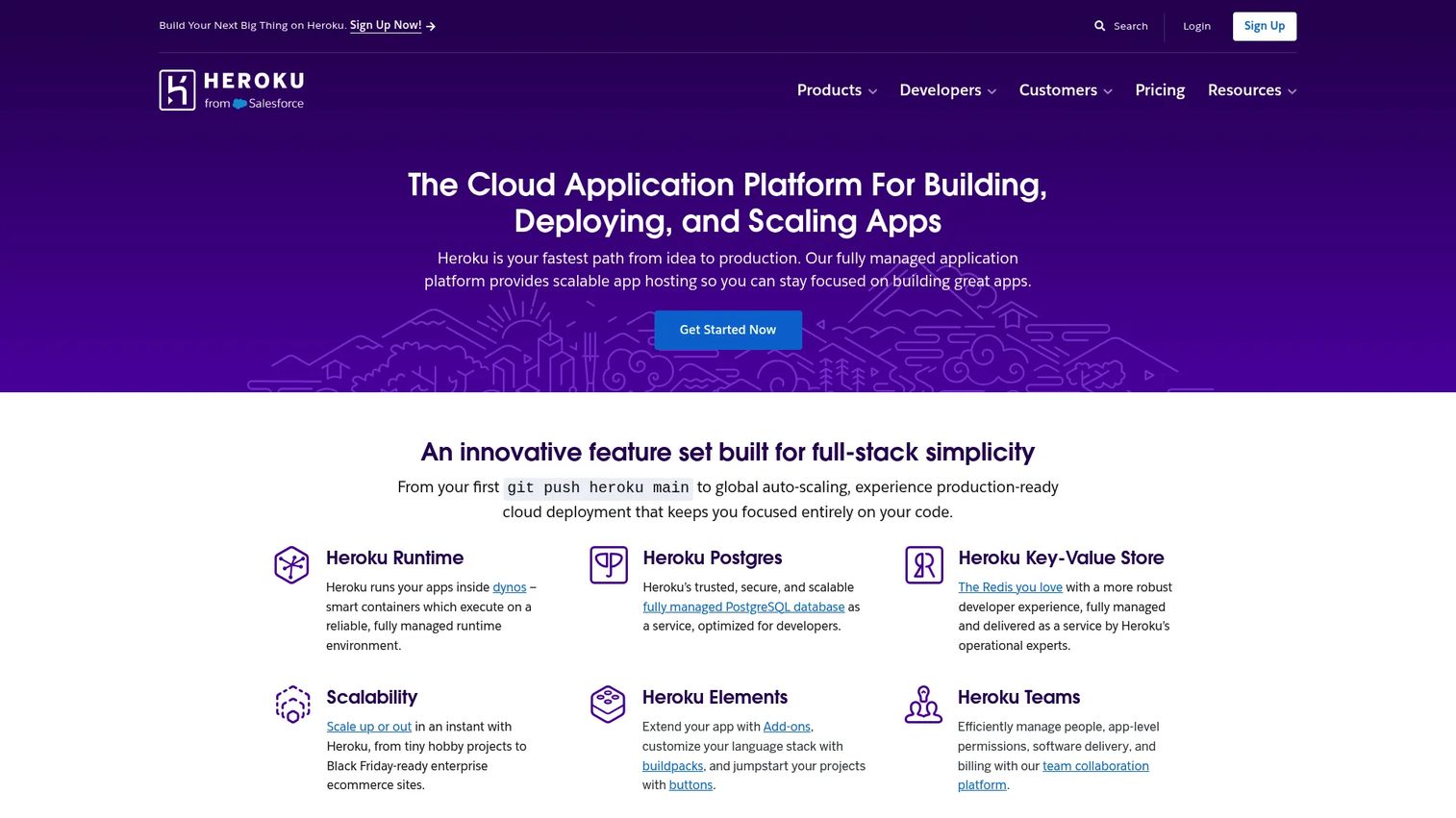
Heroku is one of the most established PaaS platforms for application deployment. Push code to Git and Heroku builds and runs it. Managed dynos handle compute, while Heroku Postgres, Key-Value Store, and Apache Kafka cover data services. Heroku Pipelines support staging-to-production promotion workflows, and review apps create isolated environments per pull request. Enterprise controls include fine-grained access, identity federation, and Private Spaces for network isolation. It also integrates with Salesforce data through Heroku Connect.
Best for: Development teams that want managed app deployment, data services, and enterprise controls without managing the underlying infrastructure.
Key features
- Managed dynos for app deployment and compute scaling
- Heroku Postgres, Key-Value Store, and Apache Kafka as managed data services
- Heroku Pipelines for CI/CD and staging-to-production promotion
- Review apps for per-branch isolated environments
- Enterprise identity federation and Private Spaces for network isolation
Why choose Heroku: Heroku is the right pick when speed of deployment and developer familiarity outweigh infrastructure control. It's particularly useful for presales teams that need to stand up a stable demo environment quickly without platform engineering involvement. For larger workloads or cost-sensitive teams, the dyno-based pricing model warrants careful review before committing at scale.
Heroku pricing: Plans start at $3/month for Key-Value Store Mini and $5/month for an Eco Dyno or Postgres Essential-0. There is no free compute tier. Pricing scales by dyno type, data service plan, and add-ons.
G2 rating: 4.2/5
8. DigitalOcean App Platform
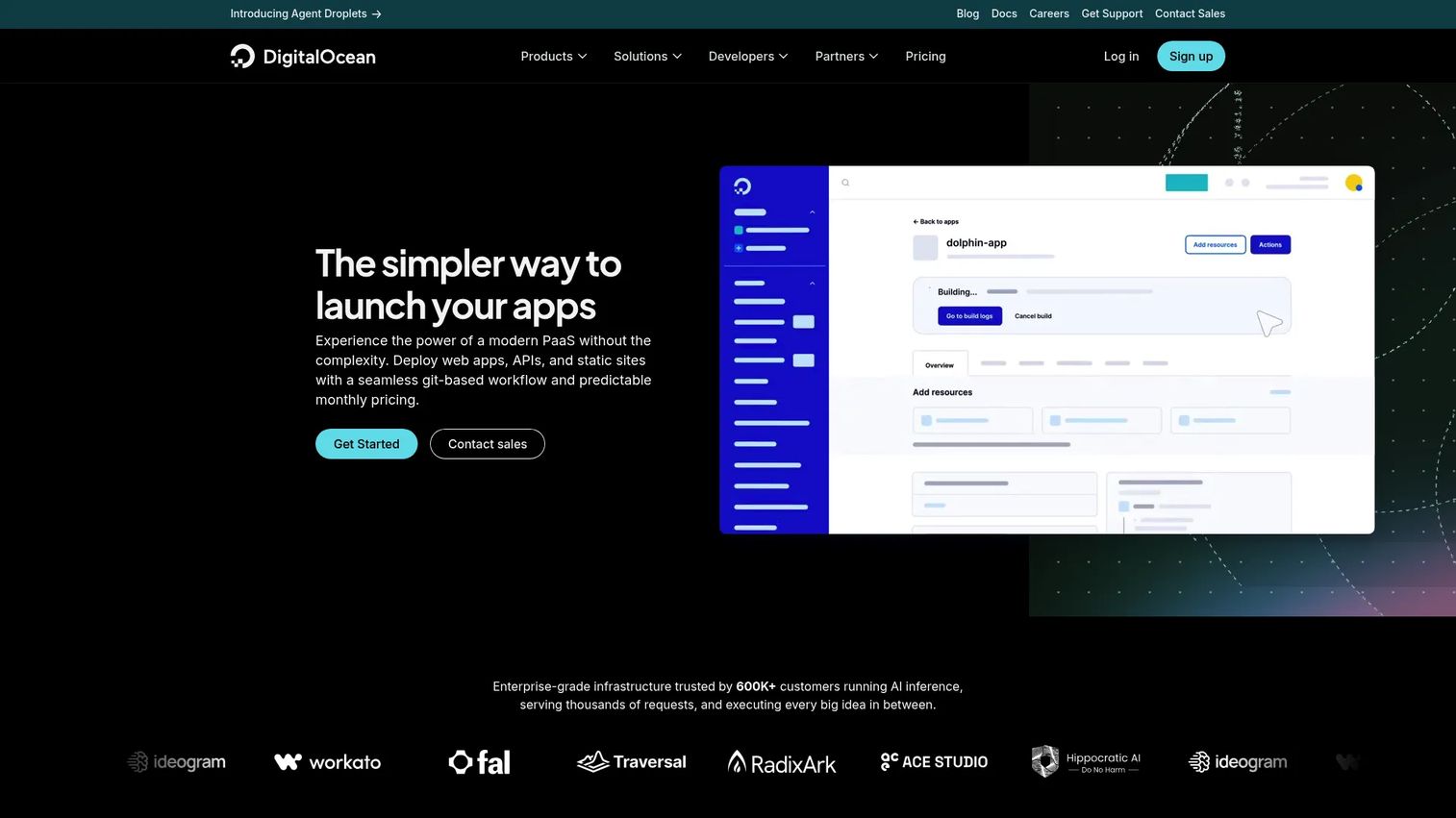
DigitalOcean App Platform is a fully managed PaaS for building and deploying applications from source code or container images. It connects directly to GitHub, GitLab, public Git repositories, Docker Hub, and the DigitalOcean Container Registry. Push to your selected branch and the platform handles builds, deployments, and lifecycle management automatically. It supports static sites, web services, workers, and APIs, and integrates naturally with DigitalOcean's managed databases, object storage, and Kubernetes offerings.
Best for: Developers and small teams who want managed app hosting without hyperscaler complexity or unpredictable billing.
Key features
- Deploy from GitHub, GitLab, Docker Hub, or DigitalOcean Container Registry
- Automatic builds, push-to-deploy, and lifecycle management
- Vertical and horizontal scaling with autoscaling support
- Custom domains with managed TLS
- Integration with DigitalOcean managed databases and monitoring
Why choose DigitalOcean App Platform: DigitalOcean App Platform offers a clean deployment experience with predictable pricing, which matters when you need to spin up evaluation environments without surprise cost spikes. For enterprise buyers asking about governance, compliance certifications, or multi-region data residency, you'll need to review those requirements carefully against DigitalOcean's current offerings before the security review conversation.
DigitalOcean App Platform pricing: Static site hosting is free for up to three apps with 1 GiB outbound transfer per app. Paid containers start at $5/month. Additional outbound transfer costs $0.02 per GiB beyond the included allowance.
G2 rating: 4.6/5
9. Render
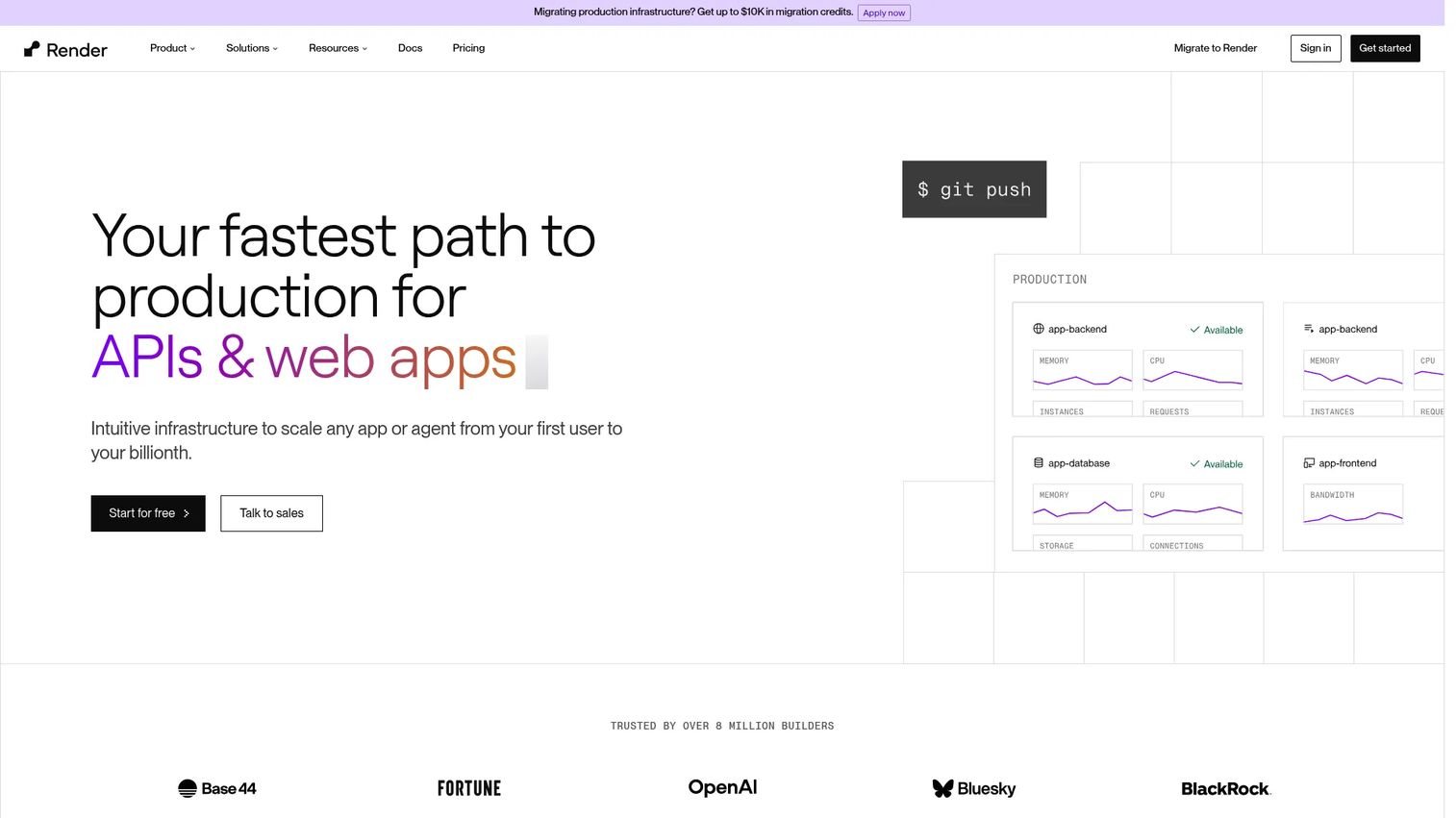
Render is a cloud platform for deploying and running web services, static sites, background workers, cron jobs, databases, and Redis-compatible key-value storage. Git-connected deployments trigger automatic builds. The platform includes private networking between services, DDoS protection, load-based autoscaling, and managed Postgres databases. Render aims to give teams a unified place for their entire application stack, from frontend to backend services to data.
Best for: Developers and teams seeking a unified deployment platform for common web application patterns without managing underlying infrastructure.
Key features
- Git-connected deploys with automatic builds on push
- Web services, static sites, background workers, and cron jobs
- Load-based autoscaling with private networking between services
- Managed Postgres and Redis-compatible Key Value storage
- DDoS protection and managed TLS
Why choose Render: Render is a strong fit for teams that want fast deployment of common app patterns with managed data services included. Presales teams can stand up shareable, stable hosted apps without a heavy platform setup. Teams with complex enterprise networking requirements, specific compliance certifications, or large-scale container orchestration needs should evaluate whether Render's current feature set meets those demands before committing.
Render pricing: The Hobby workspace plan is free. Compute is billed separately and starts at usage-based rates. The Pro workspace plan is $25/month and the Scale plan is $499/month, each adding workspace-level features. Enterprise pricing is custom.
G2 rating: 4.7/5
10. Upsun Cloud
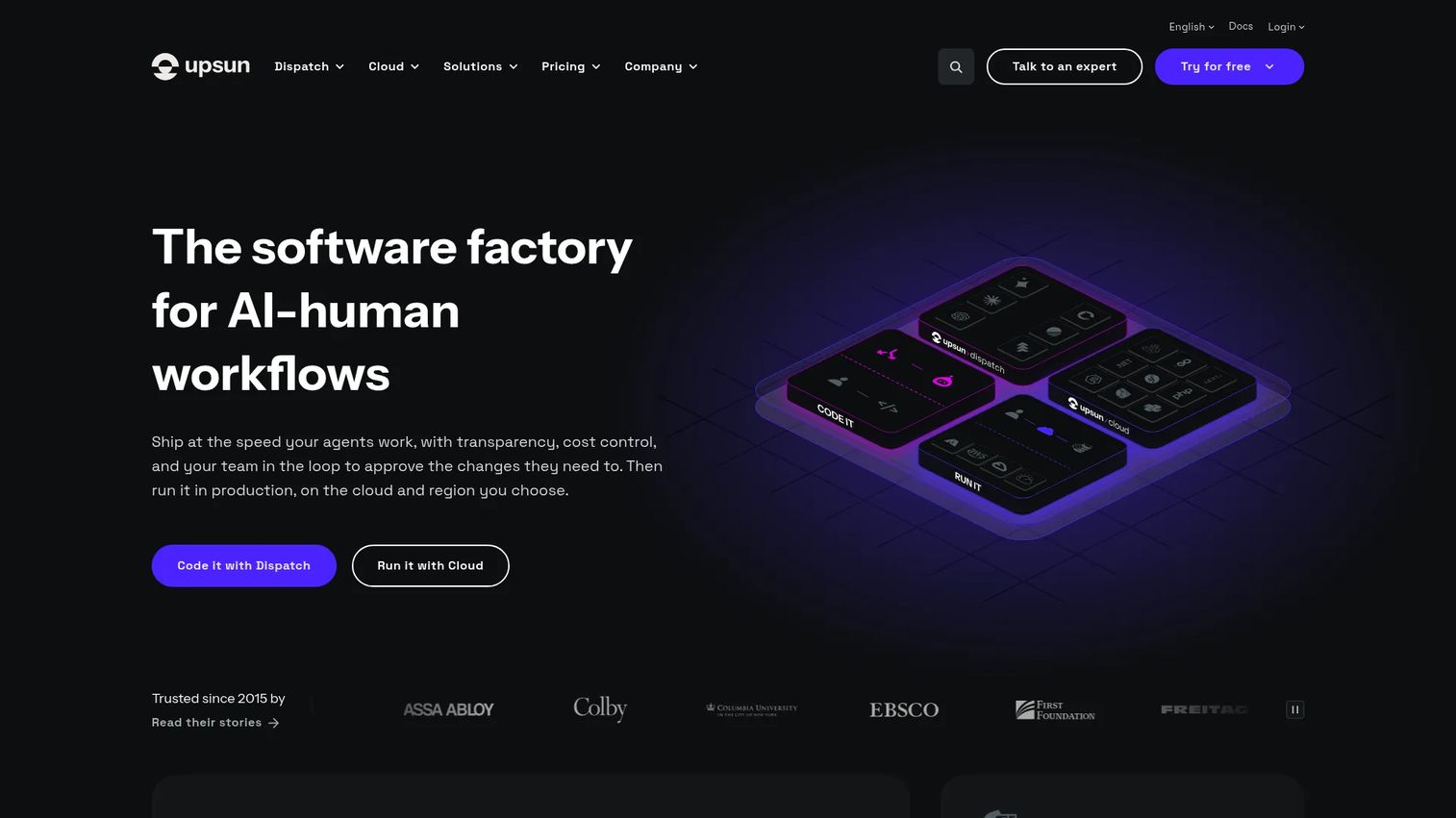
Upsun Cloud is a managed, multi-cloud application platform for building, deploying, and operating web applications. Its standout feature is instant environment cloning: Production branches replicate with code, configuration, and data, giving teams staging environments that match production exactly. It supports deployment across AWS, Azure, Google Cloud, IBM, and OVHcloud. Built-in observability includes infrastructure metrics, APM, and profiling. Security features include DDoS protection, WAF, automated TLS, and SOC 2 Type 2 and PCI DSS Level 1 compliance.
Best for: Development and platform teams needing managed, secure, multi-cloud application hosting with Git-driven workflows and production-parity environments.
Key features
- Instant production-to-preview environment cloning with code, config, and data
- Git-based workflows with CLI, API, and console management
- Multi-cloud deployment across AWS, Azure, Google Cloud, IBM, and OVHcloud
- Built-in observability: Infrastructure metrics, APM, and profiling
- SOC 2 Type 2 and PCI DSS Level 1 compliance; DDoS protection and WAF
Why choose Upsun Cloud: Upsun fits teams where environment parity between staging and production matters for both engineering quality and presales credibility. The compliance certifications (SOC 2 Type 2, PCI DSS Level 1) are directly useful when procurement raises security review questions. Compare pricing, cloud-region availability, and support SLAs against your specific requirements before committing.
Upsun Cloud pricing: A 15-day free trial is available with a monthly credit covering one project fee and one user license. Upsun uses resource-based pricing with no fixed plan bundles. Pricing is displayed in EUR. Contact sales for enterprise support options.
G2 rating: 4.6/5
Considerations when choosing cloud application hosting
Workload fit
A static site, a server-rendered application, a containerized API, and a GPU inference workload each require a different hosting model. Map the workload type before comparing platforms. A PaaS that handles web services well may not support background workers or database provisioning at the level you need.
Deployment workflow
Git-connected deployment, preview environments, secrets management, and rollback capability affect how quickly you can create and refresh demo or POC environments. For presales teams, a platform that takes an hour to reset or redeploy adds friction to every evaluation cycle.
Scaling and reliability
Autoscaling behavior, high-availability configuration, regional deployment options, and backup policies vary significantly across platforms. Avoid accepting vague availability claims at face value. Check what the provider documents in their SLA before surfacing those claims in a technical evaluation.
Security and governance
Evaluate identity controls, audit logs, secrets management, network boundaries, and data residency options. If the buyer's security team will ask about compliance certifications during procurement, check what each provider documents and what requires the buyer's own configuration. Never claim a hosting platform makes an application compliant with a specific standard.
Total cost of ownership
Entry-tier pricing rarely reflects what you'll pay once databases, additional regions, build minutes, and outbound bandwidth are included. Model costs against expected traffic and architecture before comparing headline numbers. Pay attention to overage pricing and whether support is included or billed separately.
Conclusion
The right cloud application hosting platform depends on your workload type and how much operational control you need.
Google Cloud and Microsoft Azure suit teams that need broad cloud platforms with enterprise governance, identity, and multi-region coverage. Cloud Run and Firebase App Hosting fit teams that want managed serverless or full-stack deployment on Google infrastructure without configuring it from scratch. Heroku, Render, and DigitalOcean App Platform serve teams that prioritize deployment speed and a clean developer experience. Northflank and Upsun Cloud work well for teams that want platform-level environment management and isolation controls. AWS Elastic Beanstalk is the practical path for AWS-native teams who want managed deployment without assembling every AWS component manually.
For presales teams specifically: If the hosted environment supports demos, trials, or technical validation, choose for stability, explainability, and reset speed, not only initial deployment speed. A platform that creates a clean story during security review saves more deal time than any deployment optimization.
Once your application is hosted reliably, the next challenge is helping buyers understand it without another live call. Guideflow helps teams create interactive product demos that prospects can explore at their own pace.
Start your journey with Guideflow today!
FAQs
Cloud application hosting is the practice of deploying and running software applications on cloud infrastructure rather than managing physical servers directly. It typically includes compute, networking, storage, scaling, managed deployment pipelines, and security controls. Platforms vary by abstraction level, from IaaS where you manage the OS and runtime, to fully managed PaaS where the platform handles patching and scaling automatically.
Cloud hosting is the broader category, covering any resource delivered over the internet from a cloud provider's infrastructure. Application hosting is a subset focused specifically on running software applications, such as web apps, APIs, background workers, and customer portals. Most modern cloud hosting platforms provide application-specific tooling like CI/CD pipelines, managed runtimes, and deployment workflows on top of the underlying cloud infrastructure.
Startups with small teams and limited ops resources tend to start with Heroku, Render, DigitalOcean App Platform, or Firebase App Hosting, depending on the application type. Render and DigitalOcean offer predictable pricing and simple Git-connected deployment. Firebase App Hosting suits teams building modern web apps on Next.js or Angular. Heroku works well when managed data services and fast deployment matter more than infrastructure control.
Enterprise teams with existing cloud commitments typically evaluate Google Cloud, Microsoft Azure, AWS Elastic Beanstalk, or Upsun Cloud. Microsoft Azure is the natural choice when procurement asks about Microsoft identity, hybrid-cloud integration, and compliance certifications. Google Cloud suits data-heavy or AI-intensive workloads. Upsun Cloud offers SOC 2 Type 2 and PCI DSS Level 1 compliance alongside multi-cloud flexibility, which is directly useful during security review conversations.
Cloud application hosting typically adds managed deployment, autoscaling, observability, and platform automation that a VPS requires you to configure yourself. A VPS gives direct server access and can fit teams that need lower-level customization or specific OS control. For most application workloads, cloud hosting platforms reduce operational overhead significantly. For presales environments that need to scale quickly or reset cleanly between evaluations, managed app hosting is generally the more practical choice.
Costs are driven by compute hours, memory allocation, outbound bandwidth, database usage, build minutes, support plan, and any per-seat or workspace fees. A free or low-cost entry tier rarely reflects total spend once a real application runs at traffic. Model costs against expected request volume, database size, and outbound data transfer before treating entry-tier pricing as a reliable estimate. See our application performance monitoring tools guide for tools that help track infrastructure spend alongside performance.
Yes. Most platforms on this list offer managed database options or integrations. PostgreSQL is commonly available as a managed service on Heroku, Render, DigitalOcean App Platform, and through Google Cloud and Azure. Redis-compatible caching is available on Render and through add-ons on other platforms. MongoDB and other databases are typically available through third-party integrations. Check the platform's current database offerings before assuming a specific database type is natively supported.
Presales teams need environments that are stable, easy to reset, and straightforward to explain during a security review. Key factors include predictable uptime, clear access controls for sharing with prospects, observability for debugging issues quickly, and a deployment story that technical buyers can follow without confusion. Platforms with environment cloning or review apps make it faster to create isolated evaluation instances per prospect. Evaluate also how easily you can revoke access once a deal moves to the next stage. For related tooling, see our guides on CI/CD tools and application security testing software.