Your last release passed every test you wrote. It still shipped a critical vulnerability. Not in your code. In a transitive dependency four levels deep that you never chose, never reviewed, and did not know existed.
That is the reality of modern software. A typical application pulls in hundreds of open source packages, and each of those pulls in more. You control maybe 10% of the code that ships under your product's name. The rest arrives through your package manager, silently, on every build.
Product managers feel this in ways that do not show up in a Jira ticket. A dependency conflict blocks a release the day before launch. A license audit surfaces a package your legal team never approved. A security advisory forces an unplanned sprint that was supposed to go to your onboarding roadmap. Dependency risk is not an engineering-only problem. It moves your ship dates, your compliance posture, and your ability to trust what you put in front of customers.
The stakes are climbing fast. The application dependency mapping tool market is projected to grow from USD 1.05 billion in 2026 to USD 6.11 billion by 2035, a 21.4% CAGR, according to Research Nester (2026). That growth reflects a simple truth: teams can no longer manage what they cannot see.
This guide walks through seven tools that give you that visibility, then help you act on it. If you are evaluating adjacent governance categories, our roundups on ai security posture management and audit management software cover neighboring parts of the same operating model.
What's inside
This is a buyer's shortlist for teams that need to manage dependency risk at scale, not a package manager tutorial. We focused on tools that go beyond installing packages to actually governing them: security scanning, policy enforcement, license compliance, and SBOM support.
We selected each tool on four criteria that matter most for release confidence: depth of software composition analysis, how cleanly it fits into CI/CD, the breadth of ecosystems it covers (npm, Maven, PyPI, and beyond), and how it enforces policy without becoming a bottleneck. Every pricing figure and rating here reflects verified, current vendor sources.
TL;DR
- Best for enterprise supply chain governance: Sonatype, for teams managing open source risk with policy enforcement and SBOM at scale.
- Best for unified AppSec plus dependencies: Mend, for security teams that want remediation and dependency management in one stack.
- Best for Google Cloud-native teams: Google Cloud Software Supply Chain Security, for organizations already building on GKE and Cloud Build.
- Best for enterprise architecture visibility: SAP LeanIX, for inventorying and standardizing dependencies across the application portfolio.
- Best for developer-first workflows: Snyk, for teams that want fast feedback during coding.
- Best for artifact-level control: JFrog Xray, for teams already running Artifactory.
- Best for GitHub-centric teams: GitHub Advanced Security, for repository-native governance inside the developer workflow.
What is dependency management software?
Dependency management software is a category of tools that identify, track, secure, and govern the third-party and open source components an application relies on, across direct and transitive dependencies, so teams can ship without introducing security, compatibility, or license risk.
It sits a layer above your package manager. A package manager like npm, Maven, or PyPI installs and resolves versions. Dependency management software tells you which of those packages carry known vulnerabilities, which conflict, which violate a license policy, and which need updating, then enforces rules automatically in your pipeline.
Core capabilities you should expect:
- Software composition analysis (SCA): Inventories every open source component and flags open source vulnerabilities, often with reachability analysis to filter noise.
- Direct vs transitive dependency mapping: Surfaces the packages you chose and the ones they dragged in, since most risk lives in transitive dependencies.
- SBOM generation: Produces a software bill of materials for compliance, audits, and customer security reviews.
- Policy enforcement: Blocks or quarantines components that break security, license, or version rules before they merge.
- CI/CD integration: Runs software dependency analysis inside your build pipeline so issues surface at commit time, not after release.
- License compliance: Detects licenses across the dependency tree and flags anything outside approved terms.
- Automated remediation: Suggests or opens pull requests to move to safe versions, often with merge confidence signals.
Strong dependency management is how teams escape dependency hell, the state where incompatible or conflicting version requirements make upgrades painful and releases fragile. The right tool turns that chaos into a governed, measurable process.
When to use dependency management software
Ship releases without last-minute surprises
If dependency conflicts or newly disclosed vulnerabilities keep blocking your releases at the worst moment, you need software dependency management that catches these issues early. Continuous scanning inside CI/CD moves the discovery from launch day to commit time. That protects your ship dates and frees your team to work on the roadmap instead of firefighting.
Prove compliance to customers and auditors
Enterprise buyers increasingly demand an SBOM before they sign. If your security questionnaires stall deals or your legal team cannot answer "what open source are we shipping," dependency management tools give you an auditable inventory and license compliance reporting on demand. This matters most for teams selling into regulated or security-conscious markets.
Govern open source risk at scale
When you have dozens of services and hundreds of contributors, manual review does not scale. Policy enforcement lets you define rules once, blocking risky components or unapproved licenses automatically across every repository. This is the operating model shift that separates true dependency management from a package manager: you move from reactive patching to proactive governance.
Comparison table
Here is how the seven tools compare on intent, differentiation, pricing, and rating. Use it to shortlist two or three before reading the detailed sections below. Pricing and ratings reflect current vendor and G2 sources.
| # | Product | Intent | Key differentiation | Pricing | G2 rating |
|---|---|---|---|---|---|
| 1 | Sonatype | Enterprise supply chain security | Policy enforcement plus component quarantine and SBOM governance | Free; Pro $100/mo; Enterprise custom | 4.5/5 |
| 2 | Mend | Unified AppSec and dependencies | Reachability-driven SCA with AI code fixes | From $250/developer/year | 4.3/5 |
| 3 | Google Cloud Software Supply Chain Security | Cloud-native supply chain | End-to-end controls from build to runtime on Google Cloud | Contact sales | Not listed |
| 4 | SAP LeanIX | Enterprise architecture governance | Application portfolio and technology risk visibility | Per application, unlimited users | 4.5/5 |
| 5 | Snyk | Developer-first security | Fast in-workflow scanning across code, OSS, containers | Free; Team from $25/mo; Enterprise custom | 4.5/5 |
| 6 | JFrog Xray | Artifact-level SCA | Repository and build scanning inside the JFrog platform | Enterprise X $950/mo; Pro X $27,000/yr | 4.2/5 |
| 7 | GitHub Advanced Security | Repository-native governance | Dependency and secret scanning inside GitHub | Secret Protection $19; Code Security $30 per committer/mo | 4.7/5 |
1. Sonatype
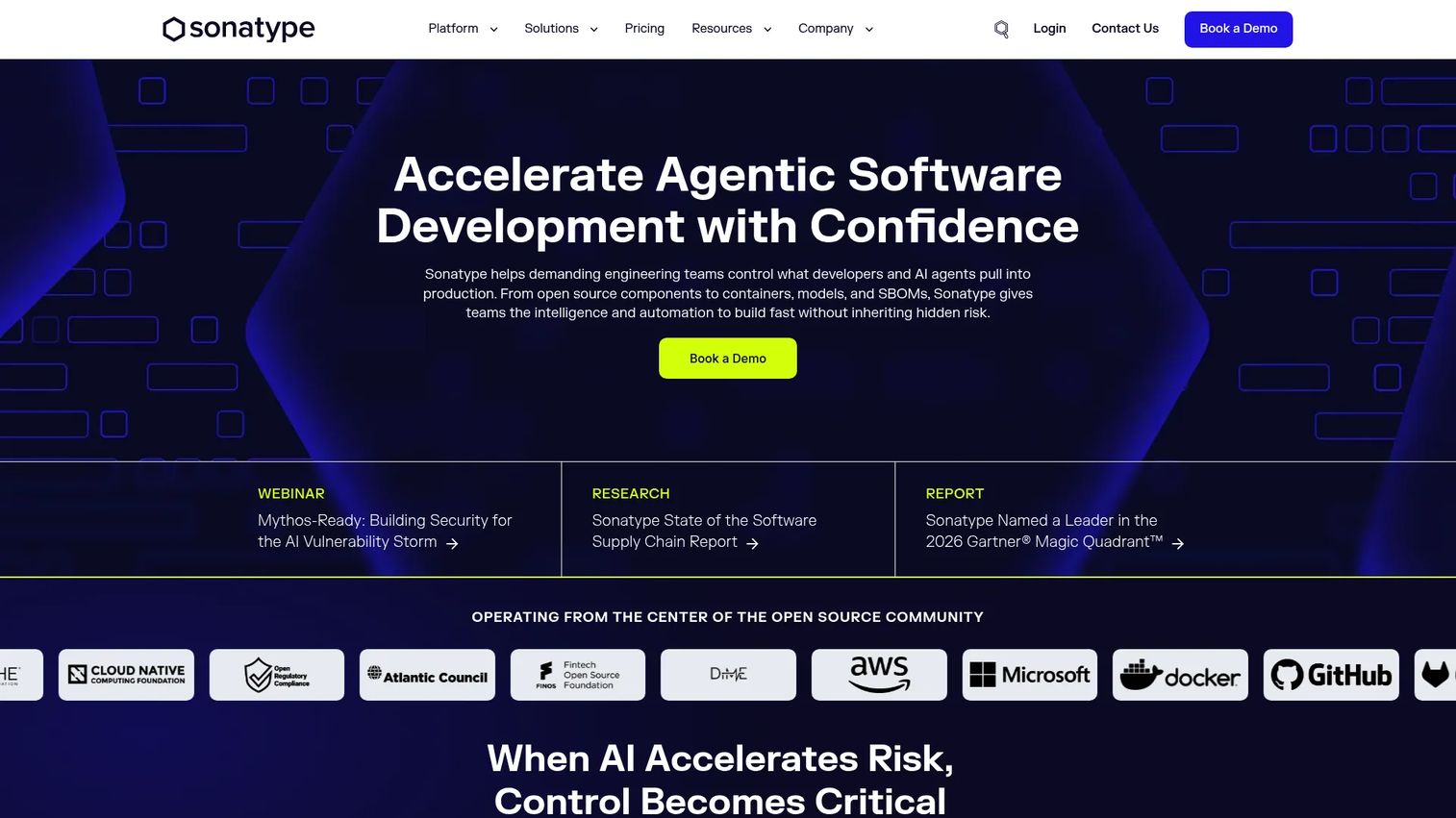
Sonatype is the most category-native option on this list. It is a software supply chain security platform built around open source risk, dependency management, repository management, firewalling, and SBOM governance. If your operating model centers on controlling what open source enters your builds, Sonatype was designed for exactly that job.
The platform's differentiator is enforcement at the point of entry. Rather than only reporting problems after the fact, Sonatype can quarantine or block malicious and policy-violating components before they reach your developers, then track your entire dependency inventory against defined rules. For product managers, that means fewer emergency sprints triggered by a component that should never have merged.
Best for: Teams that need enterprise software supply chain security and open source risk management at scale.
Key strengths
- Automated dependency management with policy enforcement: Define security, license, and version rules once and enforce them across every repository through SCA.
- Component quarantine and blocking: Stop malicious or non-compliant open source packages at the perimeter before they enter builds.
- SBOM generation and monitoring: Produce, track, and share a software bill of materials for compliance and customer security reviews.
Why choose Sonatype: Choose Sonatype when governance and open source vulnerabilities are your primary concern and you want proactive blocking, not just alerts. It fits security-focused organizations that treat dependency risk as a supply chain problem. Teams looking for a lightweight developer-only scanner may find it more platform than they need, which is exactly why it suits governance-heavy environments.
Sonatype pricing: Sonatype offers a Free plan at $0, a Pro plan starting at $100 per month billed annually, and an Enterprise plan with custom pricing. Individual product lines carry their own pricing: Nexus Repository starts at $1,620 per year plus consumption, Guide from $1,200 per year, and Firewall from $4,800 per year, with Lifecycle priced on quote. Sonatype holds a 4.5/5 rating on G2.
2. Mend
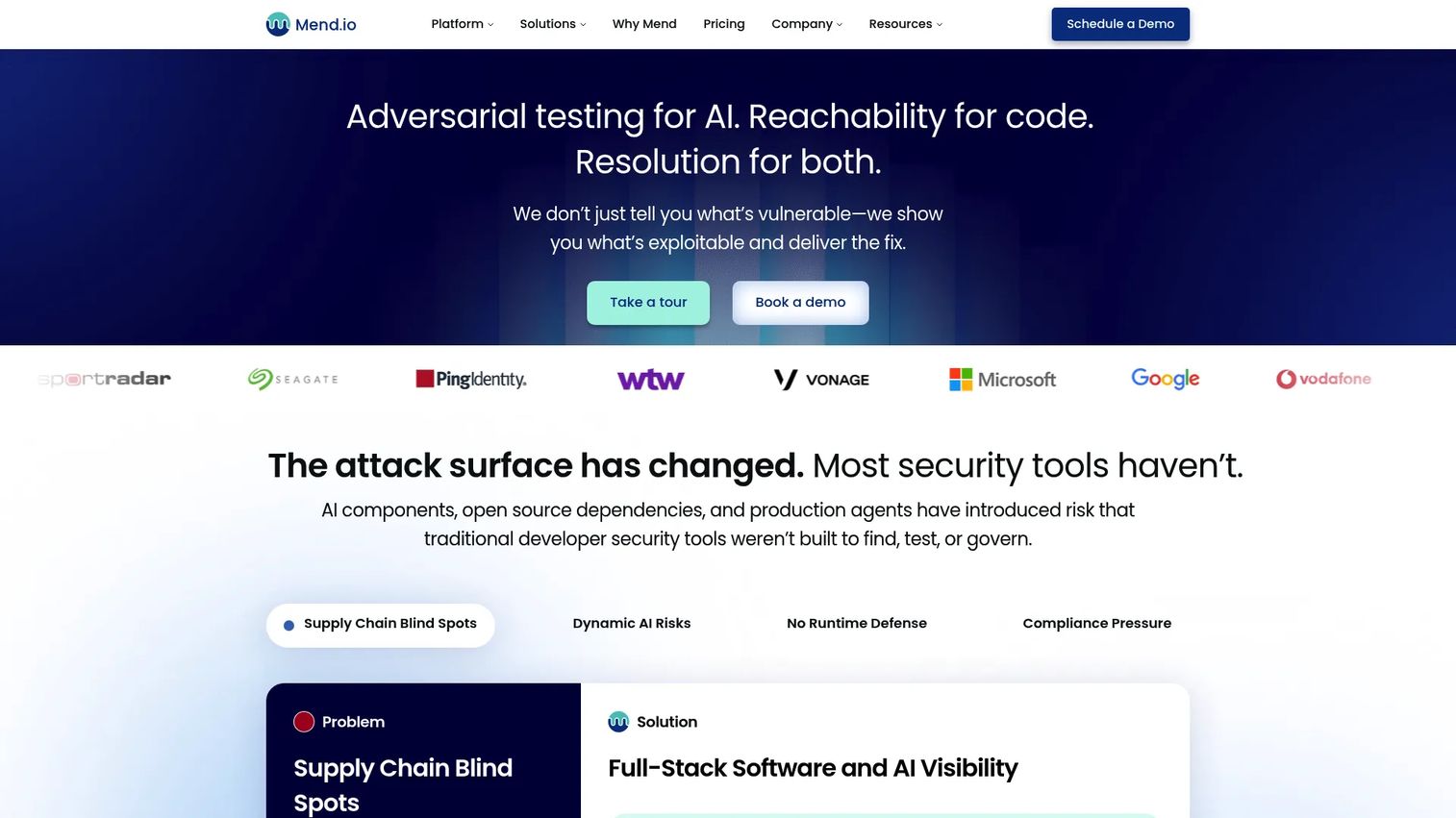
Mend is an application security and AI security platform that treats dependency management as one pillar of broader AppSec. It secures code, dependencies, containers, and AI assets in a single stack, which appeals to teams that would rather consolidate than stitch together point tools. That breadth is the reason it lands high on this list for security-led organizations.
What sets Mend apart is reachability. Rather than flooding you with every disclosed CVE in your dependency tree, its reachability-driven SCA prioritizes vulnerabilities that your code actually calls. Combined with automated dependency updates, that reduces the noise that makes developers ignore scanners and helps teams focus remediation where it matters.
Best for: Security teams needing unified application security, dependency management, and AI security coverage.
Key strengths
- High-precision SAST with AI-powered code fixes: Detect and suggest fixes for code-level vulnerabilities alongside dependency issues.
- Reachability-driven SCA and automated dependency management: Prioritize open source vulnerabilities that are actually reachable, then automate safe updates.
- AI security capabilities: Discover, red team, and apply runtime guardrails to AI assets as part of the same platform.
Why choose Mend: Choose Mend when you want remediation and governance living in one place rather than across several tools, and when AI asset security is on your near-term roadmap. Its reachability model is a strong fit for teams drowning in low-priority alerts. Organizations that only need a single-ecosystem scanner may pay for more platform than they use.
Mend pricing: Mend prices per Contributing Developer per year. Mend Renovate Enterprise starts at $250 per contributing developer per year, Mend AI Premium at $300, and Mend AppSec at $1,000. There is no free tier listed, though a trial is available. Mend holds a 4.3/5 rating on G2.
3. Google Cloud Software Supply Chain Security
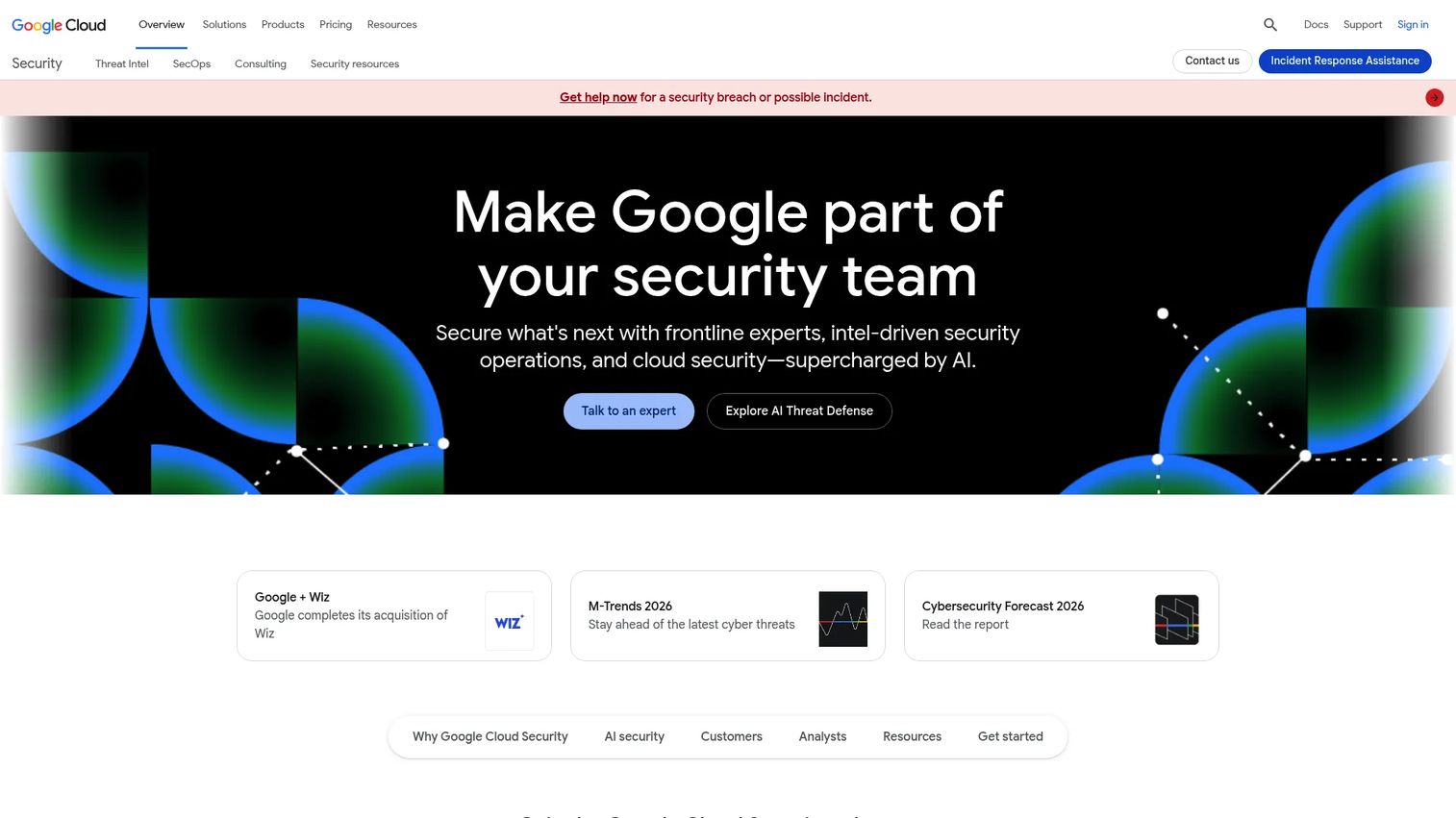
Google Cloud Software Supply Chain Security is a modular set of controls that protect software development, build, deploy, and runtime stages. It is not a single product so much as a coordinated set of services, from secured development environments to artifact scanning to policy enforcement at deploy time. For teams already committed to Google Cloud, that end-to-end coverage is the draw.
The strength here is integration across the lifecycle. Artifact Registry and Container Analysis handle storage and vulnerability scanning, while Cloud Build, Cloud Deploy, GKE, Cloud Run, and Binary Authorization enforce policy from CI/CD through runtime. Dependencies get inspected as artifacts move through a pipeline you already operate, which keeps software dependency analysis close to where your code ships.
Best for: Enterprises using Google Cloud that want a unified supply chain security posture from development through runtime.
Key strengths
- Cloud Workstations: Provide secured, consistent development environments that reduce drift and unmanaged dependencies.
- Artifact Registry and Container Analysis: Store artifacts and scan container images and packages for known vulnerabilities.
- Cloud Build, Cloud Deploy, GKE, Cloud Run, and Binary Authorization: Run CI/CD, manage runtime, and enforce provenance and policy before deploy.
Why choose Google Cloud Software Supply Chain Security: Choose it when your build and runtime already live on Google Cloud and you want supply chain controls native to that environment rather than bolted on. It rewards teams that value one operational surface. Organizations running multi-cloud or on-prem stacks may prefer a vendor-neutral tool.
Google Cloud Software Supply Chain Security pricing: The solution page routes to sales rather than publishing a bundled price, since costs depend on the component services you consume. Related pieces such as Assured Open Source Software carry their own pricing. There is no single G2 rating for this solution.
4. SAP LeanIX

SAP LeanIX comes at dependencies from the enterprise architecture angle. It manages application portfolios, technology risk, and transformation planning, giving product and platform leaders a top-down view of how services, applications, and their dependencies relate across the organization. Where the other tools inspect packages, LeanIX inventories systems.
That makes it valuable for a specific job: standardizing and governing dependencies across a large portfolio. When you have hundreds of applications and need to know which depend on an end-of-life technology or which share a risky component, LeanIX gives you that map. It pairs application portfolio management with technology risk and compliance so governance decisions rest on a current inventory.
Best for: Enterprise teams standardizing application portfolio and transformation planning.
Key strengths
- Application portfolio management: Maintain a live inventory of applications and their dependencies across the organization.
- Technology risk and compliance: Surface aging, risky, or non-compliant technologies before they become incidents.
- Architecture and roadmap planning: Plan migrations and modernization with dependency relationships made visible.
Why choose SAP LeanIX: Choose LeanIX when your challenge is portfolio-wide visibility and governance rather than commit-level package scanning. It fits enterprise architects and product leaders coordinating modernization across many systems. Small teams focused on a single codebase will get more from a developer-centric scanner.
SAP LeanIX pricing: LeanIX prices by the number of applications in your landscape and includes unlimited users, so cost scales with portfolio size rather than seat count. No public numeric starting price is published on the pricing page. LeanIX holds a 4.5/5 rating on G2.
5. Snyk
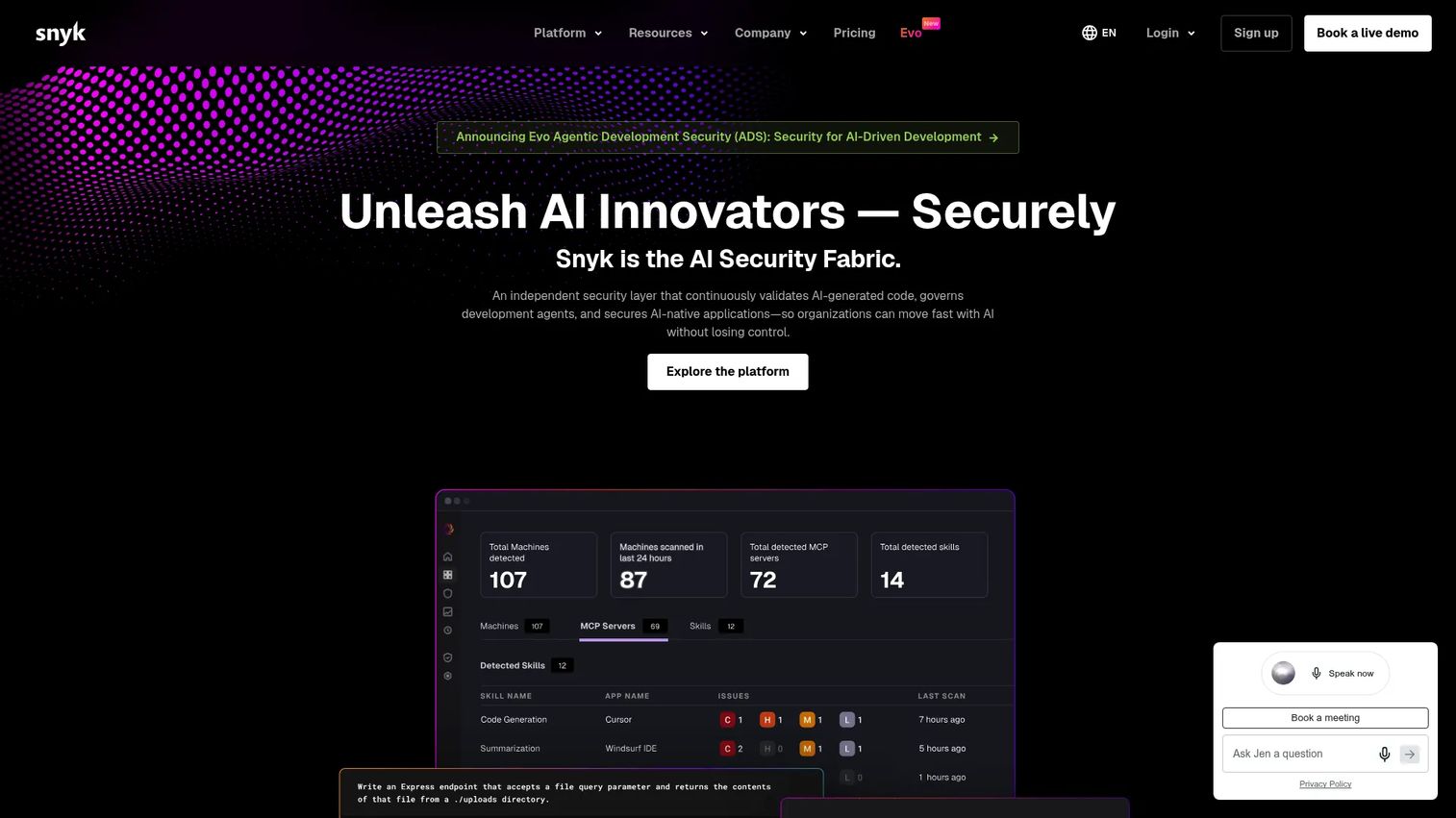
Snyk built its reputation on being developer-first. It is a developer security platform that scans code, open source dependencies, containers, and cloud infrastructure, and it puts that feedback where developers already work: the IDE, the pull request, the CLI. For teams that want fast feedback during development rather than a gate at the end, Snyk fits the workflow naturally.
The differentiator is adoption. Because Snyk meets developers inside their existing tools and offers a genuine free tier, engineers tend to use it voluntarily rather than treating it as compliance overhead. That matters for a product manager: a scanner developers actually run catches issues that a heavyweight gate they route around never will.
Best for: Teams needing a developer-first application security platform with fast in-workflow feedback.
Key strengths
- Open source dependency scanning: Identify open source vulnerabilities across direct and transitive dependencies with fix guidance.
- SAST and code scanning: Catch code-level issues alongside dependency risk in the same workflow.
- Container and IaC scanning: Extend scanning to container images and infrastructure-as-code definitions.
Why choose Snyk: Choose Snyk when developer adoption is your priority and you want security feedback in the IDE and pull request rather than a separate console. Its free tier makes it easy to start small and expand. Teams that need heavy centralized supply chain governance may pair it with a policy-first platform.
Snyk pricing: Snyk offers a Free plan at $0 per month, a Team plan starting at $25 per month per contributing developer, an Ignite plan starting at $1,260 per year per contributing developer, and an Enterprise plan with custom pricing. Prices vary by product. Snyk holds a 4.5/5 rating on G2.
6. JFrog Xray
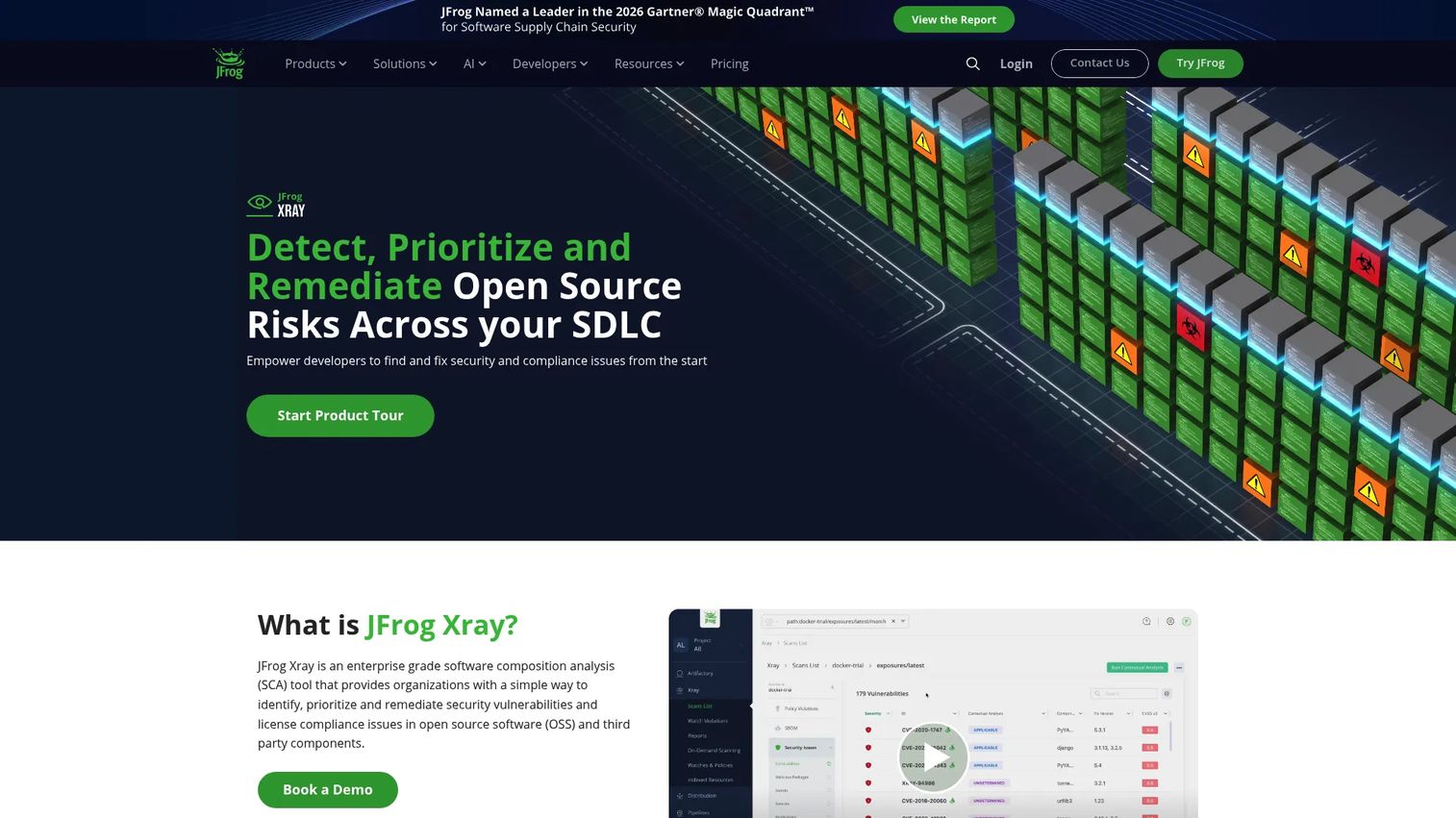
JFrog Xray is a software composition analysis tool that inspects artifacts, packages, and container images for OSS and third-party component risks. Its natural home is inside the JFrog platform, scanning what lives in Artifactory repositories. If your team already manages binaries and builds through JFrog, Xray extends that with security and license scanning at the artifact layer.
The advantage is repository-level depth. Xray continuously scans repositories, build packages, and container images, then applies policy across the software supply chain from a single control plane. Because it sits where your artifacts already flow, dependency and license issues surface as part of the build and promotion process rather than as a separate step.
Best for: Teams that need enterprise SCA and license compliance scanning across software supply chains, especially existing Artifactory users.
Key strengths
- Continuous scanning of repositories, builds, and containers: Inspect artifacts across the pipeline for vulnerabilities and risky components.
- Vulnerability and license compliance detection: Flag open source vulnerabilities and license issues across the dependency tree.
- SBOM generation and policy enforcement: Produce a bill of materials and enforce rules on what can be promoted or released.
Why choose JFrog Xray: Choose Xray when you already run Artifactory and want scanning and policy tightly coupled to your artifact repositories. It rewards teams invested in the JFrog platform with unified control. Teams not using Artifactory may find a standalone scanner a simpler entry point.
JFrog Xray pricing: Xray is sold as part of the JFrog platform. Visible plans include Enterprise X starting at $950 per month, Pro X at $27,000 per year, and Enterprise + on custom pricing. A standalone Xray-only price is not isolated on the pricing page. JFrog holds a 4.2/5 rating on G2.
7. GitHub Advanced Security
GitHub Advanced Security is the code-native option for teams whose work already lives in GitHub. It brings dependency monitoring through Dependabot, secret scanning, and CodeQL code scanning directly into the repositories, pull requests, and workflows developers use every day. There is no separate console to adopt, which lowers the barrier to consistent usage.
The strength is proximity to the developer workflow. Dependency alerts and update pull requests appear where code review already happens, and Copilot Autofix can suggest remediations inline. For product managers, that repository-level governance means dependency hygiene becomes part of the normal review rhythm rather than a bolt-on process teams forget.
Best for: Teams on GitHub that need built-in secret scanning and code-vulnerability remediation inside their existing workflow.
Key strengths
- Dependency monitoring with Dependabot: Track open source vulnerabilities and open update pull requests automatically.
- CodeQL code scanning: Detect code-level vulnerabilities across the codebase inside pull requests.
- Secret Protection and Copilot Autofix: Catch leaked secrets and suggest inline fixes without leaving GitHub.
Why choose GitHub Advanced Security: Choose it when GitHub is your source of truth and you want governance native to that workflow rather than a separate platform. Adoption is easy because there is nothing new to learn. Teams spread across multiple version control systems may need a more platform-agnostic tool.
GitHub Advanced Security pricing: GitHub Advanced Security is sold as two add-ons: GitHub Secret Protection at $19 per active committer per month and GitHub Code Security at $30 per active committer per month. Some features are free for public repositories, and a 30-day trial is available. GitHub Advanced Security holds a 4.7/5 rating on G2.
Considerations before you choose
Before you commit, run every shortlisted tool against these criteria. The right choice depends less on feature counts than on how the tool fits your team's actual operating model.
Ecosystem coverage
Confirm the tool supports every package manager and language your teams use, from npm and Maven to PyPI, Gradle, and beyond. A tool with deep coverage in one ecosystem and thin coverage in another leaves blind spots. Map your dependency landscape first, then check it against each vendor's supported ecosystems.
CI/CD fit and noise control
The best software dependency analysis is the kind developers do not route around. Evaluate how cleanly the tool integrates into your CI/CD pipeline and whether it uses reachability or merge confidence signals to cut false positives. A scanner that floods pull requests with unreachable CVEs gets muted, and a muted scanner catches nothing.
Policy enforcement and governance
Decide whether you need reporting or enforcement. Some tools alert; others block or quarantine risky components before they merge. If you are governing open source risk across many repositories, policy enforcement is the capability that scales, letting you define rules once instead of reviewing every pull request by hand.
SBOM and license compliance
If enterprise or regulated customers are in your pipeline, verify the tool generates a usable SBOM and detects license compliance issues across direct and transitive dependencies. This capability turns a stalled security questionnaire into a same-day answer and keeps legal ahead of surprises.
Total cost against your model
Pricing models differ sharply: per developer, per application, per artifact, or consumption-based. Match the model to how you scale. A per-application price suits a large portfolio, while per-developer pricing may fit a fast-growing engineering team. Adjacent governance investments, like contract lifecycle management software or audit management, often share the same budget conversation.
Conclusion
Dependency management software is no longer optional infrastructure. When most of your shipped code arrives through dependencies you did not write, visibility and governance are what protect your release dates, your compliance posture, and the trust you have built with customers.
The right pick depends on your operating model. Sonatype fits security-first teams that want to govern and block open source risk at scale. Mend suits organizations consolidating AppSec, dependencies, and AI security into one stack. Google Cloud Software Supply Chain Security rewards teams already building on Google Cloud. SAP LeanIX serves enterprise architects mapping dependencies across a large portfolio. Snyk wins on developer adoption and fast feedback. JFrog Xray fits Artifactory-centric artifact governance. GitHub Advanced Security is the natural choice for GitHub-native teams.
Do not chase the longest feature list. Shortlist two or three tools that match your ecosystems, your pipeline, and your governance needs, then run a real proof of concept against your own repositories. The tool that surfaces the risk your team actually faces, without the noise your developers ignore, is the one worth buying.
For teams thinking about the wider governance stack, our guides on component content management systems and contract management cover neighboring decisions.
FAQs
Dependency management software identifies, tracks, secures, and governs the third-party and open source components an application depends on, across both direct and transitive dependencies. It goes beyond installing packages to flag vulnerabilities, enforce license and version policies, generate SBOMs, and integrate scanning into CI/CD so risk surfaces before release rather than after.
A package manager like npm, Maven, or PyPI installs and resolves package versions. Dependency management software sits above that layer, analyzing which packages carry open source vulnerabilities, which violate license policy, and which conflict, then enforcing rules across your pipeline. Package managers fetch dependencies; dependency management tools govern them.
Direct dependencies are the packages you explicitly add to your project. Transitive dependencies are the packages those direct dependencies pull in, often several layers deep. Most dependency risk lives in transitive dependencies you never chose, so good software dependency management maps and monitors the entire tree, not just the packages in your manifest.
Dependency hell is the state where conflicting or incompatible version requirements make upgrades fragile and releases painful. Dependency management tools help by mapping the full dependency graph, flagging conflicts early, suggesting compatible versions, and using merge confidence signals to show which updates are safe. That turns risky guesswork into a governed, predictable process.
Software composition analysis (SCA) inventories every open source and third-party component in your application and checks each against known vulnerability and license databases. Advanced SCA adds reachability analysis to prioritize vulnerabilities your code actually calls, reducing noise. It is the core engine behind most dependency management software.
Dependency management software integrates into your CI/CD pipeline so software dependency analysis runs automatically on every commit, build, or pull request. It can block merges that introduce risky components, open remediation pull requests, and enforce policy before code ships. This moves discovery from launch day to commit time, protecting release schedules.
Open source components carry licenses with obligations, and shipping a package under an incompatible or restrictive license can create legal and business risk. License compliance features detect every license across your direct and transitive dependencies and flag anything outside approved terms, so legal stays ahead of surprises and enterprise security reviews clear faster.
At minimum, your tool should cover the package managers your teams actually use, commonly npm, Maven, PyPI, and Gradle, plus container images and infrastructure-as-code where relevant. Broad ecosystem coverage matters because a gap in any language your teams ship leaves an unmonitored path for open source vulnerabilities to enter production.