
A messy data model breaks things quietly. The dashboard still loads. The query still runs. But ask a simple question, "which segment actually activated last quarter?", and you get three different answers depending on who you ask and which table they pulled from.
That gap has a price. According to Gartner, poor data quality costs organizations an average of $12.9 million per year. Most of that cost is invisible until someone tries to make a decision on top of it.
For a product manager, the stakes are specific. If your event schema is inconsistent, you cannot segment users by role, plan, or use case with any confidence. You cannot prove onboarding ROI. You cannot tell engineering which workflow drives retention, because the data underneath the question is unreliable. The model is the foundation. When it drifts, everything built on it drifts too.
Good data modeling tools fix this at the root. They let teams design schemas deliberately, document what each field means, and govern changes so the structure stays trustworthy as the product evolves. Some are visual diagrammers. Some are code-first. Some are built for Snowflake-era cloud warehouses, others for decades-old enterprise governance. The right one depends on your platform, your team's skill mix, and how much control you need.
This guide compares 12 data modeling tools by the features that matter, with verified pricing and ratings where available. No fluff, no marketing gloss, just what each tool does well and who it fits.
What's inside
This guide is for data architects, analytics engineers, data engineers, and the product and data owners who increasingly evaluate data modeling software themselves. We selected and compared 12 tools using four criteria that decide real fit:
- Modeling depth: support for conceptual, logical, and physical layers.
- Platform and database coverage: cloud warehouses (Snowflake, BigQuery, Redshift) and operational databases (Postgres, SQL Server, MySQL).
- Collaboration and governance: versioning, naming conventions, change control, and lineage.
- Modern capabilities: cloud-native design, forward and reverse engineering, documentation, and AI-assisted modeling.
Each tool entry includes verified features, pricing where public, and an honest read on who it suits best.
TL;DR
Short on time? Here are the shortcuts:
- Best free standalone tool: Oracle SQL Developer Data Modeler. Full logical, relational, and physical modeling at no cost.
- Best for Snowflake-first cloud teams: SqlDBM. Browser-based, collaborative, with deep cloud warehouse support.
- Best for SQL and code-based transformation modeling: dbt. Modeling-as-code with version control and DAG lineage.
- Best for enterprise governance: erwin Data Modeler. Governed conceptual-to-physical modeling across complex environments.
- Best for NoSQL and mixed data stores: Hackolade. Polyglot modeling for MongoDB, JSON, and document databases.
- Best lightweight visual designer: dbdiagram.io. Fast ER diagramming with SQL import and export.
What is data modeling software?
Data modeling software is a tool that helps teams design, visualize, document, and manage the structure of their data, defining entities, attributes, and relationships across conceptual, logical, and physical layers. A data modeler uses it to turn business requirements into a precise schema that databases and warehouses can implement.
In practice, database modeling tools sit between business intent and technical implementation. They produce the diagrams, the documentation, and the DDL that engineers deploy. Without them, schema knowledge lives in someone's head or scattered across SQL files, which is exactly how data drift starts.
Conceptual, logical, and physical models
Most data modeling tools work across three abstraction layers. Each answers a different question.
- Conceptual model: the high-level view. What entities exist and how do they relate? Customers, orders, products, and the connections between them. No technical detail, just business meaning.
- Logical model: the detailed structure. Attributes, keys, data types, and relationships, defined independently of any specific database technology.
- Physical model: the implementation. Tables, columns, indexes, partitions, and constraints, mapped to a specific platform like Snowflake, Postgres, or SQL Server.
Strong tools let you move between these layers, generating a physical schema from a logical model or the reverse. That flow is what separates a real modeling tool from a simple diagramming app.
Key features of data modeling tools
Across modern data modeling software, a common feature set recurs. When evaluating any tool, look for:
- Forward engineering: generating DDL and database schemas from a model.
- Reverse engineering: building a model from an existing database's schema.
- Schema visualization: clear ER diagrams that humans can actually read.
- Version control: tracking model changes over time, often with Git integration.
- Naming-convention enforcement: keeping the schema consistent and predictable.
- Lineage and documentation: tracing where data comes from and what it means.
- Multi-platform support: working across warehouses and operational databases.
- Collaboration: multiple people modeling without overwriting each other.
ThoughtSpot's 2026 data modeling guide lists forward and reverse engineering among the top evaluation criteria, alongside database compatibility. Those two features alone separate enterprise-grade tools from quick sketch utilities.
When to use a data modeling tool
Not every situation needs dedicated database modeling software. These three do.
Design a new database or warehouse schema from scratch
When you are standing up a new warehouse or a fresh operational database, a modeling tool forces clarity before code. You define entities, relationships, and keys deliberately, catch design flaws early, then generate the DDL. This is far cheaper than discovering structural problems after data is loaded and dashboards are built.
Reverse-engineer and document an existing database
Most teams inherit a database nobody fully understands. Reverse engineering generates a model from the live schema, giving you a readable map of what exists. From there you can document tables, annotate columns, and finally answer questions about a system that grew organically over years.
Govern schema changes across a growing data team
As a product changes, its data layer changes with it. Without governance, the schema drifts: duplicate fields, inconsistent naming, undocumented columns. For a product manager, this is the same decay problem as onboarding rot. The structure rots quietly until segmentation breaks. A modeling tool with versioning and change control keeps the product data layer trustworthy as releases ship. If onboarding a data team onto a new tool is part of that rollout, an interactive walkthrough can shorten the ramp without pulling engineers into training sessions. For teams building structured ramp programs, pairing it with the right user onboarding software makes the transition smoother.
Data modeling tools compared
Here is the full comparison, sorted by relevance to cloud-native and broadly-used modeling work. Pricing reflects publicly listed figures where vendors publish them. Several enterprise tools are quote-based, so their pricing is noted accordingly. G2 ratings reflect each tool's current listing where a product-specific rating is available.
| # | Product | Intent | Key use case | Pricing | G2 rating |
|---|---|---|---|---|---|
| 1 | erwin Data Modeler | Enterprise governance | Governed modeling across complex environments | Quote-based | 4.2/5 |
| 2 | SqlDBM | Cloud-native collaboration | Collaborative Snowflake-era modeling | Request a quote | 4.6/5 |
| 3 | dbt | Code-first transformation | SQL modeling and lineage in ELT | Free; Starter $100/user/mo | 4.7/5 |
| 4 | Coalesce | Visual cloud transformation | Visual, metadata-driven warehouse modeling | From $500/mo | 4.7/5 |
| 5 | Oracle SQL Developer Data Modeler | Free standalone modeling | Logical to physical modeling at no cost | Free | Not listed |
| 6 | ER/Studio | Enterprise metadata governance | Governed modeling with business glossaries | From $2,687/user | 4.0/5 |
| 7 | SAP PowerDesigner | Enterprise architecture | Data plus enterprise architecture modeling | Quote-based | 4.1/5 |
| 8 | IBM InfoSphere Data Architect | Heterogeneous enterprise modeling | Modeling across distributed data sources | Quote-based | Not listed |
| 9 | Toad Data Modeler | Budget visual modeling | Visual modeling and reverse engineering | Freeware available | Not listed |
| 10 | Hackolade | NoSQL and polyglot modeling | Schema design for document and mixed stores | From €175/mo | Not listed |
| 11 | Hex | Collaborative analytics | Notebook-based modeling and analysis | Free; from $36/editor/mo | 4.5/5 |
| 12 | dbdiagram.io | Lightweight ER diagramming | Fast schema sketches with DDL export | Free; Pro $8/mo | 4.3/5 |
The 12 best data modeling tools for 2026
1. erwin Data Modeler
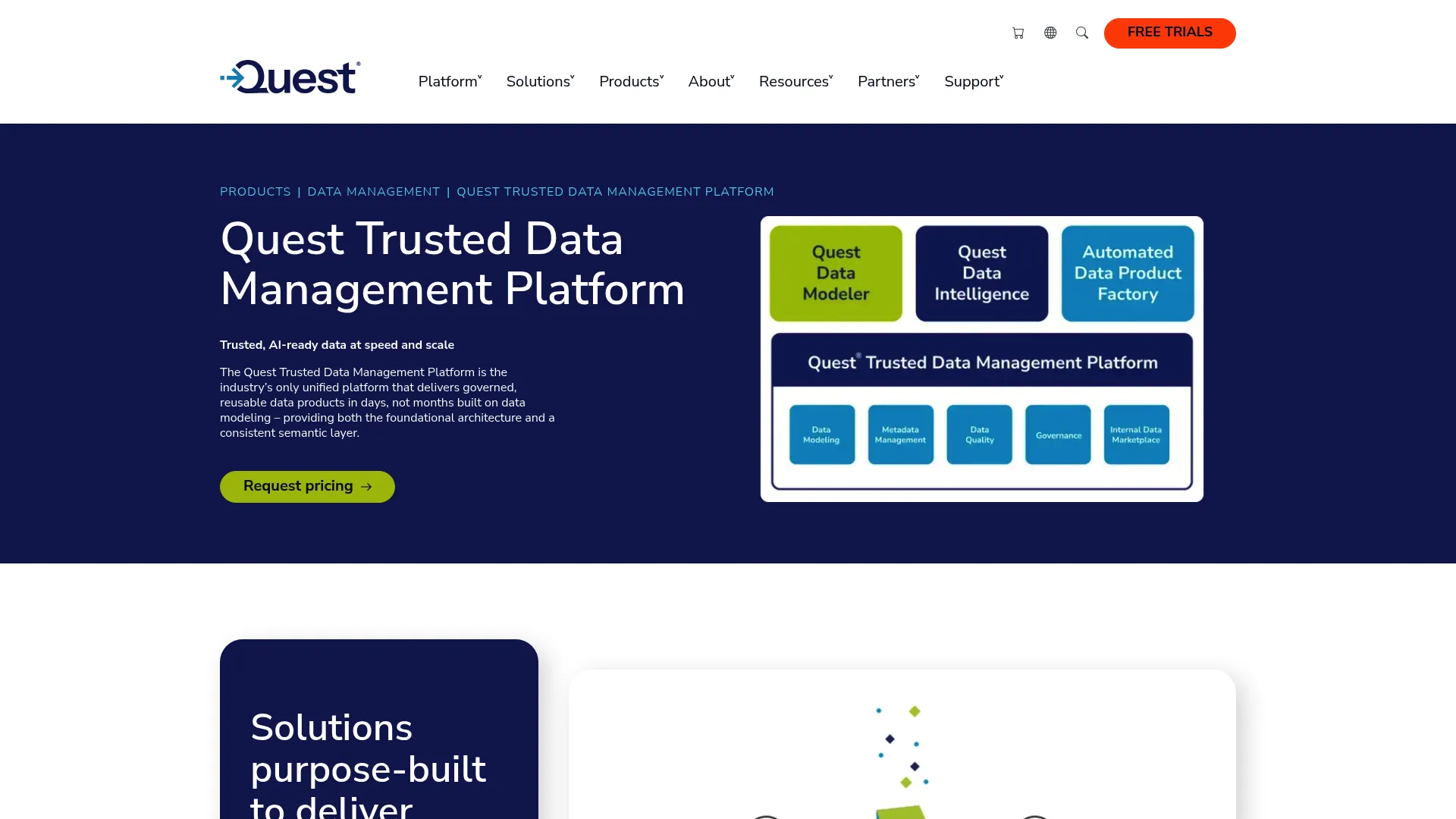
erwin Data Modeler is Quest's enterprise data modeling tool for designing, visualizing, deploying, and standardizing trusted data assets. It has been a fixture in large enterprise data architecture for decades, valued for rigor over speed. It handles structured and unstructured data across databases, warehouses, on-premises, and cloud sources from a single interface.
Best for: Large enterprises that need governed, standardized data modeling across complex database and cloud environments.
Key strengths
- Unified data visualization: See structured and unstructured enterprise data across many source types in one place.
- Centralized model management: Develop and manage conceptual, logical, and physical models from a single environment.
- Automated schema generation: Generate data models and database schemas without hand-writing DDL.
Why choose erwin: If your organization needs defensible standards, a single source of truth for models, and the ability to govern data structure across a sprawling estate, erwin is built for exactly that. It is heavyweight, and that weight is the point. Smaller teams chasing speed will find lighter tools faster to adopt, but they will not match erwin on governance depth.
erwin pricing: erwin Data Modeler is sold through Quest, and pricing is not published as a public figure on the brand site. Expect quote-based, enterprise-tier pricing aligned with its positioning. Request a quote through Quest to get a number for your seat count and deployment. It carries a 4.2/5 rating on G2.
2. SqlDBM

SqlDBM is a cloud-based enterprise data modeling platform for designing, governing, documenting, and collaborating on data models across cloud and on-premises databases. It runs entirely in the browser, which removes the install-and-license friction that slows older tools. It supports modeling across platforms including Snowflake, Databricks, BigQuery, Redshift, Synapse, and SQL Server.
Best for: Enterprise data teams that need collaborative cloud data modeling, governed documentation, and schema-change workflows across modern warehouses.
Key strengths
- Full-layer modeling: Build conceptual, logical, and physical models in one cloud workspace.
- Engineering workflows: Reverse engineer, forward engineer, generate alter scripts, and track versions.
- Stack integrations: Connect to dbt, Confluence, Git, and Jira for governance and collaboration.
Why choose SqlDBM: For distributed cloud data teams, browser-based collaboration is the differentiator. Multiple people model together, changes are versioned, and the tool plugs into the Git and dbt workflows teams already run. If your warehouse is Snowflake or another cloud platform, SqlDBM speaks that language natively.
SqlDBM pricing: SqlDBM's pricing page describes enterprise platform access and lists included capabilities, but it does not display a public numeric price. It directs prospective buyers to contact sales and request a quote. SqlDBM holds a 4.6/5 rating on G2, the highest among the cloud-native enterprise options here.
3. dbt
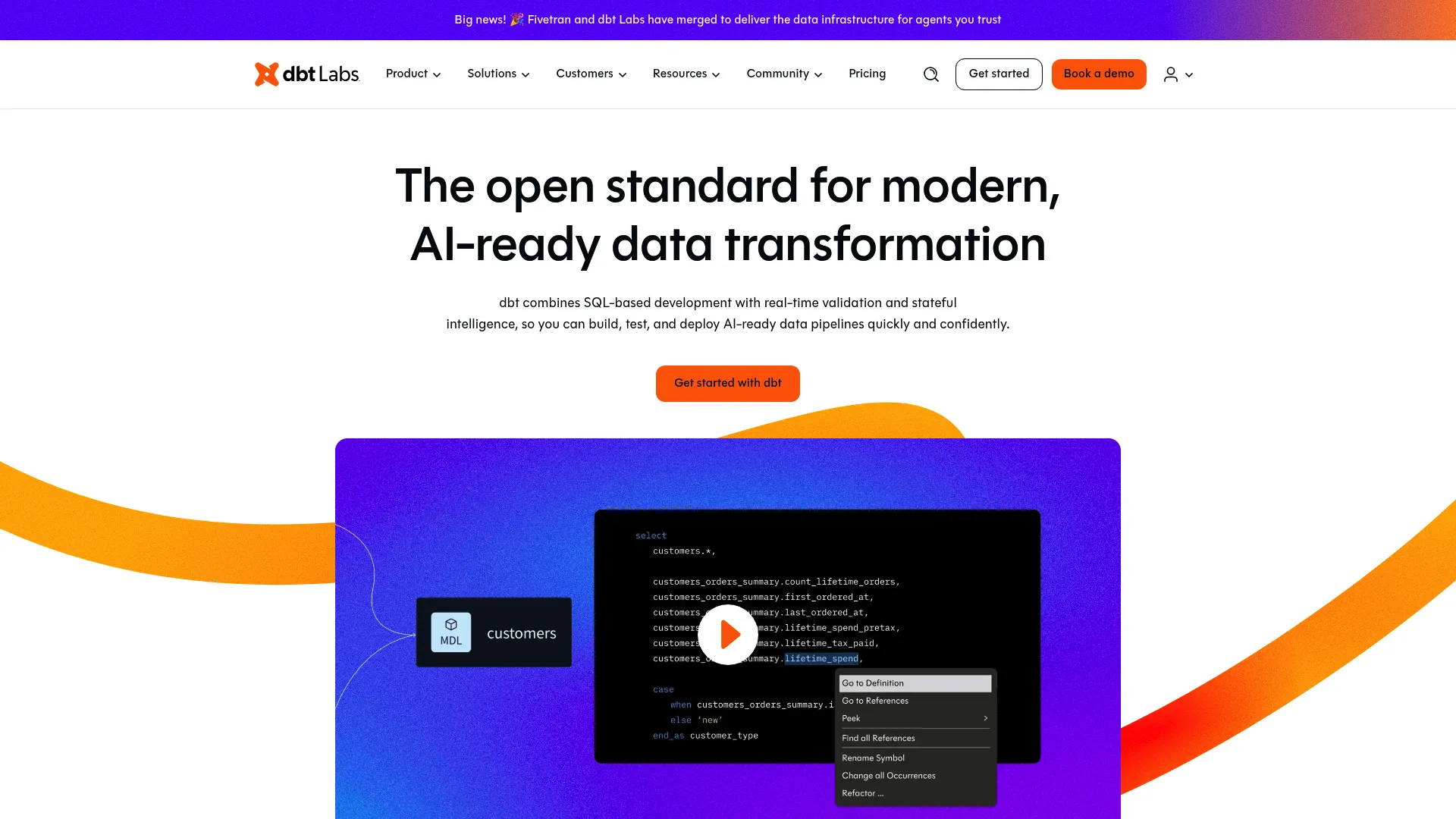
dbt is a data control plane for analytics workflows that helps teams build, orchestrate, document, and manage trusted data pipelines. It is not a visual ER diagrammer. It is modeling-as-code, where transformations are written in SQL, version-controlled, and tested like software. Lineage is captured automatically as a DAG.
Best for: Analytics and data engineering teams that want a SQL-first, software-engineering-style workflow for transforming and governing data.
Key strengths
- SQL transformation with CI/CD: Build models in SQL with version control and continuous integration.
- Orchestration: Schedule and run jobs across your pipeline.
- Governance layer: Use observability, a catalog, semantic layer, and mesh capabilities to manage trusted data.
Why choose dbt: If your team models in SQL and lives in Git, dbt fits the workflow without forcing a visual paradigm. It handles transformation and lineage exceptionally well. It does not produce conceptual ER diagrams or reverse-engineer schemas in the traditional sense, which is why many teams pair dbt with a visual modeling tool rather than replacing one with the other.
dbt pricing: The Developer plan is free with one seat, 3,000 successful models built per month, and one project. Starter is $100 per user per month with five developer seats, 15,000 models per month, and 5,000 queried metrics. Enterprise and Enterprise+ use custom pricing. dbt holds a 4.7/5 rating on G2.
4. Coalesce
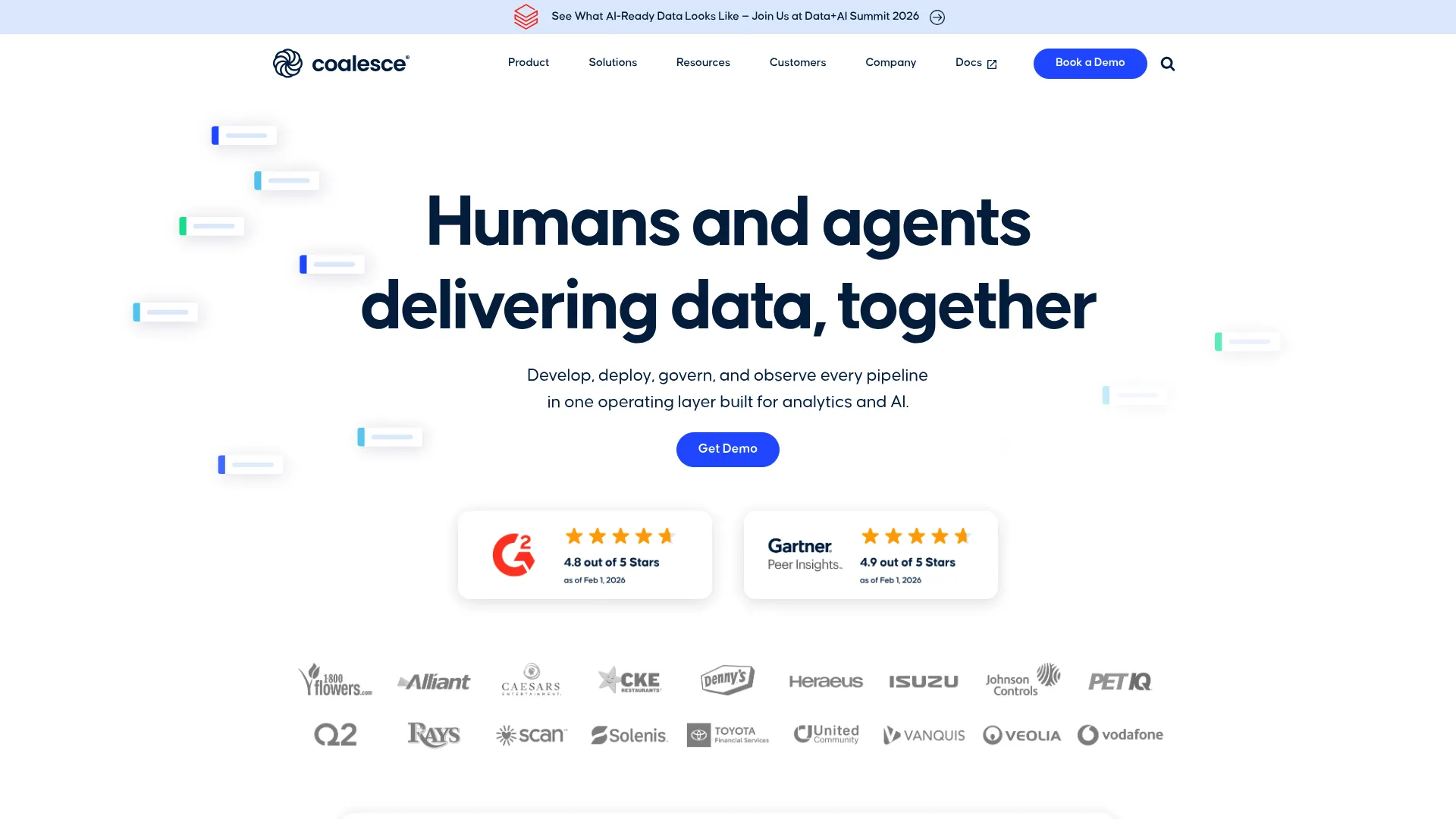
Coalesce is a data platform that unifies transformation, cataloging, and quality for data teams. It takes a visual-first, metadata-driven approach to modeling and transformation, oriented toward cloud warehouses and Snowflake in particular. Where dbt is code-first, Coalesce leans on reusable visual nodes and templates.
Best for: Data teams that need governed, scalable transformation, cataloging, lineage, and quality workflows across cloud data platforms.
Key strengths
- Metadata-driven development: Build pipelines with reusable nodes and templates instead of repetitive hand-coding.
- Automated lineage: Get lineage, ownership metadata, and impact analysis without manual upkeep.
- Built-in governance: Run tests, validations, and monitoring inside the modeling workflow.
Why choose Coalesce: Teams that want the documentation and lineage benefits of modeling-as-code, but prefer a visual interface, land here. The metadata-driven model means documentation and lineage stay current automatically, which is the exact problem that kills trust in a data layer over time.
Coalesce pricing: The Starter tier is $500 per month, billed monthly and charged annually, with 2,000 credits, full platform access, 5 users, and onboarding hours. Enterprise and Business Critical tiers use credit-commitment pricing with volume discounts and added security and compliance features. Coalesce holds a 4.7/5 rating on G2.
5. Oracle SQL Developer Data Modeler
Oracle SQL Developer Data Modeler is a free graphical data modeling and database design tool for creating, editing, and engineering logical, relational, physical, multi-dimensional, and data type models. It is a standalone desktop application, fully supported by Oracle, and it costs nothing. That combination makes it the obvious starting point for cost-conscious teams.
Best for: Database architects, data modelers, DBAs, and developers who need a free, Oracle-supported desktop modeling tool.
Key strengths
- Multi-model support: Create and edit logical, relational, physical, multi-dimensional, and data type models.
- Forward and reverse engineering: Generate DDL from models and build models from existing databases.
- Source control: Collaborate through integrated version control, including Subversion support.
Why choose Oracle SQL Developer Data Modeler: Free does not mean limited here. The tool covers the full modeling lifecycle from logical design through DDL generation, with genuine reverse engineering. For Oracle shops it is a natural fit, but it works well beyond Oracle databases too. The trade-off is a desktop tool rather than a cloud collaboration platform, so distributed teams may want something browser-based.
Oracle SQL Developer Data Modeler pricing: Free. Oracle offers it as an independent, standalone tool at no cost. There is no paid tier to weigh, which makes it the strongest free pick in this list for full-featured modeling.
6. ER/Studio
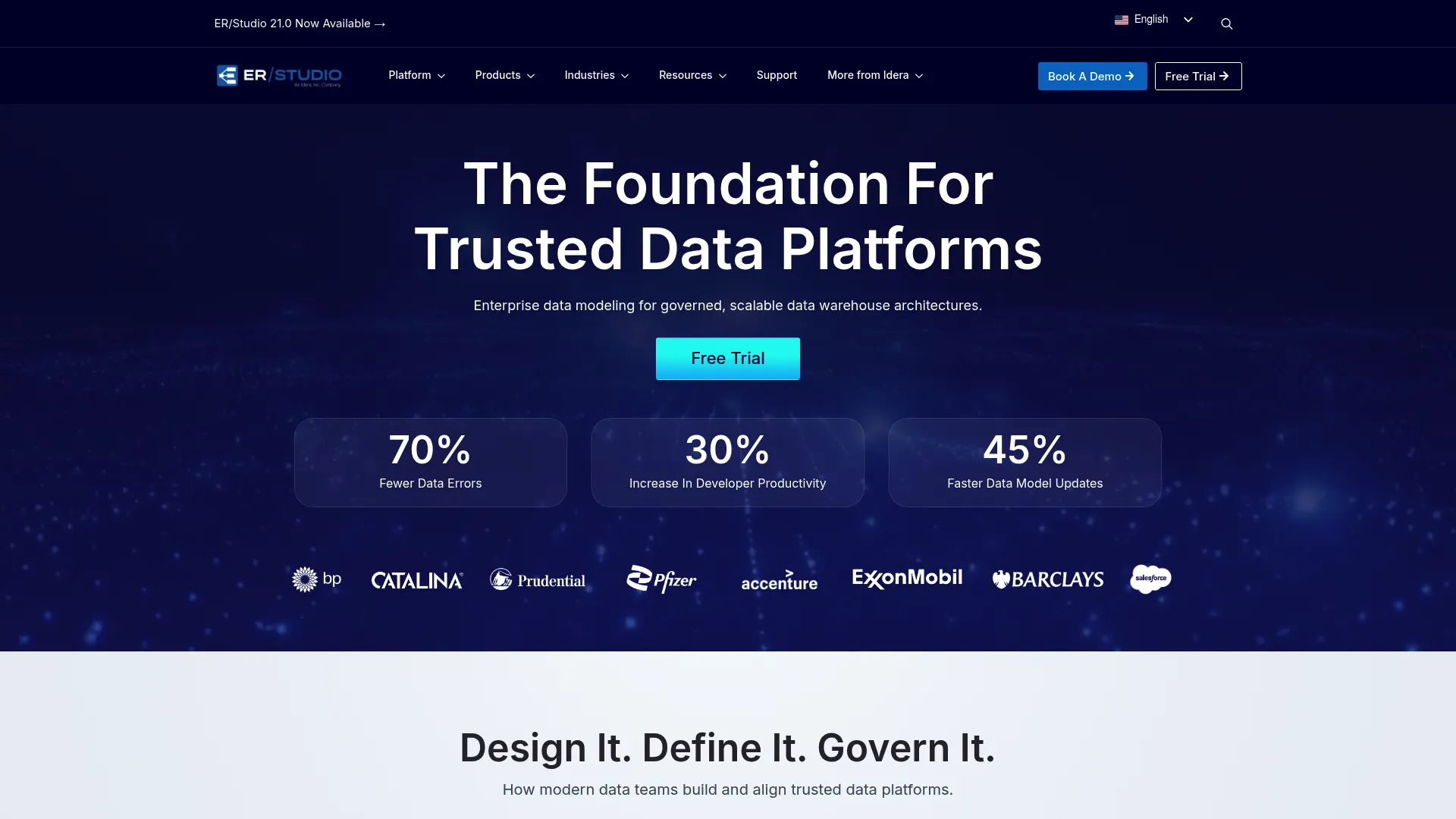
ER/Studio is an enterprise data modeling and metadata management platform for designing, managing, and governing data assets across complex environments. Its strength is the governance layer wrapped around modeling: business glossaries, metadata management, and a multi-user repository with versioning.
Best for: Enterprise data architecture teams, especially in regulated industries, that need governed modeling with strong metadata management and traceability.
Key strengths
- Full-layer modeling: Design conceptual, logical, and physical models in one platform.
- Versioned repository: Collaborate through a multi-user repository with versioning built in.
- Metadata governance: Maintain an enterprise data catalog, business glossaries, and metadata governance.
Why choose ER/Studio: When compliance and traceability are non-negotiable, ER/Studio earns its place. The business glossary and metadata governance features connect technical models to business definitions, which matters when auditors or regulators ask what a field actually means. Teams without strict governance needs may find it more tool than they require.
ER/Studio pricing: The Data Architect tier is $2,687 per user as a total subscription price. Data Architect Pro, aimed at small teams, is $3,693 per user. The Enterprise tier, with collaboration, business glossaries, and metadata governance, is quote-based. A free trial is available, but there is no ongoing free tier. ER/Studio holds a 4.0/5 rating on G2.
7. SAP PowerDesigner
SAP PowerDesigner is a graphical enterprise architecture and modeling solution for designing, analyzing, documenting, and managing enterprise systems and data architectures. It reaches beyond data modeling into information and enterprise architecture, which is why large organizations with broad architecture needs adopt it.
Best for: Enterprise architects, data architects, and IT teams managing complex enterprise architecture, data modeling, metadata, and impact-analysis needs.
Key strengths
- Standards-based modeling: Design enterprise architecture using standard methodologies and notations.
- Code engineering: Reverse engineer and generate code through customizable templates.
- Enterprise repository: Use a scalable repository with security, versioning, reporting, impact analysis, and lineage.
Why choose SAP PowerDesigner: For SAP-adjacent enterprises that need to model data alongside broader system and enterprise architecture, PowerDesigner consolidates several disciplines into one mature suite. Its impact and lineage analysis are genuine assets for change management at scale. Smaller, warehouse-focused teams will likely find it broader than they need.
SAP PowerDesigner pricing: SAP offers a 30-day evaluation, and productive use requires purchased SySAM product licenses. Named User and Concurrent User license types are documented, but no public price figure is published on SAP's first-party pages. Contact SAP for a quote. PowerDesigner holds a 4.1/5 rating on G2.
8. IBM InfoSphere Data Architect
IBM InfoSphere Data Architect is a collaborative enterprise data modeling and design solution for discovering, modeling, relating, standardizing, and integrating distributed data assets. It is integration-focused, built to work across heterogeneous data sources within IBM's broader data platform.
Best for: Enterprise teams that need collaborative data modeling and design across heterogeneous database environments.
Key strengths
- Native heterogeneous querying: Query many data sources directly using JDBC connections.
- Logical and physical modeling: Model both layers, with transformation or reverse engineering from existing sources.
- Mapping import and export: Move constant mappings to and from CSV files.
Why choose IBM InfoSphere Data Architect: Organizations already invested in the IBM InfoSphere stack get the most value here, since the tool integrates tightly with the surrounding suite. Its ability to query and model across diverse sources suits integration-heavy environments. If you are not in the IBM ecosystem, the lock-in advantage disappears.
IBM InfoSphere Data Architect pricing: IBM does not publish a first-party pricing page with public figures for this product. Pricing is arranged through IBM directly, typically as part of a broader InfoSphere or data platform conversation. Contact IBM for a quote based on your environment.
9. Toad Data Modeler
Toad Data Modeler helps organizations create, maintain, and document database systems through an easy-to-use graphical interface. It is a Windows-based tool known for solid forward and reverse engineering across many database platforms, at a friendlier price point than enterprise suites.
Best for: Database professionals who need a Windows-based tool for visual modeling, reverse engineering, documentation, and SQL/DDL generation.
Key strengths
- Visual ER diagramming: Create logical, universal, and physical entity relationship diagrams.
- Reverse engineering: Turn existing database structures into readable diagrams.
- Script generation: Generate SQL and DDL, then synchronize models with change scripts.
Why choose Toad Data Modeler: For SMB and mid-market DBAs who need real modeling capability without enterprise licensing costs, Toad hits a practical sweet spot. The price-to-feature ratio is its selling point. Note that Quest's historical Toad Data Modeler product URL now redirects to erwin Data Modeler, so confirm the current product path before purchasing.
Toad Data Modeler pricing: Quest references a freeware version of Toad Data Modeler, and the commercial version is sold through Quest. A public per-seat price was not verifiable on a first-party Quest pricing page, as the Quest Store directs buyers to purchase or contact sales. Check the Quest Store for current pricing on the paid edition.
10. Hackolade
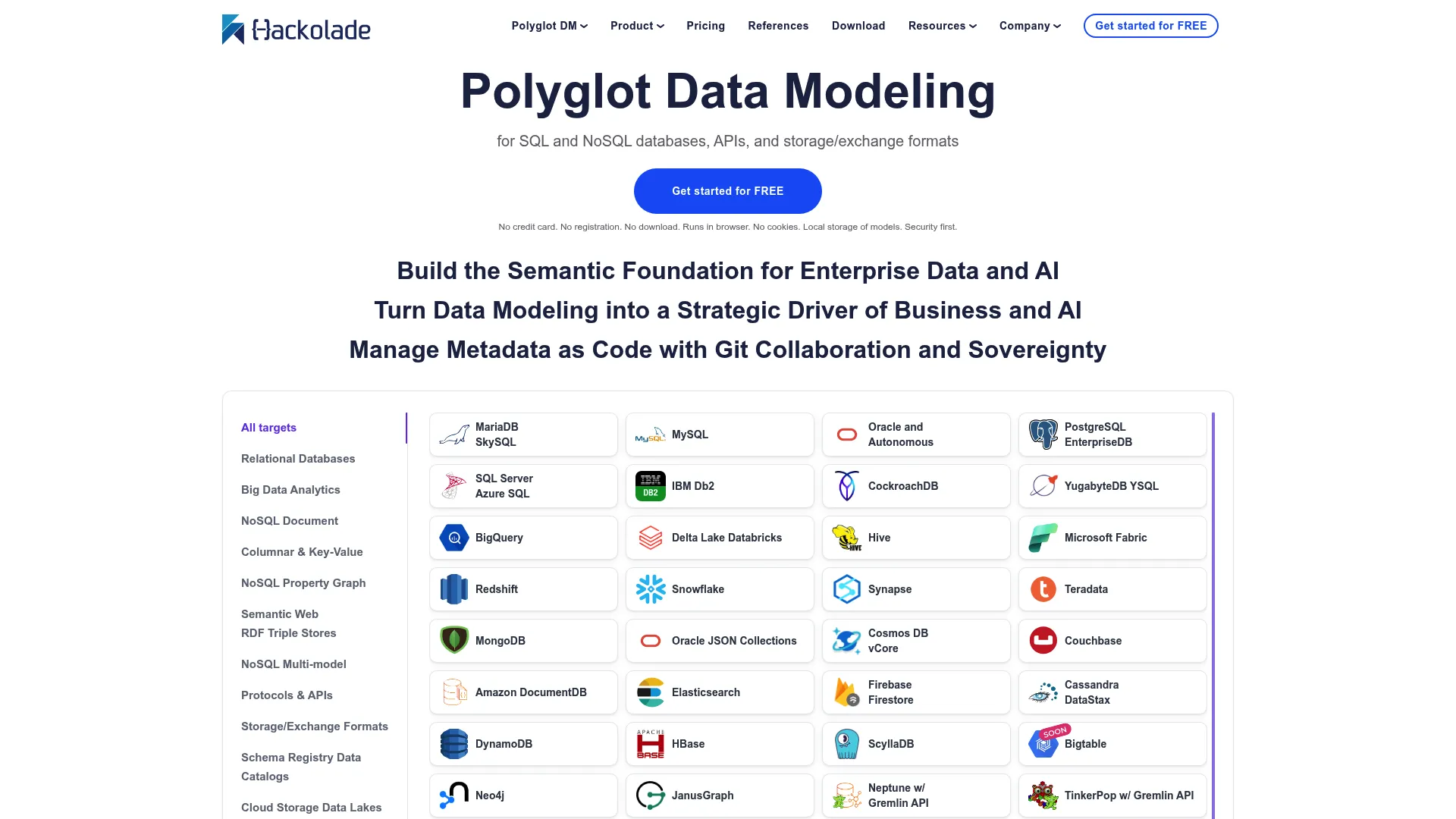
Hackolade is a polyglot data modeling tool for SQL and NoSQL databases, APIs, and storage and exchange formats. It is the strongest pick here for teams whose data is not purely relational. Where most modeling tools assume tables and rows, Hackolade is built for documents, JSON, and mixed stores.
Best for: Data architects and engineering teams designing and governing schemas across SQL, NoSQL, API, and data exchange technologies.
Key strengths
- Polyglot visual design: Model tables, collections, graphs, attributes, data types, and constraints across paradigms.
- Reverse engineering: Build models from development or production instances.
- Broad publishing targets: Generate schemas and docs for MongoDB validators, CQL, HQL, relational DDLs, REST APIs, JSON Schema, Avro, Parquet, HTML, Markdown, and PDF.
Why choose Hackolade: If your stack includes MongoDB, document databases, or a mix of relational and NoSQL, Hackolade handles modeling that relational-first tools cannot. Its range of publishing targets is unusually wide, covering everything from database validators to API schemas. Teams working purely in a relational warehouse may not need that breadth.
Hackolade pricing: A free 14-day Workgroup Edition trial is available. Paid plans for polyglot data modeling run €175 per seat per month, or €1,750 per seat per year, both including support. A floating seats subscription is available on a contact-us basis. Hackolade's pricing is listed in euros.
11. Hex
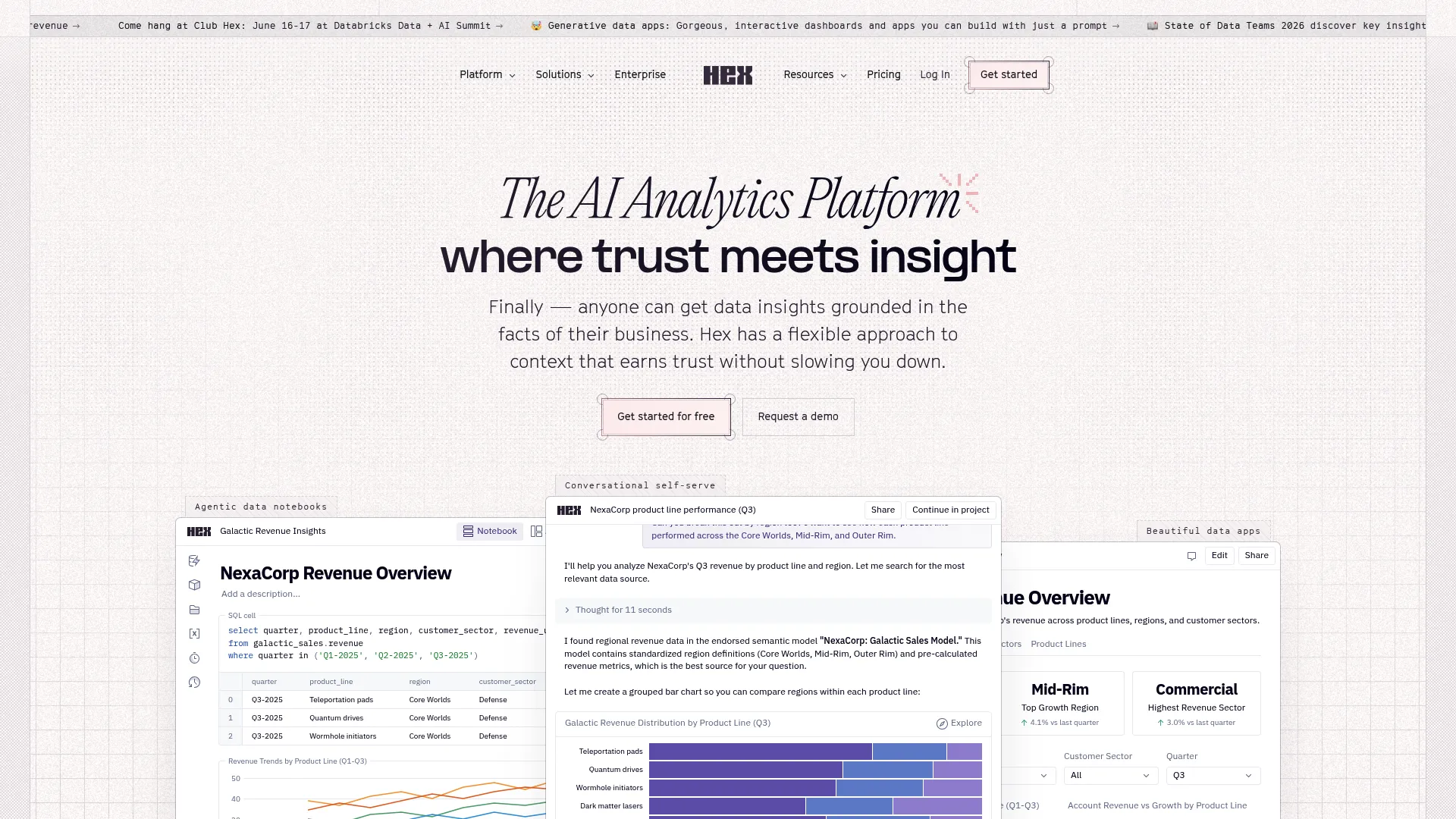
Hex is an AI analytics platform and collaborative workspace for data science and analytics using SQL, Python, no-code, notebooks, data apps, and AI agents. It is included here because data teams increasingly blend modeling and exploration in the same environment, and Hex is built for that overlap rather than for formal ER diagramming.
Best for: Data teams that need a collaborative, AI-assisted analytics workspace for notebooks, dashboards, reports, and data apps.
Key strengths
- Multi-language notebooks: Work in SQL, Python, and no-code within one collaborative notebook.
- Apps and reporting: Build interactive dashboards, reports, and data apps from analysis.
- AI agents: Generate, edit, debug, and document code, and create analyses with built-in AI.
Why choose Hex: Teams that want to model, explore, and share analysis in one collaborative surface get a lot from Hex. Its AI assistance speeds up the iterative work of querying and shaping data. It is not a replacement for a dedicated schema design tool, so treat it as a modeling-and-analysis workspace rather than a conceptual modeling platform.
Hex pricing: The Community plan is free for small projects. Professional is $36 per editor per month, adding the Notebook agent, standard credits, and up to five published apps. Team is $75 per editor per month, adding collaboration agents, scheduled runs, and shared components. Enterprise is custom, with security and governance add-ons. Hex holds a 4.5/5 rating on G2.
12. dbdiagram.io
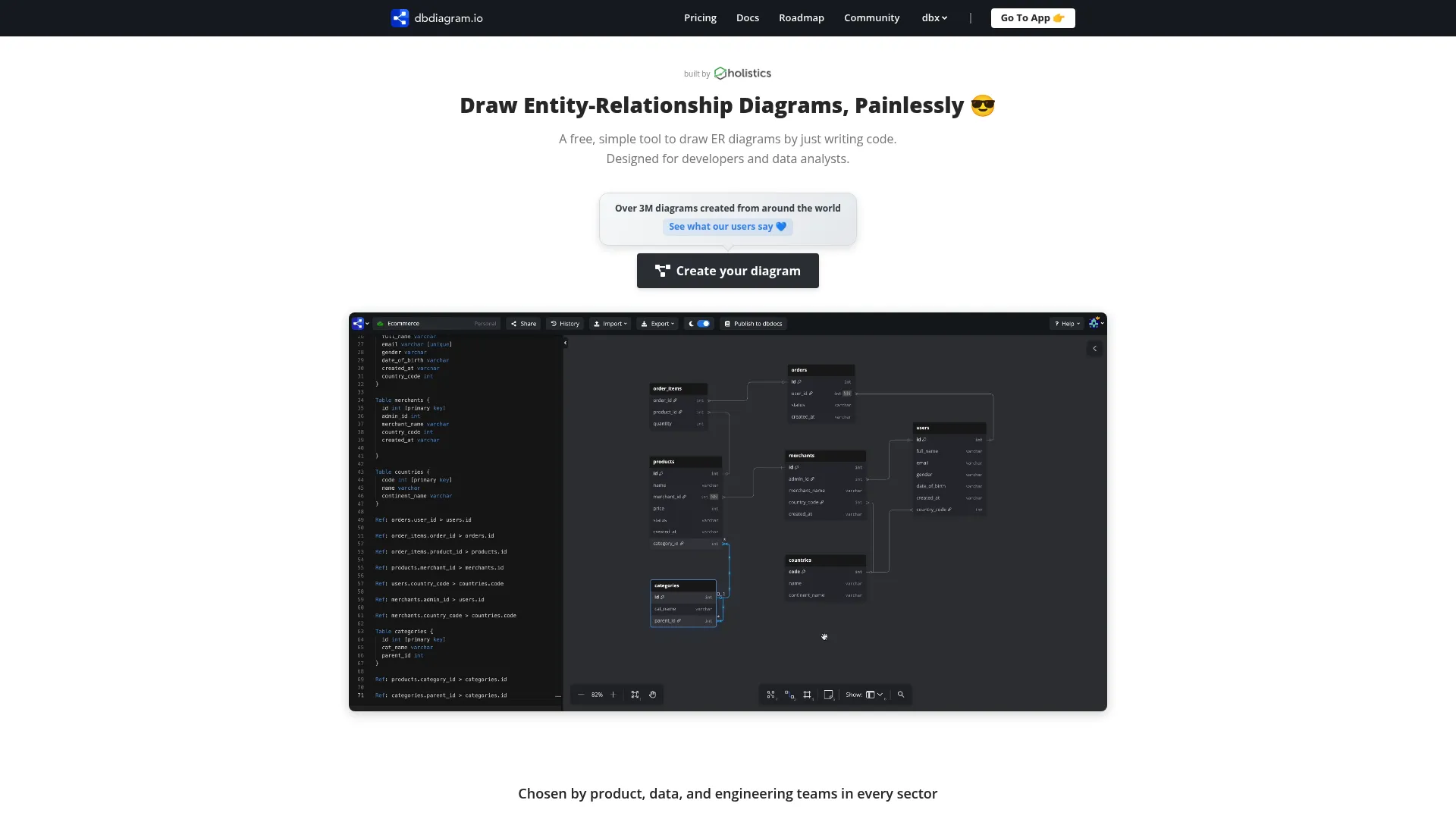
dbdiagram.io is a free, web-based tool for developers and data analysts to draw ER diagrams by writing DBML code. It is the accessible database visualizer in this list: fast, code-driven, and stripped of enterprise overhead. You describe tables in a simple syntax and the diagram renders instantly.
Best for: Developers, data analysts, and product managers who want quick, code-based schema design and sharing.
Key strengths
- Code-based diagramming: Draw ER diagrams by typing DBML rather than dragging boxes.
- SQL import and export: Move schemas in and out as SQL.
- Flexible export: Save diagrams to PDF, PNG, and SVG for sharing.
Why choose dbdiagram.io: When you need to sketch or communicate a schema quickly, without standing up an enterprise tool, dbdiagram.io is hard to beat. For a product manager who wants to visualize the event or product data layer and share it with engineering, it is fast and approachable. When it comes time to walk that schema through with stakeholders, an interactive demo can make the explanation click faster than a static diagram. It is a diagramming tool, not a governance platform, so heavy modeling and lineage needs belong elsewhere.
dbdiagram.io pricing: The Free plan is free forever, with up to 10 diagrams, SQL import and export, and PDF, PNG, and SVG export. Personal Pro is $8 per month on annual billing, adding unlimited diagrams, an AI Assistant, private diagrams, and version history. Team is $75 per month on annual billing, adding a collaborative workspace, public API, and admin controls. A Custom plan covers SSO and custom terms. dbdiagram.io holds a 4.3/5 rating on G2.
How to choose the right data modeling tool
The right tool is the one that matches your platform, your team, and your governance needs. Run through this checklist before committing.
Platform and database coverage
Confirm the tool supports your actual stack. If you run Snowflake, BigQuery, or Redshift, you need a tool built for cloud warehouses, such as SqlDBM, Coalesce, or dbt. If your world is Postgres, SQL Server, or MySQL, broader tools like erwin, ER/Studio, or Oracle SQL Developer Data Modeler cover those well. ThoughtSpot's 2026 guidance names database compatibility as a top criterion for a reason.
Visual vs code-based modeling
Match the modeling paradigm to your team's skill mix. Analytics engineers who live in SQL and Git will be most productive with code-first tools like dbt. Architects and stakeholders who think in diagrams will prefer visual tools like erwin, SqlDBM, or dbdiagram.io. Many teams use both: code for transformation, visual for conceptual design.
Collaboration and governance
Decide how much control you need. Versioning, naming conventions, change control, and lineage keep a schema trustworthy as it grows. Regulated environments lean toward ER/Studio or erwin for their metadata governance and business glossaries. For a product or data owner, this is what keeps the data layer segmentable as the product evolves. The same discipline applies when you evaluate a digital adoption platform to govern how teams actually use these tools.
Reverse engineering and documentation
If you are adopting a tool onto an existing database, reverse engineering is essential. Oracle SQL Developer Data Modeler, erwin, ER/Studio, Toad Data Modeler, and SAP PowerDesigner all support it. dbt and Hex focus on transformation and analysis instead, so check this carefully against your starting point.
Cost and scalability
Pricing ranges widely. Free tools like Oracle SQL Developer Data Modeler and dbdiagram.io cover real work at no cost. Mid-tier SaaS tools charge per seat or per month. Enterprise suites like erwin, ER/Studio, and SAP PowerDesigner are quote-based and priced accordingly. Match the spend to the scale of your modeling, not the size of the vendor's brand.
Conclusion
The best data modeling tools are the ones that fit your reality, not the ones with the longest feature list. For cloud-native teams on Snowflake or BigQuery, SqlDBM, Coalesce, and dbt lead the field, with dbt owning code-first transformation and the other two offering visual, metadata-driven workflows. For enterprise governance, erwin Data Modeler and ER/Studio bring the rigor that regulated environments demand. For NoSQL and mixed data stores, Hackolade is the clear choice. And if budget is the constraint, Oracle SQL Developer Data Modeler delivers full modeling for free, while dbdiagram.io handles quick visual schema work.
The practical next step is simple. Shortlist two or three tools that match your platform and your team's skill mix, then trial them against a real schema you actually own. Reverse-engineer an existing database, model a new feature's event structure, and see which tool keeps your data layer clear and segmentable. The right fit becomes obvious once you put it to work on real data rather than a demo dataset. If you also need to onboard non-technical stakeholders onto whatever you pick, the right product tour software can guide them through the new workflow without a single live training call.
FAQs
Data modeling defines the conceptual and logical structure of your data: the entities, attributes, and relationships, independent of any specific technology. Database design is the physical implementation of that model in a particular database, including tables, indexes, partitions, and constraints. Modeling answers what the data means and how it relates; design answers how it is stored and accessed.
The three types are conceptual, logical, and physical. The conceptual model is the high-level business view of entities and relationships. The logical model adds detailed attributes, keys, and data types without tying to a platform. The physical model maps that structure to a specific database with tables, columns, and indexes.
Yes. Oracle SQL Developer Data Modeler is a fully free, Oracle-supported standalone tool covering logical, relational, and physical modeling with forward and reverse engineering. dbdiagram.io offers a free-forever plan for ER diagramming with SQL import and export, limited to 10 diagrams. Free tiers typically limit collaboration, governance, or diagram counts, so check the constraints against your needs.
Several cloud-native tools support Snowflake well. SqlDBM offers browser-based, collaborative modeling with native Snowflake support. Coalesce provides visual, metadata-driven transformation oriented toward Snowflake. dbt handles SQL-based transformation and lineage on Snowflake and other warehouses. The best choice depends on whether you prefer visual modeling or code-first transformation.
Reverse engineering means generating a data model from an existing database's schema. Instead of designing from scratch, you point the tool at a live database and it builds the model and diagram automatically. This is essential when documenting or adopting a database that grew organically. Oracle SQL Developer Data Modeler, erwin, ER/Studio, Toad Data Modeler, and SAP PowerDesigner all support it.
It depends on your needs. dbt handles transformation and modeling-as-code with version control and DAG-based lineage, which covers a lot. But dbt does not produce conceptual ER diagrams or reverse-engineer schemas in the traditional sense. Teams that want visual conceptual-layer design or formal diagramming often pair dbt with a visual modeling tool, using each for what it does best.
Pricing spans a wide range. Free tools include Oracle SQL Developer Data Modeler and dbdiagram.io's free tier. Mid-tier SaaS tools charge per seat or per month: dbt Starter is $100 per user per month, Hex Professional is $36 per editor per month, and Coalesce starts at $500 per month. Enterprise suites like erwin, ER/Studio, and SAP PowerDesigner are quote-based, with ER/Studio's Data Architect tier listed at $2,687 per user.
Look for clean documentation, automated lineage, and governance, so the product data layer stays trustworthy and segmentable as the product evolves. Versioning and naming-convention enforcement prevent the schema drift that breaks segmentation by role, plan, or use case. Ease of collaboration with data engineering matters too, since the model is a shared asset, not a solo artifact. For deeper visibility into how users move through your product, pairing a modeling tool with product analytics software closes the loop between schema and behavior.