Your helpdesk resets 12 passwords before lunch. Your security team flags another phishing attempt that harvested credentials from a reused password. Your CIAM funnel loses signups at the login wall.
Passwords sit at the center of all three problems.
The market has noticed. The passwordless authentication market is projected to reach USD 55.7 billion by 2030, up from USD 24.1 billion in 2025, a CAGR of 18.24%, according to Mordor Intelligence (2025). Gartner projected that by 2025, over 50% of workforce authentication transactions and over 20% of customer logins would be passwordless, up from under 10% a few years earlier.
So the direction is set. The harder question for presales and security teams is which passwordless authentication software actually fits your integration reality, your recovery flows, and your deployment constraints. This guide compares seven passwordless authentication solutions so you can validate fit before a security review, not after.
What's inside
This guide is built for presales, security, and IT teams who need to help buyers validate passwordless fit, not just learn the vocabulary.
We picked the seven tools using four criteria that matter in real evaluations:
- Method coverage: passkeys, WebAuthn, FIDO2, biometrics, magic links, and push approvals
- Integration reality: SSO, AD/LDAP, VPNs, and identity provider compatibility
- Recovery and enrollment: account recovery and self-service enrollment that prevent lockouts
- Deployment and governance: cloud, hybrid, on-premise options plus audit logs and reporting
The list covers workforce authentication, CIAM, and regulated access, from developer-first APIs to enterprise identity platforms.
TL;DR
- Best for developer-first teams: SuperTokens, with open-source and self-hosted flexibility
- Best for fast implementation and clean SDKs: Stytch, built around authentication APIs
- Best for enterprise workforce access: Okta, with adaptive policies and broad integration coverage
- Best for customer identity at scale: Auth0, with deep SDKs and customization
- Best for Microsoft-standardized organizations: Microsoft Entra ID, with Windows Hello and SSO
- Best for complex hybrid identity estates: Ping Identity, with federation and orchestration
- Best for strong phishing-resistant workforce access: HYPR, with passkey and biometric focus
What is passwordless authentication software
Passwordless authentication software replaces passwords with cryptographic and possession-based methods so users prove identity without typing a shared secret.
Instead of a password, the user authenticates with a passkey, a biometric, a hardware security key, a magic link, a one-time code, or a push approval. Under the hood, the strongest methods lean on WebAuthn and FIDO2, the standards that bind a login to a device-held private key.
Here is what that looks like in practice.
- Core methods: passkeys, biometrics (fingerprint, face), hardware security keys and smart cards, magic links, OTP and TOTP, and push notifications
- Why it reduces phishing risk: FIDO2 credentials are scoped to a specific origin, so a phishing site cannot reuse them, which blocks credential stuffing and password reuse
- How it fits WebAuthn and FIDO2: WebAuthn is the browser API, FIDO2 is the underlying protocol, and passkeys are the consumer-friendly implementation built on both
- How it compares with password plus MFA: password plus OTP still carries a phishable shared secret, while true passwordless removes the password entirely
- Where it is deployed: workforce authentication across device fleets and VPNs, CIAM for customer login, and regulated access in banking and fintech
The distinction that trips up buyers: a login flow that sends an SMS code on top of a password is MFA, not passwordless. FIDO Alliance data shows 48% of the top 100 websites now offer passkeys, double the share from the previous year, according to a 2025 analysis by Descope. The move toward true passwordless is real, but the label gets stretched.
When to use passwordless authentication software
Reduce phishing risk
Passwordless is the right response when credential-based attacks are your primary threat. Phishing, credential stuffing, and password reuse all exploit the shared secret. Phishing-resistant authentication built on FIDO2 removes that secret entirely. If your security team keeps flagging harvested credentials, this is the fix that changes the attack surface, not just the reset volume.
Simplify workforce access
Reach for passwordless when employees sign in dozens of times a day across laptops, VPNs, and SaaS apps. Every password prompt is friction and a helpdesk ticket waiting to happen. Passkeys and biometrics cut daily sign-in time while raising the security bar. This matters most for large device fleets where password resets consume real support hours.
Modernize customer login
CIAM teams should evaluate passwordless when the login wall drags on conversion. Every forgotten password is an abandoned signup or a lost session. Magic links and passkeys lower friction in sign-up and sign-in flows, which lifts conversion and cuts recovery volume. Banking, fintech, and high-value consumer products see the clearest payoff here.
Comparison table
The table below helps you compare the shortlist on fit, not marketing claims. Read the "best for" column against your own motion: workforce, CIAM, or developer-led build.
| # | Product | Best for | Key differentiator | Pricing | G2 rating |
|---|---|---|---|---|---|
| 1 | SuperTokens | Developer-first auth and session management | Open-source and self-hosted flexibility | Free self-hosted; cloud from $0.02 per MAU | 5.0/5 |
| 2 | Stytch | Product teams building custom auth flows | Authentication APIs and clean SDKs | Free tier; paid plans by usage | Not enough reviews for a stable score |
| 3 | Okta | Enterprise workforce identity | Adaptive policies and broad integrations | From $6 per user/month, billed annually | 4.5/5 |
| 4 | Auth0 | Customer identity at scale | Extensible login and SDK depth | Free; Essentials from $35/month | 4.3/5 |
| 5 | Microsoft Entra ID | Microsoft-standardized organizations | Windows Hello and native SSO | From $7 user/month, paid yearly | 4.5/5 |
| 6 | Ping Identity | Complex hybrid identity estates | Federation and identity orchestration | Workforce from $3 per user/month | 4.4/5 |
| 7 | HYPR | Phishing-resistant workforce access | Passkey and biometric identity assurance | From $3 per user/month | 4.6/5 |
Best passwordless authentication software for 2026
1. SuperTokens
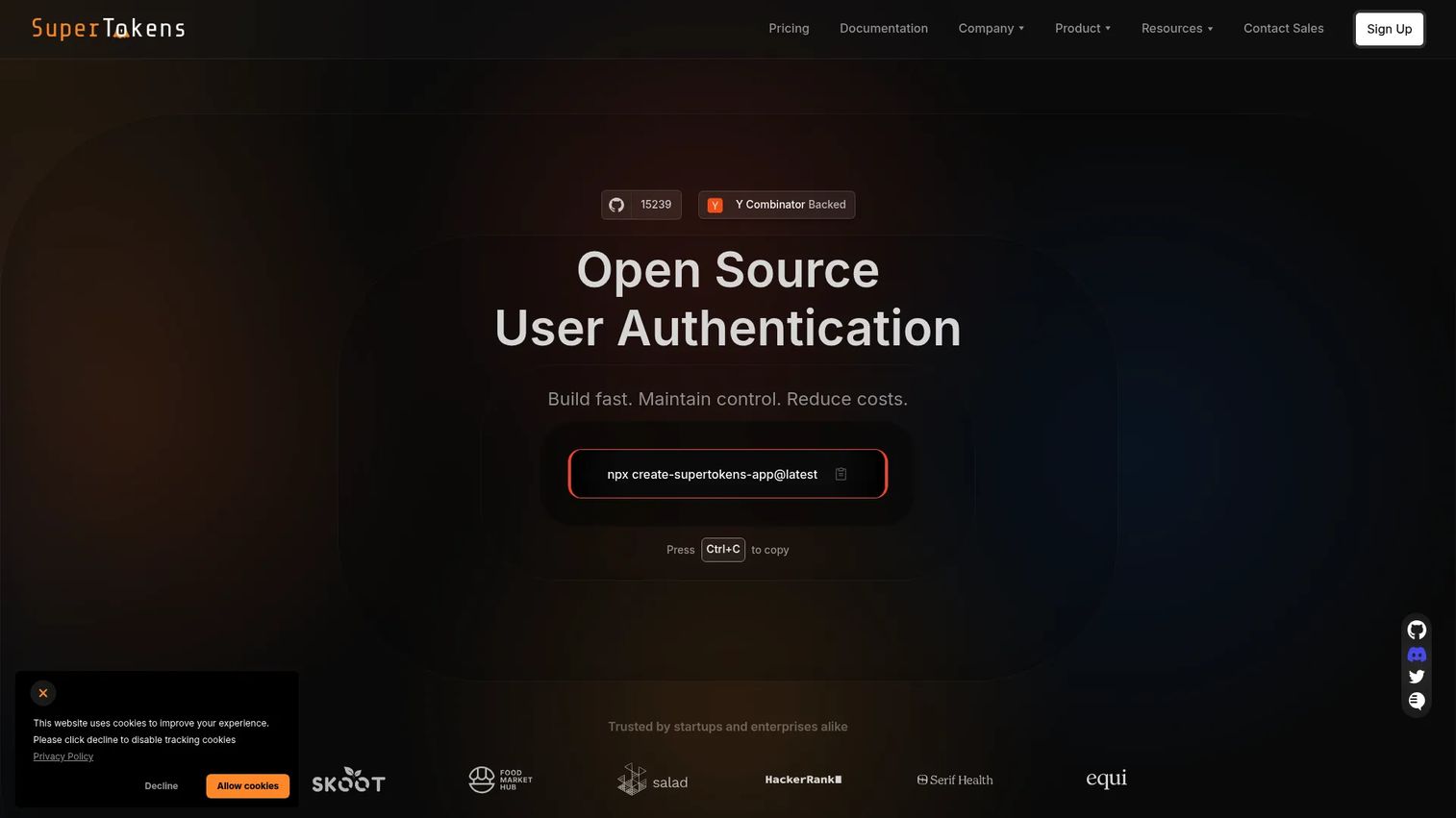
SuperTokens is an open-source user authentication and session management platform for web and mobile apps. It gives engineering teams direct control over auth flows, session handling, and where the whole thing runs. You can self-host the open-source core at any scale, or use managed cloud when you would rather not run the infrastructure yourself.
For presales and technical buyers, the appeal is control without a full rebuild. SuperTokens supports passwordless login, email and password, and social login, so you can start with one method and layer in passkeys and MFA as requirements grow. Multi-tenancy and SSO cover B2B use cases where each customer needs isolated identity.
Best for: Teams that want customizable auth with a self-hosted or managed cloud option and real control over sessions.
Key strengths
- Passwordless, email/password, and social login
- Multi-tenancy, SSO, and account linking
- Attack protection, MFA, and user management dashboard
Why choose SuperTokens: If your team wants to own the auth layer and avoid per-MAU costs on the self-hosted path, SuperTokens fits. It suits engineering-led organizations more than teams wanting a turnkey enterprise identity suite.
SuperTokens pricing: Self-hosted open-source features are free at any scale. Cloud starts at $0.02 per MAU and is free under 5,000 MAUs. MFA is $0.01 per MAU with a $100 monthly minimum, and dashboard users are $20 per user per month with 3 free.
2. Stytch
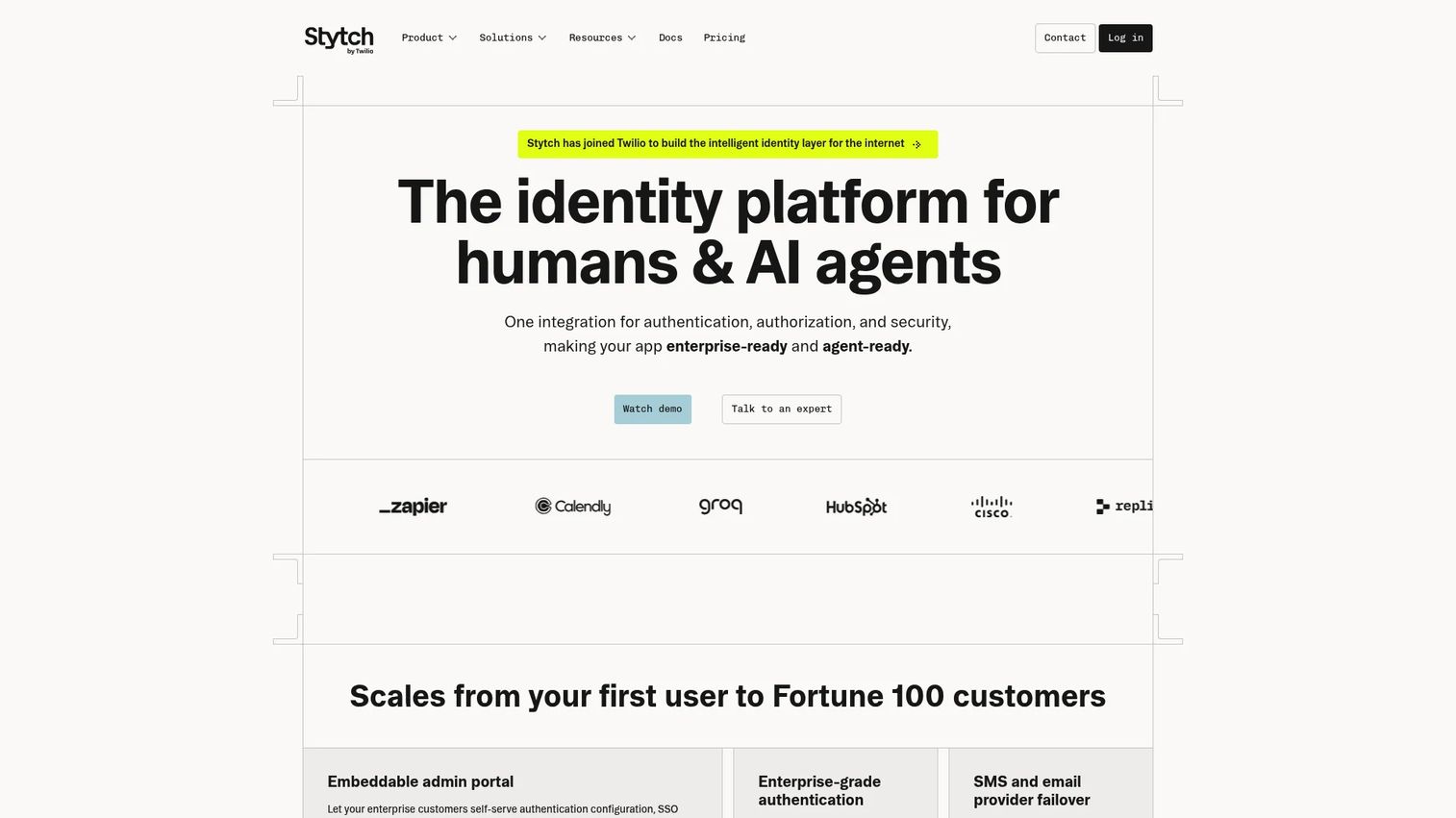
Stytch is an authentication platform built API-first for product and engineering teams. It centers on clean SDKs and developer experience, so teams building custom login can ship without stitching together primitives from scratch. The design favors implementation speed for teams that want passwordless flows embedded directly into their own product UI.
Stytch supports the range of methods presales buyers ask about: passkeys, magic links, OTP, and biometrics through WebAuthn. That method breadth lets you test which flow converts best for your users, then standardize on it. For CIAM builds, the API-first model keeps auth logic inside your codebase rather than behind a rigid hosted screen.
Best for: Product teams building custom passwordless authentication flows who value SDK quality and fast implementation.
Key strengths
- Authentication APIs with passkey and WebAuthn support
- Magic links, OTP, and biometric methods
- Developer-focused SDKs across web and mobile
Why choose Stytch: Choose Stytch when your team wants to build auth into the product rather than adopt a full identity suite. It rewards teams with developer capacity over teams wanting a managed workforce platform.
Stytch pricing: Stytch offers a free tier for early builds. Paid plans scale with usage and active users. Check the current pricing page for exact per-tier thresholds before you model spend.
3. Okta
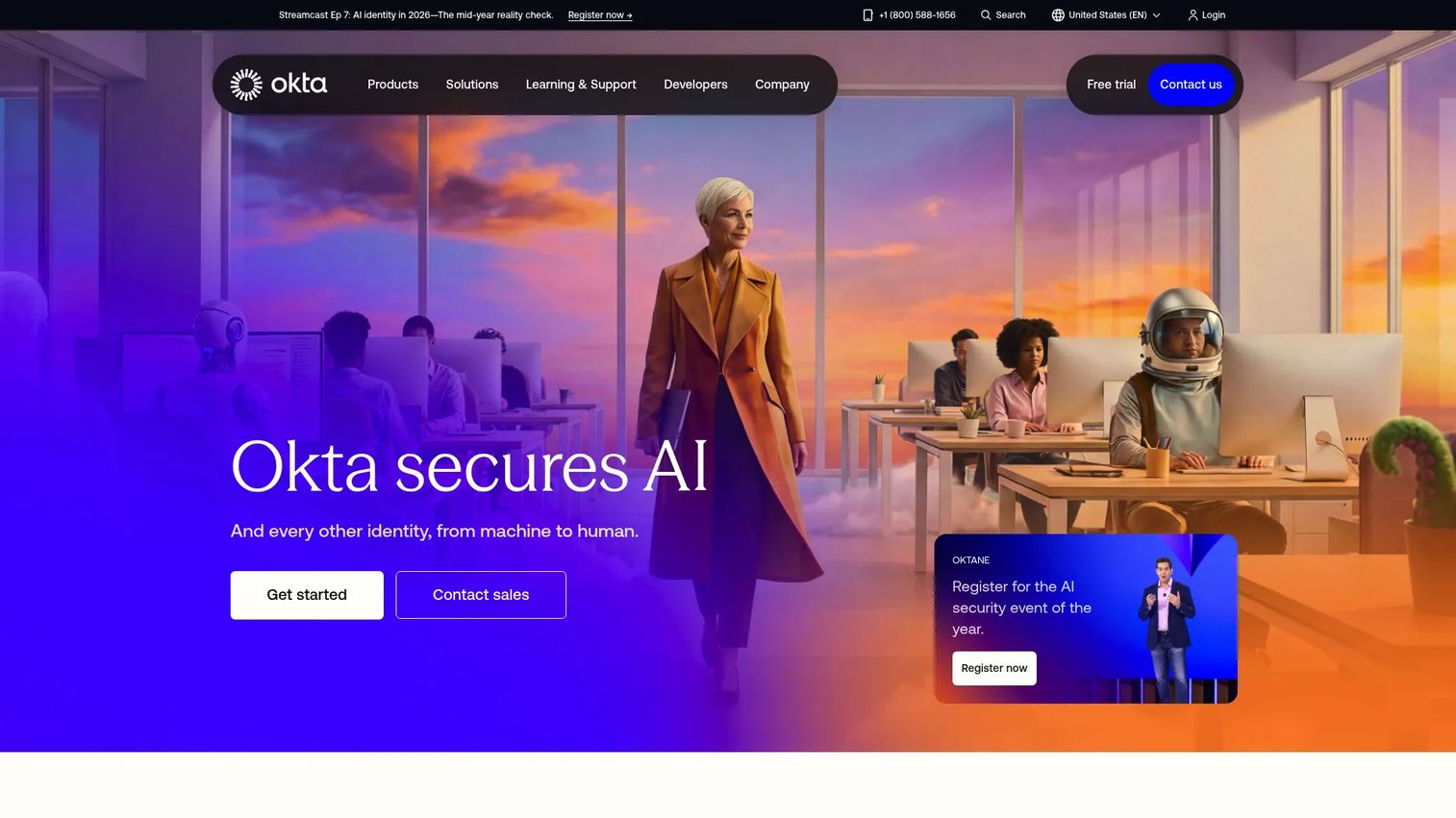
Okta is an identity and access management platform for workforce and customer authentication, security, and lifecycle automation. It functions as a centralized identity layer, which is the reason many enterprises standardize on it. If you already run Okta for SSO, adding passwordless and adaptive policies extends what you have rather than introducing a new stack.
For presales teams supporting enterprise deals, Okta's strength is integration breadth and governance. It covers SSO, MFA, passwordless authentication, ThreatInsight, risk-based authentication, and lifecycle management. Adaptive authentication lets you step up verification based on risk signals, which matters when security review asks how you handle anomalous logins.
Best for: Organizations that need a centralized identity layer or already use Okta and want to extend it to passwordless.
Key strengths
- Single sign-on and multi-factor authentication
- Passwordless and risk-based authentication
- ThreatInsight and lifecycle management
Why choose Okta: Okta fits enterprises that want one identity platform across workforce and customer access with strong governance. It is a larger commitment than a single-purpose API, which suits teams consolidating rather than building narrow.
Okta pricing: Workforce Identity suites are billed annually, with Starter from $6 per user/month and Essentials at $17 per user/month. Professional and Enterprise require custom quotes. Customer Identity starts with a required Enterprise base at $3,000 per month billed annually. A free Integrator plan covers up to 10 monthly active users.
4. Auth0
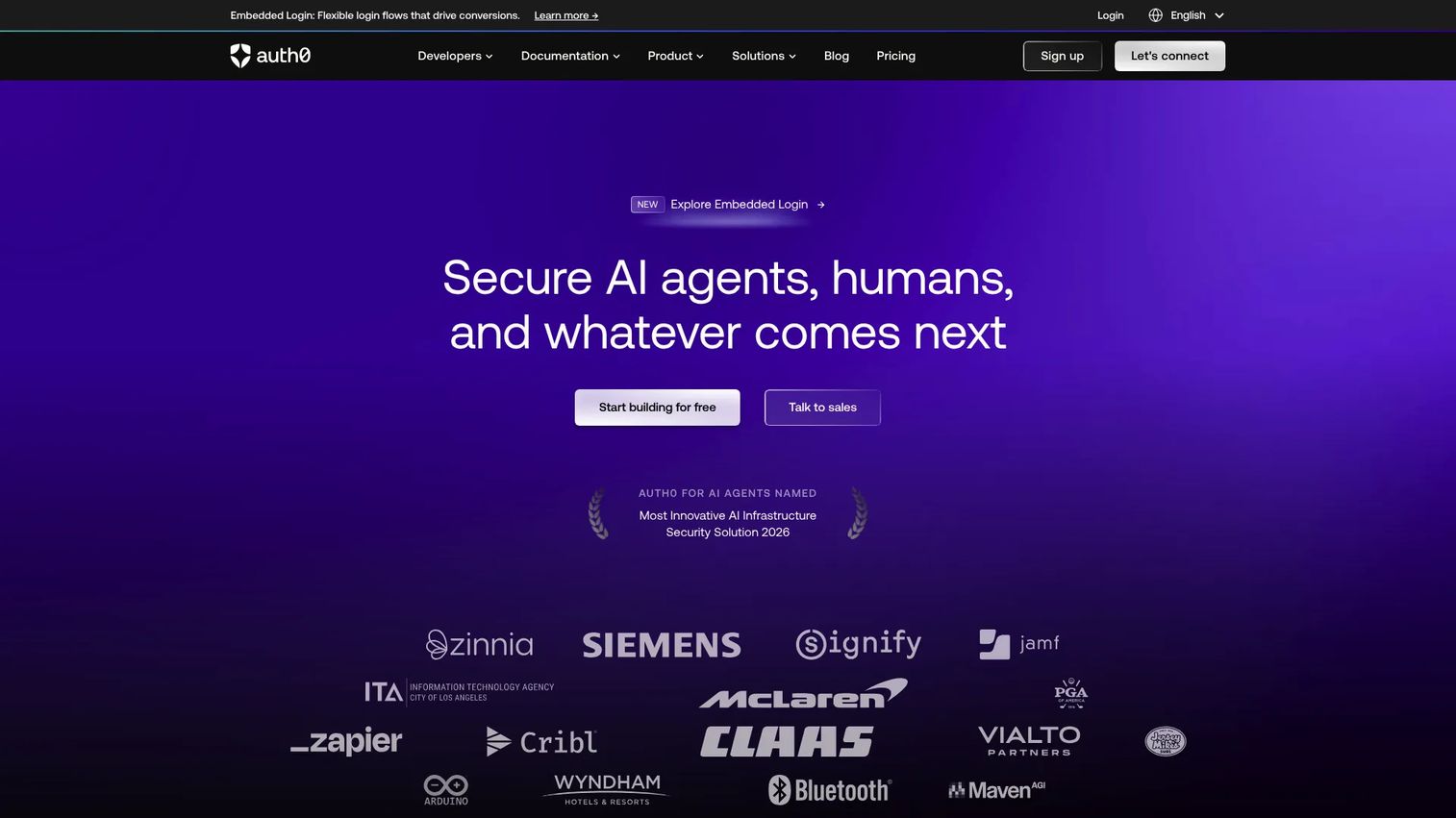
Auth0 is a customer identity and access management platform for authentication, SSO, MFA, and extensible login flows. It gives app teams flexible, hosted authentication without building identity from the ground up. Universal Login handles the sign-in surface, while extensibility hooks let you customize flows to match your product.
For CIAM-focused presales, Auth0's draw is SDK depth and customization at scale. It supports passwordless methods including passkeys, magic links, and OTP, so you can tune the login experience to your audience. The platform slots into app teams that want managed identity infrastructure but still need room to shape the experience.
Best for: App teams that want flexible customer identity with strong SDKs and hosted infrastructure they do not have to maintain.
Key strengths
- Universal Login and single sign-on
- Multi-factor and passwordless authentication
- Extensible login flows and broad SDK coverage
Why choose Auth0: Choose Auth0 when customer identity and developer tooling matter more than workforce IAM depth. It leans CIAM, so workforce-heavy estates may find a dedicated workforce platform closer to their need.
Auth0 pricing: Auth0 lists a Free plan at $0/month, Essentials at $35/month, and Professional at $240/month, with Enterprise by quote. Pricing is MAU-based, so the plan prices are starting points rather than total spend at higher usage.
5. Microsoft Entra ID
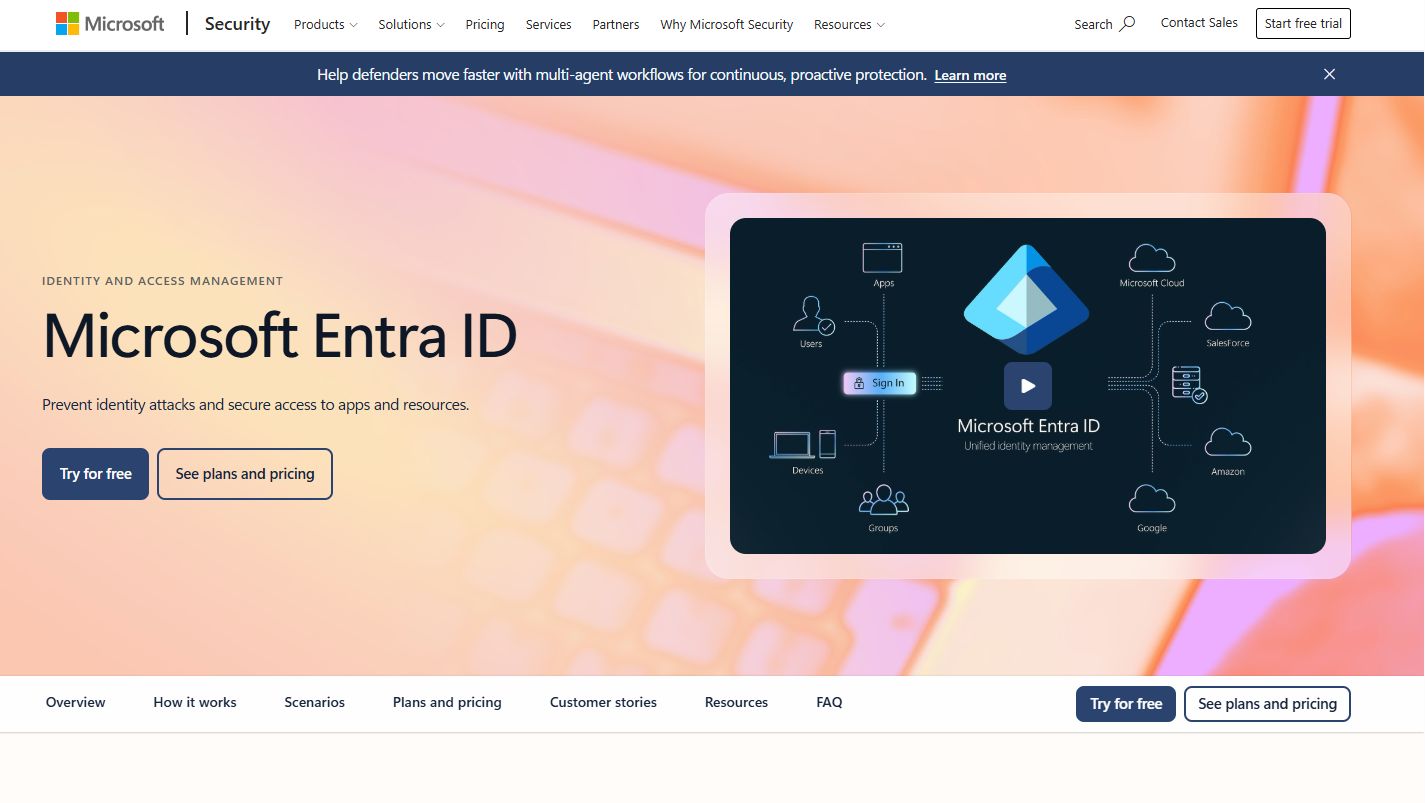
Microsoft Entra ID is a cloud identity and access management solution for securing identities and access across apps, devices, data, and resources. Its clearest fit is organizations already standardized on Microsoft 365 and Azure. If your fleet runs Windows, Windows Hello gives you passwordless sign-in that ties into the identity you already manage.
For enterprise workforce rollouts, Entra ID reduces the integration lift because the identity plane is already in place. It covers SSO, multifactor and passwordless authentication, plus conditional access and identity protection. Conditional access is the adaptive layer that lets security teams gate access on device, location, and risk signals.
Best for: Organizations standardized on Microsoft 365 and Azure that want passwordless workforce access inside their existing identity plane.
Key strengths
- Single sign-on and application access
- Multifactor and passwordless authentication
- Conditional access and identity protection
Why choose Microsoft Entra ID: Entra ID fits teams already invested in Microsoft who want passwordless without a separate identity vendor. It is strongest inside that ecosystem, so heavily non-Microsoft estates should weigh integration fit carefully.
Microsoft Entra ID pricing: Microsoft lists Entra ID P1 at $7.00 user/month and P2 at $10.00 user/month, both paid yearly, with the Entra Suite at $12.00 user/month. A free edition is included with some commercial online service subscriptions.
6. Ping Identity
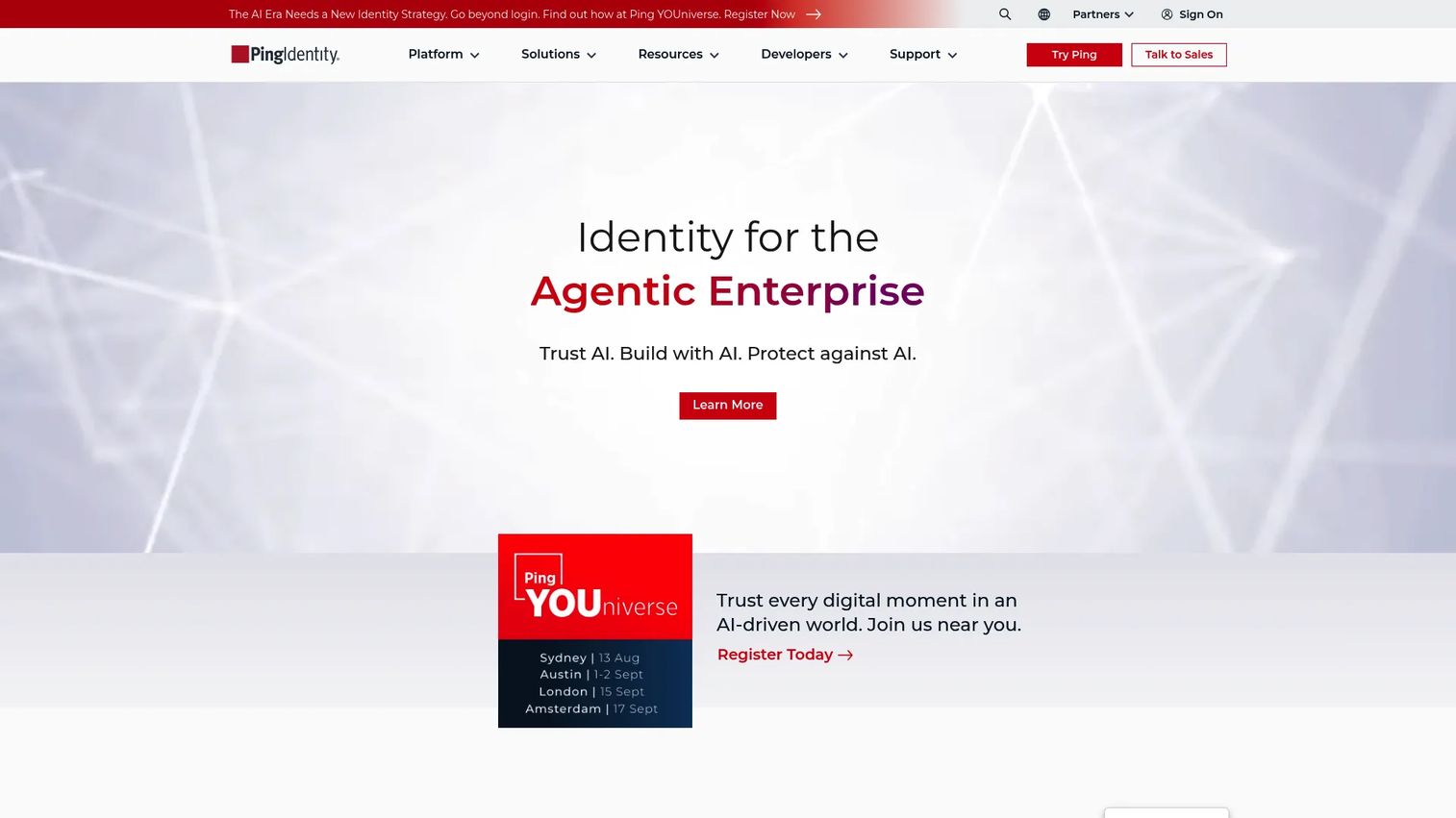
Ping Identity is an identity and access management platform for workforce and customer use cases. It targets large organizations with complex identity estates, where federation across many systems and hybrid environments is the real challenge. Identity orchestration lets you design and adjust auth flows without hardcoding every branch.
For presales in enterprise deals, Ping's strength is handling messy reality: multiple identity providers, legacy apps, and hybrid deployment. It supports SSO, MFA, identity orchestration, passwordless authentication, and API access management. Risk-based access control adds the adaptive layer that regulated buyers expect to see documented.
Best for: Large enterprises with complex, hybrid identity estates that need federation and orchestration alongside passwordless.
Key strengths
- Single sign-on and multi-factor authentication
- Identity orchestration and passwordless authentication
- API access management and risk-based access
Why choose Ping Identity: Ping fits enterprises that need to unify workforce and customer IAM across a tangle of systems. It rewards organizations with orchestration needs over teams wanting a lightweight single-method rollout.
Ping Identity pricing: PingOne for Workforce Essential starts at $3 per user/month and Plus at $6 per user/month. PingOne for Customers Essential is $35k annually and Plus is $50k annually. The Customers Passwordless package is contact sales. A free trial is available for both offerings.
7. HYPR
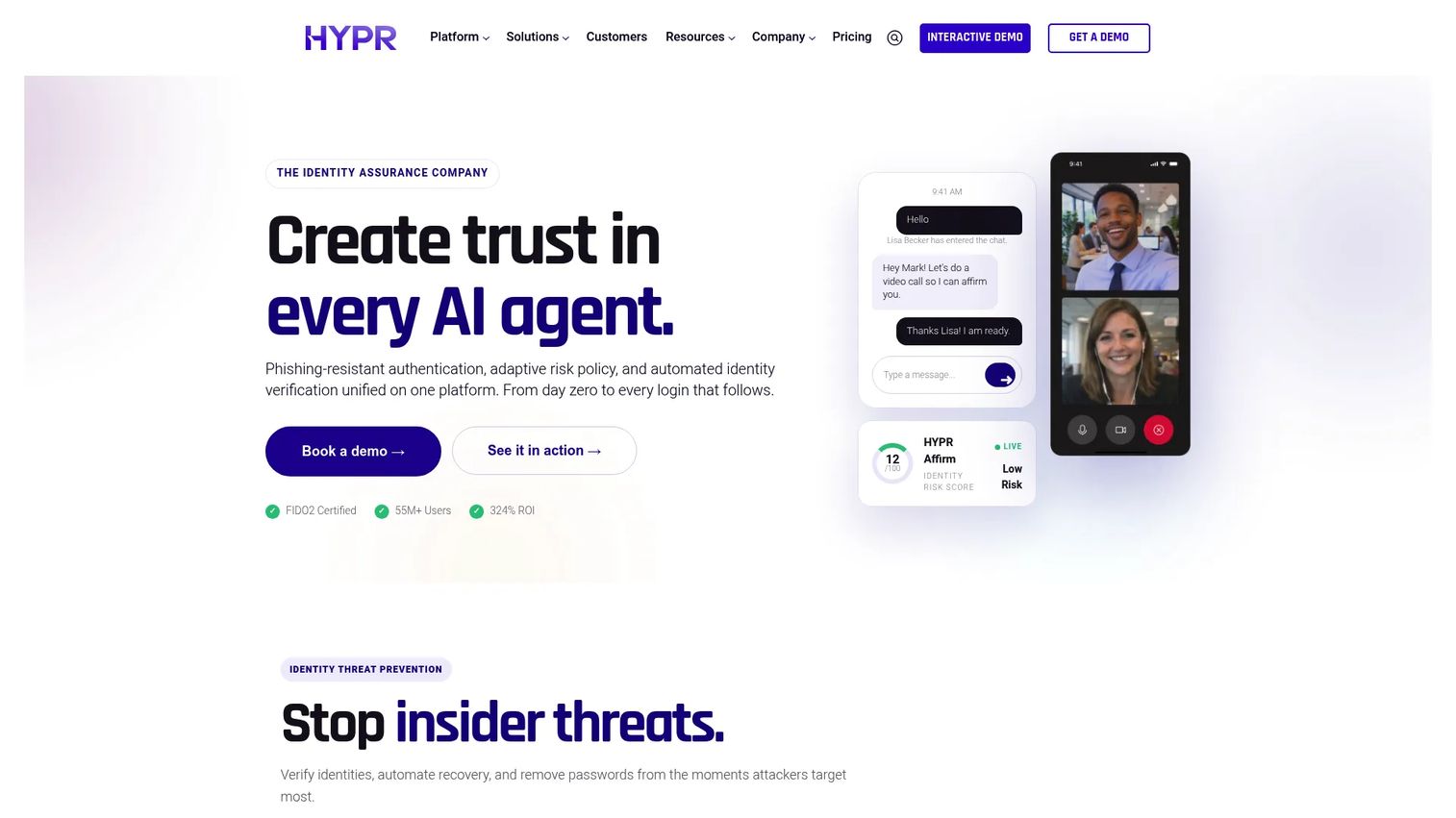
HYPR is an identity assurance and passwordless authentication platform for workforce and customer access. It leads with phishing-resistant authentication, which makes it a strong fit for regulated industries and high-security environments. The core is passkey-based passwordless MFA paired with continuous risk monitoring.
For security-led evaluations, HYPR's angle is identity assurance across the full lifecycle, not just login. It covers phishing-resistant onboarding, recovery, and identity verification, which addresses the recovery and enrollment gaps that trip up many rollouts. Continuous risk monitoring and adaptive verification give security teams the audit story they need for regulated access in banking and fintech.
Best for: Enterprises in regulated or high-security sectors that need phishing-resistant workforce and customer identity assurance.
Key strengths
- Passkey-based passwordless MFA
- Continuous risk monitoring and adaptive verification
- Phishing-resistant onboarding, recovery, and identity verification
Why choose HYPR: HYPR fits security-first organizations where phishing resistance and identity assurance are non-negotiable. It specializes in high-assurance access, so teams wanting a broad general-purpose identity suite may look wider.
HYPR pricing: HYPR publishes workforce plans with Identity Assurance Access at $3/user/month, Plus at $6/user/month, and Advanced at $9/user/month. Customer authentication and identity verification offerings use custom pricing. A free trial is available.
Considerations
Before you shortlist, run each option through these criteria. They are the ones that surface in security review and technical validation, not the ones on the marketing page.
Method coverage
Check whether the platform supports true passwordless or only password plus OTP. A flow that layers SMS OTP on top of a password is MFA, not passwordless, and it keeps the phishable secret in play. Confirm passkeys, WebAuthn, and FIDO2 support if phishing resistance is the goal. Biometrics and hardware security keys matter for high-assurance workforce access.
Integration fit
Evaluate compatibility with your actual stack: SSO, AD/LDAP, VPNs, app frameworks, and existing identity providers. Legacy apps are where rollouts stall, so ask how the platform handles them. Workforce estates especially need clean AD/LDAP and VPN coverage before a pilot is worth running.
Recovery and fallback
Check account recovery, self-service enrollment, and admin support so users do not get locked out. Recovery is the most overlooked part of a passwordless rollout and the fastest way to generate helpdesk tickets. A strong flow handles a lost device without dropping back to a phishable fallback.
Governance and compliance
Evaluate audit logs, reporting, and policy controls, plus alignment with standards like NIST 800-63B. Regulated buyers will ask for the audit story in the first review. Adaptive authentication and risk-based policies should be visible in reporting, not buried.
Deployment model
Compare cloud, hybrid, and on-premise options against your operating constraints. Cloud deployment is fastest to stand up, hybrid suits mixed estates, and on-premise fits organizations with strict data residency rules. Match the model to the constraint before you evaluate features.
Conclusion
The right passwordless authentication software depends on your motion, not on a leaderboard. For developer-first teams, SuperTokens and Stytch give you control and clean SDKs. For enterprise workforce access, Okta and Microsoft Entra ID bring centralized identity and adaptive policy. For customer identity at scale, Auth0 leads on SDK depth. For complex hybrid estates, Ping Identity handles federation and orchestration. For phishing-resistant, high-assurance access, HYPR is the specialist.
Your next step: shortlist two or three against the five considerations above, then run a technical validation focused on recovery, integration, and your deployment model. Those three decide the rollout, not the method names.
If your team also needs a faster way to show complex products during evaluation, interactive demos and sandboxes can help buyers experience a workflow before a call. Guideflow lets you build guided interactive demos and self-serve sandboxes for landing pages, sales follow-ups, onboarding, and technical validation. You can capture a flow, personalize it per account, share it anywhere, and analyze engagement, with integrations into your CRM and AI to speed up the build.
Start your journey with Guideflow today!
FAQs
MFA adds factors on top of a password, so the password stays in the flow as a phishable secret. Passwordless removes the password entirely and authenticates with a possession or biometric factor. True passwordless can be single-factor or multi-factor; the defining point is that no shared secret exists to steal.
Passkeys are one method of passwordless login, not the whole category. A passkey is a FIDO2 credential built on WebAuthn, bound to a device and scoped to a specific origin. Passwordless login also includes magic links, biometrics, hardware keys, and push approvals, so passkeys are a subset.
Only when the SMS code replaces the password entirely rather than adding to it. If a user enters a password and then an SMS code, that is MFA, not passwordless. SMS OTP is also weaker than FIDO2 because codes can be phished or intercepted, so most security teams avoid it for high-assurance access.
Strong platforms offer self-service enrollment of a backup method, admin-assisted recovery, and identity verification before restoring access. The goal is to recover a lost device without falling back to a phishable secret like an emailed link or SMS code. Recovery design is often the deciding factor in a workforce rollout, so test it before you commit.
SSO, AD/LDAP, VPNs, and existing identity providers are the ones that make or break a rollout. Legacy applications that cannot speak modern protocols are where projects stall, so confirm coverage early. For CIAM, check SDK support and how the platform slots into your app framework.
Cloud deployment is fastest to stand up and lowest to maintain, which suits most teams. Hybrid fits organizations with a mix of cloud and on-premise systems that need identity to span both. On-premise deployment fits strict data residency or regulatory constraints, so match the model to the constraint rather than the feature list.
Passkeys and platform biometrics like Windows Hello are the strongest fit for daily workforce sign-in. They cut sign-in friction across device fleets while delivering phishing-resistant authentication built on FIDO2. Hardware security keys add a higher assurance tier for privileged accounts and regulated access.
Passkeys and magic links tend to win for CIAM because they lower friction at the sign-up and sign-in wall. Passkeys give the strongest security with a fast experience on supported devices, while magic links offer a low-friction fallback for users without passkey support. Test both against your conversion data before standardizing.