Your VP Engineering wants to standardize the team on one AI coding tool. Finance is asking why three different AI coding seats are already getting expensed. Your board just asked what your "AI engineering strategy" is. And the candidate you're trying to close mentioned in their final interview that they expect Cursor or Claude Code on day one.
This is the call you have to make in 2026. The wrong choice costs you money or velocity. The right choice compounds across every sprint, every PR, every shipped feature.
The pressure is real, and so is the data. The Stack Overflow 2025 Developer Survey found that 84% of developers now use or plan to use AI tools in their development workflow, and 51% of professional developers use them daily. JetBrains' State of Developer Ecosystem 2025 puts daily AI coding assistant use even higher, at 85% of developers regularly using AI tools for coding. This stopped being optional somewhere between your Series A and your Series B.
What hasn't been settled is which tool, on what tier, with what governance, at what total cost. Adoption is up. Trust is down (only 29% of developers in the same Stack Overflow survey say they trust AI output to be accurate). The tools differ more in 2026 than they ever have. This guide is for the founder, CTO, or VP Engineering who needs to decide once, defend the call to the board, and ship.
What's inside
This guide covers the 10 AI coding assistants worth seriously evaluating in 2026 for a SaaS engineering team between roughly 15 and 200 engineers. Selection criteria:
- Codebase context depth. How the tool handles real repos, not toy examples.
- Agentic vs. autocomplete capability. Where each tool sits on the 2026 spectrum.
- Security and deployment options. Cloud, private cloud, self-hosted, air-gapped.
- Total cost at team scale. What the tool actually costs at 30, 80, and 150 engineers.
The audience is founders, CTOs, and VPs of Engineering at funded SaaS companies. Not individual developers. Not enterprise procurement at 5,000-engineer orgs.
TL;DR
- Best overall for SaaS engineering teams in 2026: Cursor.
- Best for enterprise with strict security review: GitHub Copilot Enterprise.
- Best agentic coding tool for complex refactors: Claude Code.
- Best for AWS-native teams: Amazon Q Developer.
- Best self-hosted or air-gapped option: Tabnine.
- Best free and open-source option: Continue.dev.
If you're at 30 to 80 engineers and your team lives in VS Code, start with a Cursor pilot. If you're already deep in GitHub Enterprise, default to Copilot. Pick a second tool only if you have a specific specialization to cover (agentic refactors, AWS context, air-gapped deployment).
Background: what an AI coding assistant actually does in 2026
An AI coding assistant is a developer tool that uses large language models to generate, complete, refactor, debug, and review code inside the developer's IDE, terminal, or git workflow. It runs alongside an engineer's existing setup and either suggests code inline, responds to natural language prompts, or executes multi-step tasks autonomously with human review.
Core capabilities in 2026:
- Code completion and inline suggestions. Real-time autocomplete as engineers type, the original use case.
- Natural language to code generation. Type what you want, get a function, class, or module.
- Multi-file refactoring and architectural reasoning. Changes that span dozens of files with awareness of the surrounding system.
- Agentic workflows. Autonomous task execution where the tool plans, edits, runs commands, and asks for review at checkpoints.
- Codebase-aware chat and Q&A. Ask "where do we handle Stripe webhooks?" and get a real answer pointing to the right files.
- Test generation, documentation, and code review. Backfilling the work engineers consistently deprioritize.
The 2026 market has shifted. Autocomplete-first tools have become table stakes. Every serious tool does it well. The real differentiation now is agentic capability: tools that can take a ticket, plan a multi-file change, execute it, and surface a PR for review. Cursor's Composer, Claude Code in the terminal, GitHub's Copilot Workspace, Replit's agents. The category has split into "autocomplete-plus" and "agent-first." Both are valid. They serve different work.
This matters for your buying decision because tools optimized for autocomplete don't always handle multi-step agentic work well, and tools optimized for agentic work can feel heavy for routine completion. Most engineering teams in 2026 end up with a primary tool and an optional second one for specialized work.
When to use an AI coding assistant
Standardize tooling across a growing engineering team
When your team passes roughly 15 engineers, ad-hoc per-developer tool choices stop working. You end up with three different vendors expensed, no shared prompts or governance, and a security review that nobody is doing. Standardization unlocks shared workflows, predictable spend, and a single conversation with your security team.
Compress sprint cycles without adding headcount
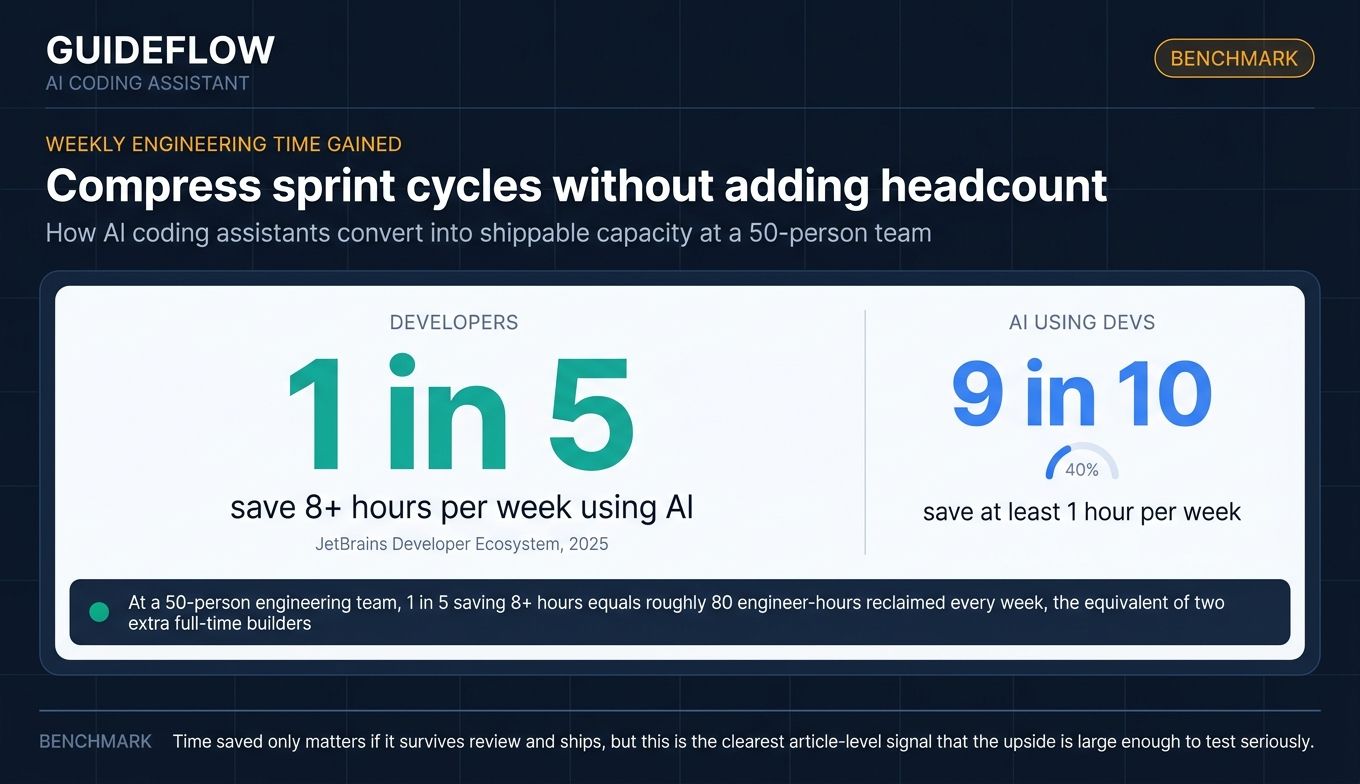
Founders facing burn-multiple pressure use AI coding tools to extend runway per engineer instead of hiring through it. JetBrains' 2025 data shows nearly 9 in 10 AI-using developers save at least one hour per week, and about 1 in 5 save eight hours or more. At a 50-person engineering team, those hours show up as shipped features.
Unblock specialized work like refactors, migrations, and test coverage
Agentic tools handle multi-week migrations and test backfills that nobody on the team wants to own. A Claude Code or Cursor Composer session on a .NET to TypeScript migration looks fundamentally different from the work a human contractor would do in the same time.
Comparison table
The table below ranks the 10 tools by relevance to a SaaS engineering team buying in 2026. Pricing reflects entry-tier and most common team plans as of mid-2026. G2 ratings are pulled from current product listings. Verify any figure that drives a procurement decision against the vendor's live page before signing.
| # | Product | Intent | Key differentiation | Pricing | G2 rating |
|---|---|---|---|---|---|
| 1 | Cursor | Agentic IDE for full-stack teams | VS Code rebuild purpose-built for AI coding | $20/mo Individual, $40/user/mo Teams | 4.5/5 |
| 2 | GitHub Copilot | Default enterprise-safe AI coding | Tightest GitHub and IDE integration | Free, $10/user/mo Pro, $39/user/mo Pro+, $100/user/mo Max | 4.5/5 |
| 3 | Claude Code | Agentic CLI for complex refactors | Anthropic's coding model with terminal-native agent | Included in Claude Pro ($20/mo), Max 5x ($100/mo), Max 20x ($200/mo) | 4.6/5 |
| 4 | Gemini Code Assist | Enterprise AI coding on Google Cloud | Up to 1M token context, GCP-native | Free for individuals, $19/user/mo Standard (annual), $45/user/mo Enterprise (annual) | 4.4/5 |
| 5 | Amazon Q Developer | AWS-native AI coding | Deep AWS service integration, IAM, CloudFormation | Free tier, $19/user/mo Pro | 4.6/5 |
| 6 | Tabnine | Self-hosted and air-gapped AI coding | Strongest privacy and on-prem deployment | $39/user/mo Code Assistant, $59/user/mo Agentic Platform | 4.1/5 |
| 7 | JetBrains AI Assistant | AI coding inside JetBrains IDEs | Native to IntelliJ, PyCharm, WebStorm, GoLand | AI Free, AI Pro, AI Ultimate, AI Enterprise (tiered) | N/A |
| 8 | Sourcegraph Cody | AI coding with deep codebase search | Code graph plus enterprise context | Enterprise plan starting at $16K | N/A |
| 9 | Replit Agent | Browser-based agentic builder | Zero-setup, prompt-to-deployed-app | Free Starter, $20/mo Core (annual), $95/mo Pro (annual), Enterprise custom | 4.5/5 |
| 10 | Continue.dev | Open-source AI coding assistant | BYO model, source-controlled AI checks | $3/million tokens Starter, $20/seat/mo Team, Custom Company | N/A |
1. Cursor
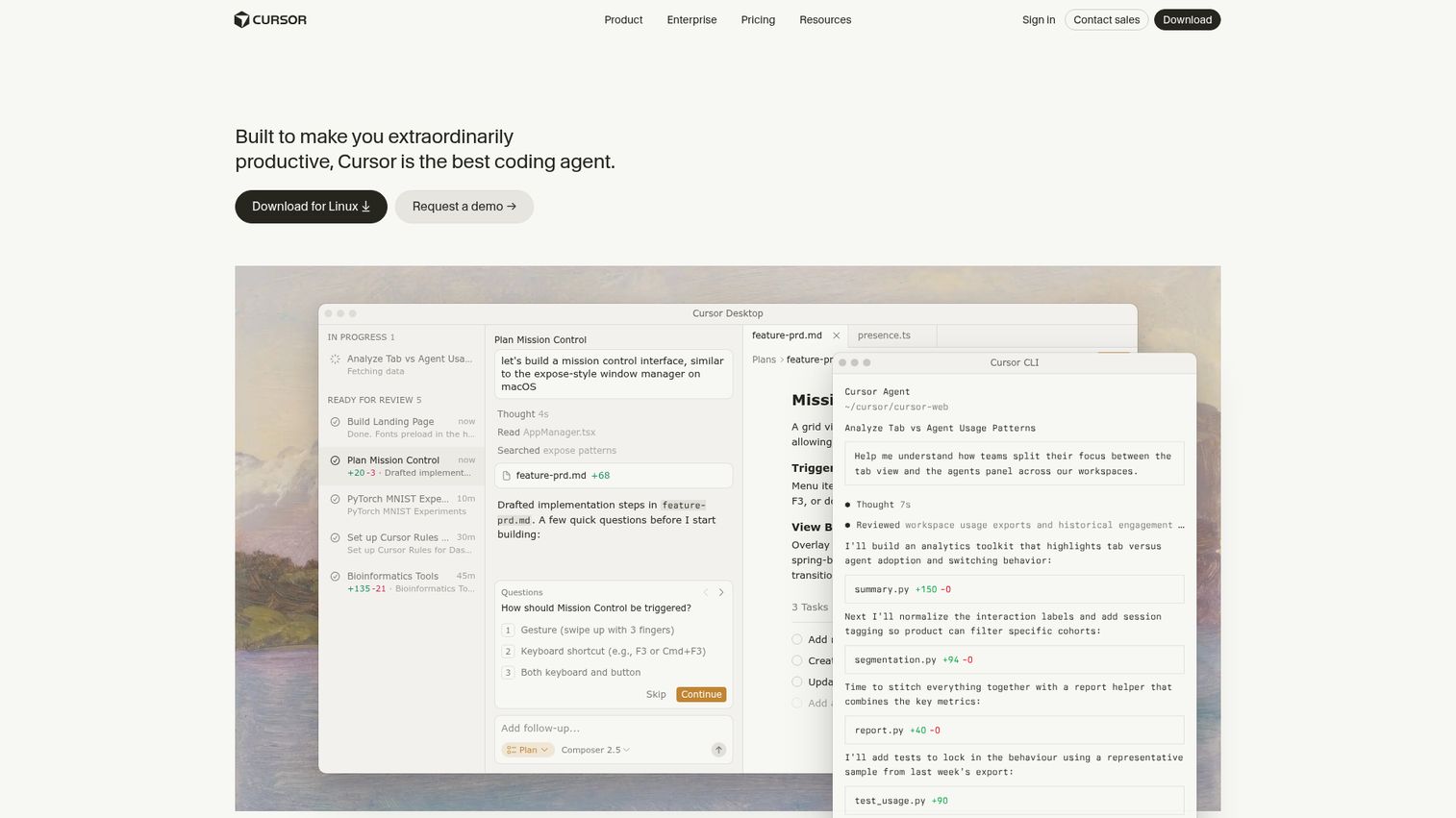
Cursor is a coding agent built to make engineers extraordinarily productive. It's a VS Code rebuild centered on AI-native workflows: inline completion, multi-file editing, and autonomous cloud agents that work in parallel on the engineer's behalf. For most SaaS engineering teams in 2026, it's the closest thing to a default pick.
Best for: Founder-led and mid-market SaaS engineering teams (roughly 15 to 150 engineers) who want one tool that covers both fast autocomplete and serious agentic work.
Key strengths
- Cloud agents that work in parallel: Run multiple agents on different tasks simultaneously, each working autonomously and reporting back.
- Complete codebase understanding: Indexes your repository and answers questions across files with real context, not generic suggestions.
- Drop-in VS Code experience: Zero retraining cost for any engineer already using VS Code. The familiar shortcuts, the familiar extensions, just rebuilt around AI workflows.
Why choose Cursor: It is the most practical default for a 2026 SaaS engineering team. The combination of strong autocomplete, codebase-aware chat, and parallel cloud agents handles the actual range of work a small-to-mid-market team does, from quick fixes to multi-week refactors. The trade-off: usage on the higher tiers can produce variable monthly cost if your team leans hard on agents.
Cursor pricing: Hobby is free. Individual is $20 per month. Teams is $40 per user per month with admin controls. Enterprise is custom. Verify the live tier names and limits at cursor.com/pricing before purchase, since Cursor has iterated on tier structure multiple times.
2. GitHub Copilot
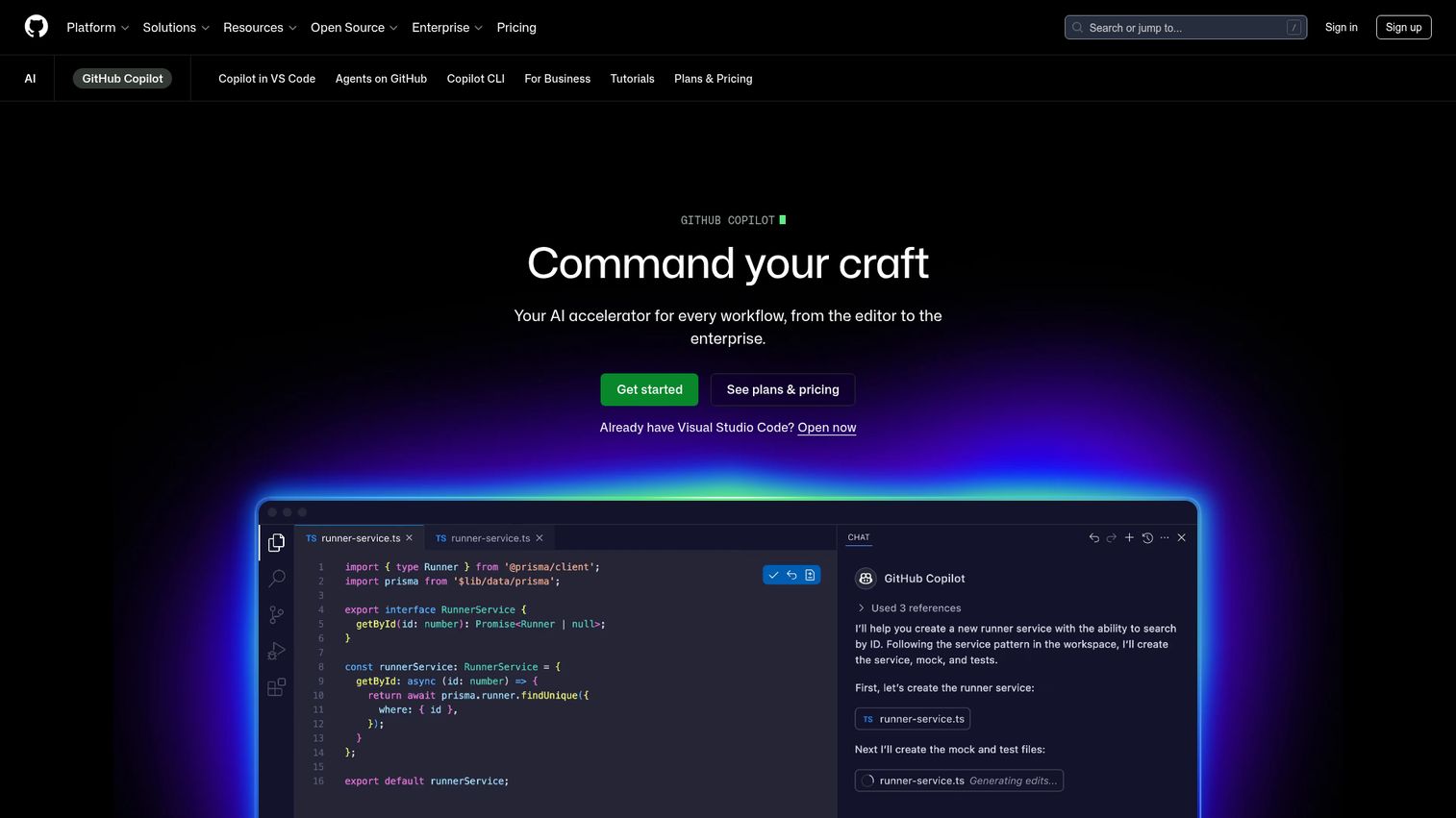
GitHub Copilot is the category's incumbent and still the lowest-friction org-wide rollout for any team already on GitHub. It provides inline suggestions, chat assistance, code explanations, code review, agent mode, and a Copilot cloud agent that operates across the software development lifecycle.
Best for: Engineering teams already deep in GitHub Enterprise. Teams whose security and procurement function has already cleared Copilot for use.
Key strengths
- GitHub-native: Tightest possible integration with pull requests, Actions, Issues, and the GitHub web UI.
- Multi-IDE support: Works in VS Code, JetBrains IDEs, Neovim, and Visual Studio with consistent behavior.
- Agent mode and cloud agent: Beyond autocomplete, Copilot now supports agentic workflows that handle multi-step tasks and code review.
Why choose Copilot: It's the safest enterprise default in the category. Your security team probably already knows it. Your engineers have probably already used it somewhere. The trade-off: it's a steady tool rather than the most exciting one. Reviewers consistently note that on large or unusual codebases, the suggestions can feel less context-aware than Cursor or Cody. For most teams, that's an acceptable trade for the deployment ease.
Copilot pricing: Free tier available with usage limits. Pro is $10 per user per month. Pro+ is $39 per user per month. Max is $100 per user per month. Business and Enterprise tiers are quoted separately, and GitHub indicated additional usage-based AI credits apply as of mid-2026. Confirm current tier availability at the Copilot plans page.
3. Claude Code
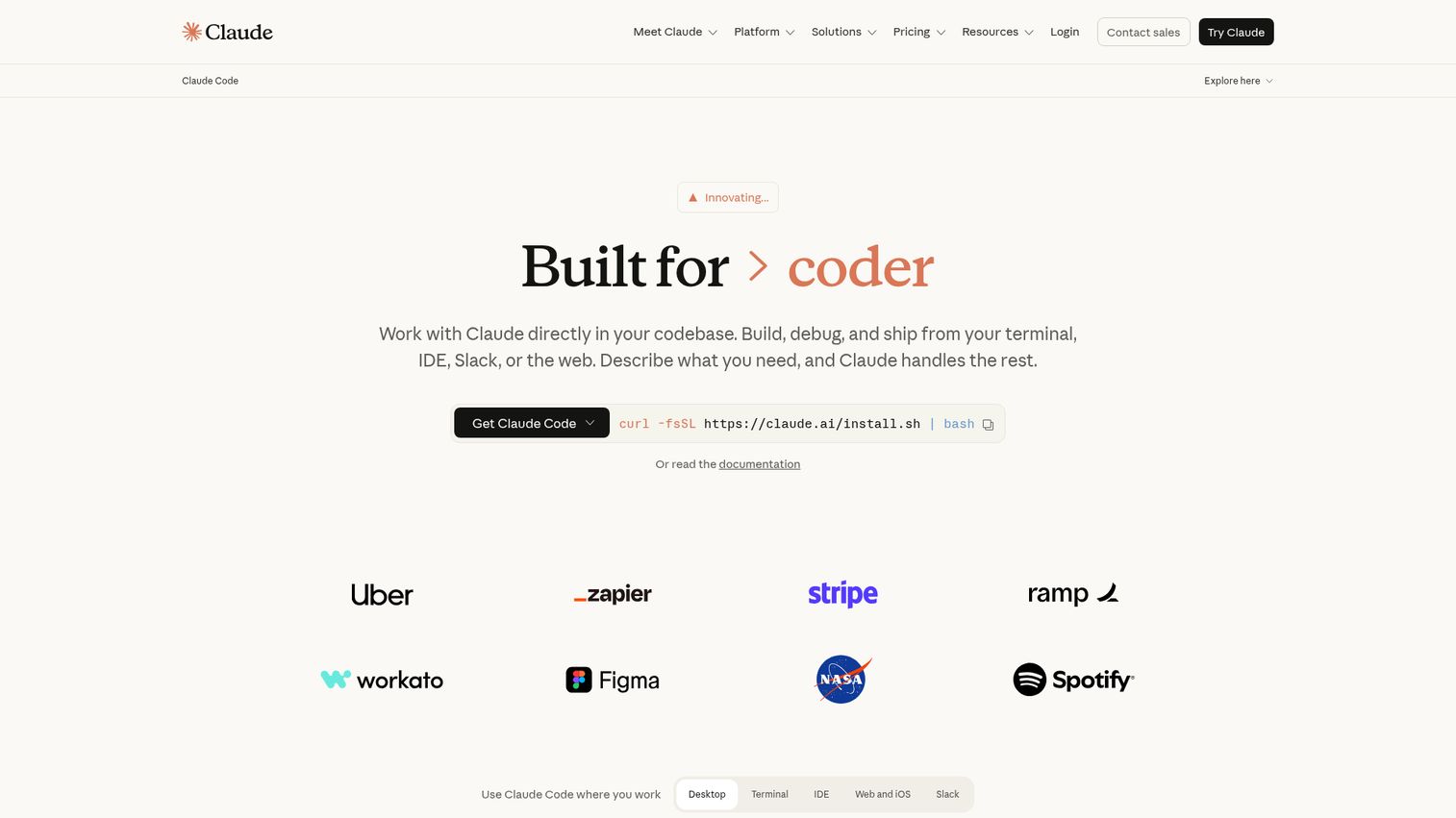
Claude Code is Anthropic's agentic coding tool. It reads your codebase, edits files, runs commands, and integrates with your development tools across terminal, IDE, desktop app, and browser. It works directly with git to stage changes, write commit messages, create branches, and open pull requests.
Best for: Senior engineers and engineering leads handling complex refactors, migrations, or greenfield feature builds where reasoning quality matters more than raw completion speed.
Key strengths
- Reads codebases and works across files and tools: The agent operates on your actual repo, not isolated snippets, and can use multiple tools to complete a task.
- Git-native workflows: Stages changes, writes commit messages, creates branches, and opens PRs directly, closing the loop end-to-end.
- Human-in-the-loop by default: The agent pauses for review before running shell commands and writing files, so engineers stay in control.
Why choose Claude Code: It is the strongest pick when the work is thinking-heavy rather than typing-heavy. Multi-week migrations, complex refactors, and architectural changes are where it stands out. The trade-off: the terminal-first workflow is a different muscle for engineers anchored in IDEs, and usage-heavy workflows that route through the Anthropic API at per-token rates can produce variable monthly cost.
Claude Code pricing: Bundled with Claude plans. Pro is $20 per month. Max 5x is $100 per month. Max 20x is $200 per month. Heavy automated usage routes through the Anthropic API at per-token rates. Confirm current plan inclusions on Anthropic's plan documentation.
4. Gemini Code Assist
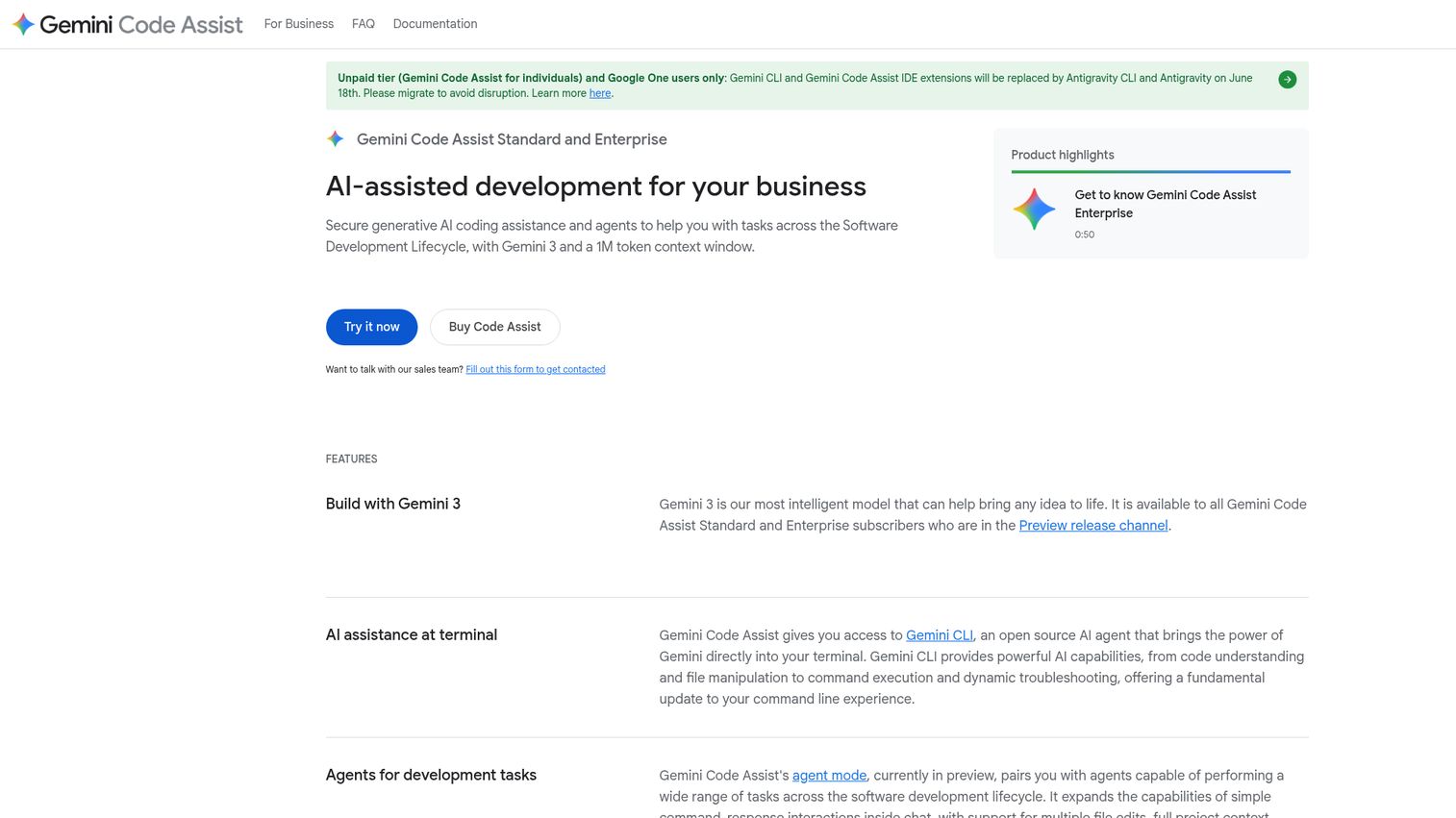
Gemini Code Assist is Google's AI coding assistant for businesses. It provides code completion, code generation, natural language chat, and agent-based help in IDEs and Google Cloud services. Gemini-family models support context windows up to roughly 1 million tokens, which matters for teams with large monorepos.
Best for: Engineering orgs already on Google Cloud. Enterprises that need IP indemnification and strong compliance posture inherited from Google Cloud's certified infrastructure.
Key strengths
- Whole code block and function generation: Generates substantial code units in supported IDEs, not just line-level completions.
- Agent mode with full project context: Multiple file edits, built-in tools, and Model Context Protocol integrations.
- Enterprise-grade compliance: Built on Google Cloud's certified infrastructure with IP indemnification on paid tiers.
Why choose Gemini Code Assist: If your stack is already Google Cloud, the integration depth and large context window make it the obvious pick. Trade-off: less compelling for AWS-heavy or Azure-heavy teams, and the editor experience is steadier rather than novel.
Gemini Code Assist pricing: Free no-cost tier for individuals. Standard is $19 per user per month with annual commitment, or $22.80 monthly. Enterprise is $45 per user per month with annual commitment, or $54 monthly. Verify at codeassist.google/products/business.
5. Amazon Q Developer
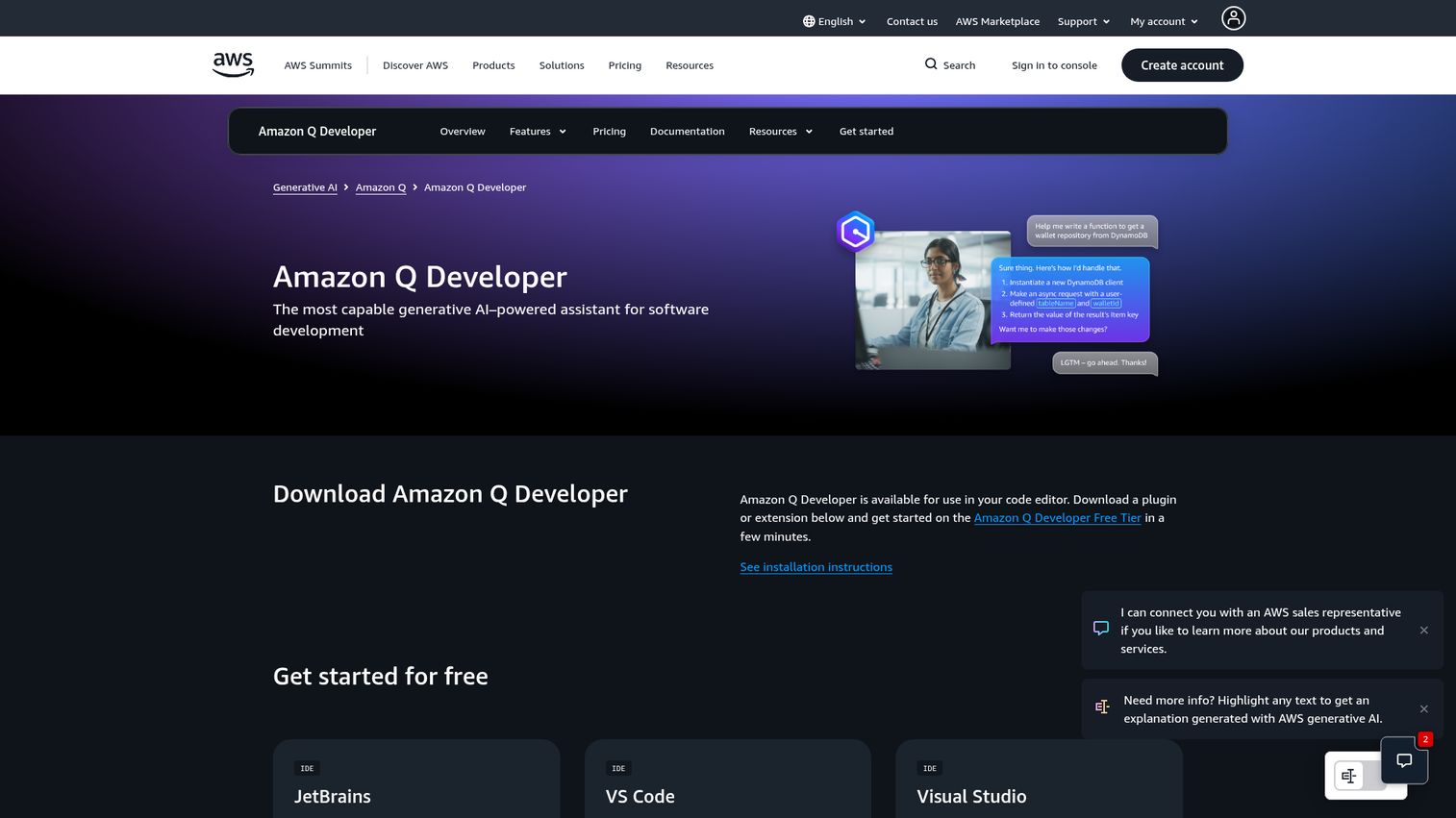
Amazon Q Developer is AWS's generative AI assistant for software development, the evolution of what was previously Amazon CodeWhisperer. It handles real-time code suggestions, inline chat, CLI completions, security scanning, automated code review, and agentic coding that can implement features, document, test, refactor, and run software upgrades.
Best for: Engineering teams whose product runs on AWS. Teams managing migrations on AWS services, especially Java upgrades and .NET transformations.
Key strengths
- Agentic coding across the lifecycle: Implements features, generates documentation and tests, reviews and refactors code, and handles upgrades.
- AWS-aware context: Understands IAM, CloudFormation, CDK, and AWS service limits, with deployment-ready infrastructure-as-code generation.
- Built-in security scanning: Real-time scanning with remediation suggestions tied to AWS security tooling.
Why choose Amazon Q Developer: If AWS is your platform, Q's awareness of your specific AWS context and a strong free tier make it a default. The Pro tier adds higher agentic request limits, transformation limits, admin dashboards, IP indemnity, and 4,000 lines of code per month per user pooled at the account level, with overages at $0.003 per line. Outside AWS contexts, general-purpose tools like Cursor or Copilot do more for the same money.
Amazon Q Developer pricing: Free tier at zero cost with advanced capabilities. Pro tier is $19 per user per month with expanded limits. Confirm at aws.amazon.com/q/developer/pricing.
6. Tabnine
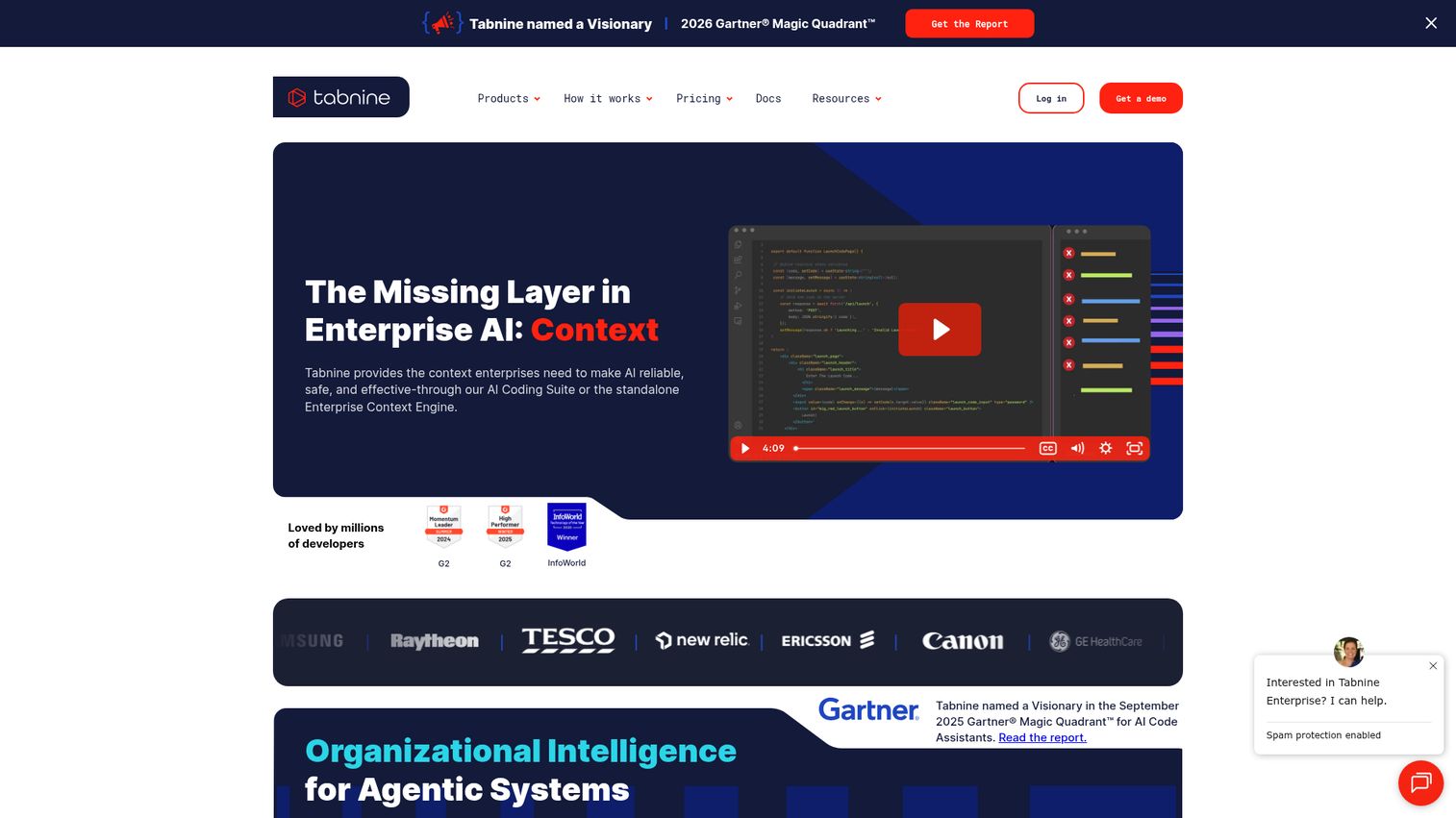
Tabnine is the privacy-first AI coding platform. It accelerates development while keeping code private, secure, and compliant, with flexible deployment options including SaaS, VPC, on-premises, and fully air-gapped environments. The Context Engine and agentic workflows handle organization-aware development for teams with strict governance requirements.
Best for: Engineering teams at companies with strict IP, regulatory, or data-residency requirements. Healthcare, financial services, defense, and regulated SaaS where security review will reject anything cloud-hosted.
Key strengths
- Flexible deployment: Run fully on-premises, in your VPC, or air-gapped with no external dependencies.
- Context Engine for organization-aware development: Tailors suggestions to your codebase, patterns, and standards.
- Agentic workflows: Multi-step task execution inside the IDE for teams ready to move beyond completion.
Why choose Tabnine: When your security team's checklist rejects anything that sends code to a third-party cloud, Tabnine is often the only tool that clears. Trade-off: self-hosted deployment requires ongoing infrastructure ownership, and the cloud-hosted alternatives have moved fast on model quality. For most regulated teams, the privacy posture is worth the operational overhead.
Tabnine pricing: Tabnine Code Assistant is $39 per user per month on annual subscription. The Tabnine Agentic Platform is $59 per user per month on annual subscription. A free option is available for individual IDE use. Verify at tabnine.com/pricing.
7. JetBrains AI Assistant
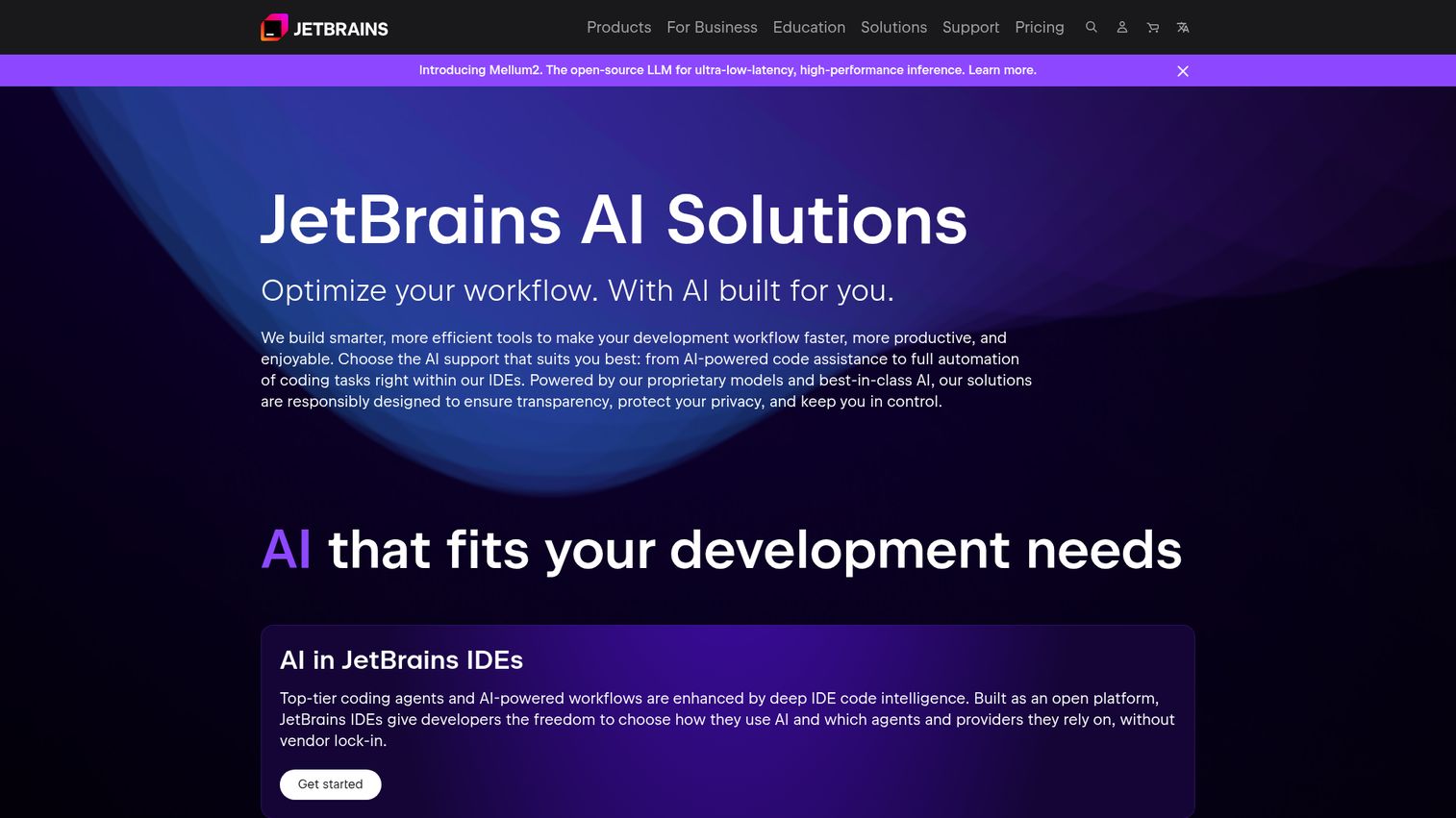
JetBrains AI Assistant brings AI-powered features and coding agents directly into the JetBrains IDE family. Context-aware chat, in-editor assistance, and code insights are native to IntelliJ IDEA, PyCharm, WebStorm, GoLand, Rider, and RubyMine, combining JetBrains' static analysis with LLM-driven suggestions.
Best for: Engineering teams standardized on JetBrains IDEs. Java, Kotlin, Python, and Go shops where JetBrains already won the editor war.
Key strengths
- IDE-native experience: No extension friction. The AI is built into the same window where engineers already work.
- Static analysis plus LLMs: Suggestions are grounded in JetBrains' deep language understanding, not just pattern matching.
- Context-aware chat in the editor: Codebase-aware questions answered in the IDE without context switching.
Why choose JetBrains AI Assistant: If your team lives in IntelliJ or PyCharm, this is the path of least resistance. The integration depth is something a third-party plugin can't fully replicate. Trade-off: the experience is excellent inside JetBrains and not relevant outside it.
JetBrains AI Assistant pricing: Tiered across AI Free, AI Pro, AI Ultimate, and AI Enterprise. Specific tier pricing has been listed in multiple formats across JetBrains' first-party pages, including a $10 figure for AI Pro in some documentation contexts. Confirm current pricing directly at jetbrains.com/ai-ides/buy before committing seats.
8. Sourcegraph Cody
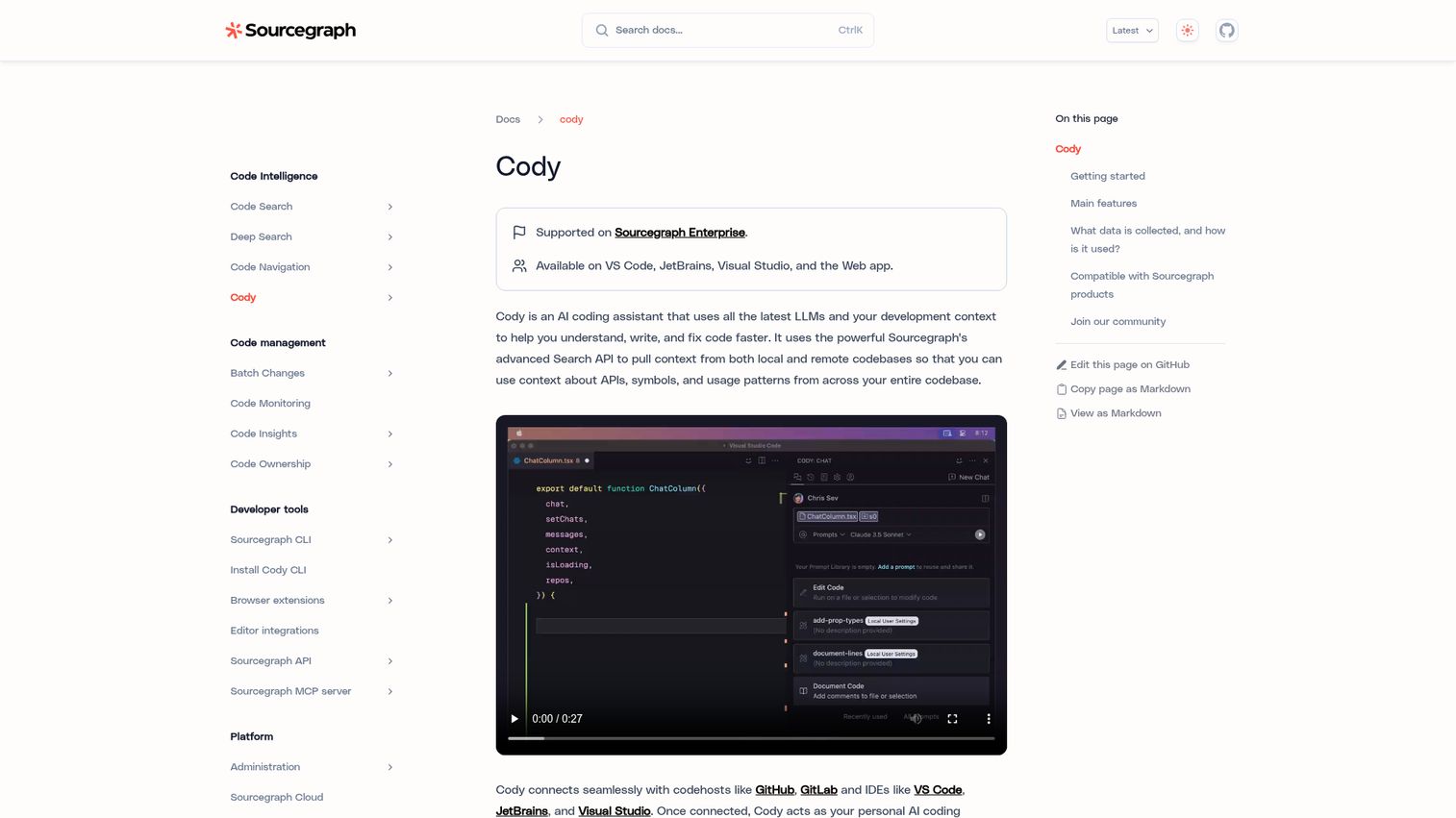
Sourcegraph Cody is an AI coding assistant built on Sourcegraph's code search and code graph. It uses codebase-aware context, including @-mentions for files, symbols, repositories, and URLs, to make suggestions and answers that actually reflect how your engineering org writes code today.
Best for: Engineering orgs with large, multi-repo codebases where finding the right code matters as much as generating new code.
Key strengths
- Codebase-aware chat with @-mentions: Pull specific files, symbols, repos, or URLs into the context window for grounded answers.
- Auto-edit based on cursor movement: Contextual code changes suggested as you move and edit, not just as you type.
- Autocomplete with single- and multi-line suggestions: Standard completion behavior backed by Sourcegraph's code graph.
Why choose Sourcegraph Cody: The combination of Sourcegraph's code intelligence and AI is hard to replicate. Strong fit for mid-to-large engineering orgs with sprawling codebases where context retrieval is the actual bottleneck. Trade-off: pricing skews toward enterprise commitment rather than single-developer flexibility.
Sourcegraph Cody pricing: Enterprise plan starts at $16K, with credits included for AI features and scaling with team size. Confirm current terms at sourcegraph.com/pricing.
9. Replit Agent
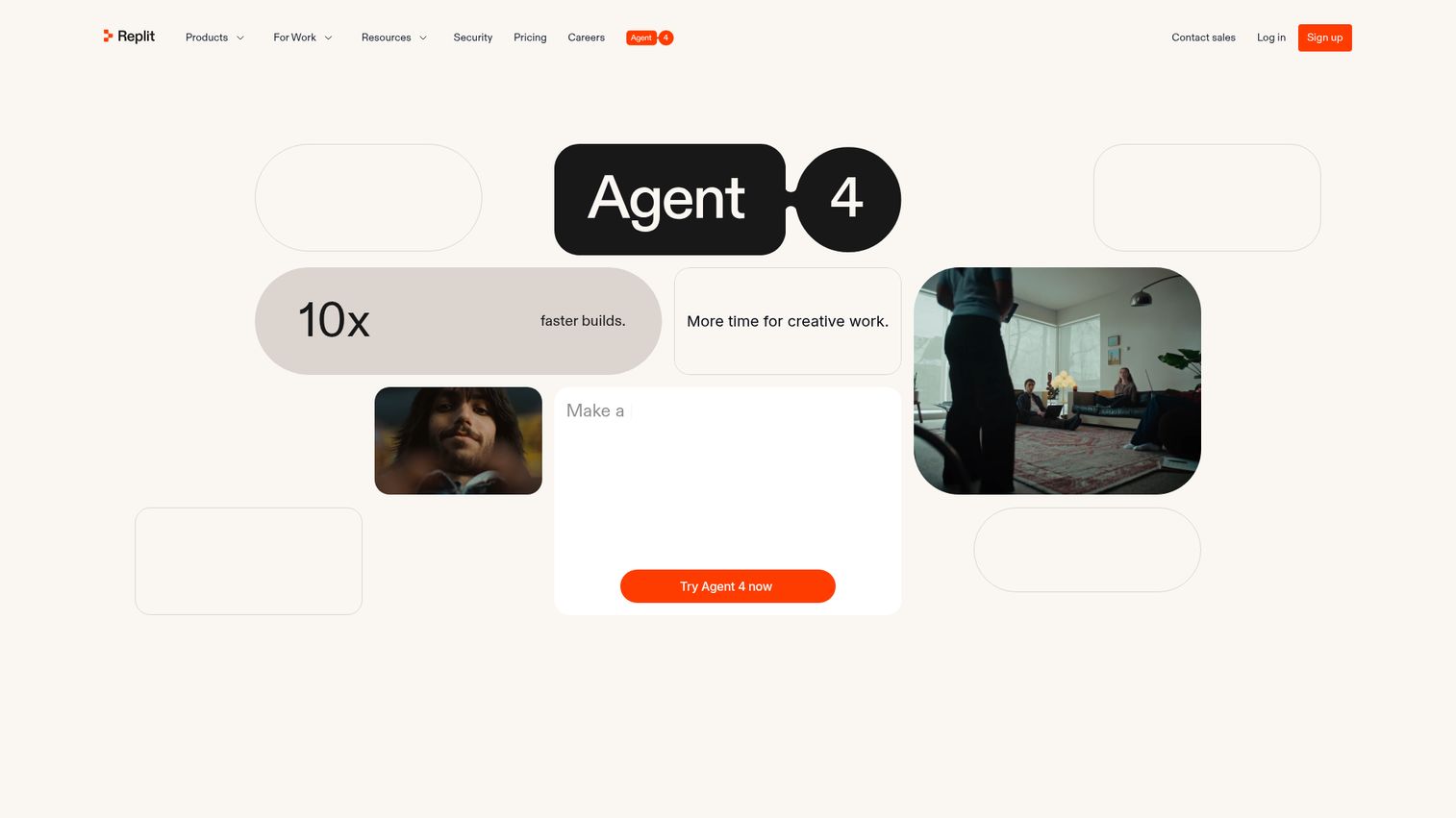
Replit Agent is browser-based agentic coding for building and refining apps. Tell the agent what you want, and it builds, deploys, and iterates inside Replit's cloud workspace. Design in code on an infinite canvas, create mobile and web apps in the same project, and run multiple agents in parallel.
Best for: Prototyping, internal tools, and teams that want zero local setup. Founders who code occasionally and want to ship internal tools without pulling engineers off the roadmap.
Key strengths
- Parallel agents: Run multiple agents executing different tasks at the same time.
- Visual design on an infinite canvas: Design tweaks applied directly to the running app.
- Multi-format output: Web apps, mobile apps, landing pages, decks, and videos in one project.
Why choose Replit Agent: Fastest path from idea to deployed prototype. Strong for founders building internal tools without engineering involvement, and for teams that need a sandbox to validate an idea before committing real eng time. Trade-off: not the right tool for production work on existing large codebases.
Replit pricing: Starter is free with daily Agent credits. Replit Core is $20 per month billed annually, with $25 in monthly Agent credits and up to 5 collaborators. Replit Pro is $95 per month billed annually with $100 in monthly credits and up to 15 collaborators. Enterprise is custom. Verify at replit.com/pricing.
10. Continue.dev
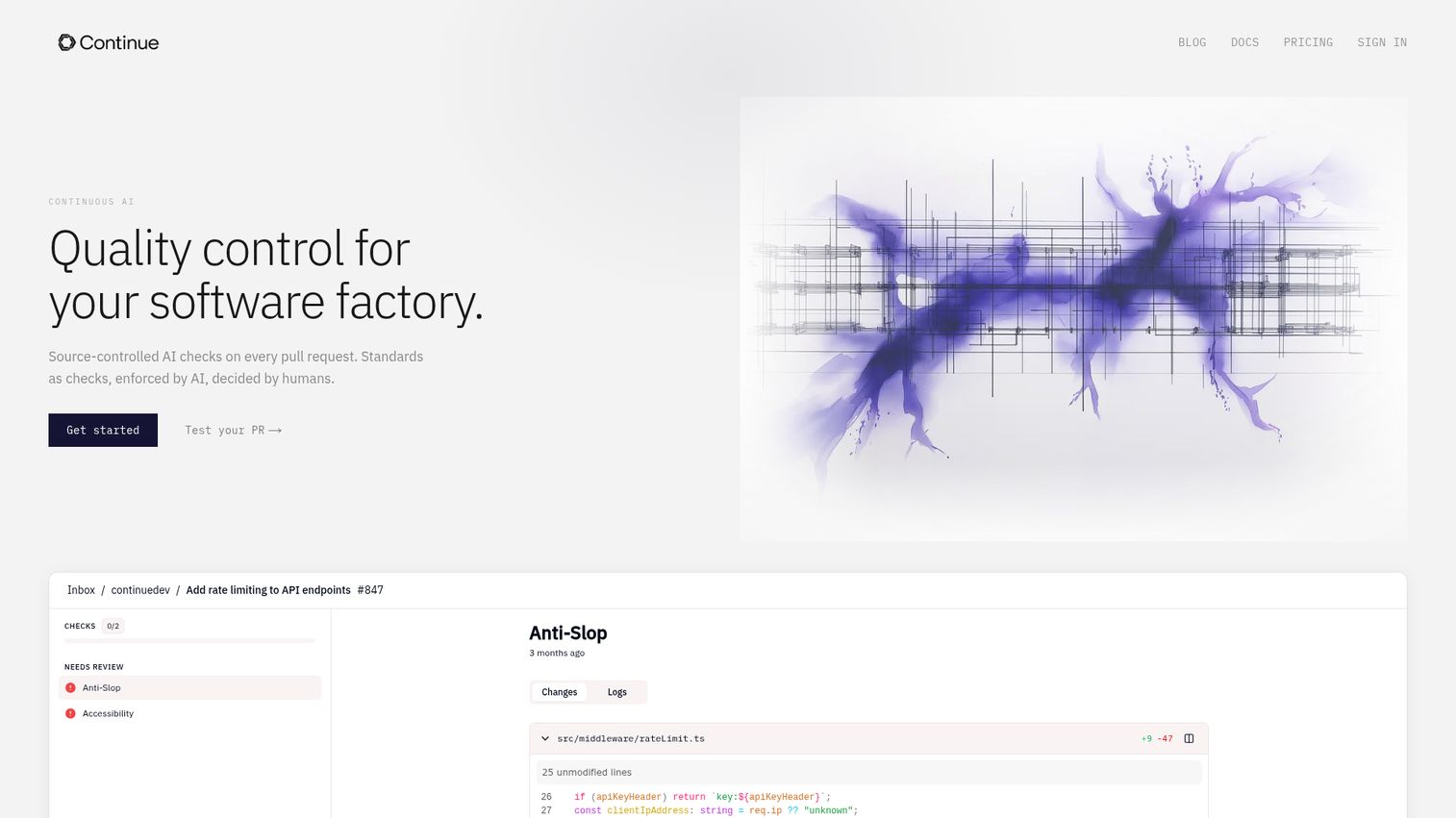
Continue.dev runs AI checks on every pull request as native GitHub status checks with suggested fixes. Checks are defined as markdown files committed to the repo, which means your AI quality gates live in version control alongside the code they review. Mission Control integrates with GitHub, Slack, Sentry, and Snyk.
Best for: Engineering teams that want source-controlled AI quality checks and automated PR review workflows. Teams comfortable owning their own model infrastructure and configuration.
Key strengths
- AI checks as code: Quality checks defined as markdown files in the repo, versioned alongside the code they review.
- Native GitHub status checks: PR-level AI review integrated as standard status checks, not a separate dashboard.
- Mission Control integrations: Tie AI workflows to GitHub, Slack, Sentry, and Snyk for end-to-end signal.
Why choose Continue.dev: Best option when you want AI quality gates that live in source control and an open foundation you can extend. Trade-off: setup and tuning require engineering time that fully-managed commercial tools handle for you.
Continue.dev pricing: Starter is usage-based at $3 per million tokens. Team is $20 per seat per month for centralized management. Company is custom-priced for enterprise security and compliance. Confirm at continue.dev/pricing.
Considerations for engineering teams evaluating AI coding assistants
Codebase context handling
How does the tool retrieve relevant code from your repo? Indexing approach, context window size, multi-repo support, and freshness of the index all matter. Test on your actual codebase, not a demo repo. Ask the tool a question only someone familiar with your code could answer, and see if the response holds up.
Security and data handling
Where does your code go, and who can see it? Get the retention policy, training opt-out, SOC 2 and ISO certifications, IP indemnification posture, and self-hosted options in writing before evaluating. Hand your security team a 5-question checklist before you start a pilot, not after.
Total cost at team scale
Model the cost at your current headcount and your next milestone. 30 engineers today, 80 in 18 months changes which tier you should sign. Watch for usage-based credits that look cheap on the sticker and bloat once your team leans on agentic features. The Stack Overflow 2025 data showing 66% of developers frustrated by "almost right" AI output is a real signal that productivity isn't linear with spend.
IDE and workflow fit
Force-fit fails. If your team lives in JetBrains, fight gravity once. If they live in VS Code, lean into Cursor or Copilot. Tools your engineers won't adopt deliver zero ROI, no matter how good they are on paper.
Agentic vs. autocomplete capability
Decide before you evaluate. Does your team need fast autocomplete, agentic multi-step work, or both? The 2026 differentiation is agentic. The tools rank differently when you weight that capability.
How to choose the right AI coding assistant for your team
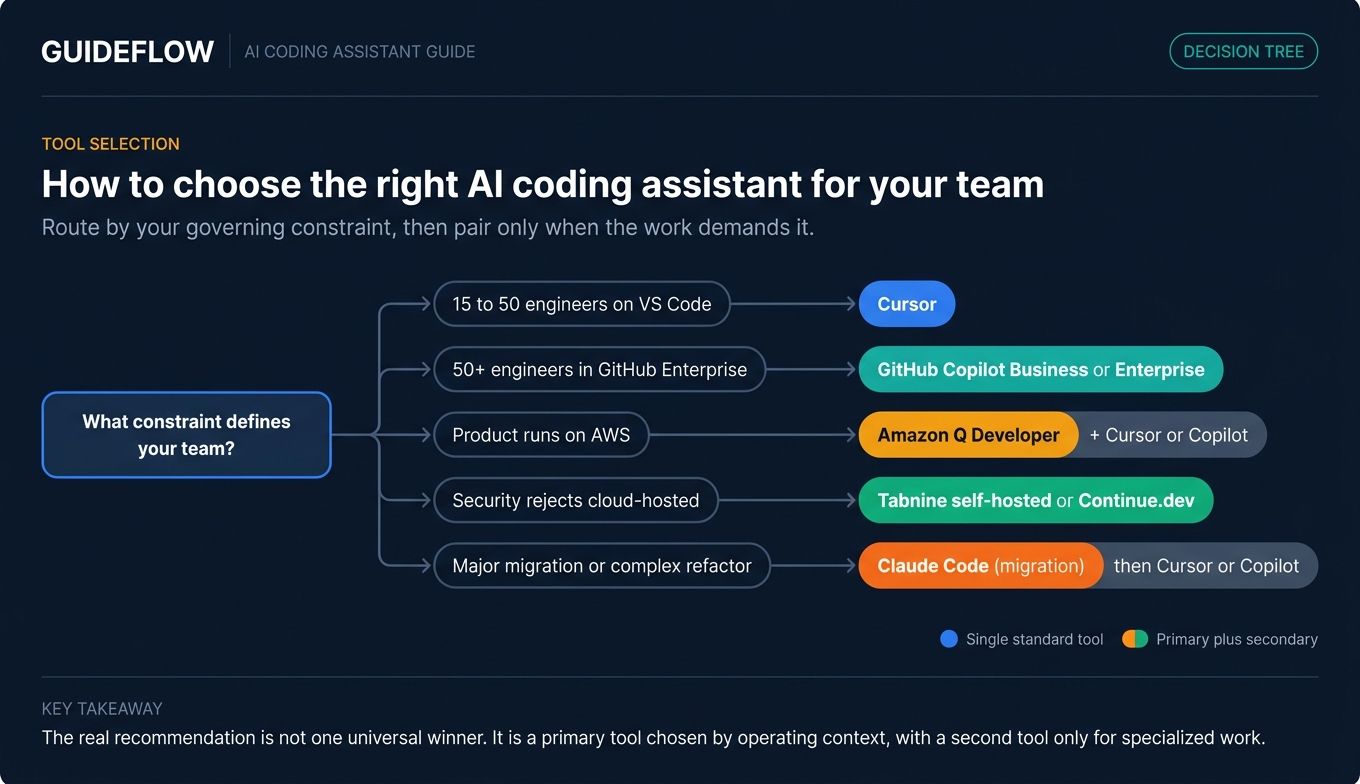
If you're a founder at 15 to 50 engineers on VS Code: Start with Cursor. Lowest activation cost, strong agentic experience, drop-in familiar. Pilot with 5 engineers for two weeks, measure PR throughput and review time, then roll out.
If you're at 50+ engineers and already deep in GitHub Enterprise: GitHub Copilot Business or Enterprise. Lowest procurement friction, lowest training cost, your security team already knows it. Pair it with a single agentic-focused seat for senior engineers handling refactors.
If your product runs on AWS: Amazon Q Developer pays for itself on AWS-aware context, security scanning, and the free tier alone. Pair it with Cursor or Copilot for general-purpose work outside AWS contexts.
If your security team will reject anything cloud-hosted: Tabnine self-hosted, or Continue.dev with your own model infrastructure. The operational overhead is real. The alternative is a security review that never closes.
If you're handling a major migration or complex refactor: Use Claude Code for the migration itself. Then settle the team back onto Cursor or Copilot for day-to-day work once the heavy lifting is done.
Once your team is shipping faster, the next bottleneck moves downstream: how Marketing, Sales, and Customer Success communicate what just shipped. That's a separate problem worth solving with interactive product demos so the value lands with buyers and users without engineering involvement. Teams often pair this with a centralized demo center to organize walkthroughs by audience, and lean on AI-powered demo creation to keep production overhead minimal. Different problem, different tool, but the connection matters for founders trying to convert engineering velocity into revenue.
Conclusion
The 2026 AI coding assistant market has split into clear lanes. Cursor is the most practical default for SaaS engineering teams between 15 and 150 engineers. GitHub Copilot is the safest enterprise rollout. Claude Code is the strongest agentic option for complex work. Amazon Q Developer wins for AWS-native teams. Tabnine and Continue.dev cover regulated and self-hosted scenarios. The rest serve specific stack or workflow fits.
Don't roll out org-wide on a press release. Shortlist three tools from this guide, run a 30-day pilot with 5 engineers each, and measure PR throughput, review time, and engineer satisfaction. Make the call based on what your team actually used, not what looked best in a demo.
The decision you're making isn't about which tool wins a benchmark this quarter. It's about team velocity over the next 18 months and the compounding effect of every engineer being a little faster, every sprint. Once shipped, getting that velocity in front of buyers often means investing in product tour software and user onboarding tools that translate engineering output into adoption. Adjacent listicles worth bookmarking: the best digital adoption platforms and best product management tools for the next quarter's planning. Get the call right, and your next board update writes itself.
FAQs
An AI coding assistant is a developer tool that uses large language models to generate, complete, refactor, debug, and review code inside the IDE, terminal, or git workflow. It works alongside an engineer's existing setup, either suggesting code inline or executing multi-step tasks autonomously with human review at checkpoints.
It depends on your stack and team size. Cursor is the most common default for SaaS engineering teams in 2026. GitHub Copilot is the safest enterprise pick because procurement and security teams already know it. Claude Code is the strongest choice for agentic, reasoning-heavy work like refactors and migrations.
The range runs from free (Continue.dev open source, Cursor Hobby, Copilot Free, Amazon Q free tier) to roughly $39 to $45 per seat per month for enterprise tiers like Copilot Enterprise and Gemini Code Assist Enterprise. Usage-based pricing on agentic features can push effective cost higher if your team uses them heavily, so model the cost at your actual usage pattern.
Yes, especially for engineering teams already on GitHub Enterprise. The honest framing: Copilot has moved from "the only option" to "the safe option." It's no longer the most exciting tool in the category, but it remains the lowest-friction org-wide rollout, with the broadest IDE support and the most cleared security reviews.
An agentic AI coding assistant takes a goal and executes multi-step work, including planning, file edits, command execution, and PR creation, with human review at checkpoints. Examples include Cursor's cloud agents and Composer, Claude Code's CLI agent, GitHub Copilot's agent mode and cloud agent, and Replit's parallel agents. For a broader look at autonomous tooling across go-to-market, see the agentic AI tools for sales roundup.
Yes. Options include self-hosted deployment with Tabnine or Continue.dev on local model infrastructure, enterprise plans with zero retention and IP indemnification like GitHub Copilot Enterprise and Gemini Code Assist Enterprise, and fully air-gapped deployments for regulated industries. Get your security team's checklist before the pilot, not after.
Continue.dev is open source and free, with model costs separate based on the provider you connect. Cursor's Hobby tier is free with limits. GitHub Copilot offers free access for students and verified open-source maintainers. Amazon Q Developer's free tier is the strongest option for AWS-aware work.
Below roughly 15 engineers, yes. The overhead of standardization outweighs the benefit at that size. At 15 or more engineers, standardize on one or two tools for security review, shared workflows, and predictable spend. Forced standardization that engineers resent has worse ROI than the tool you "lose" by allowing choice, so include the team in the call.
No. They compress the time per task. JetBrains' 2025 data shows nearly 9 in 10 AI-using developers save at least one hour per week, with about 1 in 5 saving eight hours or more. That capacity expands what the team can ship, not how many engineers you need on payroll.