You have a spreadsheet with member names. A separate payment processor for dues. An email tool for renewals. A form builder for signups. And nobody is sure which one holds the truth when a member's card expires or their access lapses.
That fragmentation is the real problem. Not any single tool. When member data lives in five places, renewals slip, access control breaks, and you spend hours reconciling numbers that should already agree. Every disconnected system adds a small tax, and those taxes compound as your membership grows.
The market reflects how many organizations are trying to fix this. The global membership management software market is projected to grow from roughly USD 9.51 billion in 2026 to USD 13.92 billion by 2030, a 10% compound annual growth rate, according to Research and Markets (2026). North America is expected to hold about 40% of the online membership software share, per an Online Membership Software Market Research Report (2026). Organizations are consolidating scattered tools into single platforms that handle the whole member lifecycle.
This guide is a buyer's shortlist. Seven platforms, ranked by relevance to real buying jobs, with pricing, ratings, and honest fit notes so you can compare total cost of ownership instead of feature checklists. If your evaluation touches adjacent workflows, you may also find our roundups of community management software and event management software useful, since membership tools often overlap with both.
What's inside
This guide is for operations leads, founders, marketers, and small teams responsible for member databases, dues, renewals, communication, and access control. It covers tools across four buyer segments: associations, nonprofits, communities, and paid membership or SaaS-style businesses.
We selected platforms based on four criteria that matter most when you are consolidating a stack:
- Member database and CRM depth - how well it holds a single source of truth
- Billing, dues, and renewals - recurring payments without manual chasing
- Communication and access control - segmentation, email, and gated content
- Total cost of ownership - pricing transparency, fees, and hidden costs
TL;DR
- Best all-in-one back office: Outseta, for subscription billing, CRM, email, and auth in one system.
- Best for small associations: YourMembership, for member databases, events, and workflow automation.
- Best free option for nonprofits: Zeffy, which runs at $0 with no platform or transaction fees.
- Best for clubs and HOAs: ClubExpress, for membership, events, and website tools together.
- Best for WordPress memberships: MemberPress, for content gating and subscriptions on your site.
- Best for no-code and Webflow builders: Memberstack, for auth and payments on custom sites.
- Best all-around package for member organizations: Wild Apricot, for database, events, and payments.
What is membership management software?
Membership management software is a platform that centralizes member records, recurring dues and renewals, communication, and access control so an organization can run its entire membership in one system instead of scattered tools.
At its core, the category performs five jobs:
- Member database or CRM - a single record for every member, including contact details, history, and status.
- Recurring billing and renewals - automated dues collection, renewal reminders, and payment processing.
- Communication and segmentation - targeted email, newsletters, and messaging by member type or activity.
- Access control and gated content - restricting resources, pages, or benefits to active members only.
- Event and community workflows - registration, ticketing, and member-only spaces or forums.
The category overlaps with two adjacent ones. Association management software (AMS) is a heavier variant built for professional associations, chapters, and certification programs. Community platforms focus more on discussion, engagement, and content than on dues and records. Most membership tools sit somewhere on that spectrum, and the right pick depends on which jobs dominate your day.
Who it is for: any organization that charges for membership and needs to track who belongs, keep them paid up, and control what they can access. That includes nonprofits, professional associations, clubs, HOAs, alumni groups, creators, and subscription businesses. If you are also evaluating loyalty management software, note that loyalty tools reward behavior while membership tools govern access and dues.
When to use membership management software
Replace spreadsheets and disconnected billing tools
If your member list lives in a spreadsheet and dues run through a separate processor, you are reconciling data by hand. A dedicated platform ties records and payments together, so a lapsed card automatically flags the right member. That single source of truth is the first reason most teams switch.
Run renewals and dues without manual chasing
Manual renewal chasing does not scale. Once you pass a few hundred members, automated reminders, grace periods, and auto-renewals recover revenue you would otherwise lose to churn. If you are managing recurring payments and renewals across segments, automation is the difference between a stable and a leaky base.
Centralize member communication and access
When email, segmentation, and access control sit in one place, you can gate content, send targeted renewal campaigns, and revoke access the moment a membership lapses. No syncing lists between tools. No members keeping benefits they stopped paying for.
Support associations, nonprofits, communities, or paid memberships
Different organizations need different depth. An association needs chapters and certifications. A nonprofit needs fundraising alongside membership. A creator needs simple gated content and recurring billing. Matching the tool to your organization type saves you from paying for modules you will never use.
Comparison table
The table below sorts the seven platforms by relevance to the general membership management job, then by segment fit. Read the Intent column first to find your segment, then compare Pricing and G2 rating to shortlist two or three. Pricing reflects publicly listed entry tiers as of mid-2026 and can change, so always confirm on the vendor's page before you commit.
| # | Product | Intent | Key use case | Pricing | G2 rating |
|---|---|---|---|---|---|
| 1 | Outseta | All-in-one | Subscription billing, CRM, email, and auth for membership businesses | From $47/mo | 4.6/5 |
| 2 | YourMembership | Association | Member database, events, and workflow automation for small associations | Quote-based | 3.2/5 |
| 3 | Zeffy | Nonprofit | Free fundraising plus membership for nonprofits | $0 | 4.9/5 |
| 4 | ClubExpress | Club / association | Membership, events, communications, and website for clubs | From $150 one-time | 4.0/5 |
| 5 | MemberPress | WordPress | Content gating and subscriptions on WordPress | From $199.50/yr | 4.6/5 |
| 6 | Memberstack | Creator / no-code | Auth and payments for custom and Webflow sites | From $29/mo | 4.7/5 |
| 7 | Wild Apricot | All-around | Database, events, payments, and website for member orgs | From $66/mo | 3.8/5 |
1. Outseta
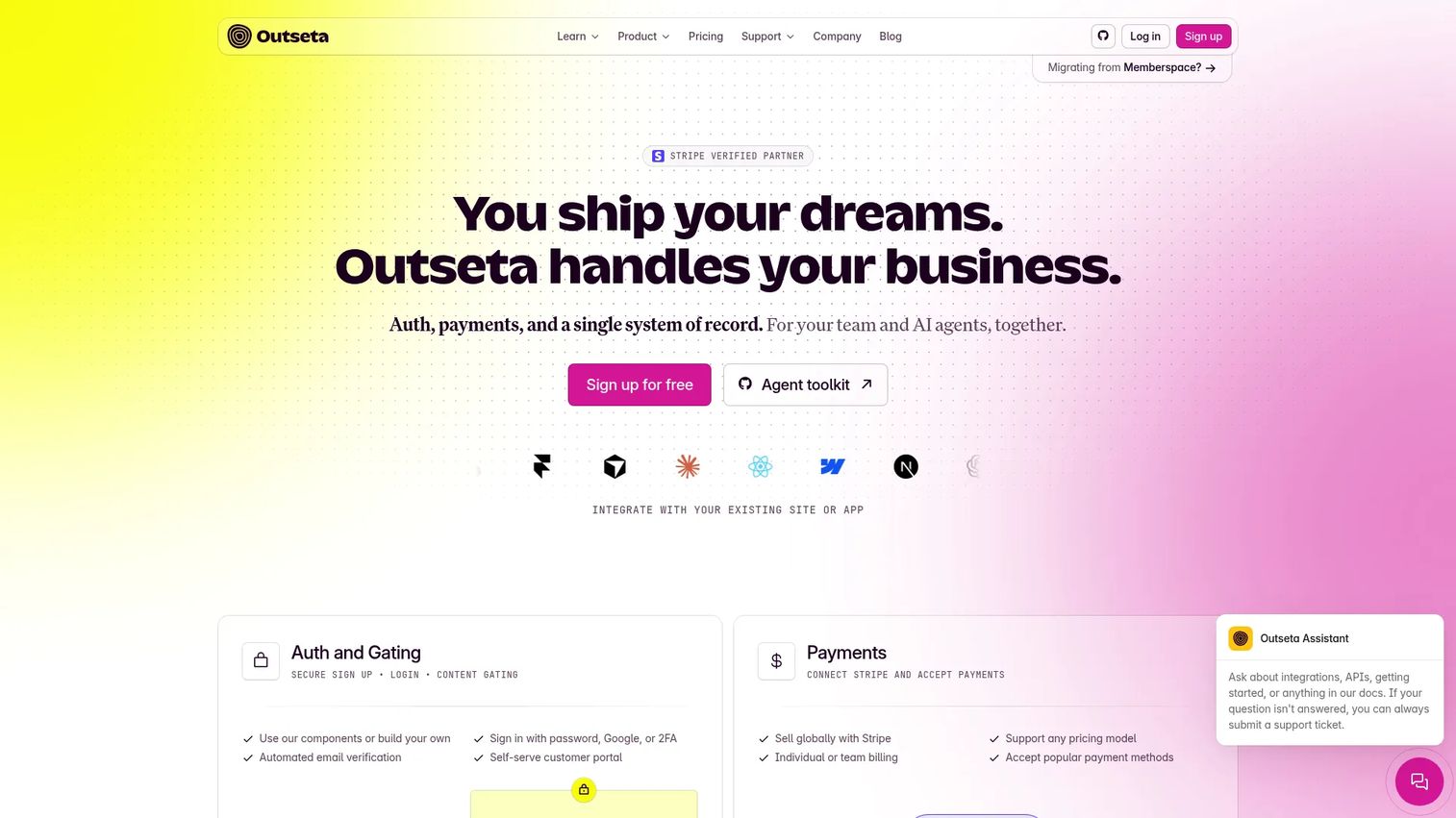
Outseta bundles the back office of a membership or subscription business into one platform: subscription billing, authentication, a CRM and member database, email, and a help desk. Instead of stitching a payment processor to a CRM to an email tool, you run all of it from a single system. That consolidation is the whole pitch, and for founders it removes several line items from the monthly stack.
Best for: Founders building subscription-based SaaS or membership businesses who want an all-in-one back office.
Key strengths
- Subscription billing and payments: Handle recurring dues, plans, and payment processing without a separate billing tool.
- Authentication and protected content: Gate access to content and features based on membership status out of the box.
- CRM and member database: Keep every member record, activity, and support interaction in one place.
Why choose Outseta: If you are running lean and want fewer tools to pay for and integrate, Outseta collapses billing, auth, CRM, and email into one bill. It fits SaaS-style memberships, paid communities, and small teams that would rather not maintain integrations between four separate systems. The trade-off is that specialized association features like chapters or certifications are not the focus here.
Outseta pricing: Outseta lists monthly plans starting at $47/month for Founder, $87/month for Start-up, $127/month for Growth, and $497/month for the 50K tier. There is no free tier, but the site shows a 7-day free trial, no contracts, and no per-user fees. Pricing was publicly visible on Outseta's pricing page as of mid-2026.
2. YourMembership
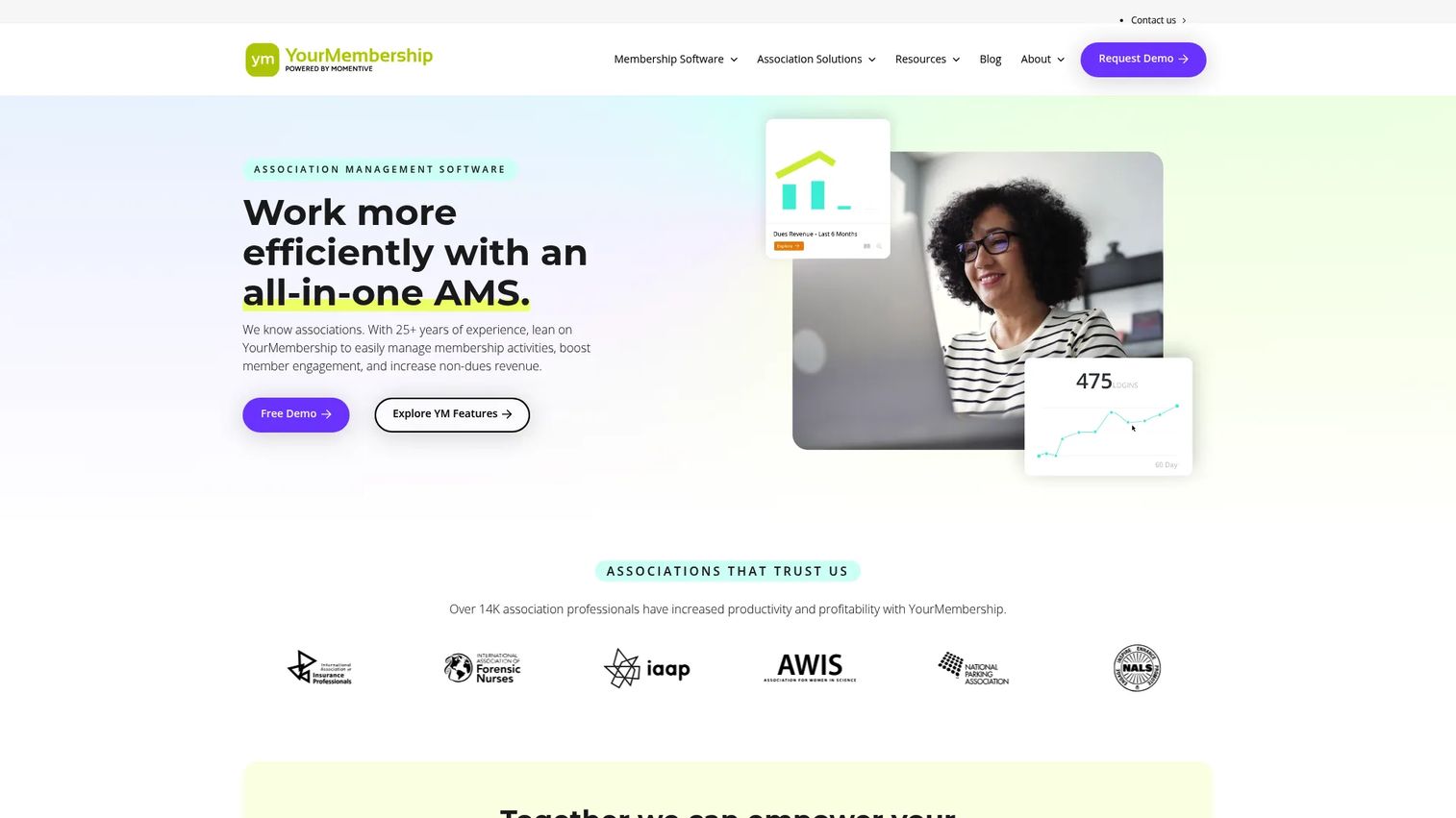
YourMembership is association management software built for small to mid-sized member organizations. It combines membership management, event management, an online community, website design and hosting, workflow automation, dashboards, and e-commerce into one AMS. The emphasis is on letting a small staff run association operations without a large administrative team behind them.
Best for: Small to mid-sized associations wanting an all-in-one AMS.
Key strengths
- Membership management and community: Hold member records and run a member-only online community in one system.
- Event management: Manage registration, calendars, and event revenue alongside membership.
- Workflow automation and reporting: Automate renewals and communications, then track health with dashboards and advanced reporting.
Why choose YourMembership: If you run an association and your staff is small, the appeal is operational breadth in one platform: membership, events, community, website, and reporting without juggling separate vendors. It fits professional associations and member organizations that need AMS depth rather than a lightweight membership tool. Buyers who want transparent upfront pricing should factor in that plans are quote-based.
YourMembership pricing: YourMembership uses quote-based pricing. The vendor's pricing page asks visitors to request a personalized quote rather than displaying a public numeric price, so budget confirmation happens during a sales conversation. Its G2 seller rating sits at 3.2/5.
3. Zeffy
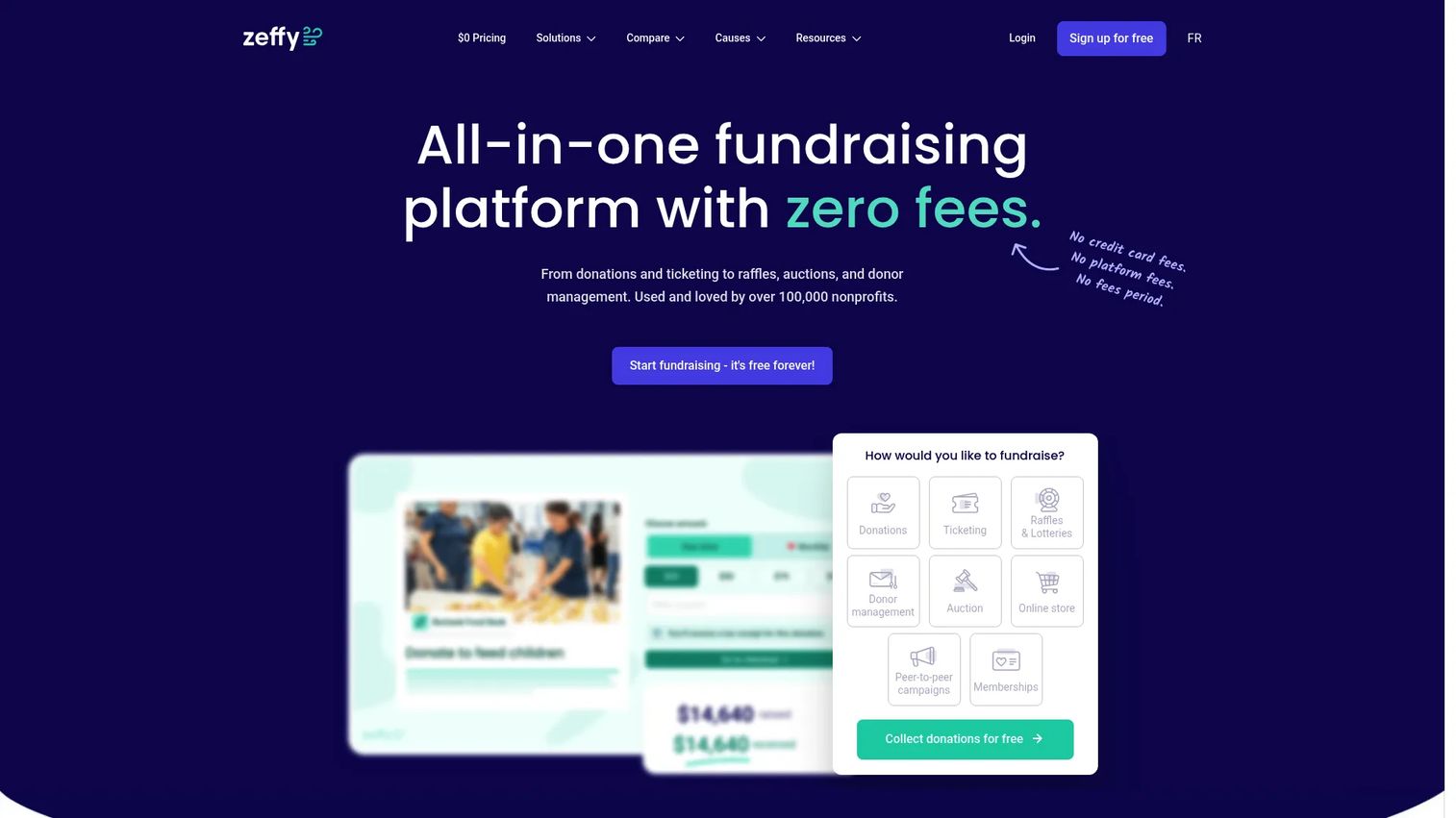
Zeffy is an all-in-one fundraising platform for nonprofits that runs completely free. It covers donations, ticketing, raffles and lotteries, donor management, auctions, an online store, peer-to-peer campaigns, and memberships. For nonprofits, it pairs fundraising and membership in one place, which is rare for a tool at this price point, which is zero.
Best for: Nonprofits needing a free fundraising and donor-management platform.
Key strengths
- Zero fees: No platform fees, no transaction fees, and no credit card fees on the plans shown.
- Fundraising plus memberships: Run donations, events, and membership renewals from the same system.
- Donor and member management: Track members and donors together with forms, campaigns, and multiple payment methods.
Why choose Zeffy: For a nonprofit watching every dollar, Zeffy's model is hard to argue with. Fundraising and membership sit together, and the pricing is $0 across the displayed plans. Zeffy funds itself through optional contributions collected from donors at checkout, so factor that model into how you present your donation flow. It carries a 4.9/5 G2 rating.
Zeffy pricing: Zeffy states it is 100% free with no platform fees, no transaction fees, and no credit card fees. The pricing page shows Free, Basic, and Premium plans, all listed at $0. Pricing and features were verified from Zeffy's own website as of mid-2026.
4. ClubExpress
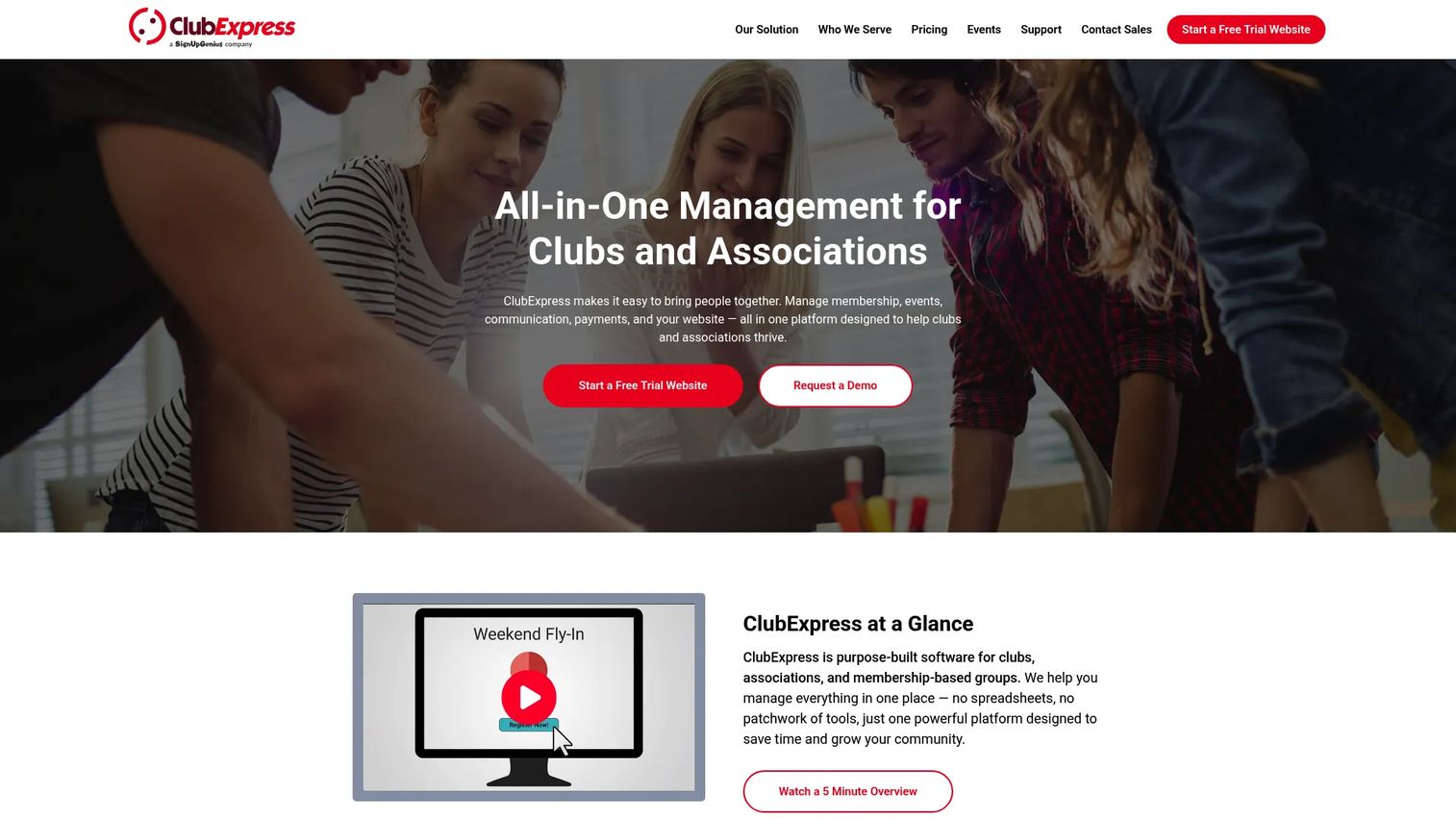
ClubExpress is membership management software built for clubs and associations that need operational breadth. It handles a membership database and renewals, event registration and calendars, and website, email, and communications tools in one system. For clubs, HOAs, and membership organizations, it aims to cover the whole operation rather than a single slice of it.
Best for: Clubs and associations that need membership, events, communications, and website management in one system.
Key strengths
- Membership database and renewals: Maintain member records and automate dues and renewals.
- Event registration and calendar: Run event signups and a shared calendar alongside membership.
- Website, email, and communications: Manage your public site and member communications from the same platform.
Why choose ClubExpress: Clubs, HOAs, and associations that want one system for records, events, communications, and a website will find the breadth appealing. The pricing model mixes a one-time setup cost with monthly hosting fees based on active members, so total cost scales with your roster rather than a flat seat count. It holds a 4.0/5 G2 rating.
ClubExpress pricing: ClubExpress shows setup editions starting at $150 for Basic and $960 for the Starter Pack as one-time purchases, with editions ranging up to $3,180. Monthly hosting fees are based on your number of active members. Because the full interactive pricing table was not entirely readable at review time, confirm current per-member bands directly with ClubExpress.
5. MemberPress
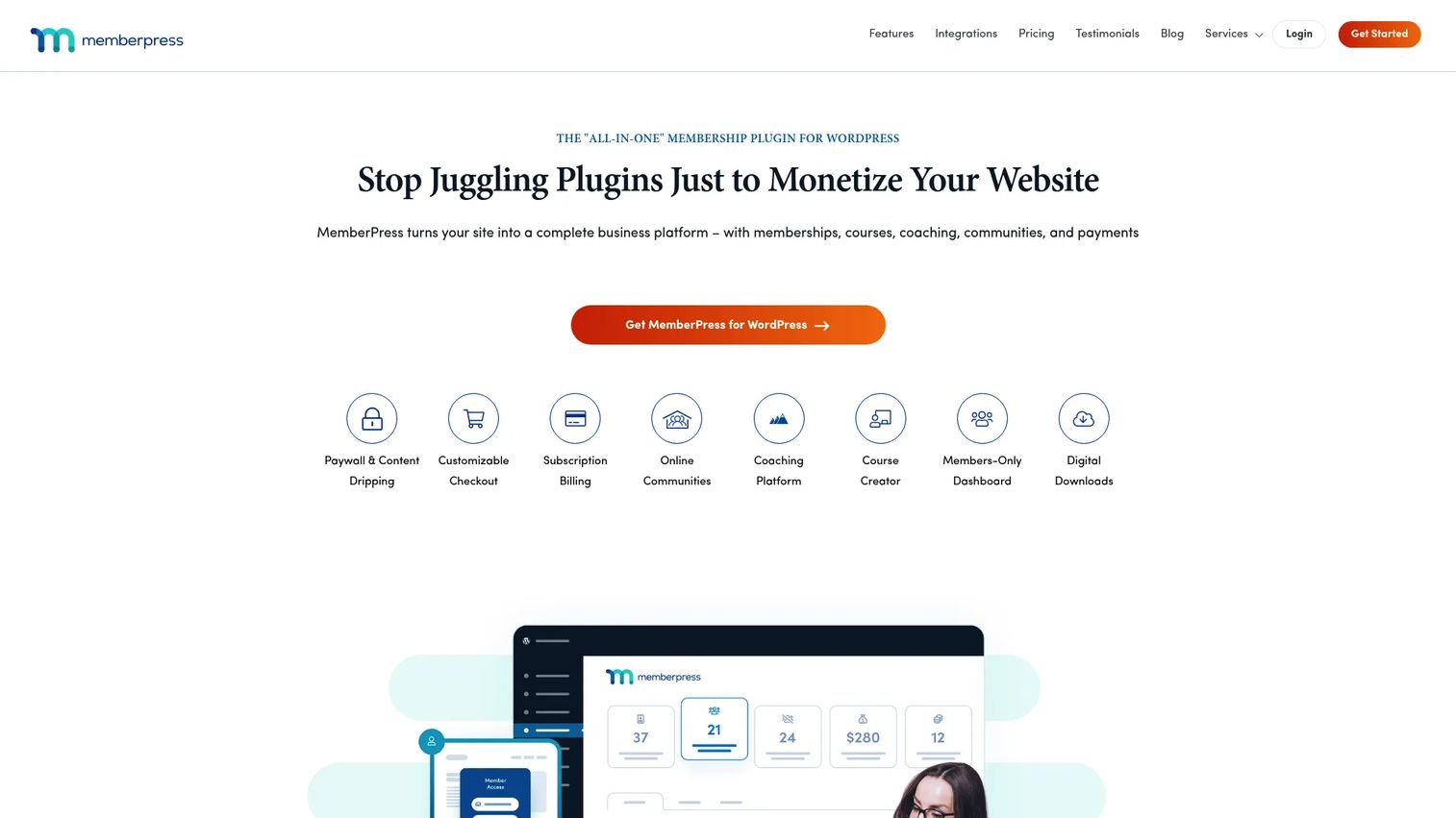
MemberPress is a WordPress membership, subscription, paywall, and LMS plugin for selling access to content and courses. If your site already runs on WordPress, it lets you keep membership native to your existing setup rather than moving to a separate hosted platform. It handles membership and subscription management, content restriction rules, and built-in courses and community features.
Best for: WordPress site owners who need to monetize memberships, subscriptions, or courses.
Key strengths
- Membership and subscription management: Sell recurring memberships and subscriptions directly on WordPress.
- Content restriction and paywall rules: Gate posts, pages, and files with granular access rules.
- Built-in courses and community: Add an LMS and community features without a separate platform.
Why choose MemberPress: For teams committed to WordPress, keeping membership on the same stack avoids migrating content or learning a new hosted system. It fits creators, publishers, and course sellers who want paywalls and subscriptions tied to their existing site. Remember that you are responsible for WordPress hosting and maintenance on top of the plugin cost. It carries a 4.6/5 G2 rating.
MemberPress pricing: MemberPress lists three annual plans: Launch at $199.50/year, Growth at $349.50/year, and Scale at $499.50/year. There is no free tier. Pricing was verified from MemberPress's first-party pricing page as of mid-2026.
6. Memberstack
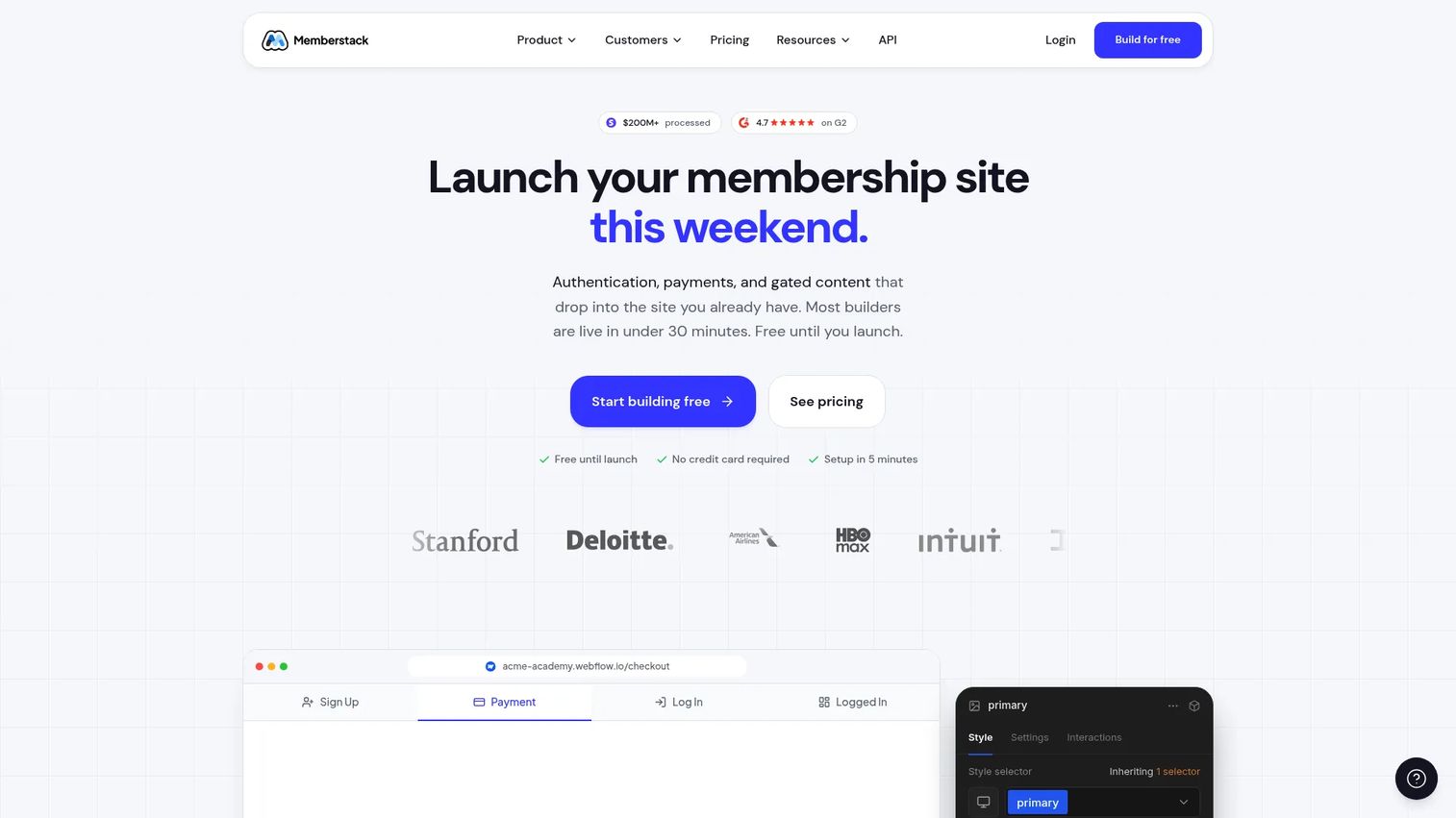
Memberstack adds membership, authentication, and payments to custom and no-code websites, with strong support for Webflow. It handles authentication and social logins, Stripe payments and subscriptions, and content gating with member management. For designers and product teams building on no-code stacks, it delivers gated membership without a backend build.
Best for: Webflow and no-code teams needing gated memberships and recurring payments.
Key strengths
- Authentication and social logins: Add member login, including social auth, to any custom site.
- Stripe payments and subscriptions: Run recurring billing and subscriptions through Stripe.
- Content gating and member management: Restrict pages and content by membership status with a member dashboard.
Why choose Memberstack: If you build on Webflow or another no-code stack and want membership without engineering a backend, Memberstack is purpose-built for that workflow. It fits product teams, designers, and no-code builders who need flexible access control on a custom site. Transaction fees vary by tier, so weigh those against the monthly plan cost. It holds a 4.7/5 G2 rating.
Memberstack pricing: Memberstack lists monthly plans: Basic at $29/month, Professional at $49/month, Business at $99/month, and Established at $499/month, with transaction fees that vary by tier. The site offers a "Free until launch" option, though that is not labeled as a permanent free plan. Pricing was verified from Memberstack's own site as of mid-2026.
7. Wild Apricot
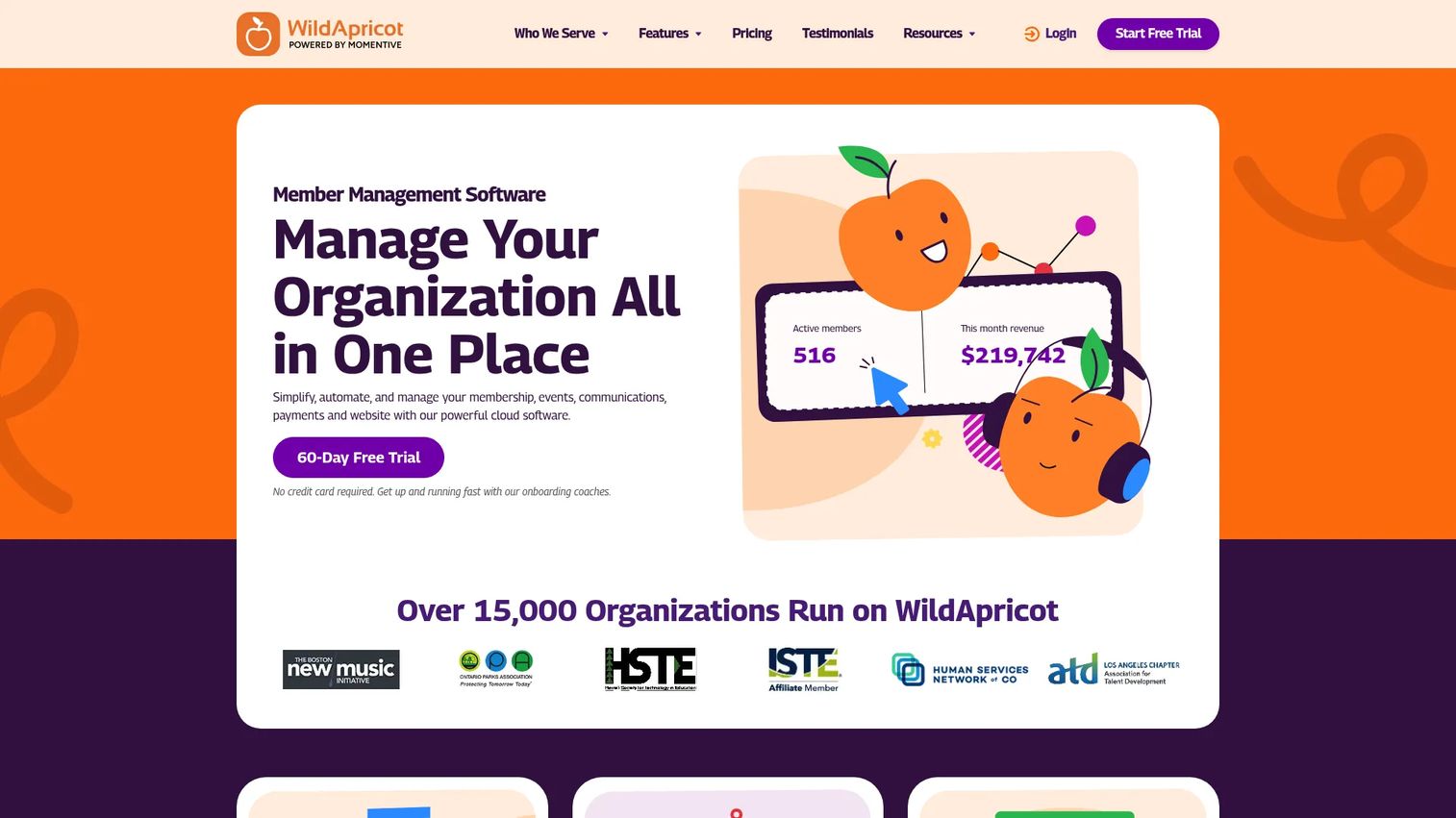
Wild Apricot is all-in-one membership management software for associations, nonprofits, clubs, and other member-based organizations. It packages membership and contact management, event registration and payments, and a website builder with email automation. For small member organizations that want one platform covering most of their operations, it is a well-rounded default.
Best for: Membership-based organizations that want one platform for website, events, payments, and member management.
Key strengths
- Membership and contact management: Maintain member records and contacts with automated status tracking.
- Event registration and payments: Run event signups and collect payments in the same system.
- Website builder and email automation: Build a member site and automate renewal and engagement emails.
Why choose Wild Apricot: Small associations and member organizations that want an all-around package without stitching tools together will find it covers the essentials. Pricing scales by number of contacts, so your cost tracks your roster size rather than a flat fee. Buyers should note it offers a 60-day free trial rather than a permanent free tier. It carries a 3.8/5 G2 rating.
Wild Apricot pricing: Wild Apricot uses contact-based tiers. The lowest publicly listed price starts at $66.00/month for 100 contacts on monthly billing, dropping to $59.40/month prepaid annually. Higher tiers scale with contact count, with 2,000 contacts starting around $214.20. It offers a 60-day free trial rather than a free tier.
Considerations before you buy
Before you commit to any platform, run your shortlist through these criteria. The goal is defensible reasoning, not feature counting.
Total cost of ownership, not sticker price
The monthly plan is rarely the full cost. Add transaction fees, per-member or per-contact scaling, setup fees, and any add-on modules. A tool that looks cheap at 100 members can cost more at 2,000 than a flat-rate competitor. Model your cost at your projected size, not today's.
Member database and data ownership
Confirm you can export your full member database on your terms. A single source of truth only works if you can move it. Check field flexibility, custom attributes, and whether historical data comes with you if you switch later.
Billing, dues, and renewal automation
Verify that the tool handles your renewal logic: grace periods, auto-renewals, proration, and failed-payment recovery. These details decide how much revenue leaks between billing cycles. Ask what happens to access when a payment fails.
Integrations with your existing stack
Membership data is most useful when it flows into your email, accounting, and reporting tools. Check native integrations before assuming a connection exists. Weak integration scope forces manual exports, which reintroduces the fragmentation you are trying to escape.
Onboarding time and migration effort
Factor in how long it takes to import members, configure dues, and go live. A platform that takes a quarter to implement carries a real opportunity cost. Ask about migration support and whether the vendor helps move your existing records.
Conclusion
The best membership management software depends on the job that dominates your day. For an all-in-one back office on a subscription business, Outseta consolidates billing, CRM, email, and auth into one bill. Small associations that want AMS depth without a big staff should look at YourMembership or Wild Apricot. Nonprofits watching every dollar have a strong free option in Zeffy. Clubs and HOAs that need website plus events plus records fit ClubExpress. Teams committed to WordPress keep membership native with MemberPress, and no-code builders on Webflow get purpose-built access control with Memberstack.
Your next step is simple. Shortlist two or three tools that match your segment, then compare them on three axes: total cost at your projected member count, how their renewal and access workflows handle your edge cases, and how long onboarding takes. Request a trial or demo of each, import a sample of real member data, and run one renewal cycle before you sign. The tool that survives that test is the one worth paying for.
FAQs
Membership management software is a platform that centralizes member records, recurring dues and renewals, communication, and access control in one system. It replaces the spreadsheets, payment processors, and email tools that most organizations stitch together, giving you a single source of truth for who belongs and whether they are paid up.
At minimum, look for a member database or CRM, recurring billing and renewal automation, communication and segmentation, and access control for gated content. Most organizations also need event management and reporting. Match the depth of each feature to your actual workflows rather than paying for modules you will not use.
Start with total cost, since nonprofit budgets are tight. Zeffy runs at $0 with no platform or transaction fees and pairs fundraising with membership, which fits many nonprofits directly. If you need association-grade depth, evaluate whether the added features justify a paid platform, and always confirm you can export your donor and member data.
All-in-one platforms reduce tool sprawl, cut integration work, and give you one bill and one source of truth, which is why most consolidating teams prefer them. Separate best-of-breed tools can win when one workflow, like advanced email or fundraising, needs depth an all-in-one cannot match. Decide based on which single job matters most to you.
Pricing ranges widely. Free options like Zeffy sit at $0, while entry plans run from around $29/month for Memberstack, $47/month for Outseta, and $66/month for Wild Apricot. WordPress tools like MemberPress start at $199.50/year, and association platforms like ClubExpress mix one-time setup fees with member-based monthly costs. Always model total cost at your projected member count.
Yes. Handling recurring dues, automated renewals, and access control is the core job of the category. Good platforms automate renewal reminders, grace periods, and auto-renewals, then revoke gated access when a membership lapses. Confirm the tool matches your specific renewal logic, including how it handles failed payments.
Membership management software is the broad category for tracking members, dues, and access. Association management software (AMS) is a heavier variant built for professional associations, with features like chapters, certifications, and continuing education. YourMembership and ClubExpress lean toward AMS depth, while tools like Memberstack and MemberPress focus on lighter membership and access control.
Migration difficulty depends on data volume, custom fields, and how cleanly you can export from your current system. The main effort is mapping member records, billing history, and access rules to the new platform. Ask any vendor about import support before committing, and run a test migration with real data before you switch your whole base.