
You have a use case. Maybe it is reading receipts, moderating user uploads, pulling data from invoices, or detecting products on a shelf. Then you open a dozen tabs of image recognition software, and every vendor claims the same thing: AI-powered accuracy, ready out of the box.
The hard part is not finding image recognition software. The hard part is matching the right tool to your specific job without burning an engineering sprint on a proof of concept that does not pan out. A prebuilt API might get you to first value in an afternoon. A custom model might be the only thing that hits your accuracy bar. Picking wrong costs you weeks.
The category is large enough that the stakes are real. Grand View Research valued the global image recognition market at USD 53.34 billion in 2023 and projects it to reach USD 128.28 billion by 2030, growing at a 12.8% CAGR. That growth means more vendors, more overlapping claims, and more noise to cut through before you commit.
This guide ranks 10 image recognition software tools for 2026. It segments them by deployment intent and use case, surfaces verified pricing where vendors publish it, and frames the buying decision the way a product manager actually thinks about it: time to validate, engineering cost, scalability across segments, and maintainability across releases.
What's inside
This guide is for product and technical teams choosing image recognition software, whether you are adding a user-facing feature, automating a workflow, or building a custom vision model. We picked tools across three deployment styles: cloud APIs, annotation and training platforms, and specialized vertical apps.
Each tool was selected against four criteria:
- Accuracy and model quality: how well it performs on real-world data, not just benchmarks.
- Deployment fit: API-first, full platform, annotation and training, open source, or vertical.
- Integration and engineering cost: SDKs, cloud-stack fit, and ongoing maintenance overhead.
- Pricing transparency and scalability: whether the cost model holds up at your projected volume.
The list spans broad cloud vision APIs, data-centric training platforms, and tools built for one job. If you're also evaluating broader product tooling, our roundup of the best product management tools pairs well with this guide.
TL;DR
Short on time? Here are the decision shortcuts by sub-segment.
- Best overall cloud API: Google Cloud Vision AI, for teams that want fast, pay-per-use vision without managing models.
- Best for AWS-native teams: Amazon Rekognition, for scalable image and video analysis inside AWS.
- Best for low-code custom models: Microsoft Azure AI Vision, with Custom Vision for no-code classifiers.
- Best end-to-end vision platform: Clarifai, for pretrained models plus custom training and edge deployment.
- Best for annotation and training pipelines: V7, SuperAnnotate, and Encord, depending on your data type.
- Best for retail visual search: Syte. Best free and open source: OpenCV.
What is image recognition software?
Image recognition software is a type of AI software that uses machine learning and computer vision to identify and classify objects, people, text, scenes, and patterns within digital images. It sits inside the broader field of computer vision and powers everything from OCR to content moderation to retail shelf analytics.
The modern wave of image recognition AI runs on deep learning, mostly convolutional neural networks (CNNs), which learn visual features from labeled data instead of relying on hand-coded rules. The shift now is toward multimodal visual AI, where models reason across images, text, and video together.
Image recognition vs image classification vs object detection
These three terms get used interchangeably, but they describe different jobs.
- Image classification assigns one or more labels to a whole image. "This is a cat."
- Image recognition is the broader umbrella: identifying what is in an image, including text, faces, and scenes.
- Object detection locates and labels multiple objects inside one image, drawing bounding boxes around each. This is what most object recognition software does when it counts items on a shelf.
If you only need to know what an image is about, classification is enough. If you need to know where things are and how many, you need object detection.
Core capabilities to expect
Most image recognition tools and image detection software cover some mix of these capabilities:
- Image classification: label whole images by content or category.
- Object detection: locate and count multiple objects with bounding boxes.
- Facial recognition and face detection: detect, analyze, or compare faces.
- OCR and text extraction: pull printed or handwritten text from images and documents.
- Content moderation: flag unsafe or explicit imagery at scale.
- Video analysis: track objects, scenes, and activity across frames.
The depth of each capability is where image recognition technology vendors diverge. Some lead with prebuilt accuracy, others with the tooling to train your own.
When to use image recognition software
Image recognition applications cluster around a few clear jobs. Here is how to pattern-match yours.
Automate document and data extraction (OCR)
If your team manually keys data from invoices, IDs, or forms, OCR-focused image recognition software removes that work. It reads printed and handwritten text, structures it, and pushes it into your systems. This is high-volume, repetitive work where even small accuracy gains compound into real hours saved.
Detect and classify objects in media or feeds
This is the object recognition software use case: moderating user-generated content, analyzing retail shelves, monitoring security feeds, or powering autonomous systems. You need detection that locates and counts multiple objects reliably, often in messy real-world conditions with poor lighting and clutter.
Add visual search or recognition to your product
This is the builder angle. You are shipping a user-facing AI feature, such as visual search, photo tagging, or in-app recognition. The upside is activation and retention: a feature that lets users do something they could not before. The decision here is whether a prebuilt API gets you to a shippable feature faster than training a model, and what that tradeoff costs in accuracy. If onboarding new users to that feature matters, see our list of the best user onboarding software tools.
Image recognition software comparison table
The table below ranks tools by relevance to general image recognition software demand. Broad cloud APIs and full platforms come first, since they address the widest range of use cases. Specialized annotation platforms and vertical tools follow. Pricing and G2 ratings reflect figures verified at the time of writing.
| # | Product | Intent | Key use case | Pricing | G2 rating |
|---|---|---|---|---|---|
| 1 | Google Cloud Vision AI | API-first | Prebuilt image, OCR, and video analysis | From $1.50 per 1,000 units, free tier | 4.4/5 |
| 2 | Amazon Rekognition | API-first | Scalable image and video analysis on AWS | From $0.0010 per image, free tier | 4.3/5 |
| 3 | Microsoft Azure AI Vision | API-first | OCR, image analysis, low-code custom models | From $0.014 per 1,000 transactions, free tier | 4.1/5 |
| 4 | Clarifai | Full platform | Pretrained plus custom models, edge deploy | Pay-as-you-go, custom enterprise | 4.3/5 |
| 5 | V7 | Annotation and training | Document and visual AI workflows | Custom | 4.7/5 |
| 6 | SuperAnnotate | Annotation and training | Multimodal annotation and evaluation | Custom (Starter, Pro, Enterprise) | 4.9/5 |
| 7 | Encord | Annotation and training | Annotation plus evaluation, medical imaging | Custom (Starter, Team, Enterprise) | 4.8/5 |
| 8 | Dataloop | Annotation and training | Data and pipeline orchestration | Custom | 4.4/5 |
| 9 | Syte | Vertical (retail) | Visual search and product discovery | From $2,000/mo | 4.6/5 |
| 10 | OpenCV | Open source | Custom computer vision builds | Free | 4.5/5 |
The 10 best image recognition software tools for 2026
1. Google Cloud Vision AI
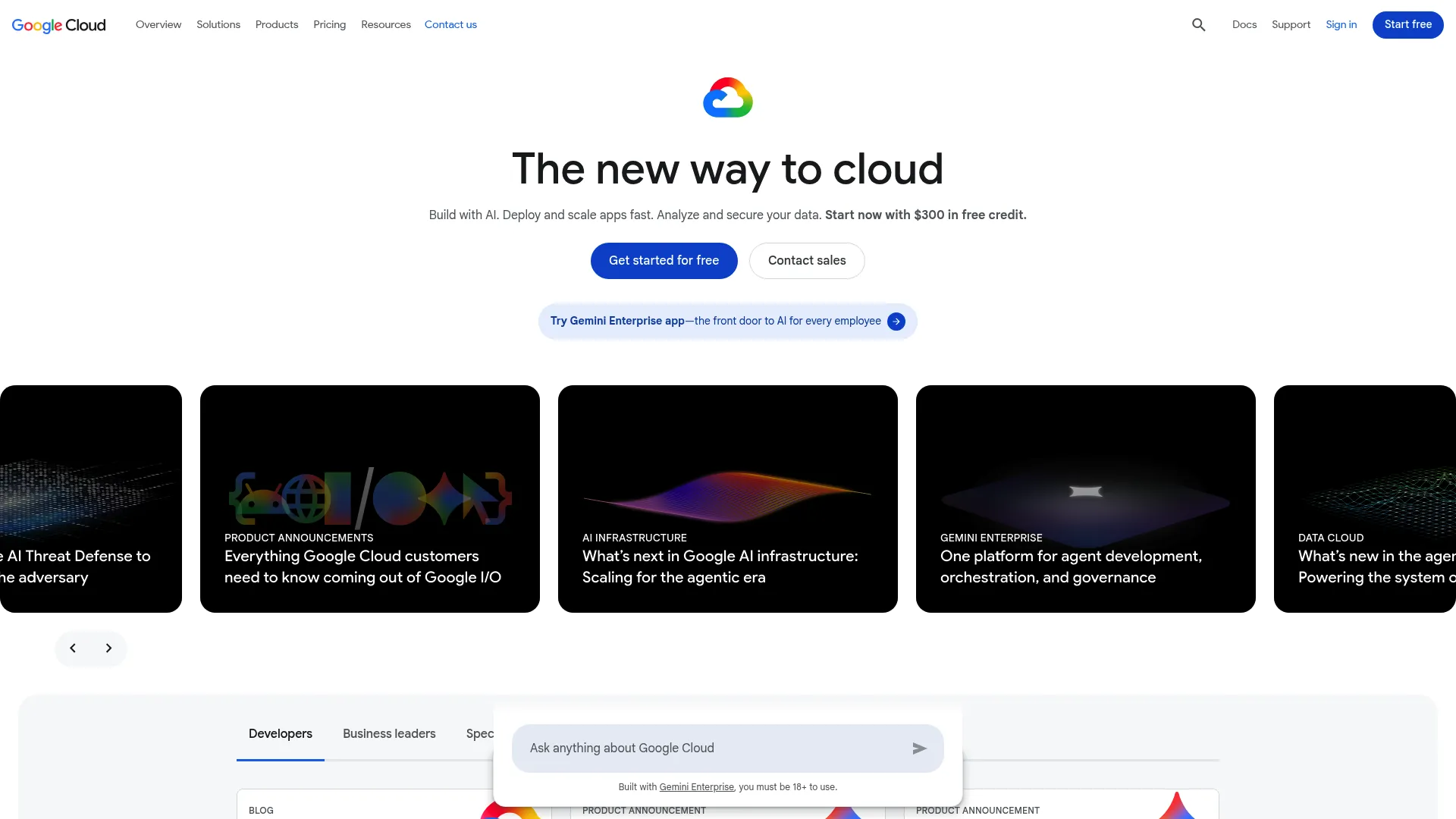
Google Cloud Vision AI provides APIs and managed tools for analyzing images, documents, and videos with computer vision and multimodal AI. The Cloud Vision API gives you label detection, OCR, face and landmark detection, and explicit-content tagging without training anything. For teams that need custom models, AutoML and Vertex AI handle training on your own labeled data. Google Cloud is also moving toward multimodal AI more broadly through products like Imagen and Gemini, though those sit outside the core Vision API.
Best for: Teams already on Google Cloud that want fast, pay-per-use image, document, or video analysis through ready-made APIs.
Key strengths
- Broad prebuilt API: Label detection, OCR, face and landmark detection, and SafeSearch in one Vision API.
- Document AI: Extracts text and structured data from scanned documents and forms.
- Video Intelligence API: Processes and analyzes video content for objects, scenes, and activity.
Why choose Google Cloud Vision AI: If your stack already runs on Google Cloud, this is the shortest path to first value. The pay-per-use model means you validate a use case without committing to a license, and the spread of prebuilt capabilities covers most common image recognition jobs before you ever consider a custom model.
Google Cloud Vision AI pricing: Pricing is pay-as-you-go and tiered by feature, billed per 1,000 units. The first 1,000 units each month are free. Label detection runs $1.50 per 1,000 units from 1,001 to 5 million units per month, text detection is also $1.50 in that band, and web detection is $3.50. Each feature applied to an image counts as a billable unit. G2 reviewers rate it 4.4/5.
2. Amazon Rekognition
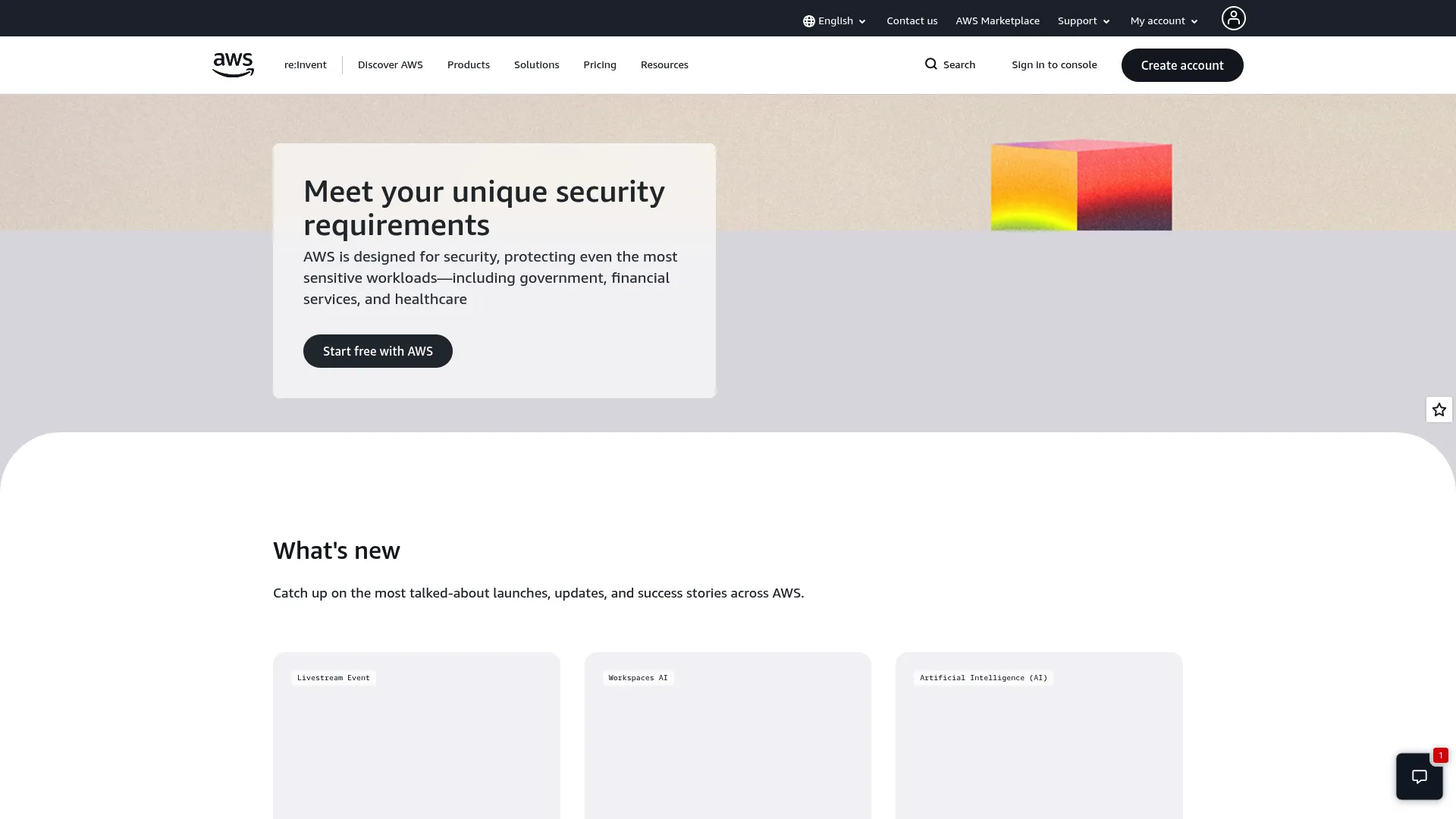
Amazon Rekognition is an AWS image and video analysis service for adding computer vision to applications. It handles object, scene, and activity detection, facial analysis and comparison, text detection, unsafe-content moderation, and custom labels. Because it lives inside AWS, it slots directly into existing AWS workflows, IAM roles, and storage.
Best for: AWS-native teams that need scalable image and video analysis, face matching, OCR, and content moderation through APIs.
Key strengths
- Object and scene detection: Identifies objects, scenes, activities, landmarks, and image properties.
- Face search and comparison: Facial analysis plus face matching across large collections.
- Specialized detection: Text detection, unsafe-image flagging, celebrity recognition, and PPE detection.
Why choose Amazon Rekognition: If you are building on AWS, Rekognition removes integration friction. You get usage-based pricing with no upfront commitment, so you can test against your own data before scaling. Video support at per-minute rates makes it a strong fit for teams processing feeds rather than single images.
Amazon Rekognition pricing: Pricing is usage-based across four types: Image, Video, Custom Labels, and Face Liveness. Rekognition Image starts at $0.0010 per image for the first million images. Stored video analysis runs $0.10 per minute. Custom Labels training is $1 per hour and inference is $4 per hour. The AWS Free Tier includes Rekognition Image allowances for 12 months and 60 free minutes of video per month. G2 reviewers rate it 4.3/5.
3. Microsoft Azure AI Vision
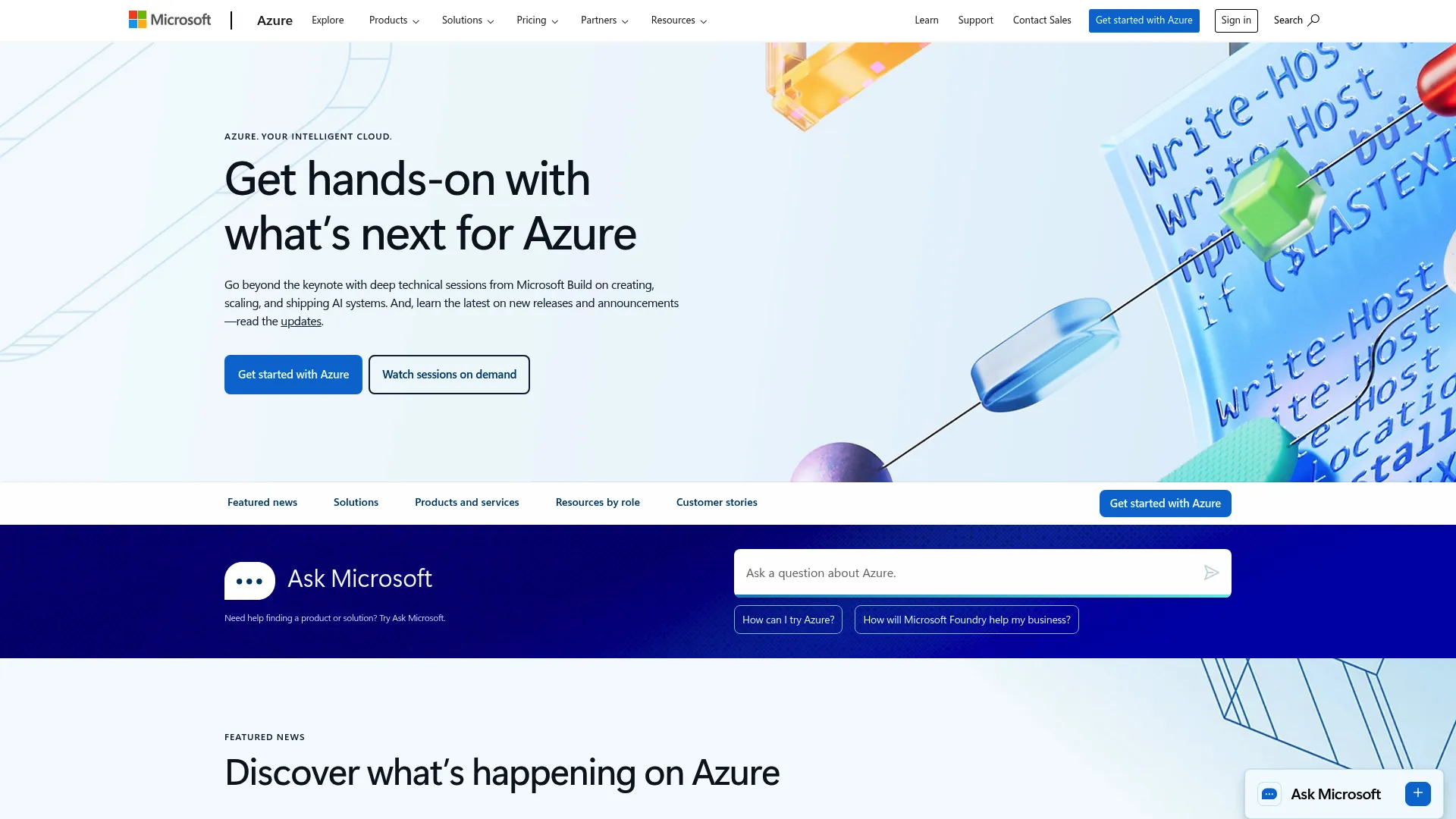
Microsoft Azure AI Vision is Microsoft's cloud computer vision service for image and video analysis, OCR, spatial analysis, and facial recognition use cases. It pairs prebuilt image analysis with Custom Vision, a low-code way to train your own classifiers and object detectors, plus the Read OCR engine and Face API. Note that Microsoft now surfaces this under the Azure Vision name in its Foundry tooling.
Best for: Developers building applications that need cloud APIs for OCR, image understanding, object detection, and visual-content analysis.
Key strengths
- Image analysis: Detects, classifies, captions, and generates insights from visual content.
- OCR (Read): Extracts printed and handwritten text from images and documents.
- Spatial analysis: Understands people's presence and movement in physical spaces in real time.
Why choose Microsoft Azure AI Vision: Azure-native teams get the same low-friction fit that GCP and AWS users get on their own clouds. Custom Vision is the differentiator for product teams that want a custom classifier without a data science hire. You train on your own labeled images through a no-code interface, which shortens time to validate a domain-specific model.
Microsoft Azure AI Vision pricing: Azure Vision uses a pay-as-you-go consumption model based on transactions, with a Free (F0) tier offering 5,000 free transactions per month and a Standard (S1) tier. Standard pricing includes text embeddings at $0.014 per 1,000 transactions, image embeddings at $0.10 per 1,000 transactions, video retrieval ingestion at $0.05 per minute, and video retrieval queries at $0.25 per 1,000 queries. G2 reviewers rate it 4.1/5.
4. Clarifai
Clarifai provides AI inference and compute orchestration for deploying, running, and managing AI models across serverless, dedicated, hybrid, and enterprise environments. It goes beyond a single API: you get a library of pretrained vision models, custom training, workflow orchestration, and the option to deploy on-premises or at the edge when data control matters. Teams comparing platforms like this may also find our overview of the best AI orchestration platforms useful.
Best for: Teams building and scaling AI applications that need hosted inference, GPU orchestration, custom model deployment, and enterprise deployment options.
Key strengths
- OpenAI-compatible inference API: A familiar interface for running models in production.
- Flexible compute: Dedicated and serverless options for deploying vision models.
- Custom model lifecycle: Model upload, training, workflows, vector search, and automated data labeling.
Why choose Clarifai: When a single cloud API is not enough and you want to own more of the model lifecycle, Clarifai gives you an end-to-end platform. The on-prem and edge options matter for regulated teams that cannot send images to a public cloud. It scales from prototype to enterprise without forcing a tool change midstream.
Clarifai pricing: Clarifai offers Pay As You Go with no monthly commitment and usage-based access. Dedicated node pricing starts at $0.0006 per minute for Xeon Platinum compute, with inference priced per request or per million tokens. The Hybrid-Cloud AI Enterprise tier uses custom pricing. A free tier is available for development. G2 reviewers rate it 4.3/5.
5. V7
V7 is an AI platform purpose-built for finance and institutional workflows, with V7 Go offering AI agents for document-intensive work. For computer vision teams, V7 has long been known for strong data annotation, auto-labeling, model training, and dataset management. It sits in the annotation-and-training segment, where the goal is feeding clean labeled data into your own models.
Best for: Finance, insurance, legal, and institutional teams automating complex document-heavy workflows, and vision teams that need a strong labeling pipeline.
Key strengths
- Workflow agents: AI agents that handle multi-step, document-intensive processes.
- Document generation: Produces structured outputs from unstructured document inputs.
- Integrations and MCP: Connects into existing systems and tooling.
Why choose V7: If your bottleneck is data quality rather than model access, V7 addresses the labeling and pipeline side that cloud APIs do not touch. Its move toward document-heavy institutional workflows makes it a fit for teams where extraction accuracy on dense documents is the whole game.
V7 pricing: V7 uses custom pricing based on a platform fee, user licenses, and data processing charges. There are no public numeric tiers or named plans displayed, so plan to talk with sales to scope cost against your volume. G2 reviewers rate it 4.7/5.
6. SuperAnnotate
SuperAnnotate is an AI data platform for building human data and evaluation pipelines for agentic, multimodal, and frontier AI. For vision teams, that means scalable annotation across image and video, data curation, and the QA workflows that keep labeling quality high at volume. It is built for teams where annotation quality directly determines model accuracy.
Best for: AI teams that need scalable multimodal data annotation, evaluation, and human-in-the-loop workflows.
Key strengths
- Multimodal annotation: Custom annotation for image, video, text, audio, and LLM data.
- Data curation: Exploration with analytics and insights to surface gaps in your dataset.
- Operations management: Team, project, workflow, and quality management for annotation at scale.
Why choose SuperAnnotate: If labeling quality is your constraint, SuperAnnotate's QA workflows and managed annotation give you control over the data that feeds your models. The strong review consensus reflects how much teams value getting annotation operations right before they ever train.
SuperAnnotate pricing: SuperAnnotate lists three plans: Starter for getting started and managing small projects, Pro for scaling sophisticated AI projects and MLOps needs, and Enterprise for high-volume recurring work. The pricing page does not display monetary figures, so contact the vendor to scope a plan. G2 reviewers rate it 4.9/5.
7. Encord
Encord is a multimodal data layer for AI teams to manage, curate, annotate, and evaluate data across the AI lifecycle. It stands out in the annotation segment for breadth: it handles DICOM and medical imaging alongside images, video, audio, and geospatial data, with model-assisted labeling and evaluation built in. That medical support makes it a natural fit for regulated vision teams.
Best for: AI teams building visual or multimodal ML applications that need scalable data curation, labeling, review workflows, and model evaluation.
Key strengths
- Multimodal annotation: Supports images, video, audio, text, DICOM, HTML, LiDAR, ECG, and geospatial data.
- Customizable workflows: Role-based access, task assignments, multi-stage reviews, and automation.
- AI-assisted labeling: Model prediction import, SAM 2 support, object tracking, and model evaluation.
Why choose Encord: For medical imaging and regulated vision work, Encord's DICOM support and structured review workflows are hard to match with a general annotation tool. The model evaluation layer also helps teams close the loop between labeling and model performance instead of treating them as separate steps.
Encord pricing: Encord lists Starter for individuals and small teams, Team which adds data agents, performance analytics, and model evaluation, and Enterprise which adds multiple workspaces, SSO, an enterprise SLA, and VPC or on-prem deployment. Enterprise uses contact sales, and no public numeric pricing is shown. G2 reviewers rate it 4.8/5.
8. Dataloop
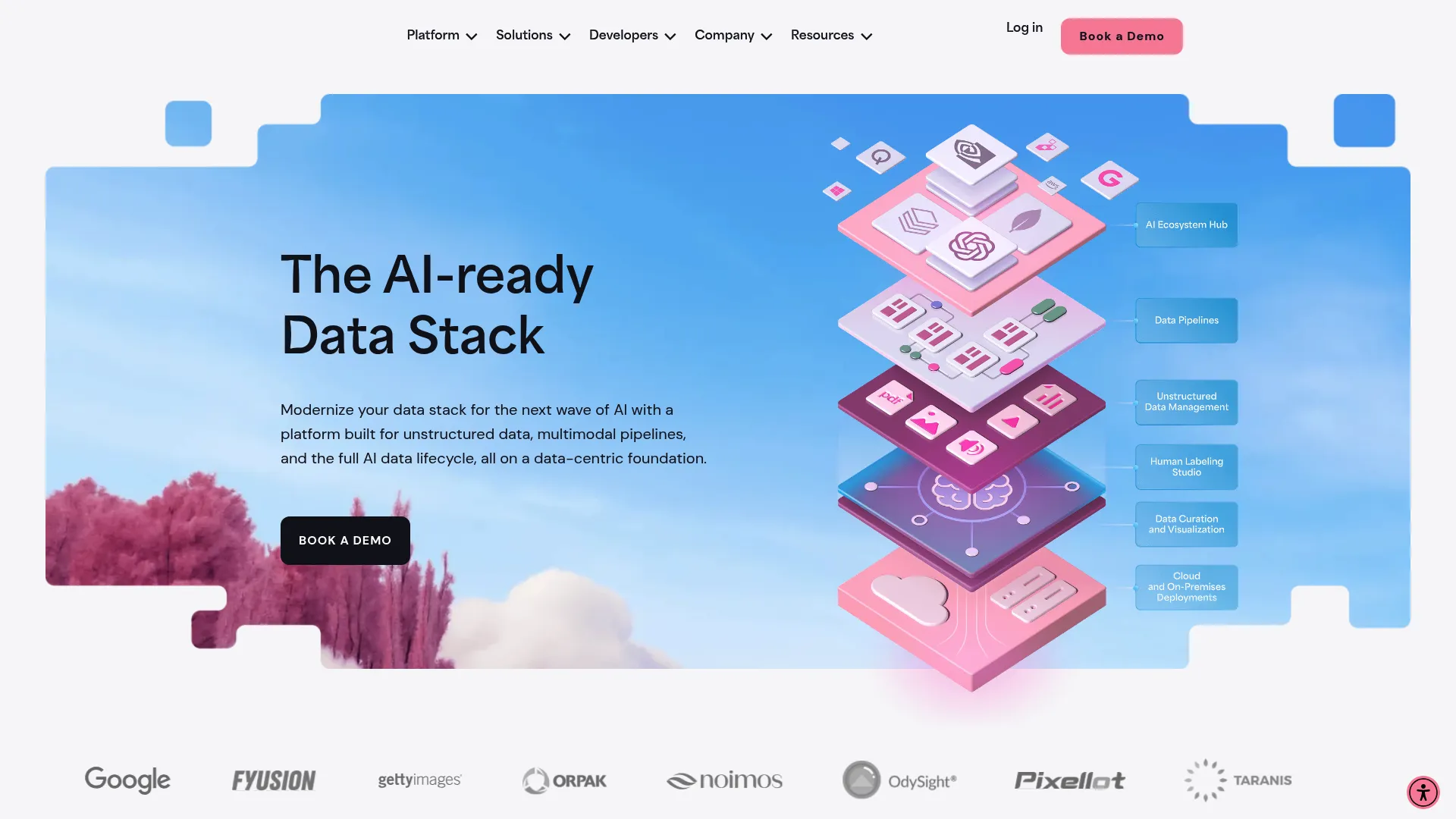
Dataloop is an AI-ready data stack for unstructured data, multimodal pipelines, models, human feedback, applications, and security across the AI data lifecycle. Where some annotation tools stop at labeling, Dataloop leans into pipeline orchestration: managing data, models, and human feedback in one place so teams can operationalize vision models in production.
Best for: AI teams building data-centric AI applications that need unstructured data operations, model workflows, annotation, and pipeline orchestration in one platform.
Key strengths
- Unstructured data management: Automated preprocessing, embeddings, curation, versioning, and routing.
- Model management: Off-the-shelf or custom models with deployment, versioning, and fine-tuning.
- Visual and code pipelines: Orchestrate data, models, and human feedback with templates and a Python SDK.
Why choose Dataloop: If your concern is maintainability and scaling vision models past a single experiment, Dataloop's pipeline orchestration is the draw. It connects annotation, model management, and human feedback so the system holds together as your data and release cadence grow.
Dataloop pricing: Dataloop does not publish public plan names or prices, leading instead with a book-a-demo motion. Scope pricing directly with the vendor against your data volume and pipeline needs. G2 reviewers rate it 4.4/5.
9. Syte
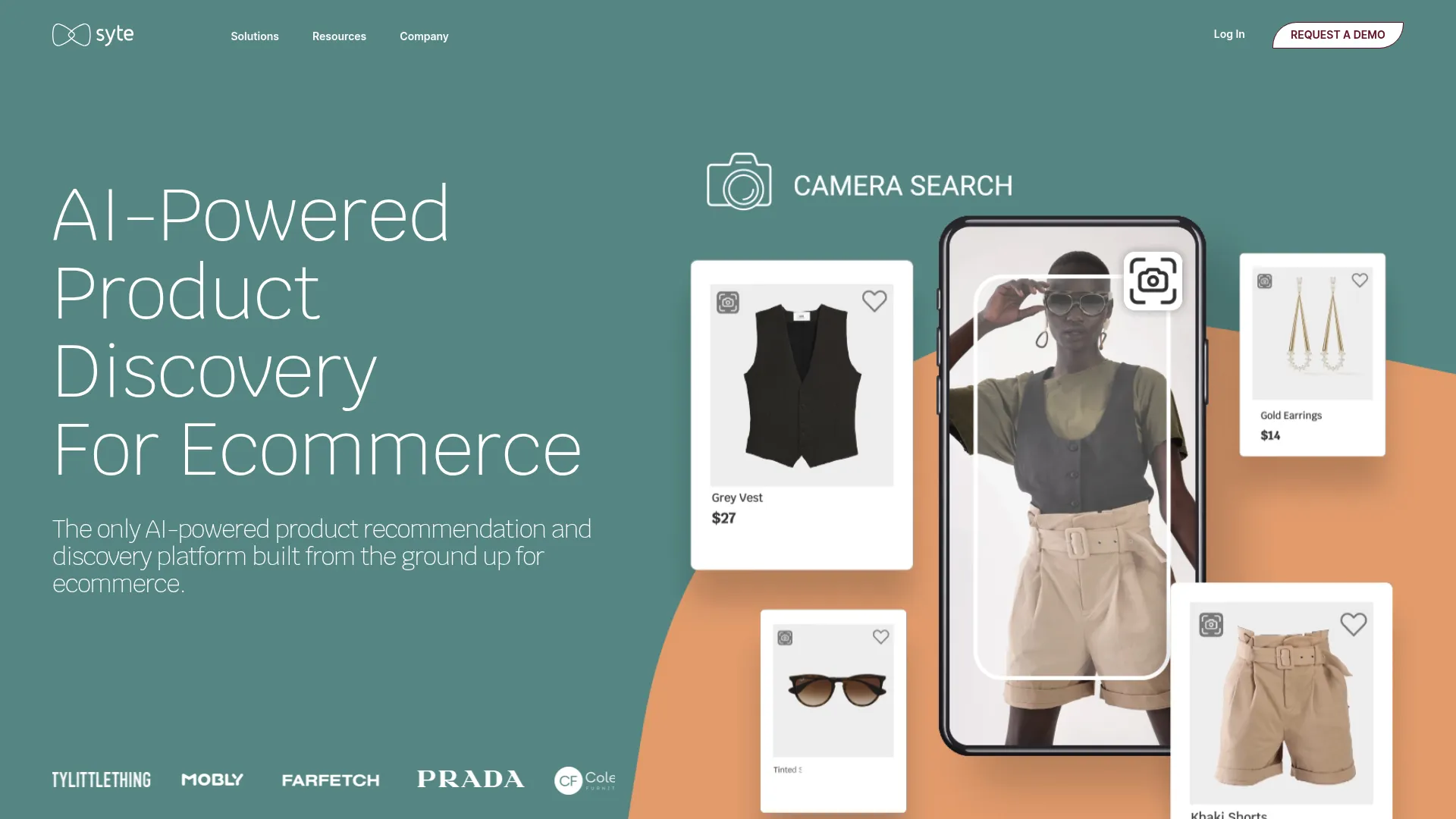
Syte is an AI-powered product discovery platform for ecommerce that helps shoppers find products through visual search, recommendations, personalization, and automated product tagging. It is the vertical pick on this list: visual AI built for one job, helping retail and ecommerce teams turn product images into a discovery and conversion engine.
Best for: Ecommerce retailers in apparel, jewelry, and home decor that want AI-powered visual product discovery, recommendations, personalization, and merchandising automation.
Key strengths
- Visual discovery: Image search and an inspiration gallery for shoppers.
- Recommendation engines: Shop Similar and Shop the Look or Room recommendations.
- AI tagging and merchandising: Deep tags, tag analytics, thematic tags, and a tag editor.
Why choose Syte: If you run an ecommerce catalog and want visual search without building the recognition layer yourself, Syte ships the full vertical workflow. The tagging automation also offloads merchandising work, which matters for teams with large, fast-moving catalogs.
Syte pricing: Syte publishes monthly plans. Essential starts at $2,000 per month and includes image search, the discovery button, recommendation carousels, and the management console for 50,000 to 500,000 monthly sessions. Pro starts at $2,400 per month and adds Shop the Look, add-to-cart, and advanced personalization. Powerhouse starts at $2,700 per month and adds on-demand product indexing. G2 reviewers rate it 4.6/5.
10. OpenCV
OpenCV is an open-source computer vision and machine learning library for building real-time vision applications. Paired with TensorFlow or PyTorch, it becomes the foundation for fully custom image recognition builds. There is no API to call and no license to buy. You get maximum control in exchange for engineering effort.
Best for: Developers and teams building computer vision, image processing, and real-time machine perception applications.
Key strengths
- Algorithm depth: More than 2,500 optimized computer vision and machine learning algorithms.
- Broad capabilities: Face detection, object identification, motion tracking, 3D reconstruction, and AR markers.
- Cross-platform: C++, Python, and Java interfaces across Linux, macOS, Windows, iOS, and Android.
Why choose OpenCV: If you have ML engineering capacity and a budget constraint, OpenCV is the most flexible option on this list. The honest tradeoff is engineering time: a prebuilt API ships in an afternoon, while an OpenCV-based custom build is a project. Choose it when control and cost matter more than speed to first value.
OpenCV pricing: OpenCV is free. It is released under the Apache 2 license and free for commercial use, with no paid software tiers. Your cost is engineering time, not licensing. G2 reviewers rate it 4.5/5.
How to choose image recognition software
Selecting image recognition software is the same evaluation discipline you apply to any tool: weigh impact, speed, cost, and risk. Here is the checklist, framed the way a product manager actually runs it.
Accuracy, model quality, and benchmarks
Vendor benchmarks rarely match your data. What matters is precision and recall on your actual images, your lighting, your edge cases. Insist on testing against your own dataset, and pay close attention to false-positive behavior, since a moderation false positive and an OCR false positive carry very different costs.
Deployment fit: API vs platform vs build
This is your biggest lever on time to validate. A prebuilt API can get you to first value in an afternoon, while training a custom model is a multi-sprint project with real opportunity cost. Before you commit engineering time, ask vendors to let you experience the product hands-on. The best software vendors offer an interactive demo so you can validate fit yourself instead of sitting through a slide pitch. You can browse a demo showcase to see what hands-on product validation looks like in practice. Build custom only when prebuilt accuracy genuinely falls short of your bar.
Integration and maintainability
Check SDK quality and cloud-stack fit. A tool native to your cloud removes integration friction. Then ask the harder question: how does this hold up across your release cadence? Vision models and APIs drift, so factor in ongoing maintenance overhead, not just first-launch effort.
Pricing model and scalability across segments
Per-call, per-seat, and flat pricing each scale differently. Model your projected volume and check the cost at that volume, not at the trial tier. A per-image price that feels trivial in testing can dominate your bill at scale, so forecast before you commit.
Security, privacy, and compliance
For sensitive imagery, confirm data residency, who owns processed images, and SOC 2 compliance or GDPR posture. If you cannot send images to a public cloud, prioritize tools with on-prem or edge deployment such as Clarifai or self-hosted OpenCV builds.
Conclusion
The right image recognition software depends entirely on your deployment intent. For a fast, prebuilt cloud API, Google Cloud Vision AI, Amazon Rekognition, and Microsoft Azure AI Vision win on time to value, especially when one of them matches your cloud. Clarifai is the pick when you want an end-to-end platform with on-prem options. For building custom models, V7, SuperAnnotate, and Encord lead on annotation and training, with Encord standing out for medical imaging. Syte owns retail visual search, and OpenCV is the free, maximum-control option for teams with engineering capacity. For more software roundups across categories, explore our best tools collection.
The next step is concrete. Shortlist two or three tools that match your deployment intent, then run a proof of concept on your own data, not the vendor's sample set. Measure accuracy and cost at your projected volume before committing. Start with a free tier or trial where one exists: Google Cloud Vision AI, Amazon Rekognition, and Microsoft Azure AI Vision all offer free allowances, and OpenCV is free to build on outright. Validate fit cheaply before you spend a sprint. If you're building a user-facing AI feature, our guide on the best product analytics software tools can help you measure adoption once it ships.
FAQs
Image recognition software is AI software that uses computer vision and machine learning to identify objects, faces, text, and scenes in images. It spans cloud APIs that you call on demand, annotation and training platforms for building custom models, and vertical apps built for one industry. The right type depends on whether you want speed, control, or a ready-made workflow.
Images are first preprocessed, then a trained model extracts visual features and classifies or detects content. Most modern image recognition algorithms use convolutional neural networks (CNNs), which learn features from large sets of labeled images rather than relying on hand-written rules. The model's accuracy depends heavily on the quality and breadth of its training data.
Image recognition, in its classification sense, labels a whole image with what it contains. Object detection goes further: it locates and labels multiple objects within a single image, drawing a bounding box around each one. Use classification when you only need the overall subject, and detection when you need to know where objects are and how many.
Yes. Open-source libraries like OpenCV, often paired with TensorFlow or PyTorch, let teams build vision systems without licensing cost. Major cloud APIs including Google Cloud Vision AI, Amazon Rekognition, and Microsoft Azure AI Vision also offer free tiers for getting started. The tradeoff with free options is engineering effort versus the convenience of a paid, managed tool.
Use a prebuilt API for common tasks like OCR, moderation, or general object detection, where it gets you to first value fastest. Train a custom model when your objects or use case are domain-specific and a prebuilt model cannot hit your accuracy bar. The decision hinges on time to validate against the opportunity cost of engineering time.
Accuracy varies by use case, image quality, and training data. Leading tools report high benchmark accuracy, but real-world performance depends on how well the model matches your conditions. Always test against your own data and watch false-positive behavior, since the cost of an error differs sharply between moderation, OCR, and detection use cases.
It depends on the vendor. Before processing sensitive imagery, check data residency, who owns the processed images, and SOC 2 or GDPR compliance. For data that cannot leave your environment, prioritize tools with on-prem or edge deployment, such as Clarifai or a self-hosted OpenCV build.
Common industries include retail and CPG for shelf analytics and visual search, security for surveillance, social media for content moderation, and automotive for autonomous systems. Healthcare uses it for medical imaging, and finance and operations teams use it for document and data extraction. The breadth of image recognition applications is why the category spans cloud APIs, training platforms, and vertical apps.