



You recorded a clean 40-minute episode. Then the cleanup ate your entire afternoon.
Trimming dead air. Yanking out filler words one by one. Fighting the noise floor. Leveling two voices that sound like they were recorded in different countries. For a lot of marketers launching a branded show, the editing is the part nobody warned you about.
The global podcasting market hit USD 10.10 billion in 2025, according to Precedence Research (2025). More shows means more competition for the same ears, which means production quality now matters more than it did when everyone was forgiving. But you do not need a broadcast studio. You need a tool that matches your skill, your budget, and how fast you have to ship.
The wrong pick costs you hours every week. The right one gets the episode out the door and lets you get back to the work that actually moves pipeline.
What's inside
This guide is built for solo creators, beginners, marketing teams running a branded show, and small production teams that want to publish without overbuying features.
We picked and ranked these tools on four criteria:
- Editing ease: How fast you go from raw file to finished cut
- Cleanup quality: Noise reduction, leveling, filler-word removal
- Pricing: Free tiers, entry prices, and what you actually pay to publish
- Platform and workflow fit: Mac, Windows, web, plus export and publishing paths
The list mixes free and paid, all-in-one and standalone. You get a comparison table, seven tool breakdowns, a buyer's checklist, and a FAQ that answers what people actually type into Google.
TL;DR
- Best for beginners: Descript, if you want to edit audio by editing a transcript instead of learning a timeline
- Best free option: Audacity, for real trimming, noise reduction, and MP3 export at zero cost
- Best for Mac users: GarageBand, a free native app with a gentle learning curve
- Best for transcript editing: Descript, where deleting a word in the text deletes it in the audio
- Best for advanced control: REAPER, a full DAW with plugin support for under most subscription costs
- Best for all-in-one workflow: Alitu, which records, cleans, edits, and publishes in one place
What is podcast editing software
Podcast editing software is a tool that lets you cut, clean, level, and export recorded audio into a finished episode ready to publish. It turns a raw take into something people will actually listen to all the way through.
The core jobs are the same across every tool on this list:
- Trimming and cutting: Remove dead air, mistakes, and tangents
- Leveling: Balance volume so every voice sits at the same loudness
- Noise cleanup: Reduce hum, hiss, room echo, and background sound
- Music and effects: Add intros, outros, transitions, and stingers
- Export: Render a final MP3 or WAV for your hosting platform
Here is where people get tangled: Editing software, recording software, and production software are not the same thing.
Recording software captures the audio in the first place, often with multi-track and remote-guest support. Editing software cleans and cuts what you recorded. Production software (the all-in-one category) bundles recording, editing, and sometimes hosting into one workflow so you skip the handoffs between separate apps.
| Category | Main job | Example fit |
|---|---|---|
| Recording software | Capture audio, remote guests | Remote interview shows |
| Editing software | Trim, clean, level, export | Solo episodes, post-production |
| Production software | Record, edit, publish in one flow | Deadline-driven branded shows |
Plenty of tools blur these lines. A DAW like REAPER records and edits. An all-in-one like Alitu records, edits, and publishes. Text-based tools like Descript let you edit audio by editing a transcript, which is a different mental model entirely.
For a marketer, the practical question is not which tool has the most features. It is which tool gets a clean episode out the door with the fewest steps and the smallest bill.
When to use podcast editing software
Clean up a solo episode fast
You recorded a monologue or a scripted segment, and it mostly works. A simple editor is plenty here. You trim the false starts, level the audio, run a noise pass, and export. No multi-track juggling, no complex routing. For a weekly solo show on a deadline, a lightweight tool beats a full DAW every time because setup time is the real cost.
Edit remote interviews without rebuilding the whole workflow
Interviews add a layer: Two or more voices, separate tracks, and audio quality that varies by guest. A tool with multi-track support lets you fix each voice independently instead of wrestling the whole mix. If your recording tool captures each speaker on a separate track, cleanup gets much easier, and a recorder-editor combo saves you from importing files between apps.
Publish a branded show on a deadline
When marketing owns the show, the clock is the enemy. All-in-one tools cut the handoffs between recording, editing, and hosting, so one person can ship an episode without a production chain. The convenience of export-plus-publish in a single platform is worth real money when you are measuring cost per episode and time to publish, not audiophile perfection.
Comparison table
Below is the shortlist at a glance. Pricing and G2 ratings reflect each vendor's current listing. Sort logic favors relevance to podcast editing specifically, from free entry points to pro-grade control.
| # | Product | Best for | Key differentiator | Pricing | G2 rating |
|---|---|---|---|---|---|
| 1 | Audacity | Budget-first editing | Free, open-source, cross-platform | Free | 4.5 |
| 2 | Descript | Text-based editing | Edit audio by editing the transcript | Free / $16/mo | 4.6 |
| 3 | GarageBand | Mac beginners | Free native Apple app | Free | 4.3 |
| 4 | REAPER | Advanced control on a budget | Full DAW, plugin support, low license cost | $60 one-time | 4.5 |
| 5 | Adobe Audition | Creative Cloud teams | Pro cleanup inside Adobe workflows | $22.99/mo | 4.4 |
| 6 | Hindenburg | Spoken-word shows | Narration-first editing and auto-leveling | Paid tiers | N/A |
| 7 | Alitu | All-in-one workflow | Records, cleans, edits, and publishes | £32/mo | 4.3 |
Best 7 podcast editing software tools for 2026
1. Audacity
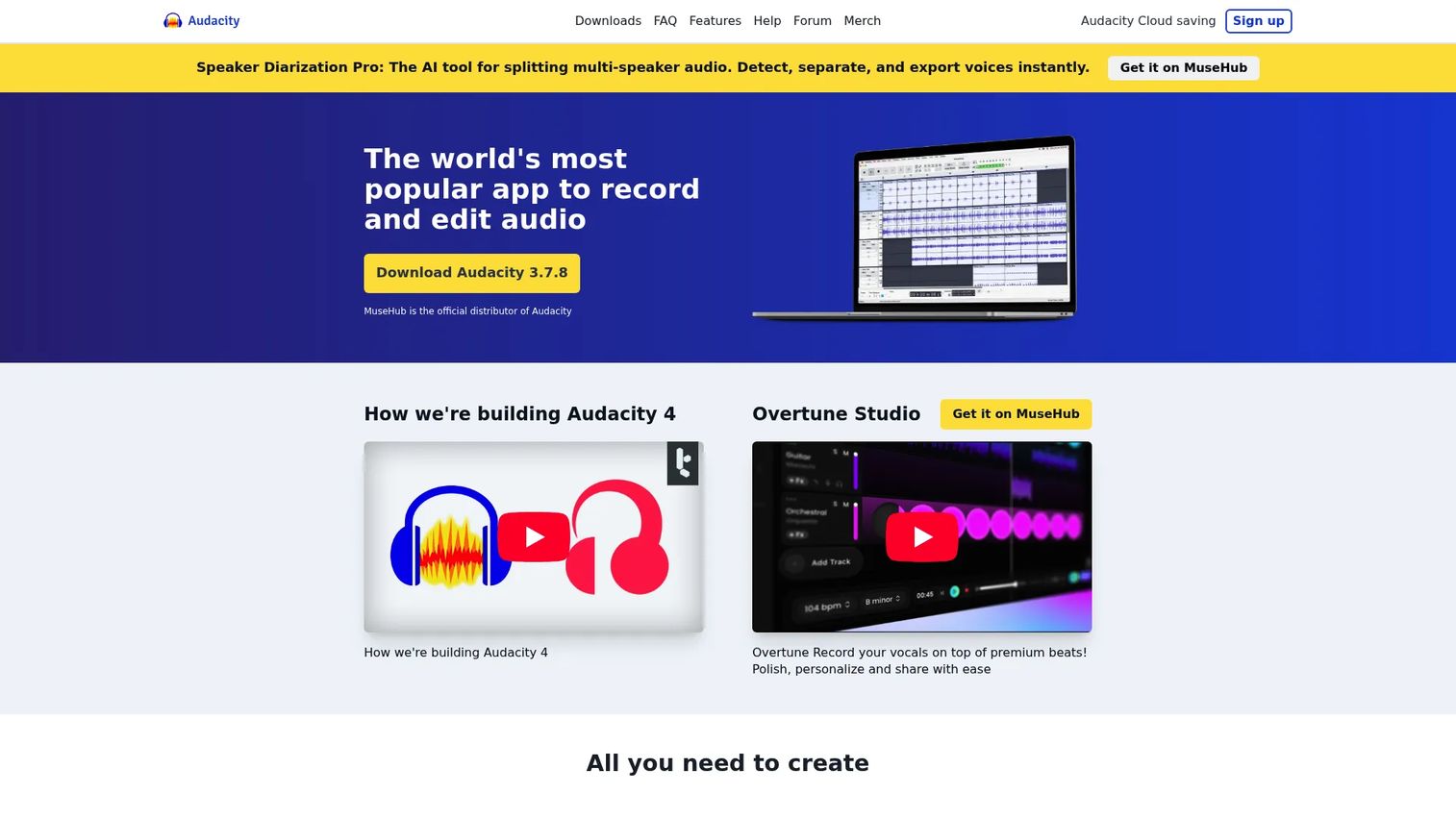
Audacity is the free, open-source desktop editor that has been the default first tool for podcasters for years. It records and edits multi-track audio, imports and exports every popular format, and handles the core cleanup jobs without asking for a credit card. Recent versions added noise reduction and AI transcription, so it does more than the bare-bones reputation suggests.
Best for: Budget-conscious creators who want real editing power at zero cost.
Key features
- Cross-platform: Windows, macOS, Linux
- Multi-track recording and editing
- Noise reduction and audio cleanup
- Import, export, convert popular formats
- AI transcription built in
Why choose Audacity: If your budget is zero and you are willing to trade a dated interface for genuine capability, nothing else on this list matches the value. The learning curve is steeper than the polished paid apps, but the ceiling is higher than you would expect from free software.
Audacity pricing: Audacity is free and the team commits to keeping it that way, with no paid tier at all.
Reviewers give Audacity 4.5 out of 5 on G2, which is strong for a tool that costs nothing.
2. Descript
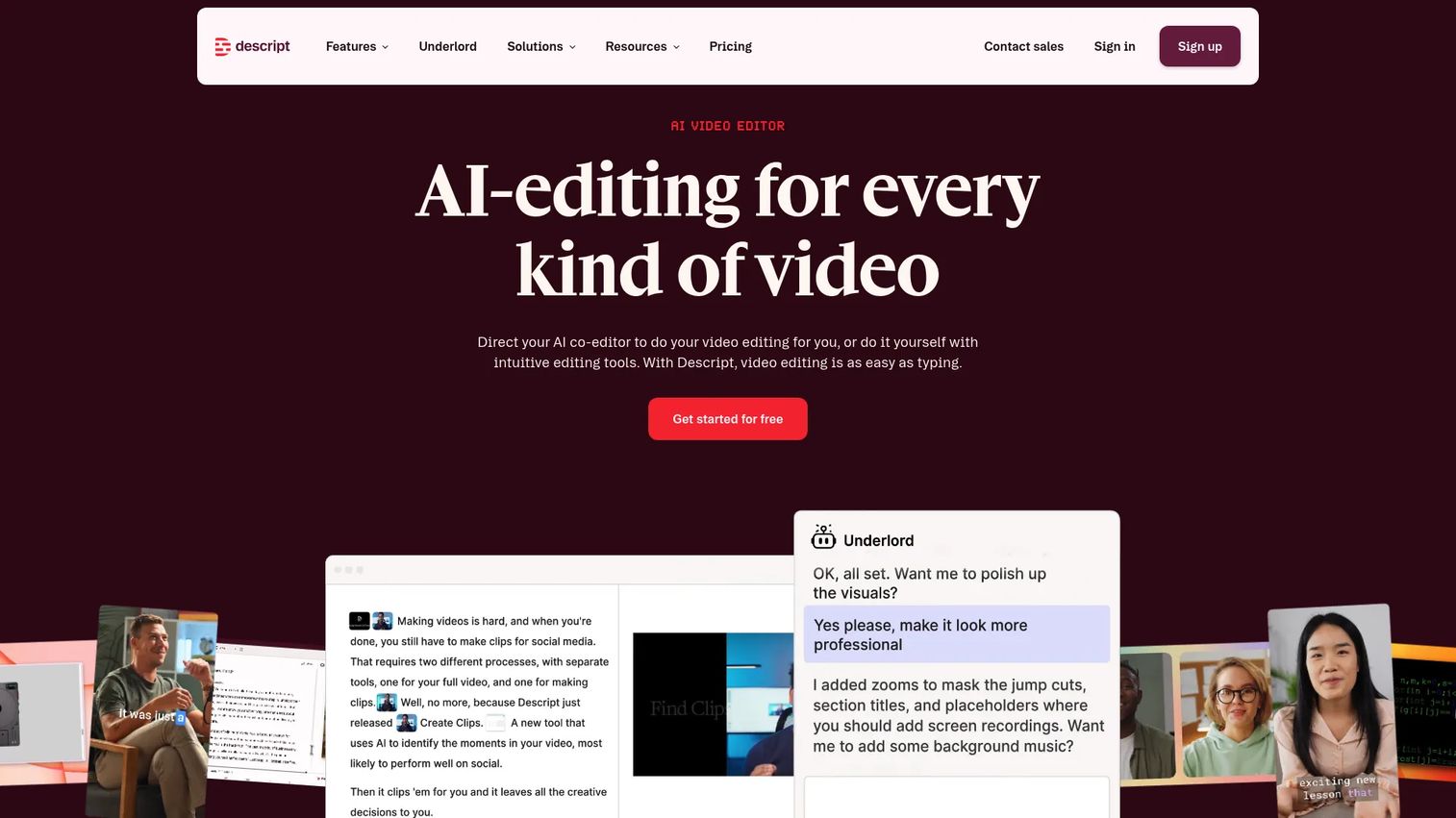
Descript flips the whole editing model. It transcribes your recording, then lets you edit the audio by editing the text. Delete a sentence in the transcript, and it disappears from the audio. Its AI tools handle Studio Sound cleanup, filler-word removal, and AI voices, which is why creators who dread traditional timelines gravitate here.
Best for: Marketers and creators who want to edit fast without learning a DAW.
Key features
- Text-based editing tied to the transcript
- Automatic transcription
- Studio Sound noise and echo cleanup
- One-click filler-word removal
- AI voices and collaboration tools
Why choose Descript: If reading is faster for you than scrubbing a waveform, this changes how long an edit takes. It is the strongest pick for teams reusing content, since the transcript doubles as show notes, blog copy, and social clips.
Descript pricing: A free plan is available. Paid plans start at $16/month for Hobbyist on monthly billing, or $24 per person per month billed annually.
Descript holds a 4.6 out of 5 rating on G2.
3. GarageBand
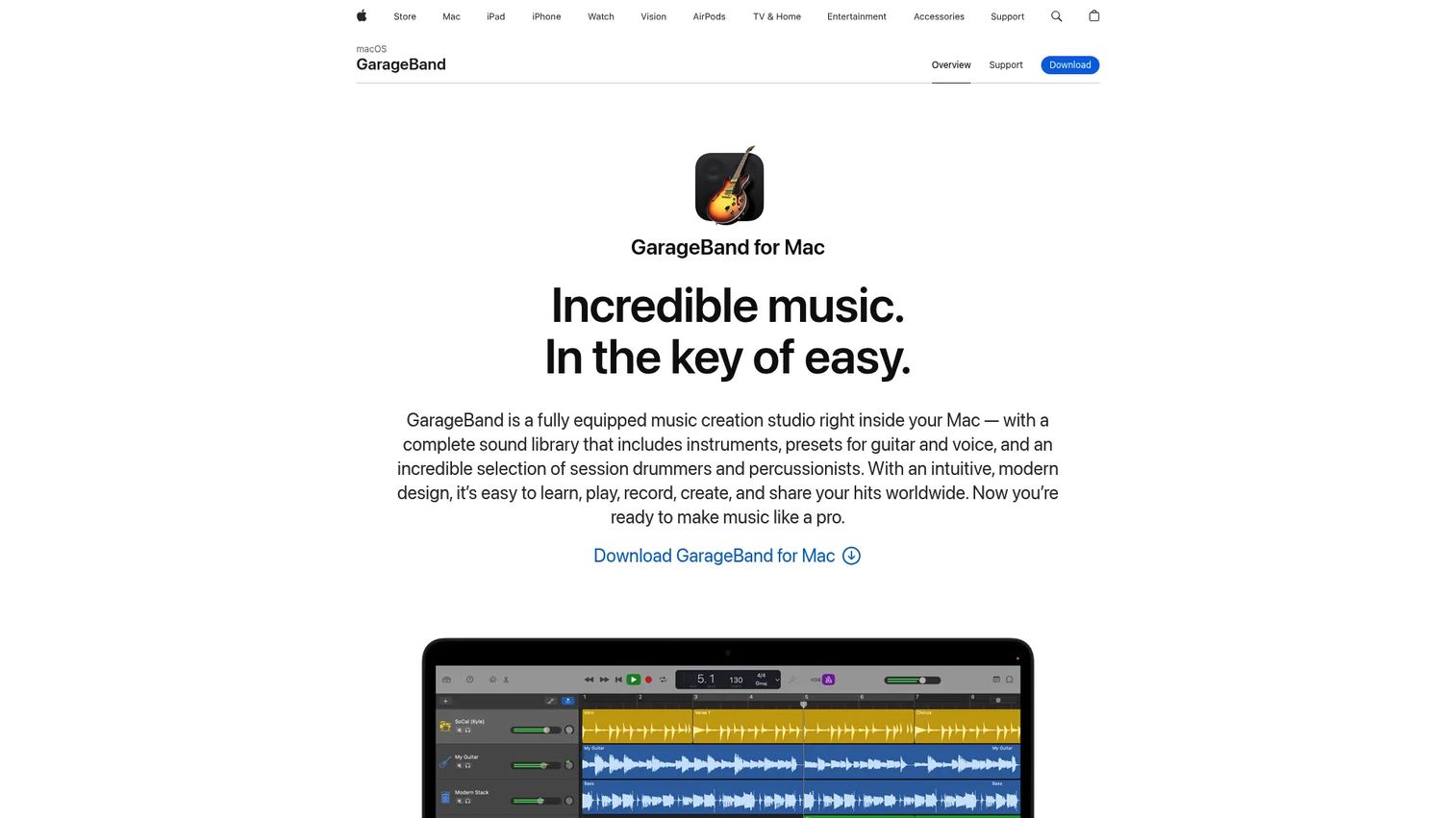
GarageBand is Apple's free music studio, and it doubles as a capable podcast editor for anyone on a Mac or iOS device. It handles basic multi-track editing, comes loaded with a full sound library, and exports cleanly. For a Mac user who wants to start today without spending anything, it is the obvious first stop.
Best for: Mac and Apple users who want a free, approachable entry point.
Key features
- Free on Mac and iOS
- Multi-track editing
- Full sound library with loops and instruments
- Simple recording, mixing, and export
- Learn-to-play lessons included
Why choose GarageBand: It removes every barrier for Apple users: No cost, no signup, and an interface built for beginners. The trade-off is platform lock-in, since there is no Windows version, and it tops out well before pro-grade production needs.
GarageBand pricing: GarageBand is a free download from the App Store on Mac and iOS.
GarageBand carries a 4.3 out of 5 rating on G2.
4. REAPER
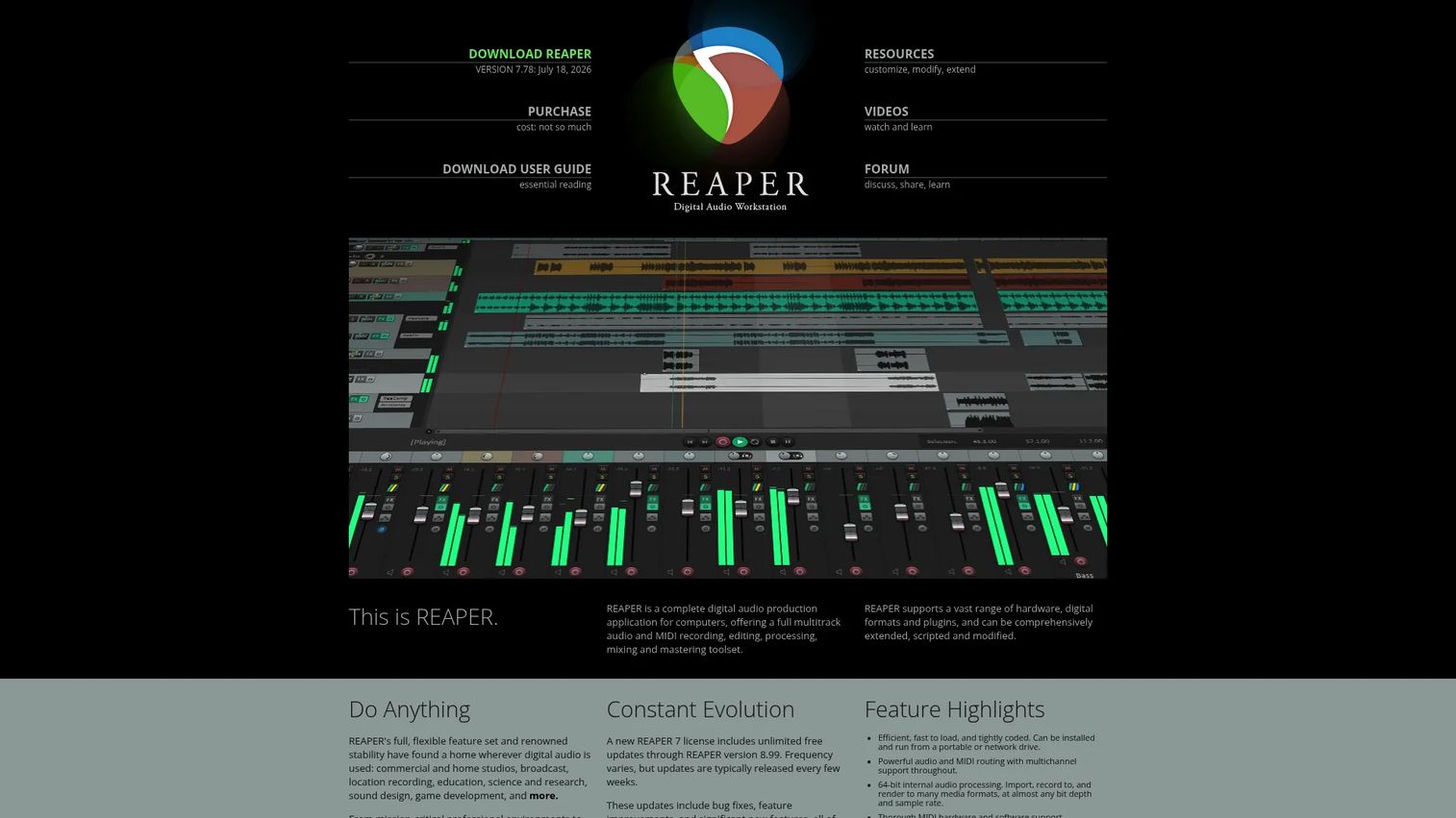
REAPER is a full digital audio workstation that gives you deep editing control for a fraction of what pro tools usually cost. It handles multitrack audio and MIDI, supports the major plugin formats (VST, VST3, AU, CLAP, and more), and is famously lightweight and customizable. Podcasters who outgrow simple editors but do not want a subscription land here.
Best for: Creators who want DAW-level power without premium pricing.
Key features
- Full multitrack recording and editing
- Broad plugin support: VST, VST3, AU, CLAP
- Lightweight and heavily customizable
- Scripting and extensibility
- 60-day full-function evaluation
Why choose REAPER: You get near-professional depth for a one-time license instead of a recurring bill. Be honest with yourself about the learning curve, though. This is a real DAW, and casual editors will feel the complexity before they feel the payoff.
REAPER pricing: A discounted license for personal and small-business use is $60 one-time, and the commercial license is $225. A full 60-day evaluation runs first.
Reviewers rate REAPER 4.5 out of 5 on G2.
5. Adobe Audition
Adobe Audition is professional audio editing built for people who already live inside Creative Cloud. It offers multitrack, waveform, and spectral editing, plus serious noise reduction and restoration tools. If your team edits video in Premiere and manages assets across Adobe apps, keeping audio in the same family cuts friction.
Best for: Teams already committed to Adobe Creative Cloud.
Key features
- Multitrack, waveform, and spectral editing
- Advanced noise reduction and restoration
- Audio recording and mixing
- Integration across Adobe apps
- Broadcast-grade cleanup tools
Why choose Adobe Audition: For a marketing team standardized on Adobe, this keeps audio and video production under one login and one skill set. Be honest: For a casual solo podcaster, it is overkill and the subscription is hard to justify against free options.
Adobe Audition pricing: The single-app plan is US$22.99/month on an annual, monthly-billed plan, with a 7-day free trial. Creative Cloud Pro, which includes Audition, is US$69.99/month.
Adobe Audition holds a 4.4 out of 5 rating on G2.
6. Hindenburg
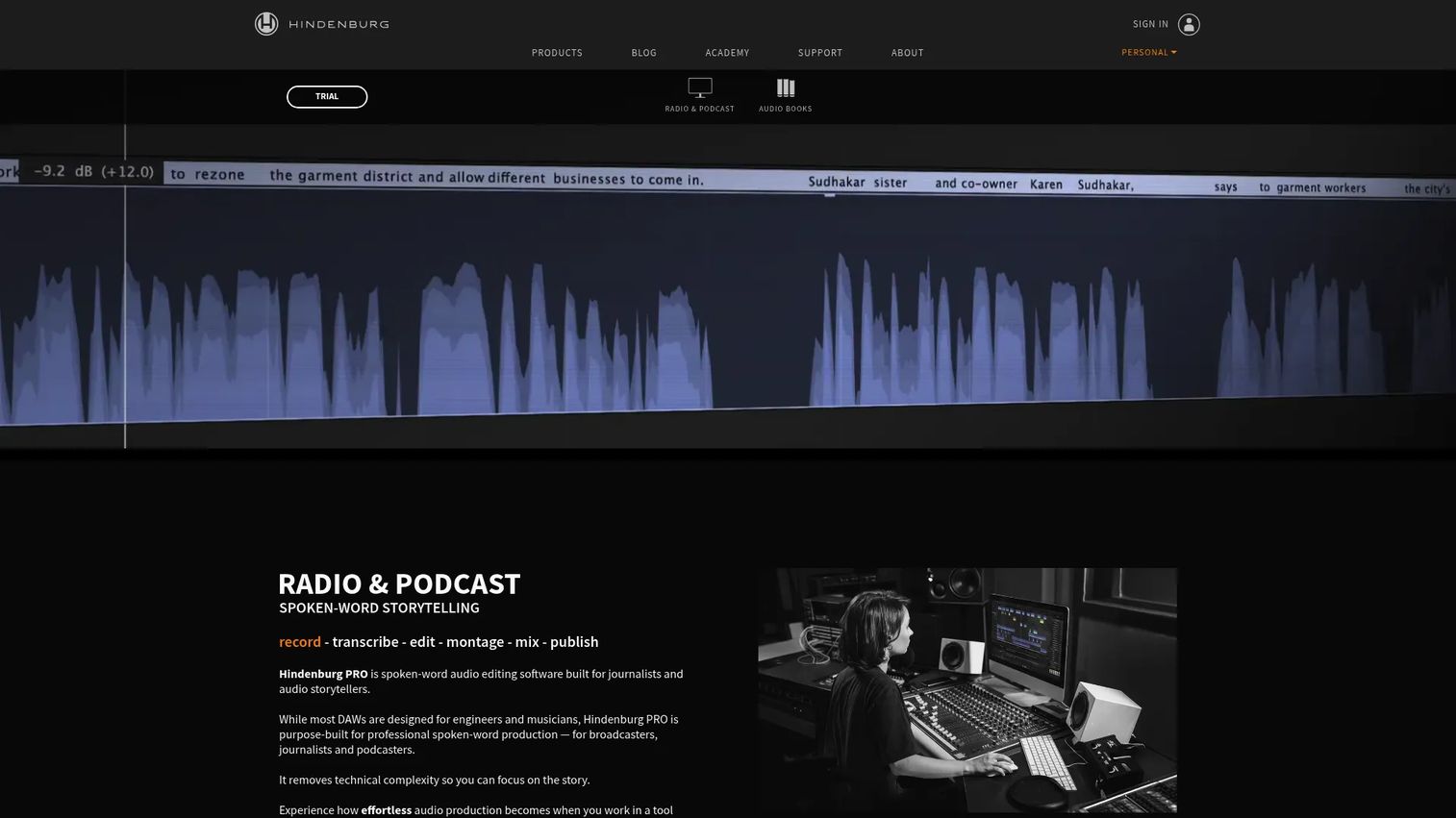
Hindenburg is built specifically for spoken-word audio: Podcasts, radio, audiobooks, and field recordings. It focuses on the jobs voice-first creators actually do, with Auto Level, broadcast-ready loudness normalization, and transcript-based editing. The non-destructive workflow and rough-cut text editing suit interview-led shows that live and die on clean dialogue.
Best for: Journalists, interview hosts, and audiobook creators focused on voice.
Key features
- Auto Level and loudness normalization
- Transcript-based editing
- Non-destructive editing workflow
- Clipboards and rough-cut tools
- Built-in audio transcription
Why choose Hindenburg: It is opinionated in a good way. Instead of a general music DAW you bend into a podcast tool, you get software designed around spoken-word production from the start. That focus pays off for narration and interview formats.
Hindenburg pricing: Hindenburg PRO offers Standard, Plus, and Premium tiers with monthly, yearly, and perpetual billing options. Check the Hindenburg shop for the current amount that fits your billing preference.
A representative G2 score for the broader brand was not available at generation time, so treat rating as unconfirmed.
7. Alitu
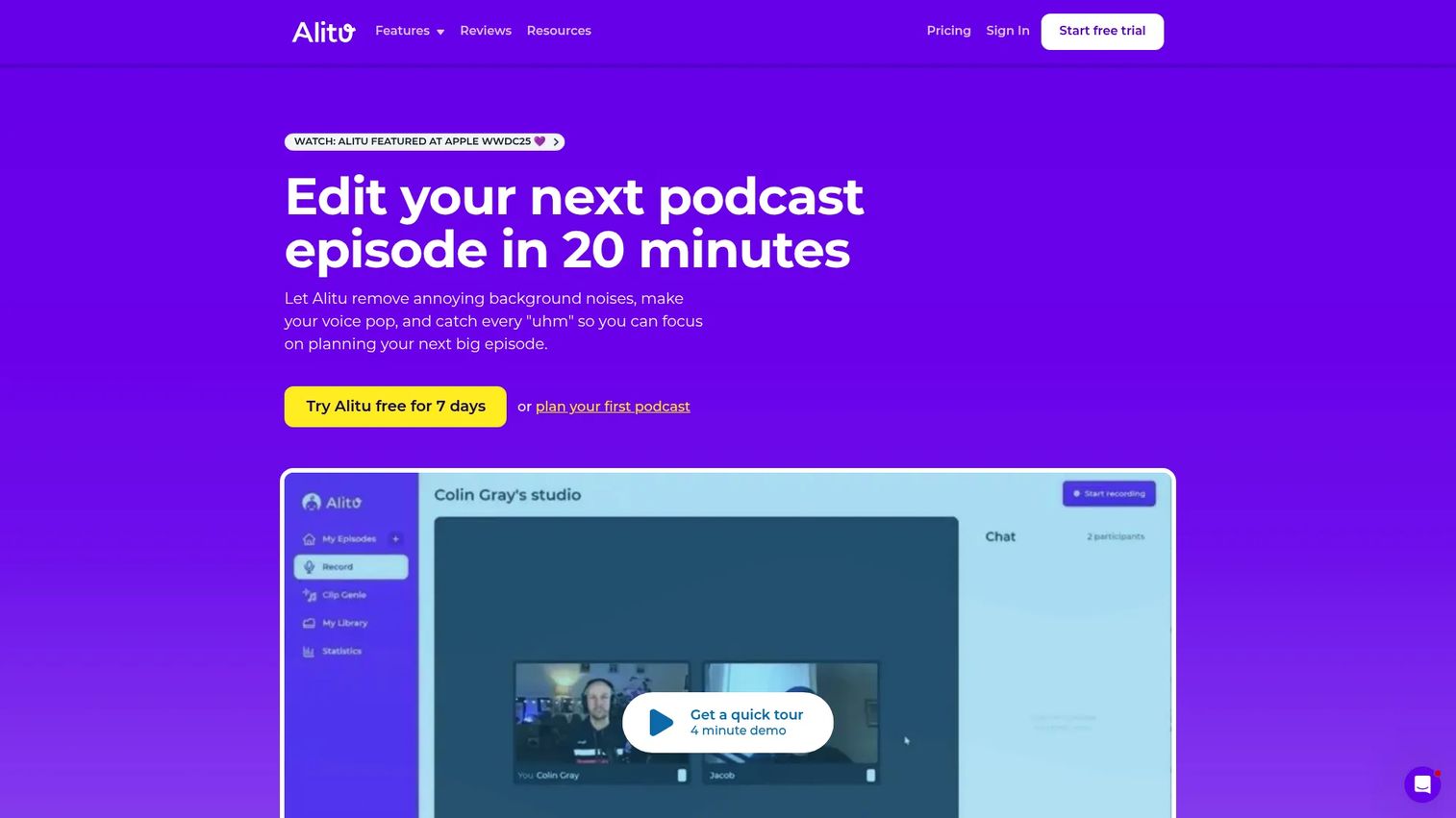
Alitu is the all-in-one pick. It records, cleans, edits, publishes, and hosts, all in the browser, with the manual work automated where possible. Text-based and waveform editing sit alongside automatic background noise reduction and voice enhancement. For creators who want less fiddling and more shipping, it collapses the whole chain into one tool.
Best for: Podcasters who want an all-in-one workflow with minimal technical overhead.
Key features
- Text-based and waveform editing
- Solo and guest recording
- Automatic noise reduction and voice enhancement
- Built-in hosting and publishing
- Automated cleanup steps
Why choose Alitu: If your goal is to publish consistently without stitching together three separate apps, Alitu removes the handoffs. The trade-off is less granular control than a DAW, which is exactly the point for marketers who value time to publish over deep manual editing.
Alitu pricing: The Audio plan starts at £32/month billed annually, and the Video plan is £79/month billed annually. A 7-day free trial and a 30-day money-back guarantee apply, and there is a separate hands-off editing service.
Alitu carries a 4.3 out of 5 rating on G2.
Considerations
Before you download or subscribe, run through this checklist. It saves the "we tried something like this and it didn't stick" regret.
Budget and total workflow cost
A free editor is not free if it costs you three extra hours a week. Weigh the sticker price against the time tax, and check whether an all-in-one tool replaces a recording app or a hosting subscription you already pay for. Consolidation is where the real savings hide.
Editing style and skill level
Decide honestly how you want to edit. Transcript-based tools suit anyone who reads faster than they scrub. Drag-and-drop all-in-ones suit beginners. Full DAWs reward people who want control and will invest in the learning curve.
Platform and device compatibility
Confirm the tool runs where you work before you commit. GarageBand is Mac and iOS only. Audacity and REAPER cover Windows, Mac, and Linux. Web-based tools run anywhere with a browser, which matters for distributed teams.
Remote recording and export workflow
If you interview guests, check how the tool captures separate tracks and whether it records remotely at all. Confirm it exports clean MP3 or WAV files and that the handoff to your hosting platform is simple, not a manual re-upload chore.
Publishing and collaboration needs
Ask whether you need hosting and collaboration baked in, or just a clean exported file. A solo creator may only want an editor. A marketing team on a deadline benefits from publishing and shared access inside one platform.
Conclusion
The right tool comes down to how you work, not which one has the longest feature list.
For beginners who want speed, Descript's transcript-based editing is the fastest way to a finished cut. For budget-first creators, Audacity delivers real editing at zero cost. Mac users can start today with GarageBand for free. If you want deep control without a subscription, REAPER's one-time license is hard to beat, and Adobe Audition makes sense for teams already inside Creative Cloud. Hindenburg suits voice-first, interview-led shows, and Alitu wins when you want recording, editing, and publishing in one place.
Pick based on your skill level and deadline pressure. If you are just starting, grab a free option and ship an episode this week. If you are publishing a branded show on a schedule, an all-in-one tool will pay for itself in saved hours. Download the trial, edit one real episode, and measure the time it took. That single test tells you more than any feature comparison.
FAQs
Descript is the most beginner-friendly because you edit audio by editing a transcript, which skips the traditional timeline entirely. On Mac, GarageBand is another gentle starting point since it is free and built for first-timers. Both remove the intimidation factor that makes people abandon editing.
Audacity is the strongest free pick, offering multi-track editing, noise reduction, and format export at no cost across Windows, Mac, and Linux. GarageBand is free too, but only on Apple devices. Descript and Alitu offer free plans or trials, though their full features sit behind paid tiers.
Yes. Descript and Hindenburg both support transcript-based editing, where deleting a word in the text removes it from the audio. This is often faster than scrubbing a waveform, especially for dialogue-heavy shows, and the transcript doubles as content you can reuse for show notes.
GarageBand is the free native default for Mac users. Beyond it, Audacity, Descript, REAPER, Adobe Audition, and Hindenburg all run on macOS. If you want simplicity, start with GarageBand. If you want depth, REAPER and Audition go further.
Audacity and REAPER are the go-to Windows options, since both are cross-platform and cover free and low-cost needs. Descript and Adobe Audition also run on Windows. GarageBand does not, so Windows users should skip it entirely and start with Audacity.
It depends on how much you value time versus control. All-in-one tools like Alitu remove the handoffs between recording, editing, and publishing, which is ideal for deadline-driven teams. A standalone editor gives you deeper control but means managing separate apps for recording and hosting.
Export a final MP3 for publishing, since it is the standard format every hosting platform and player supports. Keep a WAV master if you want a lossless archive for future re-edits. Most tools export both, so render an MP3 for upload and hold the WAV as backup.
Not always. Some editors like Audacity and REAPER also record, and all-in-one tools like Alitu handle recording, editing, and publishing together. You only need separate software if your recording tool lacks the editing depth you want, or if you record remote guests on a dedicated platform first.










