



Quarter closes. You open three systems. Mileage sits in your ELD. Fuel purchases live across fuel card statements and a stack of receipts. Tax rates changed in two jurisdictions since last quarter, and nobody flagged it. Now you have to reconcile all of it into one clean quarterly IFTA report before the deadline.
That reconciliation is where fleets lose money. Not to the tax itself, but to the manual re-entry, the transposed numbers, and the missed jurisdictions that surface during an audit. One wrong mile-per-gallon calculation across a fleet compounds into a filing that does not match your records.
The market has responded. The IFTA software category was valued at roughly USD 500 million in 2024 and is forecast to reach USD 1.2 billion by 2033, growing at a 10.2% CAGR through 2033, according to Verified Market Reports (2025). More fleets are moving off spreadsheets and onto tools that pull mileage and fuel data automatically, run jurisdiction-by-jurisdiction calculations, and produce file-ready output.
The right IFTA reporting software does one job well: it removes re-entry so your quarterly filing matches your source data. This guide compares four tools built for that job.
What's inside
This guide is for fleet operators, compliance managers, and owner-operators who file quarterly IFTA returns and want cleaner, faster, audit-ready reporting.
We chose these tools on the criteria that actually matter at filing time:
- Mileage capture from ELD, GPS, or telematics
- Fuel data imports from fuel cards, CSV, or Excel templates
- Calculation accuracy with jurisdiction and tax rate updates
- File-ready output you can submit or hand to an accountant
- Ease of use so first-quarter filing does not stall
You will also get a short IFTA primer, the reporting workflows each tool supports, and a buyer's checklist for choosing by workflow fit.
TL;DR
- Best for broad fleet compliance: Geotab. A telematics platform where IFTA sits inside GPS tracking, driver safety, and maintenance.
- Best for quarterly report workflow and templates: TruckLogics. Excel templates, ELD integration, and tax automation inside a trucking management system.
- Best for filing support and simple data entry: ExpressIFTA. Quick entry, GPS upload, and bulk CSV import with IFTA and IRP report generation.
- Best for fuel card and telematics automation: Motive. Automated IFTA reporting inside an AI-powered fleet operations platform.
Pick the tool that removes the most manual re-entry from your current process. If your mileage already lives in a telematics system, start there. If you file from spreadsheets, start with a template-driven or filing-first tool.
What is IFTA reporting software?
IFTA reporting software is a fuel tax software category that calculates and files quarterly fuel tax returns for commercial fleets operating across multiple US and Canadian jurisdictions.
The International Fuel Tax Agreement requires carriers to report miles traveled and fuel purchased in each jurisdiction, then settle the difference between fuel tax paid and fuel tax owed. IFTA software handles the data collection and jurisdiction-by-jurisdiction calculations that make a quarterly IFTA report accurate.
Most IFTA compliance software does four things:
- Captures mileage from ELD, GPS tracking, or a telematics platform, or accepts manual and CSV entry
- Imports fuel data from fuel cards, receipts, CSV files, or Excel templates
- Calculates tax owed by jurisdiction using current tax rates and mileage-to-fuel ratios
- Produces file-ready quarterly reports as PDFs, online worksheets, or state-specific formats
The value is consolidation. Automated IFTA reporting pulls your mileage and fuel data into one place, applies the correct rates, and outputs a return that matches your records. That is what makes a filing audit-ready.
When to use IFTA reporting software
File quarterly returns without manual spreadsheets
Spreadsheets work when you run one or two trucks in a couple of states. They get fragile fast. Once you cross more jurisdictions or add vehicles, the number of cells you touch each quarter multiplies, and every manual entry is a chance to transpose a number or miss a field.
IFTA software removes the re-entry. It pulls mileage and fuel from your existing systems and fills the return for you.
Pull data from multiple sources
Most fleets do not have one clean data source. Mileage sits in an ELD or GPS system. Fuel lives on fuel card statements. Some records still arrive as receipts or Excel files.
The real value of IFTA fuel tax reporting software is consolidation. A tool that accepts fuel card integration, ELD integration, GPS tracking data, and CSV import turns scattered inputs into one calculation.
Reduce audit and penalty risk
Audits are where sloppy records cost money. When a compliance team needs traceability, and deadlines are already tight, calculation errors and missing jurisdictions turn into penalties.
Software matters most here. Cleaner records, automated rate handling, and a documented calculation trail reduce the exposure that comes with manual filing.
IFTA reporting software comparison
The table below is meant to help you choose by workflow fit, not brand familiarity. The best IFTA filing software for your fleet depends on where your data lives today and how much of the quarterly filing you want automated versus guided.
| # | Product | Best for | Key differentiator | Pricing | G2 rating |
|---|---|---|---|---|---|
| 1 | Geotab | Broad fleet compliance | IFTA inside a full telematics platform (GPS, safety, maintenance) | Request pricing (GO Core, GO Plan) | 4.5/5 |
| 2 | TruckLogics | Quarterly report workflow and templates | Excel templates, ELD integration, tax rate updates in a TMS | From $35.96/mo; IFTA reports from $19.95/report | 4.6/5 |
| 3 | ExpressIFTA | Filing support and simple data entry | Quick entry, GPS upload, bulk CSV import, IFTA and IRP reports | From $19.95/mo | Not listed |
| 4 | Motive | Fuel card and telematics automation | Automated IFTA reporting in an AI fleet operations platform | Custom pricing | 4.4/5 |
Best IFTA reporting software for 2026
1. Geotab
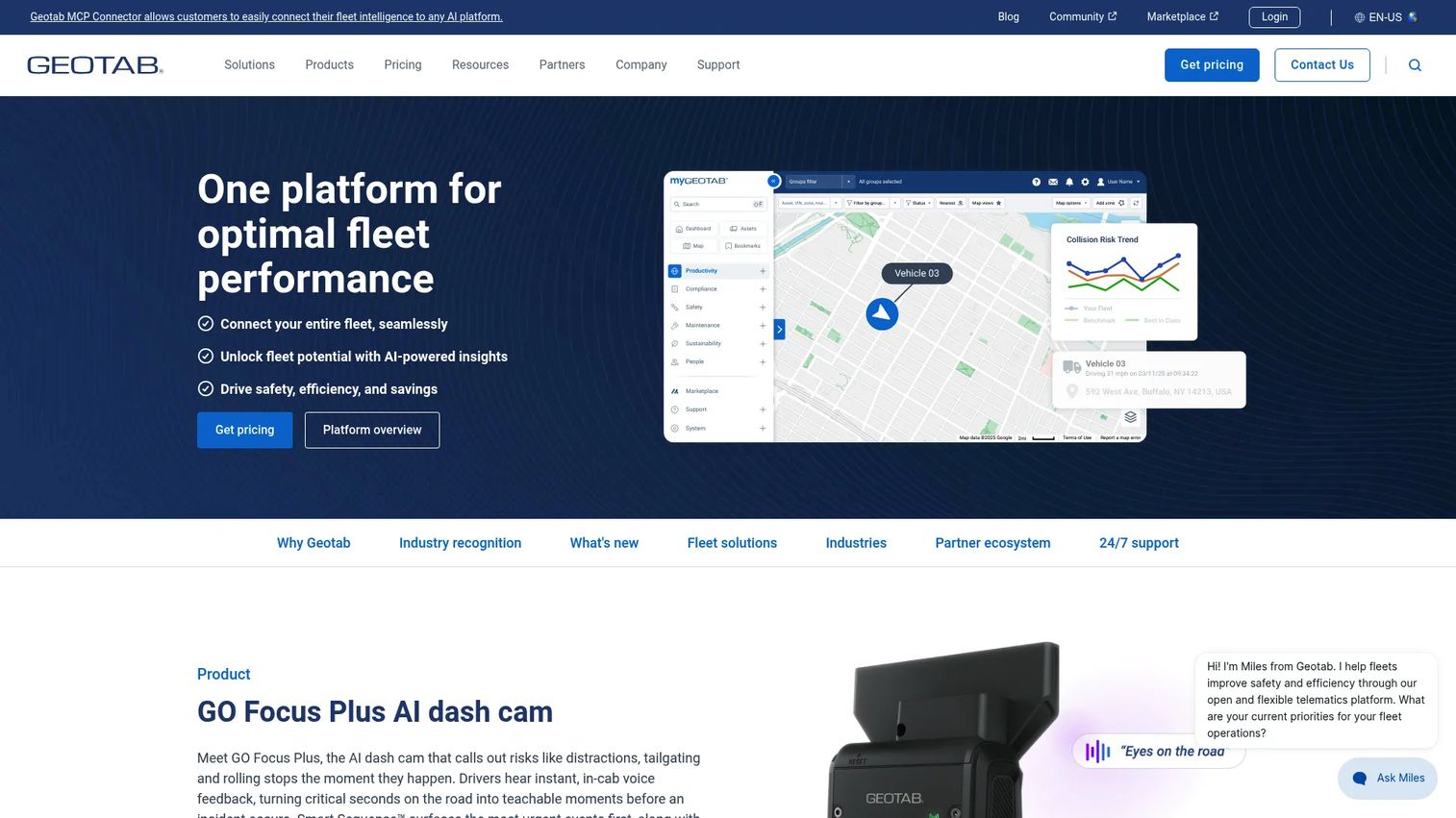
Geotab is a connected fleet management and telematics platform where IFTA reporting is one part of a broader compliance picture. Mileage capture runs off GPS tracking and trip history, so the miles-per-jurisdiction data that feeds your quarterly IFTA report is collected automatically rather than keyed in. For fleets already running Geotab hardware, IFTA data is a byproduct of telematics you are already using.
The platform pairs that mileage automation with driver behavior alerts, safety reporting, and maintenance scheduling. IFTA sits alongside those functions, which is the point: compliance is rarely the only job a fleet manager owns.
Best for: Fleets that want scalable telematics, tracking, and driver safety management, with IFTA reporting handled inside the same platform.
Key strengths
- Real-time GPS tracking and trip history for jurisdiction mileage
- Driver behavior alerts and safety reporting
- Maintenance scheduling and reporting
Why choose Geotab: If IFTA is one line item in a wider fleet compliance mandate, a telematics platform that captures mileage automatically means you are not maintaining a separate reporting tool. The tradeoff is scope. This is a full platform, not a standalone filing app, so it fits fleets that want operational control across tracking, safety, and compliance in one place.
Geotab pricing: Geotab lists two software packages, GO Core Plan and GO Plan, with hardware included in the subscription. Public prices are not shown on the pricing page; Geotab directs buyers to request pricing through sales.
2. TruckLogics
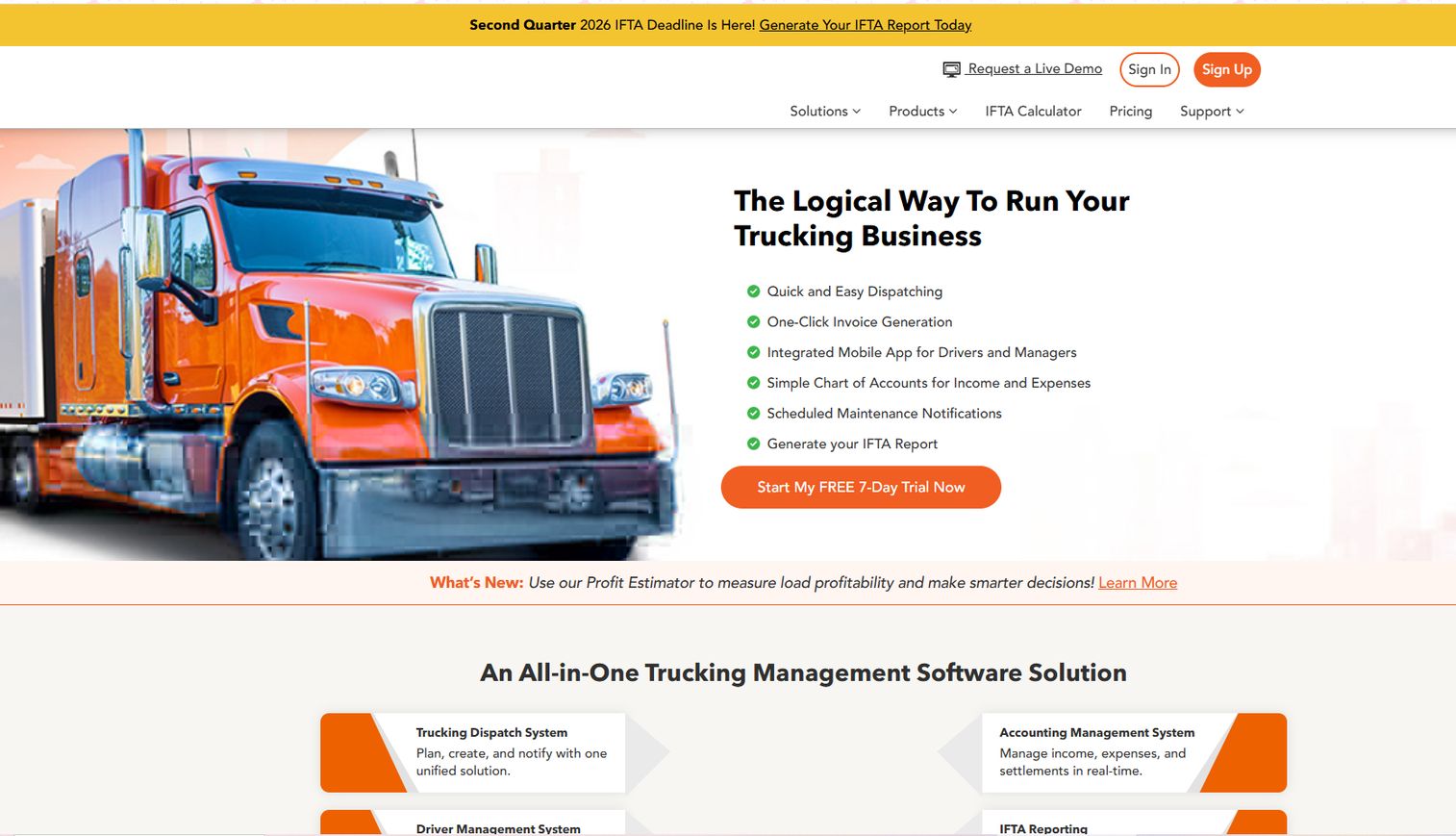
TruckLogics is a cloud-based trucking management software built for fleets, owner-operators, brokers, and dispatch operations, with IFTA reporting built into the accounting side of the platform. The quarterly report workflow is guided: you enter or import trip and fuel data, and TruckLogics generates the jurisdiction-by-jurisdiction calculations and the file-ready quarterly IFTA report.
The template angle is the differentiator. TruckLogics supports Excel templates for entire-trip details and quarterly summaries, so fleets that already track data in spreadsheets can import rather than re-key. Combined with ELD integration and automatic tax rate updates, the workflow reduces the manual reconciliation that makes quarterly filing painful.
Best for: Trucking businesses that want an all-in-one operations platform where IFTA filing follows a guided, template-driven process.
Key strengths
- Load and dispatch management
- Maintenance scheduling and equipment tracking
- IFTA reporting and accounting
Why choose TruckLogics: The template-driven workflow fits teams that want structure without a full telematics rollout. If your data lives in Excel and you want a TMS that turns it into a filing, TruckLogics maps to that reality. State adjacency logic and tax rate updates handle the calculation accuracy that manual spreadsheets miss.
TruckLogics pricing: Plans are tiered by fleet size and billed yearly. Owner Operator starts at $35.96/month, Small Fleet at $71.96/month, Mid-Size Fleet at $179.96/month, and Large Fleet at $224.96/month. Enterprises can request a quote or demo. Standalone IFTA reports are priced per report: $24.95 for business owners and $19.95 for service providers. A free 7-day trial is available.
3. ExpressIFTA
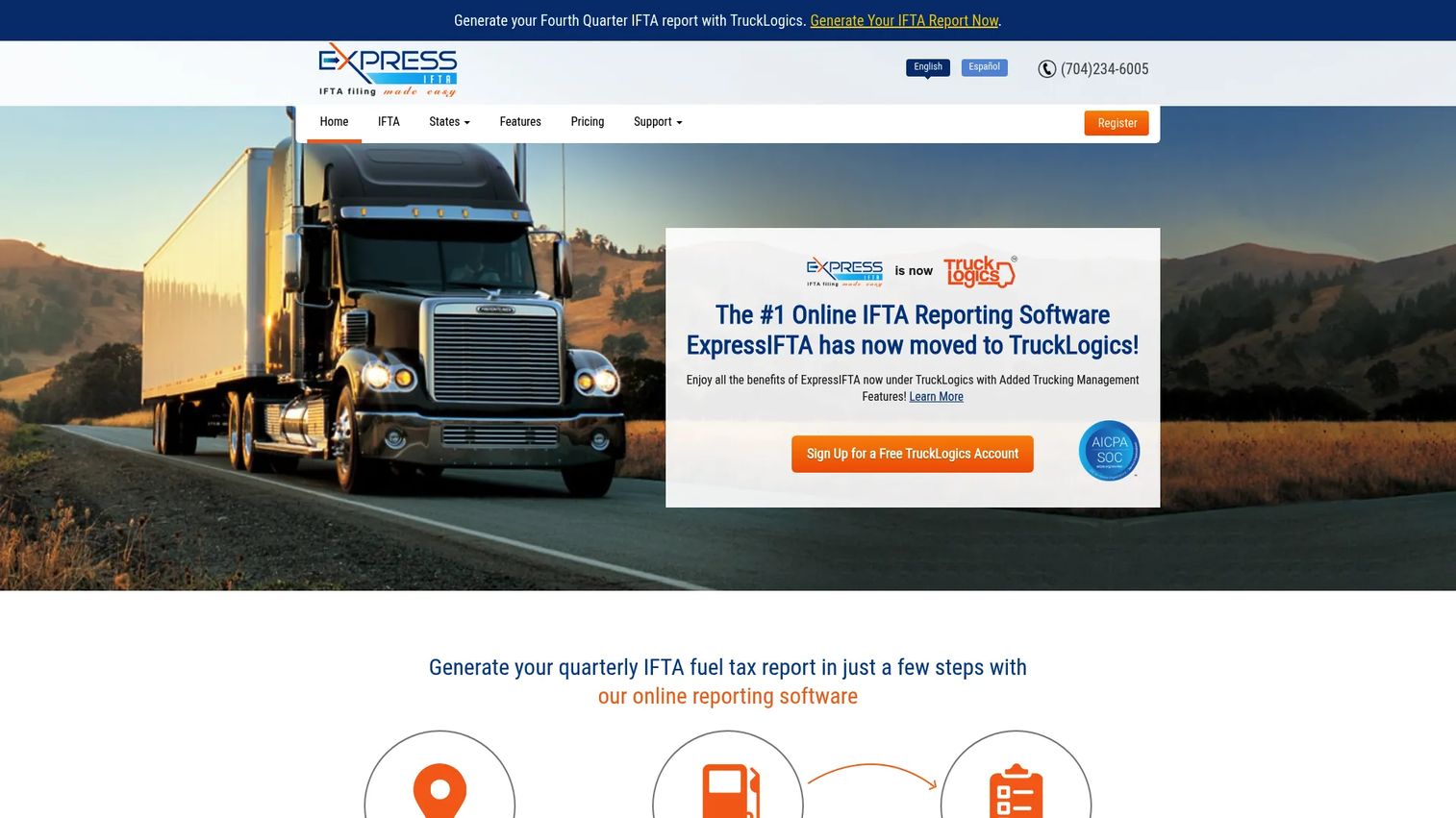
ExpressIFTA is online IFTA fuel tax reporting software focused on the filing workflow itself. It supports multiple data entry methods so fleets can pick what matches their records: trip sheet entries, quick entries, bulk data upload, and GPS data upload. That flexibility matters for operators who do not run fully connected telematics and still work from mixed sources.
The tool calculates fuel tax and generates IFTA and IRP reports, with PDF and online worksheet output. For teams that need practical filing support rather than a broader fleet suite, ExpressIFTA is a filing-first option that keeps the scope tight.
Best for: Trucking operators that need quarterly IFTA mileage and fuel tax reporting without adopting a full operations platform.
Key strengths
- Trip sheet entries and quick entries
- Bulk data upload and GPS data upload
- Accurate fuel tax calculation with IFTA and IRP reports
Why choose ExpressIFTA: If your job is filing, not fleet management, ExpressIFTA stays in that lane. The multiple entry methods, including CSV-style bulk upload, mean you are not forced into telematics you do not have. It also supports service providers who file on behalf of multiple clients, which shapes its pricing.
ExpressIFTA pricing: ExpressIFTA lists two monthly plans. Quarterly IFTA Report Generation is $24.95/month, and the plan for IFTA Service Providers is $19.95/month.
4. Motive

Motive is an AI-powered fleet operations platform that runs safety, fleet management, equipment monitoring, spend management, and workforce management, with automated IFTA reporting inside the same system. Mileage capture runs through the Vehicle Gateway, and dashboard reporting turns that data into IFTA output without manual mileage logs.
The automation angle is fuel data. Motive supports fuel card sync, receipt uploads, and CSV import, so the fuel side of the calculation populates automatically. Pulling mileage and fuel into one platform is where report automation reduces the errors that come from stitching sources together by hand.
Best for: Fleets that want an integrated platform for safety, telematics, and operations, with IFTA compliance automated inside it.
Key strengths
- Driver safety
- Fleet management
- Equipment monitoring
Why choose Motive: If you already run Motive for safety or telematics, IFTA reporting is one more function in a platform you maintain. The fuel card integration and GPS mileage capture reduce manual re-entry, which is the whole point of automated IFTA reporting. It fits teams that want one system for fleet operations and compliance rather than a dedicated filing tool.
Motive pricing: Motive does not publish public pricing on its site. Pricing is sales-led and contact-based, so plans are quoted per fleet.
Considerations before you choose
Data sources
Start with where your data lives. A tool that accepts fuel cards, ELD, GPS, CSV, and Excel inputs will minimize re-entry; one that forces manual keying will not. The best tool is the one that matches your current sources, so you consolidate rather than rebuild. If your mileage already sits in a telematics platform, prioritize tools that read it directly.
Calculation accuracy
Look for jurisdiction updates, state adjacency checks, and automated tax rate handling. Rates change, and a tool that does not update them pushes the error onto you. Inaccurate tax logic creates avoidable audit exposure, because a filing that does not match your source data is exactly what an auditor flags.
Output format
Verify what the tool actually produces. Some fleets need a file-ready quarterly report, others need PDFs or online worksheets, and some jurisdictions have specific filing requirements. Check that the output matches how you submit, because a report you cannot file is a report you still have to redo.
Workflow fit
Decide whether you want a standalone filing app or IFTA inside a larger fleet platform. A filing-first tool keeps scope tight when compliance is the whole job. A broader platform helps when IFTA is one line item among tracking, safety, and maintenance. Neither is better; they fit different operating styles.
Support and onboarding
Check whether the vendor helps with setup, imports, and your first-quarter filing. For many fleets, fast first-use value matters more than feature depth, because the deadline does not wait for you to learn the tool. A free trial or per-report option lets you test before you commit.
Conclusion
The right choice comes down to how you operate and where your data already lives. Geotab fits fleets that want IFTA handled inside a full telematics and compliance platform. TruckLogics suits teams that want a guided, template-driven filing workflow inside a TMS. ExpressIFTA is the filing-first pick for operators who need practical quarterly reporting without a broader suite. Motive fits fleets that want automated IFTA reporting inside an AI operations platform they already run.
There is no single best IFTA reporting software. There is the one that removes the most manual re-entry from your current process and produces an audit-ready filing you can trust.
Start with your data sources. If your mileage lives in telematics, compare the platform-based options first. If you file from spreadsheets, weigh the template-driven and filing-first tools. Then shortlist your top two, run a single quarter of real data through each, and pick the one that matches your records with the least manual work before you migrate everything over.
FAQs
IFTA reporting software calculates and files quarterly fuel tax returns for commercial fleets that operate across multiple US and Canadian jurisdictions. It collects mileage and fuel data, applies the correct tax rate per jurisdiction, and produces a file-ready quarterly IFTA report. The goal is to replace manual spreadsheet math with automated, audit-ready calculations.
Commercial fleets that operate qualified motor vehicles across two or more IFTA member jurisdictions typically need to file. Filing obligations depend on vehicle weight, axle count, and travel across jurisdiction lines, so exact requirements vary by carrier. Check your base jurisdiction's rules to confirm whether your vehicles qualify.
IFTA tools use miles traveled per jurisdiction, fuel purchased per jurisdiction, and current jurisdiction tax rates. Many also pull GPS or ELD records to capture mileage automatically and fuel card data to capture purchases. The best tools reduce manual entry by reading these sources directly instead of asking you to key them in.
Yes. Many IFTA tools support CSV import and Excel templates for trip details and fuel purchases. This is useful for fleets that do not run fully connected telematics and still track data in spreadsheets. Bulk upload lets you move a quarter of records in one step rather than entering rows one at a time.
It helps by keeping cleaner records and a documented calculation trail, which reduces audit stress and the risk of a mismatch between your filing and your source data. Automated rate handling and jurisdiction logic cut the calculation errors auditors flag. It does not replace your compliance responsibility; you still own the accuracy of what you submit.
Manual filing can work for very small operations running a couple of trucks in a few jurisdictions. Once data volume grows, software is usually better because it delivers consistency, traceability, and fewer errors. The re-entry and reconciliation that make manual filing slow are exactly what automated IFTA reporting removes.
IFTA reports are filed quarterly. Deadlines fall at the end of the month following each quarter, and missing them triggers penalties and interest. Because the cadence is fixed, the value of software shows up every quarter in how fast you can produce an accurate, file-ready return.










