A shift falls through at 6am. Someone called out. Your manager is texting three people to cover, the schedule is now wrong, and payroll will be off by the end of the week because nobody logged the change.
That is the real problem workforce optimization software solves. Not "productivity." Coverage. Pay accuracy. The gap between how many people you scheduled and how many you actually needed.
Most people treat this category as a scheduling calendar. It is not. It is a control system that keeps three moving parts aligned: who works, what they get paid, and how much labor you actually need. When those three drift apart, you either overstaff and burn margin, or understaff and blow your service levels.
The market reflects how much this matters. The workforce optimization software market reached $11.8 billion in 2025 and is projected to hit $28.3 billion by 2034 at an 11.2% CAGR, according to MarketIntelo (2025). Buyers are consolidating scheduling, time tracking, forecasting, and compliance into fewer systems, not more.
This guide skips vague ROI promises. Here is what each tool actually does, what it costs, and when it fits.
What's inside
- Who this guide is for: operations leaders, HR leaders, support operations, and managers running hourly or distributed teams
- How the shortlist was built: we scored each tool on scheduling depth, time and attendance accuracy, payroll and compliance logic, forecasting, and integrations
- A side-by-side comparison table of all 7 tools with pricing and G2 ratings
- Detailed breakdowns of each platform, plus who it fits best
- A buyer's checklist so you can narrow the list to two or three before you book a single demo
TL;DR
- Best for hourly, labor-sensitive operations: Workforce.com pairs scheduling, HR, and payroll for teams that live and die by labor cost
- Best for enterprise compliance and pay rules: ADP WorkForce Suite handles complex global, union, and company rules at scale
- Best for broad workforce management: UKG Ready covers HR, payroll, time, and scheduling for growing SMBs
- Best for mobile-first, deskless teams: Connecteam runs scheduling, communication, and tasks from one app
- Best for forecasting and planning: Workday Adaptive Planning models headcount and scenarios across finance and operations
- Best for payroll plus workforce tools: Paylocity keeps payroll, HR, and employee experience in one system
- Best for shift-based coverage: Deputy handles scheduling, time tracking, and compliance with transparent per-user pricing
What is workforce optimization software
Workforce optimization software helps organizations schedule labor, track time, forecast demand, automate payroll-related rules, and improve staffing efficiency in one system.
Think of it as the layer that keeps staffing, pay, and demand aligned instead of managed in separate spreadsheets. Some products are full workforce management suites. Others lean harder into planning or scheduling.
Core capabilities to expect:
- Scheduling: build shifts, manage availability, handle swaps and coverage
- Time and attendance: clock-in, time capture, exception handling, audit trails
- Labor forecasting: predict demand and match staffing to it
- Payroll automation: apply pay rules, overtime, and tax logic without manual correction
- Compliance management: enforce local labor laws, break rules, and union agreements
- Workforce analytics: track labor cost, coverage, and revenue per labor hour
The line between workforce optimization software and broader workforce management software is fuzzy. Optimization usually emphasizes using scheduling, forecasting, compliance, and analytics together to cut labor waste. Management is the wider umbrella that includes those functions plus HR and payroll administration.
For support and operations teams specifically, this matters because staffing decisions drive service levels. Understaff the queue and handle time climbs. Overstaff it and cost per ticket balloons. The right platform ties coverage to expected volume, so you staff the queue to the demand, not to a guess.
Most serious platforms also connect to your existing systems. That single source of truth across HR, payroll, and operations is what stops the manual re-entry that creates errors in the first place.
When to use workforce optimization software
Reduce manual scheduling and callout chaos
Teams with variable shifts need fast scheduling, easy swaps, and clear coverage rules. When a callout hits, you want the system to surface who is available and qualified, not a manager texting the group chat. This is where employee scheduling software earns its keep, especially in hourly, frontline, and service-heavy environments where coverage gaps hit customers directly.
Improve payroll accuracy and compliance
Complex pay rules turn manual payroll into a correction loop. Overtime, shift differentials, union rules, and local labor laws all create room for error. Payroll automation software and time and attendance software reduce that risk by applying the rules at the source, cutting corrections and the admin burden that comes with them.
Forecast labor demand and plan capacity
Managers need to match staffing levels to expected volume, not last week's guess. Labor forecasting software and workforce planning software help you model demand, run scenarios, and decide headcount before the week starts. This is where you separate a scheduling app from a real optimization system: one fills shifts, the other predicts how many you need.
Comparison table
Use this table to build a shortlist fast. Scan the "best for" column, match it to your situation, then read the two or three sections that fit. Pricing and ratings reflect verified public sources as of 2026.
| # | Product | Best for | Key differentiator | Pricing | G2 rating |
|---|---|---|---|---|---|
| 1 | Workforce.com | Hourly, labor-sensitive operations | Scheduling, HR, and payroll built for hourly teams | Quote-based | 4.5/5 |
| 2 | ADP WorkForce Suite | Enterprise compliance and pay rules | Global, union, and company rule handling at scale | Custom pricing | Not listed |
| 3 | UKG Ready | Broad workforce management for SMBs | All-in-one HR, payroll, time, and scheduling | Quote-based | 4.4/5 |
| 4 | Connecteam | Mobile-first, deskless teams | One app for scheduling, communication, and tasks | Free tier; paid from $29/mo | 4.6/5 |
| 5 | Workday Adaptive Planning | Forecasting and workforce planning | Scenario modeling across finance and operations | Quote-based | 4.3/5 |
| 6 | Paylocity | Payroll plus workforce tools | Payroll, HR, and employee experience in one suite | Quote-based | 4.5/5 |
| 7 | Deputy | Shift-based coverage | Transparent per-user scheduling and compliance | From $5/user/mo | 4.6/5 |
Best 7 workforce optimization software tools for 2026
1. Workforce.com
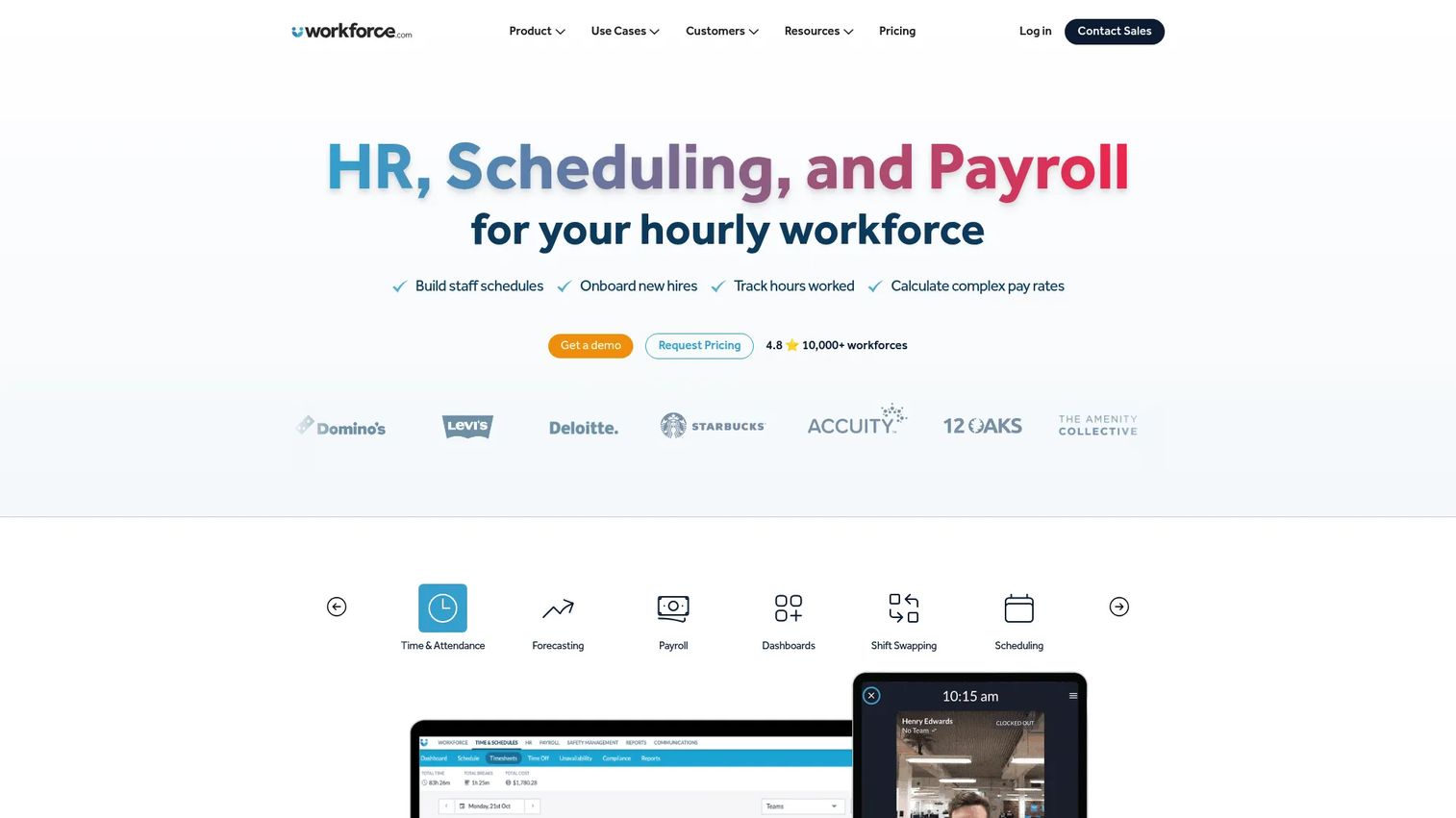
Workforce.com is an all-in-one workforce management platform built specifically for hourly businesses. It combines scheduling, HR, and payroll with time and attendance, so labor cost decisions and pay both run from the same data. For operations that watch labor as a percentage of revenue, that tight loop between scheduling and payroll is the point.
Best for: Hourly businesses that want scheduling, HR, and payroll in one system rather than three disconnected tools.
Key features
- Scheduling built for hourly and shift-based teams
- HRIS and onboarding in one platform
- Payroll with integrated time and attendance
- Labor cost tracking against schedules
- Attendance capture that feeds payroll directly
Why choose it: If your margin lives or dies on labor cost, Workforce.com keeps scheduling, attendance, and payroll on one spine, so a schedule change flows into pay without manual re-entry. It fits teams that treat labor as a controllable number, not a fixed expense.
Pricing: Quote-based. The site says cost depends on modules, staff count, and implementation requirements, with All-in-One, Scheduling, Payroll, and HR options priced per user on request.
2. ADP WorkForce Suite
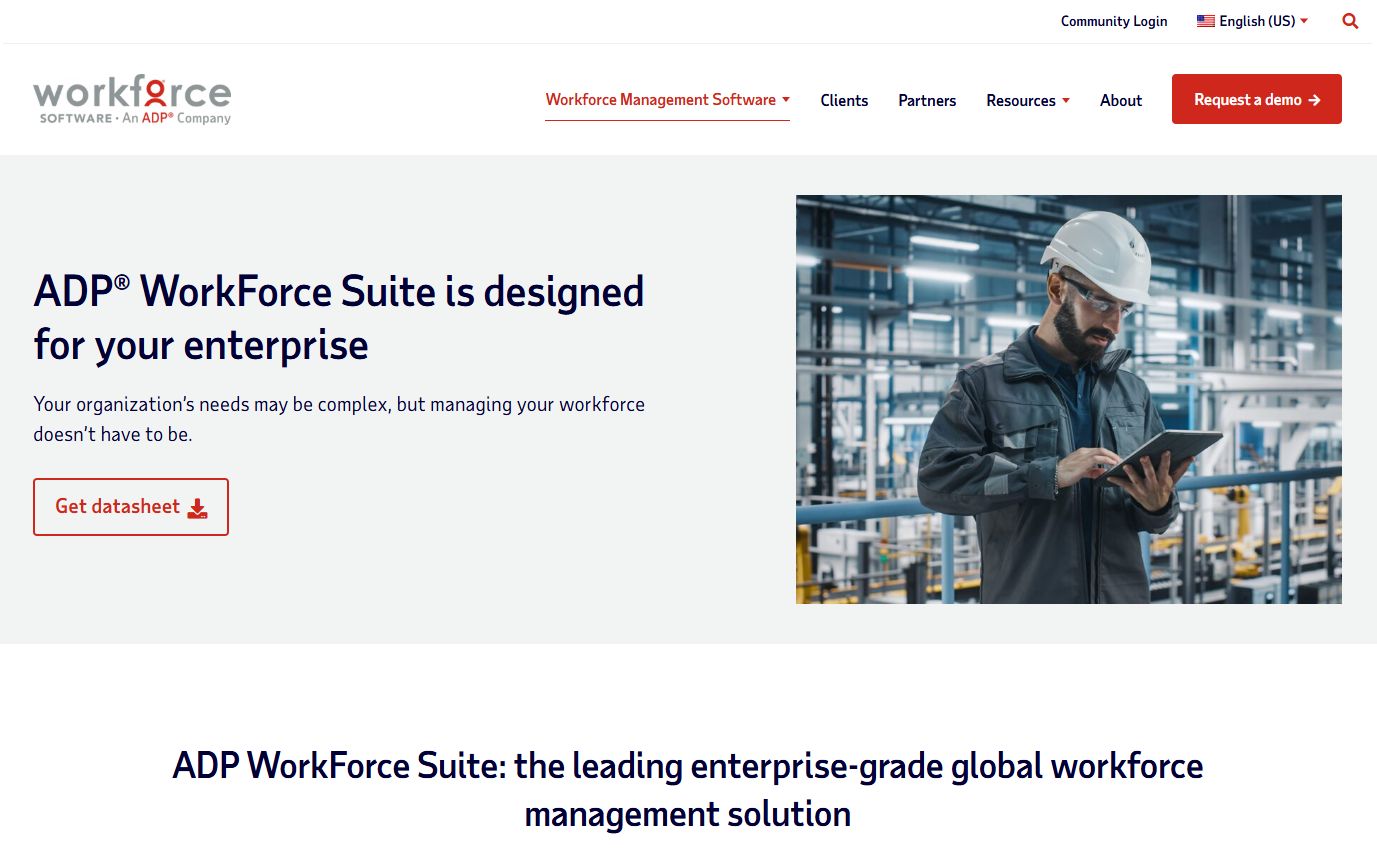
ADP WorkForce Suite is enterprise workforce management software covering time and attendance, scheduling, absence management, and analytics. It is built for large, complex organizations where pay accuracy and compliance across regions and unions are non-negotiable. The rules engine is where this platform separates from lighter tools.
Best for: Large, complex organizations that need global workforce management with layered compliance requirements.
Key features
- Time and attendance at enterprise scale
- Scheduling across sites and regions
- Absence management and leave tracking
- Analytics and reporting on labor data
- Local, global, union, and company rule support
Why choose it: When you have thousands of employees across jurisdictions with union agreements and company-specific pay rules, the value is in the rules engine and the ADP data connections. It fits enterprises that need auditability and consistency more than they need a fast setup.
Pricing: Custom pricing. ADP does not publish public numeric pricing for the WorkForce Suite; cost is quoted based on organization size and requirements.
3. UKG Ready
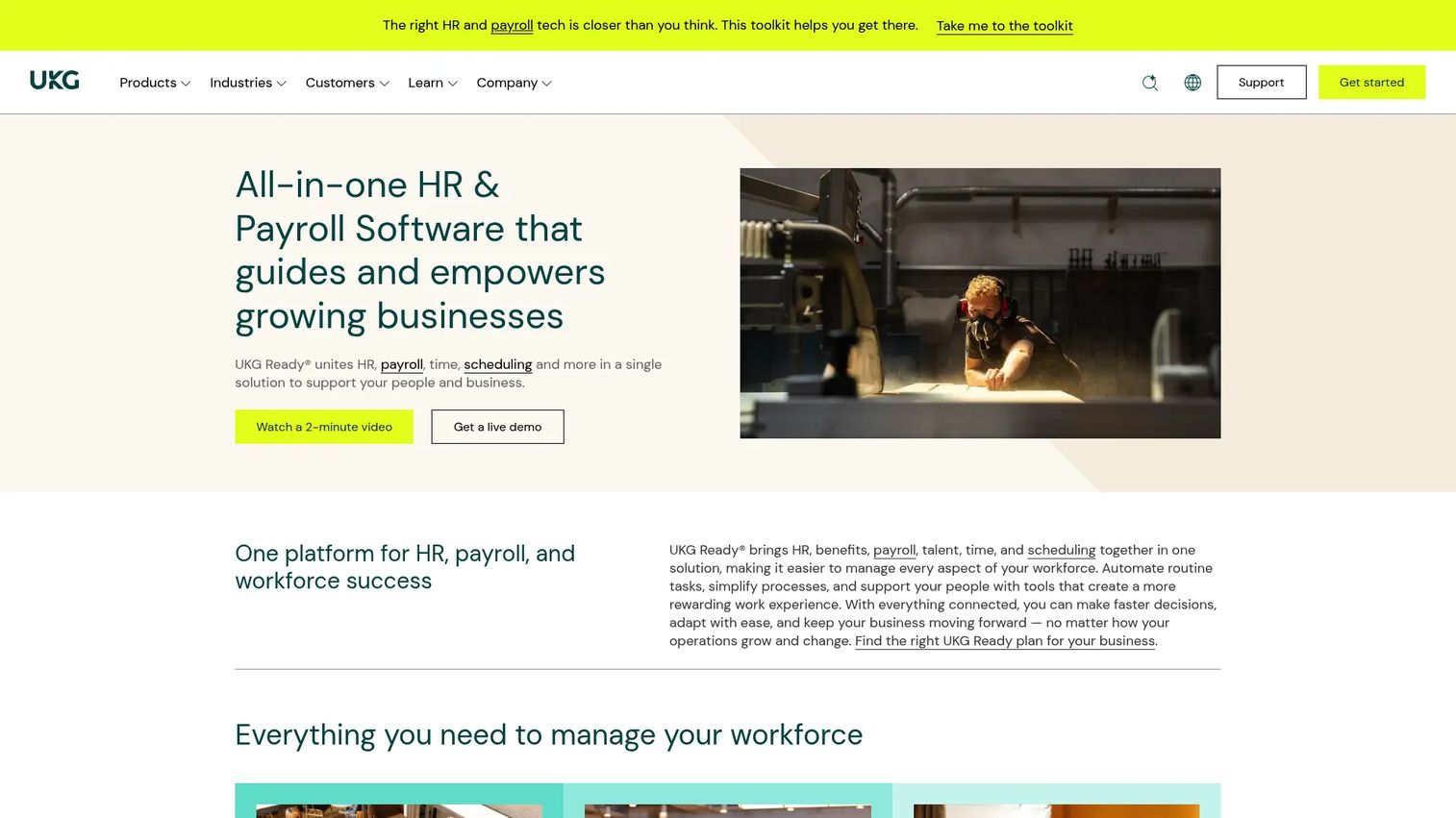
UKG Ready is an all-in-one HR, payroll, talent, time, and scheduling platform aimed at small to midsize organizations. It gives growing teams a single operational system for labor management rather than a patchwork of point tools. The breadth is the draw for SMBs that want one vendor across functions.
Best for: Growing SMBs that want integrated HR, payroll, time, scheduling, and talent workflows in one platform.
Key features
- HR and benefits administration
- Payroll processing
- Time and attendance with scheduling
- Talent and workforce management
- Mobile access for managers and employees
Why choose it: UKG Ready fits teams that are outgrowing spreadsheets and want HR, payroll, and scheduling to talk to each other from day one. It is a solid all-around system for recurring workforce operations without enterprise-scale overhead.
Pricing: Quote-based. UKG Ready offers four plans, Start, Core, Plus, and Advanced, with no public prices listed. The pricing page directs you to contact UKG sales for a personalized quote.
4. Connecteam
Connecteam is a mobile-first workforce management app built for frontline and deskless teams. It bundles scheduling, time tracking, communication, and task management into a single app your team uses from their phones. For operations that happen in the field or across locations, that mobile-first design is what makes it stick.
Best for: Frontline teams needing one app for operations, communication, and HR tools.
Key features
- Time clock and scheduling
- Team communication and updates
- Forms, tasks, and knowledge base
- Employee self-service from mobile
- Multi-location shift coordination
Why choose it: When your workforce is deskless and distributed, Connecteam meets them where they already are: their phone. It fits teams that need scheduling and coordination to work without anyone sitting at a desktop.
Pricing: Free tier available. Connecteam offers a free-for-life Small Business Plan for under 10 employees and a free Limited plan for up to 30 users. Paid tiers start at $29/month for Basic (first 30 users), then $49/month for Advanced and $99/month for Expert, with a 14-day free trial.
5. Workday Adaptive Planning
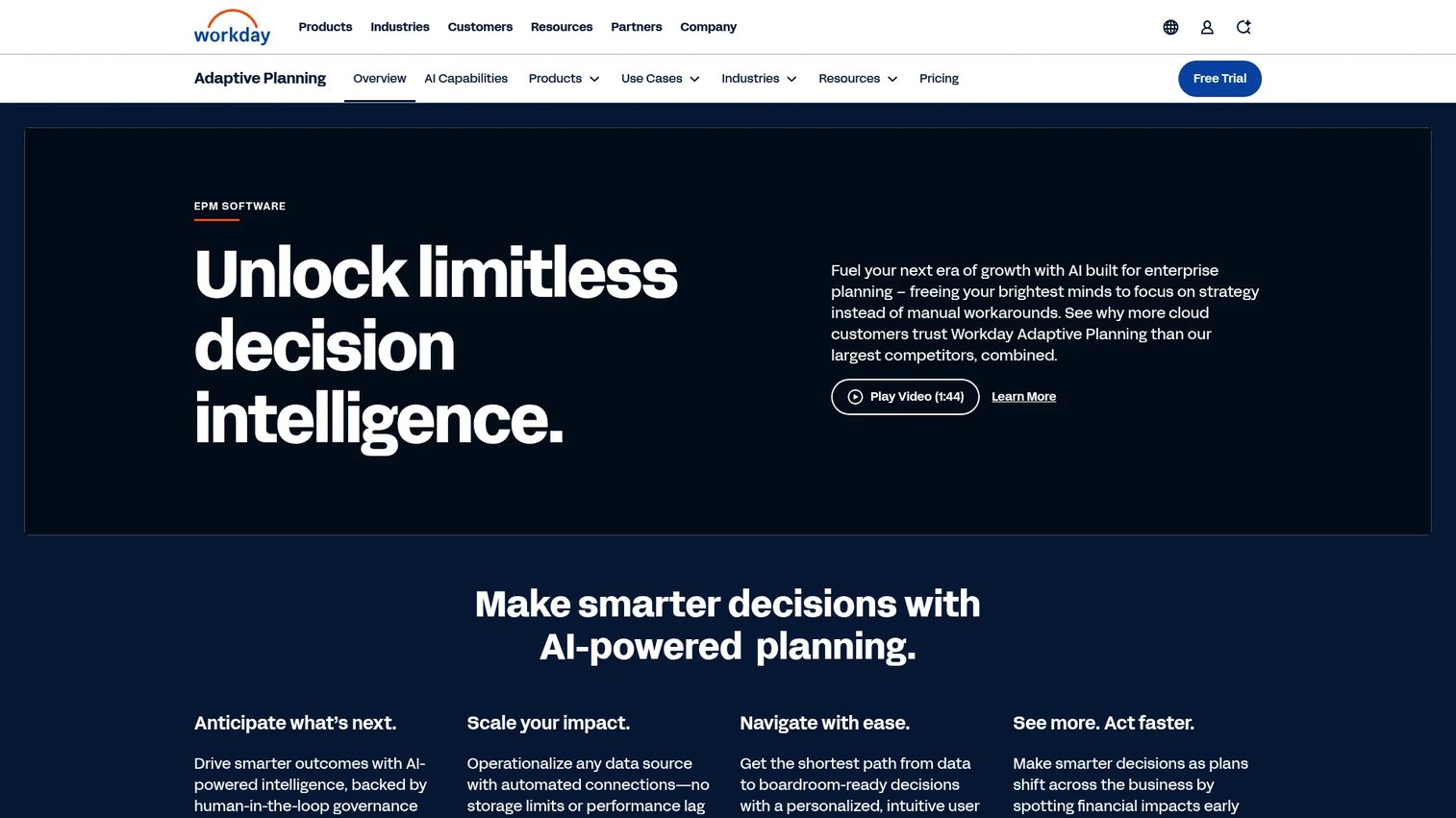
Workday Adaptive Planning is cloud planning software for financial, operational, and workforce planning. Unlike a scheduling tool, it focuses on modeling: headcount, capacity, budgets, and scenario planning across the business. This is the tool for teams that need workforce strategy, not just shift ops.
Best for: Planning-heavy teams that need companywide workforce and capacity modeling, not day-to-day scheduling.
Key features
- Unlimited versions and what-if scenarios
- Connects with any ERP, GL, and other data sources
- AI-powered planning and reporting
- Headcount and capacity modeling
- Budgeting tied to workforce plans
Why choose it: Workday Adaptive Planning fits cross-functional planning across HR, finance, and operations, where the question is "how many people do we need next quarter" rather than "who works Tuesday." It is the strategic layer above scheduling.
Pricing: Quote-based. Workday offers a 30-day free trial and does not list public subscription prices; core and Close & Consolidation plans are priced on request.
6. Paylocity
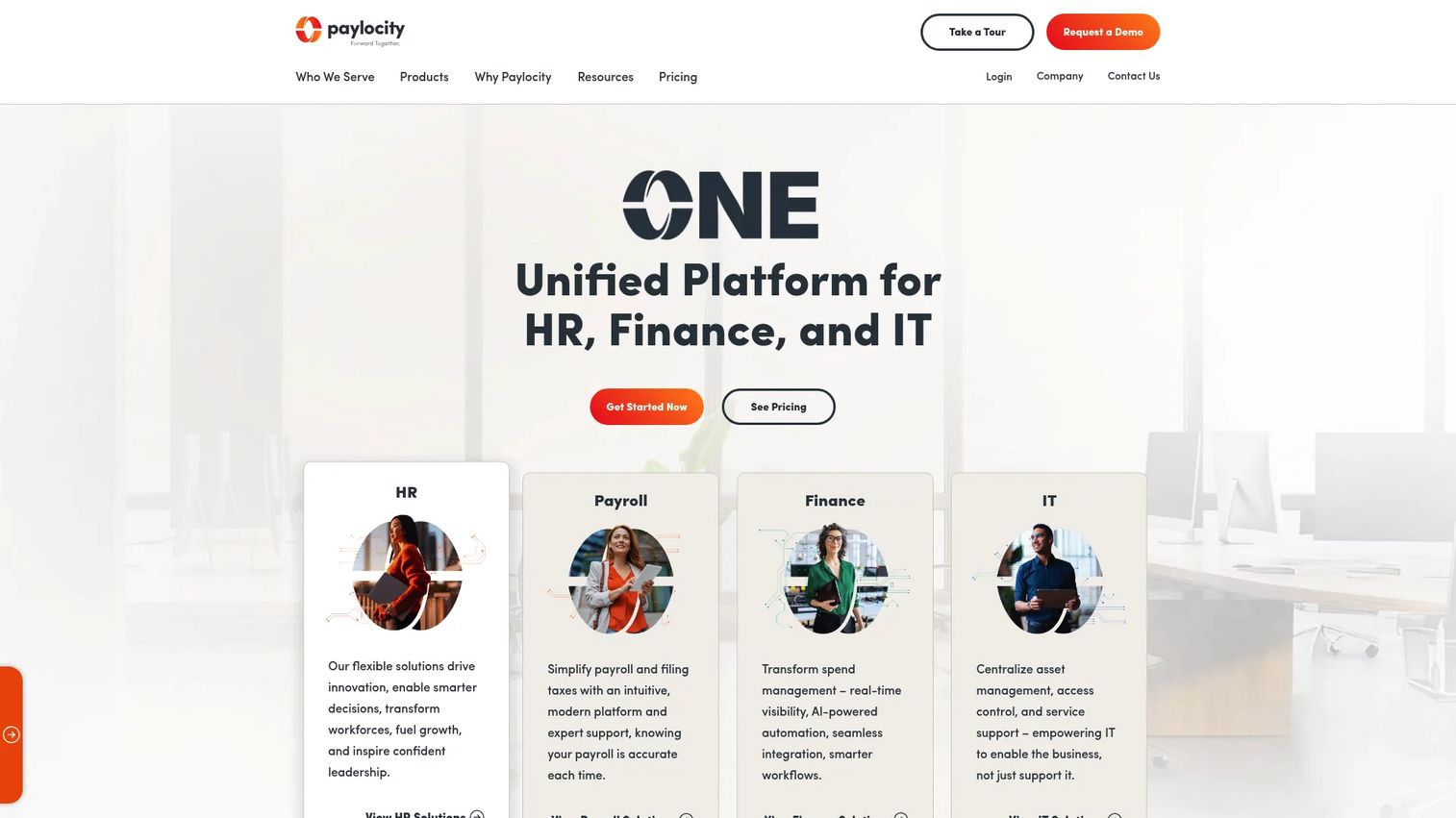
Paylocity is a cloud-based HR, payroll, finance, and IT platform with workforce management and employee experience tools built in. It fits teams that want payroll and workforce operations to live in one system rather than integrating two vendors. Payroll is the anchor, with workforce features built around it.
Best for: Mid-market and enterprise teams wanting an all-in-one HR and payroll suite.
Key features
- Payroll processing and tax filing
- Human resources and workforce management
- Talent management tools
- Employee experience and self-service
- Compliance support
Why choose it: Paylocity is the pick when payroll accuracy is the priority and you want workforce tools attached to it rather than bolted on later. It fits organizations that see payroll as the center of their people operations.
Pricing: Quote-based. Paylocity's pricing page directs you to contact sales for a quote and does not display public numeric prices.
7. Deputy
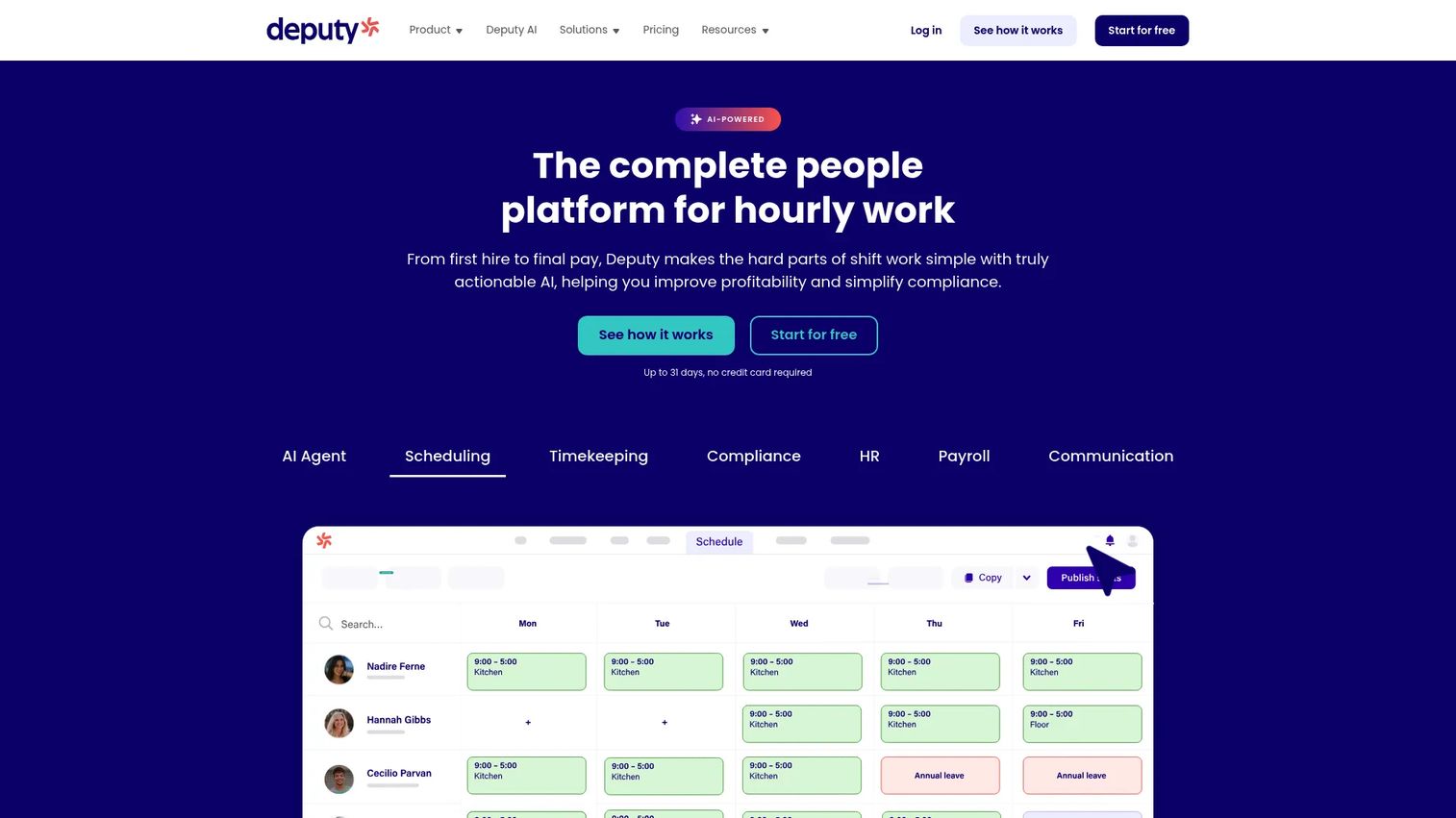
Deputy is workforce management software for shift-based teams, combining scheduling, time tracking, compliance, and team communication. It is built for predictable shift coverage without heavy enterprise overhead, and it is one of the few tools in this list with fully transparent public pricing. That clarity makes it easy to budget before you talk to sales.
Best for: Shift-based businesses needing scheduling, time tracking, and compliance in one platform.
Key features
- Employee scheduling with shift swapping
- Time and attendance tracking
- Labor law and break compliance
- Team communication tools
- Labor cost visibility per shift
Why choose it: Deputy is a clean fit for teams optimizing coverage that want to move fast and know the cost up front. It handles the core shift-scheduling job well without the implementation weight of a full enterprise suite.
Pricing: Public pricing in USD per user per month. Lite is $5/user/month, Core is $6.50/user/month, and Pro is $9/user/month, billed upfront or in monthly installments, with a free trial available.
Considerations
Before you commit, run each shortlisted tool through this checklist. The differences between these platforms hide in the details, not the feature lists.
Scheduling depth
Look at how the tool builds shifts, manages availability, handles swaps, and enforces coverage rules. A calendar that lets you drop names into slots is not the same as a system that flags conflicts and surfaces qualified replacements. Ask whether it supports your actual shift complexity, not a simplified version of it.
Time and attendance accuracy
Clock-in method, time capture, exception handling, and audit trails all feed payroll. Weak time capture creates payroll corrections, which eat manager hours every cycle. Check how the tool handles missed punches, edits, and the audit trail that proves what happened.
Payroll and compliance logic
This is where tools quietly differ. Evaluate how each one handles pay rules, overtime, union agreements, and regional compliance. Compliance automation that applies rules at the source beats a system that flags problems after payroll already ran.
Forecasting and planning
Decide whether you need a tool that only schedules or one that also predicts labor demand. If you are matching staffing to volume, workforce analytics software and forecasting features matter more than a prettier calendar. Ask a practical question: can it tell me how many people I need next week?
Integrations and single source of truth
Clean integrations with your HR, payroll, and operational systems prevent manual re-entry and the errors it creates. Prioritize tools that keep one consistent data set across functions, so a change in one place updates everywhere.
Conclusion
The right pick comes down to what you are optimizing for. If labor cost control on hourly teams is the priority, Workforce.com keeps scheduling and payroll on one spine. If you are an enterprise wrestling with union and global pay rules, ADP WorkForce Suite is built for that scale. Growing SMBs that want everything in one system should look hard at UKG Ready, while Paylocity fits when payroll is the anchor.
For deskless and distributed teams, Connecteam meets your workforce on their phones. Deputy is the clean choice for shift-based coverage with pricing you can budget today. And when the real question is capacity and headcount rather than daily shifts, Workday Adaptive Planning gives you the modeling layer.
Narrow it fast: name your top priority, whether that is hourly scheduling, compliance, planning, or mobile execution, then shortlist the two tools that lead on it. Book those two demos, skip the rest.
Start your journey with Guideflow today!
FAQs
Workforce optimization usually emphasizes using scheduling, forecasting, compliance, and analytics together to improve labor efficiency and cut waste. Workforce management software is the broader umbrella that also covers HR and payroll administration. In practice, most modern platforms blend both, so the label matters less than which capabilities you actually need.
Hourly teams need fast scheduling, callout handling, accurate attendance tracking, and payroll that reflects real hours worked. Workforce.com is built specifically for hourly businesses, and Deputy handles shift-based coverage well with transparent pricing. Connecteam is a strong fit if your hourly team is deskless and works from mobile.
Enterprise buyers should prioritize a strong rules engine, auditability, deep integrations, and support for global or union compliance. ADP WorkForce Suite is built for large, complex organizations with layered pay rules across regions. The key evaluation question is whether the compliance logic applies rules at the source rather than flagging errors after payroll runs.
Some platforms include payroll automation directly, while others integrate with a separate payroll system. Workforce.com, UKG Ready, and Paylocity all include payroll in their suites. If payroll is your anchor, choose a tool that runs it natively so a schedule or attendance change flows into pay without manual re-entry.
Labor forecasting software predicts demand so you can match staffing levels to expected volume instead of guessing. That reduces both overstaffing, which burns margin, and understaffing, which blows service levels. Workday Adaptive Planning leans hardest into modeling and scenario planning, which suits teams deciding headcount across a quarter rather than a single week.
Compare scheduling depth, time and attendance accuracy, payroll and compliance logic, forecasting, integrations, mobile usability, and implementation effort. Payroll and compliance logic is where tools quietly differ most, so test it against your actual pay rules. Shortlist two or three tools that lead on your top priority, then book demos only for those.