Your team needs capacity by Friday. On-prem procurement says eight weeks, minimum, once the hardware ships. That gap is why infrastructure as a service keeps showing up in every cloud evaluation, and why the choice of provider now shapes your cost structure, your security posture, and your ability to ship.
The global IaaS market is projected to grow from USD 231.73 billion in 2026 to USD 896.74 billion by 2034, a compound annual growth rate of 18.4%, according to Fortune Business Insights (2025). North America alone accounts for 44.5% of that spend. So the question is not whether your organization will run on rented infrastructure. It is which provider fits the workload in front of you.
Two concepts decide most of that fit. The first is the shared responsibility model, which draws the line between what the provider secures and what you still own. The second is pay-as-you-go pricing, which turns capital expense into operating expense but punishes teams that never right-size. Get both right and IaaS delivers real cost efficiency and scalability. Get them wrong and you inherit surprise bills and audit gaps.
This shortlist is built for the people who have to defend a provider choice to stakeholders: presales engineers validating technical fit, architects mapping workloads, and buyers steering procurement. If you are earlier in the research and still separating layers of the stack, a broader cloud computing explainer and a clean PaaS vs SaaS comparison are worth a detour first. For everyone else, here are nine IaaS cloud providers worth evaluating in 2026.
What's inside
This guide compares nine real infrastructure as a service providers using five criteria that matter in an actual evaluation: workload fit, pricing model, security and compliance posture, global reach, and enterprise readiness. Each provider gets a plain assessment of the buyer problem it solves best, not a feature dump.
We picked providers that show up repeatedly in production, testing, disaster recovery, and burst-capacity decisions across SMB, mid-market, and enterprise. Hyperscalers sit alongside focused developer-first platforms so you can match the provider to the workload instead of defaulting to the biggest logo.
TL;DR
- Best overall for broad enterprise coverage: Amazon Web Services (AWS), for its service depth and global footprint.
- Best for Microsoft-heavy shops and hybrid environments: Microsoft Azure.
- Best for data, analytics, and performance-minded teams: Google Compute Engine.
- Best for enterprise governance and legacy workloads: IBM Cloud.
- Best for Oracle-dependent environments: Oracle Cloud Infrastructure (OCI).
- Best for teams with APAC and China-facing deployment needs: Alibaba Cloud.
- Best for simpler developer workflows: DigitalOcean.
- Best for budget-conscious teams that still want scale: Vultr.
- Best for transparent pricing and flexible regional deployment: UpCloud.
The right pick depends less on brand fame and more on workload fit, shared responsibility clarity, and how the pricing model matches your usage pattern.
What is IaaS?
IaaS gives customers on-demand access to compute, storage, and networking over the internet, while the provider owns and manages the underlying physical infrastructure. That is the plain-English IaaS meaning: you rent virtualized building blocks instead of buying and racking servers yourself.
Under the hood, providers run vast pools of physical hardware in data centers, then slice that capacity into virtual machines, storage volumes, and virtual networks you provision through a console or API. You spin resources up in minutes, scale them with demand, and tear them down when you are done. The provider handles power, cooling, hardware failure, and the hypervisor layer.
The shared responsibility model is where most evaluations get sharp. The provider secures the physical facilities, the host infrastructure, and the virtualization layer. You still own the operating system, the applications, your data, identity, and access controls. Misconfigure an access policy or leave a storage bucket open and that is on the customer side of the line, not the provider's.
Core building blocks of IaaS include:
- Virtual machines for compute, in Linux and Windows flavors.
- Block and object storage for persistent volumes and unstructured data.
- Virtual networking, including subnets, VPCs, and private connectivity.
- Load balancing to distribute traffic across instances.
- Backups and snapshots for recovery.
- Monitoring and logging for observability.
- Regions and availability zones for placement and resilience.
IaaS vs PaaS vs SaaS
The three cloud models differ by how much of the stack you manage. With IaaS, you control the operating system, runtime, and applications while the provider runs the hardware. With PaaS, the provider also manages the runtime and middleware, so you focus on code. With SaaS, you consume a finished application and manage nothing but your data and users. IaaS trades more operational overhead for the most control, which is exactly why teams with custom workloads choose it.
When to use IaaS
IaaS is not the right answer for every workload. It earns its place when control, speed, or elasticity matter more than a fully managed abstraction.
Scale faster than your own hardware can support
When demand spikes or a launch lands, on-prem planning cannot keep up. Seasonal retail traffic, a fast-growing SaaS app, or a short-lived data-processing job all benefit from provisioning capacity in minutes and releasing it when the peak passes. You avoid buying hardware that sits idle eleven months a year, and pay-as-you-go pricing keeps the spend tied to actual use.
Support testing, development, and disaster recovery
IaaS lets teams stand up repeatable environments on demand. Spin up an isolated dev or test environment, validate a build, then destroy it without touching production. For disaster recovery, you can hold a standby environment in a second region and fail over far faster than shipping and racking replacement hardware. That speed of provisioning is what makes IaaS a default for resilience planning.
Run workloads with changing capacity or global latency needs
When demand varies by hour, region, or customer segment, regional placement becomes a lever. Deploy infrastructure close to your users to cut latency, and add capacity in the regions that are growing without over-provisioning everywhere. This is where regional availability and a provider's global footprint stop being marketing lines and start affecting user experience.
IaaS providers compared at a glance
The table below ranks the nine providers by overall buyer relevance to the IaaS keyword, hyperscalers first, then focused platforms. Pricing reflects verified, first-party figures where available; several hyperscalers price per service rather than by a single starting rate.
| # | Provider | Intent | Key differentiation | Pricing | G2 rating |
|---|---|---|---|---|---|
| 1 | Amazon Web Services (AWS) | Broadest enterprise coverage | Largest service catalog and global footprint | Pay-as-you-go; free tier with up to $200 in credits | 4.7/5 |
| 2 | Microsoft Azure | Microsoft-heavy and hybrid shops | Deep Microsoft identity, Windows, and SQL integration | Consumption-based; free trial available | 4.4/5 |
| 3 | Google Compute Engine | Data, analytics, performance teams | High-quality network, analytics adjacency | From $0.01/mo (e2-micro); free tier | 4.5/5 |
| 4 | IBM Cloud | Governance and legacy workloads | Hybrid, regulated, and enterprise ecosystem | Always-free Lite plans; pay-as-you-go | Not listed |
| 5 | Oracle Cloud Infrastructure (OCI) | Oracle-centric enterprises | Optimized Oracle workloads, predictable global pricing | VM instance from $54/mo | 4.1/5 |
| 6 | Alibaba Cloud | APAC and China-facing deployment | Strong regional footprint and scale | Free basic plan; support plans from $19.99 | Not listed |
| 7 | DigitalOcean | Developers and startups | Simple, predictable infrastructure | Droplets from $4.00/mo; free App Platform tier | 4.6/5 |
| 8 | Vultr | Budget-conscious teams wanting scale | Low-cost global compute, API-driven | Cloud Compute from $2.50/mo | 4.3/5 |
| 9 | UpCloud | Transparent, flexible regional deployment | Published pricing, strong performance | Starter from €3/mo | 4.6/5 |
The 9 best IaaS providers for 2026
1. Amazon Web Services (AWS)
Amazon Web Services (AWS) is the broadest IaaS choice on the market, offering on-demand infrastructure, platform services, and management tools across compute, storage, databases, networking, analytics, and security. Its scale and service depth make it the default shortlist entry for most enterprise evaluations. If a workload exists, there is usually an AWS service built for it.
Best for: Organizations that need scalable public cloud infrastructure and the widest possible service catalog.
Key strengths
- Broad service catalog: Compute, storage, databases, networking, analytics, and security under one account.
- Global availability: One of the largest regional footprints among IaaS cloud providers, useful for latency and data-residency requirements.
- Pay-as-you-go pricing: Usage-based billing on most services, so you pay for what you consume.
Why choose AWS: The breadth is the point. When you cannot predict every service a project will need, AWS almost certainly covers it, which reduces the risk of hitting a wall mid-build. That same breadth can feel like overkill for a team that wants a lean operational model and a handful of primitives. The catalog rewards teams with the discipline to right-size and govern their usage.
AWS pricing: AWS runs a pay-as-you-go model for most services with no upfront commitment required. New customers can access the AWS Free Tier, which includes up to $200 in credits for use over the first six months. Because pricing is service-based, there is no single starting subscription price; you estimate cost per service using the AWS pricing calculator.
2. Microsoft Azure
Microsoft Azure is Microsoft's cloud platform for building, deploying, and managing applications, and it is the strongest fit for organizations already invested in Microsoft identity, Windows Server, and SQL Server. Azure's management tooling and enterprise governance align tightly with existing Microsoft estates, which shortens the path to production for those shops.
Best for: Organizations needing enterprise cloud infrastructure, platform services, and hybrid environments anchored in Microsoft technology.
Key strengths
- Microsoft integration: Native alignment with Active Directory, Windows, and SQL Server workloads.
- Hybrid cloud patterns: Tooling built for organizations spanning on-prem and cloud.
- Commitment-based savings: Azure reservations and savings plans discount predictable, committed usage.
Why choose Azure: If your identity and licensing already live in the Microsoft ecosystem, Azure removes friction that other providers introduce. Hybrid cloud and multi-cloud governance are first-class here, which matters for regulated enterprises that cannot lift everything at once. Teams outside the Microsoft world should weigh whether that integration advantage applies to them.
Azure pricing: Azure uses a consumption-based pricing model with a free trial for new accounts. Commitment options like reservations and savings plans lower the rate for steady workloads. Like other hyperscalers, Azure does not publish a single starting price on its overview page because costs vary by service; the pricing calculator provides per-service estimates.
3. Google Compute Engine
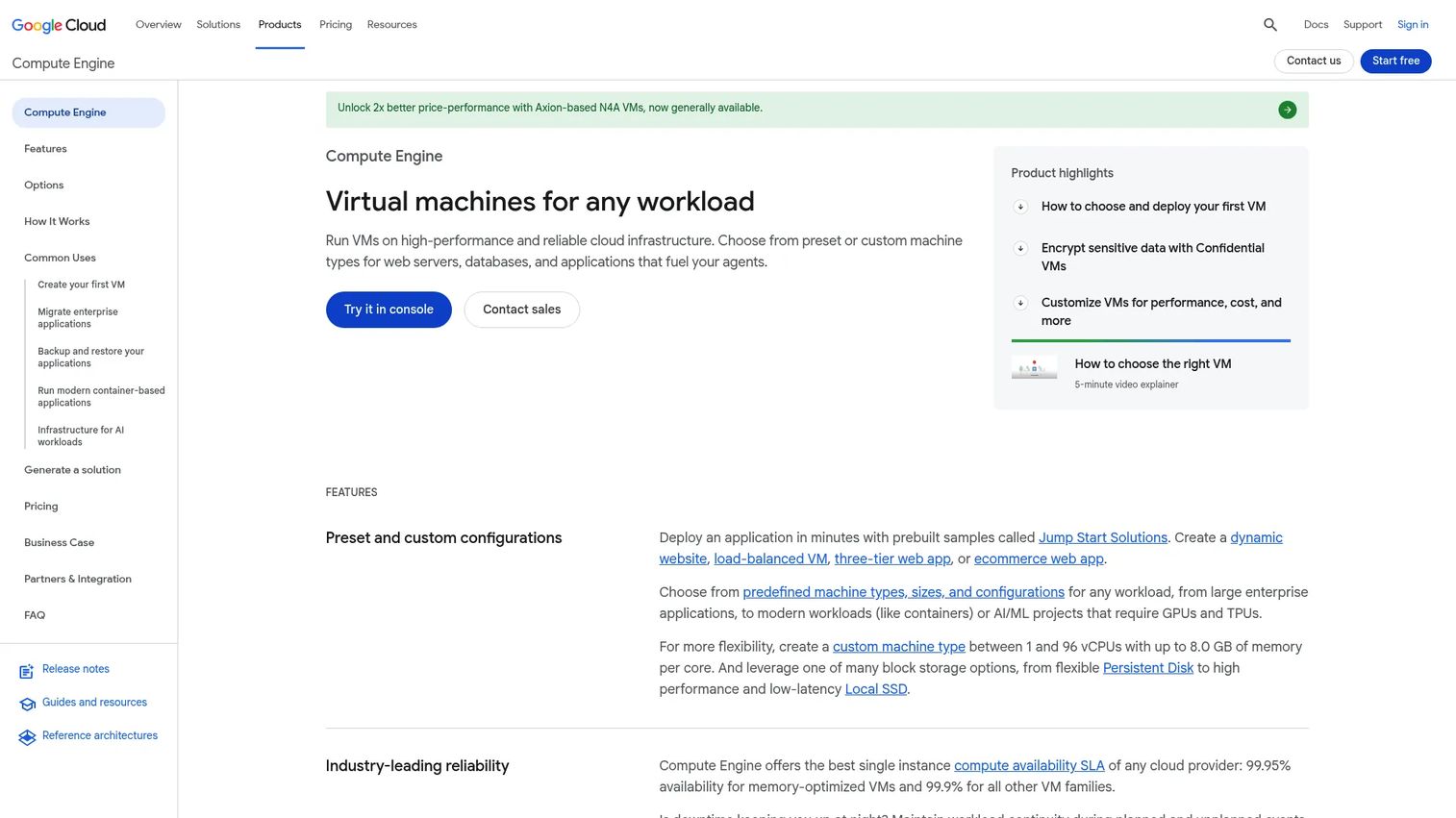
Google Compute Engine is Google Cloud's IaaS product for running self-managed virtual machines on Google's infrastructure. It appeals to teams that value network quality, automation, and adjacency to analytics tools like BigQuery. For data-heavy and performance-minded workloads, that combination is hard to match.
Best for: Teams needing flexible, self-managed cloud VMs with tight Google Cloud integration.
Key strengths
- Self-managed VMs: Linux and Windows virtual machines with granular control.
- Per-second billing: Billing by the second with a one-minute minimum, which suits bursty and short-lived workloads.
- Analytics adjacency: Native integration with Cloud Storage, App Engine, and BigQuery.
Why choose Google Compute Engine: Teams running data pipelines or latency-sensitive services often prefer Google's network and its analytics ecosystem. Per-second billing rewards workloads that scale up and down frequently. Buyers weighing raw service breadth may still compare it against AWS and Azure, which carry larger catalogs, but for compute plus analytics the fit is strong.
Google Compute Engine pricing: Compute Engine publishes a public starting price, with general-purpose e2-micro instances beginning around $0.01 per month, and offers a free tier to get started. Costs scale with machine type and usage, and per-second billing keeps short-lived jobs inexpensive. Use the Google Cloud pricing calculator to model larger configurations.
4. IBM Cloud
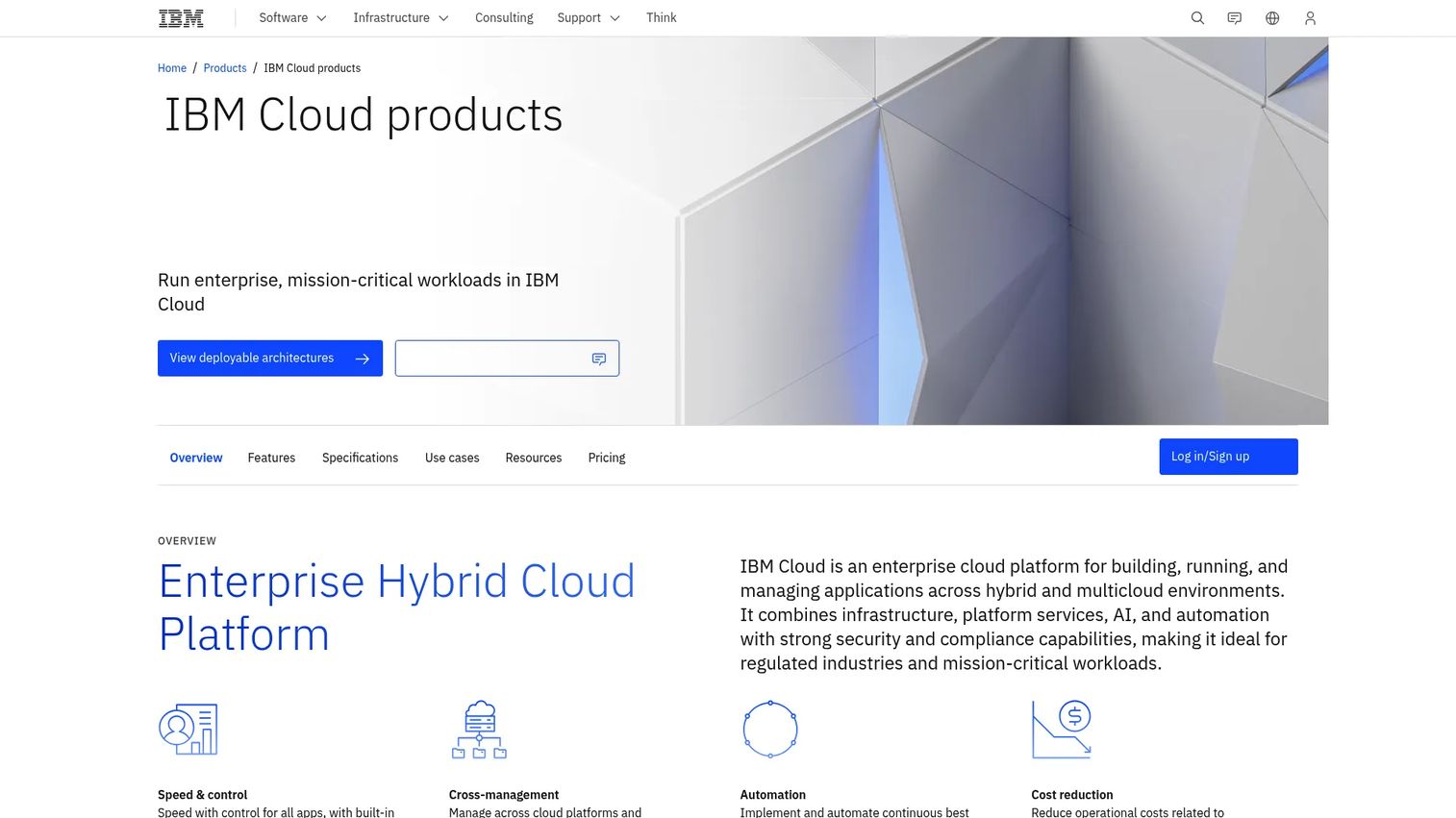
IBM Cloud is IBM's enterprise hybrid and multicloud platform for building, running, and managing applications across more than 230 products and services. It targets enterprises with regulated workloads, legacy systems, and strong governance requirements, where compliance and hybrid patterns carry more weight than raw catalog size.
Best for: Enterprises needing hybrid-cloud infrastructure, regulated workloads, and access to IBM ecosystem services.
Key strengths
- Hybrid and multicloud: Deployment patterns built for organizations that cannot consolidate on one cloud.
- Security and compliance: Capabilities aimed at regulated industries and audit-heavy environments.
- Broad catalog: Over 230 products spanning compute, storage, data, and AI services.
Why choose IBM Cloud: IBM Cloud fits enterprises with mainframe-adjacent estates and heavy compliance obligations that value a vendor comfortable with regulated workloads. The hybrid story is central, not an afterthought, which helps teams that need to keep some workloads on-prem. Organizations without those governance or legacy constraints may find lighter providers a faster start.
IBM Cloud pricing: IBM Cloud offers always-free Lite plans and a free tier spanning 40-plus always-free products, alongside pay-as-you-go and committed-use billing. Committed-use discounts reward predictable consumption. Public per-product starting prices are not shown on the main pricing pages, so cost modeling happens per service.
5. Oracle Cloud Infrastructure (OCI)
Oracle Cloud Infrastructure (OCI) is Oracle's cloud platform for compute, storage, networking, and enterprise workloads, with particular strength for organizations running Oracle databases. Its flexible VM shapes and consistent global pricing appeal to enterprises focused on performance and cost predictability for Oracle-centric estates.
Best for: Enterprises running mission-critical Oracle workloads that want broad infrastructure services with predictable pricing.
Key strengths
- Flexible compute: Customizable VM shapes that let you tune cores and memory to the workload.
- Low-egress networking: Private networking designed to keep data-transfer costs down.
- Included enterprise support: Support bundled with service fees rather than sold separately.
Why choose OCI: OCI becomes compelling when Oracle databases and applications sit at the center of your architecture, where its tuning and licensing economics can beat running the same workloads elsewhere. Consistent global pricing helps finance teams forecast. This is a focused fit rather than a universal default, and buyers without an Oracle footprint should evaluate it on general merits.
OCI pricing: Oracle publishes comparison pricing examples and uses Universal Credits with consistent pricing across regions. A representative OCI virtual machine instance starts around $54 per month, block storage around $43 per month, with a cost estimator on the pricing page to model full configurations.
6. Alibaba Cloud
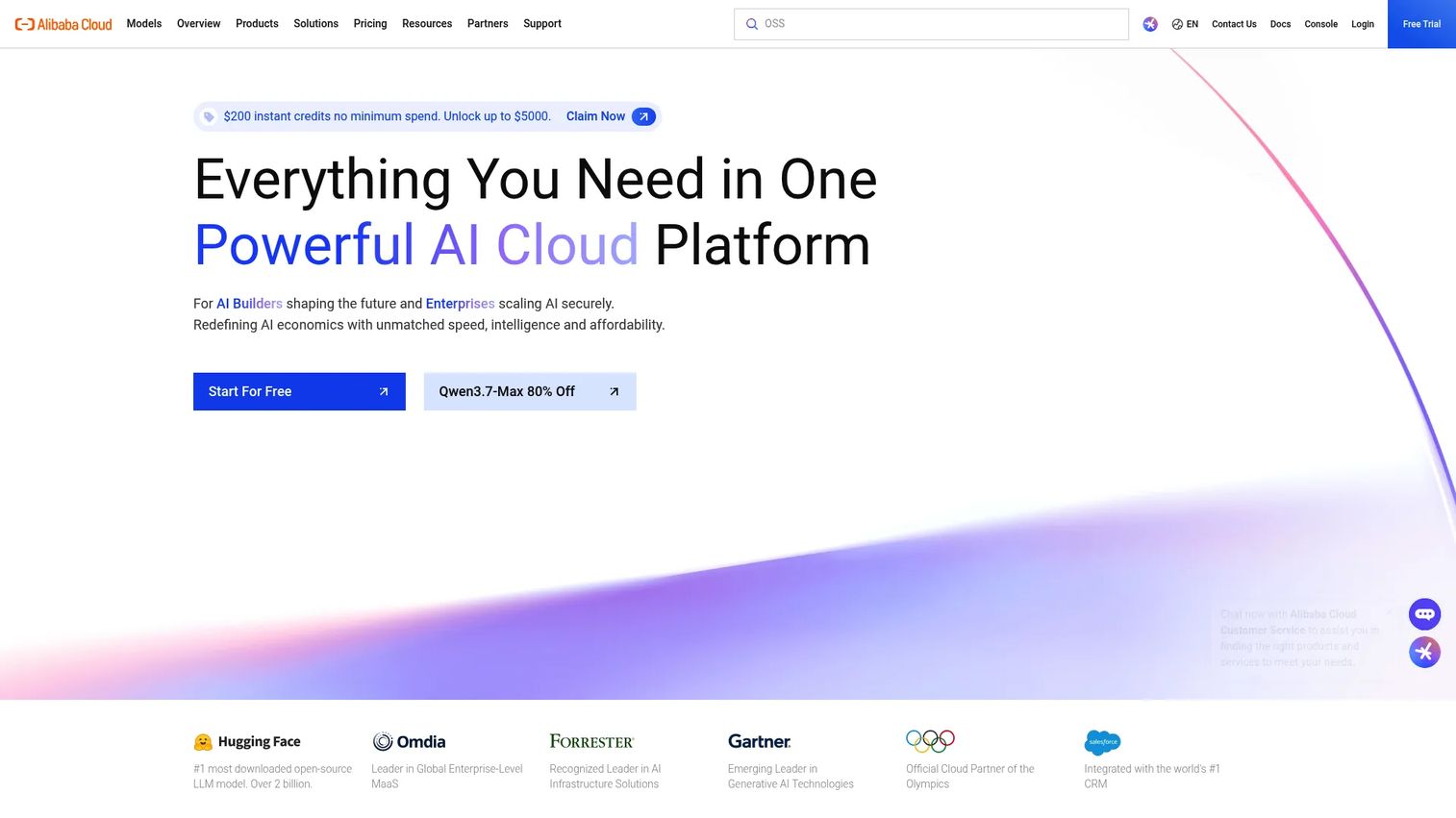
Alibaba Cloud is a global cloud computing platform offering infrastructure, storage, database, AI, and enterprise cloud services. Its clearest advantage is regional footprint for teams with APAC or China-facing deployment requirements, backed by core products like Elastic Compute Service and Object Storage Service.
Best for: Enterprises and developers needing global cloud infrastructure with strong coverage across Asian markets.
Key strengths
- Regional footprint: Deployment reach across APAC and China where other providers have thinner coverage.
- Core cloud products: Elastic Compute Service for VMs and Object Storage Service for unstructured data.
- Free products: More than 80 free products available on the platform to start building.
Why choose Alibaba Cloud: If your users or regulatory requirements sit in Asian markets, Alibaba Cloud's regional presence is the deciding factor. It provides the standard IaaS building blocks with scale behind them. For teams without an APAC deployment need, provider choice usually comes down to other factors, so treat regional fit as the primary reason to evaluate here.
Alibaba Cloud pricing: Alibaba Cloud uses usage-based, product-specific pricing and offers a free basic support plan. Paid support tiers start at USD 19.99 for the Developer plan, with Business plans from USD 100.00 and Enterprise plans from USD 8,000.00. A pricing calculator on the site estimates infrastructure costs by product.
7. DigitalOcean
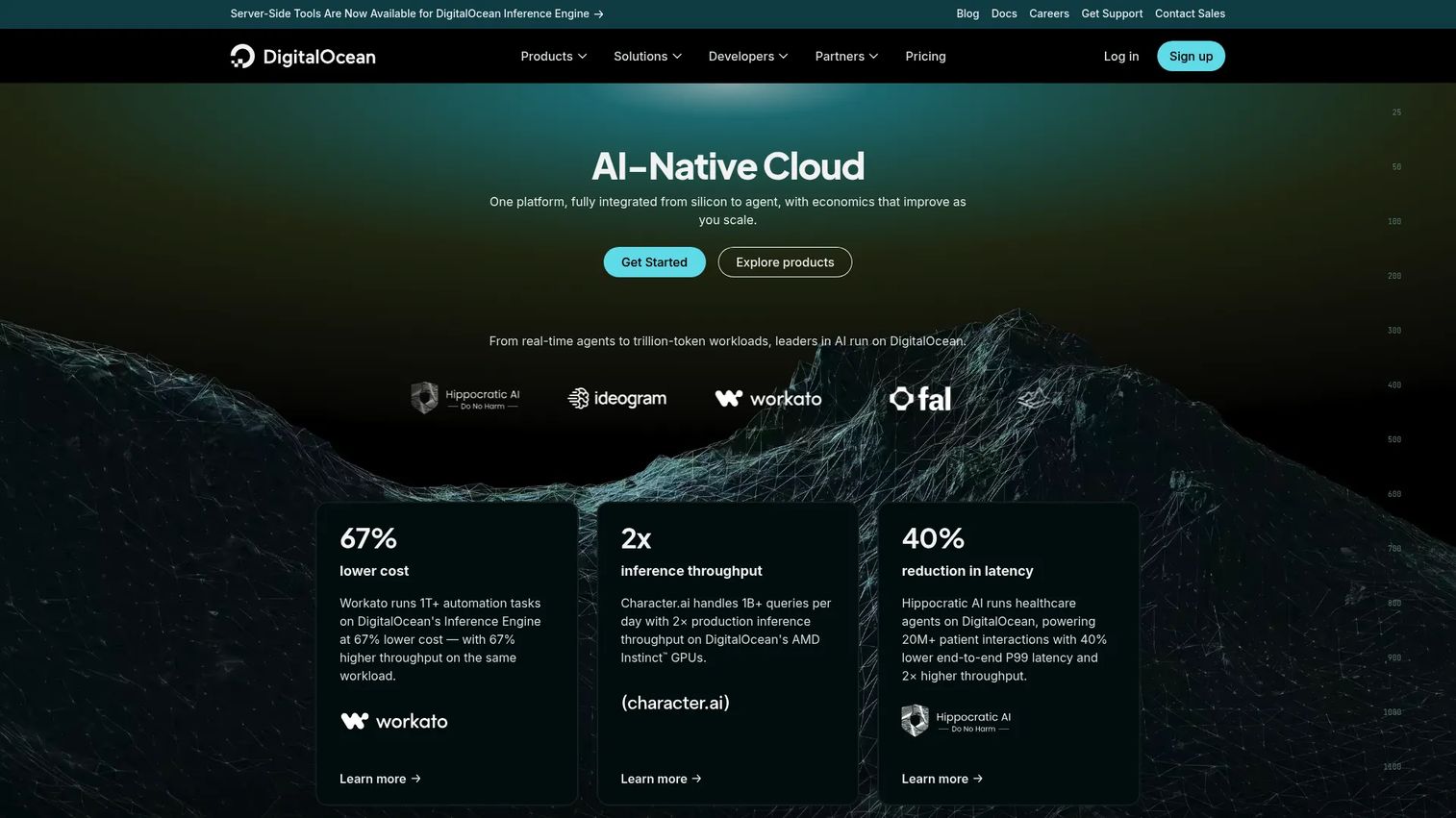
DigitalOcean is a cloud infrastructure platform for deploying and scaling applications, VMs, containers, storage, and networking. It wins on simplicity, with a clean console and predictable pricing that developers and small teams can reason about without a cloud architect on staff.
Best for: Startups and developers who want simple, predictable cloud infrastructure.
Key strengths
- Droplets: Straightforward cloud virtual machines that provision fast.
- App Platform: A managed PaaS layer for teams that want less infrastructure to run.
- Spaces object storage: S3-compatible storage for unstructured data.
Why choose DigitalOcean: DigitalOcean's narrower product range is a feature for teams that do not want to navigate hundreds of services to launch an app. Predictable per-second billing and transparent prices make budgeting simple. Teams that later need deep enterprise services may outgrow it, but for shipping fast with a lean stack, that focus is exactly the point.
DigitalOcean pricing: DigitalOcean shows public prices with an App Platform free tier at $0/month, a paid App Platform tier from $5/month, and Droplets starting at $4.00/month. Droplets bill per second with a 60-second minimum, so short-lived instances stay cheap.
8. Vultr
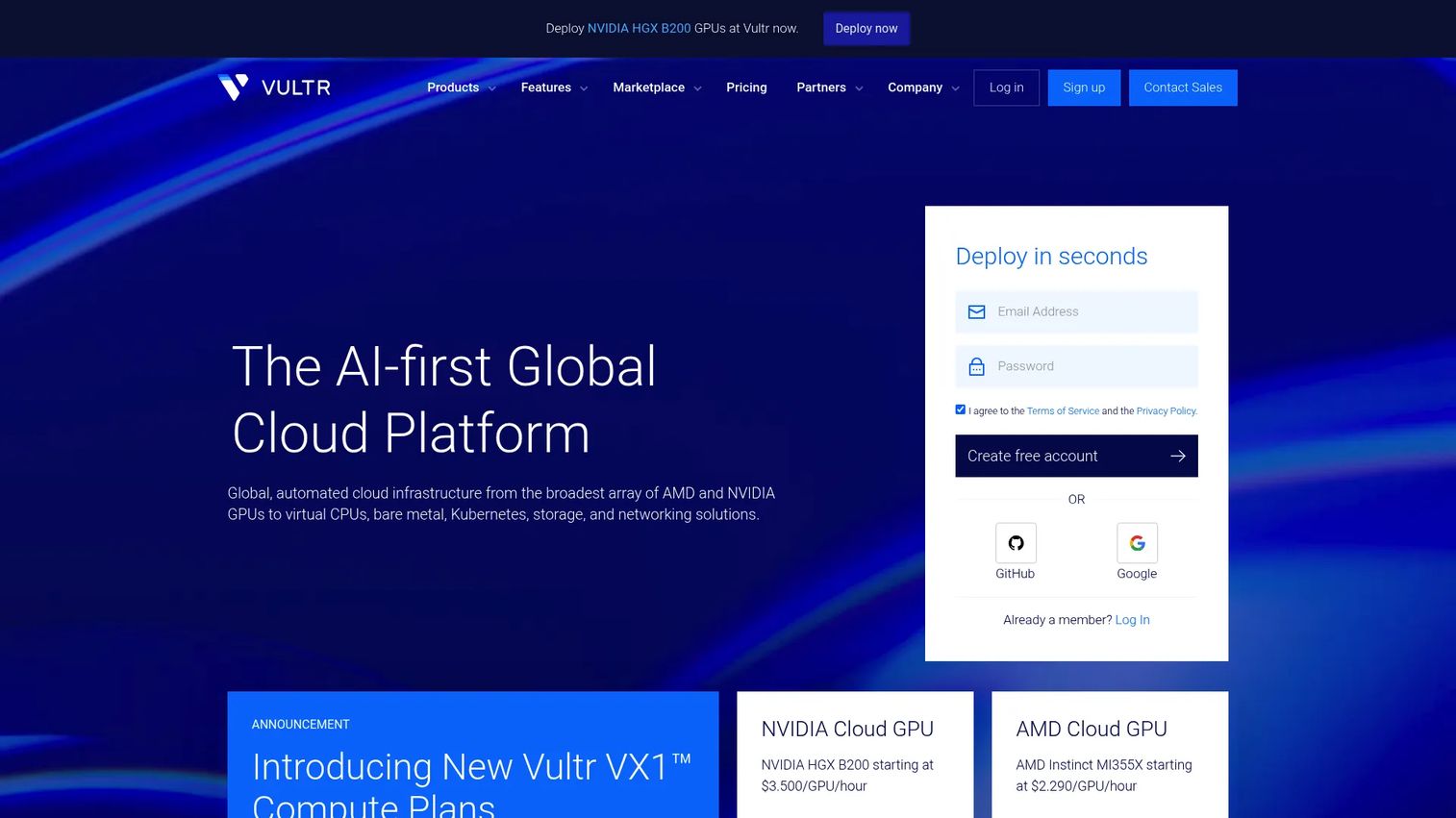
Vultr is a cloud infrastructure platform offering compute, storage, networking, and managed services with broad global deployment and API-driven provisioning. It fits teams that want quick spin-up and straightforward controls at a low entry price, particularly for lightweight apps, testing, and regional deployments.
Best for: Teams needing global, API-driven cloud infrastructure with flexible VM and storage options.
Key strengths
- Cloud Compute instances: Low-cost VMs that provision quickly across many regions.
- Kubernetes clusters: Managed Kubernetes for containerized workloads.
- DDoS protection: Built-in protection for public-facing services.
Why choose Vultr: Vultr competes hardest on price-to-capacity for teams that want scale without hyperscaler complexity. Its global regions and API-first approach suit developers automating deployments and running regional workloads close to users. Budget-conscious teams that still need room to grow find a strong balance here.
Vultr pricing: Vultr offers multiple pricing editions with Cloud Compute starting at $2.50/month, Optimized Cloud Compute from $28.00/month, and Bare Metal from $120.00/month. Billing is usage-based, which keeps entry costs low for smaller workloads. Current rates are published on Vultr's pricing page.
9. UpCloud
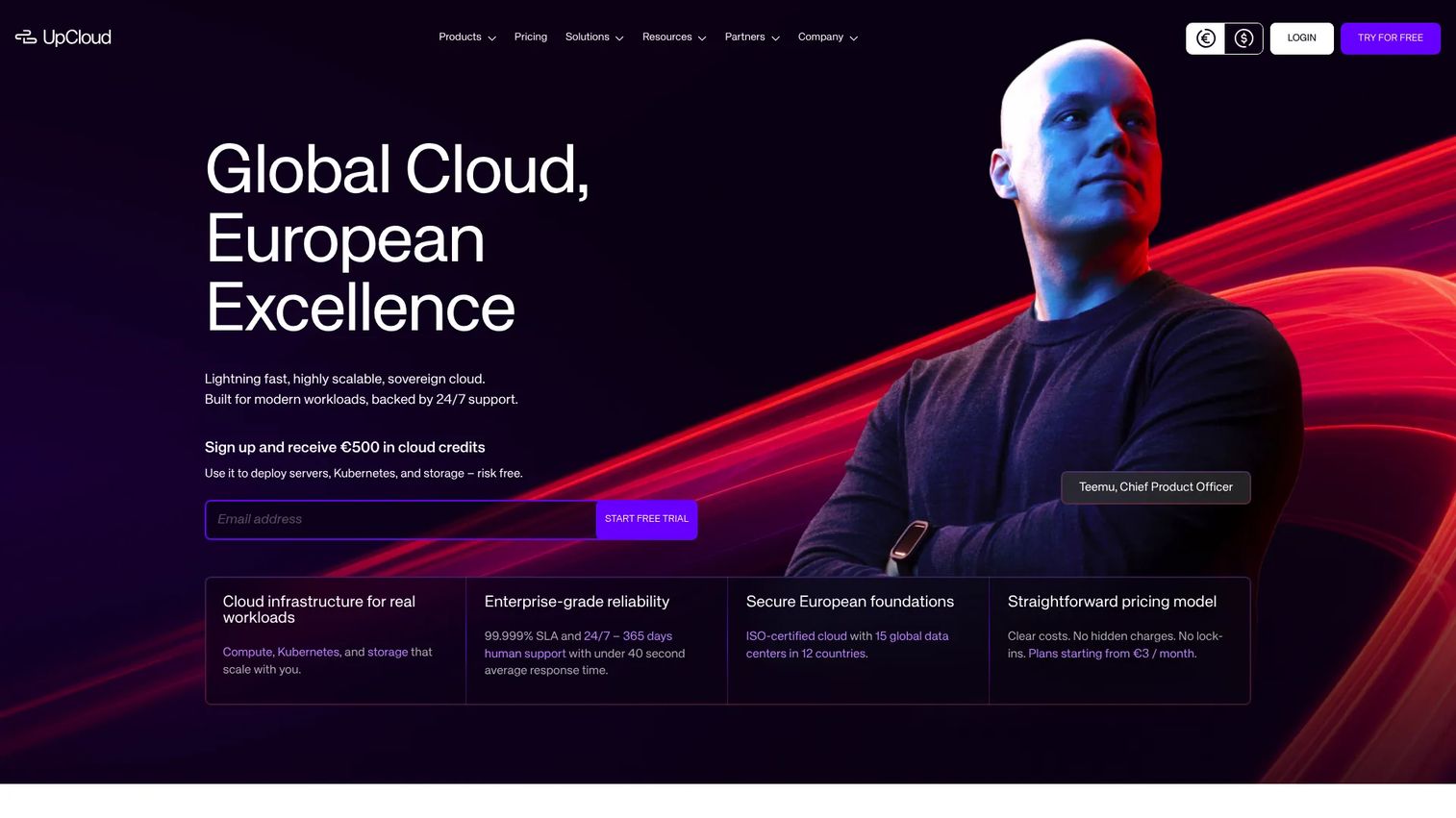
UpCloud is a cloud infrastructure provider offering compute, storage, networking, managed Kubernetes, and managed databases. It appeals to teams that care about performance and transparent, published pricing, with European roots and flexible regional deployment.
Best for: Teams needing European cloud infrastructure with transparent published pricing and managed cloud services.
Key strengths
- Cloud Servers: High-performance VMs with published, predictable pricing.
- Managed Kubernetes: Container orchestration without running the control plane yourself.
- Managed databases: Hosted database services that offload operational overhead.
Why choose UpCloud: UpCloud suits smaller engineering teams and buyers who want a less sprawling provider with performance and clear pricing they can plan around. The published rates remove the guesswork that hyperscaler estimators can introduce. For teams whose users sit in Europe, its regional deployment flexibility is a practical advantage worth evaluating.
UpCloud pricing: UpCloud publishes pricing for Starter, Premium, Cloud Native, and GPU Servers, with Starter plans from €3/month and Cloud Native from $14/month. Prices bill by the starting hour with monthly estimates, and a free 30-day trial is offered for new accounts.
What to evaluate before you commit
A shortlist is a starting point. These criteria turn it into a defensible decision.
Workload fit
Match the provider to what you actually run. Oracle databases point toward OCI, Microsoft estates toward Azure, and lean app deployments toward DigitalOcean or Vultr. Broad or unpredictable needs favor the hyperscalers. Name the workload before you name the vendor.
Shared responsibility and security
Confirm exactly where the provider's responsibility ends and yours begins. Evaluate identity and access controls, encryption at rest and in transit, logging, network segmentation, and the compliance certifications your industry requires. Security and compliance gaps almost always sit on the customer side of the shared responsibility model.
Pricing model and cost efficiency
Understand whether pay-as-you-go, reserved, or committed-use pricing matches your usage pattern. Variable workloads favor pure pay-as-you-go; steady baselines favor commitments. Right-sizing is where real cost efficiency lives, so model realistic usage, not just the entry price.
Regional availability
Check that the provider has regions where your users and data need to live. Regional availability affects latency, data residency, and disaster recovery design. A cheaper provider without the right region can cost more in user experience than it saves on compute.
Enterprise readiness and support
For production and regulated workloads, evaluate SLAs, support tiers, governance tooling, and integration with your existing cloud infrastructure. Confirm the provider can grow with you from a first project to organization-wide adoption.
Choosing the right IaaS provider
The nine providers here sort into a few clean buckets. AWS, Azure, and IBM Cloud are the enterprise defaults, chosen for breadth, Microsoft alignment, and regulated-workload governance respectively. Google Compute Engine is the cloud-native performance pick for data and analytics teams. OCI is the Oracle-centric specialist. DigitalOcean, Vultr, and UpCloud are the developer-friendly options that trade catalog size for simplicity and predictable cost. Alibaba Cloud earns its spot on regional footprint across Asian markets.
The right IaaS choice depends less on brand fame and more on workload fit, a clear read on the shared responsibility model, and a pricing model that matches how you actually consume capacity. Start with the two or three iaas service providers that align with your current infrastructure, then narrow using security requirements, regional availability, and operational fit. Model realistic usage before you sign, and validate the top contender with a small production-like workload rather than a slide deck. The provider that fits your workload beats the one with the biggest logo every time.
FAQs
IaaS gives you more control over the infrastructure: you manage the operating system, runtime, and applications while the provider runs the hardware. PaaS abstracts more of the stack, handling the runtime and middleware so you focus only on your code. Choose IaaS when you need control over the environment; choose PaaS when you want to reduce operational overhead and ship faster.
AWS, Azure, and IBM Cloud usually surface first for enterprise workloads, but the winner depends on fit. AWS leads on service breadth and global reach, Azure on Microsoft integration and hybrid cloud, and IBM Cloud on governance and regulated environments. There is no universal best; map the provider to your compliance needs, existing stack, and integration requirements.
It can be, especially when demand is variable or your hardware utilization is low. Pay-as-you-go pricing means you avoid paying for idle capacity and convert capital expense into operating expense. The savings depend on right-sizing; teams that over-provision cloud resources can spend more than they would on-prem, so cost efficiency comes from disciplined usage.
Choose IaaS when you need infrastructure control, custom workloads, or the ability to host your own applications. SaaS is the better fit when the business wants a finished application and does not want to manage any infrastructure. If your team is building or running software rather than just using it, IaaS gives you the control that SaaS deliberately hides.
Evaluate identity and access management, encryption at rest and in transit, logging and audit trails, network segmentation, and the compliance certifications relevant to your industry. Because the shared responsibility model puts the operating system, data, and access controls on the customer side, confirm you have the tooling and process to hold up your end. A security and compliance checklist helps standardize the review across vendors.
It depends on your stack. Azure is the strongest alternative for Microsoft-heavy and hybrid environments, Google Compute Engine for data and analytics workloads, and OCI for Oracle-centric estates. For simpler, budget-friendly workloads, DigitalOcean, Vultr, and UpCloud are worth evaluating. Match the alternative to the workload and region rather than picking on brand.
Yes, disaster recovery is one of the clearest IaaS use cases. You can provision a standby environment in a second region and recover far faster than shipping and racking physical hardware. Because you only pay for what runs, a minimal warm-standby setup keeps recovery costs low until you actually need to fail over, which is a core advantage over maintaining a duplicate on-prem site. A structured cloud migration guide can help you plan the failover architecture before an outage forces the decision.