Your team ships phones to new hires, hands laptops to contractors, and lets half the company check work email on personal devices. Then a phone goes missing on a train. Now you are trying to remember which device it was, what data lived on it, and whether you can wipe it before anyone notices. That is the friction mobile device management software exists to remove.
The category is growing for a reason. The global MDM market is projected to grow from USD 20.44B in 2026 to USD 105.58B by 2034, a 22.8% CAGR, according to Fortune Business Insights (2024). Smartphones drive most of that spend, representing over 54% of MDM market revenue in 2024, per Grand View Research (2024). More devices, more operating systems, more remote work, and tighter compliance mean more surface area to secure.
For a product manager, this is not just an IT problem. Every device in the fleet is a potential support ticket, a compliance exposure, and a piece of onboarding friction. The right mobile device management solution lowers support load, enforces policy without manual chasing, and keeps corporate data separated from personal data. The wrong one becomes another high-maintenance system that decays the moment your OS mix changes. If you also own how users learn your own product, the same logic applies to internal tooling, where clear interactive demos reduce the "how do I" questions that flood support queues.
This guide breaks down seven MDM tools worth shortlisting, with honest notes on where each fits.
What's inside
This is a ranked list of seven mobile device management software options for 2026, chosen for platform coverage, security controls, deployment flexibility, app management, and fit for mixed device estates. We looked at how each tool handles enrollment, policy enforcement, remote lock and wipe, BYOD separation, and reporting. The list mixes cloud and on-prem options, Apple-heavy platforms, and broader unified endpoint management style tools. Wherever pricing and ratings are publicly verifiable, we include them. Where a vendor gates pricing behind sales, we say so instead of guessing.
TL;DR
- Best overall for Microsoft-centric environments: Microsoft Intune, tight fit with Microsoft 365 and Entra.
- Best for Apple fleets: Jamf Pro, deep Mac, iPhone, and iPad management.
- Best for affordable per-device pricing: Miradore and Scalefusion, transparent per-device plans.
- Best for mixed and rugged device coverage: SOTI MobiControl, built for frontline and industrial fleets.
- Best for SMBs needing fast setup: Miradore, free tier plus a short paid trial.
- Best for compliance-heavy or regulated teams: IBM MaaS360, AI-driven UEM with a single console.
If you want a self-serve way to explain internal tooling to those same teams, Guideflow turns product flows into guided walkthroughs without engineering time.
What is mobile device management software?
Mobile device management software is a platform that lets IT and security teams enroll, configure, secure, and monitor phones, tablets, laptops, and other endpoints from a central console. It replaces manual device setup and ad hoc security with policy-driven control across an entire fleet.
Most mobile management software shares a core set of capabilities:
- Enrollment and provisioning: Register devices at scale, often zero-touch, and push a baseline configuration automatically.
- Policy enforcement: Apply passcode rules, encryption, network settings, and restrictions consistently across every device.
- App distribution: Push, update, and remove apps remotely, including private and public store apps.
- Remote lock and remote wipe: Lock a lost device or wipe corporate data to contain a breach.
- Compliance and reporting: Track device posture against policy, flag drift, and generate audit-ready reports.
- BYOD and corporate-owned separation: Contain work data in a managed profile so personal data stays private on employee-owned devices.
- Cloud vs on-prem deployment: Run the console as a hosted service or inside your own infrastructure for stricter data residency needs.
These MDM tools increasingly overlap with enterprise mobility management (EMM) and unified endpoint management (UEM), which extend the same control model to laptops, desktops, and specialty hardware. If security tooling is on your evaluation list, it pairs naturally with adjacent research like best AI cybersecurity solutions and best AI security posture management tools.
When to use mobile device management solutions
Manage a mixed device fleet
MDM becomes necessary once device count and OS diversity outpace manual support. When you are juggling iOS, Android, Windows, and macOS across a growing headcount, configuring each device by hand creates operational drag and inconsistent security. A central console lets you enforce one baseline and push changes to every device at once, which is exactly the kind of scalability that matters when you are measuring support deflection. This mirrors how teams centralize product enablement with a demo center approach: one hub, many endpoints, consistent experience.
Separate personal and corporate data
BYOD is convenient until a personal phone holds sensitive company data with no separation. MDM software creates a managed container or work profile that isolates corporate apps and data from the employee's personal side. IT can wipe only the work container when someone leaves, without touching personal photos or messages. That distinction matters for privacy, for compliance, and for adoption, because employees resist tools that feel invasive.
Enforce security and compliance at scale
Once you handle regulated data or answer to auditors, remote lock, remote wipe, encryption enforcement, and policy reporting stop being nice-to-haves. Mobile device management solutions give you a defensible control layer: every device meets a documented standard, and drift gets flagged before it becomes an incident. For compliance-heavy programs, pair MDM reporting with your broader audit management software workflow so device posture rolls up into the same evidence trail.
Comparison table
Here is a side-by-side view of the seven tools, sorted by relevance to the primary keyword. Pricing and ratings reflect publicly verifiable values at the time of writing; where a vendor gates pricing behind sales, the table says so.
| # | Product | Intent | Key differentiation | Pricing | G2 rating |
|---|---|---|---|---|---|
| 1 | Microsoft Intune | Microsoft-centric fleets | Native Microsoft 365 and Entra integration | From $4.00 user/month, paid yearly | 4.5/5 |
| 2 | IBM MaaS360 | Regulated, enterprise UEM | AI-driven UEM in a single console | Quote-based; free trial | Not listed |
| 3 | Jamf Pro | Apple-first environments | Zero-touch Apple device management | Jamf for Mac from $12.50 per device/month, annual | 4.7/5 |
| 4 | ManageEngine MDM Plus | Cross-platform, cloud or on-prem | Kiosk mode and flexible deployment | Quote-based; free edition up to 25 devices | 4.5/5 |
| 5 | Miradore | Budget-conscious SMBs | Free tier plus low per-device pricing | Free tier; Premium from $2.75 per device/month | 4.6/5 |
| 6 | Scalefusion | Mixed and rugged fleets | UEM with kiosk and endpoint security | Essentials from $2/device per month | 4.7/5 |
| 7 | SOTI MobiControl | Frontline and industrial | Rugged device lifecycle management | Quote-based | Not listed |
1. Microsoft Intune

Microsoft Intune is cloud-based endpoint management for devices, apps, and access. It manages Windows, iOS, Android, and macOS from one console and plugs directly into the Microsoft 365 and Entra stack most companies already run. For teams standardized on Microsoft, that native fit means conditional access, identity, and device policy all speak the same language.
Best for: IT teams managing Windows, mobile, and mixed-device fleets at scale inside a Microsoft ecosystem.
Key strengths
- Cross-platform management: Handles device and app policy across Windows, iOS, Android, and macOS from a single pane.
- Mobile application management: Applies app-level controls and endpoint analytics, including MAM without full enrollment for BYOD.
- Built-in endpoint security: Ties Conditional Access to device compliance so risky devices lose access automatically.
Why choose Microsoft Intune: If your identity, email, and productivity stack already live in Microsoft 365, Intune removes a layer of integration work. Conditional Access driven by device compliance is genuinely hard to replicate with a third-party MDM bolted onto Entra. For product managers who care about support deflection, the fewer moving parts between identity and device policy, the fewer edge-case tickets.
Microsoft Intune pricing: Plan 1, the foundational endpoint management offering, starts at $8.00 user/month, paid yearly. Plan 2 is a $4.00 user/month add-on for advanced endpoint management. The Intune Suite, which bundles advanced management and security, runs $10.00 user/month, paid yearly. Intune is also included in several Microsoft 365 enterprise bundles, so many organizations already own it.
2. IBM MaaS360
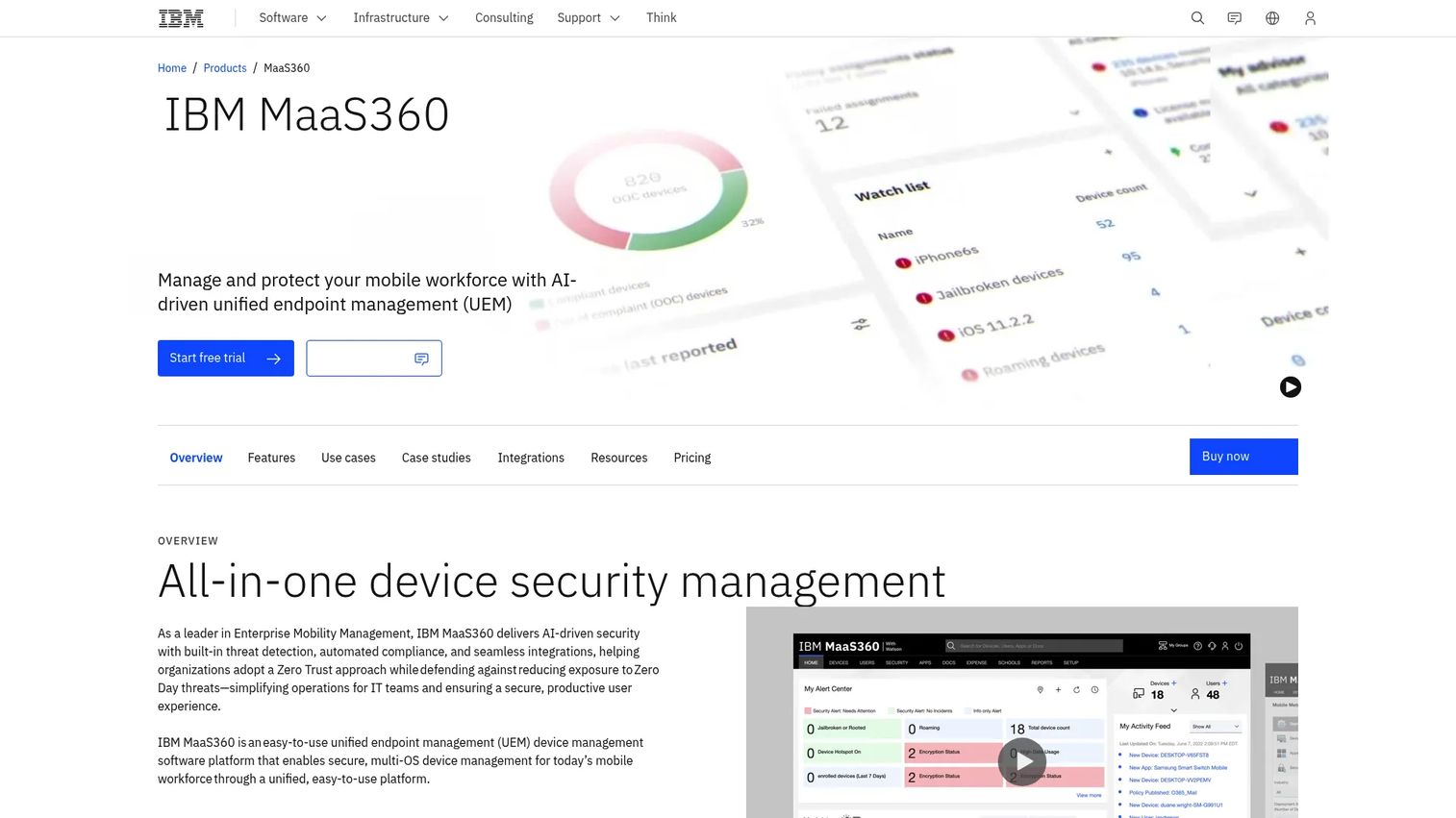
IBM MaaS360 is IBM's AI-driven unified endpoint management platform for securing and managing mobile and multi-OS devices. It brings MDM, mobile threat defense, and endpoint management under one console, with AI analytics that surface risk and policy recommendations. That single-console approach suits enterprises that want device management, security, and reporting without stitching separate tools together.
Best for: Enterprises and regulated industries needing UEM for mobile and multi-OS fleets with built-in security controls.
Key strengths
- AI-driven analytics: Surfaces device risk and policy insights instead of leaving admins to comb through raw data.
- Native security: Combines MDM with mobile threat defense in the same platform.
- Fast Start onboarding: A guided path aimed at getting smaller teams enrolled and managed quickly.
Why choose IBM MaaS360: Regulated sectors like healthcare and finance value a single vendor for device management, threat defense, and compliance reporting. The unified console reduces the number of systems your security and IT teams maintain, which matters when auditors want one clean source of truth. The Fast Start angle also gives smaller regulated teams a way in without a heavy rollout.
IBM MaaS360 pricing: IBM's product page shows a plan selector and a request-a-quote path rather than a public list price, so pricing is quote-based. A free trial is available to evaluate the platform before committing. For exact figures, you will need to work through IBM's sales flow.
3. Jamf Pro
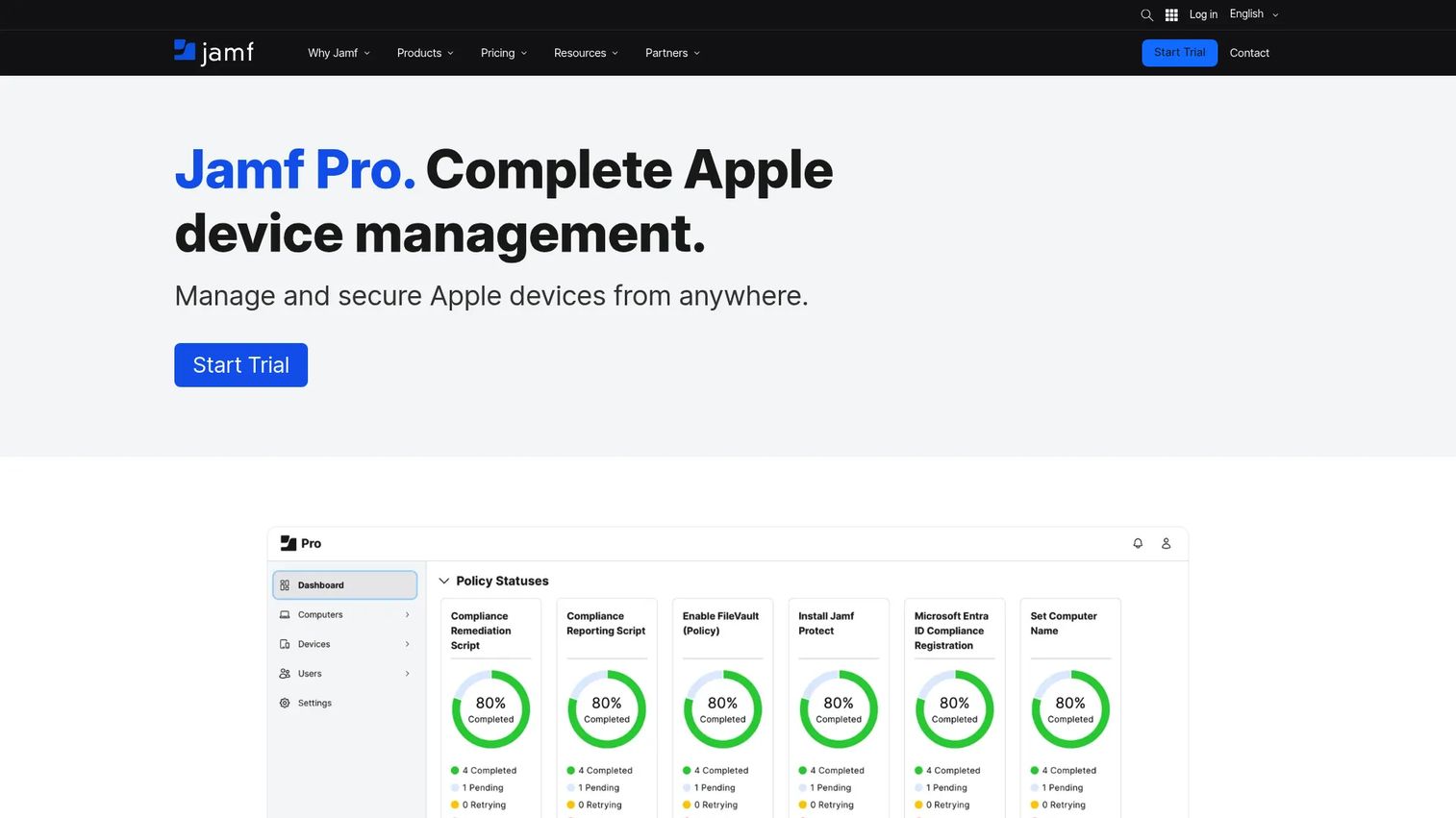
Jamf Pro is an Apple device management and security platform built for enterprise and education. It manages Mac, iPhone, iPad, Apple TV, and other Apple hardware with same-day support for new OS releases. If your fleet is Apple-first, Jamf's depth here is hard to match with a general-purpose MDM.
Best for: Organizations managing Apple devices at scale, especially Mac-heavy engineering, design, and education environments.
Key strengths
- Zero-touch deployment: Devices enroll and configure themselves out of the box through Apple Business Manager.
- Smart Groups and Blueprints: Dynamic grouping and configuration templates automate policy based on device attributes.
- Self Service+ and inventory: A branded app store for users plus granular inventory and security commands.
Why choose Jamf Pro: General MDM tools support Apple; Jamf specializes in it. That shows up in same-day OS support, deeper Apple-native controls, and a self-service experience that reduces the "how do I install this" tickets. For a product or IT lead measuring time-to-value on new hires, zero-touch enrollment on a Mac fleet is a measurable win.
Jamf Pro pricing: Jamf's pricing page shows bundles based on Jamf Pro rather than a standalone Jamf Pro list price. Jamf for Mac starts at $12.50 per device/month, billed annually, with a 25-device minimum. Jamf for Mobile starts at $5.75 per mobile device/month, billed annually, same minimum. Jamf Now, the simpler offering, runs $4 per device/month. A 14-day free trial is available.
4. ManageEngine Mobile Device Manager Plus
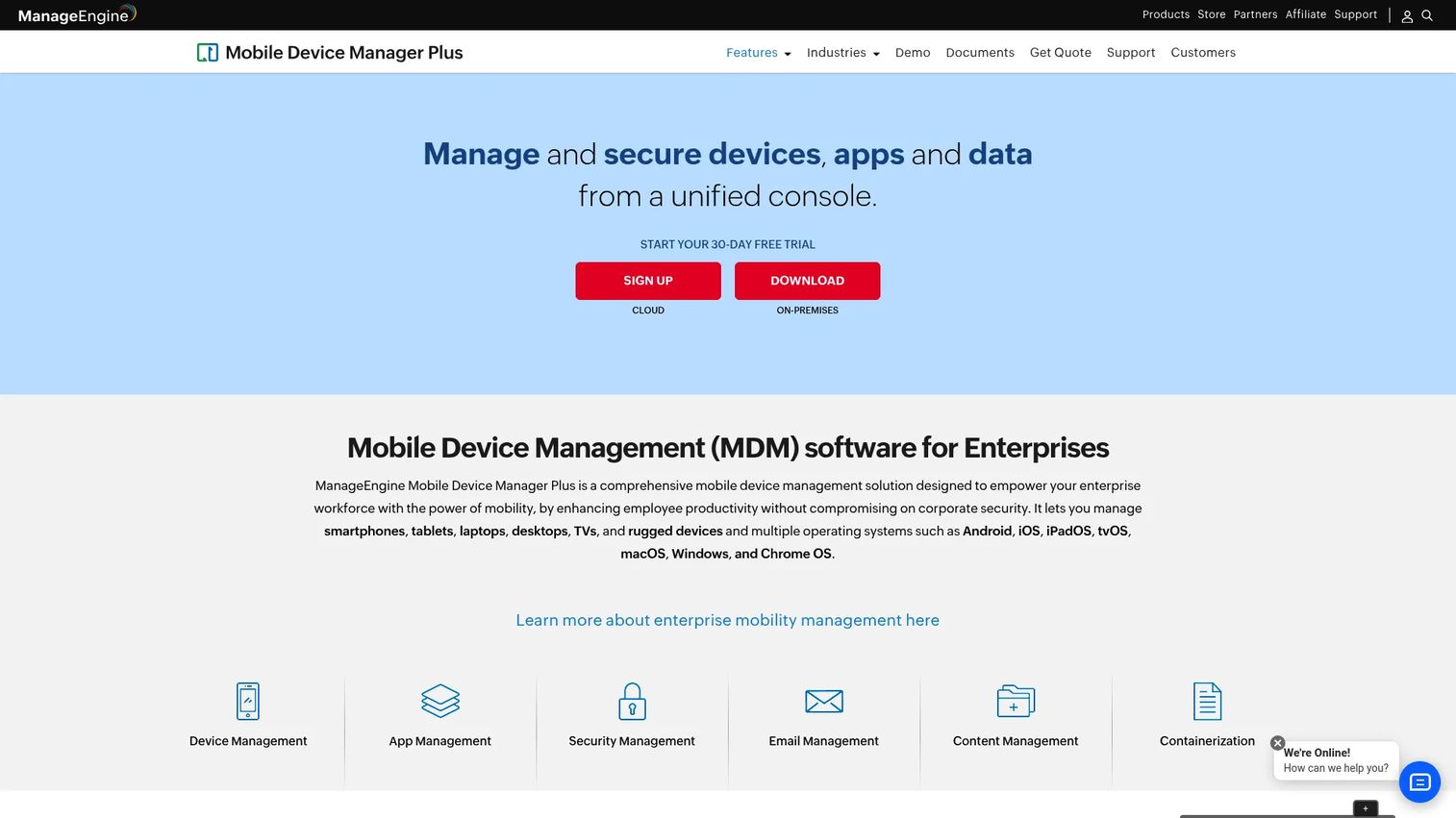
ManageEngine Mobile Device Manager Plus manages, secures, and supports corporate and BYOD devices from a single console. It covers iOS, Android, Windows, and macOS, and offers both cloud and on-prem deployment, which is useful when data residency rules push you off SaaS. App management, profile management, and Kiosk Mode round out a broad feature set.
Best for: IT teams needing cross-platform mobile device management with a choice of cloud or on-prem deployment.
Key strengths
- Cross-platform enrollment: Supports device and self-enrollment across iOS and Android, plus corporate and BYOD modes.
- Kiosk mode and app control: Locks devices to specific apps for frontline, retail, or single-purpose use.
- Remote troubleshooting and reporting: Built-in remote support, asset management, and audit-ready reports.
Why choose ManageEngine MDM Plus: The cloud-or-on-prem choice is the differentiator. If compliance or internal policy rules out hosted management, few competitors give you a mature on-prem option this readily. Kiosk Mode also makes it a strong pick for shared-device and single-purpose deployments where you want a device locked to one workflow.
ManageEngine MDM Plus pricing: Public pricing is not listed; the vendor directs you to contact sales for a quote. There is a 30-day free trial and a free edition for up to 25 devices, which makes it easy to pilot before you commit to a paid tier.
5. Miradore
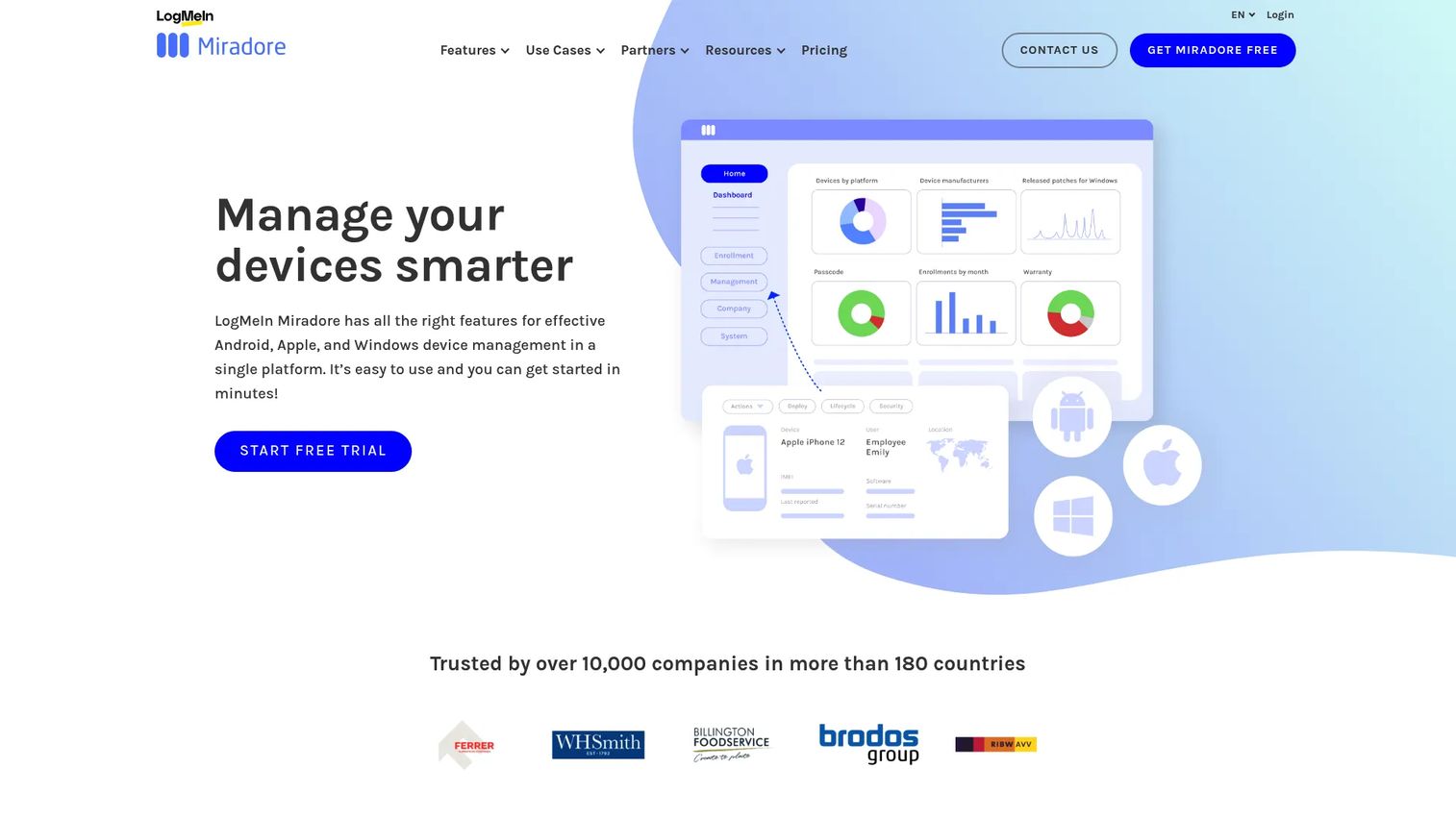
Miradore is device management software for Android, iOS, macOS, and Windows, built for teams that want per-device licensing and a genuinely usable free tier. Setup is fast, and the free plan covers up to 50 enrolled devices, which lets small teams start managing devices without a purchase order. Automation, configuration profiles, and remote support keep it capable as you scale.
Best for: IT teams and SMBs managing mixed-device fleets that want per-device licensing and a low-friction start.
Key strengths
- Multi-platform coverage: Manages Android, iOS, macOS, and Windows from one console.
- Remote support and control: Troubleshoot and control devices remotely without a site visit.
- Automation and reporting: Configuration profiles, app management, and automated workflows reduce manual policy work.
Why choose Miradore: For budget-conscious and fast-moving teams, the free tier plus low per-device pricing is the draw. You can validate the workflow on real devices before spending anything, then move to a paid plan only when you outgrow the free limits. That maps well to a product manager's instinct to test cheaply before committing to a maintainable system.
Miradore pricing: A free plan covers up to 50 enrolled devices after a 14-day trial. Premium starts at $2.75 USD per device/month, and Premium+ at $3.95 USD per device/month, both billable monthly or annually, with volume pricing by quote. The 14-day Premium+ trial lets you test advanced features before you pick a tier.
6. Scalefusion
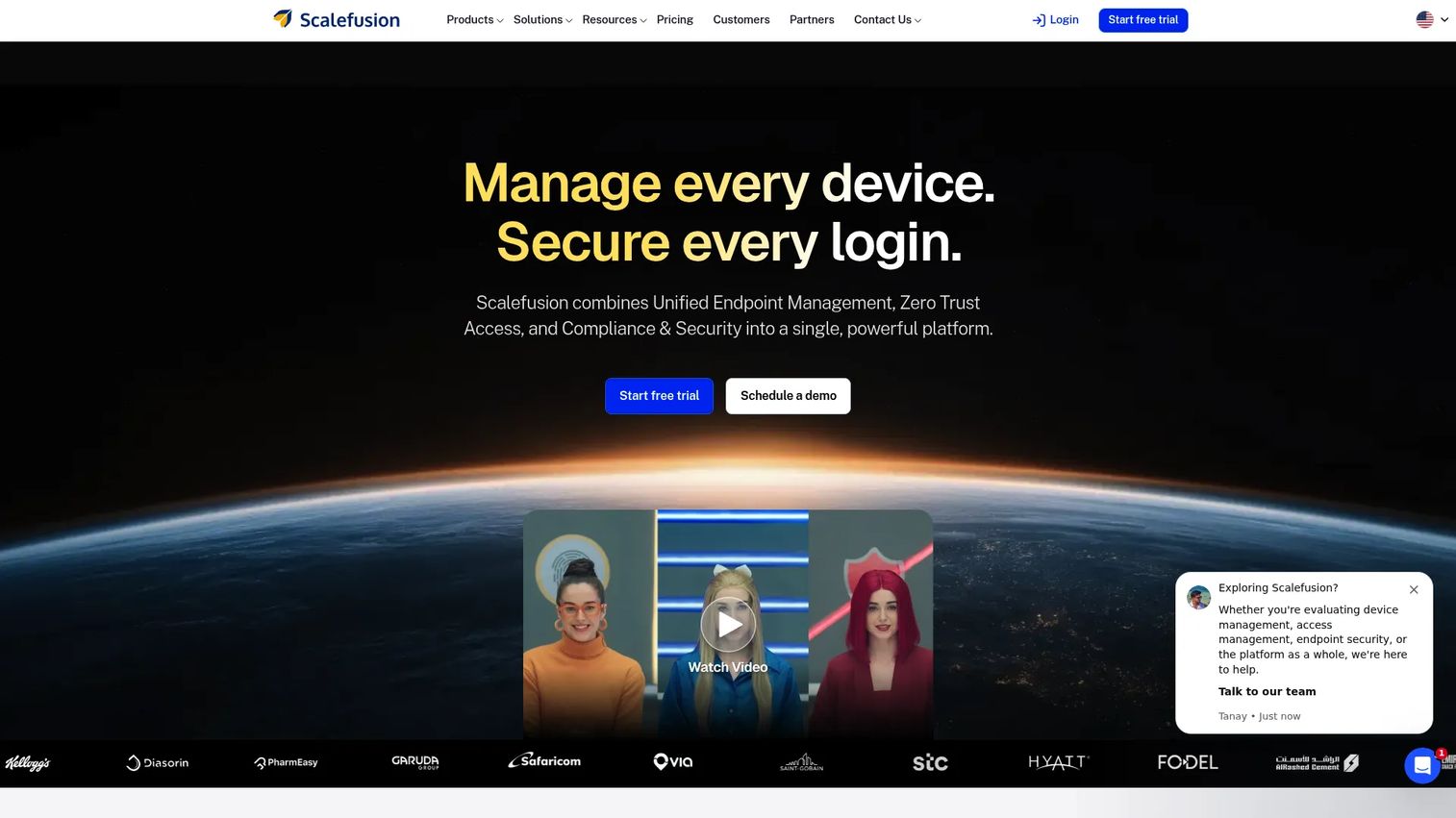
Scalefusion is unified endpoint management, zero-trust access, and endpoint security software for IT teams. It handles device and user enrollment, app distribution, kiosk mode, patch management, and policy control across mobile, desktop, and rugged endpoints. That breadth makes it a fit for teams that want simpler administration across a genuinely mixed fleet.
Best for: IT teams managing mixed-device fleets across mobile, desktop, and rugged endpoints.
Key strengths
- Device and user enrollment: Provision devices and users with policy applied automatically at scale.
- Kiosk mode and patch management: Lock devices to approved apps and keep OS and apps current.
- Endpoint security and zero-trust access: Extends beyond MDM into access control and endpoint protection.
Why choose Scalefusion: Scalefusion sits comfortably between MDM and full UEM, which suits SMB-to-midmarket teams that want to consolidate device management and access control without a heavy enterprise rollout. The tiered pricing lets you start light and add capability as your fleet and security needs grow.
Scalefusion pricing: Essentials starts at $2/device per month, billed at $24 annually. Growth is $3.5/device per month, Business is $5/device per month, and a fuller Business option with more platforms runs $6/device per month. The Scalefusion 360 Enterprise Suite is $12.42/device per month. A 14-day free trial is available.
7. SOTI MobiControl
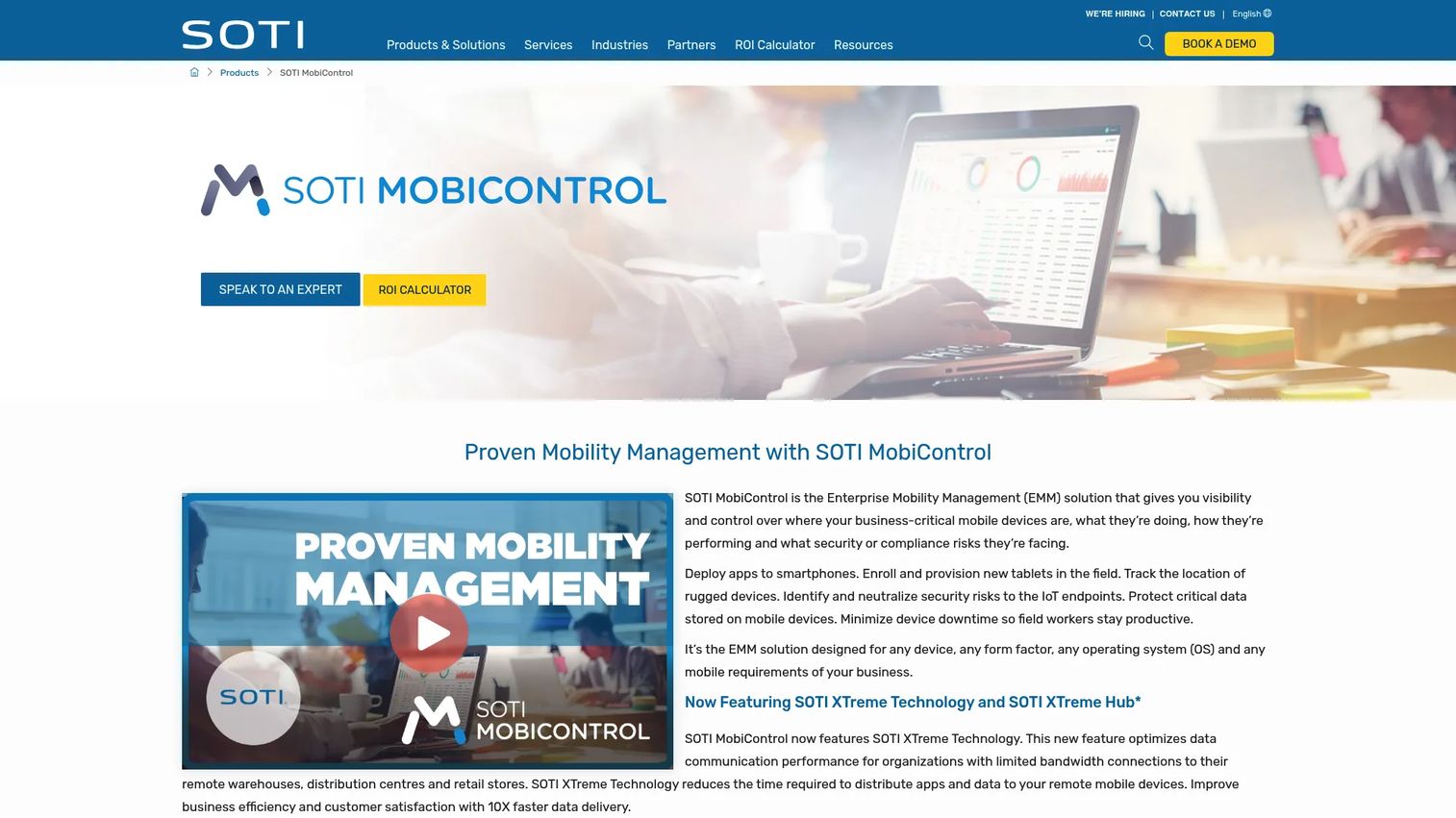
SOTI MobiControl is enterprise mobility management software for securing and managing business devices and endpoints. It is built for operational scale, with full lifecycle device management, express enrollment, geofencing, and secure content and application management. Where it stands apart is rugged and frontline hardware, the scanners, handhelds, and industrial devices general MDM tools tend to underserve.
Best for: Organizations managing mixed fleets of mobile and rugged enterprise devices in the field.
Key strengths
- Full lifecycle management: Handles devices from enrollment through retirement across mixed fleets.
- Express enrollment and provisioning: Fast onboarding for large batches of devices.
- Geofencing and secure content: Location-based policy plus secure app and content delivery for field teams.
Why choose SOTI MobiControl: If your workforce is on the floor, in the field, or on the road with rugged devices, SOTI's frontline focus is the differentiator. Logistics, retail, warehousing, and manufacturing teams get device management built for hardware and conditions that break consumer-grade assumptions.
SOTI MobiControl pricing: SOTI does not publish a price on the product page; it routes to a sales or demo conversation. You will need to request a quote based on device count and the modules you need. For rugged-heavy deployments, that consultative path often reflects the customization these fleets require.
Considerations before you buy
Platform and OS coverage
Map your actual device mix before shortlisting. An Apple-heavy fleet points toward Jamf Pro; a Microsoft stack points toward Intune; a genuinely mixed or rugged estate points toward Scalefusion, ManageEngine, or SOTI. Buying for the fleet you have, not the one you imagine, avoids paying for coverage you never use.
Enrollment and BYOD model
Check how each tool handles zero-touch enrollment and BYOD separation. If personal devices are in scope, verify the tool creates a clean work container so you can wipe corporate data without touching personal data. Employee trust in that boundary drives adoption.
Deployment: cloud vs on-prem
Decide early whether hosted management is acceptable or whether data residency and compliance force on-prem. ManageEngine offers both; several others are cloud-only. This single constraint can eliminate half your shortlist fast.
Security, compliance, and reporting
Confirm the tool enforces encryption, passcodes, and conditional access, and generates audit-ready reports. If you operate under specific regulations, pair MDM posture data with your wider compliance and contract lifecycle management and audit management workflows so evidence stays in one trail.
Support load and maintainability
Weigh how much ongoing maintenance each tool demands as your OS mix changes. A cheaper license that generates constant tickets is not cheaper. Run a small pilot and measure support volume before you scale.
Conclusion
There is no single best mobile device management software, only the best fit for your device mix, deployment constraints, and compliance needs. For Microsoft-heavy stacks, Microsoft Intune is the natural choice thanks to native Entra and 365 integration. Apple-first fleets get the deepest coverage from Jamf Pro. Budget-sensitive and fast-moving teams do well with Miradore or Scalefusion and their transparent per-device pricing. Mixed and rugged environments lean toward SOTI MobiControl and ManageEngine, while regulated enterprises benefit from IBM MaaS360 and its single-console UEM.
The practical next step: shortlist two or three tools that match your platform mix and deployment model, verify enrollment and security requirements against your real device fleet, and run a small pilot before rolling out organization-wide. Measure support tickets and enrollment time during the pilot, because those numbers, not the feature list, tell you whether the tool actually reduces operational drag.
If part of your job is helping teams adopt internal tools without a wave of support tickets, Start your journey with Guideflow today!
FAQs
Mobile device management software is a platform that lets IT and security teams enroll, configure, secure, and monitor phones, tablets, and laptops from one central console. It replaces manual device setup with policy-driven control, so you can push apps, enforce security settings, and remotely lock or wipe devices across an entire fleet.
Devices are enrolled into the MDM platform, often automatically through zero-touch programs like Apple Business Manager or Android Enterprise. Once enrolled, an agent or management profile applies your policies, pushes apps, and reports device status back to the console. Admins then manage compliance, distribute software, and trigger remote actions like lock or wipe from that single dashboard.
Yes. Most mobile device management solutions support both models. For company-owned devices, IT gets full control. For BYOD, the tool creates a managed work profile or container that isolates corporate apps and data, so IT can wipe only the work side when an employee leaves without touching personal photos, messages, or apps.
Leading MDM tools cover iOS, iPadOS, Android, Windows, and macOS, and many extend to Apple TV, wearables, and rugged industrial devices. Coverage varies by vendor: Jamf Pro specializes in Apple, Microsoft Intune leans toward Windows and Microsoft services, and platforms like Scalefusion and SOTI MobiControl handle broader mixed and rugged fleets.
MDM focuses on managing the device itself: enrollment, policy, and remote actions. EMM (enterprise mobility management) adds app, content, and identity management on top of MDM. UEM (unified endpoint management) is the broadest layer, managing mobile devices, laptops, desktops, and specialty endpoints from one console. Many modern tools now span all three.
Cloud MDM is faster to deploy, requires no infrastructure, and updates automatically, which suits most teams. On-prem MDM keeps management data inside your own environment, which some regulated industries or strict data-residency policies require. Tools like ManageEngine Mobile Device Manager Plus offer both, so you can match the deployment to your compliance constraints.
Prioritize the platform coverage your actual fleet needs, a clean BYOD separation model, remote lock and wipe, encryption and passcode enforcement, and audit-ready compliance reporting. Then weigh deployment flexibility, app distribution, and ongoing maintenance load. Run a short pilot and measure enrollment time and support tickets before committing, since those numbers reveal whether the tool reduces operational drag in practice.