Chatbot software handles conversations so your team doesn't have to. The best tools in 2026 split into two categories: AI assistants for productivity (ChatGPT, Claude, Gemini) and business platforms for customer support and lead capture (Intercom, Drift, Tidio).
This guide compares 11 of the best chatbots software options across both categories, with honest takes on pricing, setup complexity, and the specific gap that chatbots can't fill: showing your product instead of describing it.
What's inside
This guide covers the best chatbot software for business in 2026, split into two categories. First, AI chatbots for personal productivity and research (ChatGPT, Claude, Gemini, Perplexity, Microsoft Copilot). Second, business chatbot platforms for customer support and lead capture (Intercom Fin, Drift, Tidio, Freshchat, HubSpot Chatbot).
We also cover when chatbots fall short and what to use instead. Selection criteria for the best chatbots software: ease of setup, AI response quality, pricing transparency, and integration depth with existing tools.
TL;DR
- AI chatbots for productivity: ChatGPT and Claude lead for writing, coding, and research. Gemini offers strong value with Google Workspace integration.
- Business chatbots for support: Intercom Fin and Drift handle customer-facing automation well. Tidio and HubSpot work for smaller teams.
- The gap chatbots can't fill: When prospects ask "show me how it works," text-based chat falls short. Interactive demos let buyers experience your product without scheduling a call.
- Pricing reality: Most tools offer free tiers. Paid plans typically run $15 to $30 per month for productivity bots, while enterprise support platforms require custom quotes.
What is chatbot software
Chatbot software simulates conversation through text or voice, handling tasks that would otherwise require human attention. Businesses use chatbots for customer support, lead qualification, internal productivity, and sales assistance, and 88% of organizations report regular AI use in at least one business function.
The category has split into two distinct types. General-purpose AI assistants like ChatGPT help individuals with writing, research, and problem-solving. Business chatbot platforms like Intercom and Drift automate customer-facing conversations with CRM integrations, analytics, and multi-agent routing.
AI chatbots vs rule-based chatbots
Rule-based chatbots follow decision trees. You define every possible path, and the bot responds with scripted answers. They work well for simple FAQs and routing, but break down when questions fall outside the script.
AI chatbots use large language models (LLMs) to generate responses dynamically. LLMs are neural networks trained on massive text datasets that predict and generate human-like text.
AI chatbots understand context, handle unexpected questions, and improve over time. The tradeoff: they require more compute resources and occasionally produce incorrect answers.
Feature | Rule-based chatbots | AI chatbots |
|---|---|---|
Response type | Scripted, predictable | Generated, contextual |
Setup complexity | Requires manual flow building | Trains on data or prompts |
Best for | Simple FAQs, routing | Complex queries, research |
Maintenance | Update scripts manually | Retrain or fine-tune models |
Consumer AI assistants vs business chatbot platforms
Consumer AI assistants (ChatGPT, Claude, Gemini) focus on individual productivity. You ask questions, get answers, and move on. They excel at writing, coding, summarization, and research.
Business chatbot platforms (Intercom, Drift, Tidio) are built for customer-facing automation. They connect to your CRM, track conversations across channels, route leads to sales reps, and measure resolution rates. The evaluation criteria differ completely between the two categories.
When to use chatbot software for business
Customer support and ticket deflection
Support teams handle the same questions repeatedly: shipping status, password resets, business hours, return policies. Chatbots answer instantly, freeing human agents for complex issues and driving a 37% drop in first response time.
The key is training the bot on your actual knowledge base, not generic responses. Bots that pull from outdated or incomplete documentation create more frustration than they solve.
Lead capture and qualification
Website visitors often have questions before they're ready to talk to sales and 61% of B2B buyers prefer buying without a sales rep. Chatbots collect contact information, ask qualifying questions, and route leads based on responses.
This approach works best when questions are predictable. "What's your company size?" "What problem are you trying to solve?" "What's your timeline?" The bot handles the initial conversation, then hands off warm leads to reps.
Sales assistance and product guidance
E-commerce chatbots recommend products based on preferences. B2B chatbots answer pre-purchase questions about features and pricing.
Here's the limitation: chatbots describe features in text. They can't show the product in action.
When a prospect asks "how does the dashboard work?" or "can I see the reporting?", a chatbot can only explain. It can't demonstrate.
Team productivity and research
Consumer AI chatbots help internal teams with writing, summarization, and research. Marketing teams draft copy. Sales teams summarize call notes. Product teams analyze feedback.
Perplexity AI stands out for research because it cites sources. ChatGPT and Claude excel at longer writing tasks. Gemini integrates directly with Google Workspace for document automation.
Best chatbots software comparison table
# | Product | Intent | Key use case | Pricing | G2 rating |
|---|---|---|---|---|---|
1 | ChatGPT | General AI productivity | Writing, coding, research | Free, Plus $20/mo | 4.7 |
2 | Claude | Long-form content and analysis | Document analysis, writing | Free, Pro $20/mo | 4.7 |
3 | Gemini | Web-connected research | Real-time info, Google integration | Free, Advanced $20/mo | 4.4 |
4 | Perplexity | Cited research answers | Academic and market research | Free, Pro $20/mo | 4.6 |
5 | Microsoft Copilot | Microsoft 365 productivity | Office document automation | Free, Pro $20/mo | 4.3 |
6 | Intercom Fin | Customer support automation | Ticket deflection, help desk | Custom pricing | 4.5 |
7 | Drift | Conversational marketing | Lead capture, meeting booking | Custom pricing | 4.4 |
8 | Tidio | SMB website chat | Live chat + AI combo | Free, paid from $29/mo | 4.7 |
9 | Freshchat | Omnichannel support | Multi-channel customer messaging | Free, paid from $15/mo | 4.4 |
10 | HubSpot Chatbot | CRM-integrated chat | Lead qualification in HubSpot | Free with HubSpot CRM | 4.4 |
1. ChatGPT
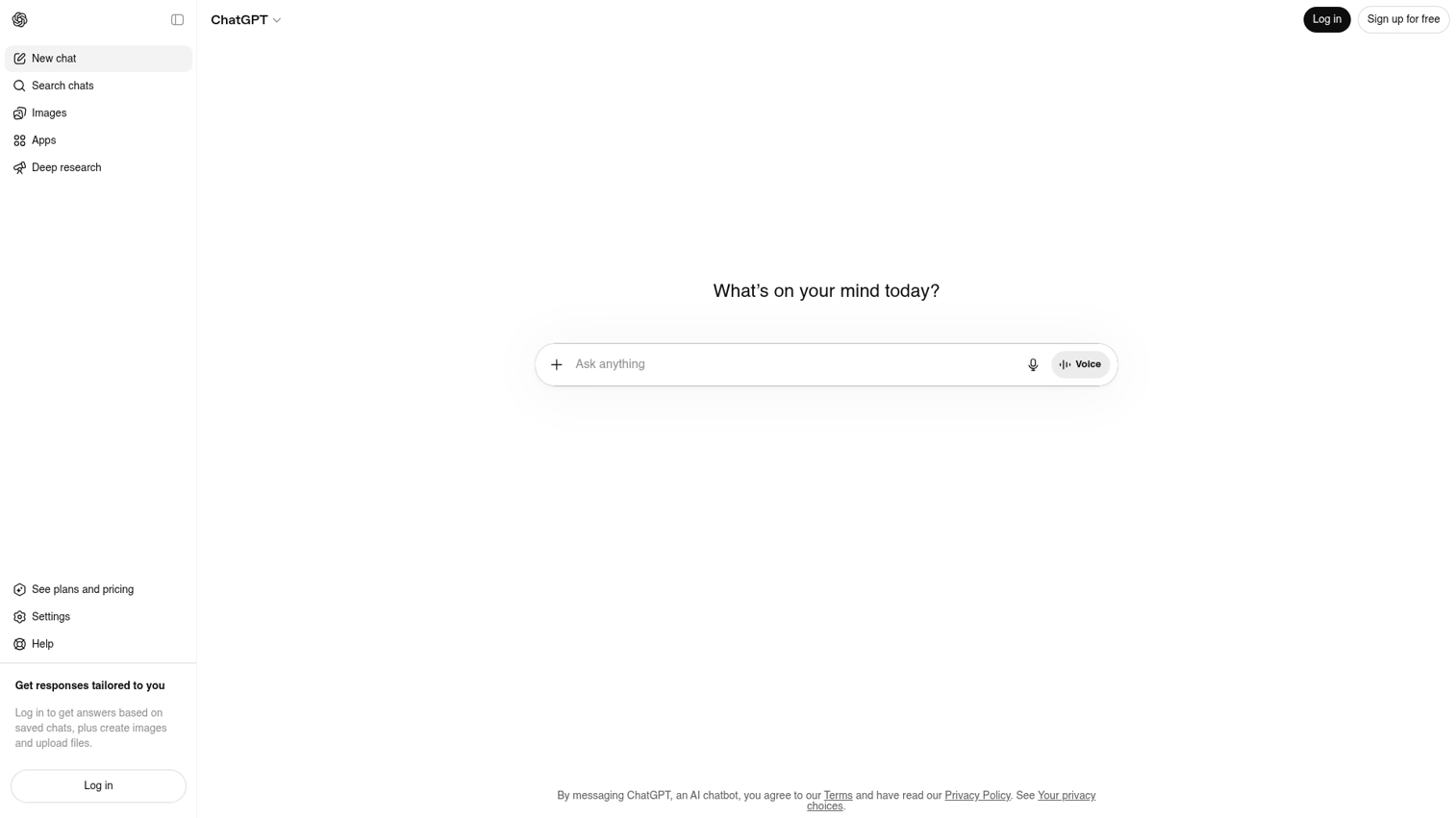
ChatGPT from OpenAI is the most versatile general-purpose AI assistant. For specific implementation guidance, explore these ChatGPT tutorials that demonstrate practical use cases. It handles writing, coding, brainstorming, analysis, and research across nearly any domain.
The GPT-4o model offers strong reasoning across text, code, and images. Custom GPTs let you build specialized assistants for specific workflows. The plugin ecosystem connects to third-party tools and data sources.
Best for: Teams needing a general-purpose AI assistant for writing, coding, and research tasks.
Key strengths
- GPT-4o model: Strong reasoning across text, code, and images with fast response times.
- Custom GPTs: Build specialized assistants for specific workflows without coding.
- Plugin ecosystem: Connect to third-party tools and data sources for extended functionality.
- Voice and vision: Multimodal input options for image analysis and voice conversations.
Why choose ChatGPT
ChatGPT excels at complex, multi-step tasks requiring reasoning. It fits well when you want flexibility across many use cases rather than one specialized function. The memory feature remembers context across conversations, making it useful for ongoing projects.
Pricing
Free tier with GPT-3.5. Plus plan at $20/month for GPT-4o access. Team plans at $25/user/month. Enterprise tiers available with enhanced security and admin controls.
2. Claude
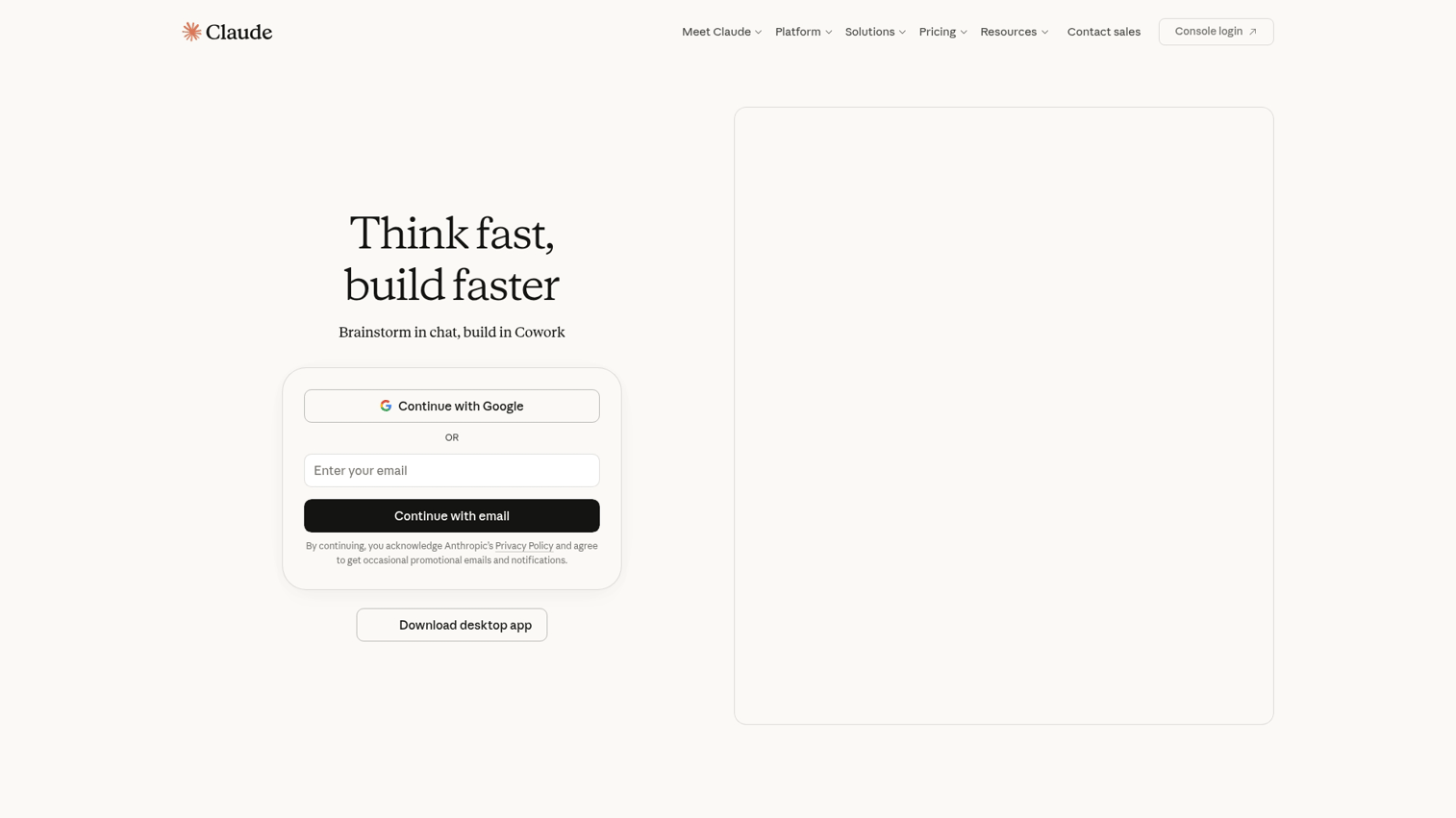
Claude from Anthropic handles long-form content and nuanced analysis well. Its large context window (up to 200K tokens) lets you analyze entire documents, contracts, or codebases in a single prompt.
Claude generates thorough, well-structured responses with a natural, conversational tone. Built-in safety guardrails reduce harmful or misleading outputs.
Best for: Content teams and analysts who work with long documents and want high-quality written output.
Key strengths
- Large context window: Analyze entire documents, contracts, or codebases in one prompt without chunking.
- Detailed responses: Generates thorough, well-structured answers with nuanced reasoning.
- Safety focus: Built-in guardrails reduce harmful or misleading outputs.
- Projects feature: Organize conversations and files by topic for ongoing work.
Why choose Claude
Pick Claude when you work with long documents or want thoughtful, detailed responses rather than quick answers. Writers often prefer Claude's natural tone over ChatGPT's more formal style.
Pricing
Free tier available with usage limits. Pro plan at $20/month with higher limits and priority access. Team plans available for organizations.
3. Gemini
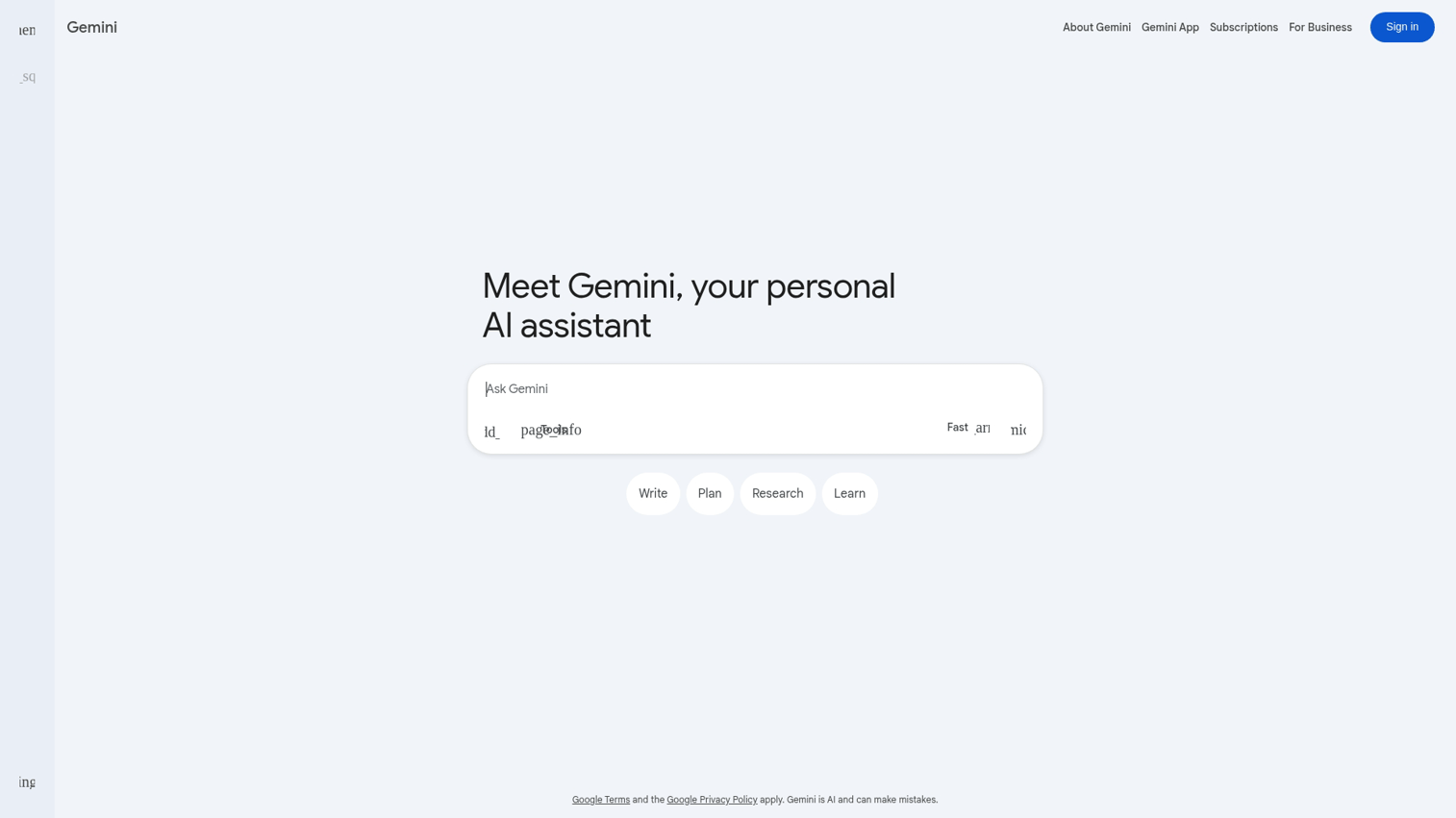
Gemini from Google offers strong value for users already in Google's ecosystem. It provides real-time web access, Google Workspace integration, and image generation in one package.
Answers include current information with source links. You can use Gemini directly inside Gmail, Docs, and Sheets for document automation.
Best for: Users who want current information and already work within Google's ecosystem.
Key strengths
- Real-time web access: Answers include current information with source links, not just training data.
- Google Workspace integration: Works inside Gmail, Docs, and Sheets for seamless document automation.
- Image generation: Create visuals directly in conversation with Imagen 3.
- Generous free tier: Strong capabilities without paying, including access to Gemini 1.5 Flash.
Why choose Gemini
Choose Gemini when you want up-to-date information or AI assistance inside Google apps you already use. The free tier is more capable than most competitors' free offerings.
Pricing
Free tier with Gemini 1.5 Flash. Advanced plan at $20/month with Gemini 1.5 Pro and 2TB of Google One storage.
4. Perplexity
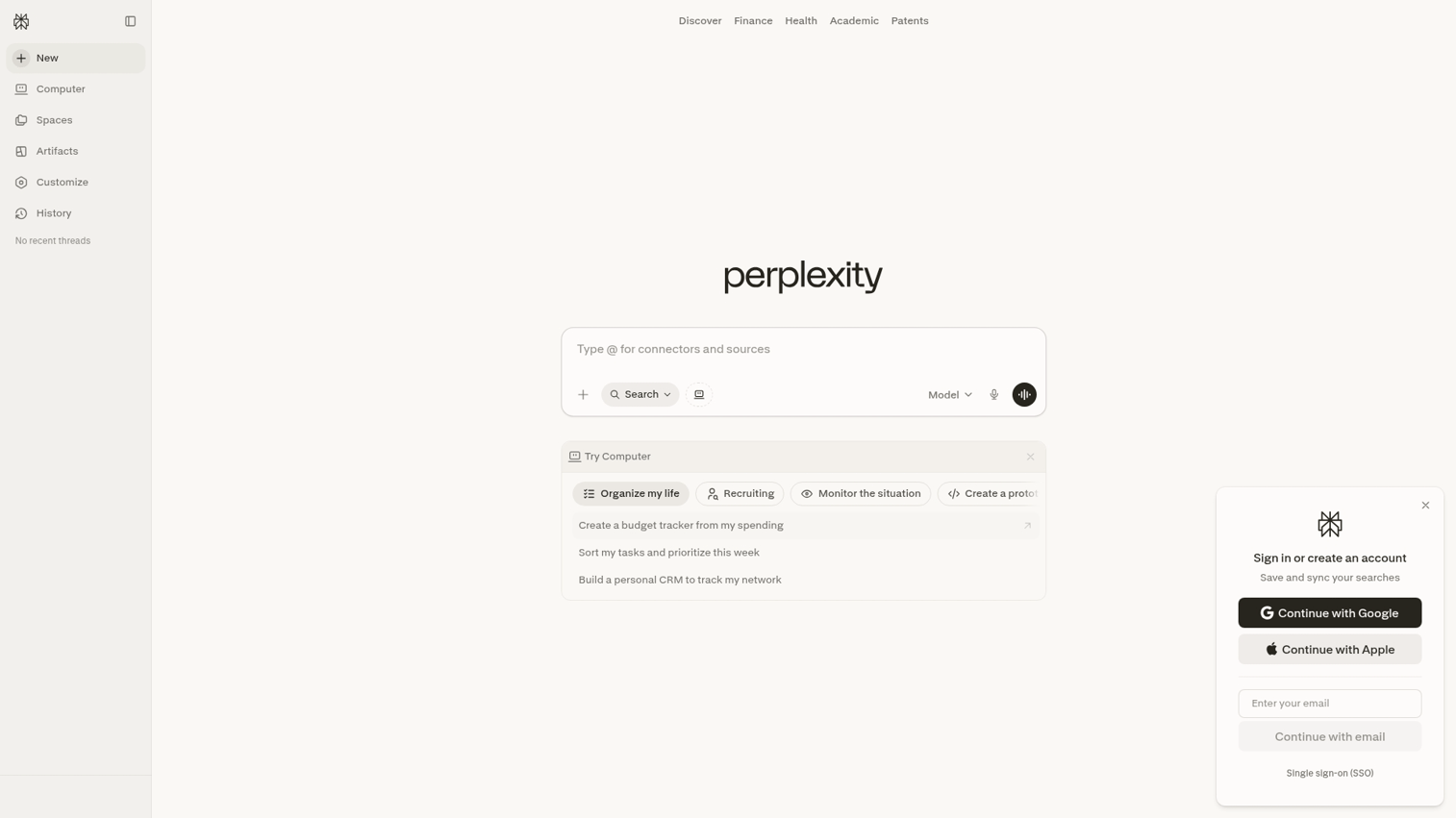
Perplexity works well for research because every answer includes links to original sources. It acts like a research assistant that shows its work.
Pro Search mode asks clarifying questions before diving deep. Focus modes narrow searches to academic papers, Reddit, YouTube, or the general web.
Best for: Researchers and analysts who want sourced, verifiable answers rather than generated opinions.
Key strengths
- Cited sources: Every answer includes links to original sources for verification.
- Pro Search: Deeper research mode asks clarifying questions before providing comprehensive answers.
- Focus modes: Narrow searches to academic papers, Reddit, YouTube, or web for targeted results.
- Collections: Organize research by project or topic for ongoing work.
Why choose Perplexity
Pick Perplexity when accuracy matters more than creativity. It's particularly useful for market research, competitive analysis, and fact-checking claims before publishing.
Pricing
Free tier available with limited Pro Searches. Pro plan at $20/month for unlimited Pro Searches, file uploads, and API access.
5. Microsoft Copilot
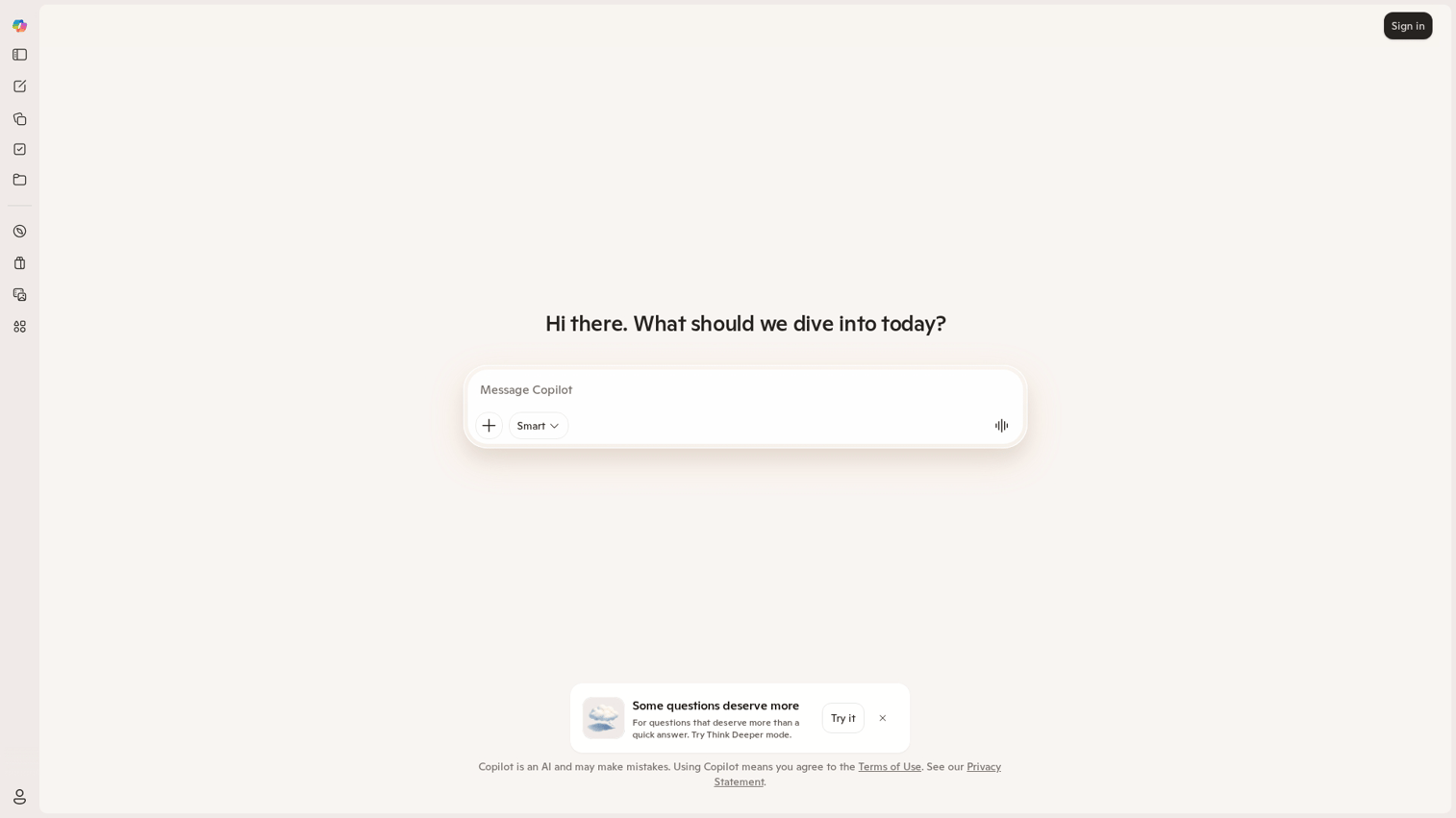
Microsoft Copilot works well for Microsoft 365 power users who want AI integrated directly into Office apps. It generates documents, emails, and presentations from prompts within Word, Excel, PowerPoint, and Outlook.
The free web version provides GPT-4 access without a subscription. Windows 11 integration offers system-wide assistance.
Best for: Microsoft 365 users who want AI assistance directly inside Word, Excel, PowerPoint, and Outlook.
Key strengths
- Office integration: Generate documents, emails, and presentations from prompts within Office apps.
- Enterprise data access: Query internal company data with proper permissions in Microsoft 365 Copilot.
- Free web version: GPT-4 access without subscription for basic tasks.
- Windows integration: Built into Windows 11 for system-wide assistance.
Why choose Copilot
Choose Copilot if your team lives in Microsoft 365 and wants AI that understands your company's documents and data. The enterprise version can access SharePoint, OneDrive, and Teams content.
Pricing
Free web version. Copilot Pro at $20/month for individuals. Microsoft 365 Copilot at $30/user/month for enterprise features with organizational data access.
6. Intercom Fin
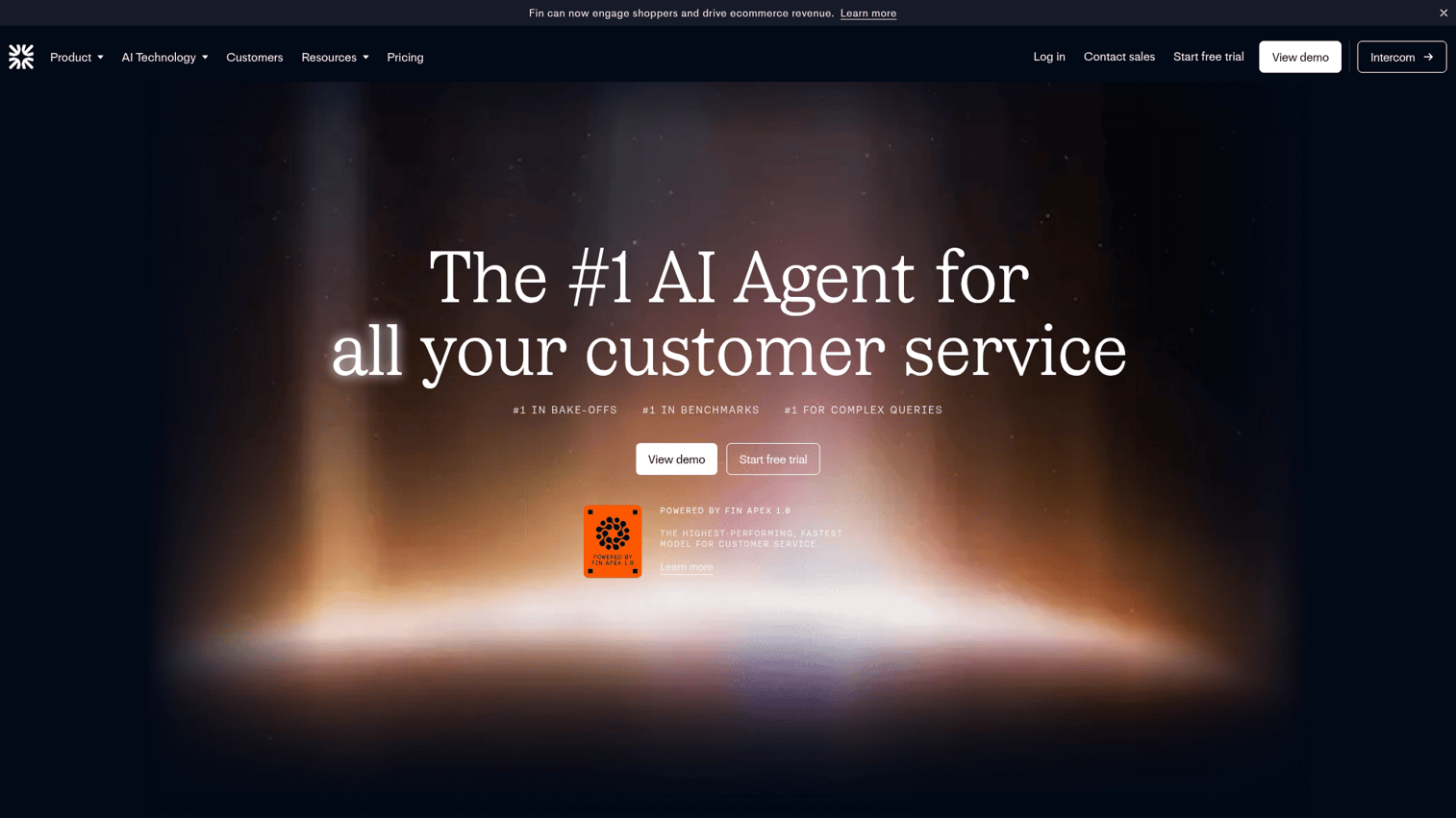
Intercom Fin is a customer support AI agent that resolves tickets without human intervention. It learns from your existing help center content and answers questions in your brand voice.
When Fin can't resolve an issue, it escalates to human agents with full conversation context. Multilingual support handles conversations in dozens of languages.
Best for: Support teams who want AI to resolve tickets autonomously while maintaining brand voice.
Key strengths
- Learns from help center: Answers based on your existing knowledge base, not generic responses.
- Human handoff: Escalates complex issues to agents with full context preserved.
- Multilingual: Supports conversations in dozens of languages automatically.
- Analytics: Track resolution rates and identify knowledge gaps to improve over time.
Why choose Intercom Fin
Pick Intercom Fin when you want a customer-facing AI agent that integrates with your existing help desk and can resolve real support tickets. It's particularly effective for SaaS companies with comprehensive documentation.
Pricing
Custom pricing based on resolution volume. Requires Intercom subscription. Contact sales for quotes.
7. Drift
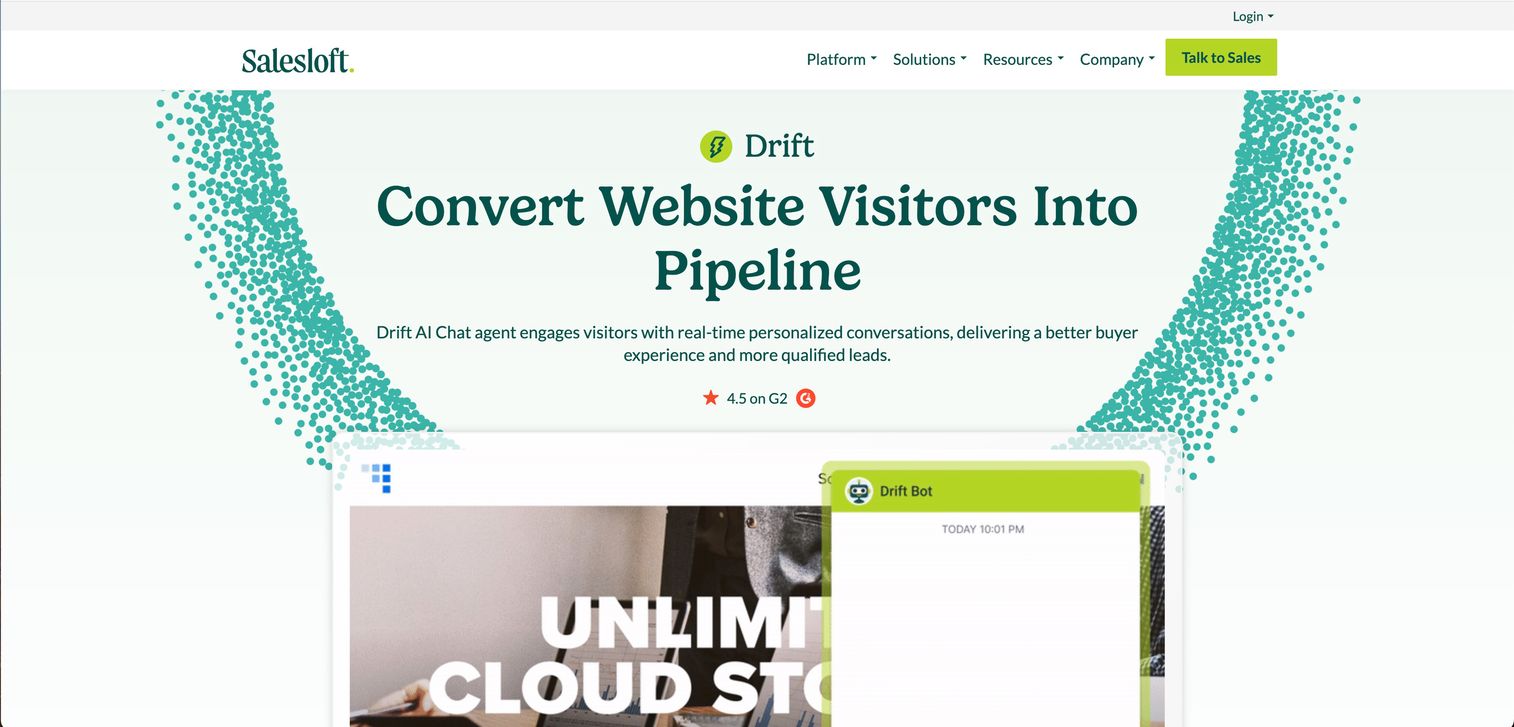
Drift is a conversational marketing platform focused on lead capture and meeting booking. It qualifies website visitors through automated conversations and books meetings directly to rep calendars.
Playbooks automate conversation flows based on visitor behavior. Account targeting personalizes chat based on company data from your CRM.
Best for: B2B marketing and sales teams who want chat to qualify leads and book meetings automatically.
Key strengths
- Playbooks: Automated conversation flows based on visitor behavior and firmographic data.
- Meeting scheduling: Books directly to rep calendars from chat without back-and-forth.
- Account targeting: Personalize chat based on company data from your CRM.
- Revenue attribution: Track pipeline influenced by conversations to prove ROI.
Why choose Drift
Choose Drift when your primary goal is lead generation and you want chat tied directly to your sales pipeline. Marketing managers increasingly use interactive demos alongside chat tools to capture and convert leads more effectively. It works well alongside marketing automation tools for full-funnel coverage.
Pricing
Custom pricing. Premium, Advanced, and Enterprise tiers available. Contact sales for quotes.
8. Tidio
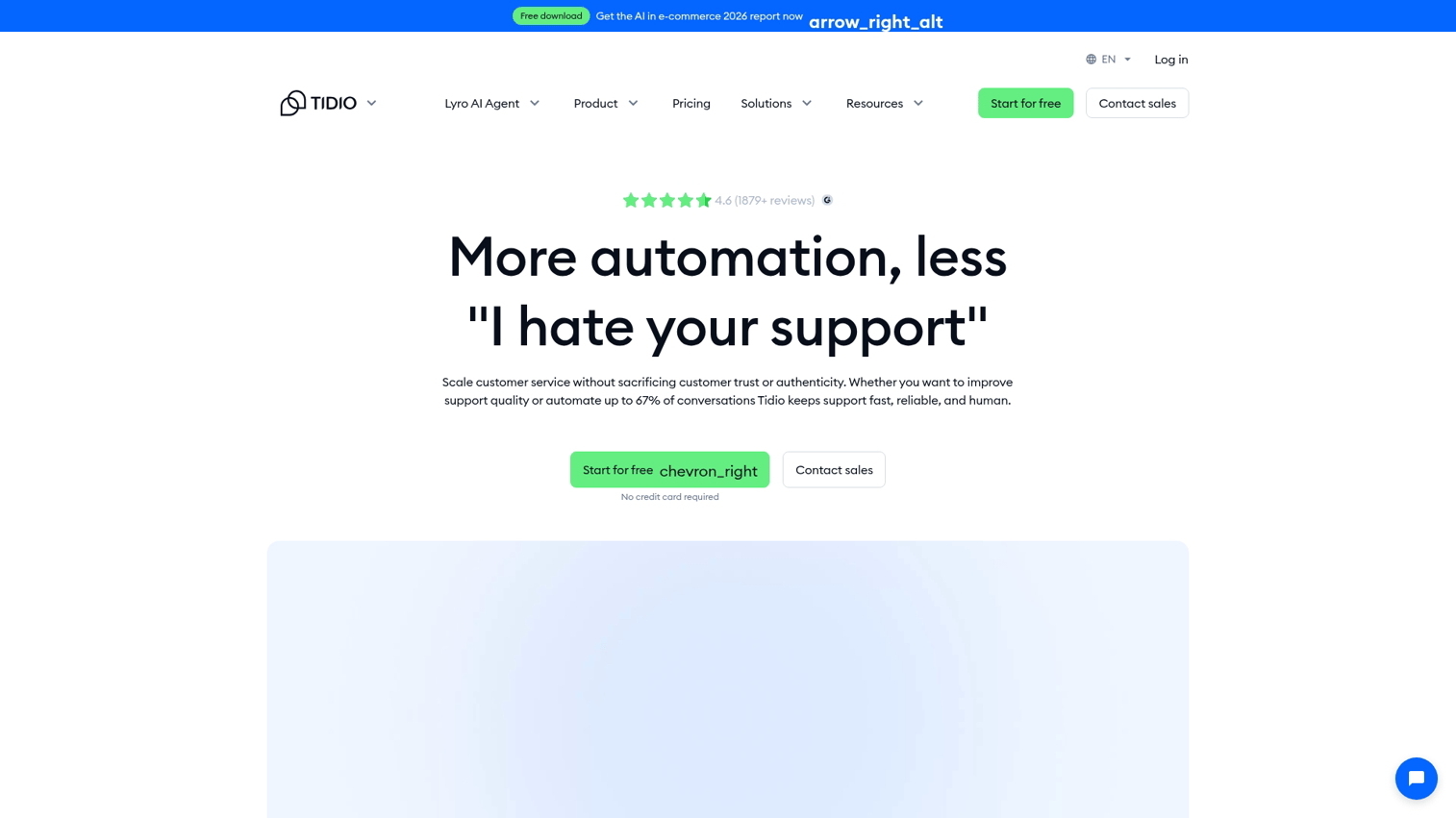
Tidio is an accessible option for small businesses combining live chat with AI automation. Install in minutes on Shopify, WordPress, or any website.
The visual bot builder uses drag-and-drop flow creation with no coding required. See how to create a simulated conversation in Tidio for a practical walkthrough. AI handles routine queries while humans handle exceptions.
Best for: Small businesses and e-commerce sites who want simple chat without enterprise complexity.
Key strengths
- Quick setup: Install in minutes on Shopify, WordPress, or any website with copy-paste embed.
- Visual bot builder: Drag-and-drop flow creation, no coding required.
- Live chat + AI combo: AI handles routine queries, humans handle exceptions seamlessly.
- Affordable pricing: Generous free tier and accessible paid plans for growing businesses.
Why choose Tidio
Pick Tidio if you want a budget-friendly chatbot that works out of the box without a dedicated ops team. It's particularly popular with e-commerce stores on Shopify.
Pricing
Free tier available with basic features. Paid plans from $29/month. Lyro AI add-on available for enhanced automation.
9. Freshchat
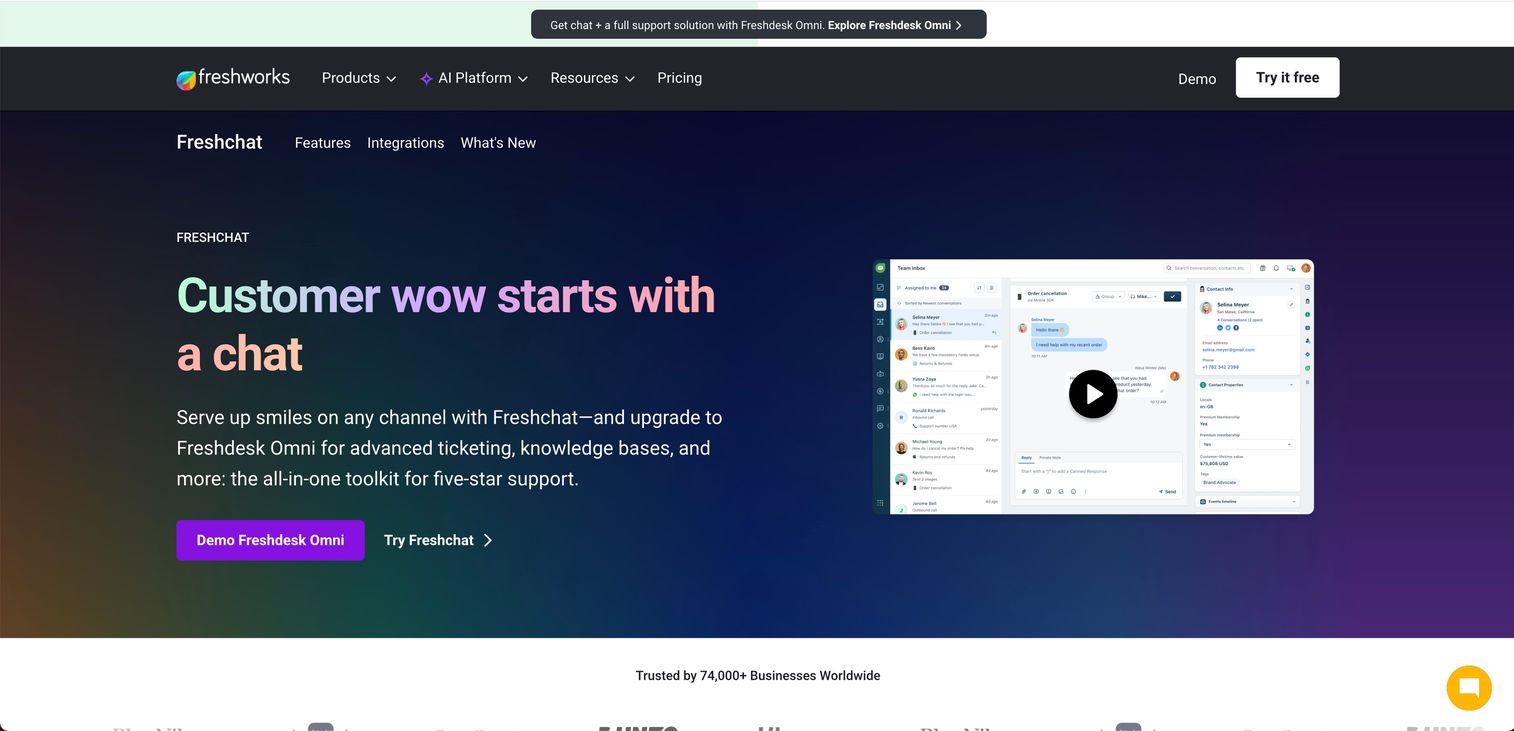
Freshchat is an omnichannel messaging platform for support teams managing conversations across web, mobile, WhatsApp, and social channels.
Freddy AI powers the bot builder with intent detection. Native integration with Freshdesk, Freshsales, and Freshservice creates a unified customer view.
Best for: Support teams managing conversations across web, mobile, WhatsApp, and social channels.
Key strengths
- Omnichannel inbox: Manage all channels from one dashboard without switching tools.
- Freddy AI: AI-powered bot builder with intent detection and automated responses.
- Freshworks integration: Native connection to Freshdesk, Freshsales, and Freshservice.
- Affordable entry point: Free tier for small teams getting started.
Why choose Freshchat
Choose Freshchat when you want multi-channel support and already use or plan to use other Freshworks products. The unified platform reduces tool sprawl.
Pricing
Free tier for up to 10 agents. Paid plans from $15/agent/month with additional features.
10. HubSpot Chatbot
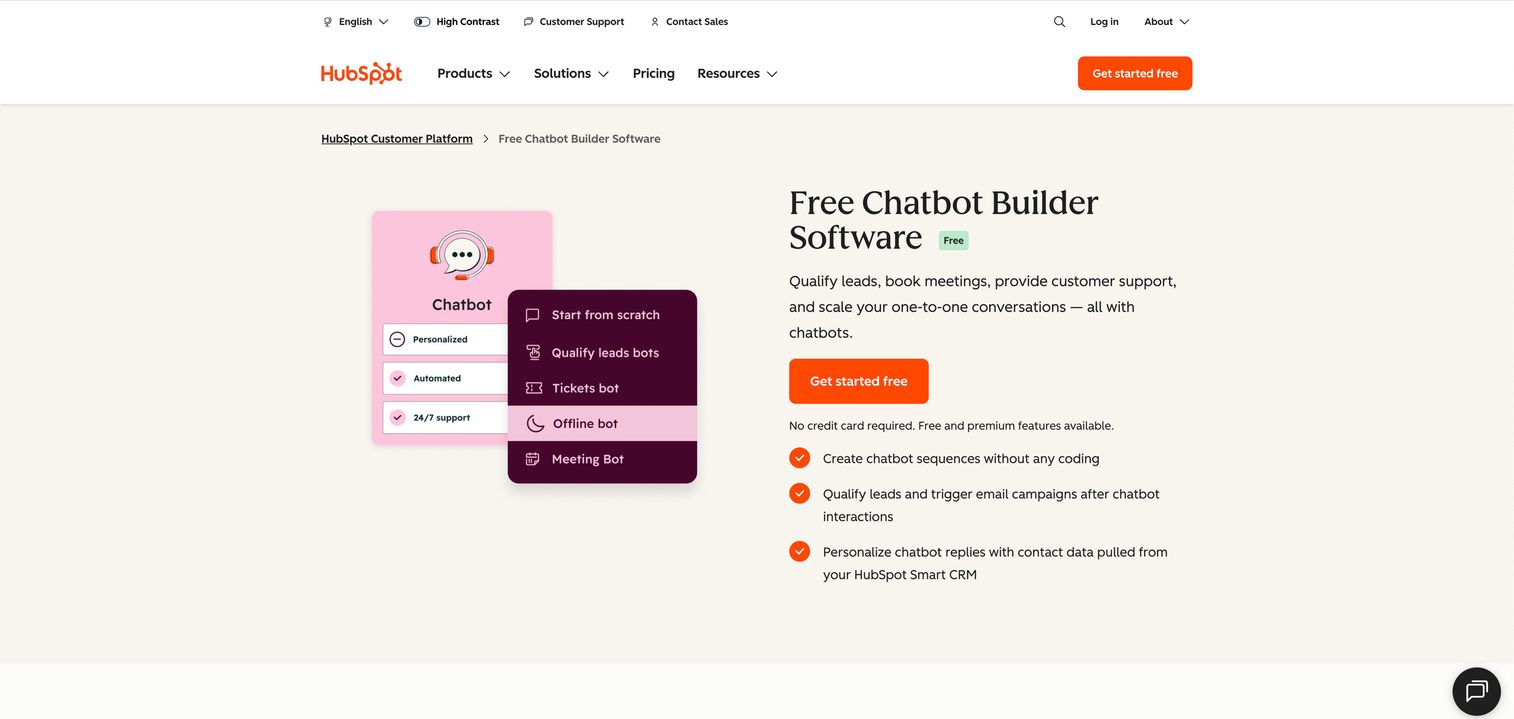
HubSpot Chatbot works well for teams already using HubSpot CRM. Every conversation creates or updates a contact record automatically.
The no-code builder creates visual flows inside HubSpot. For comparison, see how to create a chatbot in Outgrow which offers similar visual building capabilities. Meeting booking connects directly to HubSpot calendar.
Best for: HubSpot users who want chat that syncs lead data directly into their existing CRM.
Key strengths
- CRM integration: Every conversation creates or updates a contact record automatically.
- No-code builder: Visual flow builder inside HubSpot, no separate tool required.
- Free with HubSpot: Available on free CRM tier with basic functionality.
- Meeting booking: Books calls directly to HubSpot calendar from chat.
Why choose HubSpot Chatbot
Pick HubSpot Chatbot if you already run sales and marketing in HubSpot and want chat data in the same system. It's not the most powerful bot, but the CRM integration is seamless.
Pricing
Free with HubSpot CRM. Advanced features in paid Marketing and Sales Hubs.
How to choose the best chatbots software for your team
AI accuracy and response quality
Test with real questions from your use case before committing. Ask the same question to multiple tools and compare answers. Look for citation features if accuracy is critical, like Perplexity's source links.
For customer support bots, accuracy depends on your knowledge base quality. The bot can only be as good as the content it learns from.
Ease of setup and time to value
Simple rule-based chatbots like Tidio or HubSpot can go live in under an hour with copy-paste embed codes. AI-powered support bots like Intercom Fin require more time to train on your knowledge base.
Consumer AI chatbots (ChatGPT, Claude, Gemini) work immediately with no setup. You sign up and start asking questions.
Pricing and scalability
Free tiers work for testing, but evaluate how pricing grows with volume. Some tools charge per conversation, others per user, others per resolution.
Pricing model | Examples | Watch out for |
|---|---|---|
Per user/month | ChatGPT Plus, Claude Pro | Costs scale with team size |
Per resolution | Intercom Fin | High-volume support gets expensive |
Per contact | Tidio, Freshchat | Growing databases increase costs |
Flat rate | HubSpot (with CRM) | Feature limits on lower tiers |
Integration with your existing stack
Check native integrations with your CRM, help desk, and marketing automation software. Zapier connections work but add complexity and cost.
For customer support bots, integration with your ticketing system is essential. For lead capture bots, CRM sync matters most.
Multi-channel deployment
Evaluate which channels matter for your business: website, mobile app, WhatsApp, Slack, SMS. Not all tools support all channels.
Freshchat and Intercom excel at omnichannel. Tidio focuses on website and Facebook Messenger. HubSpot Chatbot is website-only.
Human handoff capabilities
For customer support bots, smooth escalation to human agents is critical. The agent needs full conversation context to avoid making customers repeat themselves.
Test the handoff experience before committing. Some tools handle this gracefully. Others create friction.
Analytics and reporting
Look for data on resolution rates, conversation topics, drop-off points, and customer satisfaction. Analytics help you improve the bot over time and prove ROI to leadership.
Basic metrics like "conversations started" don't tell you much. You want to know what questions the bot couldn't answer and where customers got frustrated.
When chatbots fall short and what to use instead
Chatbots excel at answering questions through text. They handle FAQs, route inquiries, and collect information efficiently. But they hit a wall when prospects want to see the product in action.
Consider common scenarios:
Prospect question | Chatbot response | Interactive demo response |
|---|---|---|
"How does the dashboard work?" | Describes features in text | Shows the dashboard, lets prospect click through |
"Can I see the reporting?" | Lists report types | Displays actual reports, lets prospect explore |
"Is setup complicated?" | Says "it's easy" | Walks through setup in guided steps |
"What does the workflow look like?" | Explains the process | Lets prospect experience the workflow |
The gap is visual. Chatbots describe. Demos demonstrate.
B2B buyers increasingly research alone and engage sellers two thirds through their journeys. This shift has driven the evolution of live demos in 2025, which create authentic buyer experiences without requiring sales interaction.
If your product is easier to understand through interaction than explanation, chatbots alone won't convert. You want a way for prospects to experience value before they commit to a call.
The practical approach: Use both. Chatbots handle FAQs and routing. Interactive demos handle product education and sales enablement.
When a chatbot can't answer "show me how it works," it can link to a demo that does.
Tip: Embed interactive demos in your chatbot's responses. When someone asks about a specific feature, the bot can share a link to a guided walkthrough instead of a text explanation.
Start engaging prospects without the back and forth
Chatbots handle conversations. They answer questions, qualify leads, and route inquiries. But when prospects want to experience your product, text-based chat creates friction.
The right chatbot handles questions. The right demo answers "show me."
Start your journey with Guideflow today!
FAQs about chatbot software
Among the best chatbots software for small businesses, Tidio and HubSpot Chatbot offer generous free tiers with enough features for small websites. Both include visual builders and basic AI assistance without requiring payment. Tidio works particularly well for e-commerce on Shopify.
Simple rule-based chatbots like Tidio or HubSpot can go live in under an hour with copy-paste embed codes. AI-powered support bots like Intercom Fin require more time to train on your knowledge base, typically a few days to a week for full deployment.
Modern AI chatbots handle nuanced questions well, but accuracy depends on training data quality. For complex or high-stakes questions, ensure your bot can escalate to human agents. Test with real customer questions before going live.
Good chatbot software routes unanswered questions to human agents with full conversation context. Look for smooth handoff features when evaluating tools. The agent should see everything the customer already said.
Many business chatbots support WhatsApp, Facebook Messenger, Instagram, and in-app messaging. Freshchat and Intercom offer the broadest channel support. Check each platform's channel support before committing.
Track metrics like ticket deflection rate, average resolution time, customer satisfaction scores, and leads captured. Compare support costs before and after chatbot deployment. Most enterprise platforms include built-in analytics dashboards.
Enterprise chatbot platforms offer SOC 2 compliance, data encryption, and GDPR controls. Review each vendor's security documentation before handling sensitive customer information. Free consumer AI chatbots (ChatGPT, Claude) have different privacy policies than business platforms.
Chatbots answer questions through text conversation. Interactive demos let users experience the product through guided, clickable walkthroughs.
Use chatbots for FAQs and routing. Use demos for product education when prospects want to see how something works.