You can buy antivirus protection in ten minutes. The harder part is choosing something your team will actually keep, that won't slow down the oldest laptop in the office, and that won't surprise you with a renewal bill two or three times what you paid at sign-up.
According to Security.org's 2025 antivirus usage study, 34% of U.S. adults used no antivirus protection at all. That number is a problem for any company that's started to face vendor security questionnaires, distributed device fleets, or a board that asks about endpoint risk. Antivirus software is no longer just a home-user concern.
Built-in operating-system protection has improved, but it isn't the answer for every risk profile. This guide gives you a practical shortlist across 15 tools, so your Ops lead or newly hired Head of Security can make a call without spending a week in spreadsheets.
What's inside
This guide covers 15 antivirus products for 2026, spanning free and paid options for Windows, macOS, Android, and iOS. It's written for founders, operators, and small IT teams who need protection that earns its place in the stack without adding administrative overhead.
Two things shape this list more than any feature comparison, so they are worth stating up front.
First, consumer antivirus is far more consolidated than the brand names suggest. The 15 products below are sold by 12 companies, not 15. Gen Digital alone owns four of them: Norton, Avast, AVG, and Avira. Several other familiar names sit under parent companies most buyers would not guess. If your shortlist is "Norton, Avast, and Avira," you are not comparing three vendors. The table below names the parent company for every entry.
Second, almost every paid price in this category is a promotional first-year rate. Renewal is commonly 1.5x to 3x the sign-up price. Where a vendor publishes its renewal figure, this guide gives it.
Tools were selected based on:
- Malware and ransomware protection: Core detection capability across threat types
- Platform coverage: Windows, macOS, and mobile support where relevant
- Pricing transparency: First-year and renewal costs, device limits, and free tiers
- Fit for distributed teams: Managed versus unmanaged devices, contractor coverage, and vendor questionnaire readiness
TL;DR
- Best overall layered protection: Bitdefender, with strong malware, ransomware, phishing, and identity coverage; Premium Security is $79.99 for the first year against a $129.99 list price
- Best for broad identity and device bundles: Norton 360, where the bundle replaces separate VPN and dark web monitoring subscriptions
- Best built-in Windows option: Microsoft Defender, included with supported Windows versions at no extra cost
- Best for malware cleanup and removal: Malwarebytes, with a free on-demand scanner and paid plans for real-time protection
- Best for Mac-first teams: Intego ONE, purpose-built for macOS with firewall, cleanup, and VPN
- Best free starting point: Microsoft Defender on Windows. Avast, AVG, and Avira also offer free tiers, though all three are Gen Digital brands rather than independent alternatives to one another
What is antivirus software?
Antivirus software is security software that detects, blocks, quarantines, or removes malicious files and activity from computers, phones, and other devices.
Modern tools go well beyond scanning for known viruses. They defend against a wide range of threats: malware, ransomware, spyware, trojans, phishing pages, and malicious browser extensions. Real-time protection watches file activity continuously, while on-demand scans check existing files on a schedule or on request.
Detection methods vary by product:
- Signature-based detection: Matches files against a database of known malware patterns. Fast, but limited to threats that are already catalogued
- Behavior-based detection: Watches how programs act and flags suspicious activity even from unknown threats
- Cloud-assisted and machine-learning detection: Offloads analysis to cloud servers and uses pattern recognition to catch emerging threats faster
- Heuristic and rootkit scanning: Looks for code that behaves like malware, even without a known signature
Paid suites often expand beyond core antivirus into internet security suites that bundle a VPN, password manager, firewall, identity theft protection, and dark web monitoring. Those bundles can replace standalone subscriptions, so the comparison isn't always just protection depth.
Key capabilities to compare:
- Real-time malware blocking
- Ransomware behavior detection and file rollback
- Phishing and malicious-site blocking
- Current results on independent lab tests (AV-TEST, AV-Comparatives, SE Labs), checked on the labs' own sites rather than vendor pages
- Device and operating-system coverage
- CPU and battery performance impact
- Renewal pricing and per-device limits
- Parent company, if you are trying to avoid concentrating your stack with one vendor
- Admin controls or centralized device management for small teams
For context on the broader security stack, our guide on best endpoint protection software covers tools that go deeper into threat detection and response for teams that have moved past consumer antivirus.
When to use antivirus software
Protect company laptops without adding enterprise complexity
A Series B company with 30 to 80 employees often has a mix of company-issued and contractor-owned devices. Full endpoint detection and response platforms can be overkill at this stage. A solid antivirus subscription gives you baseline malware protection, phishing blocking, and a defensible answer on a vendor security questionnaire, without requiring a full IT team to manage it.
Add protection beyond built-in operating-system security
Windows Security and macOS Gatekeeper provide a reasonable baseline, especially for users who keep their OS updated and avoid high-risk browsing. Paid antivirus makes sense when devices are used for high-risk workflows, shared with family members, frequently connected to public Wi-Fi, or subject to regulatory scrutiny from enterprise buyers.
Reduce ransomware, phishing, and malware exposure
Antivirus is one layer, not a complete security program. It works best alongside backups, multi-factor authentication, regular patching, a password manager, and basic security awareness. For teams that also want application security testing software coverage, those tools address a different layer of the stack.
Antivirus software comparison
The table below summarizes all 15 tools by parent company, best fit, key differentiator, pricing, and G2 rating.
A note on each of the last two columns, because both are easy to misread in this category.
Parent company matters here more than in most software comparisons. Twelve companies account for all 15 brands below. Gen Digital owns Norton, Avast, AVG, and Avira. Sophos is owned by the private equity firm Thoma Bravo, Panda Security is a WatchGuard Technologies brand, Webroot belongs to OpenText, and Intego belongs to Kape Technologies. Bitdefender, ESET, Malwarebytes, Trend Micro, McAfee, and Microsoft each stand alone.
G2 ratings are thin for consumer antivirus, because G2 is a business software review site. Most of the vendors below have G2 profiles only for their business and enterprise products, such as Bitdefender GravityZone, ESET PROTECT, Sophos Endpoint, Avast Small Business Cybersecurity, and Webroot Business Endpoint Protection. Those scores describe different software from the consumer products reviewed here, so this guide does not borrow them. Only Trend Micro Antivirus+ Security and TotalAV have consumer G2 profiles carrying reviews, and both have small review counts. Treat independent lab results and your own trial as better evidence than G2 for this category.
| # | Product | Parent company | Best for | Key differentiator | Pricing | G2 rating |
|---|---|---|---|---|---|---|
| 1 | Bitdefender | Bitdefender (independent) | Layered multi-device protection | AI scam protection plus identity monitoring | Premium Security $79.99 first yr (list $129.99) | Not listed on G2 |
| 2 | Norton 360 | Gen Digital | Bundled identity and privacy | VPN, dark web monitoring, cloud backup | Standard $94.99 first yr | Not listed on G2 |
| 3 | McAfee | McAfee Corp. | Multi-device household coverage | Unlimited-device plans with identity alerts | Essential $39.99 first yr (list $119.99) | Not listed on G2 |
| 4 | ESET NOD32 Antivirus | ESET (independent) | Lightweight technical protection | UEFI scanner and exploit blocker | About $39/yr | Not listed on G2 |
| 5 | Microsoft Defender | Microsoft | Built-in Windows protection | Included with supported Windows versions | Free (built in) | Not listed on G2 |
| 6 | Malwarebytes | Malwarebytes (independent) | Malware cleanup and remediation | Free scanner plus Browser Guard extension | Free scanner; Standard from $59.99/yr | No reviews on G2 |
| 7 | Trend Micro | Trend Micro | Web and email threat protection | Pay Guard browser for financial transactions | Antivirus+ from $29.95 first term | 4.1/5 (34 reviews) |
| 8 | Sophos | Sophos (Thoma Bravo) | Centralized multi-device management | Remote device management via cloud console | Home Premium $59.99/yr list | Not listed on G2 |
| 9 | Avira | Gen Digital | Free protection with paid upgrades | Free tier plus software updater and VPN option | Free tier; Antivirus Pro $26.99 first yr | Not listed on G2 |
| 10 | Avast | Gen Digital | Free antivirus with premium add-ons | Wi-Fi inspector and ransomware shield | Free; Premium Security $49.08 first yr | Not listed on G2 |
| 11 | AVG | Gen Digital | No-cost starting point | Free scanner with email shield | Free; Ultimate $59.88 first yr | Not listed on G2 |
| 12 | Panda Dome | WatchGuard Technologies | Tiered suite with USB protection | USB threat detection plus parental controls | Essential $54.95/yr | Not listed on G2 |
| 13 | TotalAV | Protected.net | Antivirus plus device cleanup | WebShield with system tune-up tools | Plus $99/yr | 4.0/5 (11 reviews) |
| 14 | Webroot | OpenText | Lightweight cloud-based scanning | Fast cloud scans with low system footprint | Essentials $34.99 first yr (renews $49.99) | Not listed on G2 |
| 15 | Intego ONE | Kape Technologies | Mac-first security suite | Built specifically for macOS workflows | Complete $112.49 for 2 yrs (list $149.99) | Not listed on G2 |
The 15 tools, reviewed
1. Bitdefender
Bitdefender provides multi-layer cybersecurity covering malware, ransomware, phishing, identity threats, and online scams. The consumer lineup spans mobile-only plans up to full identity protection suites, with AI-powered scam detection available on higher tiers. Free products and a 30-day trial are available for testing before committing.
Bitdefender is one of the few genuinely independent vendors on this list. The company is Romanian and is not owned by a larger security or private equity parent, which matters if you want a second opinion engine that is not shared with anything else in your stack.
Best for: Teams or households that want broad protection across Windows, macOS, and mobile without managing multiple subscriptions.
Key features
- Real-time protection against malware, spyware, and adware
- Multi-layer ransomware protection with file remediation
- Phishing and malicious-site blocking
- AI-powered scam protection
- Dark web monitoring and identity alerts
Why choose Bitdefender: It covers the widest range of consumer threat types from one subscription, making it a practical default for distributed teams that don't want to evaluate five tools separately.
Bitdefender pricing: Bitdefender publishes Premium Security for one member and up to five devices at $79.99 for the first year, against a $129.99 list price. The company's renewal and upgrade page lists a five-device annual plan at $89.99 first-year against $159.99 list. Lower tiers, including Antivirus Plus and Total Security, are sold at first-year promotional rates that vary by campaign and by device count, so check the current figure and the renewal rate beside it before buying. A free tier and 30-day trial are available.
G2 rating: Not listed on G2. Bitdefender's G2 presence covers its business GravityZone products, which are different software from the consumer suites described here.
2. Norton 360
Norton 360 bundles antivirus, a VPN, dark web monitoring, a password manager, and cloud backup into a single annual subscription. Ransomware and malware protection sit at the core, with AI-powered scam protection and deepfake detection added on recent plans. LifeLock add-ons extend coverage into identity theft reimbursement.
Ownership note: Norton is a Gen Digital brand. Gen Digital also owns Avast, AVG, and Avira, three of the other entries on this list. If you are weighing Norton against those names, you are choosing between products from one company, not four competitors.
Best for: Founders or families who want antivirus, VPN, identity monitoring, and cloud backup under one annual payment.
Key features
- Malware and ransomware protection
- Secure VPN with data limits by plan
- Password manager included
- Dark web monitoring
- Cloud backup on select plans
Why choose Norton 360: The bundle is strongest when you'd otherwise pay for VPN and dark web monitoring separately. Device counts vary by plan, so confirm the seat count on the plan page rather than assuming it from the tier name.
Norton 360 pricing: Norton's US consumer store currently lists Norton 360 Standard at $94.99 for the first year and Norton 360 Deluxe at $119.99 for the first year, with Norton AntiVirus Plus at $59.99 for the first year. Norton 360 with LifeLock Select Plus is discounted to $99.99 for the first year against a $189.99 renewal price, and the LifeLock Advantage and Ultimate Plus tiers renew at $259.99 and $364.99. Norton labels every one of these as a first-year price, and the renewal figure is the number worth budgeting against. Promotional rates well below the list price are common, so the price you see may be lower than the price above.
G2 rating: Not listed on G2. G2 carries a Norton Small Business profile, which is a different product line from Norton 360.
3. McAfee
McAfee offers a consumer security suite covering antivirus, identity monitoring, scam detection, a VPN, and personal data cleanup. The unlimited-device Premium and Advanced plans stand out for households or small teams with many devices to cover. First-year promotional pricing drops significantly at renewal, so budget for the higher rate.
McAfee's consumer business is now a separate company from the enterprise products that once carried the McAfee name. Those enterprise products are sold by Trellix, and McAfee Corp. is a consumer-only vendor.
Best for: Households or small teams that need to cover many devices under one subscription.
Key features
- Real-time antivirus scanning
- Scam Detector for identifying fraud attempts
- Identity monitoring and alerts
- Secure VPN on select plans
- Personal data cleanup and social privacy tools
Why choose McAfee: The unlimited-device plans simplify coverage when you have a mix of Windows, macOS, Android, and iOS devices and don't want to count seats.
McAfee pricing: McAfee's own product page lists Total Protection Essential for five devices at $39.99 for the first term against a $119.99 list price, and an unlimited-device plan at a $149.99 list price. McAfee presents these as first-term prices for new customers and states that renewal is charged at a higher rate. The exact renewal figure is shown at checkout rather than on the comparison page, and it varies by plan and device count, so confirm it there before buying. All plans bill as a single annual payment.
G2 rating: Not listed on G2. McAfee's consumer products appear on G2 without reviews, and the seller profile carries no rating.
4. ESET NOD32 Antivirus
ESET NOD32 Antivirus is a focused antivirus product for Windows and macOS users who want protection without VPN or identity bundle overhead. It includes an exploit blocker, UEFI scanner, and anti-phishing module. A 30-day free trial is available.
Naming note: ESET has restructured its consumer lineup. The company's own protection-plans page states that the older NOD32 and Internet Security subscriptions have been replaced by new tiers beginning with ESET HOME Security Essential, with NOD32 still available to buy and download. If you shop by the NOD32 name, expect to land on the newer tier structure.
ESET is privately held and independent, with no security or private equity parent.
Best for: Technical users and small teams that want lightweight, configurable antivirus without a large security suite.
Key features
- Real-time antivirus and antispyware protection
- Anti-phishing protection
- Exploit blocker
- UEFI scanner for firmware-level threats
- Device control options
Why choose ESET NOD32 Antivirus: It's the right pick when you want a small install footprint and granular configuration, and don't need bundled VPN or identity tools that add cost without adding relevant protection for your use case.
ESET NOD32 Antivirus pricing: ESET's store lists NOD32 Antivirus from about $39 per year, with the price scaling by device count and subscription length. A 30-day free trial is available. ESET HOME Security tiers add more features at higher price points for buyers who want expanded coverage later.
G2 rating: Not listed on G2. The ESET PROTECT profile on G2 is ESET's business endpoint platform, not the consumer NOD32 product.
5. Microsoft Defender
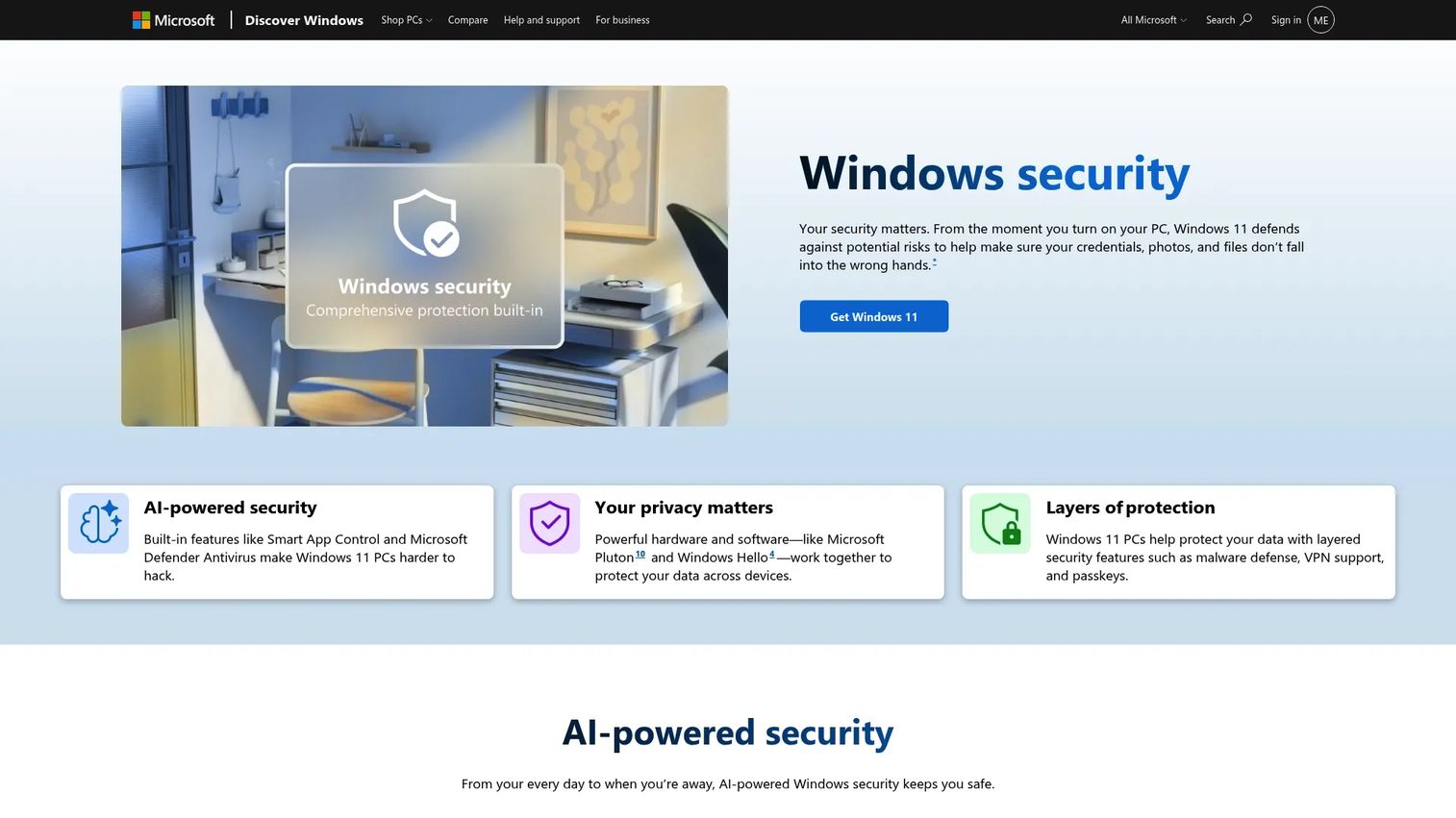
Microsoft Defender is the antivirus built into Windows 10 and Windows 11. It runs automatically, receives updates through Windows Update, and integrates with SmartScreen web filtering, Windows Firewall, and optional Family Safety features.
Security.org's 2025 study found Microsoft Defender to be the most commonly used antivirus among US adults, at 23% of users, ahead of McAfee at 18% and Norton at 13%. For a large share of Windows users, the built-in option is already the option in use.
Best for: Windows users who want solid baseline protection before evaluating whether a paid subscription adds meaningful value for their risk profile.
Key features
- Built into supported Windows versions
- Real-time malware protection
- SmartScreen web and download filtering
- Windows Firewall integration
- Family safety options via Microsoft Family Safety
Why choose Microsoft Defender: It's already there, stays current with Windows updates, and costs nothing for the core consumer version. Paid options become relevant when a vendor security questionnaire requires centralized reporting, or when you need protection on non-Windows devices.
Microsoft Defender pricing: Core Windows Security features come included with supported Windows 10 and Windows 11 versions. Microsoft Defender for Business is $3 per user per month, paid yearly, and is also included in Microsoft 365 Business Premium at $22 per user per month. Microsoft's licensing documentation lists the Defender Suite at $12 per user per month. Microsoft 365 E5, which bundles the full security stack, is listed at $60 per user per month on an annual commitment. Microsoft has published pricing changes affecting several of these SKUs, so confirm the current figure on the Microsoft pricing page.
G2 rating: Not listed on G2. The consumer Windows Defender product has no G2 profile; Microsoft Defender for Endpoint, a separate enterprise product, is listed at 4.4/5 from 312 reviews.
6. Malwarebytes
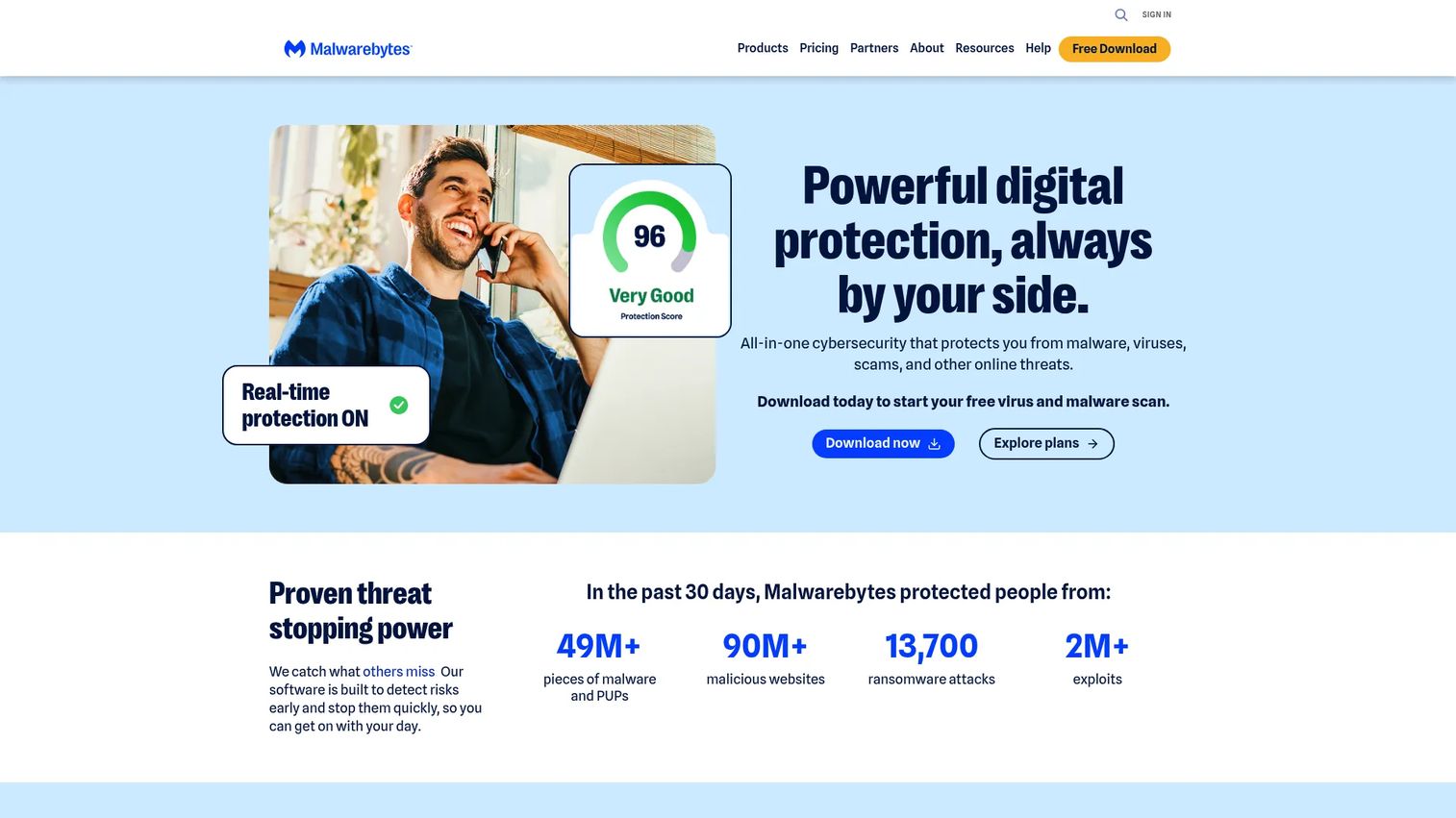
Malwarebytes built its reputation as a cleanup tool for already-infected machines. Today it also offers real-time protection, web blocking, ransomware defense, and a Browser Guard extension. The free version still runs on-demand scans for removing existing threats. Paid plans add real-time protection, VPN, and identity monitoring.
Malwarebytes is independent. Its business products are sold under the ThreatDown brand, which is the same company rather than a separate vendor.
Best for: Users who need to clean up a suspicious device, or those who want a focused malware removal layer alongside baseline OS protection.
Key features
- Real-time malware and ransomware protection
- Browser Guard extension for web threat blocking
- Exploit protection
- Scheduled scans
- Digital footprint scanning on higher plans
Why choose Malwarebytes: It excels when you need a trusted cleanup tool or a second layer of protection on a device that's already showing signs of infection. It's less suited as a standalone suite if you also need VPN and identity protection from the same product.
Malwarebytes pricing: A free on-demand scanner is available with no time limit. The company's pricing page lists Standard device security from $59.99 per year, Premium at $79.99 per year, and Ultimate, which adds VPN and identity protection, from $279.99 per year, with a further tier listed at $139.99 per year. Malwarebytes runs frequent discounts of up to 50% and offers up to 25% off the second year on two-year terms, so the price you are shown may be a promotional one. Renewal is charged at the then-current rate.
G2 rating: No reviews on G2. The Malwarebytes Premium Security consumer profile exists but carries zero reviews. The 4.5/5 score on G2 belongs to Malwarebytes for Teams, a business product.
7. Trend Micro
Trend Micro covers malware, ransomware, phishing, and online scams across devices. Its Pay Guard feature creates a secured browser environment for financial transactions, and the Premium Security Suite adds parental controls, dark web monitoring, and identity management.
Trend Micro is publicly traded and independent, headquartered in Tokyo. Its enterprise security business now goes to market as TrendAI.
Best for: Buyers who spend significant time in browsers and online payment flows and want dedicated web and financial transaction protection.
Key features
- Web threat and malicious-site protection
- Ransomware protection
- Pay Guard secured browser for financial sites
- Privacy scanner
- Parental controls on higher tiers
Why choose Trend Micro: The Pay Guard browser is a practical feature for anyone who handles online payments regularly. It's worth comparing renewal pricing against competing suites before committing.
Trend Micro pricing: Antivirus+ Security starts at $29.95 for the first 12-month term. Trend Micro's Maximum Security page lists a five-device plan with a $139.95 list price discounted to $99.95, and Trend Micro states that the introductory purchase price is valid for the first term only. Retail listings for Internet Security show renewal at $49.99 per year. Check the renewal figure on your specific plan page, because it differs by tier and device count. A free trial is available on select plans.
G2 rating: 4.1/5 from 34 reviews for Trend Micro Antivirus + Security. This is one of only two verified consumer ratings in this guide, and the review count is small enough that it should not carry much weight on its own.
8. Sophos

Sophos is a security vendor known for enterprise products, and its Sophos Home Premium plan extends that approach to consumer and home-office users. It lets one account manage up to 10 Windows and Mac devices from a central web dashboard, which is useful for a founder who wants visibility across household or team devices without setting up a full business account.
Ownership note: Sophos was taken private by the private equity firm Thoma Bravo and is no longer a publicly listed company.
Best for: Security-conscious operators who want centralized visibility over multiple devices without moving to a full business security platform.
Key features
- Web filtering and malicious-site blocking
- AI-powered malware protection
- Remote management via web dashboard
- Ransomware rollback
- Privacy protection tools
Why choose Sophos: The centralized management dashboard is the differentiator. If you want to see protection status across multiple machines from one screen, Sophos Home Premium offers that at a consumer price point. The business Sophos product line handles larger deployments through separate pricing.
Sophos pricing: Sophos Home Premium lists at $59.99 per year for up to 10 PC and Mac devices, and Sophos's own download page currently shows it discounted to $44.99 for a one-year term. Two-year and three-year terms are also sold at discounted per-year rates. A 30-day trial and a 30-day money-back guarantee are offered. Business products are priced through sales and are not publicly listed.
G2 rating: Not listed on G2. The 4.6/5 score on G2 belongs to Sophos Endpoint, the business product, from 845 reviews. Sophos Home has no consumer profile.
9. Avira
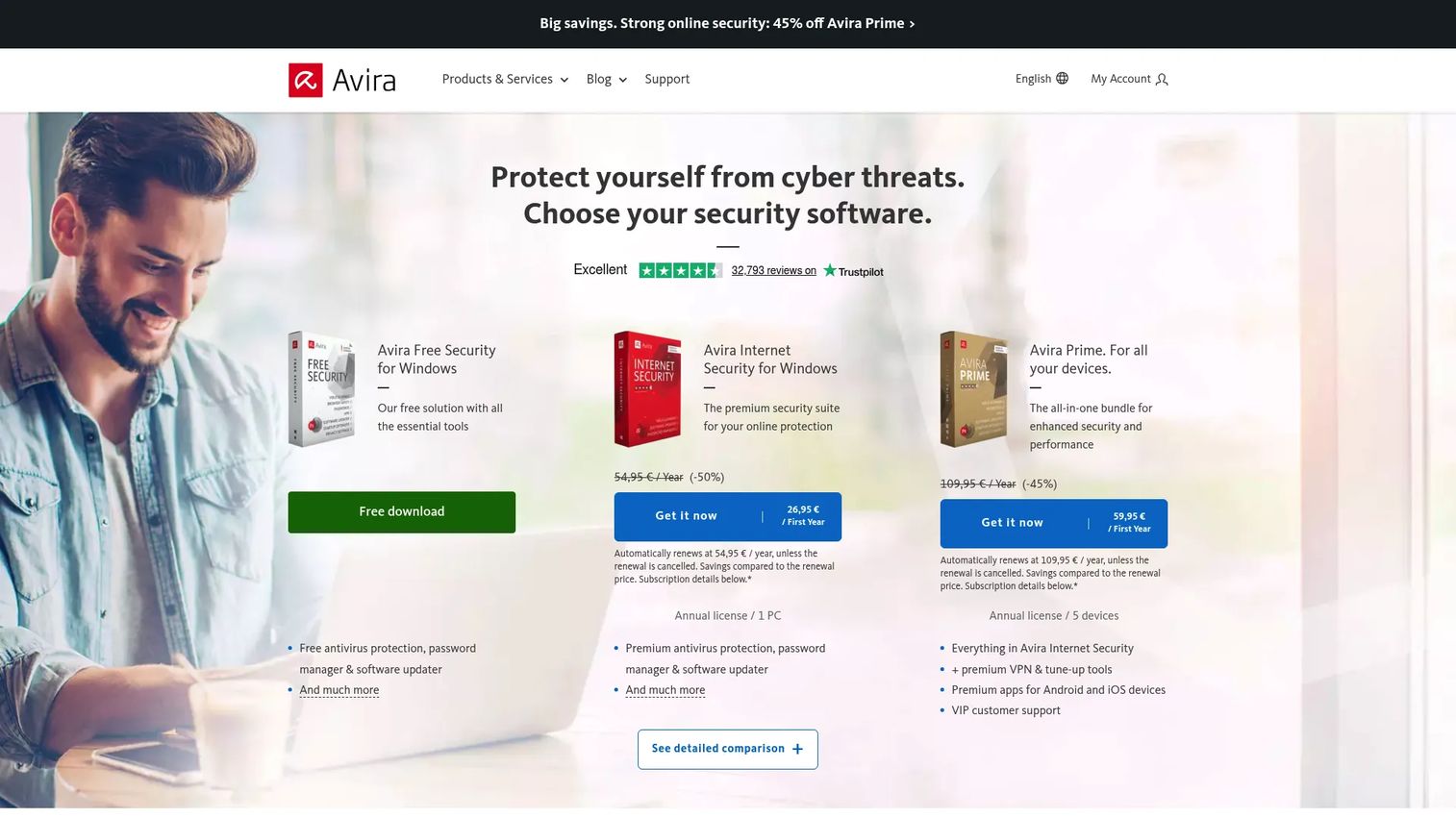
Avira offers a free antivirus tier for Windows, Mac, Android, and iOS, alongside paid plans that add VPN, a password manager, and software update management. The free version covers real-time protection and smart scanning. Paid plans scale from Antivirus Pro through Internet Security to Avira Prime.
Ownership note: Avira is a Gen Digital brand, alongside Norton, Avast, and AVG. Avira's own G2 listing is published under the Gen Digital seller name. Picking Avira as an alternative to Norton or Avast means staying with the same parent company.
Best for: Budget-sensitive users who want a credible free starting point with a clear upgrade path to privacy and performance tools.
Key features
- Free real-time antivirus protection
- Smart scan across devices
- Software updater to close unpatched application vulnerabilities
- VPN option on paid plans
- Password manager option on paid plans
Why choose Avira: The free tier is genuinely capable, not just a stripped marketing hook. The software updater is a practical addition for teams where employees run outdated applications alongside their antivirus.
Avira pricing: Avira Free Antivirus and Avira Free Security are available at no cost. Avira's store advertises its paid bundles at steep first-term discounts, currently 45% to 58% off, which means the headline price is promotional in every case. Published figures put Antivirus Pro at $26.99 for the first year for one PC and Internet Security at $34.99 for the first year, both renewing considerably higher, with Internet Security renewal reported around $70.99 per year. Avira Prime covers five devices. Confirm both numbers on the plan page before buying, because the discount and the renewal rate move together.
G2 rating: Not listed on G2. The only Avira profile on G2 is Avira Anti-Malware SDK, a developer component published under Gen Digital, not the consumer antivirus product.
10. Avast

Avast is one of the most widely used free antivirus products globally, with a free tier that includes core shields for file, web, email, and behavior monitoring. Paid plans add a ransomware shield, Wi-Fi network inspector, and enhanced scam protection. Premium Security and Ultimate plans are available for buyers who want more than the free version covers.
Ownership note: Avast is a Gen Digital brand. Gen Digital was formed after Norton's parent acquired Avast, and the group also includes AVG and Avira.
Best for: Users who want a proven free antivirus baseline with the option to add paid features later.
Key features
- Free antivirus with file, web, email, and behavior shields
- Wi-Fi network security inspector
- Ransomware shield on paid plans
- Scam protection tools
- VPN on Ultimate plan
Why choose Avast: The free product is well-established and includes web and email protection that some free tiers skip. Paid upsell prompts are present in the free version, so users who prefer a cleaner experience may find a paid product more comfortable day to day.
Avast pricing: Free Antivirus is available at no cost. Premium Security is $49.08 for the first year for one PC plus one mobile device, against a $77.99 renewal price, and $49.08 for the first year on the Ultimate tier against a $109.99 renewal price. The 10-device versions renew at $99.99 and $139.99 per year respectively. Avast states plainly on its own store that it discounts the first year and that renewal is charged at the then-current published price, and it has notified customers that renewal prices on certain plans will increase.
G2 rating: Not listed on G2. The 4.3/5 score on G2 belongs to Avast Small Business Cybersecurity Solutions, published under the Gen Digital seller name. The consumer Avast One products have no reviewed G2 profile.
11. AVG
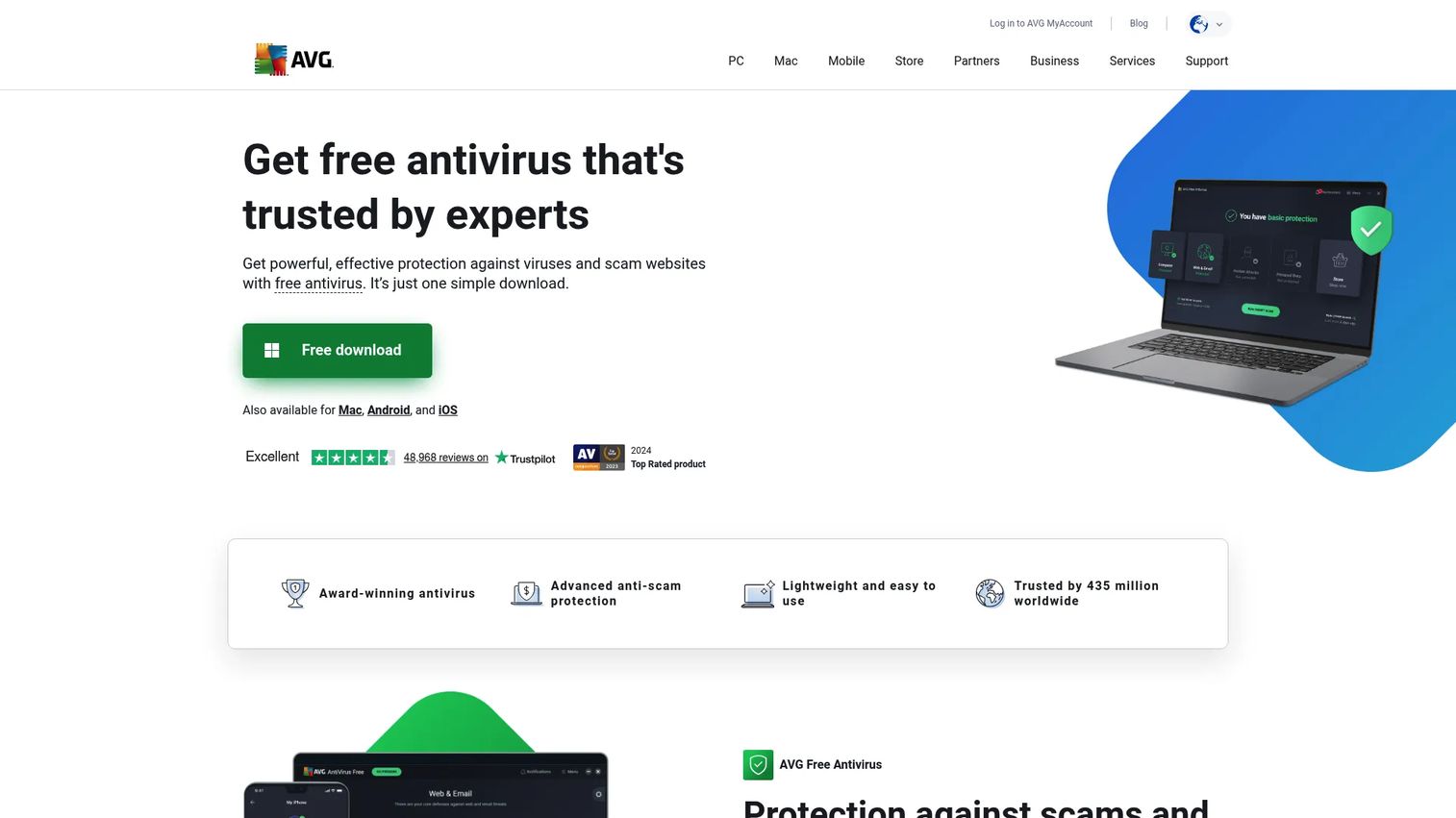
AVG offers a free antivirus scanner and paid upgrades through AVG Internet Security and AVG Ultimate. The free tier covers file and web scanning. Paid plans add ransomware protection, phishing defense, an email shield, and VPN.
Ownership note: AVG and Avast are both Gen Digital brands and share engine technology, which is why they perform similarly in testing. AVG is also a sibling of Norton and Avira under the same parent.
Best for: Users who want a simple, no-cost antivirus experience with a straightforward paid upgrade path.
Key features
- Free antivirus scanner with real-time protection
- Email shield on paid plans
- Ransomware protection
- Phishing and unsafe-website blocking
- Performance tune-up options on Ultimate
Why choose AVG: It covers the basics at no cost and the setup takes minutes. Because AVG and Avast share an engine and a parent, the choice between them usually comes down to interface preference rather than protection quality.
AVG pricing: AVG AntiVirus FREE is available at no cost. AVG's own store lists AVG Ultimate at $59.88 for the first year against a $149.99 list price, and publishes renewal prices of $84.99 per year for Internet Security and $149.99 per year for Ultimate depending on the plan and device count. As with the other Gen Digital brands, every paid headline price is a first-year rate.
G2 rating: Not listed on G2. The AVG profile on G2 is AVG AntiVirus Business Edition at 4.2/5 from 81 reviews, which is the business product rather than the consumer scanner.
12. Panda Dome
Panda Dome is a tiered security suite covering antivirus, ransomware protection, firewall, VPN, parental controls, and USB device scanning. The plan structure runs from Essential through Advanced, Complete, and Premium, so buyers can start lean and add features as their needs grow. A free antivirus offering is also available.
Ownership note: Panda Security is a WatchGuard Technologies brand. Panda's own site now carries joint Panda and WatchGuard branding, and its business products are sold as WatchGuard endpoint security.
Best for: Home users who want to start with basic antivirus and upgrade to privacy and family-safety features without switching products.
Key features
- Antivirus and antispyware protection
- USB drive threat scanning
- Antiransomware and advanced threat protection
- VPN options on higher tiers
- Parental controls on Complete and Premium plans
Why choose Panda Dome: The tiered structure lets you pay for exactly the features you need. USB protection is a notable inclusion for teams that handle physical drives, a threat vector other consumer suites often skip.
Panda Dome pricing: Panda's own store lists standard annual prices of $54.95 for Dome Essential, $64.95 for Advanced, $99.95 for Complete, and $154.95 for Premium, each for one device on a one-year term. Panda discounts these heavily and almost continuously, currently by 30% to 60%, and it markets a "renew at the same price" option that locks the discounted rate rather than reverting to list. Panda Dome Free is available at no cost. Any price materially below the figures above is a promotional rate.
G2 rating: Not listed on G2. No Panda Dome or Panda Security consumer product profile appears in G2's antivirus category or product search.
13. TotalAV
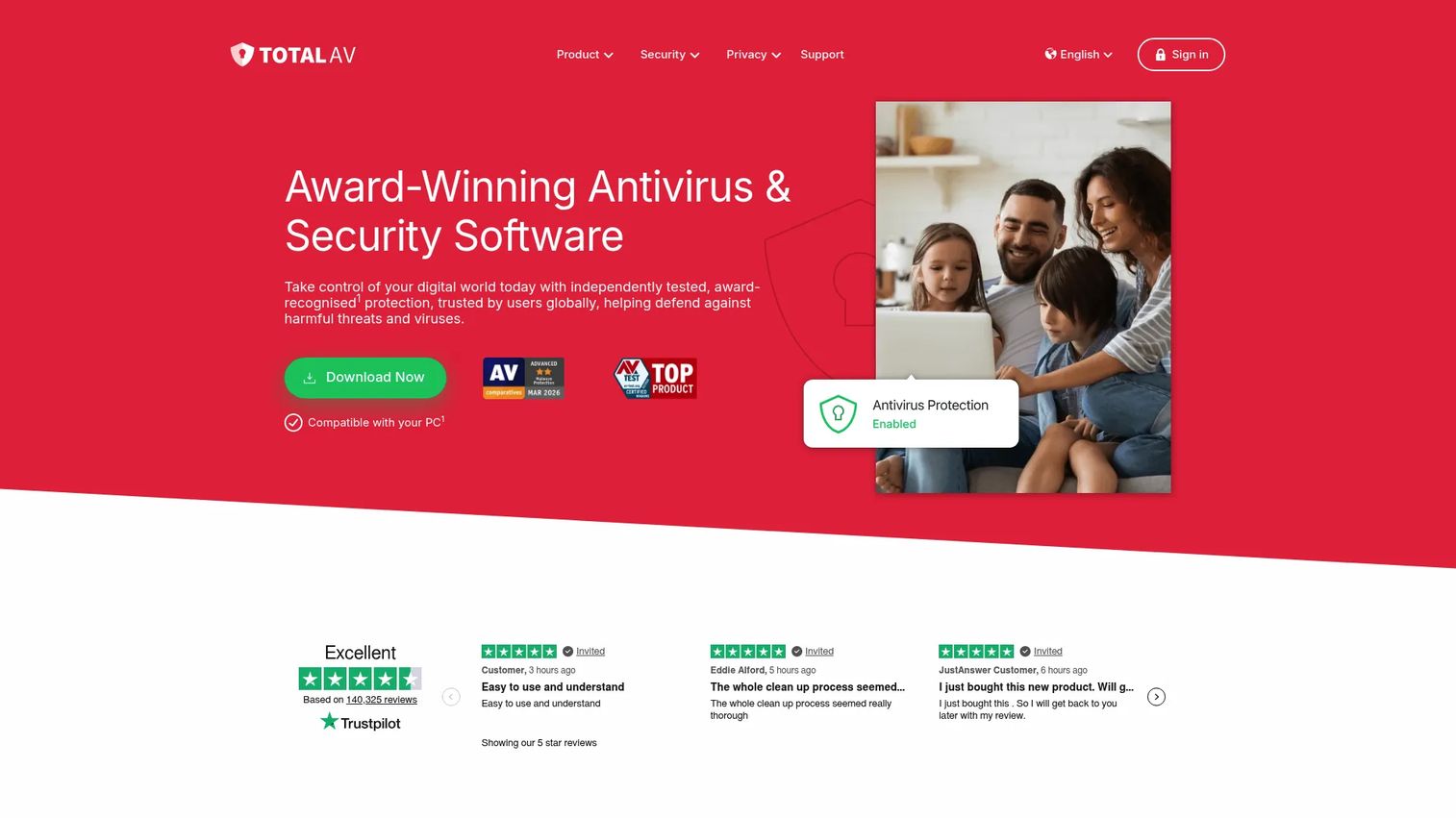
TotalAV combines real-time malware protection with system cleanup, WebShield phishing protection, an ad blocker, data breach monitoring, and an optional VPN. It covers Windows, Mac, iOS, and Android.
Ownership note: TotalAV is published by Protected.net, which independent labs list as the manufacturer. TotalAV's own subscription FAQ refers to "TotalAV or related brands under the Total Security umbrella," naming Total Adblock and Total VPN as siblings. If you buy more than one of those products, they are the same company and may appear under one login while still billing separately.
Best for: Individuals and families who want antivirus and device optimization from one subscription and are comfortable checking renewal costs.
Key features
- Real-time protection and cloud malware scanning
- WebShield for phishing and spoofed-site blocking
- System tune-up and browser cleanup tools
- Data breach monitoring
- Ad blocker and VPN on higher plans
Why choose TotalAV: The system cleanup tools make it practical for users managing older or slower devices where performance matters as much as protection. Confirm the renewal rate before the first year expires.
TotalAV pricing: TotalAV's own pricing page currently lists TotalAV Plus at $99 per year for 4 devices, Internet Security at $129 per year for 6 devices, and Total Security at $149 per year for 8 devices, each renewing automatically until cancelled. TotalAV is known for aggressive first-year promotional offers well below those figures, and its FAQ states that unless you cancel before the end of the initial term the plan renews at the then-regular rate. Treat any low entry price you are quoted as a first-term offer and check the standing rate above. Refunds require a request within 30 days on an annual plan.
G2 rating: 4.0/5 from 11 reviews. This is a real consumer rating, but 11 reviews is a very small sample.
14. Webroot
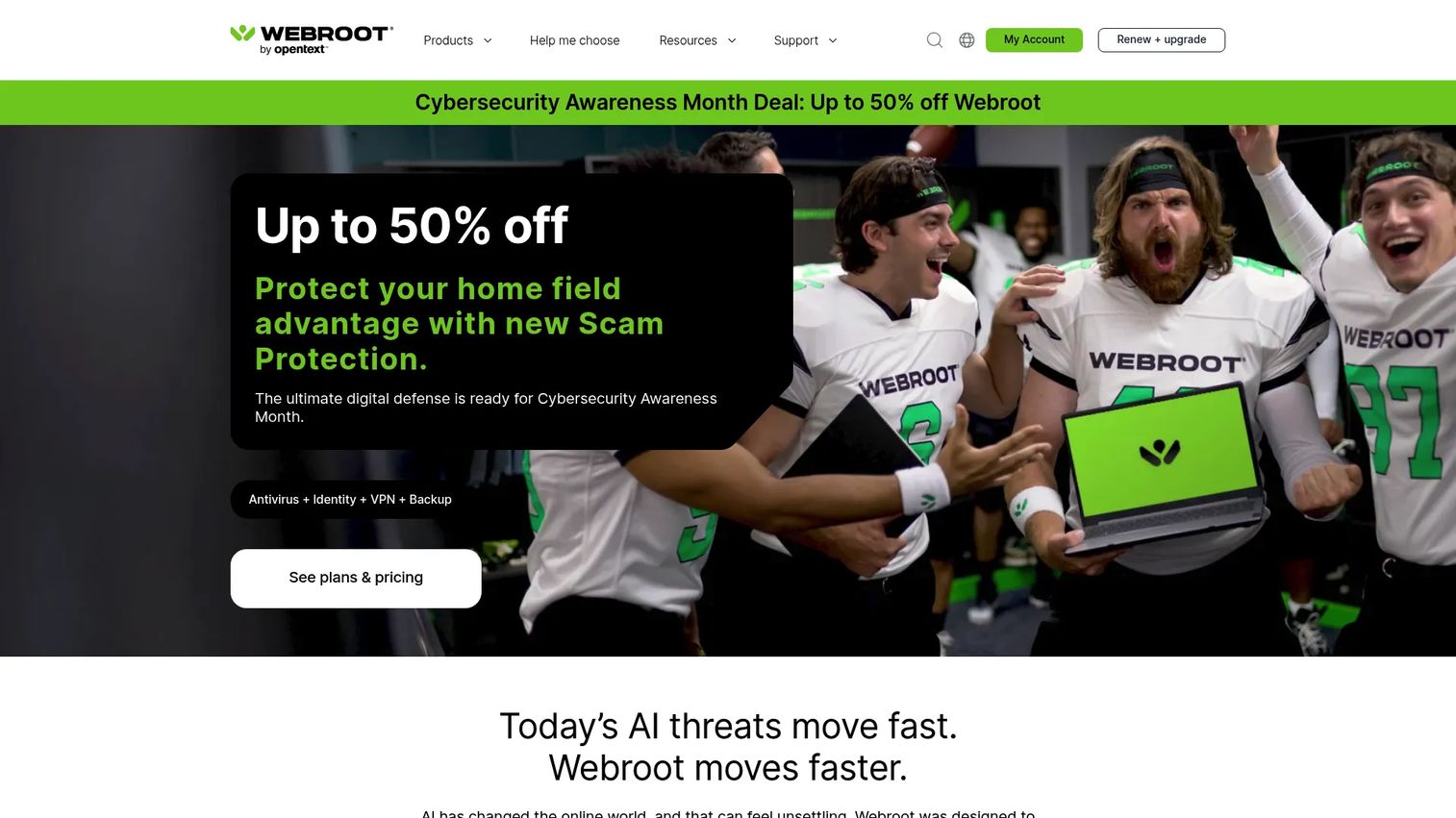
Webroot takes a cloud-based approach to antivirus scanning, which keeps the local software footprint small and scans fast. It covers phishing, ransomware, identity protection, and web threats. For teams running older hardware, the low CPU usage during scans is a practical advantage.
Ownership note: Webroot is an OpenText product. OpenText acquired Carbonite, which had acquired Webroot in 2019, and Webroot's G2 listing is published under the OpenText seller name.
Best for: Users who want antivirus with a light system footprint, particularly on older or lower-spec laptops.
Key features
- Real-time cloud-based malware protection
- Anti-phishing and Web Threat Shield
- Firewall and network monitoring
- Identity protection on Premium and higher plans
- Fast scan times due to cloud processing
Why choose Webroot: The cloud architecture means scans run quickly and the local install stays small. For a distributed team where some employees use older machines, Webroot avoids the productivity hit that heavier scanners can cause.
Webroot pricing: Webroot's own plan pages list Webroot Essentials at $34.99 for the first year against a $49.99 standing price, for either one device or three devices depending on the plan, a 30% first-year discount. Webroot's official pricing page lists Essentials at $49.99 with a $69.99 figure alongside it, AntiVirus for PC Gamers at $39.99, and Webroot Security for Chromebook at $24.99. Higher tiers, including Smart Protection and Total Protection, are sold on the same first-year discount model. Business endpoint protection is sold separately. Because Webroot lists several different Essentials configurations at similar prices, confirm the device count attached to the price you are quoted.
G2 rating: Not listed on G2. The 4.5/5 score from 532 reviews belongs to Webroot Business Endpoint Protection, published by OpenText, not the consumer product.
15. Intego ONE
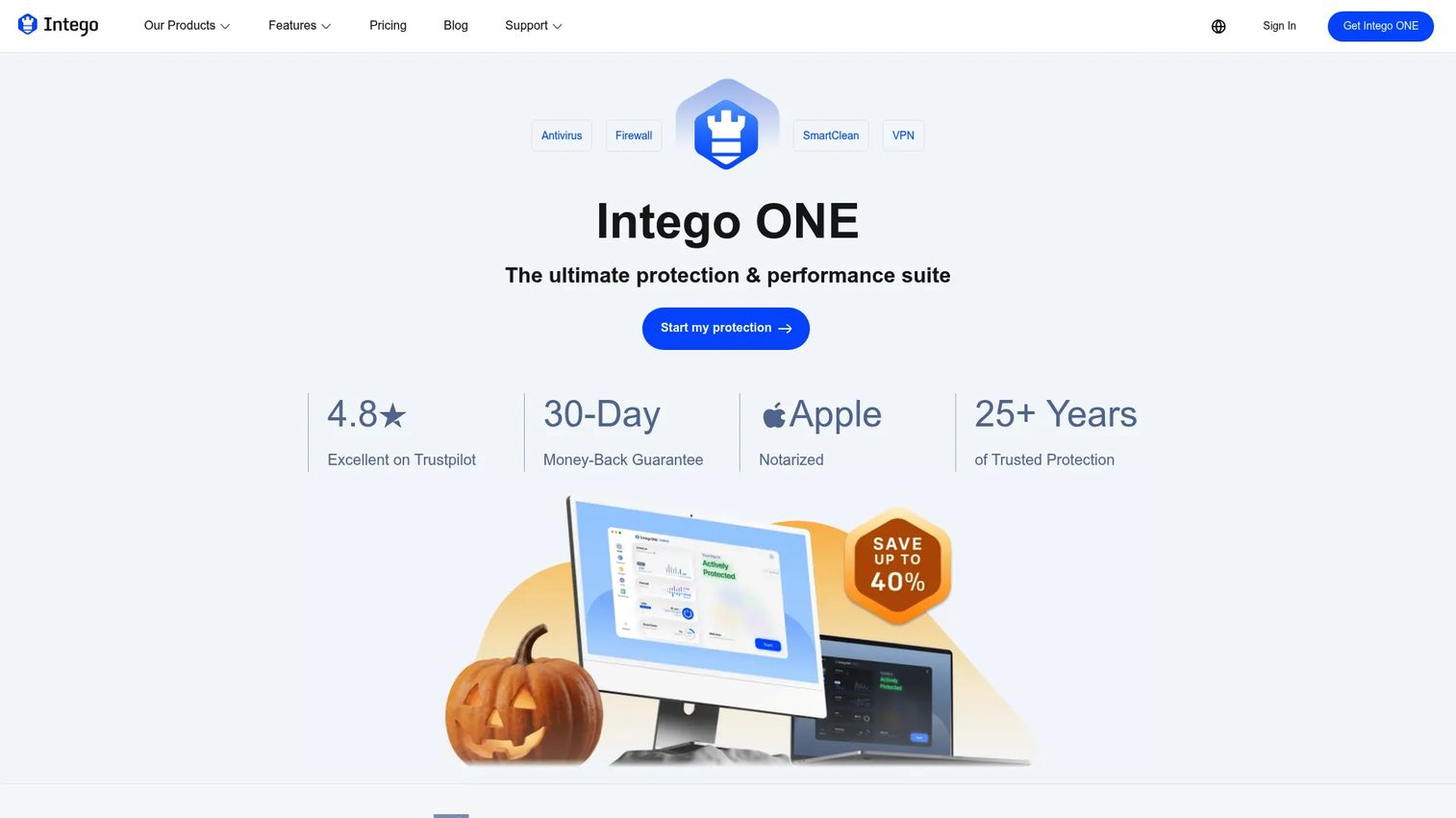
Intego ONE is purpose-built for Mac. Where Windows-first antivirus products adapt their engine for macOS, Intego was designed around macOS workflows from the ground up. It includes antivirus scanning, a firewall, SmartClean junk removal, and a VPN. Windows support is not offered on the current product pages.
Ownership note: Intego has been owned by Kape Technologies since 2018. Kape also owns several consumer VPN brands, so Intego is part of a consumer privacy portfolio rather than an independent Mac security vendor.
Best for: Mac-first founders, households, and teams who want antivirus built around macOS rather than ported from a Windows product.
Key features
- Mac malware protection with real-time scanning
- Firewall with traffic monitoring and rules
- SmartClean junk removal and app uninstalling
- VPN with global servers and kill switch on Complete plan
- Scheduled and custom scans
Why choose Intego ONE: A Mac-specialist tool handles macOS-specific malware, browser extensions, and download behavior in ways that generic cross-platform tools sometimes miss. For a team that runs entirely on Apple hardware, it's the cleaner fit.
Intego ONE pricing: Intego sells on one-year and two-year terms with a discounted first term. Its checkout lists Intego ONE Complete for one Mac on a two-year term at $112.49 against a $149.99 list price, auto-renewing every two years. Lower Essential and Advanced tiers are sold at correspondingly lower first-term prices that change with the current promotion, so read the renewal line in the cart rather than the headline figure. Intego runs frequent discount campaigns, which means the price you are shown is very likely a promotional one.
G2 rating: Not listed on G2. The Intego seller profile on G2 carries 2 reviews at 3.5/5 for a legacy product called Flextivity Complete, which is not Intego ONE.
Considerations when choosing antivirus software
Count the companies, not the brand names
The single most useful fact about this category is that the shortlist is shorter than it looks. Fifteen products here come from 12 companies, and Gen Digital alone accounts for Norton, Avast, AVG, and Avira. Testing three Gen Digital brands against each other gives you three interfaces and one engine family. If you want a genuine second opinion, or you want to avoid putting your whole fleet behind one vendor's threat intelligence, pick from different parents rather than different logos.
Compare renewal pricing, not only first-year discounts
Nearly every paid product above is quoted at an introductory rate. Avast states on its own store that it discounts the first year and charges the then-current price afterwards. Norton publishes renewal figures that sit well above its first-year prices, with LifeLock Select Plus moving from $99.99 to $189.99. Webroot and Avira both advertise first-year discounts of roughly 30% to 58%. Calculate the year-two cost and the per-device math before signing up, because a subscription that looks cheap at sign-up can cost more at renewal than one with flat annual pricing. Panda is a partial exception worth noting: it markets a renew-at-the-same-price option rather than reverting to list.
Check independent testing before trusting marketing claims
AV-TEST, AV-Comparatives, and SE Labs run standardized detection and performance tests across antivirus products. Read the current results on the labs' own sites rather than the version quoted on a vendor page, because vendors tend to cite whichever test year flattered them most. One of the vendors above still references an AV-Comparatives result from 2020 on its homepage. For best AI security posture management tools or deeper enterprise testing needs, those categories have separate evaluation criteria.
Treat G2 scores for this category with care
G2 is built for business software, and most consumer antivirus products either have no profile or have a handful of reviews. The high G2 scores you will see quoted for Bitdefender, ESET, Sophos, Webroot, Avast, and Malwarebytes belong to those companies' business and enterprise products, which are different software with different engines and consoles. Only two products in this guide carry a verified consumer G2 rating, and both have fewer than 40 reviews.
Watch performance impact on older laptops
A scan running in the background can noticeably slow down a machine with limited RAM or an older CPU. Webroot's cloud-based approach keeps local resource usage low, and ESET's installer is among the smaller ones in the category. Test your chosen tool on the weakest machine your team uses before rolling it out broadly.
Treat antivirus as one layer, not a complete security program
Antivirus does not replace MFA, regular patching, encrypted backups, a password manager deployment, or device encryption. A ransomware attack that arrives through a phishing email and then encrypts files stored only on the local disk is a problem antivirus helps catch, but backups are what actually recover. Build antivirus into a broader stack, not on top of nothing.
Conclusion
The right antivirus for your company depends on what devices your team runs, how much administrative overhead you can carry, and what you're actually worried about.
Bitdefender is the strongest all-around pick for multi-device protection, and it has the added advantage of being genuinely independent. Norton 360 and McAfee make sense when you want identity monitoring and VPN bundled into the same subscription, with the caveat that Norton sits in the same group as Avast, AVG, and Avira. Microsoft Defender is a defensible answer for Windows devices when budgets are tight and OS updates are current, and it is already the most widely used option in the US. Malwarebytes is the go-to for cleanup when a machine is already acting suspicious. ESET and Webroot both suit buyers who want a lighter footprint without the bundle overhead. Intego ONE is the obvious choice for Mac-first teams.
Pick three candidates from three different parent companies, check the renewal price next to the sign-up price on each vendor's site, and test your top choice on the oldest laptop your team still uses. If it slows that machine down noticeably, your team will find a workaround by Friday and you'll have paid for protection nobody actually keeps running.
For teams exploring the broader security stack, our roundups on best endpoint protection software and anti-spam software cover adjacent layers worth evaluating alongside antivirus.
If part of your job is explaining a security tool to the rest of the company rather than choosing one, that is a different problem, and a screenshot in a wiki page rarely solves it. Guideflow is an interactive demo platform built for presales and product marketing teams, and the same format works for an internal rollout: an interactive demo showing where the scan button is and what the alerts mean, which people can follow at their own pace.
Start your journey with Guideflow today!
FAQs
Antivirus software is security software that detects, blocks, quarantines, or removes malicious files and programs from computers and mobile devices. It defends against threats including malware, ransomware, spyware, trojans, phishing pages, and malicious browser extensions, using a combination of signature-based detection, behavior analysis, and cloud-assisted scanning. Modern products often bundle additional features such as VPN, password management, and identity monitoring into internet security suites.
For many Windows users with up-to-date systems, safe browsing habits, and a current backup strategy, Microsoft Defender provides solid baseline protection at no additional cost. It is also the most commonly used antivirus among US adults, at 23% of users in Security.org's 2025 study. Paid third-party antivirus adds value when you need cross-device coverage across macOS and Android, identity protection, a centralized admin view, or a more credible answer on a vendor security questionnaire. The choice comes down to your risk profile and what's missing from the built-in stack.
Fewer companies than the brand names suggest. Gen Digital owns Norton, Avast, AVG, and Avira. Sophos is owned by the private equity firm Thoma Bravo. Panda Security is a WatchGuard Technologies brand, Webroot belongs to OpenText, Intego belongs to Kape Technologies, and TotalAV is published by Protected.net alongside Total VPN and Total Adblock. Bitdefender, ESET, Malwarebytes, Trend Micro, McAfee, and Microsoft each stand alone. This matters if you are trying to run two independent engines, or you want to avoid your whole device fleet depending on one company's threat intelligence.
There is no single answer that fits every Windows user. Bitdefender and ESET are both frequently shortlisted and offer different tradeoffs: Bitdefender for broader bundled coverage, ESET for a leaner footprint and more granular configuration. Microsoft Defender is the default for users who want no-cost protection. Malwarebytes works well as a cleanup tool or supplemental layer. Check the current AV-TEST and AV-Comparatives results for your candidates, and match the choice to whether you need a full suite, a focused scanner, or a free baseline.
macOS includes built-in protections including Gatekeeper, XProtect, and Notarization checks, but Mac users still face malware distributed through browser extensions, phishing pages, scam software, and download sites. Security.org's 2025 study found 37% of macOS users run antivirus against 69% of Windows users, while malware incidence was 4.1% on macOS versus 7.6% on Windows. For teams running on Apple hardware, a Mac-specialist tool like Intego ONE or a cross-platform product with confirmed macOS support adds a detection layer beyond the OS defaults.
Free antivirus tools typically cover real-time malware scanning and basic web protection. Paid plans add ransomware-specific detection and rollback, phishing protection, VPN access, identity monitoring, dark web alerts, password management, and multi-device coverage. The support quality also differs: paid subscribers generally get priority help. Free use is now the majority position, at 61% of antivirus users in Security.org's 2025 study against 36% on paid subscriptions. For a personal computer with routine use, free protection may be adequate. For company devices, regulated data handling, or vendor security questionnaire requirements, paid plans typically provide the feature depth and documentation needed.
Antivirus reduces ransomware risk through behavior-based detection, malicious-site blocking, and file-activity monitoring that can catch encryption behavior before it spreads. Products like Bitdefender and Avast include specific ransomware shields and file rollback features. Antivirus alone does not eliminate ransomware risk. Offline backups, MFA on all accounts, prompt patching, and least-privilege access controls are the defenses that determine whether a ransomware incident becomes a brief disruption or a serious data loss event.
Performance impact varies significantly by product, device age, and scan configuration. Cloud-based scanners like Webroot keep local processing minimal. Heavier full-suite products can noticeably affect CPU and battery during scheduled scans. Most products allow you to schedule scans during low-use hours and adjust scan depth. Test any new antivirus tool on your slowest device before a full rollout. A tool that degrades performance on old hardware will get disabled by frustrated employees.
Real-time protection runs continuously in the background and catches threats as they arrive, so a separate full scan is supplemental rather than your primary defense. A weekly full scan is reasonable for higher-risk devices or those that handle sensitive data regularly. Ensure automatic signature updates are enabled so the tool recognizes current threats. For devices used primarily for browsing and communication with limited file downloads, real-time protection plus monthly full scans is a workable baseline.