
A paralegal opens fourteen tabs before lunch. Case deadlines in a calendar, drafts in a shared drive, client questions in three separate inboxes, billing entries in a spreadsheet, and a research window that never quite closes. None of it talks to the other. Every status update means switching context, hunting for the latest file version, and re-typing something that already exists somewhere else.
That friction is where hours disappear. Not in the legal work itself, but in the coordination around it. When a matter has six moving parts spread across six systems, the person holding it together spends more time on logistics than on substance. Errors creep in at the seams: a missed deadline, a superseded draft sent to a client, a billable hour that never got captured.
The right software for paralegals collapses those seams. It puts casework, documents, client communication, and billing in one place, automates the repetitive drafting and follow-ups, and keeps the whole firm looking at the same version of the truth. The payoff is not abstract productivity. It is fewer errors, faster answers, and captured revenue that used to leak away.
The market backs this up. Global legal practice management software is projected to reach USD 3.14 billion in 2026 and grow at an 11.15% CAGR through 2032, according to Research and Markets (2024). Firms are consolidating point tools into unified systems because the coordination tax got too expensive to ignore.
This guide is built to help you pick the right one. It moves past a list of features and toward a decision: which system reduces manual work fastest and most reliably for your firm.
What's inside
This guide covers the best paralegal software programs for teams that want less manual coordination and better visibility across cases, documents, clients, and billing. It is written for firm owners, operations leads, and the paralegals who live inside these tools every day.
We chose tools based on workflow fit, not feature count. Four criteria drove the shortlist:
- Case management depth: does calendaring, tasks, notes, matters, and documents live in one place?
- Document automation: can you reuse templates and assemble filings without re-drafting?
- Client communication: is there a client portal or secure messaging that cuts down on status calls?
- Billing and time tracking: does the tool capture time and move invoices without extra admin?
Where a tool specializes rather than covers everything, we say so plainly.
TL;DR
- Best overall for unified casework and billing: Clio
- Best for intake, client communication, and reporting: Lawmatics
- Best all-in-one with strong client-facing workflows: MyCase
- Best for simpler firm setups needing a broad platform: SimpleLaw
- Best for document-first, automation-heavy firms: Clienty
- Best for AI-assisted small-firm management: Nevoa Law
- Best for classic, customizable case management: Time Matters
- Best for billing and time tracking focus: Bill4Time
Pick by the bottleneck that costs your firm the most hours, not by brand recognition. A billing leak and a document backlog need different first moves.
What is paralegal software?
Paralegal software is any tool that helps legal support teams manage cases, documents, client communication, billing, and the related workflows that keep matters moving. In practice it usually sits inside broader practice management software, but the buying lens that matters is workflow coverage, not category label.
Most paralegal tools fall into a handful of core categories:
- Case management or practice management: matters, calendars, tasks, deadlines, and notes in one system.
- Document automation: templates, assembly, and reusable clauses that cut repetitive drafting.
- Document management software: version control, search, tagging, and secure storage for files.
- Client portals and communication: secure messaging, document exchange, and status visibility without endless email.
- Billing and time tracking: timers, invoicing, trust accounting, and payment collection.
- Integrations and reporting: connections to email, calendars, storage, and accounting, plus dashboards on firm activity.
The framing that matters here is firm-wide, not paralegal-specific. When a paralegal captures time accurately or automates a routine filing, the whole firm sees cleaner cash flow and fewer errors downstream. That is the real reason legal software for paralegals earns a place in the stack: it turns individual effort into a repeatable, visible system.
When to use paralegal software
Not every firm needs every category at once. Match the tool to the bottleneck that is costing you the most time right now.
Centralize casework and deadlines
If your team is losing time to scattered calendars, competing task lists, and file versions that live in three places, you need centralization first. Case management software reduces handoff friction by keeping matters, deadlines, and documents in a single view. When a paralegal picks up someone else's file, they see the full history without a hallway conversation. Missed deadlines usually trace back to fragmentation, and a unified system removes the gaps where dates fall through.
Automate routine documents and updates
If paralegals keep drafting the same engagement letters, intake forms, and standard filings by hand, document automation is where hours come back. Template reuse and assembly turn a thirty-minute draft into a two-minute merge. The bigger the volume of repeat documents, the bigger the payoff. This is also where consistency improves, because the language comes from an approved template rather than a hurried copy-paste.
Improve client communication without more inbox chaos
If your team fields the same status questions over and over, a client portal or shared messaging layer cuts that load. Clients upload documents, check matter status, and send secure messages without adding to anyone's inbox. Answers arrive faster because the client can self-serve the routine questions, and the firm keeps a clean record of every exchange.
Tighten billing, time tracking, and payments
If the work is getting done but not fully captured, you have a revenue leak. Billing and time tracking tools catch time at the moment of work, convert it to invoices without manual re-entry, and move payments faster. For firm-wide ROI, this is often the fastest win: captured hours that used to evaporate now show up on the invoice.
Comparison table
Use this to scan categories at a glance. Pricing and ratings reflect verified vendor and review-site values at the time of writing; where a vendor gates pricing, we note that plainly.
| # | Product | Intent | Key use case | Pricing | G2 rating |
|---|---|---|---|---|---|
| 1 | Clio | All-in-one practice management | Unified casework, documents, and billing | EasyStart from $49/user; higher tiers via sales | - |
| 2 | MyCase | All-in-one with client-facing workflows | Intake, communication, and payments | From $50/user/mo (annual) | 4.4/5 |
| 3 | Lawmatics | Intake and legal CRM | Lead intake, client portal, and reporting | Custom quote; first month free | 4.6/5 |
| 4 | SimpleLaw | Broad, simpler practice platform | Case management with portal and billing | Free tier; firm plans from $33/user/mo | 5.0/5 |
| 5 | Clienty | Document-first case management | Case tracking, AI assistant, and document sharing | Pricing via vendor | - |
| 6 | Nevoa Law | AI-assisted small-firm management | Time tracking, documents, and client management | Free trial; pricing via vendor | - |
| 7 | Time Matters | Classic, customizable case management | Matter, calendar, and document control | From $950 (first user) | 3.2/5 |
| 8 | Bill4Time | Billing and time tracking | Time capture, invoicing, and trust accounting | From $39/user/mo (annual) | 4.7/5 |
The 8 best paralegal software programs for 2026
1. Clio
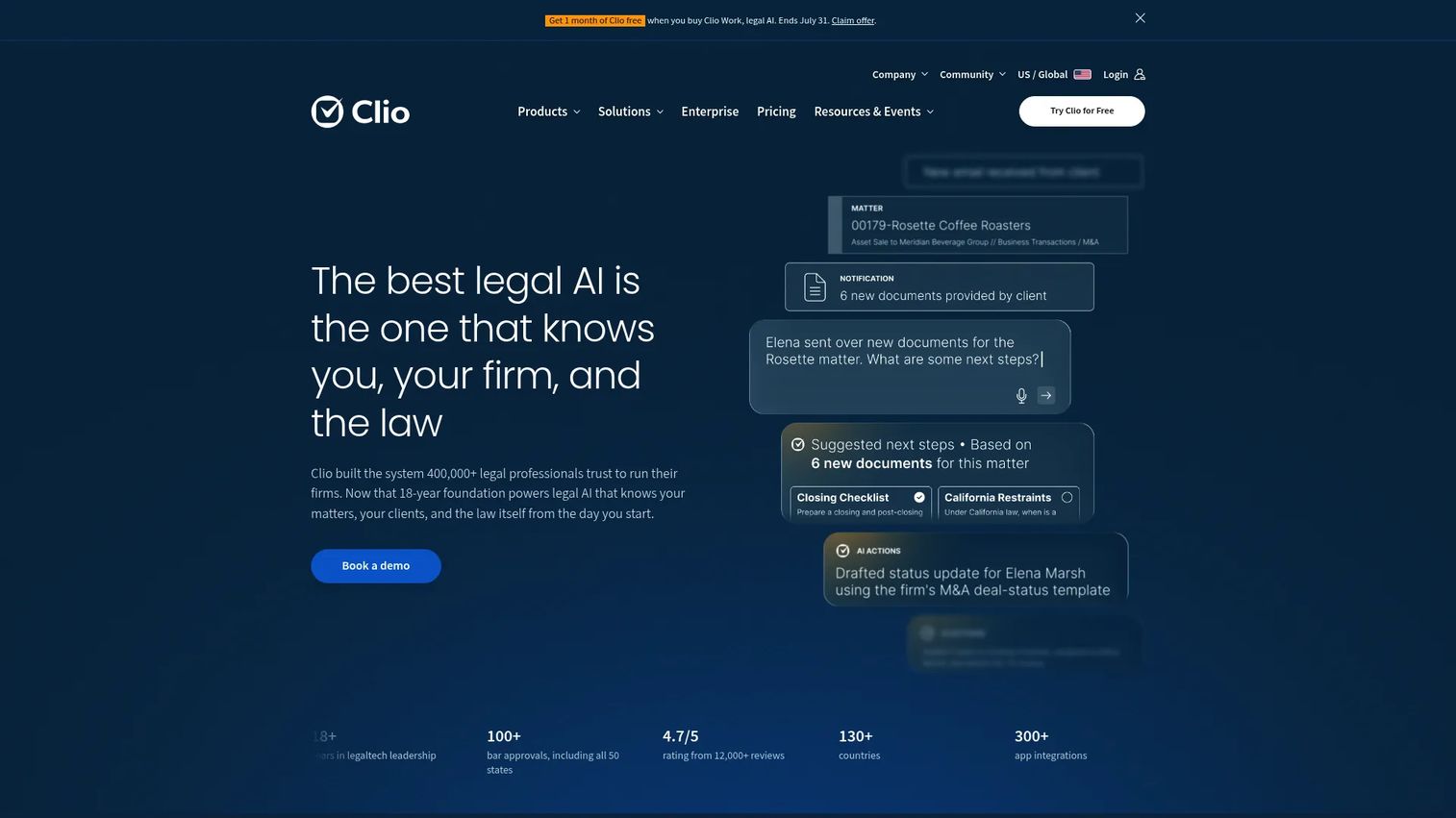
Clio is cloud-based legal practice management software built to be the central operating layer for a firm with mixed legal work. It pulls case management, document management, calendaring, billing, and client communication into one system, so a paralegal is not stitching together separate tools to move a matter forward. It works well for firms that want a broad platform they can access from any device, which matters for remote work and multi-location teams.
Best for: Firms that want one platform to run cases, documents, and billing without maintaining separate point tools.
Key strengths
- Unified case management: Matters, calendars, tasks, notes, and documents share one workspace, so nothing lives in a silo.
- Client intake and CRM: Intake and contact management feed directly into casework, reducing re-entry between systems.
- Billing and secure communications: Time tracking flows into invoices, and secure client messaging keeps exchanges on the record.
Why choose Clio: If your firm handles multiple practice areas and you want a single system of record, Clio's breadth is the draw. It reduces the number of tools a paralegal touches in a day, which cuts context switching and the errors that come with it. Firms prioritizing centralized workflow over specialized depth in any one area tend to land here.
Clio pricing: Clio's pricing page lists EasyStart starting at $49 per user, with higher tiers (Essentials, Advanced, and Expand) available by contacting sales. Firms should map their required features to a tier before committing, since the entry plan is intentionally lean.
2. MyCase
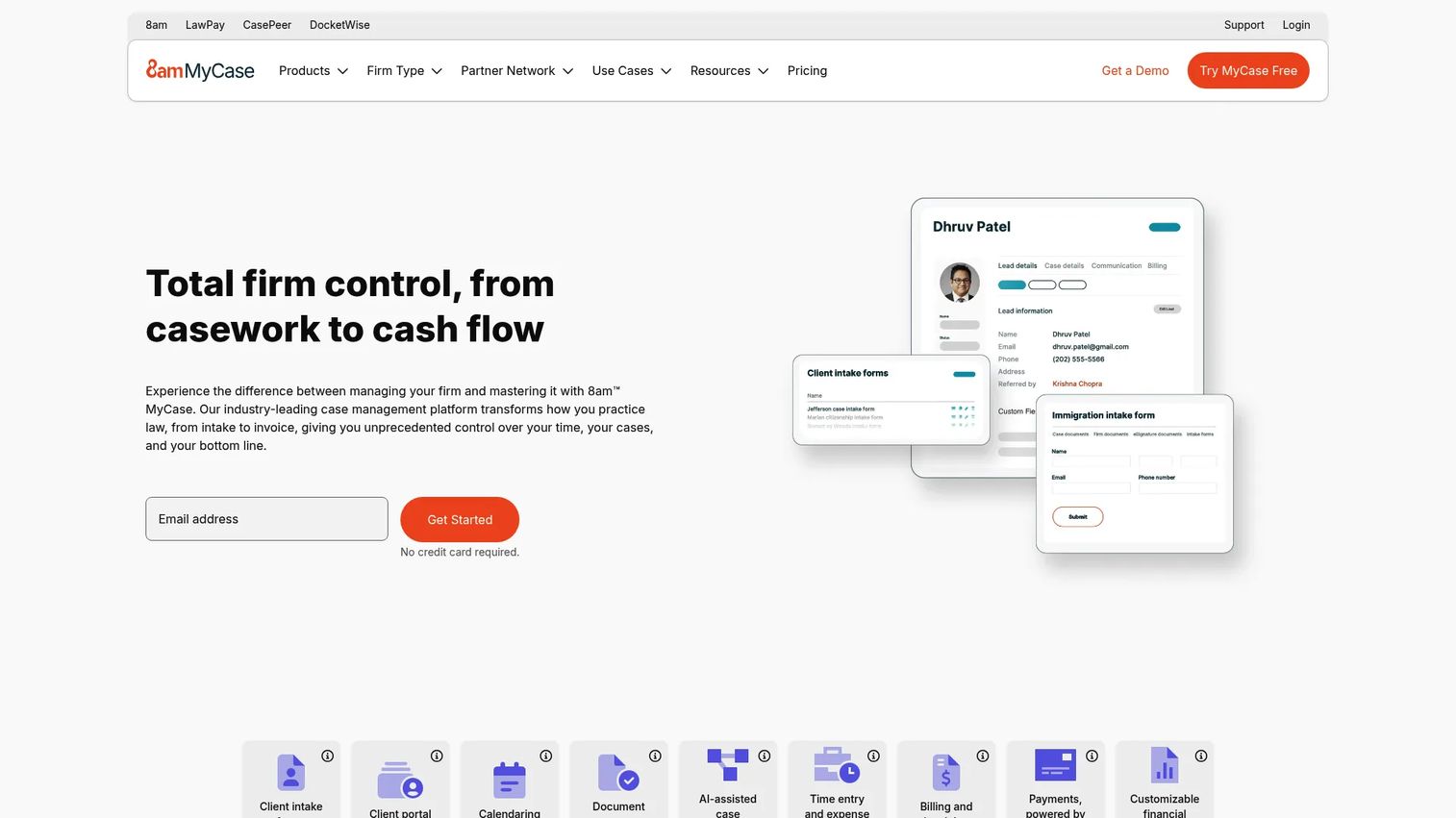
MyCase is cloud-based legal practice management software that leans hard into client-facing workflows. It covers client intake and lead management, case management with calendaring and workflow automation, document automation and management, plus billing, payments, and accounting. For support-heavy teams, the appeal is that repetitive admin (intake, follow-ups, invoice generation) gets automated rather than done by hand.
Best for: Firms that want an all-in-one platform with strong client communication and payment workflows built in.
Key strengths
- Client intake and lead management: New matters enter the system cleanly, so paralegals start with structured data instead of loose emails.
- Workflow automation: Case management with automated tasks and calendaring keeps deadlines and handoffs visible.
- Billing and payments: Integrated billing, payments, and accounting shorten the path from work done to cash collected.
Why choose MyCase: The time-savings angle is the core case here. When intake, communication, and billing run on one platform, paralegals stop re-entering the same client data across tools. Firms that field a lot of client questions and want a portal-style experience without bolting on extra software fit well.
MyCase pricing: MyCase Basic starts at $50 per user per month billed annually, or $60 billed monthly. MyCase Pro runs $100 per user per month annually, and MyCase Advanced is $130 annually. A separate MyCase Accounting plan is $39 per user per month. The pricing page offers a 10-day trial with no credit card required.
3. Lawmatics
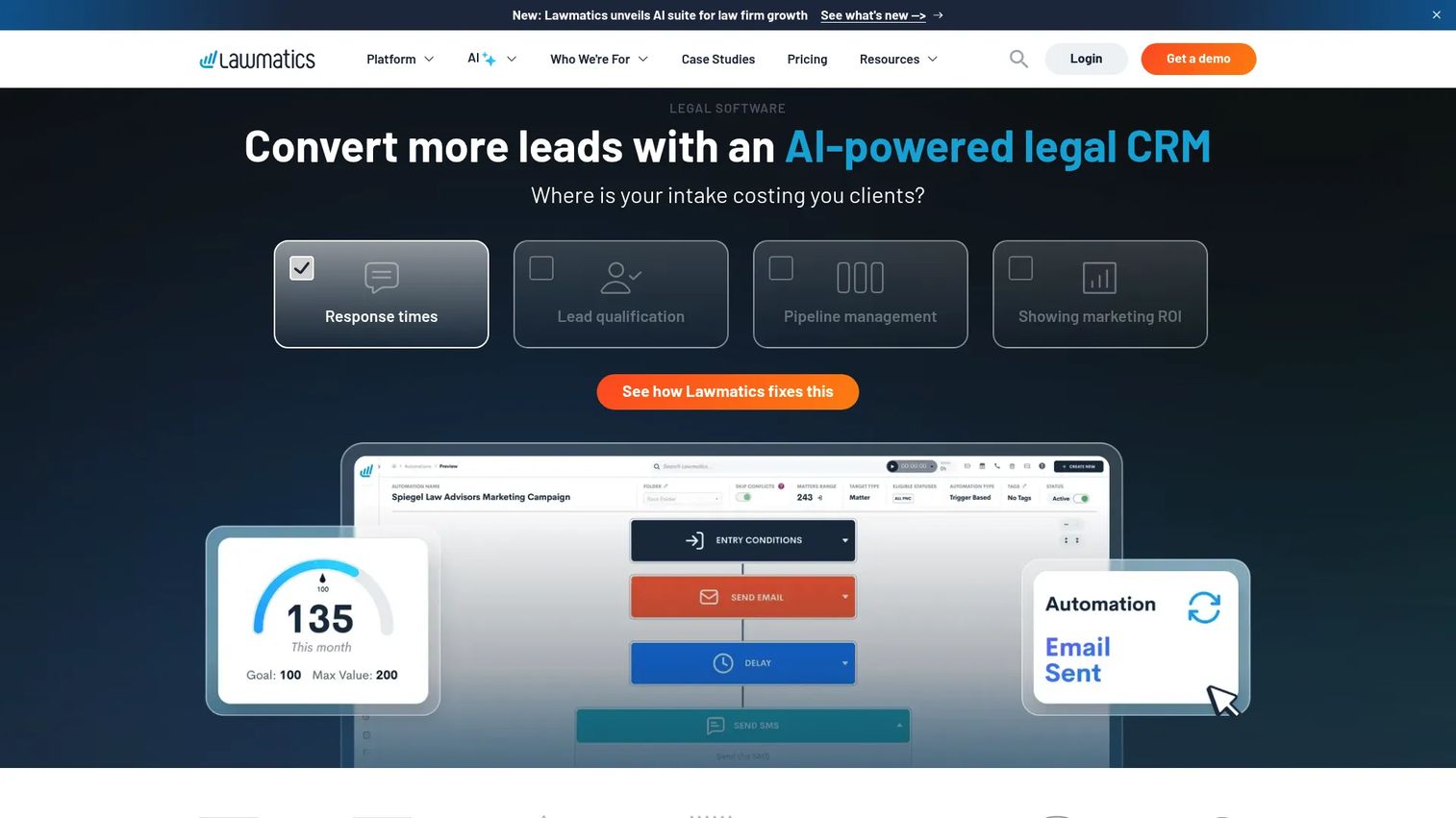
Lawmatics is a legal CRM and client intake platform that focuses on the front of the funnel and the reporting behind it. It covers client intake, lead management, and workflow and marketing automation, which makes it especially useful where intake quality and visibility drive the business. For paralegals, it reduces the busywork of chasing leads and manually logging where each prospect stands.
Best for: Firms where intake volume and client acquisition matter as much as casework, and where reporting needs to be clean.
Key strengths
- Client intake: Structured intake forms and automated routing capture leads without manual data entry.
- Lead management: A legal CRM tracks every prospect and client interaction in one timeline.
- Workflow and marketing automation: Automated follow-ups and reporting reduce the manual coordination around intake and nurture.
Why choose Lawmatics: If your firm loses potential clients to slow or messy intake, this is where to look first. The automation handles repetitive follow-up so paralegals spend less time on data entry and more on qualified work. The analytics also give firm leadership a clearer picture of where clients come from and where they drop off.
Lawmatics pricing: Lawmatics does not publish subscription prices; the site describes pricing as tailor-made and asks firms to request a custom quote across its Essential, Premium, and Enterprise plans. The pricing page notes the first month is free.
4. SimpleLaw
SimpleLaw is legal case management software for firms that want a unified system without a steep setup. It combines matter management, document automation, a client portal, billing, and task management into one platform. The pitch is practical workflow consolidation: fewer tools, fewer logins, and a single place where cases and clients live.
Best for: Solo attorneys and small firms that want an all-in-one platform with a client portal and billing at an accessible price point.
Key strengths
- Matter management: Cases, tasks, and deadlines stay organized in one view.
- Document automation: Template-driven assembly cuts the time spent on repeat filings and letters.
- Client portal: Clients exchange documents and check status without adding to the firm's inbox.
Why choose SimpleLaw: For firms that find larger platforms heavier than they need, SimpleLaw's simplicity is the point. It consolidates the essential workflows without asking a small team to manage a sprawling system. The free individual-attorney tier makes it easy to test before scaling.
SimpleLaw pricing: SimpleLaw offers a free tier for individual attorneys. Firm pricing is $39 per user per month (annual) for 1 to 10 users, $35 for 11 to 19 users, and $33 for over 20 users. A two-week free trial is available, and firms get three months free with a one-year subscription. One free paralegal or legal secretary subscription is included per subscribing firm.
5. Clienty
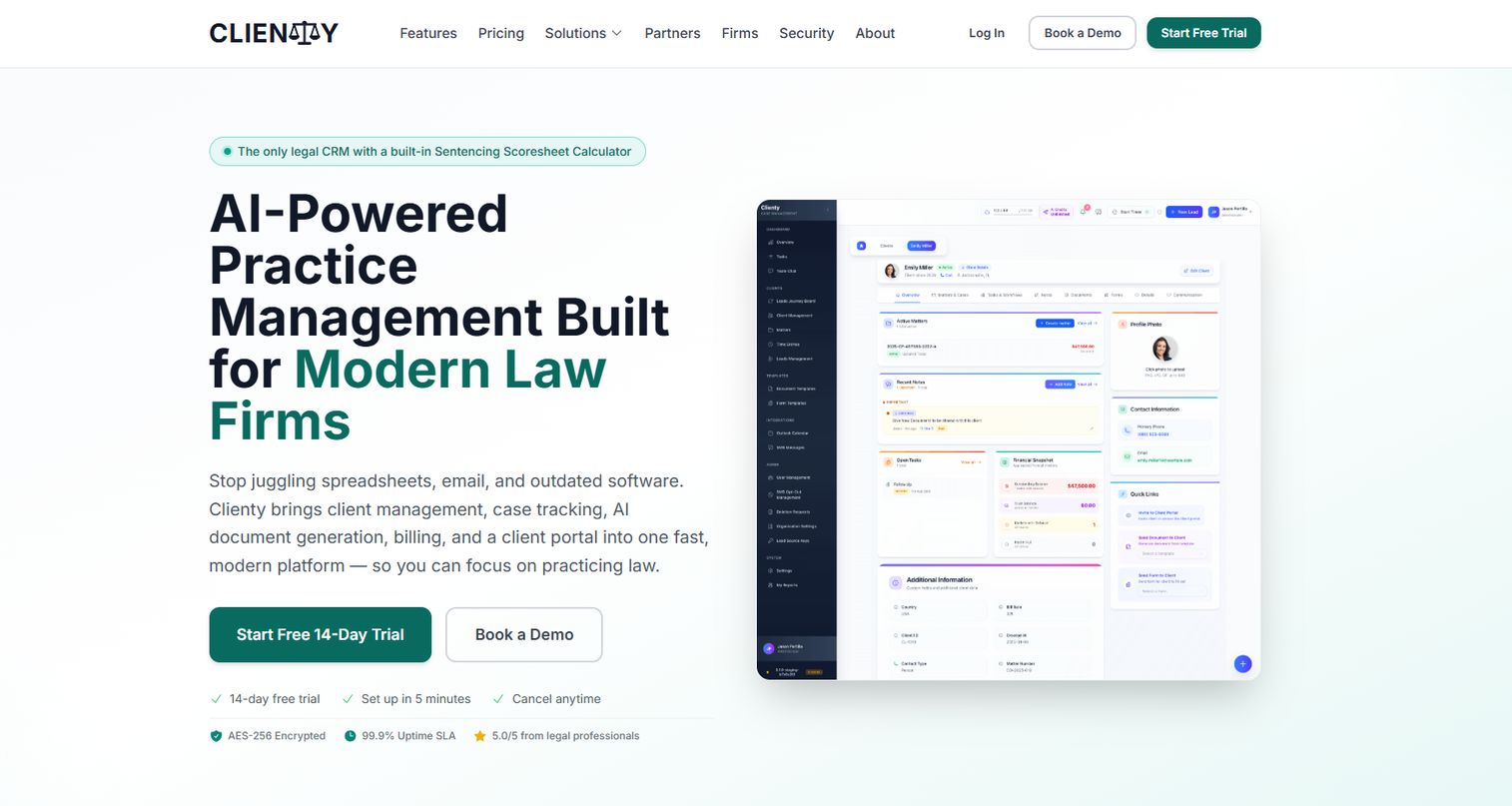
Clienty is a document-first case management tool aimed at firms that want automation and document sharing centralized in one system. It brings together case tracking, billing and payments, document management, an AI legal assistant, a client portal, and Outlook integration. The emphasis is on centralized data and client communication, so a paralegal handling document-heavy matters keeps everything in a single environment.
Best for: Document-heavy firms that want case tracking, client sharing, and AI-assisted workflows in one place.
Key strengths
- Document management: Centralized storage and sharing keep every file version in one system.
- Client portal and communication: Secure sharing and messaging reduce email back-and-forth with clients.
- AI legal assistant and Outlook integration: Automation and native email integration cut manual steps across the workflow.
Why choose Clienty: If document exchange and centralized client communication drive your day, Clienty's document-first design fits. The Outlook integration matters for teams that live in email, since it keeps correspondence connected to the matter rather than stranded in an inbox.
Clienty pricing: Public pricing was not confirmed at the time of writing. Firms should request current pricing directly from the vendor and confirm which features are included at each tier.
6. Nevoa Law

Nevoa Law is AI-powered practice management software built for small law firms. It covers smart time tracking, document automation, and trust accounting, along with client management and a client portal. The AI-assisted layer targets the routine work that eats a small team's day, so paralegals can move faster through time capture, document generation, and matter handling.
Best for: Small firms that want AI-assisted practice management to reduce routine admin without a large operations team.
Key strengths
- Smart time tracking: AI-assisted capture reduces the manual effort of logging billable time.
- Document automation: Template-driven generation speeds up routine drafting.
- Trust accounting: Built-in trust handling keeps compliance-sensitive accounting organized.
Why choose Nevoa Law: For a small firm without dedicated ops staff, the AI assistance is the differentiator. It consolidates operations and speeds up the repetitive tasks that otherwise pull paralegals off substantive work. The focus on smaller teams means the system stays approachable rather than overbuilt.
Nevoa Law pricing: Nevoa Law does not publish numeric pricing; the site shows a free 14-day trial and three plans (Starter, Professional, and Enterprise). Request current pricing from the vendor to match a plan to your firm size.
7. Time Matters
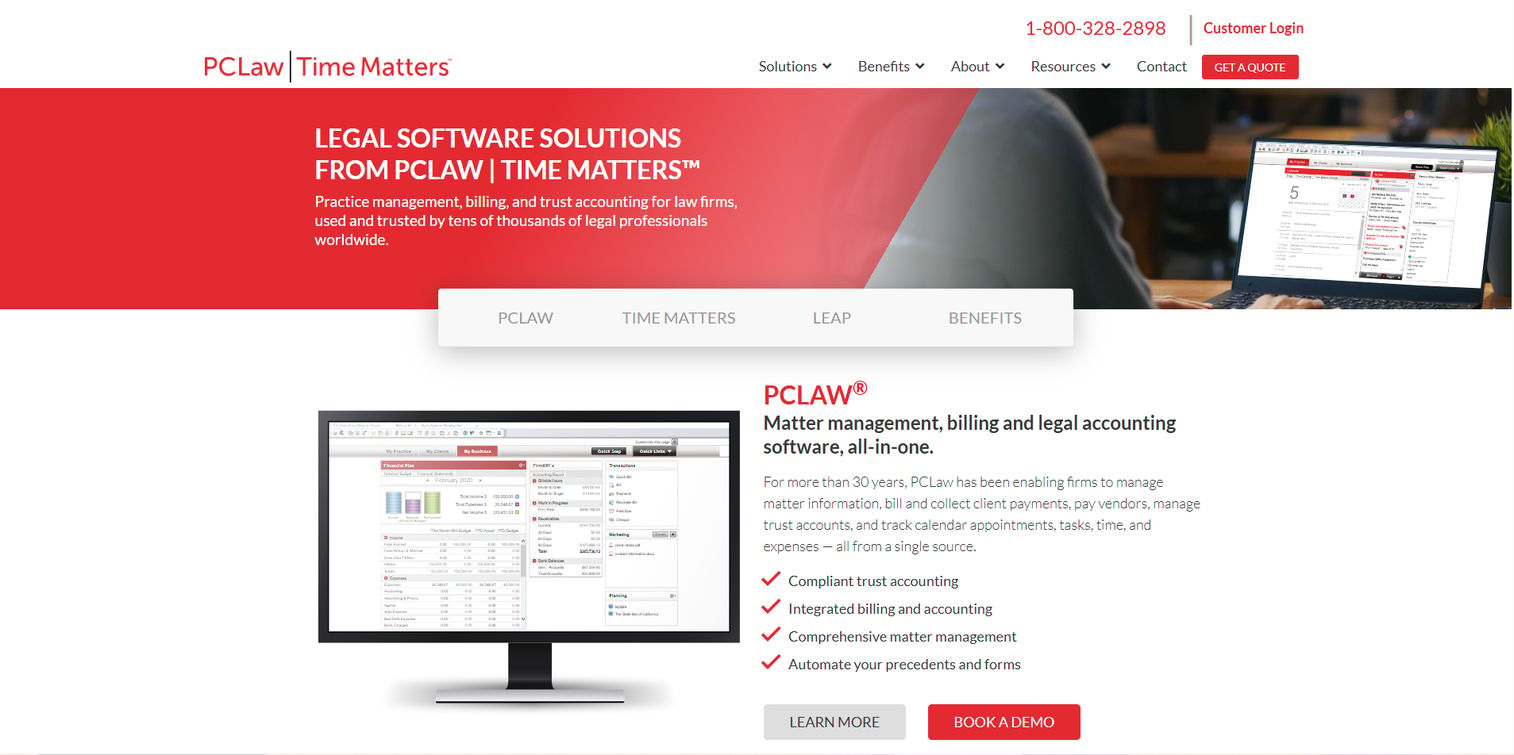
Time Matters is law practice management software for firms and legal departments that want deep, customizable control over their workflows. It covers client and matter management, document automation and calendaring, plus billing and time tracking. As a classic case management option, it suits firms with established processes that want the system to bend to their workflow rather than the other way around.
Best for: Firms with mature, specific workflows that want customizable matter management and broad operational control.
Key strengths
- Client and matter management: Structured matter records keep contacts, documents, and history connected.
- Document automation and calendaring: Automated documents and integrated calendars keep deadlines and drafting in sync.
- Billing and time tracking: Time capture and billing workflows support firms that need detailed control.
Why choose Time Matters: If your firm has invested in a particular way of working and wants software that adapts to it, the customization depth is the reason to consider it. It fits teams that value operational control over out-of-the-box simplicity, and that have the appetite to configure the system to their process.
Time Matters pricing: Licensing is based on concurrent users and starts at $950 for the first user, including a maintenance plan. Renewal maintenance plans start at $350 for the first user. Total cost varies by licenses, add-ons, training, and support, so budget for the full package rather than the entry figure alone.
8. Bill4Time
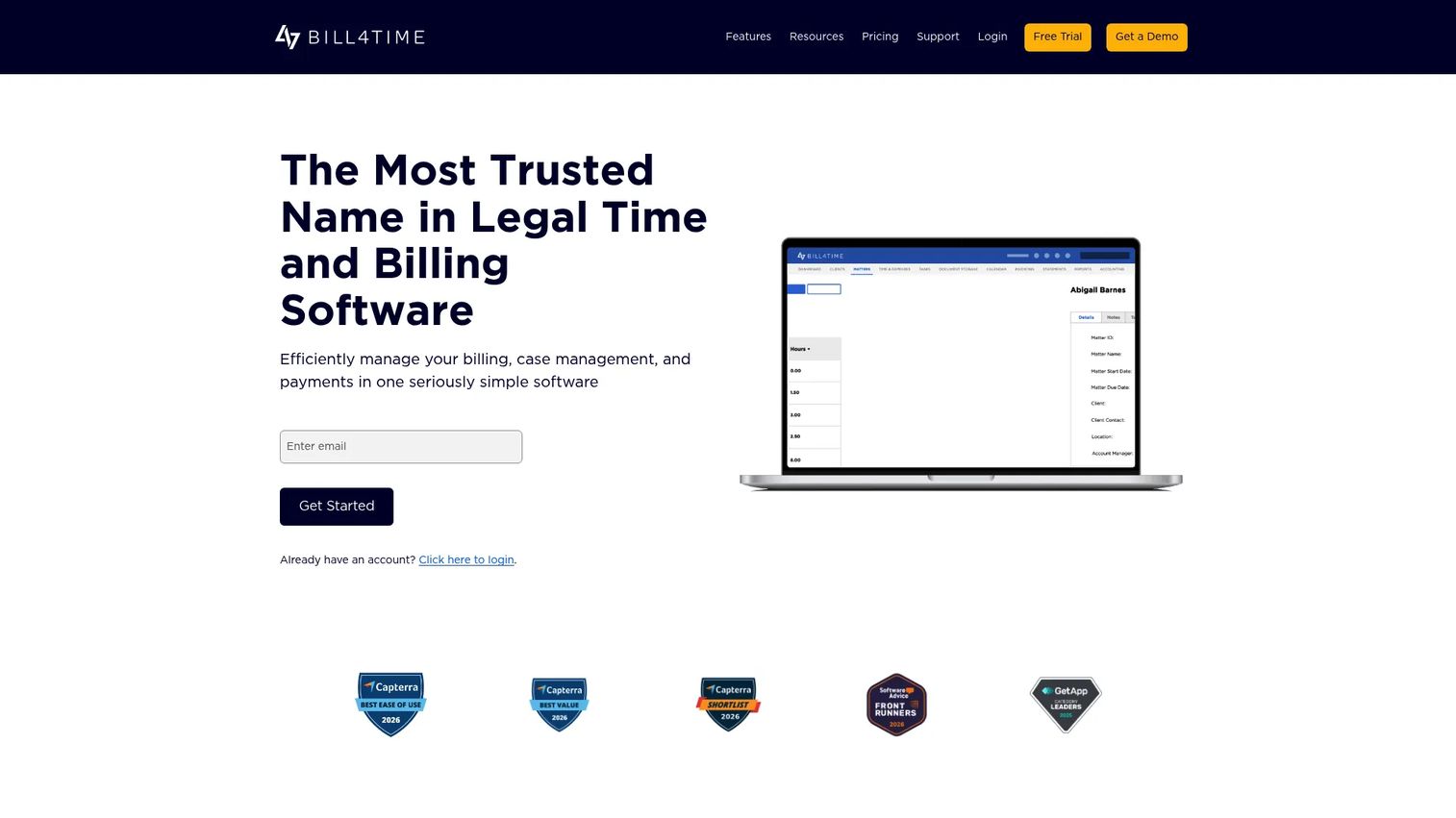
Bill4Time is legal time and billing software for attorneys and firms that want billing discipline above all else. It centers on time tracking, invoicing and batch billing, and trust accounting. Rather than a full practice suite, it is a billing-centric tool that does time capture and invoicing well, which fits firms whose primary pain is accurate, timely billing.
Best for: Firms and professional services teams that prioritize precise time tracking, invoicing, and trust accounting.
Key strengths
- Time tracking: Timer-based capture records billable work at the moment it happens.
- Invoicing and batch billing: Batch invoicing moves large volumes of bills without manual repetition.
- Trust accounting: Built-in trust handling keeps client funds compliant and clearly recorded.
Why choose Bill4Time: If work is getting done but billing is leaking, this is a focused fix. It is best understood as a billing-centric tool rather than an all-in-one platform, so pair it with a case management system if you also need matter and document coverage. For firms where the revenue leak is the top problem, that focus is a feature, not a gap.
Bill4Time pricing: Bill4Time offers four plans. Time & Billing is $49 per user per month monthly or $39 annually. Time & Billing Enterprise is $79 monthly or $69 annually. Legal Pro is $69 monthly or $59 annually, and Legal Enterprise is $99 monthly or $89 annually. A 14-day free trial is available.
Considerations before you buy
The right choice depends less on which tool has the longest feature list and more on which one removes your firm's biggest bottleneck. Run every shortlisted tool through these criteria.
Ease of use and onboarding
A tool only helps if people actually use it. Prefer clean interfaces and low-friction setup that reduce the training burden for both paralegals and attorneys. Ask how long a new hire takes to become productive, and whether daily tasks require fewer clicks than your current process. A powerful system nobody adopts is worse than a simple one everybody uses.
Case management depth
Confirm that calendars, tasks, notes, documents, and matters live in one place, not scattered across modules that barely connect. The system should handle your real firm workflows, not just basic tracking. Test it against your most complex active matter, not a tidy demo scenario, to see whether it holds up under real conditions.
Document automation and management
Look for template reuse, version control, search, and assembly. These are where document automation pays off, because they turn repetitive drafting into a merge and eliminate the risk of sending a superseded draft. Prioritize tools that reduce the volume of manual drafting your team does every week, since that is where the recovered hours add up.
Client communication and portal features
Verify whether clients can upload documents, message securely, and check matter status without email chains. A client portal is a major time-saver for support-heavy teams, because it moves routine status questions off the phone and out of the inbox. The reduction in interruptions is often as valuable as the feature itself.
Billing, time tracking, and integrations
Make sure billing fits your firm's cash flow and accounting workflows, including trust accounting if you handle client funds. Confirm the tool integrates with your calendars, email, storage, and accounting software, because a legal ops software stack that does not connect just recreates the tab-juggling problem in a new form. Integrations are what turn separate tools into a centralized workflow.
Conclusion
The best paralegal software is the one that removes your firm's most expensive bottleneck first. Clio and MyCase suit firms that want one broad platform running casework, documents, and billing together. Lawmatics is the pick when intake quality and reporting drive the business. SimpleLaw and Nevoa Law fit smaller firms that want unified, approachable systems, with Nevoa Law adding an AI-assisted layer. Clienty leans document-first, Time Matters offers classic customizable control, and Bill4Time is the focused choice when billing accuracy is the priority.
The point is not to adopt the tool with the most features. It is to reduce manual admin and make work easier to coordinate across the firm, so hours go to legal work instead of logistics. The firm-wide ROI shows up as captured billable time, faster client answers, and fewer errors at the seams between systems.
A practical next step: shortlist two or three tools, then map each one to your two most frequent bottlenecks. Run your most complex active matter through a trial before deciding. The tool that handles your hardest real case with the least friction is the one worth buying.
FAQs
Paralegals most often use case management or practice management software to organize matters and deadlines, document automation and document management software for drafting and storage, billing and time tracking tools for invoicing, client portals for secure communication, and legal research software for case law. Many firms consolidate several of these into one all-in-one platform to reduce the number of tools a paralegal touches each day.
For firms with straightforward matters, case management software that covers calendars, tasks, documents, and notes may be enough on its own. As workflow complexity grows, most firms add document automation to cut repetitive drafting and a client portal to reduce status questions. The trigger is usually volume: once the same tasks repeat often enough, dedicated automation and communication layers pay for themselves.
Look for calendaring and deadline tracking, task management, document handling with version control and search, secure client communication, billing and time tracking, and integrations with your email, calendar, storage, and accounting tools. Tie every feature back to a daily task, since a capability that does not map to real work adds cost without saving time.
Document automation replaces manual drafting with templates and assembly, so a routine engagement letter or standard filing becomes a quick merge instead of a from-scratch draft. It also improves consistency, because language comes from an approved template rather than a hurried copy-paste. The biggest payoff is in high-volume, repetitive documents, where the time saved compounds across every matter.
Practice management software is the broad category that runs a firm's operations, and paralegal software usually sits inside it as the workflows a legal support team relies on daily. The distinction matters less than workflow coverage. The real buying question is whether a given tool covers the cases, documents, communication, and billing tasks your paralegals actually do, regardless of what the category is called.
A small firm should prioritize simplicity, transparent pricing, and fast onboarding, and favor a tool that replaces multiple point solutions rather than adding another one. Start with your biggest bottleneck: if intake is slow, weight intake and CRM features; if billing leaks, weight time tracking. Run a trial on a real matter before committing, since a small team feels a bad fit immediately.
A client portal is worth it for firms with heavy document exchange or frequent status questions, because it lets clients upload files, message securely, and check matter status without email chains. That directly reduces the support load on paralegals. Firms with lighter client contact may get by without one, but for support-heavy practices, a portal is one of the fastest ways to cut interruptions.
Yes. Time capture records billable work at the moment it happens instead of relying on end-of-day reconstruction, which reduces the hours that quietly go unbilled. Automated invoicing removes manual re-entry errors, and integrated payment workflows shorten the time between work done and cash collected. Together, these close the revenue leak that manual billing processes tend to create.