Your team just spent forty minutes trying to find one experiment from eight months ago. The notebook is in a drawer. The person who wrote it left. The handwriting is illegible. And now an audit is asking for the exact protocol version you used.
Paper notebooks break at the moment you need them most: retrieval, sharing, and proof. You can read one page. You cannot search 4,000 of them.
This is not a small edge case. Electronic lab notebook adoption reached 81% of life-science labs in 2025, up from 66% in 2024, according to BestLabTech (2026). The global ELN market is projected to grow from USD 0.72B in 2025 to USD 1.03B by 2030 at a 7.3% CAGR, per MarketsandMarkets (2024). Labs are not digitizing because it is trendy. They are doing it because searchable, time-stamped, auditable records change how fast a team moves and how defensible its science is.
So the real question is not whether to leave paper. It is which lab notebook software actually fits how your team works, what it must comply with, and how much operational overhead you are willing to carry.
What's inside
This guide covers seven lab notebook software options for research and commercial labs in 2026. Every tool here was selected against the criteria that matter for teams, not solo note-takers.
We evaluated each on:
- Searchable, structured record capture with time-stamping and version history
- Collaboration and permission controls for multi-user labs
- Compliance support (audit trails, signatures, 21 CFR Part 11 where relevant)
- Integrations with LIMS, inventory, and instrument data
- Adoption cost: templates, search, and onboarding friction
TL;DR
- Best for biotech R&D at scale: Benchling, for teams that need notebook, molecular biology, and sample workflows in one platform.
- Best for cloud collaboration across academia and industry: LabArchives, for accessible ELN plus inventory and scheduling.
- Best institutional guidance resource: Harvard Medical School's ELN program, a reference for selection and adoption practices rather than a product you buy.
- Best all-in-one lab management: Labguru, when you want ELN plus LIMS, inventory, and equipment together.
- Best for structured research workflows: Labstep, for protocol-driven teams that want operational recordkeeping.
- Best accessible ELN with compliance: SciNote, with a free tier and 21 CFR Part 11 support.
- Best for enterprise chemistry and biology R&D: Signals Notebook, for larger regulated organizations.
What lab notebook software is
Electronic lab notebook software (ELN software) is a digital system for recording, organizing, and retrieving scientific experiments, protocols, and research data in a searchable, time-stamped, and auditable format. It replaces the paper lab notebook with structured records that multiple people can access, edit, and verify.
A digital lab notebook does more than store text. It captures the context around an experiment: who did what, when, with which reagents, using which protocol version, and what the result was. That context is what makes records defensible during an audit, a patent dispute, or a personnel change.
Core capabilities you should expect from electronic laboratory notebook software:
- Searchable records: Full-text and metadata search across every entry, so retrieval takes seconds instead of an afternoon.
- Time-stamped entries: Automatic date and time on every action, forming the backbone of a credible record.
- Version history and audit trails: A complete log of edits, who made them, and when.
- Collaboration and comments: Shared notebooks, real-time editing, and inline discussion.
- Permissions and access control: Role-based access so the right people can view, edit, or approve.
- Templates and structured fields: Reusable experiment templates that standardize how data gets captured.
- Metadata and data types: Support for chemical structures, sequences, files, images, and instrument output.
- Integrations: Connections to LIMS, inventory systems, and lab instruments.
Compared to paper, the difference is retrieval and proof. Compared to a generic note app like Notion or OneNote, the difference is scientific structure and compliance. Generic tools do not give you validated audit trails, electronic signatures, or structured chemical and biological data. For regulated research, that gap is the whole point.
When to use lab notebook software
Replace paper records with searchable digital workflows
Paper becomes a bottleneck the moment your lab scales past a few people or a few hundred experiments. You cannot search a stack of notebooks. You cannot share a page across two sites without scanning it. And when someone leaves, their knowledge walks out with the notebook. A digital lab notebook turns that archive into something you can query in seconds, back up automatically, and hand off cleanly.
Support regulated or auditable research
If your work touches FDA submissions, patents, GLP, GMP, or 21 CFR Part 11, signatures and traceability stop being nice-to-haves. You need electronic signatures, locked records, complete audit trails, and access controls that hold up under scrutiny. This is where ELN software earns its cost: a defensible chain of custody for every result.
Standardize multi-user scientific workflows
When five people run variations of the same assay, inconsistency creeps in fast. Shared templates, structured fields, comments, and standardized metadata keep distributed teams aligned. Lab notebook software for teams turns tribal knowledge into a repeatable process that new hires can follow on day one.
Comparison table
Read this table top to bottom by fit, not by rank. The "best for" column tells you the primary scenario each tool serves. Pricing reflects what vendors publish; many ELN vendors quote custom pricing because deployments vary by lab size and compliance needs.
| # | Product | Best for | Key differentiator | Pricing | G2 rating |
|---|---|---|---|---|---|
| 1 | Benchling | Biotech R&D organizations | Unified notebook, molecular biology, and sample management | Custom | 4.5/5 |
| 2 | LabArchives | Academic and commercial research teams | Cloud ELN plus inventory and scheduling | From $25 per student/term; ELN + Inventory $360 academic/$675 corporate per user/year | 4.3/5 |
| 3 | Harvard Medical School ELN | HMS Quad-A researchers | Institution-supported ELN service and adoption guidance | Not publicly listed | 4.2/5 |
| 4 | Labguru | Labs wanting all-in-one management | ELN plus LIMS, inventory, and equipment | Custom | 4.7/5 |
| 5 | Labstep | Protocol-driven research teams | Structured data capture with protocol library | Custom | Not enough reviews |
| 6 | SciNote | Academic and regulated labs | Free tier plus 21 CFR Part 11 support | Free plan; Premium custom | 4.2/5 |
| 7 | Signals Notebook | Enterprise chemistry and biology R&D | Cloud ELN with Office integration and inventory | From $1,425 per user/year | 4.0/5 |
Best lab notebook software for 2026
1. Benchling
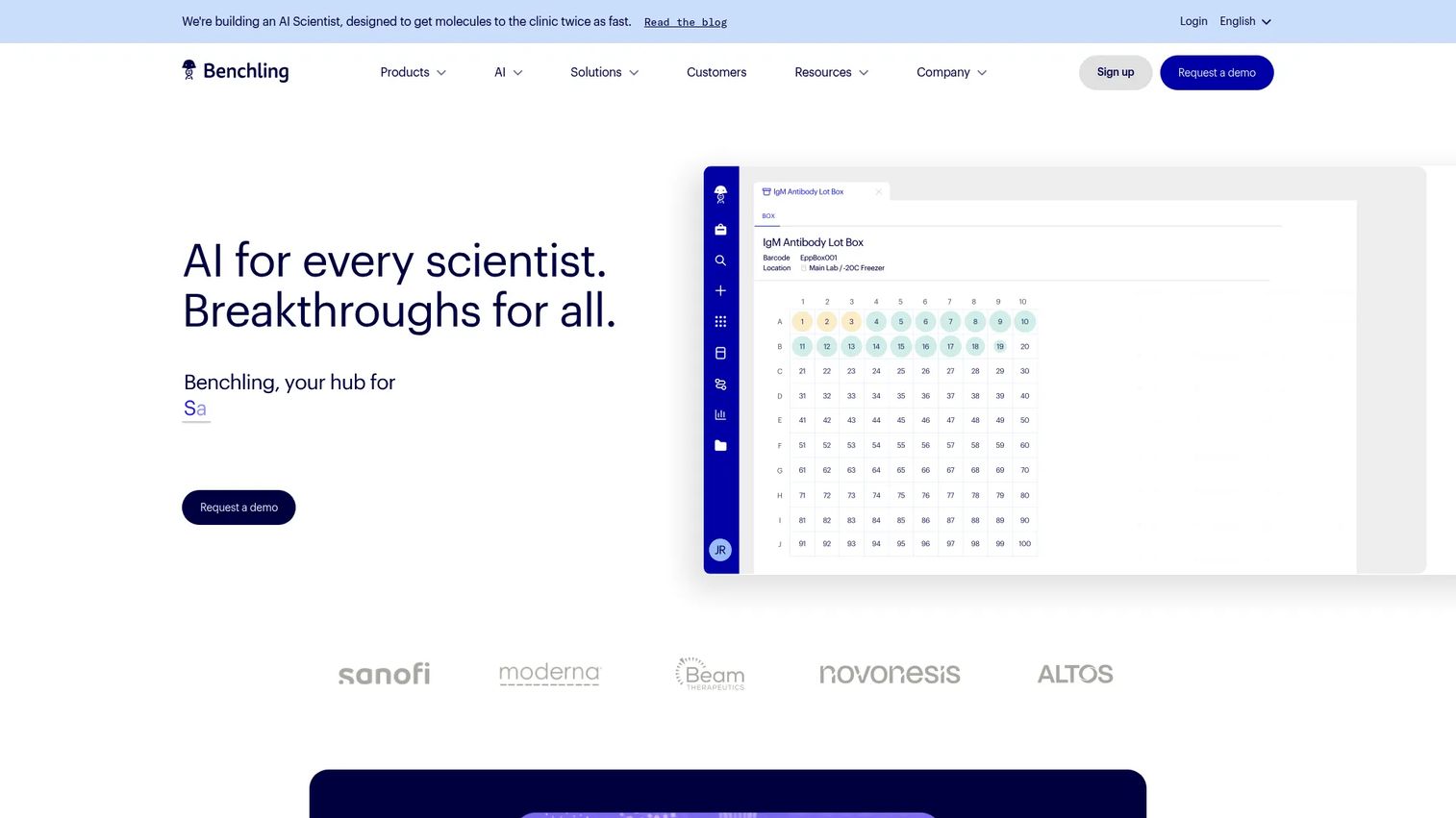
Benchling is a cloud-based R&D platform built for biotech teams that need more than a notebook. It combines experimental data capture, molecular design, and sample and inventory management in one connected system. For labs working with sequences, plasmids, and complex biological entities, the value is that your notebook entries link directly to the underlying data instead of sitting in a separate silo.
That connectedness is the reason biotech organizations gravitate to it. Instead of stitching together an ELN, a registry, and an inventory tool, Benchling treats them as one dataset. Your experiment references a specific sample, that sample carries its full lineage, and the whole chain stays traceable.
Best for: Biotech R&D organizations that need notebooks, molecular biology, and sample workflows in a single platform.
Key strengths
- Experimental data capture linked to structured entities
- Molecular design tools for sequences and constructs
- Sample and inventory management with full lineage
- Collaboration across distributed research teams
- Analysis-ready data structure for downstream work
Why choose Benchling: If your science is molecular and your data is complex, a general-purpose notebook will slow you down. Benchling fits teams that have outgrown simple recordkeeping and need their notebook, registry, and inventory to speak the same language.
Benchling pricing: Benchling customizes pricing to each organization and does not publish plan prices; you request a quote based on your team size and needs. Benchling's terms reference a free Academic Plan for qualifying researchers.
2. LabArchives
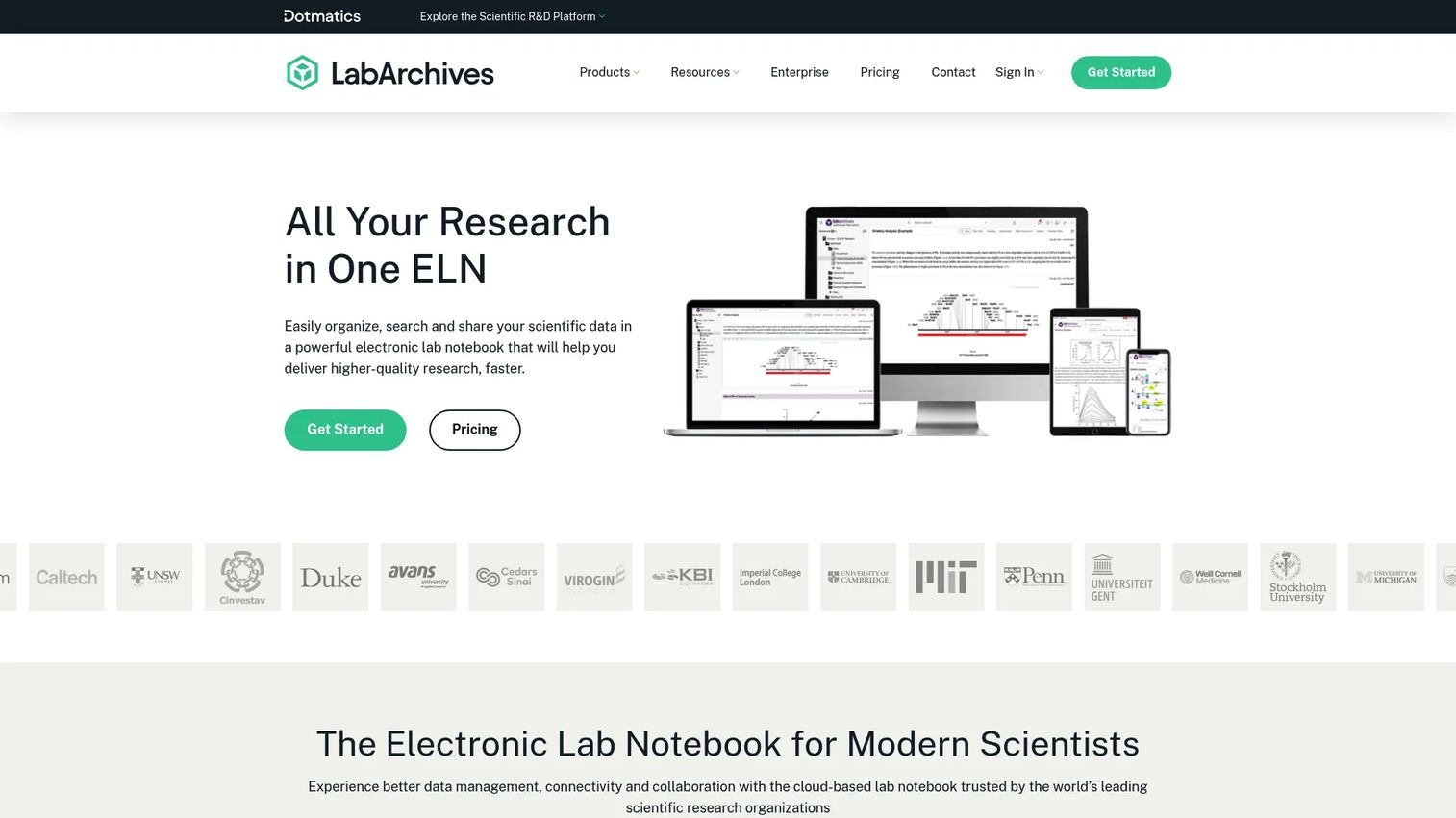
LabArchives is a cloud-based platform for research data management, built around an online lab notebook with notebook sharing and revision history. Beyond the ELN, it offers inventory tracking and a scheduler for lab resources, so a lab can manage records, materials, and equipment booking from one account. It is widely used across academic, nonprofit, and commercial research settings.
The appeal is accessibility. Because it is browser-based and priced with education in mind, LabArchives lowers the barrier for teaching labs and academic groups that need auditable records without an enterprise budget. Revision history and notebook sharing make it straightforward to hand a record to a collaborator or a reviewer.
Best for: Academic, nonprofit, and commercial research teams that want an ELN plus inventory and scheduling in one place.
Key strengths
- Electronic lab notebook with sharing and revision history
- Inventory tracking integrated with the ELN
- Scheduler for lab resources and appointments
- Cloud access from any browser
- Education-friendly pricing options
Why choose LabArchives: If you run a teaching lab or an academic group and need auditable, shareable records without a heavy rollout, LabArchives balances capability with accessibility. The bundled inventory and scheduler help teams that want to consolidate tools.
LabArchives pricing: ELN for Education starts at $25 per student per term. The ELN + Inventory bundle runs $360 academic or $675 corporate per user per year. Inventory paid plans start at $99 academic or $199 corporate per user per year, and a free ELN tier and a 90-day inventory trial are available.
3. Harvard Medical School electronic lab notebooks

Harvard Medical School's electronic lab notebook program is not a product you buy off a pricing page. It is an institution-supported ELN service, centered on eLabNext, offered to eligible HMS Quad-A researchers, along with the selection and adoption guidance that surrounds it. For the purposes of this list, treat it as the best available reference on how a serious research institution chooses and rolls out an ELN.
What makes it useful even if you are not at HMS is the framework. The program documents what to evaluate: browser-based access, real-time collaboration, timestamping and versioning, security requirements, and export to non-proprietary formats so records stay portable. That last point matters more than most teams realize. If you cannot export your data cleanly, you are locked in.
Best for: HMS Quad-A labs needing an institution-supported ELN, and any team looking for a credible adoption and selection framework.
Key strengths
- Browser-based ELN for digital lab records
- Real-time sharing, commenting, and editing
- Timestamping and versioning on entries
- Export to non-proprietary formats
- Documented selection and security criteria
Why choose the HMS program: If you are eligible, you get an institution-vetted ELN with support built in. If you are not, the published selection criteria are a shortcut for building your own evaluation checklist.
Harvard Medical School ELN pricing: HMS does not publish a public price for its ELN service; access is tied to institutional eligibility rather than a commercial plan.
4. Labguru
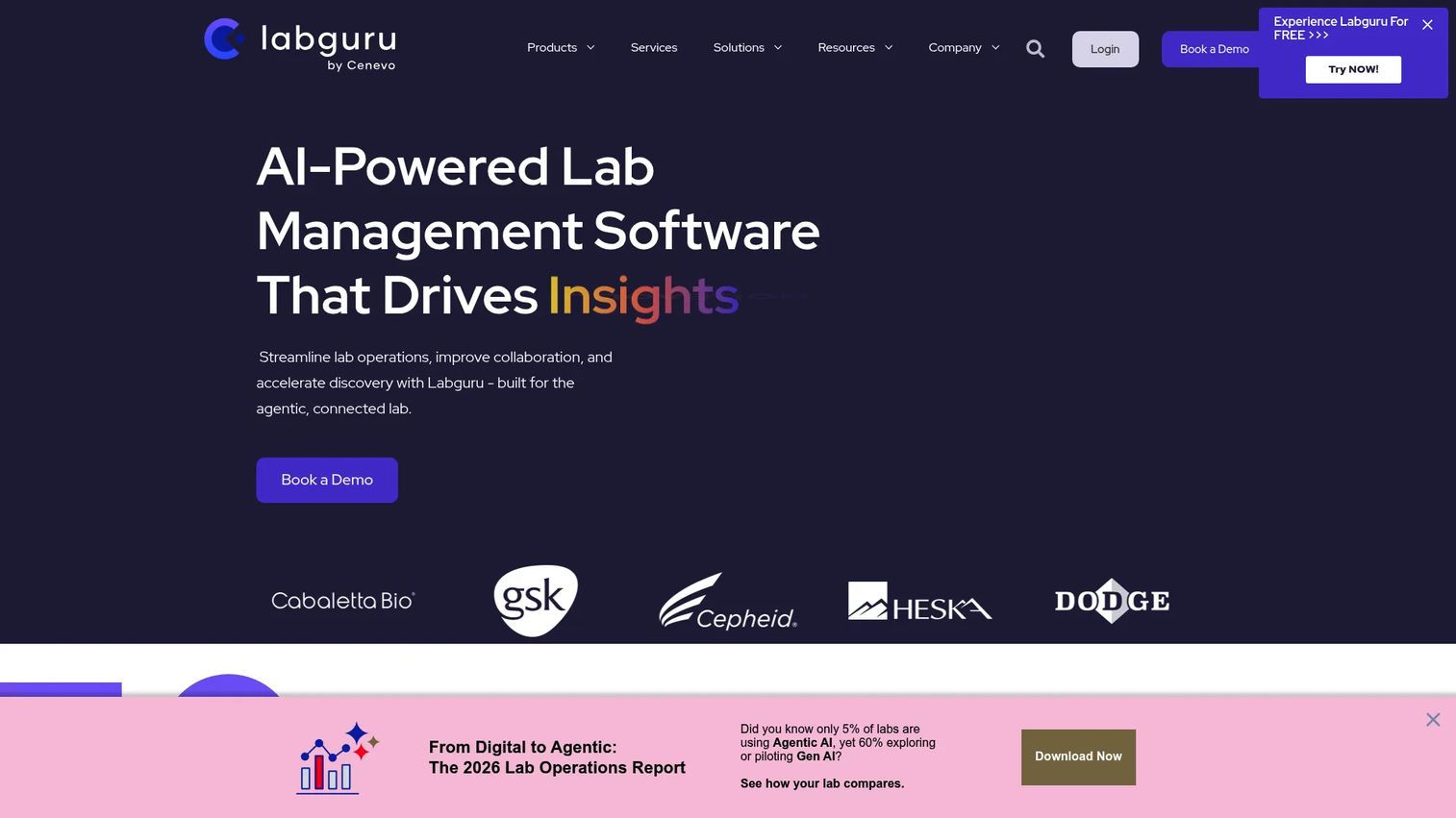
Labguru is cloud-based lab management software that pairs an electronic lab notebook with LIMS, inventory, equipment management, and automation. For teams that want more than recordkeeping, the draw is breadth: your notebook, your samples, your instruments, and your dashboards live in one platform, with automation and AI features layered on top.
This makes Labguru a fit for labs that treat the notebook as one part of a larger operational picture. Instead of buying an ELN and a separate LIMS, you run both in a single system, which cuts down on the data that falls between tools.
Best for: Research labs that want an all-in-one ELN and LIMS platform rather than a standalone notebook.
Key strengths
- Electronic lab notebook with structured entries
- LIMS and sample or inventory management
- Equipment management and scheduling
- Automation and dashboards for lab operations
- AI features for research workflows
Why choose Labguru: If your bottleneck is tool sprawl rather than notebook features alone, Labguru consolidates lab management into one platform. It suits teams ready to run their notebook, inventory, and equipment from a single system.
Labguru pricing: Labguru's pricing is quote-based and not published as public figures; you contact the vendor for a plan matched to your lab size and modules.
5. Labstep
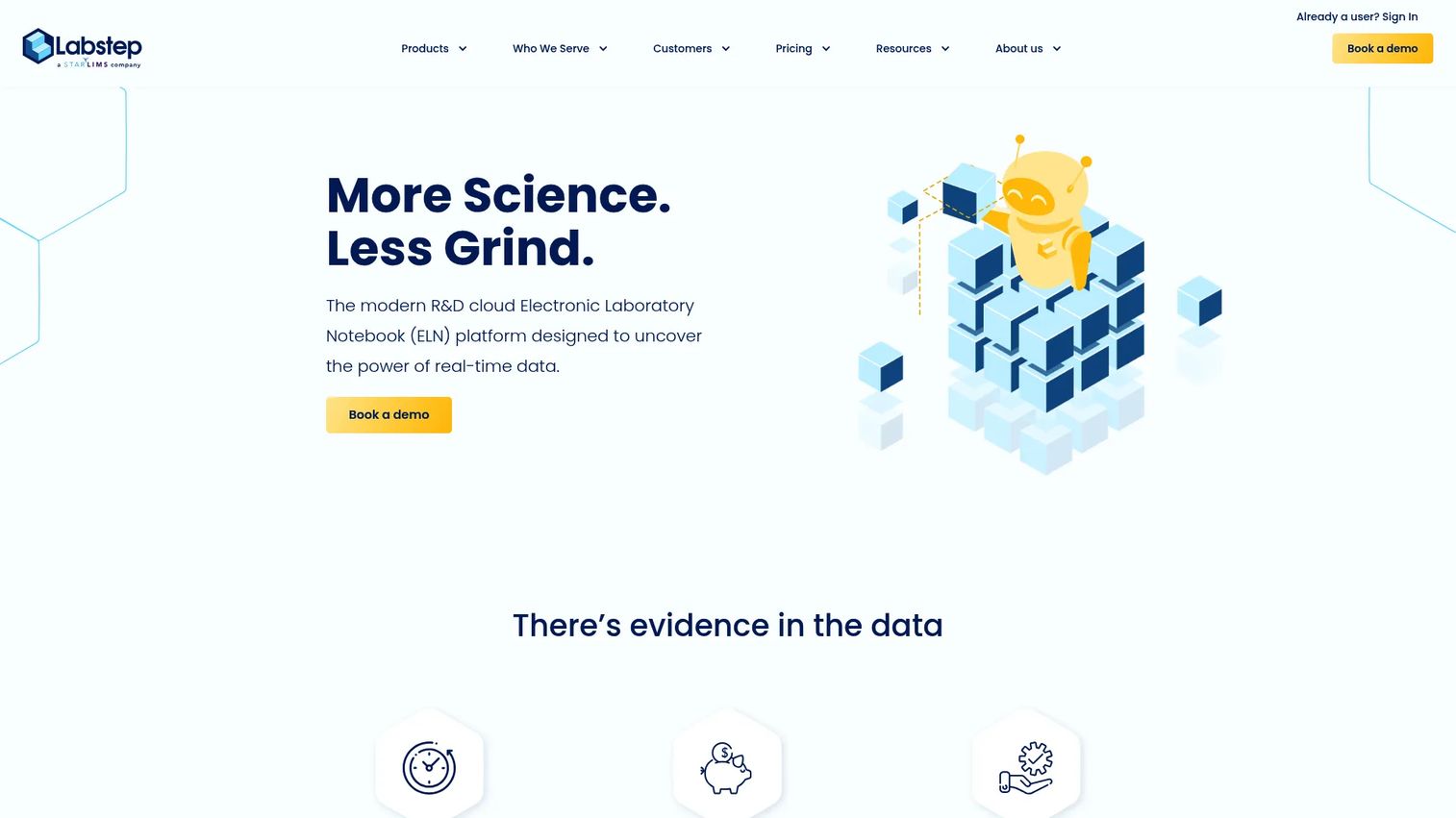
Labstep is a cloud-based electronic laboratory notebook and R&D platform built around real-time, structured data capture. Alongside the notebook, it offers a protocol library, inventory, order management, and modules for instruments and devices. The orientation is operational: it is designed for teams that run repeatable protocols and want their records structured as they work, not written up afterward.
That protocol-first approach is what sets it apart. When your work is procedure-driven, capturing data against a defined protocol keeps entries consistent and comparable across runs and across people. The audit trail and device integrations support teams with compliance and instrument data requirements.
Best for: R&D labs that need an ELN plus protocols, inventory, and workflow tracking in one platform.
Key strengths
- Real-time structured data capture
- Protocol library for repeatable procedures
- Inventory and order management
- Instrument and device integrations
- Audit trail and security features
Why choose Labstep: If your team works from protocols and wants records structured at the moment of capture, Labstep fits that operational rhythm. It suits research groups that value consistency across runs over free-form notes.
Labstep pricing: Labstep offers Personal, Personal Pro, Team, and Enterprise editions with monthly and annual billing options. Public numeric prices are not listed, so you contact the vendor for a quote; a free tier is available.
6. SciNote
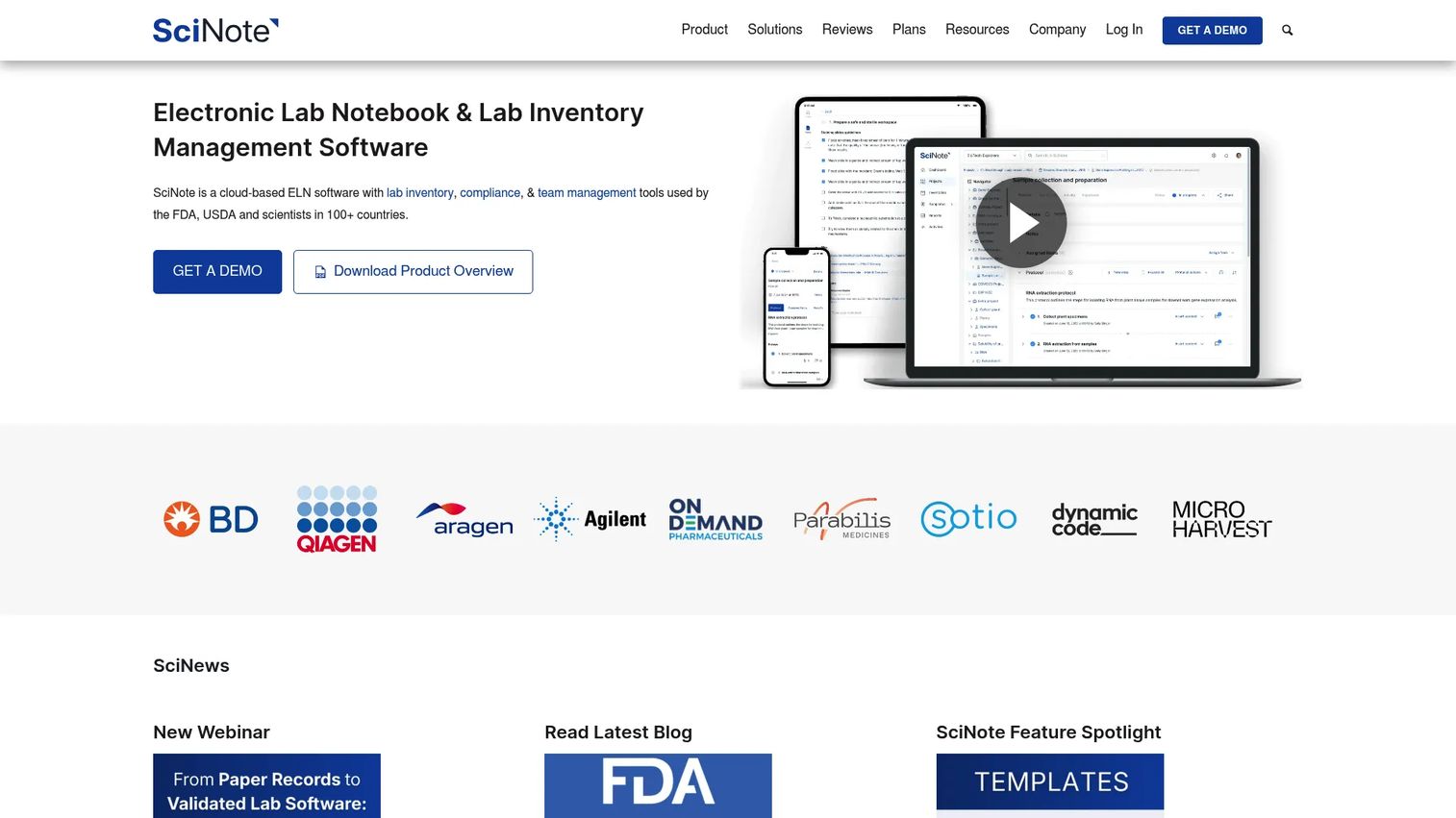
SciNote is a cloud-based electronic lab notebook and lab management platform that organizes work by project, experiment, and task. It pairs the ELN with inventory management and compliance features including 21 CFR Part 11, GLP, and GMP support. A free plan for individual users lowers the entry point, which is useful for teams that want to trial the workflow before committing.
The combination of accessible pricing and real compliance features is the reason it lands on shortlists for both academic and regulated labs. You get structured documentation and a clear project hierarchy without needing an enterprise contract to start, and the compliance layer is there when you need it.
Best for: Academic, industry, or regulated labs that want an ELN with inventory and compliance features.
Key strengths
- Project, experiment, and task organization
- Lab inventory management
- 21 CFR Part 11, GLP, and GMP support
- Team collaboration on shared records
- Free plan for individual users
Why choose SciNote: If you want to start with a free notebook and grow into compliance workflows, SciNote gives you a path that does not require a big upfront commitment. It fits teams that want structure and compliance without complexity.
SciNote pricing: SciNote offers a free plan for individual users and quote-based Premium plans for teams; public numeric prices are not listed, so Premium pricing comes from a vendor conversation.
7. Signals Notebook
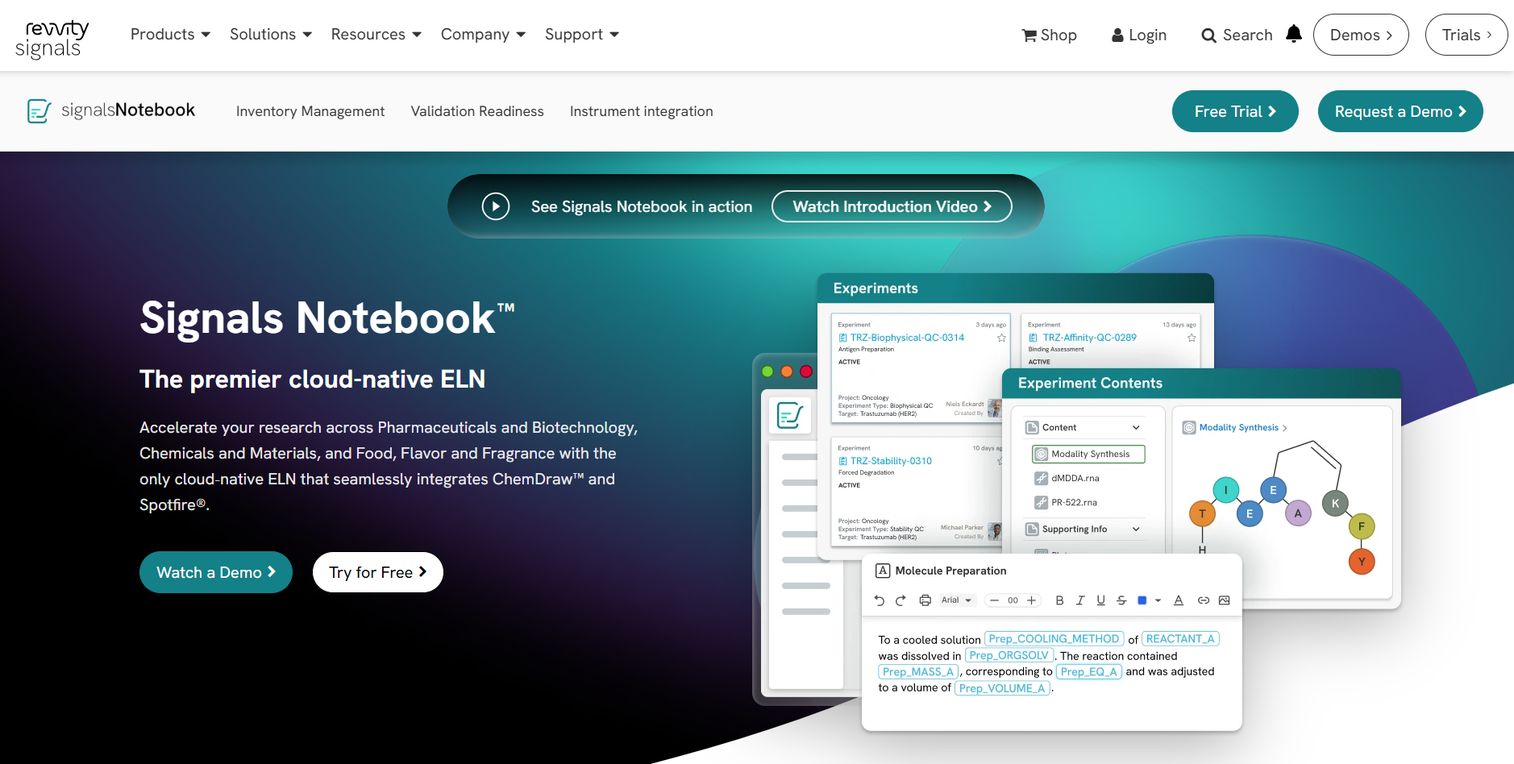
Signals Notebook, from Revvity Signals, is a cloud-native electronic lab notebook built for scientific research and collaboration across chemistry and biology. It includes Microsoft Office integration, materials inventory, task and request workflows, and REST APIs for connecting to the rest of a research stack. It is positioned for R&D teams that need enterprise-grade notebooks with secure access.
For larger or more regulated organizations, the appeal is scale and integration. The Office integration keeps scientists in familiar tools, while the APIs let IT connect the notebook to existing systems. That fit with an established enterprise environment is what distinguishes it from lighter-weight options.
Best for: R&D teams needing a cloud ELN with chemistry, biology, and collaboration workflows at enterprise scale.
Key strengths
- Cloud-native ELN with secure access
- Microsoft Office integration
- Materials inventory management
- Task and request workflows
- REST APIs for integration
Why choose Signals Notebook: If you are an enterprise R&D team that needs chemistry and biology workflows plus integration into existing systems, Signals Notebook is built for that scale. It fits organizations that treat the notebook as connected infrastructure.
Signals Notebook pricing: Signals Notebook Standard is sold per user annually, starting at $1,425 per user per year, with a 15-day free trial available.
Considerations before you buy
Compliance and audit requirements
Before anything else, map your regulatory exposure. If you touch FDA submissions, GLP, GMP, or patents, verify electronic signatures, tamper-evident audit trails, record locking, and 21 CFR Part 11 support. Ask vendors about validation documentation and whether they support your specific workflow, not just generic compliance claims.
Collaboration and permissions
Decide who needs to edit, comment, approve, and view before you shortlist. A PI reviewing and signing off has different needs than a technician entering data. Confirm the tool supports role-based permissions, review-and-approve flows, and notebook sharing across sites if your team is distributed.
Integrations and data flow
An ELN that cannot talk to your LIMS, instruments, or analysis tools creates new silos. Check which integrations exist out of the box, whether there is an API, and what export formats are supported. Prioritize non-proprietary export so you are never locked into one vendor.
Adoption and usability
The best software is the one people actually use. Evaluate search quality, template libraries, mobile access, and how much training a new hire needs. If entering data feels slower than paper, adoption stalls. Run a pilot with real experiments before committing the whole lab.
Scalability and governance
Think past the first quarter. Confirm the tool handles multiple teams, supports naming standards and retention policies, and gives admins the controls they need. As your lab grows, governance becomes the difference between a searchable archive and a new kind of mess.
Conclusion
The right lab notebook software depends on your workflow complexity, compliance needs, and team size, not on which brand has the loudest homepage. Benchling fits biotech R&D that needs connected molecular data. LabArchives suits academic and commercial teams that want accessible cloud records plus inventory. Labguru and Signals Notebook serve teams that want broader lab management or enterprise integration. SciNote and Labstep fit teams that want structured, compliance-aware recordkeeping with a lighter entry point. And the Harvard Medical School program is your reference for how to run a rigorous selection process.
Pick one or two that match your regulatory exposure and how your team actually captures data. Then pilot with real experiments before you migrate everyone. The tool that wins is the one your scientists reach for without thinking, because retrieval, sharing, and proof finally stop being the hard part.
FAQs
An electronic lab notebook (ELN) is software that records, organizes, and retrieves scientific experiments and research data in a searchable, time-stamped format. Unlike a paper notebook, it lets multiple people access and edit records, tracks every change through version history, and keeps data defensible for audits or patents. It is a paper lab notebook replacement built for retrieval and proof.
Yes, when the tool supports the right controls. For regulated work, verify electronic signatures, complete audit trails, record locking, role-based permissions, and 21 CFR Part 11 support where required. Ask vendors for validation documentation. Tools like SciNote and Signals Notebook are built with compliance workflows in mind, but always confirm the specifics against your own regulatory requirements.
Focus on migration, training, and recordkeeping continuity. Confirm how existing records will be handled, how long onboarding takes, and whether the search and templates fit how your team works. Run a pilot with real experiments so you learn where adoption stalls before rolling out to the whole lab. The goal is records that are easier to retrieve than paper, not just digital versions of the same friction.
Many ELN platforms integrate with LIMS, either natively or through APIs. Some, like Labguru, combine ELN and LIMS in one platform, so the integration question disappears. If you already run a LIMS, confirm the specific connection exists, what data flows between systems, and whether it is bidirectional before you commit.
Cloud ELN software can meet strict security requirements, but the burden is on you to verify it. Check for encryption, role-based access control, single sign-on, backup practices, and relevant certifications. A reputable cloud ELN often provides stronger security and backup than a laptop or a filing cabinet, provided you configure permissions and governance correctly.
Generic note apps like Notion or OneNote store text and files, but they lack scientific structure and compliance features. ELN software adds validated audit trails, electronic signatures, structured chemical and biological data, protocol libraries, and LIMS integration. For casual notes, a generic app works. For defensible research records, the science-specific structure and compliance of a digital lab notebook are the whole reason the category exists.