You found the object you need. You download the file, load it into Revit, and two days later a BIM coordinator flags it: Wrong category, bloated geometry, parameters that don't map to anything useful. Now someone has to rebuild the family or strip it out entirely.
That is the real cost of a bad download. According to the NBS Digital Construction Report (2025), 88.3% of consultants now use manufacturer-provided BIM objects, which means most AEC teams are pulling content from external sources on nearly every project. The question is no longer whether to use BIM libraries. It is which library gives you content that is ready for a live model rather than content that looks ready.
The eight libraries below cover manufacturer product content, generic Revit families, CSI-structured browsing, and specialist design product catalogs. Each earns its place for a specific kind of search. Find the right one for your project stage, and you spend less time fixing what you downloaded.
What's inside
This guide covers eight BIM object libraries for 2026, selected for content breadth, format availability, search quality, and workflow fit. It is for architects, interior designers, BIM managers, MEP engineers, specification teams, and building-product manufacturers.
Libraries were evaluated on:
- Native Revit family and multi-format download availability
- Product data quality and parameter usefulness
- Search and category navigation
- Suitability for manufacturer content vs. generic project families
- Access model and pricing
TL;DR
- Best for manufacturer BIM content: BIMobject for product discovery, Revit workflow support, and building-product data from a broad manufacturer network
- Best for free product research: BIMsmith Market for product comparison and free downloads across common design formats
- Best for CSI-organized browsing: ARCAT for structured architectural product content and multi-format downloads without fees
- Best for UK specification workflows: NBS National BIM Library for standardized BIM objects aligned with NBS documentation practices
- Best for managed manufacturer data: BIM&CO for teams that need controlled product-data distribution alongside object downloads
- Best for broad free family discovery: RevitCity for community-sourced Revit content, with validation required before production use
What are BIM objects?
BIM objects are digital representations of building components that combine geometry with structured information, such as dimensions, materials, performance data, classifications, and manufacturer details.
A 3D asset may look correct in a viewport while carrying none of that structure. A BIM object, by contrast, connects geometry to data that supports scheduling, documentation, specification, and coordination. The distinction matters when the model moves from design into construction.
Two main types
Generic BIM objects represent common component types such as doors, desks, plumbing fixtures, or structural sections. They help during early design and space planning when a final product has not been selected.
Manufacturer BIM objects represent specific commercial products. They carry technical data, dimensions, material properties, and classification codes tied to a real product. They suit product selection, specification, and coordination once the design moves toward named products.
Key capabilities to look for
- Native Revit family (RFA) availability
- Parametric type and instance controls
- Structured product metadata and classification
- Lightweight geometry for model performance
- Revit version compatibility
- IFC and CAD export options
- Visual preview before download
- Clear licensing terms
Common BIM file formats
| Format | Usually used for | What to check |
|---|---|---|
| RFA | Reusable Revit family | Parameters, category, Revit version |
| RVT | Revit project or container file | Whether content is cleanly extractable |
| IFC | Cross-platform BIM exchange | Export quality and property mapping |
| DWG | CAD reference or 2D/3D geometry | Scale, layers, and intended use |
| SKP | SketchUp workflow | Geometry quality and material mapping |
| GLB | Browser-based 3D viewing | Visualization use, not authoring depth |
An RVT file is a Revit project file. It can contain families, views, schedules, and project-specific settings, but it may need cleanup before its content becomes reusable. An RFA file is typically the format you want for a loadable component. For more on BIM software and the tools used around these formats, that guide covers the broader authoring stack.
When to use BIM object libraries
Find manufacturer-specific content for a specified product
Once a designer or specifier has selected, or is actively evaluating, a real product, a manufacturer library is the right source. It provides geometry, product data, and documentation that supports specifications and procurement. Check revision dates and confirm the file version matches the project's Revit release before deploying content across a shared model.
Build early-stage models with generic Revit families
Speed and flexibility matter more than final product selection during concept design and space planning. Generic content gets layouts coordinated and areas confirmed. Replace temporary families with manufacturer objects when the project moves toward procurement or formal documentation.
Support multi-software project teams
When consultants use different applications or need IFC and DWG exchanges, multi-format libraries reduce conversion friction. Content that only exists as an RFA file creates extra work for structural engineers using a different platform or contractors needing a DWG reference.
BIM objects libraries comparison
The table below compares the eight libraries by primary use case, key differentiator, access model, and G2 rating. Treat it as a starting point, not a final decision. The right library for a project depends on the product category, the Revit version in use, and whether the team needs manufacturer data or a generic placeholder.
Pricing and ratings verified October 2026 from each tool's own site and G2 listing. Library access and file availability can change by manufacturer, geography, and Revit version.
| # | Product | Best for | Key differentiator | Pricing | G2 rating |
|---|---|---|---|---|---|
| 1 | BIMobject | Manufacturer product BIM content | Broad manufacturer network with Revit app integration | Free downloads; manufacturer services at custom pricing | 4.4/5 |
| 2 | BIMsmith Market | Free product research across formats | Side-by-side product comparison with Revit plugin | Free | 4.3/5 |
| 3 | ARCAT | CSI-organized architectural content | MasterFormat browsing with multi-format downloads | Free | N/A |
| 4 | NBS National BIM Library | UK specification workflows | NBS-certified objects with structured product data | Free | 3.8/5 |
| 5 | Modlar | Architecture product discovery | AEC community with BIM/CAD resources and inspiration | Free account; verify per listing | N/A |
| 6 | BIM&CO | Managed manufacturer content | Cloud-based content management with distribution tools | Free library; paid plans from 228€/year/user | 3.8/5 |
| 7 | Archiproducts BIM | Design-led product discovery | Revit plug-in with in-app object insertion | Free account; verify per listing | N/A |
| 8 | RevitCity | Community Revit family discovery | Large community-contributed family library | Free membership | 4.3/5 |
Best 8 BIM object libraries for 2026
1. BIMobject
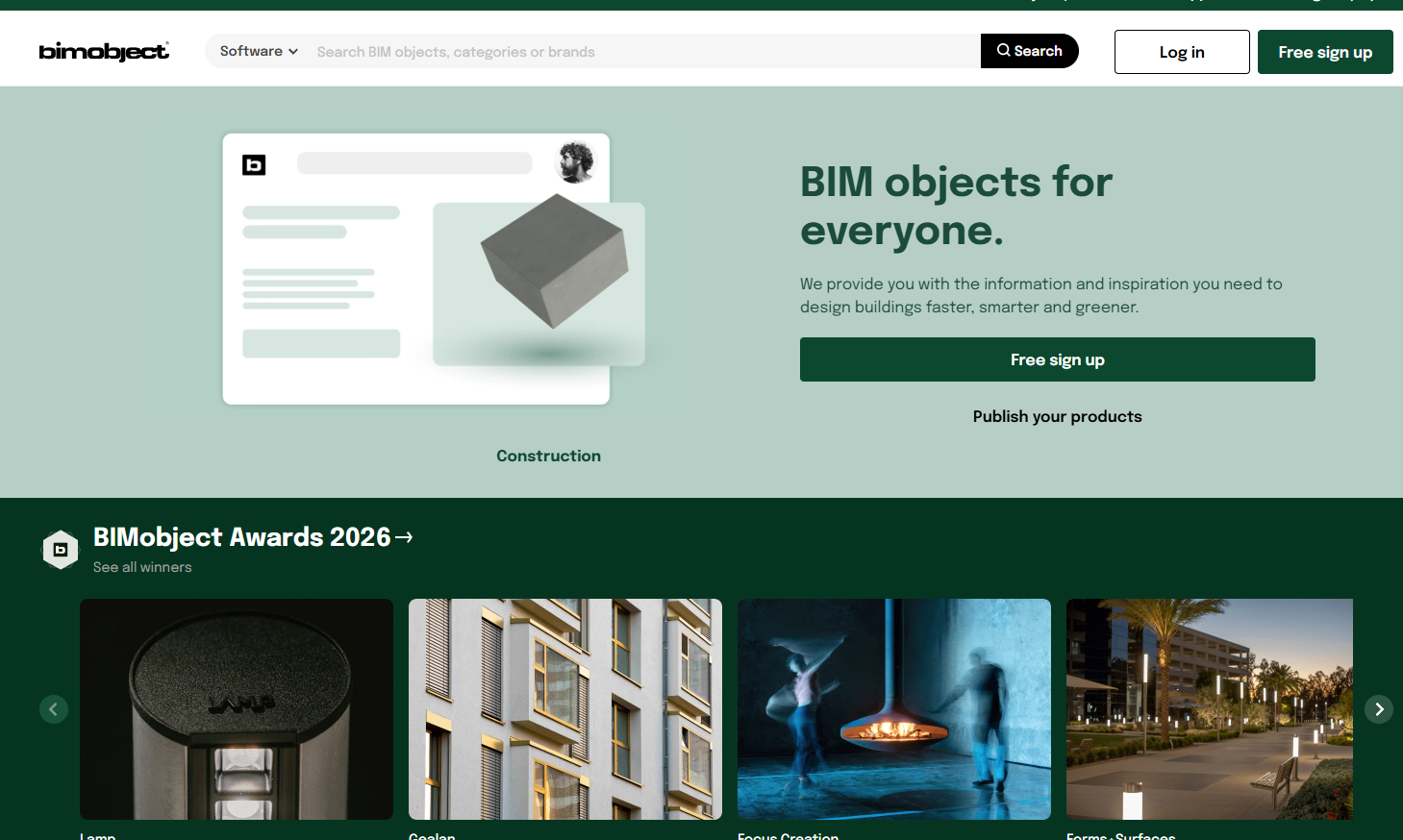
BIMobject is a manufacturer-focused marketplace for BIM content. Manufacturers publish brand and product pages with downloadable BIM files, and designers search across that catalog for product-level geometry and data. The platform supports formats including Revit, Archicad, SketchUp, AutoCAD, and IFC. Its Revit Design App allows teams to search and load families from inside the Revit environment, connecting directly to cloud storage and including access to embodied-carbon LCA data where available from the manufacturer.
Best for: Architecture and BIM teams that need named manufacturer products with design and specification context.
Key features
- Manufacturer brand and product pages with BIM file hosting
- Revit Design App for in-application content loading
- 3D product previews before download
- Product analytics and competitive benchmarking for manufacturers
- Multi-format support: Revit, Archicad, SketchUp, AutoCAD, IFC
Why choose BIMobject: Best fit when the project requires manufacturer-specific content rather than generic placeholders. Verify parameters, object weight, and the manufacturer's current product revision before deploying the family across a shared model.
BIMobject pricing: Downloads are free through a standard user account. Manufacturer publishing and content services are available through Lite and Essential plans, both at custom pricing, confirmed on the BIMobject business pricing page.
G2 rating: 4.4/5
2. BIMsmith Market
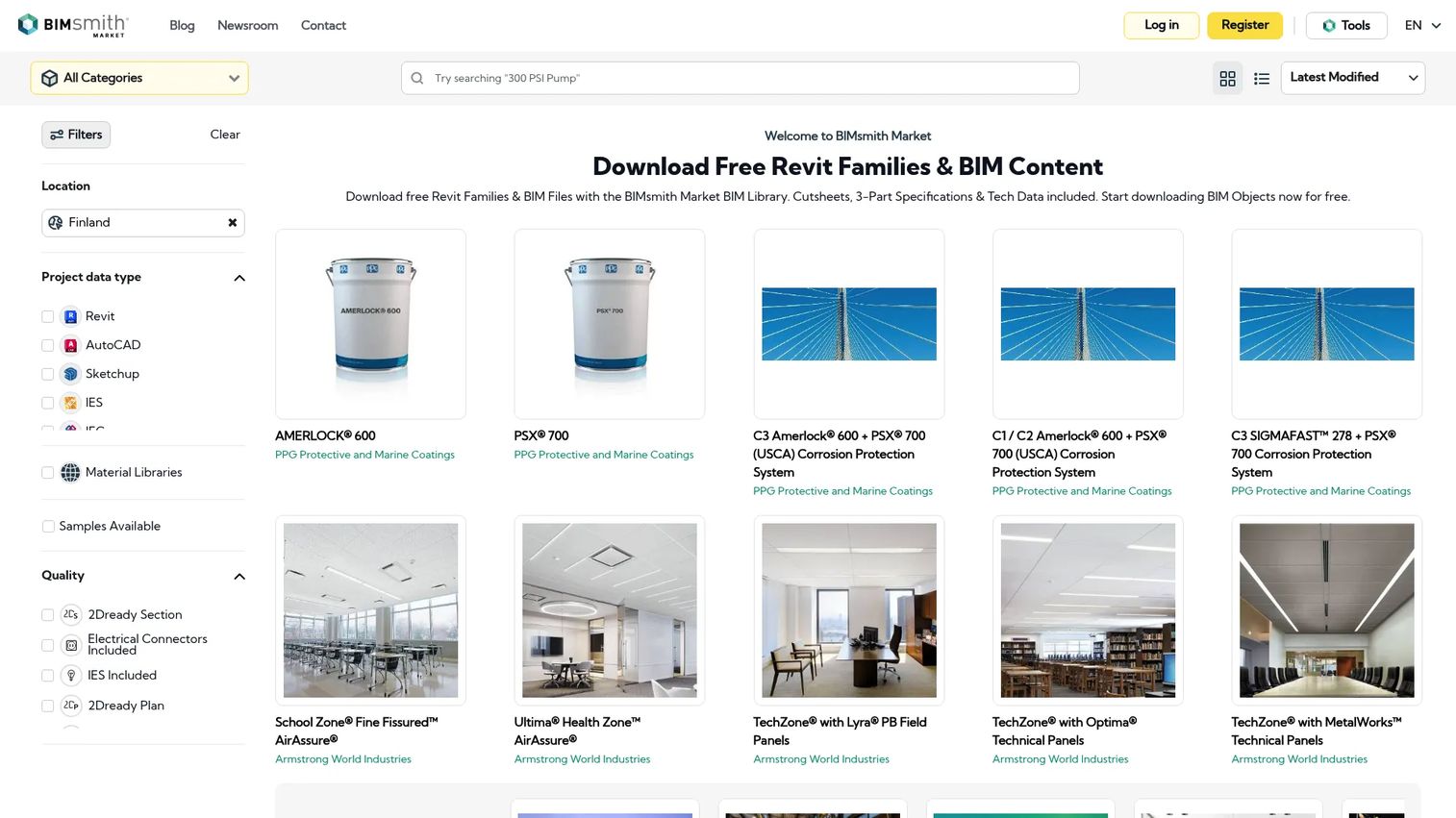
BIMsmith Market is a free platform for building professionals to research products and download Revit families and BIM content directly. It provides side-by-side product comparison before downloading, which helps teams make a product decision and a model decision in the same workflow. A free Revit plugin lets users access Market content from inside the Revit interface, removing the need to switch between browser and application.
Best for: Architects, designers, and engineers who need free manufacturer BIM content and want to compare products before downloading.
Key features
- Expansive Revit family and materials library with filters
- Side-by-side product comparison
- Direct interaction with manufacturers
- Integration with BIMsmith Forge for building assemblies
- Free Revit plugin for in-application access
Why choose BIMsmith Market: A strong choice when object selection connects to product research. It helps teams move from "what fits the spec" to "what goes in the model" without starting from a generic family and replacing it later.
BIMsmith Market pricing: The platform is completely free for building professionals, including access to BIMsmith Market and the Revit plugin. BIMsmith's help documentation states no subscription or account charge applies.
G2 rating: 4.3/5
3. ARCAT
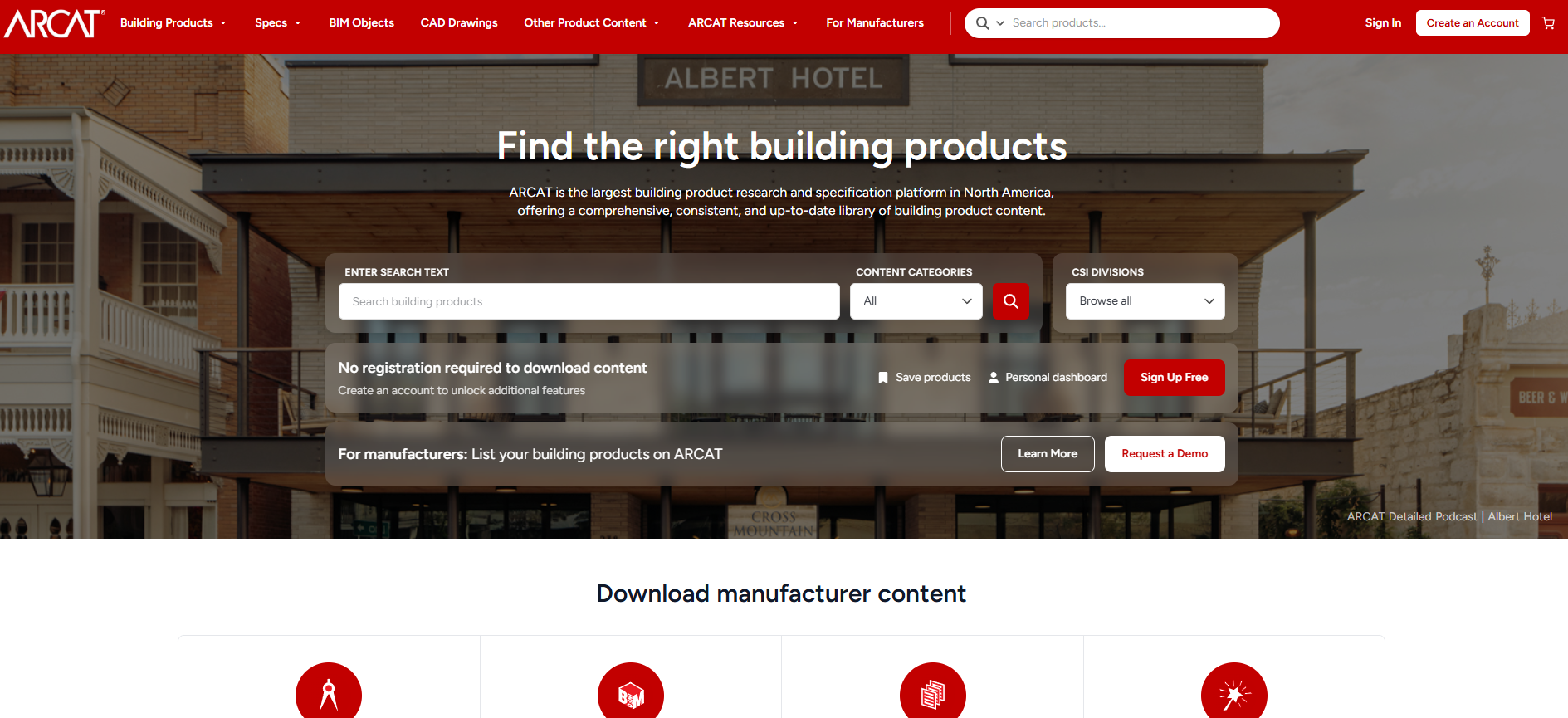
ARCAT is a free architectural product research and specification platform organized around CSI MasterFormat divisions. Teams that think in specification categories and need downloadable content across multiple formats use ARCAT to find products through the same structure they use for project documentation. BIM content available on ARCAT includes RFA, RVT, and DWG files depending on the listing, alongside CAD drawings, 3-part specifications, and manufacturer product data.
Best for: Architecture firms and specification teams that want discipline-led product browsing and multi-format project resources.
Key features
- CSI MasterFormat category navigation
- BIM content in RFA, RVT, and DWG formats by listing
- CAD drawings in DWG and PDF
- SpecWizard automated specification writing
- Manufacturer catalogs, videos, and green reports
Why choose ARCAT: Use this when structured product classification matters as much as visual discovery. It is particularly strong for teams that work from specification categories and need downloadable content in multiple formats from a single source.
ARCAT pricing: ARCAT describes the service as entirely free to use. Its about page confirms no dues, subscriptions, or mandatory registration, though creating a free account unlocks some additional features.
G2 rating: ARCAT has no substantive G2 reviewer rating at this time.
4. NBS National BIM Library
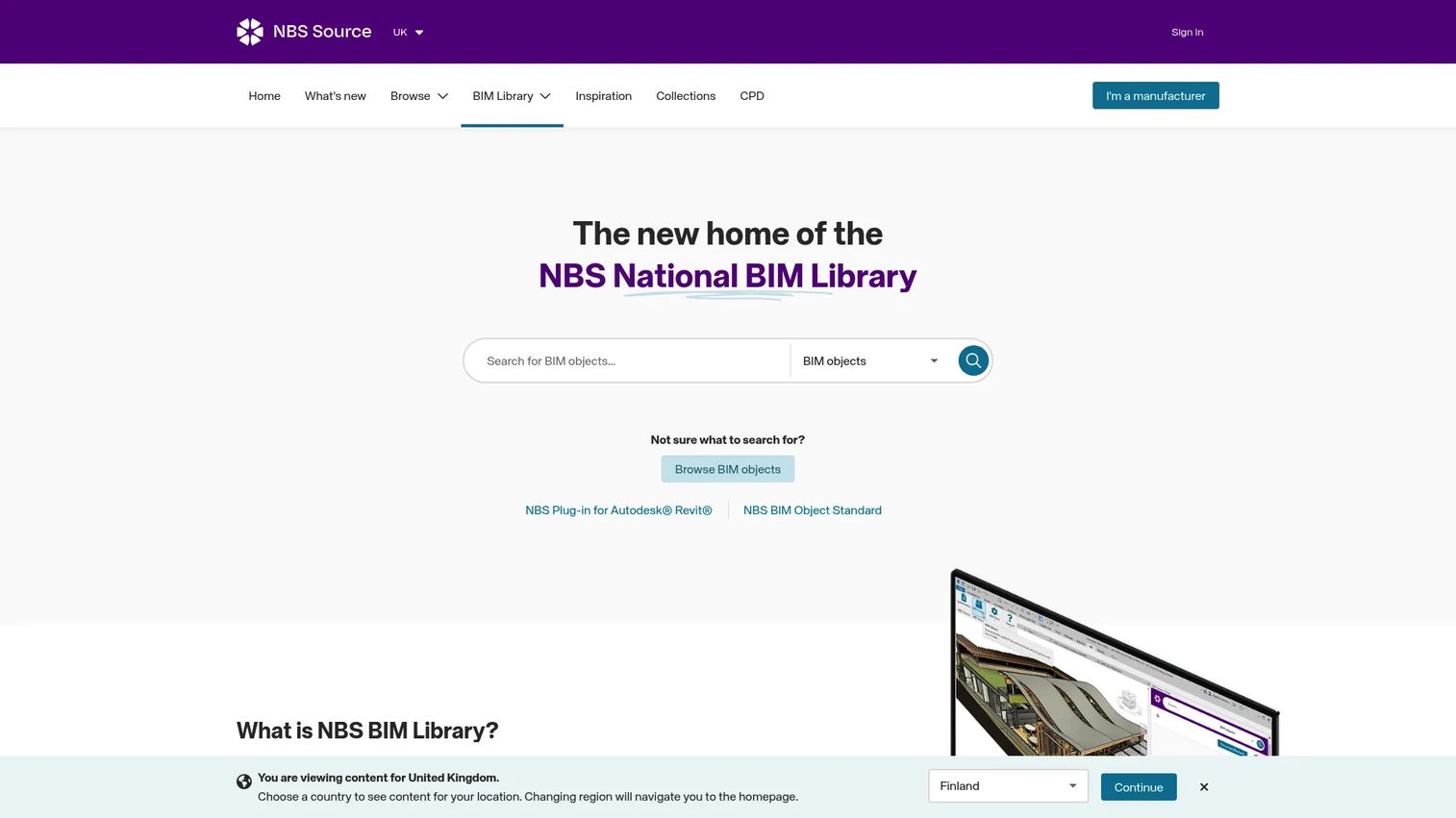
NBS National BIM Library provides generic and manufacturer BIM objects hosted within NBS Source. Objects are certified to the NBS BIM Object Standard, which covers geometry, data, and classification against recognized frameworks. A direct Revit plug-in lets teams load objects from inside the authoring environment. The library covers building fabric, mechanical and electrical systems, and product categories relevant to UK project workflows.
Best for: UK architecture and specification teams that need standardized BIM objects tied to formal product information and documentation workflows.
Key features
- Generic and manufacturer BIM objects certified to the NBS BIM Object Standard
- Coverage across building fabric and mechanical and electrical systems
- Revit plug-in for direct in-application access
- Classification-led search and filtering
- Free download for use in projects
Why choose NBS National BIM Library: Choose this library when documentation discipline and specification context matter alongside object geometry. It suits teams managing formal product information within UK project environments more than teams browsing a broad informal collection.
NBS National BIM Library pricing: BIM objects are free to download and use in projects. No paid download tiers were identified on the first-party page; verify current access terms before relying on this for a production workflow.
G2 rating: 3.8/5
5. Modlar
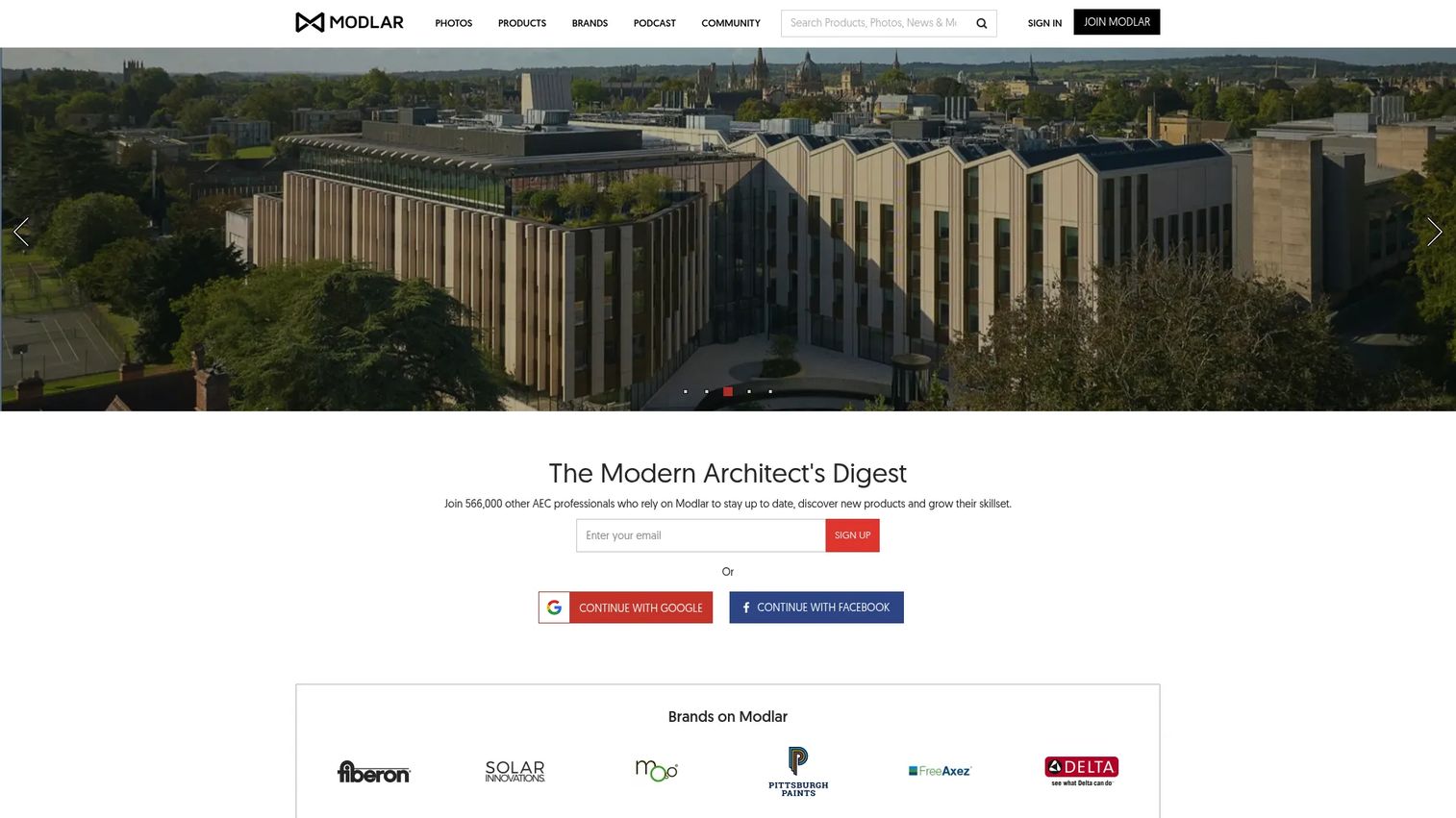
Modlar is an AEC platform connecting architects and designers with building products, BIM and CAD content, project inspiration, and community tools. Its product discovery spans numerous categories, with manufacturer resource pages covering file downloads, technical data, and design imagery. Blueprint sharing and markup capabilities with real-time synchronization support collaborative review within teams.
Best for: Architects and interior designers looking for product discovery alongside design inspiration and BIM resources.
Key features
- Building-product discovery across broad AEC categories
- BIM and CAD file downloads by listing
- Architecture and design project inspiration
- PDF blueprint sharing with real-time markup
- Community profiles and discussions
Why choose Modlar: A useful choice when the search begins with a design product rather than a technical family type. Confirm whether the individual listing carries a native Revit family or only other downloadable formats before committing the content to a project workflow.
Modlar pricing: Access is generally free for users. The plans page references blueprint sharing capabilities but shows no numeric subscription price. Verify available download file types against the specific product listing before use.
G2 rating: No verified G2 rating is available for Modlar.
6. BIM&CO
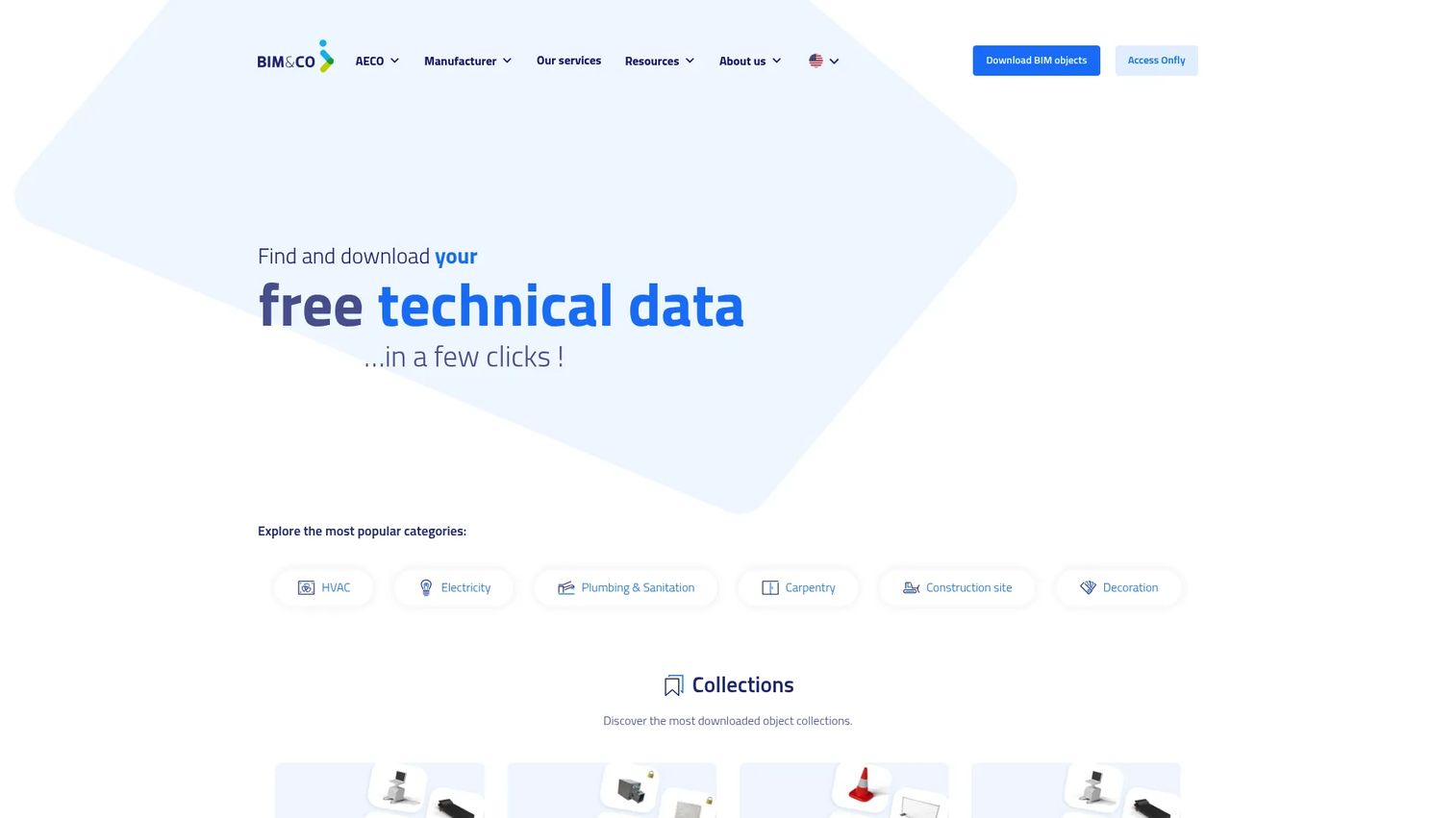
BIM&CO provides an open BIM library alongside cloud-based tools for managing, organizing, and distributing product data. The public library gives AEC teams free access to manufacturer and generic objects. Beyond downloads, paid plans give manufacturers and AEC firms a private managed library with data harmonization, custom classifications, analytics, and integrations for Revit, AutoCAD, and Rhino. Supported formats include RFA, SKP, and IFC.
Best for: AEC firms and building-product manufacturers that need managed BIM content distribution alongside a freely accessible object library.
Key features
- Free public BIM library with manufacturer and generic objects
- Cloud-based private library management for AEC teams
- Product-data and digital-twin management for manufacturers
- Plugins for Revit, AutoCAD, and Rhino
- Data harmonization, custom properties, 3D/VR viewing, and API access
Why choose BIM&CO: Strong when the team needs more than an isolated file. The value sits in managed product information and controlled content delivery, which matters for manufacturers serving multiple specifications and regions, and for BIM managers who need a governed team library.
BIM&CO pricing: The public BIM library is free to access and download. Paid plans start at 228€ per year per user for the BOOST tier (minimum 5 users), with the SMART plan at 588€ per year per user (minimum 10 users) and CONNECT at custom pricing. A 14-day trial is available. Pricing was verified on the Spanish-language pricing page in EUR.
G2 rating: 3.8/5
7. Archiproducts BIM
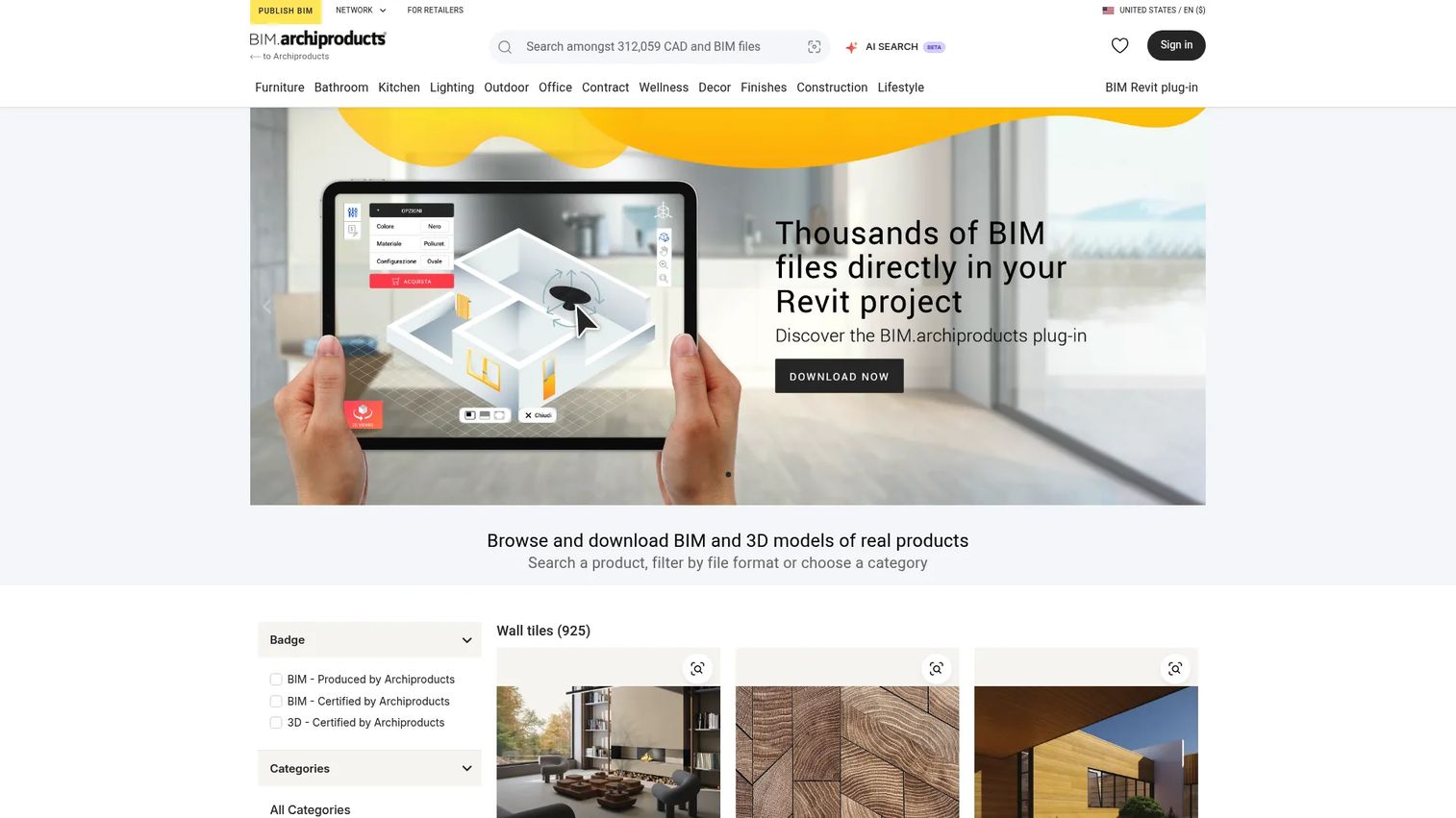
Archiproducts BIM is a BIM and CAD database with a dedicated Revit plug-in that lets architects and designers find, insert, store, and update product objects directly inside Autodesk Revit. The platform covers branded furniture, lighting, finishes, and architectural products, with Featured and Certified BIM quality badges applied to reviewed objects. The plug-in allows up to 50 object downloads per day and provides cloud storage through a personal My Library virtual collection.
Best for: Interior designers and architects sourcing branded furnishings, finishes, and design products for insertion directly into Revit.
Key features
- Search and download BIM objects across product categories
- Revit plug-in for direct in-application insertion
- Up to 50 BIM object downloads per day via plug-in
- Cloud-based My Library for storing and managing downloaded content
- Featured and Certified BIM quality badges on reviewed objects
Why choose Archiproducts BIM: Choose it when the design intent starts with a named furnishing or finish. The plug-in shortens the path from product discovery to model placement, but confirm native Revit availability and parameter quality before importing content into a shared production model.
Archiproducts BIM pricing: Account creation and browsing are free. Download formats and access conditions differ by individual product page; no subscription price was found on the first-party site.
8. RevitCity
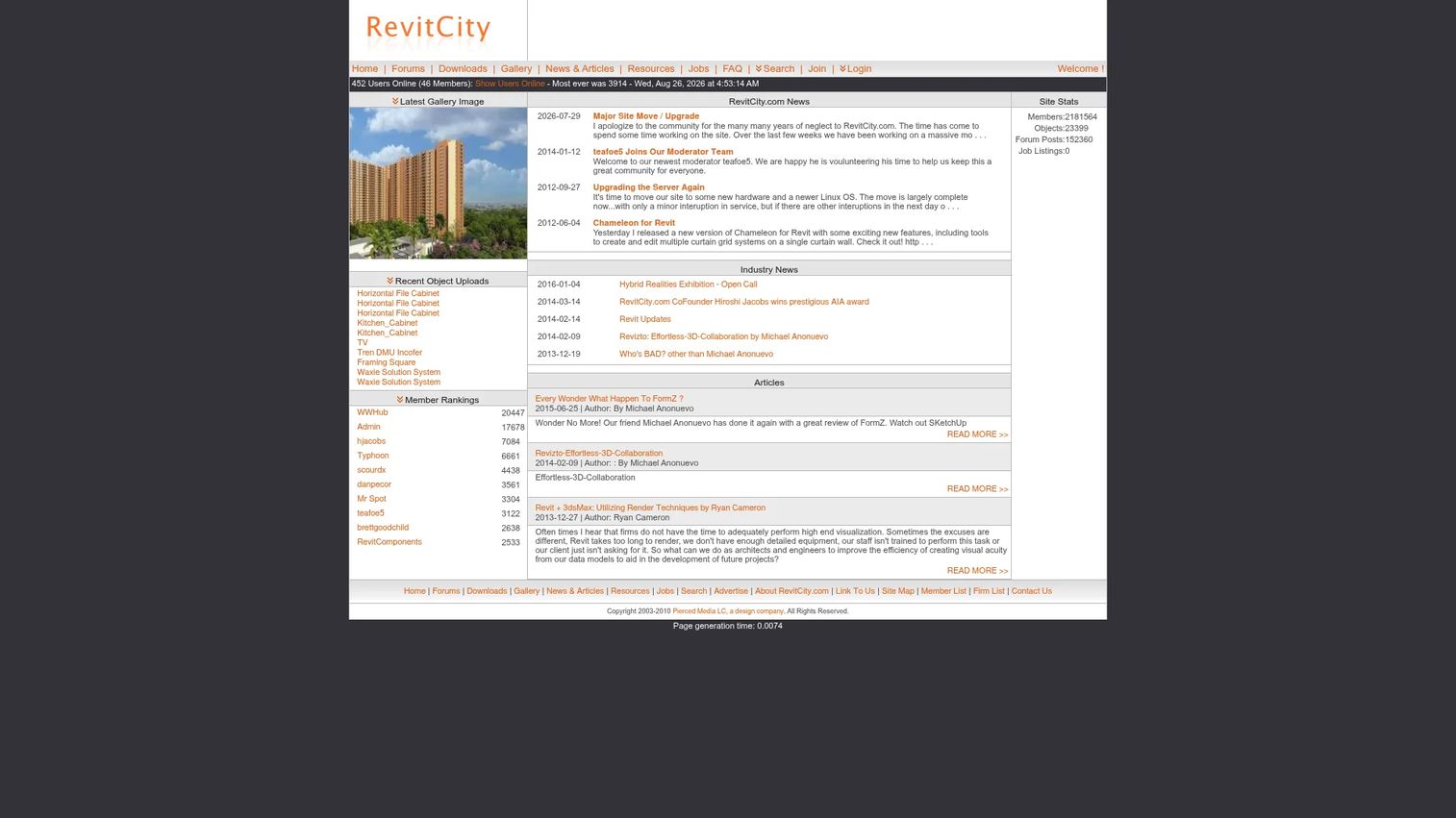
RevitCity is a long-running community website for finding, downloading, sharing, and discussing Revit content. Its library is built from user-uploaded families across a broad range of project categories, from furniture and fixtures to structural and MEP components. It is useful when a team needs a quick starting point, a niche family that manufacturer libraries do not carry, or an early-stage placeholder before product selection is confirmed.
Best for: Revit users looking for broad, community-sourced family coverage and generic starting points.
Key features
- Large community-contributed Revit family library
- User-uploaded object sharing
- Broad project category coverage
- Searchable family downloads
- Community forums and peer discussion
Why choose RevitCity: Use it for early design, temporary placeholders, or categories where manufacturer libraries have gaps. Before adopting any family for a project standard, inspect parameters, category assignment, nested content, geometry weight, naming, and Revit version compatibility. Test in a non-production model first.
RevitCity pricing: Membership is completely free. The FAQ confirms this and notes that optional donations are accepted. No premium subscription tier was identified during verification.
G2 rating: 4.3/5
Considerations when choosing BIM object libraries
Check native format and version compatibility
A Revit family that opens without error is not automatically project-ready. Confirm the Revit release version, family category, host behavior, and whether the family performs correctly in the team's project template before distributing it across the shared model.
Inspect parameter quality before standardizing content
Useful families carry meaningful type and instance parameters: Correct dimensions, material controls, classification codes, and manufacturer metadata. If the parameters do not support schedules or documentation, the object creates downstream rework. Run a quick parameter audit on any file before marking it as a team standard.
Keep geometry light enough for live models
A high-detail object can look polished in a preview while adding significant weight to a working model. Test file size, nested component count, level of detail, and rendering assets before loading the family at scale. Lightweight geometry standards protect model performance across large project teams.
Match the library to the project stage
Generic families serve concept design and space layout. Manufacturer objects make more sense once product choices affect specification, coordination, procurement, or embodied-carbon analysis. Mixing the two without tracking which is which creates confusion during handoffs.
Verify licensing and product status
Check whether the object can be reused across projects, whether the underlying product remains current, and whether the linked manufacturer data reflects the intended region and market. A library file is a starting point for validation, not a substitute for applying your firm's content standards.
Download QA checklist before adding to a shared project:
- Correct Revit version confirmed
- Family category verified
- Parameters tested against scheduling needs
- Geometry weight reviewed
- Product data checked against manufacturer source
- Licensing terms confirmed
- File saved in the approved office library
Conclusion
Most ranking pages act as libraries. This one is the quality and workflow guide sitting beside them.
For manufacturer product discovery and Revit-native workflows, start with BIMobject. For free building-product research with side-by-side comparison, BIMsmith Market covers that cleanly. ARCAT earns its place for teams working from CSI MasterFormat divisions and needing multi-format downloads without fees. NBS National BIM Library suits UK specification environments where object standards and documentation alignment matter.
Modlar and Archiproducts BIM fit design-led searches for furniture, finishes, and architectural products. BIM&CO serves manufacturers and BIM managers who need governed content distribution rather than ad-hoc downloads. RevitCity remains a useful source for broad community family discovery, provided every file clears a parameter and geometry inspection before it enters a production environment.
The practical next step: Pick one library for manufacturer products and one source for generic early-stage families. Apply the same QA checklist to every downloaded object before it enters your shared project environment. A verified family takes minutes to check. Fixing a bad one can cost a day.
Start your journey with Guideflow today!
FAQs
A BIM object is a digital building component that combines geometry with structured data, including dimensions, materials, performance specifications, classification codes, and manufacturer details. Strong BIM objects support modeling, coordination, scheduling, and specification workflows. A simple 3D asset may provide accurate visual geometry while lacking the data structure that makes content useful in a live project environment.
BIMobject, BIMsmith Market, ARCAT, NBS National BIM Library, and RevitCity all provide free access to Revit families and BIM content. Availability varies by manufacturer, object category, and Revit version. Inspect parameters and file weight before using downloaded content in a shared project, and confirm that the Revit version on the listing matches the version used on your project.
An RFA file is a reusable Revit family, typically the format you want for a loadable component such as a door, fixture, or piece of furniture. An RVT file is a full Revit project file that can contain families, views, sheets, schedules, and project-specific settings. Extracting content from an RVT for reuse across other projects usually requires cleanup to remove project-specific data and confirm the family behaves correctly outside its original environment.
Neither type is universally better. Manufacturer objects are useful for selected products and specification work, where geometry, product data, and documentation accuracy matter together. Generic families offer more flexibility during concept design or when a final product is not yet chosen. Most projects need both: Generic content early, manufacturer content as product decisions are confirmed.
Run through this short checklist: Correct family category, usable type and instance parameters, proper hosting behavior, acceptable geometry weight, clean naming, current Revit version compatibility, and no unwanted nested content. Test the family in a non-production model before distributing it to the team. If the parameters do not support the project's scheduling and documentation requirements, the family will create more work than it saves.
Yes, if the library provides IFC, DWG, SKP, GLB, or software-specific downloads. ARCAT and BIM&CO offer multi-format content across several of these types. Data quality and editability vary significantly by format. An IFC file may carry rich property data but behave differently in each receiving application. Test the file in the target application before relying on it for coordination or documentation.
Excessive geometry, complex nested family structures, oversized textures, and imported CAD content all increase model weight. A single high-detail object may be manageable; hundreds of instances with the same problem will degrade working model performance noticeably. Set lightweight geometry standards for your library, specify a maximum file size for team content, and establish a level-of-detail policy that matches project phase requirements.
Terms differ by library, manufacturer, and individual file. Some objects are freely reusable across projects; others restrict redistribution, modification, or commercial use. Review the permitted use terms on the specific listing before standardizing a file across multiple projects. Also check whether the linked product data is region-specific, since a manufacturer object for one market may reference specifications that do not apply to your project location.
A parametric Revit family contains adjustable parameters that control dimensions, materials, and type variants. Changing a type parameter, such as door width, updates the geometry and schedules automatically throughout the model. Non-parametric families look correct visually but require manual editing to change sizes or configurations, which limits their usefulness for coordination and documentation. When evaluating a downloaded family, check that type and instance parameters map to the scheduling fields your project requires.