A prospective client fills out your intake form at 9 pm. By morning, they've signed with another firm.
That's not a lead quality problem. It's a systems problem. According to the Harbor MarTech Survey (2025), 97% of law firms use CRM platforms, yet only 18.2% of lawyers actively engage with the tools their firm pays for. The gap between having a CRM and having a functional intake system is where clients disappear.
Spreadsheets, inbox rules, and sticky-note follow-up processes can't reliably manage lead ownership, referral attribution, scheduling, and conflict data across a growing team. The firms winning on client acquisition right now treat intake as a revenue function, not an administrative one. They have assignment rules, automated follow-up, and source-level reporting that ties campaigns to signed matters.
The right legal CRM does more than store contacts. It shows where client acquisition breaks.
This guide covers nine CRM platforms built for law firms, explains where each fits, and gives you a practical framework for narrowing the field to two or three worth evaluating. For more context on broader client management software categories, that roundup covers adjacent tools worth knowing.
What's inside
This guide is for law firm owners, legal operations leaders, and SaaS founders mapping the legal-tech stack. Selection criteria:
- Legal workflow fit: Intake forms, pipeline stages, conflict data capture, and matter handoff
- Automation depth: Follow-up rules, assignment logic, scheduling reminders, and campaign workflows
- Reporting quality: Source attribution, conversion rates, and referral economics
- Integration options: How each tool connects to practice management, billing, and communication systems
TL;DR
- Best for connected intake and practice management: Clio Grow connects prospective-client activity directly to Clio's broader operating environment
- Best for dedicated intake automation: Lawmatics handles legal CRM workflows, nurture, and client lifecycle management as a standalone platform
- Best for small firms consolidating operations: 8am MyCase and PracticePanther cover intake alongside billing and matter management
- Best for complex workflows and enterprise scale: Filevine and Litify suit high-volume or enterprise teams needing deep configuration
- Best for intake conversion visibility: Lead Docket gives firms granular pipeline and marketing-source data
- Best for firms with a mature marketing operation: HubSpot fits when demand generation matters as much as intake
What is legal CRM software?
Legal CRM software helps law firms capture, organize, qualify, and follow up with prospective and existing clients while tracking the relationships and marketing sources that drive matters.
The category spans four functions. First, it centralizes lead and contact records from web forms, calls, referrals, and campaigns in one structured system. Second, it manages intake through forms, scheduling, reminders, and automated follow-up. Third, it tracks referral sources, campaign activity, and conversion performance so firms can measure marketing ROI by source. Fourth, it hands off data to legal practice management software once a prospect becomes a client.
Key features to look for
- Custom intake forms with conditional logic
- Lead assignment rules and pipeline stages
- Automated email and text follow-up sequences
- Calendar booking and consultation reminders
- Conflict-check data capture fields
- E-signature and document automation
- Referral and campaign attribution reporting
- Reporting by source, practice area, and conversion stage
- Case management integrations
- Role-based permissions and audit controls
Legal CRM vs legal practice management software
These two categories solve adjacent problems, and the distinction matters before you buy.
| Legal CRM software | Legal practice management software |
|---|---|
| Focuses on prospective clients, referrals, and marketing activity | Focuses on active matters, documents, billing, and work execution |
| Strongest before a matter is opened | Becomes central after a client signs |
| Tracks lead conversion and acquisition performance | Tracks matter operations and firm finances |
| Often integrates with practice management | May include built-in intake and CRM capabilities |
Many platforms combine both. The question is whether intake and relationship tracking are first-class features or an afterthought in a billing-first product.
When to use legal CRM software
Capture and convert more qualified inquiries
When your firm receives web inquiries, referral calls, or paid-campaign leads across multiple staff members, a CRM creates clear ownership. Response speed affects conversion, and without assignment rules and automated follow-up, leads fall through on busy days. A legal CRM makes the follow-up process run without a partner manually checking every inquiry.
Standardize intake across a growing team
Past a certain point, a single person can't review every incoming lead. That's when intake checklists, automated reminders, consultation scheduling, and auditability become critical. The CRM should make intake performance visible to firm leadership without requiring them to audit individual email threads.
Prove which channels create profitable matters
Lead volume alone doesn't tell you whether your Google Ads budget is generating signed clients or just consultations that don't convert. Source-level reporting tied to consultation bookings, signed engagements, and matter type shows which referral relationships and campaigns actually move the business forward. For context on how client intake software fits into broader intake workflows, that guide covers the evaluation criteria in depth.
Legal CRM software comparison
Pricing and G2 ratings change. Every figure below was verified against each vendor's live pricing page and G2 listing. Treat these as a starting point and confirm before purchasing.
| # | Product | Best for | Key differentiator | Pricing | G2 rating |
|---|---|---|---|---|---|
| 1 | Clio Grow | Firms wanting intake tied to practice management | Intake-to-matter continuity within Clio | Quote-based | 4.3/5 |
| 2 | Lawmatics | Dedicated legal intake automation | Full legal CRM and client lifecycle automation | From $267/mo | 4.6/5 |
| 3 | 8am MyCase | Small and midsize all-in-one platforms | Intake, billing, communication, and case ops combined | From $50/user/mo | N/A |
| 4 | Filevine | Complex workflows and high case volume | Configurable workflows for high-volume teams | Custom pricing | 4.6/5 |
| 5 | PracticePanther | Broad practice management with CRM features | Wide operational coverage for small and midsize firms | From $49/user/mo | 4.3/5 |
| 6 | Law Ruler | High-volume intake and fast-moving cases | Intake automation and multi-channel lead management | Custom pricing | 4.6/5 |
| 7 | Litify | Enterprise legal teams on Salesforce | Salesforce-native legal operations platform | Custom pricing | 4.2/5 |
| 8 | Lead Docket | Intake conversion visibility | Pipeline tracking and marketing-source reporting | Custom pricing | 4.2/5 |
| 9 | HubSpot | Firms with established marketing operations | Flexible CRM with marketing automation and attribution | Free to $800+/mo | 4.4/5 |
Best legal CRM software tools for 2026
1. Clio Grow
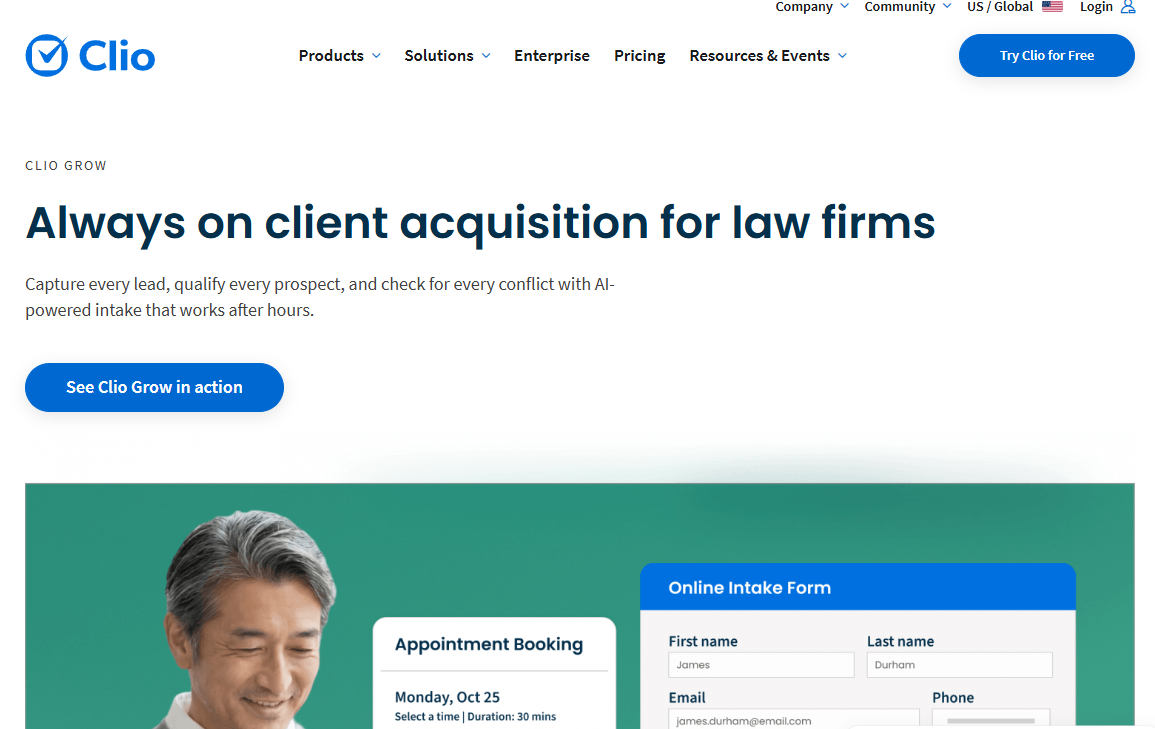
Clio Grow is the client intake and CRM module within the Clio platform, designed for law firms that want prospective-client activity connected to the same environment where they run active matters. It centralizes intake forms, pipeline tracking, consultation scheduling, and follow-up automation. The key value proposition is continuity: A lead captured in Clio Grow flows into Clio Manage without a data migration or manual handoff.
Best for: Firms that already use Clio Manage, or that want intake, scheduling, and conversion tracking inside a single legal operating platform.
Key features
- Online intake forms with document automation and e-signatures
- Client intake pipeline with stage tracking
- Appointment scheduling and automated consultation reminders
- AI-powered lead response and screening workflows
- Intake conversion reporting and lead source insights
Why choose Clio Grow: The strongest reason is reduced handoff friction. When a prospect signs, their record moves to matter management without any re-entry. Firms that have already committed to the Clio ecosystem get intake coverage without adding another vendor.
Clio Grow pricing: Clio Grow is available as part of Clio's package plans, with pricing based on your specific combination of products. Plans require a quote rather than a self-serve purchase. Check the Clio pricing page directly for current package rates.
G2 rating: 4.3/5 from 27 reviews.
2. Lawmatics
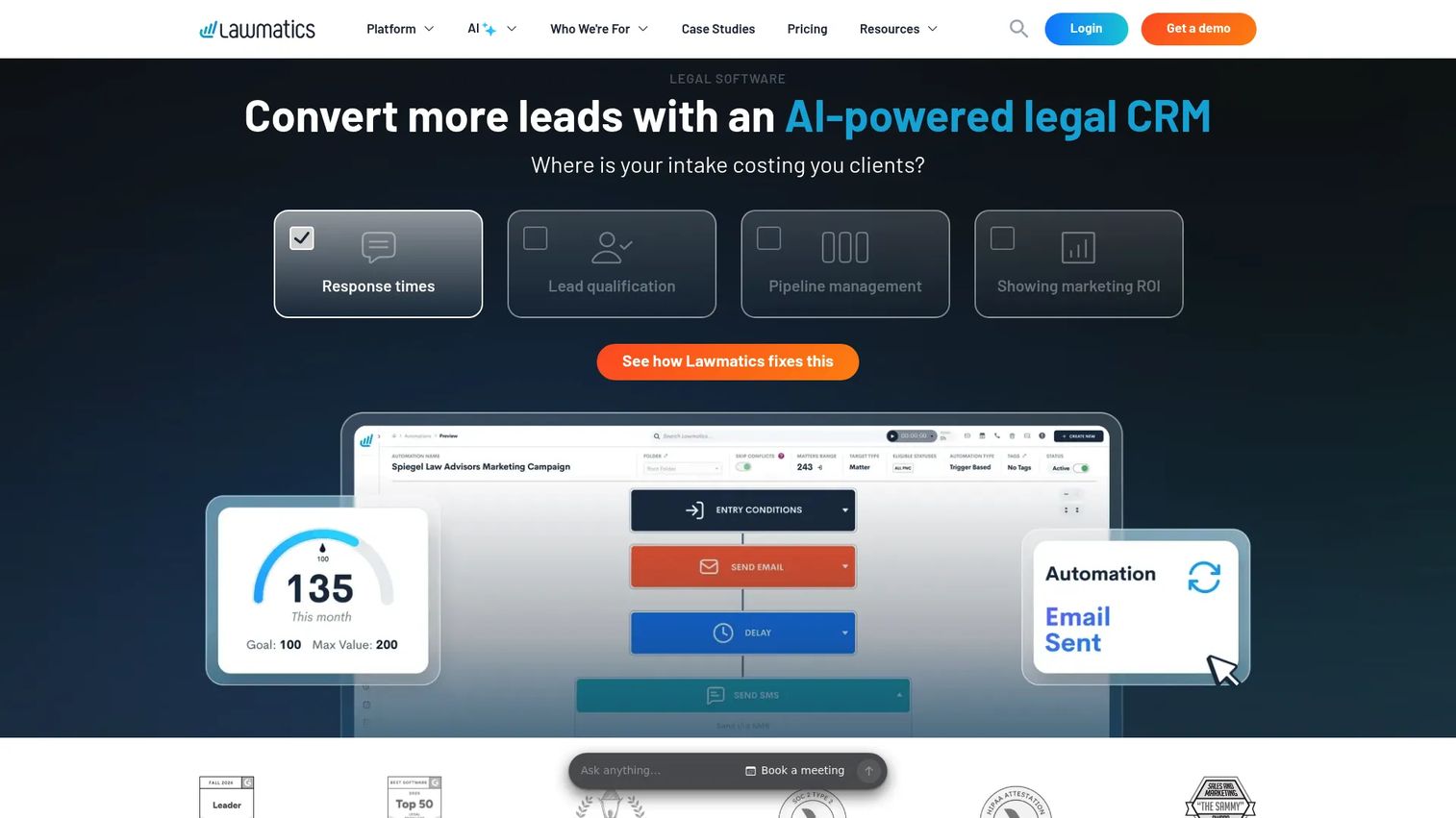
Lawmatics is a dedicated legal CRM and automation platform built specifically for law firms. It covers the full client journey from first inquiry through engagement, including intake forms, conditional workflows, automated email and SMS follow-up, appointment scheduling, e-signatures, conflict checking, and marketing campaign management. Unlike practice management tools that include CRM as a secondary feature, Lawmatics treats intake and client lifecycle automation as its primary job.
Best for: Growing firms with meaningful inbound lead flow that need formal intake workflows, automated nurture, and ROI reporting without replacing their case management platform.
Key features
- Custom intake forms with conditional logic and workflow branching
- Email and SMS automation with audience segmentation
- Appointment scheduling and consultation reminders
- Electronic signatures and document collection
- Marketing campaign management with ROI and conversion dashboards
Why choose Lawmatics: It fits firms where intake is a distinct operational function, not a task that partners handle ad hoc. The automation depth means follow-up runs without manual oversight, which is the point for any team trying to stop leads from going cold overnight. Map your intake stages clearly before implementation so the workflow configuration reflects your actual process.
Lawmatics pricing: The Premium plan runs $297 per user per month, discounted to $267 per month when billed annually (totaling $3,204 per year). A one-time onboarding fee of $1,499 applies. An Essential option appears on the pricing calculator but the rate requires a direct conversation with Lawmatics.
G2 rating: 4.6/5.
3. 8am MyCase
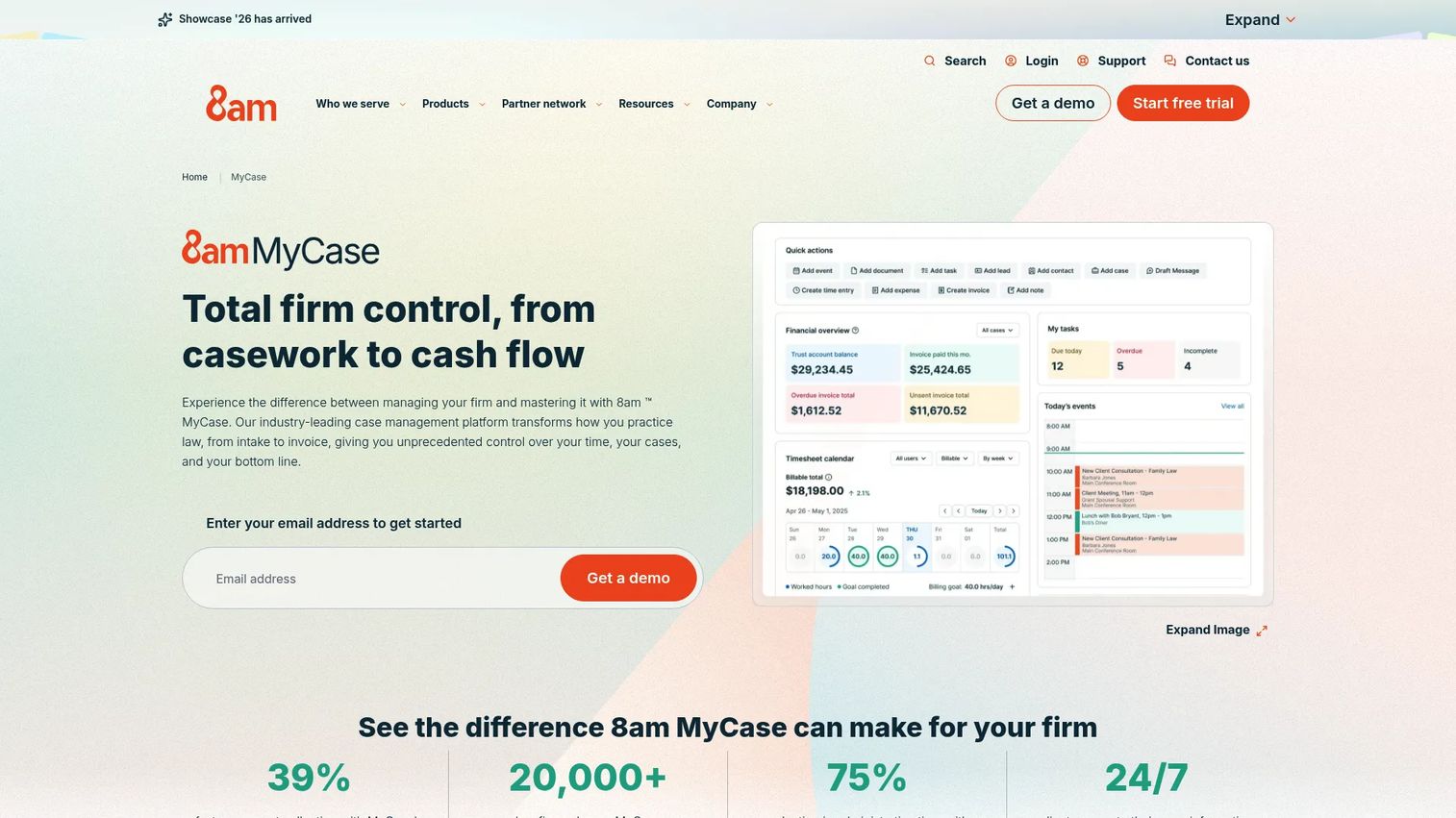
8am MyCase is an all-in-one legal practice management platform covering client intake, case management, client communication, billing, payments, and financial reporting in a single product. It suits firms that want to consolidate email, spreadsheets, separate billing tools, and disconnected calendaring into one operating system rather than stitching together point solutions.
Best for: Small and midsize law firms that want case management, client intake, billing, and communication under one roof without purchasing separate CRM and practice management tools.
Key features
- Client intake forms, legal CRM, and e-signatures
- Case management, workflow automation, and calendaring
- Secure client communication portal
- Time tracking, invoicing, and LawPay payment processing
- Trust accounting and financial reporting
Why choose 8am MyCase: The appeal is operational consolidation. Firms still running on email threads and separate billing software get a structured system for cases, intake, client communication, and payment in one place. Test whether its CRM workflow depth matches your intake complexity before migrating from a more specialized tool.
8am MyCase pricing: MyCase Basic starts at $50 per user per month billed annually ($60 monthly). MyCase Pro is $100 per user per month annually ($120 monthly). MyCase Advanced is $130 per user per month annually ($150 monthly). A 10-day free trial is available with no credit card required. MyCase Accounting is a separate add-on at $39 per user per month.
4. Filevine
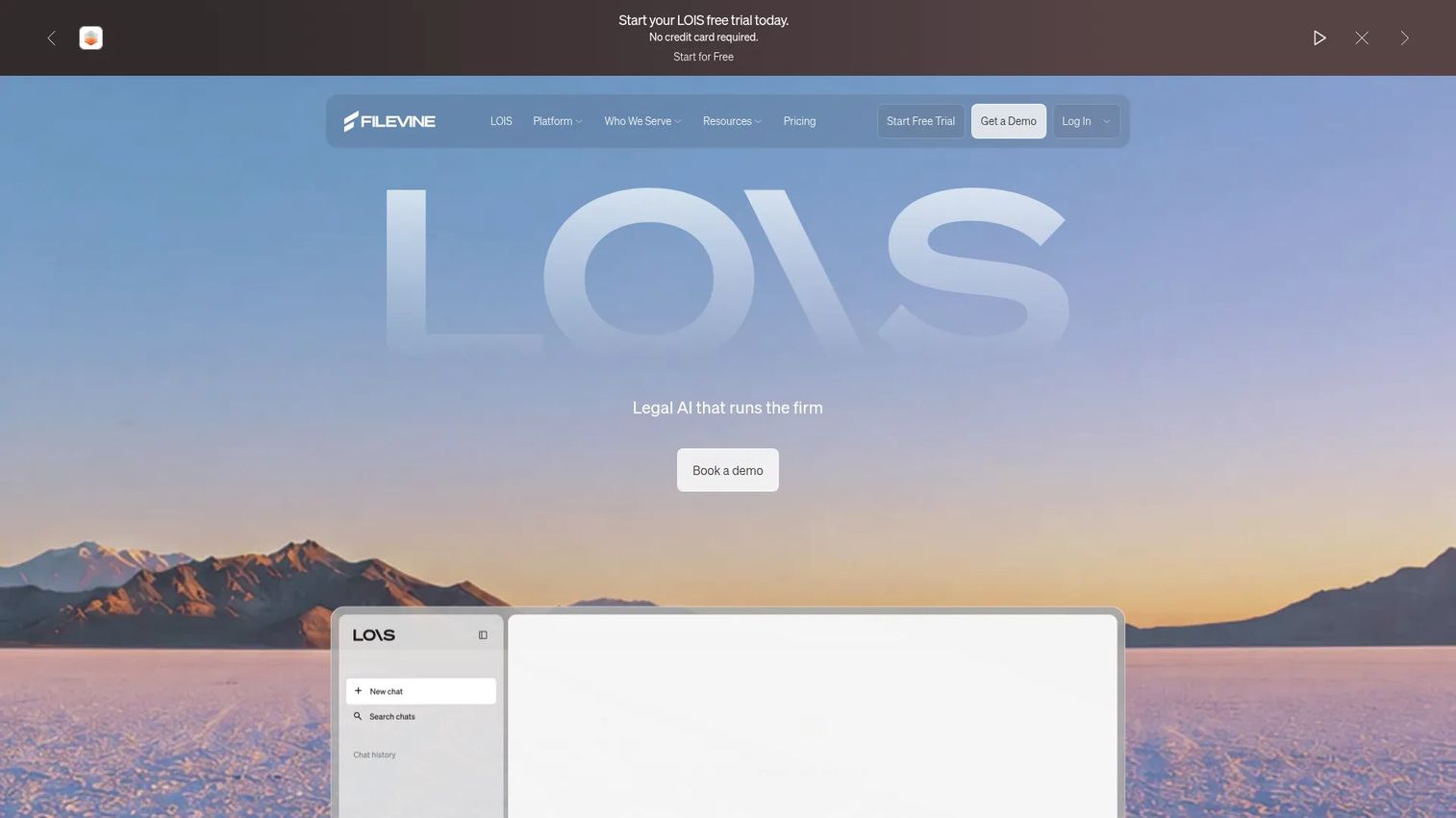
Filevine is a configurable legal operations platform built for firms with complex matter workflows, high case volume, or a need to design processes that don't fit generic pipelines. It covers case and project management, document handling, workflow automation, client portals, timekeeping, and billing. Filevine's configuration depth makes it a serious option when a firm's operating model requires customization rather than a preset product structure.
Best for: Larger firms and high-volume practices that need intake data, case workflows, and reporting to reflect a specific operating model rather than a standard template.
Key features
- Configurable legal case and project management workflows
- Document management with OCR, PDF editing, and unlimited storage
- Automated task routing and deadline management
- Client portal with secure messaging and document sharing
- Timekeeping, billing, and dashboard reporting
Why choose Filevine: The case for Filevine is operational depth. When a firm's intake and matter process can't be forced into a generic CRM structure, Filevine's configurability earns its place. That configuration requires a documented operating process first. Customizing a broken intake workflow only makes it harder to change later.
Filevine pricing: Filevine packages are custom built and require a quote. There is a free tier called LOIS Explore, which provides AI-powered legal research and drafting tools but does not include Filevine Case Management. Contact Filevine for platform pricing.
G2 rating: 4.6/5.
5. PracticePanther
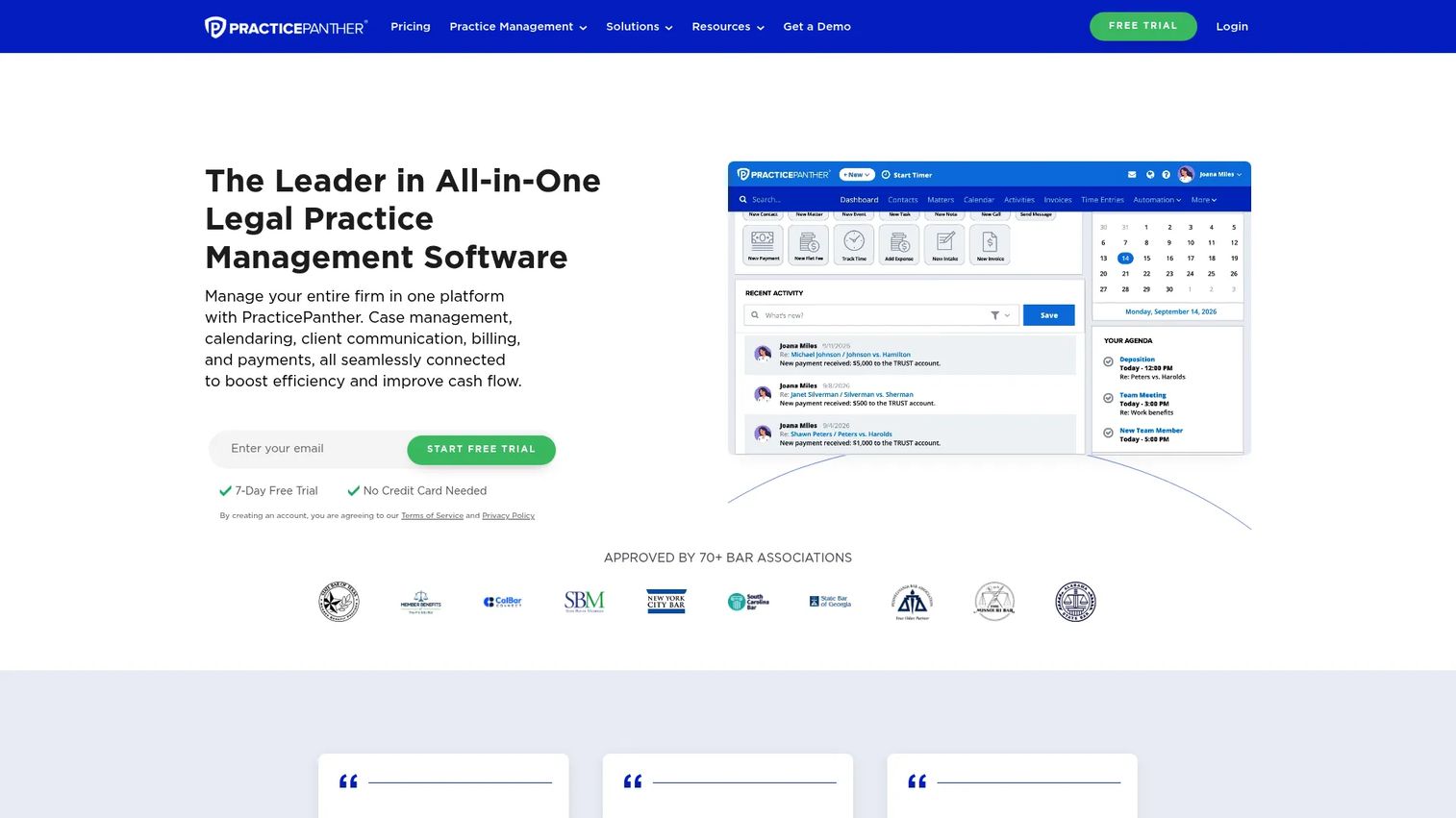
PracticePanther is legal practice management software with CRM-adjacent functionality. It handles contact and lead tracking alongside core practice operations: Matter management, time and expense tracking, legal billing, invoicing, native online payments, trust accounting, and a client portal. It positions itself as an all-in-one system for firms that need wide coverage without buying separate tools immediately.
Best for: Solo practitioners and small to midsize firms that need broad practice management coverage with practical client relationship functionality in one platform.
Key features
- Contact and lead tracking with matter management
- Billable time and expense tracking
- Automated task and event workflows
- Legal billing, invoicing, and native online payments
- Secure client portal and trust accounting
Why choose PracticePanther: The relevant question is whether it removes a tool from your current stack. If a firm is running separate billing software, a calendar tool, and a contact manager, PracticePanther consolidates those. Evaluate its CRM reporting depth against your intake attribution requirements before switching from a more specialized intake platform.
PracticePanther pricing: Plans start at $49 per user per month (Solo), with Essential at $69, Business at $89, and Business Pro at $114 per user per month, all billed monthly. Annual billing saves $120 per user per year. A 7-day free trial is available with no credit card required.
G2 rating: 4.3/5.
6. Law Ruler
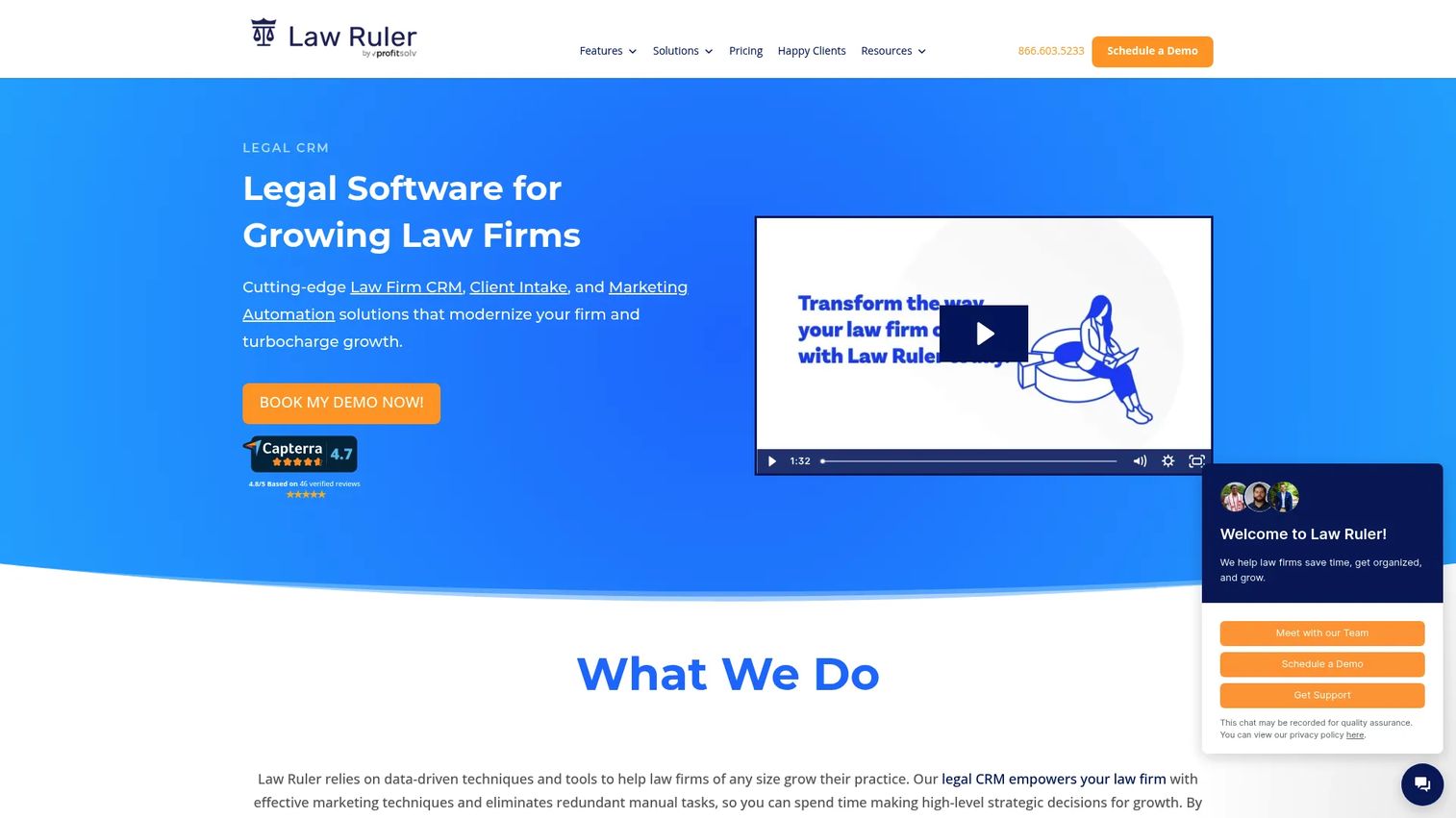
Law Ruler is a legal CRM and intake automation platform built around high-volume lead management. It combines intake forms, workflow automation, email and SMS campaigns, voice communications, e-signatures, document automation, referral tracking, and custom analytics dashboards in one system. The platform is designed for firms where response speed and intake ownership directly affect revenue, making it particularly relevant for practices that handle high inquiry volume across multiple channels.
Best for: Firms with dedicated intake teams or high inquiry volume that need structured lead routing, multi-channel follow-up, and clear conversion accountability.
Key features
- Legal CRM with contact management and intake form automation
- Email, SMS, and voice marketing campaigns
- E-signatures and document automation
- Referral source tracking and attribution
- Custom dashboards and analytics
Why choose Law Ruler: Speed-to-lead matters in high-velocity practice areas. Law Ruler's multi-channel follow-up (email, text, voice) and intake workflow automation address the gap between an inquiry arriving and a human responding. It fits when a delayed response means a lost client. Plans require a personalized quote, and the firm should budget for onboarding time to configure workflow logic correctly before going live.
Law Ruler pricing: All plans (Pro, Premium, and Enterprise) are quote-based. Pro and Premium support up to three users. Enterprise requires a ten-user minimum. Annual prepay saves 15% versus a monthly subscription. Contact Law Ruler for current rates.
G2 rating: 4.6/5.
7. Litify
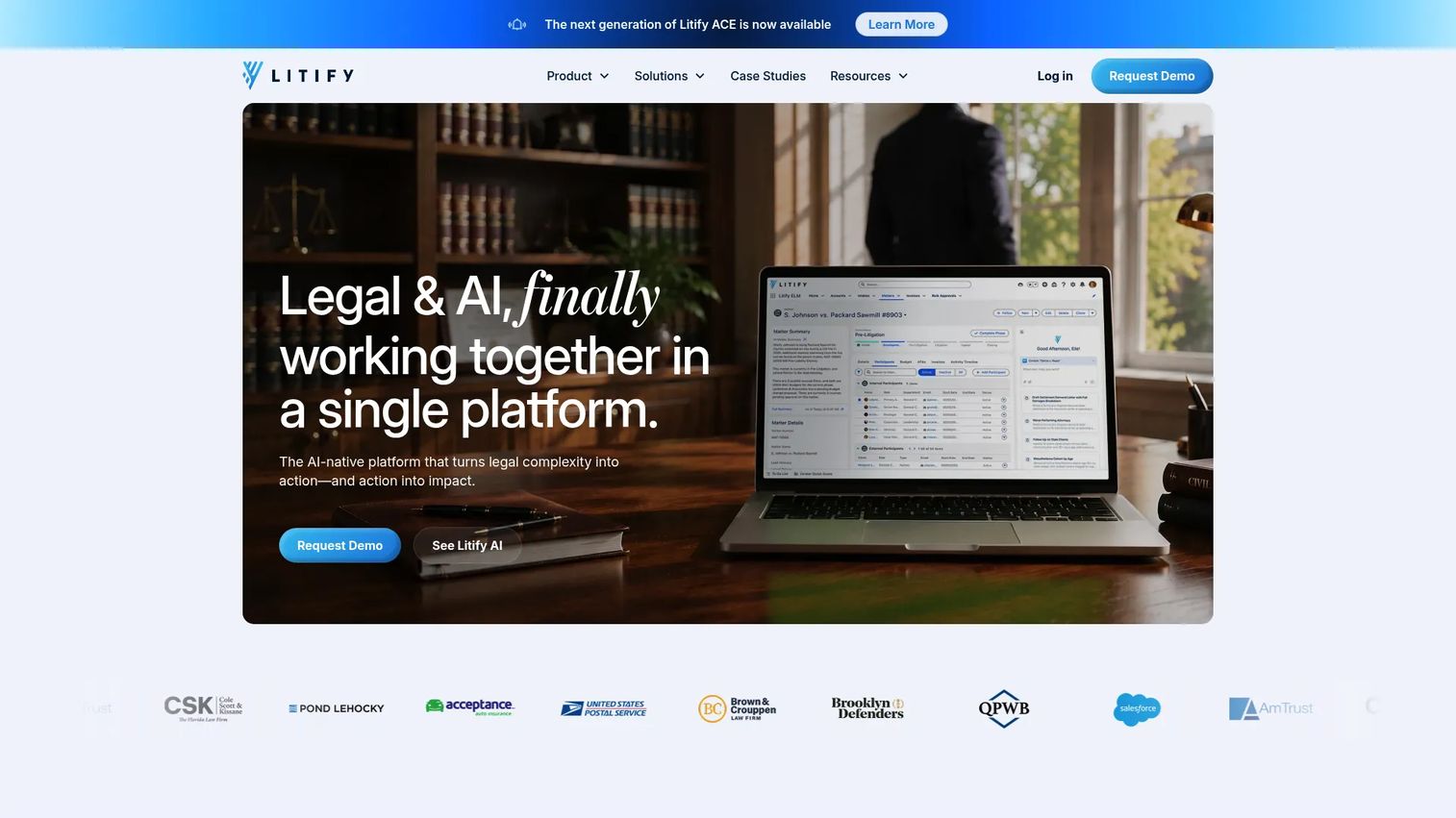
Litify is an enterprise legal operations platform built on Salesforce. It covers intake management, matter management, document handling, time and billing, legal spend management, reporting, and configurable AI-powered workflows. Because it runs on Salesforce, it inherits enterprise-grade data governance, permissions, audit trails, and a broad ecosystem of integrations that Salesforce supports.
Best for: Enterprise law firms and corporate legal departments that already operate on Salesforce, or that need deeply configurable workflows, governance, and cross-team coordination at scale.
Key features
- Salesforce-based intake and matter management
- Document management with advanced PDF editing
- Time and billing with legal spend management
- Configurable workflows with AI agents
- Enterprise reporting and analytics
Why choose Litify: The Salesforce foundation is both the strength and the decision driver. Firms with internal CRM expertise and a complex operating model get enterprise-grade configuration, reporting, and governance. Firms without Salesforce experience should factor in implementation ownership, staff training, and change management time. Enterprise configuration has a real cost beyond license fees.
Litify pricing: Custom enterprise pricing. Litify requires a personalized demo to discuss rates, which depend on team size, structure, and features required. Contact Litify directly for current pricing.
G2 rating: 4.2/5.
8. Lead Docket
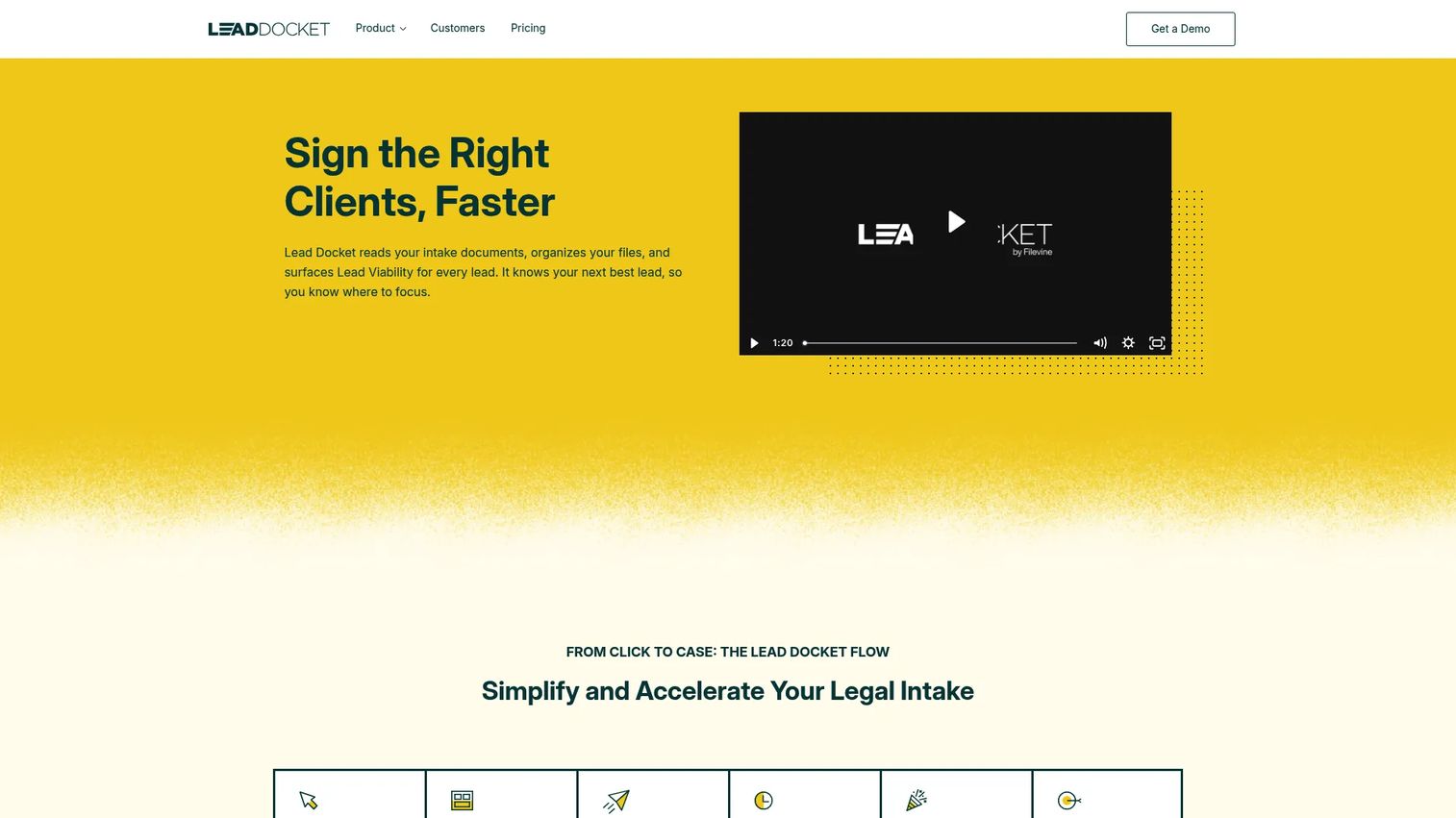
Lead Docket is a legal intake and lead conversion platform focused on giving law firms tighter visibility from first contact to signed client. It captures leads across web forms, web chat, text, calls, and other channels, then automates intake workflows, follow-up, and qualification. A key differentiator is its reporting: Referral source attribution, revenue tracking, conversion analytics, and lead-viability predictions built on AI-powered summaries and sentiment analysis.
Best for: Firms that already have a case management system but need a stronger front-end intake process with clear marketing-source visibility and conversion data.
Key features
- AI lead summaries, sentiment analysis, and lead-viability predictions
- Multi-channel lead capture (web forms, chat, text, calls)
- Custom intake forms and workflow automation
- Marketing-source attribution and referral reporting
- Online payment collection via credit card and ACH
Why choose Lead Docket: It fits firms that need to answer a specific question: Where are our signed clients actually coming from, and which sources generate the cases we want? The source-level reporting connects inquiry response to consultation booked, engagement signed, and revenue attributed. It also integrates with Filevine, which matters for firms that already run Filevine for case management. For founders evaluating candidate relationship management software and similar CRM-adjacent categories, the intake-to-conversion tracking model Lead Docket uses offers a useful point of comparison.
Lead Docket pricing: Pricing is customized based on firm size and requirements. Contact Lead Docket for a quote. No self-serve pricing tier is displayed on the pricing page.
G2 rating: 4.2/5.
9. HubSpot

HubSpot is a general-purpose customer platform covering CRM, marketing automation, sales pipelines, customer service, content management, and revenue reporting. It is not a legal-native product, but firms with established marketing operations, multiple acquisition channels, or a need to connect client acquisition reporting to broader business data often choose it over a legal-specific platform.
Best for: Firms with an established marketing operation, complex demand generation, or a need to connect legal client acquisition data to sales and marketing reporting across multiple channels.
Key features
- Free CRM with contact and company records
- Marketing automation and audience segmentation
- Deal pipelines and meeting scheduling
- Multi-touch attribution reporting
- Live chat and AI content tools
Why choose HubSpot: The trade-off is clear. HubSpot provides broader CRM and marketing infrastructure than any legal-native tool, but it requires more configuration to handle conflict-check data capture, matter handoffs, and legal intake workflows. Firms treating client acquisition as a measurable growth engine, with dedicated marketing staff and multiple inbound channels, often find that legal-native intake automation isn't enough to answer their attribution questions. HubSpot answers them, but it takes setup investment to get there. Pair it with a legal-specific intake tool if the firm's intake workflow is complex. For more on marketing automation software broadly, that guide covers the category in depth.
HubSpot pricing: A free CRM tier is available. Starter plans begin at $7 per seat per month. Professional plans vary by product hub, with Sales Hub at $90 per seat per month and Marketing Hub at $800 per month. Enterprise tiers start at $150 per seat per month for Sales Hub and $3,600 per month for Marketing Hub. Annual billing applies across paid tiers.
G2 rating: 4.4/5.
Considerations when choosing legal CRM software
Intake workflow depth
Map the actual path from inquiry to signed engagement before evaluating any platform. That path typically includes web form submission, call handling, conflict data capture, consultation scheduling, engagement letter delivery, and handoff to matter management. A CRM that covers steps one through four but stops there creates a gap at the point where a client becomes a paying matter.
Practice management integration
Ask explicitly where each CRM's data ownership ends. A clean handoff from intake to matter management matters more than a long feature list. If the CRM and the practice management system don't share a native integration, budget for manual re-entry or a middleware connection.
Attribution and referral reporting
Require reporting that ties lead sources to booked consultations, signed clients, and practice area. This is how a firm distinguishes marketing activity from actual growth. Firms that can't answer which referral relationships or campaigns generate profitable matters are flying blind on acquisition spend. For more on best marketing analytics software and what good attribution reporting looks like, that guide covers the evaluation framework.
Automation governance
Review who owns follow-up rules, templates, and assignment logic before committing. Automation reduces missed leads, but misconfigured rules send wrong messages at wrong times. Someone on the team needs to own the workflow logic and review it quarterly as the firm's intake process evolves.
Security and permissions
Evaluate role-based access, data visibility, audit controls, and how the platform handles sensitive intake data. Intake records often contain information relevant to conflict checks and confidentiality obligations. Permissions should reflect who actually needs access to what, not a default admin-access-for-everyone setup.
Conclusion
The right CRM for law firms depends on one question more than any other: Where does intake break in your current process?
For firms that want intake tied directly to matter management, Clio Grow removes the handoff problem. Lawmatics handles intake automation as its core job, not a secondary feature. For smaller firms consolidating operations, 8am MyCase and PracticePanther reduce tool sprawl. Filevine and Litify serve firms with complex workflows that require deep configuration. Law Ruler fits high-volume intake teams that need fast, multi-channel follow-up. Lead Docket gives firms the source-level reporting to understand which channels create profitable matters. HubSpot belongs on the list when the firm has dedicated marketing operations and needs attribution that goes beyond intake.
Build a shortlist of two or three platforms and test one real intake workflow in each before committing. The implementation that makes intake visible to leadership without routing everything through one person's inbox is the one worth paying for.
For SaaS teams that need to show complex software workflows to prospects and buyers, Start your journey with Guideflow today!
FAQs
Legal CRM software manages the relationship between a law firm and its prospective and existing clients, covering intake forms, lead tracking, follow-up automation, referral attribution, and conversion reporting. It differs from a basic contact database by including workflow automation, pipeline management, and source-level analytics that show where clients come from and where they drop off.
A legal CRM is strongest before a matter is active. It manages inquiries, qualifies prospects, schedules consultations, and tracks marketing performance. Legal practice management software handles the operational work of active matters: Documents, billing, deadlines, and task management. Many platforms combine both, and some firms use a dedicated CRM integrated with a separate practice management system. The key is knowing which function is primary before selecting a tool.
Core features to evaluate include configurable intake forms with conditional logic, automated email and text follow-up, appointment scheduling and reminders, conflict-check data fields, e-signatures, referral and campaign attribution, pipeline stage reporting, and integration with the firm's case management system. Attribution reporting is often the feature that separates useful CRM data from a contact list.
A general CRM can work for firms with strong marketing operations and a team capable of configuring it for legal workflows. The configuration gap is real: Conflict data capture, matter handoffs, legal intake stages, and e-signature requirements all need setup that legal-native platforms handle out of the box. Firms that want to connect legal client acquisition to broader marketing attribution often choose a general CRM alongside a legal intake tool rather than instead of one.
Small firms should prioritize ease of adoption, a low-maintenance intake workflow, and ideally some integration between intake and billing or matter management. 8am MyCase and PracticePanther both offer broad coverage at entry price points with free trials. Clio Grow suits small firms already in the Clio ecosystem. The best choice depends on whether the firm's primary pain is lead follow-up, matter operations, or billing, since those point toward different starting tools.
Firms prioritizing intake automation should look for configurable forms, automated follow-up sequences (email and text), appointment reminders, assignment rules, and lead source reporting. Lawmatics and Law Ruler both build intake automation as their core capability. Clio Grow covers this within the Clio ecosystem. The distinction is whether the firm needs a standalone intake platform or intake automation inside a broader practice management environment.
Cost depends on the number of users, automation depth, practice management modules included, and reporting requirements. PracticePanther and 8am MyCase publish per-user monthly pricing starting in the $49 to $50 per user range. Lawmatics runs $267 per month on an annual plan for a single user plus a one-time onboarding fee. Platforms like Filevine, Litify, Law Ruler, and Lead Docket require quotes because pricing depends on firm size and configuration scope. HubSpot has a free CRM tier with paid plans starting at $7 per seat per month, though legal-relevant automation sits on higher tiers.
It can, but reporting quality depends on disciplined source capture at intake. Platforms with attribution features can tie leads to specific referral sources, campaigns, or channels and follow those through to booked consultations, signed clients, and matter type. That data shows which marketing investments generate profitable matters and which generate consultations that don't convert. The gap between firms that know their marketing ROI and firms that don't usually traces back to whether source data was captured consistently at intake, not whether the CRM had the reporting capability.