



A new client signs. Then the scramble starts. Their details sit in one person's inbox. The intake form is a Google Doc someone forgot to send. The contract is in a shared drive nobody can find. Three weeks in, you are still asking for the same tax ID you requested twice already.
That is not a discipline problem. It is a systems problem. Contact lists and sales CRMs track deals, not the full client lifecycle. They tell you who closed. They do not run onboarding, collect documents, route tasks, or show every team member where a client actually stands right now.
The market has noticed. According to AMW (2026), 91% of companies with 10 or more employees use CRM software, and 74% of U.S. businesses have implemented some form of client system. But a sales CRM and a client management system solve different jobs. One wins the deal. The other keeps the relationship organized after the handshake.
This guide breaks down 10 client management tools for 2026. You will see what the category actually does, how it differs from CRM, and which client tracking software fits onboarding-heavy service teams, regulated firms, small businesses, and document-heavy client work.
What's inside
This guide is for B2B buyers, SMB operators, service teams, and regulated teams choosing software to manage clients end to end. It covers onboarding, communication, documents, tasks, and reporting.
Tools were selected against four criteria:
- Client lifecycle coverage: intake, onboarding, delivery, and ongoing work in one client management system
- Workflow depth: forms, task routing, approvals, and automation
- Visibility: dashboards, ownership views, and real-time status
- Fit by segment: small business, regulated firms, and document-heavy verticals
Every pricing figure and G2 rating below was verified against each vendor's live page.
TL;DR
- Best for onboarding-heavy service teams: Clustdoc, built around intake, document collection, and approval workflows.
- Best for regulated teams: TaxDome for accounting firms, Clio for law firms, PlanStreet for human services. Each pairs secure portals with audit-friendly workflows.
- Best client management software for small business: Capsule CRM and ClientManager keep setup light and pricing accessible.
- Best for CRM-like client visibility: Salesforce and monday.com give you dashboards, pipelines, and communication history.
- Best for document-heavy client work: Clustdoc and TaxDome centralize forms, contracts, files, and e-signatures.
- Best for build-your-own: Airtable if you want a flexible client tracking software base instead of rigid structure.
What is client management software?
Client management software is a system that organizes client data, communication, tasks, documents, and workflows across the full client lifecycle, from intake through ongoing delivery.
That is the client management system definition in one line. Where a sales CRM stops at the closed deal, a client management program keeps going: onboarding, file collection, task ownership, status reporting, and client-facing portals.
Core capabilities usually include:
- Client records and contact management: a single source of truth for every account
- Onboarding and intake: forms, questionnaires, and file requests that route automatically
- Document collection: contracts, uploads, approvals, and e-signatures in one place
- Tasks and workflow automation: ownership, due dates, and repeatable playbooks
- Client portal software: a branded space where clients submit, review, and track
- Dashboards and reporting: real-time visibility into who owns what and where each client stands
- Integrations: email, calendar, accounting, storage, and helpdesk connections
How does it differ from CRM? A CRM is built to win business. It tracks leads, pipeline stages, and revenue forecasts. Software to manage customers after the sale focuses on delivery: getting a client onboarded, keeping documents organized, and coordinating the work your team owes them. Many teams run both, and some tools blur the line by adding client operations on top of a CRM core.
When to use client management software
Onboard clients without living in your inbox
If every new client kicks off a manual chase for forms, IDs, and signatures, you have outgrown email. Client onboarding software replaces that scramble with intake forms, automated file requests, and task routing. The client sees one clear checklist. Your team sees what is outstanding without digging through threads.
Track client work across teams
The problem often is not effort. It is visibility. When work crosses account managers, delivery, and support, ownership gets fuzzy and handoffs drop. A client management system gives you dashboards and status views so everyone sees where a client stands. That matters most when a single account touches three or four people.
Replace spreadsheets and fragmented tools
Spreadsheets scale until they do not. When client data lives in one sheet, files in another tool, tasks in a third, and communication in email, nothing reconciles. Client management tools consolidate that into one system with automation and reporting, so you stop stitching context together by hand.
Comparison table
Use this table to shortlist fast. It maps each tool to its ideal user, its standout differentiator, current pricing, and its G2 rating. Match the row to your situation, then read the full section for the two or three that fit.
| # | Product | Best for | Key differentiator | Pricing | G2 rating |
|---|---|---|---|---|---|
| 1 | Clustdoc | Onboarding-heavy service teams | Document collection and intake workflows | From €190/month | 3.7/5 |
| 2 | Salesforce | Enterprise CRM-style client visibility | Broad CRM platform with AI and automation | Free tier; paid from $25/user/mo | 4.4/5 |
| 3 | monday.com | Flexible client operations | Customizable work management and dashboards | Free tier; paid from $9/seat/mo | 4.7/5 |
| 4 | ClientManager | Freelancers and small agencies | All-in-one client ops hub | From $12/month | Not listed |
| 5 | PlanStreet | Nonprofits and human services | Case management and reporting | Custom pricing | 4.6/5 |
| 6 | Capsule CRM | Small teams wanting light CRM | Simple contacts, pipeline, and tasks | Free tier; paid plans available | 4.7/5 |
| 7 | TaxDome | Accounting and tax firms | Practice management with client portal | From $800/year per seat | 4.7/5 |
| 8 | Airtable | Build-your-own client databases | Flexible no-code database and automations | Free tier; paid from $20/collab/mo | 4.6/5 |
| 9 | Clio | Law firms | Legal practice management and matters | From $49/user/mo | 4.6/5 |
| 10 | Wrike | Project-driven client delivery | Structured project and work management | Free tier; Business from $25/user/mo | 4.2/5 |
1. Clustdoc
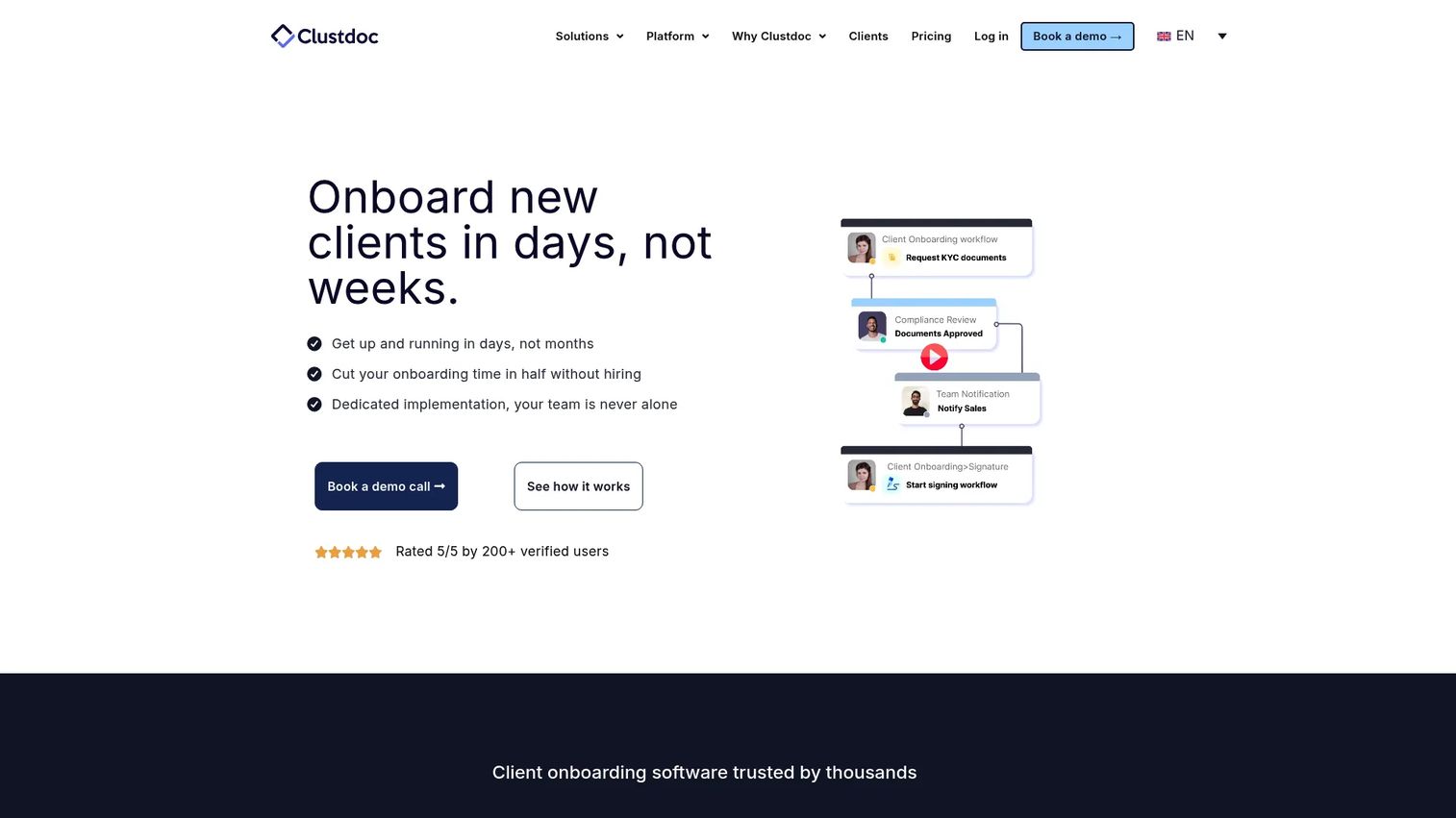
Clustdoc is client onboarding automation software built around one job: collecting documents, forms, approvals, payments, and signatures from clients without the back-and-forth. Instead of chasing files by email, you configure an intake workflow, share a secure portal, and let the client submit everything in one guided flow. That makes it a strong fit for service teams where onboarding is the friction point, not the pipeline.
Where broader CRMs treat document collection as an afterthought, Clustdoc treats it as the core product. You build the checklist, the client works through it, and your team sees exactly what is outstanding.
Best for: Teams that need a configurable client onboarding and document-collection workflow platform.
Key strengths
- Document collection from clients in one place
- Digital form builder for custom intake
- eSigning workflows built in
- Secure client portal software for submissions
- Approval steps and payment collection
Why choose Clustdoc: If your bottleneck is getting complete, signed paperwork from every new client, Clustdoc is purpose-built for that. It fits agencies, financial services, and any team that runs a repeatable intake process and wants clients to self-serve through it.
Clustdoc pricing: The PRO plan starts at €190/month. EXPERT and ULTIMATE plans are quoted on request. Clustdoc offers a 7-day free trial with no credit card required.
2. Salesforce
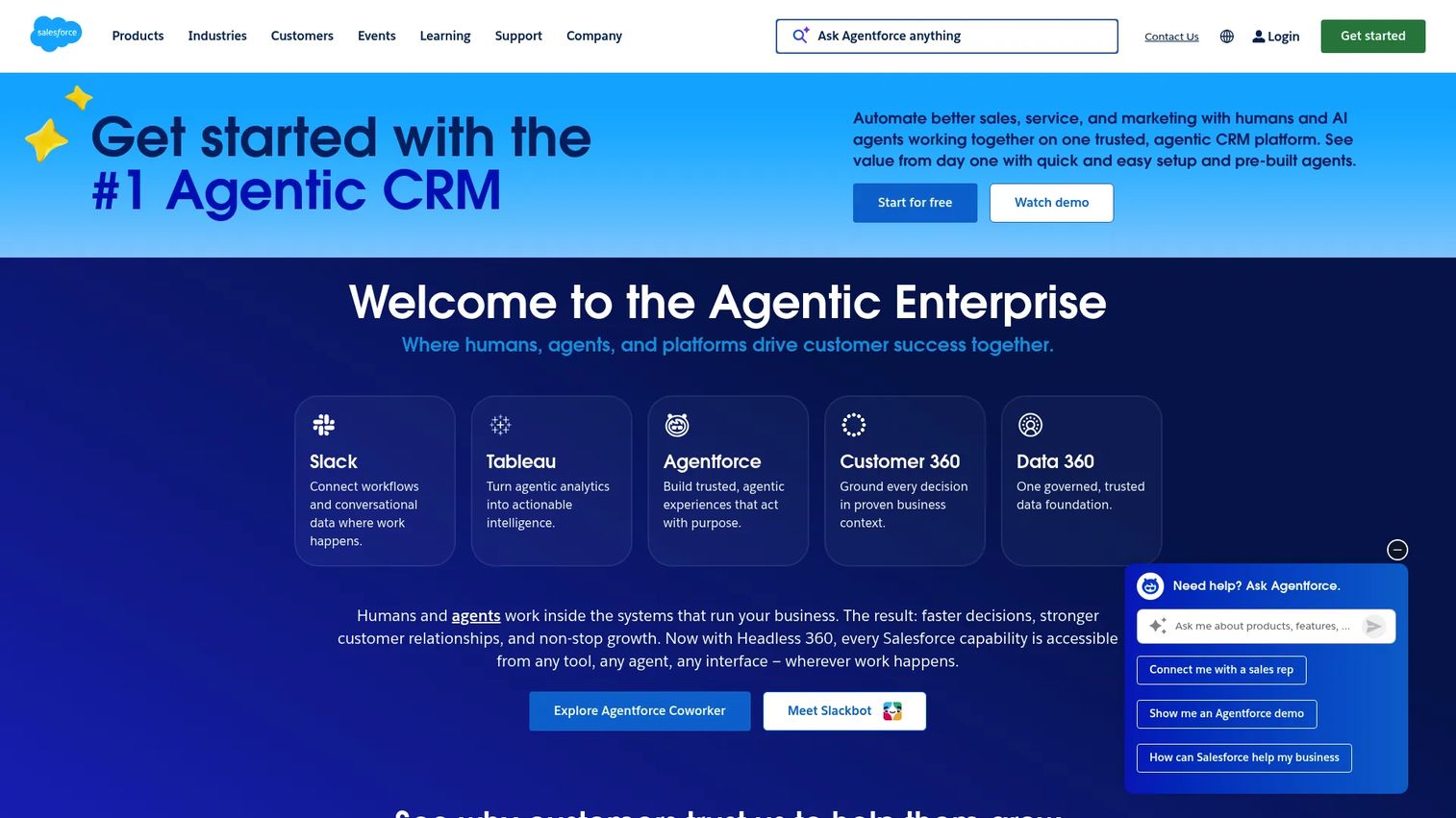
Salesforce is the cloud CRM platform most teams benchmark against. It covers sales, service, marketing, and commerce, and it extends into client lifecycle visibility through account, contact, and opportunity management. For teams that want a client management system framed around communication history, automation, and reporting, Salesforce sits at the enterprise end of the spectrum.
It is more than contact management. You get pipeline and forecasting, territory management, and AI features that run across editions. That breadth is the point: Salesforce can be the single platform where client records, activity, and reporting all live.
Best for: Teams needing a configurable enterprise CRM platform with broad sales automation and AI capabilities.
Key strengths
- Lead, account, contact, and opportunity management
- Pipeline, forecasting, and territory management
- AI features and automation across editions
- Deep reporting and dashboards
- Large integration and app marketplace
Why choose Salesforce: Choose it when you need one platform to scale across teams and want client visibility tied to the same system that runs sales. It rewards teams with the resources to configure and maintain it.
Salesforce pricing: A Free Suite is available at $0/user/month. Paid plans run from Starter Suite at $25/user/month, Pro Suite at $100/user/month, Enterprise at $175/user/month, and Unlimited at $350/user/month. A 30-day free trial is offered on Agentforce Sales editions.
3. monday.com
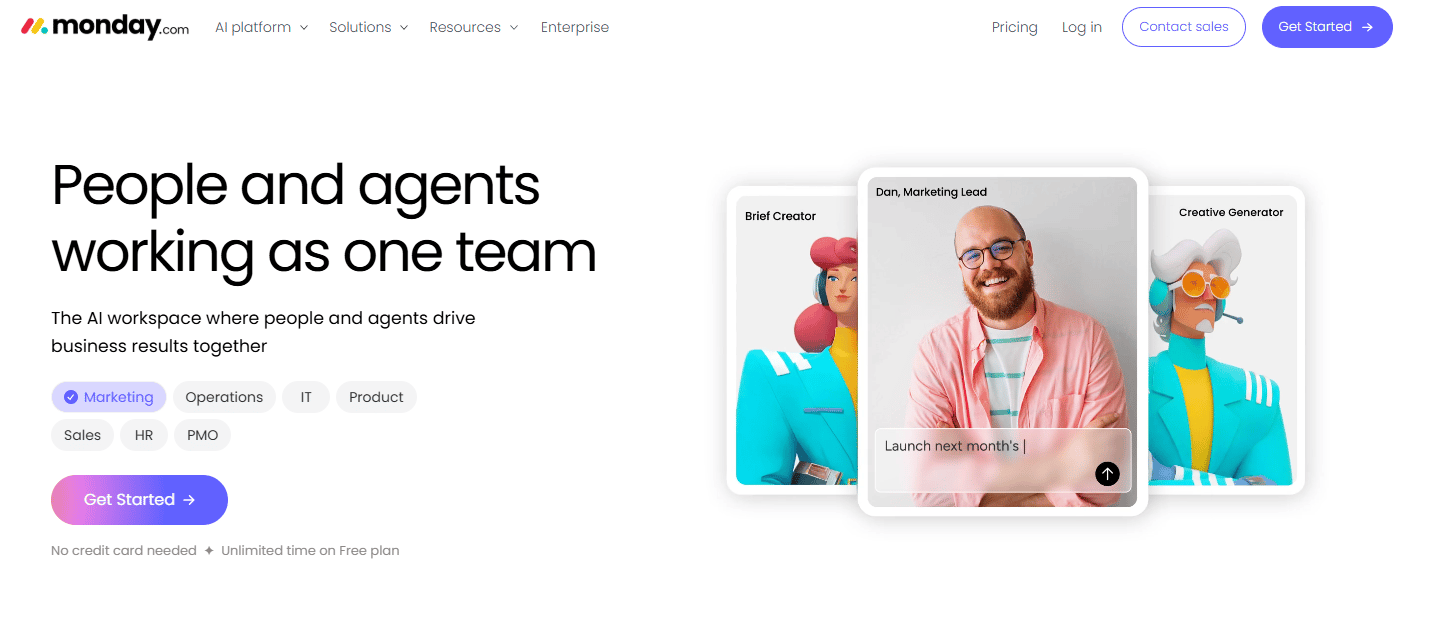
monday.com is a work management platform that many teams shape into a client operations hub. It is not a CRM by default. It is a flexible board system you configure to track clients, tasks, and delivery, with automation, dashboards, and integrations layered on top. If you need operations management as much as client tracking, that flexibility is the draw.
You build the structure: columns for status, owners, due dates, and stages. Then dashboards roll it up so leadership sees where every client stands in real time.
Best for: Teams needing a highly visual, customizable work management platform.
Key strengths
- Automations to route and update work
- Integrations with common business tools
- Dashboards for real-time client status
- Customizable boards and views
- Templates for onboarding and delivery
Why choose monday.com: Choose it when you want to design your own client management program rather than adopt someone else's rigid structure. It suits teams that value visual, adaptable workflows over prescriptive CRM fields.
monday.com pricing: A Free plan is available. Paid plans start at Basic ($9/seat/month), Standard ($12/seat/month), and Pro ($19/seat/month), all billed annually. An Enterprise tier is quoted on request.
4. ClientManager
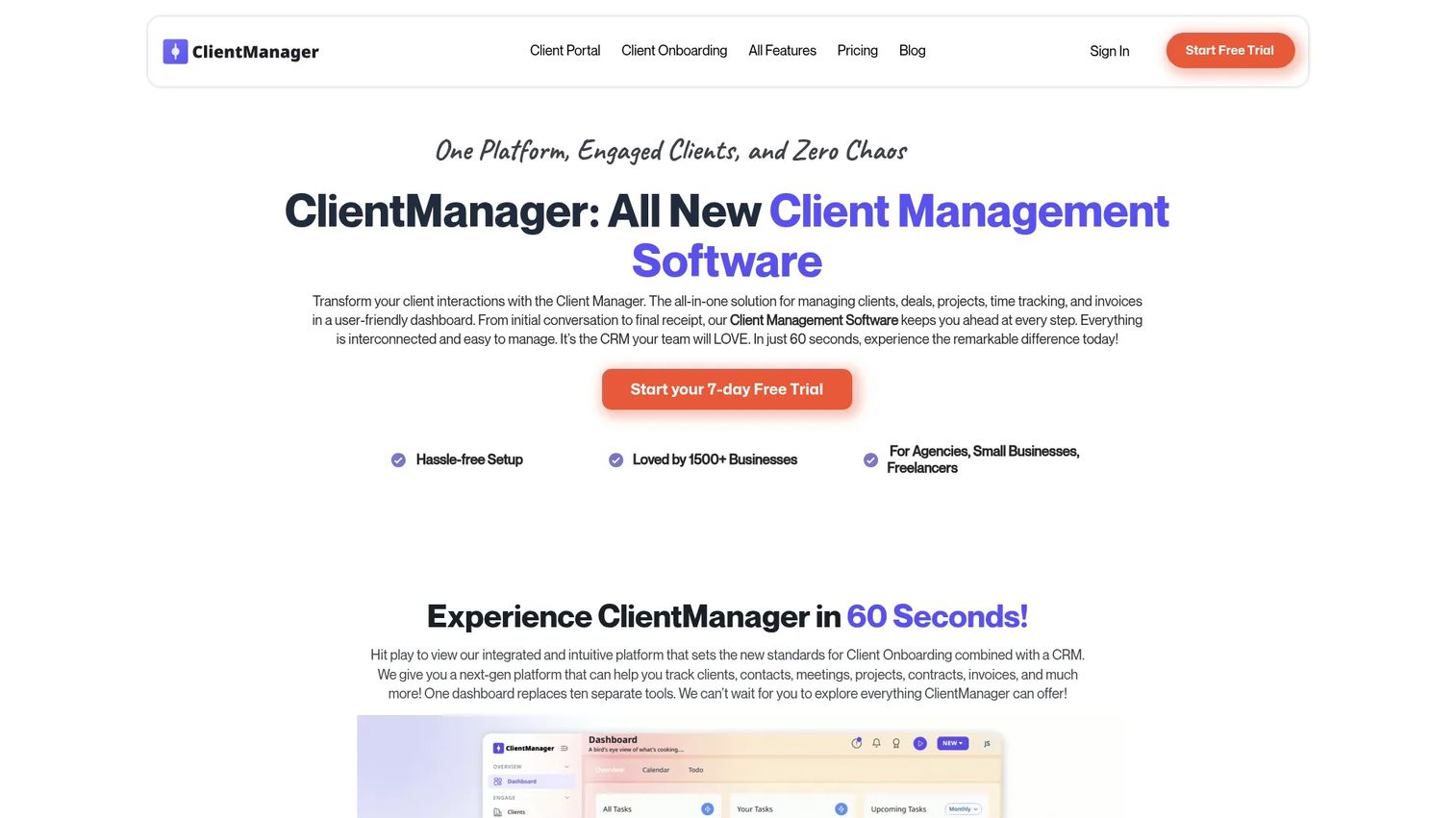
ClientManager puts the client portal, onboarding, and project work front and center in a single tool. It is built for freelancers and small agencies that want an all-in-one client ops hub without stitching together five subscriptions. Intake forms, scheduling, tasks, deal management, and billing all live in one place.
The appeal is scope for the size. A solo operator or small team gets onboarding, a branded portal, and project tracking without the overhead of an enterprise platform.
Best for: Freelancers and small agencies needing an all-in-one client workflow tool.
Key strengths
- Client portal for a branded client experience
- Client onboarding with intake forms
- Projects and tasks in one view
- Scheduling and deal management
- Billing workflow included
Why choose ClientManager: Choose it if you run a lean service business and want onboarding, portals, and delivery in one affordable subscription. It trades enterprise depth for simplicity and speed to set up.
ClientManager pricing: The Solo plan is $12/month and the Team plan is $36/month. An Enterprise tier is available on a contact-us basis. All plans include a 7-day free trial.
5. PlanStreet
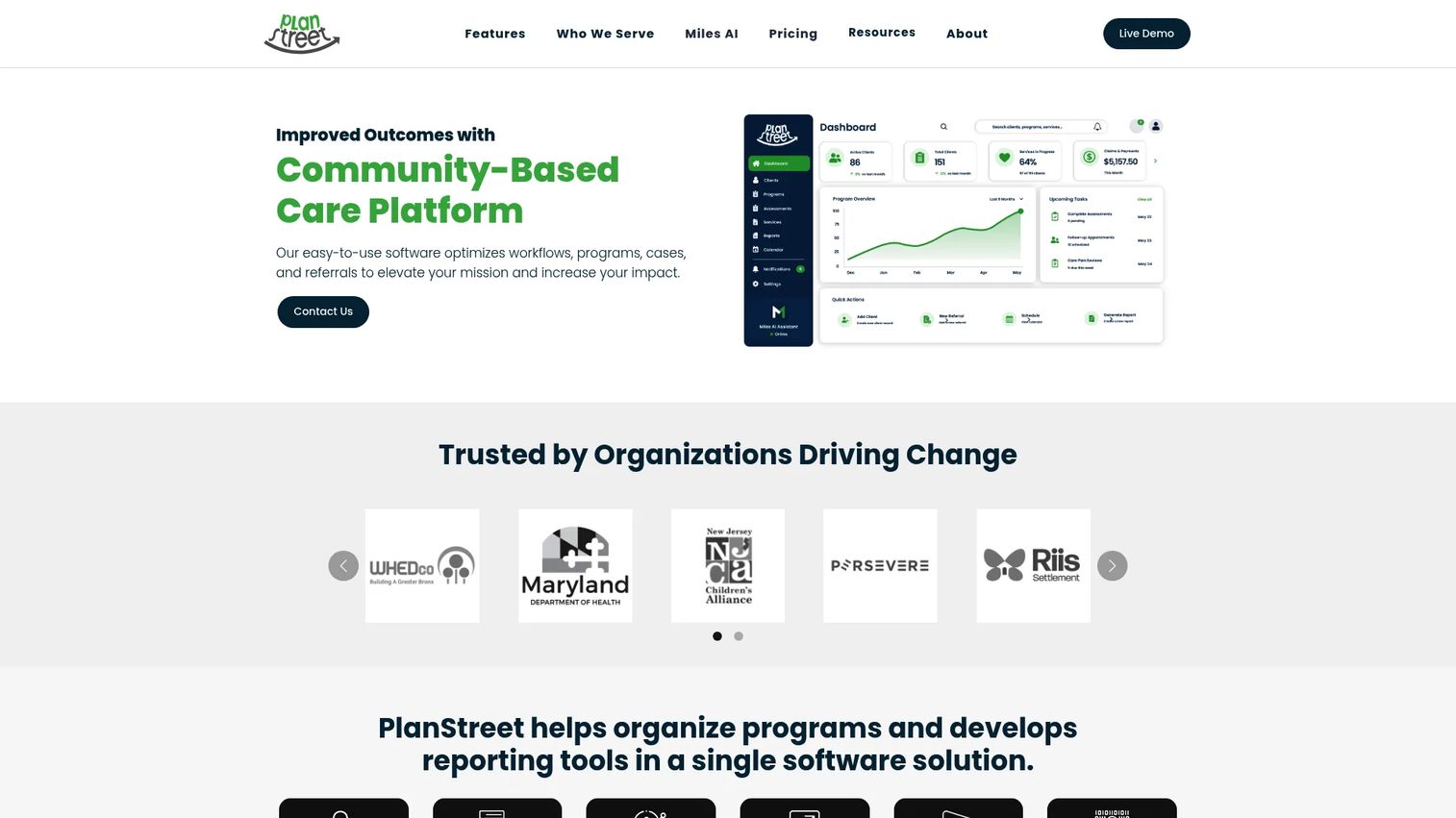
PlanStreet is cloud-based case management software for nonprofits, government, and human services organizations. Its version of client management is case-driven: intake, service delivery, and outcome tracking for the people an organization serves. That makes it a fit for teams whose "clients" are cases, not commercial accounts.
It pairs configurable intake automation with reporting, including Power BI dashboards, so program managers can show funders and boards what happened and what it achieved.
Best for: Human services organizations needing configurable case management and reporting.
Key strengths
- Case management for client services
- Intake automation for new cases
- Power BI reporting and dashboards
- Configurable service workflows
- Outcome and program tracking
Why choose PlanStreet: Choose it when your work is case-based social services rather than sales-led accounts. It fits nonprofits and government programs that need audit-friendly records and funder-ready reporting.
PlanStreet pricing: PlanStreet uses custom pricing. Contact their sales team for a tailored licensing plan based on your organization's needs.
6. Capsule CRM
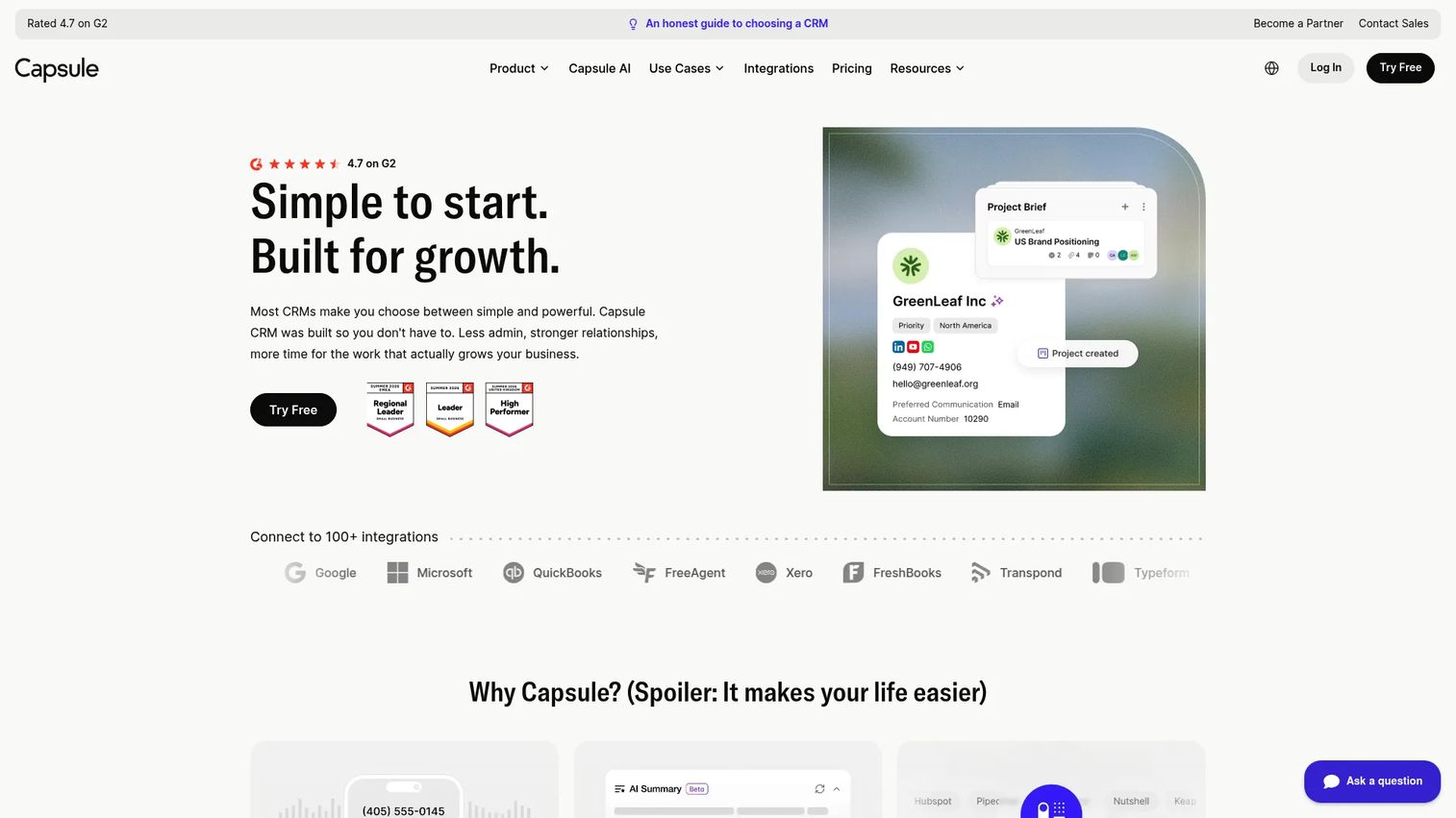
Capsule CRM is a small-business CRM for managing contacts, sales pipelines, tasks, and workflows. It gives smaller teams a CRM-flavored client management system without the weight of an enterprise platform. Contact history, lightweight pipeline management, and simple collaboration cover most of what a growing service team needs.
The value is restraint. Capsule keeps the feature set focused so a small team can adopt it quickly and actually use it, rather than drown in configuration.
Best for: Small businesses that want a simple CRM with pipelines, tasks, and lightweight automation.
Key strengths
- Sales pipelines and opportunity tracking
- Task and calendar management
- Automations for routine work
- Reporting dashboards and AI features
- Clean contact history per client
Why choose Capsule CRM: Choose it when you want client visibility and a light pipeline without a heavy rollout. It fits teams graduating from spreadsheets who want structure without complexity.
Capsule CRM pricing: A Free plan supports up to 2 users. Paid plans (Starter, Growth, Advanced, and Ultimate) add capacity and features, and paid plans include a 14-day free trial.
7. TaxDome
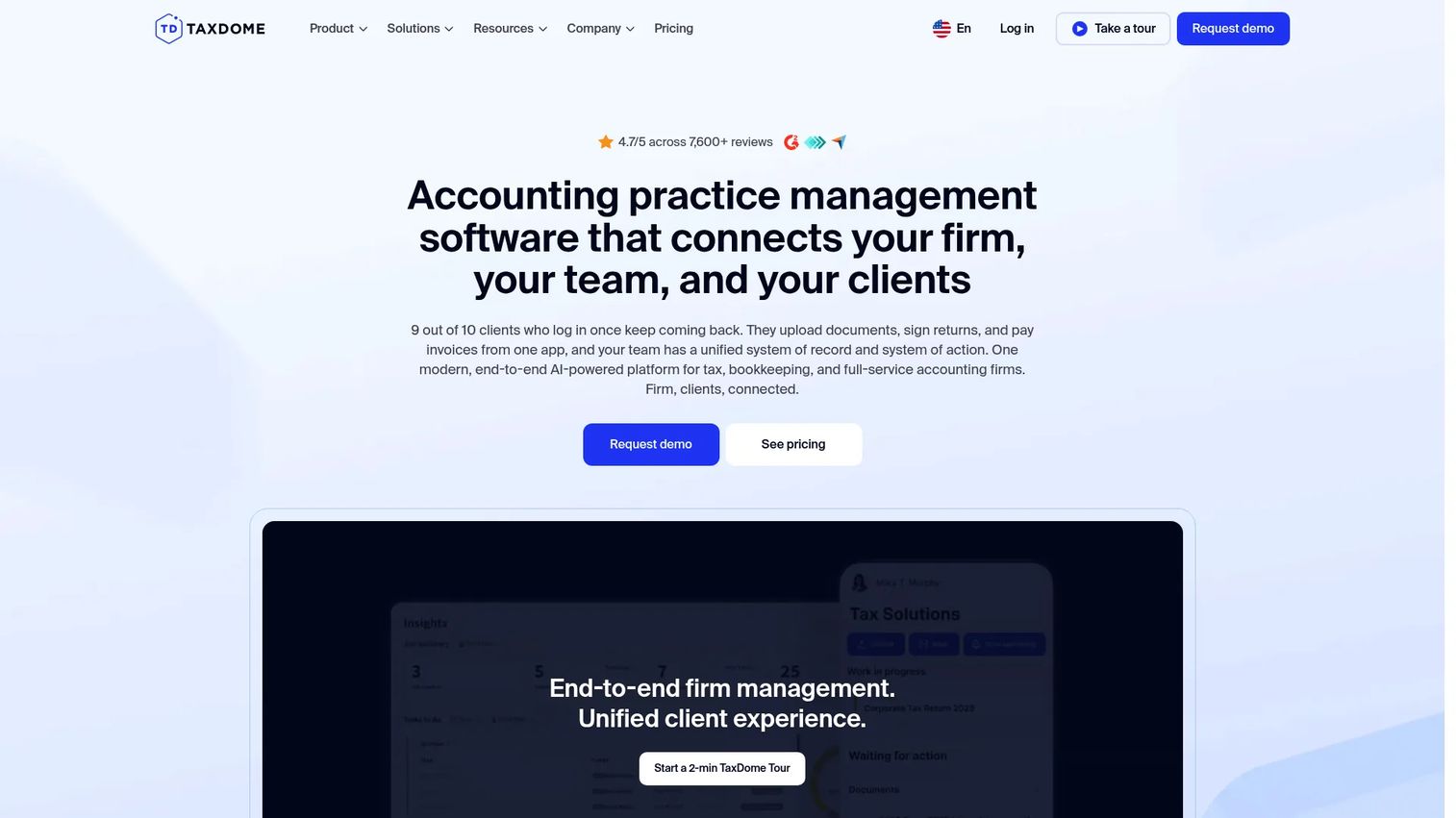
TaxDome is practice management software for tax, accounting, and bookkeeping firms. It bundles client management with the specific workflows those firms run: secure client portals, document collection, e-signatures, and automation. For a regulated accounting practice, that combination handles both the client relationship and the compliance-sensitive paperwork in one system.
It is client portal software, CRM, billing, and document management under one roof, tuned to the accounting calendar and the way firms move work through review.
Best for: Accounting, tax, and bookkeeping firms that want an all-in-one client and workflow platform.
Key strengths
- Client portal and mobile apps
- Workflow automation and task management
- CRM, billing, and document management
- Secure document collection and e-signatures
- Templates built for accounting practices
Why choose TaxDome: Choose it if you run an accounting or tax firm and want practice management and client management in the same platform. It removes the gap between client communication and the documents those clients owe you.
TaxDome pricing: US pricing is seat-based and billed upfront. Essentials is $800/year per seat, Pro is $1,000/year per seat, and Business is $1,200/year per seat. Multi-year discounts are available.
8. Airtable
Airtable is a digital operations platform for building workflows, apps, and AI-assisted collaboration on shared data. It is the build-your-own option: instead of a fixed client management program, you design a custom client database with the exact fields, views, and automations your process needs. Interface Designer turns those bases into clean dashboards for your team.
The tradeoff is honest. You get flexibility that rigid tools cannot match, but you own the structure and the setup. Teams that want to shape their own system will value that. Teams that want a prescriptive workflow out of the box may prefer a purpose-built tool.
Best for: Teams needing a flexible no-code database and workflow platform with collaboration and automations.
Key strengths
- Interface Designer for custom dashboards
- Automations for repeatable workflows
- Sync to keep data consistent across bases
- Multiple views: grid, kanban, calendar
- Templates to start a client base fast
Why choose Airtable: Choose it when your client process is specific enough that no off-the-shelf tool fits, and you want to build exactly what you need. It rewards teams comfortable designing their own structure.
Airtable pricing: A Free plan is available. Team is $20 per collaborator/month billed annually ($24 billed monthly), and Business is $45 per collaborator/month billed annually ($54 billed monthly). Enterprise Scale pricing is sales-led.
9. Clio
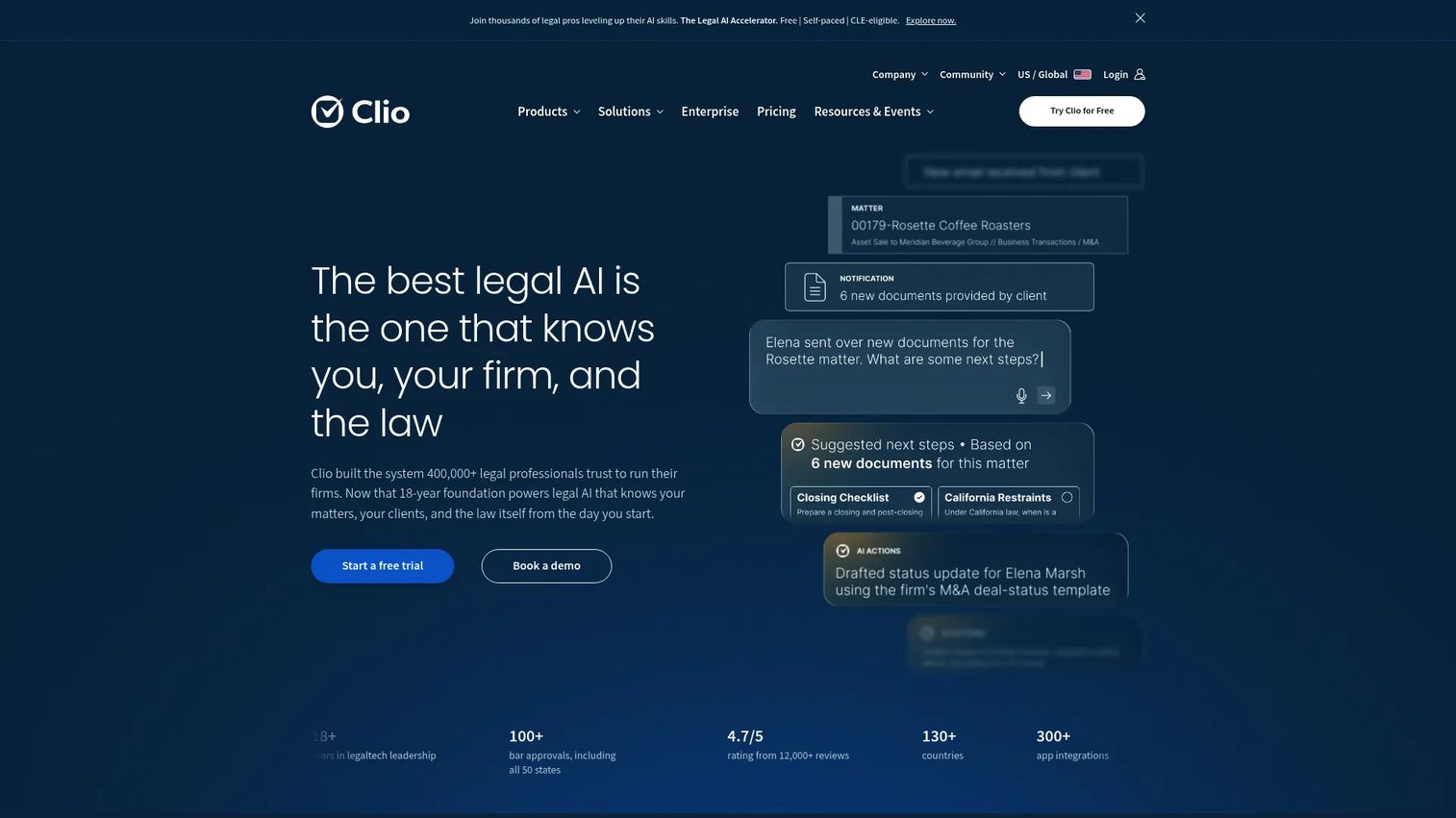
Clio is cloud-based legal software for law firms, covering practice management, billing, intake, documents, and legal AI. Its client management is matter-centric: every client is tied to matters, communications, documents, and billing in one system. For a law firm, that is the natural shape of client work, and Clio is built around it.
It combines case and contact management with secure client communication and document automation, so intake through invoicing lives in a single platform designed for legal workflows.
Best for: Law firms wanting an all-in-one legal practice management platform.
Key strengths
- Case and contact management by matter
- Billing, invoicing, and online payments
- Document automation and secure messaging
- Client intake workflows
- Legal-specific reporting
Why choose Clio: Choose it if you run a law firm and want client management aligned to matters, trust accounting, and legal billing. It fits the profession's workflow rather than forcing a generic CRM onto it.
Clio pricing: The Starter plan is $49/user/month. Core, Signature, and Elite plans are quoted on request based on the features your firm needs.
10. Wrike
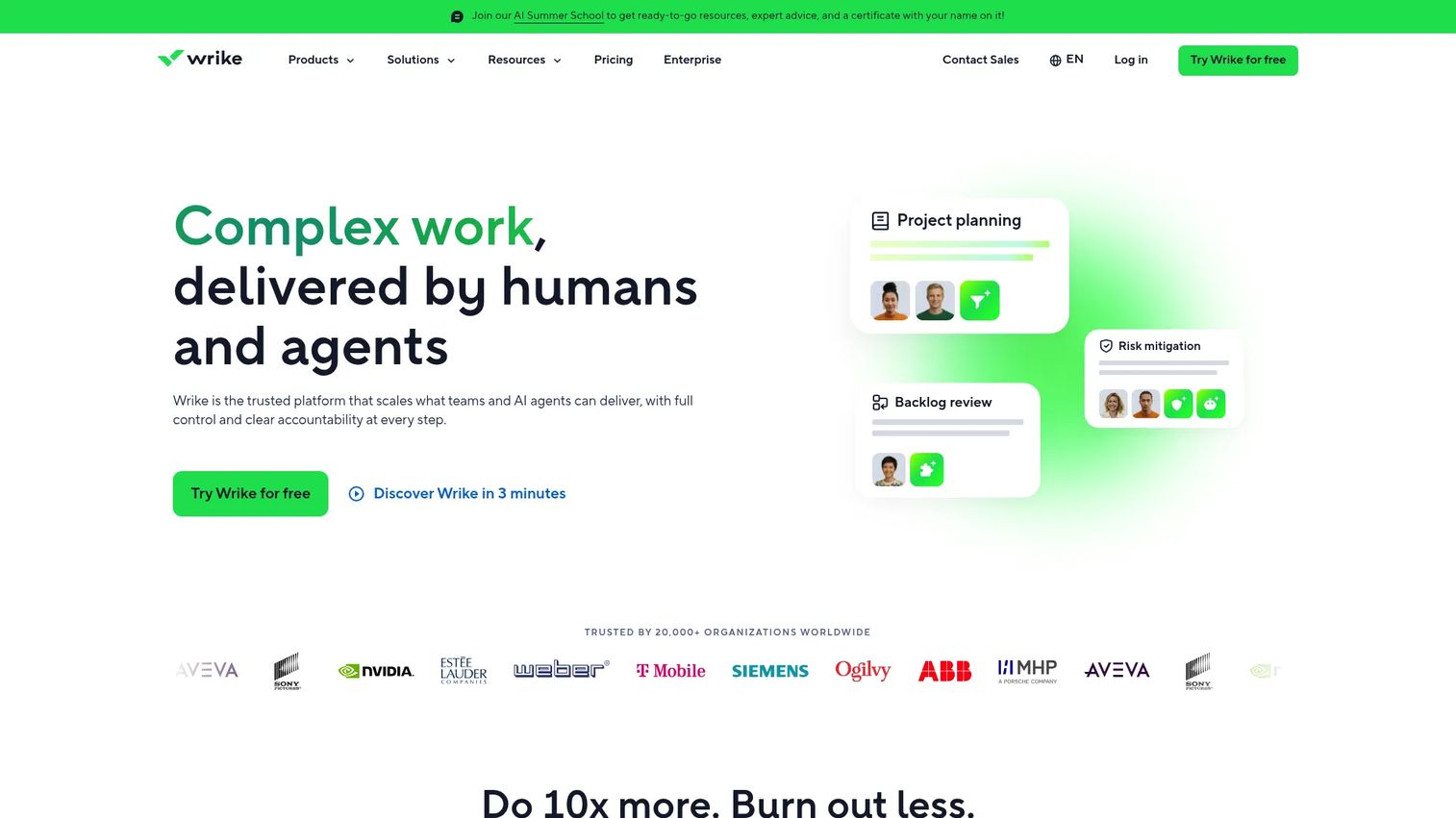
Wrike is a work management platform for planning, coordinating, and tracking projects and workflows. For teams that treat client delivery as project management, Wrike handles the client relationship through the lens of the work itself: tasks, workloads, forms, and approvals across cross-functional teams. It suits agencies and services teams where every client is a set of projects.
You get structured project and task management, board views, and reporting, so you can see workload and status across all client engagements at once.
Best for: Teams needing structured project and work management with scalable workflows.
Key strengths
- Project and task management at scale
- Board view for status tracking
- Reporting and analytics
- Request forms and approval flows
- Workload visibility across teams
Why choose Wrike: Choose it when your client work is fundamentally project delivery and you need coordination, not a sales pipeline. It fits teams that measure client health by whether the work ships on time.
Wrike pricing: A Free plan is available. Business is $25/user/month. Higher tiers, Pinnacle and Apex, are quoted on request. Prices are listed in US dollars.
Considerations
Ease of use and adoption
The best client management system is the one your team actually uses. A powerful platform nobody logs into is worse than a simple one everyone does. Weigh setup time, learning curve, and whether the day-to-day workflow matches how your team already operates. Run a real workflow in a trial before you commit.
Client onboarding and intake
If onboarding is your friction point, scrutinize the intake tooling. Check whether the tool supports custom forms, automated file requests, conditional steps, and approvals. Confirm the client-facing experience is clear, since client onboarding software only helps if clients can complete it without hand-holding.
Integrations and interoperability
Client management does not happen in isolation. Verify connections to email, calendar, accounting, helpdesk, and storage so data flows instead of getting re-keyed. A tool that syncs with the systems you already run saves hours a week and keeps records consistent.
Security, permissions, and compliance
Regulated teams need more than features. Check role-based permissions, audit trails, data residency, and support for standards relevant to your work, whether that is HIPAA, KYC, AML, or legal trust accounting. Secure client portal software and granular access controls matter most when sensitive documents move through the system.
Reporting and real-time visibility
Judge the dashboards on whether they answer real questions: who owns this client, what is overdue, where is each account in the workflow. Look for ownership views, status reporting, and exportable data. Real-time visibility is what turns a client management program from a filing cabinet into an operational tool.
Conclusion
The right pick depends on the job you are solving. If onboarding and document collection are the bottleneck, Clustdoc and TaxDome are built for it. Regulated teams should look at TaxDome for accounting, Clio for legal, and PlanStreet for human services. Small businesses get the fastest path to value from Capsule CRM and ClientManager. For CRM-like visibility across a larger org, Salesforce and monday.com lead. And if your work is project delivery, Wrike fits, while Airtable suits teams that want to build their own client tracking software from scratch.
Do not buy on features alone. Shortlist three tools that map to your primary job, then run your actual onboarding or delivery workflow through each trial. The tool that survives your real process, not the demo, is the one to keep.
Start your journey with Guideflow today!
FAQs
A CRM focuses on relationships and sales pipeline: leads, deals, forecasts, and closing. Client management software often extends past the sale into onboarding, communication, document collection, and delivery. Many teams run both, and some client management tools add operational features on top of a CRM core.
For small business, prioritize simplicity, accessible pricing, and fast setup over enterprise depth. Capsule CRM and ClientManager both fit that profile, with Capsule leaning CRM-style and ClientManager offering onboarding plus portals. The best choice is the one your small team will adopt without a long rollout.
Spreadsheets work until client data, files, tasks, and communication spread across too many places to reconcile. Once you are re-keying data, losing track of handoffs, or chasing the same documents twice, a client management program with automation and reporting pays for itself. The trigger is fragmentation, not headcount.
Yes, though depth varies by product. Tools like Clustdoc and TaxDome are built specifically around client onboarding software and document collection, with intake forms, file requests, approvals, and e-signatures. Broader platforms handle it too, but check that the intake and portal experience is strong before you commit.
No. Client communication software is one layer, focused on messaging, email, and conversation history. A full client management system wraps communication together with onboarding, documents, tasks, and reporting. Communication is part of the picture, not the whole system.
Prioritize the must-haves: onboarding and intake workflows, dashboards and real-time visibility, integrations with your existing stack, role-based permissions, and reporting. Then weigh secure client portal software and document collection if your work is paperwork-heavy. Match the feature set to the specific job you need solved, not the longest list.










