
You recorded the launch webinar. You saved the customer story. You captured the all-hands and three product walkthroughs. Six months later, a rep needs that webinar clip for a deal and nobody can find it. The file lives in someone's Drive, the transcript does not exist, and the version floating in Slack is the wrong cut.
That is the real problem video content management software solves. Not storage. Findability, governance, and proof that anyone can act on. As video becomes core to launches, enablement, and internal education, scattered files turn into a tax on every team that touches them.
The market is moving fast. According to Fortune Business Insights, the global video content management system market is projected to grow from roughly USD 6.16 billion in 2025 to about USD 7.09 billion in 2026, at a compound annual growth rate near 15.16% through 2034. That growth reflects a simple shift: companies now produce more video than any person can manually organize, and a video CMS is how they keep it searchable and safe.
For a product marketing manager, this matters because messaging consistency, launch enablement, and adoption all run on content that the field can actually retrieve and trust. A good video content management solution is the difference between video as an asset and video as a liability. Many teams pair these libraries with interactive demos to make product walkthroughs even more actionable.
This guide evaluates the leading platforms through one lens: search quality, governance, analytics, AI indexing, integrations, and ease of administration. Those are the criteria that separate a true enterprise video platform from a hosting tool with a player.
What's inside
This article focuses on software used to store, organize, govern, share, and measure video content at scale. That means platforms built around a managed library, not just a place to upload a file and embed it.
We selected tools based on four factors that matter most to enterprise and PMM buyers:
- Enterprise readiness: security, permissions, SSO, and compliance support.
- Search and discovery: AI search for video, searchable transcripts, and metadata.
- Analytics: viewer-level insight you can tie to outcomes.
- Integrations: connections into your LMS, CRM, comms, and content stack.
You will find a comparison table for fast scanning, fifteen tool breakdowns with honest fit notes, a buyer's checklist, and an FAQ. Some tools here are full enterprise video content management systems. Others are lighter capture and sharing tools that sit alongside one. We flag which is which. If your video work overlaps with onboarding or training, our roundup of the best content creation software tools is a useful companion read.
TL;DR
- Best overall for enterprise: Panopto leads for searchable video libraries, AI search, and learning workflows, which makes it the strongest fit when discoverability and compliance both matter.
- Best for mixed enterprise use cases: Kaltura, for organizations running streaming, webinars, and internal comms on one platform.
- Best for marketing-led video: Wistia, for branded players, lead capture, and demand gen analytics.
- Best for Microsoft 365 shops: Microsoft Stream, for internal video that lives inside Teams, SharePoint, and OneDrive.
- Best for secure enterprise governance: VBrick, for large companies managing company-wide libraries with tight control.
- Best lightweight capture into a workflow: Loom, for fast async video that feeds a deeper video CMS.
What is video content management software?
Video content management software is a system that stores, organizes, governs, distributes, and measures video content from a single managed library. It treats video the way a content management system treats documents: as searchable, permissioned, versioned assets rather than loose files.
The distinction between hosting a video and managing a video library matters. Hosting gives you a URL and a player. A video content management system gives you the layer around the file: who can see it, how it is tagged, whether the transcript is searchable, and what happened after someone watched it.
A complete video content management solution covers this capability set:
- Upload and storage: Centralized ingest for recordings, uploads, and live captures, with scalable enterprise video hosting behind it.
- Metadata and tagging: Video metadata, categories, and custom fields that make a large library navigable.
- Search and discovery: AI search for video plus searchable transcripts, so viewers find the right moment, not just the right file.
- Security and permissions: Role-based access, secure video sharing, SSO, and granular controls over who sees what.
- Sharing and distribution: Public links, gated access, embeds, and internal portals.
- Analytics and reporting: View counts, completion, drop-off, and viewer-level video analytics.
- Integrations and workflow support: Connections to LMS, CRM, comms, and content tools.
The strongest enterprise video content management system pulls all of these into one governed environment. That is what separates a real video CMS from a player with an upload button.
When to use video content management software
Not every team needs a full video CMS. These are the situations where the category earns its place.
Internal training and onboarding
When training lives across folders and chat threads, new hires waste days hunting for the right walkthrough. A video CMS centralizes training content, makes it searchable by transcript, and tracks completion. That solves the operational problem of inconsistent ramp and undocumented knowledge walking out the door. For deeper coverage, see our guide to the best user onboarding software tools.
Product launches
A launch produces a flood of video: announcement clips, demo recordings, enablement sessions, customer proof. Scattered, these go stale fast. Managed in one library with version control and analytics, PMMs keep messaging consistent and see which assets the field actually uses. Tools like the best product launch software help keep those assets organized.
Customer education
Education content needs to be discoverable by customers, not just internal teams. A video CMS supports searchable libraries, secure video sharing, and embeds in help centers. The problem it solves is repetitive support load when customers cannot find the answer themselves. A solid knowledge base software often pairs with these libraries.
Executive and internal communications
All-hands recordings, leadership updates, and policy briefings need controlled distribution and reliable playback at scale. An internal communications video platform handles permissions, captions, and reach, so the right people see the right message without the file leaking outside.
Comparison table
Read this table top to bottom by relevance to the keyword. The Intent column tells you the core motion each tool is built for. Key differentiation is the one thing that makes it distinct. Pricing reflects publicly listed starting points, and ratings come from G2. Some enterprise video CMS vendors quote pricing only on request, which is normal for that tier of video CMS software.
| # | Product | Intent | Key differentiation | Pricing | G2 rating |
|---|---|---|---|---|---|
| 1 | Panopto | Enterprise video CMS | AI search across spoken words in video | Custom / quote-based | 4.5/5 |
| 2 | Kaltura | Enterprise video platform | Broad multi-use video cloud | From usage-based, $1/live viewer per hour | 4.3/5 |
| 3 | Brightcove | Enterprise hosting and streaming | Scalable publishing and monetization | Zencoder from $0/mo, platform contact sales | 4.1/5 |
| 4 | Vimeo | Branded video management | Polished publishing and collaboration | Free, paid from $13/mo | 4.3/5 |
| 5 | Vidyard | GTM video messaging | Async video for revenue teams | Free, Starter $59/user/mo | 4.5/5 |
| 6 | Wistia | Marketing video platform | Branded player and lead capture | Free, Business $79/mo | 4.6/5 |
| 7 | Microsoft Stream | Internal enterprise video | Native Microsoft 365 integration | Included with Microsoft 365 | 4.3/5 |
| 8 | IBM Video Streaming | Secure streaming | Live and on-demand at scale | Free trial, contact sales | 3.6/5 |
| 9 | Muvi One | Branded streaming platform | No-code OTT and apps | From $399/mo | 4.5/5 |
| 10 | TwentyThree | Video marketing platform | Webinars plus marketing analytics | From €499/mo | 4.5/5 |
| 11 | VBrick | Enterprise video management | Secure, governed internal libraries | Contact sales | 4.5/5 |
| 12 | Fathom | Meeting capture | AI notetaker for recorded calls | Free, Premium $20/user/mo | 5.0/5 |
| 13 | Loom | Async video capture | Fast screen and camera recording | Free, Business $18/user/mo | 4.7/5 |
| 14 | Frame.io | Video production workflow | Review and approval for creative | Free, Pro $15/member/mo | 4.5/5 |
| 15 | Zight | Screen capture and sharing | Quick visual documentation | Free, Pro from $7.95/mo | 4.6/5 |
Best video content management software
1. Panopto
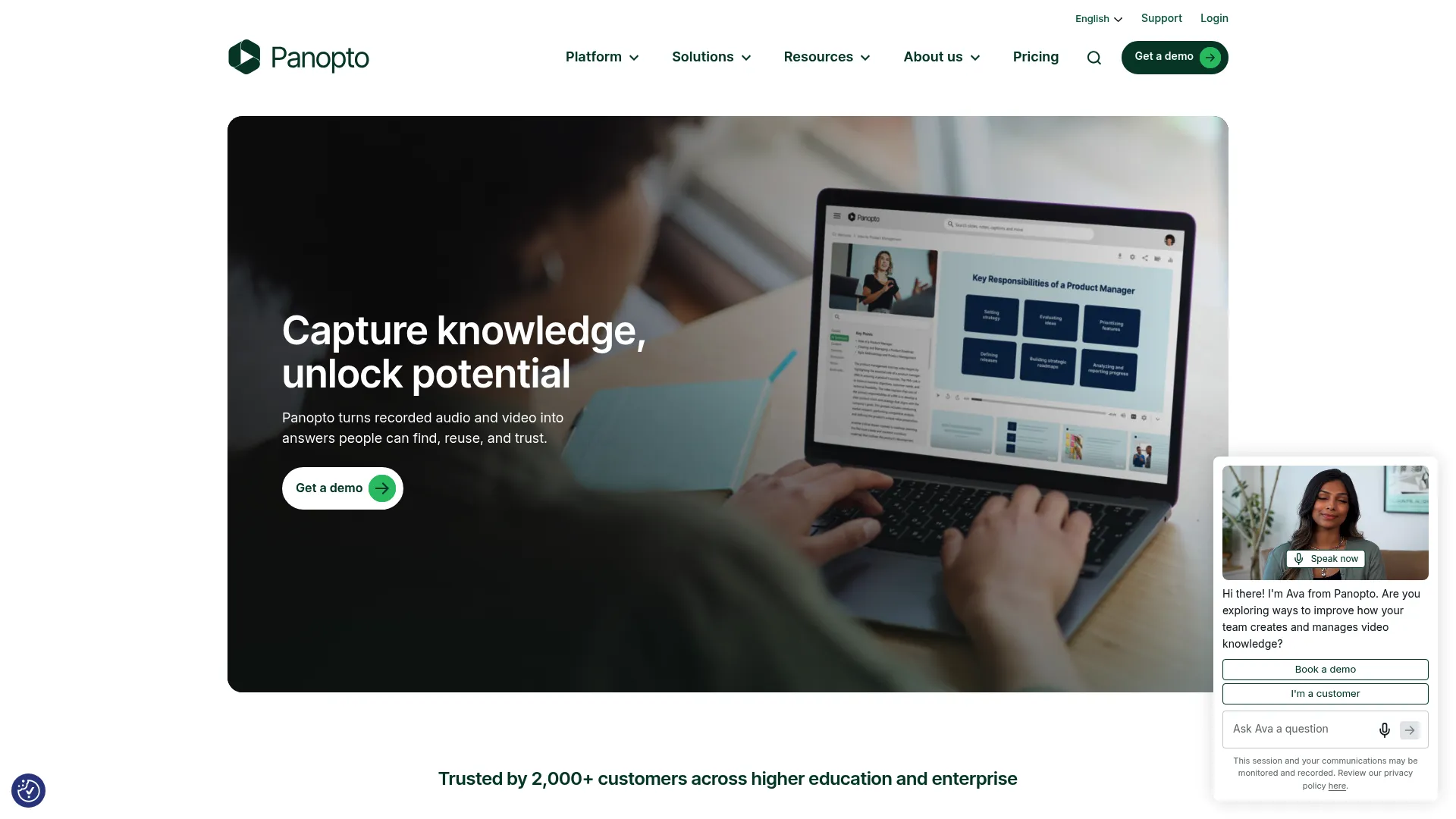
That capability is why universities and large enterprises lean on it. When your library holds thousands of hours of lectures, trainings, and meetings, AI search for video stops being a nice-to-have and becomes the only way the content stays usable.
Best for: Universities and enterprises that need searchable lecture capture and internal video knowledge management.
Key strengths
- Screen, camera, and audio recording: Capture flows directly, so content enters the library already structured.
- AI search, captions, chapters, and transcripts: Find the right moment inside a video, not just the right file.
- LMS integrations and role-based access: Plug into learning workflows with governed permissions.
Why choose Panopto: If discoverability and compliance both matter, Panopto fits. It is built for the team that asks "where in this two-hour recording does the speaker explain pricing" and expects an instant answer. For PMMs running enablement at scale, that search depth is the difference between a library people use and one they ignore.
Panopto pricing: Panopto presents enterprise pricing as custom and quote-based rather than a published flat rate. It also references a Panopto Essential option for non-enterprise teams, though public prices are not listed on its pricing page. Expect a sales conversation to scope storage, seats, and feature tier.
2. Kaltura
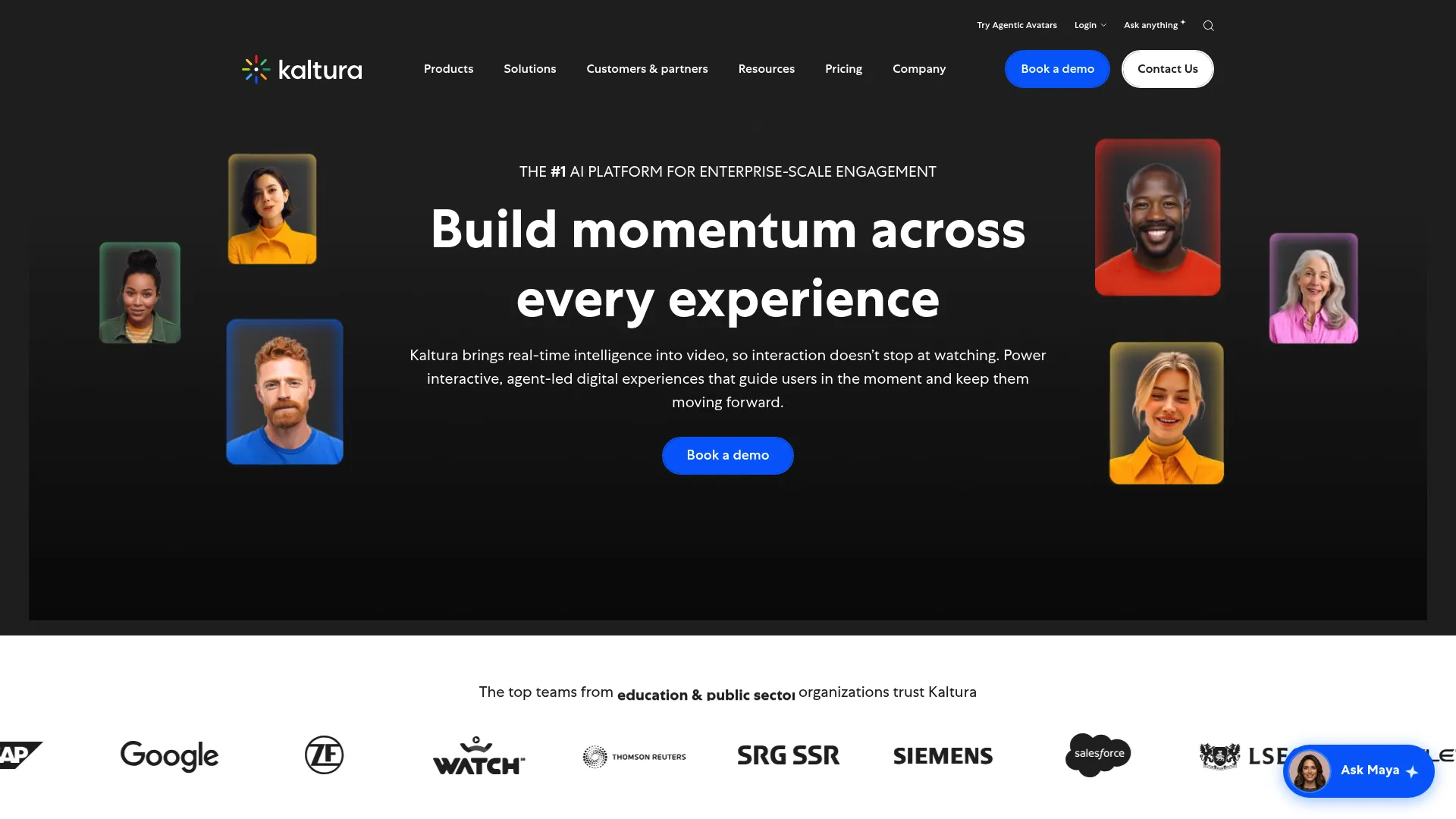
Its strength is extensibility. Media companies, service providers, and education institutions use it precisely because it bends to many workflows rather than one. That breadth comes with configuration depth, which suits teams that want a platform they can shape.
Best for: Enterprises needing scalable video streaming, webinars, and internal communications.
Key strengths
- Live streaming and webcasting: Run large-scale live events alongside an on-demand library.
- WebRTC meetings and webinar tools: Host interactive sessions natively inside the platform.
- Video analytics and search: Measure engagement and surface content across a large catalog.
Why choose Kaltura: Choose Kaltura when no single use case dominates and you want one enterprise video platform to cover streaming, webinars, and managed video together. The tradeoff is that breadth rewards teams willing to configure it. Lightweight needs may find it more platform than they require. For webinar-specific needs, compare against the best webinar platforms.
Kaltura pricing: Kaltura Media Services uses annual commit packages plus pay-as-you-go usage. A limited trial account is available for around $1 for $100 of credits over 30 days, and live streaming starts near $1 per live viewer per hour. Larger annual base plans scale up to custom enterprise offers above $24,000.
3. Brightcove
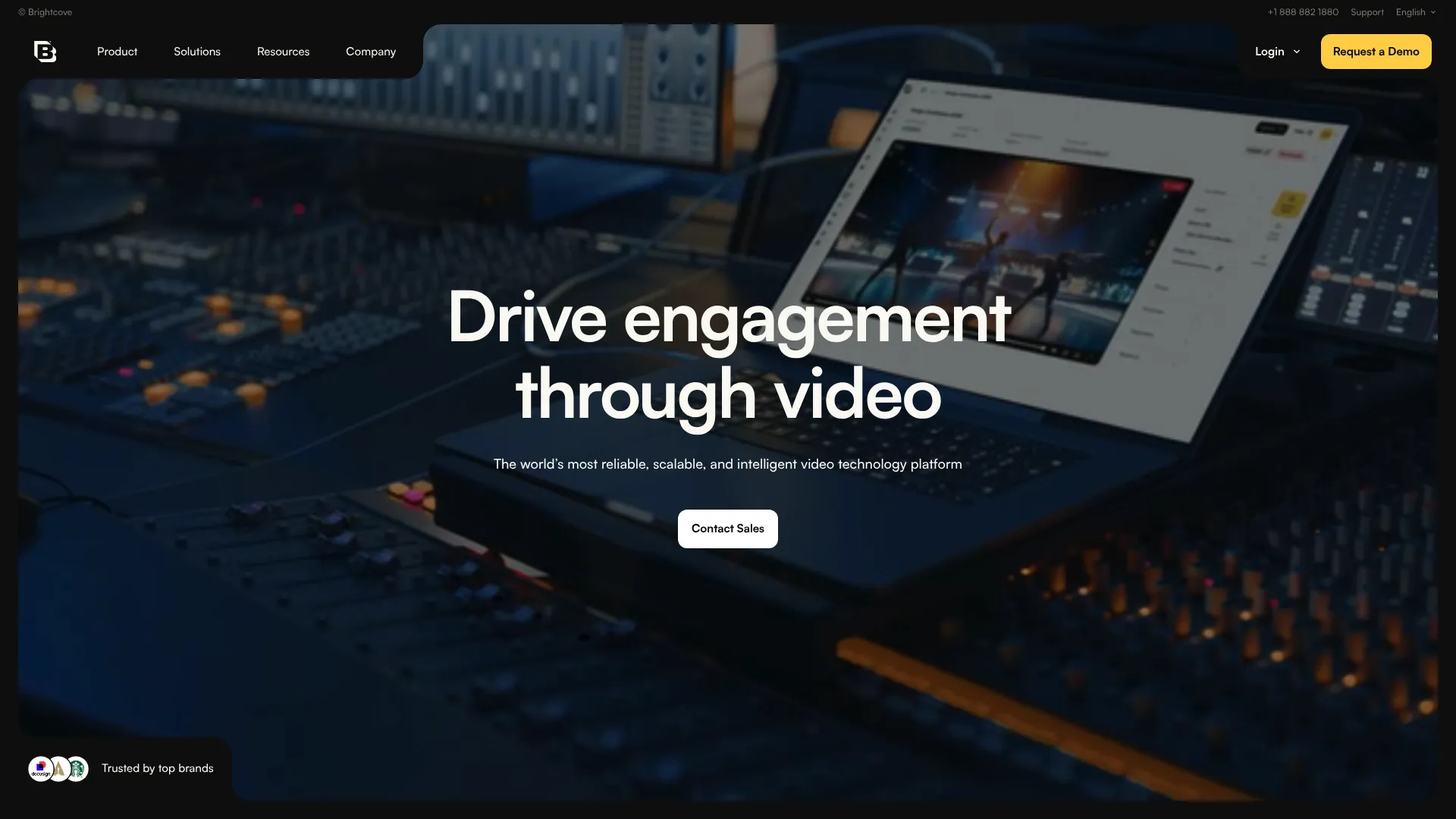
It pairs hosting and publishing with monetization tools, which makes it a fit for organizations whose video is part of a revenue or audience strategy, not just internal knowledge.
Best for: Organizations needing scalable video hosting, streaming, and monetization.
Key strengths
- Video hosting and publishing: Deliver video reliably to large audiences across channels.
- Analytics and insights: Understand reach, engagement, and performance.
- Monetization tools: Support ad and subscription models where video drives revenue.
Why choose Brightcove: Brightcove suits content and communications teams whose priority is broad, dependable distribution with strong playback and governance. Evaluate it when audience reach and streaming quality outrank internal search depth. It is built for publishing scale more than for internal knowledge discovery.
Brightcove pricing: Brightcove's core platform pricing is contact-sales only. Its Zencoder encoding service has public tiers: a free Test plan, Pay-as-you-go at $0 per month, Launch at $40 per month, Traction at $300 per month, and Growth at $2,000 per month, with Enterprise volume pricing on request.
4. Vimeo
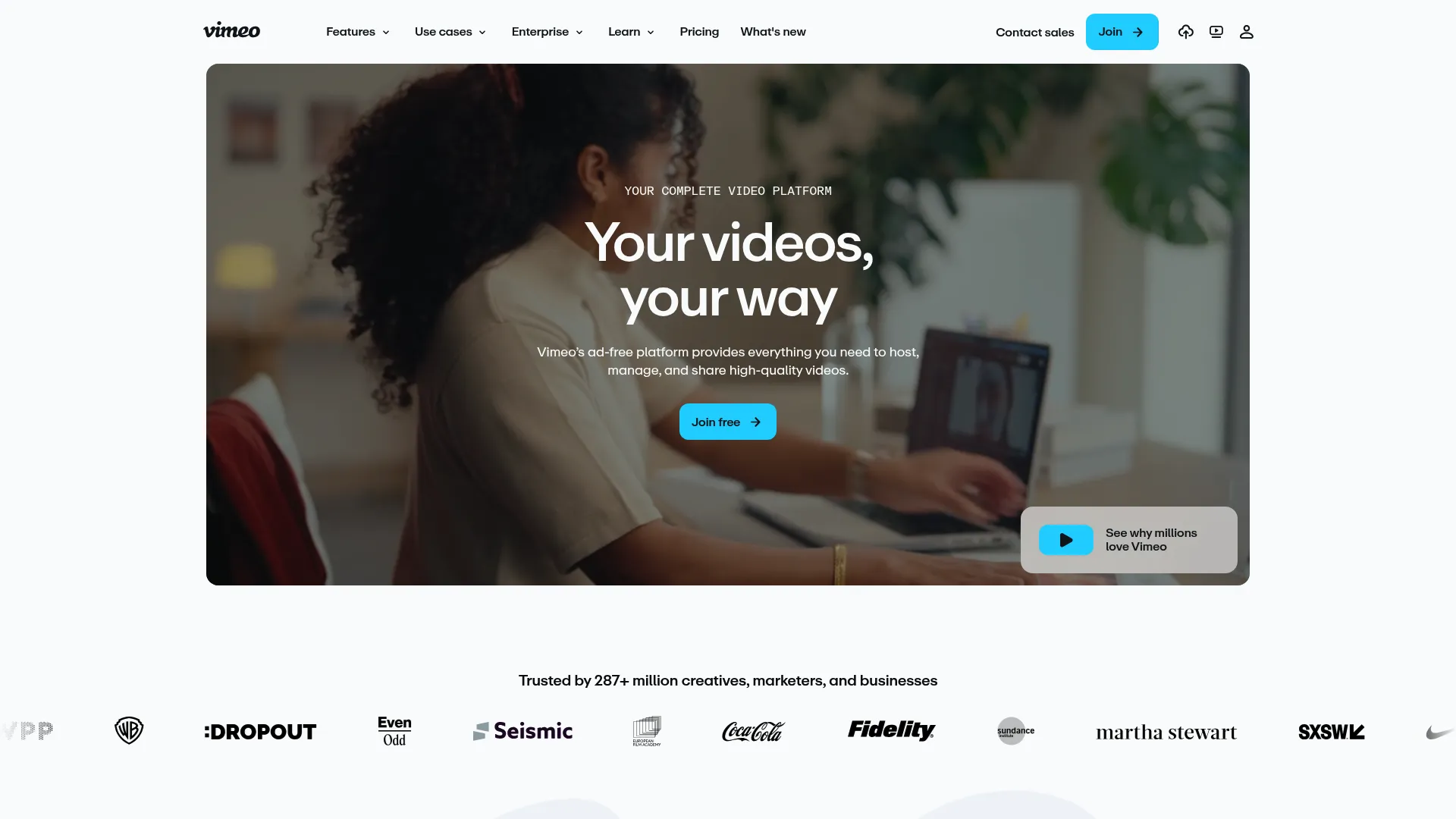
It also handles collaboration and privacy controls well, which makes it workable for mixed internal and external use where presentation quality matters.
Best for: Teams and creators that need branded video hosting and management with analytics and collaboration.
Key strengths
- Video hosting and player embedding: Share branded video anywhere with a clean player.
- Video editing, transcription, and AI translation: Produce and localize content in one place.
- Analytics, live streaming, and webinars: Measure engagement and run live sessions.
Why choose Vimeo: Vimeo fits when brand polish and ease of use lead your requirements over deep enterprise governance. It is the most approachable option for teams that want professional output fast. Organizations needing heavy compliance and library-scale search will likely outgrow its scope.
Vimeo pricing: Vimeo offers a Free plan, then Starter at $13 per month, Standard at $26 per month, and Advanced at $76 per month, each billed annually. Enterprise is sales-led with custom pricing. Paid plans are also available monthly at higher rates.
5. Vidyard
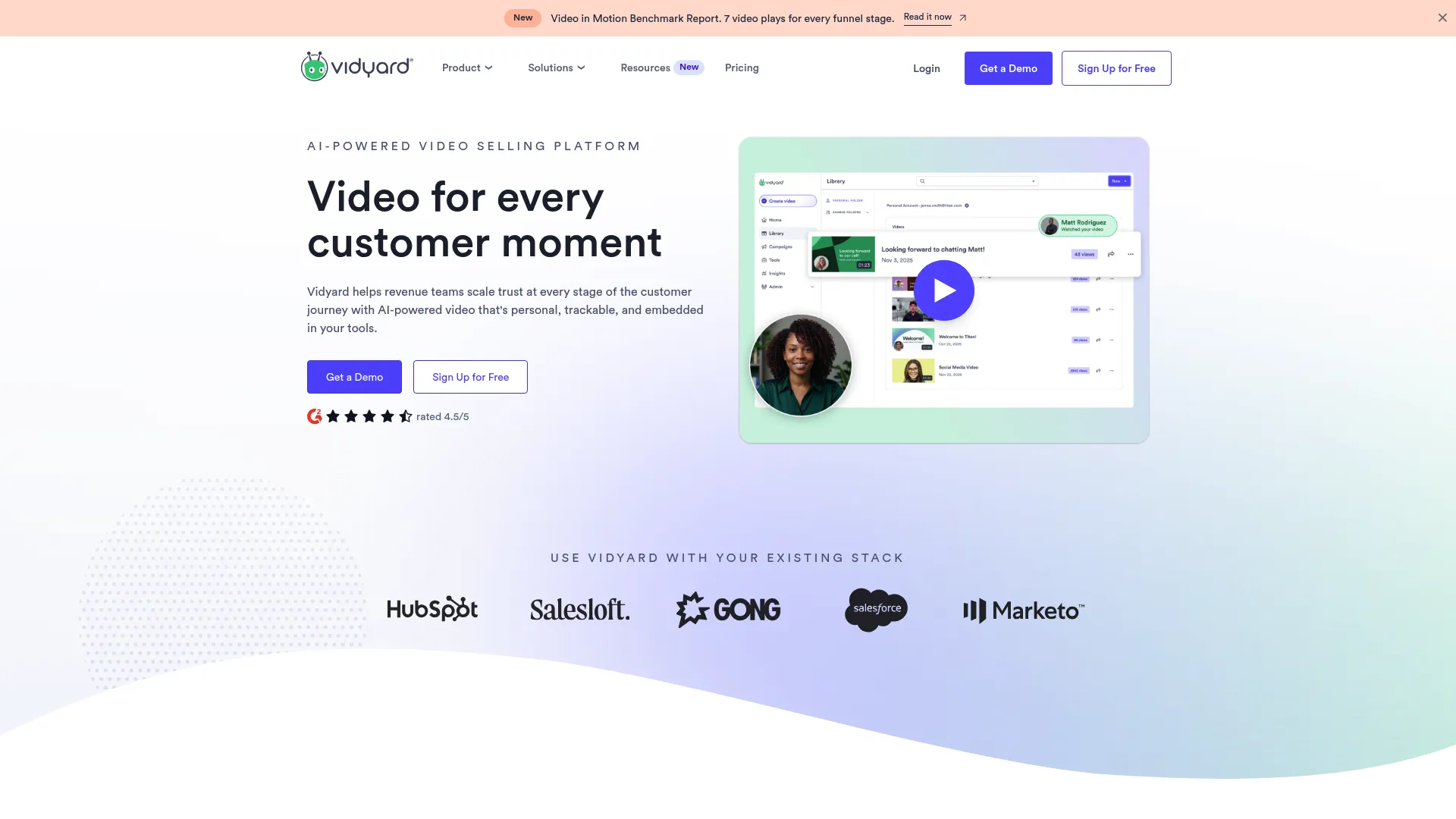
It leans into async video communication, with webcam and screen recording, AI avatars, and a script generator. Video lives on shareable pages with analytics attached, so distribution stays measurable.
Best for: Revenue teams needing personalized video outreach, screen recording, and video analytics at scale.
Key strengths
- Webcam and screen recording: Capture personalized video in seconds.
- AI avatars and AI script generator: Scale video creation without a studio.
- Video sharing pages and analytics: Distribute video and see who engaged.
Why choose Vidyard: Vidyard fits revenue teams that need measurable video distribution for sales follow-up and content sharing. Its analytics map cleanly to pipeline activity. It is less of a central library for company-wide knowledge and more of a GTM communication engine. Pair it with the best sales engagement tools for a complete outreach stack.
Vidyard pricing: Vidyard has a Free plan at $0, Starter at $59 per user per month, then Teams and Enterprise on custom, contact-sales pricing. The free tier makes it easy to test before committing seats.
6. Wistia
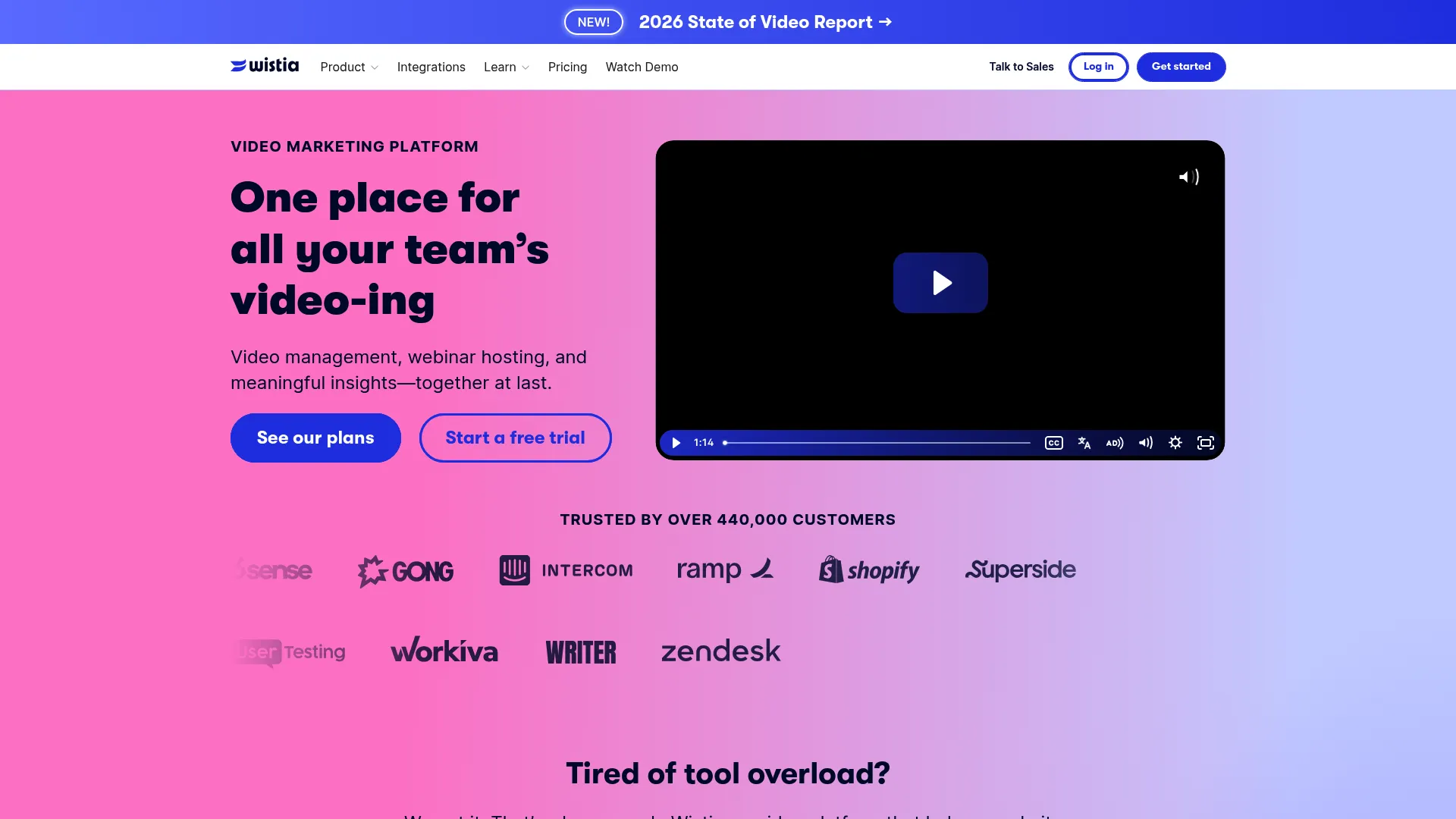
Its heatmaps, A/B testing, and viewer analytics give marketing teams the measurement they expect from the rest of their stack, applied to video.
Best for: Teams that need branded video hosting plus marketing analytics and webinars.
Key strengths
- Browser-based recording and editing: Create and trim video without extra tools.
- Customizable video player and embeds: Match the player to your brand on any page.
- Heatmaps, A/B testing, and viewer analytics: See exactly how viewers engage.
Why choose Wistia: Wistia is the strong pick when video supports demand gen and website conversion. Its lead capture and analytics are built for marketing outcomes. Teams needing enterprise-wide internal libraries with deep transcript search will want a dedicated video CMS instead.
Wistia pricing: Wistia offers a Free plan at $0, a Business plan at $79 per month billed annually with 250 GB storage and three users, and a custom Enterprise tier. Pay-as-you-go developer pricing and add-ons are also available.
7. Microsoft Stream
Because video lives alongside files in SharePoint and OneDrive, it inherits familiar permissions and discovery. Recordings from Teams flow in directly, which keeps internal knowledge in one governed place.
Best for: Organizations already using Microsoft 365 that want internal video hosting and meeting recordings.
Key strengths
- Create, store, share, and view videos securely: Manage internal video inside your existing tenant.
- Deep Microsoft 365 integration: Connect to Teams, Viva Engage, PowerPoint, OneDrive, and SharePoint.
- Upload and view video and audio with transcripts: Capture screen and webcam, with searchable transcripts.
Why choose Microsoft Stream: Stream fits internal knowledge sharing and training when your stack is already Microsoft 365. It avoids adding a separate vendor and keeps governance consistent. Teams needing advanced public publishing or monetization will look elsewhere.
Microsoft Stream pricing: Stream on SharePoint is available to Microsoft 365 customers through plans that include SharePoint and OneDrive. Microsoft does not publish a standalone Stream price, so cost is tied to your existing Microsoft 365 licensing.
8. IBM Video Streaming
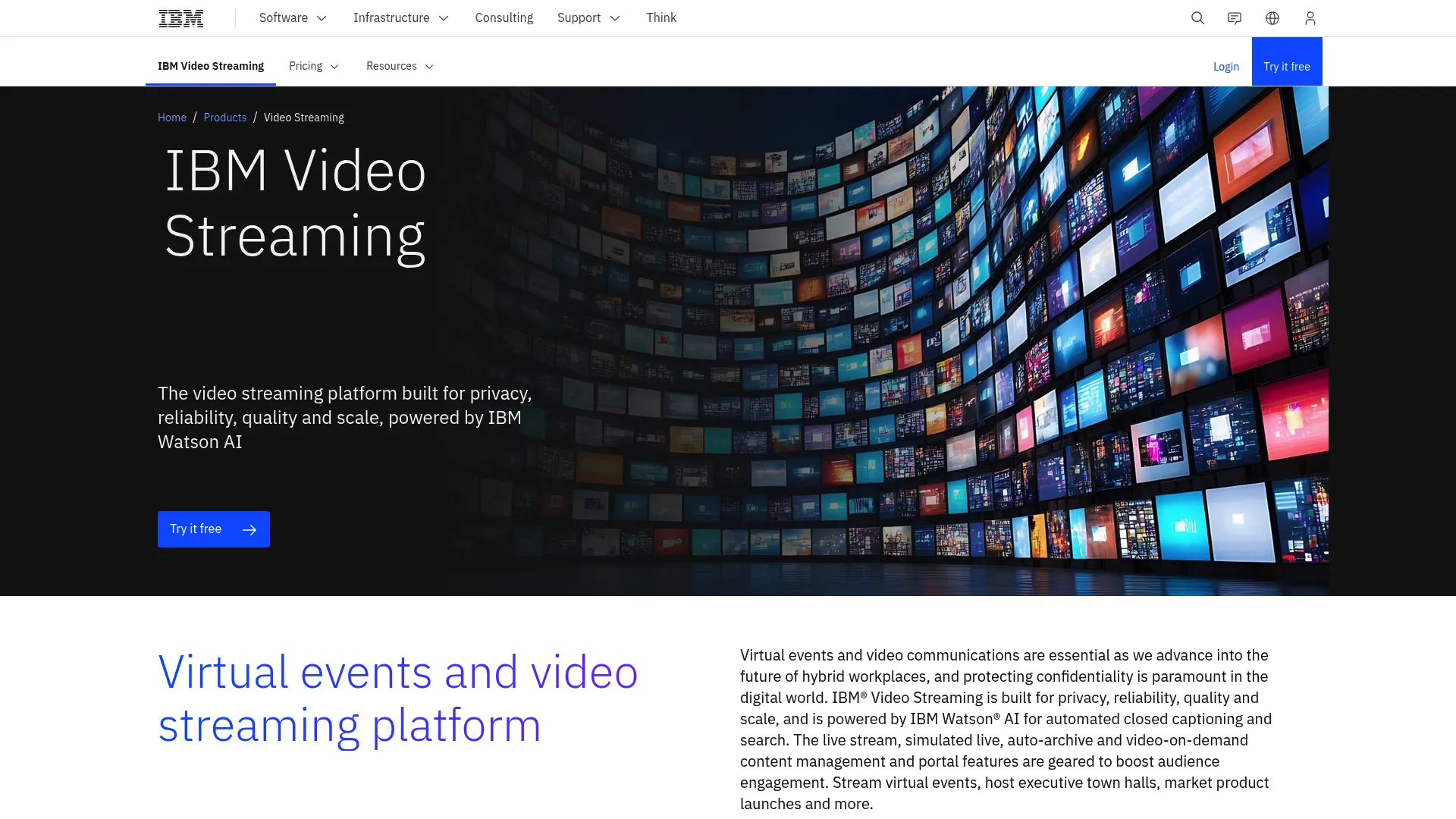
It also supports branded video portals and access control, which suits enterprises that need governed delivery rather than casual sharing.
Best for: Organizations that need secure, branded live and on-demand video streaming at scale.
Key strengths
- AI-driven deep video search: Surface content across a large streaming library.
- Automated closed captioning: Add accessibility without manual transcription.
- Customizable video portals: Deliver branded, governed viewing experiences.
Why choose IBM Video Streaming: IBM fits enterprises with broadcasting or large event distribution needs that value reliability and access control. It is built for scale and governance over marketing polish. Smaller teams may find it heavier than their use case requires.
IBM Video Streaming pricing: IBM offers a free trial and multiple payment options, but it does not publish a numeric price on its pricing page. Expect to contact sales to scope plans against your streaming volume and feature needs.
9. Muvi One
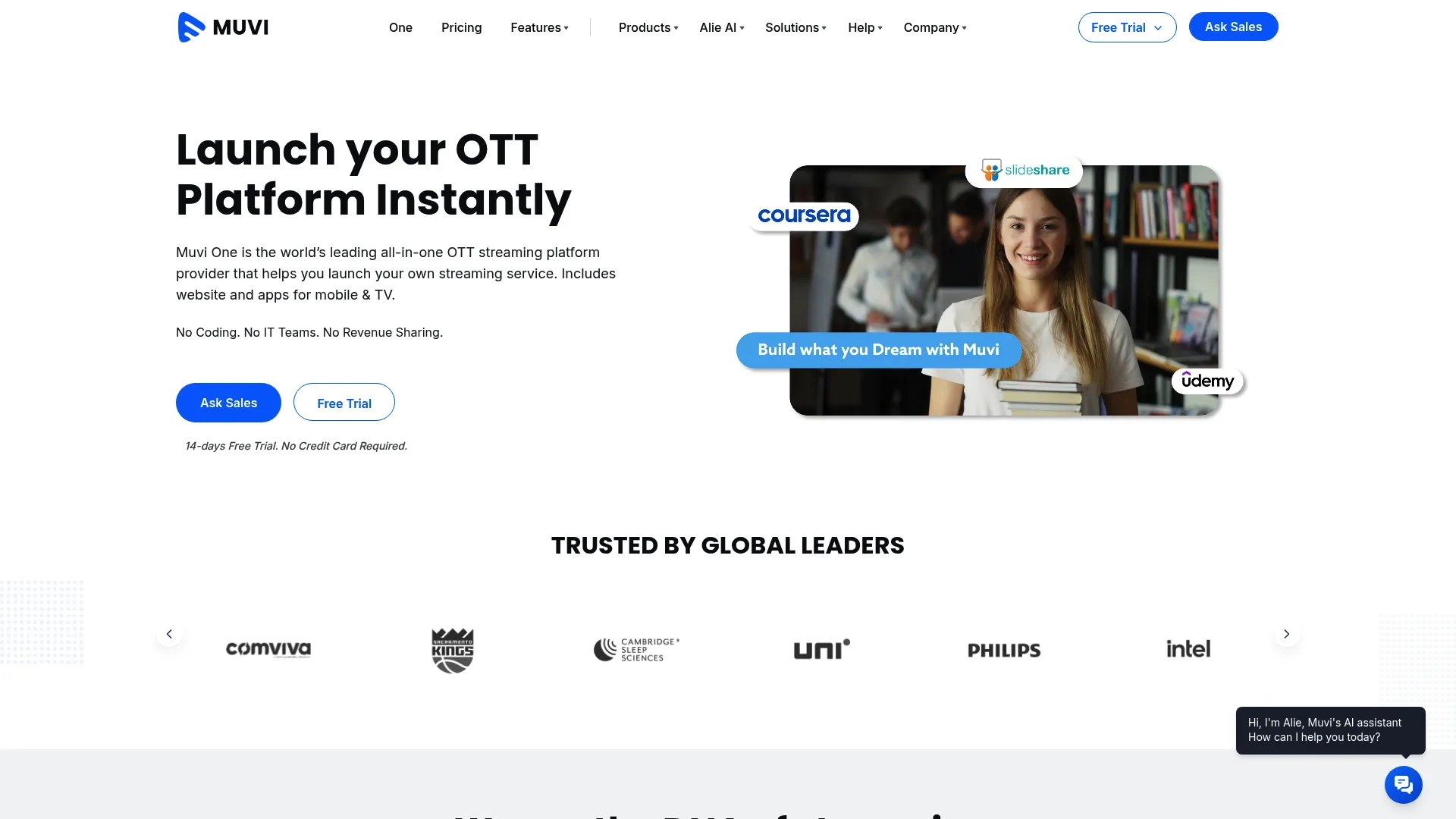
Its monetization and DRM features make it a strong fit for organizations whose video is a product, not just internal content.
Best for: Businesses launching a branded streaming service with managed infrastructure and monetization.
Key strengths
- White-labeled website and apps: Ship a fully branded video experience across devices.
- Built-in CMS and transcoding: Manage and process video in one environment.
- Multi-DRM and content security: Protect premium content with strong controls.
Why choose Muvi One: Muvi One fits teams that need a configurable, branded streaming platform with monetization built in. It is more OTT platform than internal knowledge CMS. Choose it when delivering a branded viewing product matters more than internal transcript search.
Muvi One pricing: Muvi One offers a 14-day free trial, then Standard at $399 per month, Professional at $1,499 per month, and Enterprise at $3,900 per month, all billed annually. A higher Ultimate tier at $8,900 per month is also listed. Yearly billing saves 15%.
10. TwentyThree
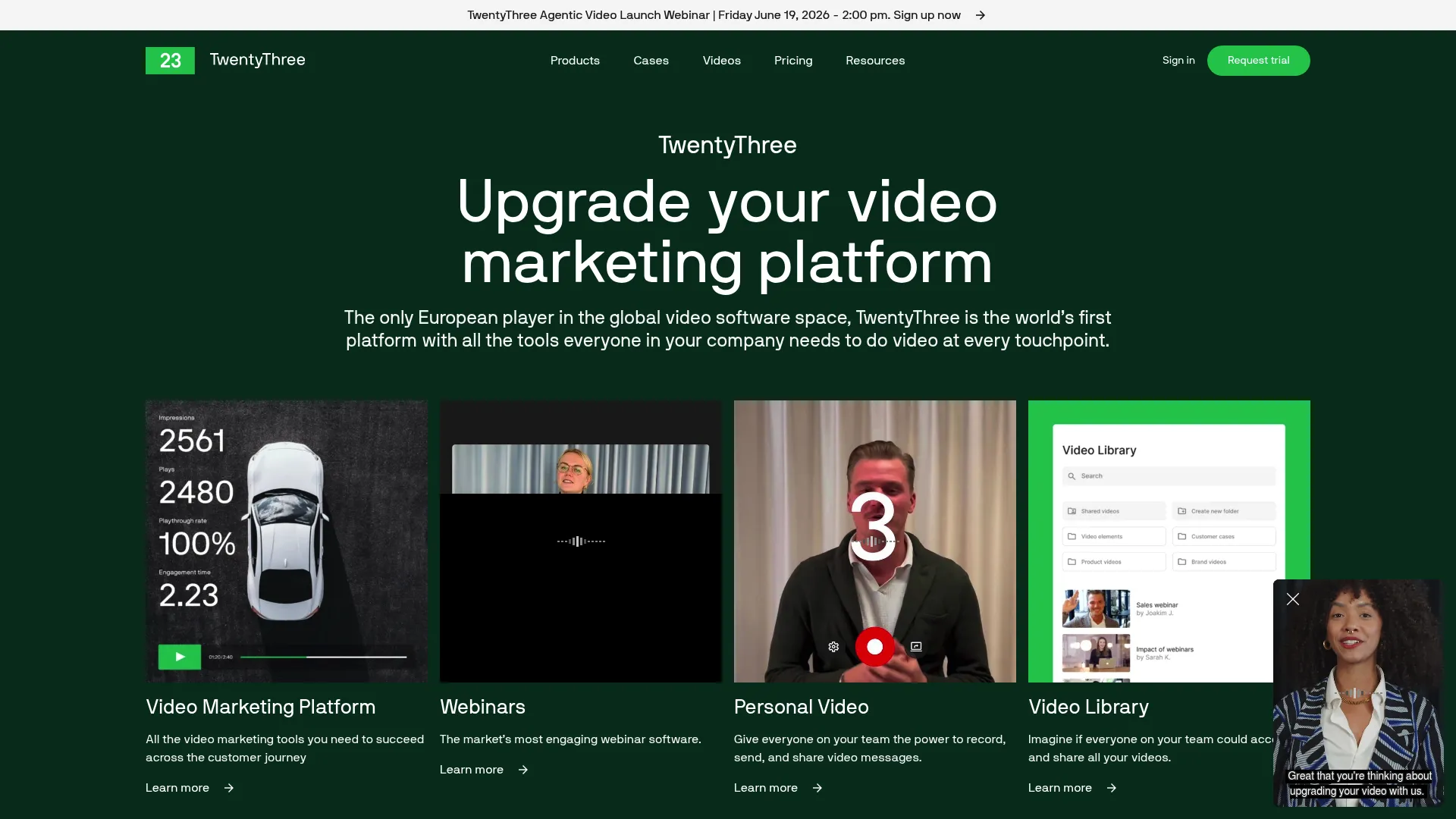
The platform describes itself as an all-in-one video marketing platform, with HubSpot and Marketo integrations and European hosting for teams with data residency requirements.
Best for: Marketing teams that need one platform for video hosting, webinars, and lead capture.
Key strengths
- Video player and landing pages: Publish branded video and capture leads in one flow.
- Webinars and personal video: Run live sessions and personalized outreach natively.
- Analytics and attribution: Connect video engagement to pipeline through CRM integrations.
Why choose TwentyThree: TwentyThree fits campaign and demand gen teams that rely on video as a conversion engine. Its webinar and attribution features map to marketing KPIs. It is purpose-built for marketing motion rather than enterprise-wide internal video management. Teams building campaigns may also want the best content marketing tools.
TwentyThree pricing: TwentyThree lists its Video Marketing Platform at €499 per month and Enterprise at €2,500 per month per workspace, with a Growth bundle at €2,499 per month per workspace. A 14-day free trial is available. Pricing is shown in euros.
11. VBrick
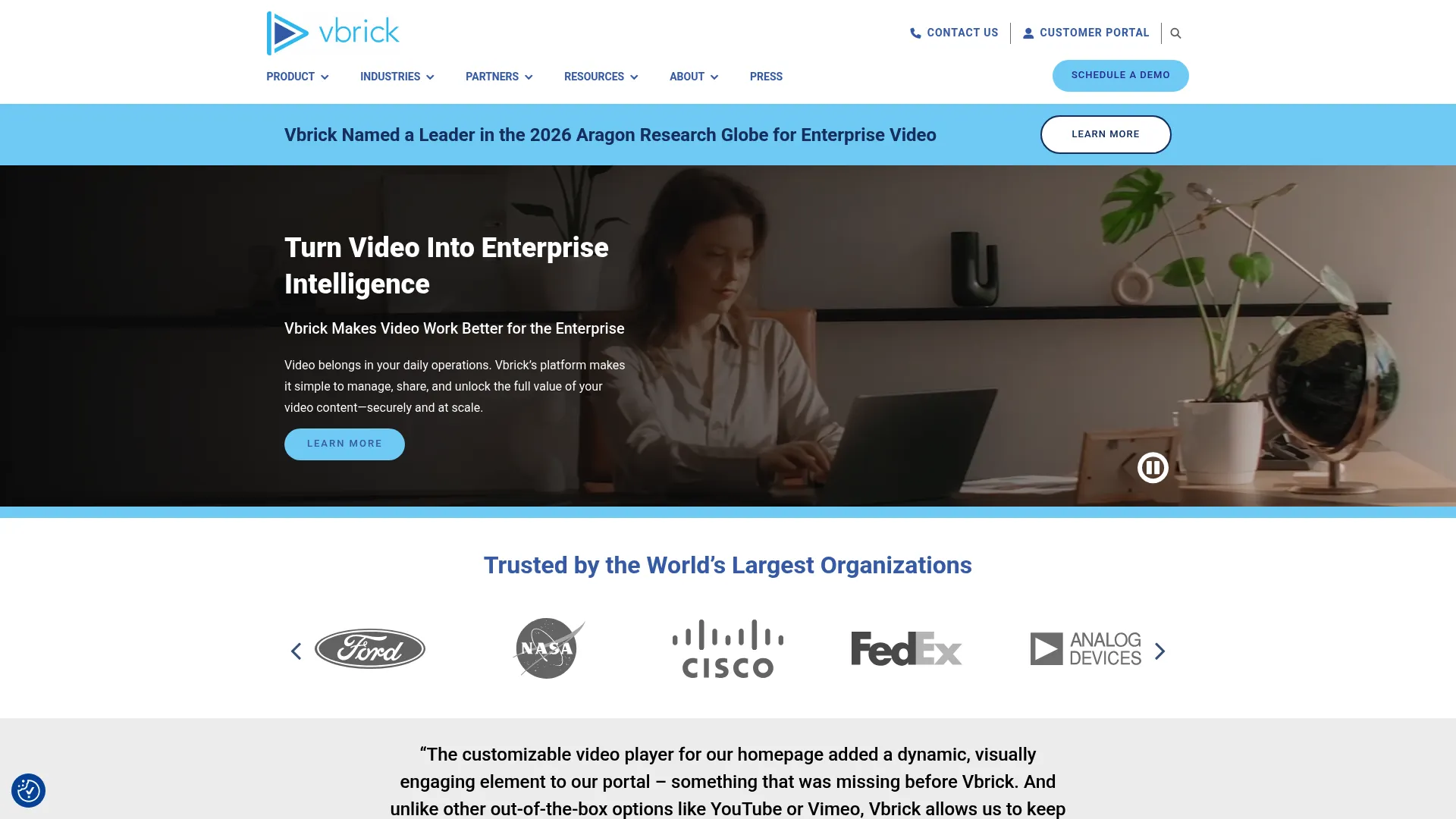
VBrick has been named a Leader in the Aragon Research Globe for Enterprise Video in 2025, marking its tenth consecutive year, and is featured in Frost & Sullivan's Frost Radar: Enterprise Video Platforms, 2025. That sustained recognition signals a platform built for the enterprise tier.
Best for: Large enterprises needing secure internal video communications and searchable video knowledge.
Key strengths
- Secure live and on-demand streaming: Distribute video internally with strong controls.
- Video content management and distribution: Manage a company-wide library centrally.
- AI features: Summaries, chapters, tags, transcription, translation, and search.
Why choose VBrick: VBrick fits large enterprises where security, governance, and searchable internal video all rank high. Its compliance posture and AI search suit company-wide deployments. Smaller teams without strict governance needs may find it more than they require.
VBrick pricing: VBrick lists pricing as request-only. Its How to Buy page references annual subscription and package terms with a Request Pricing call to action, but no public figures. Plan on a sales conversation to scope your deployment.
12. Fathom
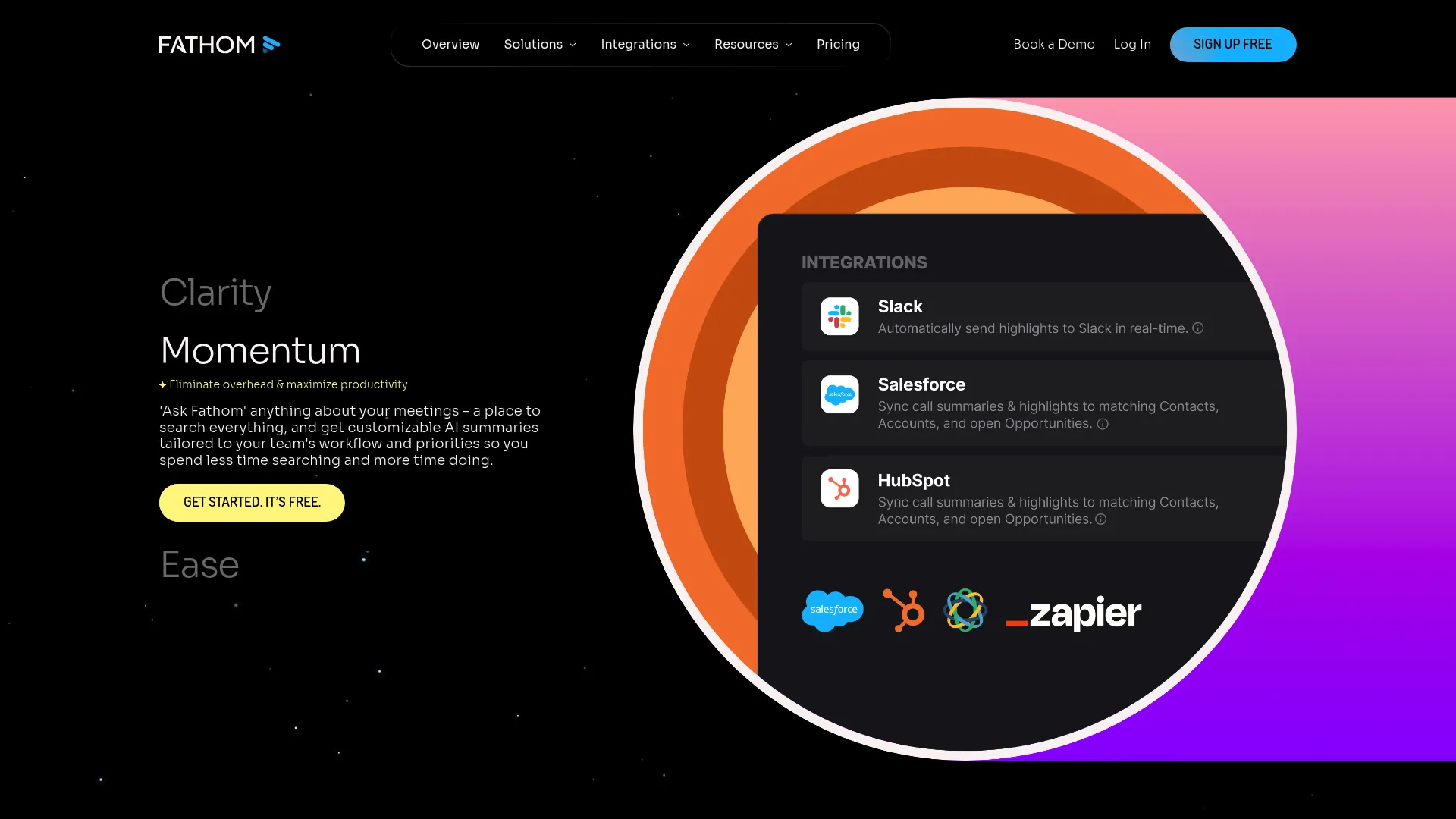
Its searchable summaries and CRM sync make recorded calls easy to act on, which is where it complements a deeper video library rather than replacing one.
Best for: Teams that want an AI notetaker with searchable meeting summaries and CRM workflows.
Key strengths
- Unlimited recordings and transcriptions: Capture every call without limits.
- AI call summaries and action items: Turn meetings into structured notes automatically.
- Ask Fathom search and CRM sync: Search across calls and push insights into your CRM.
Why choose Fathom: Fathom fits as a capture layer for recorded meetings that may feed a broader content workflow. It is a notetaker, not a managed library. Use it to generate source material, then store the keepers in a dedicated video content management system. For more options, see the best AI note-taking tools.
Fathom pricing: Fathom offers a Free forever plan, Premium at $20 per user per month, Team at $19 per user per month with a two-user minimum, and Business at $34 per user per month. Annual pricing is also available on its pricing page.
13. Loom
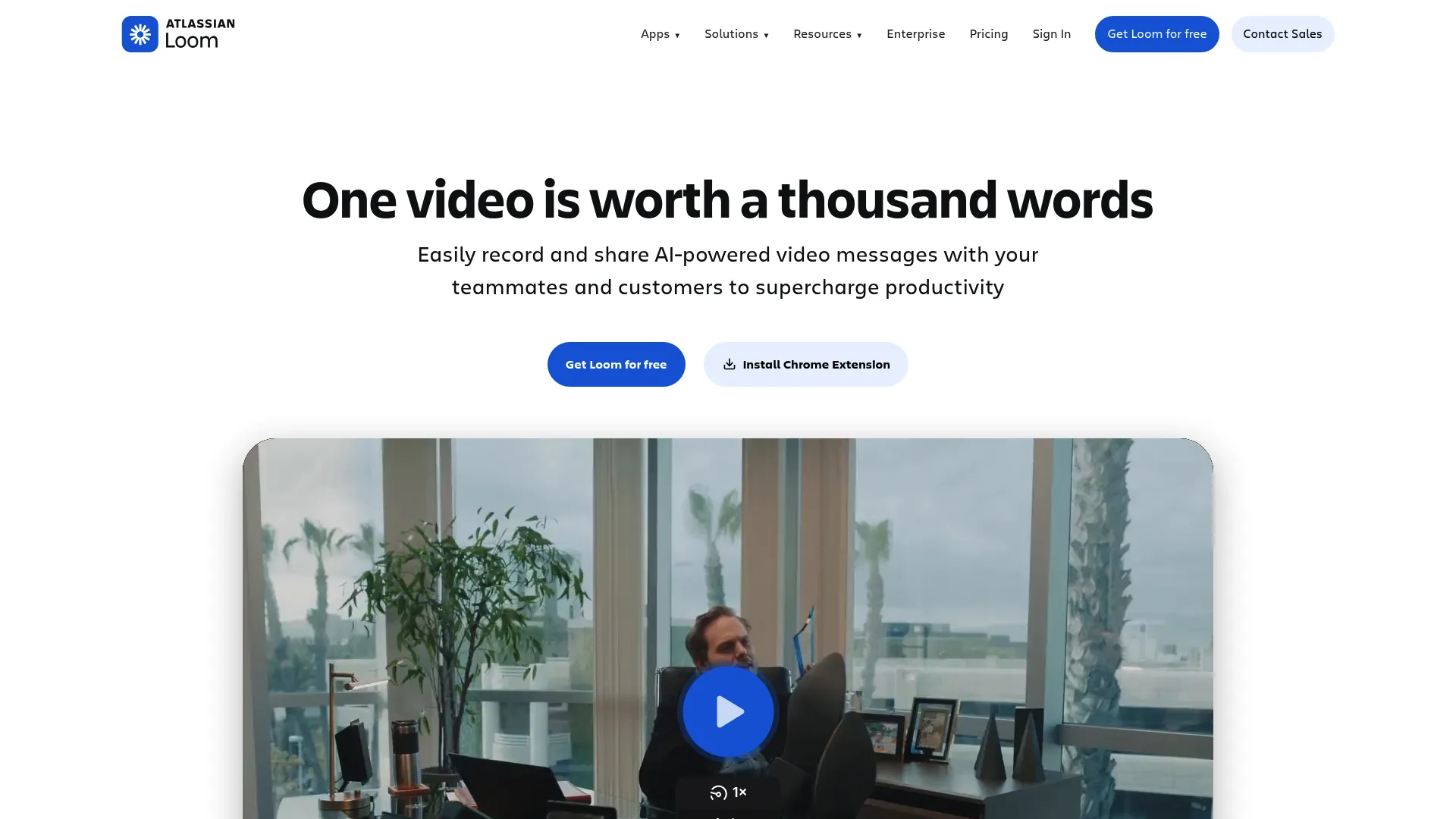
Its enterprise plan supports SSO, SCIM, and advanced privacy and data retention controls, which lets it sit alongside a deeper video CMS in larger organizations.
Best for: Teams that want fast asynchronous video updates, demos, and walkthroughs.
Key strengths
- Screen and camera recording: Capture quick updates on desktop and mobile.
- Instant share links and comments: Share async video with built-in feedback.
- AI transcriptions and summaries: Make recordings searchable and skimmable.
Why choose Loom: Loom complements rather than replaces a deeper video CMS. It is the fastest way to capture and share async video, then store the assets worth keeping in a governed library. For lightweight internal communication, it is hard to beat on speed. To turn those quick recordings into guided experiences, explore Guideflow's capture feature.
Loom pricing: Loom has a free Starter plan, Business at $18 per user per month, Business plus AI at $24 per user per month, and a quote-based Enterprise tier. Annual billing and a 14-day Business plus AI trial are available.
14. Frame.io
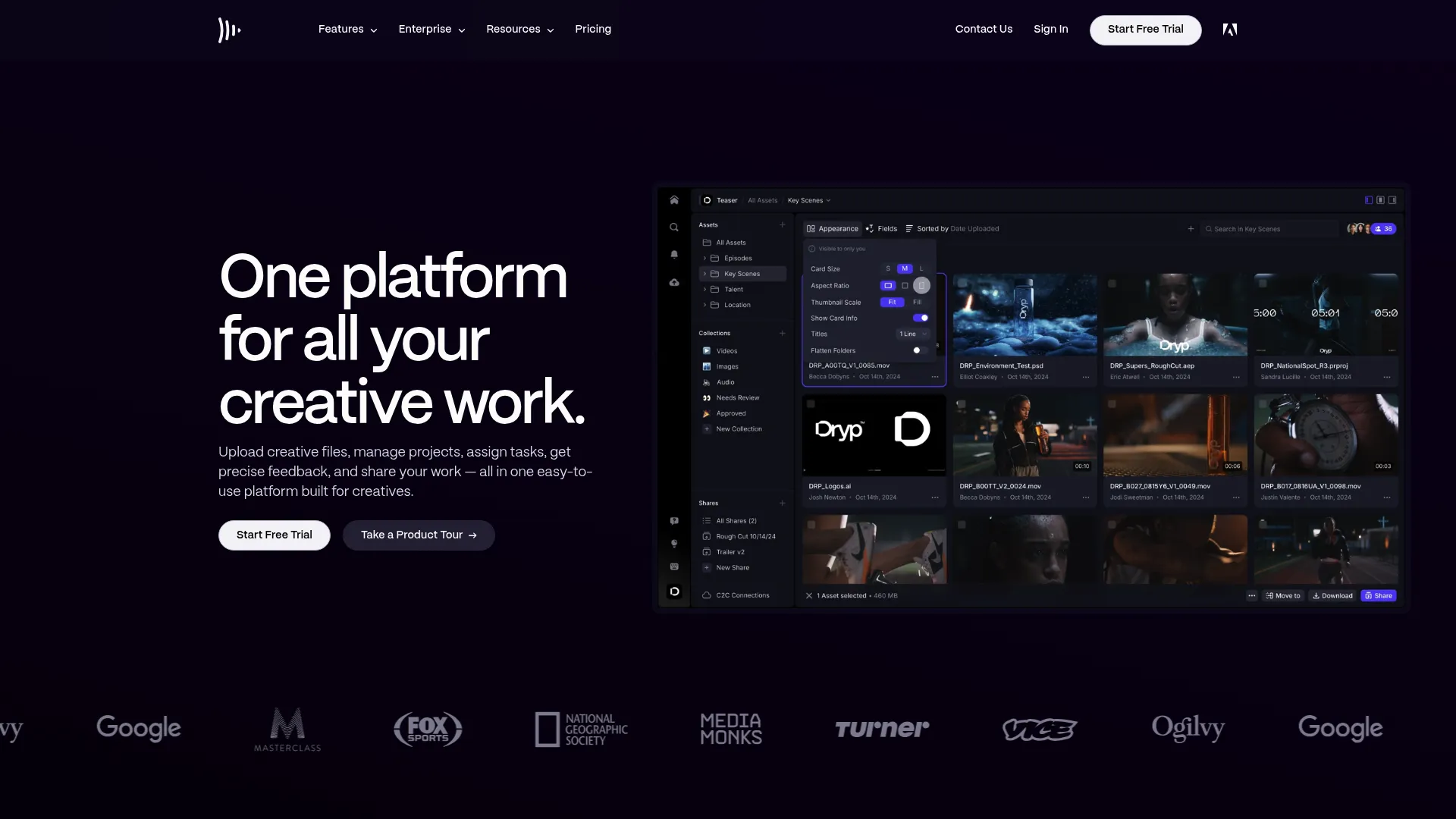
Its Camera to Cloud and cross-device access keep production moving, so teams evaluating the broader video stack often pair it with a CMS for final delivery.
Best for: Video and creative teams needing review, approval, and asset collaboration.
Key strengths
- Centralized workspace for work-in-progress: Keep drafts and assets in one place.
- Review, comments, and version tracking: Manage feedback and approvals cleanly.
- Camera to Cloud and cross-device access: Move footage from set to edit fast.
Why choose Frame.io: Frame.io fits the production stage, before content reaches a managed library. It is built for creative collaboration and approvals, not for governed distribution and search. Use it to produce, then hand finished video to a video CMS.
Frame.io pricing: Frame.io offers a Free plan, Pro at $15 per member per month, Team at $25 per member per month, and a custom Enterprise tier. Annual billing carries a discount over the monthly per-member rates.
15. Zight
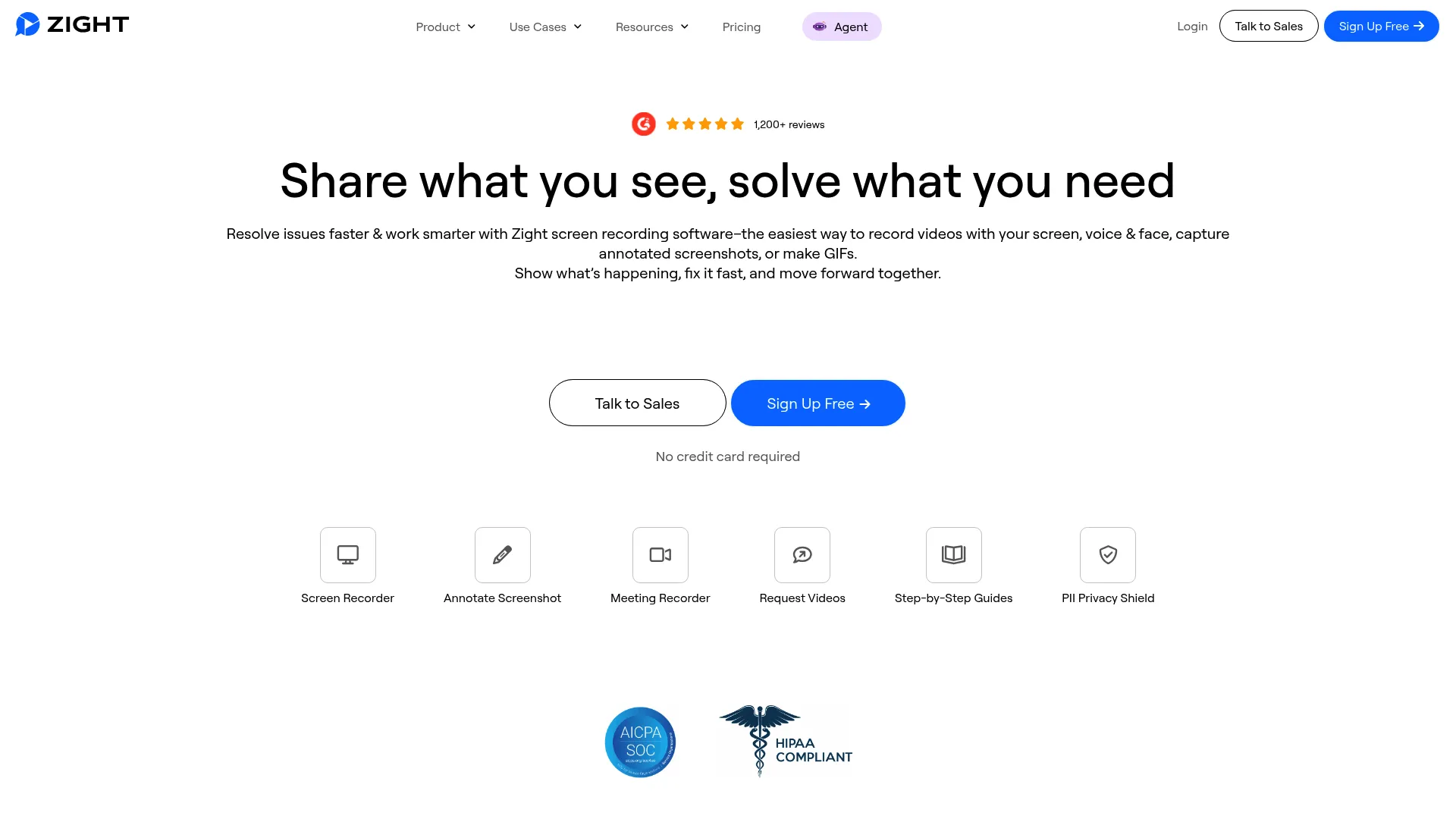
Its AI features help turn captures into usable visual documentation, which makes it handy for support and enablement teams producing quick how-tos.
Best for: Teams needing fast screen recordings, annotated screenshots, and AI-assisted visual documentation.
Key strengths
- Screen capture and annotation: Capture and mark up screenshots quickly.
- Screen recording with editing: Produce short videos without heavy tools.
- AI summaries and step-by-step guides: Turn captures into documentation automatically.
Why choose Zight: Zight fits lightweight capture and sharing, not enterprise library management. It is best as a quick documentation tool that feeds a larger content workflow. Teams needing governed, searchable libraries at scale should pair it with a dedicated video CMS.
Zight pricing: Zight offers a Free plan at $0, a Pro plan starting at $7.95 per month, and a contact-sales Enterprise tier. Paid plans bill monthly or annually. Zight has announced a pricing update beginning June 25, 2026.
Considerations
Before you commit to any video content management solution, work through this checklist. It keeps the comparison objective and surfaces the gaps that demos tend to hide.
Search quality and transcript accuracy
Test search on a real, messy recording, not a clean demo file. Ask whether the tool indexes spoken words, how accurate the transcript is, and whether viewers can jump to a moment. For enterprise video content management, weak search makes a large library effectively invisible.
Permissioning and governance
Map your access model before buying. Verify role-based permissions, secure video sharing, content expiration, and audit trails. The larger the library, the more governance determines whether the right people see the right video and the wrong ones do not.
SSO and security requirements
Confirm SSO, SCIM provisioning, and data retention controls match your security team's standards. For an enterprise video platform, these are usually gated to higher tiers, so check which plan unlocks them before you scope a budget. Guideflow's security and compliance standards are a good benchmark for what enterprise-grade looks like.
Analytics depth
Decide what you need to prove. Look for viewer-level video analytics, completion, drop-off, and exportable reports, not just view counts. PMMs especially need analytics that connect video engagement to launch and enablement outcomes.
Integration coverage
List your must-have connections: LMS, CRM, marketing automation, and comms. Verify depth, not just logos. An integration that only pushes a link is different from one that syncs engagement data into your CRM.
Accessibility and compliance
Check captioning quality, transcript availability, and compliance support for your region and industry. Accessibility is both a legal requirement and a discoverability win, since searchable transcripts double as accessibility infrastructure.
Admin effort and content lifecycle
Ask who maintains the library. Evaluate how content gets tagged, archived, and retired, and how much admin time that takes. The best enterprise video management keeps the lifecycle manageable as your catalog grows past the point any person can track by hand.
Conclusion
The right video content management software depends on your dominant motion, not a feature count. For searchable internal knowledge and learning at scale, Panopto sets the benchmark with its AI search across spoken words. For mixed enterprise use cases spanning streaming, webinars, and internal comms, Kaltura covers the breadth. For marketing-led video and demand gen, Wistia and TwentyThree fit the funnel. For Microsoft 365 shops, Microsoft Stream keeps everything in one tenant, and for governed company-wide libraries, VBrick brings the enterprise controls.
Lighter tools like Loom, Fathom, Frame.io, and Zight are not full video CMS platforms, but they capture and produce the content a managed library then stores and surfaces.
Whichever you shortlist, judge it on the same lens: search quality, governance, analytics, and integrations. Those four decide whether your video becomes an asset the whole company can act on or another folder nobody opens.
Your next step is simple. Pick two platforms that match your primary use case, load them with a real, messy sample of your own video, and test search, permissions, and reporting against your actual workflow. Team maturity should guide the call: lean enterprise video CMS if governance and discoverability lead, lean marketing or capture tools if speed and conversion do.
FAQs
Video content management software is a system that stores, organizes, governs, distributes, and measures video from a single managed library. It adds search, permissions, metadata, and analytics on top of hosting, so video becomes a searchable, controlled asset rather than a loose file.
Video hosting gives you a place to upload a file and embed a player. A video CMS adds the management layer: searchable transcripts, metadata, permissions, version control, and viewer analytics. Hosting answers "where does this video live," while a video content management system answers "who can find it, who can see it, and what happened after they watched."
Search quality, governance, security, analytics, and integrations top the list. An enterprise video content management system needs AI search for video, role-based permissions, SSO, viewer-level analytics, and connections into your LMS, CRM, and comms tools. Accessibility through captions and searchable transcripts is increasingly non-negotiable too.
Product marketing, enablement, L&D, internal communications, customer education, and support teams all use it. Anywhere video supports launches, training, onboarding, or knowledge sharing, a video library software platform keeps that content findable and governed at scale.
For any library past a few hundred videos, they are essential. AI search for video and searchable transcripts let viewers jump to the exact moment a topic is discussed, instead of scrubbing through hours of footage. Without them, a large library becomes effectively unsearchable and goes unused.
At minimum, look for LMS, CRM, marketing automation, and communication platform integrations. The depth matters more than the count: an integration that syncs engagement data into your CRM is far more useful than one that only shares a link. Match integrations to where your teams already work.
Match the tool to your dominant use case. A general video platform fits branded publishing, marketing, and external sharing. An enterprise video CMS fits searchable internal knowledge, training, and governed company-wide libraries. If governance, transcript search, and compliance lead your needs, choose the enterprise video management option.
PMMs should prioritize consistent governance, viewer-level analytics, and easy enablement distribution. The platform should keep launch and enablement content findable, let you measure which assets the field actually uses, and integrate with the GTM stack. The real test is whether sales and success can retrieve and trust the right video without asking.