A former employee leaves. Six months later, a customer dispute lands with legal. The important message is buried in an inbox nobody can access, on a laptop that has been wiped, tied to an account that was deprovisioned the week after offboarding.
This is not a hypothetical. It is the moment most founders realize that mailbox exports and manually managed PST files are not an archive strategy. They are a liability dressed as one.
The email archiving market reached $8.01 billion in 2025 and is forecast to hit $20.66 billion by 2031, according to Mordor Intelligence (2026). Cloud deployment now accounts for more than 71% of that market. The category is growing because the business need is not optional: Customer disputes, security questionnaires, board diligence cycles, and regulatory requests all require records you can actually find and produce. This guide helps you shortlist the right email archiving software before one of those moments arrives.
What's inside
This guide is written for founders and their IT, legal, or operations leads who need to evaluate email archiving solutions quickly.
- A 12-tool shortlist covering Microsoft 365, Google Workspace, regulated communications, MSP models, and legacy archive migrations
- A clear explanation of how email archiving differs from backup
- A side-by-side comparison of pricing, best-fit use cases, and G2 ratings
- A founder-ready checklist covering retention, search, legal hold, data portability, and ownership
Tools were selected based on verified feature coverage, integration fit with common SaaS productivity stacks, available pricing transparency, and G2 community presence. One important note: This guide helps you build a shortlist, not substitute for legal or security review.
TL;DR
- Best for Microsoft 365-first companies: Microsoft Purview, when your retention, eDiscovery, and identity workflows already live inside Microsoft 365
- Best for Google Workspace teams: Google Vault, for native Gmail and Workspace retention without adding a separate vendor
- Best for regulated communications retention: Smarsh, when your business needs to capture messaging channels beyond email
- Best for legacy archive migration: Archive360, for organizations moving away from older archive environments or planning a migration where historical searchability matters
- Best for small and mid-sized IT teams: MailStore Server for self-managed archive control, or Dropsuite (now continuing as NinjaOne SaaS Backup) for cloud-delivered protection
What is email archiving software?
Email archiving software captures business email into a searchable, tamper-resistant repository and preserves it according to retention, access, security, and legal requirements.
Unlike a mailbox backup, an archive is designed for long-term governance. Backup restores deleted data. Archiving preserves records so they can be searched, held for legal review, and produced on demand.
How email archiving works
- Capture: Emails enter the archive through journaling, API connections, or direct mailbox ingestion
- Preserve: Messages and attachments are stored in an indexed, tamper-resistant repository
- Manage: Retention policies, access controls, and legal holds govern what stays and who can reach it
- Retrieve: Records are searched, exported, or produced during audits, disputes, migrations, or investigations
Core capabilities to look for
- Automated email capture with full-content indexing
- Full-text and attachment search with custodian filters
- Policy-driven retention rules and scheduled disposal
- Legal hold and eDiscovery support with audit trails
- Encryption, role-based access, and chain-of-custody records
- Microsoft 365 and Google Workspace connectors
- Export and migration tooling for archive portability
Email archiving versus email backup
| Capability | Email archiving | Email backup |
|---|---|---|
| Primary job | Preserve and search communications records | Restore deleted or lost data |
| Retention | Policy-driven, often long-term | Recovery-driven, often time-limited |
| Legal hold | Common requirement | Often limited or absent |
| eDiscovery | Search, review, export, audit trails | Usually secondary |
| Best use | Compliance, investigations, records governance | Accidental deletion, ransomware recovery |
Many vendors blur the line between these categories, so verify each function separately rather than assuming a backup platform handles legal discovery.
Why it matters for a scaling SaaS company
At 50 to 150 employees, the decisions that create legal and compliance risk are already being made, mostly in inboxes. An archive policy that survives headcount growth, leadership changes, and an offboarded sales team is infrastructure, not overhead. It lets your IT leader answer a legal request in hours instead of weeks, and it stops you from building long-term retention around exports nobody can find. For more context on how cloud cloud compliance tools fit into a broader security posture, that guide covers adjacent requirements worth reviewing alongside this one.
When to use email archiving software
Replace mailbox exports and unmanaged PST files
The breaking point arrives when files scatter across laptops, shared drives, and offboarded accounts. That state cannot support consistent search, lifecycle management, or auditability. If your team manually exports mail for investigations, the answer to "where does that email live?" is already too slow.
Preserve communications before a legal or customer request arrives
Archives work best when capture and retention are already running at the time a dispute begins. Building a record after the fact creates operational scramble and evidentiary risk. Configure policies before you need them, not after.
Support a Microsoft 365 or Google Workspace migration
A native archive may be enough for many organizations at this stage. Others need independent storage, broader communication capture (Teams, Slack, SMS), or a migration layer for historical data from a previous system. Clarify which scenario applies before choosing a tool.
Use this when:
- You cannot answer where a departed employee's email currently lives
- Your team exports mail manually for any investigation
- A major customer asks about retention in a security questionnaire
- You are moving off on-premises Exchange or a legacy archive
- You need to preserve email alongside business messaging records
Email archiving software comparison
The shortlist below covers native-suite tools, dedicated cloud archives, regulated-communications platforms, migration specialists, and server-based options. Pricing reflects verified data from each vendor's official pricing page and G2 as of October 2026. Guideflow does not appear in this table because email archiving is not a category the product serves. For a broader look at cloud backup software, that roundup covers adjacent tools that often sit alongside an archiving purchase.
| # | Product | Best for | Key differentiator | Pricing | G2 rating |
|---|---|---|---|---|---|
| 1 | Microsoft Purview | Microsoft 365-first organizations | Native retention, eDiscovery, and compliance inside Microsoft 365 | From $12/user/month (annual) | N/A (component ratings vary) |
| 2 | Google Vault | Google Workspace-first organizations | Native Gmail and Workspace retention included with Business Plus and Enterprise | From $22/user/month (Business Plus) | 4.3/5 |
| 3 | Mimecast Cloud Archive | Security-conscious email environments | Archive paired with broader email security platform | Contact sales | 4.3/5 |
| 4 | Proofpoint Archive | Enterprises with compliance and security requirements | Immutable retention with eDiscovery across email and collaboration channels | Contact sales | 4.0/5 |
| 5 | Smarsh | Regulated communication capture | Captures 100+ channels with AI-powered surveillance and supervisory review | Contact sales | 4.1/5 |
| 6 | Archive360 | Legacy archive migration and data control | Customer-managed encryption, dedicated tenancy, and migration tooling | Contact sales | 4.3/5 |
| 7 | MailStore Server | Self-managed business email archiving | One-time license with full-text search, restore, and export | From $259 (one-time, up to 5 users) | 4.2/5 |
| 8 | Barracuda Message Archiver | IT teams wanting deployment flexibility | Archive via cloud, appliance, virtual, or hybrid options | Contact sales | N/A (verify on G2) |
| 9 | N-able Mail Assure | MSPs managing multiple customer mailboxes | Multi-tenant email protection with built-in cloud archiving | Contact sales | 4.0/5 |
| 10 | Dropsuite | Cloud backup and archive for SaaS data | Microsoft 365 and Google Workspace protection through managed providers | Contact sales | 4.6/5 |
| 11 | Jatheon Archiving Suite | Mid-market compliance teams | AI-assisted search and multi-channel archiving on a fixed per-user fee | Contact sales | 4.7/5 |
| 12 | Arctera Enterprise Vault | Complex enterprise retention estates | Deep archive governance with Discovery Accelerator and Compliance Accelerator | Contact sales | 4.2/5 |
Pricing and ratings verified October 2026 from each vendor's official pricing page and G2 listing.
Best 12 email archiving software tools for 2026
1. Microsoft Purview
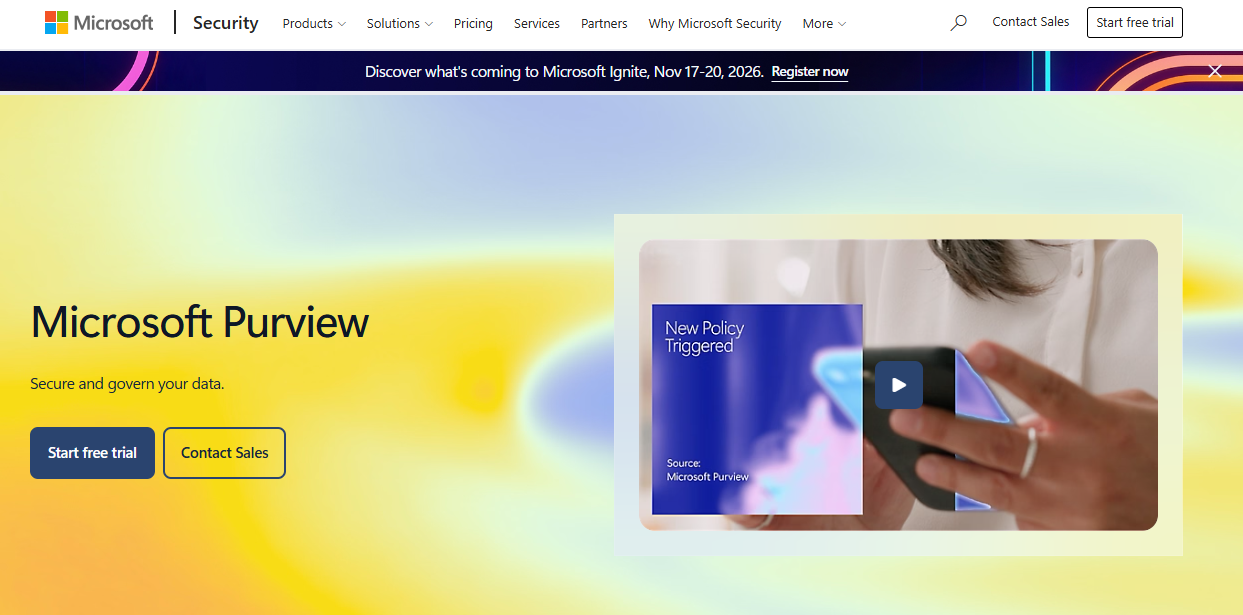
Microsoft Purview is Microsoft's unified governance and compliance platform for Microsoft 365 environments. It covers retention policies, eDiscovery, legal holds, audit, and Exchange Online archive mailboxes within the Microsoft ecosystem. For companies already standardized on Microsoft 365, it reduces the need for a separate archive vendor by keeping governance close to the identity and mailbox layer.
Best for: SaaS companies that run Microsoft 365 and want retention and compliance controls without adding another archive vendor.
Key features
- Microsoft 365 retention policies across Exchange, Teams, and SharePoint
- eDiscovery case management with legal hold and custodian controls
- Audit and investigation workflows with chain-of-custody records
- Exchange Online archive mailboxes for long-term storage
- Identity-aware access controls and role-based permissions
Why choose Microsoft Purview: If your productivity and identity stack already lives in Microsoft 365, Purview closes the governance gap without a separate archive contract. Validate license requirements before assuming coverage: Retention, eDiscovery, and advanced compliance features are tied to specific plan tiers, not universally included.
Microsoft Purview pricing: The Purview Suite starts at $12/user/month billed annually and requires at minimum Microsoft 365 E3 or Office 365 E3 with Enterprise Mobility and Security E3. E5 plans and pay-as-you-go options exist for specific Purview capabilities. Confirm which archiving and eDiscovery features your current license includes before buying an add-on.
2. Google Vault
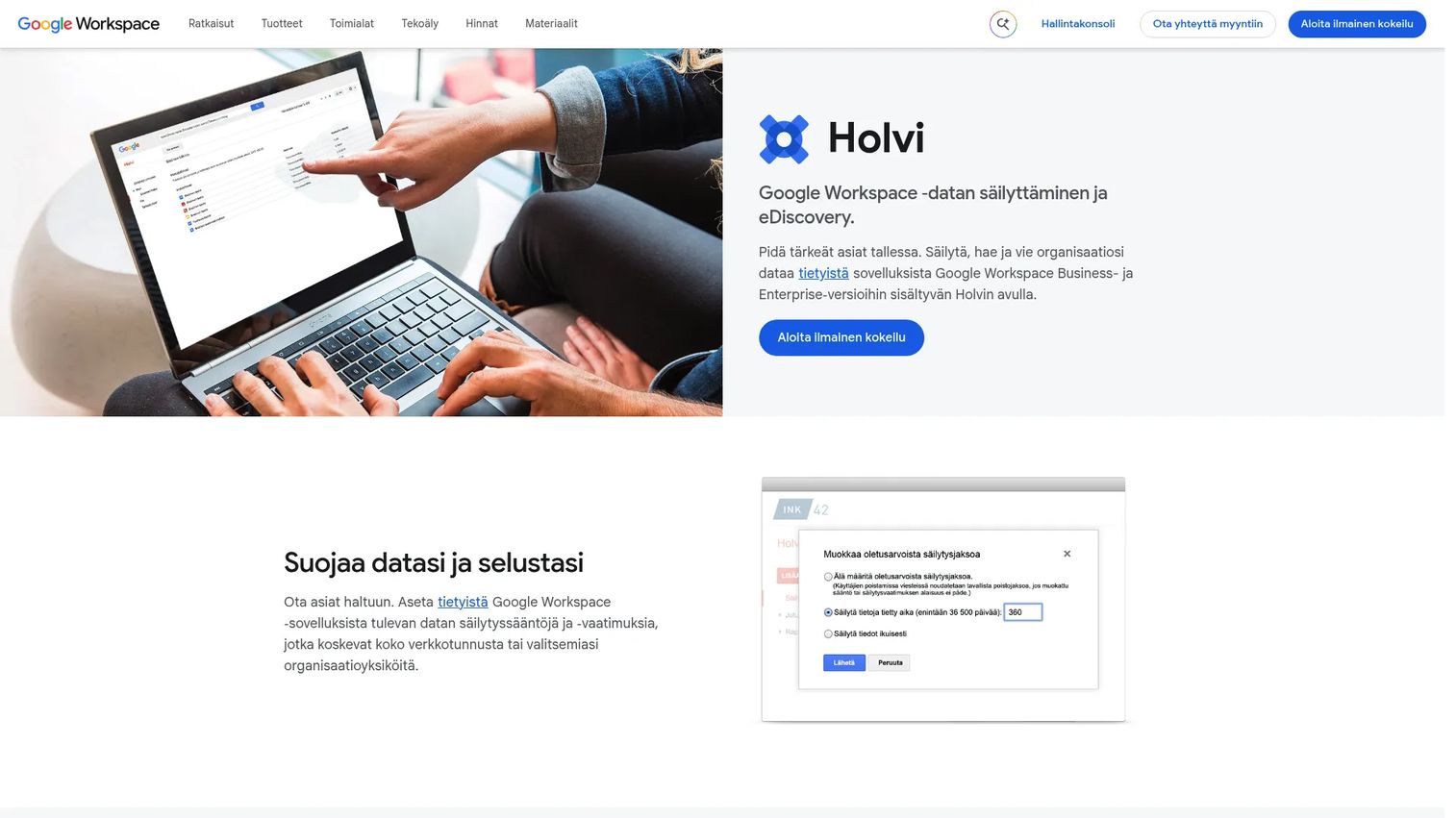
Google Vault is Google's native retention, search, and legal hold tool for Workspace data. It covers Gmail, Drive, Chat, Groups, and other Workspace records through a single administration console. For Google-first SaaS teams, it is the most direct path to baseline retention and investigation workflows without adding a separate archive platform.
Best for: Google Workspace-first SaaS companies that need retention and eDiscovery without adopting an independent archive vendor.
Key features
- Gmail retention rules with configurable hold periods
- Legal holds applied by custodian or organizational unit
- Full-text search and export across Workspace data
- Google Chat and Drive coverage alongside email
- Role-based administration with audit reporting
Why choose Google Vault: Vault is the natural starting point for teams whose records live primarily in Google Workspace. The key decision point is whether your communication channels extend beyond Workspace. External email, SMS, or third-party messaging data are not captured here, so teams with broader retention requirements need a separate solution.
Google Vault pricing: Vault is included at no additional cost in Google Workspace Business Plus ($22/user/month) and Enterprise editions. Starter and Standard editions do not include Vault. Confirm your current Workspace tier before assuming it is available.
G2 rating: 4.3/5
3. Mimecast Cloud Archive
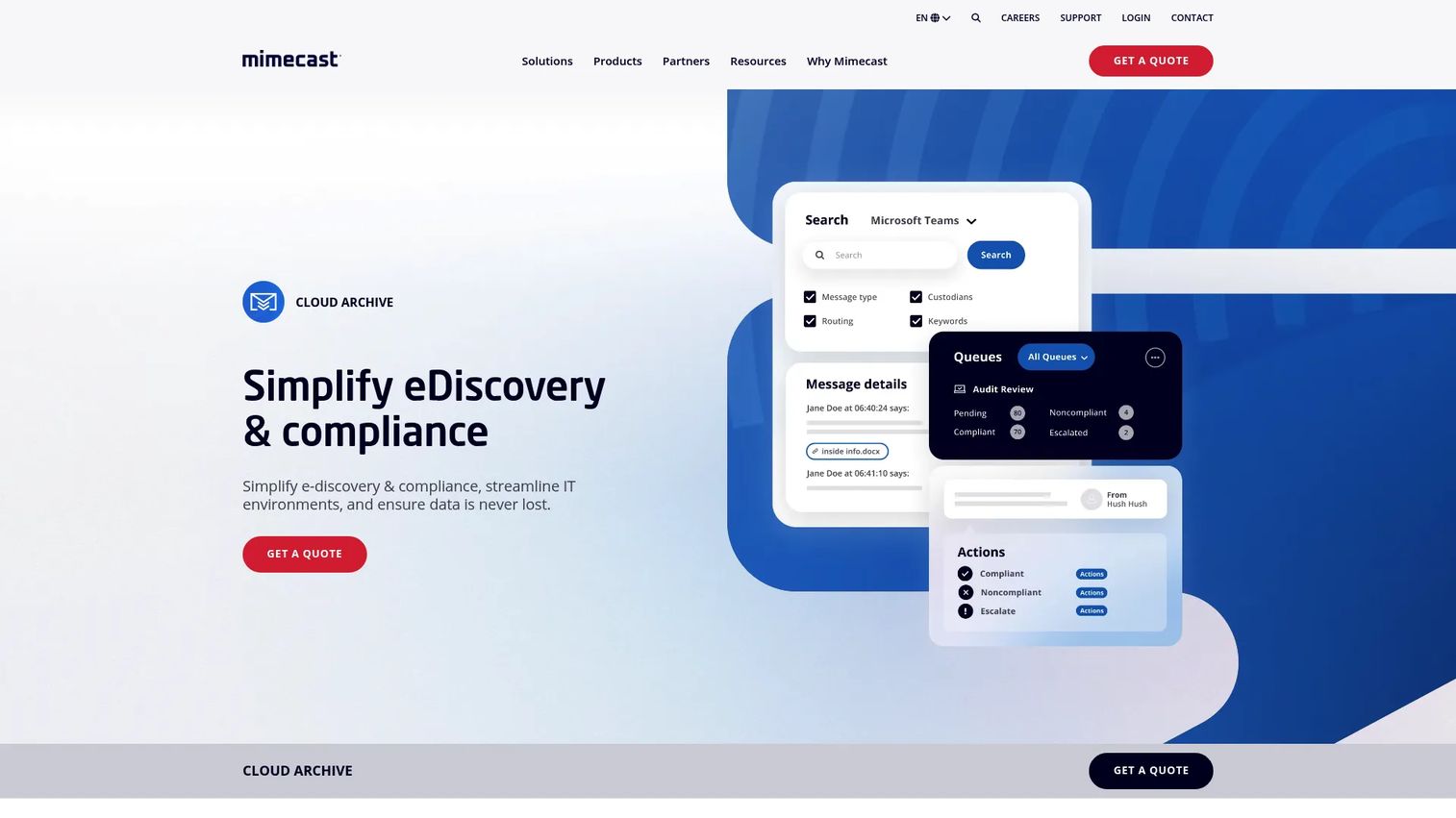
Mimecast Cloud Archive is a cloud-based archiving platform that stores email and Microsoft Teams data in a geographically distributed, encrypted repository. It covers policy-driven retention, search, self-service access, legal discovery, case management, and legacy archive migration. Organizations that already use Mimecast for email security often evaluate it alongside the archive offering to consolidate vendors.
Best for: Companies that want email archiving aligned with a broader email security operating model, particularly those already using Mimecast for protection.
Key features
- Email and Microsoft Teams archiving with configurable retention policies
- Full-text search with self-service access for end users
- Legal hold, case management, and e-discovery export
- Triplicate encrypted storage across distributed data centers
- Legacy archive migration and optional email recovery
Why choose Mimecast Cloud Archive: The appeal is consolidation: Managing email security and archiving from a single vendor reduces administrative overhead. Before signing, verify extraction terms, data portability options, and whether archiving is bundled with security services or licensed separately.
Mimecast Cloud Archive pricing: Mimecast does not publish numeric pricing for the archive product. Contact sales for current packaging and contract terms. G2 reviewers report the tool is typically sold as part of a broader Mimecast bundle.
G2 rating: 4.3/5
4. Proofpoint Archive
Proofpoint Archive is a cloud-based communications archiving platform designed for organizations with formal compliance and governance programs. It stores email, collaboration data, social records, mobile communications, and voice in an immutable, policy-driven archive with advanced search, legal holds, and REST API integrations.
Best for: Mid-market and enterprise teams that already run a mature security program and need archiving to fit inside it.
Key features
- Immutable, policy-driven retention with automated disposal rules
- Advanced search, legal holds, and self-service export for reviewers
- Audit trails, role-based access, and encryption throughout
- Centralized archive for email, collaboration, social, mobile, and voice
- Public REST API for integration with existing legal and compliance workflows
Why choose Proofpoint Archive: It fits organizations where the archive is a formal governance tool, not just a search index. Security and legal stakeholders share the same platform. Ask the vendor to clarify which communication sources are captured under your specific contract, since coverage varies by edition.
Proofpoint Archive pricing: Proofpoint does not publish pricing on its product pages. Contact sales for current packaging. G2 reviewers describe it as enterprise-tier pricing, typically sold through annual contracts.
G2 rating: 4.0/5
5. Smarsh
Smarsh is a communications capture and archiving platform built for regulated industries. It captures more than 100 communication channels in native format, stores them in an immutable cloud archive, and applies AI-powered surveillance, risk detection, search, supervisory review, and e-discovery workflows. Financial services, healthcare, and public-sector organizations with formal communication oversight requirements are its primary market.
Best for: Regulated SaaS businesses or companies selling into financial services, healthcare, or public sector where communication record requirements extend well beyond email.
Key features
- Capture across 100+ channels including email, messaging, and collaboration tools
- Immutable cloud archiving with retention and lifecycle management
- AI-powered surveillance, risk detection, and content monitoring
- Supervisory review workflows with case management
- Search, legal hold, and e-discovery with defensible export
Why choose Smarsh: The decision to evaluate Smarsh usually comes from a specific regulatory or compliance requirement. If your business operates in a sector where communication surveillance is mandatory, or if your customers operate there and ask about your own record-keeping, Smarsh addresses the full scope of that requirement.
Smarsh pricing: Smarsh offers customized packaging for enterprise, SMB, and public-sector organizations. Contact sales for pricing, which varies by channel coverage, user count, and retention scope.
G2 rating: 4.1/5
6. Archive360
Archive360 is an enterprise data and AI governance platform focused on regulated organizations carrying archive debt from legacy systems. It covers communications, enterprise content, application data, and AI interactions with policy-based classification, retention, legal holds, and cross-system e-discovery. A dedicated cloud tenancy model with customer-managed encryption keys gives organizations direct control over their archive environment. Relevant context for teams planning a broader infrastructure move: The cloud migration software guide covers related tools that often run alongside an archive modernization project.
Best for: Companies replacing a legacy archive, consolidating records from multiple historical systems, or planning a migration where metadata continuity and post-migration search quality matter.
Key features
- Capture and governance across communications, content, applications, and AI data
- Policy-based classification, retention, legal holds, and disposition
- Cross-system search, e-discovery case management, and defensible export
- Dedicated cloud tenant with customer-managed encryption and full audit trails
- Microsoft 365 and cloud integration for modern archive environments
Why choose Archive360: It belongs on the shortlist when the migration itself is as important as the destination. Organizations with PST files, legacy on-premises archives, or inherited IT debt need a platform that preserves metadata, chain-of-custody records, and search quality through the transition, not just moves message volume.
Archive360 pricing: Quote-based, with no pricing published. Contact sales with a concrete inventory: Source systems, mailbox count, PST file volume, and retention policies. Migration scope drives cost significantly.
G2 rating: 4.3/5
7. MailStore Server
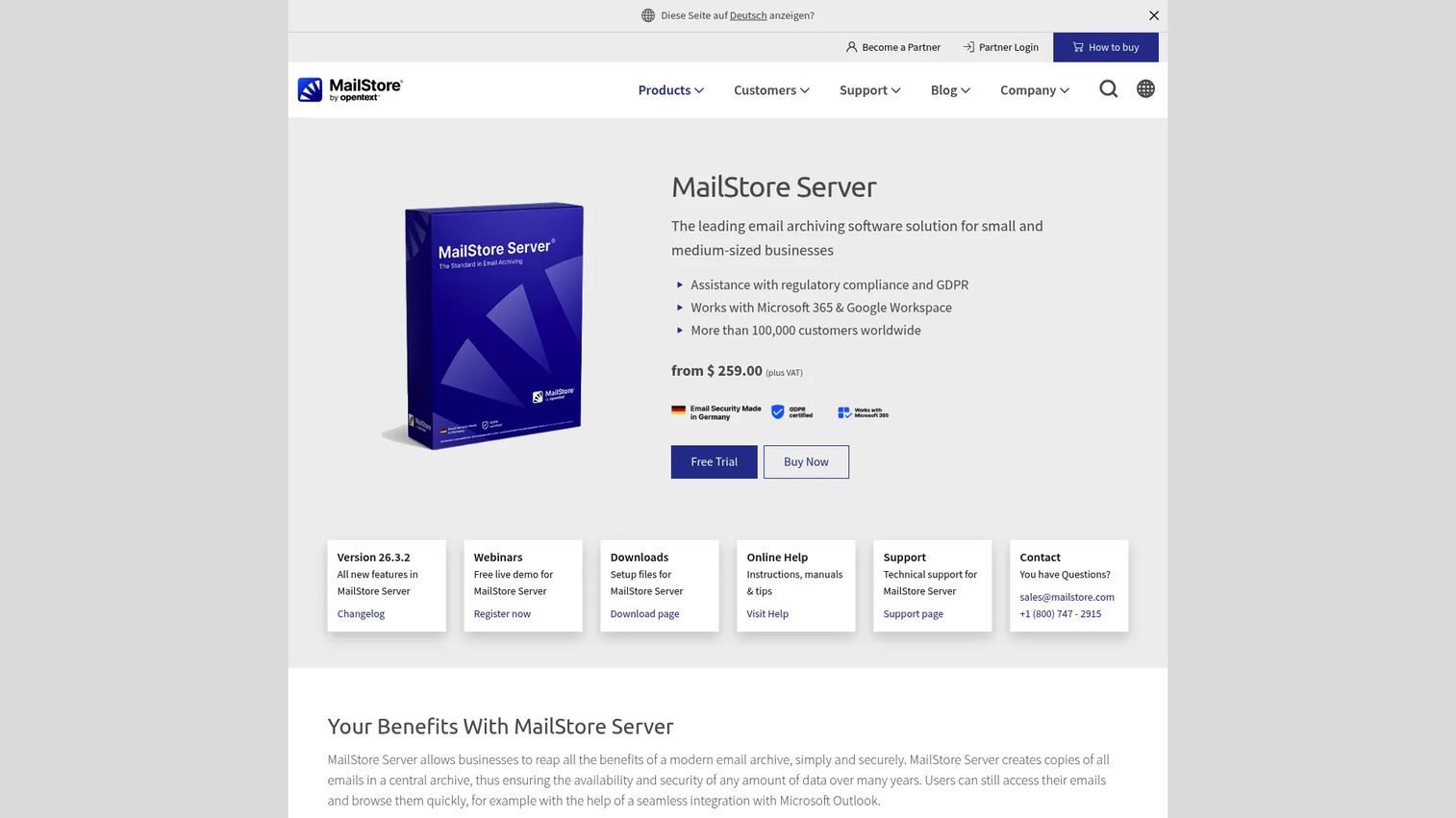
MailStore Server is a business email archiving product built for small and mid-sized companies that want centralized control over their archive without buying an enterprise compliance suite. It supports Microsoft 365, Google Workspace, Exchange Server, IMAP and POP3 servers, and PST or EML file imports. Full-text search, Outlook integration, and one-click restore give IT teams a practical archive with familiar workflows. For teams evaluating adjacent data protection tools, the cloud data security software guide covers tools that complement an on-premises archive setup.
Best for: Small and mid-sized companies that want direct administrative control over an archive and prefer a one-time license over recurring subscription costs.
Key features
- Centralized archiving from Microsoft 365, Exchange, IMAP, and PST sources
- Full-text search including attachments, accessible via Outlook, Web Access, or IMAP
- Retention policies, legal hold, tamper-proof storage, and GDPR compliance tools
- Email restoration and export to PST or EML
- Administrative controls with audit logging
Why choose MailStore Server: The one-time license model makes it predictable at any headcount. Lean IT teams get a practical tool without ongoing per-seat costs. Before purchasing, assess hosting, storage planning, offsite backup for the archive itself, and whether a 30-day free trial reveals any workflow gaps.
MailStore Server pricing: Starter Kit licensing begins at $259 (plus VAT) for up to 5 users on a one-time license basis. Larger packages and support tiers are available. A 30-day free trial covers full functionality.
G2 rating: 4.2/5
8. Barracuda Message Archiver
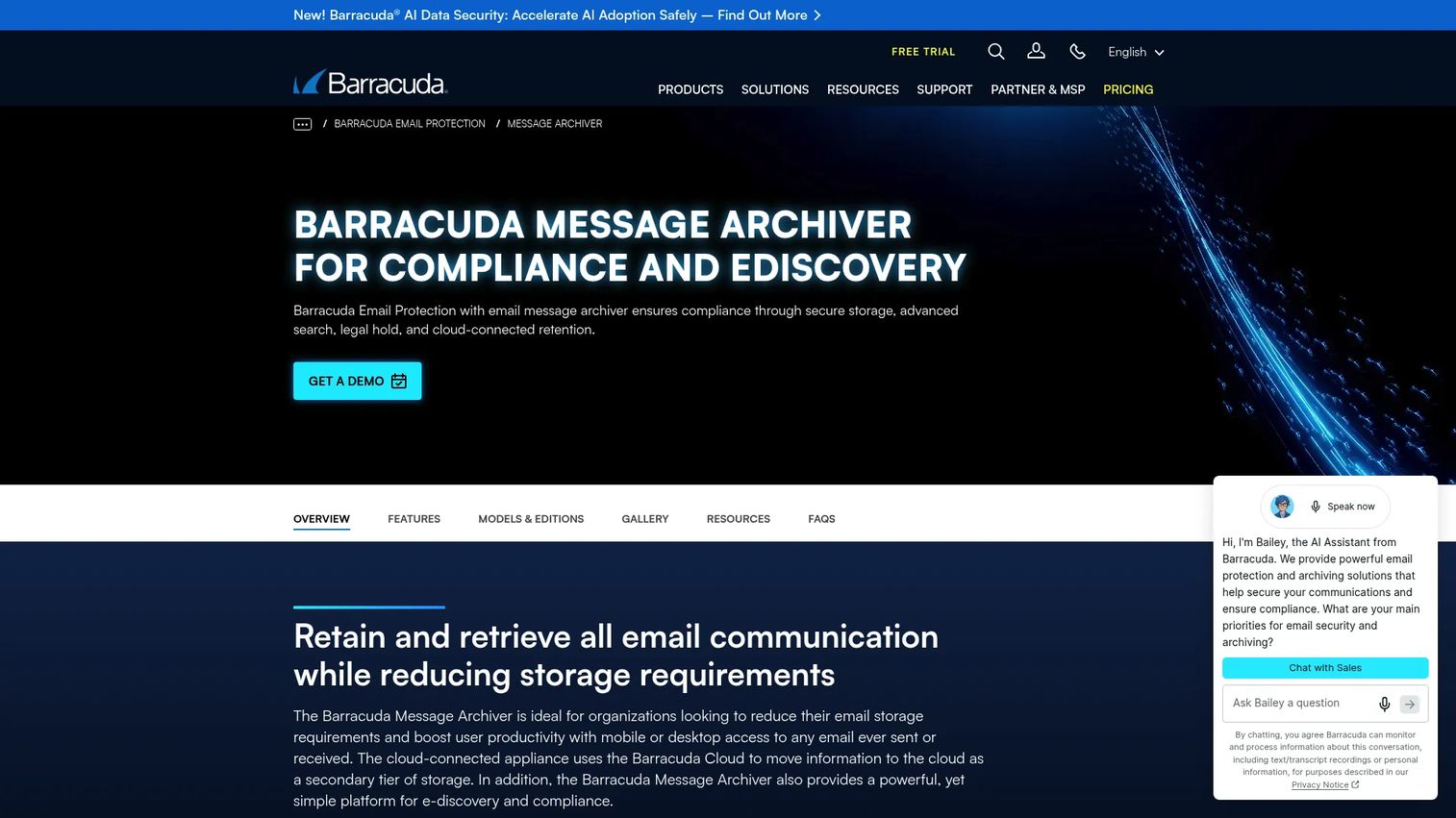
Barracuda Message Archiver is a cloud-connected email archiving product with flexible deployment options, covering physical appliances, virtual, private cloud, public cloud, and Barracuda Cloud delivery. It supports Microsoft 365, Google Workspace, Exchange, and other standards-compliant mail services, with granular retention policies, legal hold, full-text search, and federated search across archives.
Best for: Organizations that want an established email archiving product and need to choose between appliance, cloud, or hybrid deployment depending on their IT infrastructure model.
Key features
- Granular retention policies, legal hold, and indexed full-text search
- Microsoft 365, Google Workspace, Exchange, and third-party mail support
- Web interface, Outlook Add-In, desktop search, and PST or EML export
- Physical appliance, virtual, public cloud, private cloud, and Barracuda Cloud deployment
- Federated search across multiple archive instances
Why choose Barracuda Message Archiver: Deployment flexibility is the deciding factor here. Organizations that want an on-premises appliance for data sovereignty reasons, or a cloud model to reduce infrastructure maintenance, can use the same product family. Clarify which deployment model your IT team will operate and maintain before comparing pricing.
Barracuda Message Archiver pricing: Cloud archiving is included in Barracuda's Email Protection Premium Plus plan, which requires a customized quote. No standalone numeric price is published for Message Archiver.
9. N-able Mail Assure
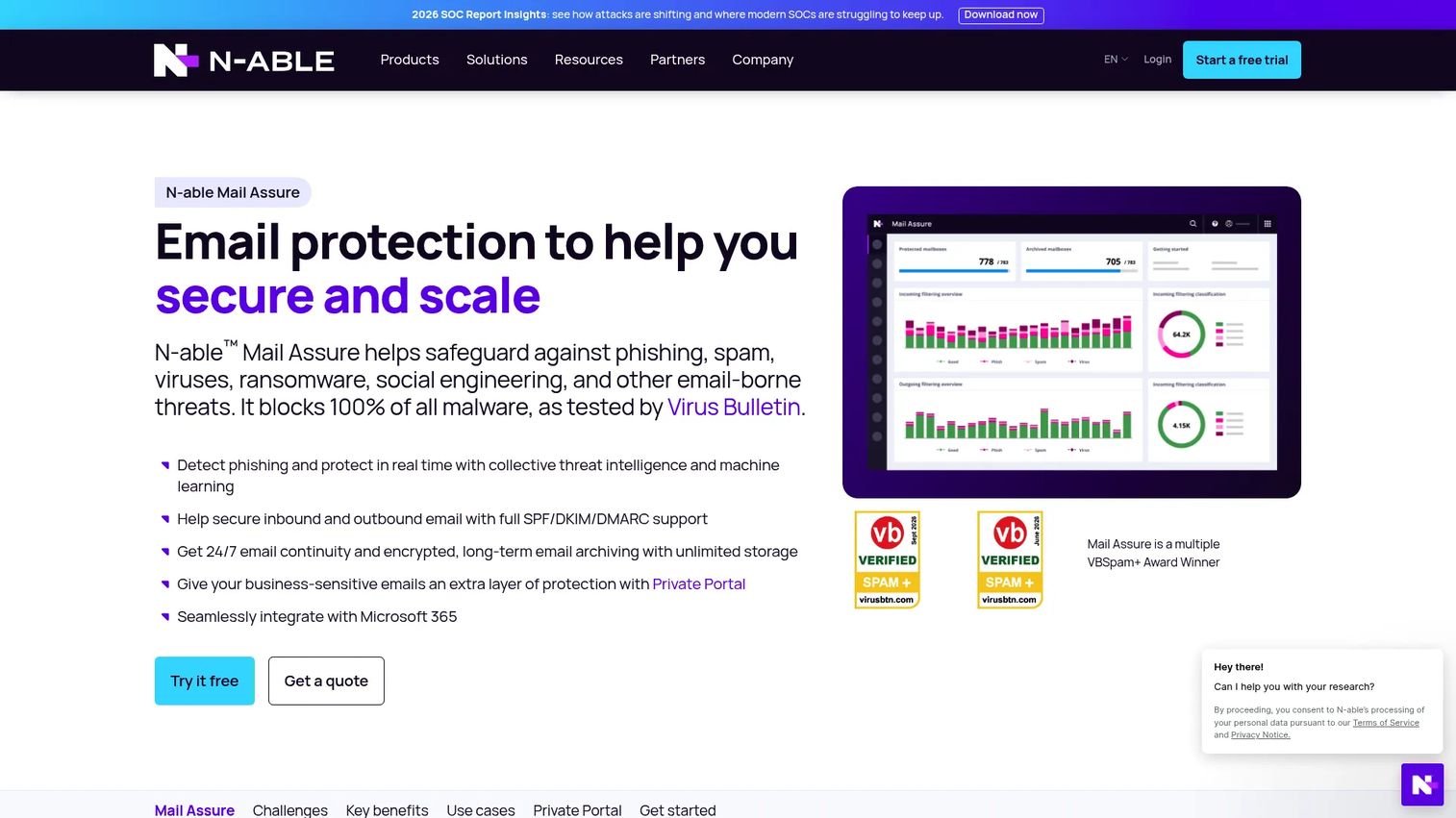
N-able Mail Assure is a cloud-based email security and continuity platform with built-in archiving, designed for managed service providers (MSPs) and multi-tenant environments. It covers inbound and outbound email protection, email journaling, unlimited encrypted archive storage, Microsoft 365 integration, and a multi-tenant management console that lets MSPs administer multiple customer mailboxes from one interface.
Best for: SaaS companies that outsource email operations to an MSP, or IT teams managing email for multiple business units that need a service-provider-friendly archive model.
Key features
- Cloud email archiving with unlimited encrypted storage
- Microsoft 365 integration and email journaling support
- Email continuity with 24/7 built-in failover
- Multi-tenant administration console for MSP environments
- Search and redelivery of archived messages
Why choose N-able Mail Assure: The operational question for a founder is whether the business wants in-house archive ownership or prefers an MSP to handle retention and recovery workflows. If you run an MSP relationship for email, Mail Assure may already fit without a separate archive purchase. Confirm with your provider whether archiving is included in your current contract.
N-able Mail Assure pricing: N-able offers a 30-day free trial and directs buyers to contact sales or request a quote for current pricing. No per-mailbox price is published on the official product page.
G2 rating: 4.0/5
10. Dropsuite
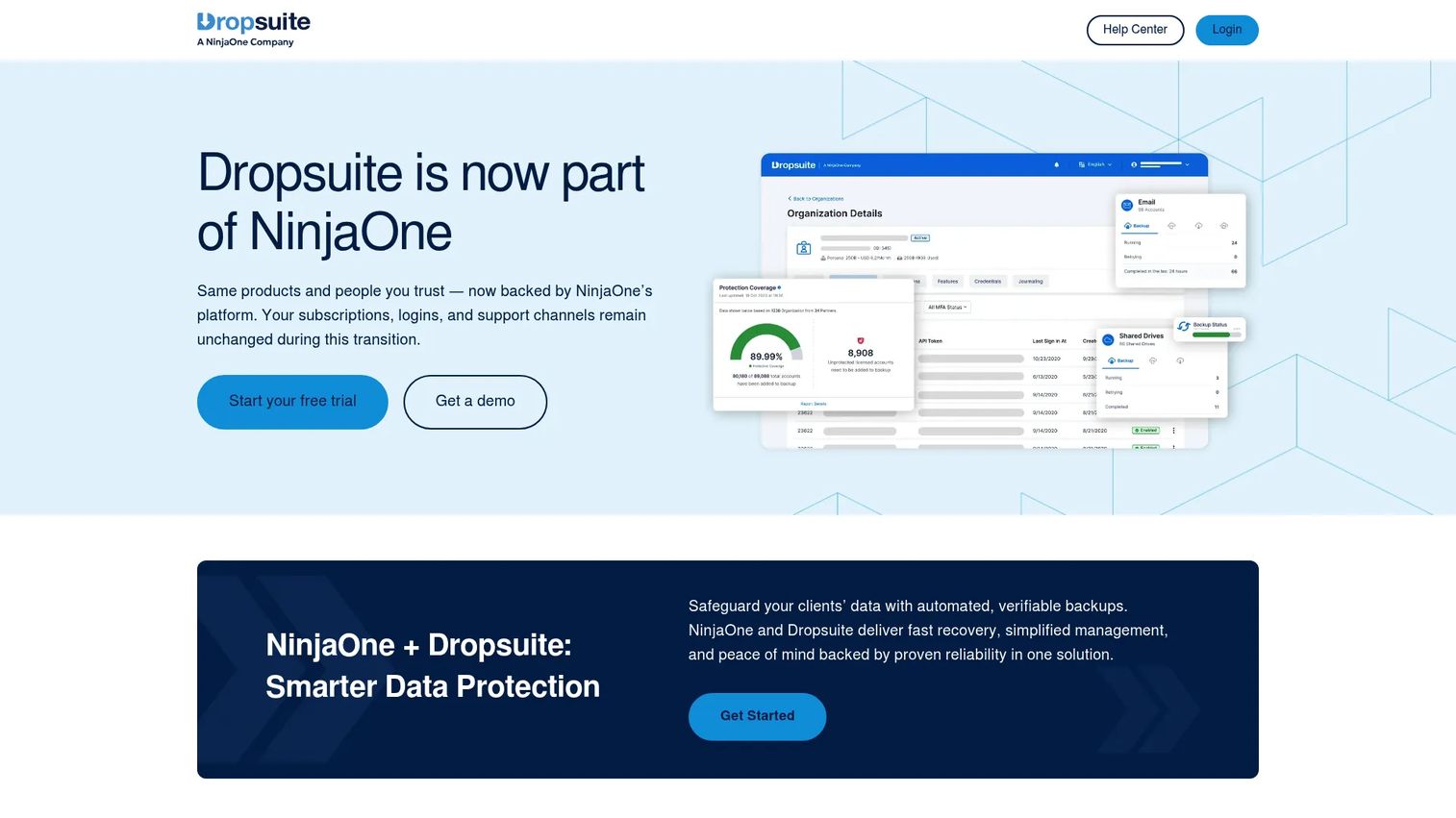
Dropsuite is a cloud backup, recovery, and archiving platform for Microsoft 365, Google Workspace, and IMAP-based email. Important context for 2026: Dropsuite has been retired as a standalone brand, with the technology continuing through NinjaOne SaaS Backup. If you are evaluating Dropsuite, confirm with the vendor how the transition affects current contracts and future product development before purchasing.
Best for: Cloud-first businesses that want protection and retention for Microsoft 365 or Google Workspace data through a managed provider model, and are comfortable working through an MSP or reseller.
Key features
- Microsoft 365 and Google Workspace backup and archive
- IMAP email protection and archiving
- Granular search, restore, download, and migration tooling
- Flexible retention policies with unlimited storage
- AES-256 and TLS encryption with multi-factor authentication
Why choose Dropsuite: Its cloud-delivered model reduces infrastructure management for IT teams that do not want to operate an on-premises archive. Before committing, verify how the NinjaOne integration affects compliance features, specifically legal hold depth and retention policy controls, since recovery-oriented backup tools handle those functions differently from dedicated archives.
Dropsuite pricing: Pricing is sold through managed providers and resellers. Contact your MSP or the vendor directly for current plan details. No pricing page was available on the official Dropsuite site at research time.
G2 rating: 4.6/5
11. Jatheon Archiving Suite
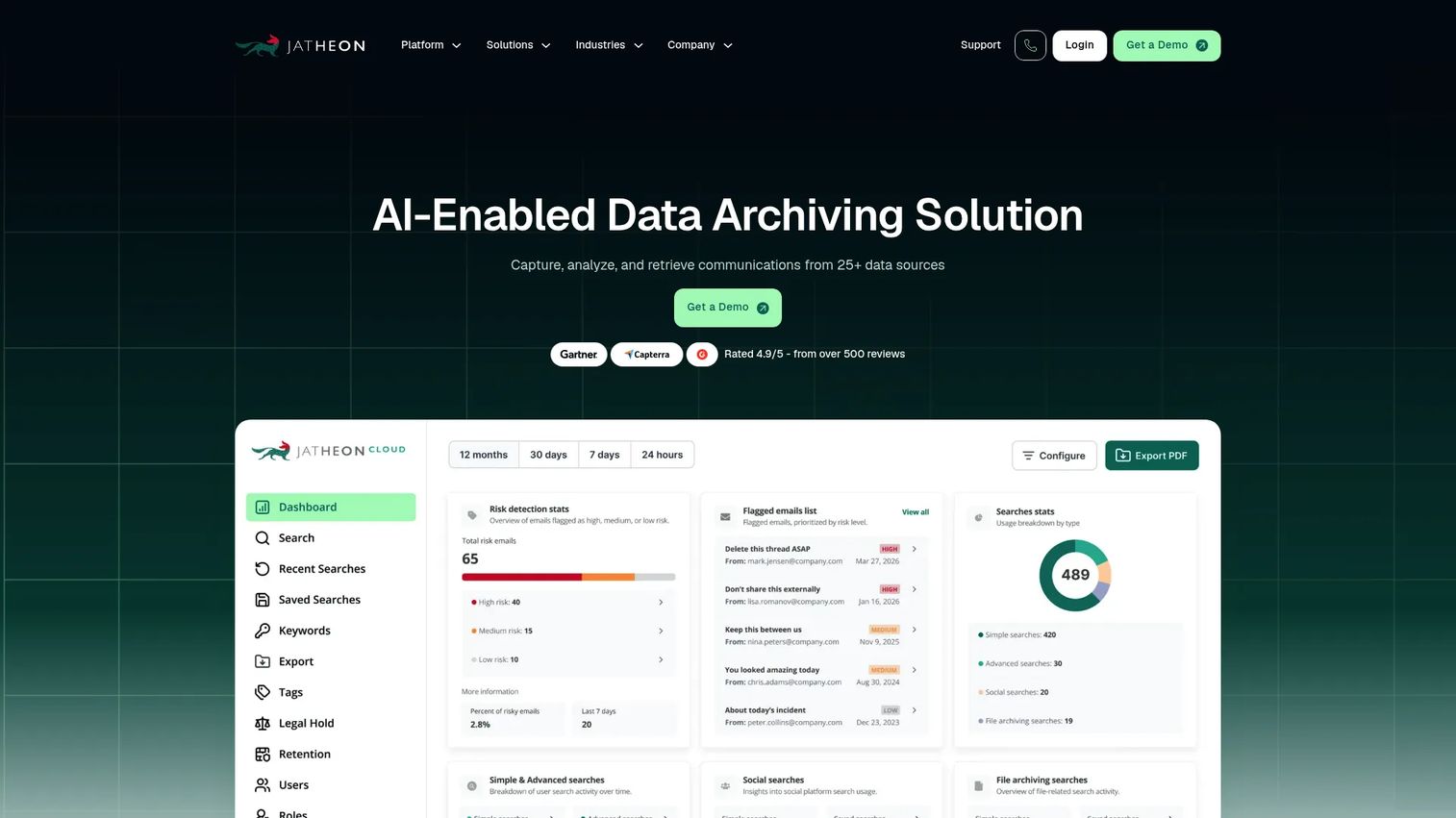
Jatheon Archiving Suite is an AI-enabled communications archiving platform available as a cloud or on-premises deployment. It covers email, social media, SMS, collaboration tools, websites, and files with advanced search, legal hold, redaction, defensible exports, and AI-assisted classification and sentiment analysis. Mid-market compliance teams that need more governance than mailbox exports provide, without starting a large enterprise transformation project, are its primary fit.
Best for: Mid-market compliance teams that need dedicated archive controls, broader communications coverage, and predictable per-user pricing.
Key features
- Multi-channel archiving for email, social media, SMS, collaboration, and files
- Advanced search, legal hold, audit trails, redaction, and defensible exports
- AI-assisted classification, monitoring, transcription, and sentiment analysis
- Cloud or on-premises deployment options
- Fixed per-user fee with multi-year prepaid discounts available
Why choose Jatheon Archiving Suite: The pricing model is unusual in this category: A fixed per-user fee gives compliance teams a predictable cost rather than a storage-variable or channel-variable bill. Before purchasing, verify which communication channel connectors are available for your specific tools and confirm whether your preferred deployment model (cloud or on-premises) is supported at your scale.
Jatheon Archiving Suite pricing: Pricing is provided through a formal quote based on user count and requirements. The platform uses a fixed per-user fee, with discounts for multi-year prepaid plans. Contact sales for current figures.
G2 rating: 4.7/5
12. Arctera Enterprise Vault
Arctera Enterprise Vault is enterprise archiving and information governance software built for large, complex retention environments. It covers mailbox archiving, file system and SharePoint archiving, retention management, classification, eDiscovery, and supervision through Discovery Accelerator and Compliance Accelerator modules. Organizations with inherited archive infrastructure, multi-source data requirements, and formal records programs use it to manage long-term governance at scale.
Best for: Enterprises managing complex archive environments, legacy data from multiple source systems, and extensive legal discovery obligations with experienced implementation resources.
Key features
- Mailbox archiving with retention management and classification
- File system and SharePoint archiving alongside email
- Discovery Accelerator for e-discovery case management
- Compliance Accelerator for supervision and policy monitoring
- Large-scale archive administration with role-based governance
Why choose Arctera Enterprise Vault: For a 50-person SaaS company without inherited IT complexity, this is likely more than you need. For organizations managing years of archive infrastructure, legacy systems, or a formal records management program, its depth is the point. Budget for experienced implementation resources: Arctera Enterprise Vault rewards teams that can operate it properly.
Arctera Enterprise Vault pricing: Contact sales for current commercial terms. Licensing varies by module, user count, and storage volume. Implementation costs should be factored into the total cost of ownership alongside license fees.
G2 rating: 4.2/5
Considerations when choosing email archiving software
Retention policy ownership
Decide who owns policy design before you buy software. Founders should assign responsibility across legal, IT, and operations, then document who has authority to change retention periods or release a legal hold. Software without a clear internal owner reverts to default settings nobody audited.
Native suite fit versus independent archive
Microsoft Purview and Google Vault can reduce tool count when your company standardizes on one productivity platform. Add a dedicated archive when you need communication coverage beyond email, a separate archive copy independent of the productivity suite, migration tooling for historical data, or specialized compliance workflows your native tool does not provide.
Search, export, and eDiscovery depth
Do not evaluate search quality with a single keyword test. Ask each vendor to demonstrate attachment search, date range filters, custodian-level holds, export formats, audit logs, and how a nontechnical reviewer accesses results. The reviewer workflow matters as much as the search engine. For context on how search quality differs across enterprise tools, the best enterprise search software guide walks through evaluation criteria that transfer well to archive search.
Data portability and migration terms
Archive data becomes hard to move after years of retention. Review export formats, metadata preservation, storage location, and contract exit terms before signing. The cost to extract data at end-of-contract can be substantial. Ask for a migration clause and test an export before going live. The cloud migration software roundup covers tools that handle archive migration as part of a broader move.
Total cost at your next headcount milestone
Pricing models across this category vary by mailbox count, storage volume, data sources, and contract length. A low entry price can change significantly after you add communication channels, increase headcount, or require advanced eDiscovery. Model cost at your current size and at your next two hiring milestones before selecting a tier. The best pricing software guide is unrelated to archiving, but the vendor evaluation questions it surfaces are worth adapting to any SaaS purchase.
How to choose the right email archiving software for your team
If you run Microsoft 365 and want the fewest new systems: Start with Microsoft Purview. It is the natural first evaluation when identity, mail, collaboration, retention, and eDiscovery already run through Microsoft 365. Move to a dedicated archive when you need independent storage, broader communications capture, or stronger migration support.
If you run Google Workspace and need baseline retention: Start with Google Vault. It covers the native Workspace environment well for most SaaS companies at this stage. Add a separate archive when historical data, external channels, or a specific governance requirement exceeds Vault's coverage.
If a customer, regulator, or legal team needs broader communication records: Shortlist Smarsh, Proofpoint Archive, Mimecast Cloud Archive, and Jatheon Archiving Suite. The decisive question is which communication sources must be retained, reviewed, and produced on demand.
If legacy archive data is slowing a migration: Shortlist Archive360 and Arctera Enterprise Vault. Bring a concrete inventory of source systems, mailbox volume, PST files, and legal holds into the first vendor call.
If you need practical archive control without enterprise program overhead: Evaluate MailStore Server, N-able Mail Assure, and Dropsuite. Clarify whether your team, an MSP, or a managed provider will own ongoing administration before comparing features.
Conclusion
Email archiving is a records and operating-model decision, not a mailbox storage purchase. The right tool for your stage depends on your productivity stack, the communication channels that create business records, and who will own retention and legal hold decisions after your next IT or legal hire.
Microsoft Purview is the logical first stop for Microsoft 365-first companies. Google Vault fits Google Workspace-native retention at this scale. Mimecast and Proofpoint suit security-led archive evaluations. Smarsh leads when communications retention reaches beyond email. Archive360 and Arctera Enterprise Vault belong on migration and enterprise-governance shortlists. MailStore Server, N-able Mail Assure, Dropsuite, Barracuda Message Archiver, and Jatheon cover different operational models across SMB, MSP, and mid-market requirements.
Pick three tools based on your productivity suite, communications scope, and legal discovery needs. Then require each vendor to demonstrate a real search, a legal hold, an export, and an offboarding workflow using your policy assumptions, not a canned demo.
Start your journey with Guideflow today!
FAQs
Backup focuses on recovering deleted, corrupted, or lost data. Archiving focuses on long-term preservation, searchable retrieval, retention rules, legal holds, and auditability. Many platforms market both capabilities, but the depth of each function varies significantly. Verify legal hold and eDiscovery features separately rather than assuming a backup platform handles both.
Microsoft 365 provides archive mailboxes, retention policies, eDiscovery, and related governance through Exchange Online and Microsoft Purview. The specific feature set depends on your license tier. Archive mailboxes and compliance features are not uniformly available across all Microsoft 365 plans, so confirm what your current subscription includes before relying on it for compliance workflows.
Google Vault supports retention rules, legal holds, search, and export for Gmail and other supported Workspace data. Vault is included with Business Plus and Enterprise editions but not with Starter or Standard plans. Check your current Workspace tier before assuming Vault is available in your environment.
Common categories include customer contracts, security and compliance communications, financial correspondence, employment records where retention policy requires it, and records of material operational decisions. Retention schedules should be set with legal counsel and calibrated to the jurisdictions and regulations relevant to your business, not copied from another company's policy.
Most platforms can retain communications after employee offboarding if policies and account workflows are configured correctly before the employee leaves. The critical operational work is setting archive ownership, access controls, and a documented deletion schedule at the policy level, not just at the account level. Configure this during onboarding, not offboarding.
The answer depends on your legal hold, eDiscovery, audit, and retention requirements. Backup protects against data loss. An archive provides a governed system for preserving records and producing them on demand. If a legal team or regulator asks you to produce specific communications with an audit trail, a backup restore is not the right answer. Evaluate whether your backup tool explicitly covers these functions before assuming coverage.
Evaluate capture method and source coverage, retention rule flexibility, search quality across attachments and metadata, legal hold depth, export formats and audit trails, security controls, data portability terms, and productivity suite integrations. Total cost at future headcount is a practical filter that narrows the list faster than a feature checklist. For more context on how cloud compliance tools fit alongside archiving, that guide covers the adjacent category.
Some platforms extend beyond email to cover collaboration and messaging channels, while others focus on mailboxes only. Smarsh, Proofpoint Archive, Mimecast, and Jatheon all address communication channels beyond email to varying degrees. Before comparing vendors, list every channel where your business creates records, then verify which channels each vendor captures under a standard contract versus a premium add-on.