Your campaign ideas live in five places: A Slack thread, a shared Google Sheet, someone's Notion page, a social scheduler, and your head. Deadlines slip not because the team is slow but because nobody owns the handoff between planning and publishing.
According to the Content Marketing Institute's 2026 B2B report, 97% of B2B marketers have a content strategy, yet 16% still cite developing a content plan as one of their top challenges. Strategy exists. Execution breaks down.
The fix is not adding another tool. It's picking the right one for your actual workflow bottleneck: Social scheduling, editorial planning, approval cycles, SEO briefs, or campaign coordination. This guide cuts through the noise so you can answer the question your CFO actually asks: What did content do for pipeline this quarter?
What's inside
This guide covers 21 content planning tools across social scheduling, SEO, editorial, agency delivery, and campaign operations.
- Who it's for: Growth marketers, social media managers, content teams, and agencies comparing content planning apps for 2026
- Selection criteria: Planning depth, collaboration features, publishing support, analytics quality, and pricing clarity
- What you'll find: Verified pricing, current G2 ratings, and use-case guidance so you can shortlist in one read
TL;DR
- Best for social-first planning with evergreen recycling: SocialBee handles category-based scheduling and keeps proven posts working longer
- Best for collaborative approvals: Planable gives agencies and multi-brand teams visual review without Slack chaos
- Best design-to-schedule workflow: Canva Content Planner eliminates the handoff between asset creation and publishing
- Best free social scheduler: Adobe Express Content Scheduler covers up to 1,000 posts per month on the free plan
- Best for campaign calendar management: CoSchedule ties marketing tasks, social publishing, and campaign timelines into one view
- Best for SEO-led editorial planning: SE Ranking connects keyword research directly to content production
- Best for enterprise social intelligence: Brandwatch combines planning with listening and consumer analytics at scale
What is content planning software?
Content planning software helps teams organize, assign, approve, schedule, publish, and measure content across channels from a shared calendar or workflow.
The category spans several tool types that serve overlapping needs:
- Social media schedulers: Queue and publish posts across platforms, often with calendar views and engagement analytics
- Editorial calendar tools: Manage blog, newsletter, and long-form content production from brief to publication
- Project management platforms: Handle tasks, timelines, dependencies, and cross-functional coordination for content teams
- SEO planning tools: Connect keyword research and SERP data to content briefs and optimization workflows
- Content operations platforms: Combine intake, production, approvals, publishing, and measurement into one system
Key features to look for
- Calendar views by channel and campaign
- Approval and review workflows
- Social media scheduling and publishing
- SEO brief generation and keyword integration
- Asset storage and file management
- Campaign tagging and status tracking
- Performance analytics beyond impressions
- Team permissions and role controls
- CMS and CRM integrations
- AI-assisted brief or caption generation
A content calendar shows what's going live and when. A content planning platform does the work around that calendar: Assigning ownership, managing feedback, automating publishing, and surfacing performance data. The difference matters when you're trying to move from "we have a plan" to "we can prove it worked."
When to use content planning tools
Coordinate campaigns across channels
When one campaign spans blog posts, social promotion, email, and paid ads, a shared calendar prevents the scenario where the social post goes live before the landing page is ready. Content planning tools let you map dependencies, set owners, and see channel gaps before they become missed opportunities.
Replace spreadsheet-driven publishing
Spreadsheets break down the moment more than one person needs to update them simultaneously. If your team is copying captions between tabs, chasing approvals over email, and manually updating publish dates, a purpose-built content planning app removes that overhead. The switch pays off when you have more than two people touching the same content workflow.
Connect planning to performance
Publishing on schedule is not the goal. Generating traffic, qualified leads, or influenced pipeline is. Content planning software that surfaces engagement, click, and conversion data alongside your calendar gives you the evidence to defend budget and prioritize what gets made next.
Content planning tools comparison
The table below summarizes all 21 tools by use case, key differentiator, pricing, and G2 rating. Pricing reflects each vendor's current pricing page; G2 ratings reflect current listings. Tools are ordered by workflow relevance, starting with social-first planners and moving toward SEO, editorial, project management, and specialized platforms.
| # | Product | Best for | Key differentiator | Pricing | G2 rating |
|---|---|---|---|---|---|
| 1 | SocialBee | Social scheduling and evergreen recycling | Category-based content queues | From $29/mo | 4.7/5 |
| 2 | Planable | Collaborative approvals and multi-brand social | Visual calendar with approval workflows | From $33/workspace/mo | 4.6/5 |
| 3 | Canva Content Planner | Design-to-schedule workflow | Native scheduling inside Canva designs | Free; Pro from $144/yr | 4.7/5 |
| 4 | Adobe Express Content Scheduler | Free social scheduling from a creative workspace | 1,000 posts/mo on free plan | Free; Premium $9.99/mo | 4.6 |
| 5 | CoSchedule | Marketing calendar management | Campaign calendar built for marketing teams | Free plan; paid from $29/mo | 4.4/5 |
| 6 | StoryChief | Multichannel editorial planning and publishing | Blog, social, and content distribution together | From €49/mo | 4.6/5 |
| 7 | HubSpot Marketing Hub | Campaign planning tied to CRM | Planning, automation, and attribution in CRM | Free; Starter from $7/seat/mo | 4.4/5 |
| 8 | Notion | Flexible editorial workspace | Custom databases, docs, and calendar views | Free; Plus from $10/member/mo | 4.6/5 |
| 9 | Trello | Simple visual content boards | Kanban boards with low setup effort | Free; Standard from $5/user/mo | 4.4/5 |
| 10 | Asana | Cross-functional content workflows | Tasks, timelines, dependencies, and approvals | Free; Starter from $10.99/user/mo | 4.4/5 |
| 11 | ClickUp | Customizable content operations | Docs, tasks, dashboards, and automations | Free; Core from $9/user/mo | 4.6/5 |
| 12 | Monday | Marketing operations visibility | Custom boards and campaign dashboards | Free; Basic from $9/seat/mo | 4.7/5 |
| 13 | ProofHub | Content project management with proofing | Built-in file proofing and flat-rate pricing | From $45/mo (unlimited users) | 4.6/5 |
| 14 | Loomly | Social media calendars with post guidance | Post ideas, optimization tips, and scheduling | From $65/mo | 4.6/5 |
| 15 | MeetEdgar | Evergreen social content recycling | Automated content library with resharing | From $24.91/mo | 4.3/5 |
| 16 | Narrato | AI-assisted content workflow | Content briefs, AI writing, and collaboration | No current pricing available | 3.7 |
| 17 | Content Snare | Content intake and collection | Structured client and stakeholder input forms | From $143/mo | 4.7/5 |
| 18 | Brandwatch | Enterprise social planning and intelligence | Social listening across 100M+ sources | Custom pricing | 4.2/5 |
| 19 | SE Ranking | SEO content planning | Keyword research tied to content editor | From $103.20/mo | 4.7/5 |
| 20 | Brafton | Content marketing operations and services | Strategy, creation, and calendar support | Platform from $100/mo | 4.9/5 |
| 21 | Teamwork | Agency content delivery and profitability | Client work management with time and billing | Free; Basics from $9.99/user/mo | 4.4/5 |
Best 21 content planning tools for 2026
1. SocialBee
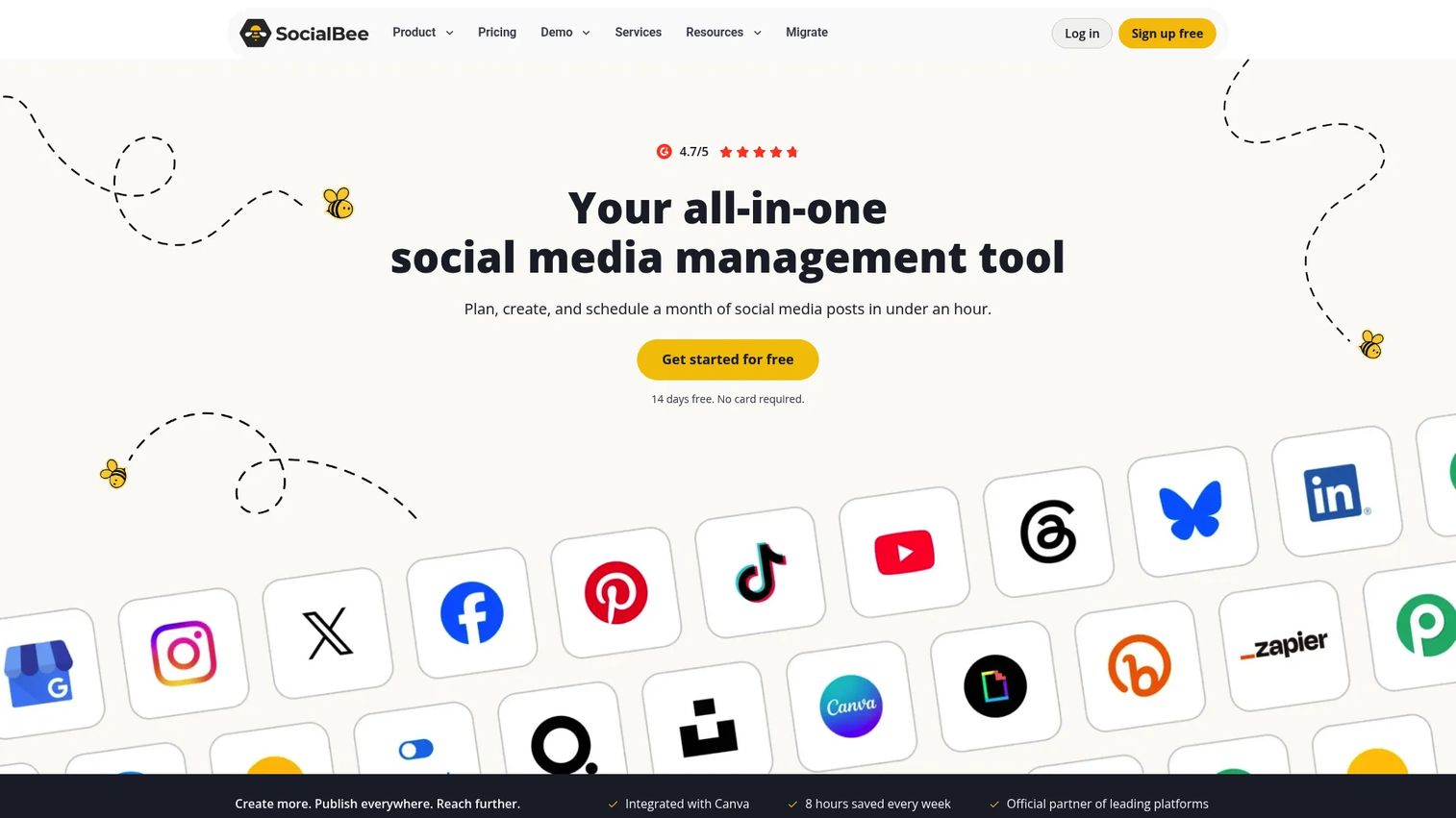
SocialBee is an AI-powered social media management platform for creating, scheduling, analyzing, and engaging across multiple networks. Its defining feature is a category-based content calendar that groups posts by type, letting you schedule evergreen content once and have it recycle automatically. The platform supports multiple social profiles with varying limits across plans.
Best for: Small and mid-sized marketing teams that need to publish consistently across social channels without manually rebuilding queues.
Key features
- Category-based content calendar with evergreen recycling
- AI Copilot for caption and content generation
- Multi-network scheduling and publishing
- Social media analytics and audience growth tracking
- Team collaboration tools and workspaces
Why choose SocialBee: It fits marketers who rely on content that keeps performing over time. The category system means your best-performing posts stay in rotation without manual intervention, which is a real time-saver for small teams managing several profiles.
SocialBee pricing: Plans start at $29/month billed monthly (Bootstrap) or $24/month on an annual plan. The Bootstrap tier supports 5 social profiles; higher plans scale to 150 profiles. A 14-day free trial is available with no credit card required.
G2 rating: 4.7/5
2. Planable
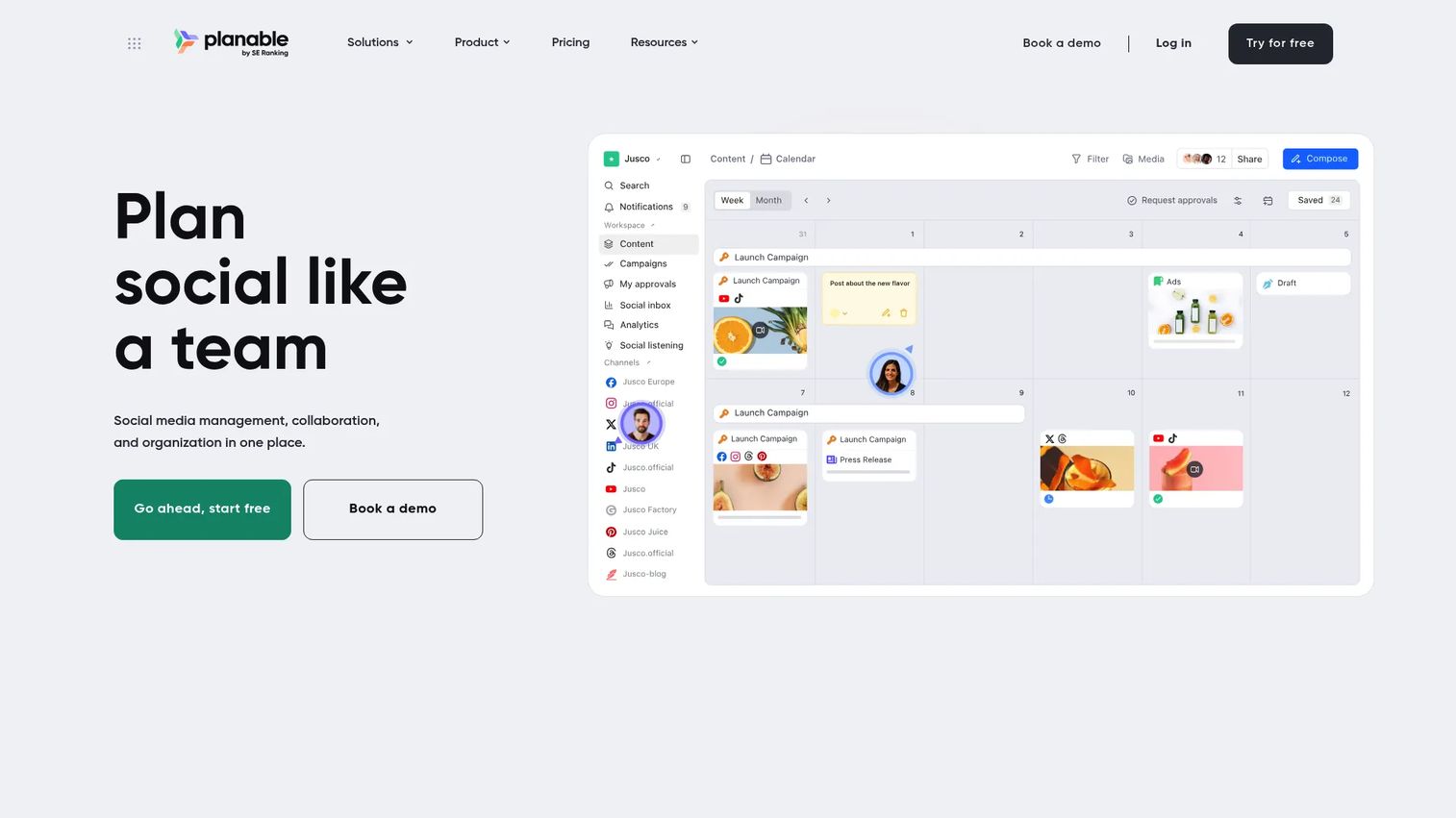
Planable is a social media management and collaboration platform focused on content creation, review, approval, scheduling, and publishing. It gives teams a visual calendar with Feed, Grid, List, and Calendar views so everyone sees the content exactly as it will appear before it goes live.
Best for: Agencies and multi-brand teams that need structured approval workflows before publishing to social.
Key features
- Visual content calendar with multiple view formats
- Approval workflows with multi-level review options
- Inline comments and team feedback on posts
- Multi-brand workspaces and labels
- Analytics, social inbox, and listening as add-ons
Why choose Planable: If approval chaos is your bottleneck, Planable solves it with a clear review status system. Clients and stakeholders can approve directly in the platform instead of through email threads, which cuts review cycles significantly.
Planable pricing: Basic is $33 per workspace per month (60 posts, 4 social pages). Pro is $49 per workspace per month (150 posts, 10 social pages). Enterprise uses custom pricing with unlimited posts and multi-level approvals. A free trial covering 50 posts is available.
G2 rating: 4.6/5
3. Canva Content Planner
Canva Content Planner integrates social media planning and scheduling directly into the Canva design workspace. You build your post, add a caption, connect your social accounts, and schedule it without switching tools. The calendar view shows what's queued and what's been published across connected channels.
Best for: Marketing teams and creators who design social assets in Canva and want fewer handoffs between creation and publishing.
Key features
- Plan and schedule posts from inside Canva designs
- Connect and publish to social accounts directly
- Brand kit support across scheduled content
- Calendar view with scheduling by date and time
- Content insights for published posts
Why choose Canva Content Planner: When design is the bottleneck, keeping creation and scheduling in the same workflow removes friction. It won't replace a dedicated social media management platform for teams running complex approval cycles, but it's the right call if Canva is already where your assets live.
Canva Content Planner pricing: Content Planner scheduling is included in Canva Pro ($144/year for one person) and Canva Business ($250/year per person). Canva Free is available at no cost, with scheduling on Pro and above. Enterprise pricing requires contacting Canva sales.
G2 rating: 4.7/5
4. Adobe Express Content Scheduler
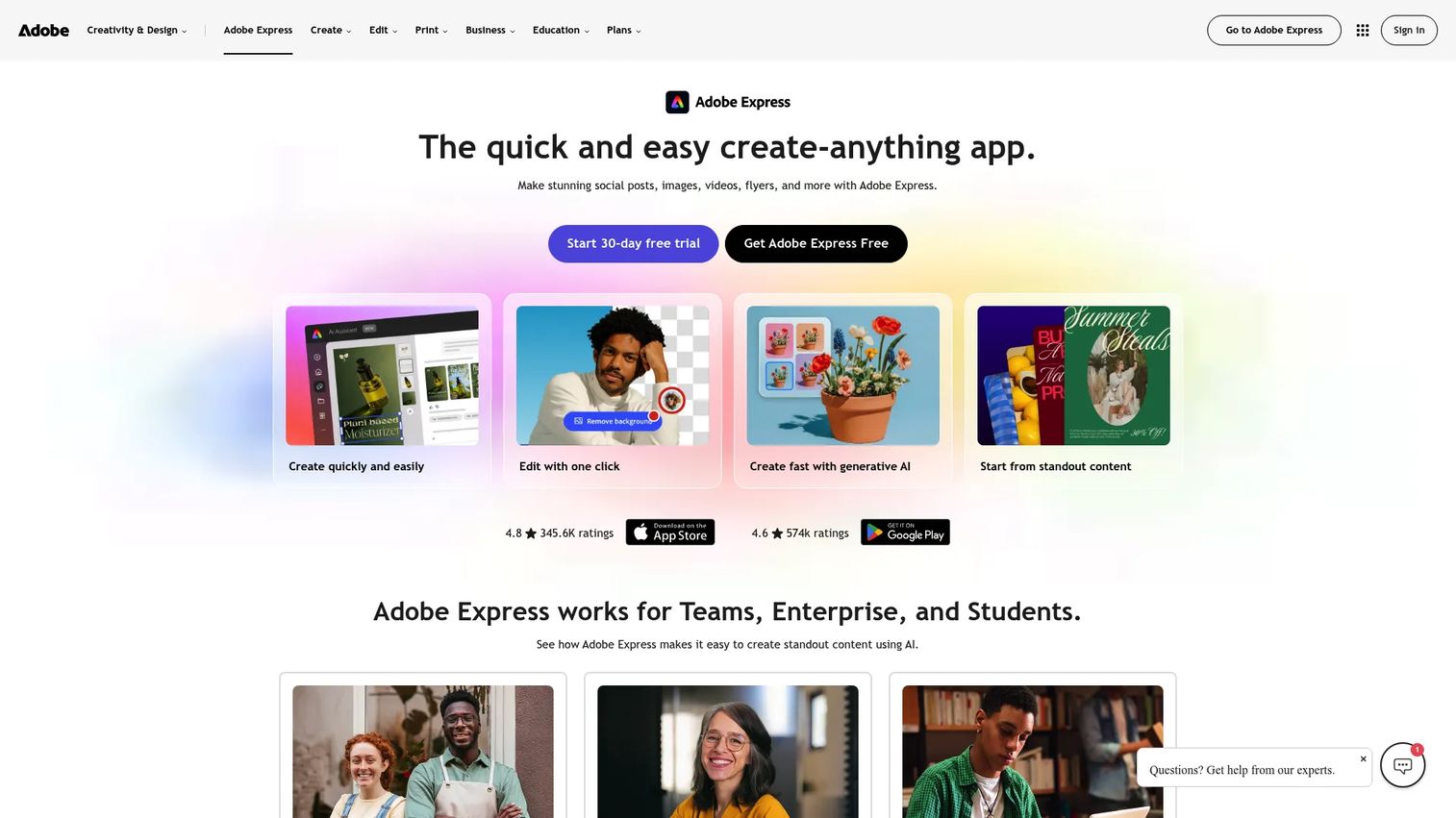
Adobe Express Content Scheduler is a social content planning, creation, and scheduling tool built into Adobe Express. You can draft posts, preview them before publishing, generate captions with AI, and schedule across TikTok, Instagram, Facebook, X, Pinterest, LinkedIn, and YouTube. The free plan allows up to 1,000 posts per month with one account per social network.
Best for: Small teams and creators that need creative production and basic scheduling without paying for a separate social media tool.
Key features
- Draft, organize, and schedule posts via calendar view
- AI-generated social captions with account tagging
- Publish to seven major social platforms
- Mobile app support for scheduling on the go
- Up to three accounts per network on Premium
Why choose Adobe Express Content Scheduler: The free plan is genuinely useful, covering 1,000 posts per month across a wide channel range. If you're already in the Adobe ecosystem for design work, adding scheduling here avoids another subscription.
Adobe Express Content Scheduler pricing: The free plan includes the content scheduler with one account per social network. Premium is $9.99/month billed monthly, adding three accounts per network plus expanded creative features. Adobe Creative Cloud Pro is $19.99/month (promotional) or $69.99/month (standard), billed annually.
G2 rating: 4.6
5. CoSchedule
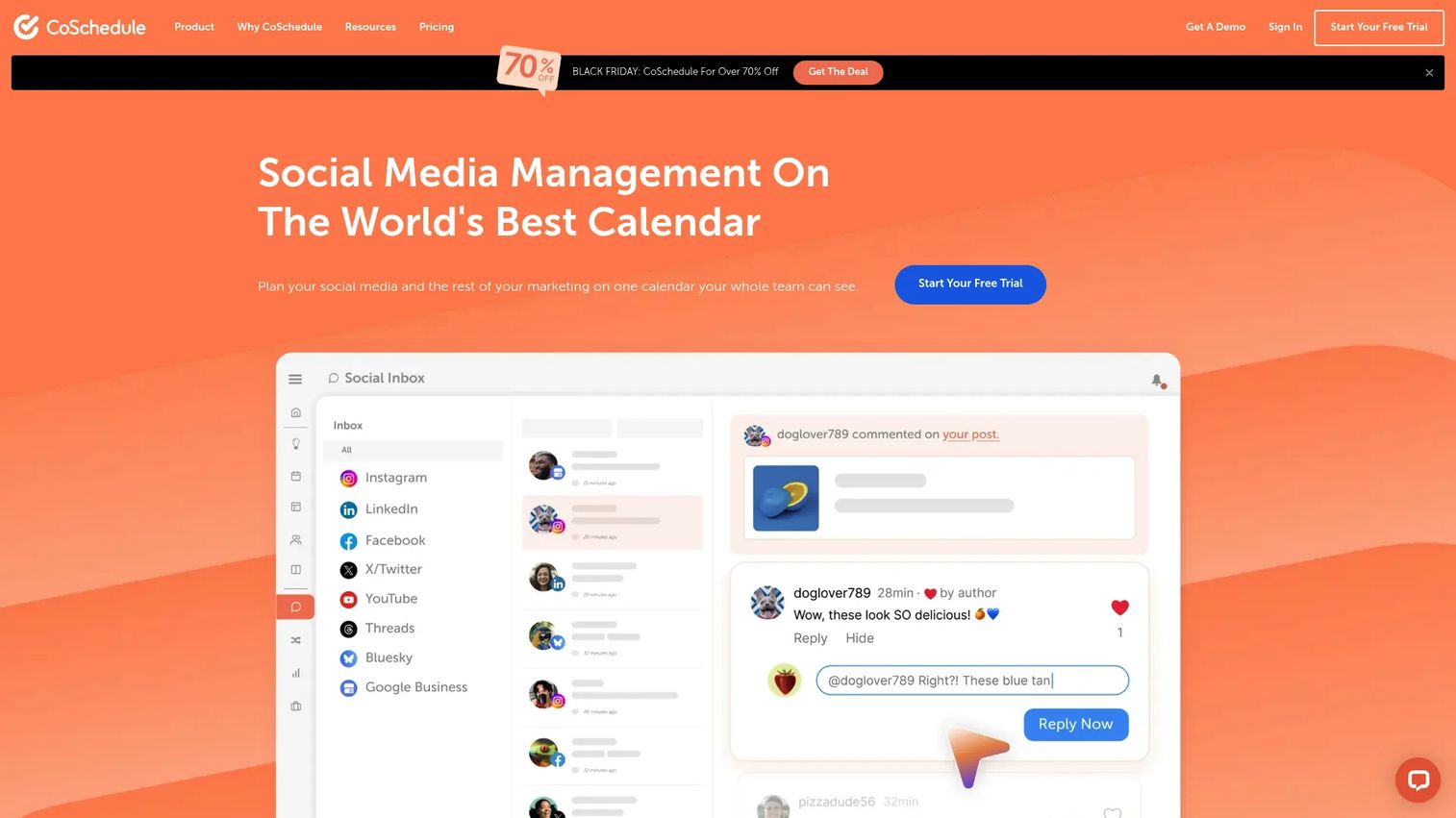
CoSchedule is social media management and marketing planning software built around a shared calendar. Beyond social scheduling, it supports campaign organization, social inbox management for comments and mentions, and reporting. The marketing calendar view lets teams see social posts, campaigns, and tasks in one place.
Best for: Marketing teams and agencies coordinating campaigns, publishing, and social engagement from a central marketing calendar.
Key features
- Drag-and-drop marketing calendar
- Social media scheduling and publishing
- Social inbox for comments, mentions, and messages
- Social media analytics and reporting
- AI social and campaign assistants
Why choose CoSchedule: It suits teams where the planning problem is campaign visibility, not just social queuing. The calendar-first design helps marketing managers see dependencies across channels before they cause missed launches.
CoSchedule pricing: A free plan supports scheduling up to 15 posts at a time on 1 profile. Starter is $29/month billed annually (or $39/month billed monthly). Professional is $49/month billed annually (or $59/month billed monthly). Suite plans start at $69/month on custom terms.
G2 rating: 4.4/5
6. StoryChief
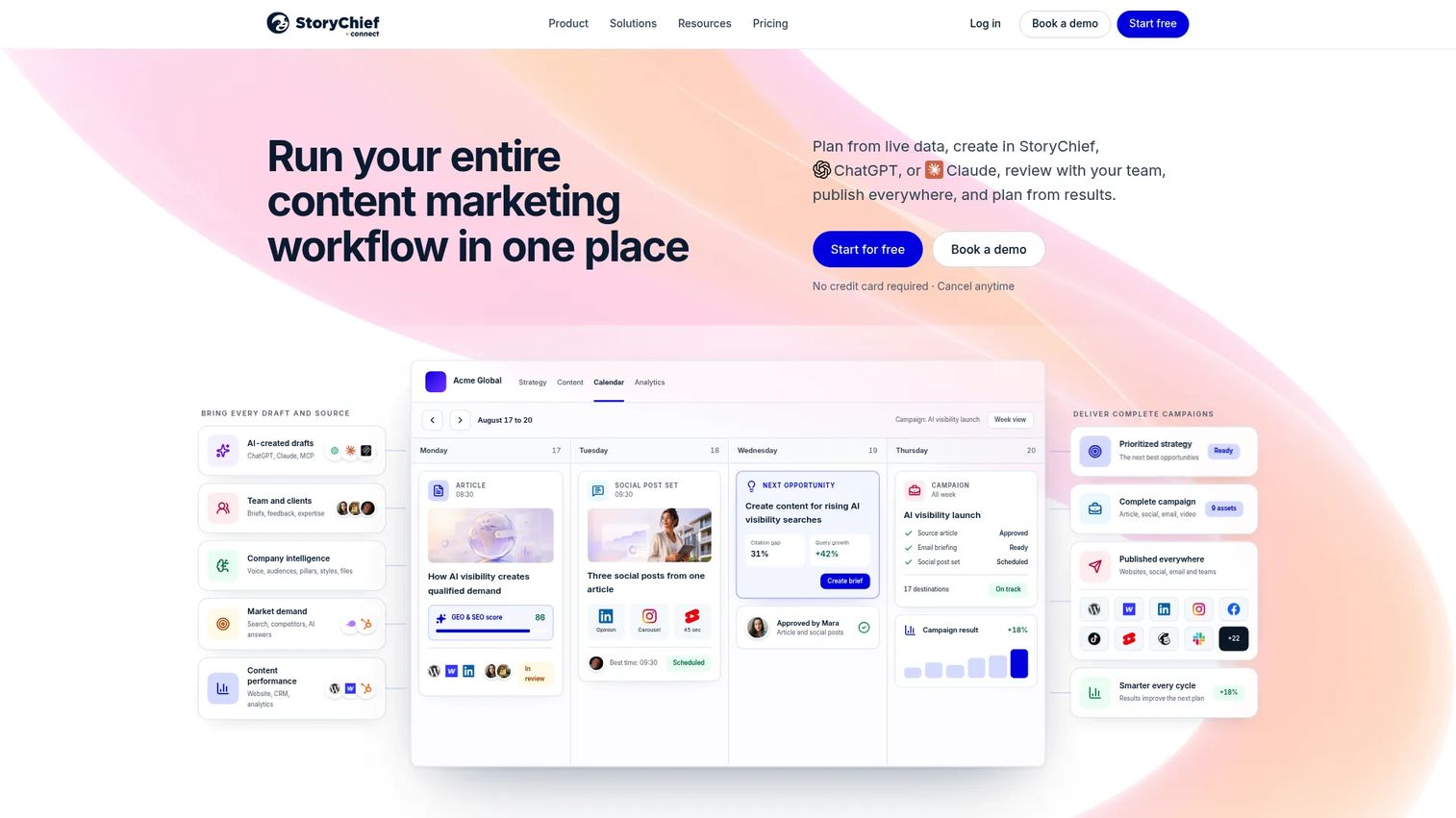
StoryChief is a content marketing platform for planning, creating, collaborating on, publishing, and measuring articles and social content. Its multichannel publishing integration lets you push content to blogs, social networks, and content distribution partners in one workflow. AI tools assist with research, writing, and content audits.
Best for: B2B marketing teams and content agencies that publish across blogs, social, and newsletters and need planning and distribution together.
Key features
- Editorial calendar with scheduling and collaboration
- Multichannel publishing and channel integrations
- AI-assisted writing, ideation, and content audits
- Approval workflows and team comments
- SEO, social, and AI-visibility analytics
Why choose StoryChief: It addresses the specific pain of managing long-form editorial content alongside social promotion. Teams that want one workflow from brief to published post to distribution report will find it more purpose-built than a general project management tool.
StoryChief pricing: Starter is €49/month (€588/year). Growth is €249/month. Scale is €399/month. The Agency plan is €79/month per workspace. Enterprise starts above €1,000/month. A free trial is available.
G2 rating: 4.6/5
7. HubSpot Marketing Hub
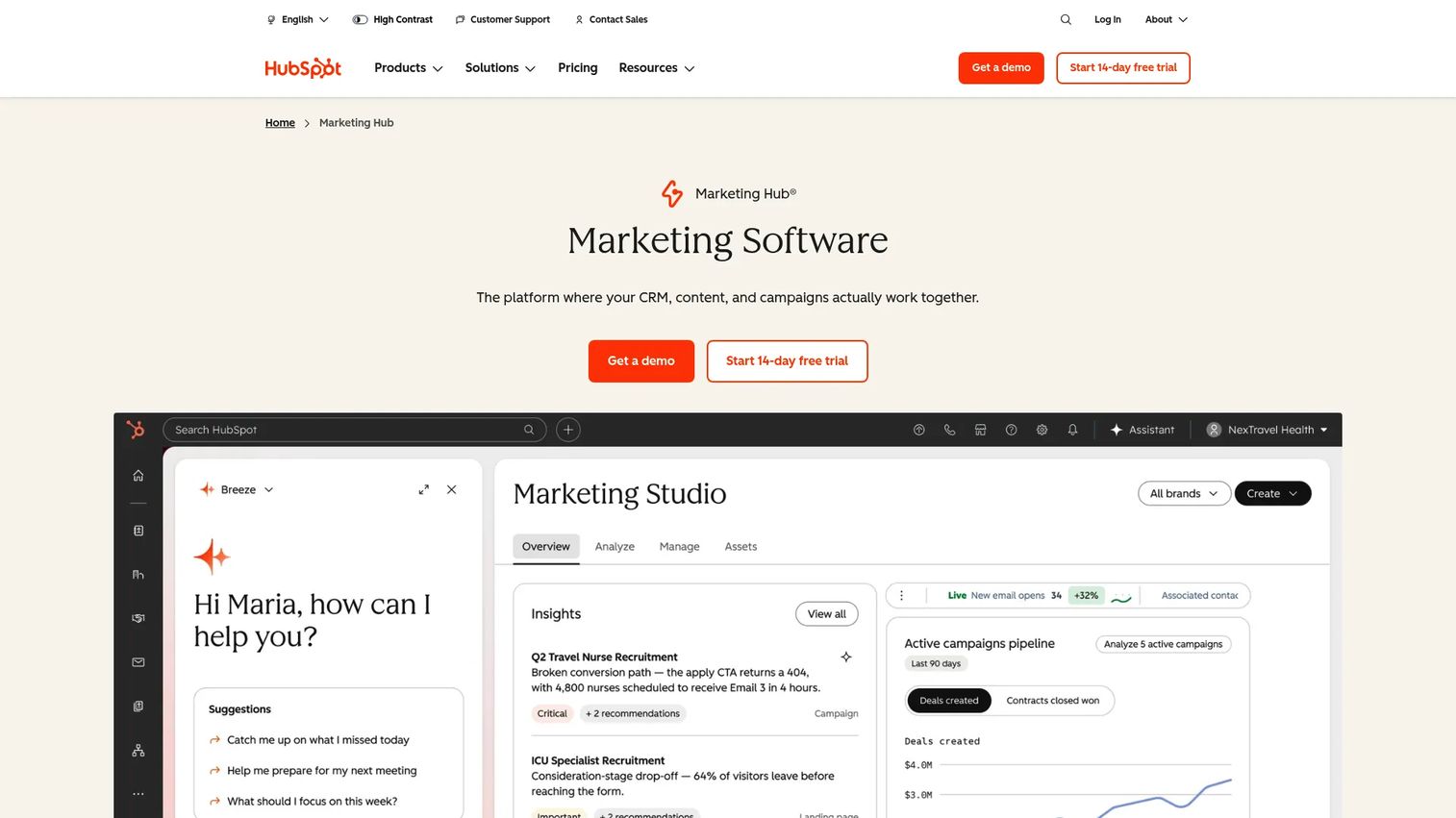
HubSpot Marketing Hub is marketing software for generating leads, automating campaigns, managing social media, and measuring performance. The campaign management tools connect content activity to lead capture, nurture workflows, and attribution reporting inside the same CRM used by sales. If proving pipeline impact is your goal, that connection matters.
Best for: Growth teams that need content planning connected to lead capture, marketing automation, and revenue attribution.
Key features
- Campaign management with attribution reporting
- Social media management and publishing
- Marketing automation and email workflows
- Landing pages and forms
- Custom reporting dashboards tied to CRM data
Why choose HubSpot Marketing Hub: The case for HubSpot is attribution. When your content calendar lives next to your lead data and deal pipeline, you can answer "what did that blog post do for revenue?" without stitching together data from four sources.
HubSpot Marketing Hub pricing: Free tools are available at $0/month. Starter is $7/seat/month (promotional) or $20/seat/month (standard). Professional is $800/month (promotional) or $890/month (standard), billed annually, plus a required $3,000 onboarding fee. Enterprise is $3,600/month annually, plus a $7,000 onboarding fee.
G2 rating: 4.4/5
8. Notion
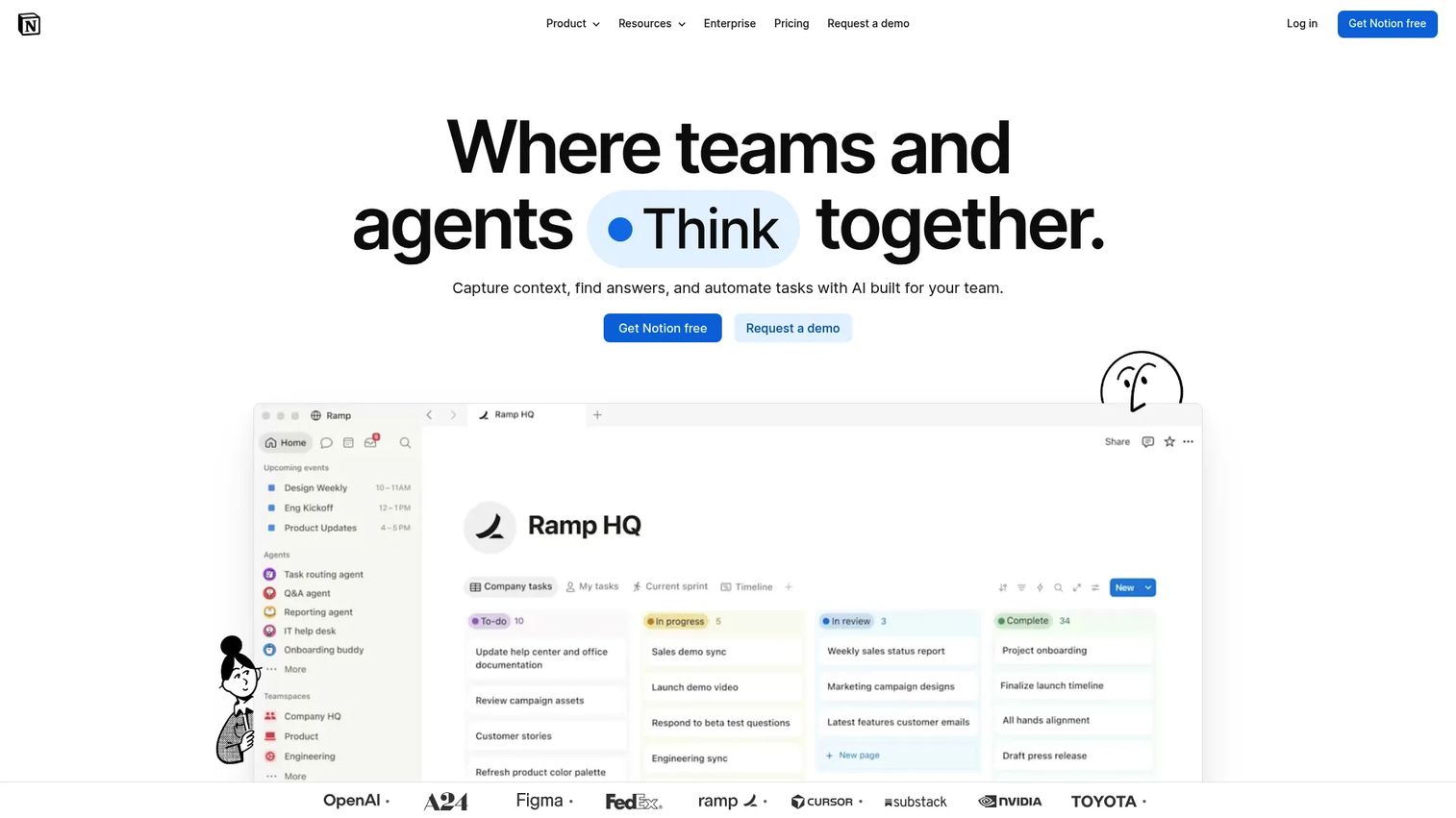
Notion is an AI-powered connected workspace for documentation, knowledge management, project tracking, and collaboration. For content teams, the value is a fully customizable editorial workspace: Database views for content calendars, doc templates for briefs, and automations for status updates. It doesn't publish to social channels natively, but it covers planning, brief creation, and cross-team collaboration well.
Best for: Content teams that want a customizable planning workspace and are comfortable building their own workflow structure.
Key features
- Custom content databases with calendar, table, and board views
- Doc and template library for briefs and content planning
- Real-time collaboration and inline comments
- Database automations for status workflows
- AI features for research, drafting, and meeting notes
Why choose Notion: Notion rewards teams willing to invest setup time. If your current workflow is scattered across Google Docs, spreadsheets, and task apps, consolidating into a Notion workspace can cut context switching. It's the wrong choice for teams that need social publishing or approval workflows built in.
Notion pricing: Free plan available for individuals. Plus is $10/member/month. Business is $20/member/month. Enterprise pricing requires contacting Notion.
G2 rating: 4.6/5
9. Trello
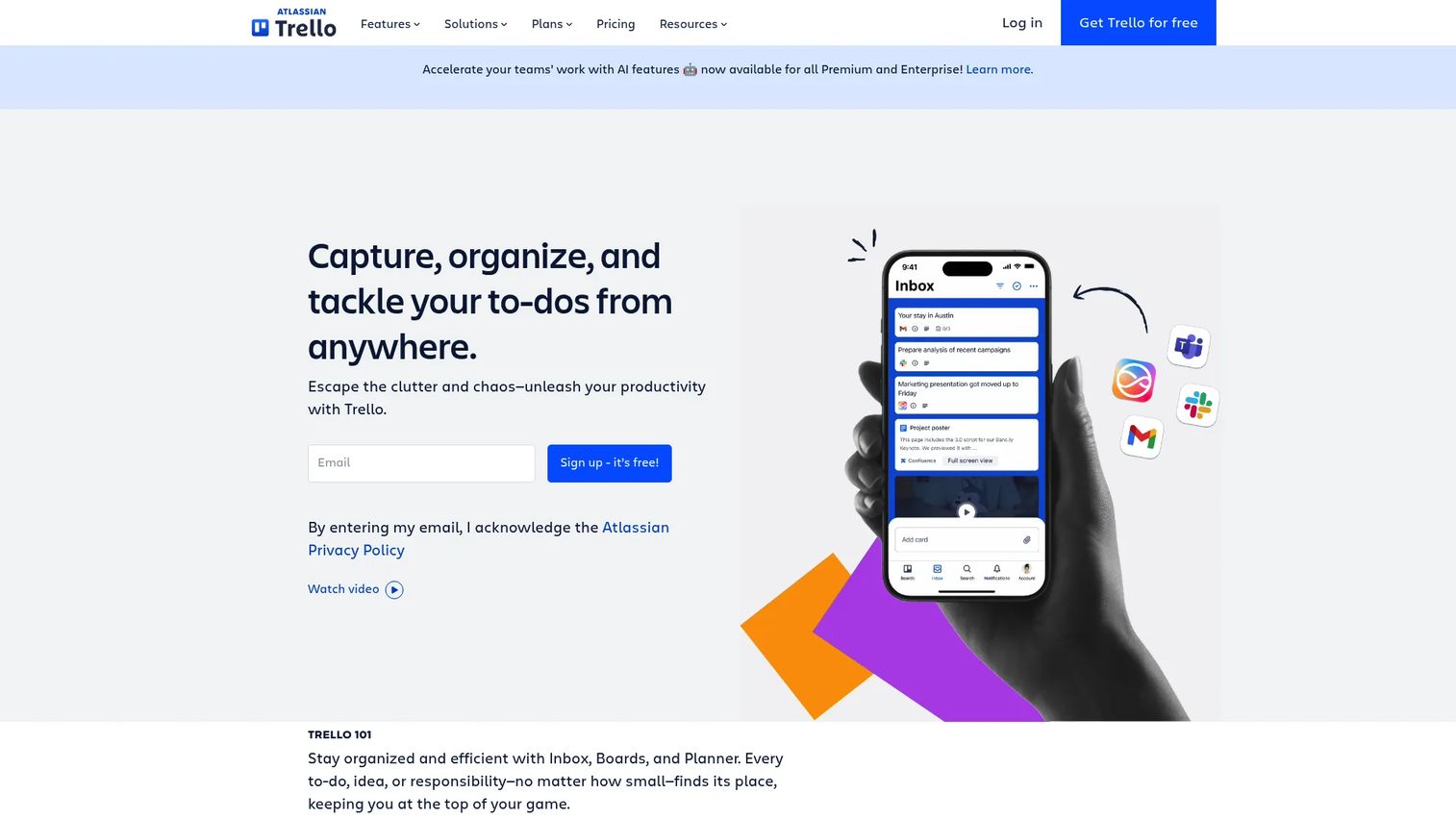
Trello is a visual work management platform using Kanban boards, cards, checklists, and due dates. For content teams, it works as a lightweight editorial board where cards represent posts or articles moving through stages from idea to published. The Calendar view and Butler automation expand what's possible without custom development.
Best for: Small teams that need a quick, visual content board with minimal setup.
Key features
- Visual Kanban boards for content workflow
- Due dates, checklists, and card labels
- Calendar view for deadline planning
- Built-in workflow automation (Butler)
- Power-Ups for extended functionality
Why choose Trello: The free plan covers most small team needs and setup takes minutes rather than days. When a team outgrows it, the main limitation is analytics and cross-project reporting rather than core planning functionality.
Trello pricing: Free plan available (up to 10 collaborators per workspace). Standard is $5/user/month billed annually ($6/month billed monthly). Premium is $10/user/month billed annually ($12.50/month billed monthly). Enterprise is $17.50/user/month billed annually.
G2 rating: 4.4/5
10. Asana
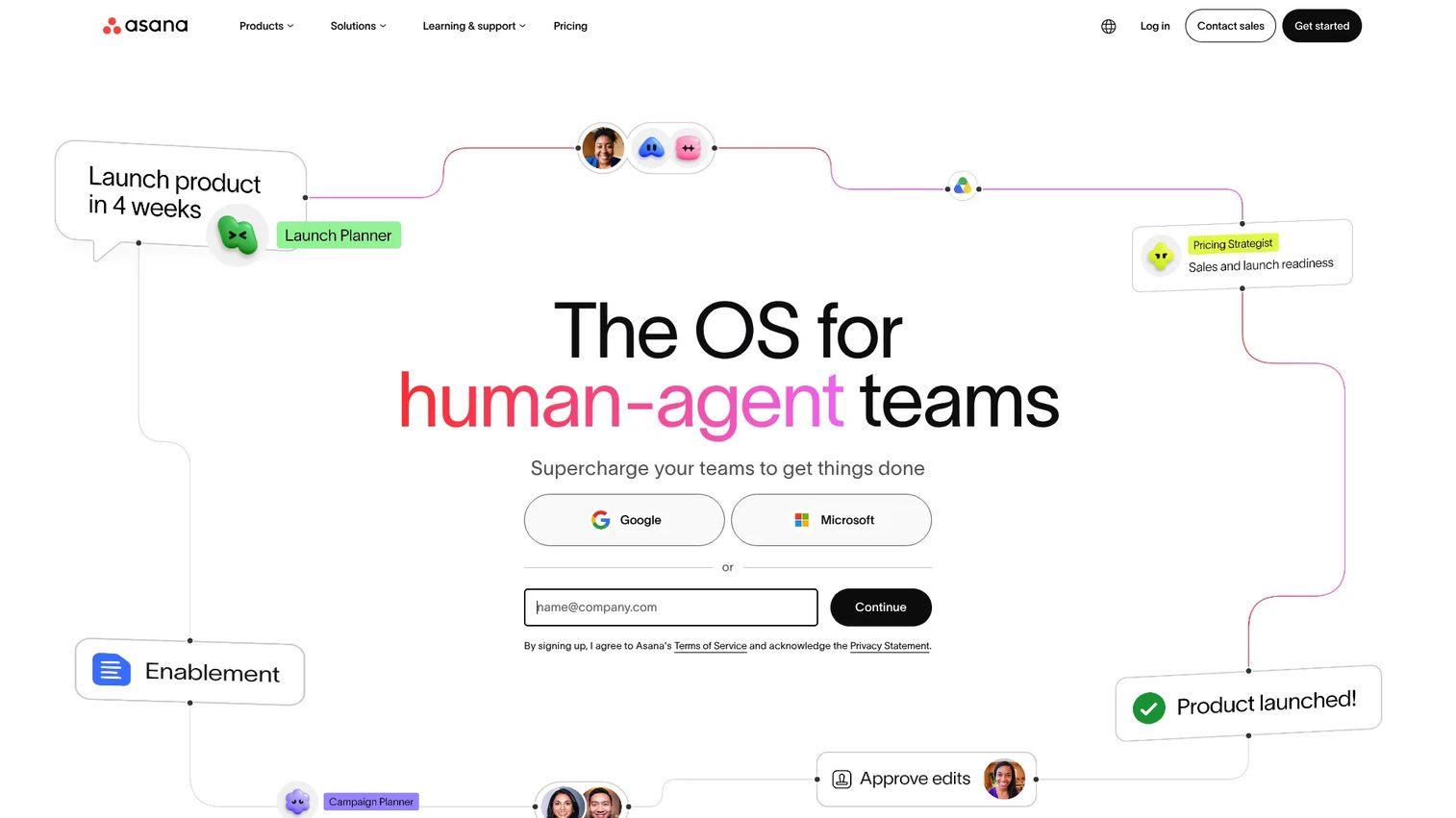
Asana is a work management platform for managing projects, workflows, and cross-functional collaboration. For content teams, it handles editorial calendars alongside design production, campaign launches, and cross-departmental reviews. Timeline view, task dependencies, and intake forms make it suited for content workflows that touch multiple teams.
Best for: Marketing teams managing content alongside design production, campaign launches, and multi-stakeholder reviews.
Key features
- Timeline, Gantt, Kanban, and calendar views
- Task dependencies and approval workflows
- Intake forms for content requests
- Portfolio and workload management
- Reporting dashboards tied to goals
Why choose Asana: It earns its place when content planning is part of a larger campaign execution system. If your editorial calendar sits alongside creative briefs, campaign tasks, and launch checklists, Asana's cross-project views become genuinely useful rather than overhead.
Asana pricing: Personal plan is free. Starter is $10.99/user/month billed annually. Advanced is $24.99/user/month billed annually. Enterprise pricing requires contacting Asana.
G2 rating: 4.4/5
11. ClickUp
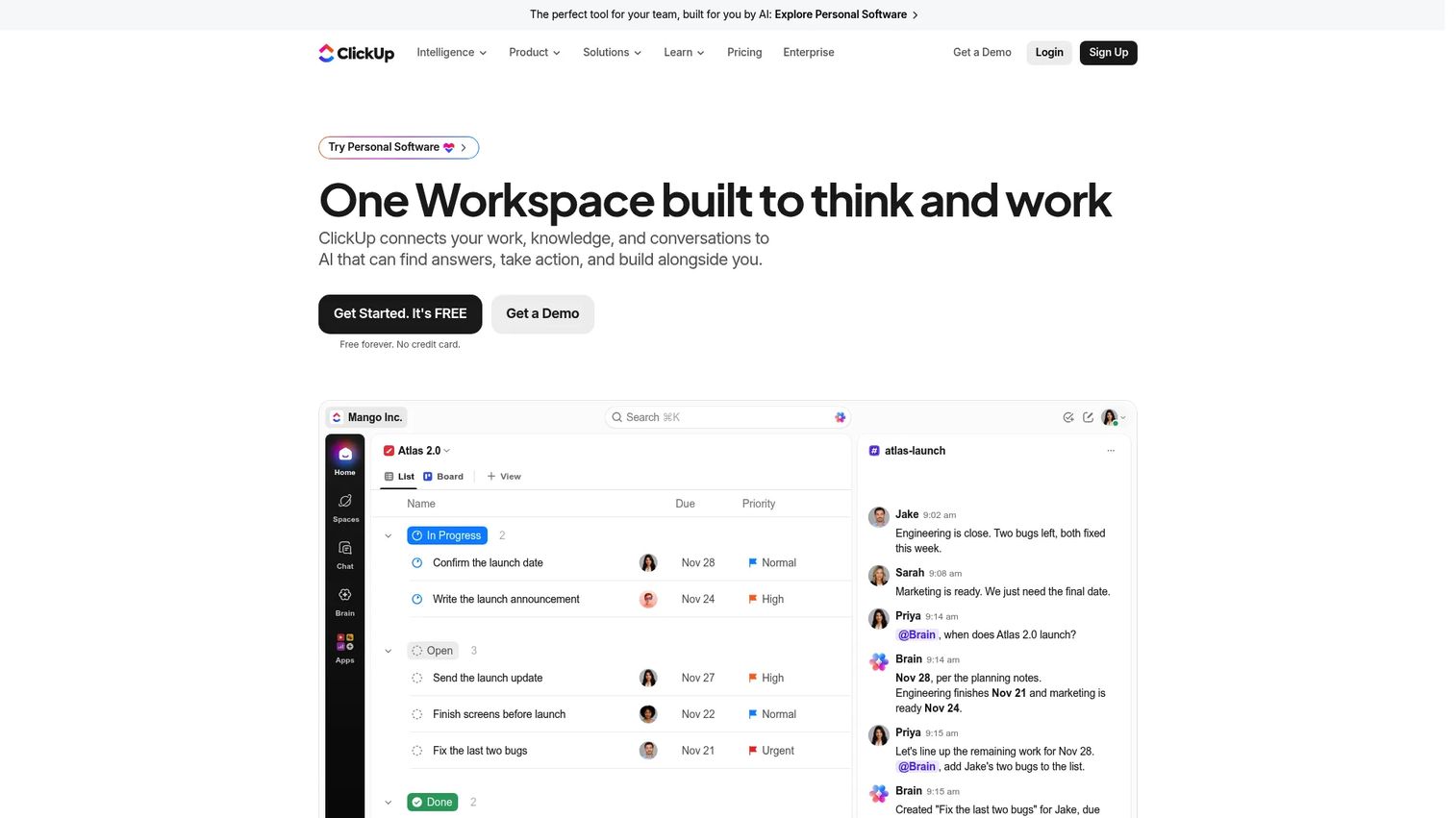
ClickUp is a work management platform combining tasks, Docs, chat, dashboards, automation, and time tracking. For content operations, its strength is configurability: Custom statuses, automations that trigger when content moves through stages, and dashboards that surface production metrics without manual reporting.
Best for: Marketing teams that want a highly configurable content operations workspace and are prepared to invest in setup.
Key features
- Custom statuses for each content workflow stage
- Docs and wikis for briefs and templates
- Calendar, Gantt, and list views
- Workflow automations for stage transitions
- Dashboards with custom reporting
Why choose ClickUp: The free plan is generous and the paid tiers are competitively priced. The trade-off is setup time: ClickUp rewards teams that build their workflow deliberately. Teams that want something ready out of the box will find the configuration options more intimidating than helpful at first.
ClickUp pricing: Free Forever plan available. Core is $9/user/month billed annually. Business is $17/user/month billed annually. Max is $100/user/month billed annually. Enterprise uses custom pricing.
G2 rating: 4.6/5
12. Monday
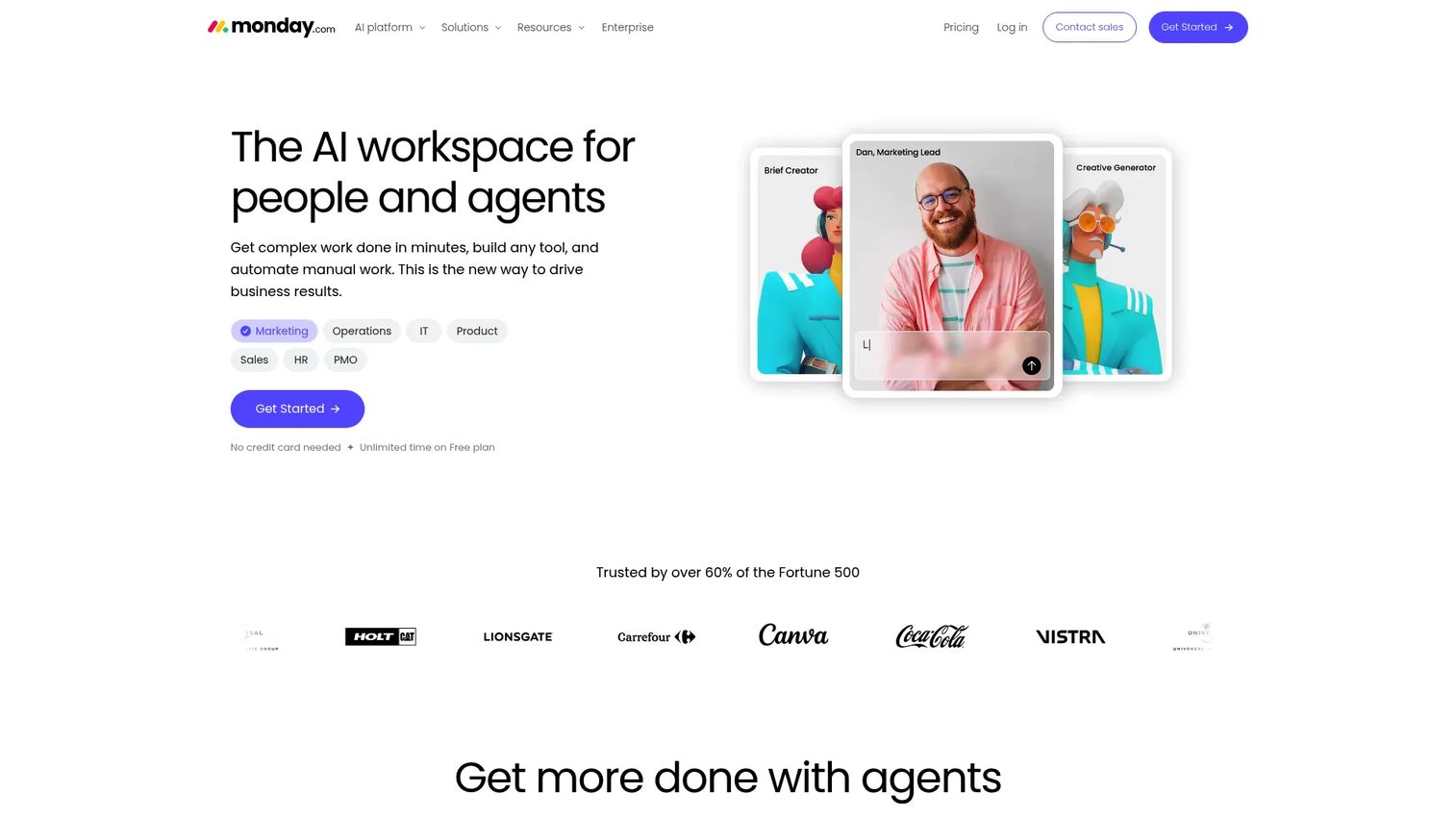
Monday is an AI work platform for managing projects, workflows, and cross-functional operations. For marketing teams, the value is visibility: Custom boards for campaign tracking, timeline views for planning, and dashboards that show status across all active work. Automation handles routine status updates so managers spend time reviewing rather than chasing.
Best for: Marketing operations teams that need executive-level visibility across campaigns, deliverables, and content production.
Key features
- Custom campaign boards with flexible column types
- Timeline views and Gantt charts
- Workflow automations for approvals and status updates
- Dashboards with aggregated reporting
- Approval tracking and stakeholder access controls
Why choose Monday: It suits teams where visibility is the core need: Leadership wants to see campaign status at a glance, and content is one part of a broader marketing operation. Teams that need purpose-built social scheduling will want to pair it with a dedicated scheduler.
Monday pricing: Free plan available. Basic is $9/seat/month billed annually. Standard is $12/seat/month billed annually. Pro is $19/seat/month billed annually. Enterprise uses custom pricing. Minimum seat counts apply on paid plans.
G2 rating: 4.7/5
13. ProofHub
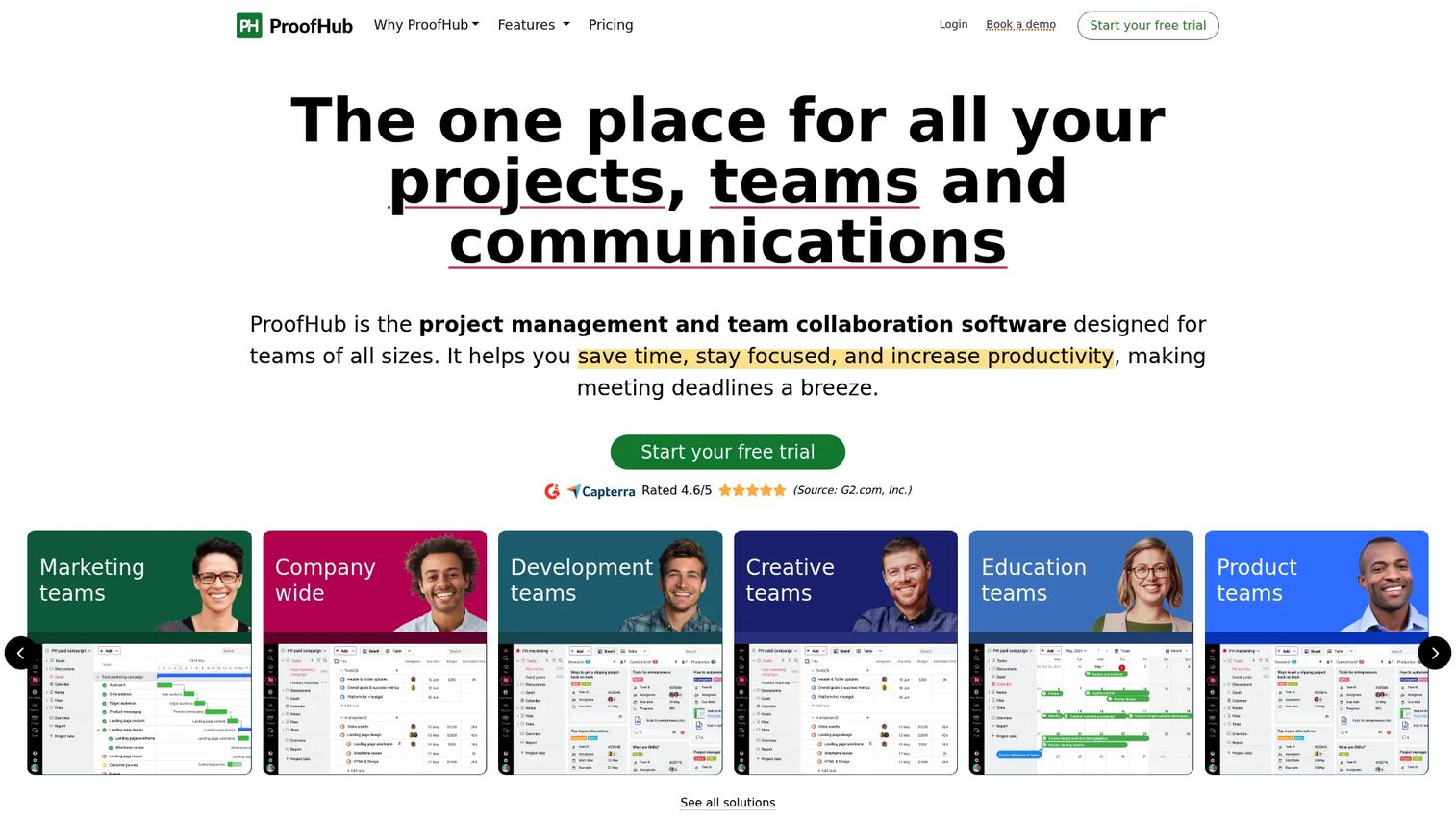
ProofHub is project management and team collaboration software with built-in file proofing, annotations, and approval workflows. The flat-rate pricing model, covering unlimited users on a single plan price, makes it appealing for growing teams where per-seat costs become painful.
Best for: Teams managing heavy visual asset review cycles, PDFs, and campaign deliverables that need markup and approval tracking.
Key features
- Online file proofing with annotations and markups
- Task management with Kanban boards and Gantt charts
- Discussion threads and team chat
- Content calendar with deadline tracking
- File approvals and version history
Why choose ProofHub: The file proofing capability is what separates it from general project management tools. If your content workflow involves reviewing banner ads, PDFs, or video scripts with multiple approvers, having proofing built in removes the need for a separate annotation tool.
ProofHub pricing: Essential is $45/month billed annually ($50/month billed monthly) for unlimited users. Ultimate Control is $89/month billed annually ($99/month billed monthly). A 14-day free trial is available with no credit card required.
G2 rating: 4.6/5
14. Loomly
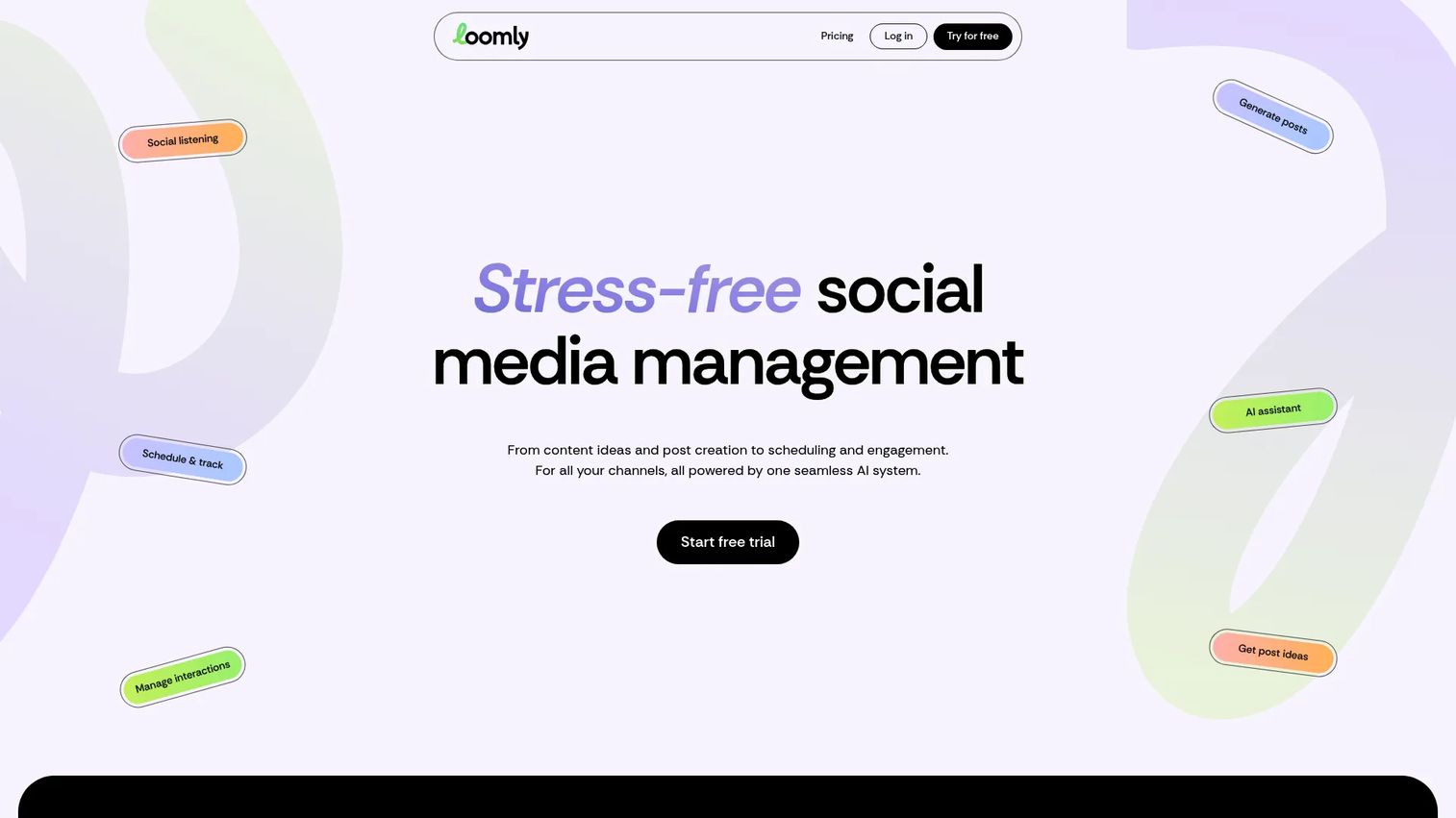
Loomly is a social media management platform for content creation, scheduling, collaboration, engagement, and analytics. Its post-ideas feature generates content suggestions based on trending topics, RSS feeds, and calendar events, helping teams that struggle with consistent content generation.
Best for: Social media teams that need help moving from idea to approved post without heavy enterprise complexity.
Key features
- Social media calendar with post scheduling
- AI-assisted caption and hashtag generation
- Approval workflows with multi-level review
- Unified inbox for comments and messages
- Analytics and performance reports
Why choose Loomly: The post-ideas engine helps teams that consistently struggle to fill the calendar. Combined with structured approval workflows, it fits social teams that want guidance through the content creation process, not just a scheduler.
Loomly pricing: Starter is $65/month billed monthly or $49/month billed annually ($588/year), covering 12 social accounts and 3 users. Beyond is $332/month billed monthly or $249/month billed annually, covering 60 accounts and unlimited users. Enterprise uses custom pricing. A free trial is available.
G2 rating: 4.6/5
15. MeetEdgar
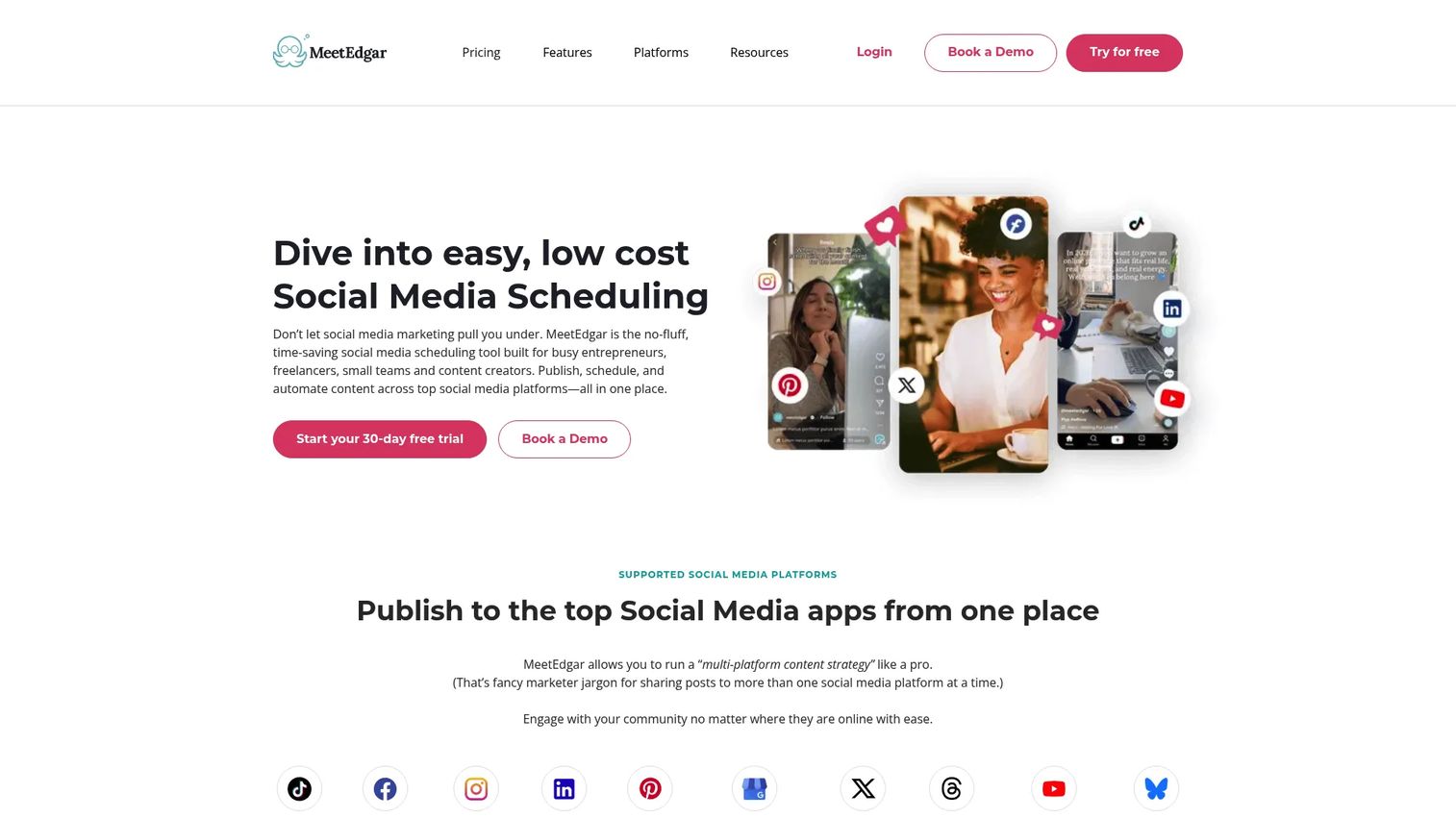
MeetEdgar is a social media scheduling and automation tool focused on evergreen content recycling. You build a library of posts organized by category, and MeetEdgar automatically reschedules them based on your queue settings. Post variations let you share the same underlying content in different formats without manual duplication.
Best for: Freelancers, entrepreneurs, and lean content teams that want proven posts to keep publishing automatically.
Key features
- Unlimited evergreen content library with auto-resharing
- Category-based posting schedules
- Post variations for content format diversity
- Multi-platform publishing
- Real-time performance insights
Why choose MeetEdgar: It solves the "we know this content works, but we only posted it once" problem. For small teams with limited capacity to generate net-new content every week, automating evergreen re-posting can maintain consistent publishing without additional effort.
MeetEdgar pricing: Eddie Plan is $29.99/month billed monthly or $24.91/month billed annually ($299/year), covering 5 social accounts. EDGAR Plan is $49.99/month billed monthly or $41.58/month billed annually ($499/year), covering 25 accounts. All plans include a 30-day free trial.
G2 rating: 4.3/5
16. Narrato
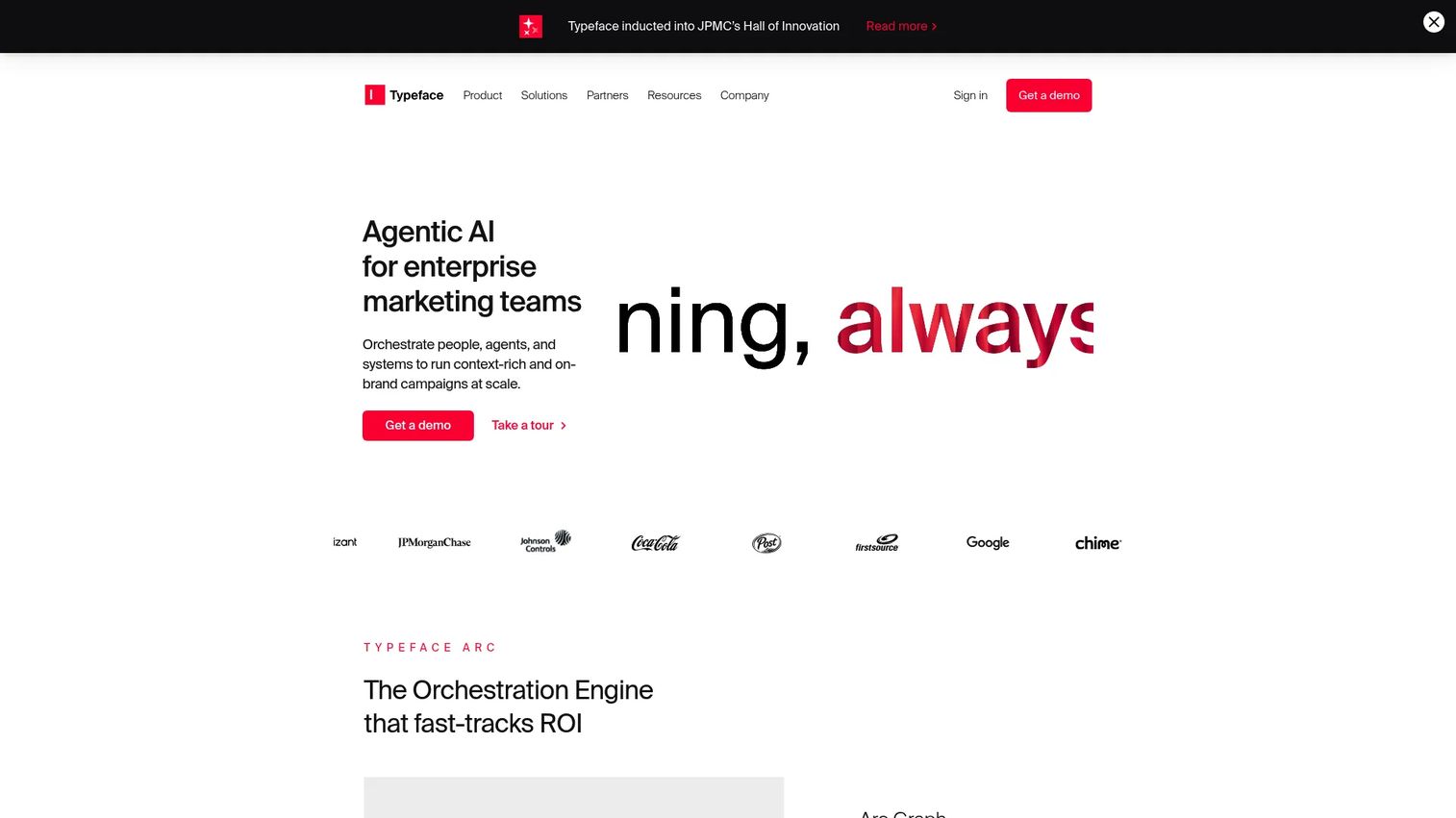
Narrato was an AI content creation, collaboration, and workflow platform. At the time of this publication, the Narrato domain redirects to Typeface, and current pricing and product status could not be verified from a live first-party source. G2 currently shows no active reviews for the listing.
Best for: Content teams evaluating AI-assisted brief creation and writing workflows should verify Narrato's current status before assessing fit.
Key features
- AI content templates and writing assistant
- SEO briefs with keyword optimization and readability
- Editorial content calendar
- Collaboration and workflow automation
- Publishing integrations
Why choose Narrato: Given the current redirect and lack of verified status, teams evaluating this category should confirm whether Narrato is operating under a new brand before making a purchasing decision.
Narrato pricing: Check the current status before shortlisting.
G2 rating: 3.7
17. Content Snare
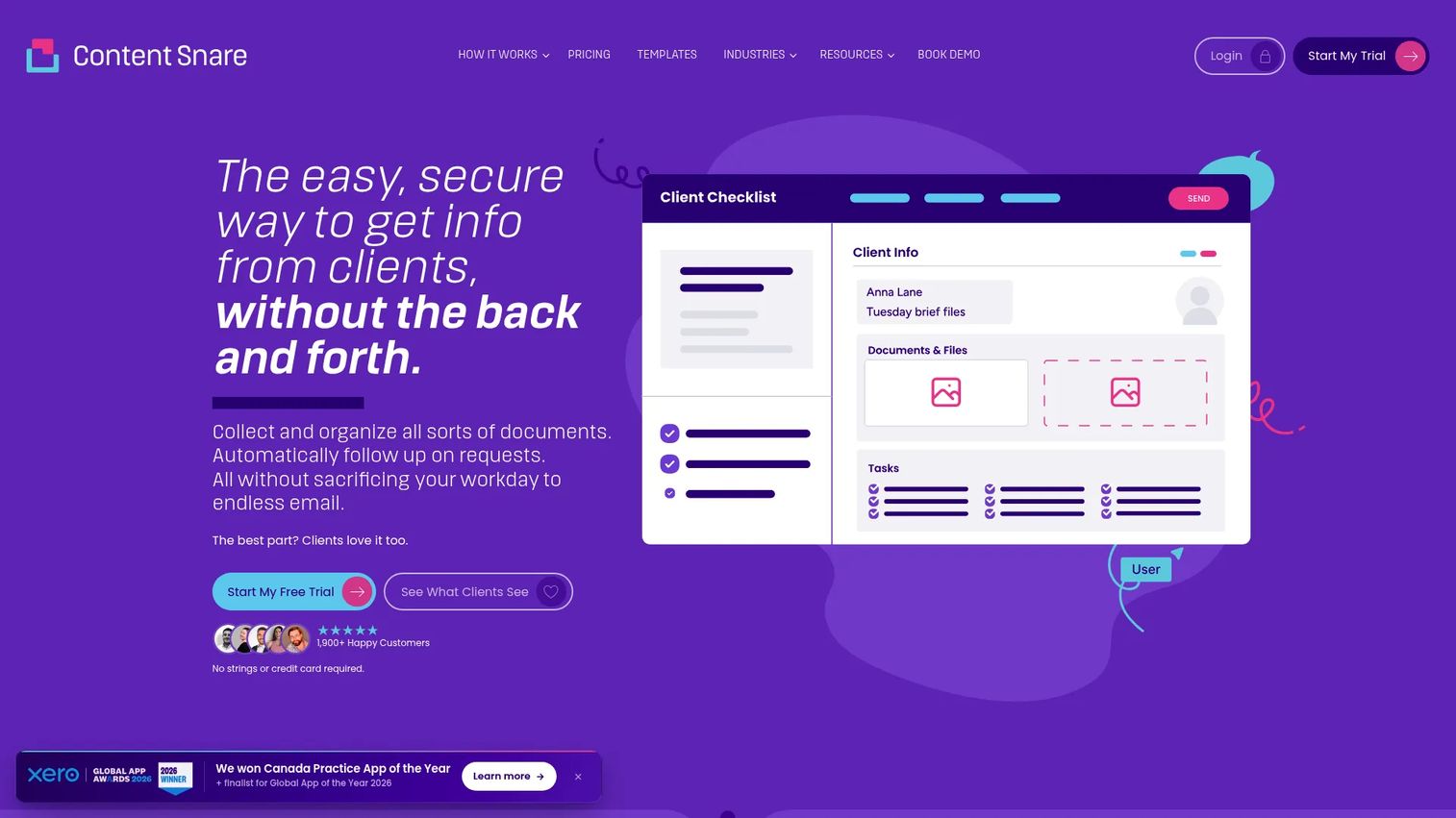
Content Snare helps professional-services firms collect client information and documents through structured requests, automated reminders, approvals, and a secure client portal. It solves the specific problem that many content tools ignore: Getting the right information from clients or internal stakeholders before content production can begin.
Best for: Agencies and professional-services teams that lose time chasing clients for briefs, copy, assets, or approvals.
Key features
- Structured content request forms with file upload
- Automatic email and SMS reminders
- Drag-and-drop request builder and templates
- Client portal with approval and rejection workflows
- Integrations including Zapier, Make, and practice-management tools
Why choose Content Snare: It addresses the intake bottleneck, the stage before content planning begins. If your team's content calendar frequently slips because you're waiting on a client to provide copy, images, or sign-off, Content Snare removes that dependency.
Content Snare pricing: Pro is $143/month billed monthly. Custom plans start at $258+/month for teams needing more than 200 active requests. A 14-day free trial is available with no credit card required.
G2 rating: 4.7/5
18. Brandwatch
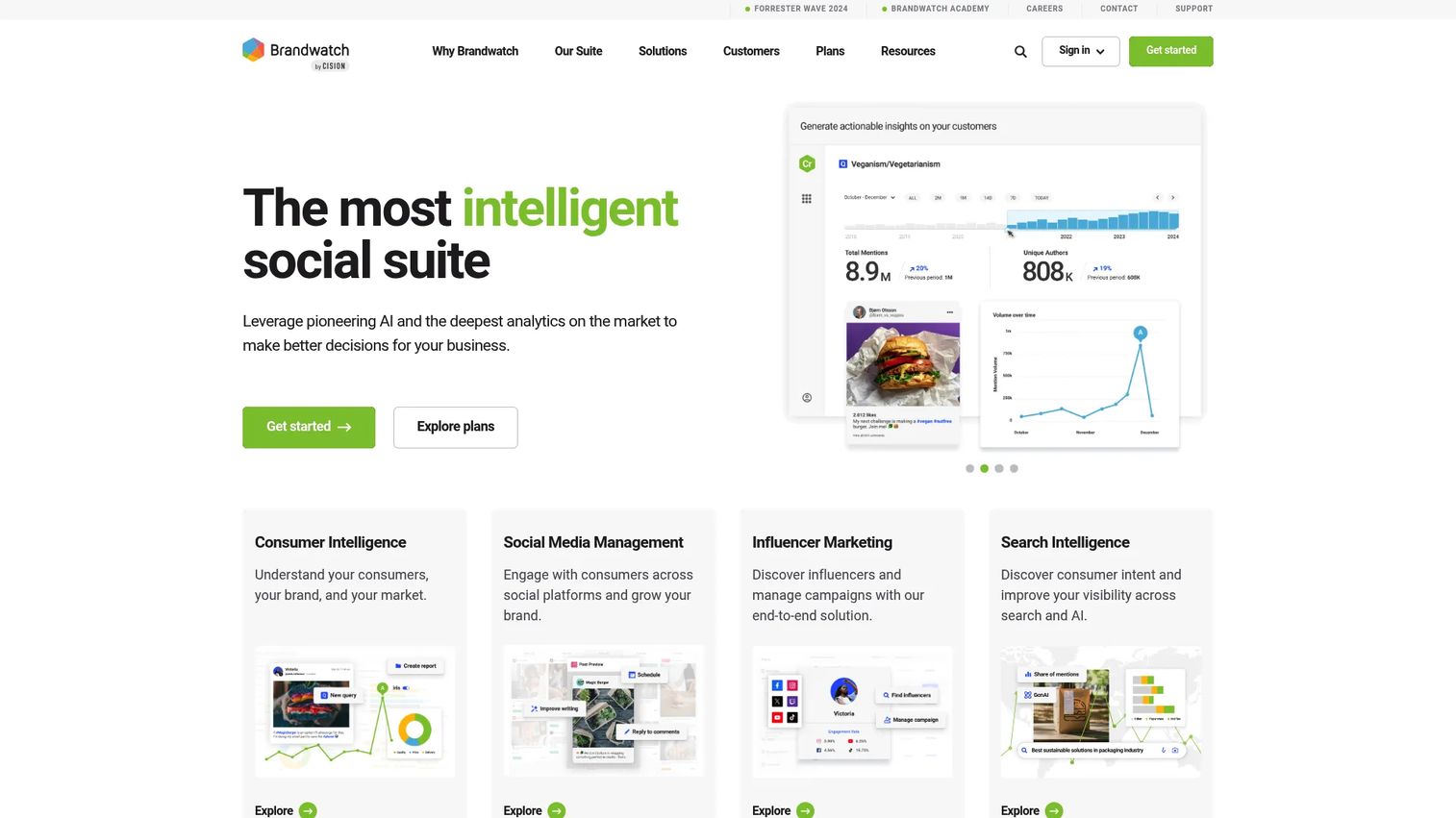
Brandwatch is a social intelligence suite combining consumer intelligence, social media management, and influencer marketing. Social listening runs across more than 100 million online sources, with AI-powered sentiment analysis and smart alerts. For content planning, the connection between what audiences are saying and what gets scheduled is the core value.
Best for: Enterprise marketing and insights teams that need social listening, consumer intelligence, and content planning in one environment.
Key features
- Social listening across 100M+ online sources
- AI-powered sentiment analysis and smart alerts
- Cross-channel social media analytics and dashboards
- Social media management and publishing
- Governance tools and enterprise permissions
Why choose Brandwatch: It makes sense when social data needs to inform content decisions, not just measure them after the fact. Teams that want to know what their audience is talking about before they build the next campaign will find the listening capability valuable. The price point and enterprise focus mean it's not the right tool for small teams.
Brandwatch pricing: All three products (Consumer Intelligence, Social Media Management, and Influencer Marketing) use custom pricing via sales. Contact Brandwatch for a quote.
G2 rating: 4.2/5
19. SE Ranking
SE Ranking is an SEO platform covering rank tracking, keyword research, website audits, backlink analysis, competitor research, local SEO, and a Content Editor. For content planning, the workflow runs from keyword research to a brief built around SERP data, keeping production tied to actual search demand.
Best for: Content marketers and in-house SEO teams planning articles around keyword opportunities and ranking goals.
Key features
- Rank tracking with reporting dashboards
- Keyword and competitive research
- Content Editor with on-page optimization guidance
- Website and on-page audits
- Backlink analysis and monitoring
Why choose SE Ranking: It bridges the gap between SEO research and content production. Teams that currently do keyword research in one tool and brief writing in another can consolidate both into SE Ranking's Content Editor, which surfaces optimization guidance during the writing process.
SE Ranking pricing: Core is $103.20/month billed annually ($129/month billed monthly). Growth is $223.20/month billed annually ($279/month billed monthly). Enterprise uses custom pricing. A 14-day free trial is available.
G2 rating: 4.7/5
20. Brafton
Brafton is a full-service content marketing agency offering strategy, content creation, digital marketing services, and a proprietary content marketing platform. The platform covers editorial calendars, project management, and digital asset management. The agency side adds SEO strategy, writers, designers, and video production as managed services.
Best for: Marketing teams that need strategic planning support and production capacity alongside scheduling and calendar software.
Key features
- Content strategy and consulting
- Editorial calendar with project management
- SEO planning and performance measurement
- Managed content production (blogs, video, social, design)
- Digital asset management
Why choose Brafton: It differs from every other tool on this list because it's not purely software. Teams that have a content calendar problem but also a capacity problem can address both through Brafton. The platform alone is available without agency services.
Brafton pricing: The Brafton Content Marketing Platform is $100/month for up to 50 users. Agency services use unit-based and custom-quoted pricing depending on scope.
G2 rating: 4.9/5
21. Teamwork
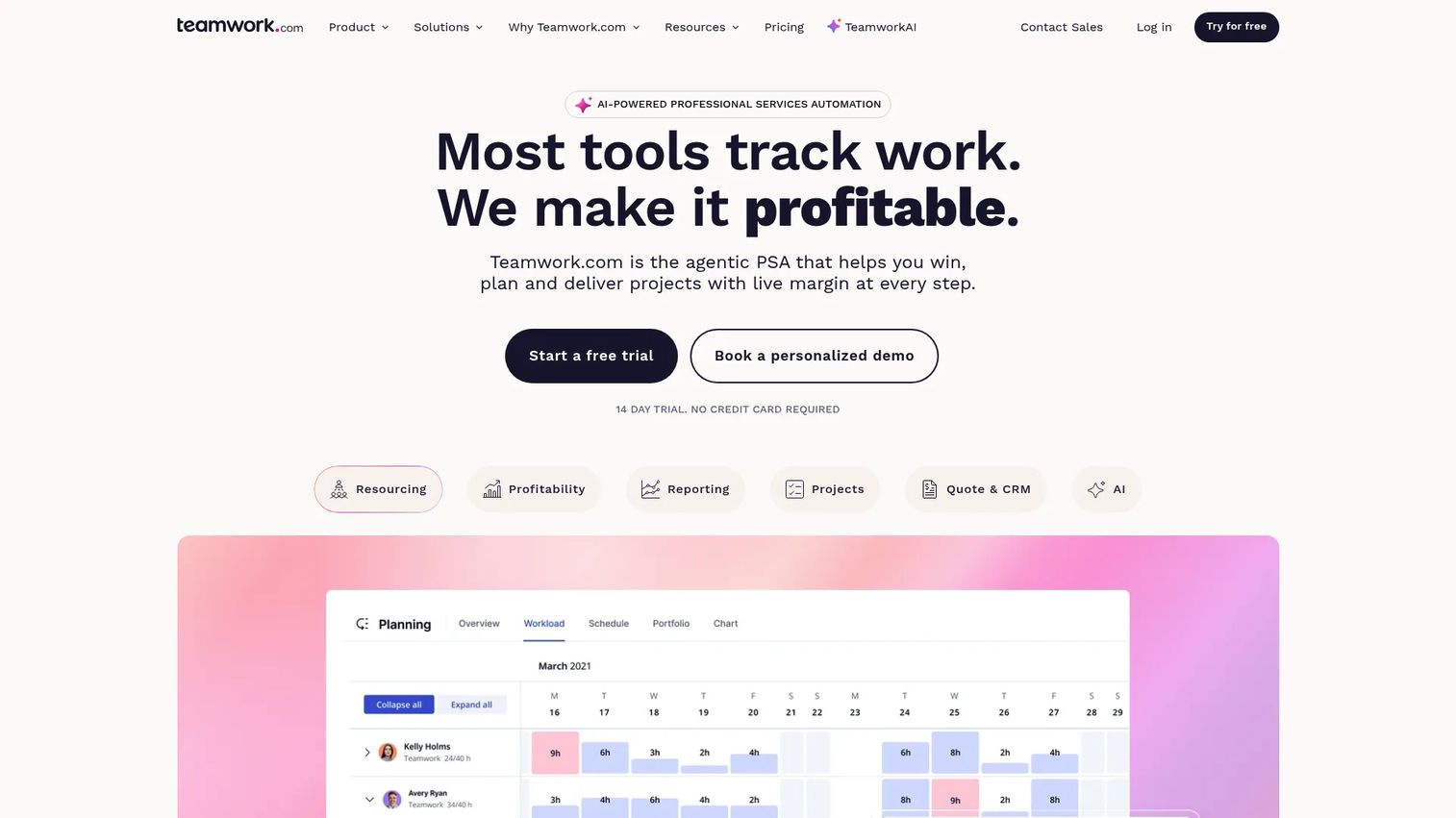
Teamwork is a professional-services automation platform for managing projects, teams, clients, time, budgets, and profitability. For agencies managing content work across multiple clients and retainers, the combination of project management, billable time tracking, and profitability reporting is a practical alternative to piecing together separate tools.
Best for: Agencies and professional-services teams managing client content work, deliverable tracking, and retainer profitability.
Key features
- Project management with Gantt, board, and list views
- Billable time tracking, timesheets, and budgets
- Resource planning and workload management
- Client collaboration and project templates
- Profitability reporting and invoicing
Why choose Teamwork: The differentiator is profitability tracking. Agencies that need to know whether a content retainer is profitable, not just whether it's on schedule, will find that Teamwork connects delivery data to financial outcomes in ways that general project management tools don't.
Teamwork pricing: Free plan available (up to 5 projects and 5 users). Basics is $9.99/user/month billed annually. Accelerate is $24.99/user/month billed annually. Optimize and Enterprise use custom pricing via sales.
G2 rating: 4.4/5
Considerations when choosing content planning tools
Match the tool to the actual workflow bottleneck
Social-first teams need scheduling, preview, and channel management. SEO teams need keyword briefs and optimization guidance. Campaign teams need visibility across more channels than social posts cover. Identify which stage is breaking before choosing a tool, because a social scheduler won't fix an editorial planning problem.
Check approval and stakeholder complexity
A solo marketer can work in a simple calendar. A five-person agency team with client review cycles needs roles, comments, review status tracking, and controlled access. The right approval workflow for your team determines whether Planable, ProofHub, or Asana is the better fit over a pure scheduler.
Verify publishing and integration depth
Some content planning apps organize your calendar but don't publish anything. Others publish to social but don't connect to your CMS, email platform, or analytics stack. Map your required channels before buying, then confirm each integration is native rather than requiring a third-party connector.
Look beyond vanity metrics in reporting
Impressions and follower counts don't answer the CFO's question. Ask whether the tool connects content activity to traffic, MQLs, pipeline influence, or campaign attribution. HubSpot and CoSchedule connect to CRM data; SE Ranking ties content to ranking outcomes; most pure schedulers stay at the social analytics layer.
Price the full workflow, not the entry tier
The cheapest plan frequently excludes approvals, analytics exports, or key integrations. Calculate what you'd pay at the tier that actually covers your workflow, then compare that number to the admin time the tool saves. A $45/month ProofHub plan covering unlimited users often beats a per-seat tool that hits $200/month once the whole team joins.
Conclusion
The 21 tools in this guide span every content planning workflow a growth marketer is likely to run into. SocialBee and Planable are the strongest picks for social-first planning, with SocialBee winning on recycling automation and Planable on approval clarity. Canva Content Planner and Adobe Express suit teams where design and scheduling live in the same place. CoSchedule, Monday, Asana, and ClickUp fit broader campaign operations where content is one part of a multi-channel execution system. StoryChief covers editorial and distribution together. SE Ranking handles SEO-led content planning from keyword to published post. Brandwatch, Brafton, Teamwork, ProofHub, and Content Snare each address a specific operational need: Social intelligence, managed production, agency profitability, visual proofing, and client intake.
The most useful next step: Pick two or three tools based on your actual bottleneck, run a single real campaign through each, and measure where friction dropped. That test tells you more than any feature comparison.
Once your content calendar is under control, the next question is whether the assets inside it help buyers understand the product. For product-led campaigns, interactive demos can turn landing pages, nurture emails, and launch assets into hands-on experiences that prospects actually engage with.
Start your journey with Guideflow today!
FAQs
Content planning tools are software platforms that help marketing teams organize, assign, approve, schedule, publish, and measure content across channels. They range from simple visual calendars and content planning apps to full content operations platforms that connect editorial workflows to analytics and publishing automation.
The answer depends on your team's primary need. SocialBee is best for teams that want evergreen recycling and category-based scheduling. Planable suits agencies and multi-brand teams that need structured approval workflows. Canva Content Planner eliminates the gap between design and publishing. Loomly adds post-idea generation and optimization tips. Adobe Express Content Scheduler is the strongest free option for small teams and creators.
Several tools offer genuinely useful free tiers: Trello and Notion cover editorial planning and collaboration, Asana's Personal plan handles basic project management, ClickUp's Free Forever plan is generous with features, and CoSchedule's free plan allows limited social scheduling. Adobe Express Content Scheduler includes up to 1,000 scheduled posts per month at no cost. Free tier limits change, so verify current availability before committing.
A content calendar shows what content is publishing, when it's going live, and which channel it's going to. A content planning tool does the work around that calendar: Writing briefs, assigning tasks, managing approval rounds, automating publishing, tracking performance, and integrating with CRM or analytics systems. Most teams start with a calendar and graduate to a planning platform when the calendar alone can't support team collaboration or reporting needs.
Agencies typically need approval workflows, client access controls, multi-brand workspaces, and delivery tracking. Planable handles collaborative social approval across workspaces. Teamwork manages client projects, retainer profitability, and billable time. ProofHub covers file proofing and task management at a flat rate that scales with headcount. Content Snare solves the intake problem by collecting content from clients in a structured way before production starts. CoSchedule covers campaign calendar management with social publishing included.
SE Ranking is the most direct fit for SEO-led editorial planning, connecting keyword research to a Content Editor that surfaces on-page optimization during the writing process. StoryChief combines editorial calendar management with multichannel distribution and content analytics. HubSpot Marketing Hub connects blog and campaign content to CRM attribution for teams that need to prove organic content impact on pipeline.
Some do, some don't. SocialBee, Planable, CoSchedule, Loomly, MeetEdgar, and Adobe Express Content Scheduler all schedule and publish directly to social platforms. Notion, Trello, Asana, ClickUp, and Monday organize planning work but don't publish to social channels natively. StoryChief and HubSpot publish to blogs and social. Verify supported channels on each vendor's current feature page before choosing, since platform integrations change.
Start by listing the channels you need to cover and the approval steps your content goes through. Then decide whether publishing automation is required or whether you're planning only. Check whether the analytics layer connects to your attribution model, not just social vanity metrics. Test with one real campaign, track time saved and deadlines hit, and use that data to decide before rolling the tool out to the full team.