Choosing a JavaScript framework is one of the highest-leverage technical decisions a product team makes. Get it right, and you ship faster, hire more easily, and maintain velocity as the product grows. Get it wrong, and you're paying the opportunity cost for years.
The problem isn't a shortage of options. According to the Stack Overflow Developer Survey (2025), React alone is used by 44.7% of respondents, yet popularity tells you almost nothing about fit. A framework that works brilliantly for a content-heavy marketing site can become a maintenance burden inside a complex authenticated application. A runtime that speeds up developer workflows might not suit every production deployment.
This guide groups 20 JavaScript frameworks by how teams actually use them: Front end UI libraries, meta frameworks, server-side frameworks, runtimes, and standards-oriented approaches. Each entry answers what the framework builds, which team context suits it, and what question you should prototype before committing.
What's inside
This guide is for product managers, technical leads, and engineering teams evaluating JavaScript frameworks in 2026. Items were selected because they are actively maintained, appear in real product stacks, and represent meaningfully different architectural choices.
Selection criteria:
- Active maintenance: Current releases and active community or organizational support
- Architectural distinctiveness: Each entry represents a different approach, not a variant of the same pattern
- Product relevance: Each framework maps to a recognizable product context
- Decision clarity: Each entry gives a team a concrete reason to choose or skip
TL;DR
- Best general-purpose choice: React, when hiring flexibility and ecosystem breadth are the primary constraints
- Best structured enterprise option: Angular, when TypeScript-first conventions and long-term team consistency matter most
- Best progressive adoption path: Vue, when teams want to start small and scale the framework with the product
- Best for compiler-oriented development: Svelte, when minimizing browser runtime overhead is a design priority
- Best React full-stack framework: Next.js, when teams need server rendering, routing, and deployment conventions around React
- Best for content-focused sites: Astro, when most pages don't need client-side JavaScript at all
What is a JavaScript framework?
A JavaScript framework is a structured set of conventions, APIs, and development tools that helps teams build web applications without designing every application pattern from scratch.
This category is broad enough to create real confusion. Here's how the main types differ:
- Front end UI frameworks and libraries: React, Angular, Vue, Svelte, Ember.js, SolidJS, Preact, Lit. These run in the browser and handle component rendering, state, and interaction.
- Meta frameworks: Next.js, Astro, Remix, Nuxt, SvelteKit, Qwik. These wrap a UI library and add routing, server rendering, data fetching, and deployment conventions.
- Server-side frameworks: Express.js, Fastify, NestJS. These run on Node.js and handle HTTP routing, middleware, and API logic. They do not render browser UI.
- JavaScript runtimes: Deno and Bun. These are execution environments for JavaScript and TypeScript. They overlap with framework decisions because full-stack JavaScript choices often involve picking a runtime.
- Standards-oriented approaches: Htmx and Lit. Htmx adds browser interactivity through HTML attributes. Lit builds native web components. Neither is a full application framework.
What JavaScript frameworks provide
- Component or template architecture for reusable UI
- State management patterns
- Routing for multi-page navigation
- Data fetching and caching conventions
- Rendering strategies: Client-side, server-side, static, hybrid
- Build tooling and development server
- Testing conventions and integrations
- Accessibility guidance and utilities
Framework versus library
A library is called by your code for a focused task. A framework typically supplies broader application structure and imposes conventions around routing, state, and data. React sits closer to the library end of the spectrum; Angular sits closer to the framework end.
What is not a framework
TypeScript, build tools like Vite, package managers like npm, testing libraries, and UI component design systems are adjacent to this category but are not frameworks.
When to use JavaScript frameworks
Build a component-rich product interface
When your product has stateful screens, complex interactions, and repeated UI patterns, a front end framework reduces duplication and speeds iteration. Product managers benefit directly: Consistent component patterns mean shorter design-to-engineering cycles and more predictable release cadence across features.
Ship SEO-sensitive or content-heavy pages
Acquisition pages, documentation, and public product surfaces need fast load times and strong search indexing. Meta frameworks provide server-side rendering, static generation, and routing that make this practical. The choice of rendering strategy here directly affects organic traffic and time-to-first-meaningful-paint.
Build a full-stack JavaScript application
When a team wants to share language and tooling across browser and server code, full-stack frameworks let engineers move between layers without context switching. Separate the UI framework, the server framework, the runtime, and the hosting model clearly before committing to any of them.
JavaScript frameworks comparison
The table below is a decision aid, not a universal ranking. All 20 frameworks are open source. G2 ratings are listed where a verified current listing exists; most open-source projects in this category are not evaluated as commercial software on G2.
Framework details verified against official documentation in September 2026. G2 ratings reflect verified listings at that date; N/A indicates no applicable commercial G2 listing was found.
| # | Product | Best for | Key differentiator | Pricing | G2 rating |
|---|---|---|---|---|---|
| 1 | Angular | Structured enterprise applications | Opinionated TypeScript application architecture | Free, open source | 4.5/5 |
| 2 | React | General-purpose component-based interfaces | Broad ecosystem and flexible architecture | Free, open source | N/A |
| 3 | Vue | Progressive adoption | Approachable component model and flexible integration | Free, open source | 4.6/5 |
| 4 | Svelte | Compiler-oriented applications | Shifts more work from runtime to build time | Free, open source | N/A |
| 5 | Ember.js | Convention-driven applications | Strong conventions and integrated application structure | Free, open source | 4.4/5 |
| 6 | Next.js | React full-stack applications | Rendering, routing, and deployment conventions | Free, open source | 4.7/5 |
| 7 | SolidJS | Fine-grained reactive interfaces | Reactive updates with low runtime overhead | Free, open source | N/A |
| 8 | Astro | Content-focused websites | Island architecture for selective interactivity | Free, open source | N/A |
| 9 | Remix | Web standards-oriented full-stack apps | Server-centered data and form handling | Free, open source | N/A |
| 10 | Qwik | Resumable applications | Defers JavaScript execution through resumability | Free, open source | N/A |
| 11 | Preact | Lightweight interfaces | Small, compatibility-focused UI layer | Free, open source | N/A |
| 12 | Nuxt | Vue full-stack applications | Vue-based routing and rendering conventions | Free, open source | N/A |
| 13 | SvelteKit | Svelte full-stack applications | Integrated routing, rendering, and deployment adapters | Free, open source | N/A |
| 14 | Express.js | Minimal Node.js servers | Small middleware-based server foundation | Free, open source | 4.5/5 |
| 15 | Fastify | High-throughput Node.js services | Plugin architecture and performance focus | Free, open source | N/A |
| 16 | NestJS | Structured backend applications | Modular TypeScript architecture for server development | Free, open source | 4.5/5 |
| 17 | Deno | Secure modern JavaScript runtime projects | Built-in tooling and secure defaults | Free, open source | N/A |
| 18 | Bun | JavaScript tooling and runtime consolidation | Runtime, package management, and build tooling in one product | Free, open source | N/A |
| 19 | Htmx | Server-rendered HTML interactions | HTML attributes for incremental interactivity | Free, open source | N/A |
| 20 | Lit | Standards-based web components | Small library for native custom elements | Free, open source | N/A |
Best 20 JavaScript frameworks for 2026
1. Angular
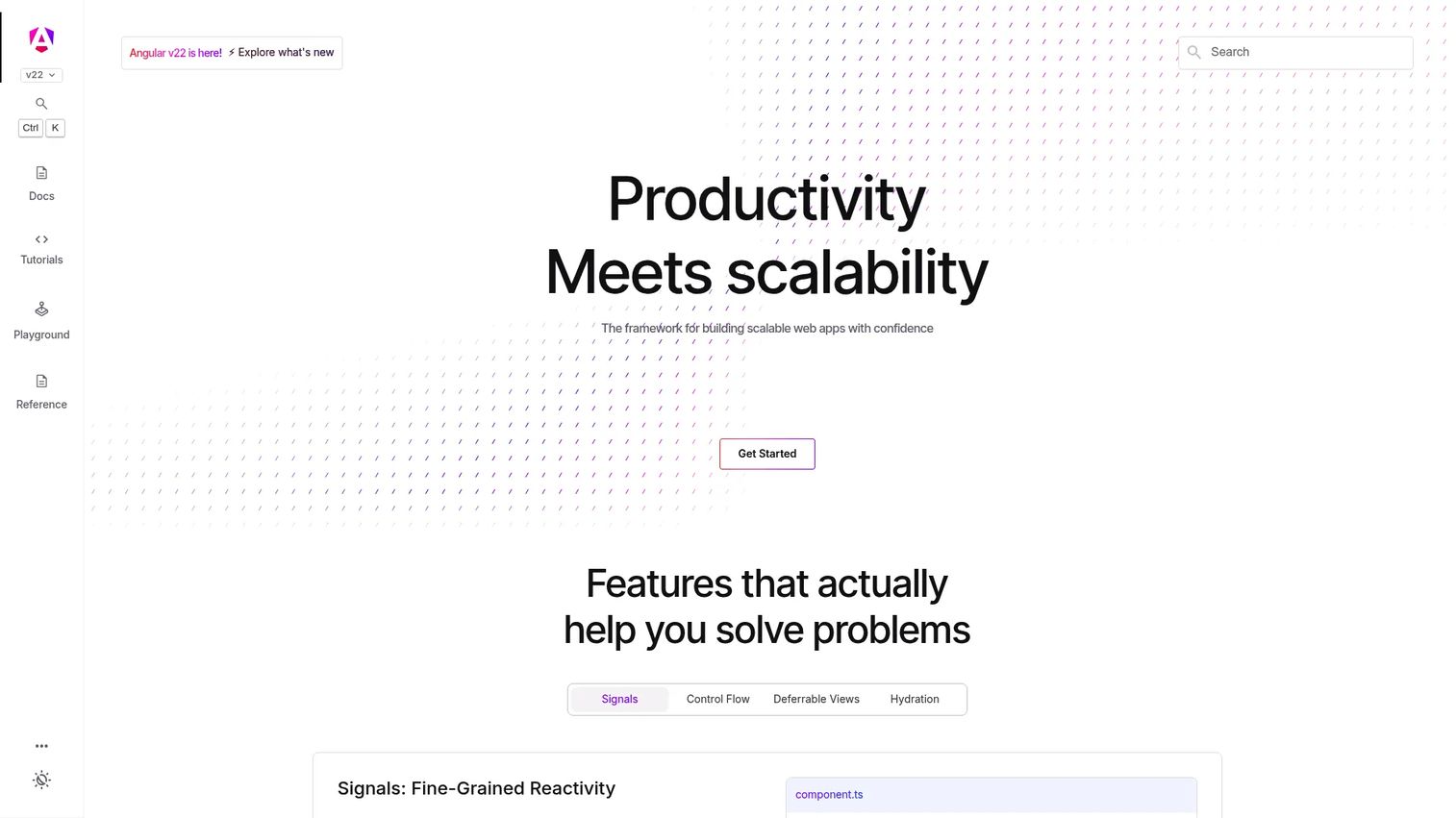
Angular is a TypeScript-first front end framework maintained by Google for building structured, scalable web applications. It ships with dependency injection, an integrated router, reactive forms, a CLI, and DevTools, making it one of the most complete frameworks in this list. Angular 19 introduced Signals as its reactive state primitive, giving teams a more granular approach to change detection.
Best for: Enterprise teams that need consistent architecture across a large engineering organization.
Key features
- TypeScript-first component and module architecture
- Dependency injection built into the framework core
- Integrated routing, forms, and internationalization
- Angular Signals for reactive state management
- Official CLI, DevTools, and Vite-powered build pipeline
Why choose Angular: Angular reduces architectural ambiguity by making decisions for the team. That consistency pays dividends as headcount grows and codebases age, but teams need engineers comfortable with the framework's conventions before adoption benefits outweigh onboarding costs.
Angular pricing: Angular is free and open source under the MIT License. Infrastructure costs depend on the hosting provider and deployment model.
G2 lists Angular at 4.5/5.
2. React
!React homepage screenshot
React is a JavaScript library for building user interfaces from components. Used by 44.7% of developers in the Stack Overflow Developer Survey (2025), it's the most widely adopted front end option in this list. React's component model, JSX syntax, and hooks API are paired with a large ecosystem that includes routing, data fetching, testing, and meta framework options.
Best for: Teams that need broad hiring flexibility and a mature surrounding ecosystem.
Key features
- Component-based UI with JSX markup
- Hooks for state, context, refs, and side effects
- Server rendering and HTML streaming
- React Compiler for build-time optimization
- Multiple meta framework options including Next.js
Why choose React: Ecosystem depth and available talent are React's primary advantages. The trade-off is that the team must make more architectural decisions independently compared to a fully opinionated framework like Angular or Ember.js.
React pricing: React is free and open source. Hosting and infrastructure costs vary by deployment provider.
No commercial G2 listing was found for the React library.
3. Vue
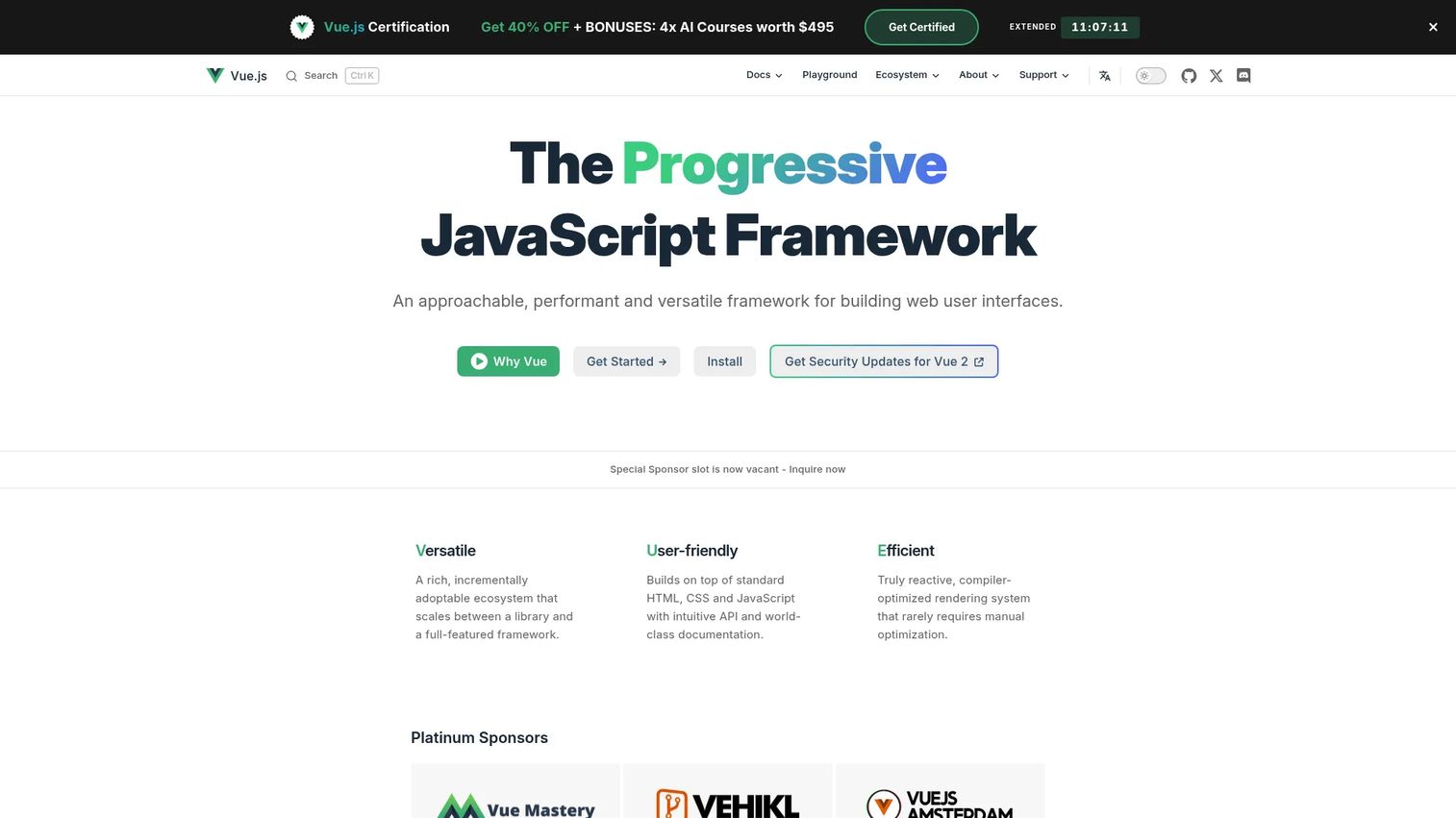
Vue is a progressive front end framework for building web user interfaces. Used by 17.6% of developers in the Stack Overflow Developer Survey (2025), it supports both incremental adoption and full application development. Single-file components combine template, logic, and scoped styles in one file, while the Composition API and Vue Router cover complex application needs.
Best for: Teams that want an approachable framework with a clear path to scaling the architecture as the product grows.
Key features
- Single-file components encapsulating template, logic, and styling
- Reactive, compiler-optimized rendering
- Composition API for reusable logic
- Official Vue Router and state management tooling
- First-class TypeScript support
Why choose Vue: Vue's progressive adoption model lets teams embed it into an existing page or build a full application from day one. This flexibility reduces the commitment required at the validation stage, which matters when a product direction is still being confirmed.
Vue pricing: Vue is free and open source under the MIT License.
G2 lists Vue.js at 4.6/5.
4. Svelte
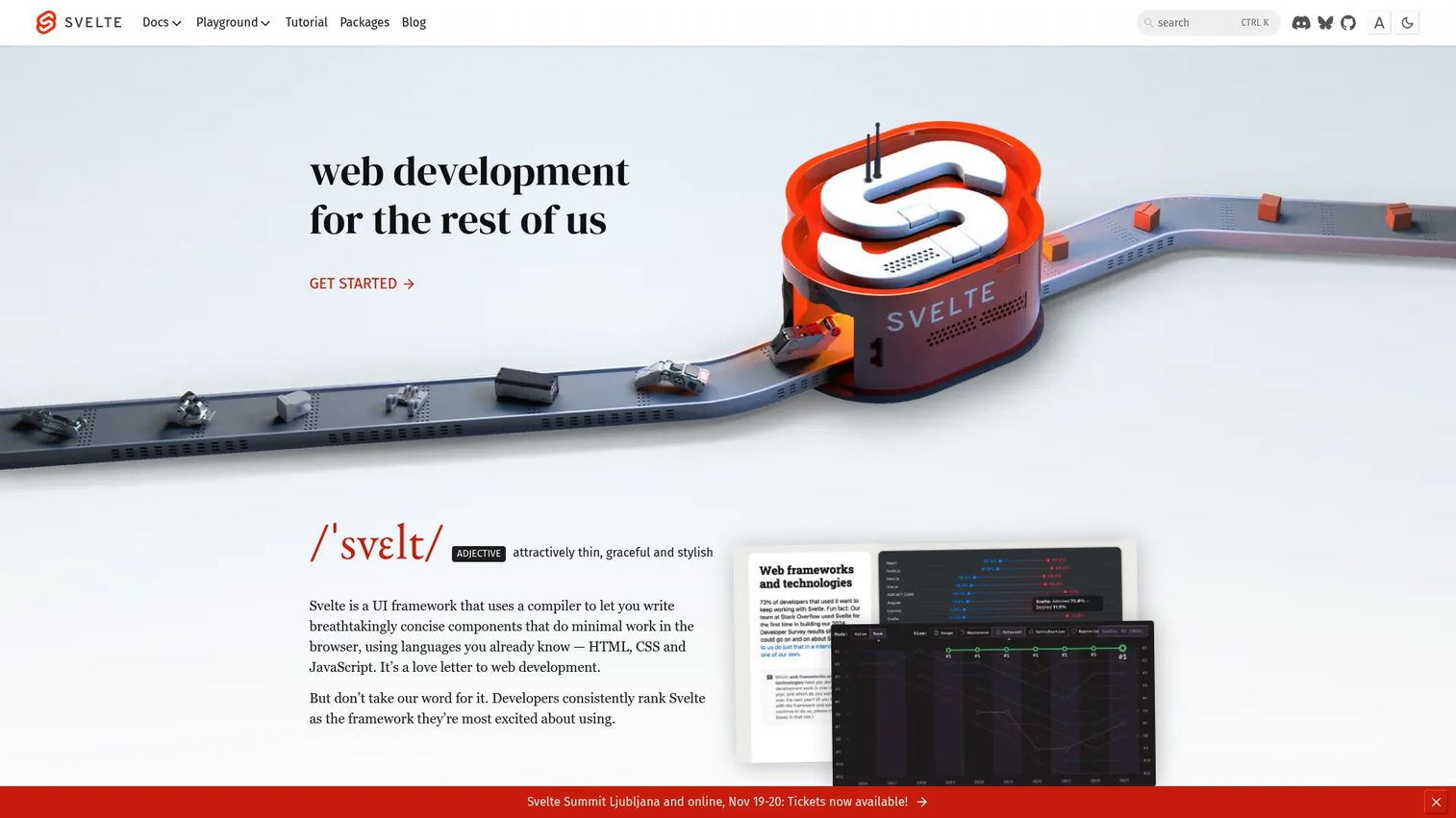
Svelte is a compiler-oriented UI framework. Instead of shipping a virtual DOM or runtime reconciler to the browser, Svelte compiles components into optimized JavaScript at build time. Svelte was admired by 62.4% of respondents in the Stack Overflow Developer Survey (2025), one of the highest satisfaction signals in this list.
Best for: Teams prioritizing small client-side bundles and concise component code.
Key features
- Compiler-based architecture: Component work happens at build time
- Component-scoped styles included automatically
- Reactive declarations with minimal boilerplate
- Built-in state management and motion primitives
- SvelteKit ecosystem for full-stack applications
Why choose Svelte: The compiler model can reduce the JavaScript shipped to users for appropriate application shapes. Before committing, validate that the team can hire engineers with Svelte experience and that the ecosystem covers the libraries the product needs.
Svelte pricing: Svelte is free and open source.
No commercial G2 listing was found for Svelte.
5. Ember.js
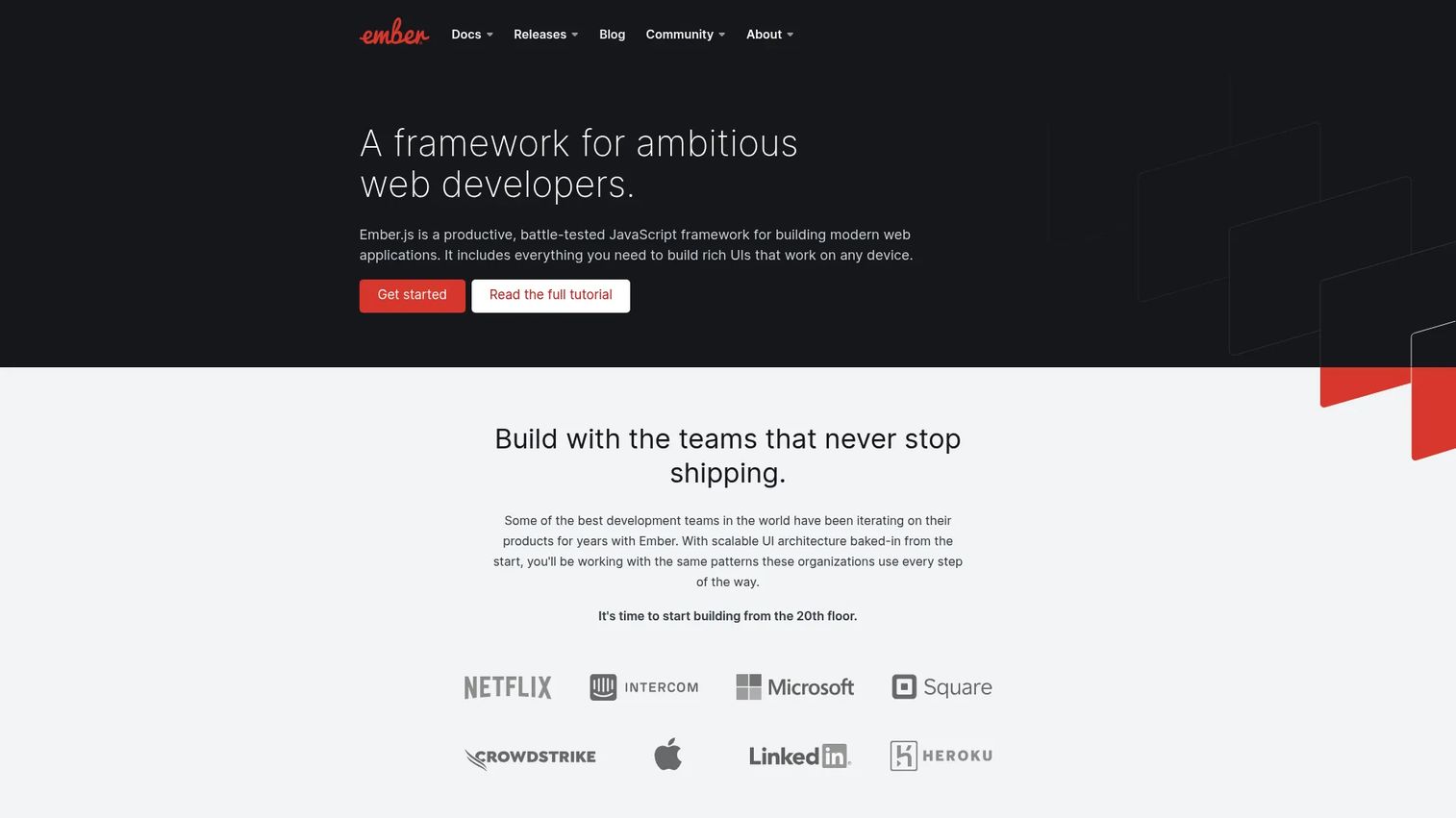
Ember.js is a convention-driven front end framework for building ambitious web applications. Its "convention over configuration" approach means routing, data access through Ember Data, and the CLI are integrated out of the box. The Glimmer rendering engine underpins its component model.
Best for: Teams maintaining large applications with established Ember expertise and a preference for strong conventions.
Key features
- Convention over configuration across the full stack
- Integrated router with nested URLs and asynchronous loading
- Ember Data for managing asynchronous relationships
- Ember CLI with generators, rebuilds, and test runner
- Glimmer rendering engine
Why choose Ember.js: Strong conventions reduce decision fatigue on a large team. New engineers learn a documented pattern rather than an undocumented team convention. The key question before adoption is hiring availability: The Ember engineer pool is smaller than React or Vue.
Ember.js pricing: Ember.js is free and open source.
G2 lists Ember.js at 4.4/5.
6. Next.js
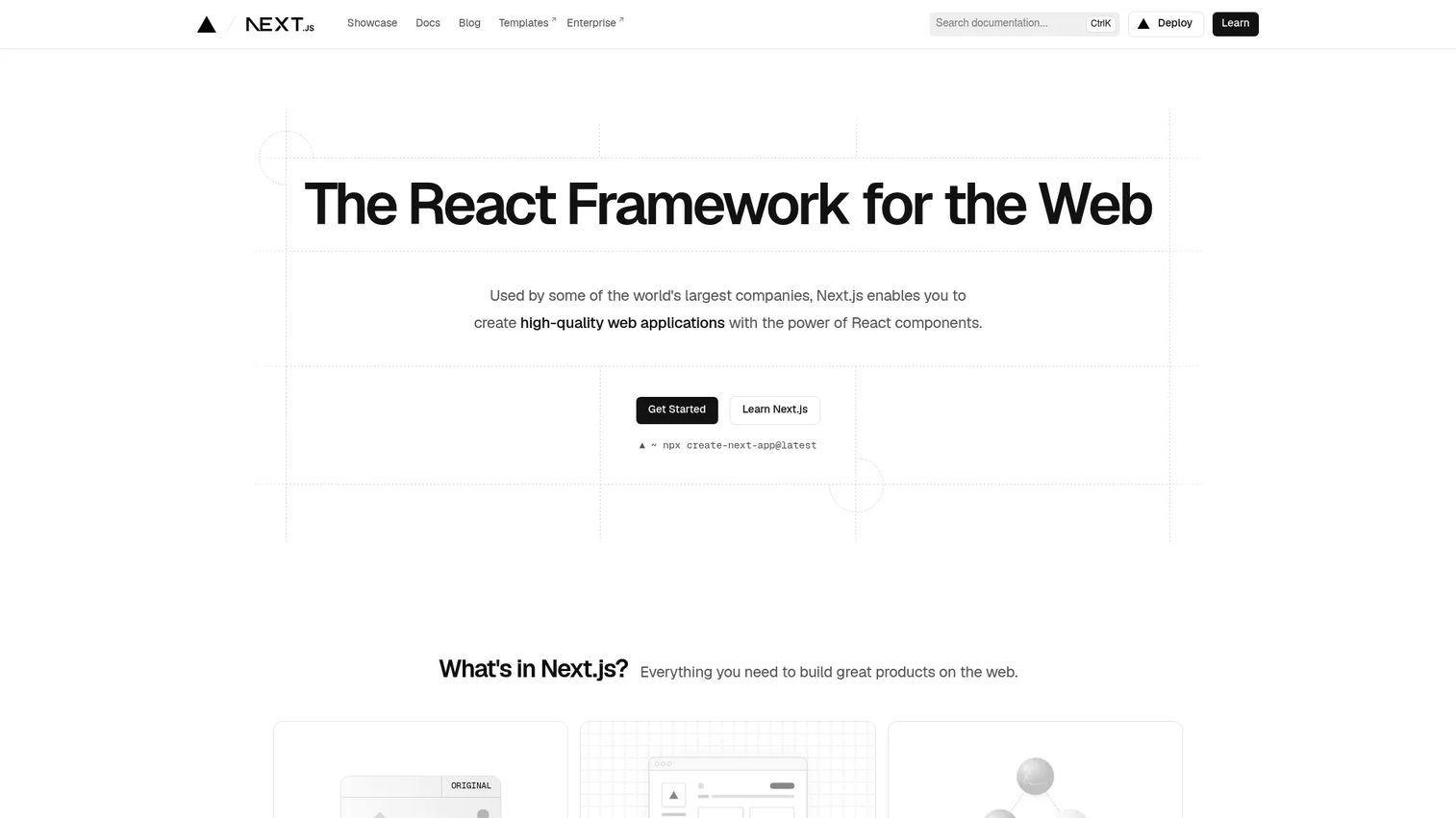
Next.js is a React-based full-stack framework used by 20.8% of developers in the Stack Overflow Developer Survey (2025). It adds file-based routing, server rendering, static generation, React Server Components, API routes, and deployment integrations on top of React. Next.js is the most common bridge between a React component library and a production-grade product.
Best for: Product teams building React applications that include public-facing pages, SEO requirements, or server-side data needs.
Key features
- File-based routing with nested layouts
- Server rendering and static generation with Incremental Static Regeneration
- React Server Components and Server Actions
- API route handlers for backend logic
- Built-in image, font, and script optimizations
Why choose Next.js: Next.js solves the rendering and routing decisions that teams building on raw React must make themselves. Connect the rendering flexibility to specific product requirements: SEO-sensitive acquisition pages, authenticated application areas, and API endpoints can all live in one codebase.
Next.js pricing: Next.js is free and open source. Hosting costs depend on the deployment provider, with Vercel being the primary commercial host.
G2 lists Next.js at 4.7/5.
7. SolidJS
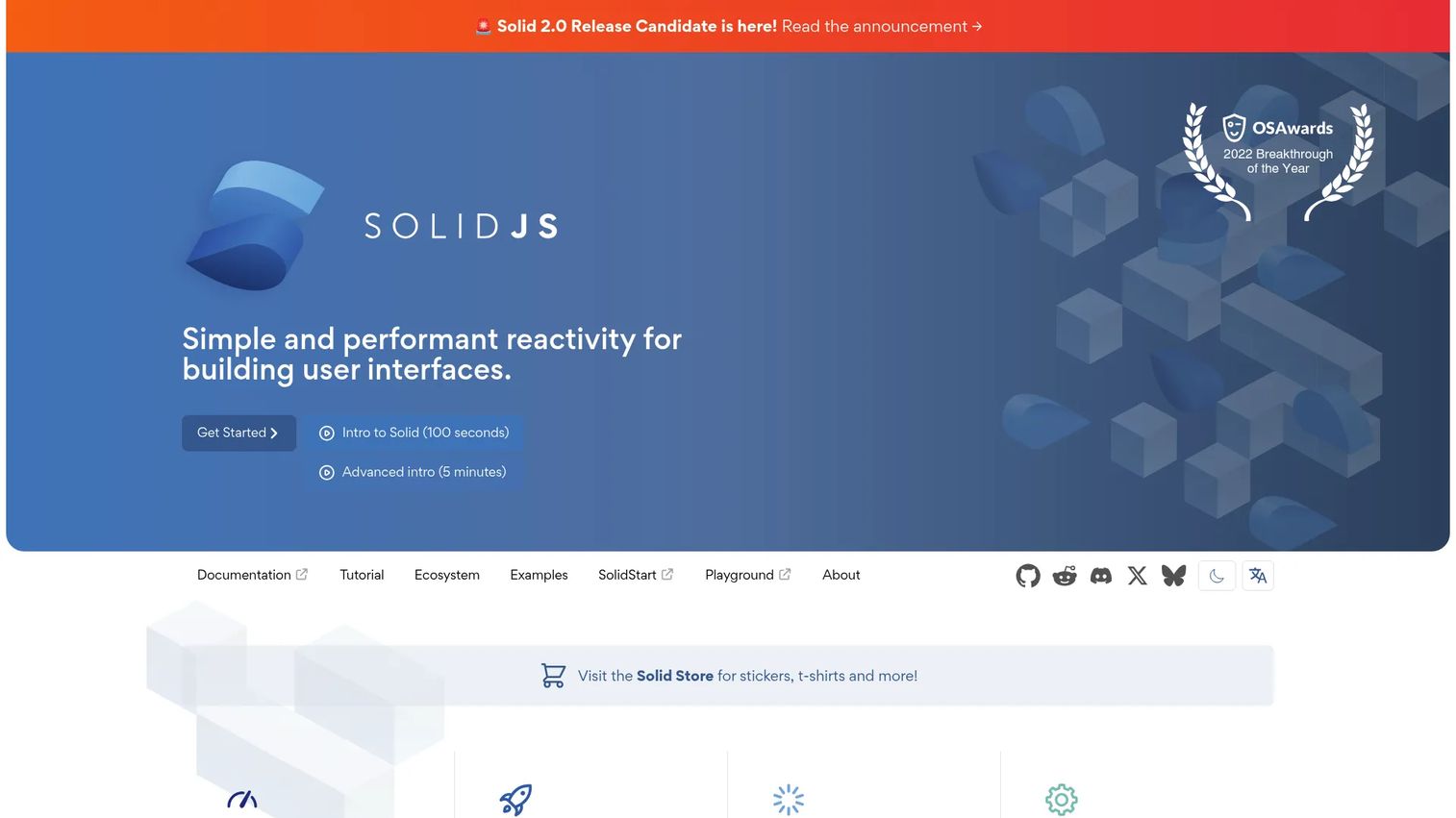
SolidJS is a reactive UI library built around fine-grained reactivity rather than a virtual DOM. When state changes, only the specific DOM nodes that depend on that state update. The library uses JSX and supports TypeScript, server rendering, Suspense, and streaming.
Best for: Teams evaluating highly reactive interfaces where update granularity and low overhead matter.
Key features
- Fine-grained reactivity without a virtual DOM
- JSX syntax with familiar component composition
- Server rendering, hydration, and streaming support
- Suspense and error boundaries
- TypeScript and Vite support
Why choose SolidJS: Fine-grained reactivity suits dense interfaces with frequent updates, such as real-time dashboards or data-heavy UIs. The ecosystem is smaller than React or Vue, so validate library availability and hiring before committing.
SolidJS pricing: SolidJS is free and open source under the MIT License.
No commercial G2 listing was found for SolidJS.
8. Astro
Astro is a web framework optimized for content-driven websites. Its island architecture ships zero JavaScript to the browser by default; interactive components are loaded only where explicitly needed. Astro also supports multiple UI frameworks simultaneously, so teams can embed React, Vue, or Svelte components in the same project.
Best for: Marketing sites, documentation, editorial content, and product surfaces where most pages are static.
Key features
- Server-first rendering with zero unnecessary JavaScript by default
- Islands architecture for selective, scoped interactivity
- Static generation and server rendering options
- Content Collections with TypeScript type safety
- Multi-framework component support
Why choose Astro: If the product surface is primarily content with limited interactivity, shipping less JavaScript improves Core Web Vitals scores and reduces maintenance overhead. Astro is a poor fit for complex authenticated application screens with heavy state requirements.
Astro pricing: Astro is free and open source. Hosting costs depend on the deployment provider.
No commercial G2 listing was found for Astro.
9. Remix
Remix is a full-stack TypeScript framework centered on web standards, server-side data loading, and progressive enhancement. Nested routes carry their own loaders and actions, keeping data close to the UI that needs it. Forms, sessions, and authentication follow web platform conventions rather than inventing new abstractions.
Best for: Teams that want server-centered application behavior and strong alignment with browser and HTTP standards.
Key features
- Nested routing with co-located loaders and actions
- Server-side data loading and form processing
- Authentication and session management
- Web platform API alignment
- Progressive enhancement patterns
Why choose Remix: Remix suits applications where navigation, form handling, and server data boundaries define the product experience. Teams evaluating Remix should verify the current project governance and framework direction before committing to long-term development.
Remix pricing: Remix is free and open source. Hosting costs depend on the deployment provider.
No commercial G2 listing was found for Remix.
10. Qwik
Qwik is a web framework built around resumability. Instead of hydrating the full application on the client after server rendering, Qwik resumes from the server's serialized state, deferring JavaScript execution until the user actually interacts with a component. This can dramatically reduce startup JavaScript.
Best for: Teams with aggressive time-to-interactive requirements and the capacity to adopt a less conventional architecture.
Key features
- Resumability without traditional hydration
- Fine-grained lazy loading and JavaScript streaming
- Fine-grained reactive state
- Qwik City: Built-in routing, SSR, and SSG
- Vite-based development with deployment adapters
Why choose Qwik: Resumability is a compelling model for applications where startup performance is central to the product's value. The ecosystem is smaller than Next.js or Nuxt, and the mental model differs significantly from virtual DOM-based frameworks.
Qwik pricing: Qwik is free and open source under the MIT License.
No commercial G2 listing was found for Qwik.
11. Preact
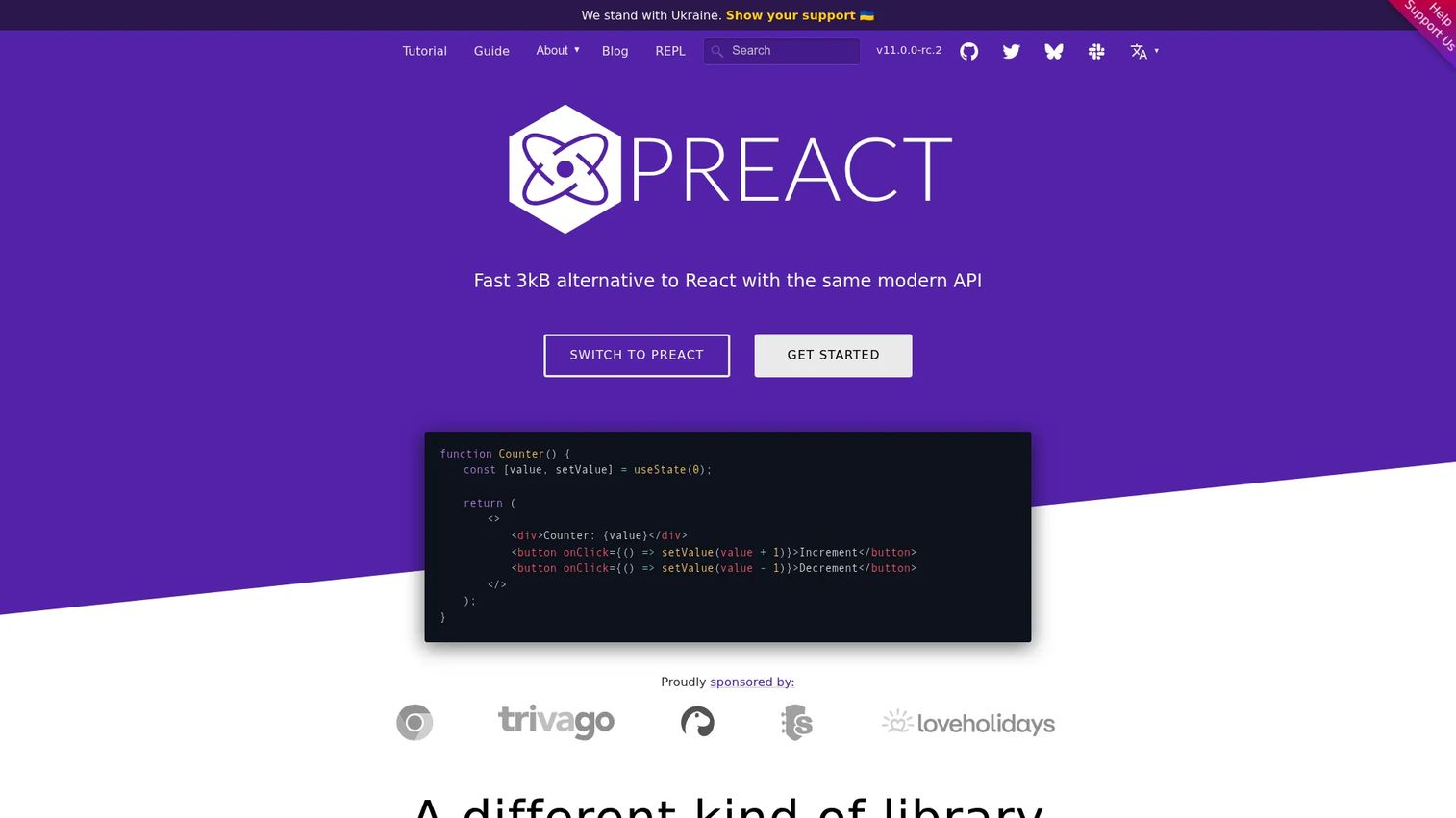
Preact is a 3kB alternative to React that maintains API compatibility through its preact/compat layer. Teams can often drop it into React-compatible codebases with minimal changes and immediately reduce bundle size. It supports Hooks, Signals for reactive state, and JSX.
Best for: Teams where bundle size is a primary constraint, such as embedded widgets, performance-sensitive landing pages, or constrained environments.
Key features
- Lightweight runtime: \~3kB versus React's larger footprint
- React compatibility layer via
preact/compat - Hooks and Signals for state management
- Virtual DOM with JSX support
- Portable and embeddable component architecture
Why choose Preact: The bundle size advantage is real and measurable. Before migrating, run compatibility tests against the React libraries the product uses, since not every React package works identically through the compat layer.
Preact pricing: Preact is free and open source.
12. Nuxt
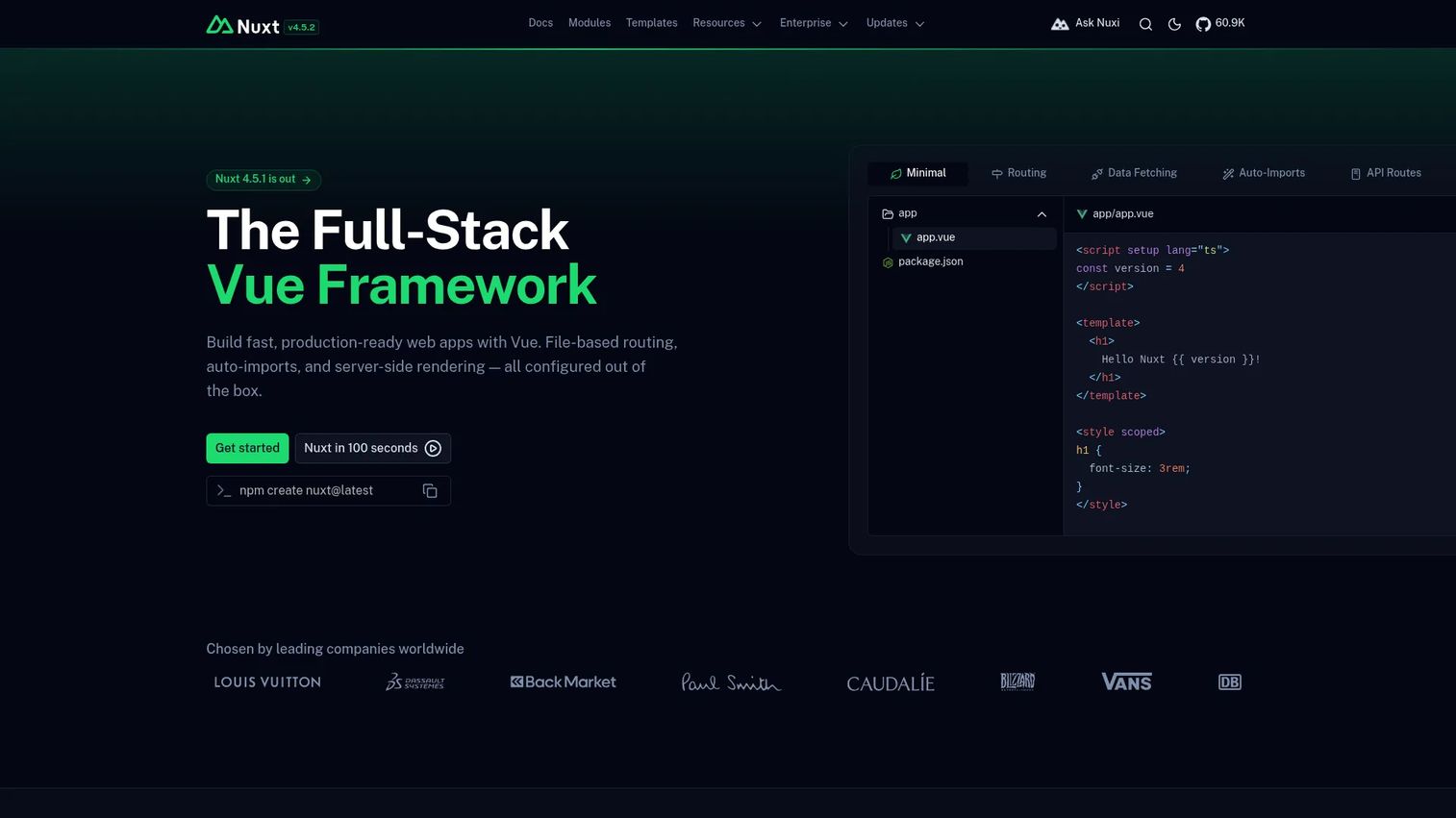
Nuxt is a free, open-source framework for building full-stack web applications with Vue.js. It adds file-based routing, server-side rendering, static generation, auto-imports, API routes through Nitro, and a module ecosystem on top of Vue's component model.
Best for: Teams building Vue applications that need integrated rendering, routing, and deployment conventions.
Key features
- File-based routing with nested layouts
- Server-side rendering and static generation
- Auto-imports for components, composables, and utilities
- Hybrid rendering per route
- API routes and serverless deployment via Nitro
Why choose Nuxt: Nuxt is to Vue what Next.js is to React. Teams already committed to Vue's component model get production-grade rendering and routing conventions without assembling them from separate packages.
Nuxt pricing: Nuxt is free and open source.
13. SvelteKit
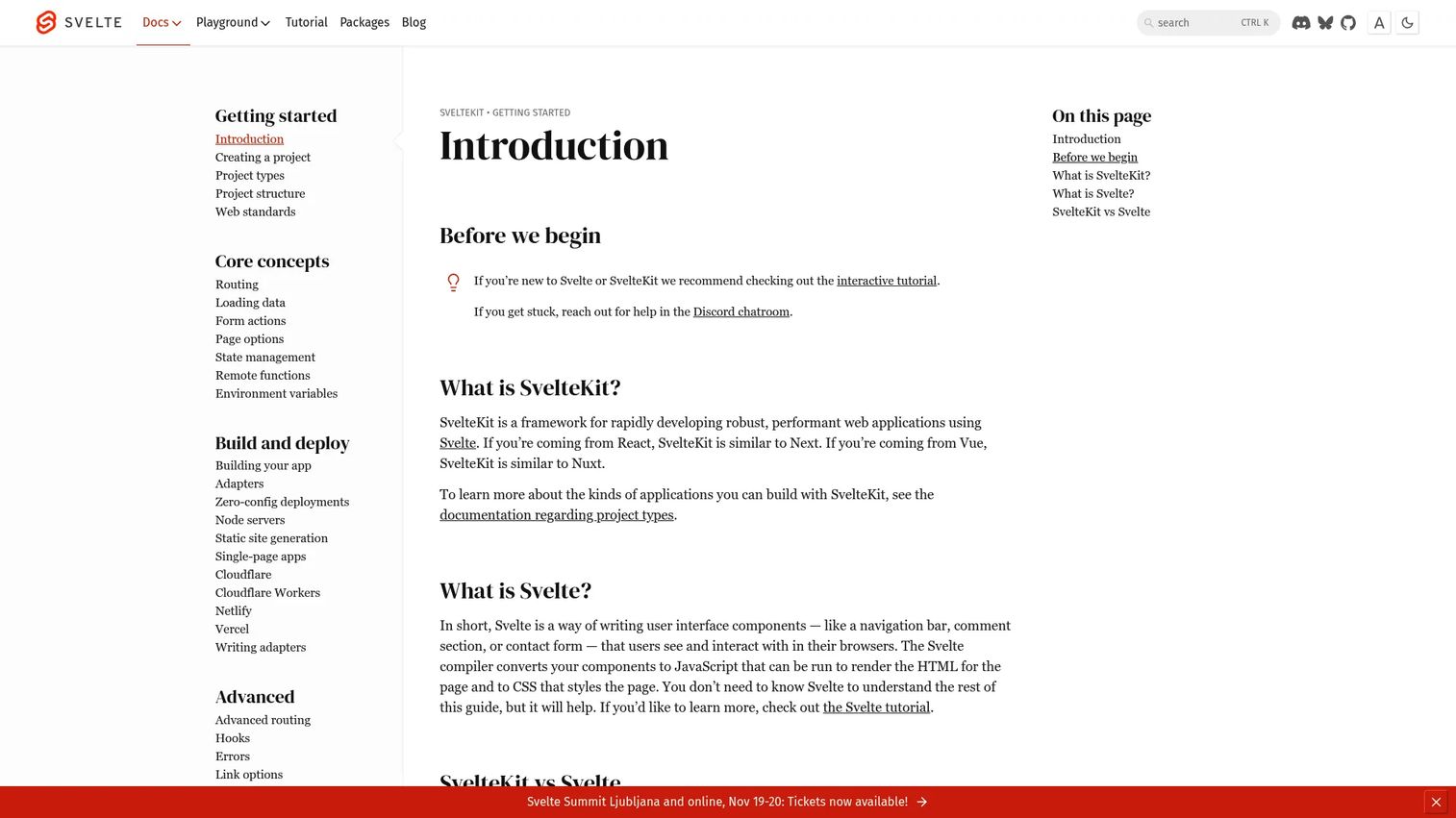
SvelteKit is the application framework for Svelte. It adds filesystem-based routing, configurable server-side rendering, static prerendering, form actions, and deployment adapters that target different hosting environments.
Best for: Teams that want Svelte's compiler approach with a complete application infrastructure.
Key features
- Filesystem-based routing with configurable rendering per route
- Server rendering, static generation, and client-side rendering options
- Form actions for server-side form processing
- Deployment adapters for Node, Vercel, Cloudflare, and others
- Built-in page preloading and offline support
Why choose SvelteKit: SvelteKit removes the need to assemble separate routing and rendering tools around Svelte. Teams get a cohesive development experience from day one. The same hiring and ecosystem considerations from the Svelte entry above apply here.
SvelteKit pricing: SvelteKit is free and open source. Hosting costs depend on the deployment provider.
14. Express.js
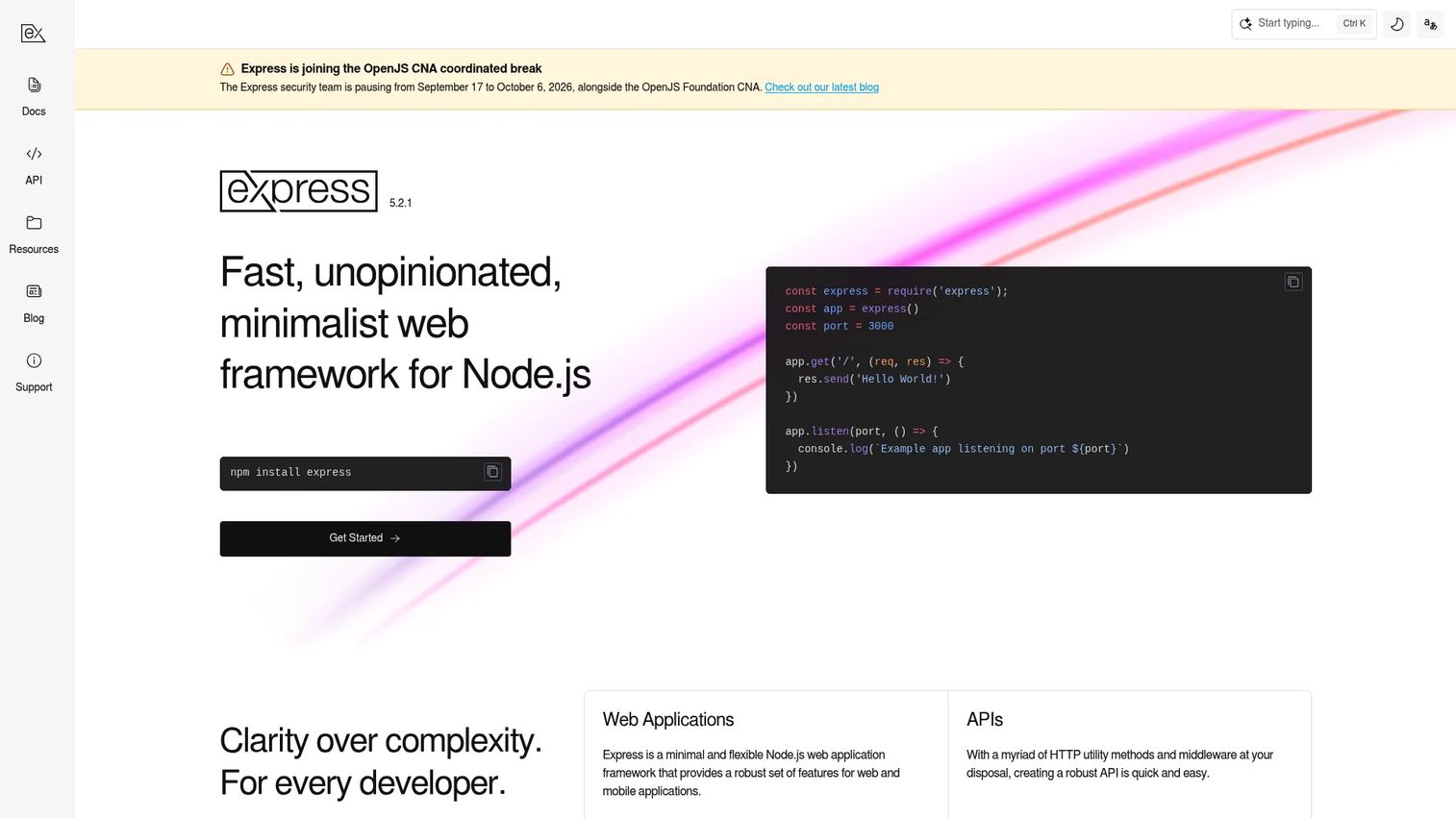
Express.js is a minimal Node.js web framework built around HTTP routing and middleware. It does not render browser UI. Express gives teams a thin foundation for building web servers and APIs, with a large package ecosystem covering authentication, logging, validation, and more.
Best for: Teams that need a flexible, battle-tested HTTP server foundation without strong framework opinions.
Key features
- HTTP routing with modular route handlers
- Middleware architecture with built-in and third-party support
- Built-in parsing for JSON, URL-encoded, and static file content
- Template engine integration for server-rendered HTML
- Large npm package ecosystem
Why choose Express.js: Express is the right call when the team wants full control over the server architecture. That flexibility comes with the responsibility to define conventions for structure, error handling, and validation independently.
Express.js pricing: Express.js is free and open source. Infrastructure costs depend on the hosting provider.
G2 lists Express.js at 4.5/5.
15. Fastify
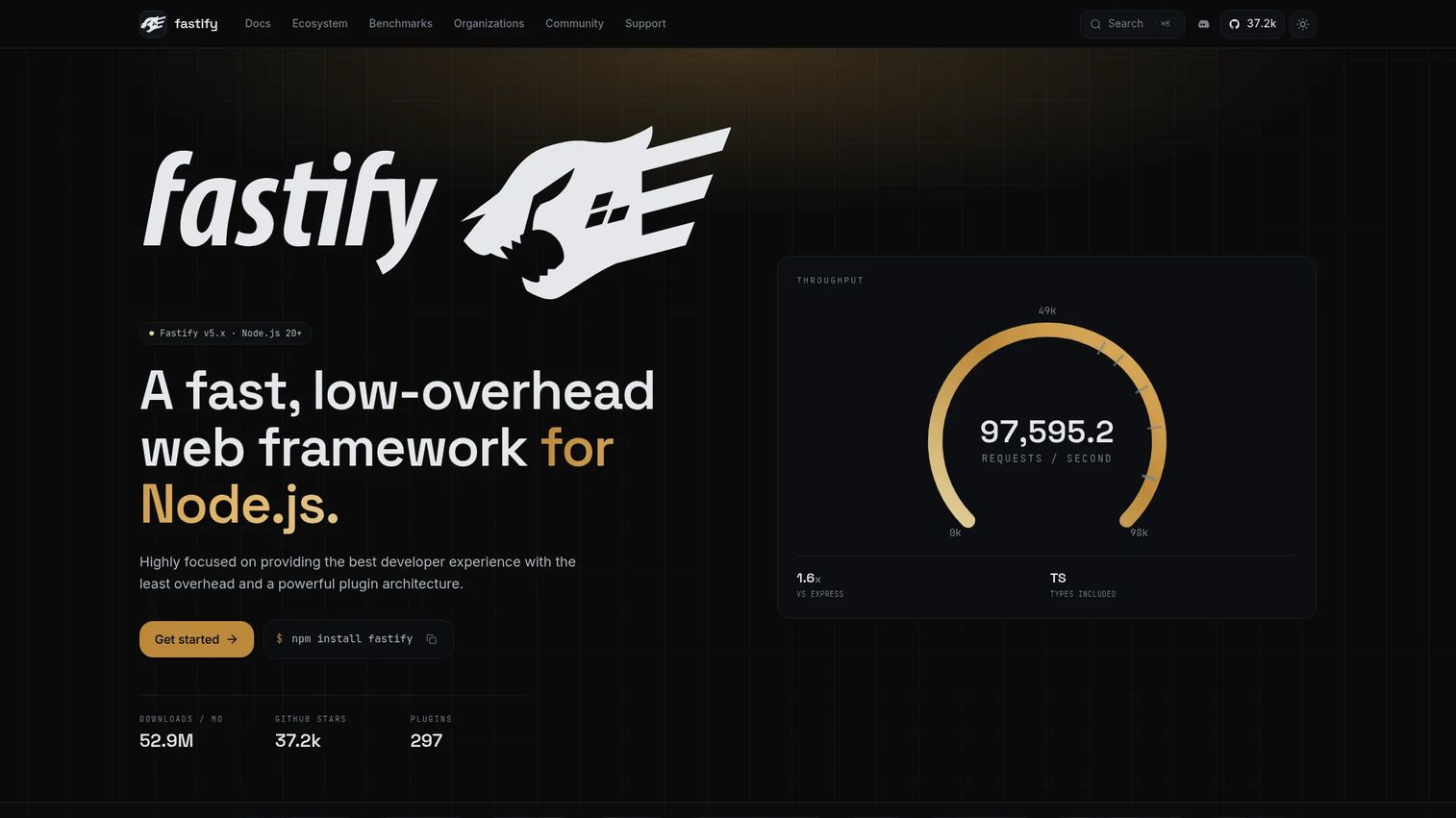
Fastify is a Node.js web framework focused on throughput, schema-based validation, and a structured plugin architecture. It uses JSON Schema for request and response validation, which improves reliability and enables fast JSON serialization.
Best for: Teams building high-throughput APIs and services where performance and schema discipline both matter.
Key features
- High-performance Node.js HTTP handling
- JSON Schema-based request validation and response serialization
- Extensible plugin system with hooks and decorators
- Built-in Pino logging integration
- Full TypeScript support
Why choose Fastify: Schema validation catches API contract mismatches early, which reduces defect rates in service-to-service communication. The plugin architecture keeps codebases organized as service scope expands.
Fastify pricing: Fastify is free and open source. Infrastructure costs depend on the hosting provider.
16. NestJS
NestJS is a TypeScript-based Node.js framework for building structured server-side applications. It uses modules, dependency injection, and decorators to impose application architecture similar to enterprise frameworks in other languages. NestJS can run on top of Express or Fastify.
Best for: Backend teams that need strong architectural conventions for large Node.js applications, microservices, or APIs.
Key features
- Modular architecture with clear ownership boundaries
- Dependency injection throughout the application
- Decorator-based controllers, services, and modules
- TypeScript-first with first-class GraphQL, WebSockets, and microservices support
- Express and Fastify adapters
Why choose NestJS: NestJS makes onboarding faster on large backend teams because new engineers learn the framework pattern rather than an informal codebase convention. The structure also simplifies testing by making dependencies explicit.
NestJS pricing: NestJS is free and open source under the MIT License. Infrastructure costs depend on the hosting provider.
G2 lists NestJS at 4.5/5.
17. Deno
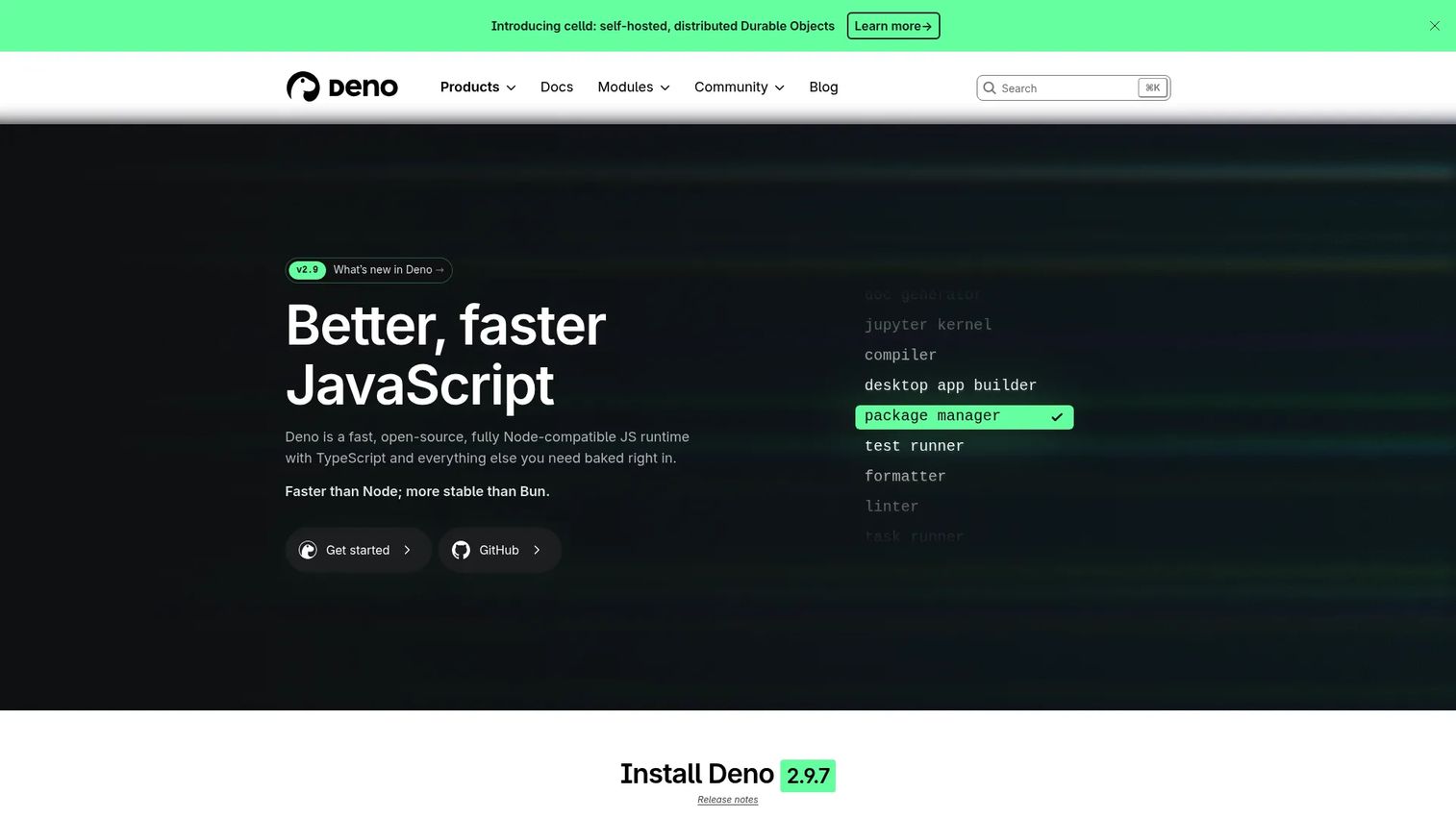
Deno is a JavaScript and TypeScript runtime with secure defaults, built-in tooling, and web standard APIs. Unlike Node.js, Deno requires explicit permission grants for file system, network, and environment access. It includes a formatter, linter, test runner, and documentation generator without additional packages.
Best for: Teams evaluating a modern, secure runtime for server-side JavaScript and TypeScript, including teams deploying frameworks like Next.js or Astro on Deno Deploy.
Key features
- Secure permissions model requiring explicit grants
- Built-in formatter, linter, and test runner
- Web standard APIs aligned with browser behavior
- TypeScript execution without a compilation step
- Deno Deploy for serverless hosting
Why choose Deno: Reduced tooling setup and modern security defaults are Deno's primary advantages over Node.js. Teams migrating an existing Node.js application should audit Node compatibility before switching, since not every npm package behaves identically.
Deno pricing: The Deno runtime is free and open source. Deno Deploy offers a Free plan at $0/month, a Pro plan at $20/month, a Builder plan at $200/month, and Enterprise pricing on request.
18. Bun
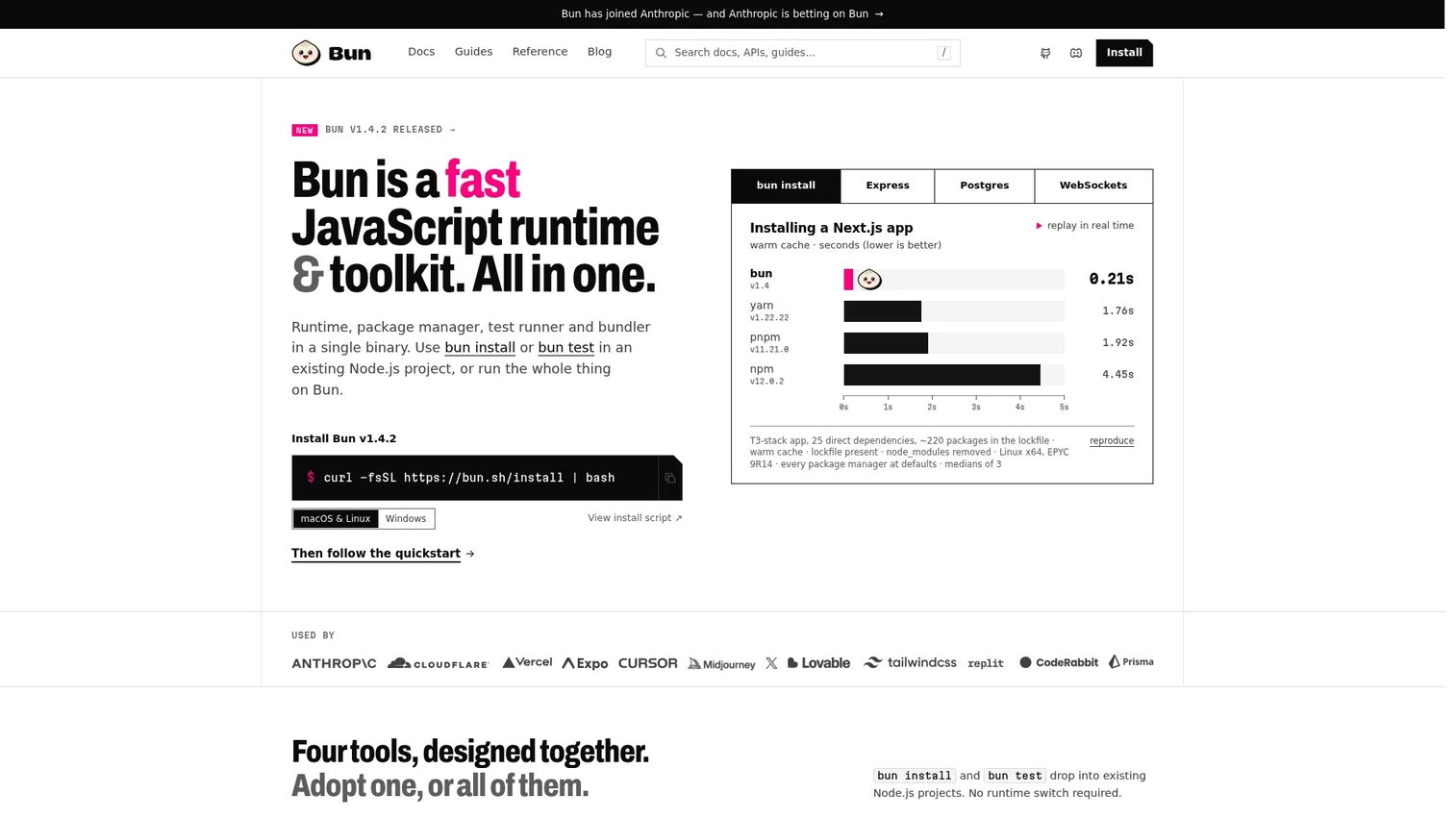
Bun is an all-in-one JavaScript runtime and toolkit that combines a runtime, npm-compatible package manager, bundler, and test runner in a single binary. It executes JavaScript and TypeScript natively and is compatible with many Node.js APIs.
Best for: Teams exploring a consolidated developer workflow where runtime, dependencies, bundling, and testing all run through one tool.
Key features
- Fast JavaScript and TypeScript runtime
- npm-compatible package manager
- Built-in bundler for TypeScript, JSX, CSS, and HTML
- Jest-compatible test runner
- HTTP and WebSocket server capabilities
Why choose Bun: Faster install times and a consolidated toolchain can improve developer experience, particularly in CI pipelines. Confirm compatibility with existing dependencies and test against production workloads before a full migration.
Bun pricing: Bun is free and open source.
No commercial G2 listing was found for Bun.
19. Htmx
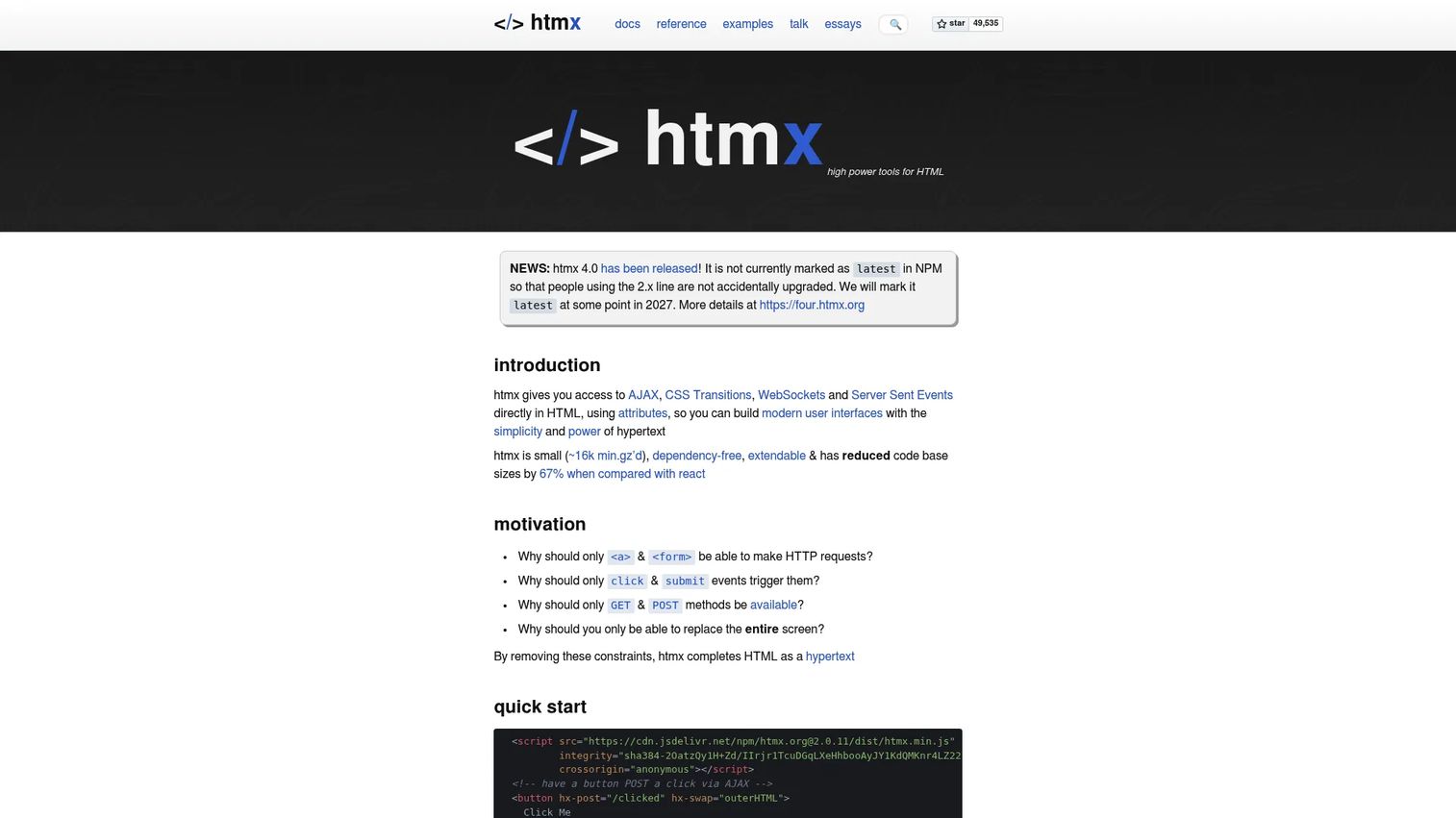
Htmx is not a full application framework. It's a library that extends HTML with attributes for AJAX requests, CSS transitions, WebSockets, and Server-Sent Events. Pages update through server responses that return HTML fragments, keeping JavaScript on the client to a minimum.
Best for: Server-rendered products that need incremental interactivity without building a full client-side application.
Key features
- HTML attribute-driven AJAX requests: No JavaScript required for basic interactions
- Targeted partial DOM updates from server responses
- CSS transitions on content changes
- WebSockets and Server-Sent Events support
- Progressive enhancement patterns
Why choose Htmx: Htmx reduces client application complexity by keeping behavior on the server. It's a strong fit for teams with existing server-rendered applications that need to add interactivity without a full framework migration.
Htmx pricing: Htmx is free and open source.
20. Lit
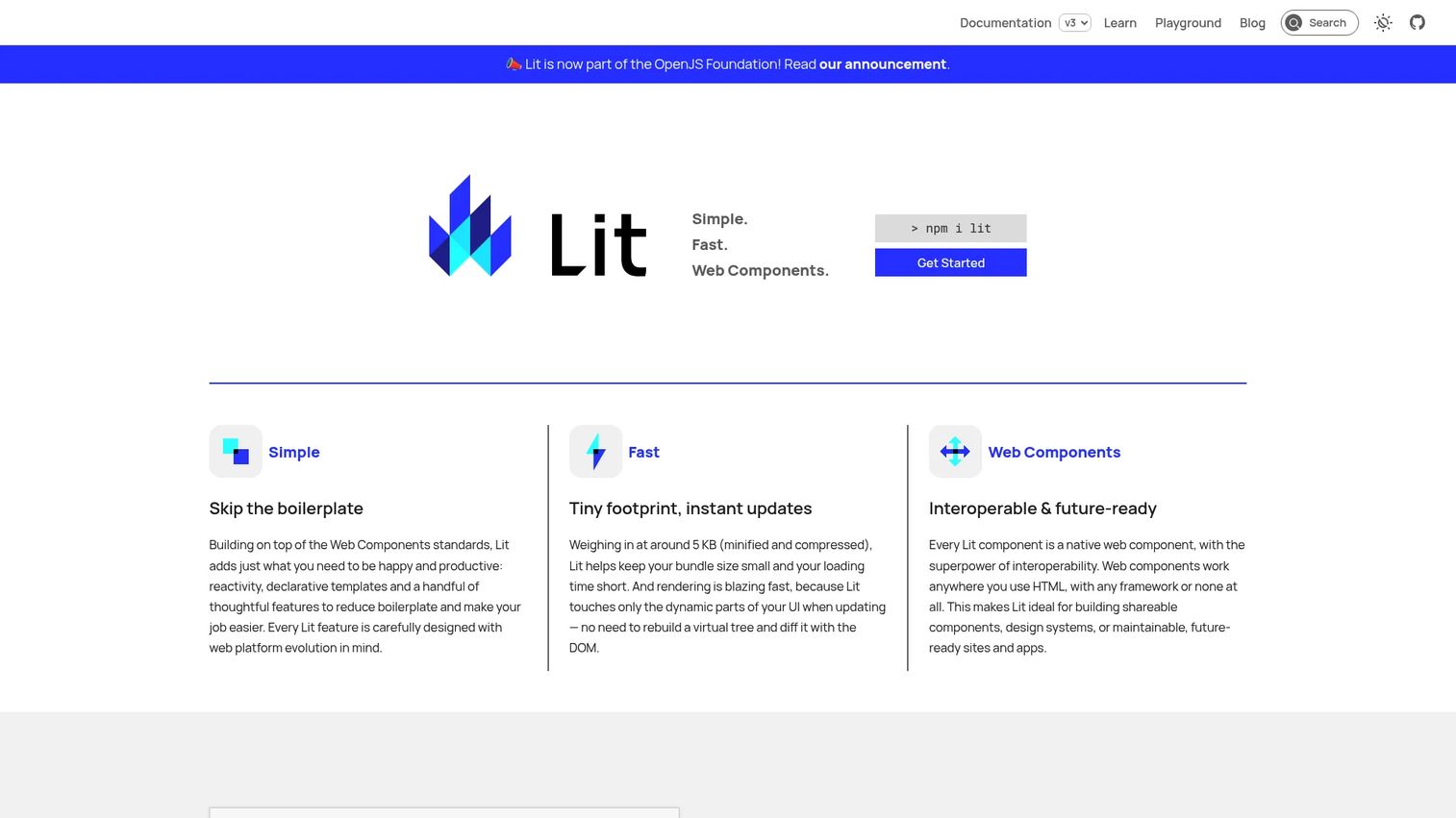
Lit is a small library for building native web components using custom elements, template literals, Shadow DOM, and reactive properties. Web components built with Lit work in any browser and compose with any framework or no framework at all.
Best for: Teams building reusable UI components that must work across multiple product stacks or technology choices.
Key features
- Custom elements using native browser APIs
- Declarative HTML templates with tagged template literals
- Reactive properties with automatic re-rendering
- Scoped styles through Shadow DOM
- Small runtime footprint
Why choose Lit: Standards-based components reduce framework lock-in across products or teams. Lit is a strong choice for shared design systems and widgets that need to embed cleanly in different application contexts.
Lit pricing: Lit is free and open source.
Considerations when choosing a JavaScript framework
Match the framework to the product surface
A content-heavy marketing site has different requirements than a complex authenticated application. Separate the public acquisition surface, the authenticated product surface, any embedded widgets, and backend API logic. Each layer may warrant a different architectural choice, and conflating them leads to over-engineered or under-served product surfaces.
Evaluate the rendering model
Client-side rendering, server-side rendering, static generation, island architecture, resumability, and progressive enhancement each make different trade-offs. The product implications are concrete: Server rendering affects Core Web Vitals and SEO, static generation reduces infrastructure cost for content pages, and client rendering affects how quickly users reach an interactive state.
Check ecosystem and hiring depth
An application performance monitoring tools decision and a framework decision share a similar failure mode: Teams underestimate the cost of thin ecosystems. Review documentation quality, release cadence, TypeScript support, available testing libraries, and the realistic engineering talent pool before committing.
Model the maintenance cost
The cheapest initial setup often creates the highest long-term opportunity cost. Ask how the framework will handle UI changes across frequent releases, dependency updates as the product expands, and design system evolution over two to three product generations. Frameworks with strong conventions tend to age better on large teams.
Define success metrics before prototyping
Choose measurable criteria before running a prototype: Time to first meaningful release, Core Web Vitals scores, bundle size, defect rate, and developer onboarding time. A benchmark score without a described application shape is not evidence of fit.
How to choose the right JavaScript framework for your team
If you're building a large product application
Prioritize architecture conventions, TypeScript support, testing infrastructure, and documentation depth. Angular, React with an established meta framework, Vue with Nuxt, and NestJS on the backend all receive consideration depending on which product layer is being evaluated. The key question is whether the team can hire engineers who already know the framework or can onboard new hires without extended ramp time.
You may also want to evaluate your API documentation tools stack alongside the framework decision, since backend API shape directly influences front end data requirements.
If you're validating a new product direction
Prioritize fast iteration, available talent, and the ability to change architectural decisions later. React, Vue, Svelte, and their associated meta frameworks are practical candidates. Build a representative workflow slice rather than committing to the full product architecture during validation. The best product management tools your team already uses can help structure the evaluation and document the decision.
If performance and delivery cost dominate
Measure the specific application rather than relying on framework reputation. Consider Svelte or SolidJS for fine-grained front end control, Qwik for resumable startup performance, Preact when bundle size on a constrained surface is the constraint, Astro when most pages need no client JavaScript, or Htmx when interactivity can stay server-side. Pairs well with strong application server software choices on the backend.
A practical decision process:
- Define the product surface clearly before evaluating frameworks
- Identify the rendering model and data requirements each surface needs
- List team skills and realistic hiring constraints
- Build a small, representative workflow slice in the top candidates
- Measure performance and delivery speed against defined success criteria
- Record the decision and revisit it when evidence changes
Conclusion
No single JavaScript framework is the best choice for every product. The decision depends on the product surface, team expertise, rendering requirements, and how long the codebase needs to stay maintainable.
For product managers working alongside engineering teams, the most useful framing is opportunity cost. Angular and NestJS reduce architectural ambiguity on large teams. React and Vue maximize hiring flexibility. Next.js and Nuxt add the rendering and routing conventions that raw UI libraries lack. Svelte and SolidJS suit teams investigating performance-oriented architectures. Astro is the right call when content dominates. Express.js and Fastify give server teams a flexible foundation. Htmx and Lit serve incremental interactivity and standards-based component needs.
Prototype a representative workflow before committing. The frameworks that feel most productive during a sprint-sized test are usually the ones that age best across a product's lifecycle.
For additional context on the software evaluation process, the best business intelligence software and best product analytics software tools guides cover the measurement layer that complements any framework decision.
Start your journey with Guideflow today!
FAQs
There is no universal winner. React leads in adoption at 44.7% of developers surveyed by Stack Overflow (2025), but adoption is not the same as fit. The best JavaScript framework matches the product surface, team expertise, rendering requirements, and maintenance horizon. Angular suits structured enterprise applications, Vue suits progressive adoption, and meta frameworks like Next.js are necessary when raw React needs routing and server rendering.
React is technically a UI library. It handles component rendering, state through hooks, and JSX, but it does not prescribe routing, data fetching, or application structure. Teams commonly treat React as a framework by pairing it with Next.js, a router, and a data layer, but those architectural decisions must be made explicitly rather than inherited from the library.
Vue and React both offer approachable entry points with strong documentation. Vue's single-file component format keeps template, logic, and style together in a way many developers find easier to read initially. React's larger community means more tutorials, courses, and answered questions are available. Angular provides a more structured learning path but has a steeper initial curve.
Architecture conventions, TypeScript support, testing infrastructure, and team consistency matter most at scale. Angular imposes structure by design. React with an established meta framework gives teams flexibility they must govern themselves. Vue with Nuxt and Ember.js with its strong conventions are both practical for large, long-lived codebases. The answer depends more on team composition and release cadence than on any technical benchmark.
A library is called by your application code for a specific task; your code remains in control. A framework supplies broader application structure, and your code fills in the gaps the framework defines. React sits closer to the library end. Angular and NestJS sit closer to the framework end. Meta frameworks like Next.js and Nuxt sit between: They wrap a library and add routing, rendering, and deployment conventions around it.
Next.js, Nuxt, SvelteKit, Astro, Remix, Qwik, and Angular all support server rendering or related strategies including static generation and hybrid rendering. The specific capabilities, terminology, and configuration options vary between them. Verify the current documentation for the exact rendering model before making a decision, since this area evolves quickly across major releases.
Frameworks help with complexity, repeated patterns, and collaboration at team scale. For a simple interactive page, a small widget, or a project where minimizing dependencies is a goal, vanilla JavaScript is a valid choice. The question is whether the application complexity justifies the framework's abstraction cost. Most product applications beyond a certain scale benefit from the component model, routing, and state management a framework provides.
Start with the product surface and rendering requirements, then layer in team expertise and hiring constraints. Evaluate time to first meaningful release, how the framework handles release cadence and design changes, and what the dependency and maintenance risk looks like over two to three years. Ask engineering to build a representative workflow slice and measure it against defined criteria, such as Core Web Vitals scores, bundle size, and developer onboarding time. A framework that wins on a benchmark but fails on hiring availability or documentation depth will slow the product down within a year.